What Is VPC Peering in AWS and How to Set It Up
A VPC is a private network that nothing else can enter unless you open a door (Why a custom VPC). Sometimes two private networks must talk: your app and a partner's database, or your production VPC and a shared-services VPC. Opening the database to the internet is the wrong answer. This chapter explains VPC peering: a private link between two VPCs, the rules it follows (no overlapping CIDRs, not transitive), why you must never accept a peering request you didn't expect, and a full console walk-through: create the peering, accept it, add routes on both sides and open the security groups.
What you'll learn in this class
- Why two VPCs can't talk by default
- What VPC peering is
- Requester, accepter, and the 7-day expiry
- Routes on both sides, and security group rules
- Rule 1: CIDRs must not overlap
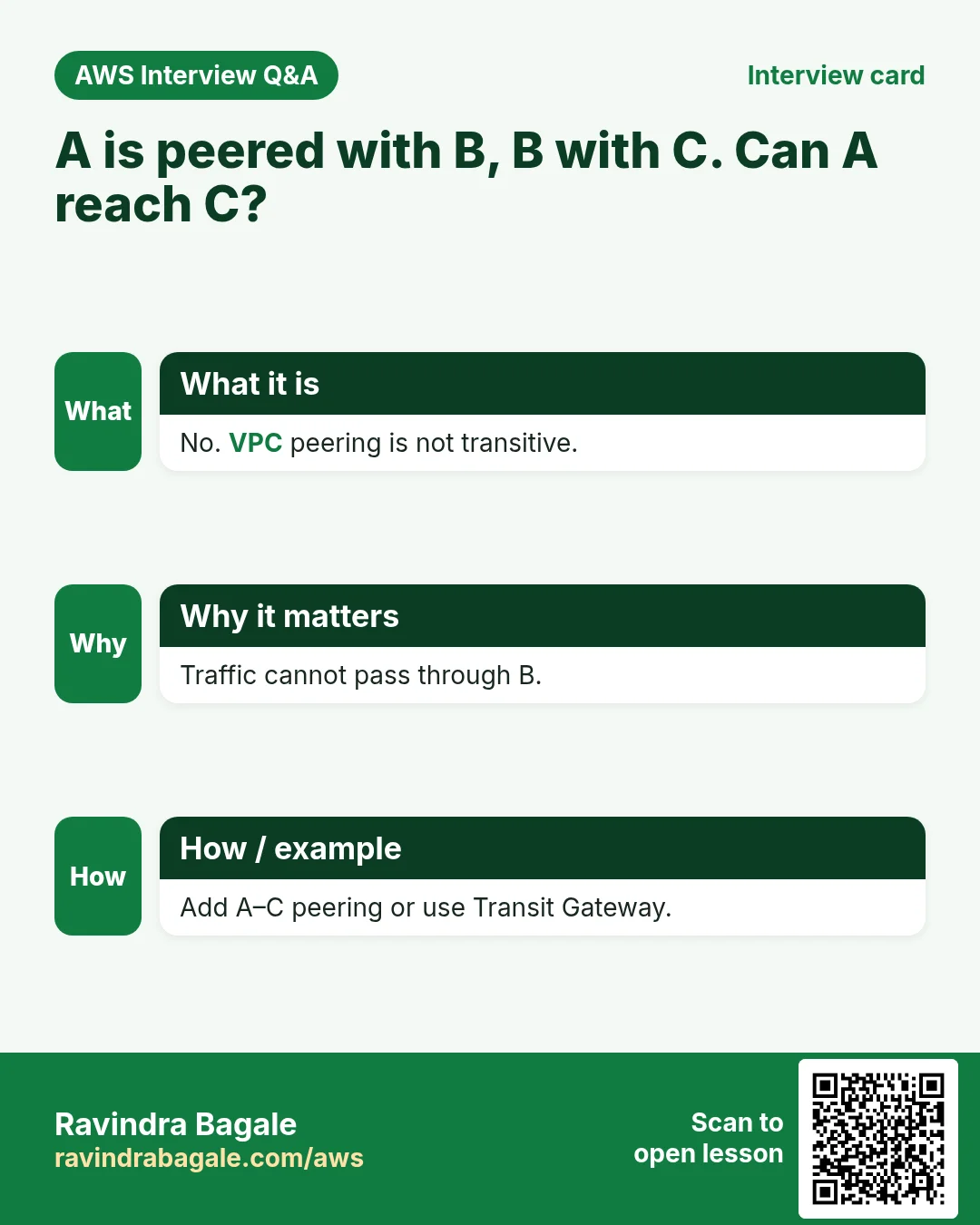
- Rule 2: peering is not transitive
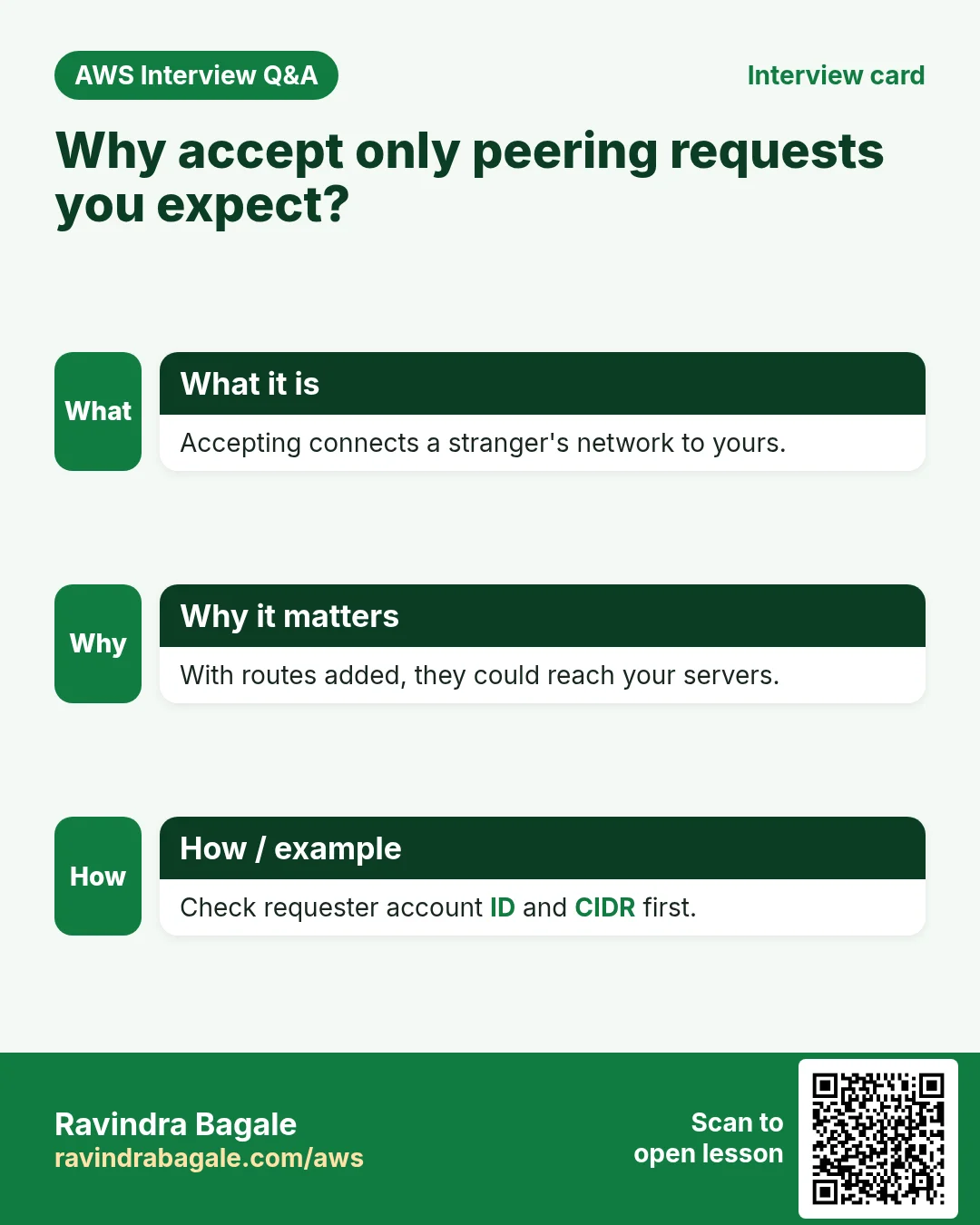
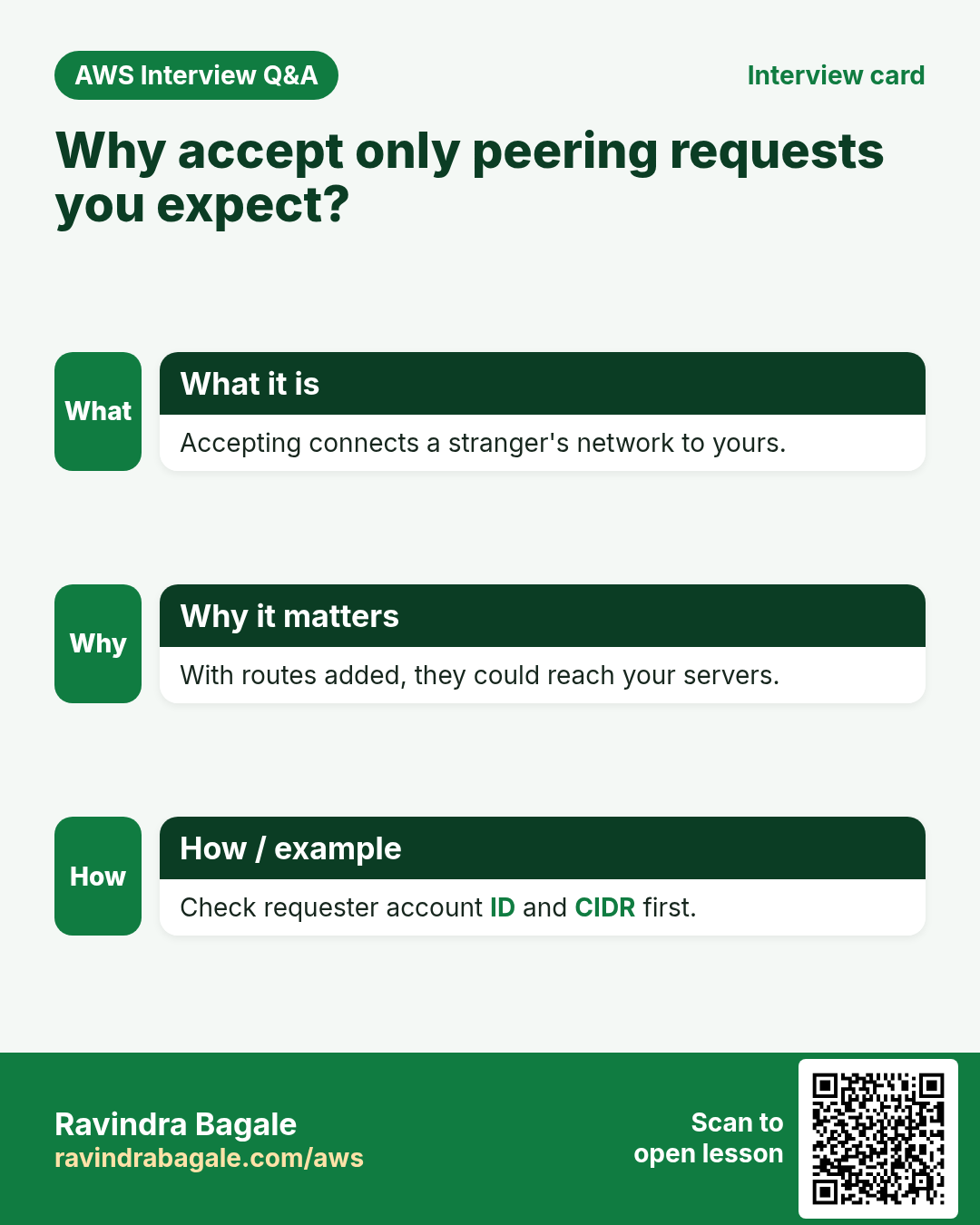
- Why you accept only requests you expect
- VPC quotas, and the console walk-through
1. Why two VPCs need a private link
Suppose we are Hotstar, streaming a cricket league. The live scores sit in the league's private database, in the league's own VPC.
- Two VPCs are fully separate networks. A server in one can't reach a private IP in the other.
- The wrong fix: give the database a public IP and open it to the internet. Now anyone can try to break in.
- The right fix: the league peers its VPC with ours. Our app servers reach the database by its private IP, and nothing is exposed to the internet.
Classroom line
Talking between two VPCs privately: that is VPC peering.
Class मधलं वाक्य
दोन VPCs मध्ये private बोलणं, म्हणजेच VPC peering.
Classroom line – हिंदी
"Do VPC ke beech mein communication karna, ye VPC peering ho gaya."
Another common case: your own production VPC and a shared-services VPC (monitoring, a build server, a shared database).
Figure 1. Suppose we are Hotstar and need the league's live scores. Opening the league database to the internet exposes it to everyone. With VPC peering, our app server reaches it by private IP and nothing is public.
2. What VPC peering is
- A peering connection is a private link between exactly two VPCs. Its ID looks like
pcx-0a1b2c3d4e5f6a7b8. - The VPCs can be in the same account or different accounts, and in the same region or different regions.
- Servers talk private IP to private IP. The traffic stays on the AWS network; no internet gateway, NAT or VPN is needed for it.
- There is no hourly charge for the peering itself. Data that crosses AZs or regions is charged per GB, like other data transfer.
3. How a peering is set up
Suppose VPC A is 10.0.0.0/16 (ours) and VPC B is 172.16.0.0/16 (the partner's).
- Request: the owner of VPC A creates a peering connection to VPC B. A is the requester.
- Accept: the owner of VPC B sees it as Pending acceptance and accepts it. B is the accepter. A request that isn't accepted expires after 7 days.
- Routes on both sides: A's route table gets
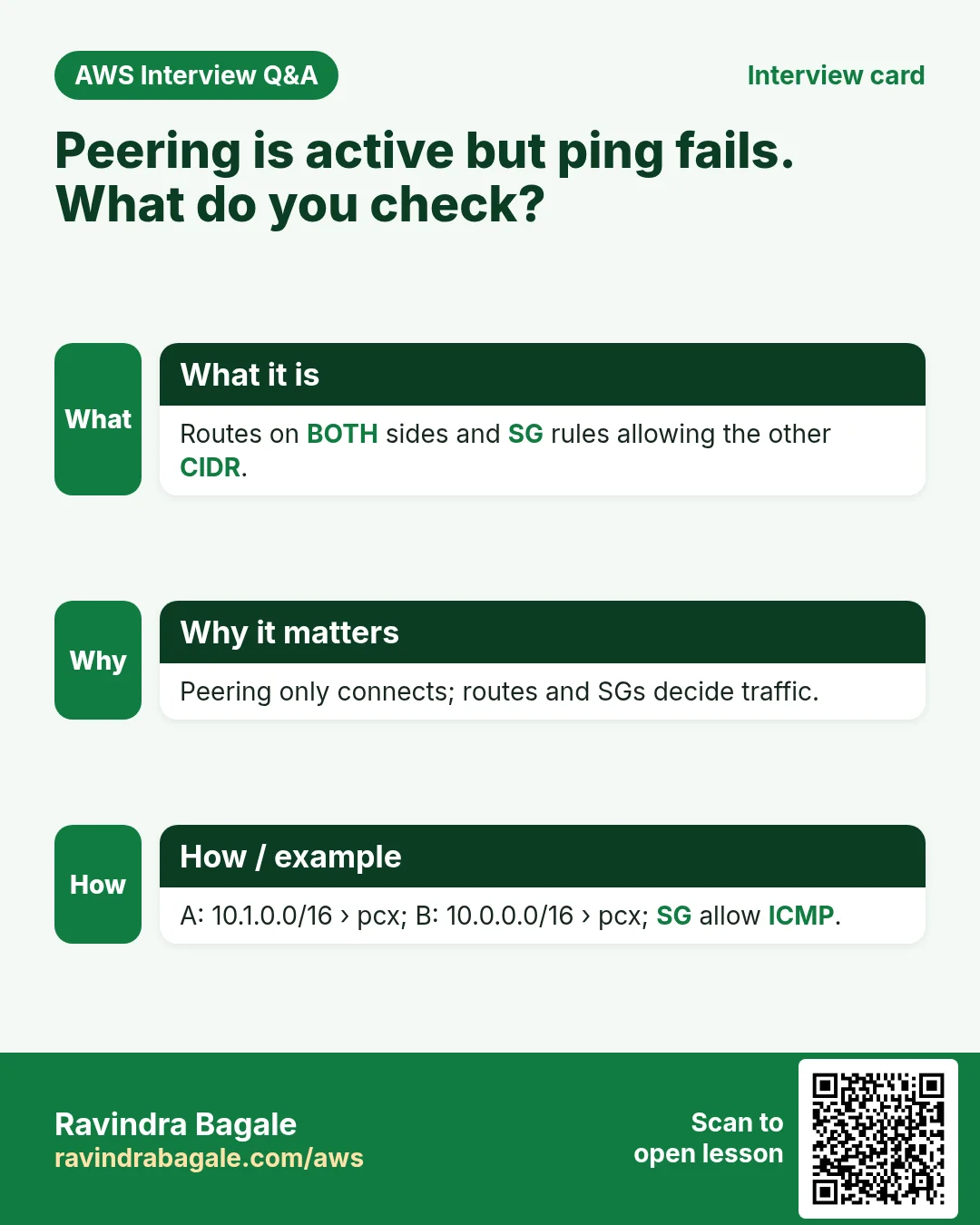
172.16.0.0/16 → pcx-..., and B's route table gets10.0.0.0/16 → pcx-.... Without the route on either side, the replies have no way back. - Security groups: B's database SG allows 3306 from A's app subnet, for example
10.0.2.0/24. - Now
10.0.2.15can connect to172.16.1.20:3306.
Figure 2. Animation: VPC A (10.0.0.0/16) requests a peering to VPC B (172.16.0.0/16); B accepts within 7 days; each side adds a route to the other's CIDR through pcx-..., and B's security group allows 3306 from A's app subnet.
Figure 3. Route table of VPC A: 10.0.0.0/16 local, 172.16.0.0/16 to pcx-.... Route table of VPC B: 172.16.0.0/16 local, 10.0.0.0/16 to pcx-.... Both are needed.
Route tables themselves are explained in How to Create Public and Private Subnets in AWS VPC.
4. Rule 1: the CIDRs must not overlap
Why: if both VPCs contain 10.0.1.5, a route can't tell which one you mean. So AWS refuses to peer overlapping ranges.
10.0.0.0/16and172.16.0.0/16: no overlap. Peering works.10.0.0.0/16and10.1.0.0/16: no overlap (10.0.x.x vs 10.1.x.x). Peering works.10.0.0.0/16and10.0.128.0/17: the second is inside the first (10.0.128.0 to 10.0.255.255). Overlap; peering fails.- Two default-style VPCs both on
10.0.0.0/16: overlap; peering fails.
So plan the CIDRs of all your VPCs on day one, different for each. How to calculate the ranges: What Is AWS VPC and How to Calculate CIDR IP Ranges.
Figure 4. 10.0.0.0/16 with 172.16.0.0/16 or with 10.1.0.0/16: no overlap, peering works. 10.0.0.0/16 with 10.0.128.0/17 or with another 10.0.0.0/16: overlap, peering fails.
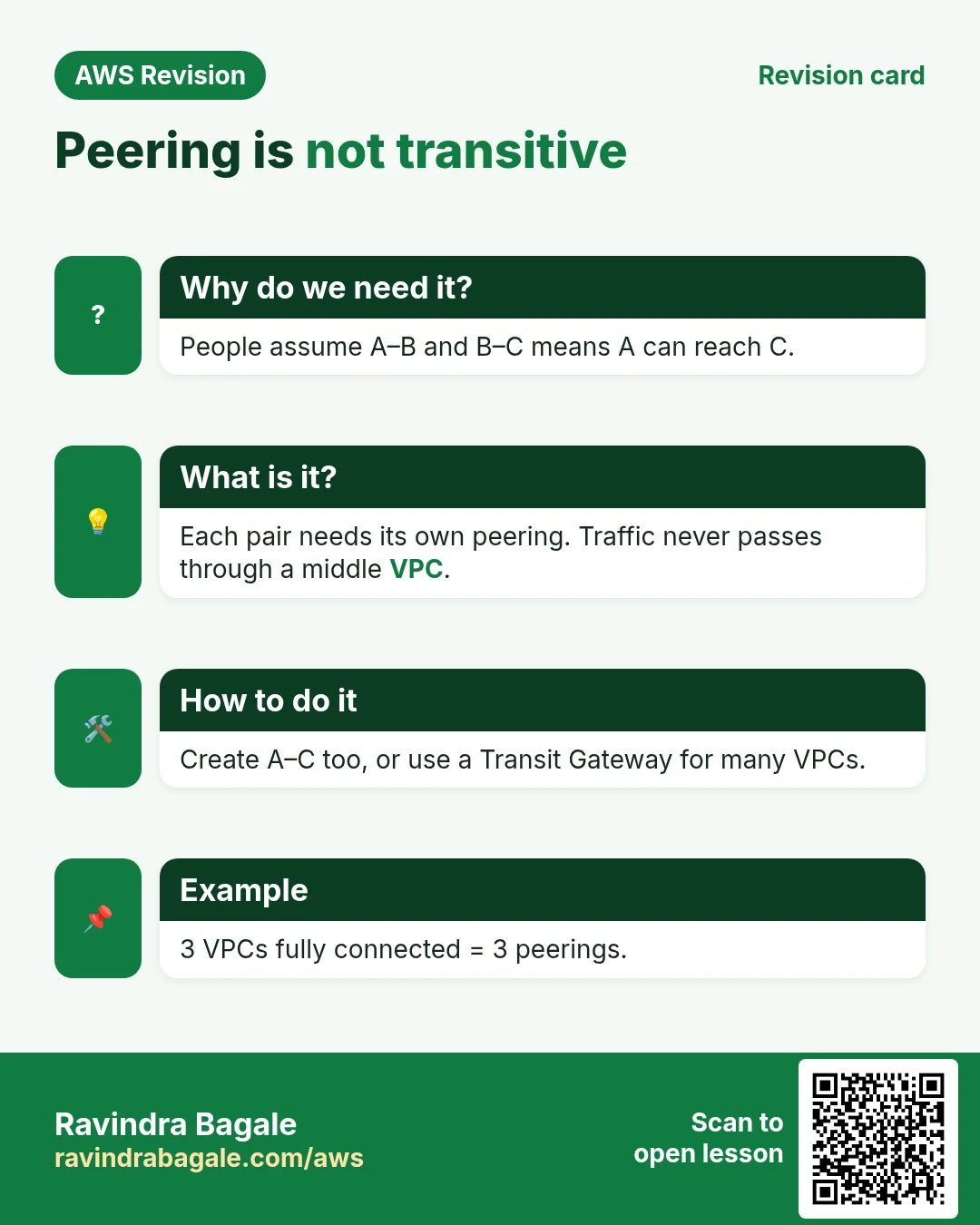
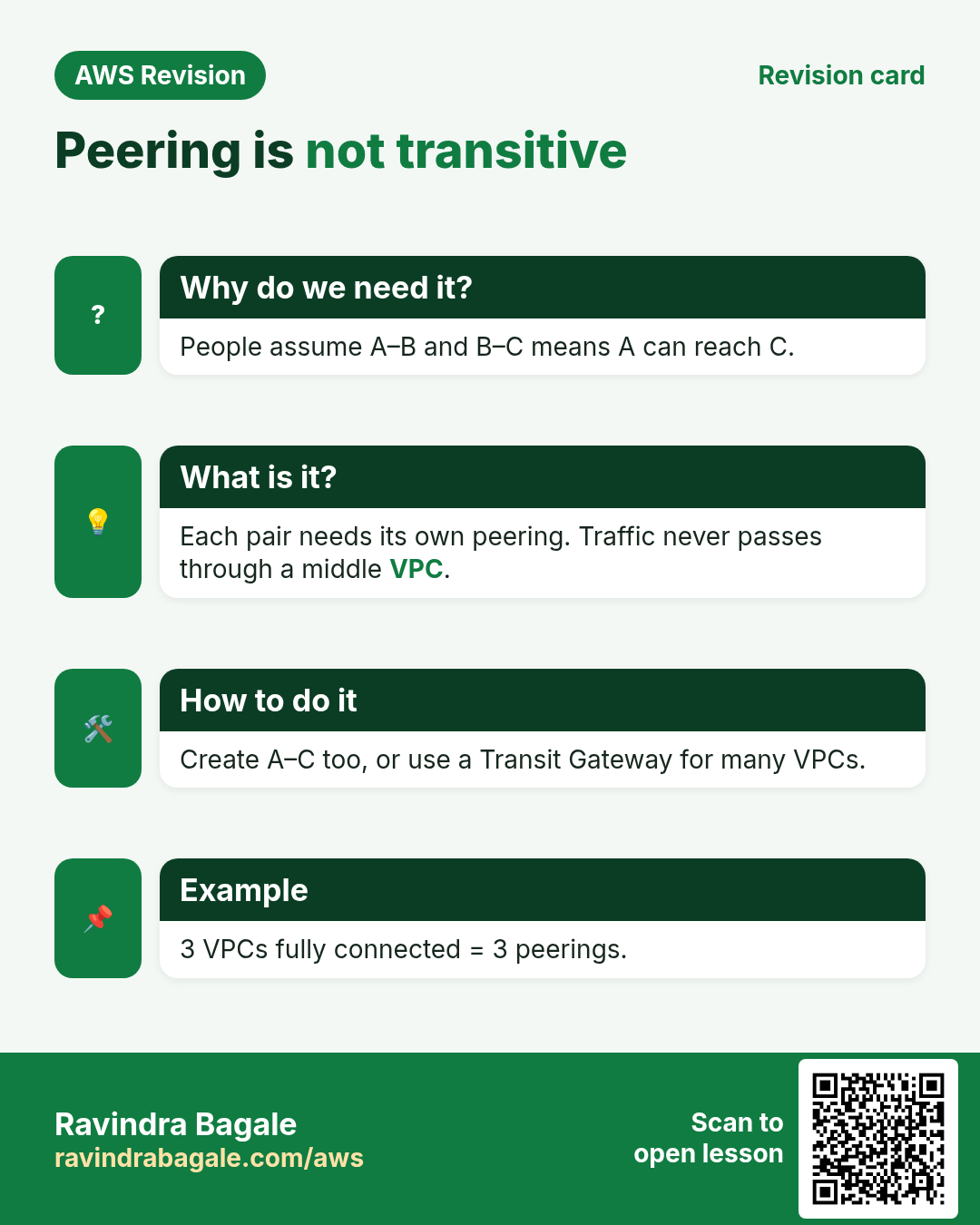
5. Rule 2: peering is not transitive
- Suppose A is peered with B, and B is peered with C.
- A still can't reach C through B. B doesn't pass traffic on.
- If A needs C, create a separate A-C peering, with its own routes and SG rules.
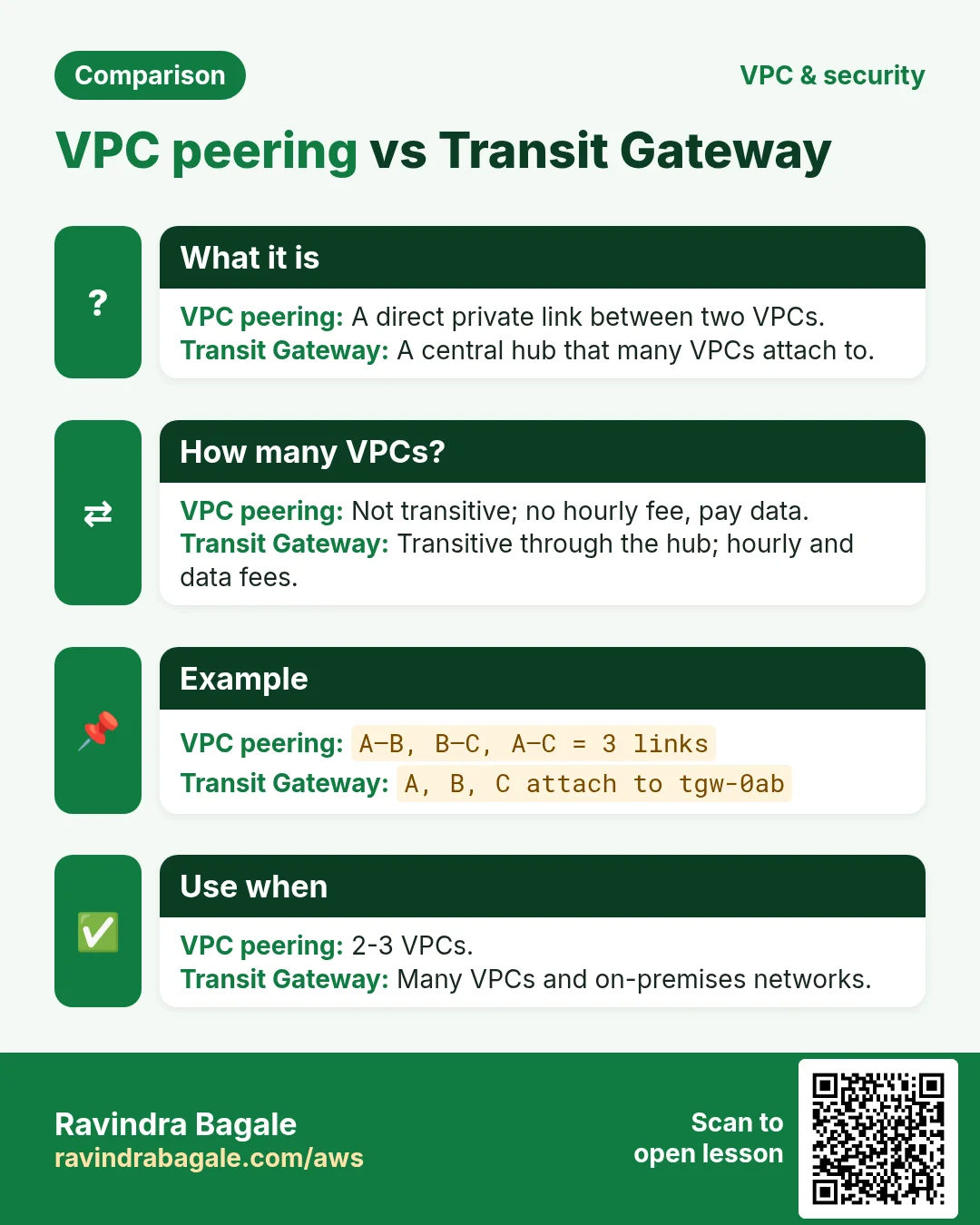
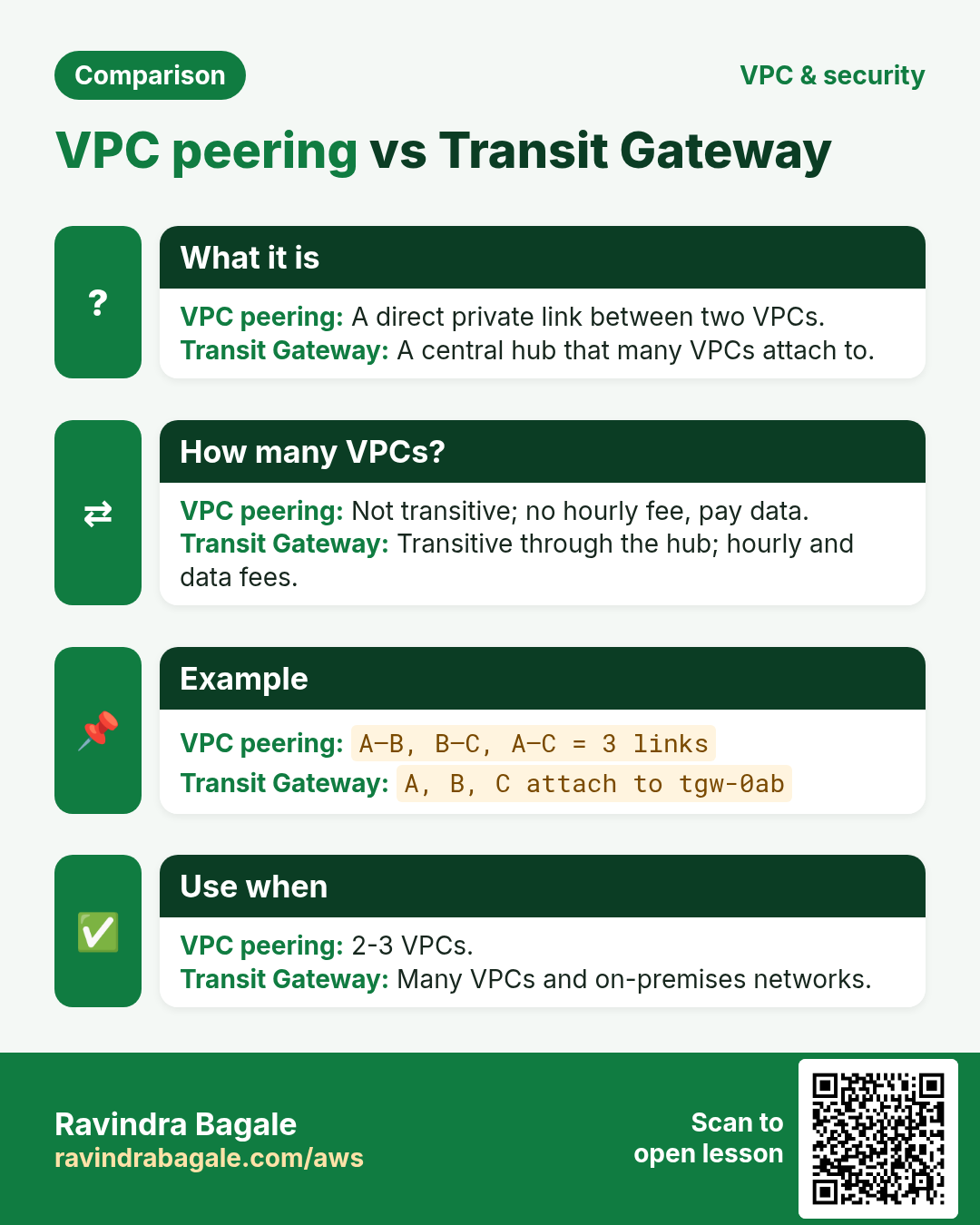
- With many VPCs this becomes many links (3 VPCs need 3 peerings, 4 need 6). At that size, teams use AWS Transit Gateway as a central hub instead.
Figure 5. Animation: A is peered with B and B with C, but traffic from A to C through B is dropped; a separate A-C peering is needed.
6. Accept only the requests you expect
Why: anyone with an AWS account who knows your VPC ID can send you a peering request. Accepting it, and then adding routes, connects their network to yours.
Classroom line
Suppose two roommates work for different companies.
Class मधलं वाक्य
समजा दोन roommates आहेत, दोघं वेगवेगळ्या companies साठी काम करतात.
Classroom line – हिंदी
"Suppose do roommates hai, dono alag alag company ke liye kaam kar rahe hai."
They share a flat, but neither would connect his office laptop to the other company's network. VPCs are the same.
Suppose a software company is building a government ID system and needs private access to the government's database VPC for that project. Before accepting:
- Check the requester account ID: is it the partner you agreed with?
- Check the requester VPC CIDR: is it the range they told you?
- Confirm by a separate channel (email or call) that they sent it.
- After accepting, add routes only for the subnets that need it, and open SG rules only for the ports that need it, from the narrowest source.
- Anything unexpected: Reject.
Figure 6. Before accepting a peering request: check the requester account ID, check the requester CIDR, confirm by a separate channel, then open only the routes and ports needed. Anything unexpected: Reject.
7. Quotas and running out of IPs
- VPCs per region: 5 by default. You can ask for more in Service Quotas.
- Running out of IPs in a VPC? Don't create a second VPC and peer it just for space. First add a secondary CIDR to the same VPC (VPC > Actions > Edit CIDRs), then create new subnets in it.
8. Build it in the console
Part A: two VPCs to practise with (one account, ap-south-1)
- VPC > Create VPC > VPC only:
vpc-a, CIDR10.0.0.0/16. Create a subnet10.0.1.0/24. - Create
vpc-b, CIDR172.16.0.0/16, with a subnet172.16.1.0/24. - Launch one small instance in each subnet. Give the one in
vpc-aa way in for SSH (public subnet with an internet gateway, or Session Manager). - On the
vpc-binstance, install a web server:sudo yum install nginx -y, thensudo service nginx start.
Part B: create the peering (requester)
- VPC > Peering connections > Create peering connection.
- Name
a-to-b. VPC ID (Requester):vpc-a. - Select another VPC to peer with: My account (or Another account with its account ID), This Region (or Another Region), VPC ID (Accepter):
vpc-b. - Create peering connection. Status: Pending acceptance.
Part C: accept it (accepter)
- In the accepter account and region, open Peering connections and select the request.
- Check the requester account ID and CIDR (section 6).
- Actions > Accept request > Accept request. Status: Active.
Part D: routes on both sides
- Route tables, open the one used by
vpc-a's subnet, Routes > Edit routes > Add route. - Destination
172.16.0.0/16, target Peering Connectiona-to-b. Save changes. - Open the route table of
vpc-b's subnet and add destination10.0.0.0/16, targeta-to-b. Save changes.
Part E: security group rules
- Open the SG of the
vpc-binstance, Edit inbound rules. - Add HTTP 80, source
10.0.1.0/24(onlyvpc-a's subnet). - For a ping test, add All ICMP - IPv4 from the same source.
- In the same region you can use the peer VPC's security group ID as the source instead of a CIDR.
Part F: test
- SSH to the
vpc-ainstance. - Run
ping -c 3 172.16.1.20(use yourvpc-binstance's private IP). - Run
curl http://172.16.1.20. The Nginx welcome page comes back over the private link.
9. When something goes wrong
- Create fails with overlapping CIDRs: the two ranges overlap. Peering needs different ranges; plan them again.
- Status stays Pending acceptance, then Expired: nobody accepted within 7 days. Create a new request.
- Active, but ping and curl time out: a route is missing on one side, or it was added to a route table the subnet doesn't use.
- Routes fine, still time out: the target SG doesn't allow the port (or ICMP) from the other VPC's range, or a NACL blocks it.
- A can reach B and B can reach C, but A can't reach C: peering isn't transitive. Peer A with C directly.
Ravindra Bagale's Tip
Give every VPC its own CIDR from day one, written down in one place, so any two can be peered later. Treat a peering request like a request to plug a stranger's cable into your office network: check the account ID and the CIDR, confirm with the person, and open only the routes and ports that are needed.
10. The whole class on one page
- Two VPCs can't talk by default. Opening a database to the internet is the wrong fix; peering is the private one.
- Peering: a private link between two VPCs, same or different accounts and regions, private IP to private IP.
- Requester creates, accepter accepts (within 7 days).
- Routes on both sides to the other CIDR through pcx-..., plus SG rules for the needed ports.
- CIDRs must not overlap. Peering is not transitive.
- Accept only requests you expect: check the account ID and CIDR.
- 5 VPCs per region by default (raisable). Out of IPs: add a secondary CIDR first.
11. Try at home
Try at home
Task 1: on paper
- Which pairs can be peered?
10.0.0.0/16and10.0.64.0/18;10.0.0.0/16and192.168.0.0/16;172.16.0.0/16and172.17.0.0/16. - Four VPCs must all reach each other with peering. How many peering connections are needed?
Task 2: in the console
- Build
vpc-aandvpc-bas in section 8, peer them, add both routes and the SG rule. - From
vpc-a,curlthe private IP invpc-b. Then delete one of the two routes and try again: it should time out.
Task 3: clean up
- Terminate both instances, delete the peering connection, then the two VPCs.
Recap
In short
- VPC peering privately connects two VPCs, without the internet.
- Request, accept, routes on both sides, security groups: all four are needed.
- No overlapping CIDRs, and no transit through a third VPC.
- Accept only what you expect, and open only what you need.
Practice Tasks
Ahmednagar Sugar Co-op is a sugar co-operative business in Ahilyanagar. Balasaheb Pawar looks after its IT and cloud work. They count money in INR and run their AWS resources in the ap-south-1 Region. In the tasks below you do real jobs for them using what this lesson teaches. All names, account IDs, IP addresses and numbers are made up for practice.
0 / 12
Easy How many addresses in a /16?
Why: Picking a VPC size needs this count.
What to do: Ahmednagar Sugar Co-op plans the VPC 10.26.0.0/16. How many IP addresses does it hold in total?
- Write down the numbers the task gives you.
- Work it out step by step on paper.
- Type only the final answer in the box.
- Click Check answer.
Easy Create a VPC
Why: A VPC is your own private network in AWS. Everything else lives inside it.
What to do: Create a VPC with the CIDR block 10.5.0.0/16.
- Read the task and decide which AWS service it is about.
- Write aws, then the service name, then the operation (the action word).
- Add each needed flag (--name) followed by its value from the task.
- Flags can be in any order. Click Check answer.
Easy Create an internet gateway
Why: Without an internet gateway, nothing in the VPC can reach the internet.
What to do: Create a new internet gateway.
- Read the task and decide which AWS service it is about.
- Write aws, then the service name, then the operation (the action word).
- Add each needed flag (--name) followed by its value from the task.
- Flags can be in any order. Click Check answer.
Medium Create a subnet in one AZ
Why: Subnets split the VPC range and each one lives in exactly one AZ.
What to do: In vpc-0e5ec252f5deadbee, create subnet 10.5.1.0/24 in ap-south-1a.
- Read the task and decide which AWS service it is about.
- Write aws, then the service name, then the operation (the action word).
- Add each needed flag (--name) followed by its value from the task.
- Flags can be in any order. Click Check answer.
Medium Find the VPC router address
Why: AWS reserves base+1 for the router.
What to do: Which address does AWS reserve for the VPC router in subnet 10.26.4.0/24?
- Write down the numbers the task gives you.
- Work it out step by step on paper.
- Type only the final answer in the box.
- Click Check answer.
Medium Usable IPs in an AWS /24 subnet
Why: AWS keeps 5 addresses in every subnet.
What to do: How many addresses can Ahmednagar Sugar Co-op use for servers in subnet 10.26.1.0/24 on AWS?
- Write down the numbers the task gives you.
- Work it out step by step on paper.
- Type only the final answer in the box.
- Click Check answer.
Medium Add the internet route
Why: A subnet is "public" only when its route table sends 0.0.0.0/0 to an internet gateway.
What to do: In route table rtb-031d5da252c5bb22, send all internet traffic (0.0.0.0/0) to igw-01d5da252c5aa11.
- Read the task and decide which AWS service it is about.
- Write aws, then the service name, then the operation (the action word).
- Add each needed flag (--name) followed by its value from the task.
- Flags can be in any order. Click Check answer.
Medium Do these VPCs overlap?
Why: Peering fails when ranges overlap.
What to do: Can VPC 10.26.0.0/16 peer with VPC 10.26.128.0/17? Answer yes or no.
- Write down the numbers the task gives you.
- Work it out step by step on paper.
- Type only the final answer in the box.
- Click Check answer.
Medium Link a subnet to a route table
Why: Until you associate it, a subnet uses the main route table.
What to do: Associate subnet subnet-031d5da252c5bb1 with route table rtb-031d5da252c5bb22.
- Read the task and decide which AWS service it is about.
- Write aws, then the service name, then the operation (the action word).
- Add each needed flag (--name) followed by its value from the task.
- Flags can be in any order. Click Check answer.
Medium Attach the internet gateway
Why: A gateway does nothing until it is attached to a VPC.
What to do: Attach igw-01d5da252c5aa11 to vpc-0e5ec252f5deadbee.
- Read the task and decide which AWS service it is about.
- Write aws, then the service name, then the operation (the action word).
- Add each needed flag (--name) followed by its value from the task.
- Flags can be in any order. Click Check answer.
Hard Pick the smallest prefix
Why: Right-sizing saves address space.
What to do: A subnet must hold 100 servers on AWS. What is the largest prefix number (smallest subnet) that fits? Answer like /25.
- Write down the numbers the task gives you.
- Work it out step by step on paper.
- Type only the final answer in the box.
- Click Check answer.
Hard Split a /24 into two
Why: Public and private subnets often split one block.
What to do: Split 10.26.8.0/24 into two equal subnets. Write both CIDRs separated by a comma.
- Write down the numbers the task gives you.
- Work it out step by step on paper.
- Type only the final answer in the box.
- Click Check answer.
Revision, comparison and interview cards
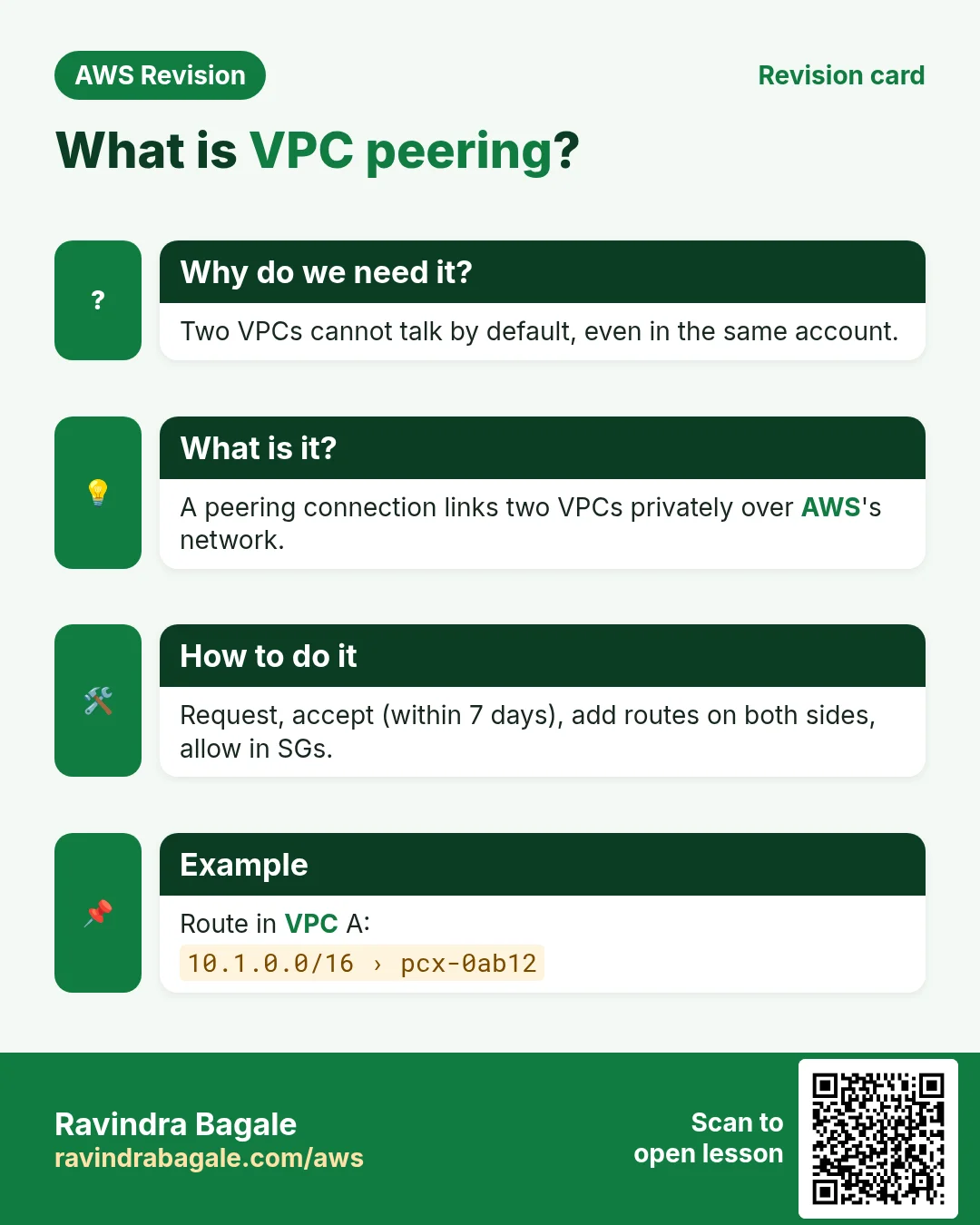
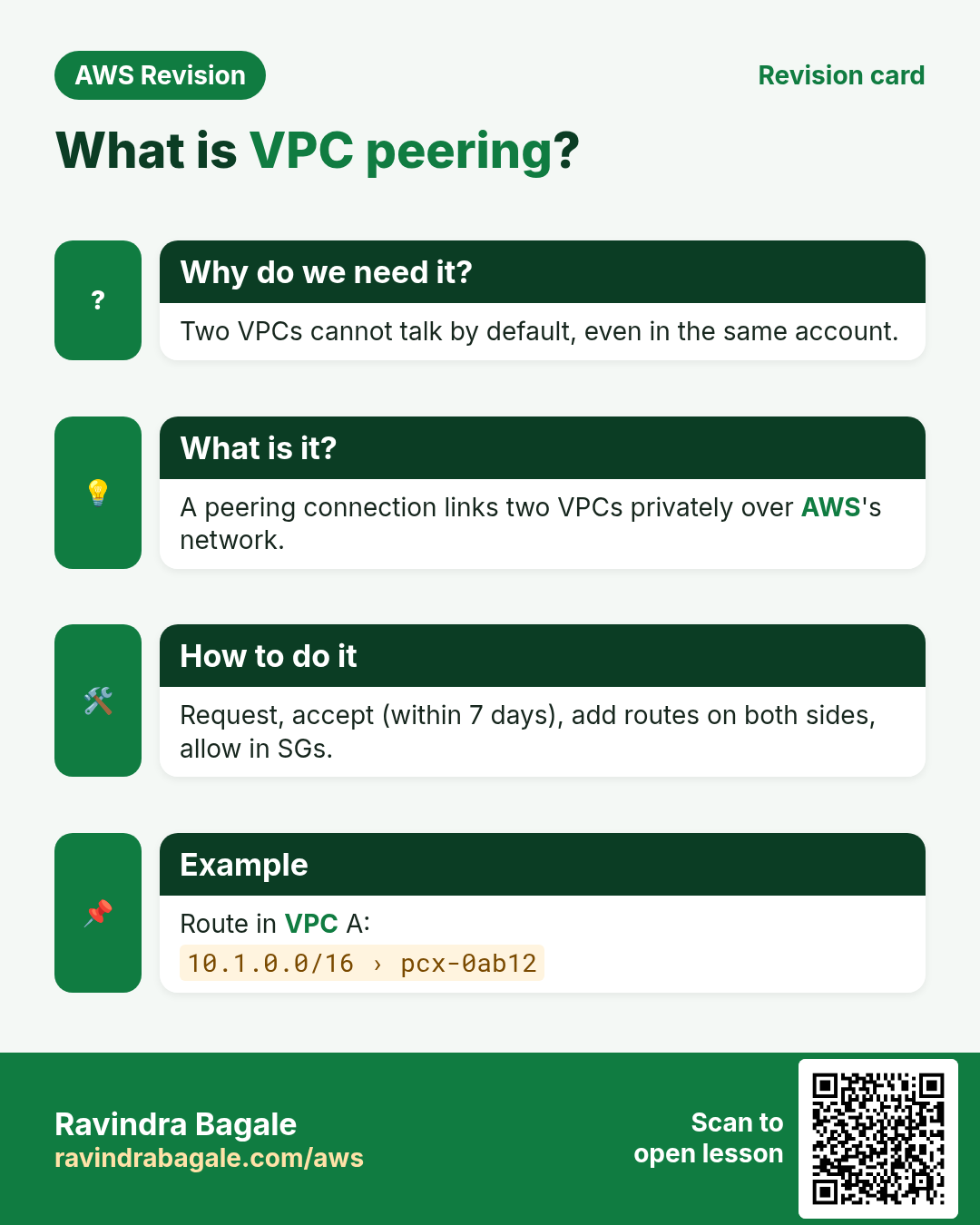
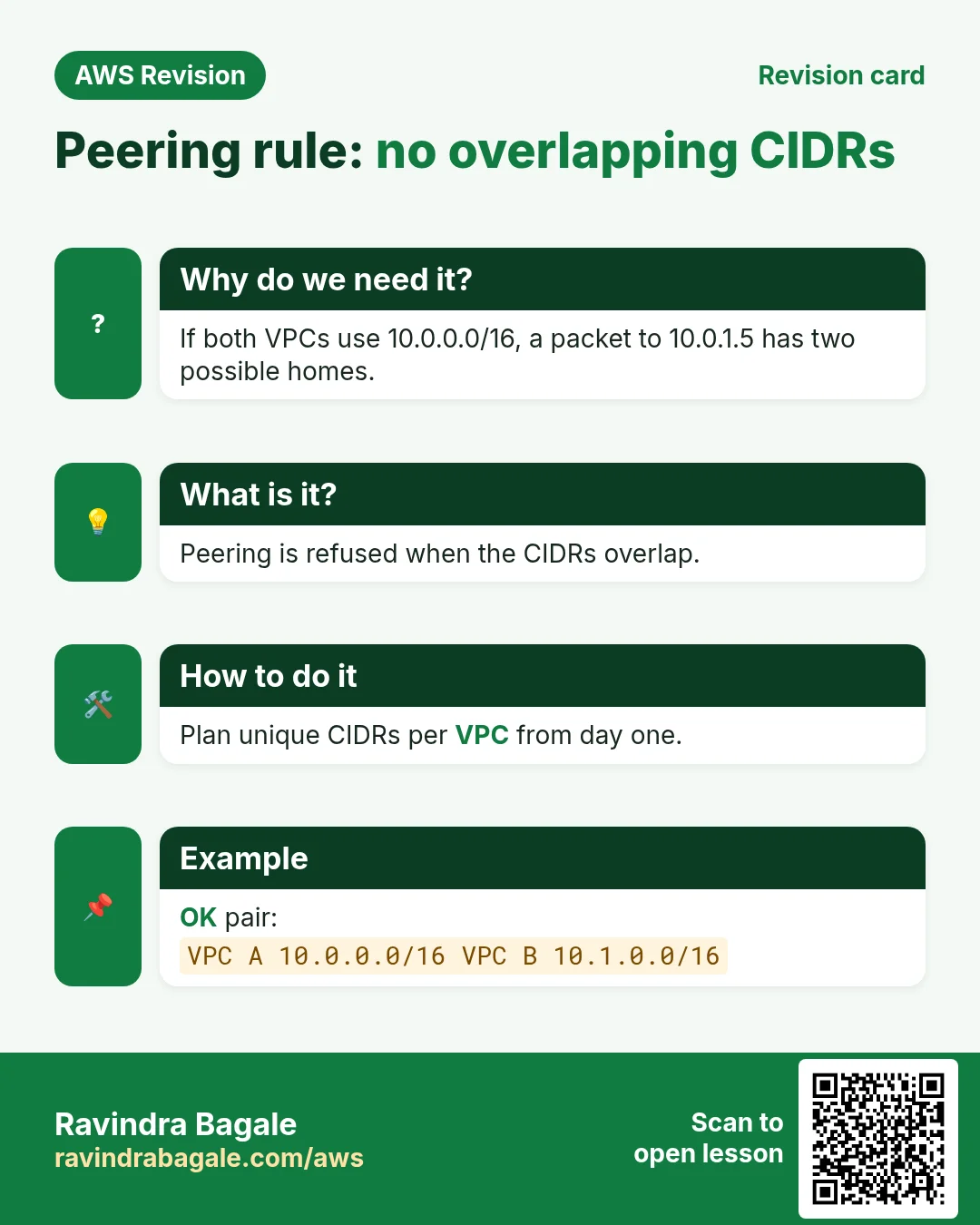
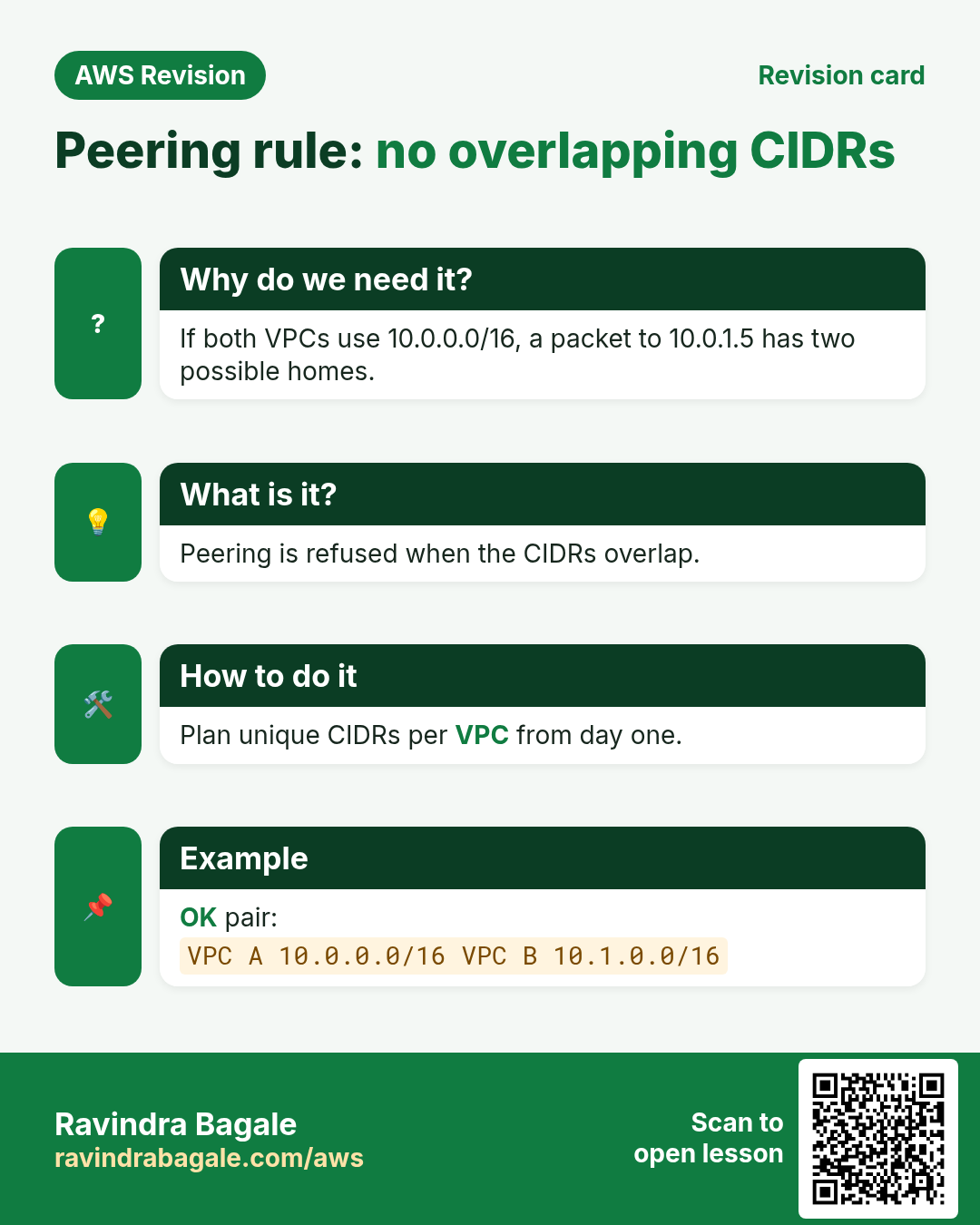
Revise this lesson in a few minutes. Save the cards on your phone or download them as PNG files. The QR code on each card opens this lesson.
More cards: Ravi Sir's Cards.