AWS CLI CloudFormation Commands: Deploy, Update and Delete Stacks
We build infrastructure from a file: validate a template, deploy a stack with parameters, preview with change sets, read outputs and events, detect drift and delete.
What you'll learn in this chapter
- Validate a template
- Deploy a stack
- Preview with change sets
- Outputs, events and drift
- Delete safely
1. The big picture: a house plan
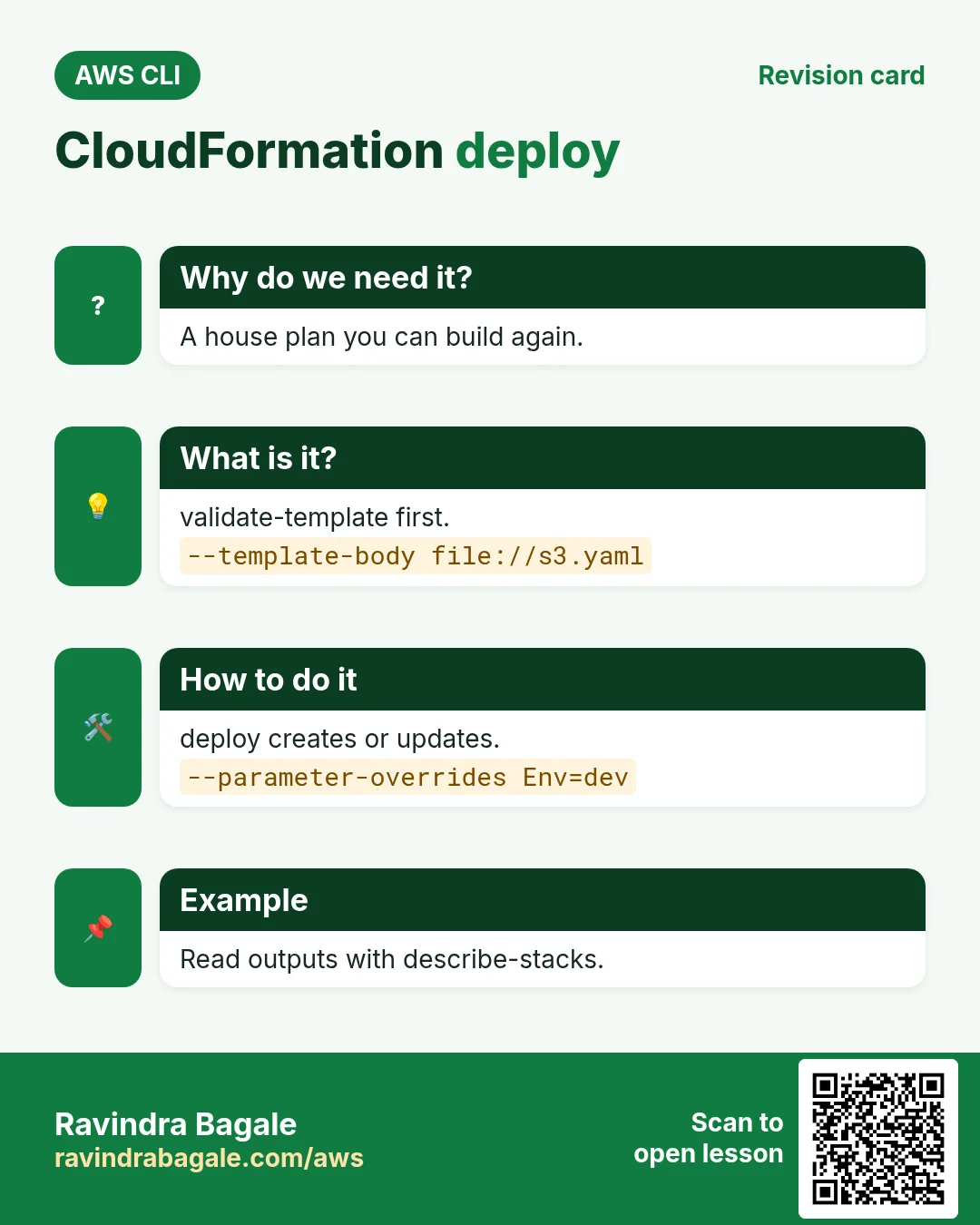
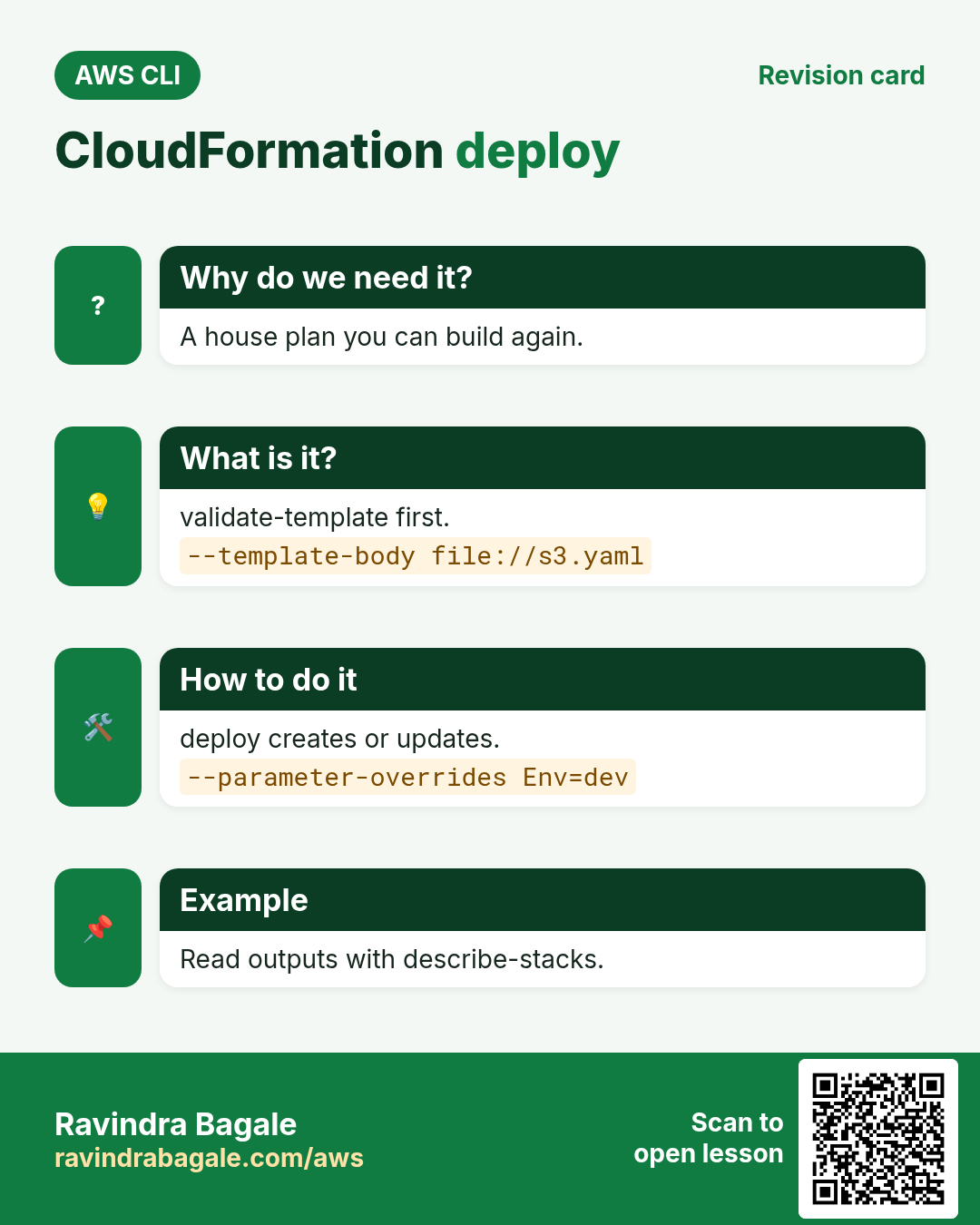
Why do we need this?
An architect draws a plan once and the builder makes the same house again and again. A CloudFormation template is the plan; a stack is the house built from it.
What is it?
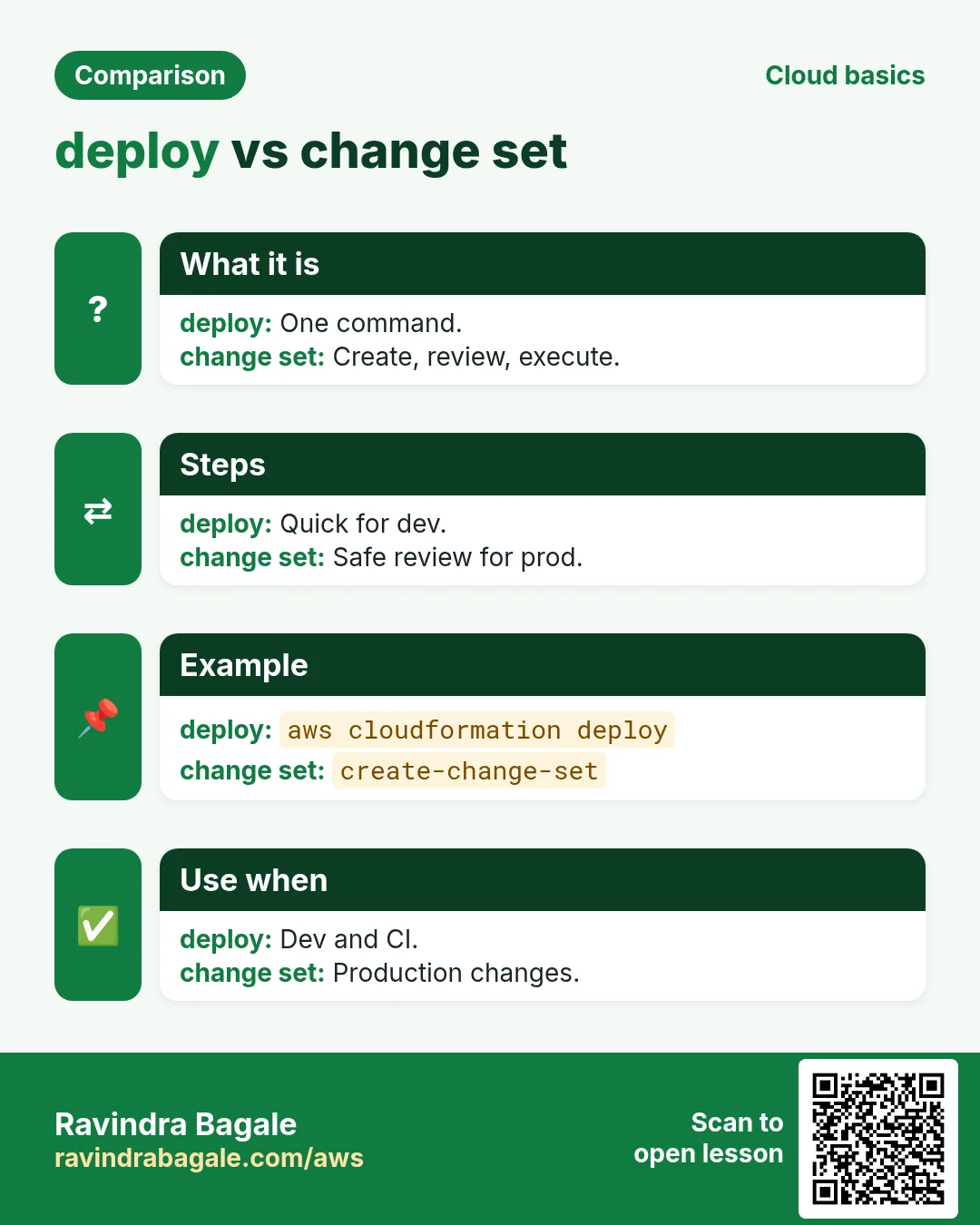
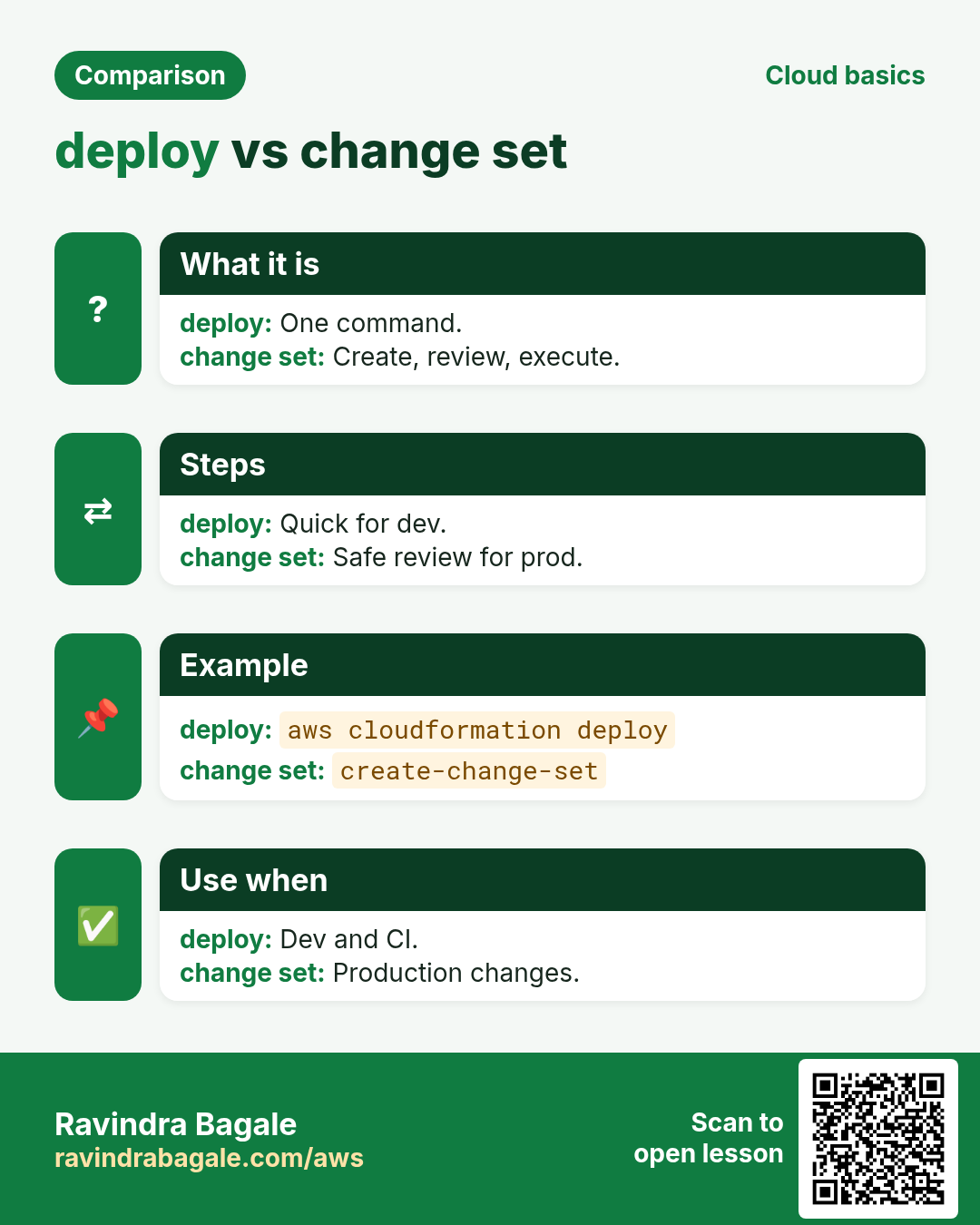
Commands are in aws cloudformation. deploy creates or updates in one step; create-change-set lets you preview first.
How to do it (step by step)
2. Template and validate
Why do we need this?
Clicking in the console cannot be repeated or reviewed.
What is it?
A template has Parameters, Resources and Outputs. validate-template checks syntax before you spend time.
How to do it (step by step)
- Write a small template.
cat > s3.yaml <<'Y'
Parameters:
  Env: {Type: String, AllowedValues: [dev, prod], Default: dev}
Resources:
  Bucket:
    Type: AWS::S3::Bucket
    Properties:
      Tags: [{Key: env, Value: !Ref Env}]
Outputs:
  BucketName: {Value: !Ref Bucket}
Y
Expected output:
(no output means success)- Validate.
aws cloudformation validate-template --template-body file://s3.yaml --query "Parameters[].ParameterKey" --output textExpected output:
Env3. Deploy
Why do we need this?
One command should create the stack the first time and update it later.
What is it?
deploy makes and runs a change set for you. --parameter-overrides sets values. --capabilities is needed for IAM resources.
How to do it (step by step)
- Deploy the stack.
aws cloudformation deploy --stack-name cli-s3 --template-file s3.yaml --parameter-overrides Env=dev --tags project=cliExpected output:
Waiting for changeset to be created..
Waiting for stack create/update to complete
Successfully created/updated stack - cli-s3- Read outputs.
aws cloudformation describe-stacks --stack-name cli-s3 --query "Stacks[0].[StackStatus,Outputs[0].OutputValue]" --output textExpected output:
CREATE_COMPLETE cli-s3-bucket-1a2b3c4d5e6f- Run again with no change.
aws cloudformation deploy --stack-name cli-s3 --template-file s3.yaml --parameter-overrides Env=devExpected output:
No changes to deploy. Stack cli-s3 is up to date4. Change sets
Why do we need this?
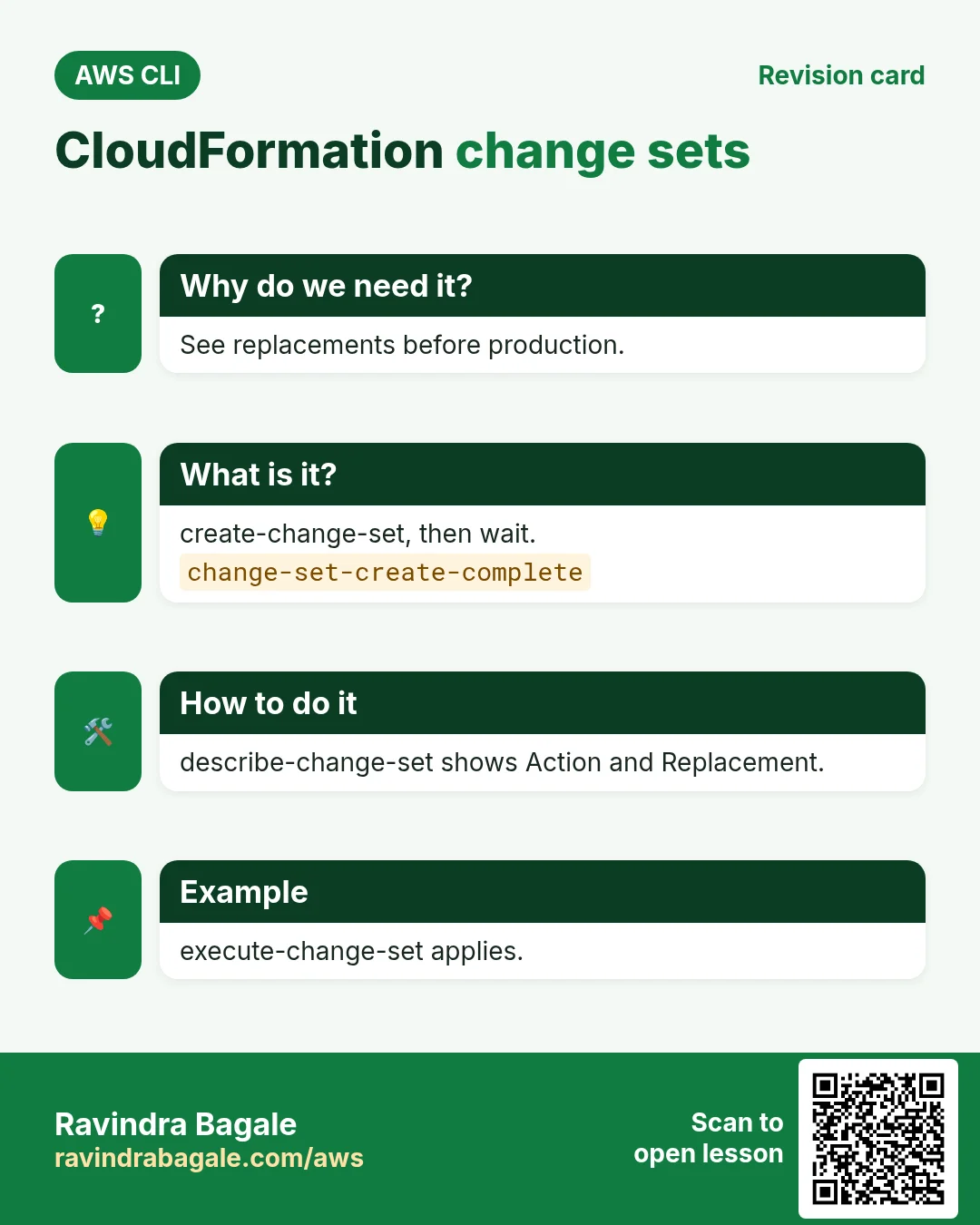
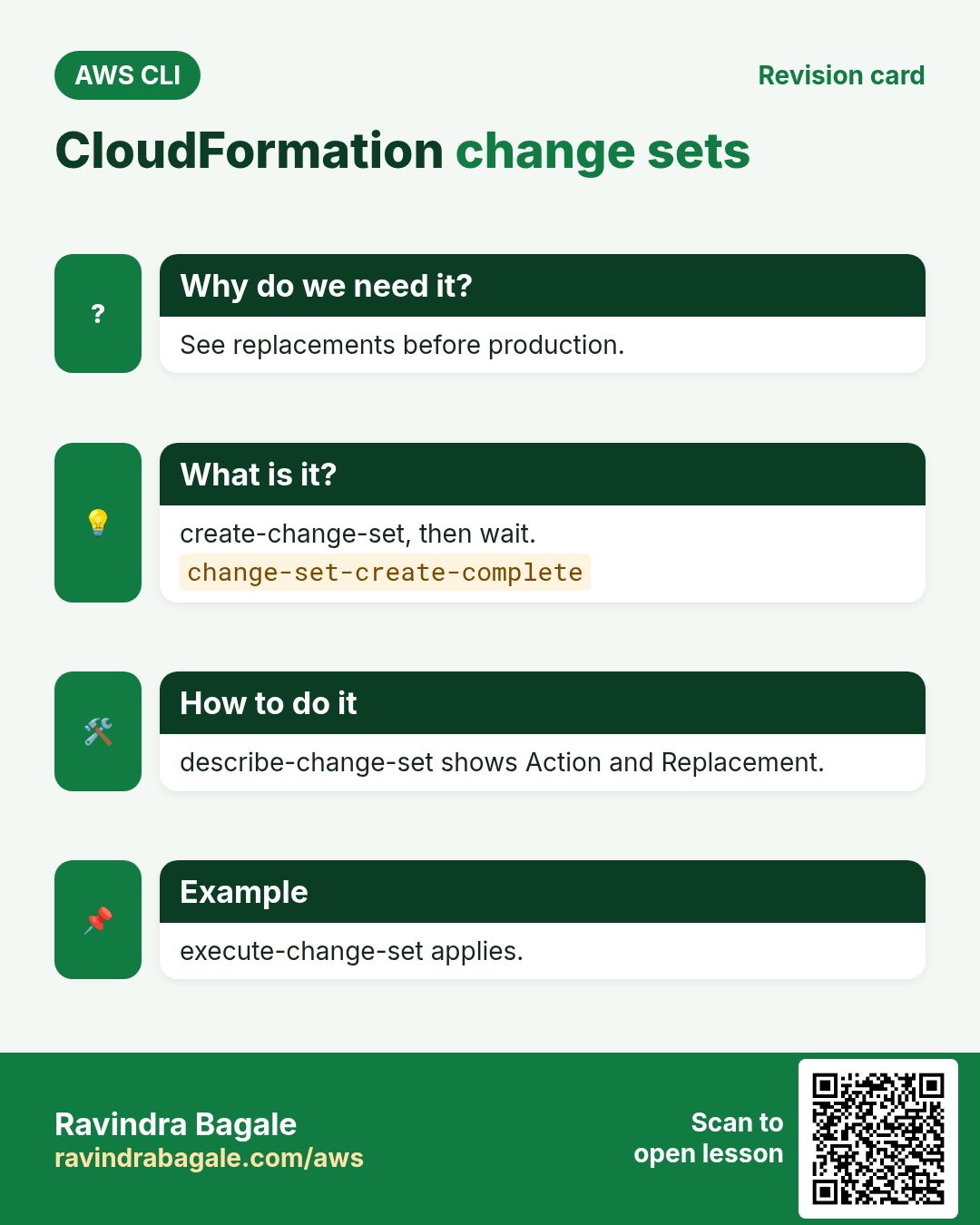
In production you must see what will be replaced before it happens.
What is it?
create-change-set prepares changes; describe-change-set lists Add, Modify, Remove and Replacement; execute-change-set applies.
How to do it (step by step)
- Prepare a change.
aws cloudformation create-change-set --stack-name cli-s3 --change-set-name to-prod --template-body file://s3.yaml --parameters ParameterKey=Env,ParameterValue=prod --query Id --output text
aws cloudformation wait change-set-create-complete --stack-name cli-s3 --change-set-name to-prod
Expected output:
arn:aws:cloudformation:ap-south-1:111122223333:changeSet/to-prod/...- Preview.
aws cloudformation describe-change-set --stack-name cli-s3 --change-set-name to-prod --query "Changes[].ResourceChange.[Action,LogicalResourceId,Replacement]" --output textExpected output:
Modify Bucket False- Execute.
aws cloudformation execute-change-set --stack-name cli-s3 --change-set-name to-prod
aws cloudformation wait stack-update-complete --stack-name cli-s3
Expected output:
(no output means success)5. Events and drift
Why do we need this?
When a stack fails you need the reason; when someone edits in the console you need to know.
What is it?
describe-stack-events shows each step with reasons. detect-stack-drift compares real resources with the template.
How to do it (step by step)
- Find failures.
aws cloudformation describe-stack-events --stack-name cli-s3 --query "StackEvents[?contains(ResourceStatus,'FAILED')].[LogicalResourceId,ResourceStatusReason]" --output textExpected output:
(empty when healthy)- Detect drift.
D=$(aws cloudformation detect-stack-drift --stack-name cli-s3 --query StackDriftDetectionId --output text)
sleep 10; aws cloudformation describe-stack-drift-detection-status --stack-drift-detection-id $D --query StackDriftStatus --output text
Expected output:
IN_SYNC6. Same action in Python, Node.js, Java, Go, .NET and PHP
Why do we need this?
Scripts start in the CLI. Apps call the same API through an SDK. Knowing both helps you move a tested command into real code.
What is it?
Each CLI command maps to one API call. For example aws cloudformation describe-stacks --stack-name cli-s3 maps to the Describe stack API.
How to do it (step by step)
Same action (Describe stack) from code. Every SDK reads the same profile, region and credentials as the CLI.
| Stack | Code |
|---|---|
| Python (boto3) | boto3.client("cloudformation").describe_stacks(StackName="cli-s3")["Stacks"][0]["StackStatus"] |
| Node.js (v3) | await cfn.send(new DescribeStacksCommand({StackName:"cli-s3"})); |
| Java (v2) | cfn.describeStacks(r -> r.stackName("cli-s3")).stacks().get(0).stackStatus(); |
| Go (v2) | c.DescribeStacks(ctx, &cloudformation.DescribeStacksInput{StackName: aws.String("cli-s3")}) |
| .NET | await cfn.DescribeStacksAsync(new DescribeStacksRequest{StackName="cli-s3"}); |
| PHP | $cfn->describeStacks(["StackName"=>"cli-s3"]); |
7. Clean up so nothing keeps costing
Why do we need this?
Lab resources left running cost money and can be a security risk.
What is it?
Delete in reverse order: children first, then parents.
How to do it (step by step)
- Empty the bucket (stacks cannot delete non-empty buckets).
B=$(aws cloudformation describe-stacks --stack-name cli-s3 --query "Stacks[0].Outputs[0].OutputValue" --output text)
aws s3 rm s3://$B --recursive
Expected output:
(no output means success)- Delete the stack.
aws cloudformation delete-stack --stack-name cli-s3
aws cloudformation wait stack-delete-complete --stack-name cli-s3
Expected output:
(no output means success)- Verify.
aws cloudformation describe-stacks --stack-name cli-s3Expected output:
An error occurred (ValidationError) ... Stack with id cli-s3 does not existRavindra Bagale's Tip
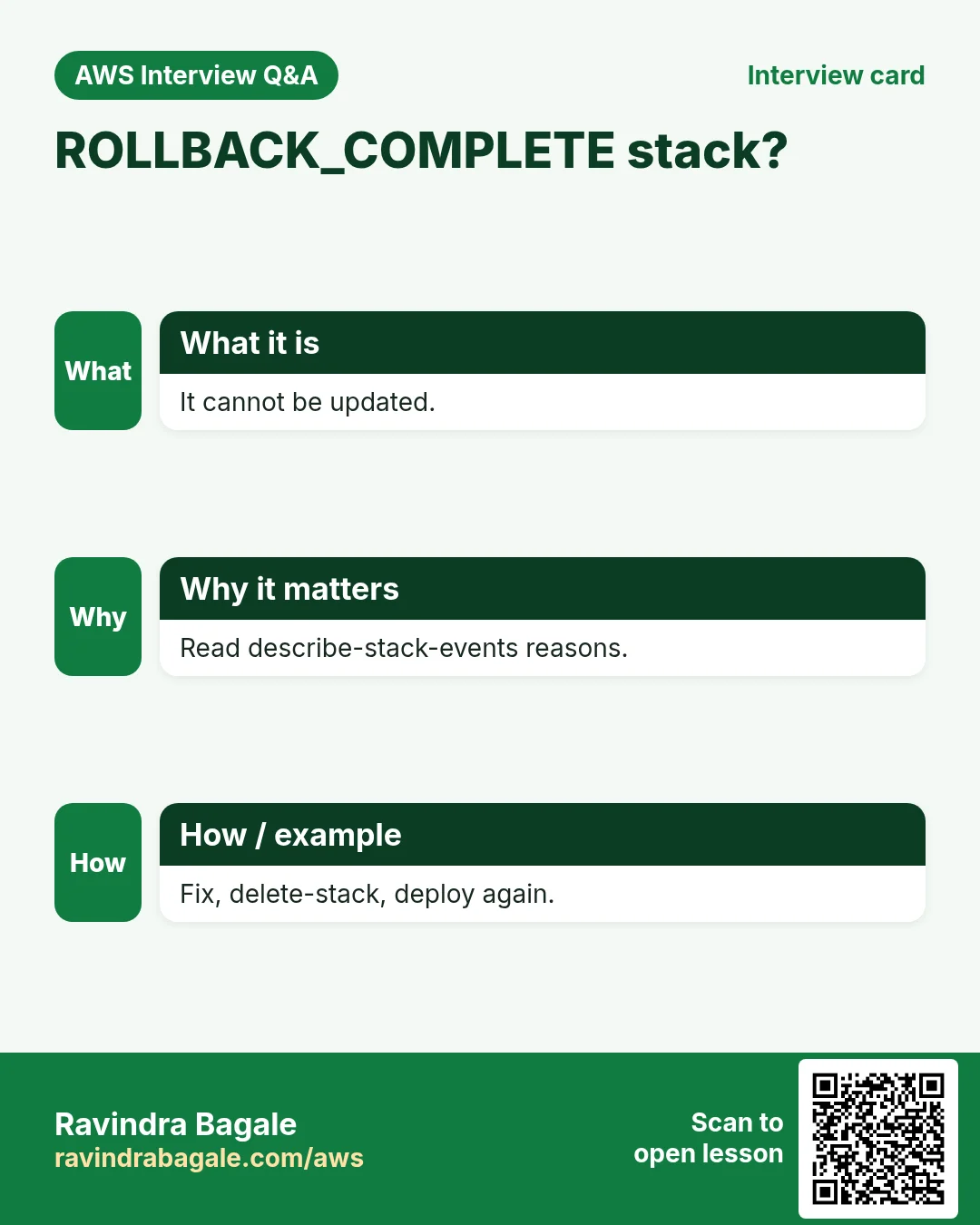
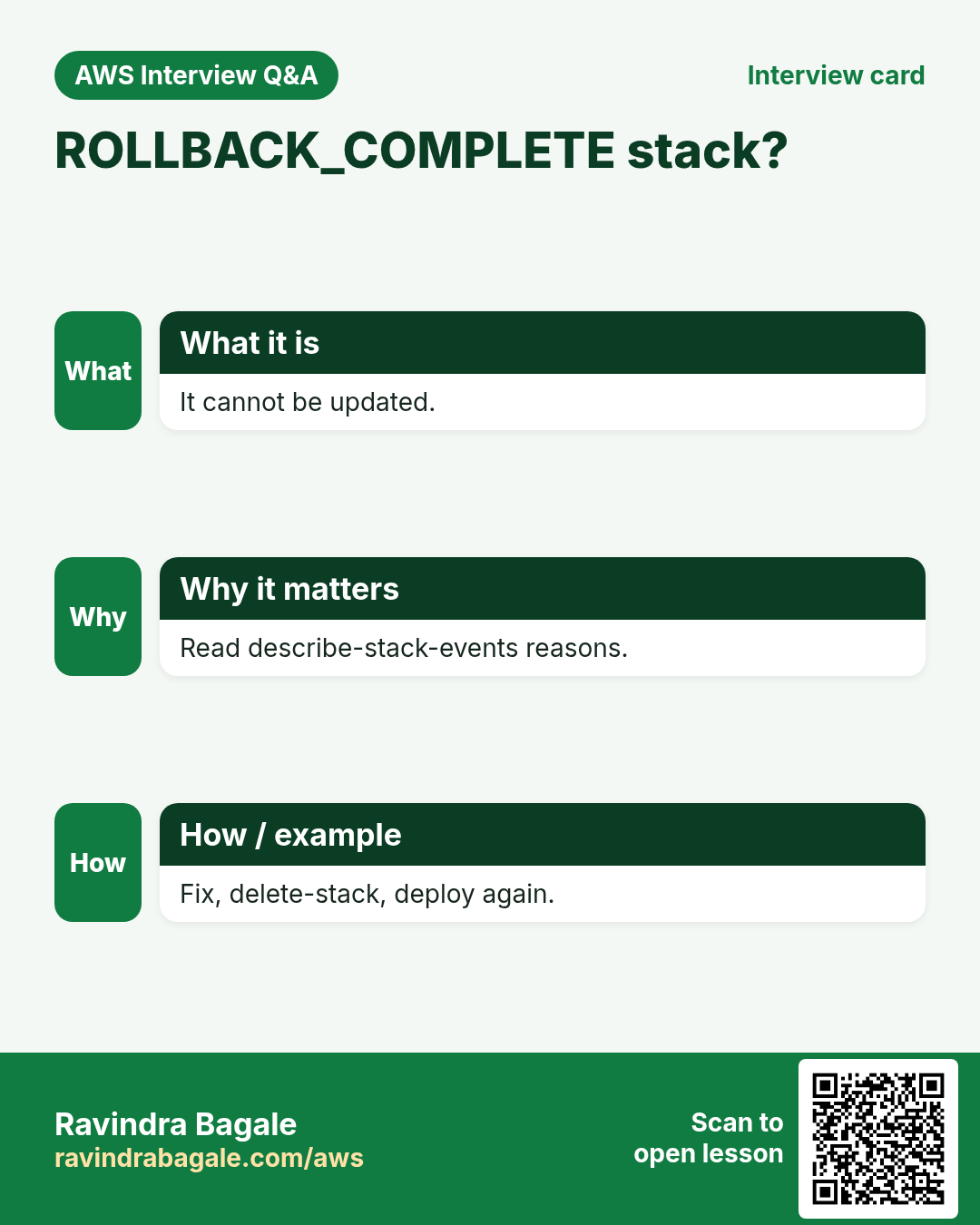
A stack in ROLLBACK_COMPLETE cannot be updated. Read the events, fix the template, delete the stack and deploy again.
8. Interview questions and answers
Q. Template vs stack?
A template is the file; a stack is the live set of resources created from it.
Q. deploy vs create-stack?
deploy creates or updates using change sets and waits; create-stack only creates.
Q. Why change sets?
To preview adds, modifies and replacements before applying.
Q. What is drift?
A difference between the template and the real resource, often from manual edits.
Q. When is --capabilities needed?
When the template creates IAM resources (CAPABILITY_IAM or CAPABILITY_NAMED_IAM).
Try at home
- Add a second parameter for versioning and deploy dev and prod stacks.
- Change a bucket tag in the console and detect drift.
In short
- validate-template.
- deploy = create or update.
- Change sets preview.
- Events show reasons.
- Empty buckets before delete.
Practice Tasks
Amravati Agro Market is a agriculture business in Amravati. Anjali Thakre looks after its IT and cloud work. They count money in INR and run their AWS resources in the ap-south-1 Region. In the tasks below you do real jobs for them using what this lesson teaches. All names, account IDs, IP addresses and numbers are made up for practice.
0 / 12
Easy Delete a stack
Why: Deleting the stack removes every resource it created.
What to do: Delete stack amravatiagro-test.
- Read the task and decide which AWS service it is about.
- Write aws, then the service name, then the operation (the action word).
- Add each needed flag (--name) followed by its value from the task.
- Flags can be in any order. Click Check answer.
Easy Validate a template
Why: Catch syntax mistakes before you deploy.
What to do: Validate the template file template.yaml.
- Read the task and decide which AWS service it is about.
- Write aws, then the service name, then the operation (the action word).
- Add each needed flag (--name) followed by its value from the task.
- Flags can be in any order. Click Check answer.
Easy CloudFormation: a versioned bucket
Why: Infrastructure as code makes setups repeatable.
What to do: Write a CloudFormation YAML template with one S3 bucket named amravatiagro-docs that has versioning Enabled.
- Start from the top-level keys the task names.
- Indent child keys with 2 spaces (no tabs).
- Fill in each property with the value from the task.
- Click Check answer. Key order does not matter.
Medium Deploy a stack
Why: deploy creates the stack or updates it with a change set, in one command.
What to do: Deploy template.yaml as stack amravatiagro-net.
- Read the task and decide which AWS service it is about.
- Write aws, then the service name, then the operation (the action word).
- Add each needed flag (--name) followed by its value from the task.
- Flags can be in any order. Click Check answer.
Medium Read stack outputs
Why: Outputs give you values like the VPC ID or URL after deploy.
What to do: Describe stack amravatiagro-net.
- Read the task and decide which AWS service it is about.
- Write aws, then the service name, then the operation (the action word).
- Add each needed flag (--name) followed by its value from the task.
- Flags can be in any order. Click Check answer.
Medium CloudFormation: on-demand table
Why: On-demand tables need no capacity planning.
What to do: Template with a DynamoDB table amravatiagro-orders, partition key orderId (String), billing mode PAY_PER_REQUEST.
- Start from the top-level keys the task names.
- Indent child keys with 2 spaces (no tabs).
- Fill in each property with the value from the task.
- Click Check answer. Key order does not matter.
Medium CloudFormation: web security group
Why: Opening only 443 keeps the server safer.
What to do: Template with an AWS::EC2::SecurityGroup that allows TCP 443 from 0.0.0.0/0. Add a GroupDescription.
- Start from the top-level keys the task names.
- Indent child keys with 2 spaces (no tabs).
- Fill in each property with the value from the task.
- Click Check answer. Key order does not matter.
Medium CloudFormation: VPC and subnet
Why: A template rebuilds the network the same way every time.
What to do: Template with a VPC 10.108.0.0/16 and a subnet 10.108.1.0/24 inside it (use !Ref for the VPC).
- Start from the top-level keys the task names.
- Indent child keys with 2 spaces (no tabs).
- Fill in each property with the value from the task.
- Click Check answer. Key order does not matter.
Medium See stack events
Why: Events show which resource failed and why.
What to do: Show the events of stack amravatiagro-net.
- Read the task and decide which AWS service it is about.
- Write aws, then the service name, then the operation (the action word).
- Add each needed flag (--name) followed by its value from the task.
- Flags can be in any order. Click Check answer.
Hard Deploy a stack that creates IAM roles
Why: You must acknowledge IAM changes with --capabilities.
What to do: Deploy app.yaml as stack amravatiagro-app. It creates named IAM roles.
- Read the task and decide which AWS service it is about.
- Write aws, then the service name, then the operation (the action word).
- Add each needed flag (--name) followed by its value from the task.
- Flags can be in any order. Click Check answer.
Hard CloudFormation: parameter + Ref
Why: Parameters let one template serve dev and prod.
What to do: Add a String parameter EnvName and use it with !Sub in a bucket name like ${EnvName}-logs.
- Start from the top-level keys the task names.
- Indent child keys with 2 spaces (no tabs).
- Fill in each property with the value from the task.
- Click Check answer. Key order does not matter.
Hard Deploy with parameter values
Why: Parameters let one template serve dev and prod.
What to do: Deploy template.yaml as amravatiagro-net with parameter Env=prod.
- Read the task and decide which AWS service it is about.
- Write aws, then the service name, then the operation (the action word).
- Add each needed flag (--name) followed by its value from the task.
- Flags can be in any order. Click Check answer.
Revision, comparison and interview cards
Revise this lesson in a few minutes. Save the cards on your phone or download them as PNG files. The QR code on each card opens this lesson.
More cards: Ravi Sir's Cards.