Create Your First AWS Lambda Function Step by Step
In What Is AWS Lambda? you met the idea. Now you build a real function end to end: console clicks, the same logic in five languages, a test event, CloudWatch logs, and the IAM execution role with a clear why.
What you'll learn in this chapter
- Create a function in the Lambda console
- Write the same handler in Python, Node.js, Java, .NET and Go
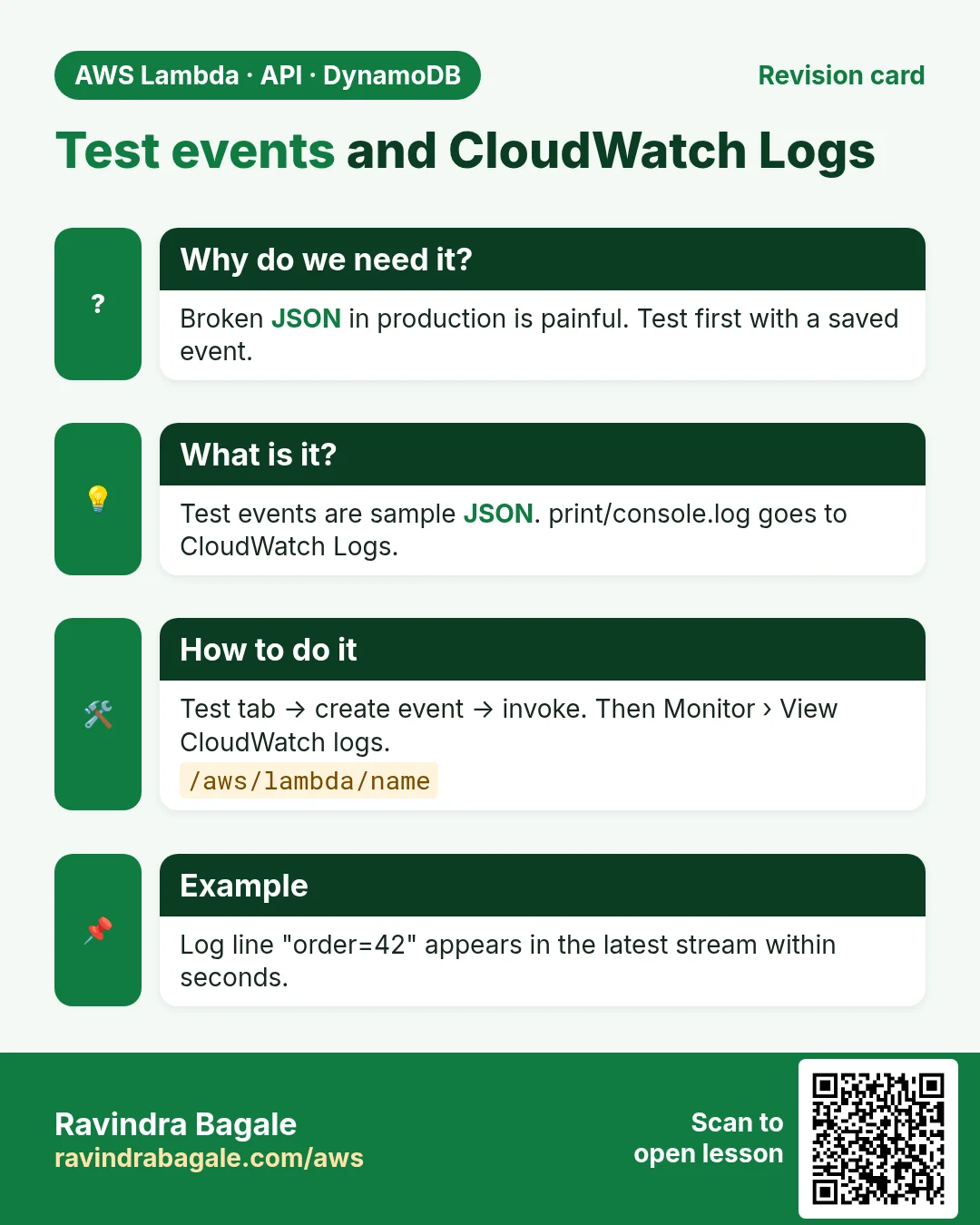
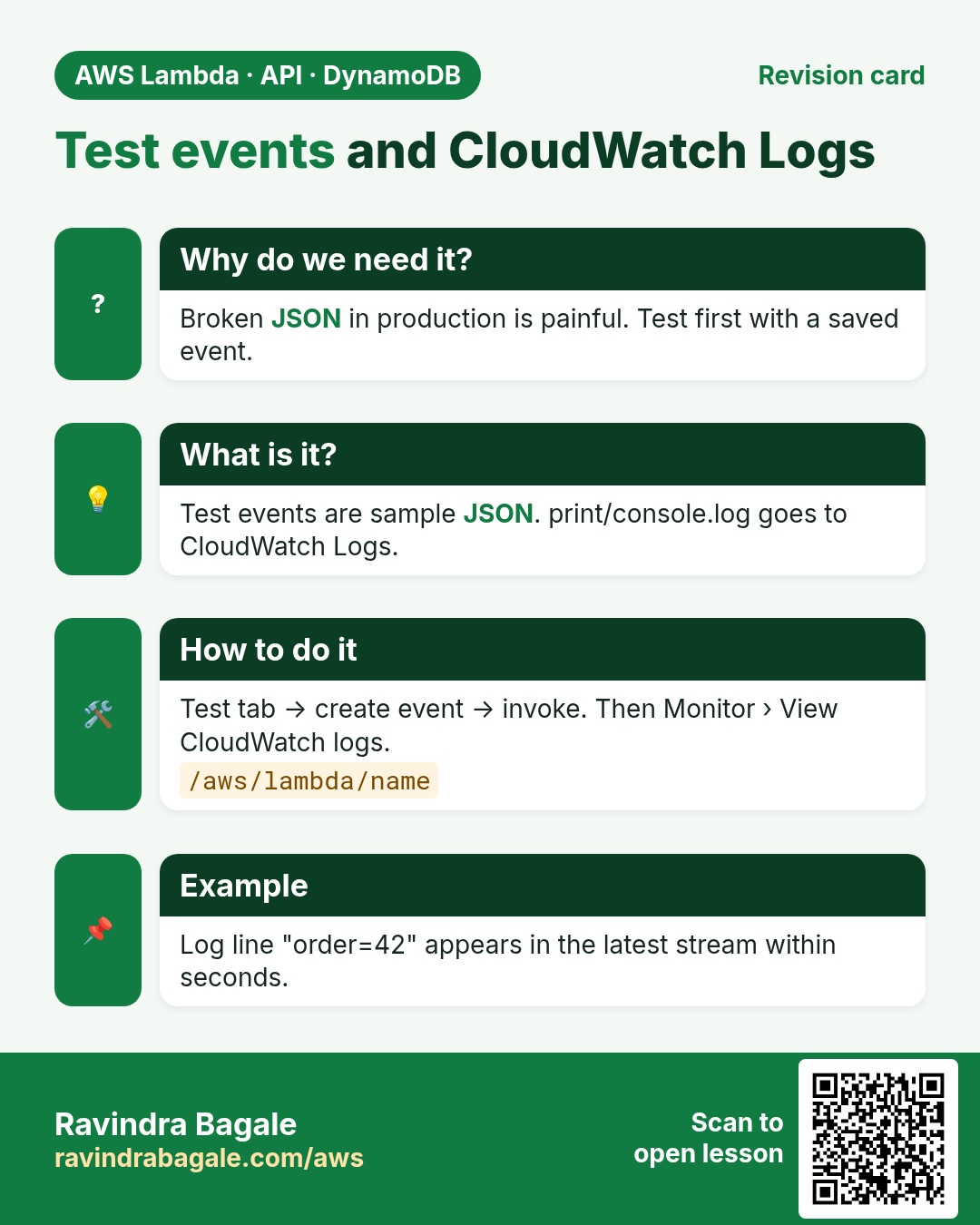
- Use test events and read CloudWatch Logs
- Understand the execution role and basic permissions
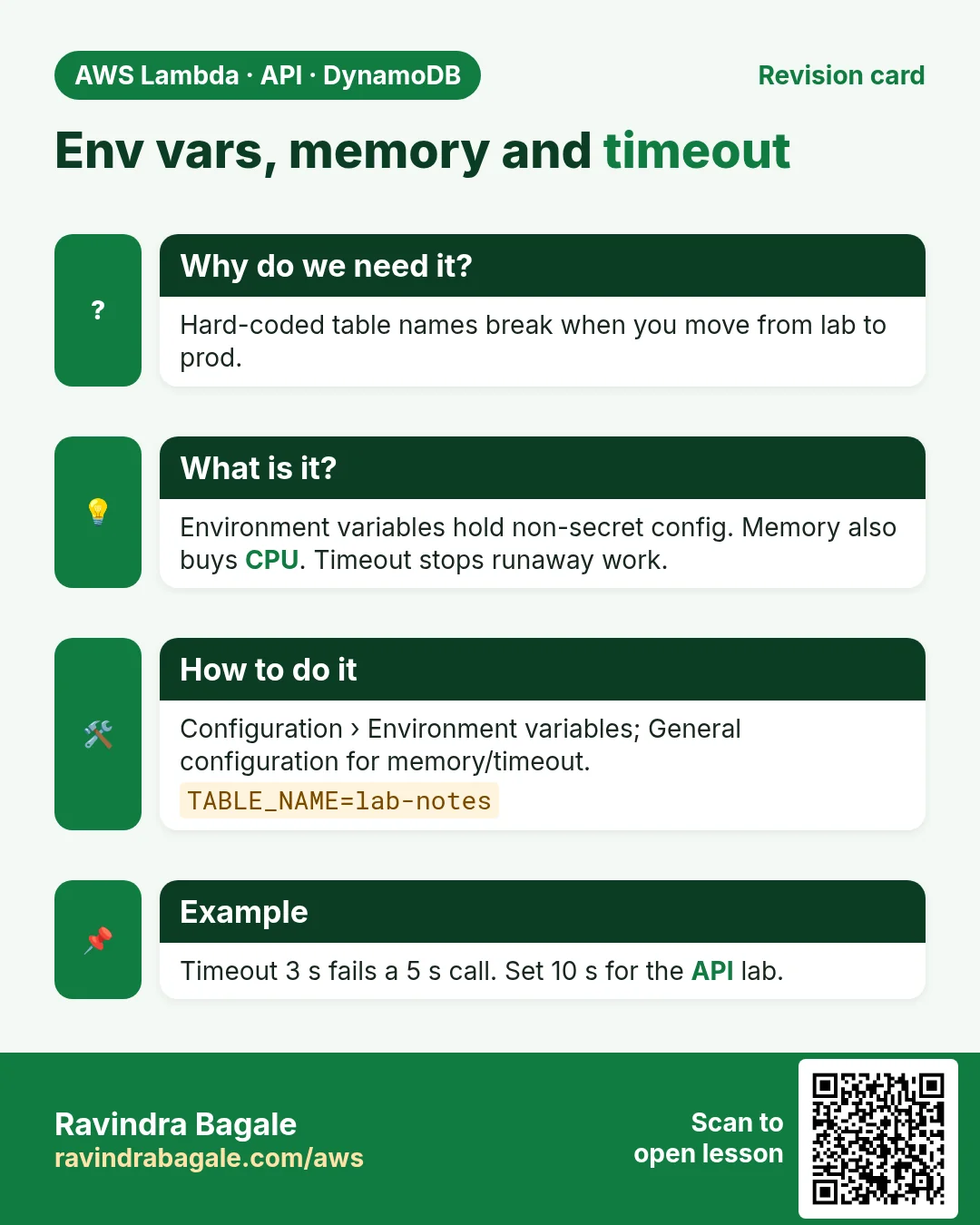
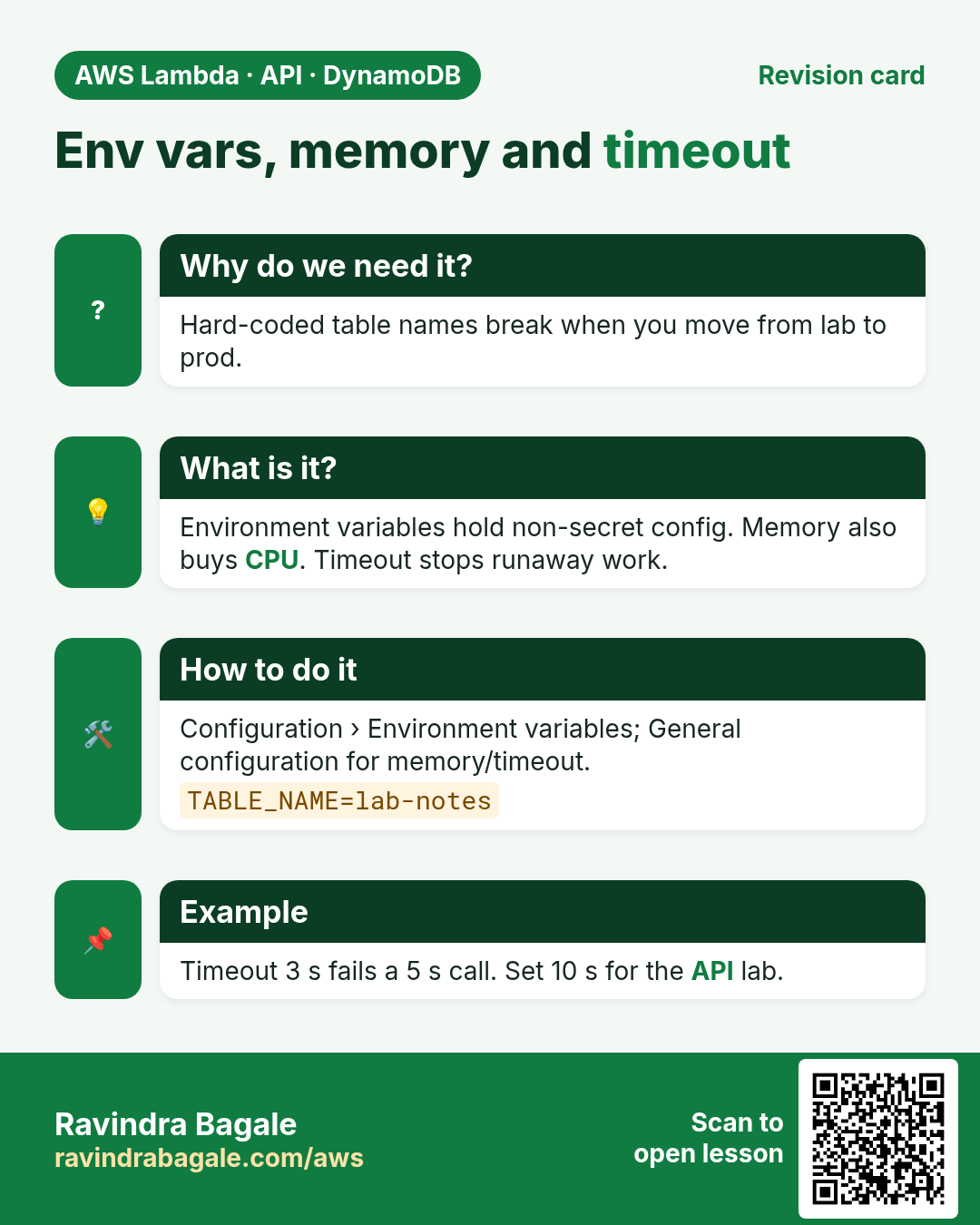
- Change memory, timeout and environment variables
1. A story: one discount calculator, five teams
Five teams in one company — Python, Node, Java, .NET, Go — all need the same rule: price in, discount out. Instead of five always-on servers, they share one Lambda pattern. Each team ships its own runtime. The trigger and the IAM role stay the same shape.
2. The execution role — why Lambda needs IAM
Why do we need this?
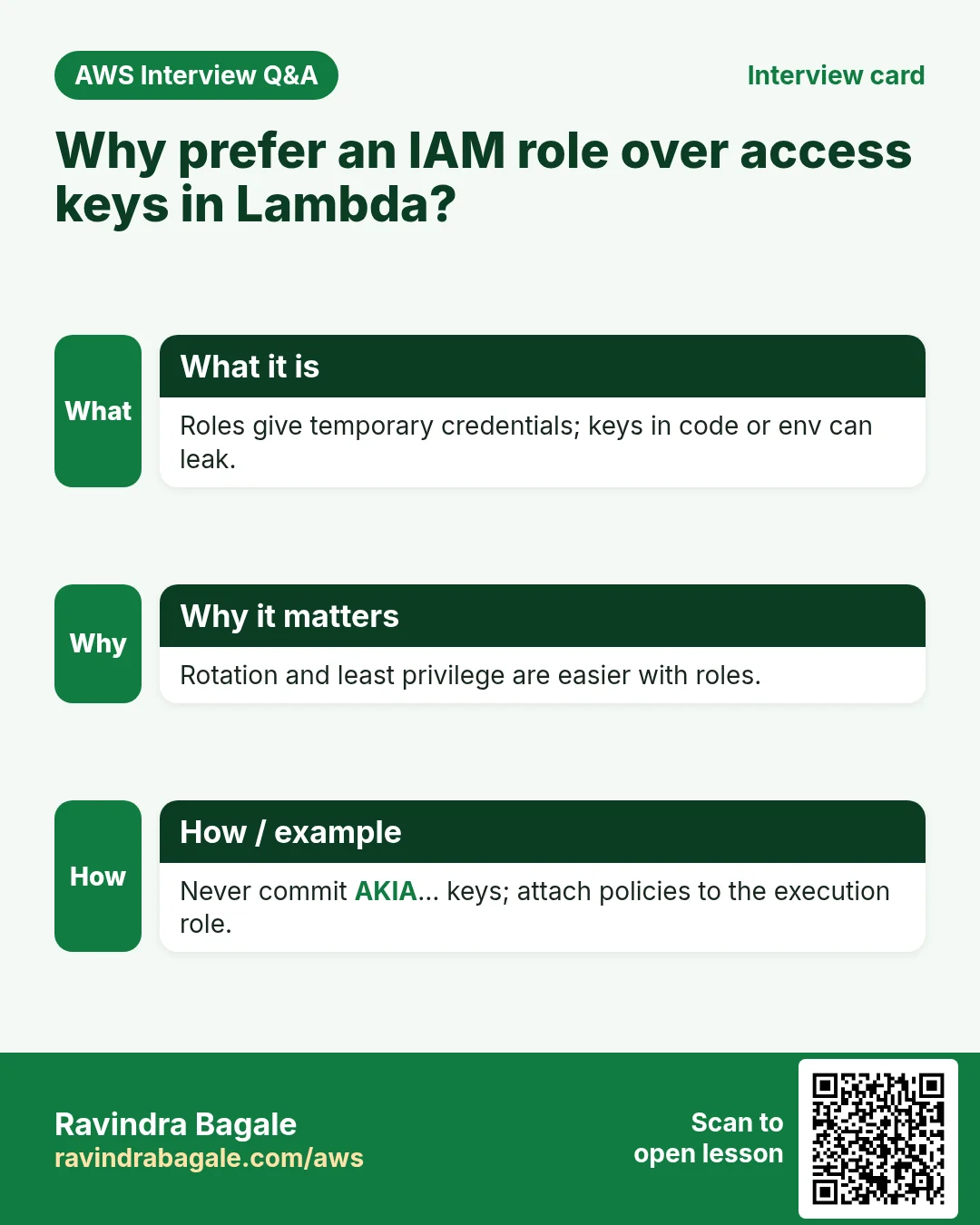
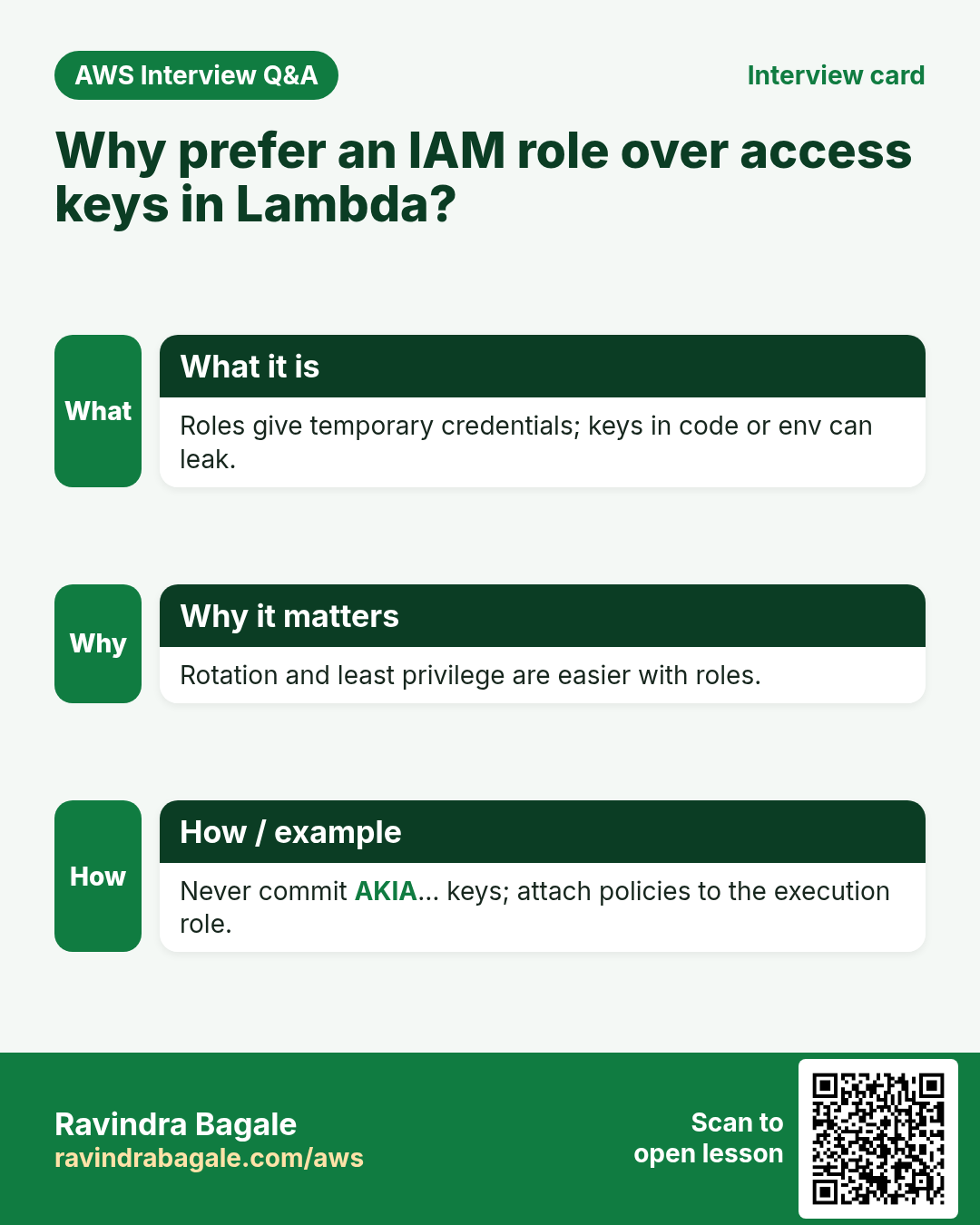
Your code often calls AWS: write logs, read S3, put DynamoDB items. Lambda must prove it is allowed. Access keys inside code leak. A role does not.
What is it?
An execution role is an IAM role that Lambda assumes when your function runs. Trust policy: lambda.amazonaws.com may call sts:AssumeRole. Permissions policy: what the code may do. The AWS managed policy AWSLambdaBasicExecutionRole allows creating log groups and writing log streams — without it, even a Hello function looks "broken" because logs never appear.
Ravindra Bagale's Tip
Add only the extra permissions you need (S3 read, DynamoDB write). Never attach AdministratorAccess to a Lambda role.
3. Handler shape in five languages
What is it?
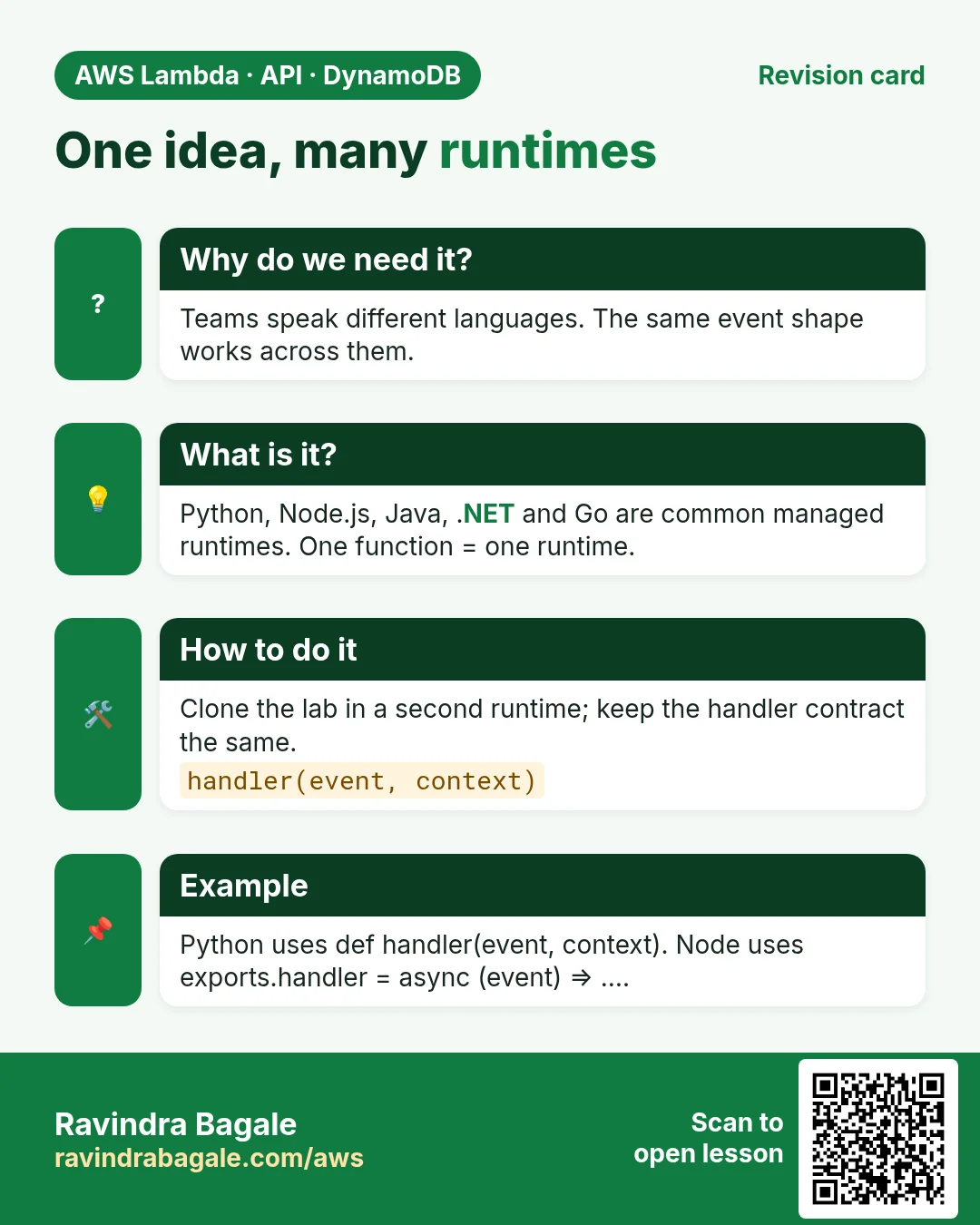
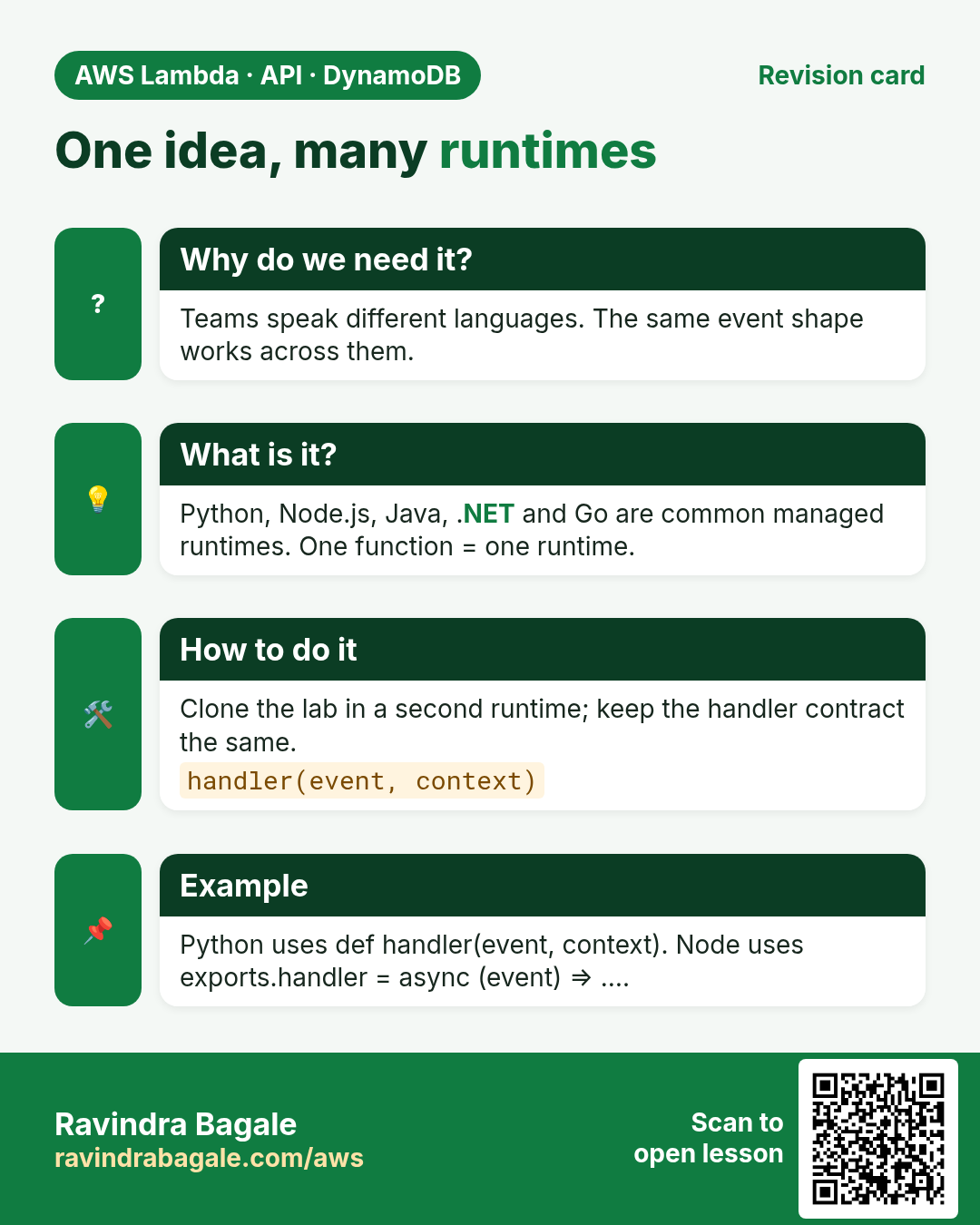
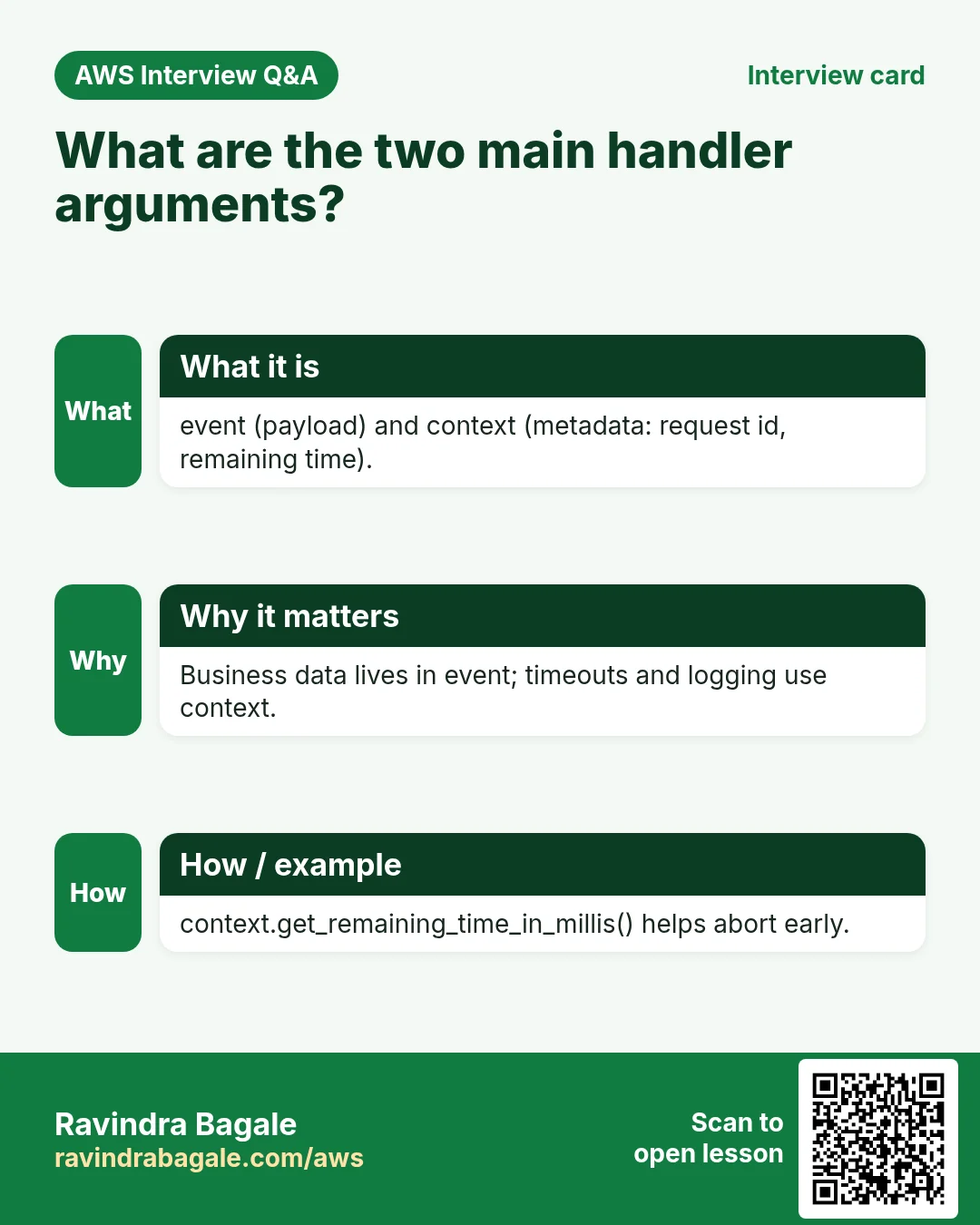
Every runtime has a handler: a function AWS calls with the event and a context object. Below, each snippet returns {"total": price * (1 - discount)}.
Python 3.12
import json
def lambda_handler(event, context):
    price = float(event["price"])
    discount = float(event.get("discount", 0.1))
    return {"total": round(price * (1 - discount), 2)}
Node.js 20.x
exports.handler = async (event) => {
  const price = Number(event.price);
  const discount = Number(event.discount ?? 0.1);
  return { total: Math.round(price * (1 - discount) * 100) / 100 };
};
Java 17 (handler class)
package example;
import java.util.Map;
import com.amazonaws.services.lambda.runtime.Context;
import com.amazonaws.services.lambda.runtime.RequestHandler;
public class Discount implements RequestHandler<Map<String, Object>, Map<String, Object>> {
  public Map<String, Object> handleRequest(Map<String, Object> e, Context c) {
    double price = ((Number) e.get("price")).doubleValue();
    double discount = e.containsKey("discount") ? ((Number) e.get("discount")).doubleValue() : 0.1;
    return Map.of("total", Math.round(price * (1 - discount) * 100.0) / 100.0);
  }
}
.NET 8 (C#)
using Amazon.Lambda.Core;
[assembly: LambdaSerializer(typeof(Amazon.Lambda.Serialization.SystemTextJson.DefaultLambdaJsonSerializer))]
namespace Discount;
public class Function {
  public Dictionary<string, double> FunctionHandler(Dictionary<string, double> e, ILambdaContext ctx) {
    var price = e["price"]; var discount = e.GetValueOrDefault("discount", 0.1);
    return new Dictionary<string, double> { ["total"] = Math.Round(price * (1 - discount), 2) };
  }
}
Go 1.x
package main
import ("context"; "github.com/aws/aws-lambda-go/lambda")
type In struct { Price float64 `json:"price"`; Discount float64 `json:"discount"` }
type Out struct { Total float64 `json:"total"` }
func Handle(ctx context.Context, e In) (Out, error) {
  d := e.Discount; if d == 0 { d = 0.1 }
  return Out{Total: e.Price * (1 - d)}, nil
}
func main() { lambda.Start(Handle) }
4. Lab: discount function in the console (Python)
How to do it (step by step)
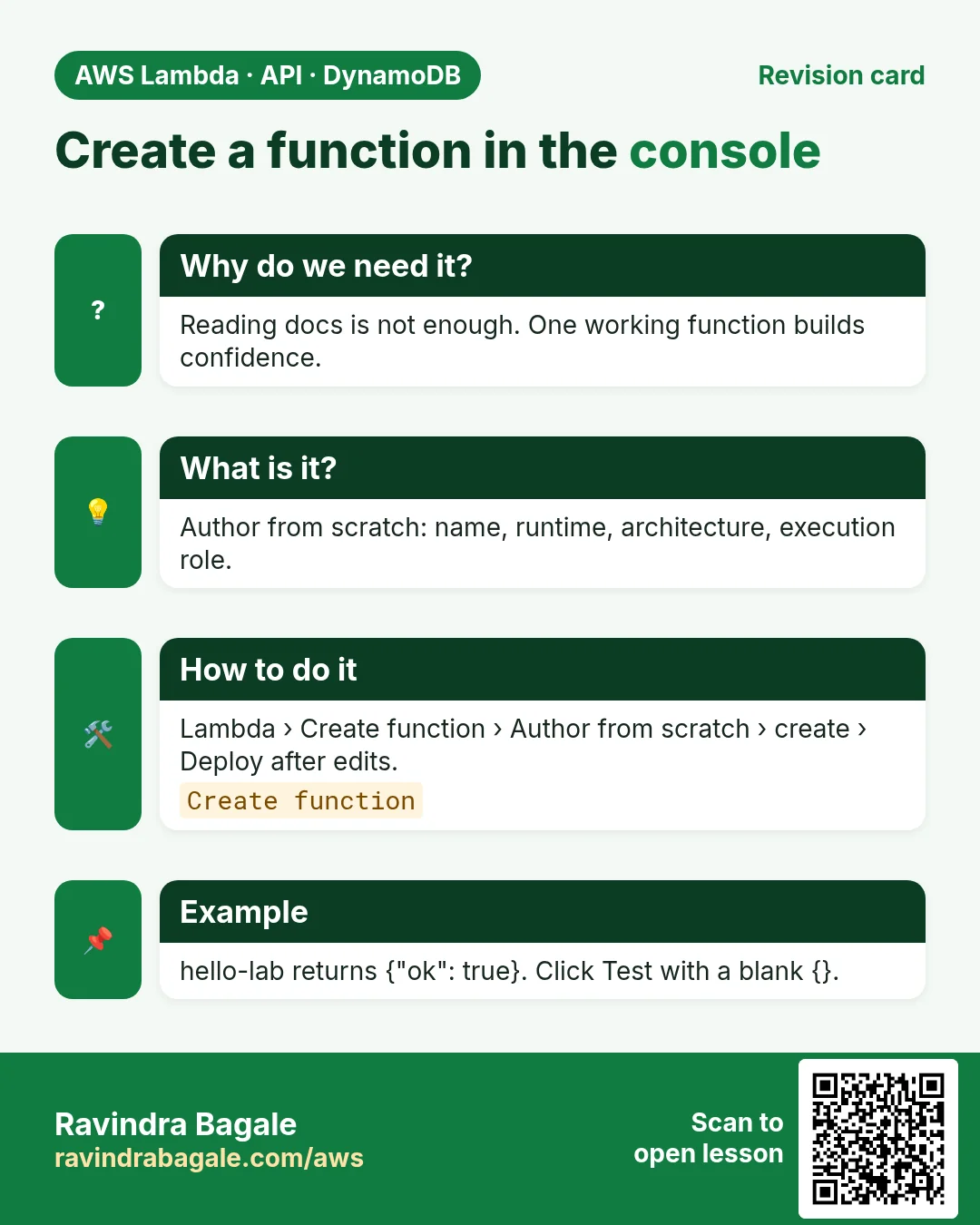
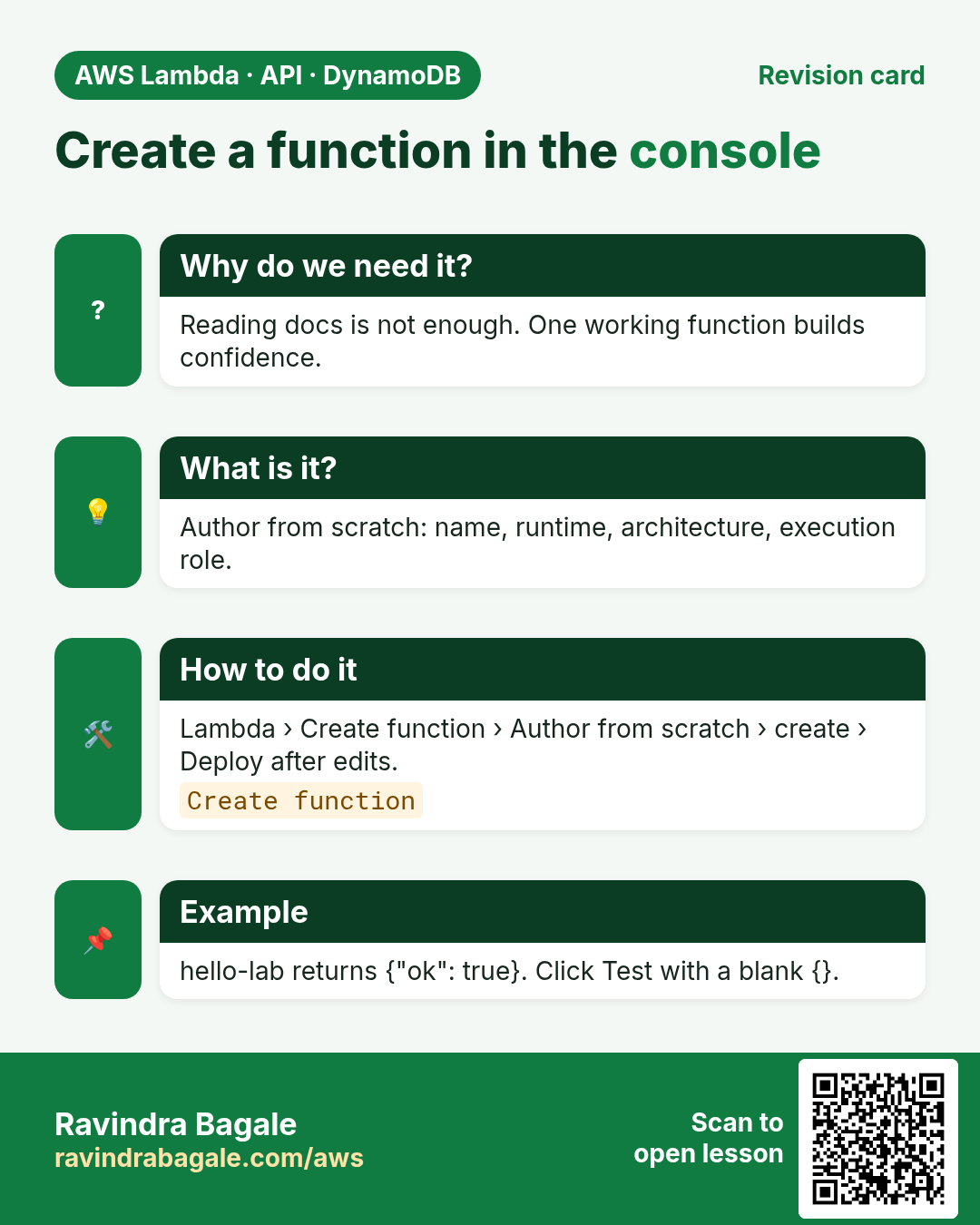
- Lambda → Create function → Author from scratch. Name:
discount-lab. Runtime: Python 3.12. Create a new role with basic Lambda permissions. - Paste the Python handler above → Deploy.
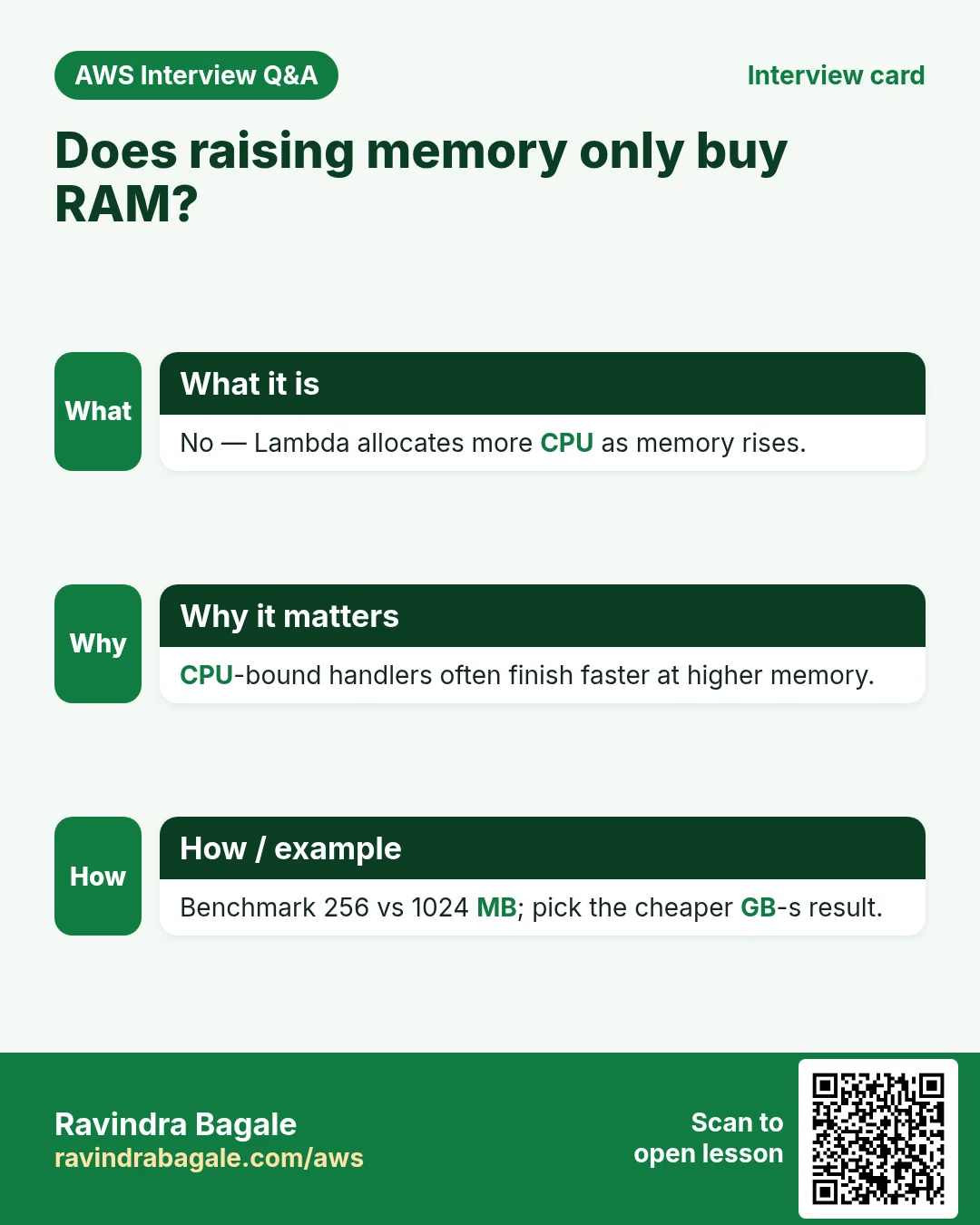
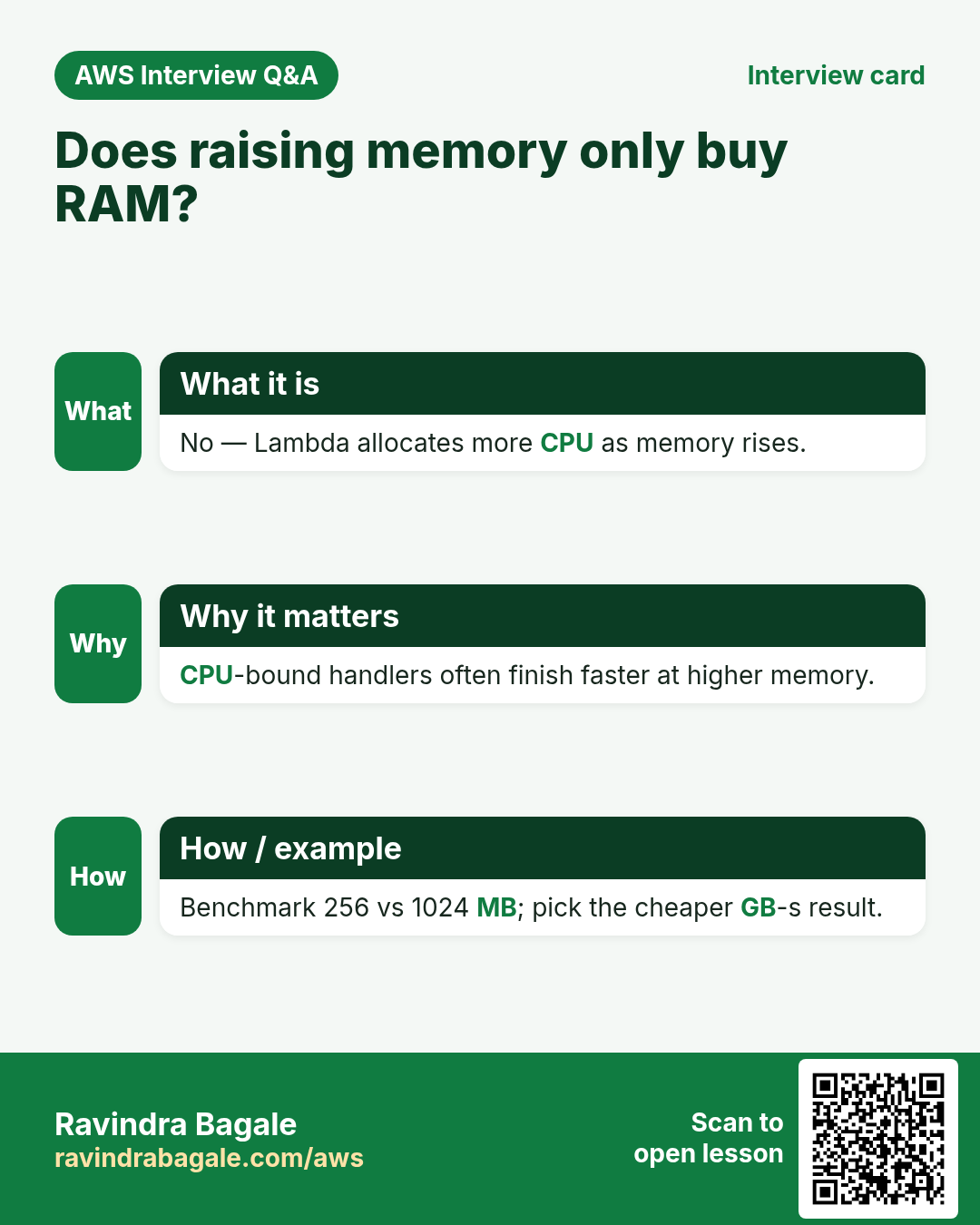
- Configuration → General configuration → Edit → Memory 256 MB, Timeout 10 s → Save. Why: imports and JSON need a little headroom.
- Configuration → Environment variables → Edit → Add
DEFAULT_DISCOUNT=0.1→ Save. Optional: read it withos.environ["DEFAULT_DISCOUNT"]. - Test → Create event name
ten-percentwith JSON:
{"price": 1000, "discount": 0.1}- Test. Expected return:
{"total": 900.0}. Note billed duration in the result pane. - Monitor → View CloudWatch logs → open the latest stream → confirm REPORT line with Duration and Memory Size.
- Configuration → Permissions → click the role name → confirm it has
AWSLambdaBasicExecutionRole. Why: that is how logs are allowed.
Same test via AWS CLI
aws lambda invoke --function-name discount-lab   --payload '{"price":500,"discount":0.2}' --cli-binary-format raw-in-base64-out out.json   --region ap-south-1 && cat out.json
# Expected: {"total": 400.0}
Cleanup
- Delete function
discount-lab. - IAM → Roles → delete its execution role if unused.
5. Interview questions
Q. What does the handler receive?
The event (input JSON) and a context object (request id, remaining time, memory).
Q. Why Deploy after editing code in the console?
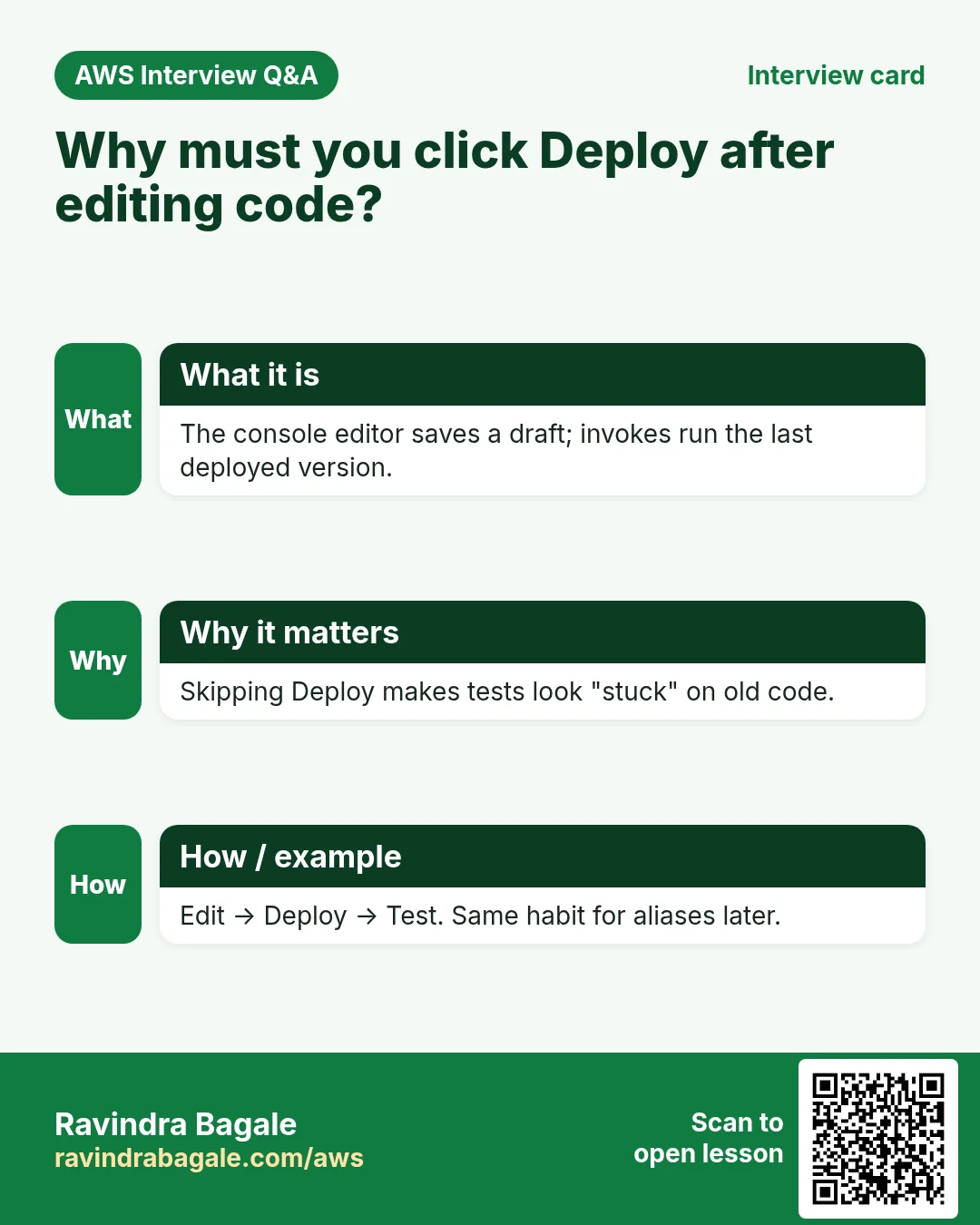
Console edits sit in a draft until you Deploy; tests run the deployed version.
Q. What does AWSLambdaBasicExecutionRole allow?
Creating log groups and writing log streams in CloudWatch Logs.
Q. How do you pass config without hard-coding?
Environment variables on the function, or SSM Parameter Store / Secrets Manager for secrets.
Q. Can one function use two runtimes?
No. One function = one runtime. Make a second function for another language.
Try at home
- Recreate discount-lab in Node.js 20.x and invoke with the CLI.
- Add an IAM permission for s3:ListBucket on a test bucket and list it from the function.
In short
- Create function → write handler → Deploy → Test → check logs.
- Execution role = trust Lambda + permissions your code needs.
- Same logic ports across Python, Node, Java, .NET, Go.
- Memory, timeout and env vars are first knobs to turn.
Practice Tasks
Sangli Turmeric Traders is a spice trading business in Sangli. Dattatray Chavan looks after its IT and cloud work. They count money in INR and run their AWS resources in the ap-south-1 Region. In the tasks below you do real jobs for them using what this lesson teaches. All names, account IDs, IP addresses and numbers are made up for practice.
0 / 12
Easy List functions
Why: See which functions exist in this Region.
What to do: List the Lambda functions in ap-south-1.
- Read the task and decide which AWS service it is about.
- Write aws, then the service name, then the operation (the action word).
- Add each needed flag (--name) followed by its value from the task.
- Flags can be in any order. Click Check answer.
Medium Invoke a function
Why: Invoke runs the function now and saves its answer in a file.
What to do: Invoke sanglihaldi-orders-fn and save the response to out.json.
- Read the task and decide which AWS service it is about.
- Write aws, then the service name, then the operation (the action word).
- Add each needed flag (--name) followed by its value from the task.
- Flags can be in any order. Click Check answer.
Medium Trust policy for a Lambda role
Why: The trust policy says WHO may take the role.
What to do: Write a trust policy that lets lambda.amazonaws.com assume the role.
- Start with { "Version": "2012-10-17", "Statement": [ ... ] }.
- In each statement write Effect, Action and Resource.
- Give only what the task needs (least privilege).
- Use double quotes and commas correctly. Click Check answer.
Medium Change timeout and memory
Why: More memory also gives more CPU; timeout stops runaway runs.
What to do: Set sanglihaldi-orders-fn to timeout 30 seconds and memory 512 MB.
- Read the task and decide which AWS service it is about.
- Write aws, then the service name, then the operation (the action word).
- Add each needed flag (--name) followed by its value from the task.
- Flags can be in any order. Click Check answer.
Medium Let a function write logs
Why: Without these actions, Lambda logs never appear in CloudWatch.
What to do: Allow logs:CreateLogGroup, logs:CreateLogStream, logs:PutLogEvents on arn:aws:logs:*:*:* only.
- Start with { "Version": "2012-10-17", "Statement": [ ... ] }.
- In each statement write Effect, Action and Resource.
- Give only what the task needs (least privilege).
- Use double quotes and commas correctly. Click Check answer.
Medium Follow logs live
Why: aws logs tail --follow is like tail -f for CloudWatch Logs.
What to do: Follow the log group /aws/lambda/sanglihaldi-orders-fn live.
- Read the task and decide which AWS service it is about.
- Write aws, then the service name, then the operation (the action word).
- Add each needed flag (--name) followed by its value from the task.
- Flags can be in any order. Click Check answer.
Hard Create a Lambda function
Why: Lambda needs the code zip, a runtime, a handler name and an execution role.
What to do: Create function sanglihaldi-orders-fn: runtime python3.12, handler app.handler, role arn:aws:iam::126983531579:role/lambda-basic, code in function.zip.
- Read the task and decide which AWS service it is about.
- Write aws, then the service name, then the operation (the action word).
- Add each needed flag (--name) followed by its value from the task.
- Flags can be in any order. Click Check answer.
Hard Set environment variables
Why: Keep settings like table names out of the code.
What to do: Set the environment variable TABLE=sanglihaldi-orders on sanglihaldi-orders-fn.
- Read the task and decide which AWS service it is about.
- Write aws, then the service name, then the operation (the action word).
- Add each needed flag (--name) followed by its value from the task.
- Flags can be in any order. Click Check answer.
Hard Invoke with a JSON payload
Why: In CLI v2, raw JSON needs --cli-binary-format raw-in-base64-out.
What to do: Invoke sanglihaldi-orders-fn with payload {"orderId":"o-101"} (raw JSON) and save the reply in out.json.
- Read the task and decide which AWS service it is about.
- Write aws, then the service name, then the operation (the action word).
- Add each needed flag (--name) followed by its value from the task.
- Flags can be in any order. Click Check answer.
Hard Lambda GB-seconds
Why: Lambda bills memory × time.
What to do: 1,000,000 invocations, 512 MB memory, 200 ms each. How many GB-seconds?
- Write down the numbers the task gives you.
- Work it out step by step on paper.
- Type only the final answer in the box.
- Click Check answer.
Hard Connect an SQS queue to Lambda
Why: An event source mapping makes Lambda poll the queue and process messages in batches.
What to do: Create an event source mapping from queue arn:aws:sqs:ap-south-1:126983531579:sanglihaldi-orders to sanglihaldi-orders-fn with batch size 10.
- Read the task and decide which AWS service it is about.
- Write aws, then the service name, then the operation (the action word).
- Add each needed flag (--name) followed by its value from the task.
- Flags can be in any order. Click Check answer.
Hard Let S3 call your function
Why: A resource-based permission is needed before S3 can invoke the function.
What to do: Add permission statement s3invoke to sanglihaldi-orders-fn so s3.amazonaws.com can call lambda:InvokeFunction from bucket arn:aws:s3:::sanglihaldi-uploads.
- Read the task and decide which AWS service it is about.
- Write aws, then the service name, then the operation (the action word).
- Add each needed flag (--name) followed by its value from the task.
- Flags can be in any order. Click Check answer.
Revision, comparison and interview cards
Revise this lesson in a few minutes. Save the cards on your phone or download them as PNG files. The QR code on each card opens this lesson.
More cards: Ravi Sir's Cards.