What Is AWS Lambda? Serverless Explained with Examples
You have been running code on EC2 for weeks. The server stays on even when nobody calls your API. You still pay for CPU, disk and a public IP. This chapter shows a different way: upload a small function, and AWS runs it only when something happens. That is AWS Lambda.
What you'll learn in this chapter
- Why keep a server on all day is often waste
- What serverless, a function, a trigger and an event mean
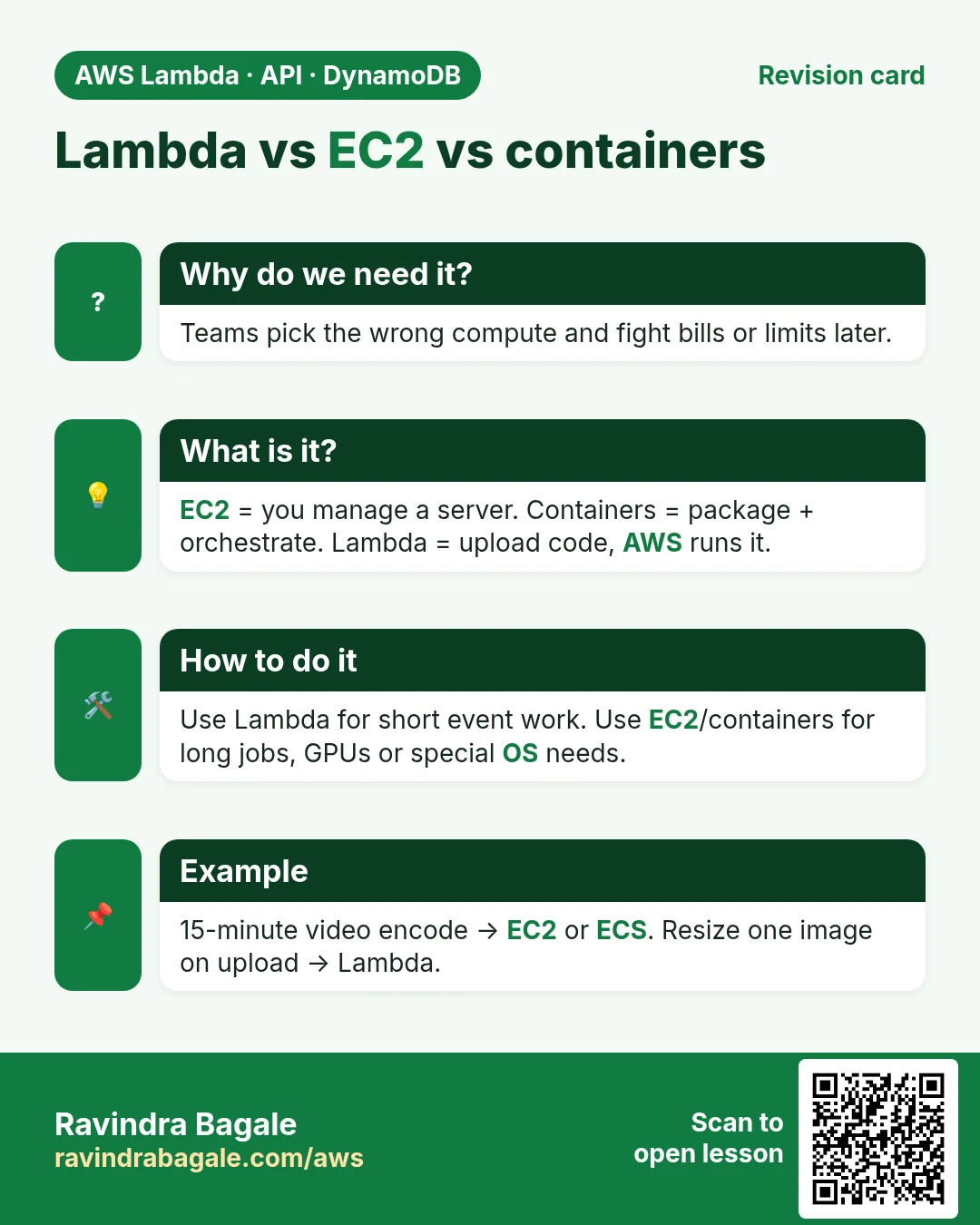
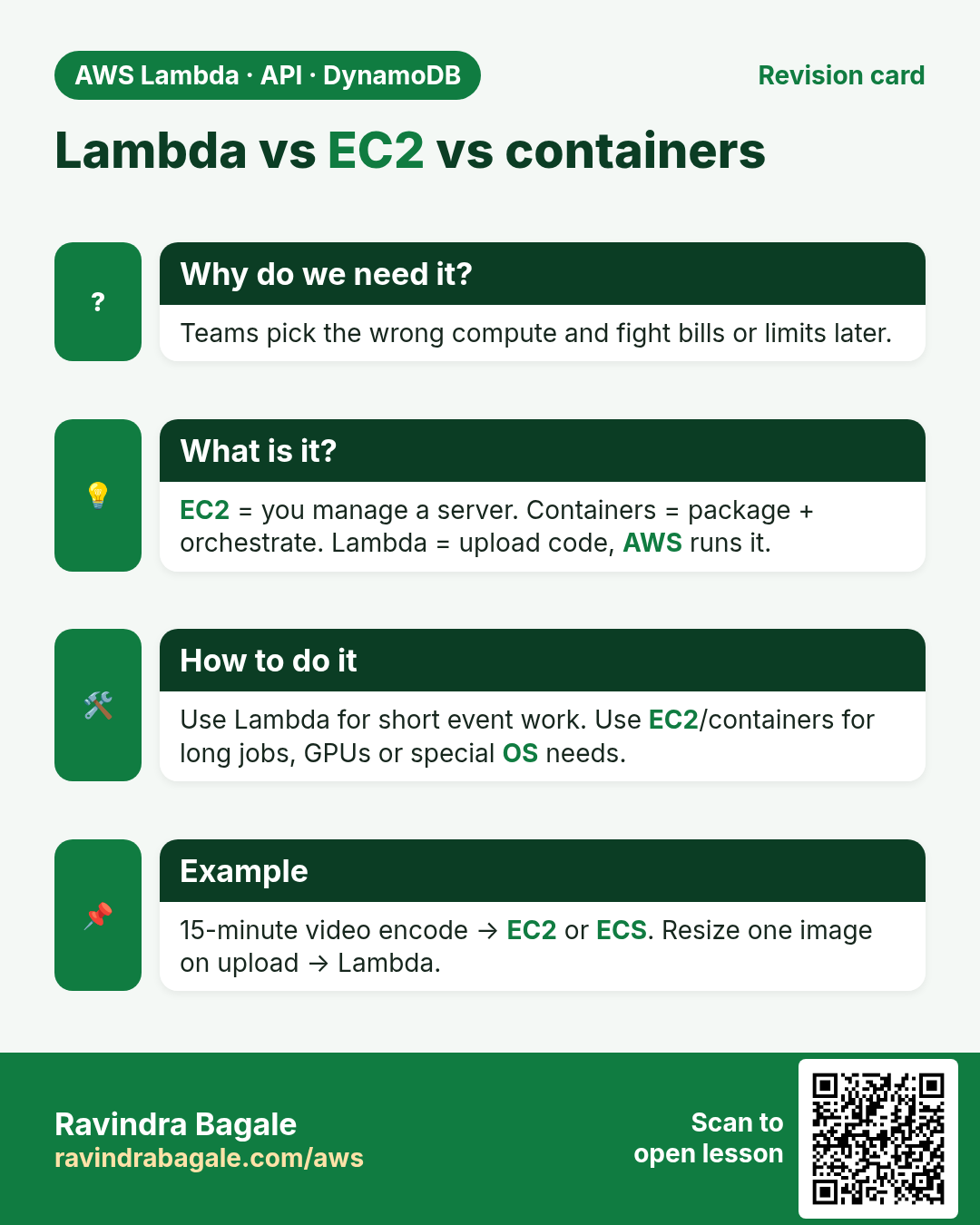
- Lambda vs EC2 vs containers — when to pick which
- Pricing, free tier and hard limits (15 min, memory, package)
- A tiny lab: run Hello from the Lambda console
1. A story: the bakery light that never sleeps
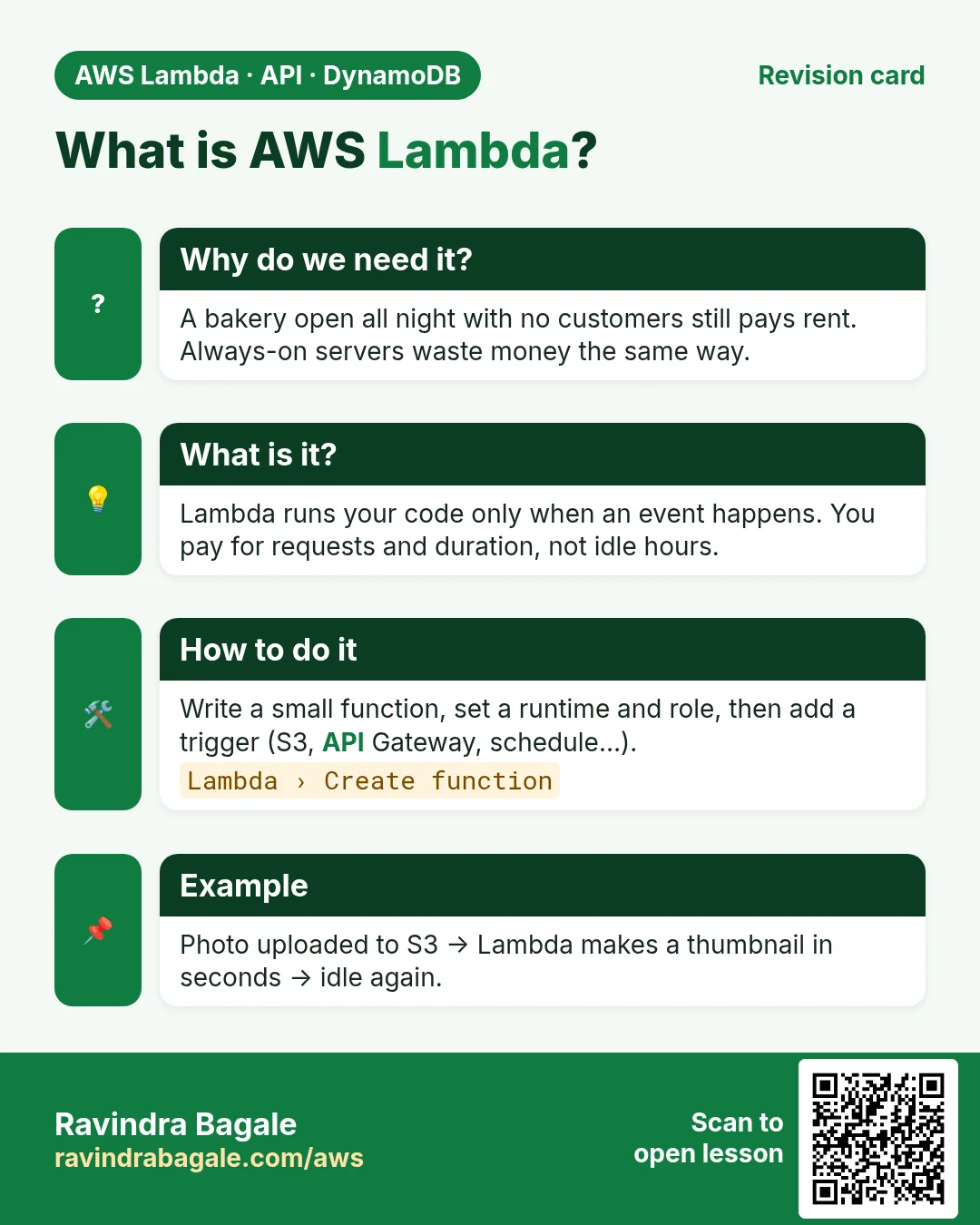
Ravi runs a small bakery site. Orders come mostly between 7 AM and 10 PM. At 3 AM almost nobody orders. Still, one EC2 instance runs all night. He pays for idle hours.
What he really needs is: when an order arrives, run a bit of code; when nothing arrives, pay almost nothing. That idea is serverless. AWS Lambda is the main serverless compute service on AWS.
2. What is serverless and what is Lambda?
Why do we need this?
Buying, patching and watching servers is work that does not make your app better. For short tasks that start from an event, you want AWS to own the servers.
What is it?
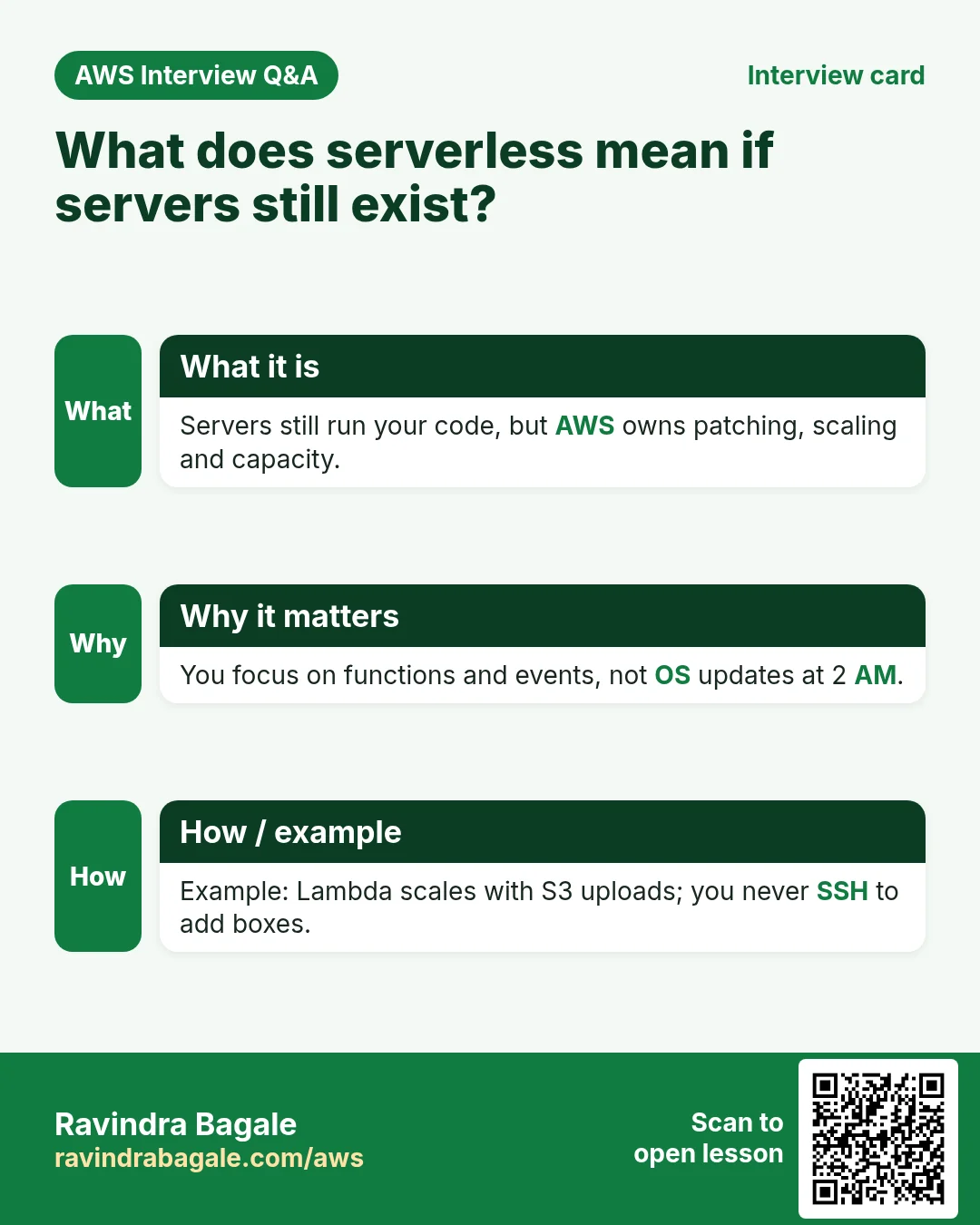
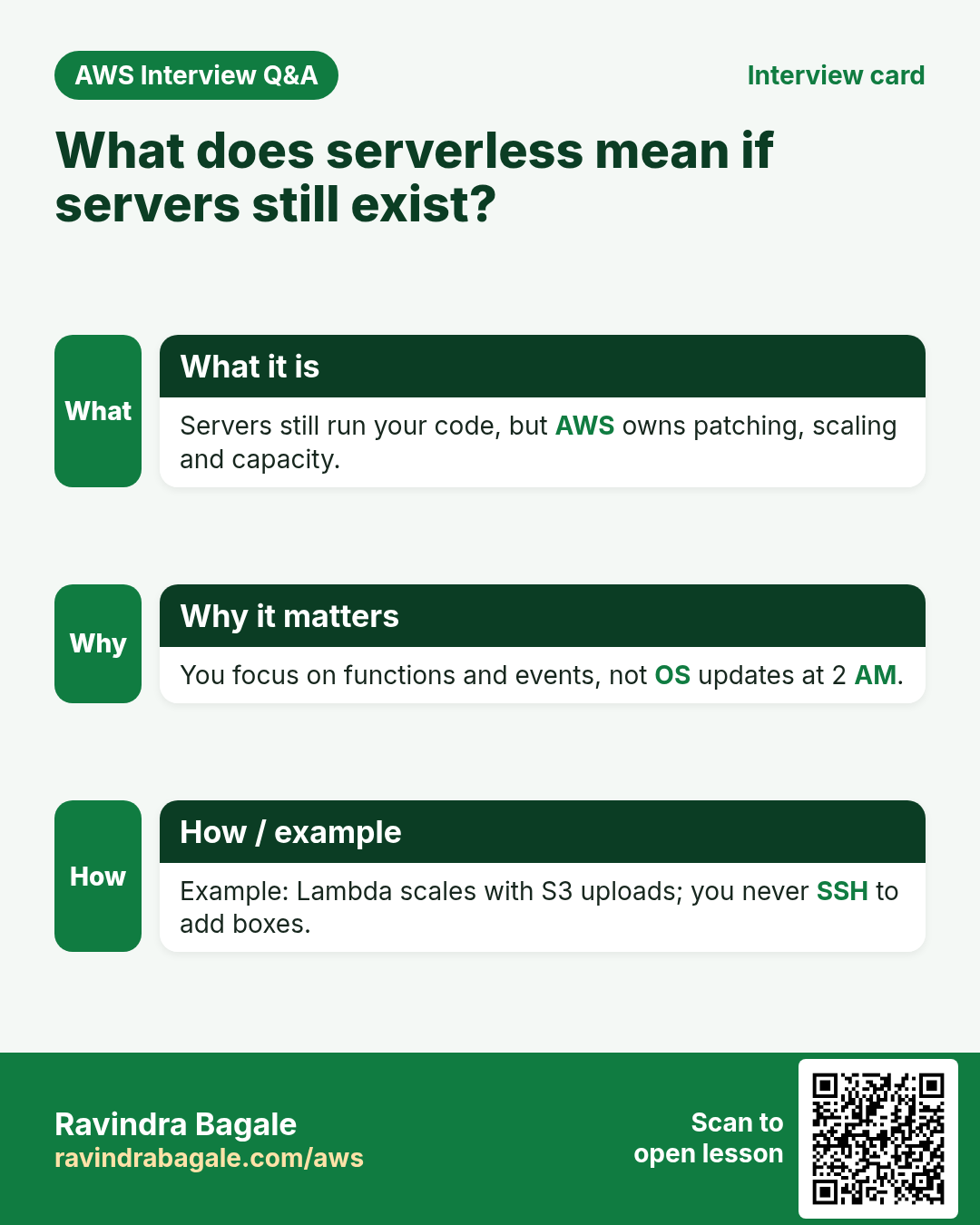
Serverless does not mean "no servers". It means you do not manage them. You give AWS your code; AWS finds a machine, runs the code, then free that machine.
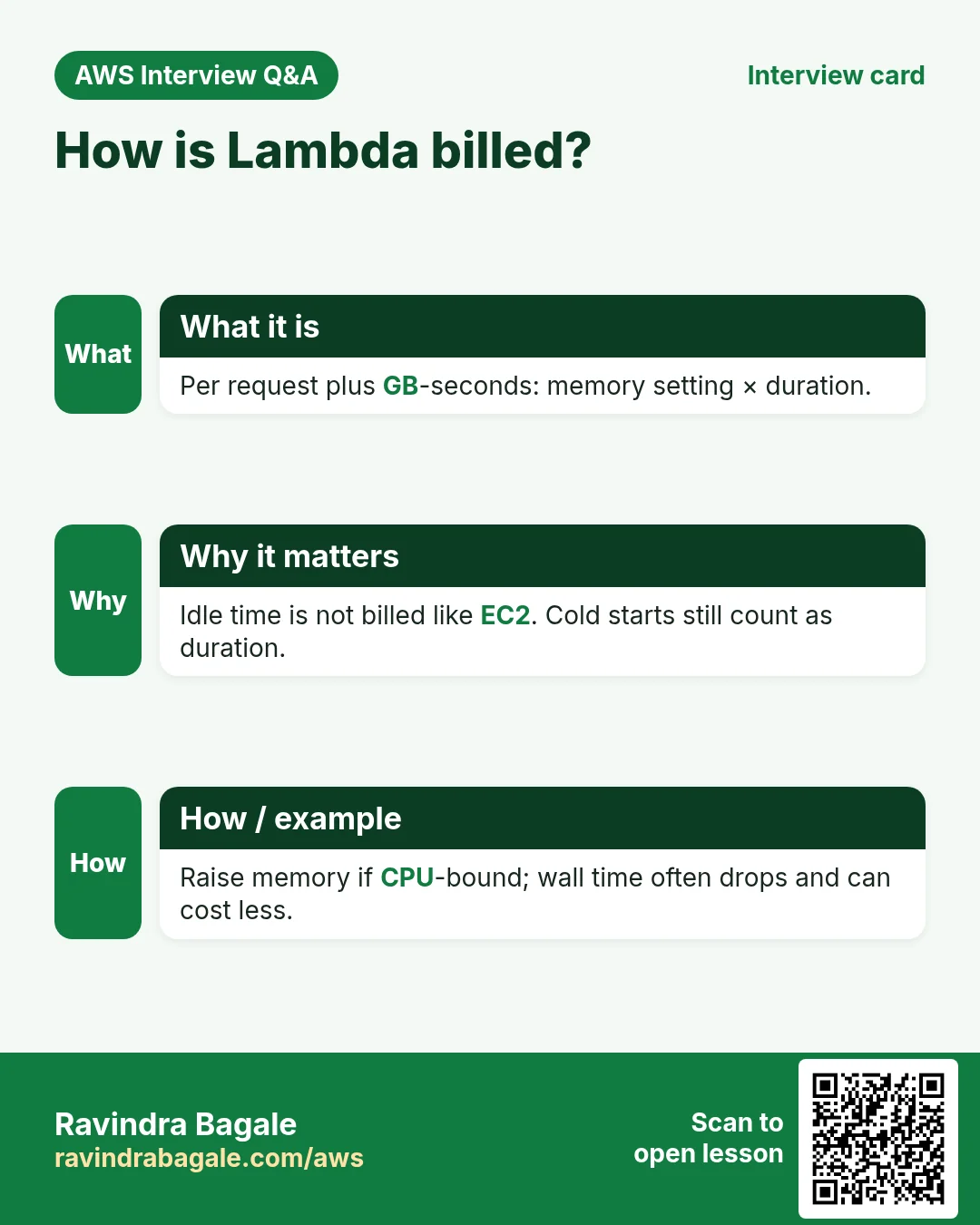
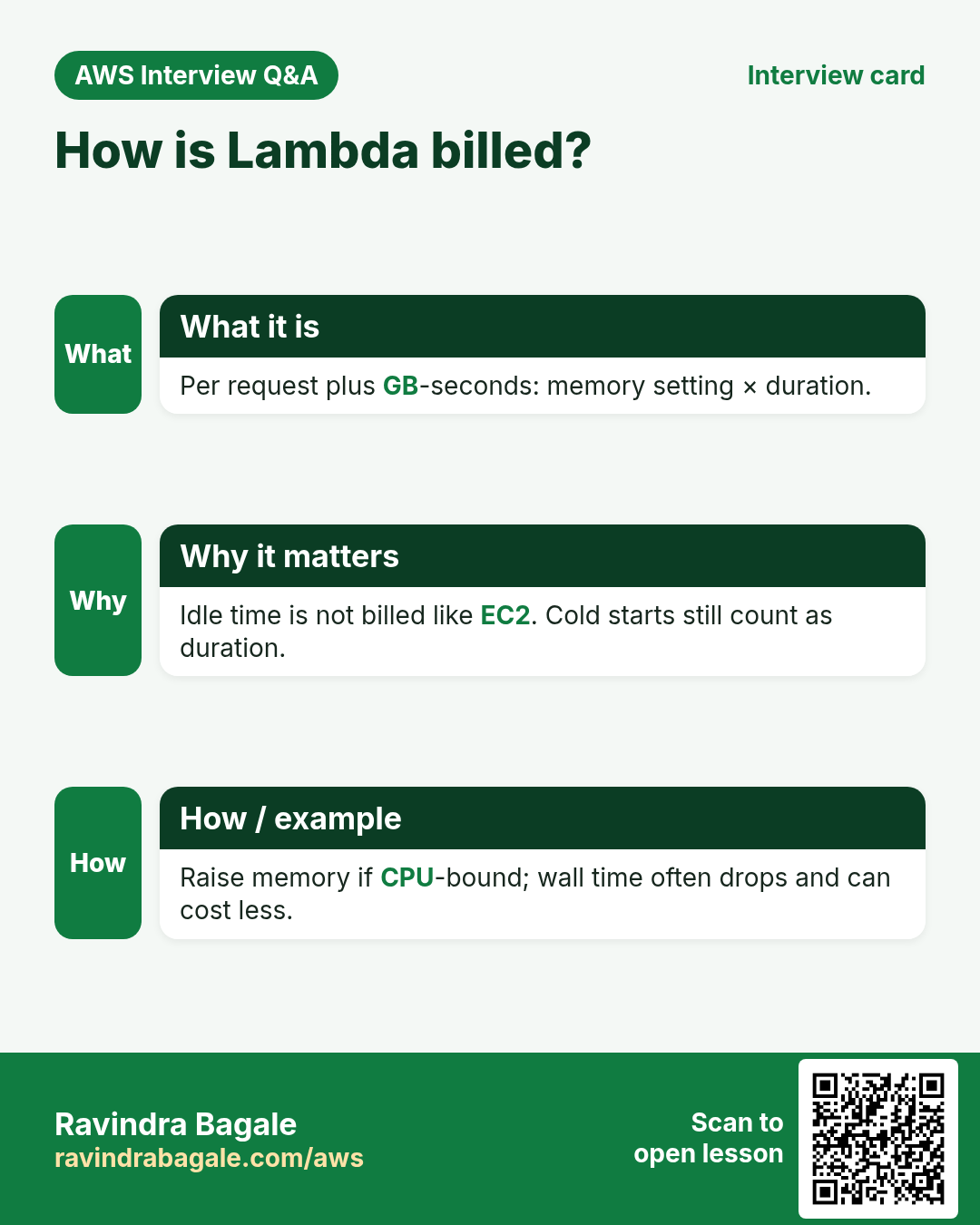
AWS Lambda is a service that runs your function when an event arrives. You pay for the number of requests and for how long the code runs (GB-seconds). No charge for idle time.
| Word | Meaning | Kitchen example |
|---|---|---|
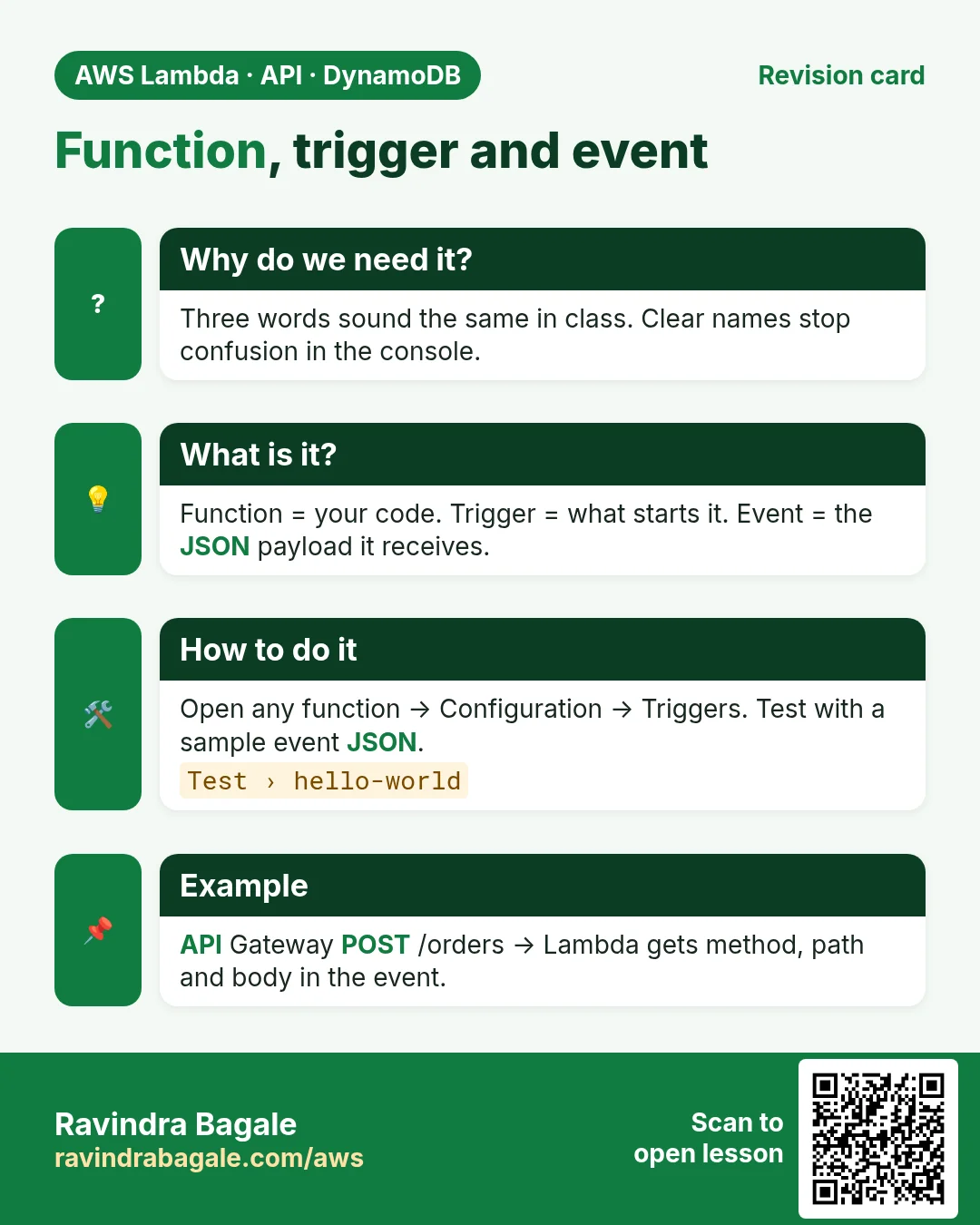
| Function | Your code plus settings (runtime, memory, timeout) | The recipe card |
| Trigger | The service that starts the function | The doorbell |
| Event | The JSON data the trigger sends | Who rang and what they want |
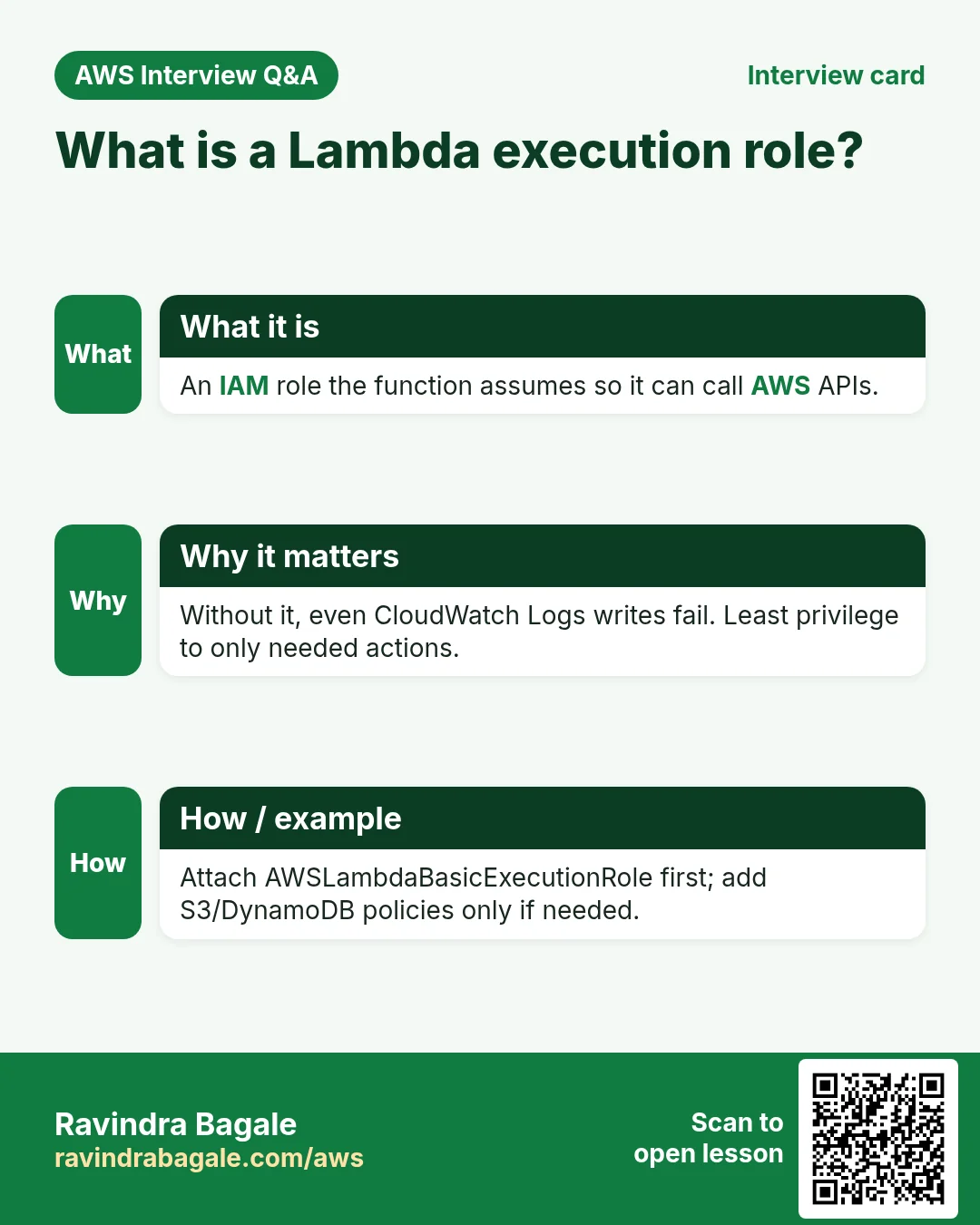
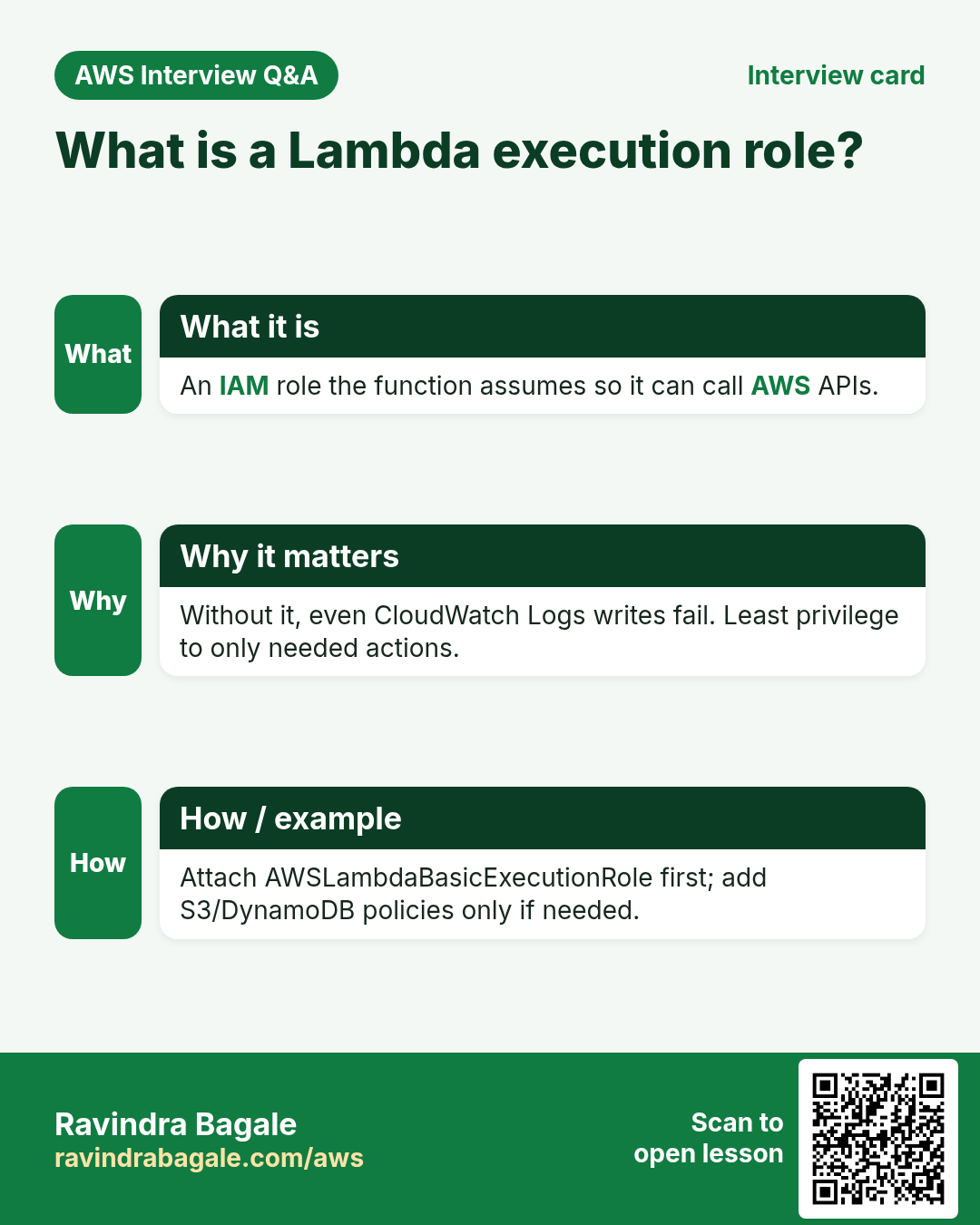
| Execution role | IAM role Lambda assumes to call AWS APIs | Kitchen keys on a hook |
| Invocation | One run of the function | One order cooked |
3. Lambda vs EC2 vs containers
Why do we need this?
Interviews and real designs ask this first. Pick wrong and you either waste money or hit Lambda limits.
What is it?
| Need | Prefer | Why |
|---|---|---|
| HTTP API with short requests, low/variable traffic | Lambda + API Gateway | No idle cost; scales to zero |
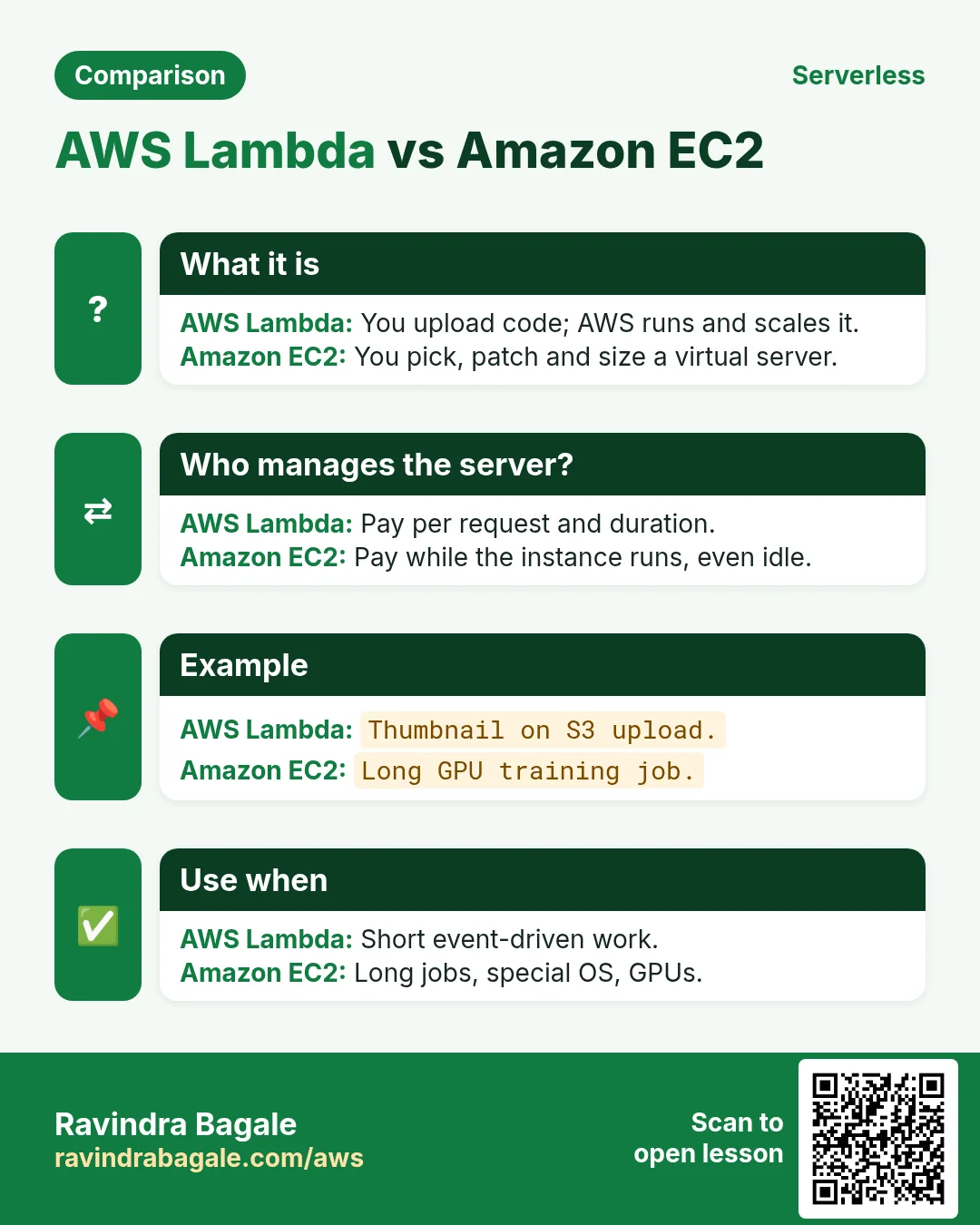
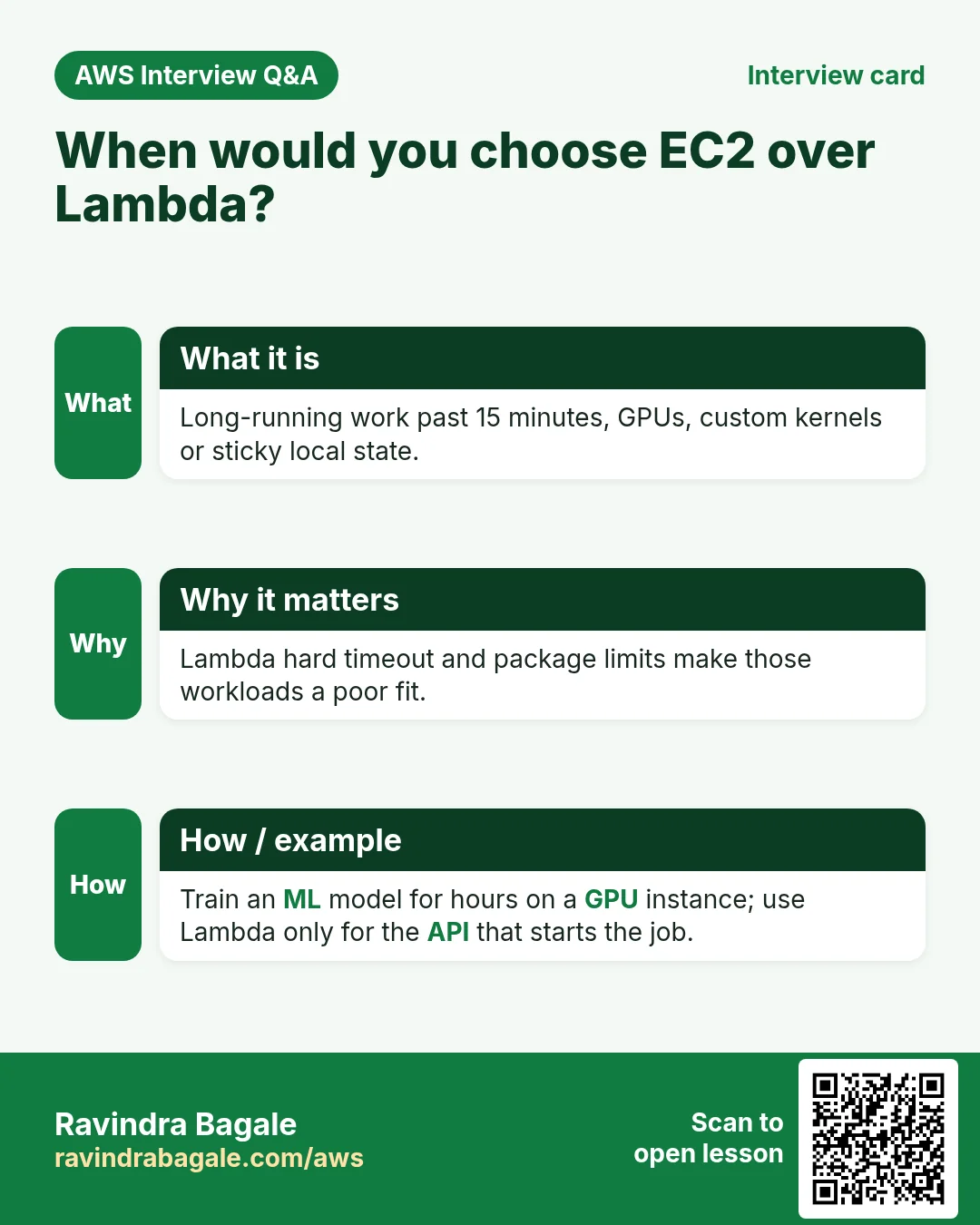
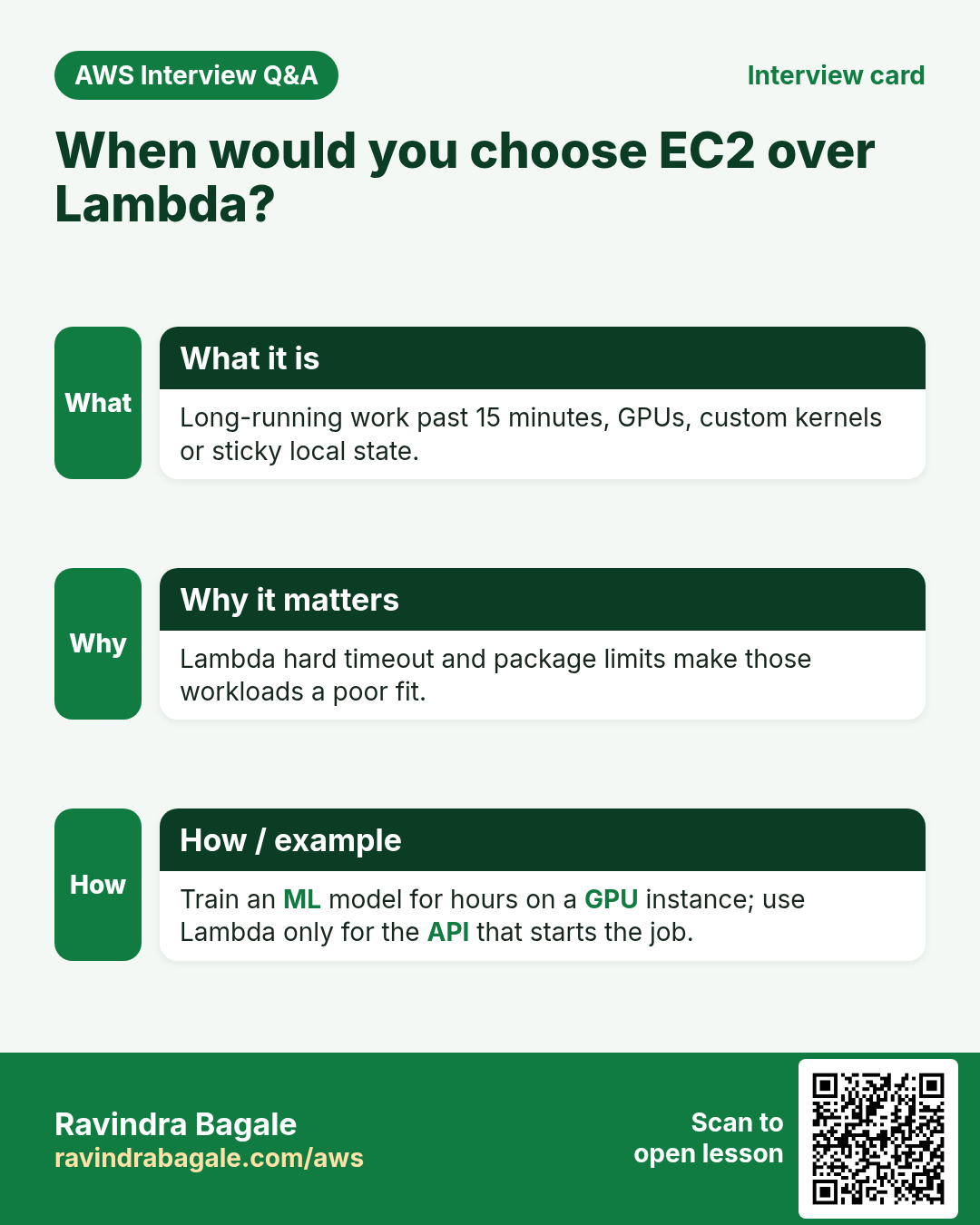
| Long jobs, custom kernel, GPU, always-on websocket | EC2 | Full control of the OS and process |
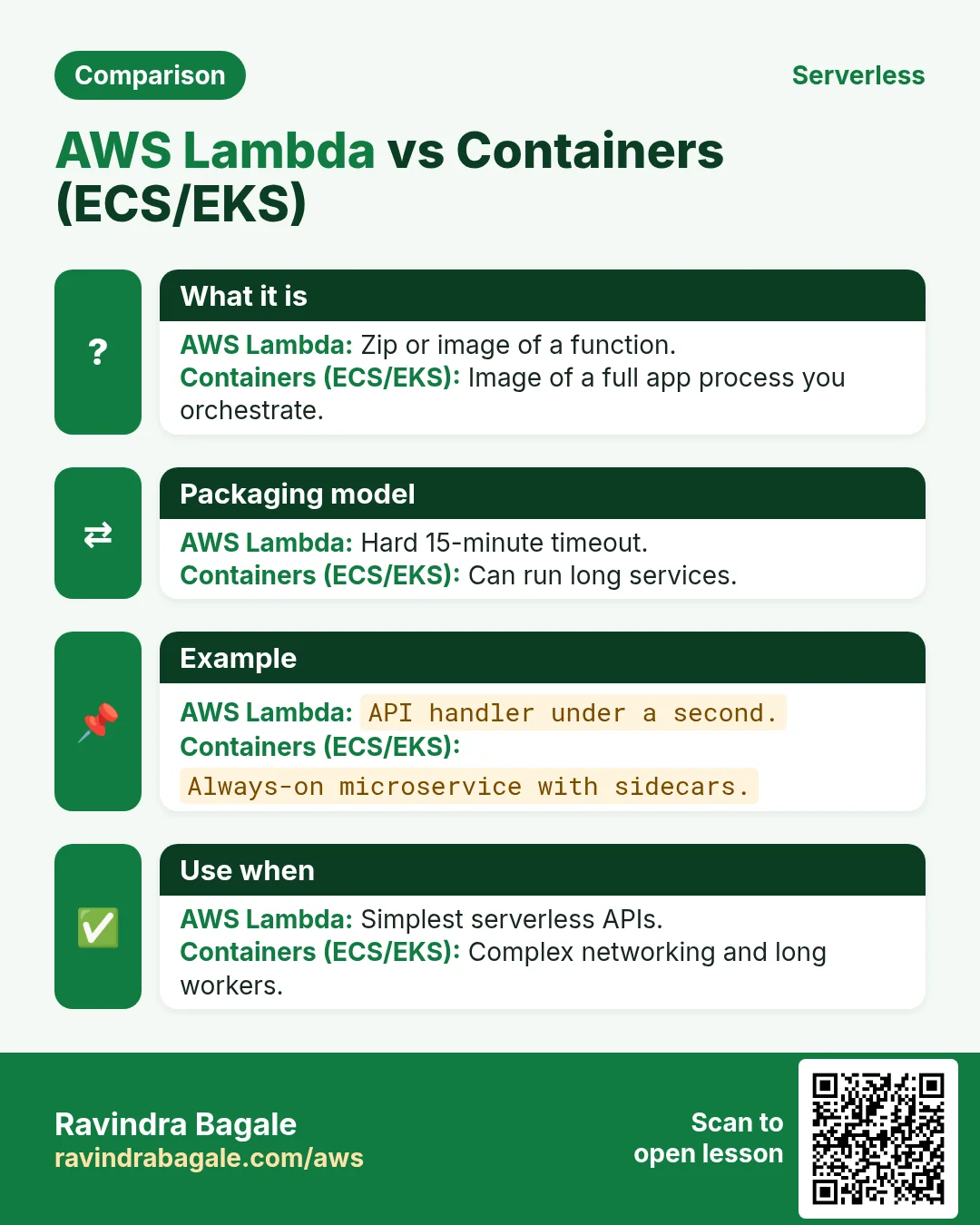
| Same app in many places, needs packing, runs minutes+ | ECS / EKS / App Runner | Containers travel; longer runtimes |
| Cron that starts/stops EC2 or cleans S3 | Lambda + EventBridge | Seconds of work; no server to keep |
| Image resize on every S3 upload | Lambda | Event-driven; pay per image |
Ravindra Bagale's Tip
Lambda is a great glue and a great home for small APIs. It is a bad home for a 2-hour video encode or a sticky in-memory game server.
4. Pricing, free tier and hard limits
Why do we need this?
Limits decide if your idea fits. Pricing decides if it stays cheap as you grow.
What is it?
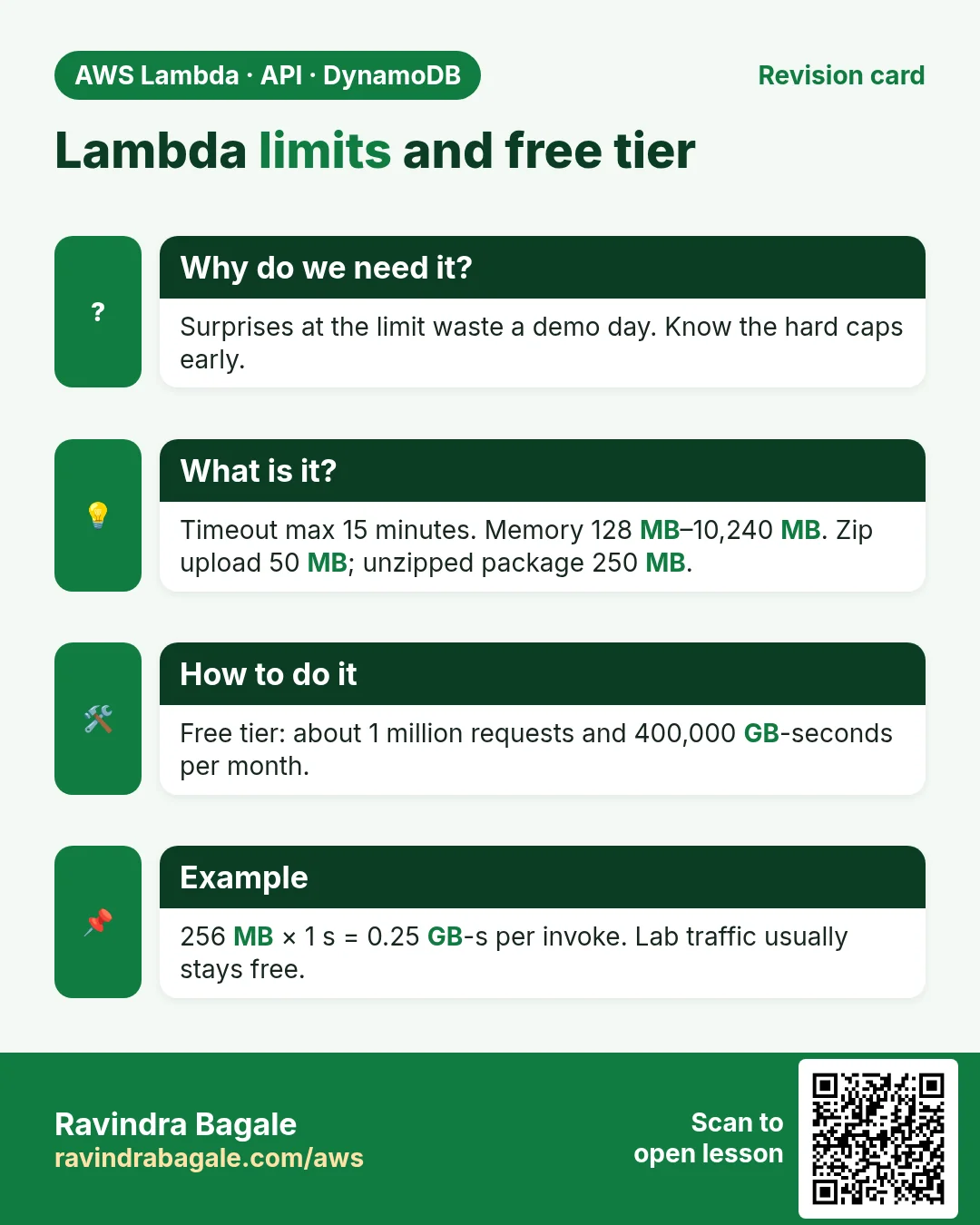
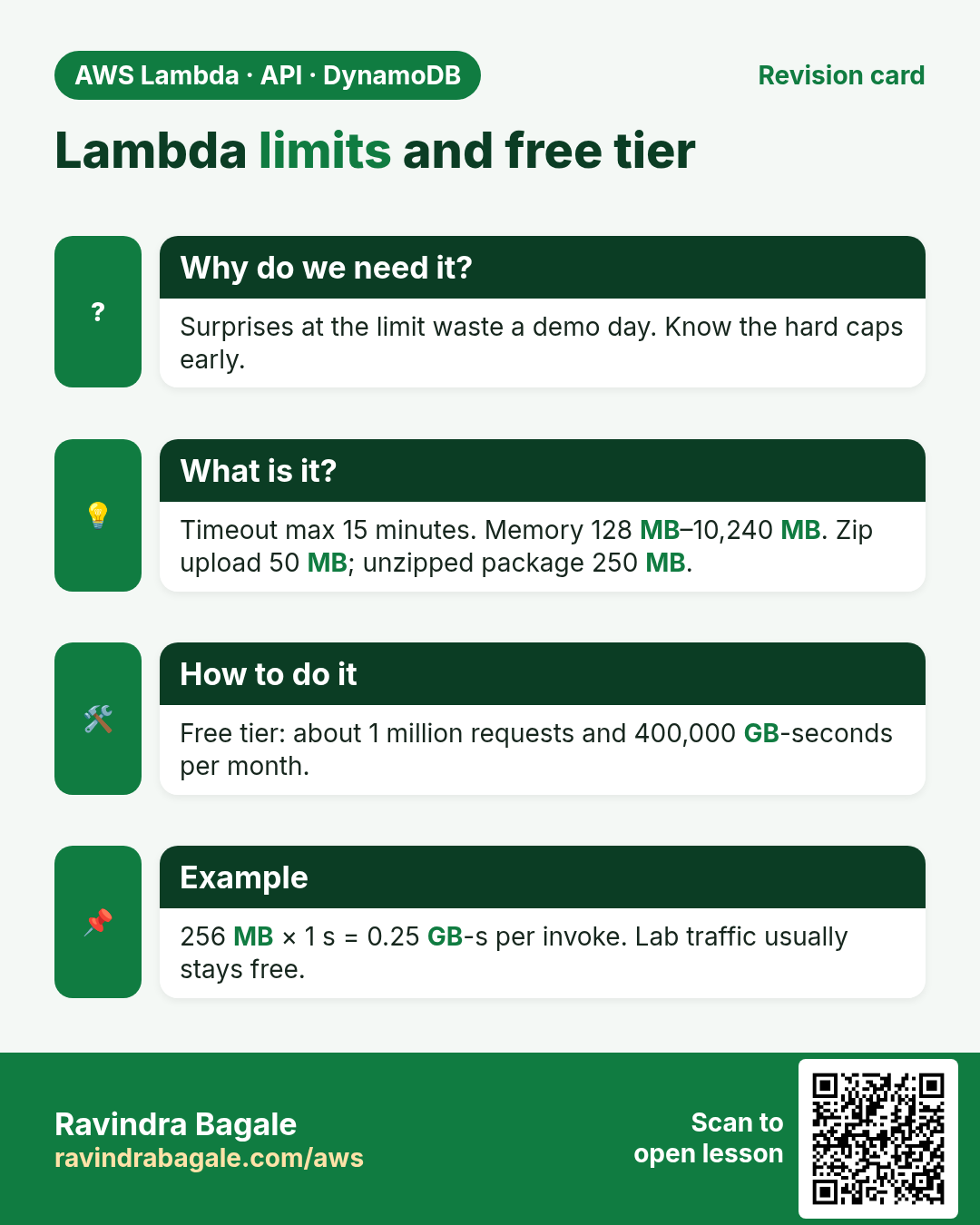
- Always-free tier (per month, every account): 1 million requests and 400,000 GB-seconds of compute.
- You pay for requests beyond the free tier and for duration × memory (GB-seconds). More memory also gives more CPU.
- Hard timeout: 900 seconds (15 minutes) per invocation for normal functions.
- Memory: 128 MB to 10,240 MB (1 MB steps). At about 1,769 MB you get roughly one full vCPU.
- Deployment package: 50 MB zipped via console/API upload; 250 MB unzipped including layers. Larger zips go through S3. Container images up to 10 GB.
- Sync payload ~6 MB request/response; async ~1 MB. Environment variables total 4 KB. Up to 5 layers.
Example: a 512 MB function that runs 200 ms, one million times. Duration = 0.2 × 0.5 × 1,000,000 = 100,000 GB-seconds — well inside the free 400,000. Many student projects stay free.
5. Worked examples across stacks
- Python Flask on EC2 → move the /resize route to a Lambda behind API Gateway; keep the admin UI on EC2.
- Node.js Express image API → one Lambda per route or one Lambda with a router (AWS Lambda Web Adapter / Mangum-style).
- Java Spring Boot batch job nightly → EventBridge cron triggers a Lambda that starts an ECS task for the heavy part.
- .NET 8 minimal API → Lambda with the Amazon.Lambda.AspNetCoreServer package.
- Go worker that drains SQS → Lambda with an SQS event source mapping; no polling loop to write.
- PHP Laravel queued jobs → often stay on EC2/ECS; use Lambda for S3 event hooks and webhooks.
6. Lab: Hello from the Lambda console
How to do it (step by step)
Region: ap-south-1 (Mumbai). You need an AWS account. No laptop tools required.
- Open AWS Console → search Lambda → Functions → Create function.
- Choose Author from scratch. Function name:
hello-lambda-lab. - Runtime: Python 3.12 (or the newest Python 3.x shown). Architecture: x86_64.
- Permissions: leave Create a new role with basic Lambda permissions. Why: Lambda needs a role to write logs to CloudWatch.
- Click Create function. Wait until the code editor loads.
- Replace the handler body with:
def lambda_handler(event, context):
    name = (event or {}).get("name", "world")
return {"statusCode": 200, "body": f"hello, {name}"}- Click Deploy. Why: edits are not live until you deploy.
- Tab Test → Create new event → name
hello-event→ event JSON:
{"name": "Ravi"}- Save → Test. Expected: statusCode 200 and body
hello, Ravi, plus a green success box with duration and billed duration. - Open Monitor → View CloudWatch logs. Open the newest log stream. You should see START, your print/return, END, REPORT.
- Configuration → General configuration → Edit. Set Timeout to 10 seconds and Memory to 256 MB. Save. Why: the default 3 s is tight for real work; 128 MB is often slow for imports.
Cleanup
- Lambda → Functions → select
hello-lambda-lab→ Actions → Delete. Confirm. - IAM → Roles → delete the role named like
hello-lambda-lab-role-...if it is unused.
7. Interview questions
Q. What is AWS Lambda?
A serverless compute service. You upload a function; AWS runs it when an event arrives and charges per request and duration.
Q. Function vs trigger vs event?
Function = your code. Trigger = what starts it (S3, API Gateway, EventBridge…). Event = the JSON payload for that run.
Q. Max timeout?
15 minutes (900 seconds) for a normal Lambda invocation.
Q. Lambda vs EC2 in one line?
Lambda: no servers to manage, scales to zero, short tasks. EC2: you manage the OS, long-running and special hardware.
Q. What is the free tier?
1 million requests and 400,000 GB-seconds per month.
Q. Why does Lambda need an execution role?
The function assumes that IAM role to call AWS APIs such as writing CloudWatch Logs or reading S3. Without it, even logging fails.
Try at home
- Create the Hello function again in Node.js 20.x with the same test event.
- Change memory from 128 to 1024 MB and compare billed duration for the same event.
In short
- Serverless = you do not manage servers; AWS does.
- Lambda runs your function only when an event arrives.
- Pay for requests + GB-seconds; free tier covers many labs.
- Hard limits: 15 min, 10 GB memory, 50 MB zip (250 MB unzipped).
- Use Lambda for short event-driven work; EC2/containers for long or special needs.
Practice Tasks
Paris Fashion Hub is a fashion business in Paris. Camille Laurent looks after its IT and cloud work. They count money in EUR and run their AWS resources in the eu-west-3 Region. In the tasks below you do real jobs for them using what this lesson teaches. All names, account IDs, IP addresses and numbers are made up for practice.
0 / 12
Easy List functions
Why: See which functions exist in this Region.
What to do: List the Lambda functions in eu-west-3.
- Read the task and decide which AWS service it is about.
- Write aws, then the service name, then the operation (the action word).
- Add each needed flag (--name) followed by its value from the task.
- Flags can be in any order. Click Check answer.
Medium Invoke a function
Why: Invoke runs the function now and saves its answer in a file.
What to do: Invoke parisfashion-orders-fn and save the response to out.json.
- Read the task and decide which AWS service it is about.
- Write aws, then the service name, then the operation (the action word).
- Add each needed flag (--name) followed by its value from the task.
- Flags can be in any order. Click Check answer.
Medium Trust policy for a Lambda role
Why: The trust policy says WHO may take the role.
What to do: Write a trust policy that lets lambda.amazonaws.com assume the role.
- Start with { "Version": "2012-10-17", "Statement": [ ... ] }.
- In each statement write Effect, Action and Resource.
- Give only what the task needs (least privilege).
- Use double quotes and commas correctly. Click Check answer.
Medium Change timeout and memory
Why: More memory also gives more CPU; timeout stops runaway runs.
What to do: Set parisfashion-orders-fn to timeout 30 seconds and memory 512 MB.
- Read the task and decide which AWS service it is about.
- Write aws, then the service name, then the operation (the action word).
- Add each needed flag (--name) followed by its value from the task.
- Flags can be in any order. Click Check answer.
Medium Let a function write logs
Why: Without these actions, Lambda logs never appear in CloudWatch.
What to do: Allow logs:CreateLogGroup, logs:CreateLogStream, logs:PutLogEvents on arn:aws:logs:*:*:* only.
- Start with { "Version": "2012-10-17", "Statement": [ ... ] }.
- In each statement write Effect, Action and Resource.
- Give only what the task needs (least privilege).
- Use double quotes and commas correctly. Click Check answer.
Medium Follow logs live
Why: aws logs tail --follow is like tail -f for CloudWatch Logs.
What to do: Follow the log group /aws/lambda/parisfashion-orders-fn live.
- Read the task and decide which AWS service it is about.
- Write aws, then the service name, then the operation (the action word).
- Add each needed flag (--name) followed by its value from the task.
- Flags can be in any order. Click Check answer.
Hard Create a Lambda function
Why: Lambda needs the code zip, a runtime, a handler name and an execution role.
What to do: Create function parisfashion-orders-fn: runtime python3.12, handler app.handler, role arn:aws:iam::121178088922:role/lambda-basic, code in function.zip.
- Read the task and decide which AWS service it is about.
- Write aws, then the service name, then the operation (the action word).
- Add each needed flag (--name) followed by its value from the task.
- Flags can be in any order. Click Check answer.
Hard Set environment variables
Why: Keep settings like table names out of the code.
What to do: Set the environment variable TABLE=parisfashion-orders on parisfashion-orders-fn.
- Read the task and decide which AWS service it is about.
- Write aws, then the service name, then the operation (the action word).
- Add each needed flag (--name) followed by its value from the task.
- Flags can be in any order. Click Check answer.
Hard Invoke with a JSON payload
Why: In CLI v2, raw JSON needs --cli-binary-format raw-in-base64-out.
What to do: Invoke parisfashion-orders-fn with payload {"orderId":"o-101"} (raw JSON) and save the reply in out.json.
- Read the task and decide which AWS service it is about.
- Write aws, then the service name, then the operation (the action word).
- Add each needed flag (--name) followed by its value from the task.
- Flags can be in any order. Click Check answer.
Hard Lambda GB-seconds
Why: Lambda bills memory × time.
What to do: 1,000,000 invocations, 512 MB memory, 200 ms each. How many GB-seconds?
- Write down the numbers the task gives you.
- Work it out step by step on paper.
- Type only the final answer in the box.
- Click Check answer.
Hard Connect an SQS queue to Lambda
Why: An event source mapping makes Lambda poll the queue and process messages in batches.
What to do: Create an event source mapping from queue arn:aws:sqs:eu-west-3:121178088922:parisfashion-orders to parisfashion-orders-fn with batch size 10.
- Read the task and decide which AWS service it is about.
- Write aws, then the service name, then the operation (the action word).
- Add each needed flag (--name) followed by its value from the task.
- Flags can be in any order. Click Check answer.
Hard Let S3 call your function
Why: A resource-based permission is needed before S3 can invoke the function.
What to do: Add permission statement s3invoke to parisfashion-orders-fn so s3.amazonaws.com can call lambda:InvokeFunction from bucket arn:aws:s3:::parisfashion-uploads.
- Read the task and decide which AWS service it is about.
- Write aws, then the service name, then the operation (the action word).
- Add each needed flag (--name) followed by its value from the task.
- Flags can be in any order. Click Check answer.
Revision, comparison and interview cards
Revise this lesson in a few minutes. Save the cards on your phone or download them as PNG files. The QR code on each card opens this lesson.
More cards: Ravi Sir's Cards.