Shell Scripting Complete 3: Script Input with Arguments, $@, shift, read and getopts
A script becomes useful when it can take input: a file name, a server, a number of days. This chapter shows the three ways a script gets input: from the user with read, from the command line with $1, $2, $@ and shift, and as options like -v or -d DIR with getopts. You will also learn to print a usage message, check input, read passwords safely and read from a pipe or a here-document.
What you'll learn in this chapter
- Ask the user with read -p, -s and -t
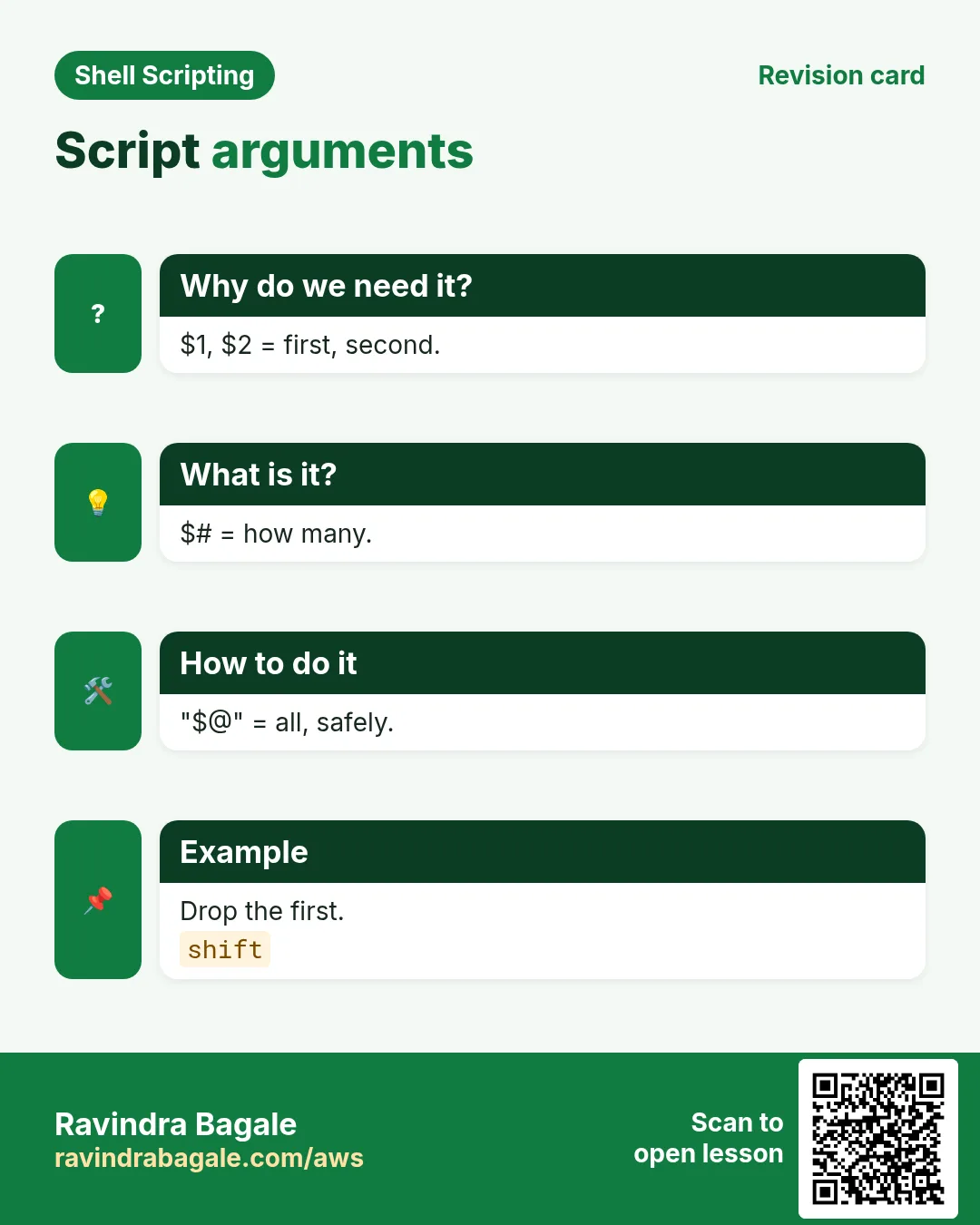
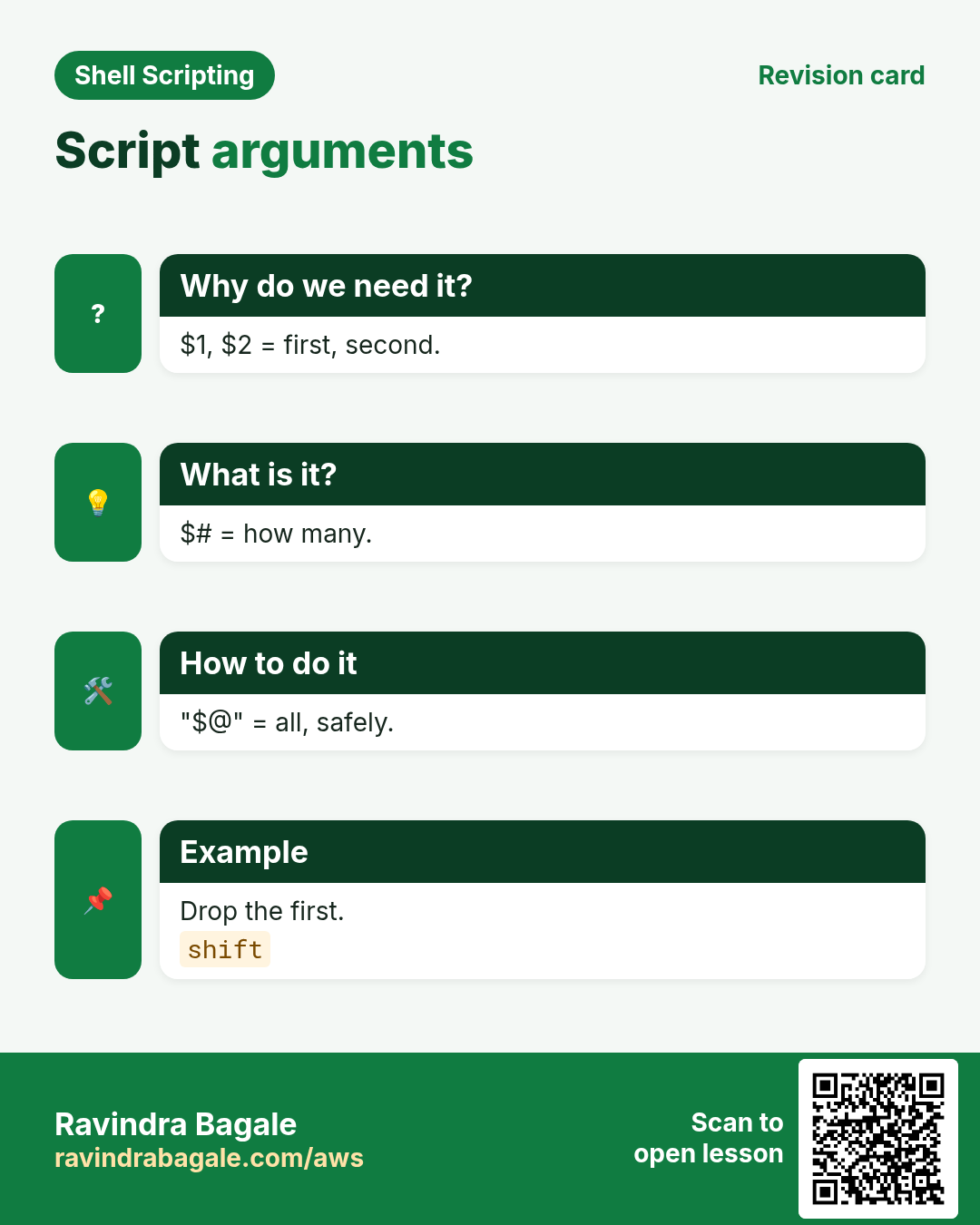
- Use $1, $#, $@ and shift
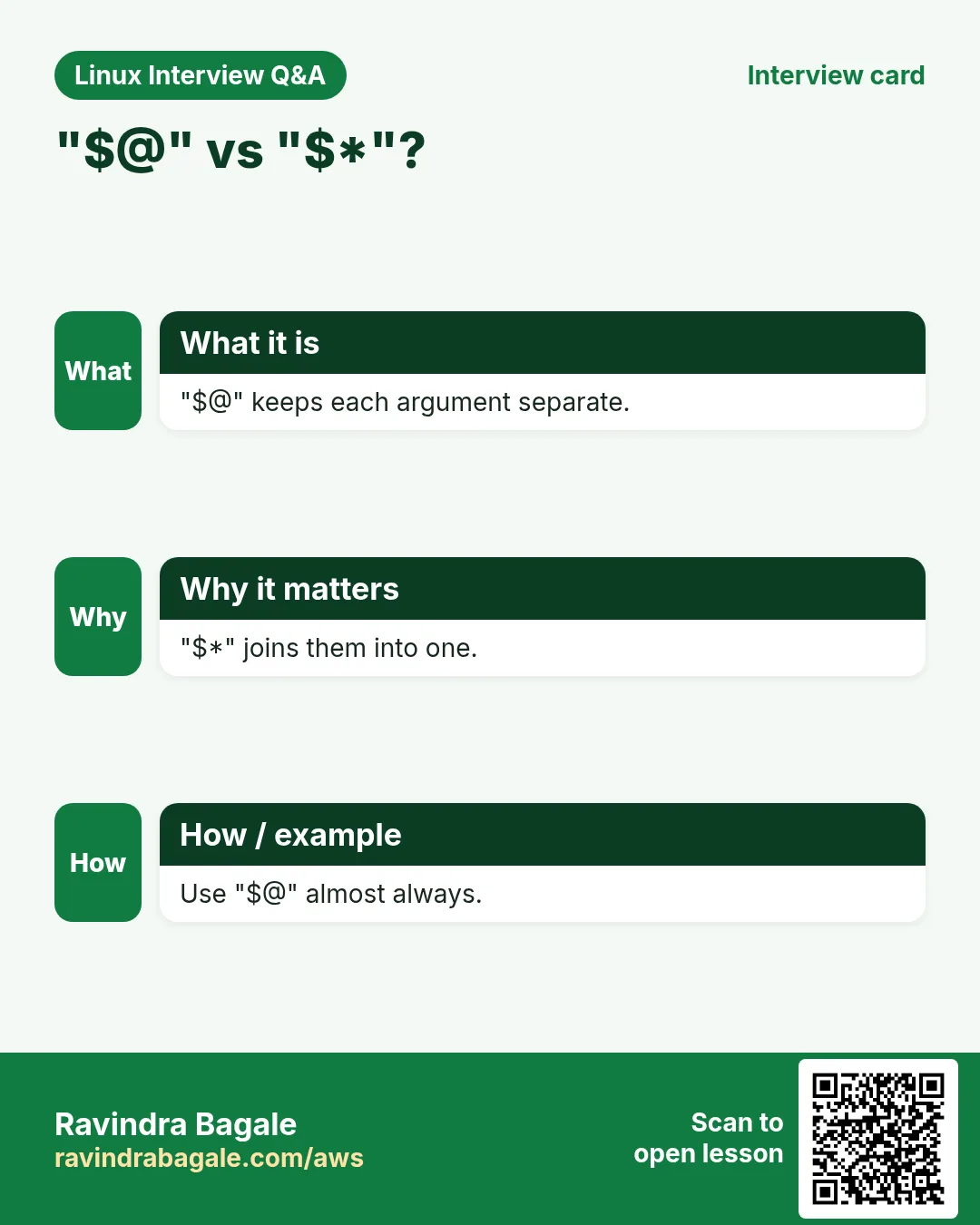
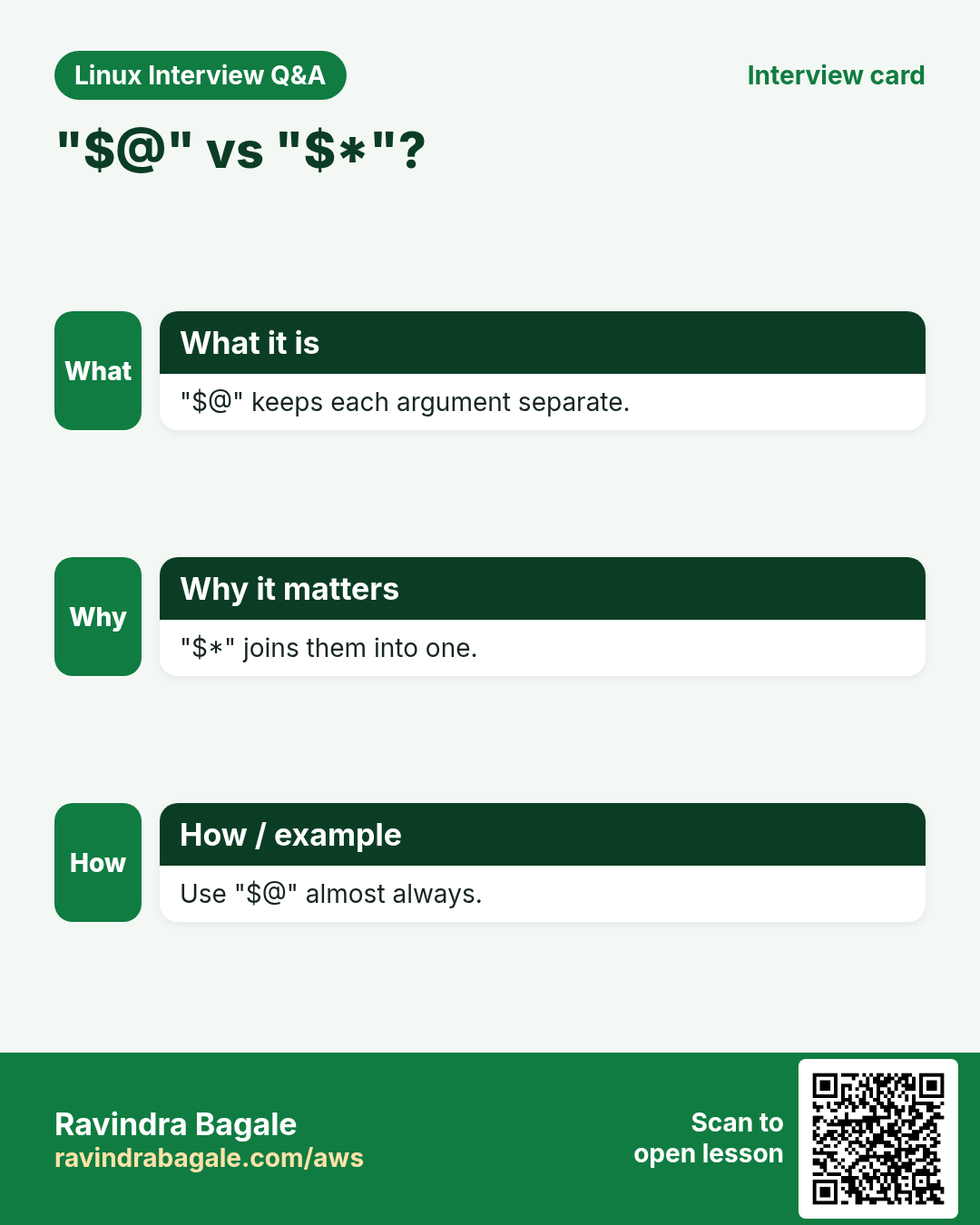
- Know "$@" vs "$*"
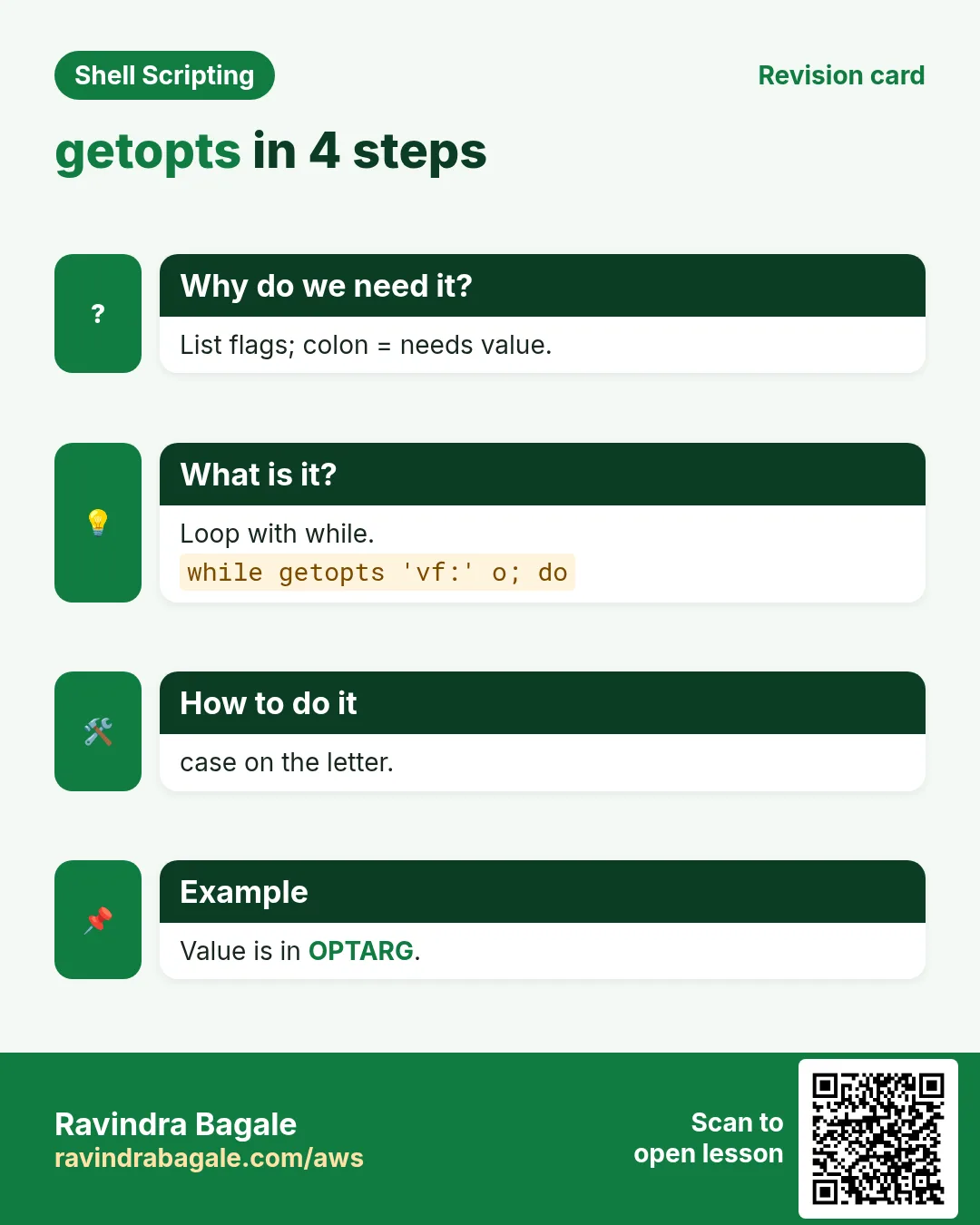
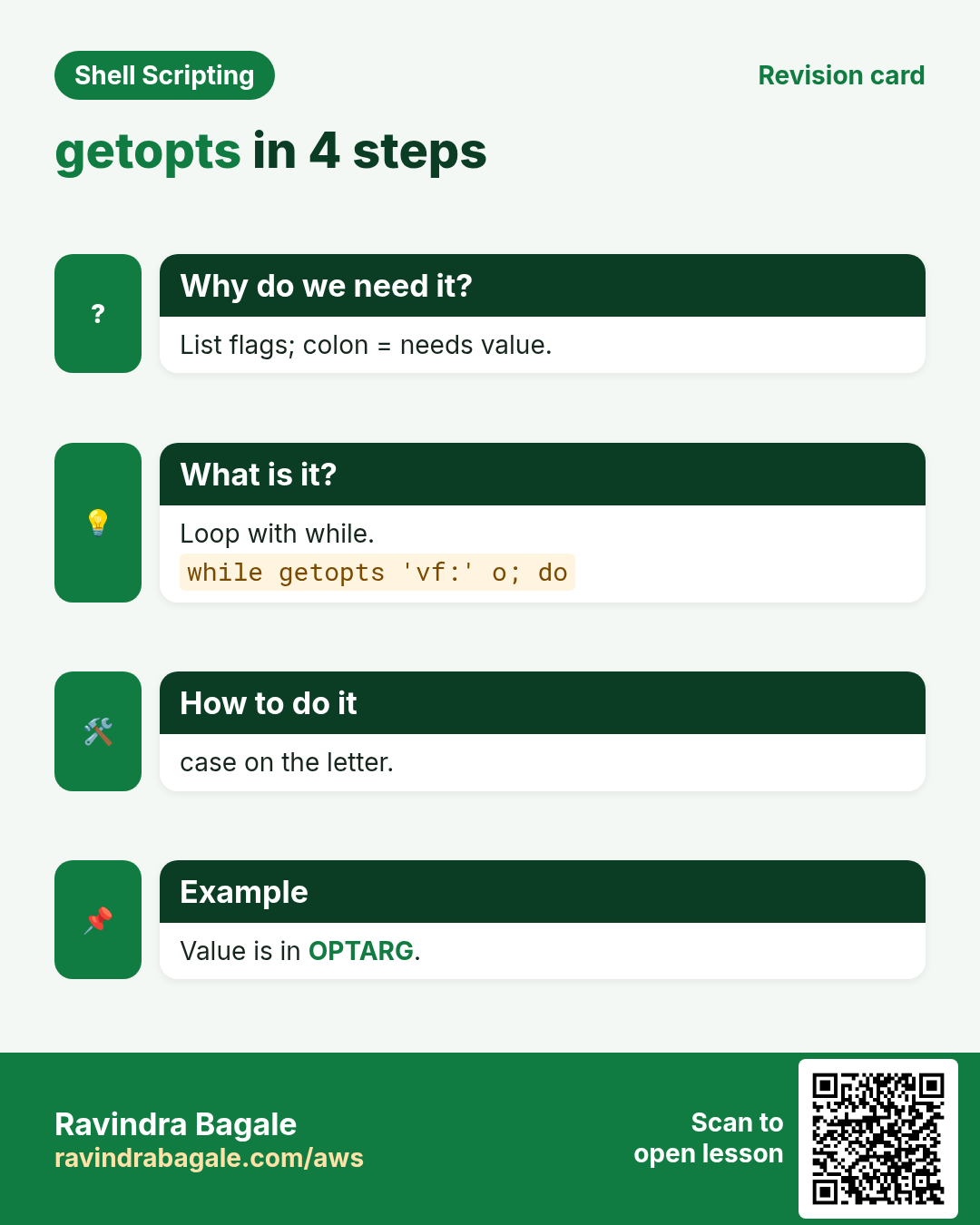
- Parse options with getopts
- Print usage and validate input
- Read from stdin, pipes and here-docs
1. An everyday example: ordering at a chai stall
Why do we need this?
At a chai stall you can order in three ways. You can wait for the owner to ask 'kiti?' and answer (read). You can say everything at once, 'two cutting, one without sugar' (arguments). Or you can use the menu codes, 'C2 -S' (options). A good stall understands all three and tells you the menu if you say something wrong.
What is it?
Owner asks = read. Saying it all at once = $1 $2. Count of items = $#. Menu codes = getopts options. Showing the menu = usage message. Wrong order = exit 2.
How to do it (step by step)
2. read: ask the user
Why do we need this?
Some scripts need a value only a person can give, like a ticket number or a yes/no.
What is it?
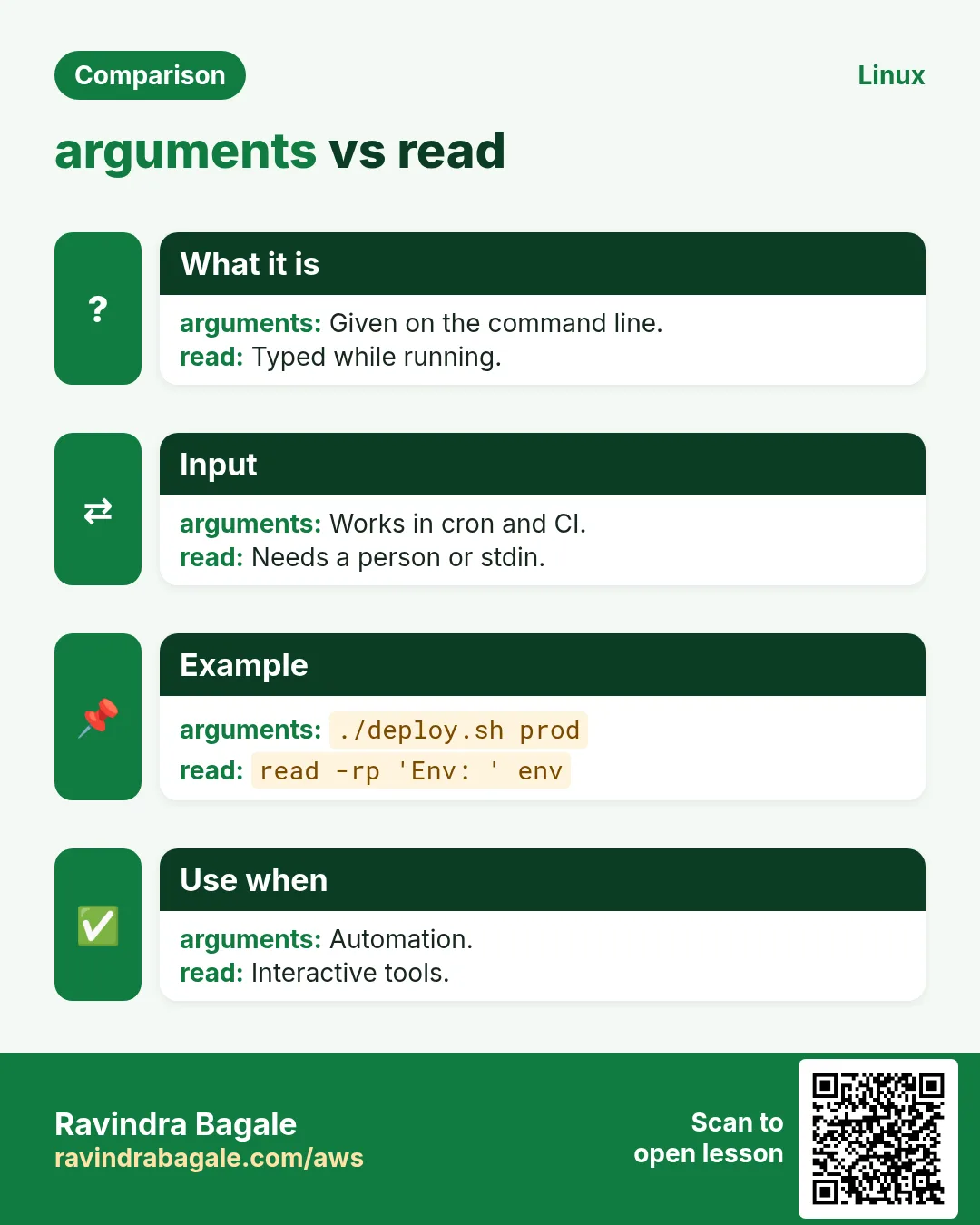
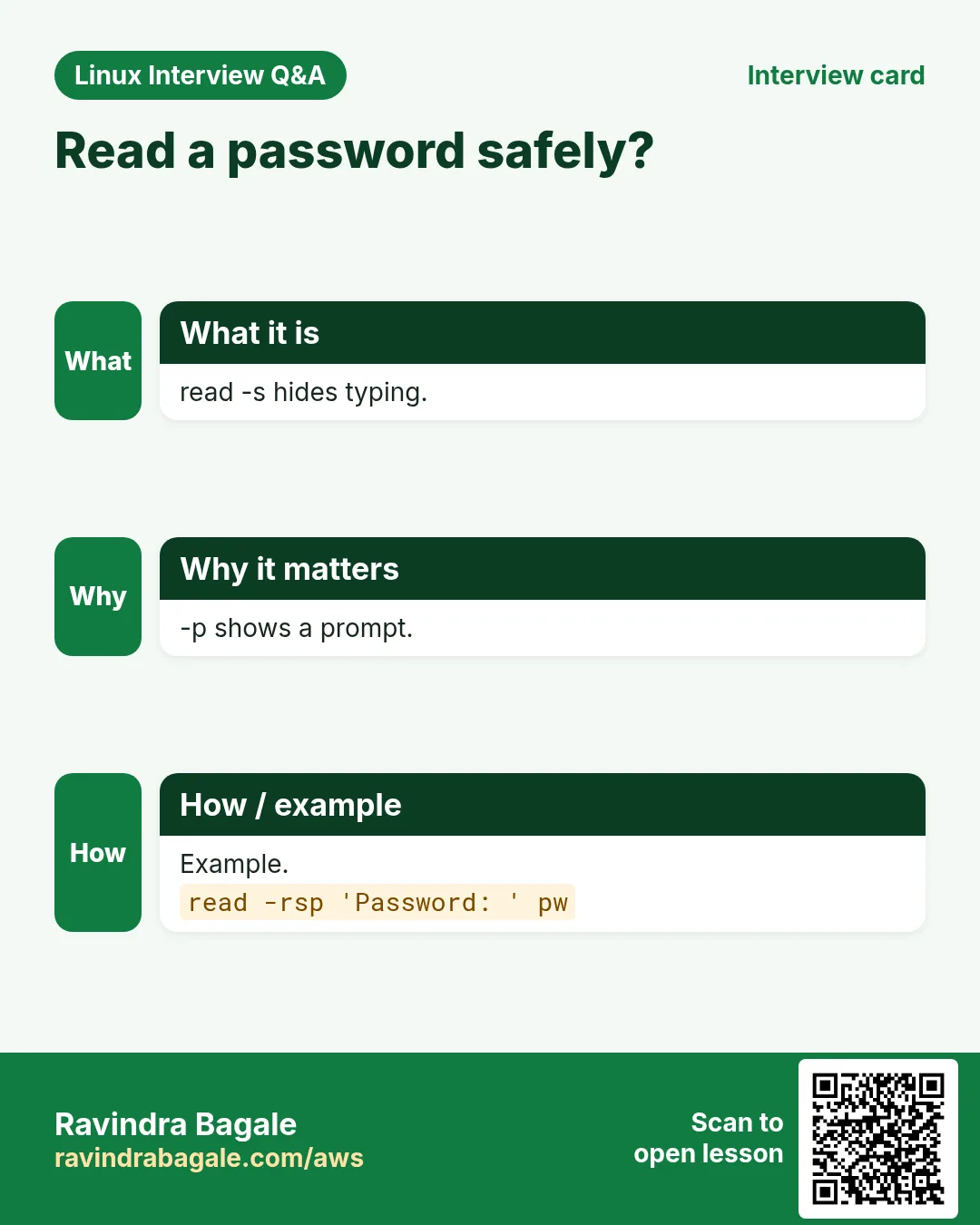
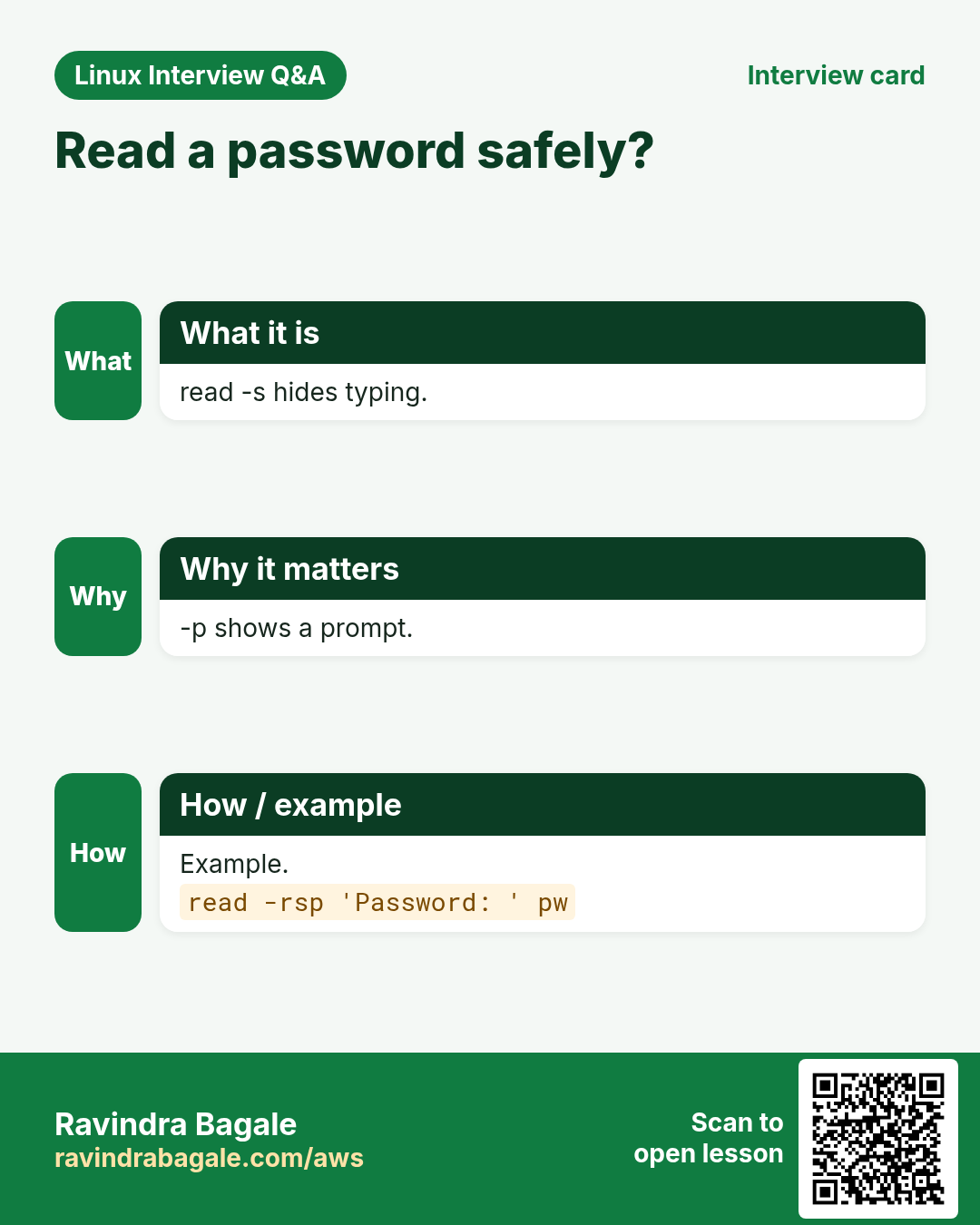
read name waits for a line and stores it in name. -p 'text' shows a prompt. -r keeps backslashes as typed (always use it). -s hides typing (passwords). -t 10 gives up after 10 seconds. -n 1 reads one key. With several names, words go to each and the rest to the last. With no name, the line goes to $REPLY.
| Option | Does |
|---|---|
| -p TEXT | show a prompt |
| -r | raw, keep backslashes |
| -s | silent, hide input |
| -t N | timeout in seconds |
| -n N | read N characters |
| -a ARR | words into an array |
How to do it (step by step)
- Ask a name.
read -rp 'Your city: ' city; echo "Hello from $city"Output:
Your city: Nashik
Hello from Nashik
What it means: The typed text went into city.
- Two values at once.
read -rp 'First Last: ' first last; echo "$last, $first"Output:
First Last: Sachin Tendulkar
Tendulkar, Sachin
What it means: Words split on spaces.
- Hidden password.
read -rsp 'DB password: ' pw; echo; echo "got ${#pw} chars"Output:
DB password:
got 9 chars
What it means: Nothing was shown while typing.
- Timeout.
read -t 5 -rp 'Continue? ' ans || echo ' no answer, using default'Output:
Continue? no answer, using defaultWhat it means: read returns non-zero on timeout.
3. Yes/no confirmation before danger
Why do we need this?
Deleting, restarting or deploying should ask first, so a slip of the finger does not cause an outage.
What is it?
Read one answer, lower-case it, and continue only on y or yes. Treat everything else (including Enter) as no. Allow a -y option (taught below) so automation can skip the question.
How to do it (step by step)
- Confirm.
read -rp 'Restart nginx? [y/N] ' a; [[ ${a,,} == y* ]] && echo restarting || echo cancelledOutput:
Restart nginx? [y/N] N
cancelled
What it means: Default is No.
- One key.
read -n1 -rp 'Press any key to go on...'; echoOutput:
Press any key to go on...What it means: Waits for a single key.
- Not a terminal?
[ -t 0 ] && echo interactive || echo 'no tty, skip questions'Output:
interactiveWhat it means: In cron [ -t 0 ] is false, so do not ask.
4. Positional arguments: $1, $2, $#, $0
Why do we need this?
Arguments let other people and cron run your script without questions: ./deploy.sh shop prod.
What is it?
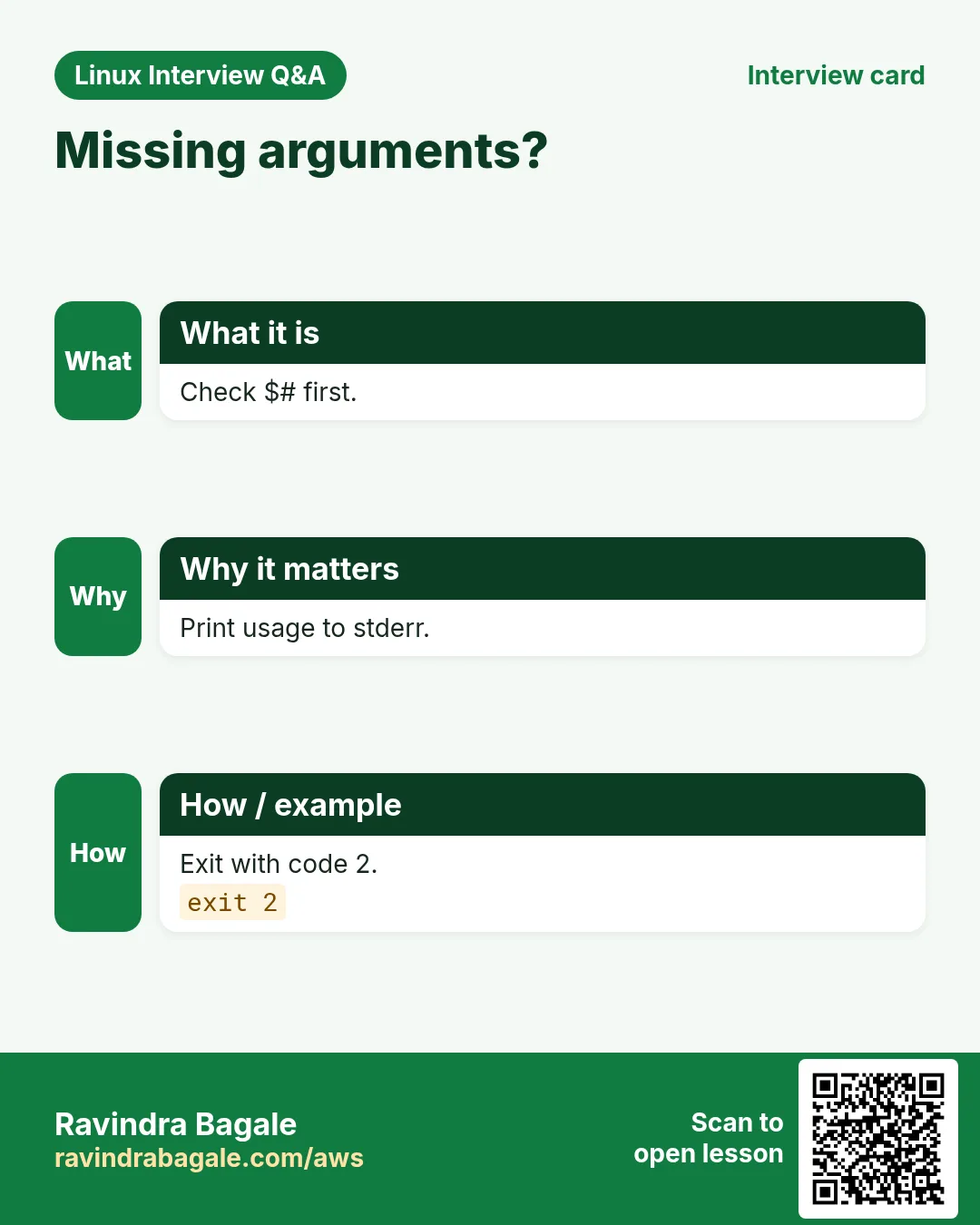
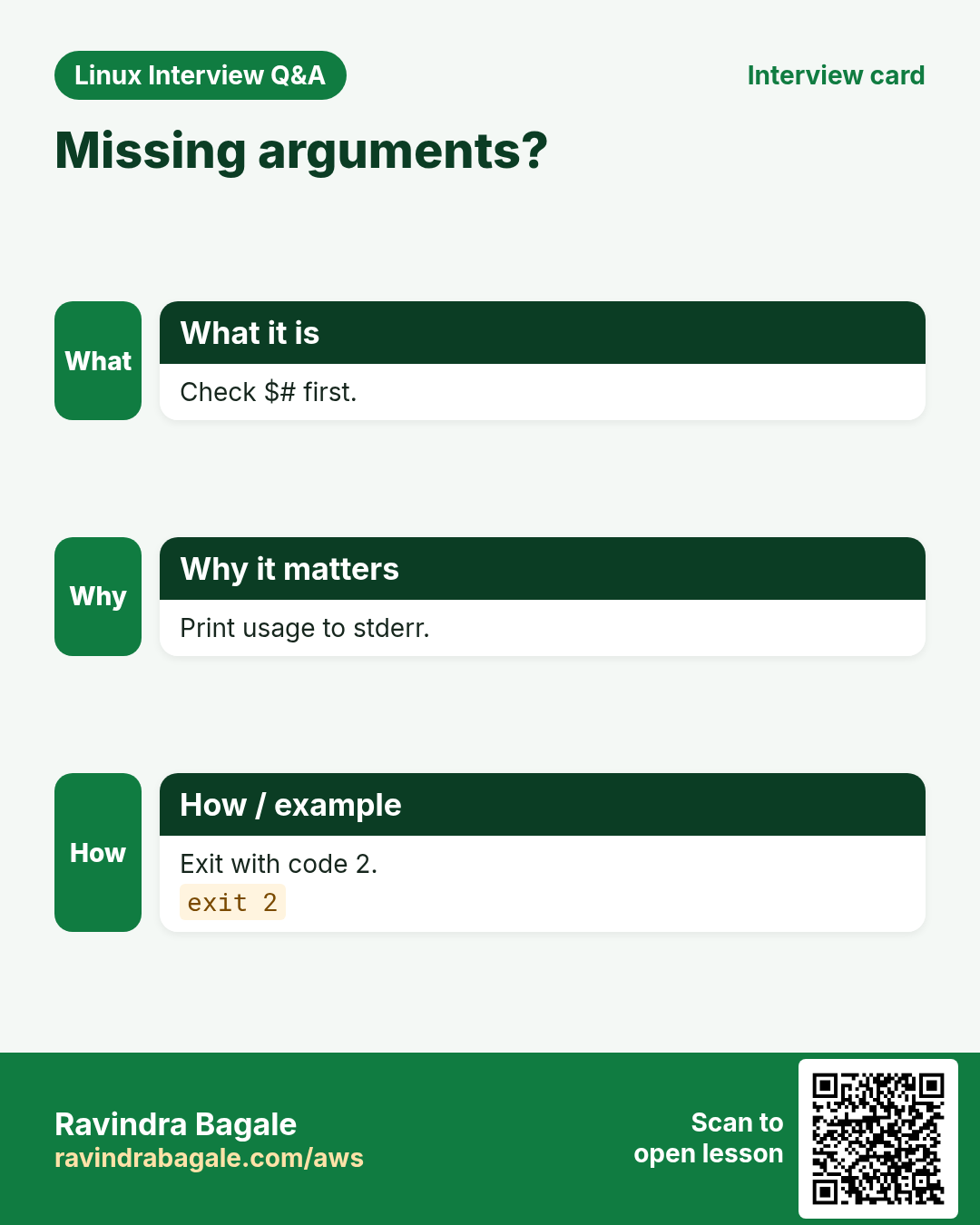
Words after the script name become $1, $2 ... ${10} (braces from 10). $# is how many there are. $0 is the script name. Arguments with spaces must be quoted by the caller: ./s.sh "my file". Check $# first and stop with a usage message when something is missing.
How to do it (step by step)
- See them.
printf '#!/bin/bash\necho "script=$0 count=$# first=$1 second=$2"\n' | tee args.sh && bash args.sh shop prodOutput:
script=args.sh count=2 first=shop second=prodWhat it means: Each word got a number.
- Quoted argument.
bash args.sh "Pune Camp" eastOutput:
script=args.sh count=2 first=Pune Camp second=eastWhat it means: Quotes kept 'Pune Camp' as one.
- Usage check.
bash -c '[ $# -ge 1 ] || { echo "usage: $0 FILE"; exit 2; }; echo ok' myscriptOutput:
usage: myscript FILEWhat it means: With bash -c the first word after the code becomes $0.
- Tenth argument.
set -- a b c d e f g h i j; echo "${10}"Output:
jWhat it means: set -- sets the arguments; ${10} needs braces.
5. "$@" vs "$*" and passing arguments on
Why do we need this?
Wrappers and loops over arguments break on spaces unless you use the right form.
What is it?
"$@" expands to every argument as a separate, quoted word. It is what you want 99% of the time. "$*" joins all arguments into one string with a space (the first char of IFS). Unquoted $@ and $* split on spaces again, so avoid them. To pass all arguments to another command: other_cmd "$@".
| Form | With args: 'a b' c | Gives |
|---|---|---|
| "$@" | 2 words | [a b] [c] |
| "$*" | 1 word | [a b c] |
| $@ | 3 words | [a] [b] [c] |
How to do it (step by step)
- Loop safely.
set -- 'a b' c; for x in "$@"; do echo "[$x]"; doneOutput:
[a b]
[c]
What it means: Each argument kept whole.
- Joined.
set -- 'a b' c; echo "[$*]"Output:
[a b c]What it means: One string.
- A wrapper.
printf '#!/bin/bash\necho "[wrapper] running ls $*"\nexec ls -l "$@"\n' | tee myls.sh && bash myls.sh /etc/hostsOutput:
[wrapper] running ls /etc/hosts
-rw-r--r-- 1 root root 220 Oct 1 /etc/hosts
What it means: $* for the message, "$@" for the command.
6. shift: walk through arguments
Why do we need this?
When the first arguments are special (like a command name) you want to remove them and treat the rest as a list.
What is it?
shift drops $1 and moves every argument one place left, so $2 becomes $1 and $# goes down by one. shift 2 drops two. A common loop is while [ $# -gt 0 ]; do ...; shift; done. Use it for simple long options like --dry-run that getopts cannot handle.
How to do it (step by step)
- Basic.
set -- deploy web1 web2; cmd=$1; shift; echo "$cmd on: $*"Output:
deploy on: web1 web2What it means: The command is removed from the list.
- Loop.
set -- x y z; while [ $# -gt 0 ]; do echo "item $1 (left $#)"; shift; doneOutput:
item x (left 3)
item y (left 2)
item z (left 1)
What it means: Each shift moves to the next.
- Long options by hand.
set -- --dry-run --env stage app; while [ $# -gt 0 ]; do case $1 in --dry-run) dry=1;; --env) env=$2; shift;; *) break;; esac; shift; done; echo "dry=$dry env=$env rest=$*"Output:
dry=1 env=stage rest=appWhat it means: --env takes a value, so it shifts twice.
7. getopts: proper options like -v and -d DIR
Why do we need this?
Users expect tools to accept -h, -v, -n 5 in any order and combined like -vn 5. getopts does this for you.
What is it?
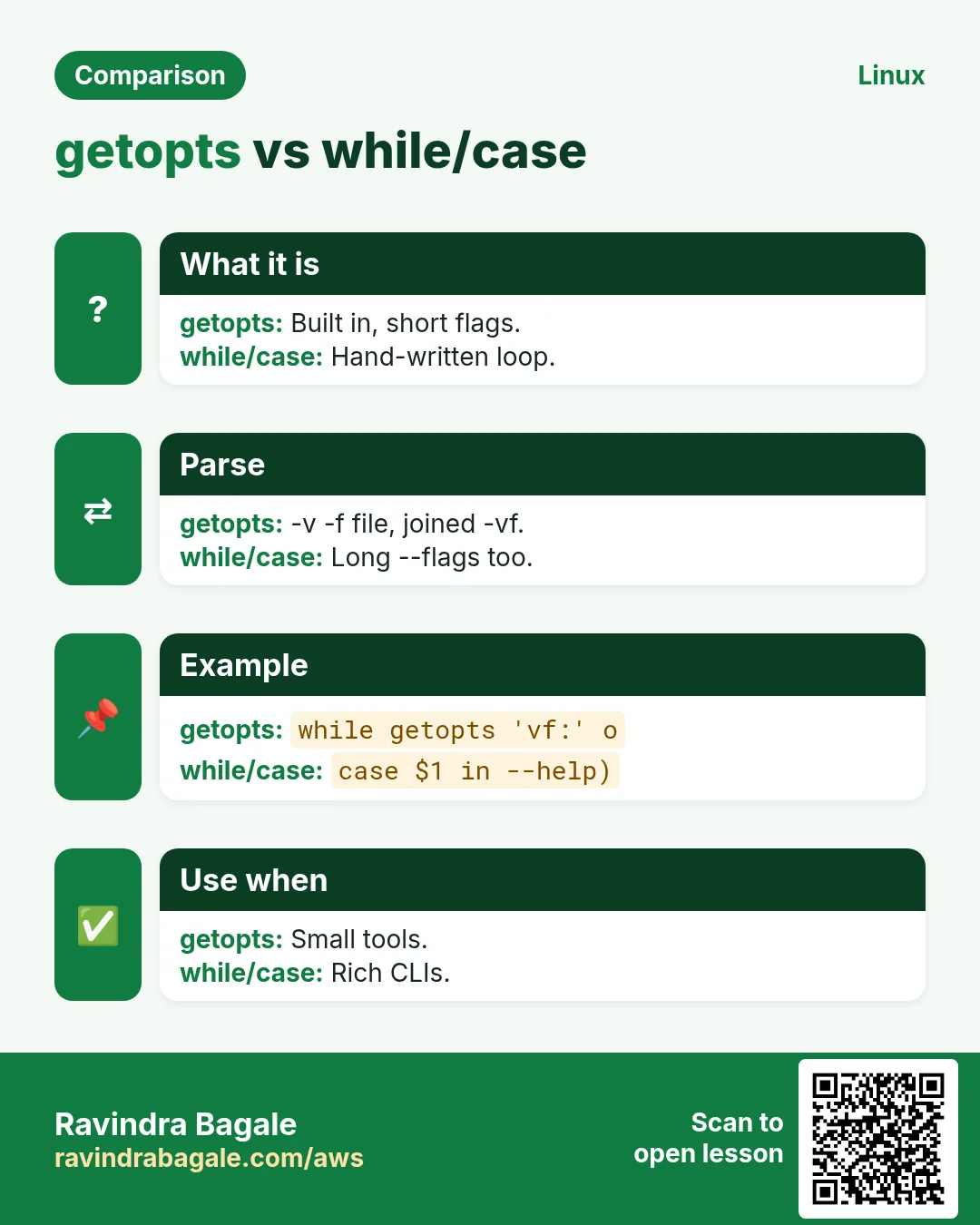
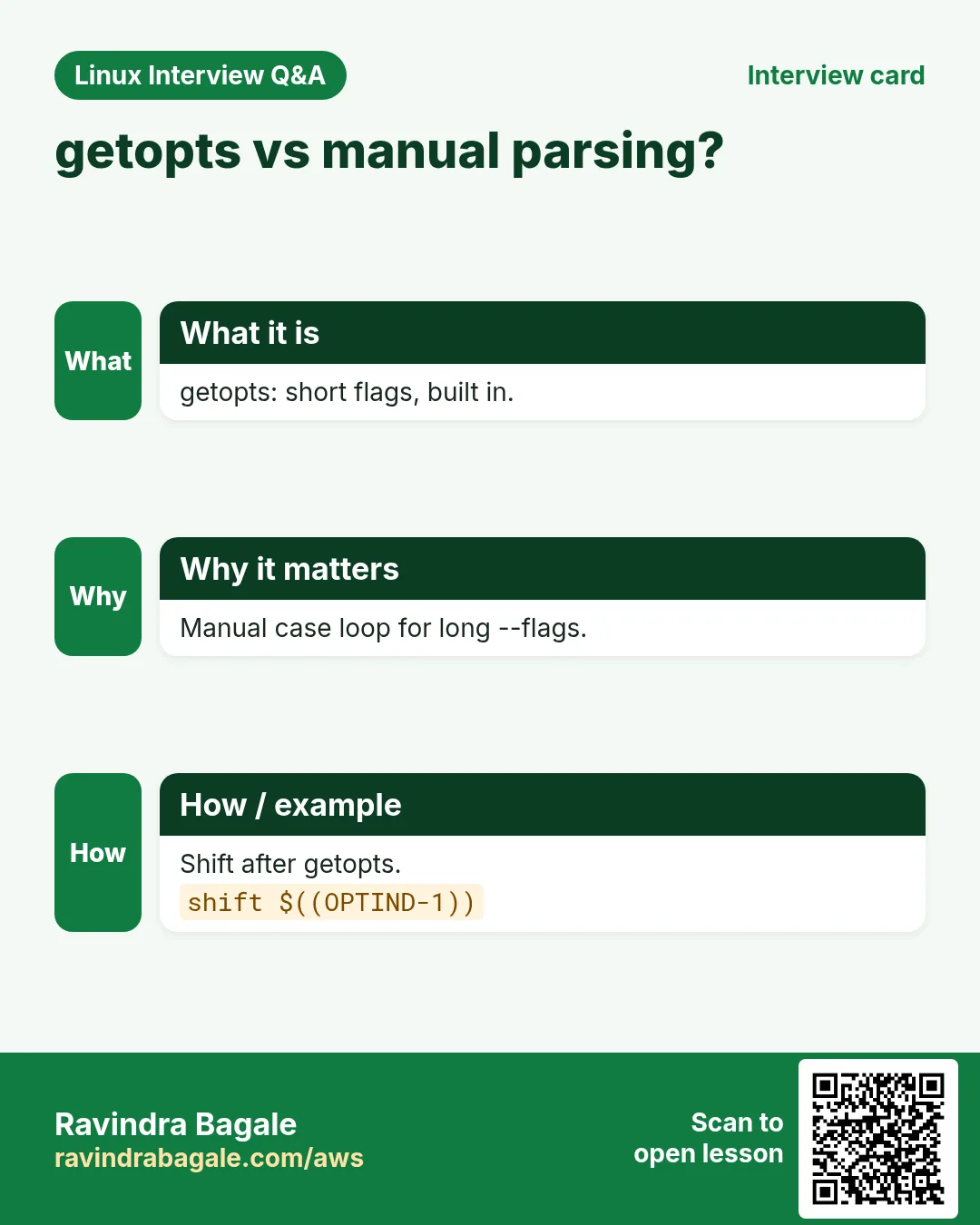
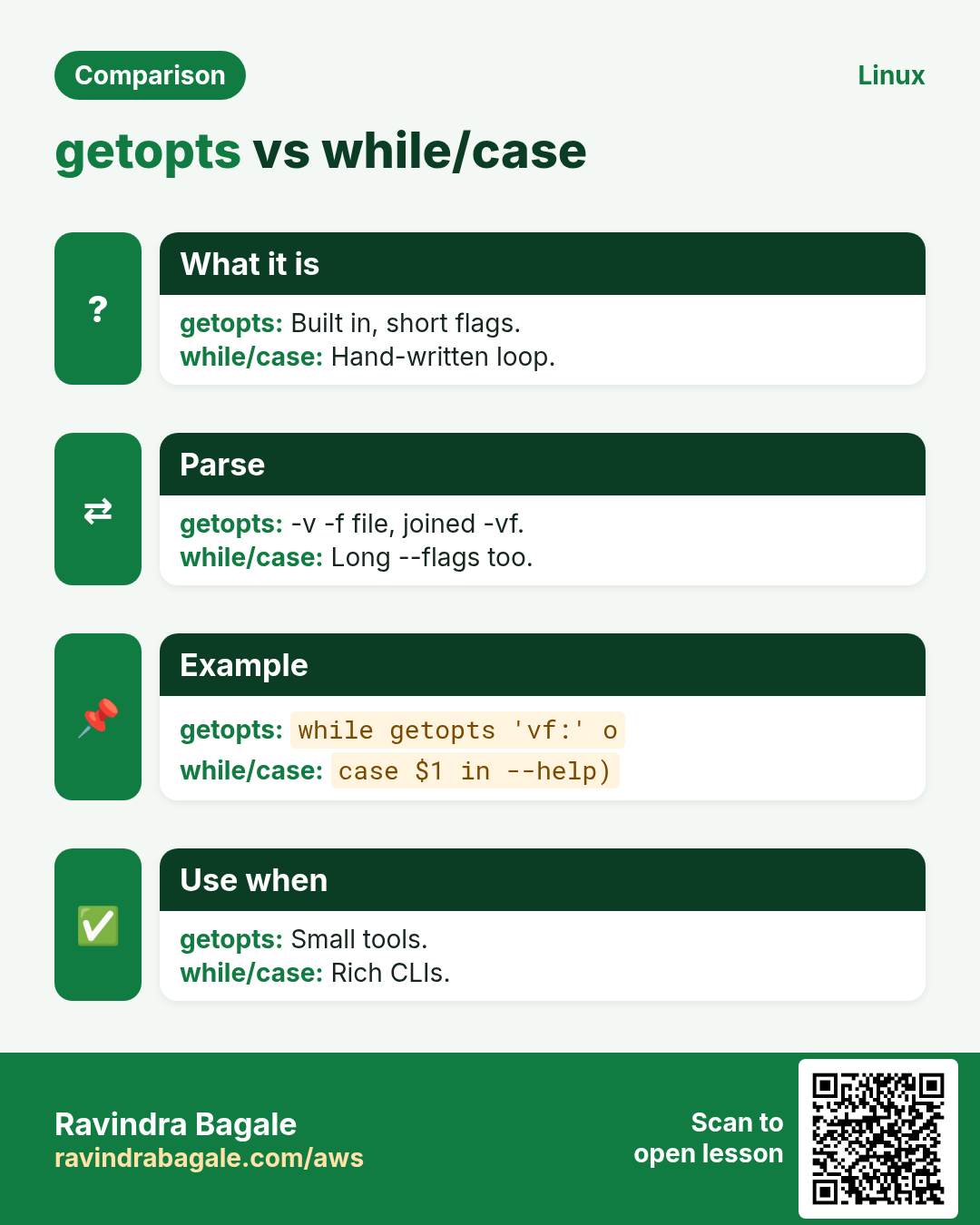
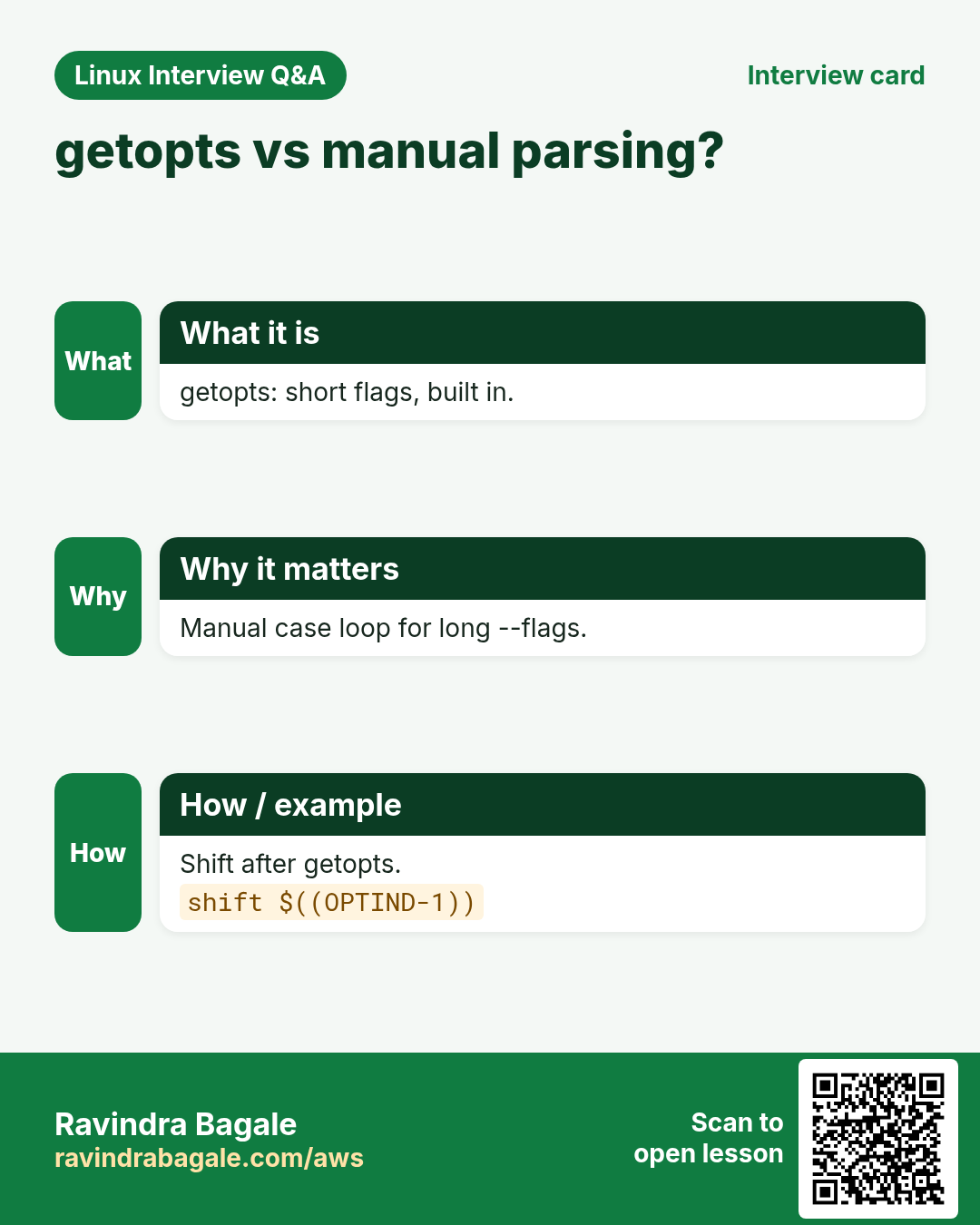
while getopts 'hvd:' opt; do case $opt in ... esac; done. Each letter is an option; a colon after it (d:) means it needs a value, found in $OPTARG. A leading colon (':hvd:') lets you handle errors yourself: \? for an unknown option and : for a missing value. After the loop, shift $((OPTIND-1)) removes the options so $1 is the first normal argument. getopts only handles short options.
| Piece | Meaning |
|---|---|
| 'hvd:' | options h, v and d with a value |
| $opt | the letter found |
| $OPTARG | value of d |
| $OPTIND | index of the next argument |
| leading : | silent errors you handle |
How to do it (step by step)
- A script.
cat backup.shOutput:
#!/bin/bash
verbose=0; dest=/backup
while getopts ':hvd:' opt; do
  case $opt in
    h) echo "usage: $0 [-v] [-d DIR] SRC..."; exit 0;;
    v) verbose=1;;
    d) dest=$OPTARG;;
    :) echo "-$OPTARG needs a value"; exit 2;;
    \?) echo "unknown -$OPTARG"; exit 2;;
  esac
done
shift $((OPTIND-1))
echo "verbose=$verbose dest=$dest sources=$*"
What it means: h and v are flags; d needs a value.
- Use it.
./backup.sh -v -d /mnt/usb /etc /homeOutput:
verbose=1 dest=/mnt/usb sources=/etc /homeWhat it means: After shift only the folders remain.
- Combined flags.
./backup.sh -vd /srv/bk /var/wwwOutput:
verbose=1 dest=/srv/bk sources=/var/wwwWhat it means: -vd /srv/bk is the same as -v -d /srv/bk.
- Errors.
./backup.sh -x; ./backup.sh -dOutput:
unknown -x
-d needs a value
What it means: Clear messages and exit 2.
8. Usage message and input checks
Why do we need this?
Most bad runs come from wrong input. Check it at the top and explain how to use the script.
What is it?
Write a usage() function that prints the syntax to stderr (>&2) and exits 2. Call it when $# is wrong or -h is given. Check that numbers are numbers ([[ $n =~ ^[0-9]+$ ]]), that files exist ([ -f ]), and that folders are writable ([ -w ]). The if chapter explains these tests.
How to do it (step by step)
- Usage function.
usage(){ echo "usage: cleanup.sh DAYS DIR" >&2; exit 2; }; type usage | head -1Output:
usage is a functionWhat it means: It prints to stderr and exits.
- Number check.
n=abc; [[ $n =~ ^[0-9]+$ ]] && echo number || echo 'not a number'Output:
not a numberWhat it means: Regex keeps only digits.
- File check.
f=/etc/nope.conf; [ -f "$f" ] || echo "missing $f" >&2Output:
missing /etc/nope.confWhat it means: Stop before doing anything.
9. Reading from stdin, pipes and files
Why do we need this?
Good tools work in pipes: cat list.txt | ./check.sh. Your script can read lines the same way.
What is it?
If no file is given, read from standard input. while IFS= read -r line; do ...; done reads one line at a time (chapter 5 explains IFS). < file sends a file in. A here-string <<< "text" sends one string. A here-document < Output: What it means: Each line in turn. Output: What it means: One string into read. Output: What it means: Variables expanded inside. Output: What it means: /dev/stdin is used when no file is given. The same Linux skill shows up in every kind of company. Seeing it in many places helps you remember it. Each row is a made-up team. It shows who uses this and how. Everyone hits these errors. Knowing the cause saves hours. Read the exact message first. Then match it to a row below. Print what the script really received. Go top to bottom. Stop at the first step that shows the problem. Write greet.sh that uses $1 if given, otherwise asks with read, and checks the input. A full hands-on lab. Run every step on a test Linux machine (an EC2 instance, a VM, or WSL). Output: Output: Output: Output: Build findbig.sh with -n COUNT, -d DIR and -h, which lists the largest files. A full hands-on lab. Run every step on a test Linux machine (an EC2 instance, a VM, or WSL). Output: Output: Output: Output: Output: Ravindra Bagale's Tip Always quote "$@" when you pass arguments on, and always end a getopts loop with shift $((OPTIND-1)). These two lines are where most argument bugs hide. Ravindra Bagale's Tip – मराठी Arguments पुढे देताना नेहमी "$@" quote करा, आणि getopts loop नेहमी shift $((OPTIND-1)) ने संपवा. बहुतेक argument bugs याच दोन lines मधे लपलेले असतात. Ravindra Bagale's Tip – हिंदी Arguments आगे भेजते समय हमेशा "$@" quote कीजिए, और getopts loop हमेशा shift $((OPTIND-1)) से खत्म कीजिए. ज़्यादातर argument bugs इन्हीं दो lines में छिपे होते हैं. Arguments for automation, read for people. Keeps backslashes. Not supported; use a case loop or GNU getopt. Index of the next argument to process. Convention for misuse. To stderr with >&2. Yes; read -r pw < file with chmod 600. Default variable of read. $1. $#. read -p. read -s. Separate words vs one string. Drops $1 and moves the rest. d: in the spec, value in $OPTARG. To leave only non-option args. getopts for flags, positional for targets, usage, validation, -y to skip prompts. Read from "${1:-/dev/stdin}". Leading colon: you handle \? and :. Env var or file, not argument (visible in ps). Try at home London Legal LLP is a law business in London. Oliver Hughes looks after its IT and cloud work. They count money in GBP and run their AWS resources in the eu-west-2 Region. In the tasks below you do real jobs for them using what this lesson teaches. All names, account IDs, IP addresses and numbers are made up for practice. 0 / 21 Why: BIZ tools must take options like real commands. What to do: Ask "Branch: " and store the answer in br, keeping backslashes. Why: BIZ tools must take options like real commands. What to do: Print how many arguments the script got. Why: BIZ tools must take options like real commands. What to do: Print the first argument in quotes. Why: BIZ tools must take options like real commands. What to do: Print the name the script was called with. Why: BIZ tools must take options like real commands. What to do: Drop the first three arguments. Why: BIZ tools must take options like real commands. What to do: Store the current option value into outdir. Why: BIZ tools must take options like real commands. What to do: Read a hidden value into pin with the prompt "PIN: ". Why: BIZ tools must take options like real commands. What to do: Read into ans with a 15 second timeout, raw mode. Why: BIZ tools must take options like real commands. What to do: Read exactly one character into key. Why: BIZ tools must take options like real commands. What to do: Print the eleventh argument. Why: BIZ tools must take options like real commands. What to do: Print every argument on its own line with printf, keeping spaces. Why: BIZ tools must take options like real commands. What to do: Set the arguments to alpha beta gamma. Why: BIZ tools must take options like real commands. What to do: Start a getopts loop for flags q and f, where f needs a value, storing the letter in o. Why: BIZ tools must take options like real commands. What to do: Remove all parsed options after the getopts loop. Why: BIZ tools must take options like real commands. What to do: Test whether standard output is a terminal and print term if it is. Why: BIZ tools must take options like real commands. What to do: Read "Satara 415001" into the variables town and code with a here-string. Why: BIZ tools must take options like real commands. What to do: Run rsync passing all of the script arguments safely. Why: BIZ tools must take options like real commands. What to do: Read one line into the array words, raw mode. Why: BIZ tools must take options like real commands. What to do: Start a silent-error getopts loop for h and n with a value, letter in opt. Why: BIZ tools must take options like real commands. What to do: Set src to the first argument, or /dev/stdin if none. Why: BIZ tools must take options like real commands. What to do: Test with [[ ]] that the variable qty is only digits and print ok. In short Revise this lesson in a few minutes. Save the cards on your phone or download them as PNG files. The QR code on each card opens this lesson. More cards: Ravi Sir's Cards.How to do it (step by step)
printf 'web1\nweb2\n' | while IFS= read -r h; do echo "checking $h"; donechecking web1
checking web2read -r a b <<< 'Pune 411001'; echo "$b $a"411001 Punecat <<EOF
Host: $(hostname)
User: $USER
EOFHost: web01
User: ashain=${1:-/dev/stdin}; wc -l < "$in"310. Real examples from many industries
Why do we need this?
What is it?
How to do it (step by step)
Team and city How they use it Command Kiran, school ERP, Kolhapur Ask a class name with read -p read -rp 'Class: ' clsEmma, retail, Dublin getopts in a report tool while getopts 'd:o:' oWei, fintech, Shanghai Silent password prompt read -rsp 'Pass: ' pOmar, airline, Doha Wrapper passing "$@" exec ansible "$@"Julia, media, Berlin Batch from a pipe cut -d, -f1 ids.csv | ./fetch.shVikram, logistics, Chennai Usage and exit 2 usage(){ ...; exit 2; }11. Common errors and how to fix them
Why do we need this?
What is it?
How to do it (step by step)
Error you see Why it happens How to fix read hangs in cronNo terminal to type in Use arguments or [ -t 0 ]. [ -t 0 ] || exit 1Backslashes vanished from inputread without -r Use read -r. read -r line$10 printed as first argument plus 0$10 means $1 then 0 Use braces. echo "${10}"File with spaces split into two argumentsUsed $@ or $* unquoted Use "$@". for a in "$@"illegal option -- xUnknown option to getopts Add it or handle \?. getopts ':ab:' ooption requires an argument -- d-d given without a value Give a value or handle :. ./s.sh -d /tmpArguments still include -v after getoptsForgot shift $((OPTIND-1)) Shift the options away. shift $((OPTIND-1))getopts ignores --longgetopts is short options only Use a while/case loop or getopt. case $1 in --env) ...;; esacshift count out of rangeshift with no arguments left Check $# before shift. [ $# -gt 0 ] && shift12. Troubleshooting step by step
Why do we need this?
What is it?
How to do it (step by step)
echo "count=$#"printf '[%s]\n' "$@"echo "OPTIND=$OPTIND OPTARG=$OPTARG"[ -t 0 ] && echo ttybash -x s.sh -v -d /tmp xprintf '%q\n' "$1"13. Lab 1: A greeting script with read and arguments
Why do we need this?
What is it?
How to do it (step by step)
mkdir -p ~/lab39 && cd ~/lab39printf '#!/bin/bash\nname=${1:-}\nif [ -z "$name" ]; then read -rp "Name: " name; fi\n[ -n "$name" ] || { echo "name required" >&2; exit 2; }\necho "Namaskar, $name!"\n' | tee greet.sh && chmod +x greet.sh./greet.sh MeeraNamaskar, Meera!./greet.shName: Raj
Namaskar, Raj!./greet.sh <<< ''; echo $?name required
2echo Sara | ./greet.shNamaskar, Sara!14. Lab 2: A real getopts tool
Why do we need this?
What is it?
How to do it (step by step)
printf '#!/bin/bash\nn=5; d=.\nwhile getopts ":hn:d:" o; do case $o in h) echo "usage: $0 [-n N] [-d DIR]"; exit 0;; n) n=$OPTARG;; d) d=$OPTARG;; :) echo "-$OPTARG needs value" >&2; exit 2;; \\?) echo "bad -$OPTARG" >&2; exit 2;; esac; done\nshift $((OPTIND-1))\n[[ $n =~ ^[0-9]+$ ]] || { echo "N must be a number" >&2; exit 2; }\ndu -ah "$d" 2>/dev/null | sort -rh | head -n "$n"\n' | tee findbig.sh && chmod +x findbig.sh./findbig.sh -husage: ./findbig.sh [-n N] [-d DIR]./findbig.sh -d /var/log | head -21.2G /var/log
800M /var/log/journal./findbig.sh -n 3 -d /etc6.1M /etc
3.0M /etc/selinux
1.1M /etc/ssl./findbig.sh -n many; echo $?N must be a number
2./findbig.sh -d-d needs value15. Frequently asked questions
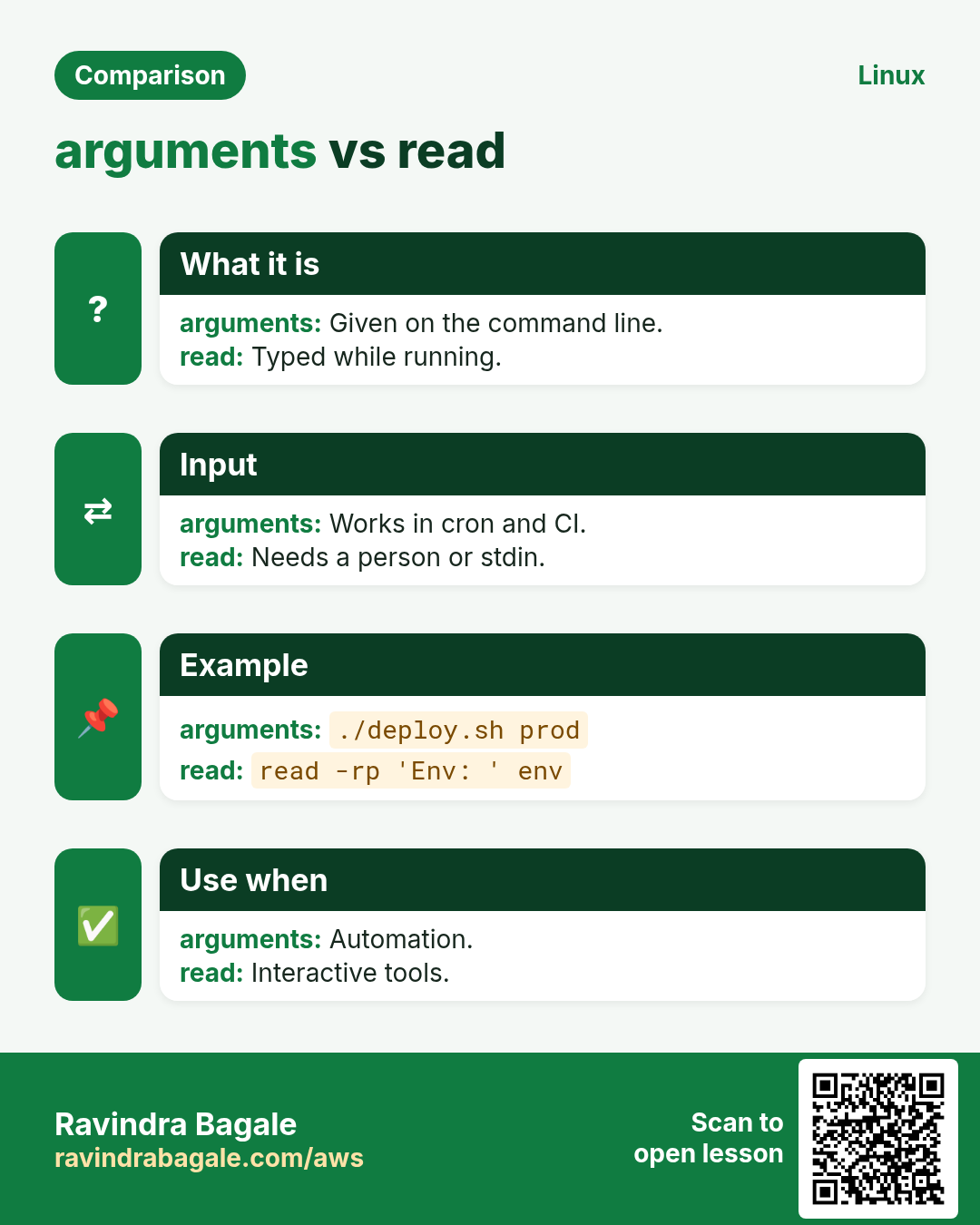
Q. read or arguments?
Q. Why read -r?
Q. Long options with getopts?
Q. What is OPTIND?
Q. Why exit 2 for bad usage?
Q. Where should usage go?
Q. Can I read a password from a file?
Q. What is $REPLY?
16. Interview questions and answers
Beginner level
Q. First argument?
Q. Number of arguments?
Q. Prompt the user?
Q. Hide a password?
Mid level level
Q. "$@" vs "$*"?
Q. What does shift do?
Q. getopts value for -d?
Q. Why shift $((OPTIND-1))?
Senior level
Q. Design CLI for a deploy script?
Q. Script must work in pipes and with files?
Q. Silent vs normal getopts errors?
Q. Safely accept secrets?
Practice Tasks
Easy Ask for a name
Easy How many
Easy First argument
Easy Script name
Easy Drop three
Easy Option value
Medium Hidden PIN
Medium Timeout
Medium One key
Medium Eleventh
Medium Each argument on a line
Medium Set arguments
Medium getopts spec
Medium Remove options
Medium Output to terminal?
Medium Here-string
Medium Pass on
Hard Words into array
Hard Silent getopts
Hard File or stdin
Hard Is a number
17. Related chapters
Revision, comparison and interview cards