Get Temporary AWS Credentials with STS Step by Step
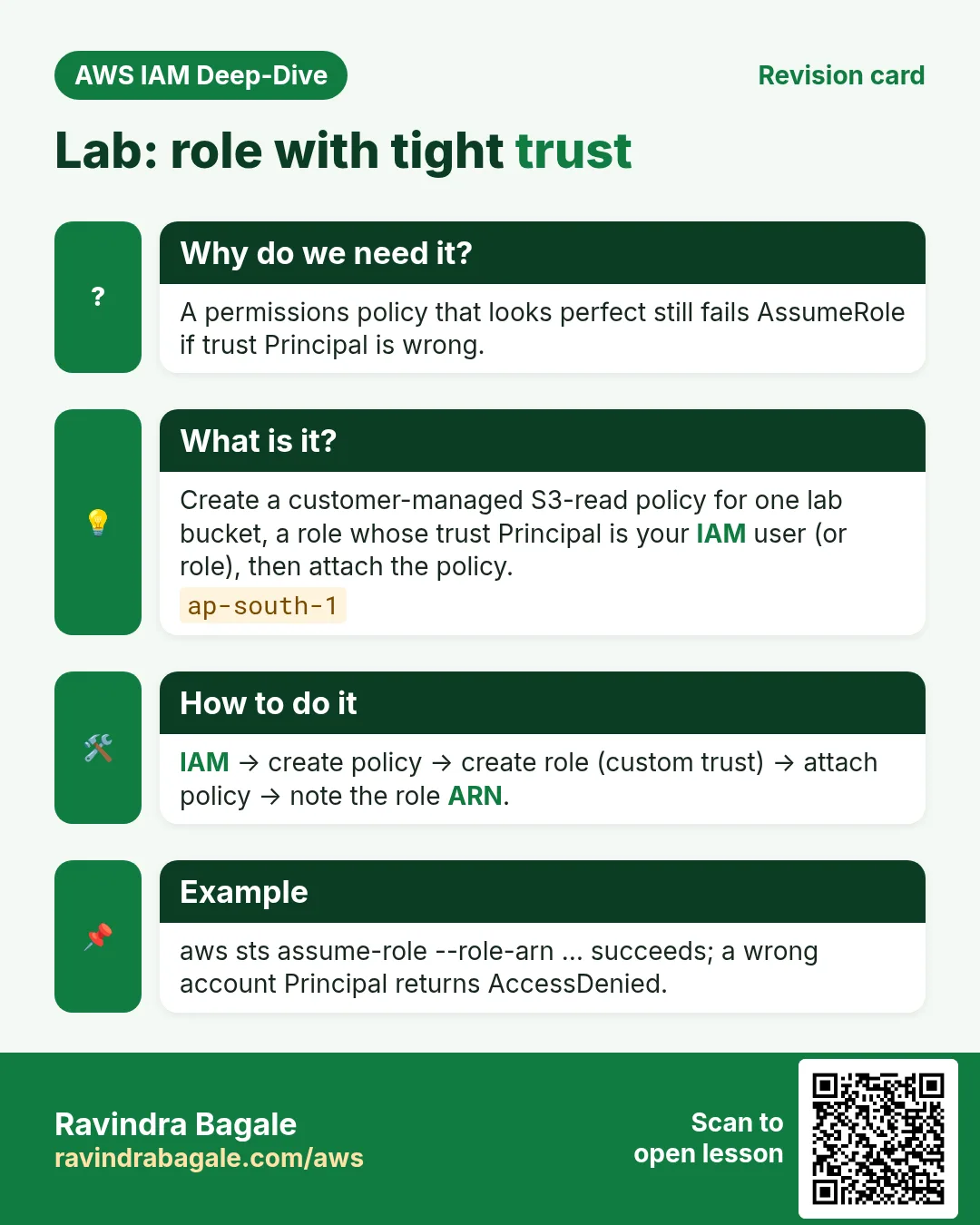
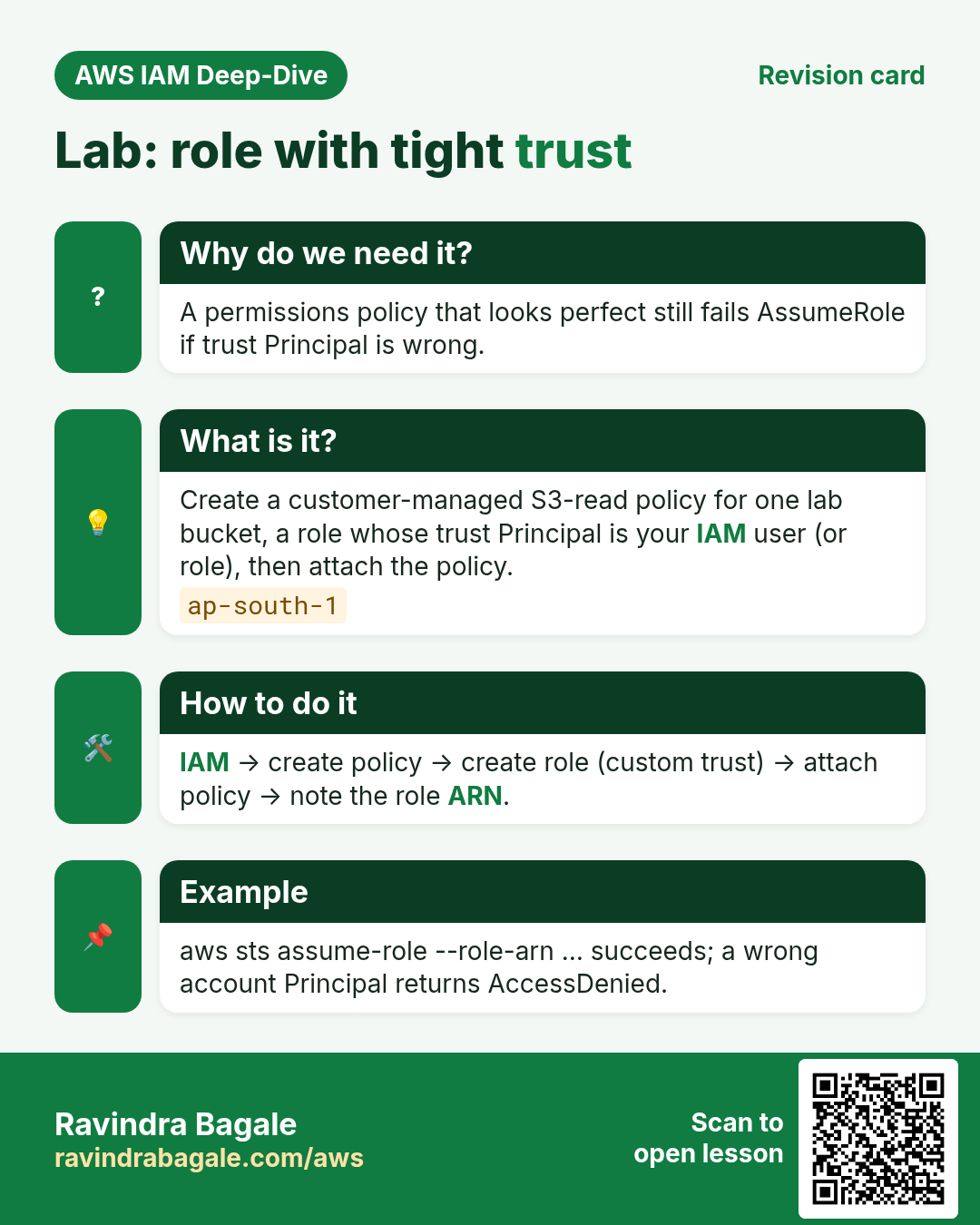
Lab time: create a role that only S3-reads one bucket, AssumeRole from the CLI, prove it works with the session token, then delete everything so nothing keeps costing or leaking.
What you'll learn in this chapter
- Create a trust + S3 read role
- AssumeRole with AWS CLI
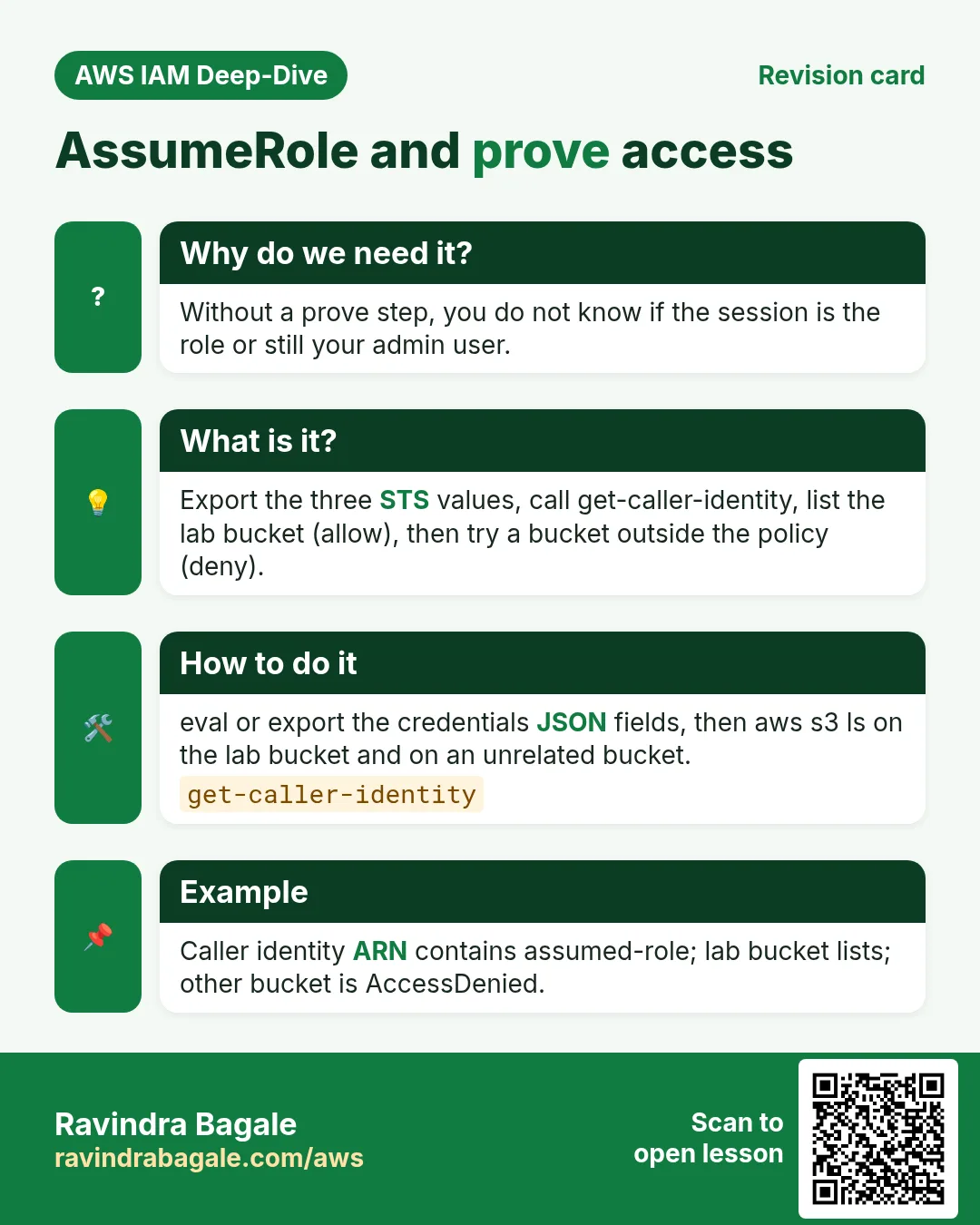
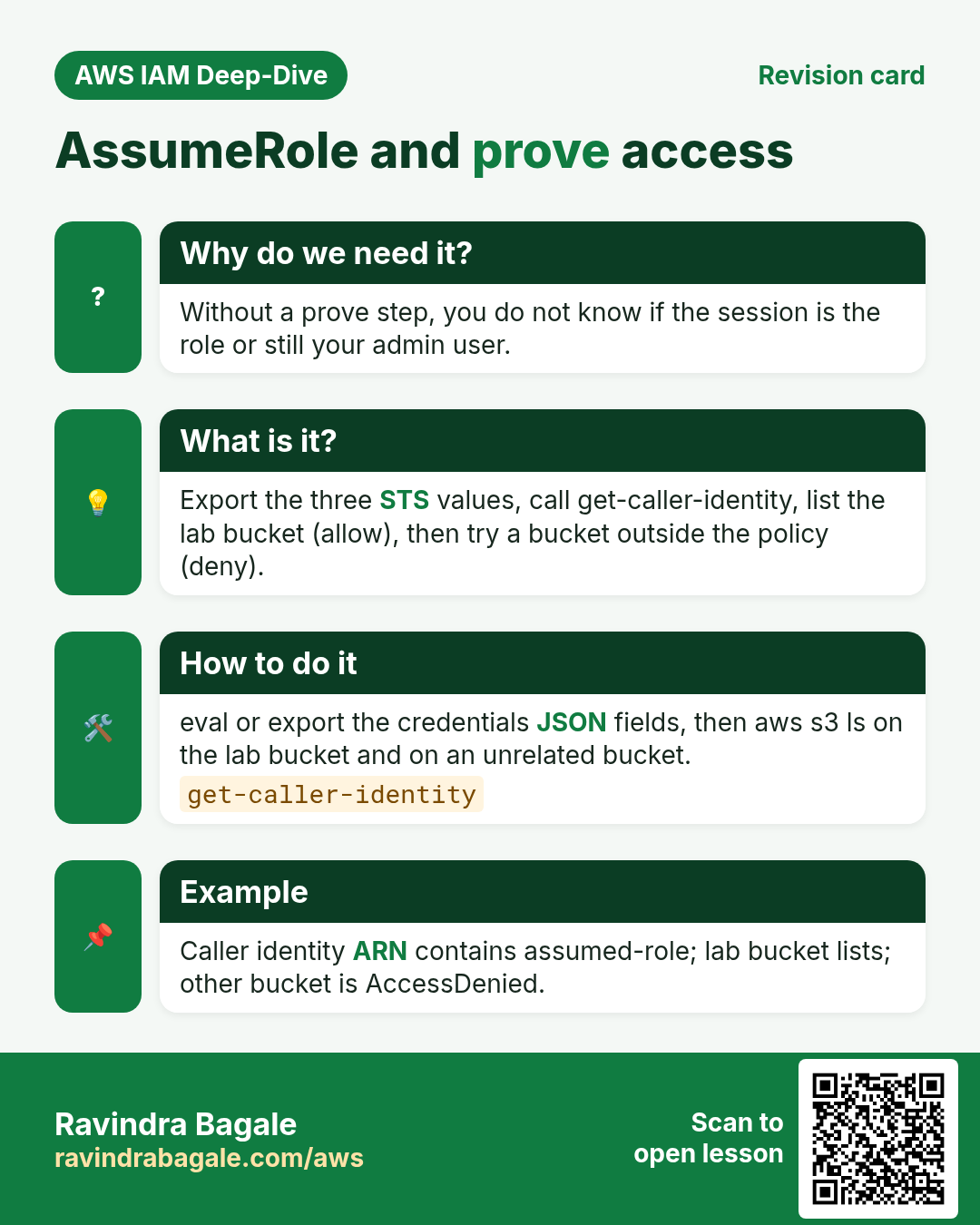
- Export temporary credentials
- Prove allow and deny
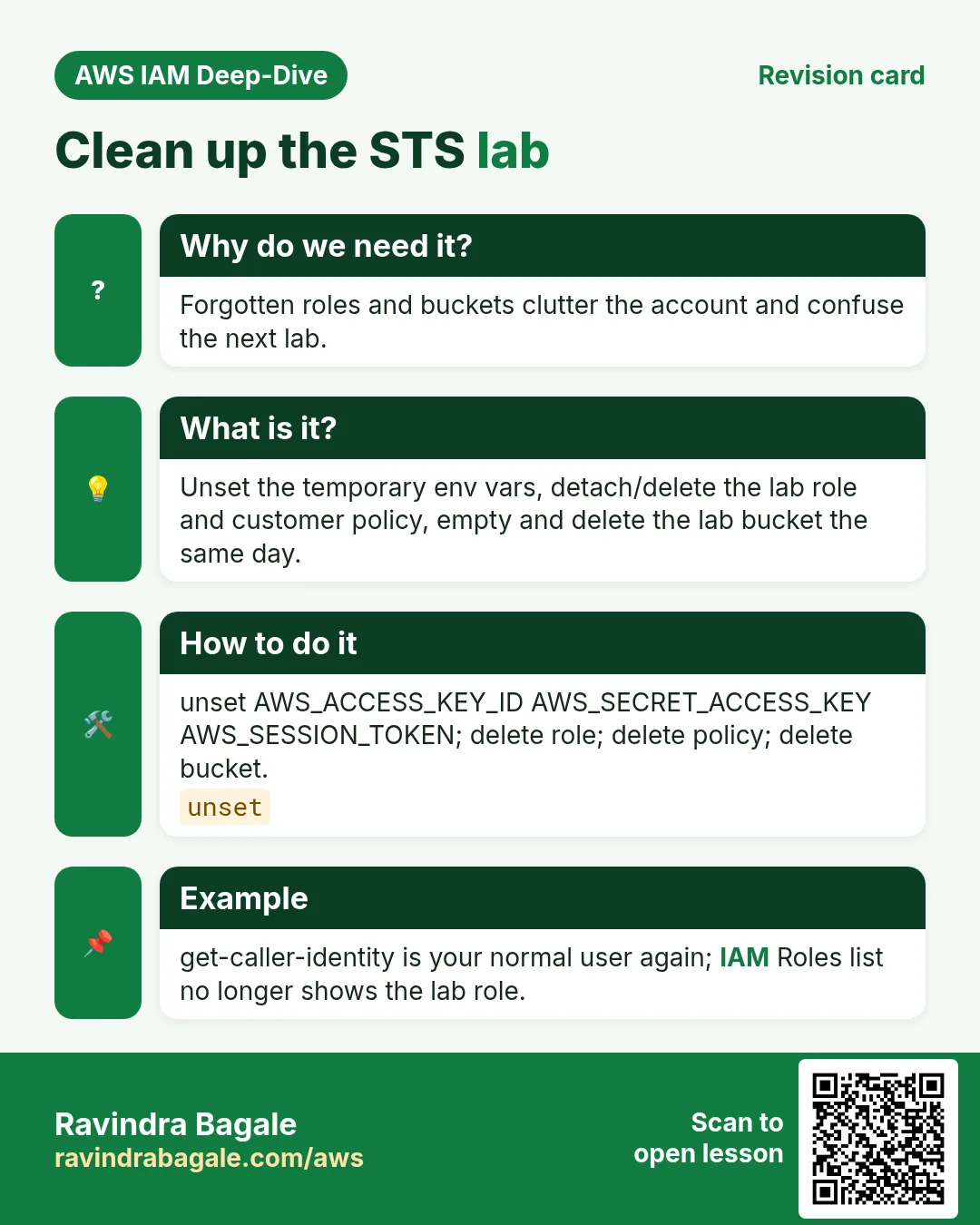
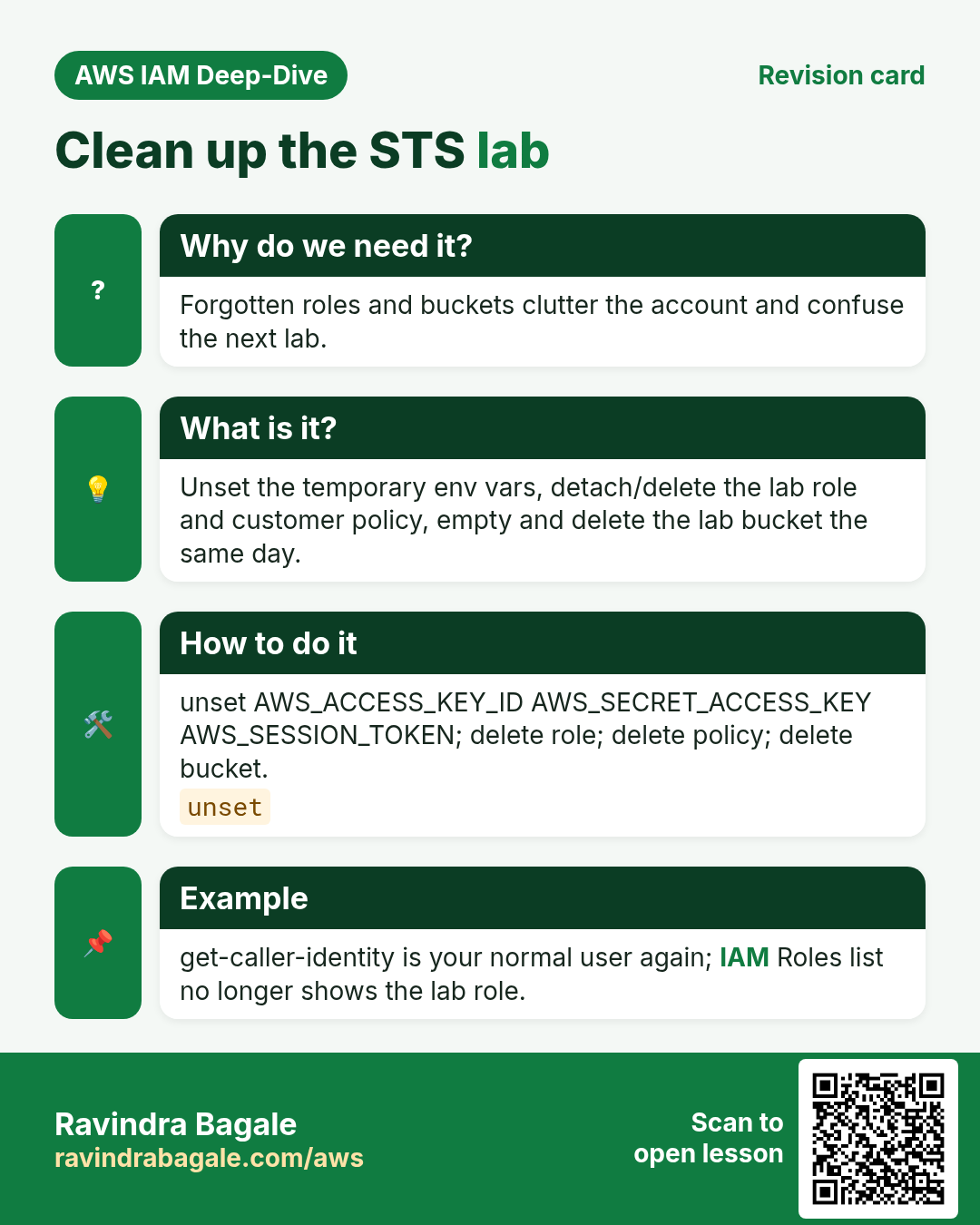
- Cleanup roles and bucket
1. Lab: click by click
How to do it (step by step)
Region ap-south-1 (Mumbai). You need an IAM principal that can create roles and call sts:AssumeRole (your student admin or Identity Center set). Replace ACCOUNT, BUCKET and names.
A. Bucket and policy
- S3 → Create bucket
yourname-sts-lab(ap-south-1), Block Public Access ON. Uploadhello.txtwith bodyok. - IAM → Policies → Create → JSON:
{
  "Version": "2012-10-17",
  "Statement": [
    {
      "Effect": "Allow",
      "Action": ["s3:ListBucket"],
      "Resource": "arn:aws:s3:::BUCKET"
    },
    {
      "Effect": "Allow",
      "Action": ["s3:GetObject"],
      "Resource": "arn:aws:s3:::BUCKET/*"
    }
  ]
}- Name:
lab-sts-s3-read. Create.
B. Role with trust to your user
- IAM → Roles → Create role → Custom trust policy (or Another AWS account with your account id).
- Trust JSON (replace ACCOUNT and USER):
{
  "Version": "2012-10-17",
  "Statement": [{
    "Effect": "Allow",
    "Principal": { "AWS": "arn:aws:iam::ACCOUNT:user/USER" },
    "Action": "sts:AssumeRole"
  }]
}- Attach
lab-sts-s3-readonly. Role name:lab-sts-assumer. Max session 1 hour is fine. - If you use Identity Center, Principal can be your permission-set role ARN instead of an IAM user — same idea.
C. AssumeRole and prove
- In CloudShell or your laptop CLI (as the trusted principal):
aws sts get-caller-identity
aws sts assume-role \
  --role-arn arn:aws:iam::ACCOUNT:role/lab-sts-assumer \
  --role-session-name ravi-lab \
  --duration-seconds 900
# Copy AccessKeyId, SecretAccessKey, SessionToken from Credentials- Export (Linux/macOS), then test:
export AWS_ACCESS_KEY_ID=...
export AWS_SECRET_ACCESS_KEY=...
export AWS_SESSION_TOKEN=...
aws sts get-caller-identity
# Arn should mention assumed-role/lab-sts-assumer/ravi-lab
aws s3 cp s3://BUCKET/hello.txt -
# expect: ok
# aws s3 ls s3://some-other-bucket # should be AccessDenied- Unset when done:
unset AWS_ACCESS_KEY_ID AWS_SECRET_ACCESS_KEY AWS_SESSION_TOKEN.
Cleanup
- Delete role
lab-sts-assumer(detach policy first if the console asks). - Delete policy
lab-sts-s3-read. - Empty and delete bucket
yourname-sts-lab. - Confirm your shell no longer exports the temp keys.
Ravindra Bagale's Tip
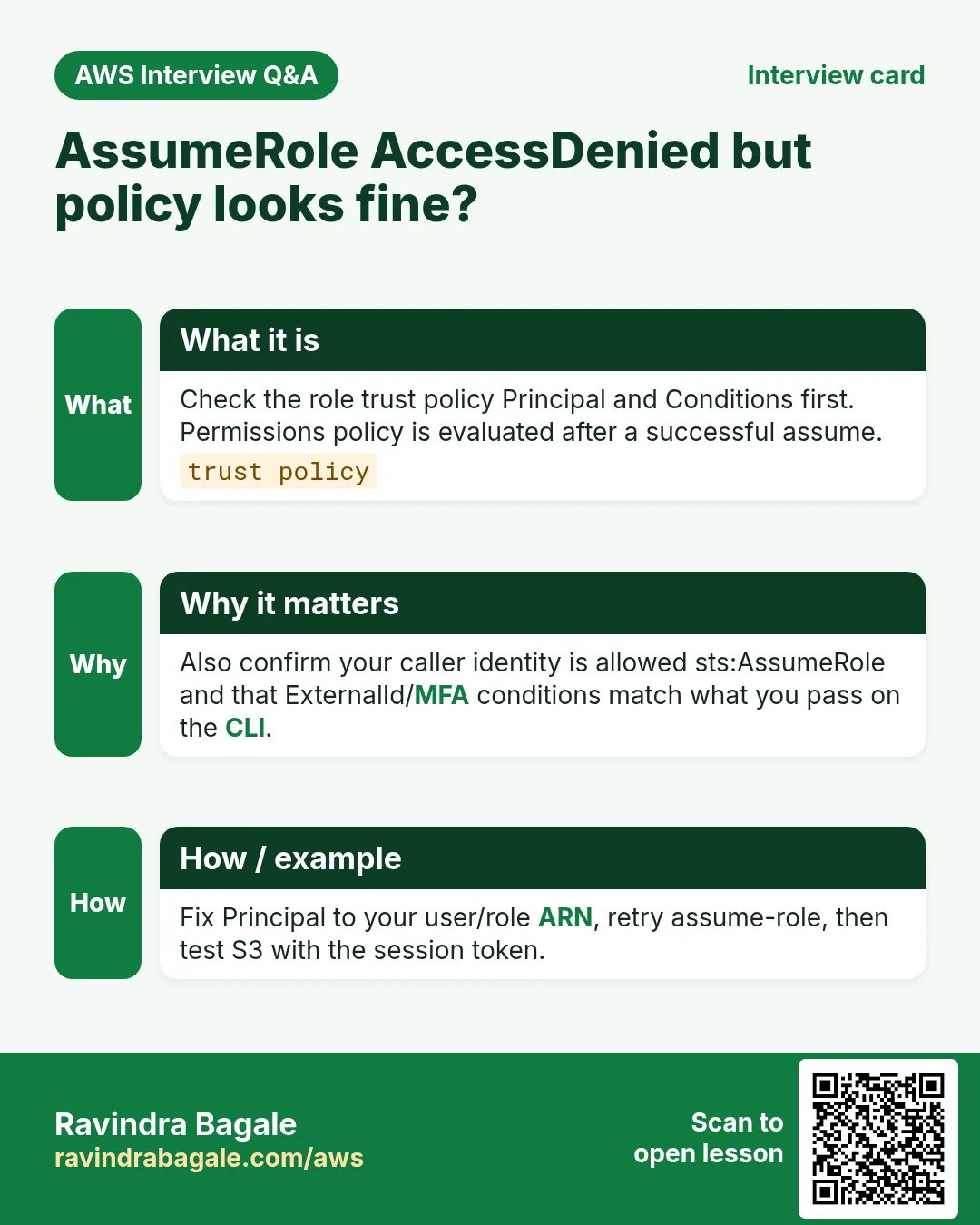
If AssumeRole fails with AccessDenied, check both sides: your user needs iam permission to assume, and the role trust Principal must match your ARN exactly.
2. Interview angles
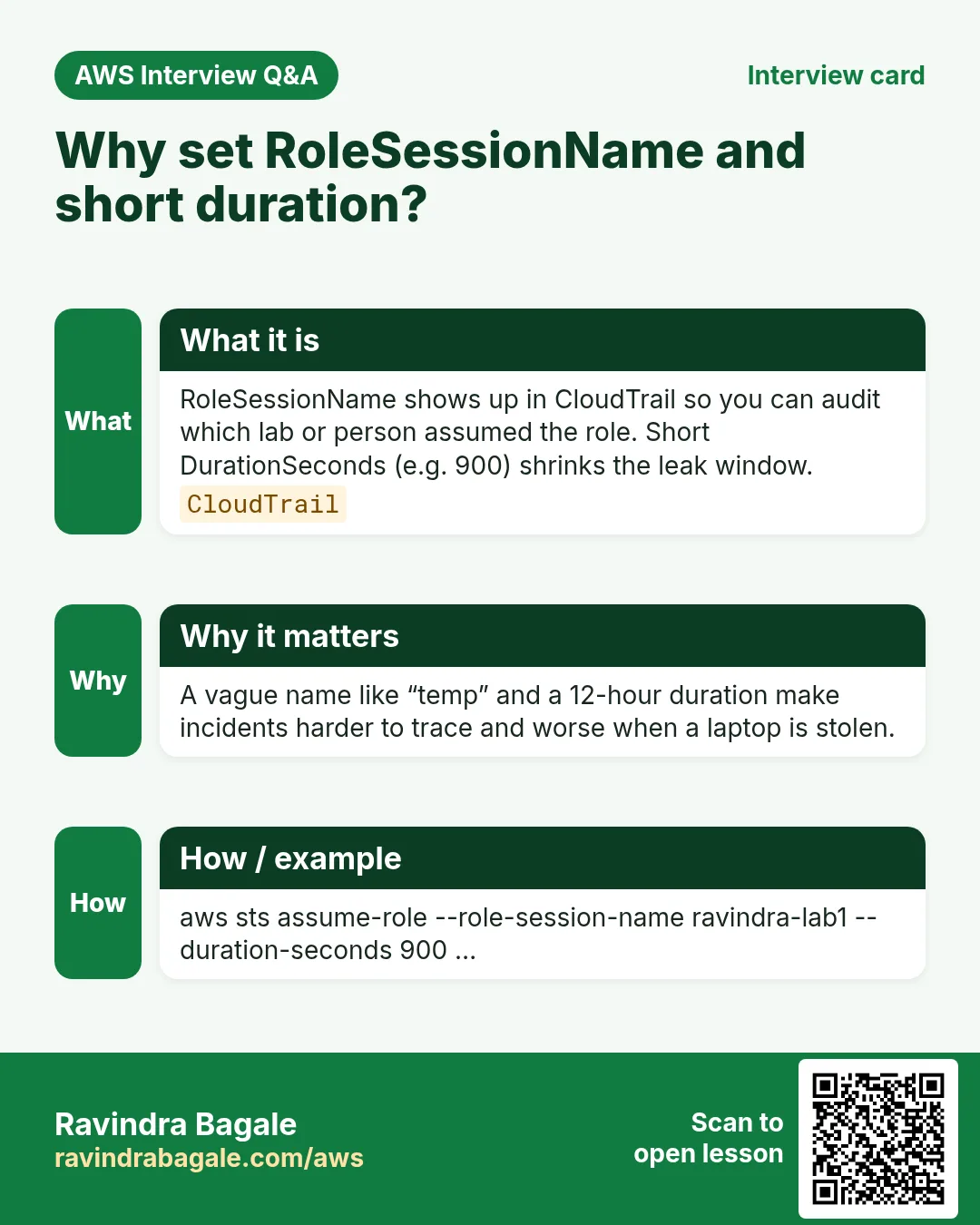
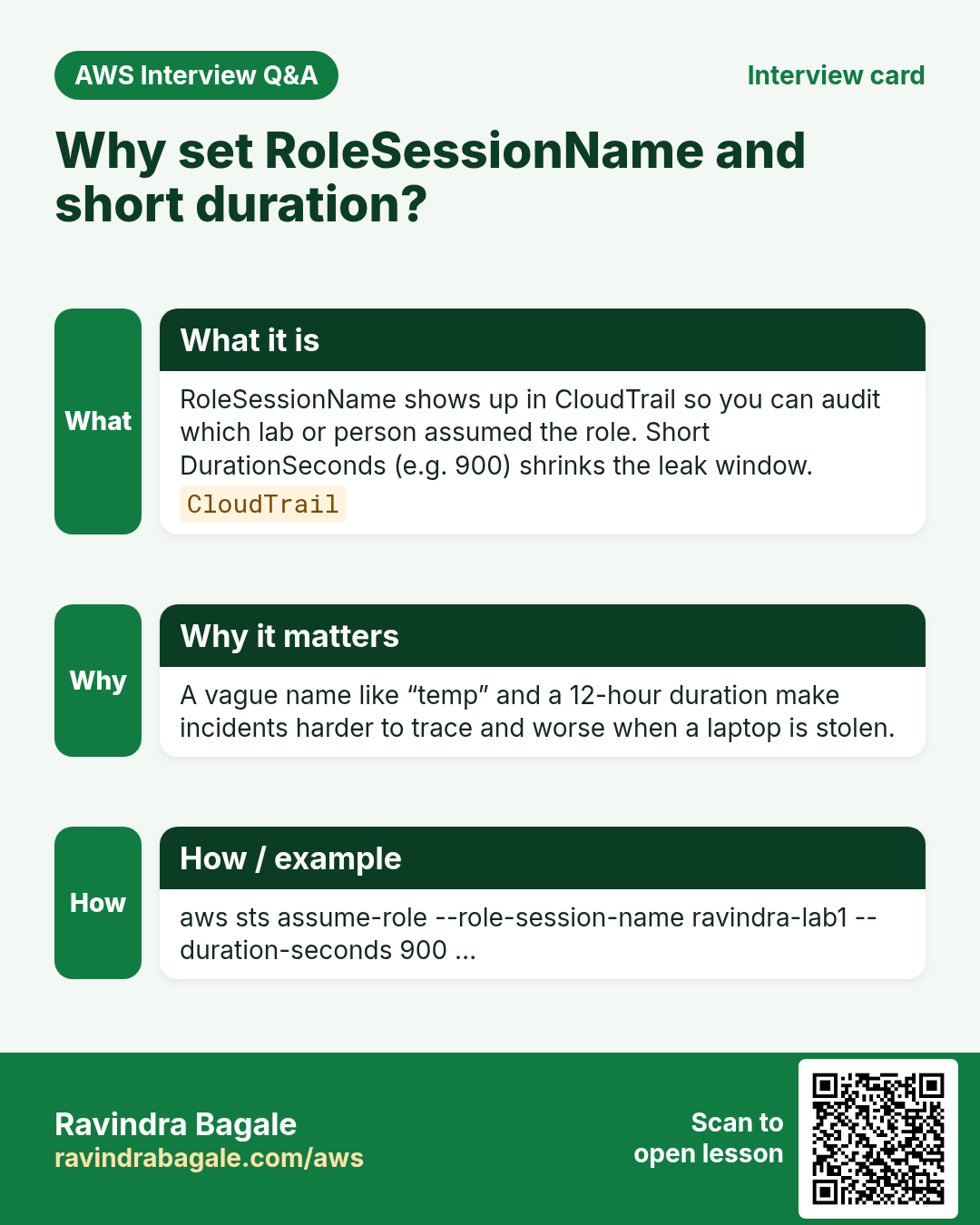
Q. Why RoleSessionName?
Shows up in CloudTrail for audit.
Q. Why DurationSeconds 900?
Short lab sessions reduce leak window.
Q. Missing SessionToken?
Calls fail — STS creds need all three.
Q. Trust Principal wrong?
AssumeRole AccessDenied even if permissions policy is perfect.
Try at home
- Add an ExternalId condition to trust and pass --external-id on AssumeRole.
- Next: Identity Center (SSO) for humans instead of long-lived users.
In short
- Create role with trust + tight permissions.
- AssumeRole → export three values → call APIs.
- Prove allow on lab bucket and deny elsewhere.
- Delete role, policy and bucket after the lab.
Practice Tasks
Jakarta Batik is a handicrafts business in Jakarta. Siti Rahmawati looks after its IT and cloud work. They count money in IDR and run their AWS resources in the ap-southeast-3 Region. In the tasks below you do real jobs for them using what this lesson teaches. All names, account IDs, IP addresses and numbers are made up for practice.
0 / 10
Easy Check who you are logged in as
Why: Always confirm the account and identity before running changes.
What to do: Show the account ID and ARN of the identity your CLI is using.
- Read the task and decide which AWS service it is about.
- Write aws, then the service name, then the operation (the action word).
- Add each needed flag (--name) followed by its value from the task.
- Flags can be in any order. Click Check answer.
Easy How many addresses in a /16?
Why: Picking a VPC size needs this count.
What to do: Jakarta Batik plans the VPC 10.115.0.0/16. How many IP addresses does it hold in total?
- Write down the numbers the task gives you.
- Work it out step by step on paper.
- Type only the final answer in the box.
- Click Check answer.
Medium Assume a role
Why: AssumeRole gives you short-lived keys for another role, often in another account.
What to do: Assume role arn:aws:iam::129471578432:role/Auditor with session name siti-audit.
- Read the task and decide which AWS service it is about.
- Write aws, then the service name, then the operation (the action word).
- Add each needed flag (--name) followed by its value from the task.
- Flags can be in any order. Click Check answer.
Medium Decode an "access denied" message
Why: Some errors come encoded; decoding shows exactly which policy blocked you.
What to do: Decode the authorization message stored in the shell variable $MSG.
- Read the task and decide which AWS service it is about.
- Write aws, then the service name, then the operation (the action word).
- Add each needed flag (--name) followed by its value from the task.
- Flags can be in any order. Click Check answer.
Medium Trust policy for an EC2 role
Why: The trust policy says WHO may take the role.
What to do: Write a trust policy that lets ec2.amazonaws.com assume the role.
- Start with { "Version": "2012-10-17", "Statement": [ ... ] }.
- In each statement write Effect, Action and Resource.
- Give only what the task needs (least privilege).
- Use double quotes and commas correctly. Click Check answer.
Medium Trust policy for an ECS task role
Why: The trust policy says WHO may take the role.
What to do: Write a trust policy that lets ecs-tasks.amazonaws.com assume the role.
- Start with { "Version": "2012-10-17", "Statement": [ ... ] }.
- In each statement write Effect, Action and Resource.
- Give only what the task needs (least privilege).
- Use double quotes and commas correctly. Click Check answer.
Medium Trust policy for a Lambda role
Why: The trust policy says WHO may take the role.
What to do: Write a trust policy that lets lambda.amazonaws.com assume the role.
- Start with { "Version": "2012-10-17", "Statement": [ ... ] }.
- In each statement write Effect, Action and Resource.
- Give only what the task needs (least privilege).
- Use double quotes and commas correctly. Click Check answer.
Hard Let another account assume a role
Why: Cross-account roles are safer than sharing access keys.
What to do: Write a trust policy that lets account 111122223333 assume this role.
- Start with { "Version": "2012-10-17", "Statement": [ ... ] }.
- In each statement write Effect, Action and Resource.
- Give only what the task needs (least privilege).
- Use double quotes and commas correctly. Click Check answer.
Hard Assume a role for 15 minutes
Why: Shorter sessions lower the risk if keys leak.
What to do: Assume arn:aws:iam::129471578432:role/Deployer with session name deploy-job for 900 seconds.
- Read the task and decide which AWS service it is about.
- Write aws, then the service name, then the operation (the action word).
- Add each needed flag (--name) followed by its value from the task.
- Flags can be in any order. Click Check answer.
Hard Get a session token with MFA
Why: Some actions need MFA. get-session-token returns keys that carry MFA proof.
What to do: Get a session token using MFA device arn:aws:iam::129471578432:mfa/siti and the code 123456.
- Read the task and decide which AWS service it is about.
- Write aws, then the service name, then the operation (the action word).
- Add each needed flag (--name) followed by its value from the task.
- Flags can be in any order. Click Check answer.
Revision, comparison and interview cards
Revise this lesson in a few minutes. Save the cards on your phone or download them as PNG files. The QR code on each card opens this lesson.
More cards: Ravi Sir's Cards.