How to Create a Database and Table in MariaDB
Every app you use, Instagram included, keeps its users, posts and messages in a database. In this first SQL chapter we install MariaDB on Amazon Linux, log in to it, and build a small Instagram-style database ourselves: we create a database and a users table, choose a data type for each column, add rows with INSERT and read them back with SELECT.
What you'll learn in this class
- Install and start MariaDB on Amazon Linux, log in with
sudo mysql, and set the root password withALTER USER - How the MariaDB prompt works: semicolons, multi-line queries,
->, Ctrl+C, and the socket error - Database, table, row and column, and
SHOW DATABASES,CREATE DATABASE,USE - Data types:
INT,VARCHAR,DATE,TIME,FLOAT,BOOLEAN, and why a phone number isVARCHAR CREATE TABLE users,SHOW TABLESandDESC- CRUD:
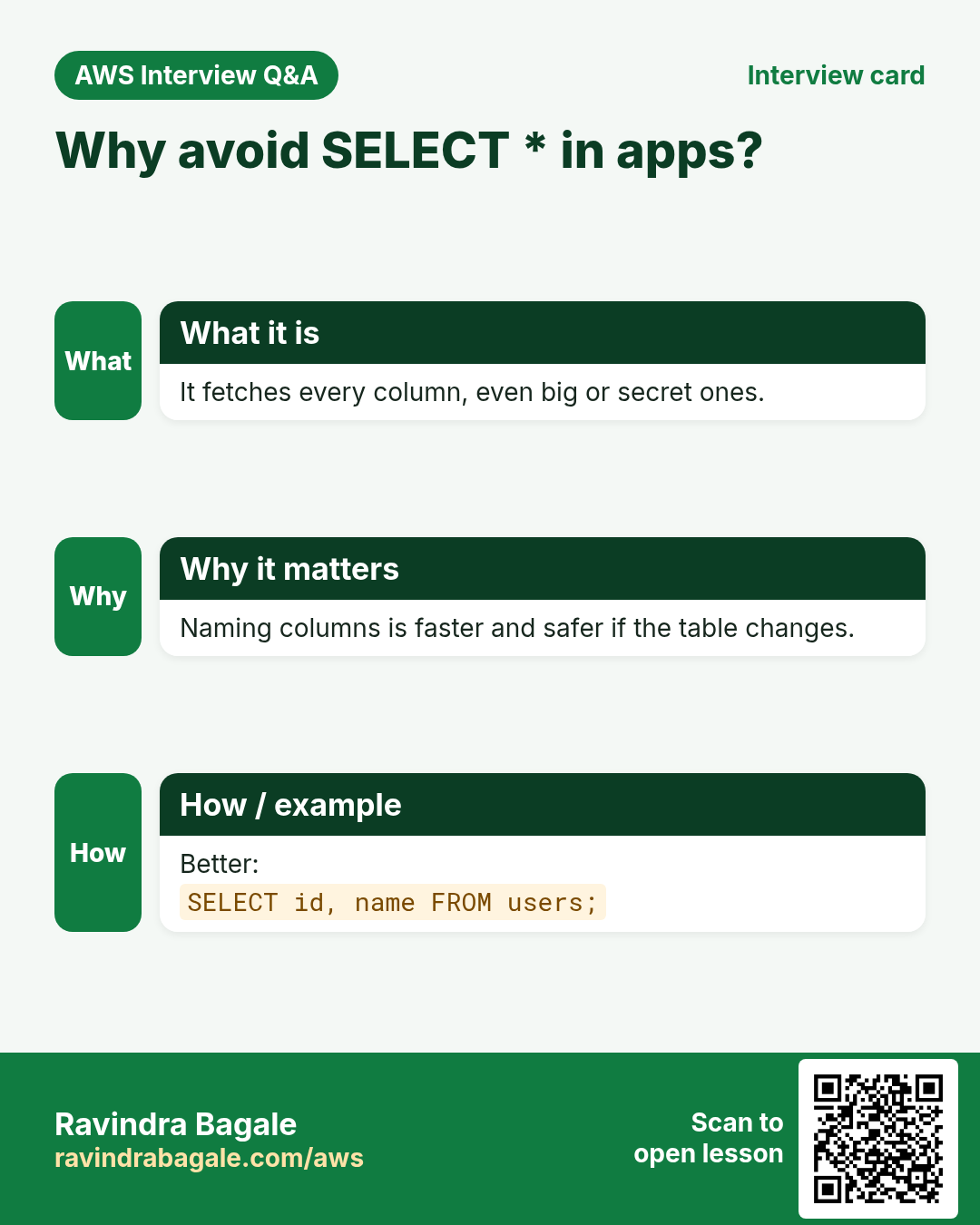
INSERT,SELECT,UPDATE,DELETE INSERTwith all columns or named columns,NULL, the two common errors, and many rows at onceSELECT *versus named columns
1. Install, start and log in to MariaDB
Why: a database server is a program like Apache or Nginx. It must be installed and running before you can store anything.
What: on Amazon Linux the package is mariadb105-server and the service is mariadb. MariaDB is a drop-in replacement for MySQL, so the same SQL and the same mysql command work.
How:
- Connect to your Amazon Linux EC2 instance with SSH.
sudo yum install mariadb105-server -yinstalls the server.sudo service mariadb startstarts it.sudo service mariadb statusshould sayactive (running).sudo mysqllogs you in as the database's root user. The first time, no password is needed because you used sudo.- The prompt changes to
MariaDB [(none)]>. You are now talking to the database, not to Linux. -
Set a password for root (keep the quotes exactly like this):
ALTER USER 'root'@'localhost' IDENTIFIED BY 'YOUR_STRONG_PASSWORD'; -
Type
exit;to leave. - From now on, log in with
mysql -u root -p(orsudo mariadb -u root -p).-uis the user, and-pasks for the password. - Type the password and press Enter. Nothing appears on the screen while you type; that is normal.
After the password is set, plain sudo mysql answers ERROR 1045 ... Access denied: use -u root -p instead.
Figure 1. Animation: install, start, first login with sudo mysql, ALTER USER to set the root password, exit, then mysql -u root -p from then on.
Classroom line
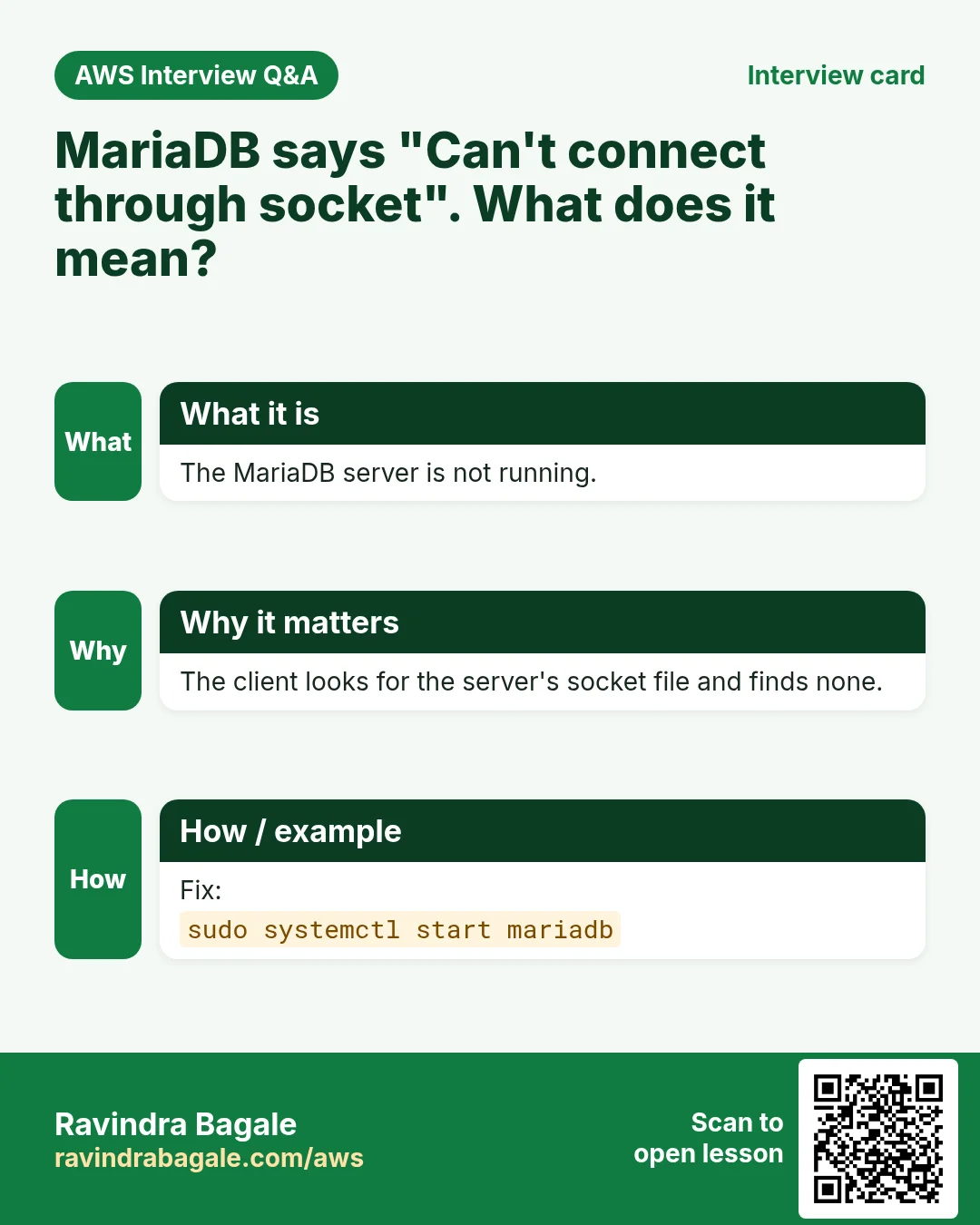
Whenever an error mentions .sock, remember: your database service isn't running.
Class मधलं वाक्य
"Kadhi bi error madhe dot socket aala, lakshat ghyaycha tumchi service chalu nahiye."
कधीही error मध्ये dot socket आलं, लक्षात घ्यायचं तुमची service चालू नाहीये.
Classroom line
Whenever an error mentions .sock, remember: your database service isn't running.
If you see Can't connect to local server through socket '/var/lib/mysql/mysql.sock', the MariaDB service is stopped. Run sudo service mariadb start and log in again.
2. Talking to MariaDB: semicolons and the arrow prompt
What:
- Every SQL statement ends with a semicolon
;. MariaDB runs it only when it sees the;. - If you press Enter without
;, the prompt changes to->. MariaDB is waiting for the rest of the statement. - One statement may go over many lines. A keyword itself (
DATABASE,CREATE) is never split across two lines. - Ctrl+C cancels the statement you are typing. Ctrl+L clears the screen.
- SQL keywords are not case-sensitive:
show databases;andSHOW DATABASES;are the same. We write keywords in capitals so they stand out. - Names are different: on Linux, database and table names are case-sensitive by default, so
usersandUsersare two different tables. Pick lowercase names and stick to them.
Classroom line
(Forgetting the semicolon) It happens in a hurry, when you're not used to it yet.
Class मधलं वाक्य
(Semicolon विसरणं) घाईत असं होतं, अजून सवय नाही म्हणून.
Classroom line – हिंदी
"Gadbadi me hota hai aisa, aadat nahi hai."
How:
- Type
SHOW DATABASESand press Enter. You get->. - Type
;and press Enter. The list appears. - Type
SHOW DATand press Ctrl+C. The half-typed statement is cancelled.
Figure 2. A statement runs at the semicolon. The arrow prompt means MariaDB is waiting for the rest; Ctrl+C cancels, Ctrl+L clears the screen.
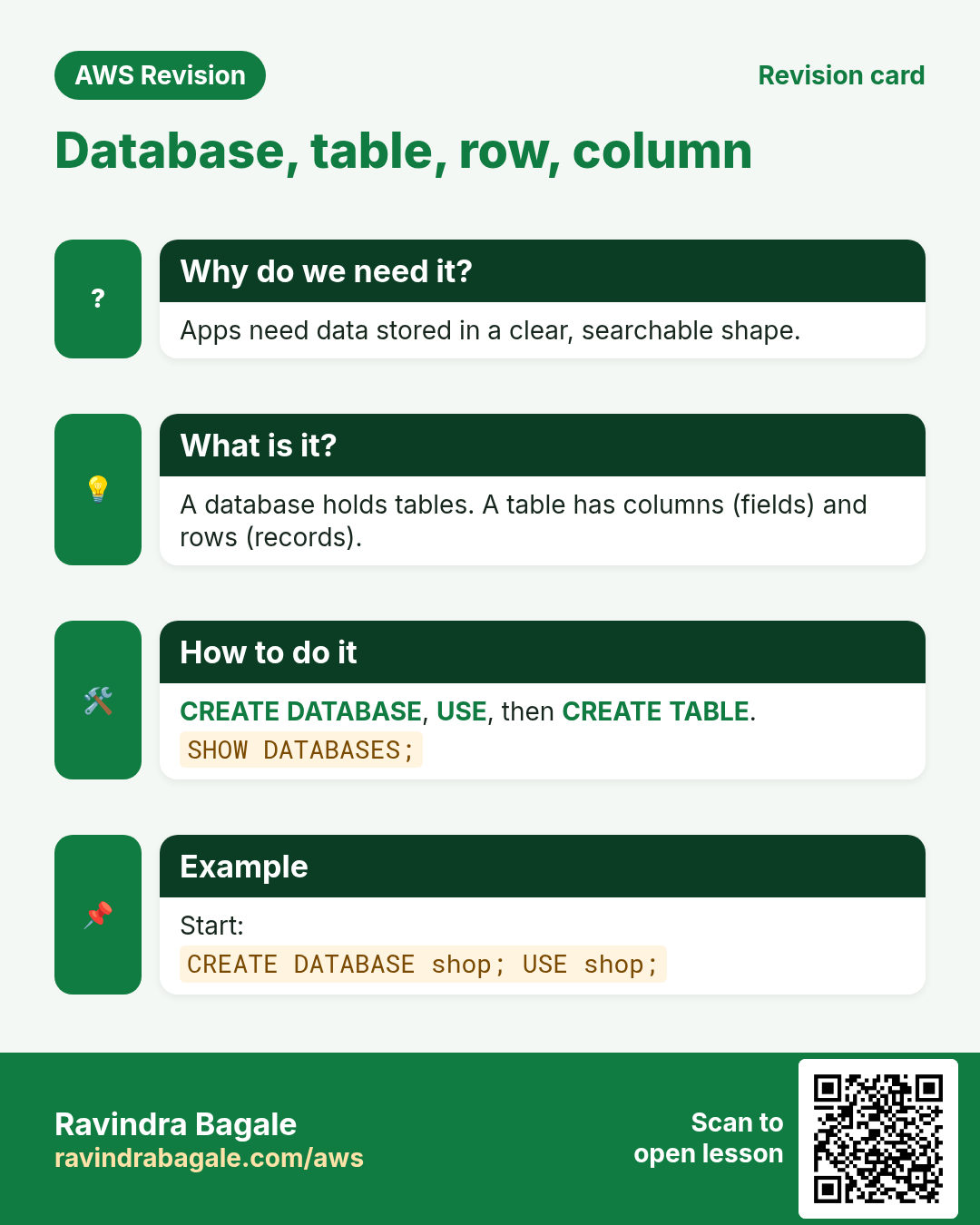
3. Database, table, row and column
Why: an app keeps different kinds of data: users, posts, reels, chats. Each kind gets its own table, and all the tables of one app live in one database.
Classroom line
What data does Instagram have? Users, reels, posts, chats...
Class मधलं वाक्य
"Instagram madhe kutla kutla data ahe? Users ahet, reels ahet, posts ahet, chats..."
Instagram मध्ये कुठला कुठला data आहे? Users आहेत, reels आहेत, posts आहेत, chats...
Classroom line
What data does Instagram have? Users, reels, posts, chats...
What:
- A database is an organised collection of data. One MariaDB server can hold many databases.
- A table stores one kind of data, like a spreadsheet.
- A column (field) is one piece of information, such as
nameorcity. - A row (record) is one entry, such as one user.
- In an interview, describe a database as a container of tables that the database server manages for you. On disk, MariaDB keeps each database as a folder under
/var/lib/mysql, but you never edit those files directly; you always work with the data through SQL.
Classroom line
If an interview asks what a database is, don't answer "just a folder".
Class मधलं वाक्य
"Interview madhe database mhanje kay vicharla tar folder mhanu naka."
Interview मध्ये database म्हणजे काय विचारलं तर "फक्त एक folder" असं उत्तर देऊ नका.
Classroom line
If an interview asks what a database is, don't answer "just a folder".
Figure 3. A MariaDB server holds databases, a database holds tables, and a table is made of columns (fields) and rows (records).
4. SHOW DATABASES, CREATE DATABASE and USE
Why: An app keeps its tables inside a database of its own. You must create it and select it before any table can exist.
How:
SHOW DATABASES;lists the databases.information_schema,mysqlandperformance_schemaare MariaDB's own; don't change them.CREATE DATABASE instagram;creates a new database.- Run
CREATE DATABASE instagram;again:ERROR 1007 ... database exists. Choose another name, or use the one you have. SHOW DATABASES;again:instagramis in the list.USE instagram;answersDatabase changed, and the prompt changes fromMariaDB [(none)]>toMariaDB [instagram]>. Every table you create now goes intoinstagram.
Classroom line
To create it's CREATE DATABASE, but to see them it's SHOW DATABASES.
Class मधलं वाक्य
"Database create kartana create database ahe, pan baghtana show databases ahe."
Database create करताना create database आहे, पण बघताना show databases आहे.
Classroom line
To create it's CREATE DATABASE, but to see them it's SHOW DATABASES.
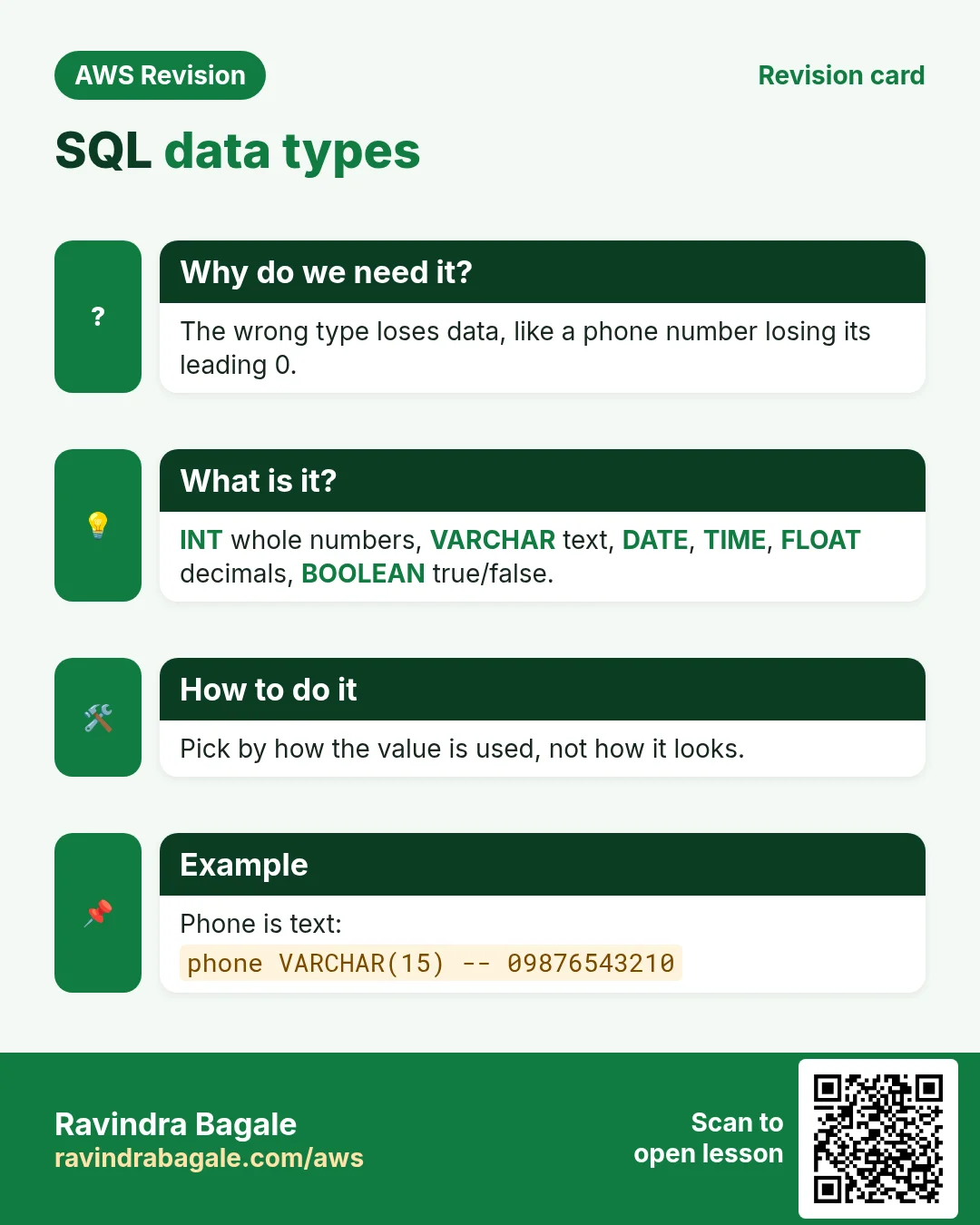
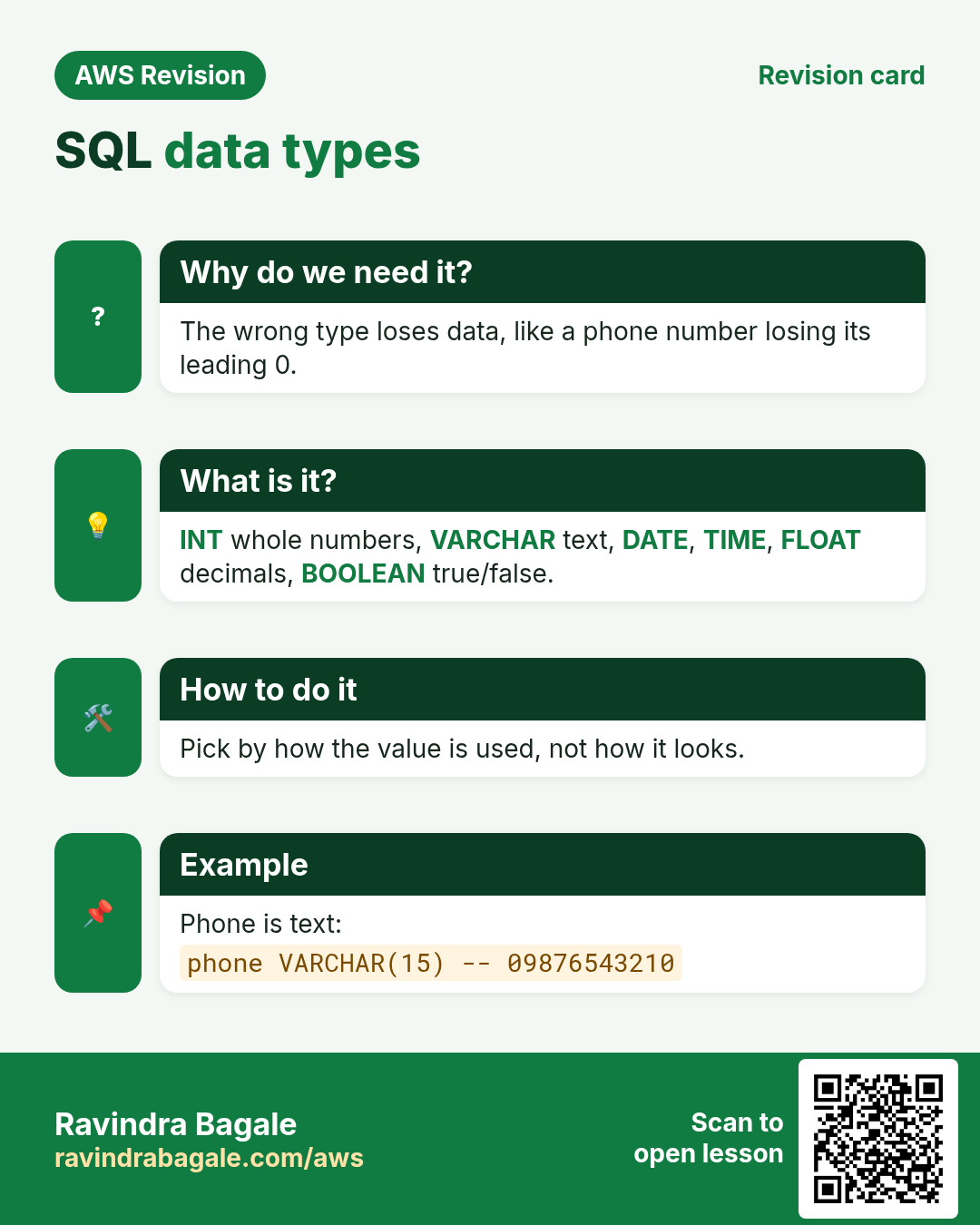
5. Data types: what each column may hold
Why: for every column you tell the database what kind of value it holds. Then it can store the value correctly and refuse wrong values.
What:
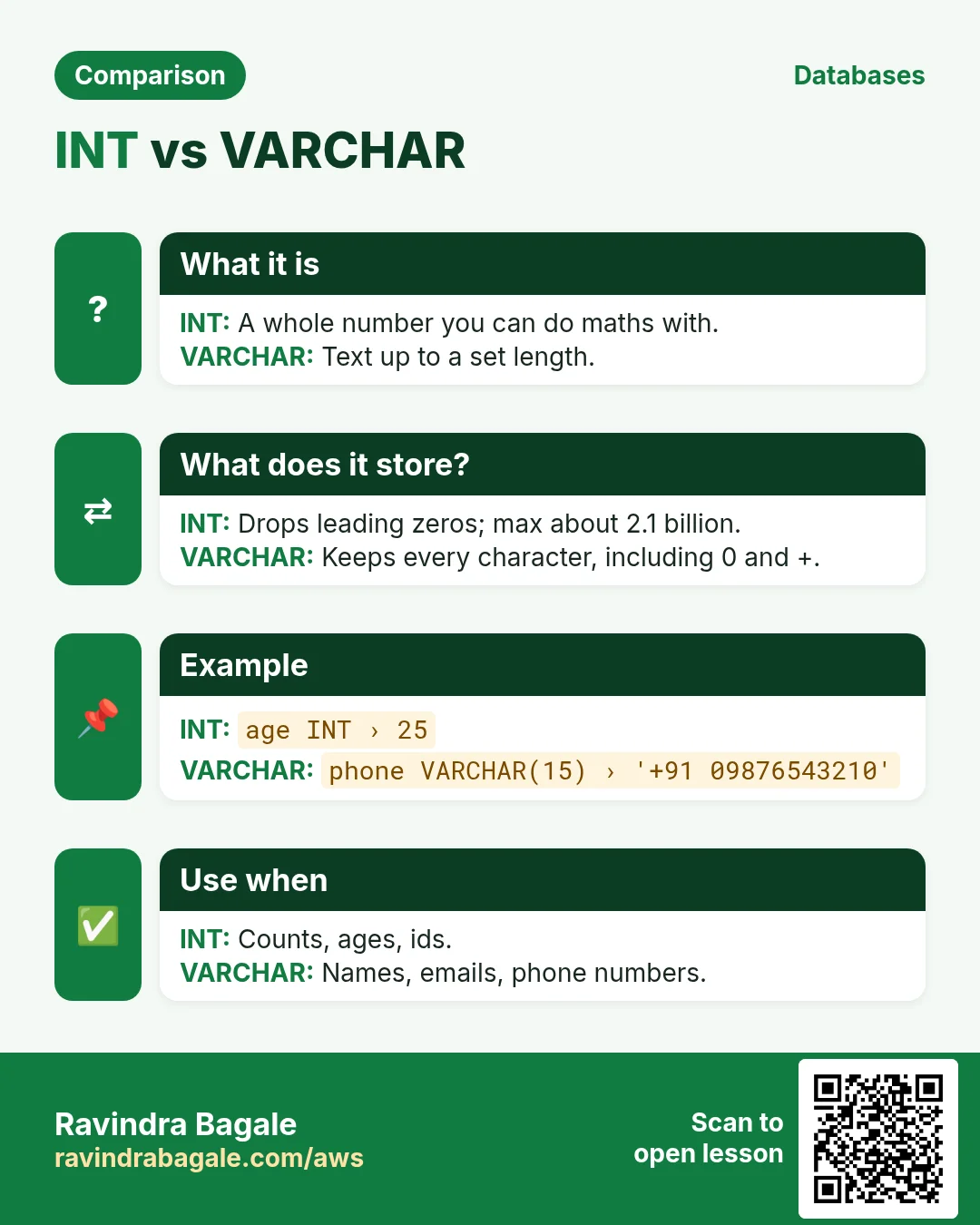
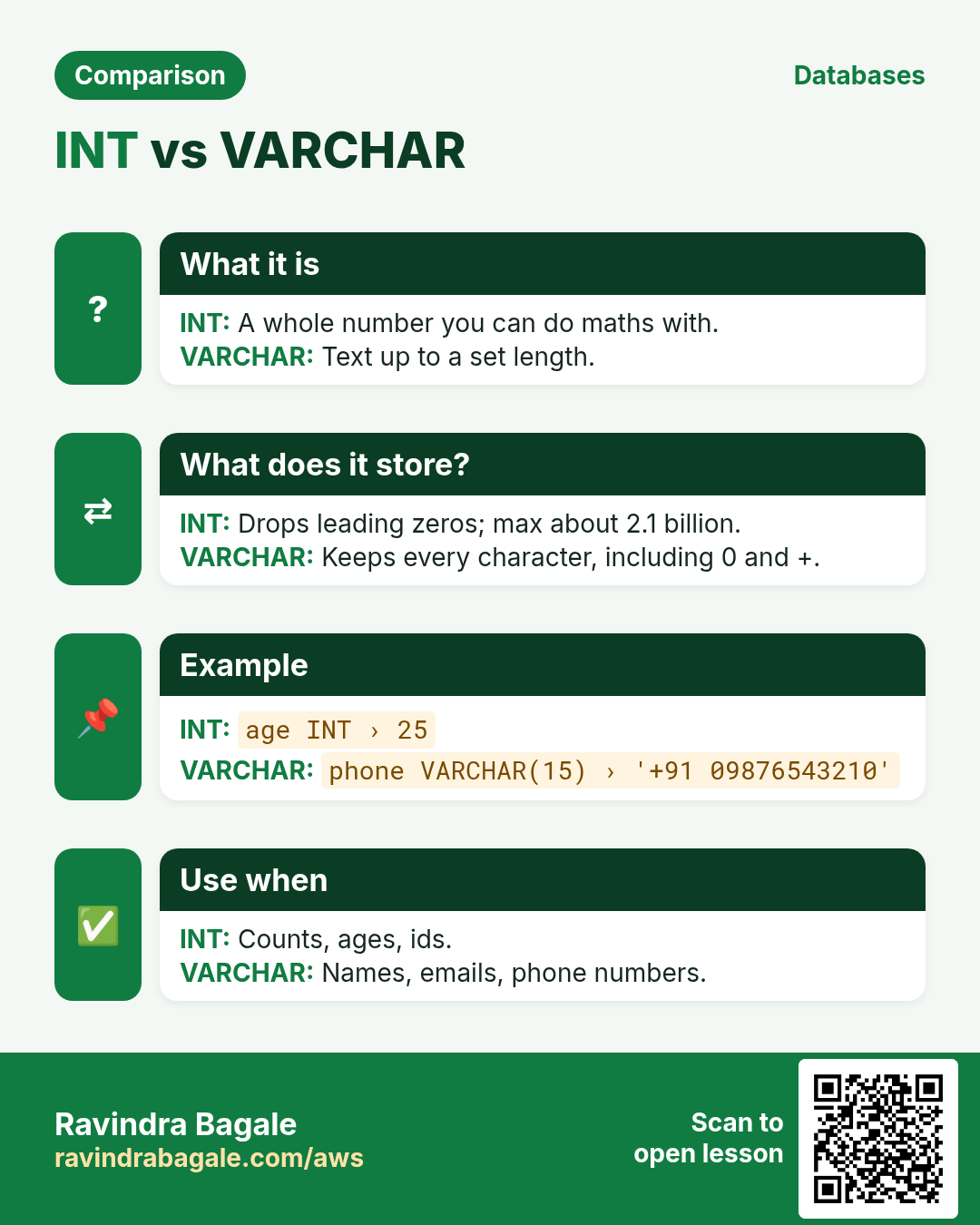
INT: whole numbers, such as an id or an age. The largestINTis 2,147,483,647.VARCHAR(n): text of up toncharacters: letters, digits, symbols, even emoji. Choose a sensiblen, for exampleVARCHAR(100)for a name.DATE: a date, written'YYYY-MM-DD'.TIME: a time of day, written'HH:MM:SS'.FLOAT: numbers with decimals, such as a weight. For money, useDECIMAL, which stores exact values.BOOLEAN: true or false (MariaDB stores it as 1 or 0).
Classroom line
For the phone number column, will you use integer or varchar?
Class मधलं वाक्य
"Phone number chya column la integer denar ka varchar denar?"
Phone number च्या column ला integer देणार का varchar देणार?
Classroom line
For the phone number column, will you use integer or varchar?
A phone number is VARCHAR:
- A 10-digit mobile number is bigger than 2,147,483,647, so
INTrefuses it with anOut of rangeerror. - Phone numbers may have
+91, spaces or a leading 0, which a number type would lose. - You never add or multiply phone numbers. If you don't do maths on it, store it as text.
Figure 4. Common data types with examples. A phone number goes in VARCHAR: too big for INT, it may contain +91 or spaces, and you never do maths on it.
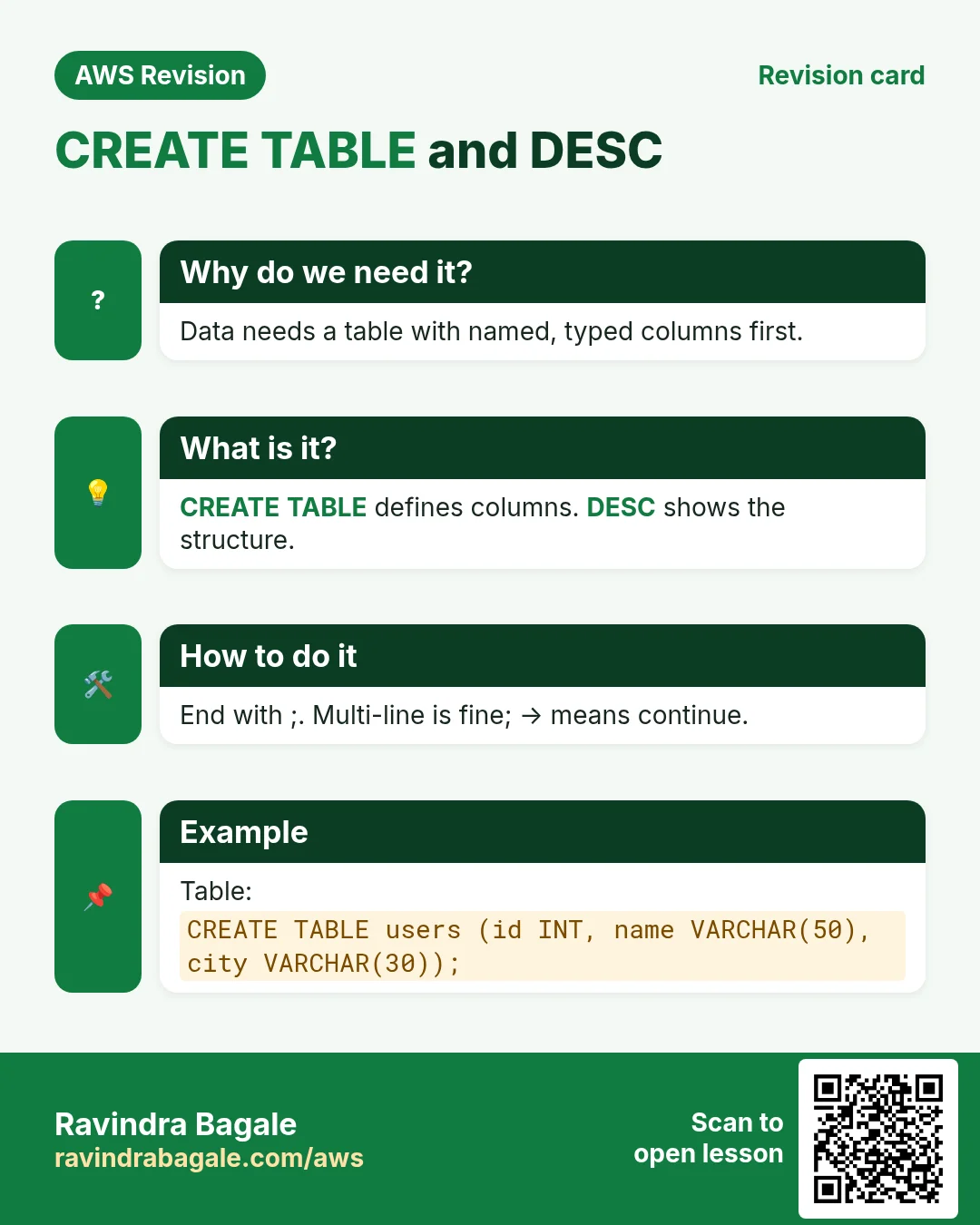
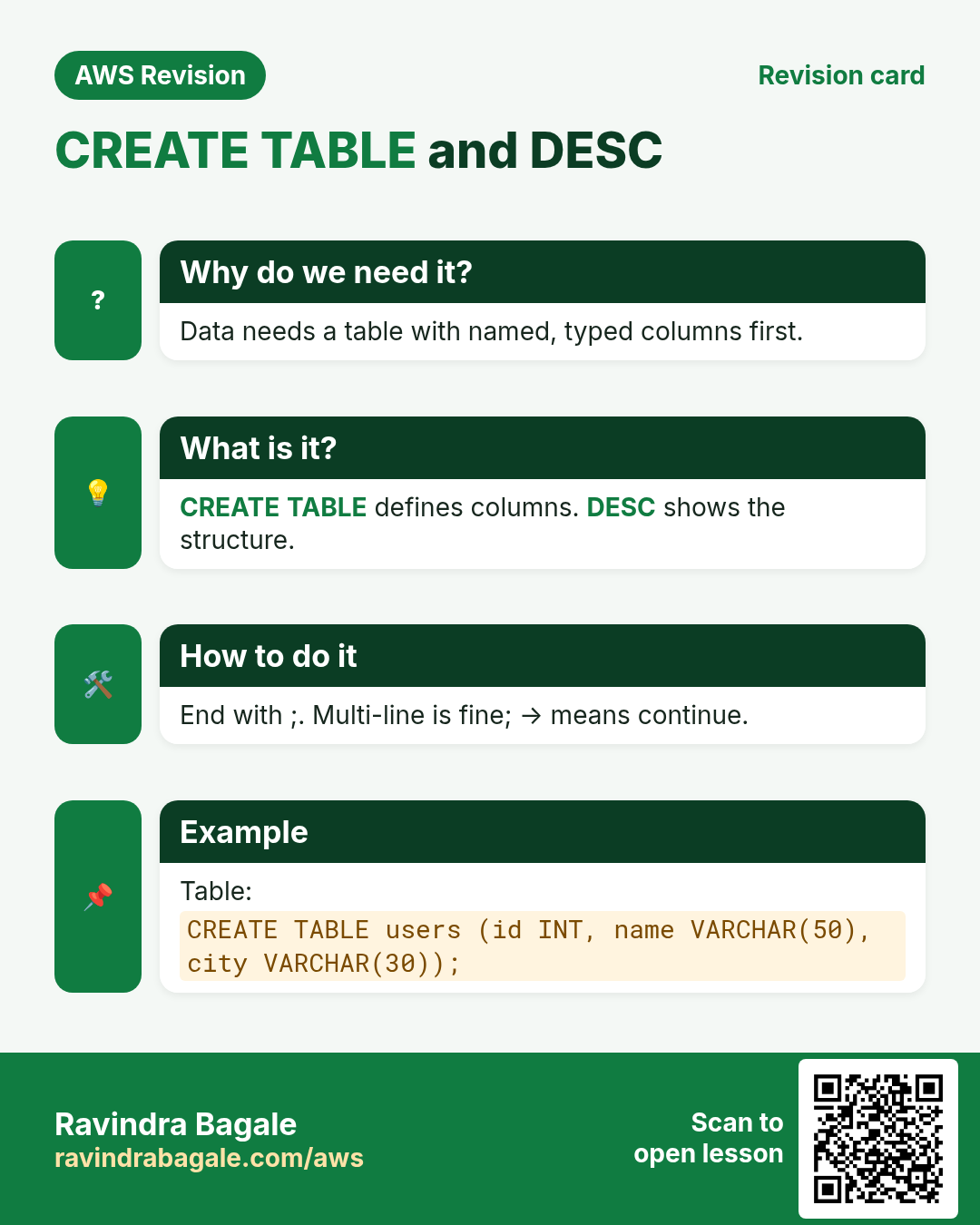
6. CREATE TABLE, SHOW TABLES and DESC
Why: A table is the shape your data will have for years. Checking it with DESC right after creating it catches a wrong type before any data goes in.
How:
- Make sure the prompt says
[instagram](runUSE instagram;if not). -
Create the table:
CREATE TABLE users (id INT, name VARCHAR(100), city VARCHAR(50), age INT); -
Query OK, 0 rows affectedmeans the table exists, still empty. SHOW TABLES;lists the tables in the database:users.DESC users;(orDESCRIBE users;) shows each column, its type, whether it may be empty (Null) and its default value.
Classroom line
Name the table users, not user. USER is a keyword in SQL.
Class मधलं वाक्य
"Table cha nav users theva, user nahi. User ha SQL madhe keyword ahe."
Table चं नाव users ठेवा, user नाही. User हा SQL मध्ये keyword आहे.
Classroom line
Name the table users, not user. USER is a keyword in SQL.
We call the table users because USER is an SQL keyword, and the built-in mysql database already has a table called user. A plural name avoids that confusion.
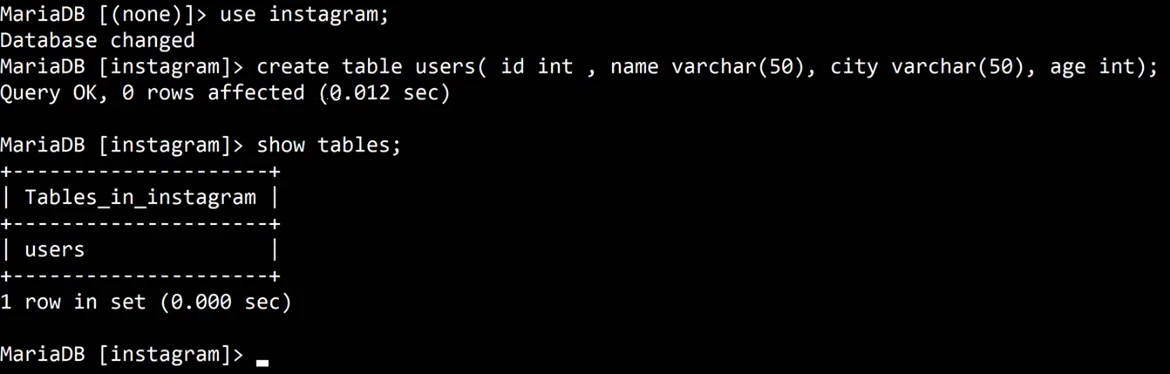
Whiteboard: USE instagram, CREATE TABLE users with four columns, and SHOW TABLES listing users.
In DESC, you may see int(11). The 11 is only a display width from older MySQL versions; it doesn't change what an INT can store.
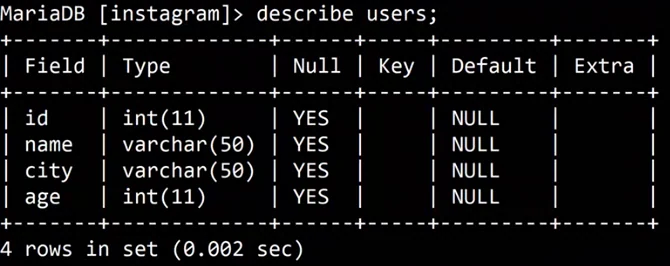
Whiteboard: DESC users: each column with its type, Null, Key and Default.
Common mistakes that give ERROR 1064 (a syntax error):
- A missing comma between two columns.
VARCHARwithout a size.- A missing
)at the end.
Figure 5. Reading CREATE TABLE users: column name then type, VARCHAR needs a size, commas between columns, close the bracket and end with a semicolon.
Ravindra Bagale's Tip
Keep table and column names lowercase, with no spaces (users, city, created_at). On Linux, names are case-sensitive, and one consistent style saves you from "table doesn't exist" errors later.
7. CRUD: the four things you do with data
Why: Almost every screen in an app is one of these four actions. Knowing the four names helps you read any app's SQL.
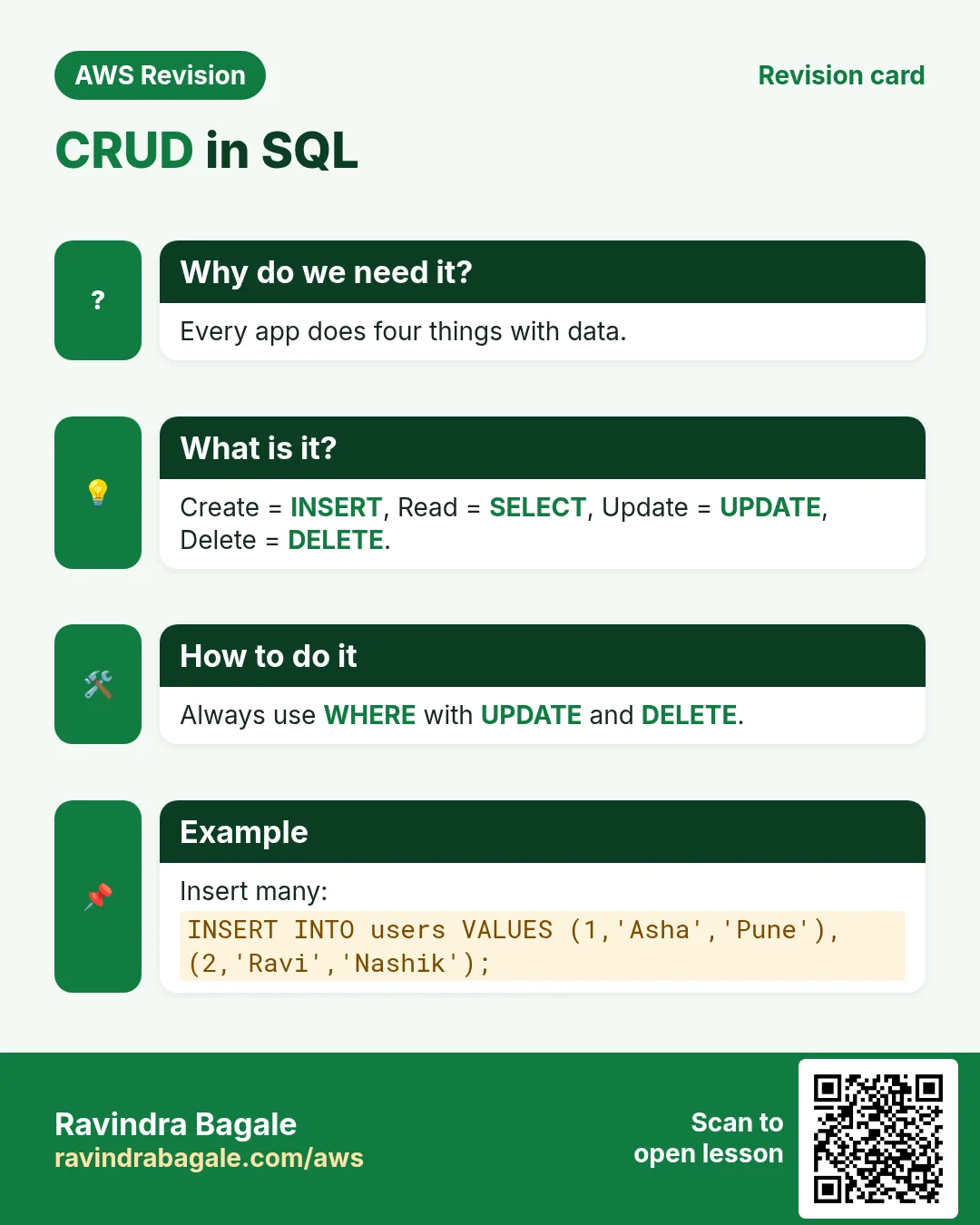
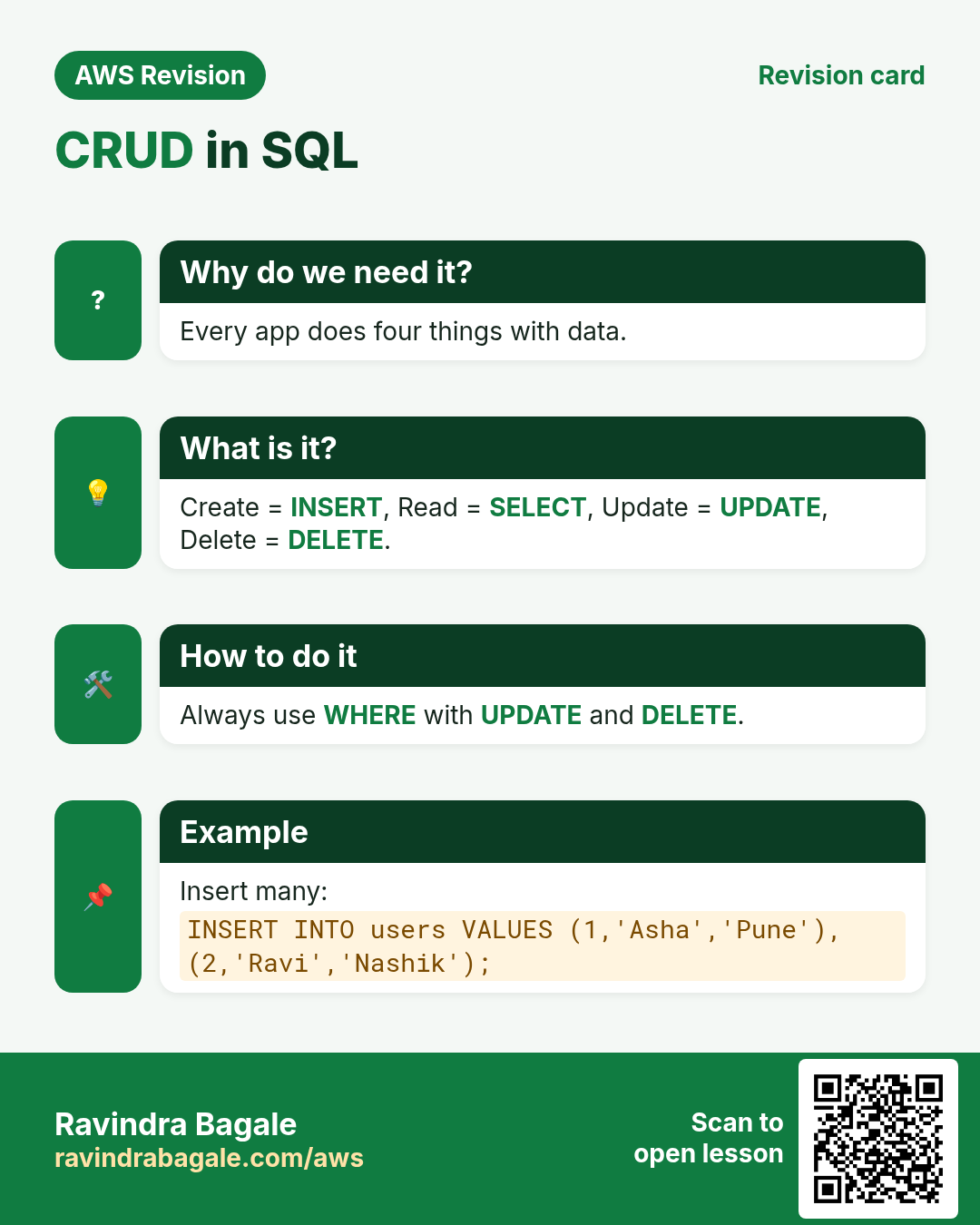
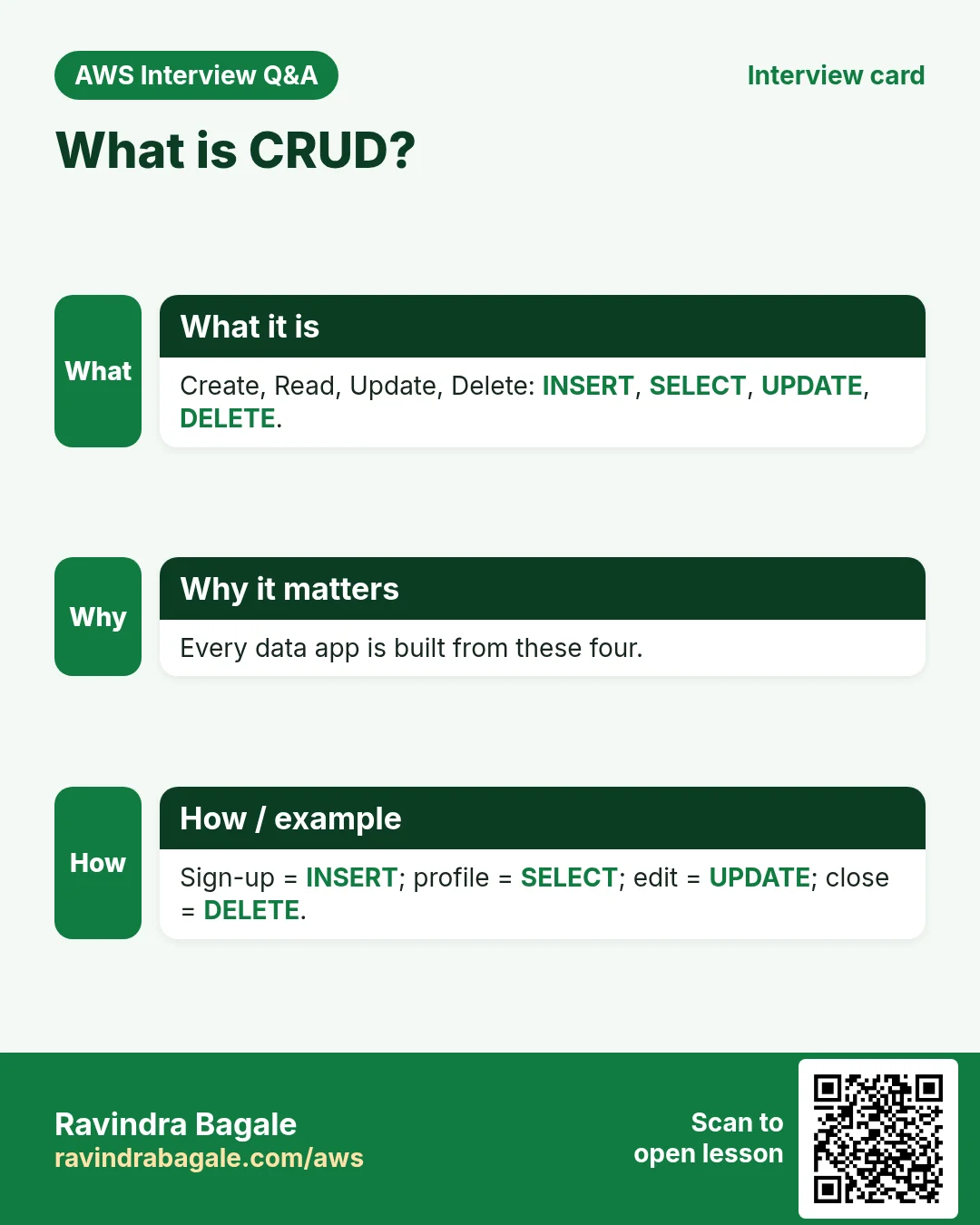
What: almost everything an app does with its rows is one of four actions, together called CRUD:
- Create =
INSERT: add new rows. - Read =
SELECT: read rows. It never changes anything. - Update =
UPDATE: change rows that exist, for exampleUPDATE users SET age = 31 WHERE id = 1; - Delete =
DELETE: remove rows, for exampleDELETE FROM users WHERE id = 3;
CREATE DATABASE, CREATE TABLE and ALTER TABLE are not CRUD. They change the structure; CRUD works on the rows inside the tables. In this chapter we practise INSERT and SELECT.
Figure 6. CRUD: Create = INSERT, Read = SELECT, Update = UPDATE, Delete = DELETE. CREATE TABLE and ALTER are structure commands, not CRUD.
8. INSERT: add rows
Why: An empty table is useless. Every sign-up, post or order in an app ends as one INSERT.
8.1 All columns, in table order
DESC users;shows the column order:id,name,city,age.-
Give one value for every column, in that order:
INSERT INTO users VALUES (1, 'ravi', 'solapur', 30); -
Text goes in single quotes (
'ravi'); numbers don't (30). Query OK, 1 row affectedmeans the row is saved.SELECT * FROM users;shows it.
8.2 Named columns, in any order
-
List the columns you want to fill, then the values in the same order:
INSERT INTO users (name, id, city) VALUES ('zoya', 2, 'pune'); -
The column you left out,
age, getsNULL. - This form is safer: months later you won't remember the order the table was created in, and you don't need to.
Classroom line
If you come to insert values four or five months later, how will you know the column order the table was created with?
Class मधलं वाक्य
"Char-paach mahinyanantar value insert karayla aalat, tar kasa mahiti honar kutlya sequence ne table tayar kela hota?"
चार-पाच महिन्यांनंतर value insert करायला आलात, तर कसं माहिती होणार कुठल्या sequence ने table तयार केला होता?
Classroom line
If you come to insert values four or five months later, how will you know the column order the table was created with?
8.3 NULL
NULLmeans no value at all. It is not empty text''and not0.INSERT INTO users (name, id) VALUES ('siya', 3);leavescityandageasNULL.
Classroom line
In any column where we don't put a value, NULL will appear.
Class मधलं वाक्य
"Ja column madhe aapan value taknar nahi, tithe NULL yeil."
ज्या column मध्ये आपण value टाकणार नाही, तिथे NULL येईल.
Classroom line
In any column where we don't put a value, NULL will appear.
Classroom line
NULL means nothing at all; the value doesn't exist.
Class मधलं वाक्य
"NULL mhanje kahich nahi, tyacha astitvach nahi."
NULL म्हणजे काहीच नाही, त्याचं अस्तित्वच नाही.
Classroom line
NULL means nothing at all; the value doesn't exist.
8.4 Two errors you will meet
- Wrong number of values:
INSERT INTO users VALUES (4, 'amit', 'nashik');gives three values for four columns:ERROR 1136 ... Column count doesn't match value count at row 1. Give all four values, or name the columns. - Values in the wrong order:
INSERT INTO users (name, id, city) VALUES ('zoya', 'pune', 2);puts'pune'intoid:ERROR 1366 ... Incorrect integer value: 'pune' for column ... id. Put the values in the order of your column list.
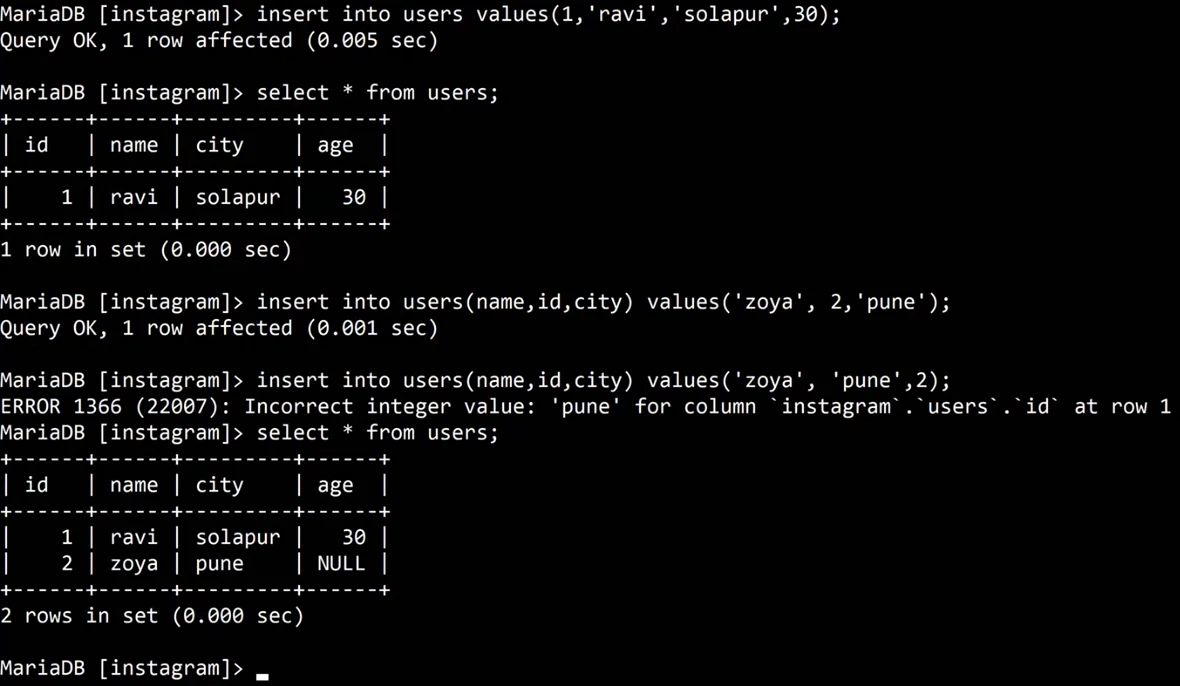
Whiteboard: INSERT with all columns, INSERT with named columns (age becomes NULL), and the error when a value goes into the wrong column.
Figure 7. INSERT with all columns in table order, or with named columns in any order (skipped columns become NULL), and the two errors you will meet.
8.5 Many rows in one INSERT
When you fill a new app with test data, typing one INSERT per row is slow. Put several rows in one statement, separated by commas:
INSERT INTO users VALUES (1, 'ravi', 'solapur', 30), (2, 'siya', 'pune', 27), (3, 'maya', 'mumbai', 25);
- MariaDB answers
Query OK, 3 rows affected. - The table has no rule against duplicates yet, so the same id can appear twice. Keys that prevent this come later.

Whiteboard: One INSERT with three rows: Query OK, 3 rows affected.
9. SELECT: read rows
Why: Data is stored to be read. Every feed, profile and search result is a SELECT, and it never changes anything, so it is safe to practise.
What: SELECT reads rows and shows them. It never changes the data.
Classroom line
Only the SELECT query is a read query. It doesn't change the data.
Class मधलं वाक्य
"Fakt select query hi read query ahe. Hi data change nahi karat."
फक्त select query ही read query आहे. ही data change नाही करत.
Classroom line
Only the SELECT query is a read query. It doesn't change the data.
How:
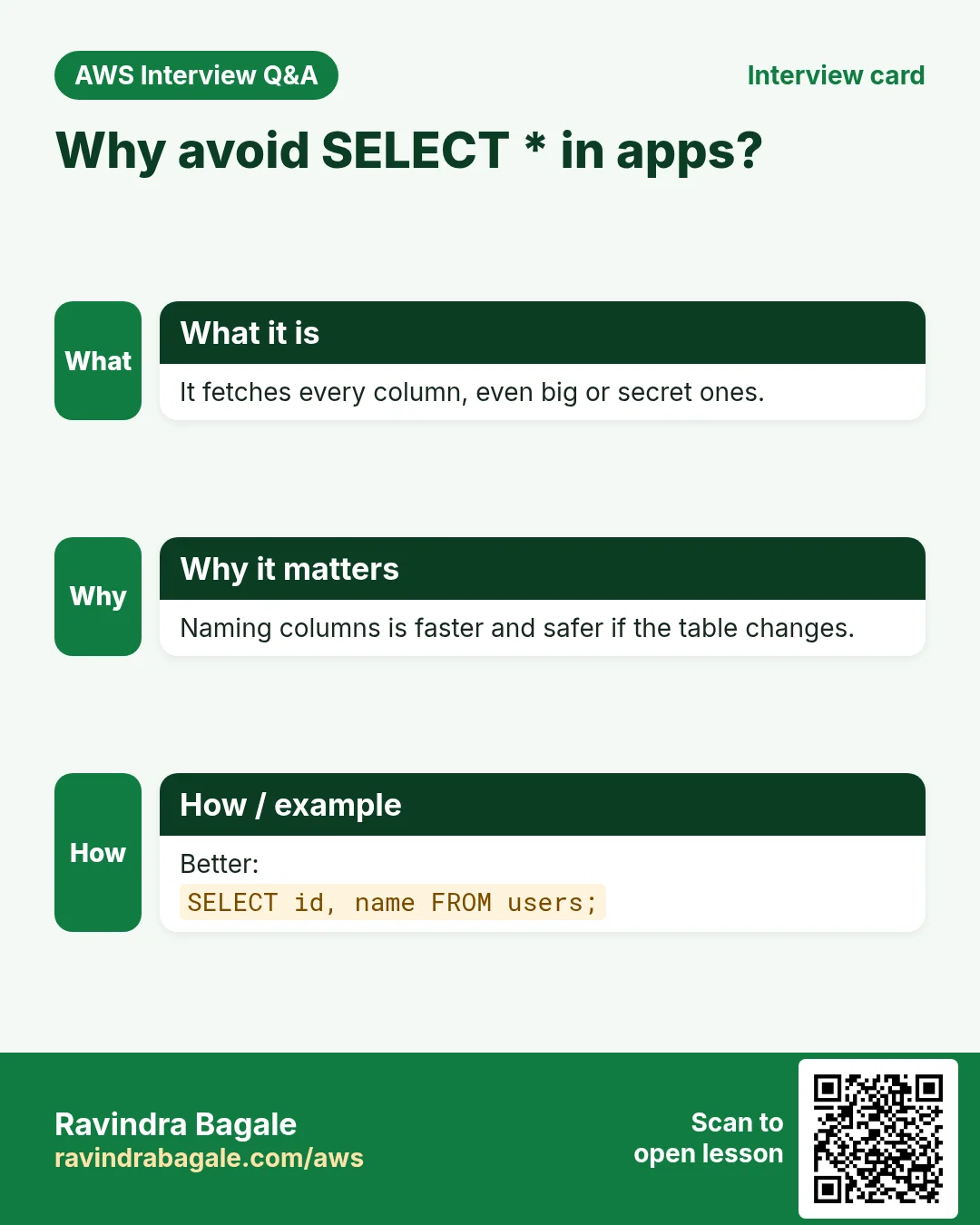
SELECT * FROM users;shows all columns of every row.SELECT name FROM users;shows only thenamecolumn.SELECT id, name FROM users;shows two columns.SELECT city, name FROM users;shows them in the order you asked: city first.SELECT city FROM users;may show the same city several times, one per row.SELECT DISTINCT city FROM users;shows each city once. We look atDISTINCTproperly in the next SQL chapter.
Classroom line
Everyone thinks star means all records. That's wrong: star means the data of all columns.
Class मधलं वाक्य
"Saglyana vatta star mhanje all records. Chukicha ahe. Star mhanje saglya columns cha data."
सगळ्यांना वाटतं star म्हणजे all records. चुकीचं आहे. Star म्हणजे सगळ्या columns चा data.
Classroom line
Everyone thinks star means all records. That's wrong: star means the data of all columns.
Figure 8. Animation: SELECT * returns every column, SELECT name, city returns only those columns, and the columns come back in the order you ask for.
When you're done practising, type exit; and stop the EC2 instance.
10. The whole flow on one page
sudo yum install mariadb105-server -y,sudo service mariadb start.sudo mysql, thenALTER USER 'root'@'localhost' IDENTIFIED BY '...';,exit;, thenmysql -u root -p.- End every statement with
;.->means "waiting for the rest"; Ctrl+C cancels. A.sockerror means the service is stopped. SHOW DATABASES;,CREATE DATABASE instagram;,USE instagram;.- Pick a type per column:
INT,VARCHAR(n),DATE,TIME,FLOAT,BOOLEAN; phone numbers inVARCHAR. CREATE TABLE users (...);,SHOW TABLES;,DESC users;.- CRUD =
INSERT,SELECT,UPDATE,DELETE. INSERT INTO users VALUES (...);orINSERT INTO users (cols) VALUES (...);; skipped columns becomeNULL; many rows with(...), (...).SELECT * FROM users;= all columns;SELECT name, city FROM users;= chosen columns.
11. Hands-on lab: your first database, table and rows
Why this lab. This lab goes from an empty server to a table with data you can read back, in the order an app needs it: server, database, table, rows, query.
- Install and start MariaDB
- Command:
sudo yum install mariadb105-server -y && sudo service mariadb start - You should see:
Complete!, thenRedirecting to /bin/systemctl start mariadb.service. - Check:
sudo service mariadb statusshowsactive (running). - Why: A database server is a program like Apache: installed, then running. If it's stopped, logins fail with an error about
mysql.sock.
- Command:
- Log in
- Command:
sudo mysql - You should see: The prompt
MariaDB [(none)]>. - Check: If you already set a root password, use
mysql -u root -pinstead. - Why:
(none)in the prompt means no database is selected yet. From here on you type SQL, not Linux commands.
- Command:
- Create and select a database
- Command:
CREATE DATABASE instagram; USE instagram; - You should see:
Query OK, 1 row affected, thenDatabase changed. - Check: The prompt becomes
MariaDB [instagram]>. - Why: Each statement ends with
;. WithoutUSE, the nextCREATE TABLEfails withNo database selected.
- Command:
- Create a table
- Command:
CREATE TABLE users (id INT, name VARCHAR(50), city VARCHAR(50), age INT); - You should see:
Query OK, 0 rows affected - Check:
DESC users;lists four fields:id int(11),name varchar(50),city varchar(50),age int(11). - Why: Each column gets a type, so the database refuses wrong values.
VARCHAR(50)holds text up to 50 characters.
- Command:
- Insert three rows
- Command:
INSERT INTO users VALUES (1, 'ravi', 'solapur', 30), (2, 'siya', 'pune', 27), (3, 'maya', 'mumbai', 25); - You should see:
Query OK, 3 rows affectedandRecords: 3 Duplicates: 0 Warnings: 0. - Check: No error.
- Why: Values go in table order. Text needs quotes; numbers don't. One
INSERTcan add many rows.
- Command:
- Insert with named columns
- Command:
INSERT INTO users (name, id, city) VALUES ('zoya', 4, 'pune'); - You should see:
Query OK, 1 row affected - Check: No error, even though
agewas left out. - Why: Naming the columns frees you from remembering the table order. A column you skip becomes
NULL.
- Command:
- Read everything
- Command:
SELECT * FROM users; - You should see: A table with 4 rows, and
4 rows in set. Zoya's age showsNULL. - Check: The rows match what you inserted.
- Why:
*means every column, not every row. Reading back is how you prove the inserts worked.
- Command:
- Read only some columns
- Command:
SELECT name, city FROM users; - You should see: Two columns, 4 rows.
- Check:
ageandidare not shown. - Why: Apps ask only for what a screen shows. Fewer columns means less data sent over the network.
- Command:
- Leave
- Command:
exit; - You should see:
Bye - Check: You are back at the Linux prompt. Keep the
instagramdatabase for the next SQL chapters, and stop the instance. - Why: The data stays on the disk after you leave and after a stop, as long as you don't terminate the instance.
- Command:
12. Try at home
Try at home
Task 1: set up
- Install and start MariaDB, log in with
sudo mysql, and set a root password withALTER USER. exit;and log in again withmysql -u root -p.- Stop the service with
sudo service mariadb stop, try to log in, and read the socket error. Start it again.
Task 2: database and table
- Create a database
schoolandUSEit. - Create a table
studentswithid INT,name VARCHAR(100),phone VARCHAR(15),marks FLOATandjoined DATE. - Check it with
SHOW TABLES;andDESC students;.
Task 3: INSERT and SELECT
- Insert one student with all columns, and one with only
idandname. Which values becameNULL? - Insert three students in one statement.
- Make the column-count error and the wrong-order error on purpose, and read both messages.
- Run
SELECT *, thenSELECT name, marks, thenSELECT marks, name.
Recap
In short
- MariaDB on Amazon Linux:
mariadb105-server, servicemariadb; first loginsudo mysql, thenALTER USER 'root'@'localhost' IDENTIFIED BY '...';andmysql -u root -p. - Statements end with
;;->waits for the rest; Ctrl+C cancels; a.sockerror means the service is stopped. - Keywords are not case-sensitive; database and table names are case-sensitive on Linux.
- A database holds tables; a table has columns (fields) and rows (records).
SHOW DATABASES,CREATE DATABASE,USE,CREATE TABLE,SHOW TABLES,DESC.- Types:
INT(max 2,147,483,647;int(11)is only display width),VARCHAR(n),DATE,TIME,FLOAT,BOOLEAN; phone numbers inVARCHAR. - CRUD =
INSERT,SELECT,UPDATE,DELETE. INSERTall columns in order, or named columns in any order; skipped columns areNULL; many rows in one statement.SELECT *= every column; name the columns you need, in the order you want.
Practice Tasks
Solapur Chaddar House is a home textiles business in Solapur. Vikas Kamble looks after its IT and cloud work. They count money in INR and run their AWS resources in the ap-south-1 Region. In the tasks below you do real jobs for them using what this lesson teaches. All names, account IDs, IP addresses and numbers are made up for practice.
0 / 10
Easy Biggest orders first
Why: Querying the database is daily work after you set up RDS.
What to do: Show order id and amount, biggest amount first.
Tables: customers(id, name, city) and orders(id, customer_id, amount, odate).
- Find the table the task is about (see the table list above the box).
- Write the SQL statement step by step: what, from where, which rows.
- End the statement with ;
- Click Check answer. Your query runs on a practice copy of the table.
Easy Filter customers by city
Why: Querying the database is daily work after you set up RDS.
What to do: List the names of customers in Pune.
Tables: customers(id, name, city) and orders(id, customer_id, amount, odate).
- Find the table the task is about (see the table list above the box).
- Write the SQL statement step by step: what, from where, which rows.
- End the statement with ;
- Click Check answer. Your query runs on a practice copy of the table.
Easy Log in to MariaDB
Why: The mysql client lets you run SQL on the database server.
What to do: Open the MariaDB client as user root and ask for the password.
- Find the Linux command that does this job.
- Add the options (like -r or -h) the task needs.
- Add the file names, folders or users in the right order.
- Use sudo if the job changes system files or users. Click Check answer.
Medium Total sales
Why: Querying the database is daily work after you set up RDS.
What to do: Show the total of all order amounts as one number.
Tables: customers(id, name, city) and orders(id, customer_id, amount, odate).
- Find the table the task is about (see the table list above the box).
- Write the SQL statement step by step: what, from where, which rows.
- End the statement with ;
- Click Check answer. Your query runs on a practice copy of the table.
Medium Orders with customer names
Why: Querying the database is daily work after you set up RDS.
What to do: Show each customer name with each order amount.
Tables: customers(id, name, city) and orders(id, customer_id, amount, odate).
- Find the table the task is about (see the table list above the box).
- Write the SQL statement step by step: what, from where, which rows.
- End the statement with ;
- Click Check answer. Your query runs on a practice copy of the table.
Medium Remove small orders
Why: Querying the database is daily work after you set up RDS.
What to do: Delete orders with amount below 200.
Tables: customers(id, name, city) and orders(id, customer_id, amount, odate).
- Find the table the task is about (see the table list above the box).
- Write the SQL statement step by step: what, from where, which rows.
- End the statement with ;
- Click Check answer. Your query runs on a practice copy of the table.
Medium Fix a city
Why: Querying the database is daily work after you set up RDS.
What to do: Customer 5 moved to Rome. Update the record.
Tables: customers(id, name, city) and orders(id, customer_id, amount, odate).
- Find the table the task is about (see the table list above the box).
- Write the SQL statement step by step: what, from where, which rows.
- End the statement with ;
- Click Check answer. Your query runs on a practice copy of the table.
Hard Sales per customer
Why: Querying the database is daily work after you set up RDS.
What to do: Show customer_id and total amount per customer, only where total is above 1000.
Tables: customers(id, name, city) and orders(id, customer_id, amount, odate).
- Find the table the task is about (see the table list above the box).
- Write the SQL statement step by step: what, from where, which rows.
- End the statement with ;
- Click Check answer. Your query runs on a practice copy of the table.
Hard Customers with no orders
Why: Querying the database is daily work after you set up RDS.
What to do: List names of customers who have never ordered.
Tables: customers(id, name, city) and orders(id, customer_id, amount, odate).
- Find the table the task is about (see the table list above the box).
- Write the SQL statement step by step: what, from where, which rows.
- End the statement with ;
- Click Check answer. Your query runs on a practice copy of the table.
Hard Back up a database to a file
Why: mysqldump writes the whole database as SQL. Save it before big changes.
What to do: Dump the database solapurchaddar_wp as user root (ask for password) into solapurchaddar_wp.sql.
- Find the Linux command that does this job.
- Add the options (like -r or -h) the task needs.
- Add the file names, folders or users in the right order.
- Use sudo if the job changes system files or users. Click Check answer.
Revision, comparison and interview cards
Revise this lesson in a few minutes. Save the cards on your phone or download them as PNG files. The QR code on each card opens this lesson.
More cards: Ravi Sir's Cards.