AWS SDK SQS Examples: Send, Receive, Delete Messages and DLQs (Python, PHP, Node.js)
SQS is a queue that sits between the part of your app that makes work and the part that does it. We create a standard queue and a FIFO queue, send, receive and delete messages from Python, PHP and Node.js, and add a dead-letter queue. The example: order tickets for a bakery chain with Chloé in Lyon and Rohan in Pune.
What you'll learn in this chapter
- Create standard and FIFO queues
- Send single and batch messages
- Long-poll, process and delete
- Understand visibility timeout
- Add a dead-letter queue
1. The big picture: the order spike at a bakery
Why do we need this?
At the counter, the cashier writes each order on a slip and pins it on a rail. The bakers take slips when they are free. If a baker drops a slip, it comes back to the rail after a while. That rail is SQS: the cashier never waits for the oven.
What is it?
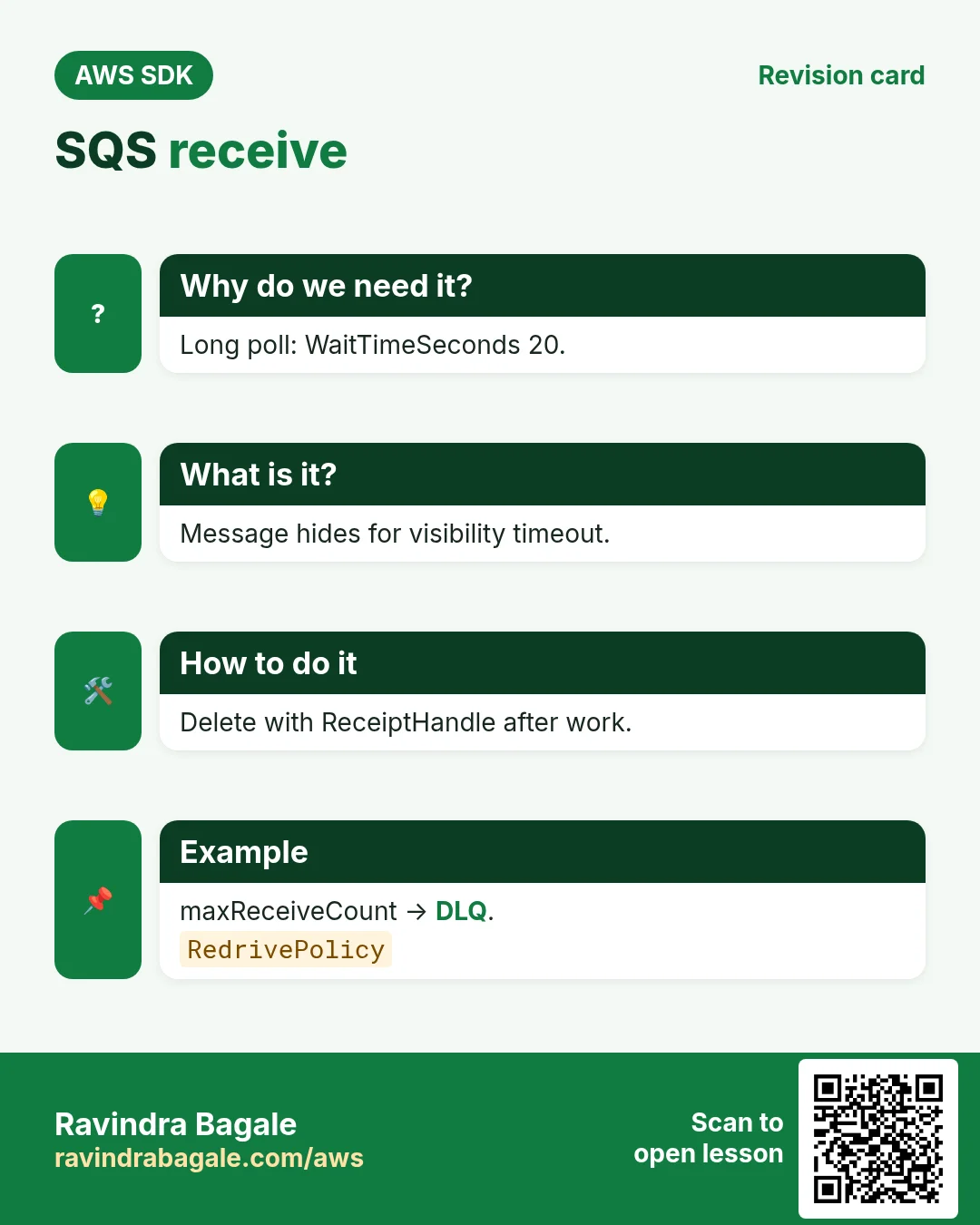
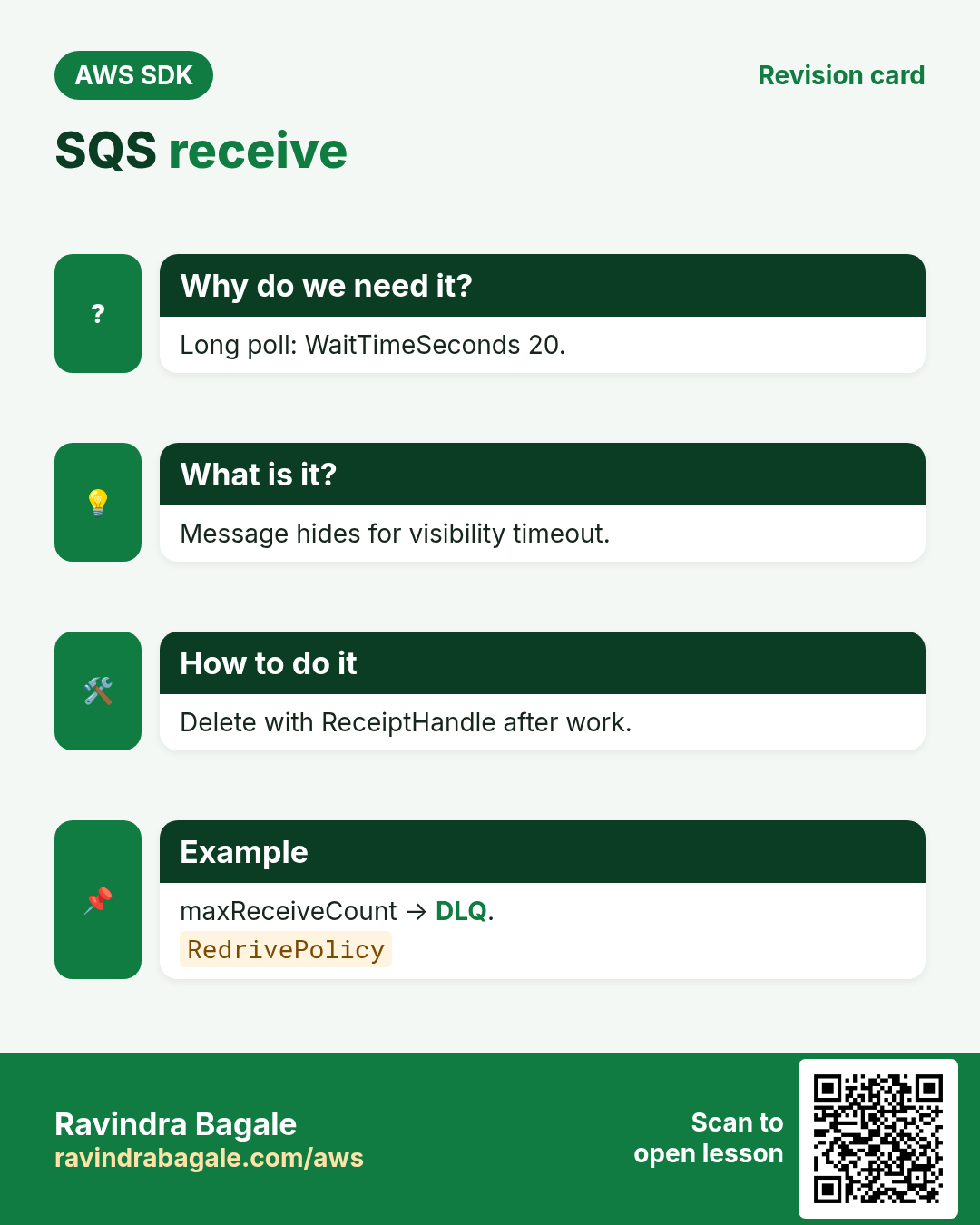
A received message is hidden for the visibility timeout. If you do not delete it with its ReceiptHandle before then, it becomes visible again. After maxReceiveCount tries it moves to the DLQ.
How to do it (step by step)
2. Create the queues
Why do we need this?
Chloé needs one queue for all orders, and Rohan needs a FIFO queue so payments for one customer happen in order.
What is it?
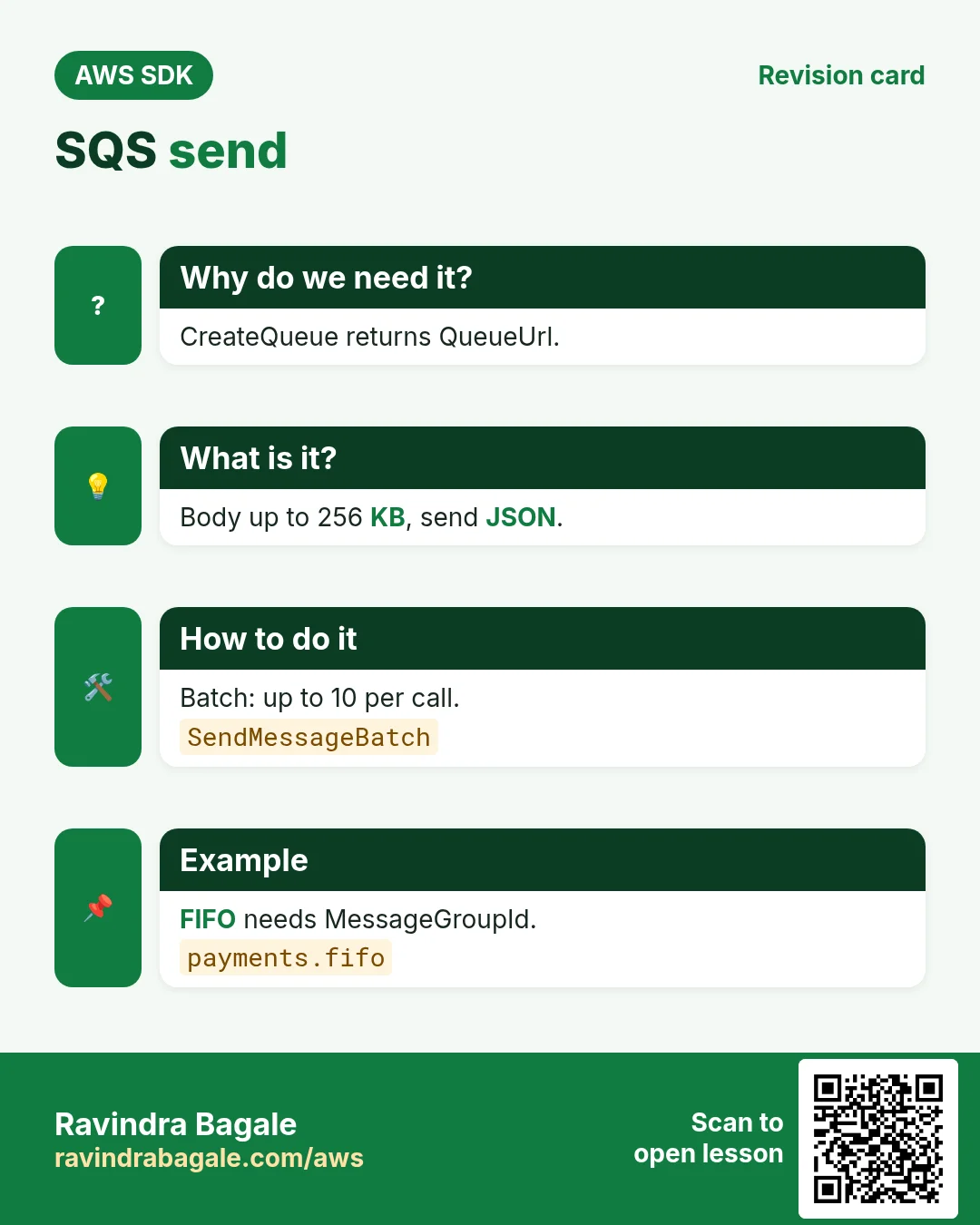
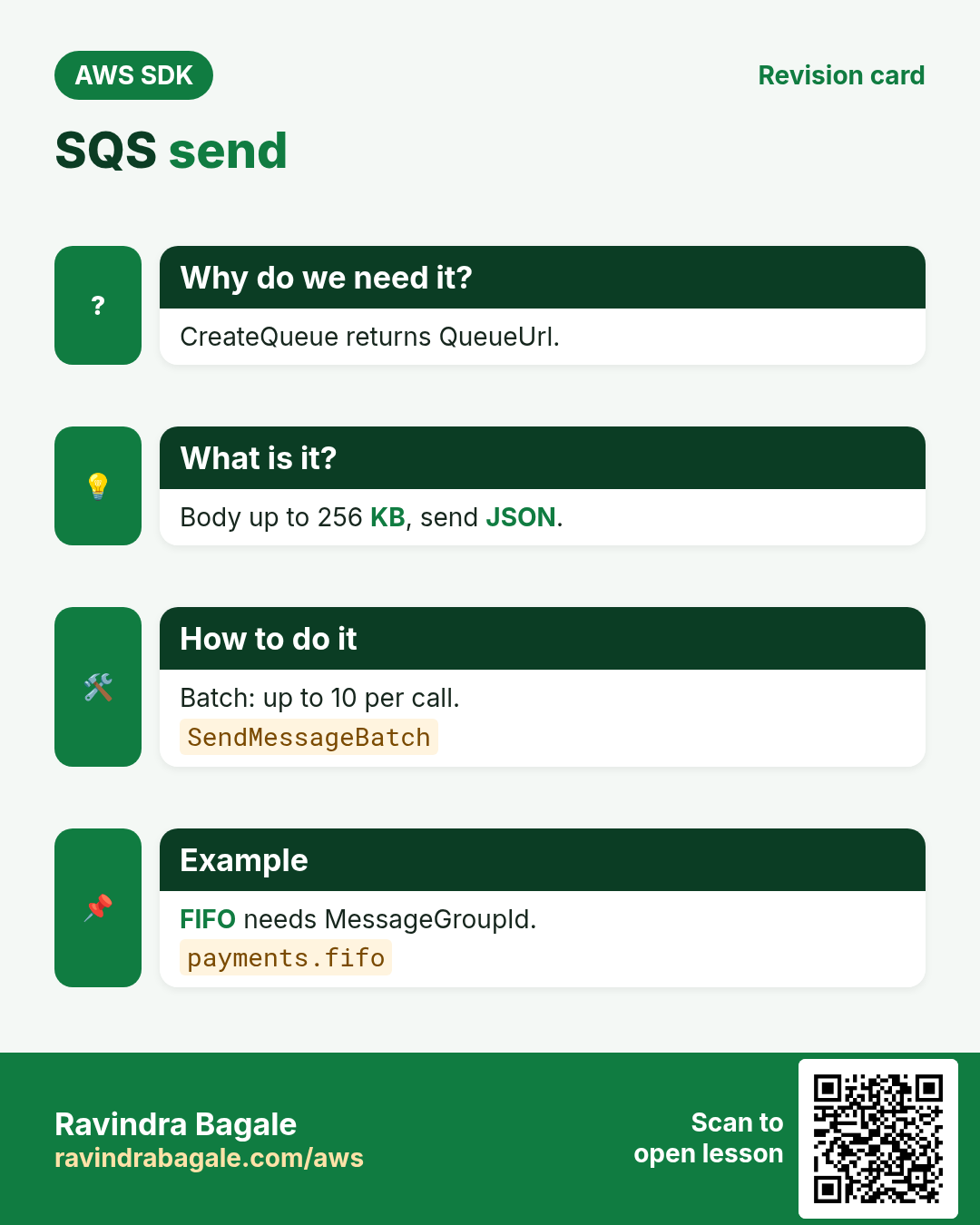
CreateQueue returns a QueueUrl that every later call uses. FIFO names must end in .fifo.
How to do it (step by step)
- Python (boto3): create a standard queue with long polling on.
import boto3
sqs = boto3.client("sqs", region_name="eu-west-3")
url = sqs.create_queue(QueueName="bakery-orders",
    Attributes={"ReceiveMessageWaitTimeSeconds": "20", "VisibilityTimeout": "60"})["QueueUrl"]
print(url)
Expected output:
https://sqs.eu-west-3.amazonaws.com/123456789012/bakery-orders- Node.js (v3): create a FIFO queue.
import { SQSClient, CreateQueueCommand } from "@aws-sdk/client-sqs";
const sqs = new SQSClient({ region: "ap-south-1" });
const { QueueUrl } = await sqs.send(new CreateQueueCommand({
  QueueName: "payments.fifo",
  Attributes: { FifoQueue: "true", ContentBasedDeduplication: "true" },
}));
console.log(QueueUrl);
Expected output:
https://sqs.ap-south-1.amazonaws.com/123456789012/payments.fifo- PHP (v3): look up a queue URL by name.
<?php
require "vendor/autoload.php";
$sqs = new Aws\Sqs\SqsClient(["region" => "eu-west-3"]);
$url = $sqs->getQueueUrl(["QueueName" => "bakery-orders"])["QueueUrl"];
echo $url, PHP_EOL;
Expected output:
https://sqs.eu-west-3.amazonaws.com/123456789012/bakery-orders- Verify: list queues with the prefix.
aws sqs list-queues --queue-name-prefix bakery --region eu-west-3 --query "QueueUrls" --output textExpected output:
https://sqs.eu-west-3.amazonaws.com/123456789012/bakery-orders3. Send messages
Why do we need this?
Each croissant order from Lyon and each ₹450 cake order from Pune becomes one message.
What is it?
Bodies are text up to 256 KB; send JSON. SendMessageBatch sends up to 10 at once. FIFO needs a MessageGroupId.
How to do it (step by step)
- Python: send one order with an attribute.
import json
r = sqs.send_message(QueueUrl=url,
    MessageBody=json.dumps({"order": "LY-101", "item": "croissant", "qty": 12, "total": "€18.00"}),
    MessageAttributes={"shop": {"DataType": "String", "StringValue": "lyon"}})
print(r["MessageId"])
Expected output:
5fea7756-0ea4-451a-a703-a558b933e274- Node.js: send a FIFO payment for one customer.
import { SendMessageCommand } from "@aws-sdk/client-sqs";
const r = await sqs.send(new SendMessageCommand({
  QueueUrl, MessageGroupId: "cust-rohan",
  MessageBody: JSON.stringify({ order: "PN-77", amount: "₹450" }),
}));
console.log(r.MessageId, r.SequenceNumber);
Expected output:
b1c2d3e4-... 18872039482910000000- PHP: batch send three orders.
<?php
$entries = [];
foreach (["LY-102", "LY-103", "LY-104"] as $i => $id) {
    $entries[] = ["Id" => "m$i", "MessageBody" => json_encode(["order" => $id])];
}
$r = $sqs->sendMessageBatch(["QueueUrl" => $url, "Entries" => $entries]);
echo count($r["Successful"]), " sent, ", count($r["Failed"] ?? []), " failed", PHP_EOL;
Expected output:
3 sent, 0 failed- Verify: approximate count of waiting messages.
aws sqs get-queue-attributes --queue-url $URL --attribute-names ApproximateNumberOfMessages --query Attributes.ApproximateNumberOfMessages --output textExpected output:
44. Receive, process and delete
Why do we need this?
The baker app in Lyon should take up to 10 slips, bake, and remove only the finished ones.
What is it?
ReceiveMessage with WaitTimeSeconds=20 is long polling: fewer empty calls, lower cost. Delete with the ReceiptHandle of this receive.
How to do it (step by step)
- Python: a worker loop.
while True:
    msgs = sqs.receive_message(QueueUrl=url, MaxNumberOfMessages=10,
        WaitTimeSeconds=20, MessageAttributeNames=["All"]).get("Messages", [])
    if not msgs: break
    for m in msgs:
        body = json.loads(m["Body"])
        print("baking", body["order"])
        sqs.delete_message(QueueUrl=url, ReceiptHandle=m["ReceiptHandle"])
Expected output:
baking LY-101
baking LY-102
baking LY-103
baking LY-104- Node.js: receive and delete in a batch.
import { ReceiveMessageCommand, DeleteMessageBatchCommand } from "@aws-sdk/client-sqs";
const { Messages = [] } = await sqs.send(new ReceiveMessageCommand({ QueueUrl, MaxNumberOfMessages: 10, WaitTimeSeconds: 20 }));
for (const m of Messages) console.log("paid", JSON.parse(m.Body).order);
if (Messages.length) await sqs.send(new DeleteMessageBatchCommand({ QueueUrl,
  Entries: Messages.map((m, i) => ({ Id: String(i), ReceiptHandle: m.ReceiptHandle })) }));
Expected output:
paid PN-77- PHP: extend the visibility timeout for slow work.
<?php
$r = $sqs->receiveMessage(["QueueUrl" => $url, "WaitTimeSeconds" => 20]);
foreach ($r["Messages"] ?? [] as $m) {
    $sqs->changeMessageVisibility(["QueueUrl" => $url,
        "ReceiptHandle" => $m["ReceiptHandle"], "VisibilityTimeout" => 300]);
    echo "long job ", json_decode($m["Body"])->order, PHP_EOL;
    $sqs->deleteMessage(["QueueUrl" => $url, "ReceiptHandle" => $m["ReceiptHandle"]]);
}
Expected output:
long job LY-105- Verify: the queue is empty.
aws sqs get-queue-attributes --queue-url $URL --attribute-names ApproximateNumberOfMessages ApproximateNumberOfMessagesNotVisible --output jsonExpected output:
{"Attributes": {"ApproximateNumberOfMessages": "0", "ApproximateNumberOfMessagesNotVisible": "0"}}5. Dead-letter queue for bad messages
Why do we need this?
One order from Toronto has a broken JSON body and crashes the worker every time. It should not block the rail forever.
What is it?
Create a second queue and set a RedrivePolicy on the main queue with maxReceiveCount. Inspect the DLQ, then redrive after fixing.
How to do it (step by step)
- Python: create the DLQ and attach it.
dlq = sqs.create_queue(QueueName="bakery-orders-dlq")["QueueUrl"]
arn = sqs.get_queue_attributes(QueueUrl=dlq, AttributeNames=["QueueArn"])["Attributes"]["QueueArn"]
sqs.set_queue_attributes(QueueUrl=url, Attributes={"RedrivePolicy": json.dumps(
    {"deadLetterTargetArn": arn, "maxReceiveCount": "3"})})
print("dlq", arn)
Expected output:
dlq arn:aws:sqs:eu-west-3:123456789012:bakery-orders-dlq- Node.js: read messages that landed in the DLQ.
const dlqUrl = QueueUrl.replace("payments.fifo", "bakery-orders-dlq");
const r = await sqs.send(new ReceiveMessageCommand({ QueueUrl: dlqUrl, MessageAttributeNames: ["All"], AttributeNames: ["ApproximateReceiveCount"] }));
for (const m of r.Messages ?? []) console.log(m.Attributes.ApproximateReceiveCount, m.Body);
Expected output:
4 {order: "TO-9", total: "$12.50"- PHP: start a redrive back to the source queue.
<?php
$r = $sqs->startMessageMoveTask([
    "SourceArn" => "arn:aws:sqs:eu-west-3:123456789012:bakery-orders-dlq"]);
echo $r["TaskHandle"] ? "redrive started" : "no task", PHP_EOL;
Expected output:
redrive started- Verify: check the redrive policy.
aws sqs get-queue-attributes --queue-url $URL --attribute-names RedrivePolicy --query Attributes.RedrivePolicy --output textExpected output:
{"deadLetterTargetArn":"arn:aws:sqs:eu-west-3:123456789012:bakery-orders-dlq","maxReceiveCount":"3"}6. The same call in Java, Go, .NET and the CLI
Why do we need this?
Teams often mix languages. Once you know the call in Python, PHP and Node.js, the other SDKs are the same API with different syntax.
What is it?
All of them call the SendMessage API. Use the CLI line to test it quickly from a terminal.
How to do it (step by step)
| Stack | Code |
|---|---|
| AWS CLI | aws sqs send-message --queue-url $URL --message-body '{"order":"LY-101"}' |
| Java v2 | sqs.sendMessage(b -> b.queueUrl(url).messageBody("{\"order\":\"LY-101\"}")); |
| Go v2 | client.SendMessage(ctx, &sqs.SendMessageInput{QueueUrl: aws.String(url), MessageBody: aws.String(body)}) |
| .NET | await sqs.SendMessageAsync(new SendMessageRequest { QueueUrl = url, MessageBody = body }); |
7. Clean up so nothing keeps costing
Why do we need this?
Lab resources left running cost money and can be a security risk.
What is it?
Delete in reverse order: children first, then parents.
How to do it (step by step)
- Delete both queues.
aws sqs delete-queue --queue-url $URL --region eu-west-3
aws sqs delete-queue --queue-url $DLQ_URL --region eu-west-3
Expected output:
(no output means success)Ravindra Bagale's Tip
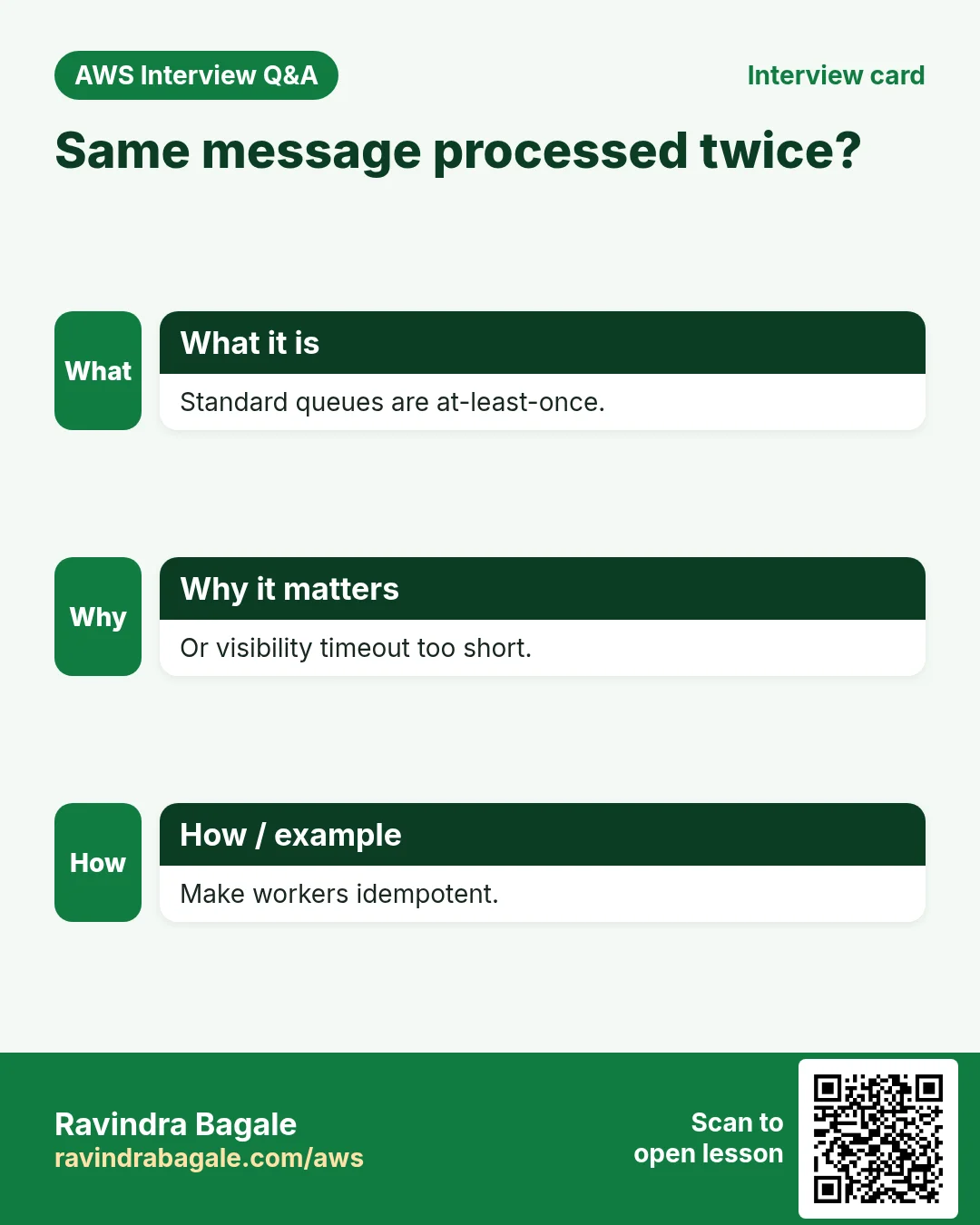
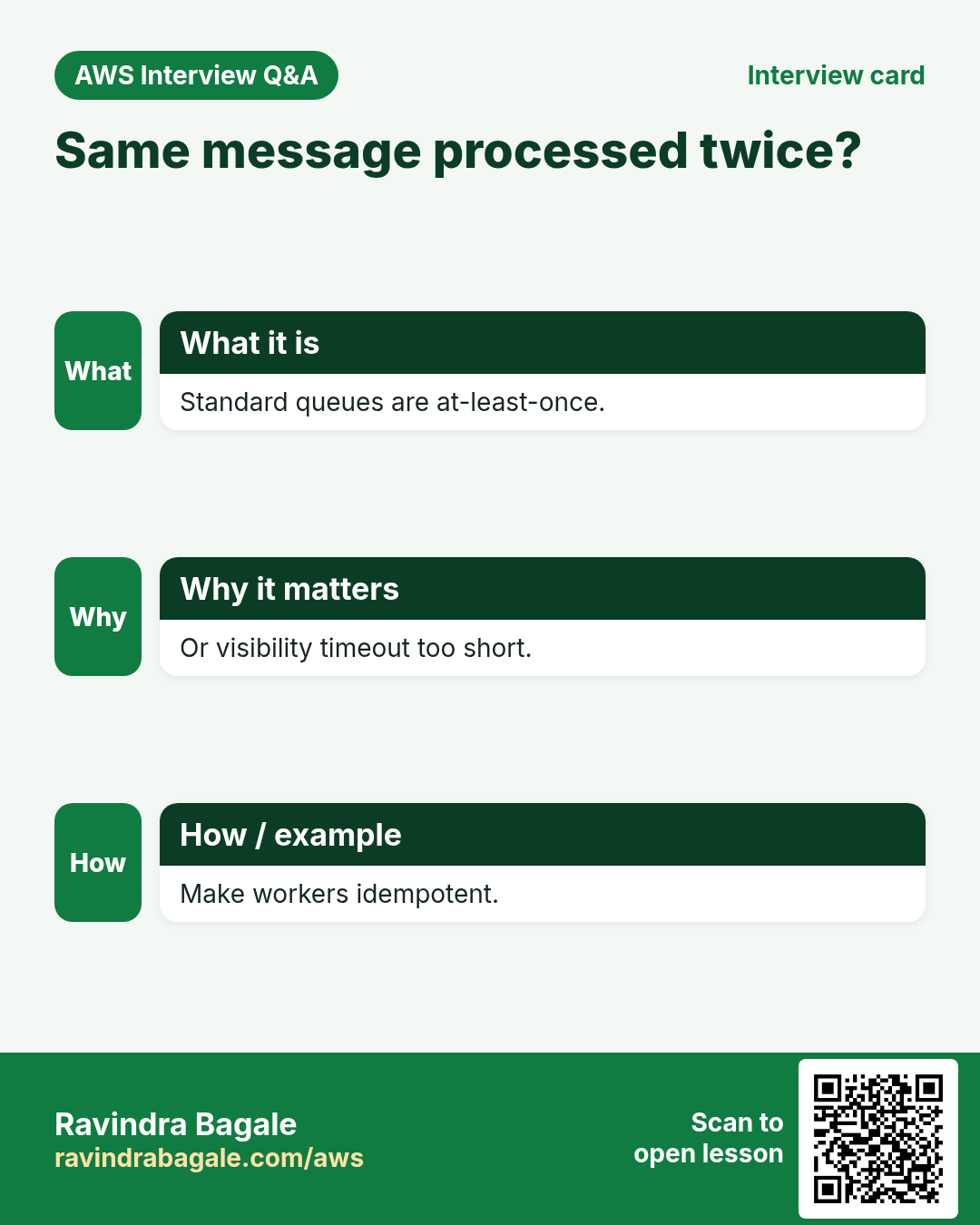
Make your worker idempotent: standard queues deliver at least once, so the same order can arrive twice.
8. Interview questions and answers
Q. What is the visibility timeout?
How long a received message stays hidden from other consumers before it reappears.
Q. Why long polling?
WaitTimeSeconds up to 20 cuts empty responses and cost.
Q. Standard vs FIFO?
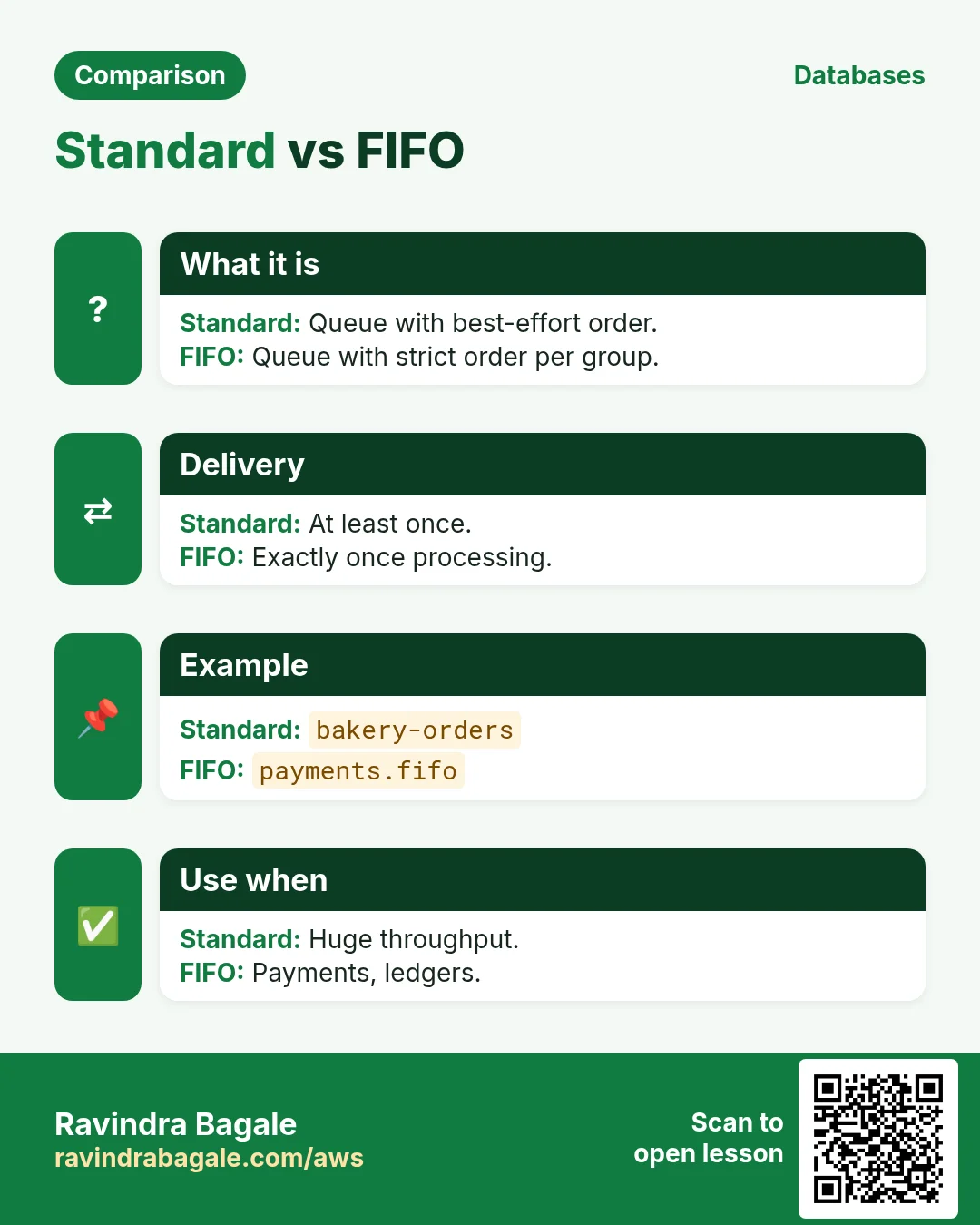
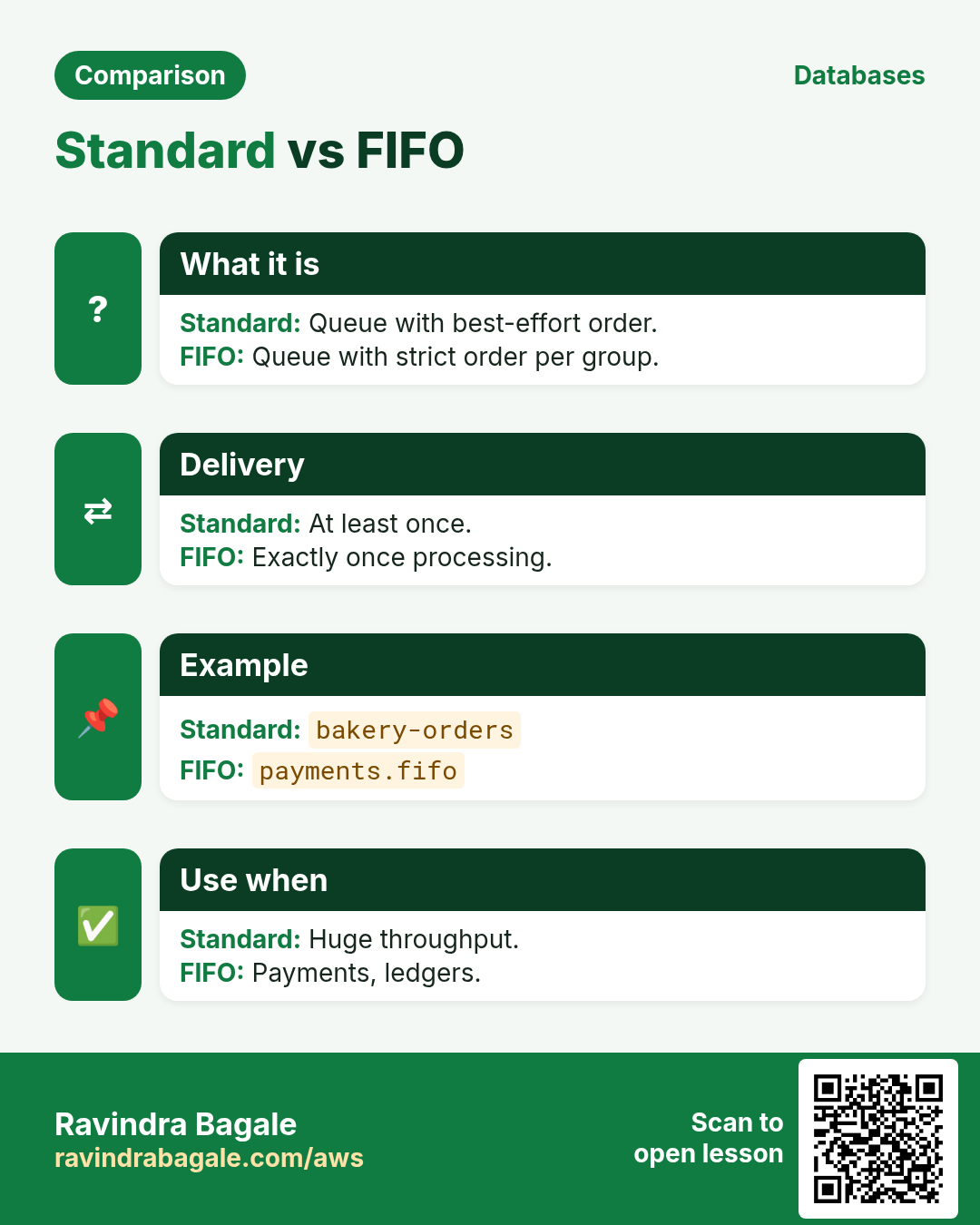
Standard: at-least-once, best-effort order, huge throughput. FIFO: exactly-once processing and order per MessageGroupId.
Q. What deletes a message?
DeleteMessage with the ReceiptHandle from the receive.
Q. When does a message go to a DLQ?
After it is received more than maxReceiveCount times without being deleted.
Try at home
- Write a Node.js worker that processes bakery-orders and fails on qty > 100; watch it reach the DLQ.
- Send 25 messages from PHP in batches of 10.
In short
- CreateQueue → QueueUrl.
- Send / SendMessageBatch (10).
- Receive with long polling.
- Delete by ReceiptHandle.
- RedrivePolicy → DLQ.
Practice Tasks
São Paulo Coffee is a coffee trading business in São Paulo. Ana Souza looks after its IT and cloud work. They count money in BRL and run their AWS resources in the sa-east-1 Region. In the tasks below you do real jobs for them using what this lesson teaches. All names, account IDs, IP addresses and numbers are made up for practice.
0 / 12
Easy Create a queue
Why: A queue holds work safely until a worker is ready.
What to do: Create queue spcoffee-orders.
- Read the task and decide which AWS service it is about.
- Write aws, then the service name, then the operation (the action word).
- Add each needed flag (--name) followed by its value from the task.
- Flags can be in any order. Click Check answer.
Easy Send a message
Why: The producer puts the job in the queue and moves on.
What to do: Send the body {"orderId":"o-101"} to https://sqs.sa-east-1.amazonaws.com/117860693118/spcoffee-orders.
- Read the task and decide which AWS service it is about.
- Write aws, then the service name, then the operation (the action word).
- Add each needed flag (--name) followed by its value from the task.
- Flags can be in any order. Click Check answer.
Easy Find a queue URL
Why: Most SQS commands need the URL, not the name.
What to do: Get the URL of queue spcoffee-orders.
- Read the task and decide which AWS service it is about.
- Write aws, then the service name, then the operation (the action word).
- Add each needed flag (--name) followed by its value from the task.
- Flags can be in any order. Click Check answer.
Easy Invoke one function
Why: A caller should invoke only the function it needs.
What to do: Allow lambda:InvokeFunction on arn:aws:lambda:sa-east-1:117860693118:function:spcoffee-orders-fn only.
- Start with { "Version": "2012-10-17", "Statement": [ ... ] }.
- In each statement write Effect, Action and Resource.
- Give only what the task needs (least privilege).
- Use double quotes and commas correctly. Click Check answer.
Medium Producer may only send
Why: The web app should add jobs but never read or delete them.
What to do: Allow sqs:SendMessage on arn:aws:sqs:sa-east-1:117860693118:spcoffee-orders only.
- Start with { "Version": "2012-10-17", "Statement": [ ... ] }.
- In each statement write Effect, Action and Resource.
- Give only what the task needs (least privilege).
- Use double quotes and commas correctly. Click Check answer.
Medium Delete a processed message
Why: If you do not delete it, the message comes back after the visibility timeout.
What to do: Delete the message with receipt handle stored in $RH from https://sqs.sa-east-1.amazonaws.com/117860693118/spcoffee-orders.
- Read the task and decide which AWS service it is about.
- Write aws, then the service name, then the operation (the action word).
- Add each needed flag (--name) followed by its value from the task.
- Flags can be in any order. Click Check answer.
Medium Receive messages with long polling
Why: Long polling waits for messages, so you make fewer empty calls and pay less.
What to do: Receive up to 10 messages from https://sqs.sa-east-1.amazonaws.com/117860693118/spcoffee-orders, waiting up to 20 seconds.
- Read the task and decide which AWS service it is about.
- Write aws, then the service name, then the operation (the action word).
- Add each needed flag (--name) followed by its value from the task.
- Flags can be in any order. Click Check answer.
Medium Empty a test queue
Why: Purge removes all messages at once, useful only for test queues.
What to do: Purge the queue https://sqs.sa-east-1.amazonaws.com/117860693118/spcoffee-test.
- Read the task and decide which AWS service it is about.
- Write aws, then the service name, then the operation (the action word).
- Add each needed flag (--name) followed by its value from the task.
- Flags can be in any order. Click Check answer.
Hard Attach a dead-letter queue
Why: After a few failed tries, bad messages move to a DLQ instead of blocking the queue.
What to do: Set the attributes in attrs.json (a RedrivePolicy) on https://sqs.sa-east-1.amazonaws.com/117860693118/spcoffee-orders.
- Read the task and decide which AWS service it is about.
- Write aws, then the service name, then the operation (the action word).
- Add each needed flag (--name) followed by its value from the task.
- Flags can be in any order. Click Check answer.
Hard Create a FIFO queue
Why: FIFO queues keep order and remove duplicates, e.g. for payments.
What to do: Create a FIFO queue named spcoffee-payments.fifo with FifoQueue=true.
- Read the task and decide which AWS service it is about.
- Write aws, then the service name, then the operation (the action word).
- Add each needed flag (--name) followed by its value from the task.
- Flags can be in any order. Click Check answer.
Hard Connect an SQS queue to Lambda
Why: An event source mapping makes Lambda poll the queue and process messages in batches.
What to do: Create an event source mapping from queue arn:aws:sqs:sa-east-1:117860693118:spcoffee-orders to spcoffee-orders-fn with batch size 10.
- Read the task and decide which AWS service it is about.
- Write aws, then the service name, then the operation (the action word).
- Add each needed flag (--name) followed by its value from the task.
- Flags can be in any order. Click Check answer.
Hard Lambda GB-seconds
Why: Lambda bills memory × time.
What to do: 1,000,000 invocations, 512 MB memory, 200 ms each. How many GB-seconds?
- Write down the numbers the task gives you.
- Work it out step by step on paper.
- Type only the final answer in the box.
- Click Check answer.
Revision, comparison and interview cards
Revise this lesson in a few minutes. Save the cards on your phone or download them as PNG files. The QR code on each card opens this lesson.
More cards: Ravi Sir's Cards.