Linux ACL and File Attributes: setfacl, getfacl, chattr and lsattr with Examples
Normal permissions give rights to one owner, one group and everyone else. Sometimes you need more: give one extra user read access, or give two teams different rights on the same folder. ACLs (Access Control Lists) do that. File attributes (chattr) add another layer: a file can be made immutable so even root cannot change it, or append-only for logs.
What you'll learn in this chapter
- Know when ACLs are needed
- Read ACLs with getfacl and spot the + in ls -l
- Add, change and remove ACLs with setfacl
- Use default ACLs and understand the mask
- Keep ACLs during copy, backup and restore
- Use lsattr and chattr +i / +a
1. An everyday example: a housing society notice room
Why do we need this?
In a Kothrud society, the office room belongs to the secretary and the committee. The plumber also needs to enter on Tuesdays, but he is not on the committee. Instead of adding him to the committee, the secretary writes his name on a special list at the door: 'Plumber: may enter, may not touch files'. The society rule book is laminated and locked in glass: nobody can change it, not even the secretary, until the glass is unlocked. The visitor register only allows new lines; old lines cannot be erased.
What is it?
Owner and group = secretary and committee. Special list at the door = ACL. 'May enter, may not touch' = r-x for one user. Locked glass = chattr +i (immutable). Visitor register = chattr +a (append-only).
How to do it (step by step)
2. Why ACLs: limits of owner/group/other
Why do we need this?
A file has only one group. If finance needs read and audit needs read-write on the same folder, normal bits cannot do it without messy groups.
What is it?
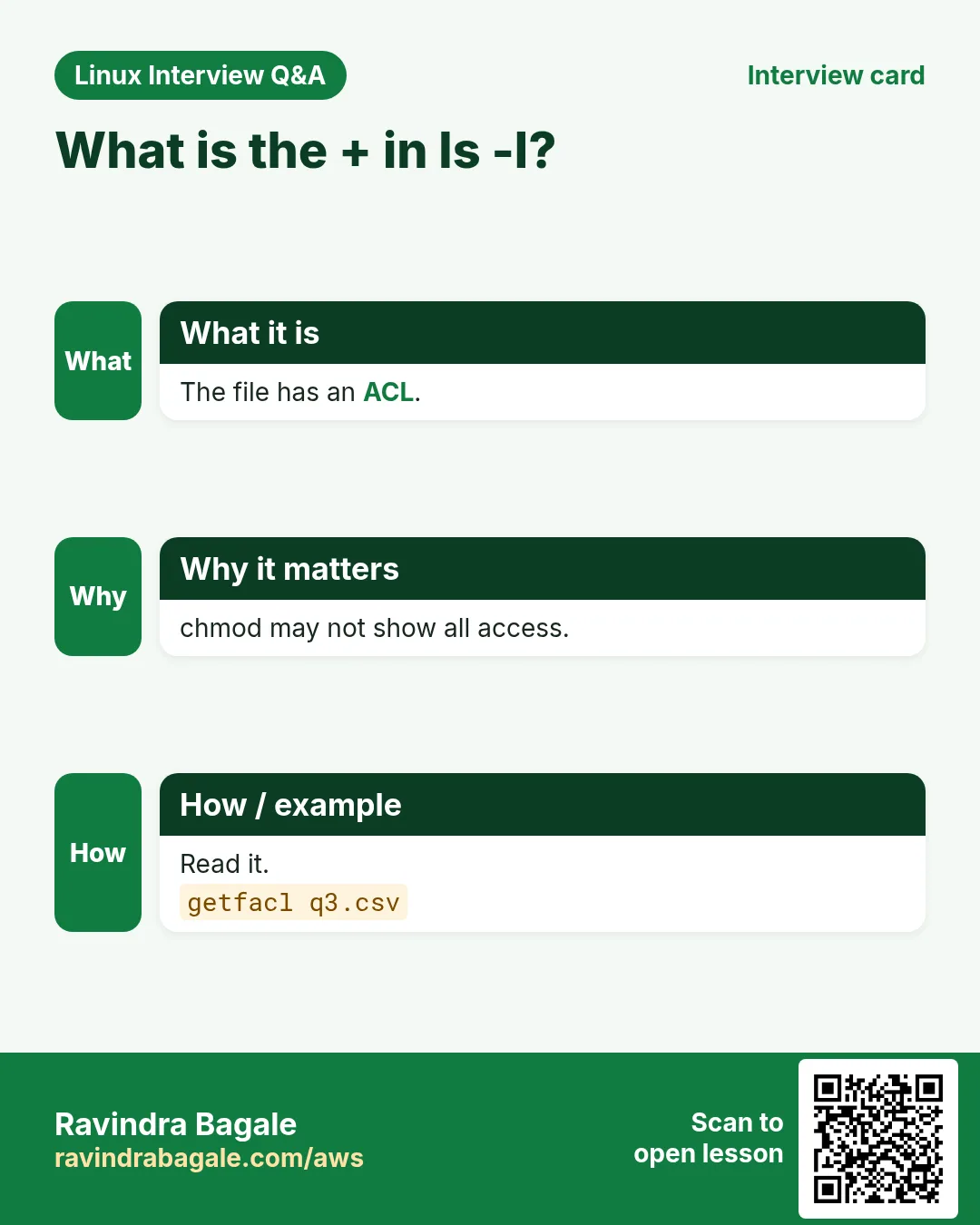
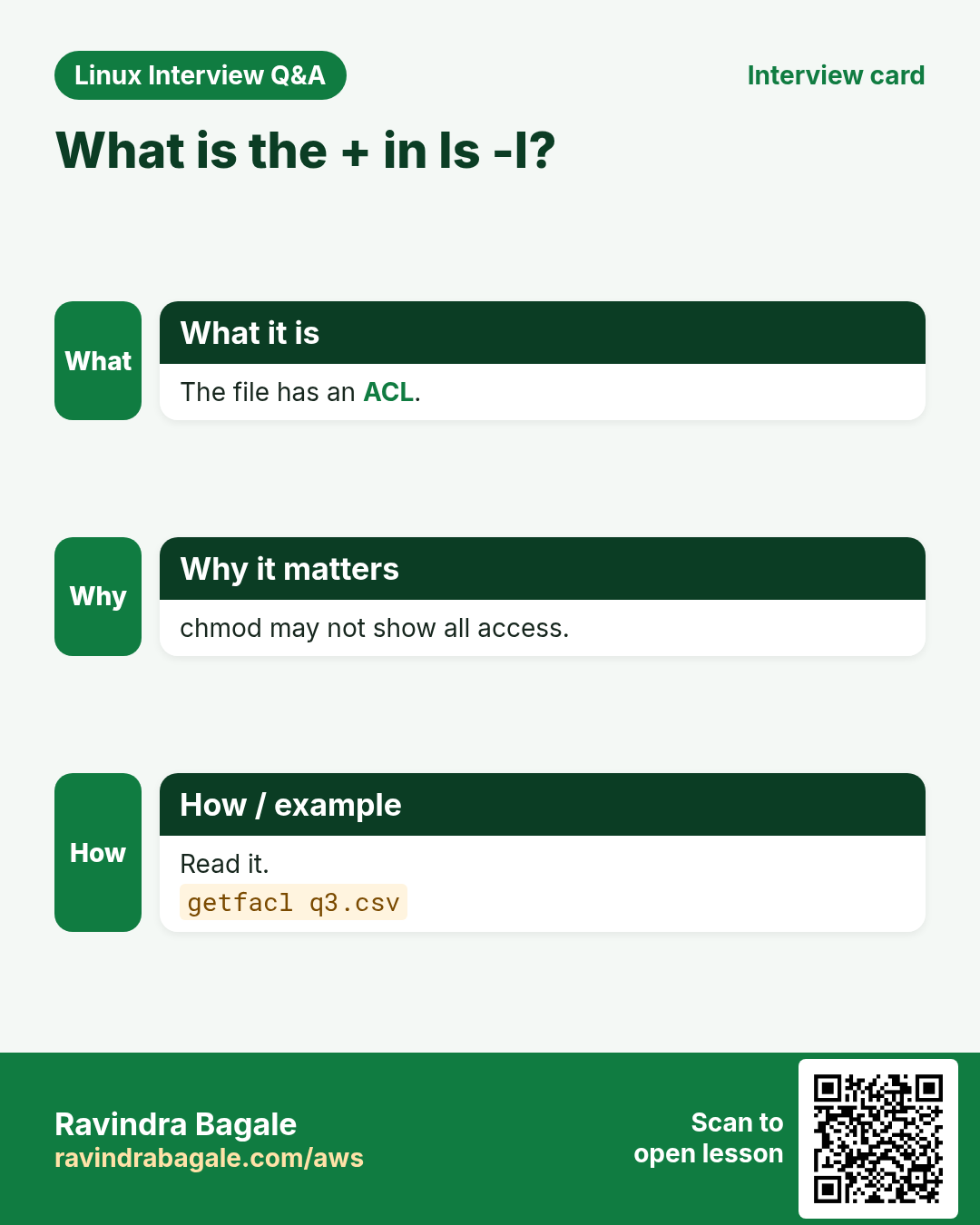
ACLs add extra entries: user:NAME:rwx and group:NAME:rwx, plus a mask and defaults for new files. They work on ext4, XFS and most modern file systems (mounted with acl, which is the default). A + at the end of ls -l mode means an ACL exists.
How to do it (step by step)
- Spot an ACL.
ls -ld /srv/reportsOutput:
drwxrwx---+ 2 ravi finance 4096 Oct 25 /srv/reportsWhat it means: The + means there is more than the 9 bits.
- Is the tool installed?
command -v setfacl getfacl || sudo dnf install -y aclOutput:
/usr/bin/setfacl
/usr/bin/getfacl
What it means: Package name is acl.
3. getfacl: read an ACL
Why do we need this?
Before changing or debugging access you must see every entry, including the mask.
What is it?
getfacl FILE prints owner, group, then user::, user:NAME:, group::, group:NAME:, mask::, other::, and default: lines for folders. '#effective:' shows rights cut by the mask. -R walks a tree. -c hides the header.
How to do it (step by step)
- Read a folder ACL.
getfacl /srv/reportsOutput:
# file: srv/reports
# owner: ravi
# group: finance
user::rwx
user:priya:r-x
group::rwx
group:audit:rwx
mask::rwx
other::---
What it means: priya can read, audit can write.
- Without header.
getfacl -c /srv/reports/q3.csvOutput:
user::rw-
user:priya:r--
group::r--
mask::r--
other::---
What it means: Short and easy to compare.
- An effective right cut by the mask.
getfacl -c data.csv | grep effectiveOutput:
user:sam:rw- #effective:r--What it means: sam's w is blocked by the mask.
4. setfacl -m: add or change an entry
Why do we need this?
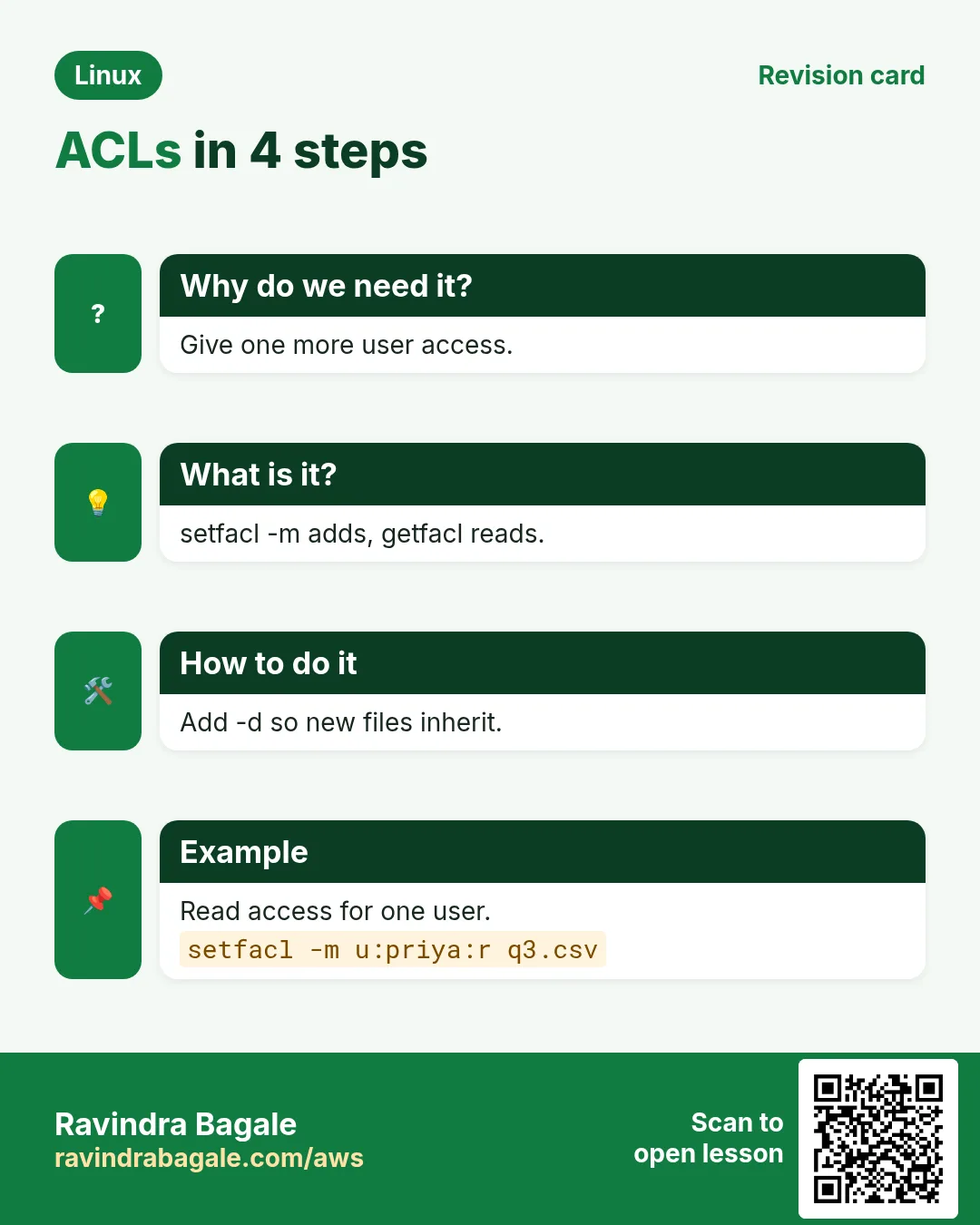
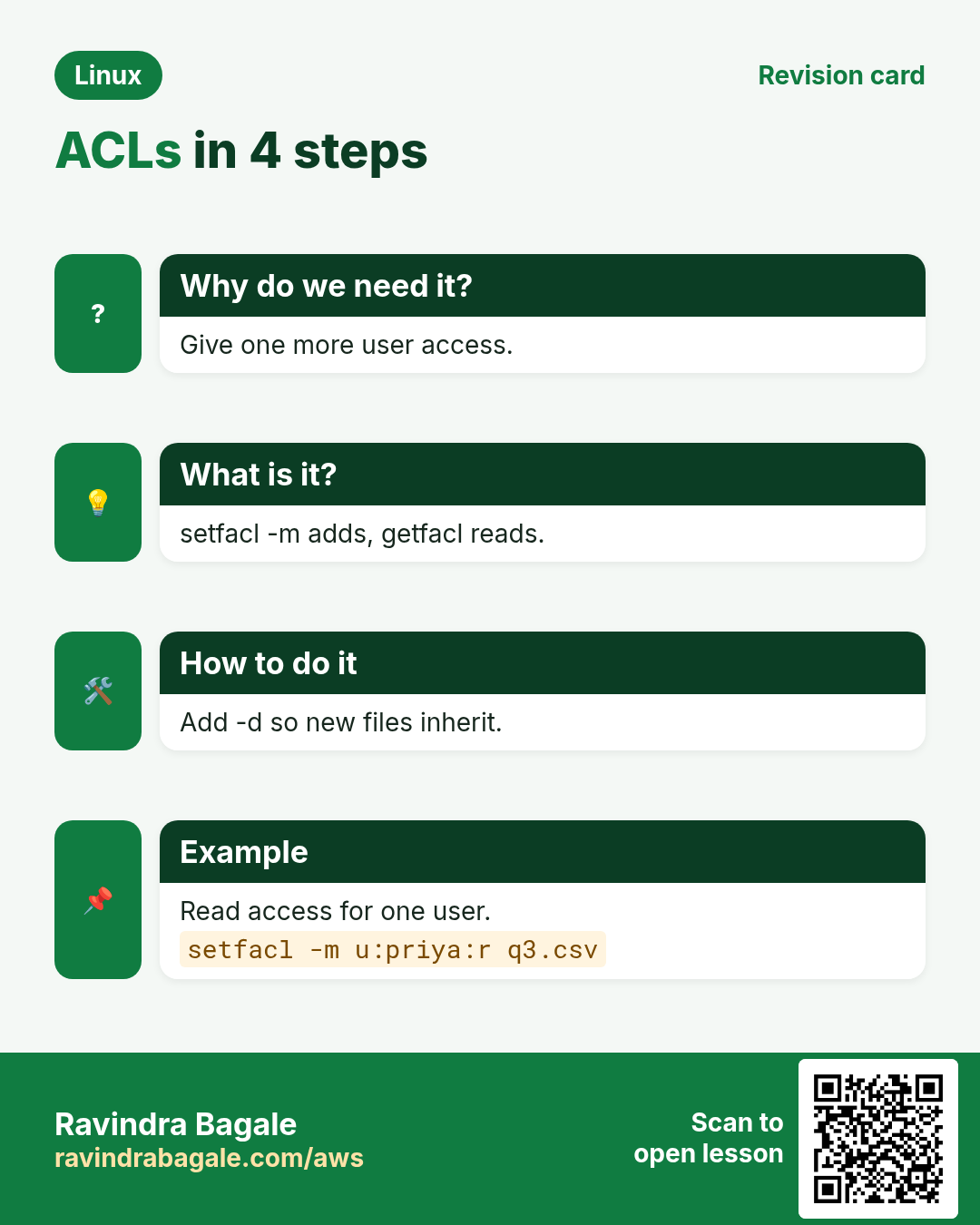
Give one more person or team access without changing the owner, group or other bits.
What is it?
setfacl -m u:NAME:rwx FILE for a user, -m g:NAME:rx for a group, -m o::- for others. Several at once with commas. -R for a tree (use X to give x only on folders). The mask updates automatically.
How to do it (step by step)
- Let priya read one file.
setfacl -m u:priya:r q3.csv && getfacl -c q3.csv | grep priyaOutput:
user:priya:r--What it means: No group change needed.
- Give the audit team write.
setfacl -m g:audit:rw q3.csv && ls -l q3.csvOutput:
-rw-rw----+ 1 ravi finance 9K Oct 25 q3.csvWhat it means: The group bits shown are now the mask.
- Whole tree, folders get x.
setfacl -R -m g:audit:rX /srv/reportsOutput:
(no output)What it means: Files are r, folders r-x.
- Let nginx pass through a home folder.
setfacl -m u:nginx:x /home/raviOutput:
(no output)What it means: Only x: it can reach public_html but cannot list home.
5. Default ACLs: rules for new files
Why do we need this?
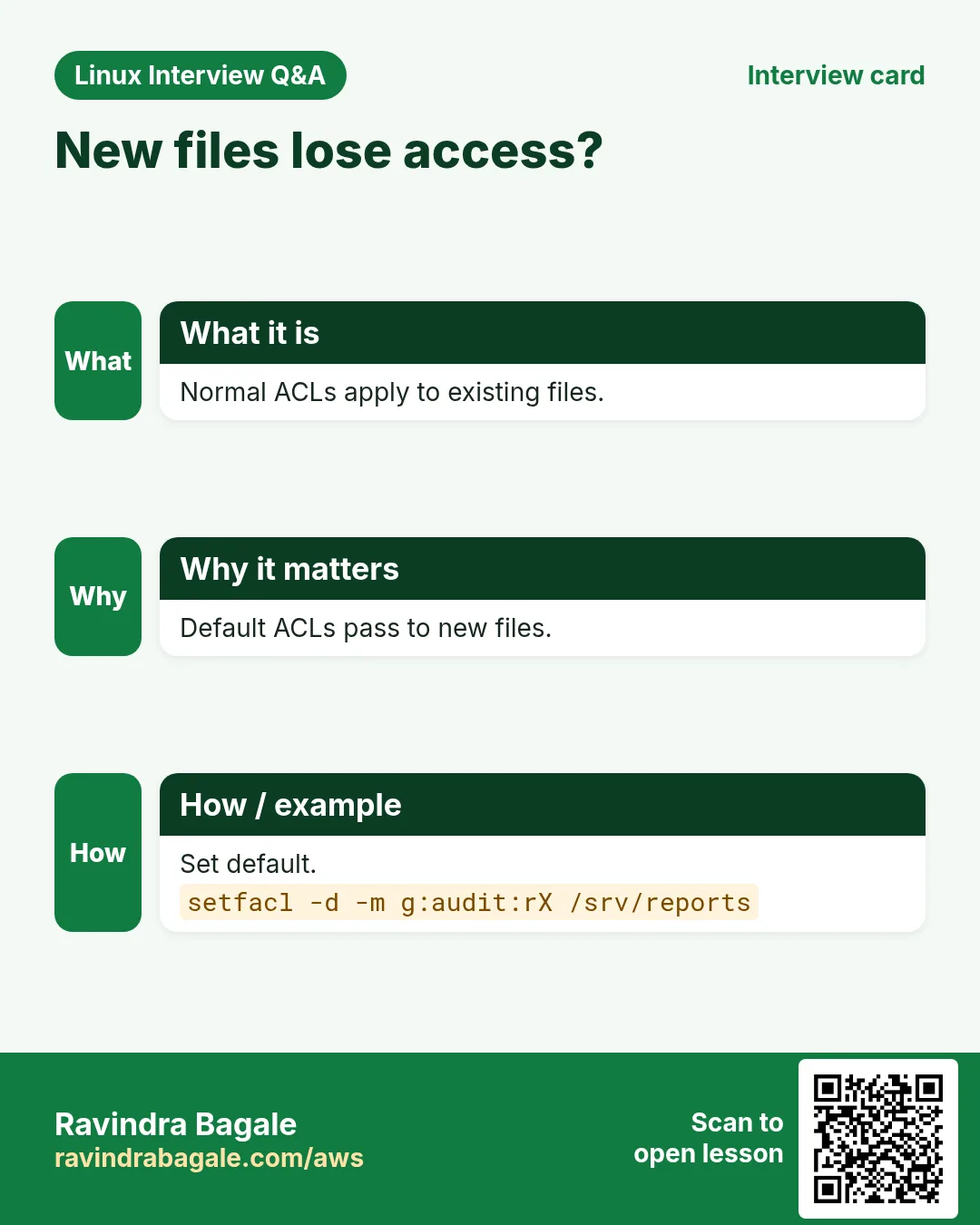
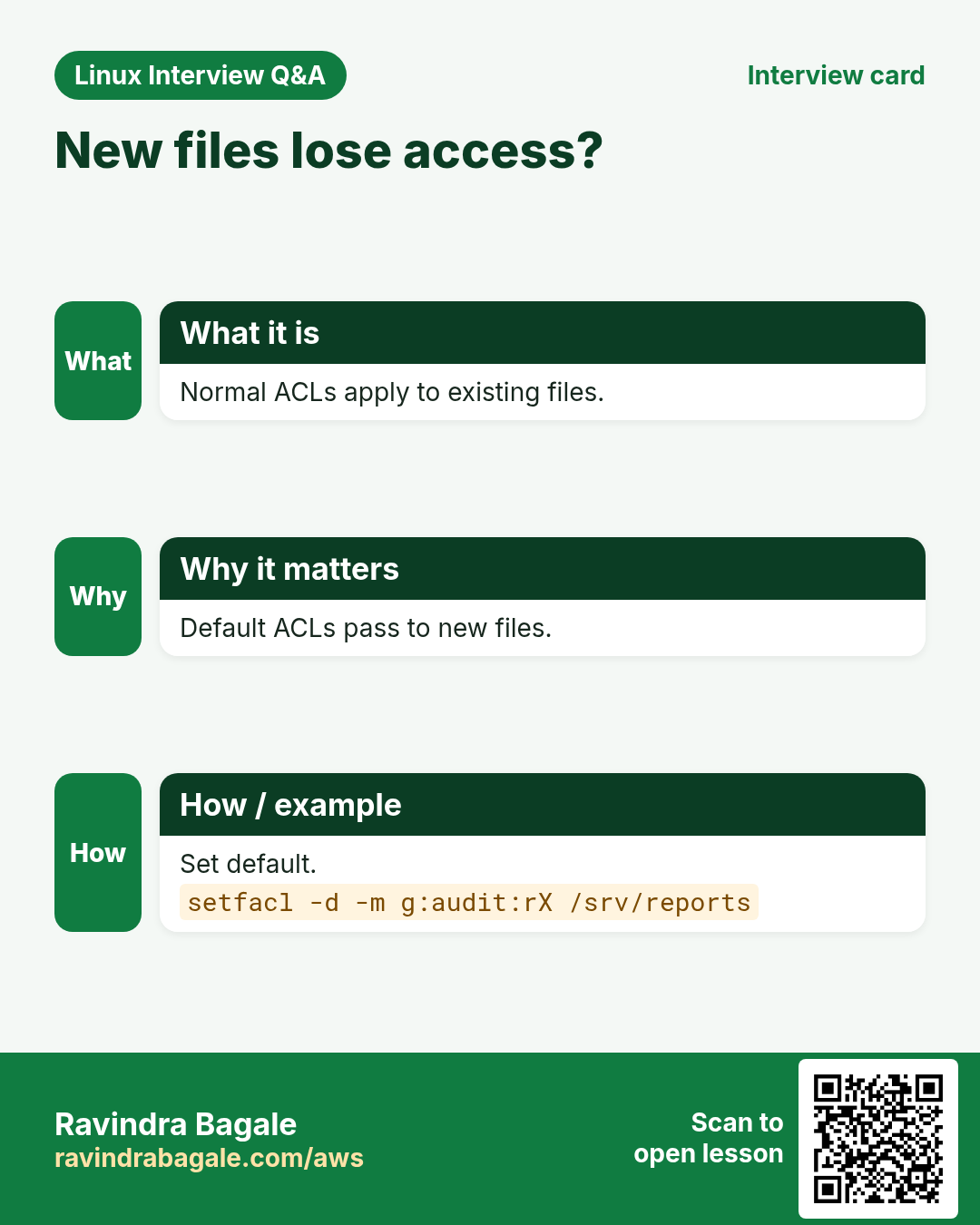
Without defaults, new files in a shared folder get no ACL and the extra team loses access.
What is it?
A default ACL on a folder (setfacl -d -m or -m d:...) is copied to new files and sub-folders created inside. It does not change existing files, so pair it with -R -m for those. Only folders can have defaults.
How to do it (step by step)
- Set a default for audit.
setfacl -d -m g:audit:rX /srv/reports && getfacl -c /srv/reports | grep defaultOutput:
default:user::rwx
default:group::rwx
default:group:audit:r-x
default:mask::rwx
default:other::---
What it means: Future files get audit access.
- Check a new file.
touch /srv/reports/q4.csv && getfacl -c /srv/reports/q4.csv | grep auditOutput:
group:audit:r-x #effective:r--What it means: Inherited; files do not get x.
- Existing plus future in two steps.
setfacl -R -m g:audit:rX /srv/reports && setfacl -R -d -m g:audit:rX /srv/reportsOutput:
(no output)What it means: Common pattern for shared folders.
6. The ACL mask
Why do we need this?
People add rw for a user and it still fails. Usually the mask is lower, often after a chmod.
What is it?
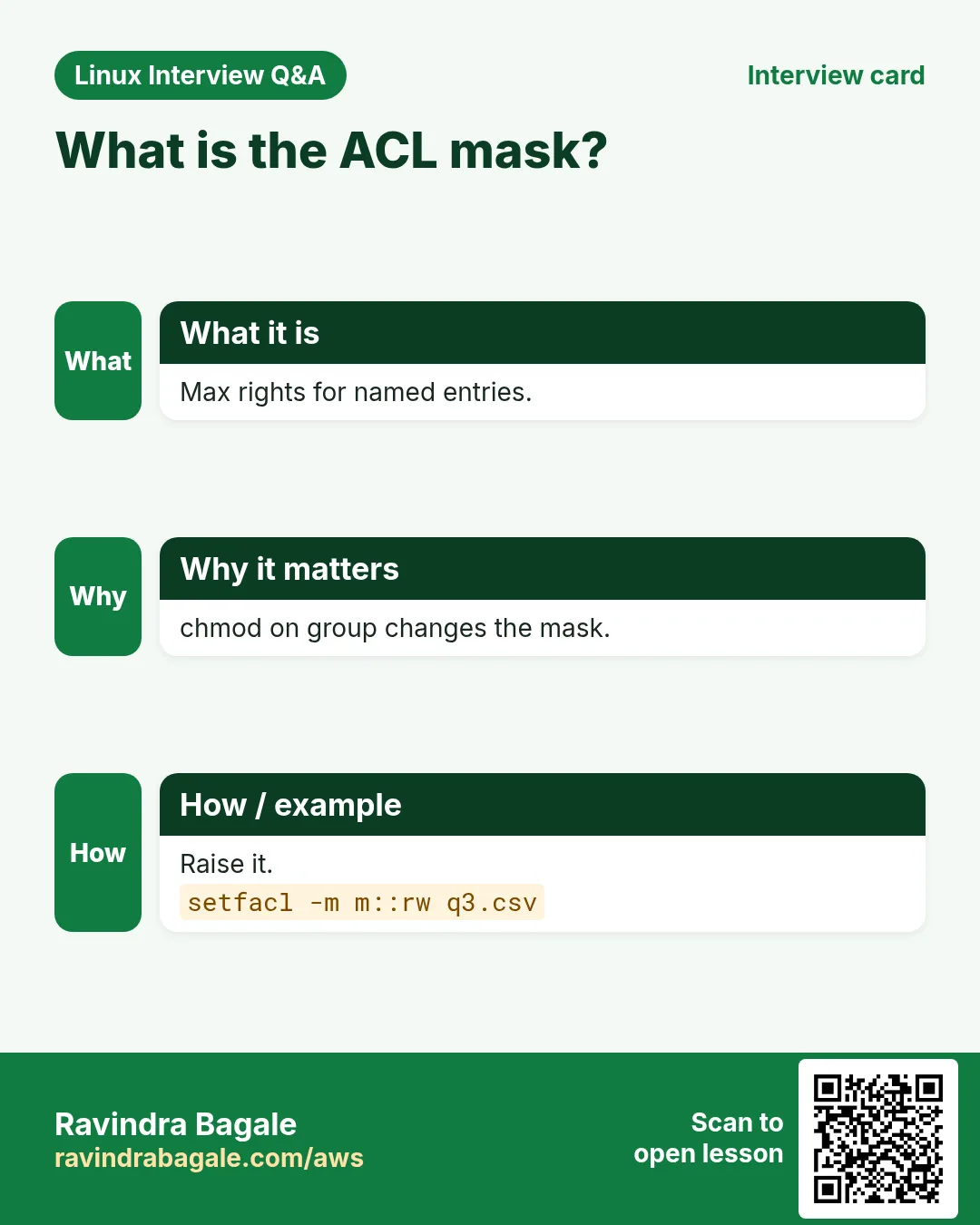
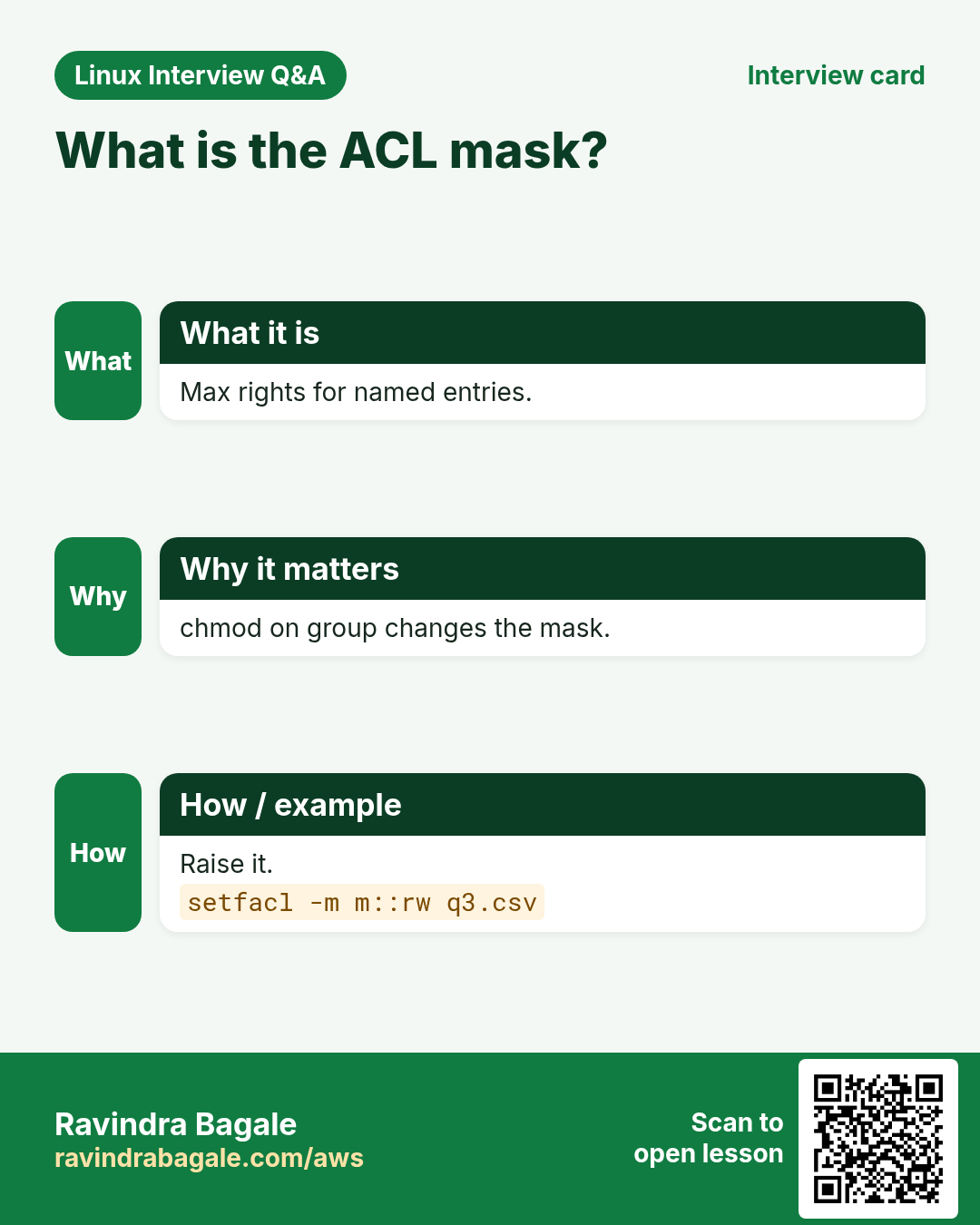
mask:: is the maximum right for named users, named groups and the owning group. When a file has an ACL, chmod g=... changes the mask, not the group. setfacl -m m::rwx sets it. setfacl -n stops automatic mask recalculation.
How to do it (step by step)
- chmod shrinks the mask.
chmod 640 q3.csv && getfacl -c q3.csv | grep -E 'audit|mask'Output:
group:audit:rw-		#effective:r--
mask::r--
What it means: audit lost write.
- Restore the mask.
setfacl -m m::rw q3.csv && getfacl -c q3.csv | grep maskOutput:
mask::rw-What it means: audit can write again.
7. setfacl -x and -b: remove entries
Why do we need this?
When a contractor leaves or a test is over, remove the extra access cleanly.
What is it?
setfacl -x u:NAME FILE removes one user entry, -x g:NAME a group entry. -k removes all default entries. -b removes the whole ACL and leaves only normal bits. -R for trees.
How to do it (step by step)
- Remove priya.
setfacl -x u:priya q3.csv && getfacl -c q3.csv | grep -c priyaOutput:
0What it means: Her extra access is gone.
- Remove defaults only.
setfacl -k /srv/reportsOutput:
(no output)What it means: Existing entries stay.
- Remove all ACLs from a tree.
setfacl -R -b /srv/old && ls -ld /srv/oldOutput:
drwxrwx--- 2 ravi finance 4096 /srv/oldWhat it means: The + is gone.
8. Copy, back up and restore ACLs
Why do we need this?
A plain cp or tar can silently drop ACLs, and after a restore people lose access.
What is it?
cp -a (or --preserve=all) keeps ACLs. rsync -aAX keeps ACLs and xattrs. tar --acls --xattrs on create and extract. getfacl -R > file saves them; setfacl --restore=file puts them back. Copy one file's ACL to another: getfacl a | setfacl --set-file=- b.
How to do it (step by step)
- Save ACLs of a tree.
getfacl -R /srv/reports > /root/reports.acl && wc -l /root/reports.aclOutput:
58 /root/reports.aclWhat it means: A text backup of rights.
- Restore them.
cd / && setfacl --restore=/root/reports.aclOutput:
(no output)What it means: Paths are relative to /.
- rsync with ACLs.
rsync -aAX /srv/reports/ backup:/srv/reports/Output:
(no output)What it means: A = ACLs, X = xattrs.
- tar with ACLs.
tar --acls --xattrs -czf reports.tgz /srv/reportsOutput:
(no output)What it means: Use --acls again when extracting.
9. lsattr: list file attributes
Why do we need this?
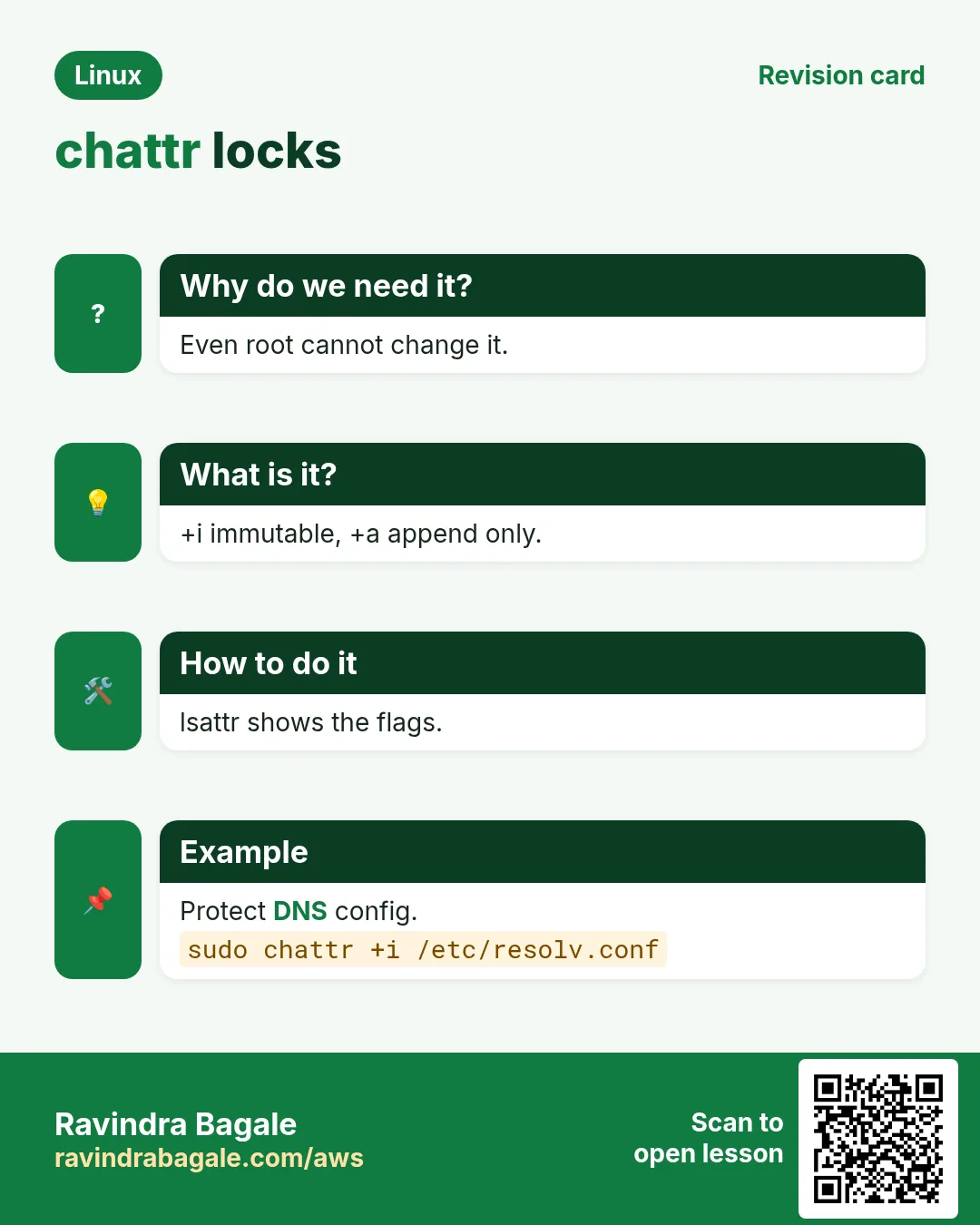
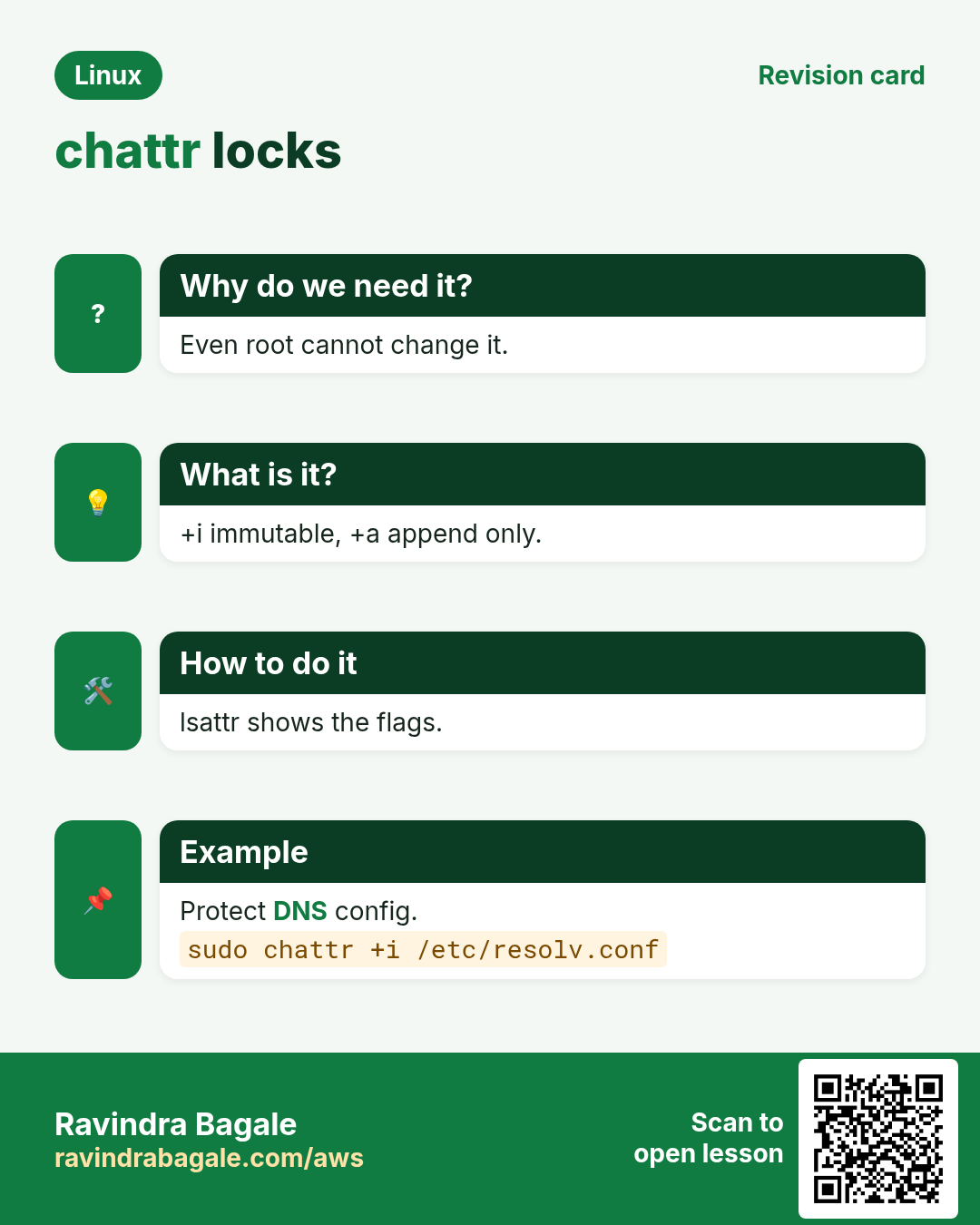
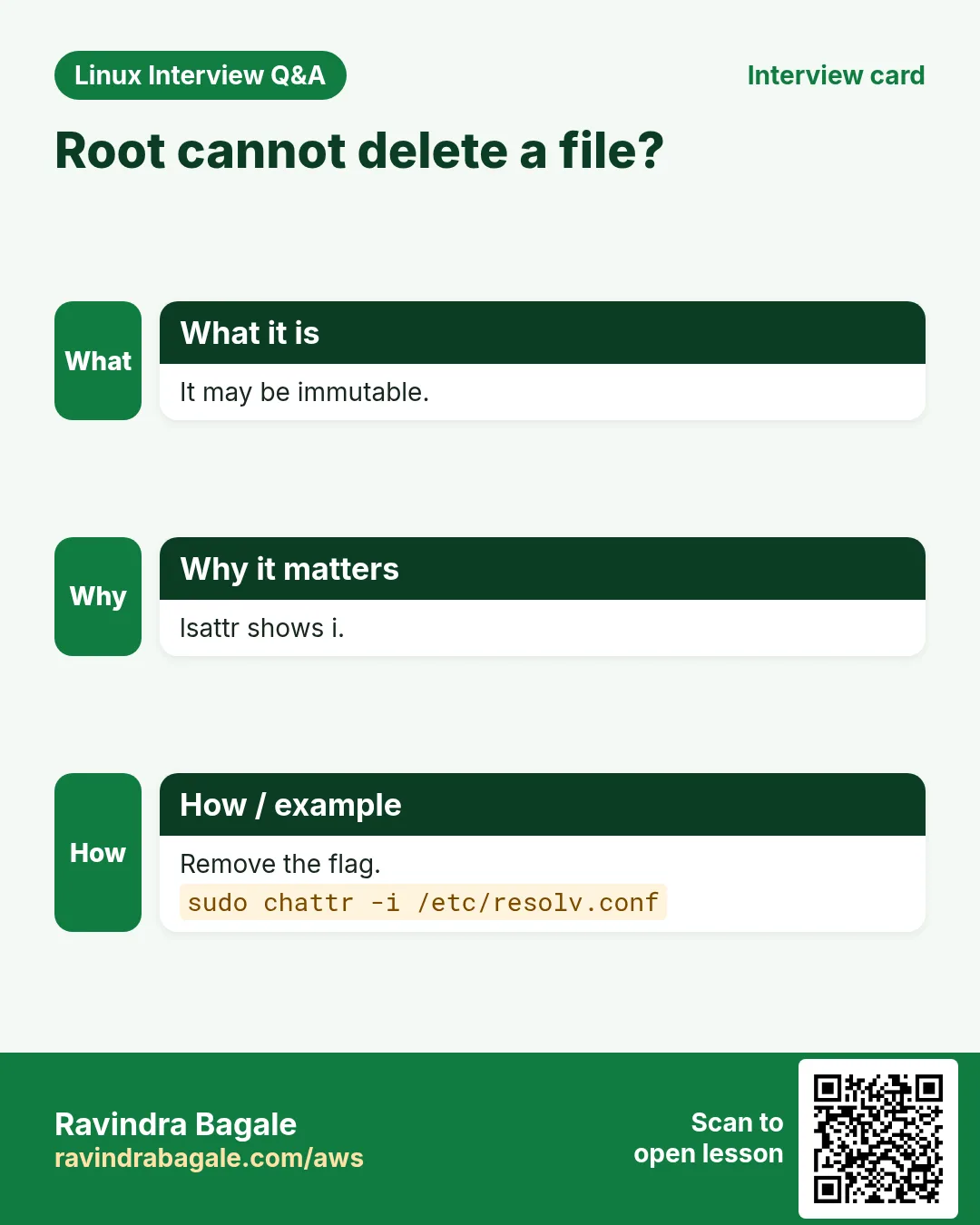
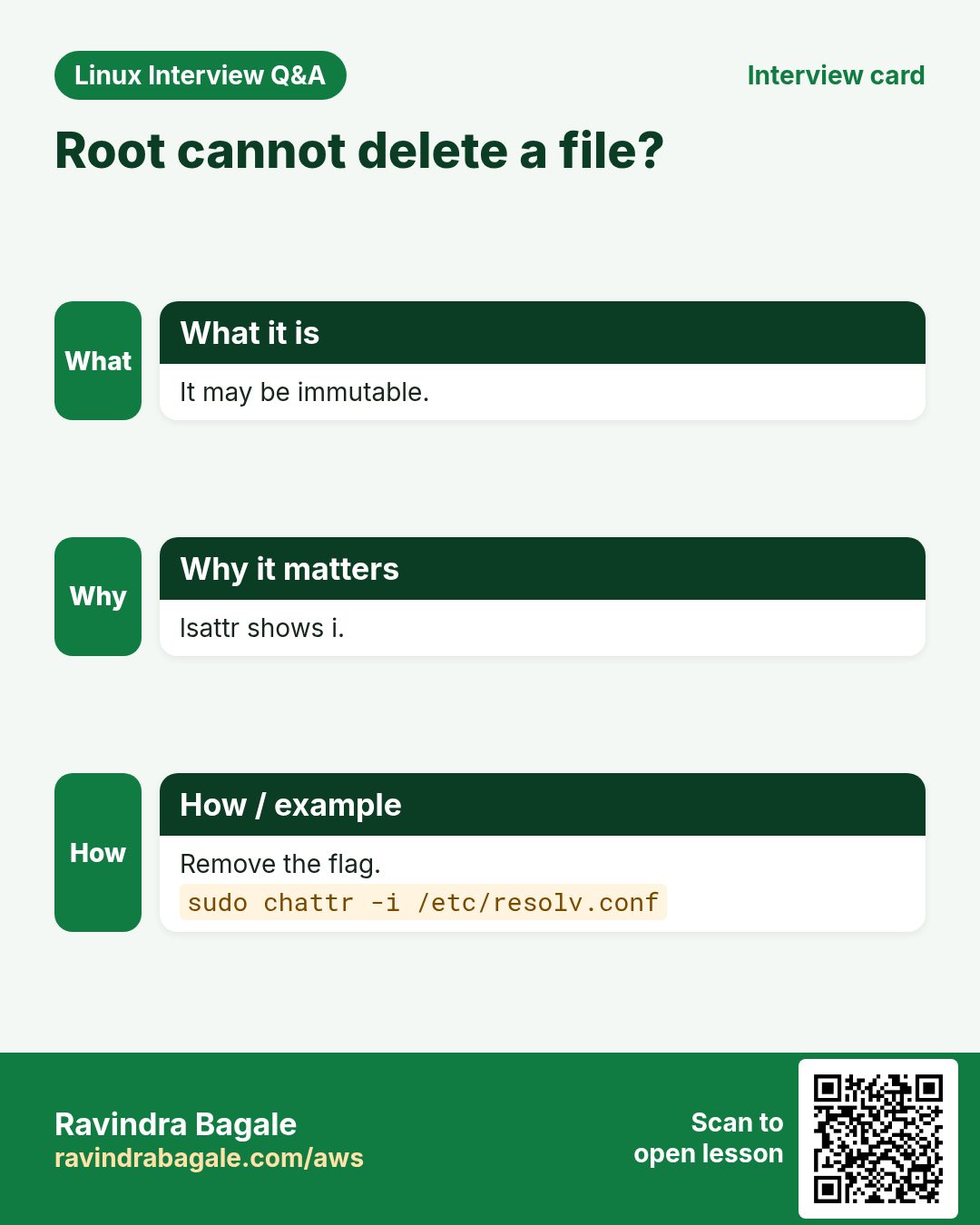
A file that even root cannot delete is usually immutable. lsattr shows it.
What is it?
lsattr FILE shows attribute letters: i immutable, a append-only, e extents (normal on ext4), A no atime update, d no dump. lsattr -d FOLDER for the folder itself, -R recursive. Works best on ext4; XFS supports i and a.
How to do it (step by step)
- Normal file.
lsattr notes.txtOutput:
--------------e------- notes.txtWhat it means: Only e: normal ext4 file.
- Immutable file.
lsattr /etc/resolv.confOutput:
----i---------e------- /etc/resolv.confWhat it means: Someone locked it.
- Find all immutable files in /etc.
sudo lsattr -R /etc 2>/dev/null | grep -- '-i-'Output:
----i---------e------- /etc/resolv.confWhat it means: Useful after 'cannot modify' errors.
10. chattr +i: make a file immutable
Why do we need this?
Stop accidental or automatic changes to a critical file (for example DNS config overwritten by a tool).
What is it?
sudo chattr +i FILE: nobody, including root, can write, delete, rename or link it until chattr -i. Only root (CAP_LINUX_IMMUTABLE) can set or clear it. On a folder, no files can be added or removed inside.
How to do it (step by step)
- Lock the file.
sudo chattr +i /etc/resolv.conf && lsattr /etc/resolv.confOutput:
----i---------e------- /etc/resolv.confWhat it means: Locked.
- Even root is refused.
sudo rm /etc/resolv.confOutput:
rm: cannot remove '/etc/resolv.conf': Operation not permittedWhat it means: Permissions are fine; the attribute blocks it.
- Unlock to edit.
sudo chattr -i /etc/resolv.conf && sudo vi /etc/resolv.confOutput:
(editor opens)What it means: Lock again after editing.
11. chattr +a: append-only
Why do we need this?
Logs should grow but never be edited or truncated, even by an attacker who got a service account.
What is it?
sudo chattr +a FILE: data can only be added at the end (>>). Overwrite (>), truncate and delete fail. Log rotation must clear it first (chattr -a) or use a postrotate step.
How to do it (step by step)
- Make a log append-only.
sudo chattr +a /var/log/audit-trail.log && lsattr /var/log/audit-trail.logOutput:
-----a--------e------- /var/log/audit-trail.logWhat it means: a is set.
- Appending works.
echo 'login ravi' | sudo tee -a /var/log/audit-trail.logOutput:
login raviWhat it means: New line added.
- Overwriting fails.
echo x | sudo tee /var/log/audit-trail.logOutput:
tee: /var/log/audit-trail.log: Operation not permittedWhat it means: History is safe.
12. Real examples from many industries
Why do we need this?
The same Linux skill shows up in every kind of company. Seeing it in many places helps you remember it.
What is it?
Each row is a made-up team. It shows who uses this and how.
How to do it (step by step)
| Team and city | How they use it | Command |
|---|---|---|
| Pooja, CA firm, Pune | Gives one auditor read access to a client folder | setfacl -R -m u:auditor:rX /srv/clients/acme |
| Lars, media house, Stockholm | Default ACL so editors keep access to new videos | setfacl -d -m g:editors:rwX /srv/media |
| Fatima, hospital, Dubai | Append-only access log | chattr +a /var/log/emr-access.log |
| Diego, ISP, Mexico City | Locks resolv.conf against DHCP overwrite | chattr +i /etc/resolv.conf |
| Arjun, backup admin, Chennai | Keeps ACLs in nightly rsync | rsync -aAX /srv/ nas:/backup/srv/ |
| Mia, web host, Sydney | Lets nginx enter a home folder without listing it | setfacl -m u:nginx:x /home/mia |
13. Common errors and how to fix them
Why do we need this?
Everyone hits these errors. Knowing the cause saves hours.
What is it?
Read the exact message first. Then match it to a row below.
How to do it (step by step)
| Error you see | Why it happens | How to fix |
|---|---|---|
setfacl: command not found | acl package missing | Install acl.sudo dnf install -y acl |
setfacl: q3.csv: Operation not supported | File system without ACL support (some FUSE, NFSv3 without acl) | Use a supported fs or mount option acl.findmnt -no FSTYPE,OPTIONS --target q3.csv |
setfacl: Option -m: Invalid argument near character 3 | Wrong syntax, e.g. u-priya:r | Use u:NAME:PERMS.setfacl -m u:priya:r q3.csv |
setfacl: Option -m: Invalid argument near character 3 (unknown user) | The user name does not exist | Check with id.id priya |
User has ACL rw but still cannot write (#effective:r--) | Mask lowered, often by chmod | Raise the mask.setfacl -m m::rw q3.csv |
New files in shared folder lack team access | No default ACL | Add a default ACL.setfacl -d -m g:audit:rX /srv/reports |
ACLs lost after copy or restore | cp/tar without ACL options | Use cp -a, rsync -aAX, tar --acls.rsync -aAX src/ dst/ |
rm: cannot remove 'x': Operation not permitted (as root) | File is immutable | Check and clear the attribute.lsattr x && sudo chattr -i x |
logrotate: error renaming /var/log/app.log: Operation not permitted | Append-only or immutable log | Clear +a before rotation, set again after.sudo chattr -a /var/log/app.log |
chattr: Operation not permitted while setting flags | Not root, or inside a container without the capability | Run as root on the host.sudo chattr +i file |
14. Troubleshooting step by step
Why do we need this?
If access is strange, check normal bits, then ACL and mask, then attributes, then SELinux.
What is it?
Go top to bottom. Stop at the first step that shows the problem.
How to do it (step by step)
- See the bits and the +.
ls -l file- Read the full ACL and effective rights.
getfacl file- Check the parent folders too.
namei -l /path/to/file- Look for i or a attributes.
lsattr file- Check the file system supports ACLs.
findmnt -T file- Check SELinux last.
ls -Z file15. Lab 1: Two teams, one folder
Why do we need this?
finance owns /srv/reports; audit gets read-only on existing and future files; one contractor gets temporary read.
What is it?
A full hands-on lab. Run every step on a test Linux machine (an EC2 instance, a VM, or WSL).
How to do it (step by step)
- Set up groups and folder.
sudo groupadd -f finance; sudo groupadd -f audit; sudo useradd -m -G audit aud1; sudo useradd -m contr1; sudo mkdir -p /srv/reports && sudo chgrp finance /srv/reports && sudo chmod 2770 /srv/reportsOutput:
(no output)- Give audit read now and later.
sudo setfacl -R -m g:audit:rX /srv/reports && sudo setfacl -d -m g:audit:rX /srv/reportsOutput:
(no output)- Create a file and test audit.
echo total=100 | sudo tee /srv/reports/q4.txt >/dev/null && sudo -u aud1 cat /srv/reports/q4.txt && sudo -u aud1 sh -c 'echo x >> /srv/reports/q4.txt'Output:
total=100
sh: /srv/reports/q4.txt: Permission denied- Give the contractor read.
sudo setfacl -m u:contr1:rx /srv/reports && sudo setfacl -m u:contr1:r /srv/reports/q4.txt && sudo -u contr1 cat /srv/reports/q4.txtOutput:
total=100- Remove the contractor.
sudo setfacl -x u:contr1 /srv/reports /srv/reports/q4.txt && sudo -u contr1 ls /srv/reportsOutput:
ls: cannot open directory '/srv/reports': Permission denied16. Lab 2: Protect files with chattr
Why do we need this?
Make one file immutable and one log append-only, prove it, then undo.
What is it?
A full hands-on lab. Run every step on a test Linux machine (an EC2 instance, a VM, or WSL).
How to do it (step by step)
- Create test files.
sudo mkdir -p /srv/lab16 && echo v1 | sudo tee /srv/lab16/conf >/dev/null && echo start | sudo tee /srv/lab16/log >/dev/nullOutput:
(no output)- Set attributes.
sudo chattr +i /srv/lab16/conf && sudo chattr +a /srv/lab16/log && lsattr /srv/lab16Output:
----i---------e------- /srv/lab16/conf
-----a--------e------- /srv/lab16/log- Try to change conf.
echo v2 | sudo tee /srv/lab16/confOutput:
tee: /srv/lab16/conf: Operation not permitted- Append and overwrite log.
echo line2 | sudo tee -a /srv/lab16/log; echo wipe | sudo tee /srv/lab16/logOutput:
line2
tee: /srv/lab16/log: Operation not permitted- Undo and clean.
sudo chattr -i /srv/lab16/conf && sudo chattr -a /srv/lab16/log && sudo rm -r /srv/lab16Output:
(no output)Ravindra Bagale's Tip
When you add an ACL to a shared folder, always add the same rule as a default ACL too (-d), and check '#effective' in getfacl. Most 'ACL does not work' cases are a missing default or a low mask.
Ravindra Bagale's Tip – मराठी
Shared folder ला ACL देताना तोच rule default ACL (-d) म्हणूनही द्या, आणि getfacl मधे '#effective' बघा. बहुतेक 'ACL चालत नाही' cases मधे default नसतो किंवा mask कमी असतो.
Ravindra Bagale's Tip – हिंदी
Shared folder पर ACL देते समय वही rule default ACL (-d) के रूप में भी दें, और getfacl में '#effective' देखें. ज़्यादातर 'ACL काम नहीं करता' cases में default नहीं होता या mask कम होता है.
17. Frequently asked questions
Q. What does the + in ls -l mean?
The file has an ACL.
Q. Do ACLs replace normal permissions?
No, they add to them. Owner and other bits still apply.
Q. Why does chmod break my ACL?
On a file with an ACL, chmod's group digit sets the mask, which can cut named entries.
Q. Can root bypass chattr +i?
Not without removing the attribute first with chattr -i.
Q. Do ACLs work on NFS and in containers?
NFSv4 has its own ACLs (nfs4_setfacl); container bind mounts keep the host fs ACLs.
Q. Does Windows-style deny exist?
Not in POSIX ACLs. Give fewer rights instead, for example u:sam:---.
Q. Why does chattr fail on XFS for some letters?
XFS supports only some flags (like i and a). Others are ext4-only.
Q. How do I back up ACLs?
getfacl -R > file, or rsync -aAX, or tar --acls.
18. Interview questions and answers
Beginner level
Q. What is an ACL?
An extra list of user and group rights on a file beyond owner/group/other.
Q. How do you read an ACL?
getfacl FILE.
Q. Give user priya read on a file.
setfacl -m u:priya:r FILE.
Q. What does chattr +i do?
Makes a file immutable, even for root.
Mid level level
Q. What is a default ACL?
An ACL on a folder that new files and folders inside inherit.
Q. What is the ACL mask?
The maximum rights for named users, named groups and the owning group.
Q. How do you copy files keeping ACLs?
cp -a, rsync -aAX or tar --acls --xattrs.
Q. chattr +a vs +i?
+a allows only appending; +i allows no change at all.
Senior level
Q. A user has an ACL entry rwx but gets Permission denied. Debug it.
Check #effective (mask), a parent folder's x, the owner entry taking priority, lsattr flags, SELinux, and whether the fs supports ACLs.
Q. Groups vs ACLs: when do you choose which?
Groups for stable role-based access; ACLs for exceptions or multiple teams with different rights on the same tree. Too many ACLs are hard to audit.
Q. Could an attacker with root defeat chattr +a logs?
Yes, root can clear the flag, so ship logs off the box (remote syslog/SIEM) as well.
Q. How do you migrate a share and keep all rights?
rsync -aAXH --numeric-ids, same UIDs/GIDs on both sides, then compare getfacl -R outputs.
Try at home
- Create a folder where your friend user can read but not write, without adding them to any group. Prove it with getfacl and a write test.
- Make a file immutable, try to delete it as root, then unlock and delete.
Practice Tasks
Amravati Agro Market is a agriculture business in Amravati. Anjali Thakre looks after its IT and cloud work. They count money in INR and run their AWS resources in the ap-south-1 Region. In the tasks below you do real jobs for them using what this lesson teaches. All names, account IDs, IP addresses and numbers are made up for practice.
0 / 17
Easy Read an ACL
Why: ls shows a +.
What to do: Show the ACL of /srv/ledger.
- Find the Linux command that does this job.
- Add the options (like -r or -h) the task needs.
- Add the file names, folders or users in the right order.
- Use sudo if the job changes system files or users. Click Check answer.
Easy User read access
Why: Auditor visiting BIZ.
What to do: Give user kavya read on q4.csv with an ACL.
- Find the Linux command that does this job.
- Add the options (like -r or -h) the task needs.
- Add the file names, folders or users in the right order.
- Use sudo if the job changes system files or users. Click Check answer.
Easy See attributes
Why: Root cannot delete a file.
What to do: List the attributes of /etc/hostname.
- Find the Linux command that does this job.
- Add the options (like -r or -h) the task needs.
- Add the file names, folders or users in the right order.
- Use sudo if the job changes system files or users. Click Check answer.
Medium ACL without header
Why: Compare two files easily.
What to do: Show the ACL of q4.csv without the comment header.
- Find the Linux command that does this job.
- Add the options (like -r or -h) the task needs.
- Add the file names, folders or users in the right order.
- Use sudo if the job changes system files or users. Click Check answer.
Medium Group write access
Why: Audit team edits the file.
What to do: Give group compliance read and write on q4.csv with an ACL.
- Find the Linux command that does this job.
- Add the options (like -r or -h) the task needs.
- Add the file names, folders or users in the right order.
- Use sudo if the job changes system files or users. Click Check answer.
Medium Whole tree, folders get x
Why: Existing files need access.
What to do: Recursively give group compliance rX on /srv/ledger.
- Find the Linux command that does this job.
- Add the options (like -r or -h) the task needs.
- Add the file names, folders or users in the right order.
- Use sudo if the job changes system files or users. Click Check answer.
Medium Default ACL for new files
Why: New files must keep access.
What to do: Set a default ACL on /srv/ledger giving group compliance rX.
- Find the Linux command that does this job.
- Add the options (like -r or -h) the task needs.
- Add the file names, folders or users in the right order.
- Use sudo if the job changes system files or users. Click Check answer.
Medium Remove one user
Why: Contractor left BIZ.
What to do: Remove the ACL entry of user contr1 from q3.csv.
- Find the Linux command that does this job.
- Add the options (like -r or -h) the task needs.
- Add the file names, folders or users in the right order.
- Use sudo if the job changes system files or users. Click Check answer.
Medium Remove all ACLs
Why: Reset a folder.
What to do: Remove every ACL entry from old.txt.
- Find the Linux command that does this job.
- Add the options (like -r or -h) the task needs.
- Add the file names, folders or users in the right order.
- Use sudo if the job changes system files or users. Click Check answer.
Medium Copy with ACLs
Why: Nightly backup at BIZ.
What to do: Copy /srv/data/ to /backup/data/ with rsync keeping ACLs and xattrs (archive mode).
- Find the Linux command that does this job.
- Add the options (like -r or -h) the task needs.
- Add the file names, folders or users in the right order.
- Use sudo if the job changes system files or users. Click Check answer.
Medium Make immutable
Why: Stop tools overwriting DNS config.
What to do: Make /etc/hostname immutable.
- Find the Linux command that does this job.
- Add the options (like -r or -h) the task needs.
- Add the file names, folders or users in the right order.
- Use sudo if the job changes system files or users. Click Check answer.
Medium Unlock an immutable file
Why: You need to edit it now.
What to do: Remove the immutable attribute from /etc/hostname.
- Find the Linux command that does this job.
- Add the options (like -r or -h) the task needs.
- Add the file names, folders or users in the right order.
- Use sudo if the job changes system files or users. Click Check answer.
Medium Append-only log
Why: Audit trail must not be edited.
What to do: Make /var/log/payments.log append-only.
- Find the Linux command that does this job.
- Add the options (like -r or -h) the task needs.
- Add the file names, folders or users in the right order.
- Use sudo if the job changes system files or users. Click Check answer.
Hard Raise the mask
Why: #effective shows r-- after chmod.
What to do: Set the ACL mask of q4.csv to rw.
- Find the Linux command that does this job.
- Add the options (like -r or -h) the task needs.
- Add the file names, folders or users in the right order.
- Use sudo if the job changes system files or users. Click Check answer.
Hard Remove default ACLs only
Why: Existing entries must stay.
What to do: Remove only the default ACL of /srv/ledger.
- Find the Linux command that does this job.
- Add the options (like -r or -h) the task needs.
- Add the file names, folders or users in the right order.
- Use sudo if the job changes system files or users. Click Check answer.
Hard Back up ACLs to text
Why: Before a migration.
What to do: Save the ACLs of /srv/reports recursively into reports.acl.
- Find the Linux command that does this job.
- Add the options (like -r or -h) the task needs.
- Add the file names, folders or users in the right order.
- Use sudo if the job changes system files or users. Click Check answer.
Hard Let caddy pass through home
Why: Serve ~/public_html without opening home.
What to do: Give user caddy only execute on /home/meera with an ACL.
- Find the Linux command that does this job.
- Add the options (like -r or -h) the task needs.
- Add the file names, folders or users in the right order.
- Use sudo if the job changes system files or users. Click Check answer.
19. Related chapters
- Linux Ops Refresh for DevOps
- Bash Scripting for Automation
- Linux grep and find Commands with Examples
- How to Set Up Passwordless SSH Between Linux Servers
In short
- + in ls -l means an ACL.
- getfacl reads, setfacl -m adds, -x/-b removes.
- Default ACLs (-d) for new files.
- Mask caps named entries; chmod can change it.
- Keep ACLs with cp -a, rsync -aAX, tar --acls.
- lsattr shows; chattr +i locks, +a append-only.
Revision, comparison and interview cards
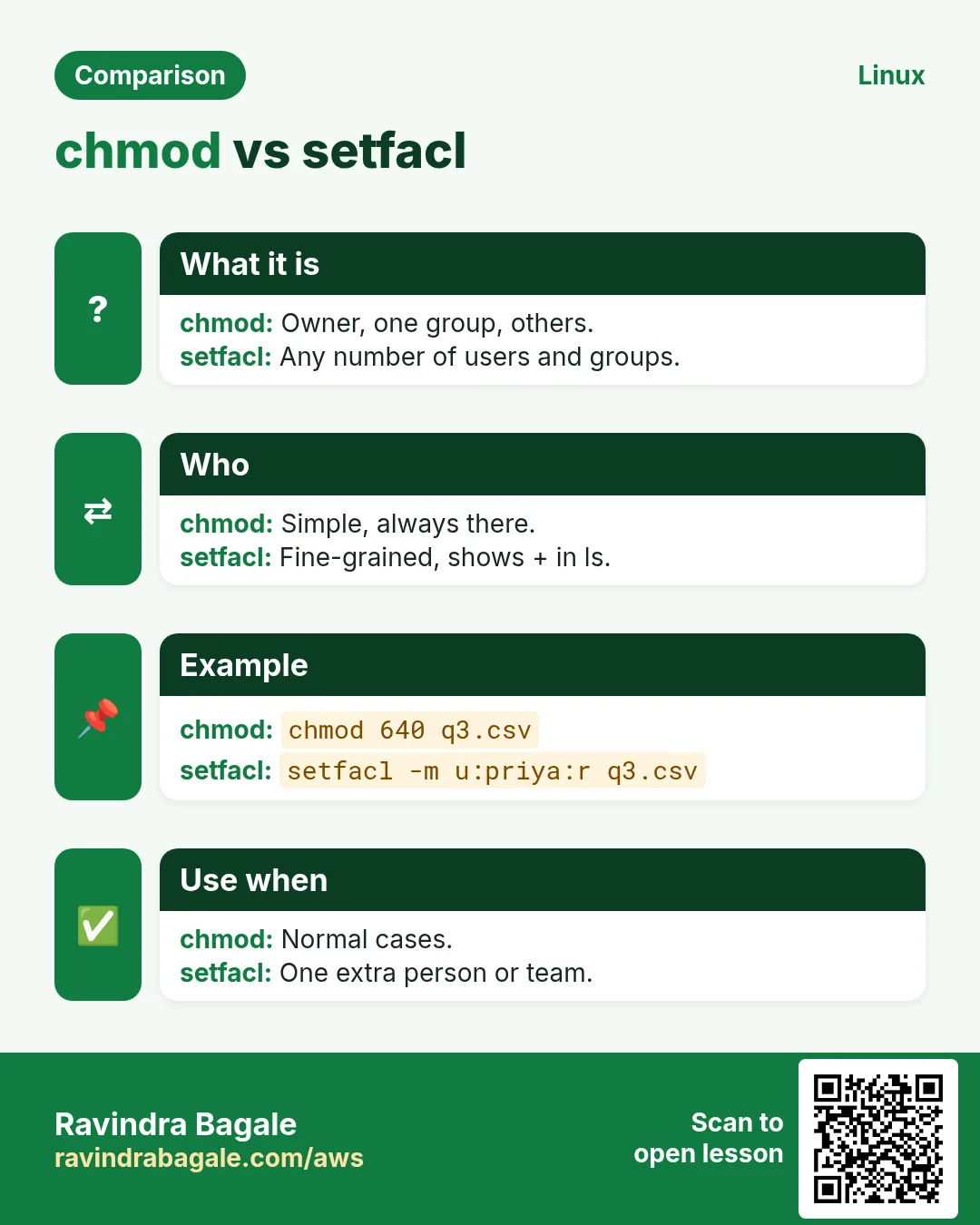
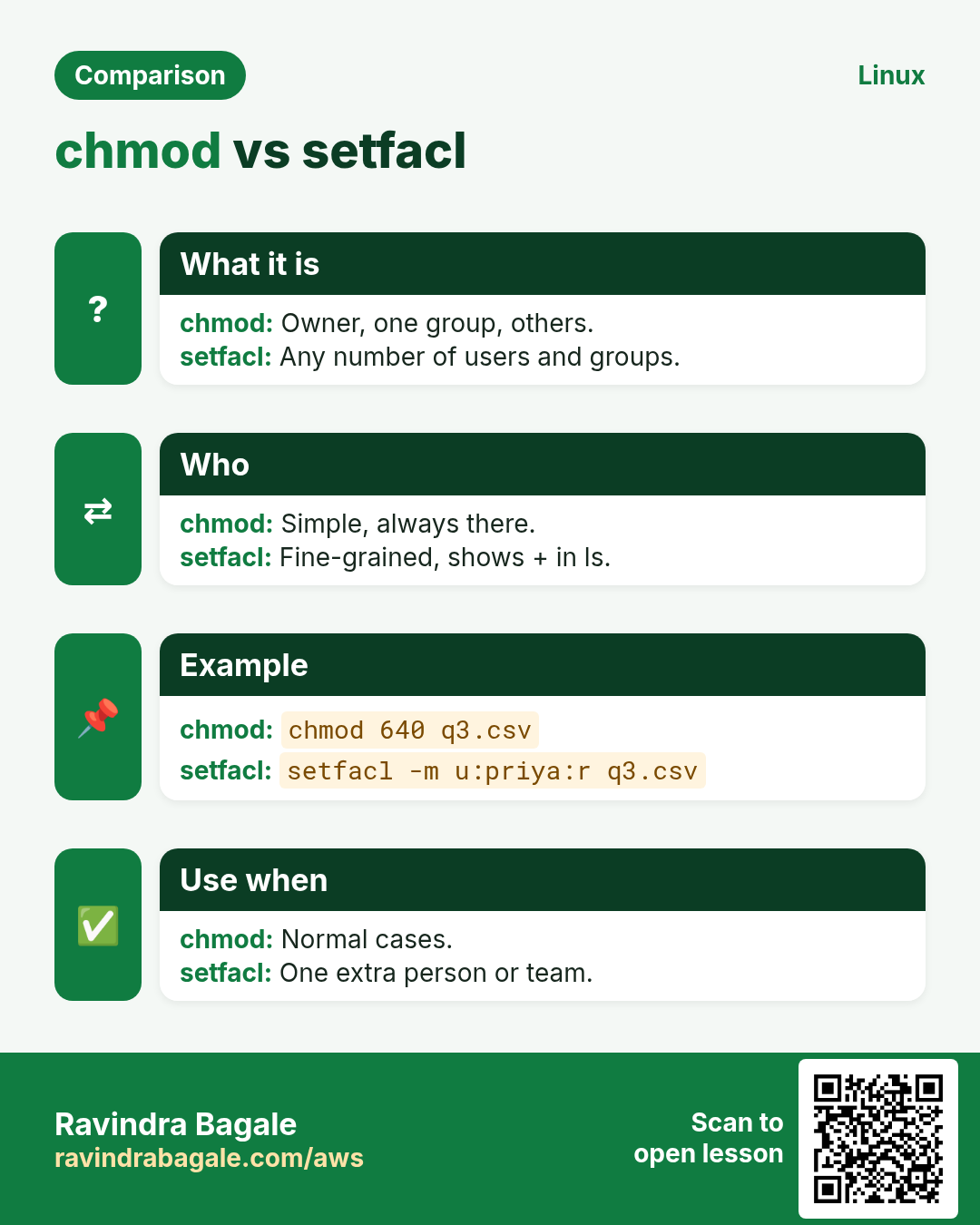
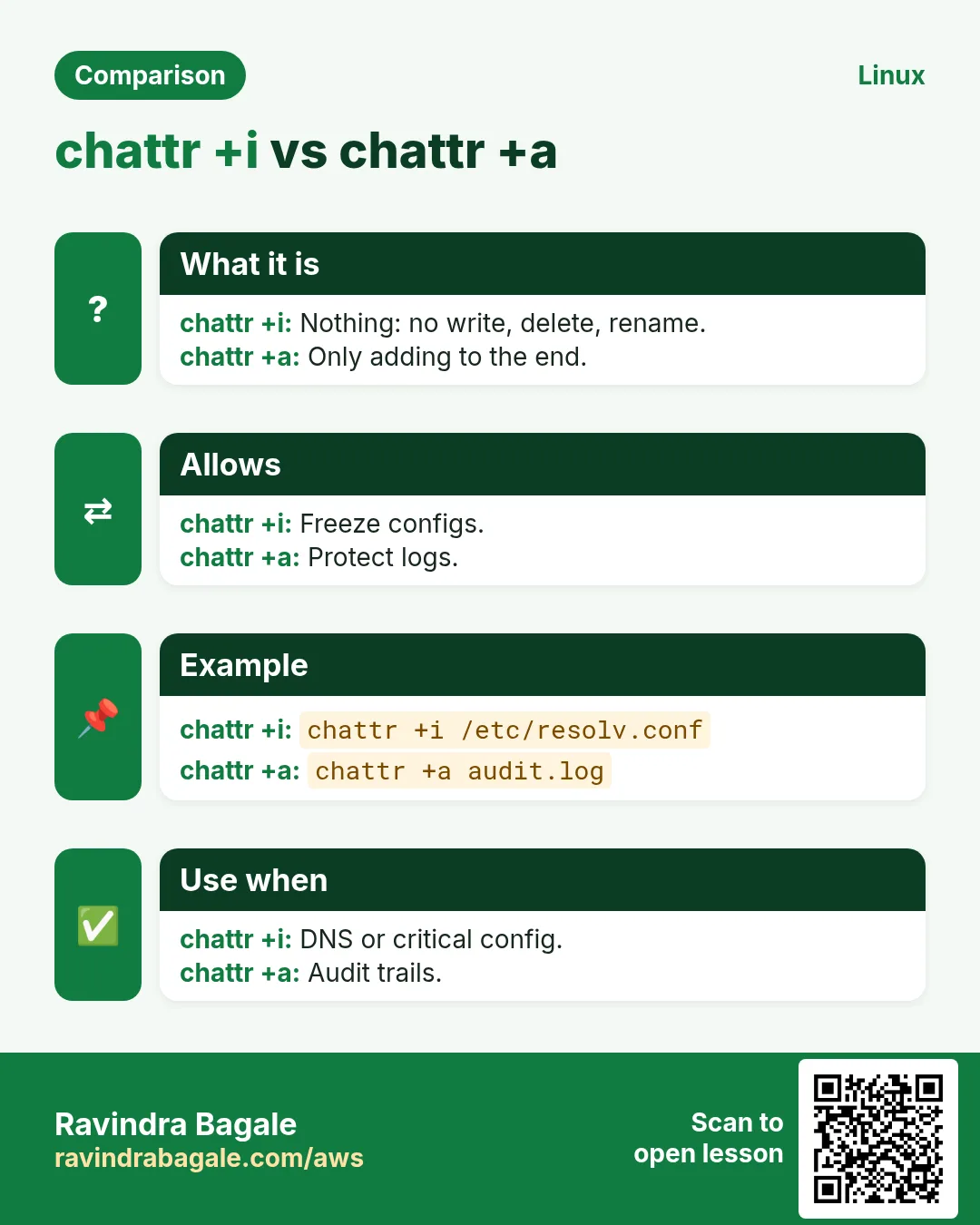
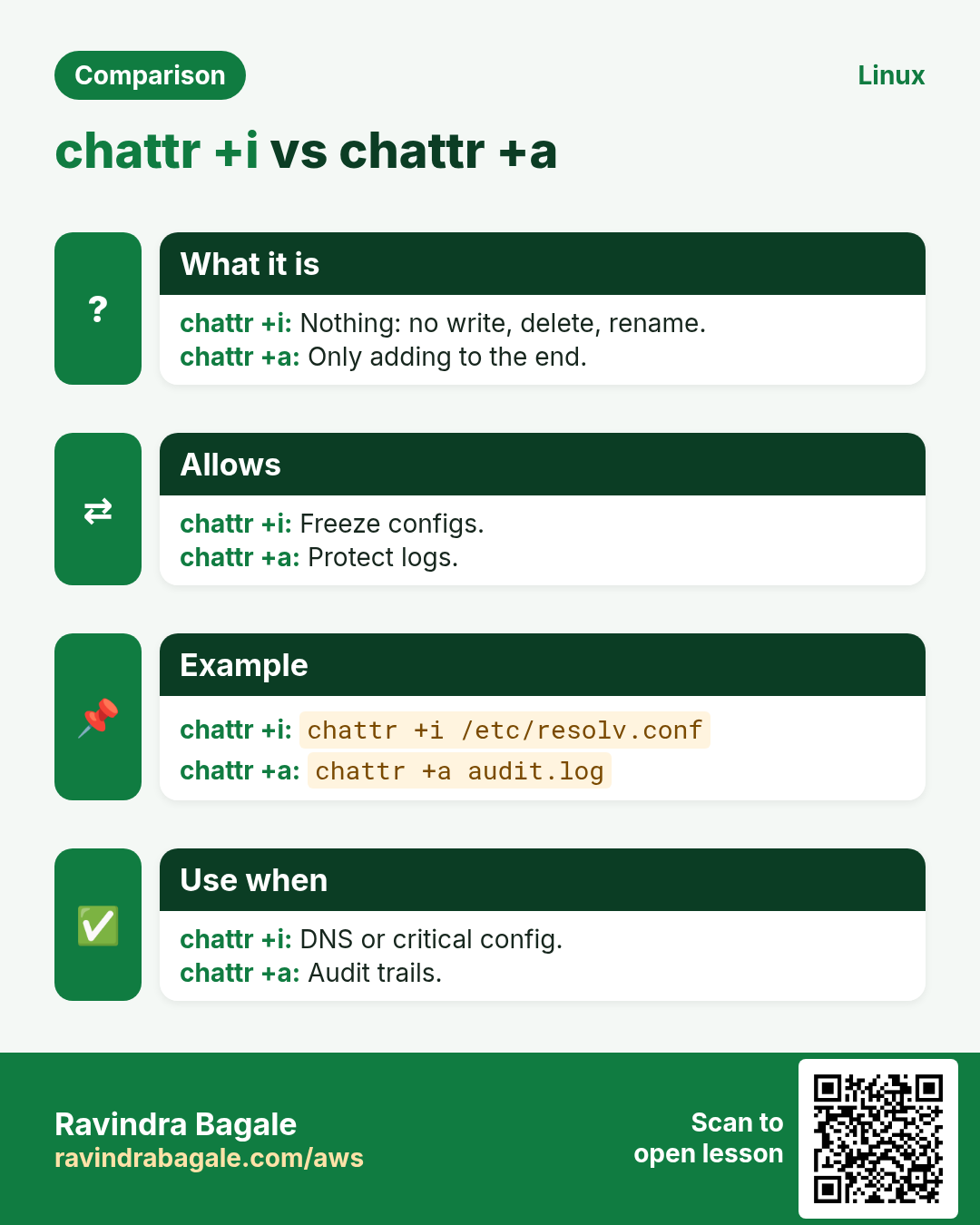
Revise this lesson in a few minutes. Save the cards on your phone or download them as PNG files. The QR code on each card opens this lesson.
More cards: Ravi Sir's Cards.