Linux Kernel Basics: Modules, /proc, /sys, Namespaces and cgroups (How Containers Work)
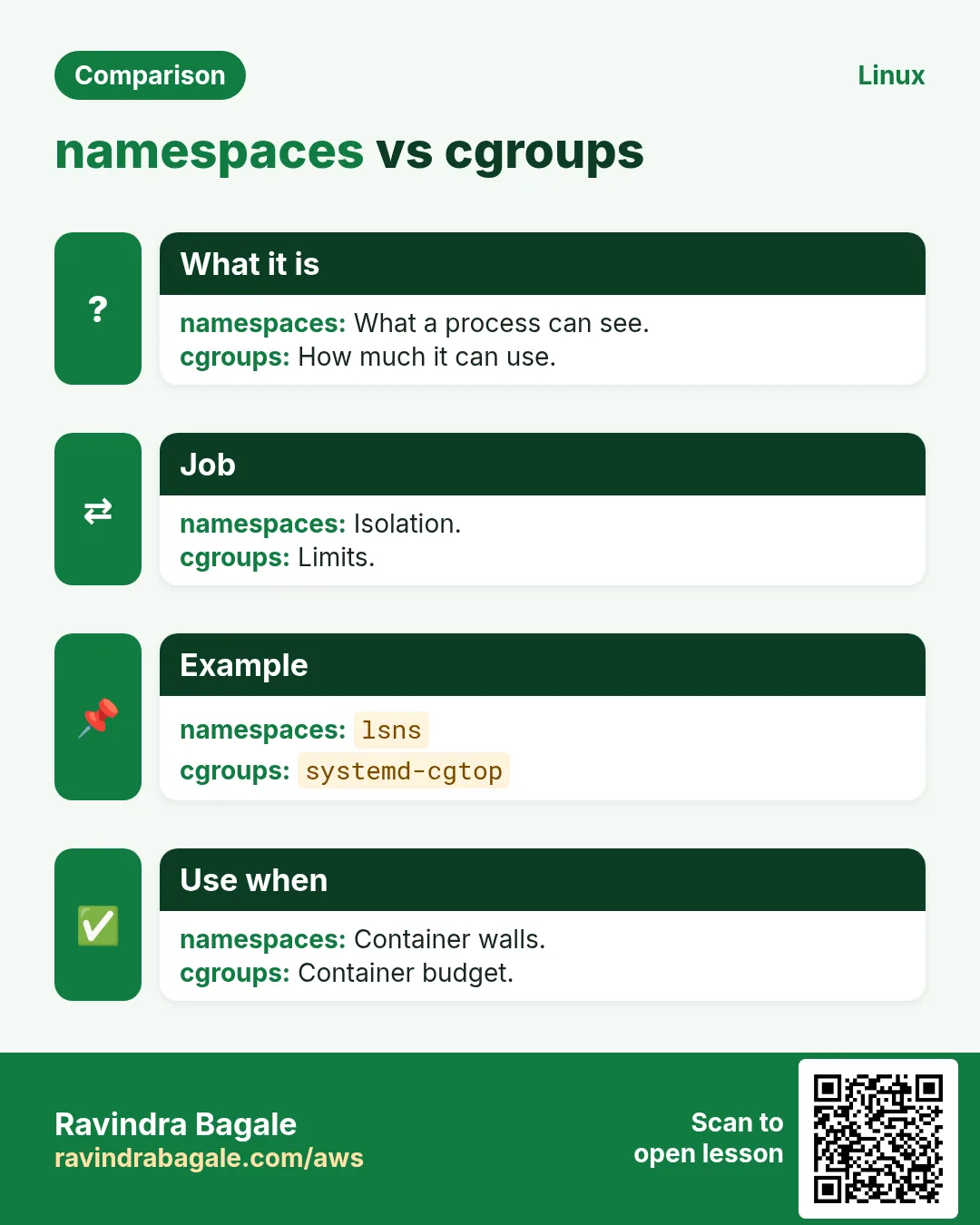
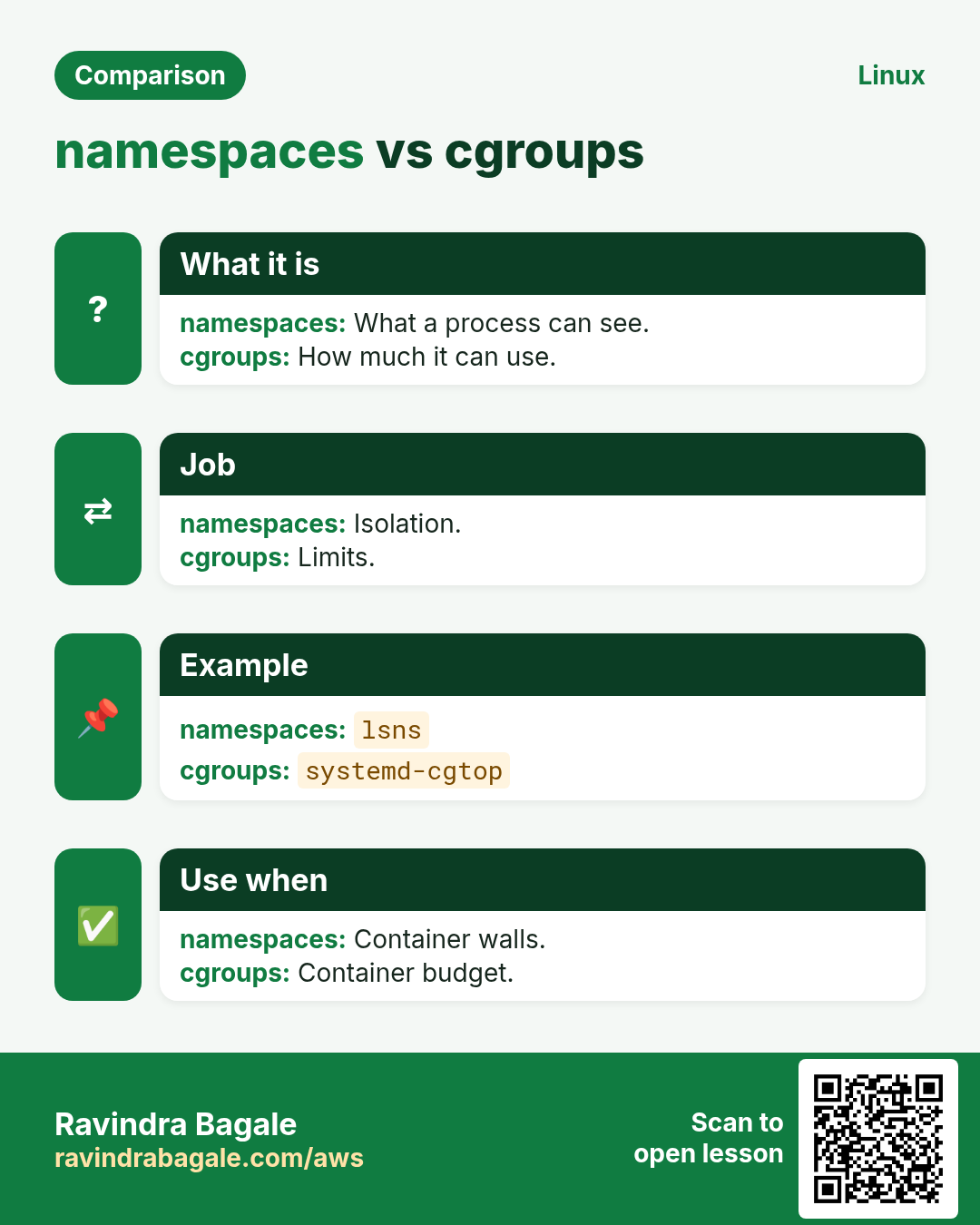
The kernel is the core of Linux. It talks to hardware, runs processes and keeps them apart. In this chapter you will see the kernel version, load and unload kernel modules (drivers), read live kernel data in /proc and /sys, and learn the two features that make containers possible: namespaces (what a process can see) and cgroups (how much it can use). After this, Docker and Kubernetes will stop feeling like magic.
What you'll learn in this chapter
- Check kernel version and boot parameters
- List, load and blacklist modules
- Read process and system data in /proc and /sys
- Create namespaces with unshare and enter with nsenter
- Limit CPU and memory with cgroups v2 and systemd
- Connect it all to containers
1. An everyday example: a co-working space
Why do we need this?
A co-working building in Baner has one manager (kernel). Each company gets its own cabin: they see only their own name board, Wi-Fi name and staff list (namespaces). The meter limits how much power and AC each cabin uses (cgroups). When a new printer arrives, the manager plugs in its driver (module). The notice board in the lobby shows live stats for everyone (/proc).
What is it?
Manager = kernel. Driver for the printer = module. Lobby board = /proc and /sys. Private cabin view = namespaces. Power meter = cgroups. Cabin = container.
How to do it (step by step)
2. Kernel version and boot options
Why do we need this?
Bugs, drivers and features depend on the kernel version.
What is it?
uname -r prints the running kernel; uname -a shows all. /proc/cmdline shows boot parameters. Installed kernels: rpm -q kernel or dpkg -l 'linux-image*'. grubby --info=ALL (RHEL) shows boot entries. A new kernel needs a reboot.
How to do it (step by step)
- Running kernel.
uname -rOutput:
6.1.112-124.190.amzn2023.x86_64What it means: Amazon Linux 2023.
- Boot parameters.
cat /proc/cmdlineOutput:
BOOT_IMAGE=(hd0,gpt1)/vmlinuz-6.1.112 root=UUID=... ro console=ttyS0What it means: Passed by GRUB.
- Add a boot option.
sudo grubby --update-kernel=ALL --args='mitigations=auto'Output:
(no output)What it means: Applies next boot.
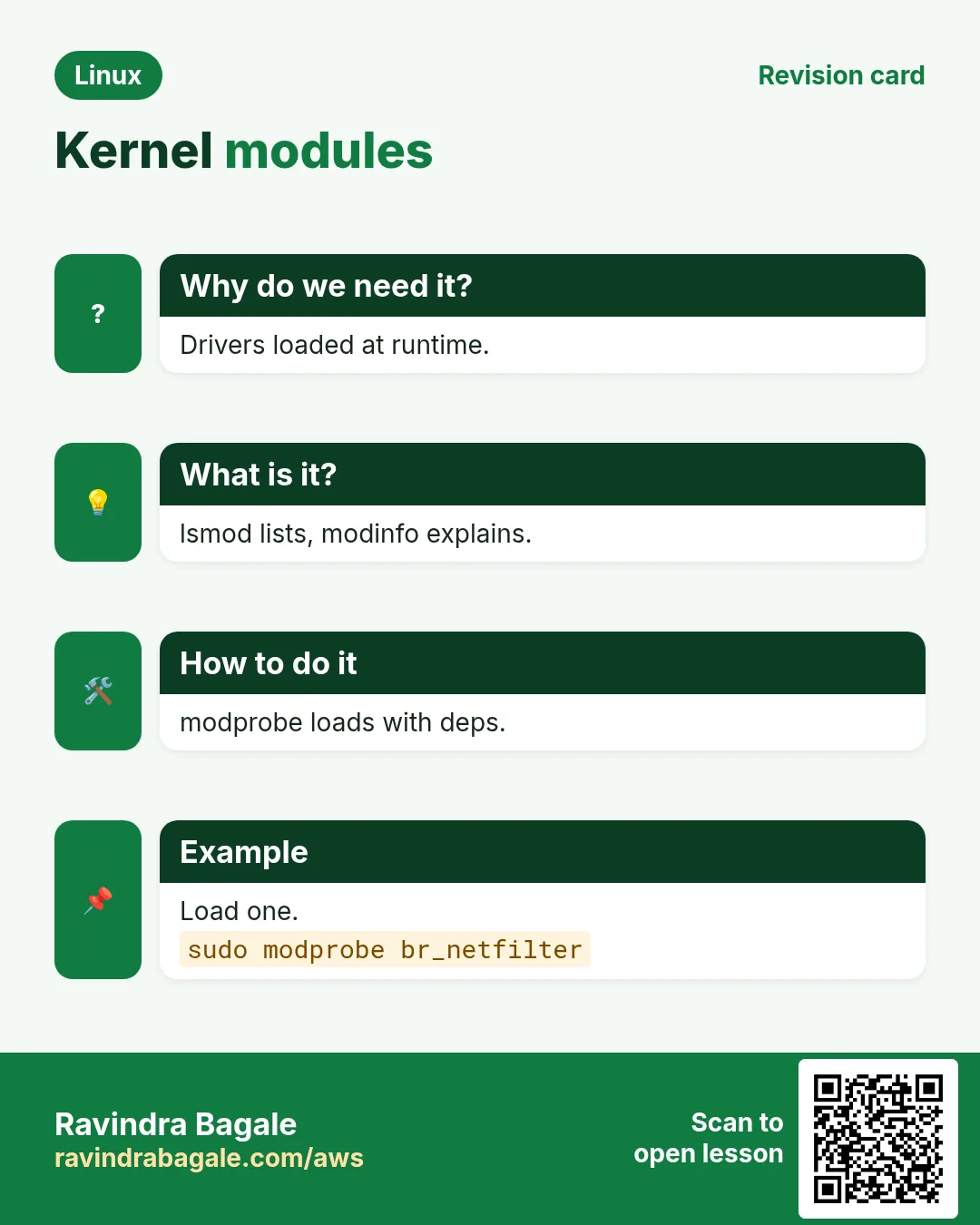
3. Kernel modules: lsmod and modinfo
Why do we need this?
Drivers for disks, network cards and filesystems are modules loaded on demand.
What is it?
lsmod lists loaded modules with size and users. modinfo NAME shows description, version and parameters. Modules live in /lib/modules/$(uname -r). lspci -k shows which driver a device uses.
How to do it (step by step)
- Loaded.
lsmod | head -4Output:
Module   Size  Used by
ena    151552  0
nvme    53248  2
What it means: ENA network, NVMe disk.
- Details.
modinfo ena | head -4Output:
filename: /lib/modules/6.1.../ena.ko.xz
description: Elastic Network Adapter (ENA)
version: 2.12.0g
What it means: AWS network driver.
- Device driver.
lspci -k | grep -A2 -i ethernetOutput:
00:05.0 Ethernet controller: Amazon.com ENA
 Kernel driver in use: ena
What it means: Confirms.
4. modprobe: load, unload, blacklist
Why do we need this?
You need a module for WireGuard, an extra filesystem, or to stop a buggy driver.
What is it?
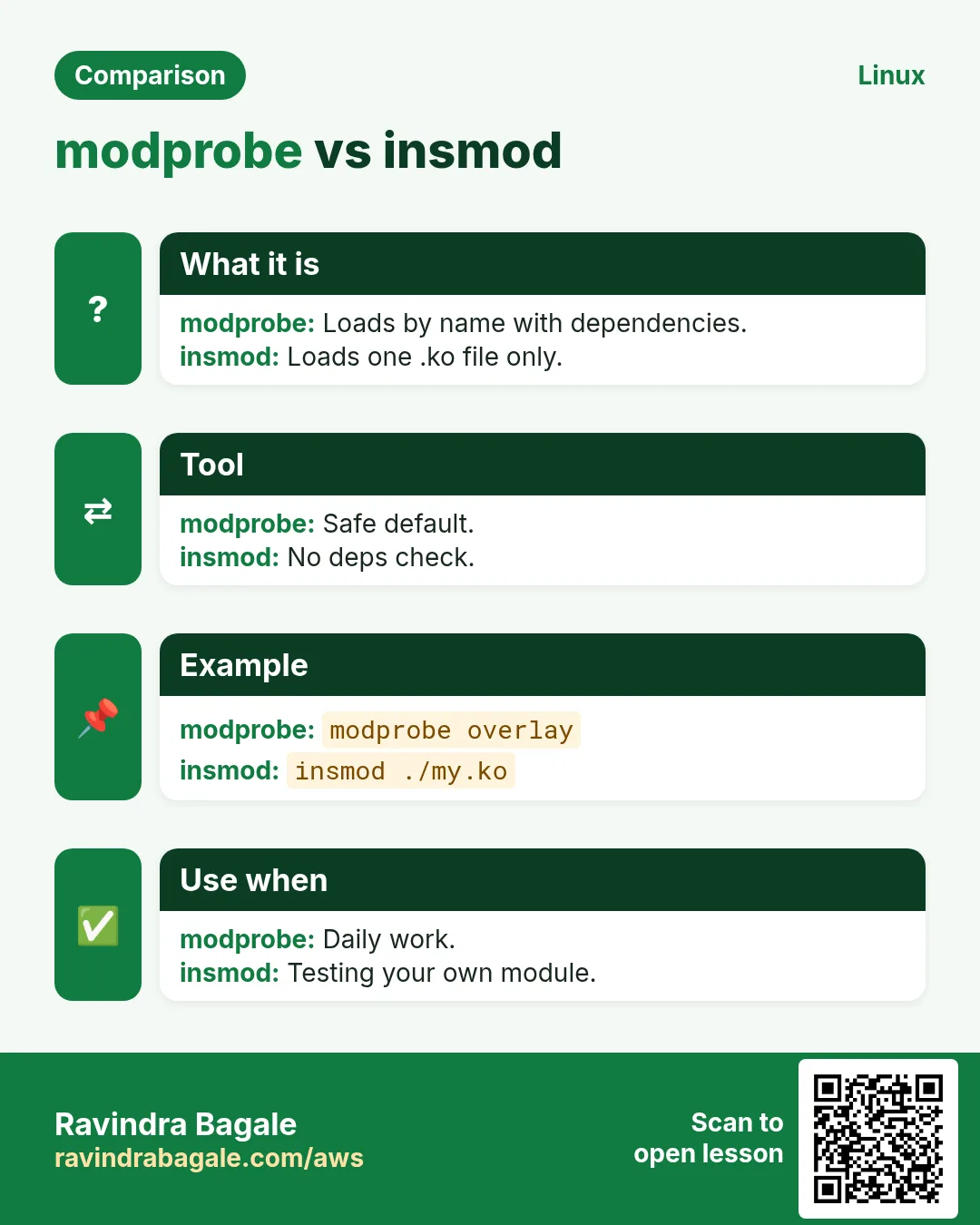
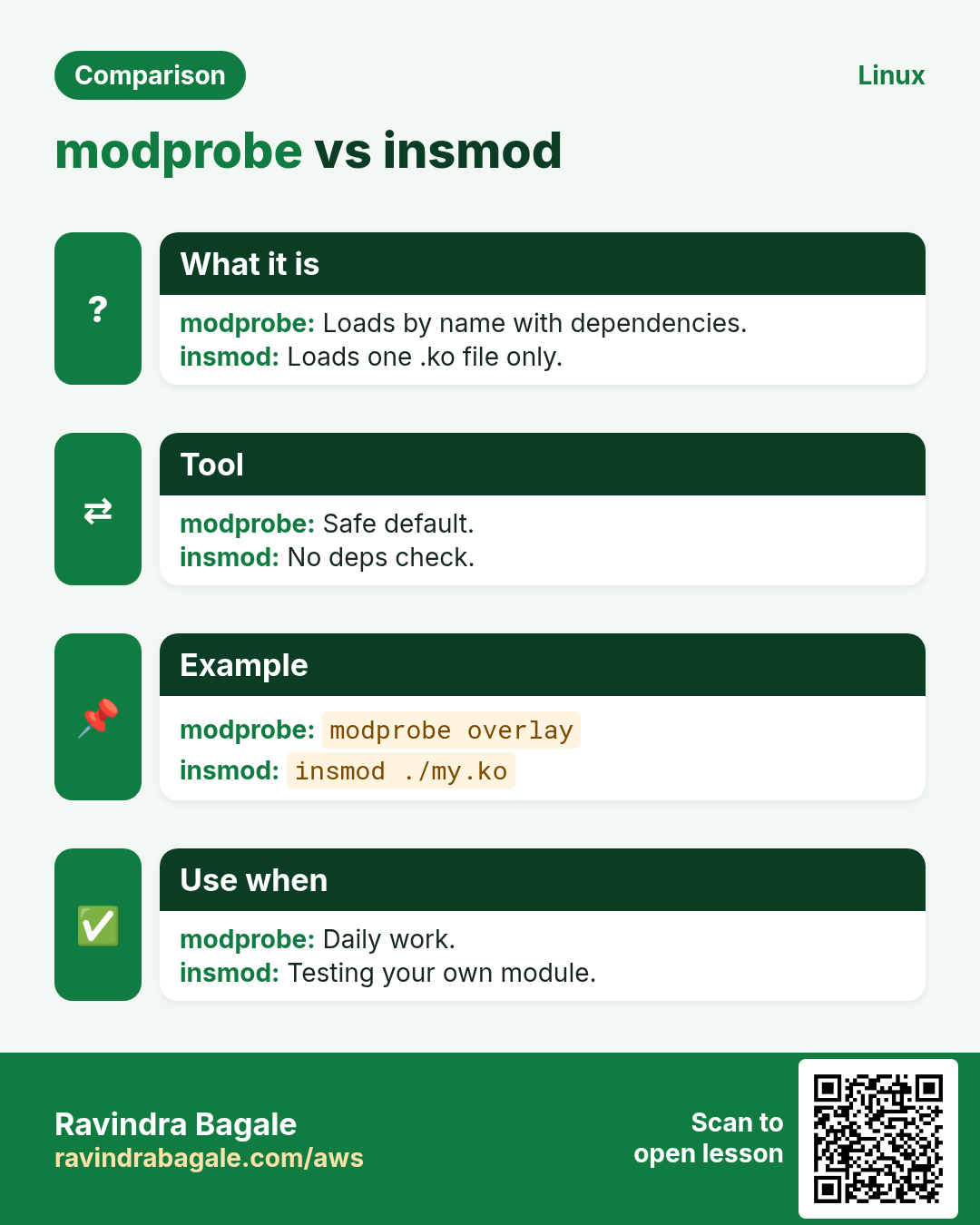
modprobe NAME loads with dependencies; modprobe -r unloads. Load at boot: file in /etc/modules-load.d/NAME.conf. Options: /etc/modprobe.d/NAME.conf with 'options NAME key=val'. Blacklist: 'blacklist NAME' in /etc/modprobe.d. Avoid insmod/rmmod (no dependency handling).
How to do it (step by step)
- Load.
sudo modprobe br_netfilter && lsmod | grep br_netfilterOutput:
br_netfilter 32768 0
bridge 315392 1 br_netfilter
What it means: Needed by Kubernetes.
- At boot.
echo br_netfilter | sudo tee /etc/modules-load.d/k8s.confOutput:
br_netfilterWhat it means: Persistent.
- Blacklist.
echo 'blacklist floppy' | sudo tee /etc/modprobe.d/no-floppy.confOutput:
blacklist floppyWhat it means: Not loaded again.
- Unload.
sudo modprobe -r floppyOutput:
(no output)What it means: Removed if unused.
5. dmesg: kernel messages
Why do we need this?
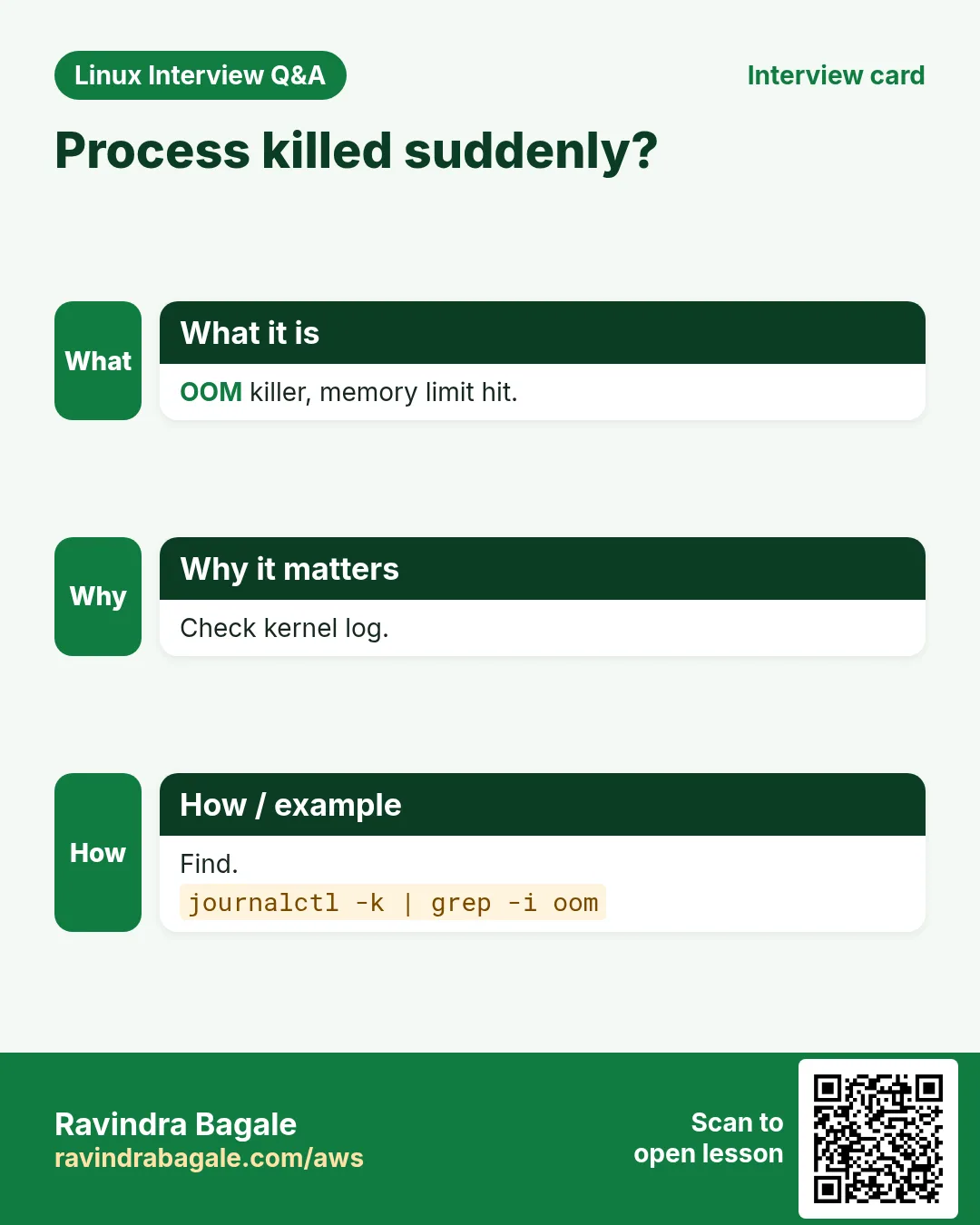
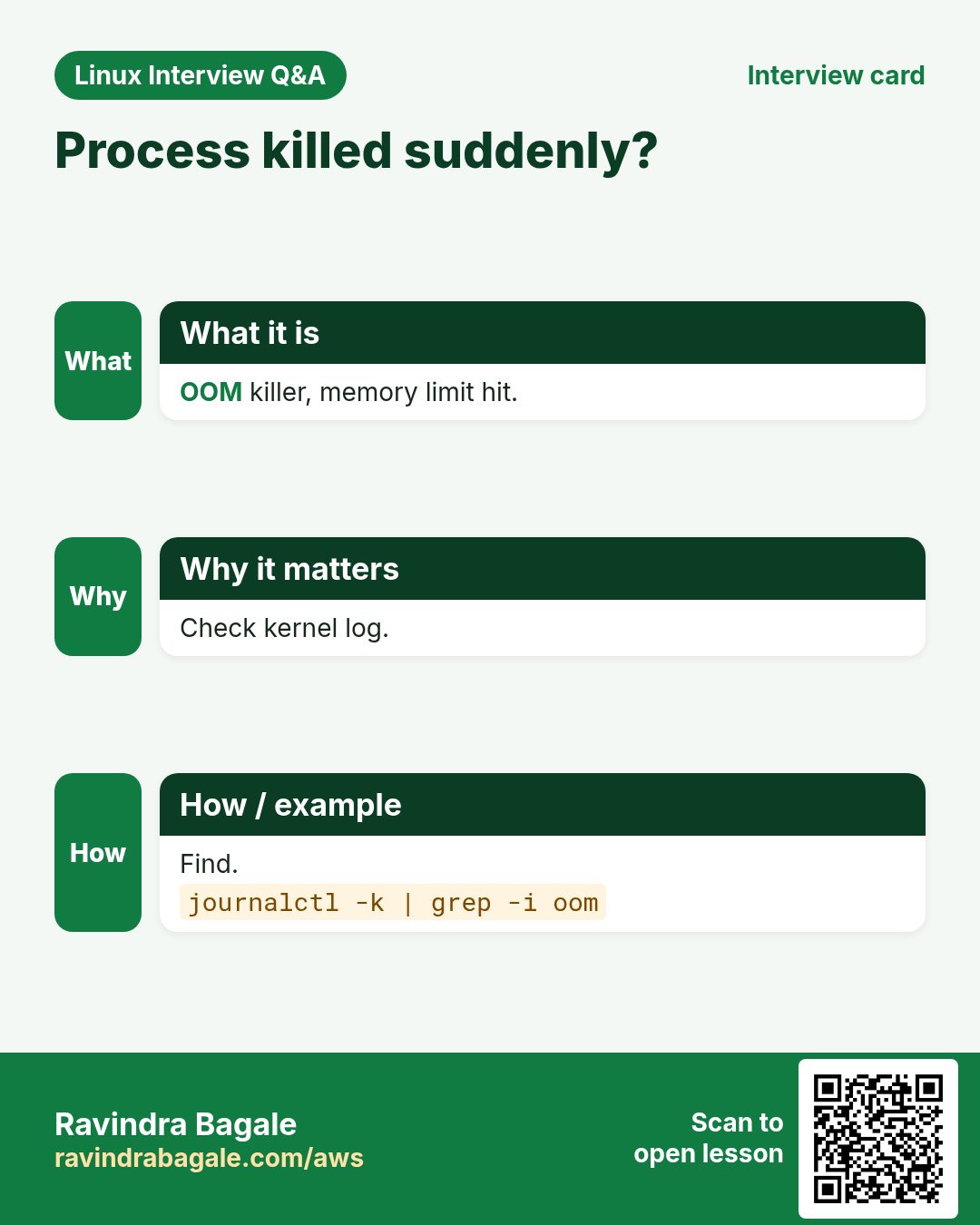
Hardware errors, OOM kills and driver problems show here first.
What is it?
dmesg -T shows readable times; -l err,warn filters level; -w follows live. journalctl -k does the same from the journal, and -k -b -1 shows the last boot.
How to do it (step by step)
- Errors only.
sudo dmesg -T -l err,warn | tail -3Output:
[Sun Oct 25 20:10] EXT4-fs warning (device nvme1n1): ...What it means: Disk warning.
- Last boot.
journalctl -k -b -1 | tail -2Output:
kernel: Out of memory: Killed process 912 (node)What it means: Why it crashed.
- Live.
sudo dmesg -wOutput:
[ 9912.1] usb 1-1: new deviceWhat it means: Plug and watch.
6. /proc: live process and system data
Why do we need this?
Every tool like ps, top and free reads /proc. You can read it directly.
What is it?
System files: /proc/cpuinfo, /proc/meminfo, /proc/loadavg, /proc/mounts, /proc/sys (tunables). Per process /proc/PID: cmdline, environ, status (memory, state), fd/ (open files), limits, cwd, exe, ns/ (namespaces), cgroup.
How to do it (step by step)
- CPU model.
grep -m1 'model name' /proc/cpuinfoOutput:
model name : Intel(R) Xeon(R) Platinum 8259CLWhat it means: Instance CPU.
- Process memory.
grep -E 'VmRSS|State' /proc/3011/statusOutput:
State: S (sleeping)
VmRSS: 1983420 kB
What it means: ~1.9 GB.
- How it was started.
tr '\0' ' ' < /proc/3011/cmdlineOutput:
java -Xmx2g -jar shop.jarWhat it means: Full command.
- Deleted but open file.
sudo ls -l /proc/3011/fd | grep deletedOutput:
9 -> /var/log/shop.log (deleted)What it means: Space not freed until restart.
7. /sys: devices and kernel objects
Why do we need this?
/sys exposes devices, block queues and module parameters as files.
What is it?
/sys/block/DISK/queue/scheduler shows the I/O scheduler. /sys/class/net/IF/ has speed and statistics. /sys/module/NAME/parameters shows module options. /sys/fs/cgroup is the cgroup tree. Writing to some files changes behaviour live.
How to do it (step by step)
- I/O scheduler.
cat /sys/block/nvme0n1/queue/schedulerOutput:
[none] mq-deadline kyberWhat it means: none for NVMe.
- Interface counters.
cat /sys/class/net/ens5/statistics/rx_droppedOutput:
15422What it means: Drops.
- Module option.
cat /sys/module/nvme_core/parameters/io_timeoutOutput:
4294967295What it means: EBS needs a high value.
8. Namespaces: what a process can see
Why do we need this?
Namespaces isolate containers from each other and from the host.
What is it?
Types: pid (process IDs), net (interfaces, ports), mnt (mounts), uts (hostname), ipc, user (UID mapping), cgroup, time. lsns lists them. ls -l /proc/PID/ns shows a process's namespaces. unshare creates new ones; nsenter enters existing ones; ip netns manages network namespaces.
| Namespace | Isolates | Container effect |
|---|---|---|
| pid | Process IDs | App is PID 1 |
| net | Network stack | Own IP and ports |
| mnt | Mounts | Own root filesystem |
| uts | Hostname | Own hostname |
| user | User IDs | Root inside, normal outside |
How to do it (step by step)
- List.
sudo lsns -t netOutput:
NS         TYPE NPROCS PID  COMMAND
4026531840 net  210    1    /usr/lib/systemd/systemd
4026532301 net  2      8812 nginx: master
What it means: nginx in a container.
- New hostname world.
sudo unshare --uts --fork bash -c 'hostname box-a; hostname'Output:
box-aWhat it means: Host name unchanged outside.
- New PID world.
sudo unshare --pid --fork --mount-proc bash -c 'ps -e'Output:
PID TTY TIME CMD
  1 pts/0 00:00:00 bash
  2 pts/0 00:00:00 ps
What it means: Bash is PID 1.
- Enter a container's network.
sudo nsenter -t 8812 -n ss -ltnOutput:
LISTEN 0 511 0.0.0.0:80What it means: Debug without tools in the image.
9. Network namespaces with ip netns
Why do we need this?
This is exactly how Docker bridges and Kubernetes pods get networking.
What is it?
ip netns add NAME creates one. A veth pair is a virtual cable: one end in the host, one in the namespace. Give IPs, bring links up, and ping. ip netns exec NAME CMD runs a command inside.
How to do it (step by step)
- Create.
sudo ip netns add red && sudo ip link add veth-h type veth peer name veth-r && sudo ip link set veth-r netns redOutput:
(no output)What it means: Cable plugged.
- Address.
sudo ip addr add 10.9.0.1/24 dev veth-h && sudo ip link set veth-h up && sudo ip netns exec red ip addr add 10.9.0.2/24 dev veth-r && sudo ip netns exec red ip link set veth-r upOutput:
(no output)What it means: Both ends up.
- Ping.
sudo ip netns exec red ping -c1 10.9.0.1Output:
1 packets transmitted, 1 receivedWhat it means: Works.
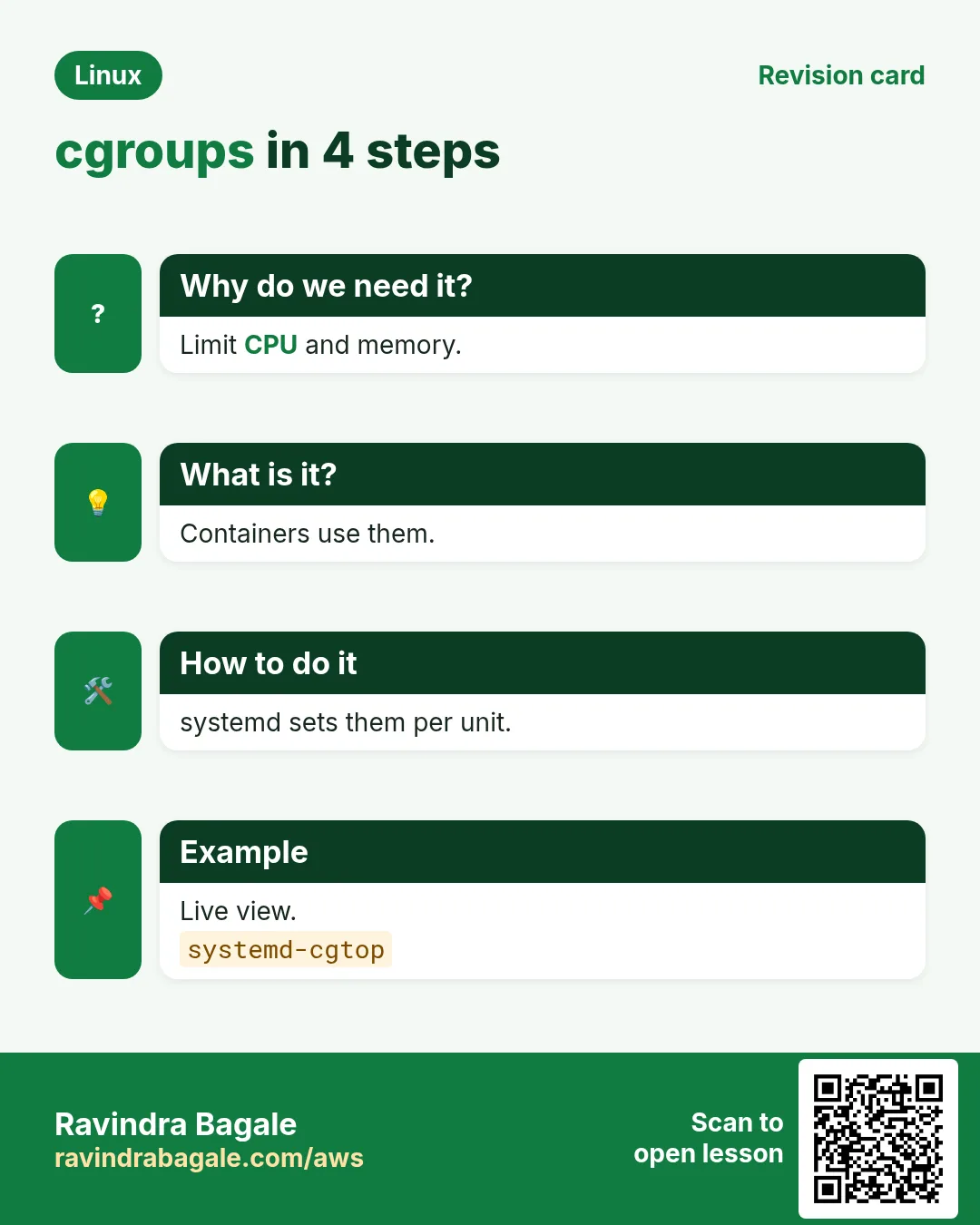
10. cgroups v2: how much a process can use
Why do we need this?
Without limits one runaway process can eat all CPU or memory and kill the server.
What is it?
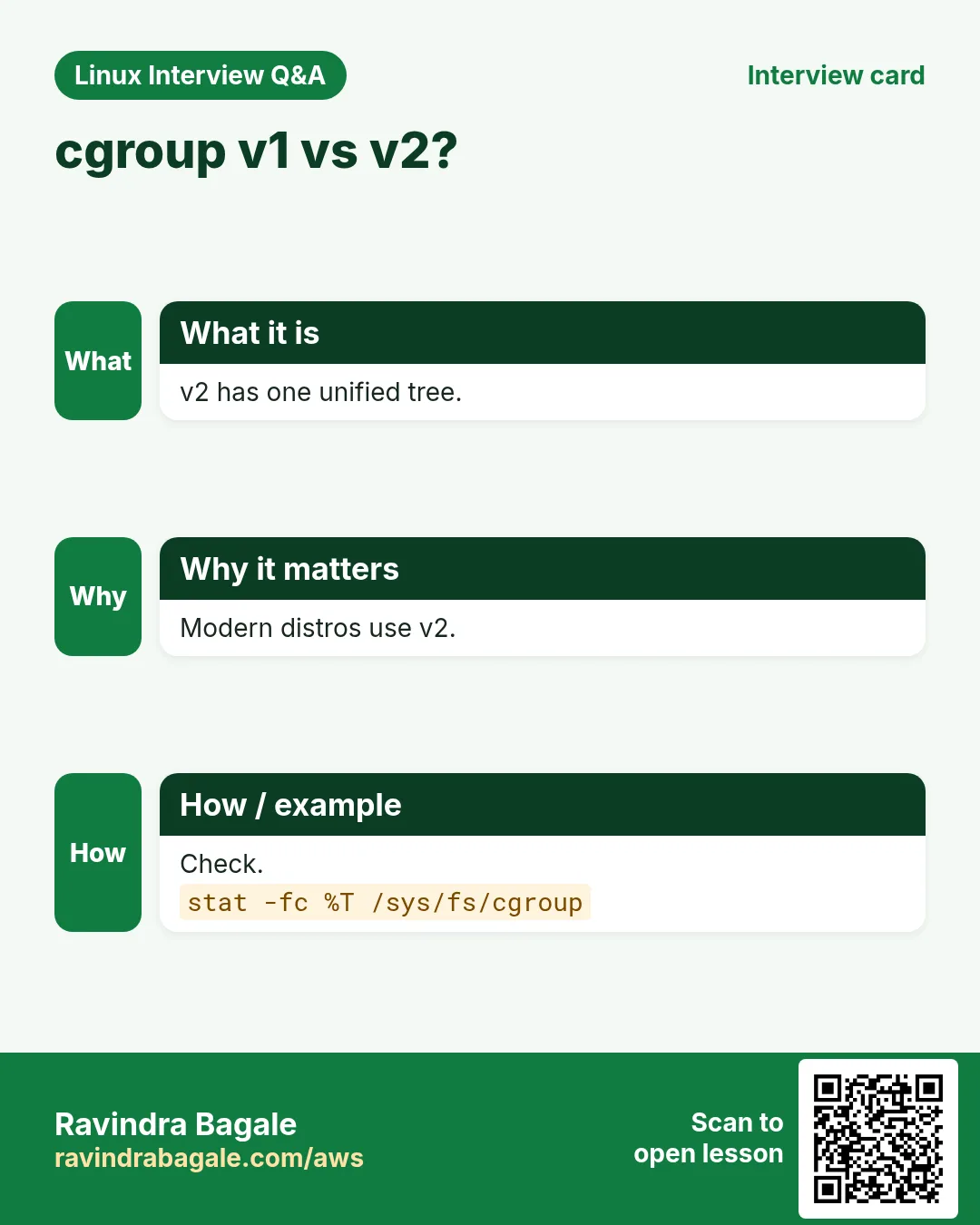
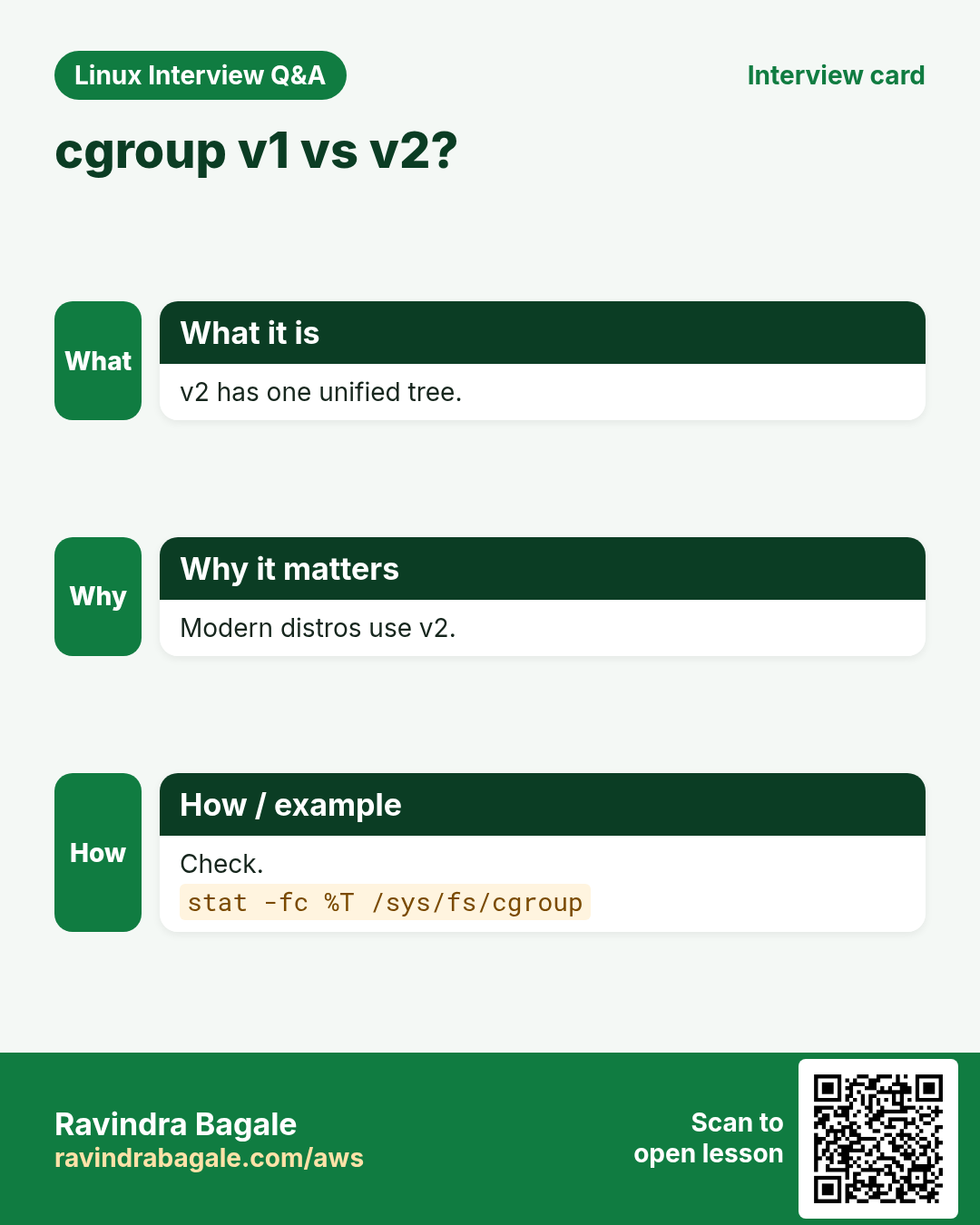
cgroup v2 is one tree at /sys/fs/cgroup. Check: stat -fc %T /sys/fs/cgroup prints cgroup2fs. Each group has files: memory.max, memory.current, cpu.max ('quota period', e.g. 50000 100000 = half a CPU), pids.max, io.max. Put a PID in cgroup.procs. memory.events counts OOM kills.
How to do it (step by step)
- Version.
stat -fc %T /sys/fs/cgroupOutput:
cgroup2fsWhat it means: v2.
- Make a group by hand.
sudo mkdir /sys/fs/cgroup/demo && echo 200M | sudo tee /sys/fs/cgroup/demo/memory.max && echo '50000 100000' | sudo tee /sys/fs/cgroup/demo/cpu.maxOutput:
200M
50000 100000
What it means: 200 MB, half a CPU.
- Move shell in.
echo $$ | sudo tee /sys/fs/cgroup/demo/cgroup.procsOutput:
2241What it means: Children are limited too.
- Which cgroup?
cat /proc/3011/cgroupOutput:
0::/system.slice/shop-api.serviceWhat it means: systemd made it.
11. cgroups the easy way: systemd
Why do we need this?
systemd already puts every service in a cgroup, so set limits there instead of by hand.
What is it?
In a unit or drop-in: MemoryMax=1G, CPUQuota=150%, TasksMax=500, IOWeight=. Live: systemctl set-property UNIT MemoryMax=1G. One-off: systemd-run --scope -p MemoryMax=300M CMD. Watch with systemd-cgtop; tree with systemd-cgls.
How to do it (step by step)
- Limit a service.
sudo systemctl set-property shop-api.service MemoryMax=1G CPUQuota=150%Output:
(no output)What it means: Persisted in a drop-in.
- One-off job.
sudo systemd-run --scope -p MemoryMax=300M -p CPUQuota=50% tar czf /backup/www.tgz /var/wwwOutput:
Running scope as unit: run-r1b2.scopeWhat it means: Backup cannot hog.
- Live top per cgroup.
systemd-cgtop -n 1Output:
Control Group             Tasks %CPU Memory
/system.slice/shop-api    88    140  980M
What it means: Near the limit.
- Docker uses the same.
docker run -d --memory 512m --cpus 1.5 nginxOutput:
f3a1...What it means: cgroup limits.
12. Putting it together: a container from scratch
Why do we need this?
Seeing it once by hand removes the mystery of containers.
What is it?
Combine unshare (pid, mnt, uts, net), a root filesystem (an extracted image), chroot, and a cgroup limit. Real runtimes (runc, containerd) do the same plus seccomp, capabilities and overlay filesystems.
How to do it (step by step)
- Get a root filesystem.
mkdir rootfs && docker export $(docker create alpine) | tar -x -C rootfsOutput:
(no output)What it means: Alpine files.
- Start a mini container.
sudo unshare --pid --uts --mount --net --fork chroot rootfs /bin/sh -c 'mount -t proc proc /proc; hostname mini; ps; hostname'Output:
PID USER COMMAND
 1 root /bin/sh -c ...
mini
What it means: Own PIDs and name.
- Container PID on host.
docker inspect -f '{{.State.Pid}}' webOutput:
8812What it means: Just a host process.
13. Real examples from many industries
Why do we need this?
The same Linux skill shows up in every kind of company. Seeing it in many places helps you remember it.
What is it?
Each row is a made-up team. It shows who uses this and how.
How to do it (step by step)
| Team and city | How they use it | Command |
|---|---|---|
| Aniket, Kubernetes platform, Pune | Loads br_netfilter and overlay | modprobe overlay |
| Sophie, CI service, Paris | systemd-run limits for build jobs | systemd-run --scope -p MemoryMax=2G |
| Hiro, telecom, Tokyo | Network namespaces for test labs | ip netns add |
| Fatima, bank, Doha | Blacklists unused USB storage | blacklist usb-storage |
| Carlos, video, Mexico City | cgroup CPU caps for encoders | CPUQuota=200% |
| Pooja, SaaS, Bengaluru | nsenter to debug pods | nsenter -t PID -n |
14. Common errors and how to fix them
Why do we need this?
Everyone hits these errors. Knowing the cause saves hours.
What is it?
Read the exact message first. Then match it to a row below.
How to do it (step by step)
| Error you see | Why it happens | How to fix |
|---|---|---|
modprobe: FATAL: Module wireguard not found in directory /lib/modules/... | Module not built for this kernel | Install kernel-modules-extra or matching package.sudo dnf install -y kernel-modules-extra |
modprobe: FATAL: Module nvme is in use | Device still using it | Do not unload in-use drivers.lsmod | grep nvme |
Required key not available | Secure Boot rejects unsigned module | Use signed modules or enroll a key.mokutil --sb-state |
unshare: unshare failed: Operation not permitted | Not root and user namespaces off | Use sudo or --user --map-root-user.sysctl user.max_user_namespaces |
tee: memory.max: No such file | Controller not enabled in parent | Add +memory to cgroup.subtree_control.cat /sys/fs/cgroup/cgroup.subtree_control |
Container OOMKilled (exit 137) | Hit memory.max | Raise limit or fix the leak.cat /sys/fs/cgroup/system.slice/*/memory.events |
Cannot open /proc/PID/...: No such file | Process already exited | Re-check the PID.pgrep -f shop |
Failed to set unit properties: Unit not loaded | Wrong unit name | Use the full name with .service.systemctl list-units --type=service | grep shop |
rmdir: failed to remove 'demo': Device or resource busy | cgroup still has processes | Move or kill them first.cat /sys/fs/cgroup/demo/cgroup.procs |
Disk full but du shows little | Deleted file still open | Restart the holder or truncate via /proc.sudo lsof +L1 |
15. Troubleshooting step by step
Why do we need this?
For kernel-level issues: read messages, then check the right file.
What is it?
Go top to bottom. Stop at the first step that shows the problem.
How to do it (step by step)
- Kernel log
sudo dmesg -T -l err,warn- Loaded drivers
lsmod- Device and driver
lspci -k- Process details
cat /proc/PID/status- Namespaces
sudo lsns- cgroup limits
systemctl show UNIT -p MemoryMax -p CPUQuotaPerSecUSec16. Lab 1: Modules and /proc
Why do we need this?
Load a module at boot and read a process's details from /proc.
What is it?
A full hands-on lab. Run every step on a test Linux machine (an EC2 instance, a VM, or WSL).
How to do it (step by step)
- Info.
modinfo overlay | head -3Output:
description: Overlay filesystem- Load.
sudo modprobe overlay && lsmod | grep overlayOutput:
overlay 151552 0- Persist.
echo overlay | sudo tee /etc/modules-load.d/overlay.confOutput:
overlay- Start a process.
sleep 600 &Output:
[1] 7001- Read it.
grep -E 'State|PPid' /proc/7001/status; ls -l /proc/7001/ns | head -3Output:
State: S (sleeping)17. Lab 2: Namespaces and cgroups
Why do we need this?
Make an isolated shell and a memory-limited job.
What is it?
A full hands-on lab. Run every step on a test Linux machine (an EC2 instance, a VM, or WSL).
How to do it (step by step)
- PID namespace.
sudo unshare --pid --fork --mount-proc bash -c 'ps -e'Output:
1 bash- UTS namespace.
sudo unshare --uts --fork bash -c 'hostname lab; hostname'Output:
lab- Limited job.
sudo systemd-run --scope -p MemoryMax=100M stress-ng --vm 1 --vm-bytes 300M --timeout 20sOutput:
Running scope ... killed- Check events.
journalctl -k | grep -i 'memory cgroup out of memory' | tail -1Output:
Memory cgroup out of memory: Killed process- Service limit.
sudo systemctl set-property sshd.service TasksMax=200 && systemctl show sshd -p TasksMaxOutput:
TasksMax=200Ravindra Bagale's Tip
To debug inside a container that has no tools, do not install anything in it. Find its host PID with docker inspect, then run host tools inside its namespaces with nsenter -t PID -n (network) or -m (mount). You keep the image clean and still see everything.
Ravindra Bagale's Tip – मराठी
Tools नसलेल्या container मधे debug करायला त्यात काही install करू नका. docker inspect ने host PID शोधा, मग nsenter -t PID -n (network) किंवा -m (mount) ने host tools त्याच्या namespaces मधे चालवा. Image clean राहतं आणि सगळं दिसतं.
Ravindra Bagale's Tip – हिंदी
Tools के बिना container में debug करने के लिए उसमें कुछ install मत कीजिए. docker inspect से host PID निकालिए, फिर nsenter -t PID -n (network) या -m (mount) से host tools उसके namespaces में चलाइए. Image साफ़ रहती है और सब दिखता है.
18. Frequently asked questions
Q. What is a kernel module?
A driver or feature loaded into the running kernel.
Q. Is /proc on disk?
No, it is generated live by the kernel.
Q. modprobe vs insmod?
modprobe handles dependencies; prefer it.
Q. Are containers VMs?
No, processes with namespaces and cgroups on the same kernel.
Q. cgroup v1 or v2?
v2 on modern distros; one unified tree.
Q. Exit code 137?
Killed by SIGKILL, often OOM.
Q. Change kernel live?
Tunables via sysctl; new kernel needs reboot.
Q. What is nsenter for?
Running a command inside another process's namespaces.
19. Interview questions and answers
Beginner level
Q. Show kernel version?
uname -r.
Q. List loaded modules?
lsmod.
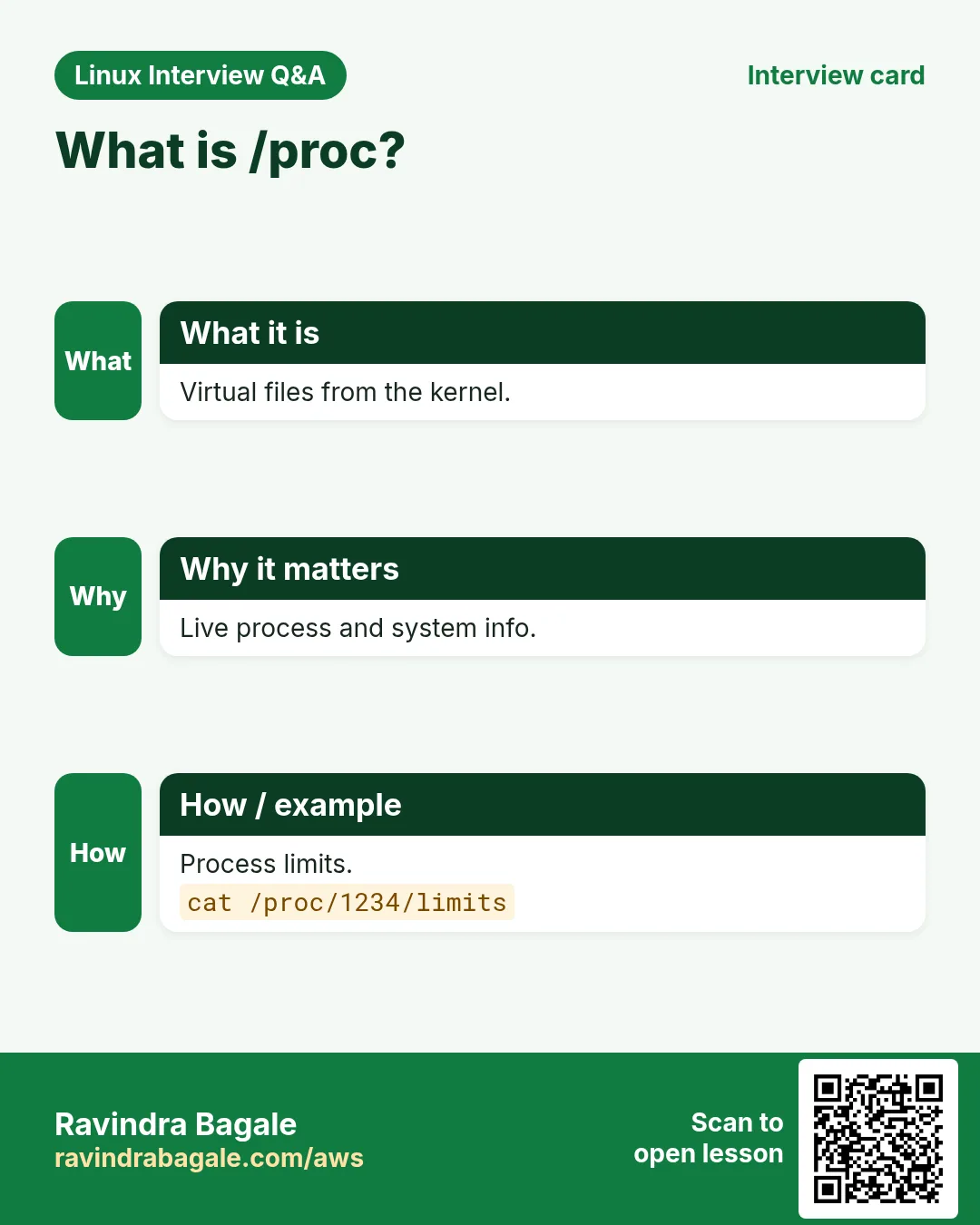
Q. What is /proc?
Virtual filesystem with live kernel and process data.
Q. Load a module?
modprobe NAME.
Mid level level
Q. Load a module at boot?
/etc/modules-load.d/NAME.conf.
Q. Limit memory of a service?
systemctl set-property UNIT MemoryMax=.
Q. List namespaces?
lsns.
Q. Disk full, du small?
Deleted open files; lsof +L1.
Senior level
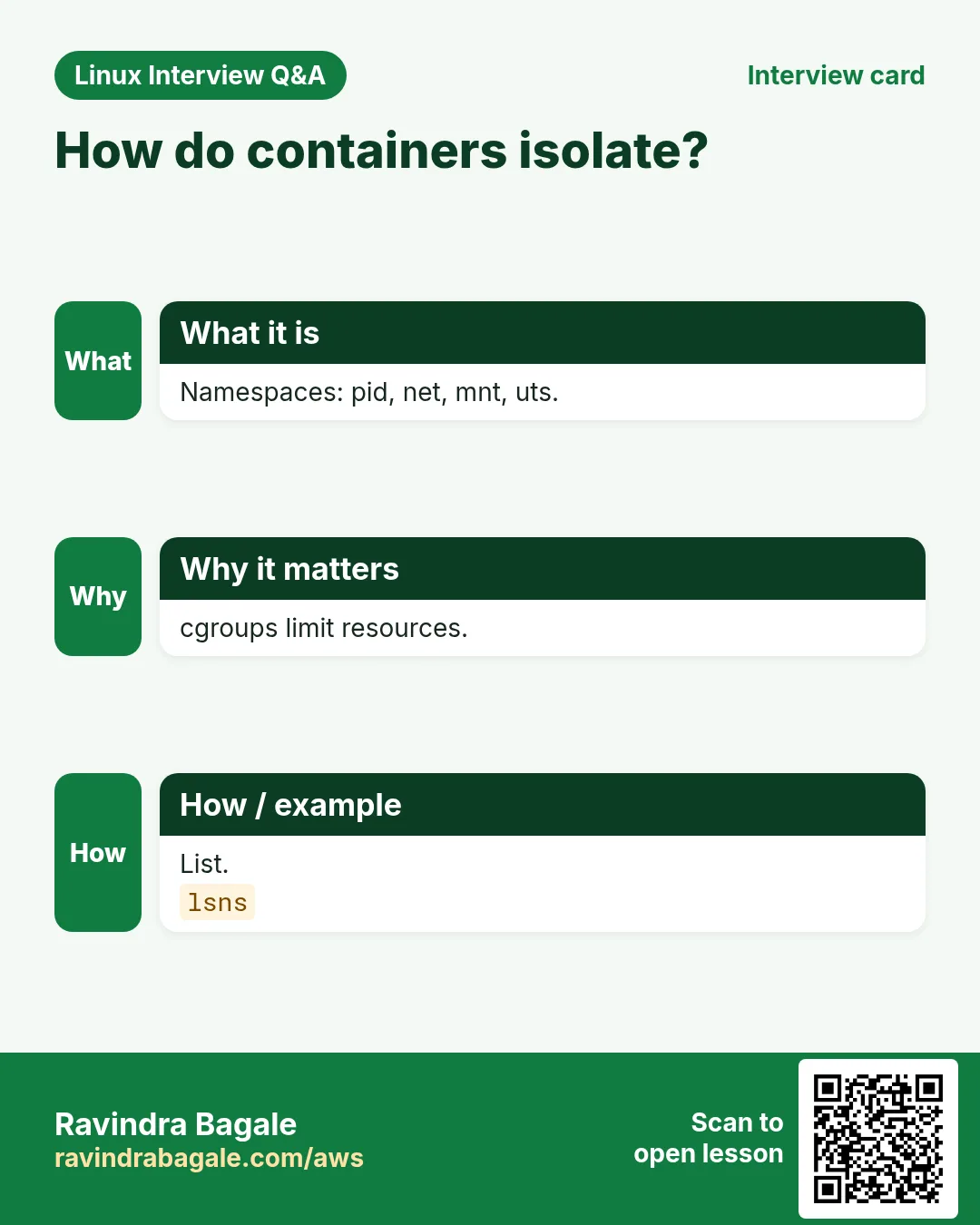
Q. How do containers isolate?
Namespaces for view, cgroups for resources, plus seccomp and capabilities.
Q. Debug a distroless pod's network?
Find PID, nsenter -t PID -n with host tools.
Q. cpu.max 50000 100000 means?
50 ms per 100 ms = half a CPU.
Q. Why Kubernetes needs br_netfilter?
So bridged pod traffic passes through iptables rules.
Try at home
- Run lsns and cat /proc/self/cgroup on your machine and explain each line.
- Run a backup with systemd-run and a 300M memory limit.
Practice Tasks
London Legal LLP is a law business in London. Oliver Hughes looks after its IT and cloud work. They count money in GBP and run their AWS resources in the eu-west-2 Region. In the tasks below you do real jobs for them using what this lesson teaches. All names, account IDs, IP addresses and numbers are made up for practice.
0 / 18
Easy All kernel info
Why: Containers at BIZ are kernel features.
What to do: Print the kernel name and machine hardware name.
- Find the Linux command that does this job.
- Add the options (like -r or -h) the task needs.
- Add the file names, folders or users in the right order.
- Use sudo if the job changes system files or users. Click Check answer.
Easy Module info
Why: Containers at BIZ are kernel features.
What to do: Show information about module xfs.
- Find the Linux command that does this job.
- Add the options (like -r or -h) the task needs.
- Add the file names, folders or users in the right order.
- Use sudo if the job changes system files or users. Click Check answer.
Easy Is nvme loaded?
Why: Containers at BIZ are kernel features.
What to do: Check if any module named like nvme_core is loaded.
- Find the Linux command that does this job.
- Add the options (like -r or -h) the task needs.
- Add the file names, folders or users in the right order.
- Use sudo if the job changes system files or users. Click Check answer.
Easy meminfo
Why: Containers at BIZ are kernel features.
What to do: Show the first lines of /proc/meminfo with head (5 lines).
- Find the Linux command that does this job.
- Add the options (like -r or -h) the task needs.
- Add the file names, folders or users in the right order.
- Use sudo if the job changes system files or users. Click Check answer.
Easy PID namespaces
Why: Containers at BIZ are kernel features.
What to do: List only pid namespaces.
- Find the Linux command that does this job.
- Add the options (like -r or -h) the task needs.
- Add the file names, folders or users in the right order.
- Use sudo if the job changes system files or users. Click Check answer.
Easy List netns
Why: Containers at BIZ are kernel features.
What to do: List network namespaces.
- Find the Linux command that does this job.
- Add the options (like -r or -h) the task needs.
- Add the file names, folders or users in the right order.
- Use sudo if the job changes system files or users. Click Check answer.
Easy cgroup version
Why: Containers at BIZ are kernel features.
What to do: Print the filesystem type of /sys/fs/cgroup.
- Find the Linux command that does this job.
- Add the options (like -r or -h) the task needs.
- Add the file names, folders or users in the right order.
- Use sudo if the job changes system files or users. Click Check answer.
Easy cgroup tree
Why: Containers at BIZ are kernel features.
What to do: Show the systemd cgroup tree for system.slice.
- Find the Linux command that does this job.
- Add the options (like -r or -h) the task needs.
- Add the file names, folders or users in the right order.
- Use sudo if the job changes system files or users. Click Check answer.
Medium Load wireguard
Why: Containers at BIZ are kernel features.
What to do: Load module wireguard.
- Find the Linux command that does this job.
- Add the options (like -r or -h) the task needs.
- Add the file names, folders or users in the right order.
- Use sudo if the job changes system files or users. Click Check answer.
Medium Unload a module
Why: Containers at BIZ are kernel features.
What to do: Unload module pcspkr.
- Find the Linux command that does this job.
- Add the options (like -r or -h) the task needs.
- Add the file names, folders or users in the right order.
- Use sudo if the job changes system files or users. Click Check answer.
Medium Kernel errors
Why: Containers at BIZ are kernel features.
What to do: Show only critical and error kernel messages with readable time.
- Find the Linux command that does this job.
- Add the options (like -r or -h) the task needs.
- Add the file names, folders or users in the right order.
- Use sudo if the job changes system files or users. Click Check answer.
Medium Previous boot kernel
Why: Containers at BIZ are kernel features.
What to do: Show kernel messages from two boots ago.
- Find the Linux command that does this job.
- Add the options (like -r or -h) the task needs.
- Add the file names, folders or users in the right order.
- Use sudo if the job changes system files or users. Click Check answer.
Medium Process status
Why: Containers at BIZ are kernel features.
What to do: Show /proc status of PID 1.
- Find the Linux command that does this job.
- Add the options (like -r or -h) the task needs.
- Add the file names, folders or users in the right order.
- Use sudo if the job changes system files or users. Click Check answer.
Medium New hostname world
Why: Containers at BIZ are kernel features.
What to do: Start bash in a new IPC namespace (fork).
- Find the Linux command that does this job.
- Add the options (like -r or -h) the task needs.
- Add the file names, folders or users in the right order.
- Use sudo if the job changes system files or users. Click Check answer.
Medium Create netns
Why: Containers at BIZ are kernel features.
What to do: Create a network namespace called blue.
- Find the Linux command that does this job.
- Add the options (like -r or -h) the task needs.
- Add the file names, folders or users in the right order.
- Use sudo if the job changes system files or users. Click Check answer.
Medium Limit tasks
Why: Containers at BIZ are kernel features.
What to do: Limit nginx.service to 300 tasks live.
- Find the Linux command that does this job.
- Add the options (like -r or -h) the task needs.
- Add the file names, folders or users in the right order.
- Use sudo if the job changes system files or users. Click Check answer.
Hard Enter mount ns
Why: Containers at BIZ are kernel features.
What to do: Enter the mount namespace of PID 9100 and run df -h.
- Find the Linux command that does this job.
- Add the options (like -r or -h) the task needs.
- Add the file names, folders or users in the right order.
- Use sudo if the job changes system files or users. Click Check answer.
Hard Limited one-off
Why: Containers at BIZ are kernel features.
What to do: Run gzip -9 big.log in a scope with MemoryMax=200M.
- Find the Linux command that does this job.
- Add the options (like -r or -h) the task needs.
- Add the file names, folders or users in the right order.
- Use sudo if the job changes system files or users. Click Check answer.
20. Related chapters
- Linux Ops Refresh for DevOps
- Bash Scripting for Automation
- Linux grep and find Commands with Examples
- How to Set Up Passwordless SSH Between Linux Servers
In short
- uname -r and /proc/cmdline show kernel and boot options.
- lsmod, modinfo, modprobe manage drivers; modprobe.d for options and blacklists.
- /proc and /sys are live kernel files.
- Namespaces limit what a process sees.
- cgroups limit what it uses; systemd sets them easily.
- A container = process + namespaces + cgroups.
Revision, comparison and interview cards
Revise this lesson in a few minutes. Save the cards on your phone or download them as PNG files. The QR code on each card opens this lesson.
More cards: Ravi Sir's Cards.