AWS SDK SES Examples: Send Email, Templates and Attachments (Python, PHP, Node.js)
Amazon SES sends email from your app: receipts, password resets, invoices. We verify a sender, send a plain and HTML email, use a stored template with per-customer data, and send a PDF attachment — from Python, PHP and Node.js using the SES v2 API. The example: invoices for a design studio with Sofia in Madrid and Priya in Hyderabad.
What you'll learn in this chapter
- Verify an email or domain identity
- Send a simple HTML email
- Create and use templates
- Send attachments with raw MIME
- Understand sandbox and quotas
1. The big picture: a post office counter
Why do we need this?
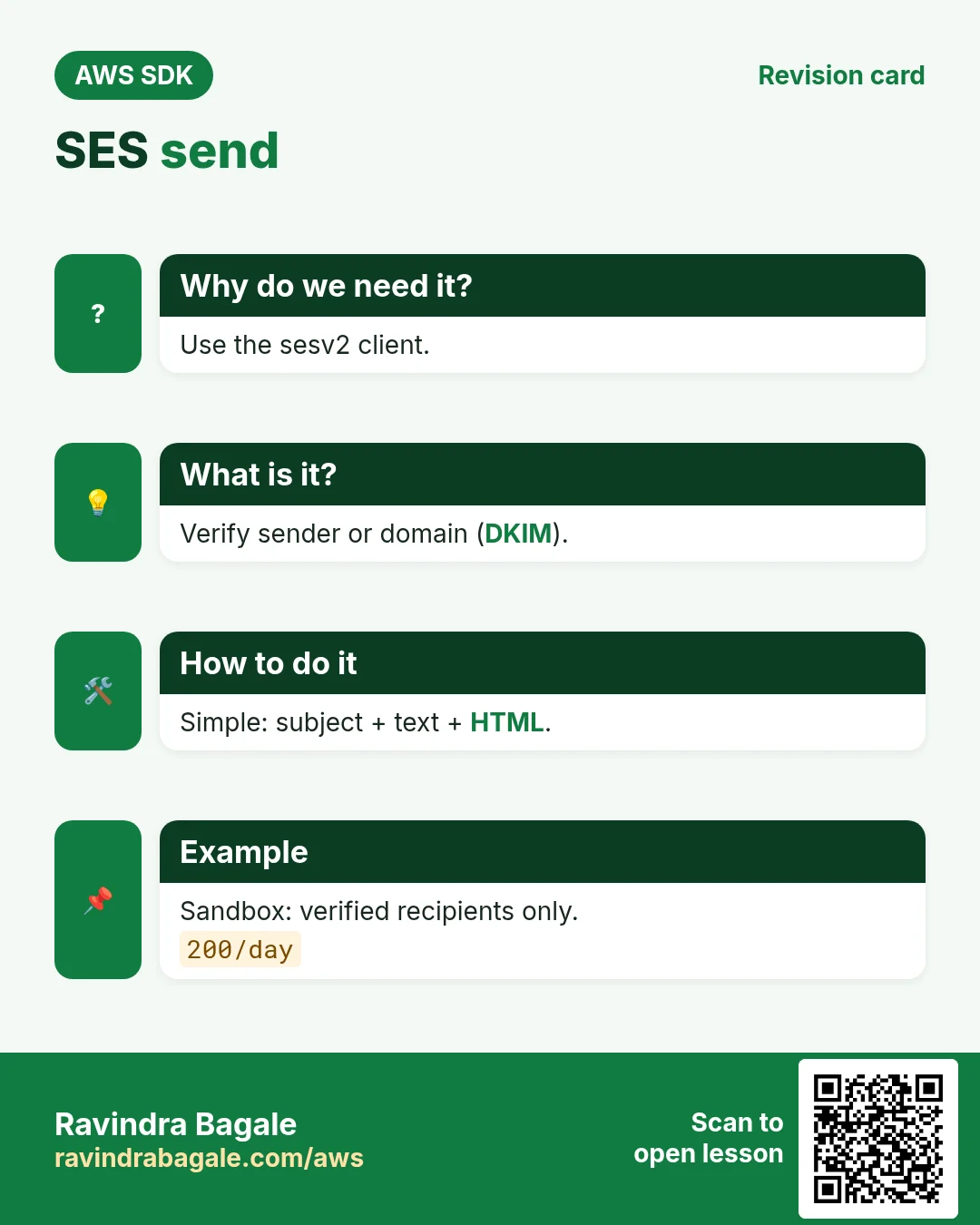
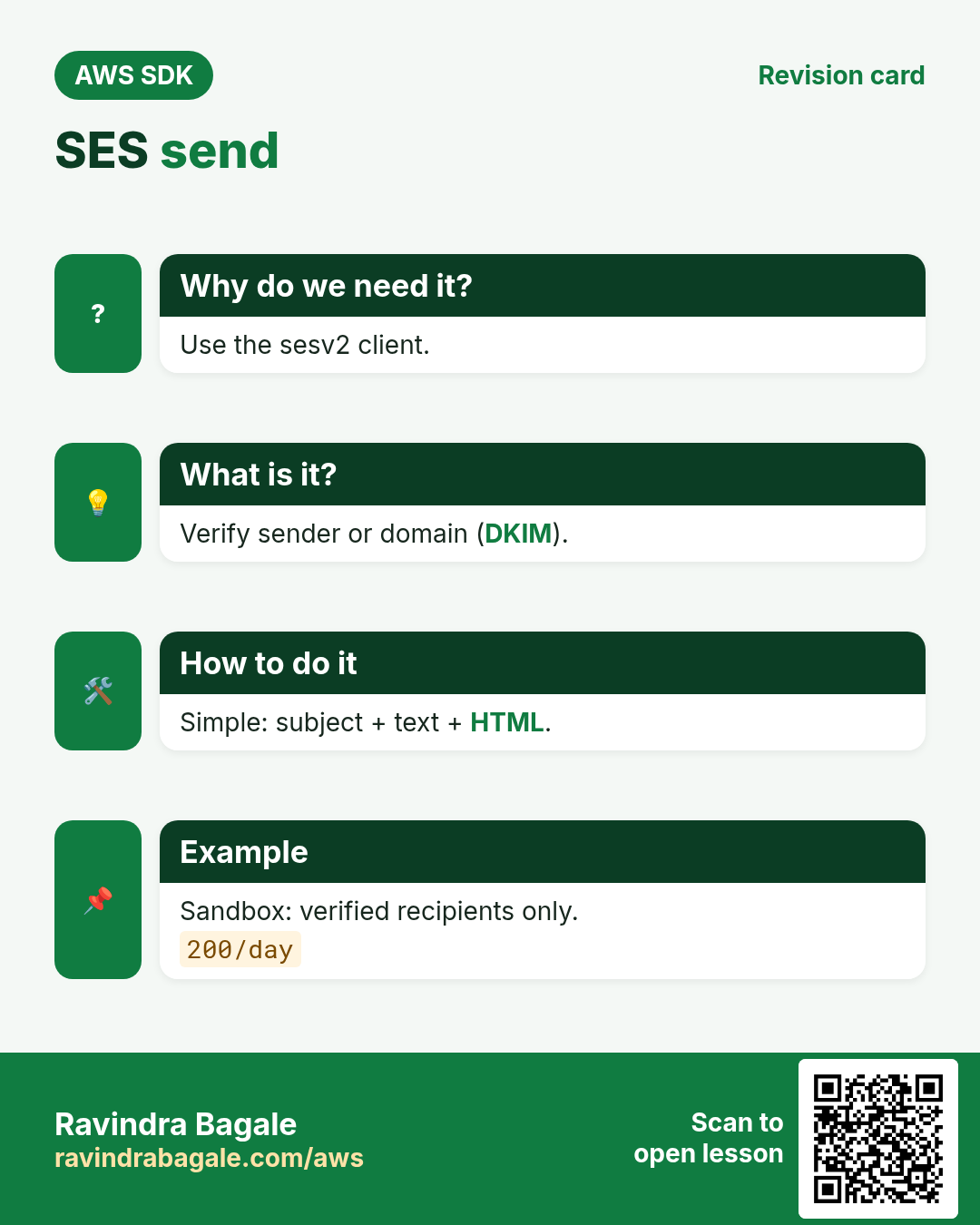
Before the post office ships letters with your company name, it checks you really own that name. Then it stamps and sends as many as your daily limit allows. SES works the same: verify the identity, then send within your quota.
What is it?
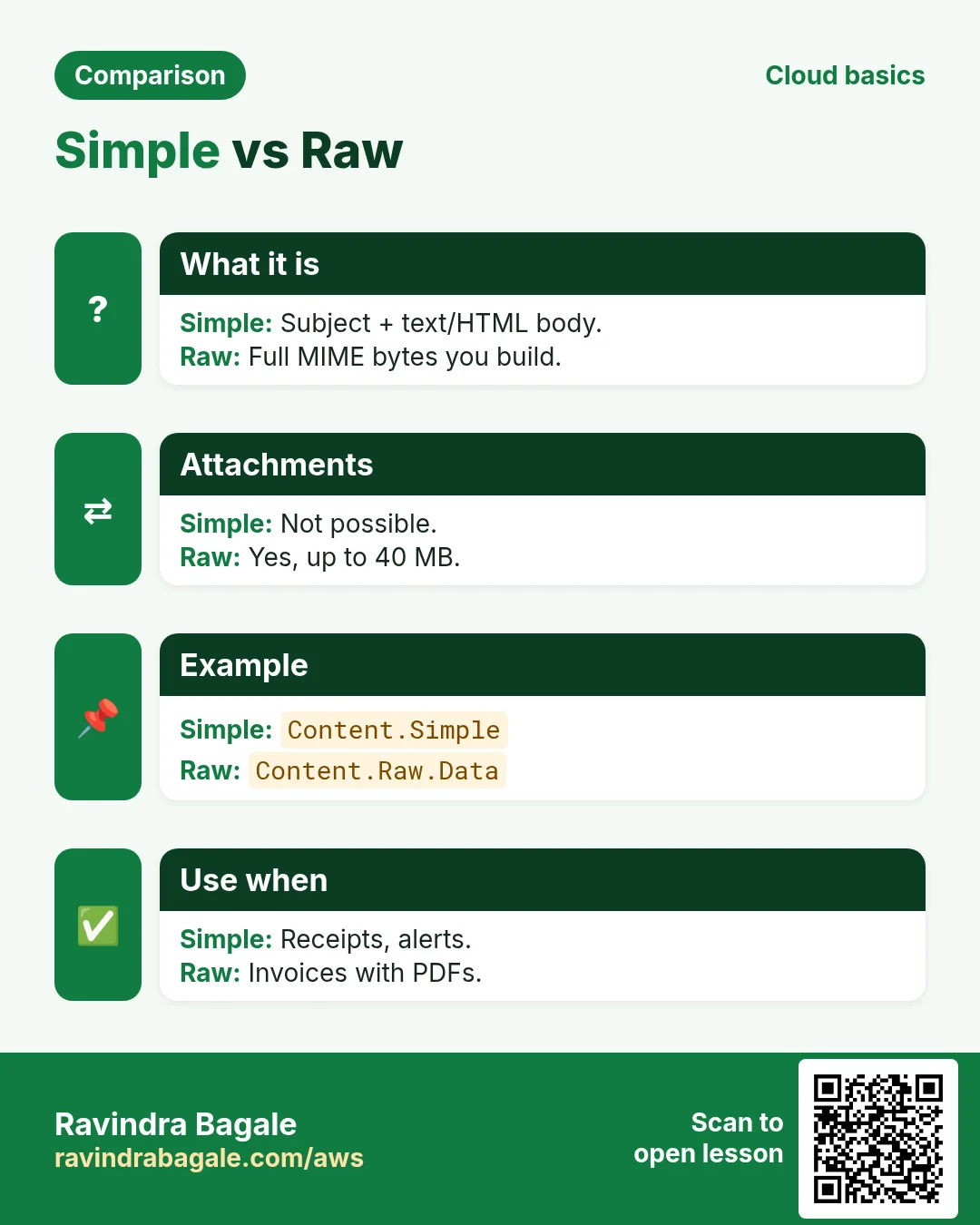
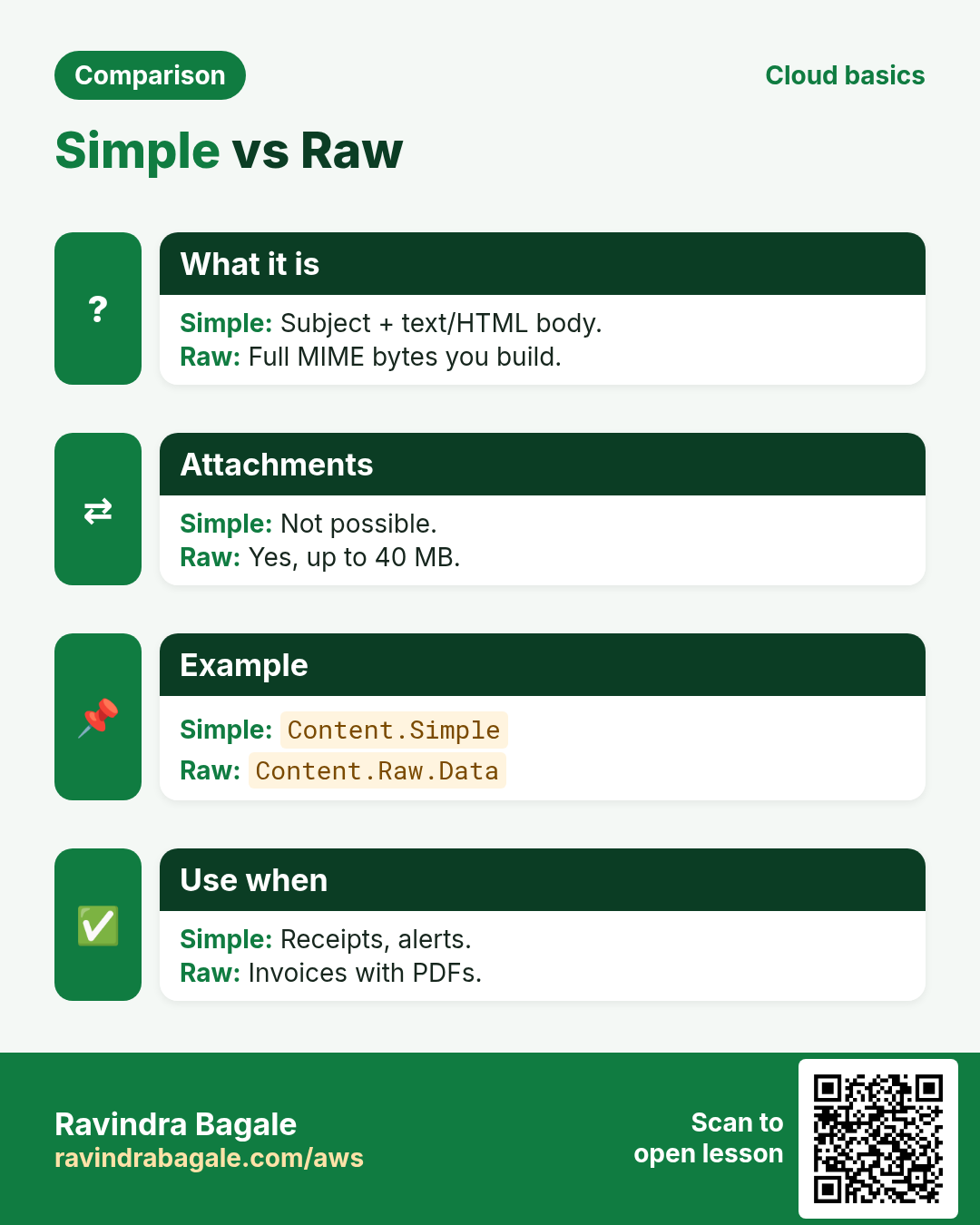
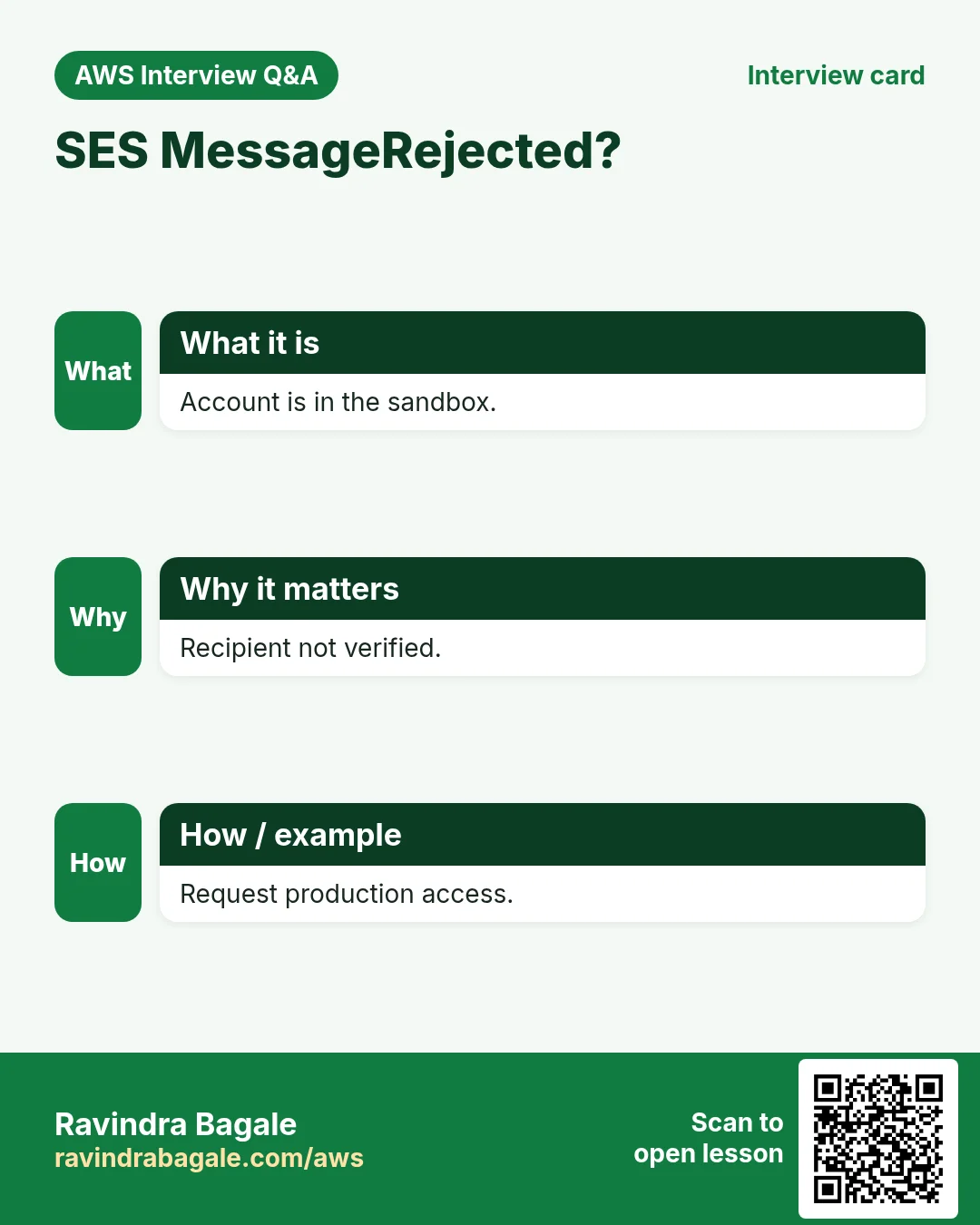
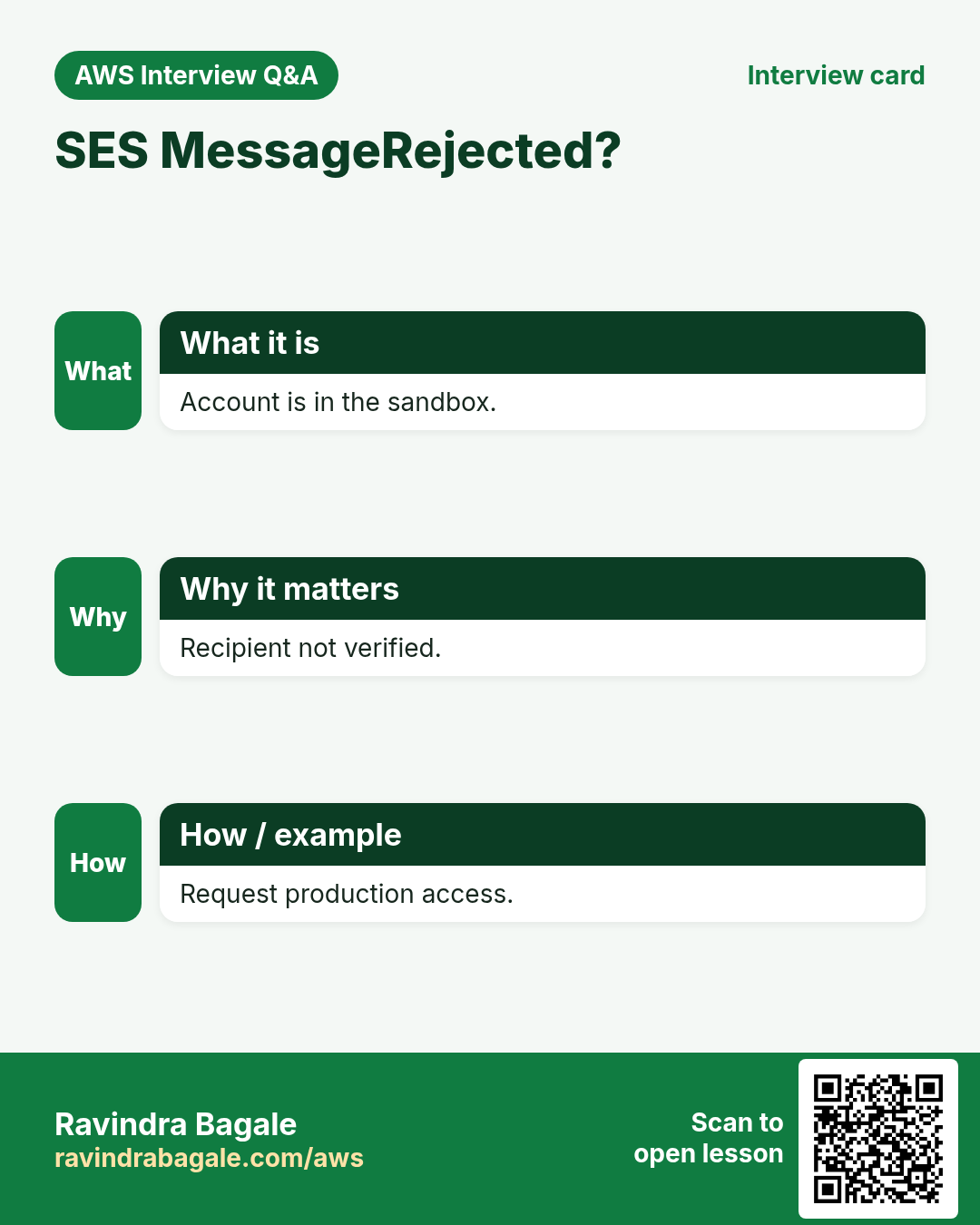
Use the sesv2 client and SendEmail. Content is Simple (subject + body), Template (name + data) or Raw (full MIME, needed for attachments). New accounts are in the sandbox: you can only send to verified addresses.
How to do it (step by step)
2. Verify a sender
Why do we need this?
Sofia sends invoices from billing@studio.example.es; SES must know the studio owns that address.
What is it?
For an email address SES mails a link. For a domain it returns DKIM tokens to add as CNAME records.
How to do it (step by step)
- Python: verify an email address.
import boto3
ses = boto3.client("sesv2", region_name="eu-west-1")
ses.create_email_identity(EmailIdentity="billing@studio.example.es")
print(ses.get_email_identity(EmailIdentity="billing@studio.example.es")["VerifiedForSendingStatus"])
Expected output:
False (True after Sofia clicks the link)- Node.js: verify a whole domain.
import { SESv2Client, CreateEmailIdentityCommand } from "@aws-sdk/client-sesv2";
const ses = new SESv2Client({ region: "ap-south-1" });
const r = await ses.send(new CreateEmailIdentityCommand({ EmailIdentity: "studio.example.in" }));
for (const t of r.DkimAttributes.Tokens) console.log(`${t}._domainkey CNAME ${t}.dkim.amazonses.com`);
Expected output:
abc123._domainkey CNAME abc123.dkim.amazonses.com
(3 lines)- PHP: check the account sending quota.
<?php
require "vendor/autoload.php";
$ses = new Aws\SesV2\SesV2Client(["region" => "eu-west-1"]);
$a = $ses->getAccount();
printf("sandbox=%s max24h=%d rate=%d/s\n", $a["ProductionAccessEnabled"] ? "no" : "yes",
  $a["SendQuota"]["Max24HourSend"], $a["SendQuota"]["MaxSendRate"]);
Expected output:
sandbox=yes max24h=200 rate=1/s- Verify: list identities.
aws sesv2 list-email-identities --region eu-west-1 --query "EmailIdentities[].[IdentityName,SendingEnabled]" --output textExpected output:
billing@studio.example.es True3. Send a simple HTML email
Why do we need this?
Sofia emails a client in Berlin a €1,200 invoice summary.
What is it?
Simple content takes Subject and Body with Text and Html parts. Always include the text part for clients that block HTML.
How to do it (step by step)
- Python.
r = ses.send_email(
    FromEmailAddress="Studio Billing <billing@studio.example.es>",
    Destination={"ToAddresses": ["lukas@client.example.de"]},
    Content={"Simple": {
        "Subject": {"Data": "Invoice INV-2041: €1,200.00"},
        "Body": {"Text": {"Data": "Amount due: €1,200.00 by 30 Nov."},
                 "Html": {"Data": "<h2>Invoice INV-2041</h2><p>Amount due: <b>€1,200.00</b></p>"}}}})
print(r["MessageId"])
Expected output:
0102018f2a...-000000- Node.js.
import { SendEmailCommand } from "@aws-sdk/client-sesv2";
const r = await ses.send(new SendEmailCommand({
  FromEmailAddress: "billing@studio.example.in",
  Destination: { ToAddresses: ["ravi@client.example.in"] },
  Content: { Simple: { Subject: { Data: "Invoice INV-88: ₹45,000" },
    Body: { Text: { Data: "Amount due: ₹45,000 incl. GST." } } } },
}));
console.log(r.MessageId);
Expected output:
0109018f2b...-000000- PHP.
<?php
$r = $ses->sendEmail([
  "FromEmailAddress" => "billing@studio.example.es",
  "Destination" => ["ToAddresses" => ["amy@client.example.com"]],
  "Content" => ["Simple" => [
    "Subject" => ["Data" => "Invoice INV-2042: $950.00"],
    "Body" => ["Text" => ["Data" => "Amount due: $950.00"]]]]]);
echo $r["MessageId"], PHP_EOL;
Expected output:
0102018f2c...-000000- Verify: a sandbox test with the mailbox simulator.
aws sesv2 send-email --from-email-address billing@studio.example.es --destination ToAddresses=success@simulator.amazonses.com --content '{"Simple":{"Subject":{"Data":"t"},"Body":{"Text":{"Data":"t"}}}}' --query MessageId --output textExpected output:
0102018f2d...-0000004. Templates for many customers
Why do we need this?
Priya sends 300 monthly statements; only the name and amount change.
What is it?
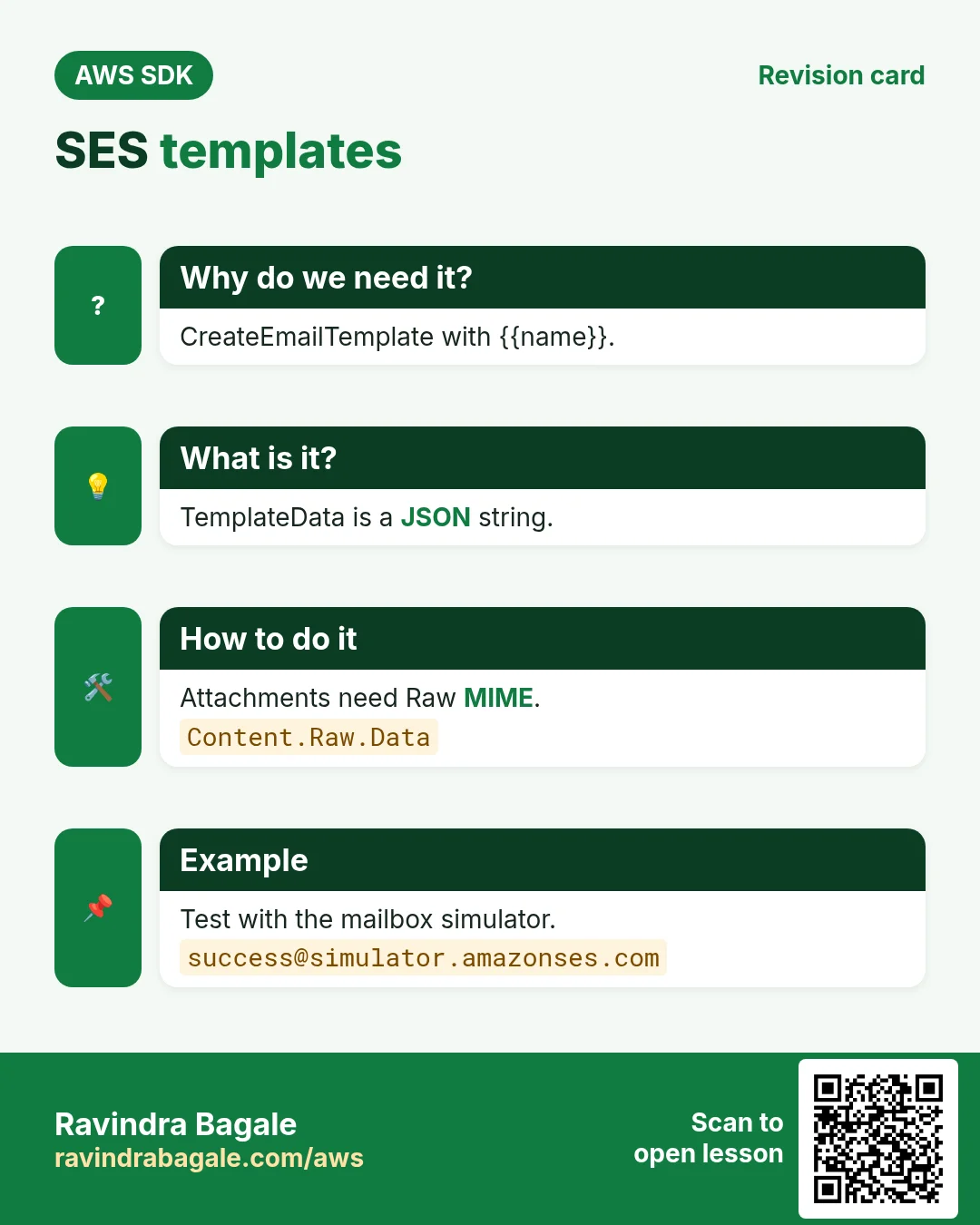
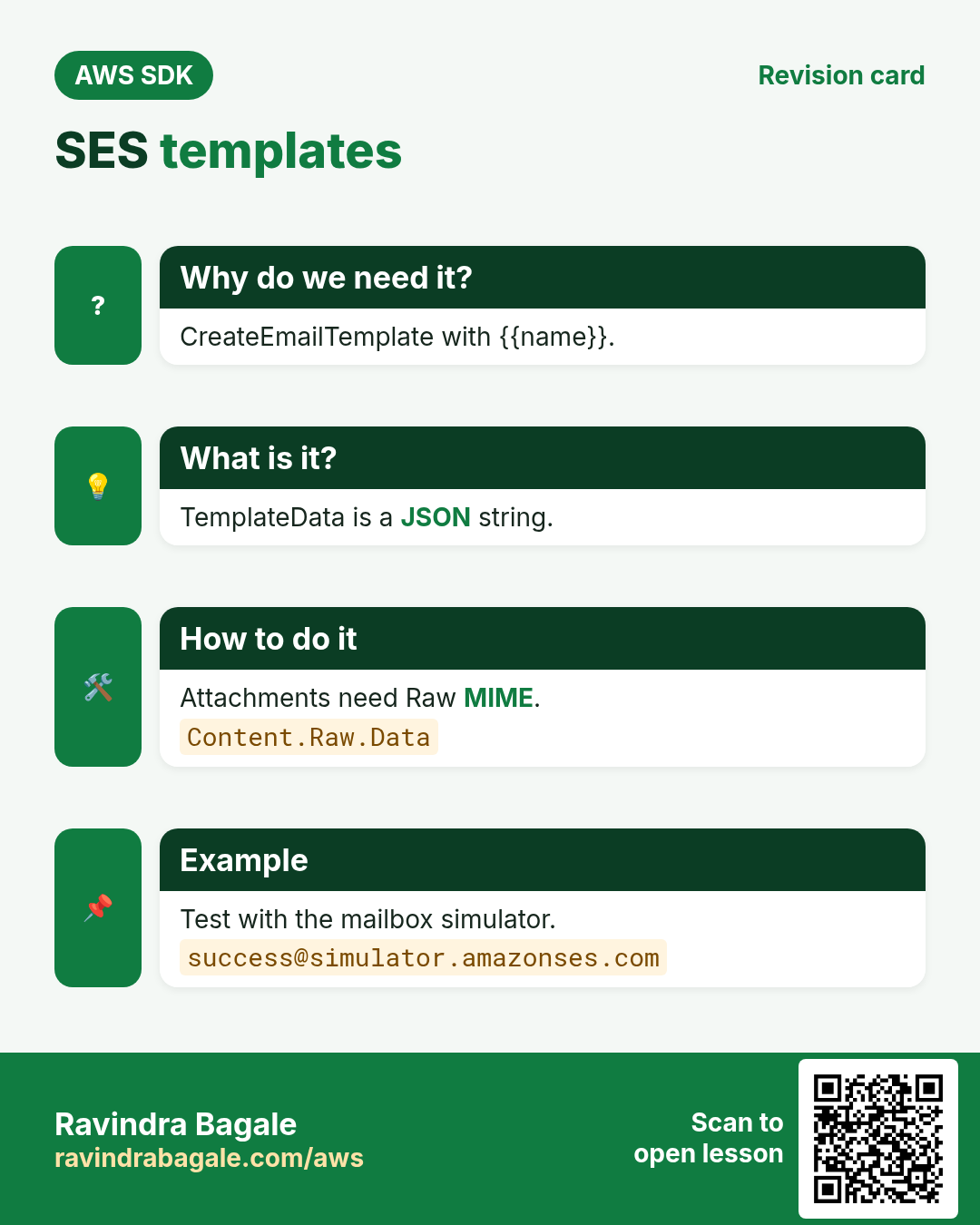
CreateEmailTemplate stores subject, text and HTML with {{placeholders}}. SendEmail with Template content passes TemplateData as a JSON string.
How to do it (step by step)
- Python: create the template.
ses.create_email_template(TemplateName="statement", TemplateContent={
    "Subject": "Your statement, {{name}}",
    "Text": "Hi {{name}}, your balance is {{amount}}.",
    "Html": "<p>Hi {{name}},</p><p>Your balance is <b>{{amount}}</b>.</p>"})
print("template ok")
Expected output:
template ok- Node.js: send with template data.
const r = await ses.send(new SendEmailCommand({
  FromEmailAddress: "billing@studio.example.in",
  Destination: { ToAddresses: ["kavya@example.in"] },
  Content: { Template: { TemplateName: "statement",
    TemplateData: JSON.stringify({ name: "Kavya", amount: "₹12,300" }) } },
}));
console.log(r.MessageId);
Expected output:
0109018f2e...-000000- PHP: render a template to preview it.
<?php
$r = $ses->testRenderEmailTemplate(["TemplateName" => "statement",
  "TemplateData" => json_encode(["name" => "Oliver", "amount" => "£310.00"])]);
echo strtok($r["RenderedTemplate"], "\n"), PHP_EOL;
Expected output:
Subject: Your statement, Oliver- Verify: list templates.
aws sesv2 list-email-templates --region eu-west-1 --query "TemplatesMetadata[].TemplateName" --output textExpected output:
statement5. Attachments with raw MIME
Why do we need this?
The Madrid client wants the PDF invoice attached, not a link.
What is it?
Build a MIME message with your language library and pass the bytes as Content.Raw.Data. Total size limit is 40 MB.
How to do it (step by step)
- Python with email.message.
from email.message import EmailMessage
m = EmailMessage()
m["Subject"], m["From"], m["To"] = "INV-2041 PDF", "billing@studio.example.es", "lukas@client.example.de"
m.set_content("Invoice attached.")
m.add_attachment(open("INV-2041.pdf", "rb").read(), maintype="application", subtype="pdf", filename="INV-2041.pdf")
r = ses.send_email(Content={"Raw": {"Data": m.as_bytes()}})
print(r["MessageId"])
Expected output:
0102018f2f...-000000- Node.js with nodemailer's MailComposer.
import MailComposer from "nodemailer/lib/mail-composer/index.js";
const raw = await new MailComposer({ from: "billing@studio.example.in", to: "ravi@client.example.in",
  subject: "INV-88 PDF", text: "Attached.", attachments: [{ path: "INV-88.pdf" }] }).compile().build();
const r = await ses.send(new SendEmailCommand({ Content: { Raw: { Data: raw } } }));
console.log(r.MessageId);
Expected output:
0109018f30...-000000- PHP with PHPMailer to build MIME.
<?php
$mail = new PHPMailer\PHPMailer\PHPMailer();
$mail->setFrom("billing@studio.example.es"); $mail->addAddress("amy@client.example.com");
$mail->Subject = "INV-2042 PDF"; $mail->Body = "Attached.";
$mail->addAttachment("INV-2042.pdf"); $mail->preSend();
$r = $ses->sendEmail(["Content" => ["Raw" => ["Data" => $mail->getSentMIMEMessage()]]]);
echo $r["MessageId"], PHP_EOL;
Expected output:
0102018f31...-000000- Verify: check delivery events in the account suppression list (should be empty).
aws sesv2 list-suppressed-destinations --region eu-west-1 --query "length(SuppressedDestinationSummaries)"Expected output:
06. The same call in Java, Go, .NET and the CLI
Why do we need this?
Teams often mix languages. Once you know the call in Python, PHP and Node.js, the other SDKs are the same API with different syntax.
What is it?
All of them call the SendEmail API. Use the CLI line to test it quickly from a terminal.
How to do it (step by step)
| Stack | Code |
|---|---|
| AWS CLI | aws sesv2 send-email --from-email-address billing@studio.example.es --destination ToAddresses=lukas@client.example.de --content file://email.json |
| Java v2 | ses.sendEmail(b -> b.fromEmailAddress(from).destination(d -> d.toAddresses(to)).content(c -> c.simple(m -> m.subject(s -> s.data("Invoice")).body(bd -> bd.text(t -> t.data("Due")))))); |
| Go v2 | client.SendEmail(ctx, &sesv2.SendEmailInput{FromEmailAddress: aws.String(from), Destination: &types.Destination{ToAddresses: []string{to}}, Content: content}) |
| .NET | await ses.SendEmailAsync(new SendEmailRequest { FromEmailAddress = from, Destination = new Destination { ToAddresses = { to } }, Content = content }); |
7. Clean up so nothing keeps costing
Why do we need this?
Lab resources left running cost money and can be a security risk.
What is it?
Delete in reverse order: children first, then parents.
How to do it (step by step)
- Delete the template and identities.
aws sesv2 delete-email-template --template-name statement --region eu-west-1
aws sesv2 delete-email-identity --email-identity billing@studio.example.es --region eu-west-1
Expected output:
(no output means success)Ravindra Bagale's Tip
Use the mailbox simulator addresses (success@, bounce@, complaint@simulator.amazonses.com) in tests so you never hurt your sender reputation.
8. Interview questions and answers
Q. What is the SES sandbox?
A starting mode where you can send only to verified addresses, 200 a day, 1 per second.
Q. How do you send an attachment?
Build a MIME message and send it as Raw content.
Q. Why DKIM?
It signs mail so receivers trust it came from your domain.
Q. What fills template placeholders?
TemplateData, a JSON string with the values.
Q. Which client name in v3/boto3?
sesv2 / SESv2Client / SesV2Client.
Try at home
- Send the statement template to three people from PHP with sendBulkEmail.
- Send to bounce@simulator.amazonses.com and look for the bounce.
In short
- Verify identity first.
- SendEmail Simple.
- Template + TemplateData.
- Raw MIME for attachments.
- Sandbox → production access.
Practice Tasks
Jakarta Batik is a handicrafts business in Jakarta. Siti Rahmawati looks after its IT and cloud work. They count money in IDR and run their AWS resources in the ap-southeast-3 Region. In the tasks below you do real jobs for them using what this lesson teaches. All names, account IDs, IP addresses and numbers are made up for practice.
0 / 12
Easy Verify a sender email
Why: SES sends only from verified addresses or domains.
What to do: Verify the sender address noreply@jakartabatik.id.
- Read the task and decide which AWS service it is about.
- Write aws, then the service name, then the operation (the action word).
- Add each needed flag (--name) followed by its value from the task.
- Flags can be in any order. Click Check answer.
Easy CloudFormation: a versioned bucket
Why: Infrastructure as code makes setups repeatable.
What to do: Write a CloudFormation YAML template with one S3 bucket named jakartabatik-docs that has versioning Enabled.
- Start from the top-level keys the task names.
- Indent child keys with 2 spaces (no tabs).
- Fill in each property with the value from the task.
- Click Check answer. Key order does not matter.
Easy Upload a file to S3
Why: aws s3 cp works like Linux cp, but one side is S3.
What to do: Upload report.pdf to s3://jakartabatik-invoices-2026/reports/report.pdf.
- Read the task and decide which AWS service it is about.
- Write aws, then the service name, then the operation (the action word).
- Add each needed flag (--name) followed by its value from the task.
- Flags can be in any order. Click Check answer.
Easy List files in a bucket folder
Why: Check that the upload worked and see file sizes.
What to do: List the objects under s3://jakartabatik-invoices-2026/reports/.
- Read the task and decide which AWS service it is about.
- Write aws, then the service name, then the operation (the action word).
- Add each needed flag (--name) followed by its value from the task.
- Flags can be in any order. Click Check answer.
Easy Create a bucket
Why: A bucket is the top-level container for your files in S3.
What to do: Create the bucket jakartabatik-invoices-2026 in ap-southeast-3.
- Read the task and decide which AWS service it is about.
- Write aws, then the service name, then the operation (the action word).
- Add each needed flag (--name) followed by its value from the task.
- Flags can be in any order. Click Check answer.
Medium Storage cost
Why: Storage is billed per GB-month.
What to do: 500 GB in S3 Standard at USD 0.023 per GB-month. Monthly cost in USD?
- Write down the numbers the task gives you.
- Work it out step by step on paper.
- Type only the final answer in the box.
- Click Check answer.
Medium Bucket policy for a public website
Why: A static website bucket must let everyone read its files.
What to do: Write a bucket policy that lets anyone (*) do s3:GetObject on every object in jakartabatik-site.
- Start with { "Version": "2012-10-17", "Statement": [ ... ] }.
- In each statement write Effect, Action and Resource.
- Give only what the task needs (least privilege).
- Use double quotes and commas correctly. Click Check answer.
Medium Upload-only to one folder
Why: Field staff can drop files but cannot read or delete anything.
What to do: Allow s3:PutObject only under the prefix uploads/ in bucket jakartabatik-data.
- Start with { "Version": "2012-10-17", "Statement": [ ... ] }.
- In each statement write Effect, Action and Resource.
- Give only what the task needs (least privilege).
- Use double quotes and commas correctly. Click Check answer.
Medium Upload to a cheaper storage class
Why: Rarely used files cost less in Standard-IA.
What to do: Upload archive-2025.zip to s3://jakartabatik-archive/ using the STANDARD_IA storage class.
- Read the task and decide which AWS service it is about.
- Write aws, then the service name, then the operation (the action word).
- Add each needed flag (--name) followed by its value from the task.
- Flags can be in any order. Click Check answer.
Hard Send a test email
Why: A quick CLI send proves SES setup before you write code.
What to do: Send an email from noreply@jakartabatik.id to siti@example.com with subject "Receipt" and text body "Thank you".
- Read the task and decide which AWS service it is about.
- Write aws, then the service name, then the operation (the action word).
- Add each needed flag (--name) followed by its value from the task.
- Flags can be in any order. Click Check answer.
Hard Deny requests without HTTPS
Why: aws:SecureTransport false means plain HTTP; deny it to protect data in transit.
What to do: Bucket policy: deny s3:* for everyone (*) on jakartabatik-data and its objects when aws:SecureTransport is false.
- Start with { "Version": "2012-10-17", "Statement": [ ... ] }.
- In each statement write Effect, Action and Resource.
- Give only what the task needs (least privilege).
- Use double quotes and commas correctly. Click Check answer.
Hard S3 lifecycle rule (JSON)
Why: Old files move to cheaper storage automatically.
What to do: Write lifecycle JSON: one Enabled rule, prefix logs/, transition to GLACIER after 90 days.
- Start from the top-level keys the task names.
- Indent child keys with 2 spaces (no tabs).
- Fill in each property with the value from the task.
- Click Check answer. Key order does not matter.
Revision, comparison and interview cards
Revise this lesson in a few minutes. Save the cards on your phone or download them as PNG files. The QR code on each card opens this lesson.
More cards: Ravi Sir's Cards.