Project: Build an Async Order API with SQS, Lambda and DynamoDB (Source Code)
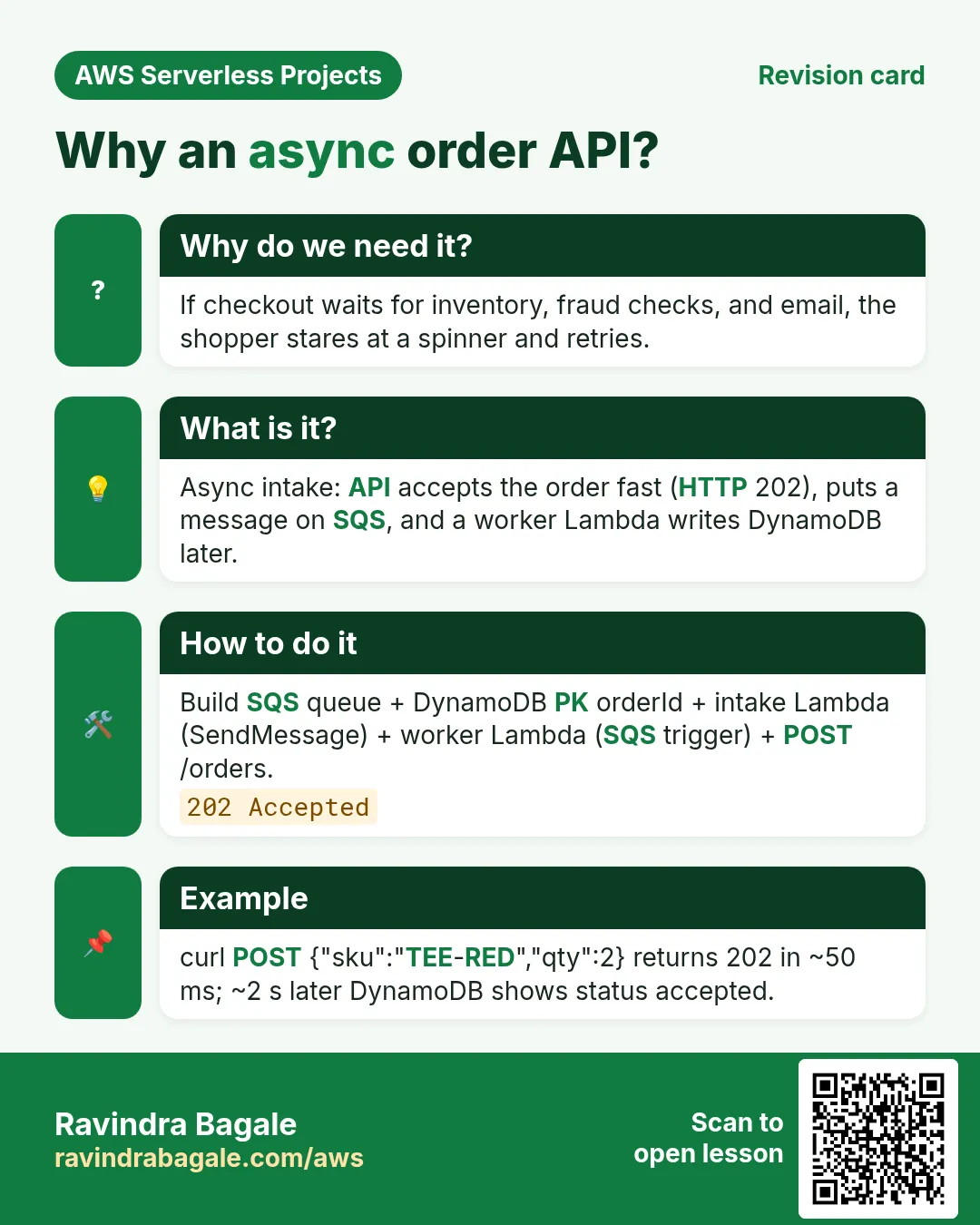
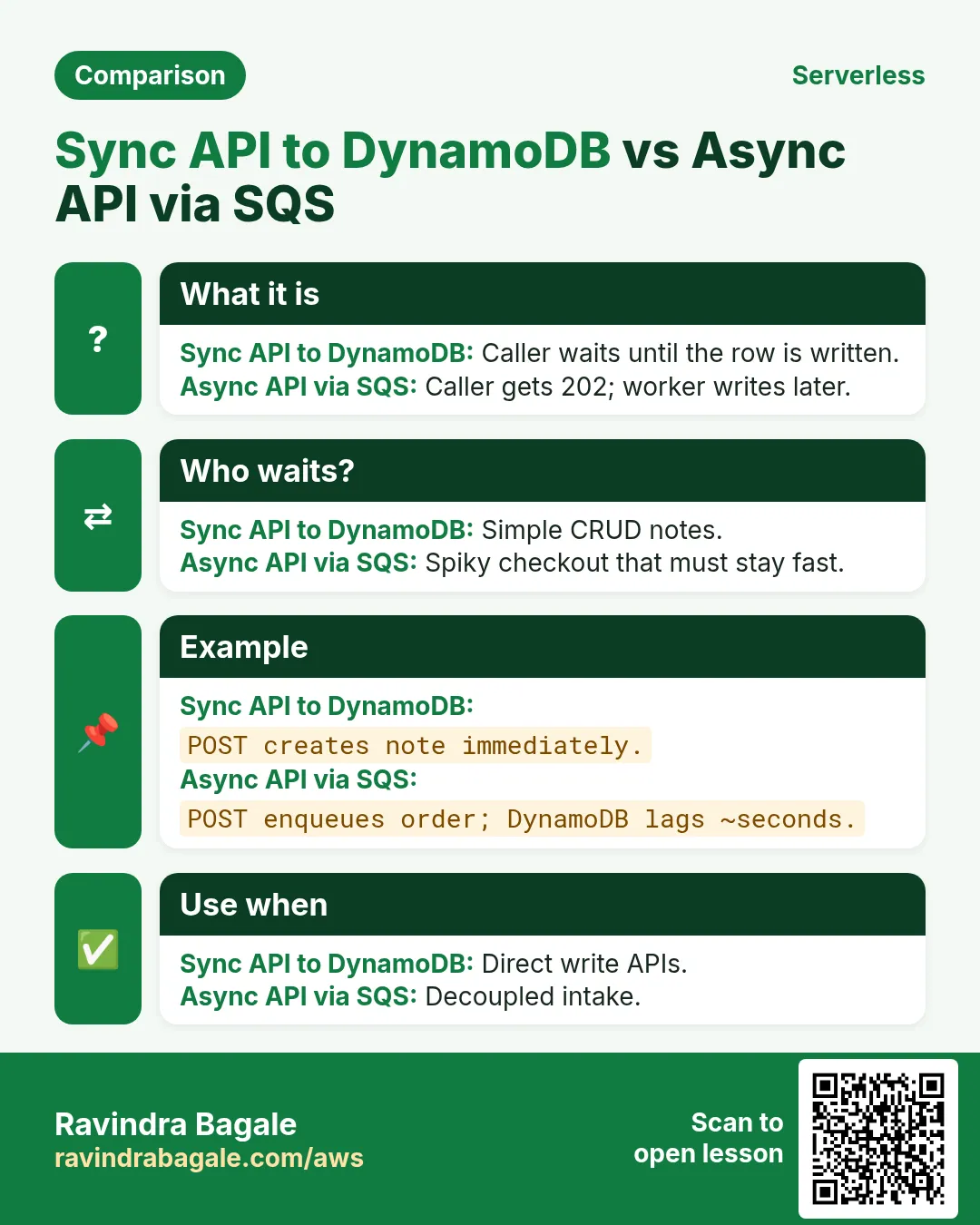
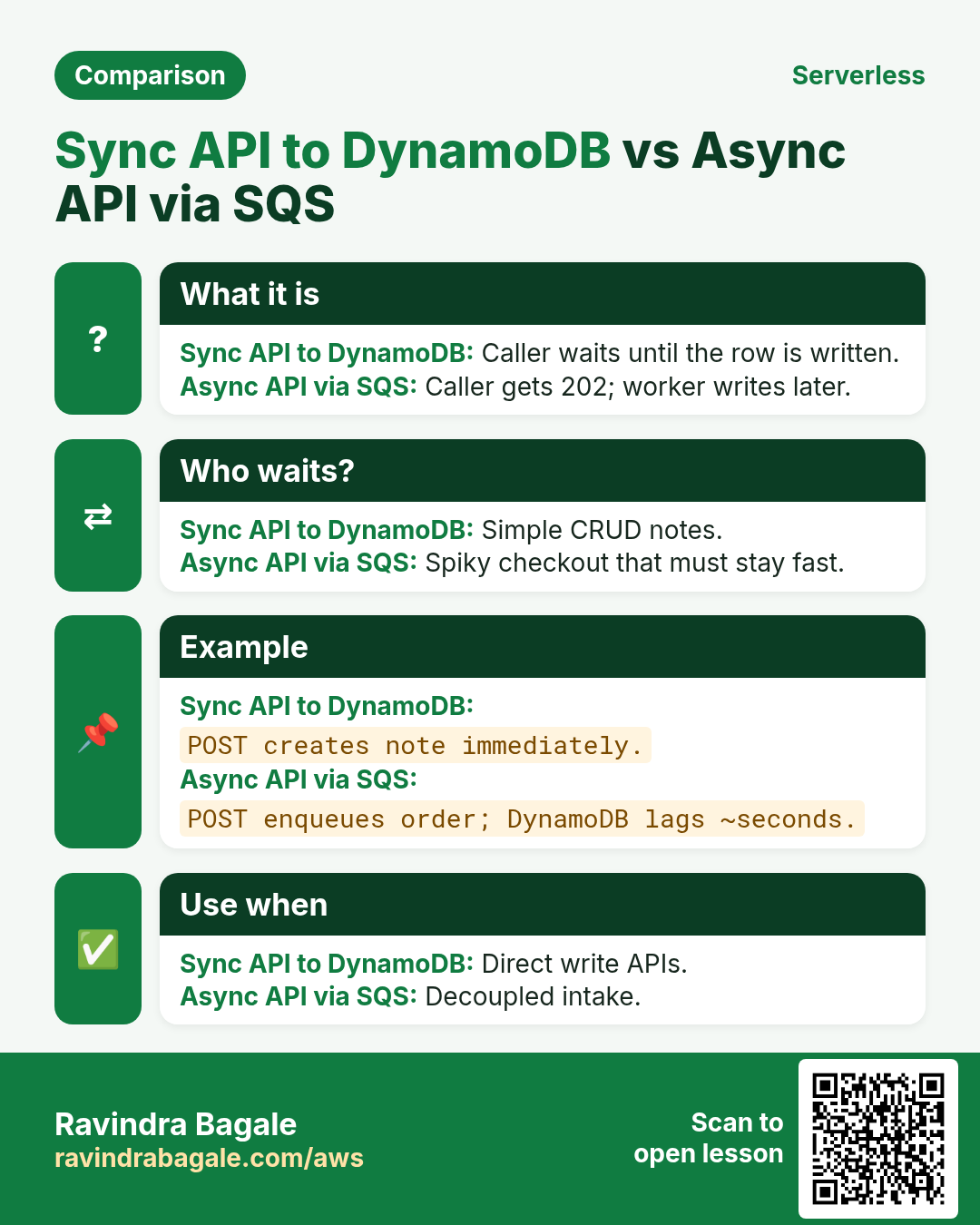
Flipkart flash-sale style: accept the order in milliseconds, process a moment later. Intake puts work on SQS; a worker Lambda writes DynamoDB.
What you'll learn in this chapter
- Why a queue in front of workers
- SQS + worker + table
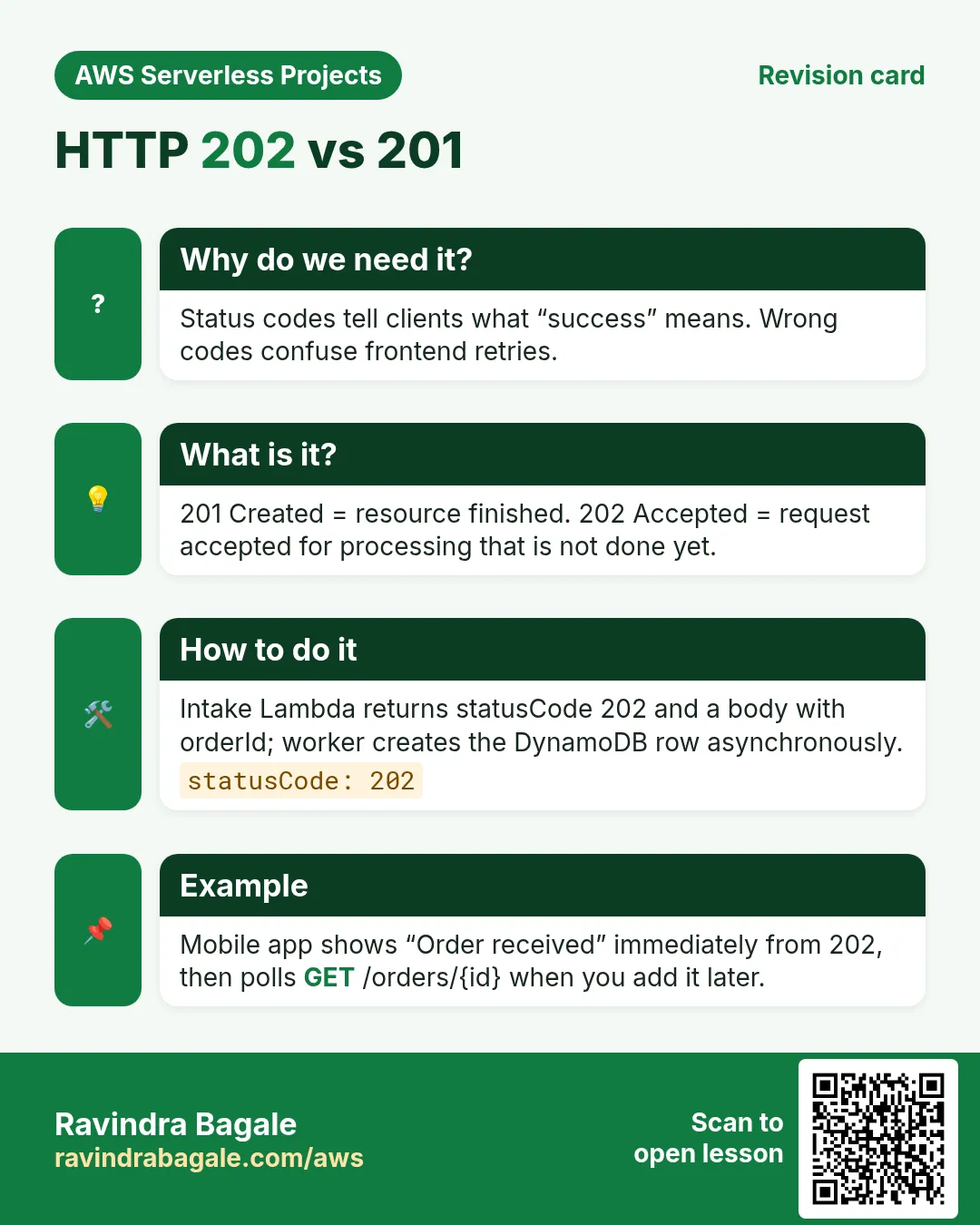
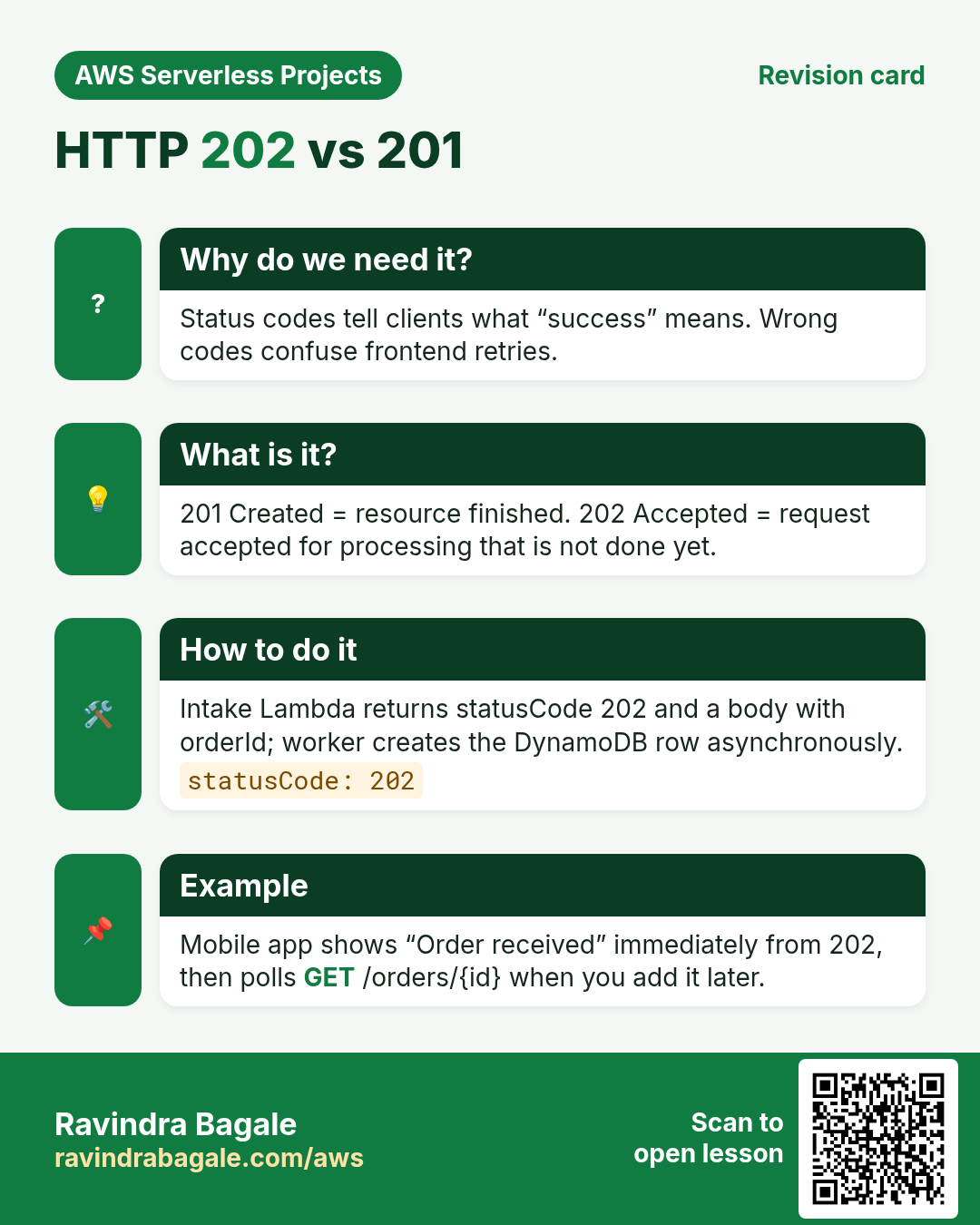
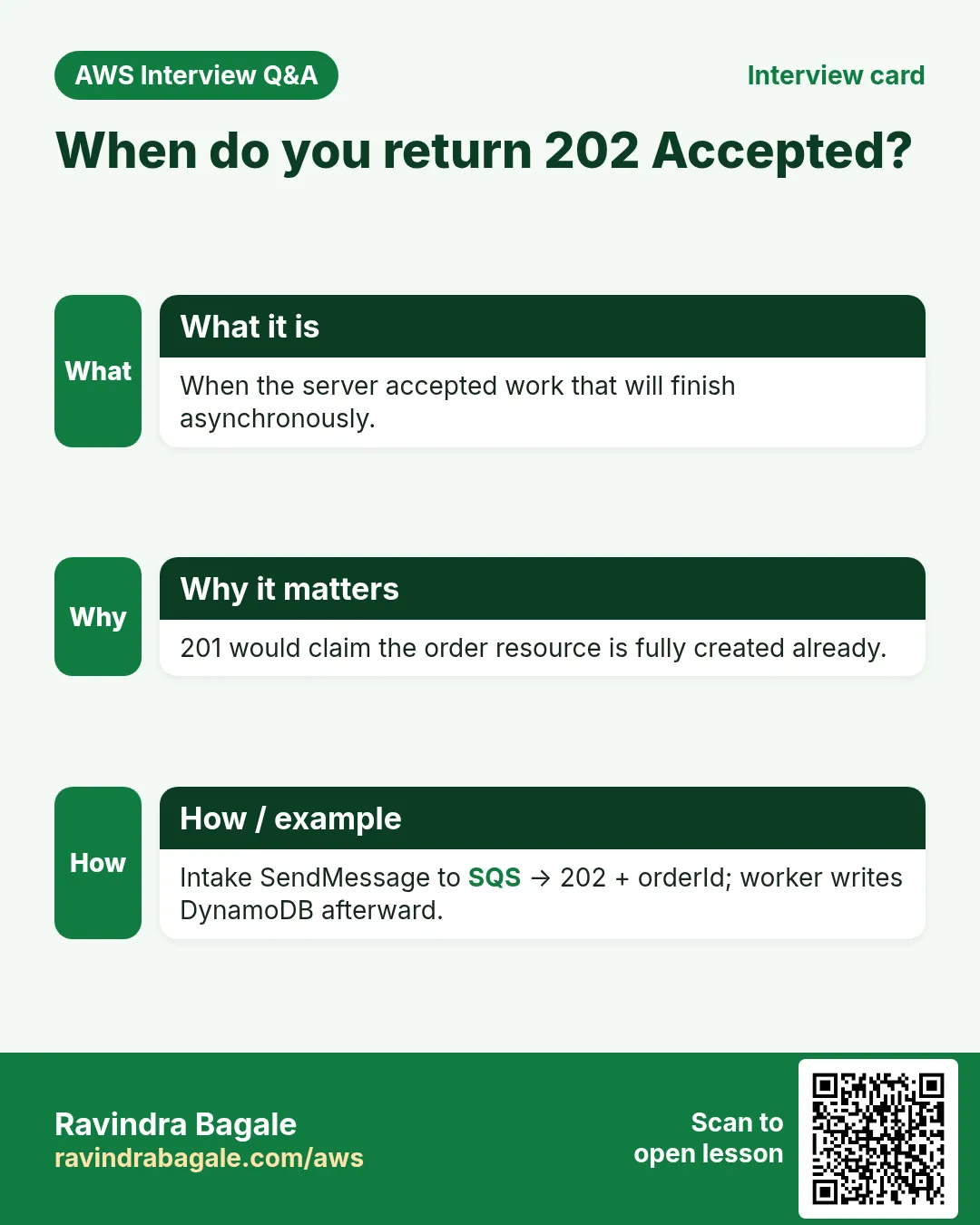
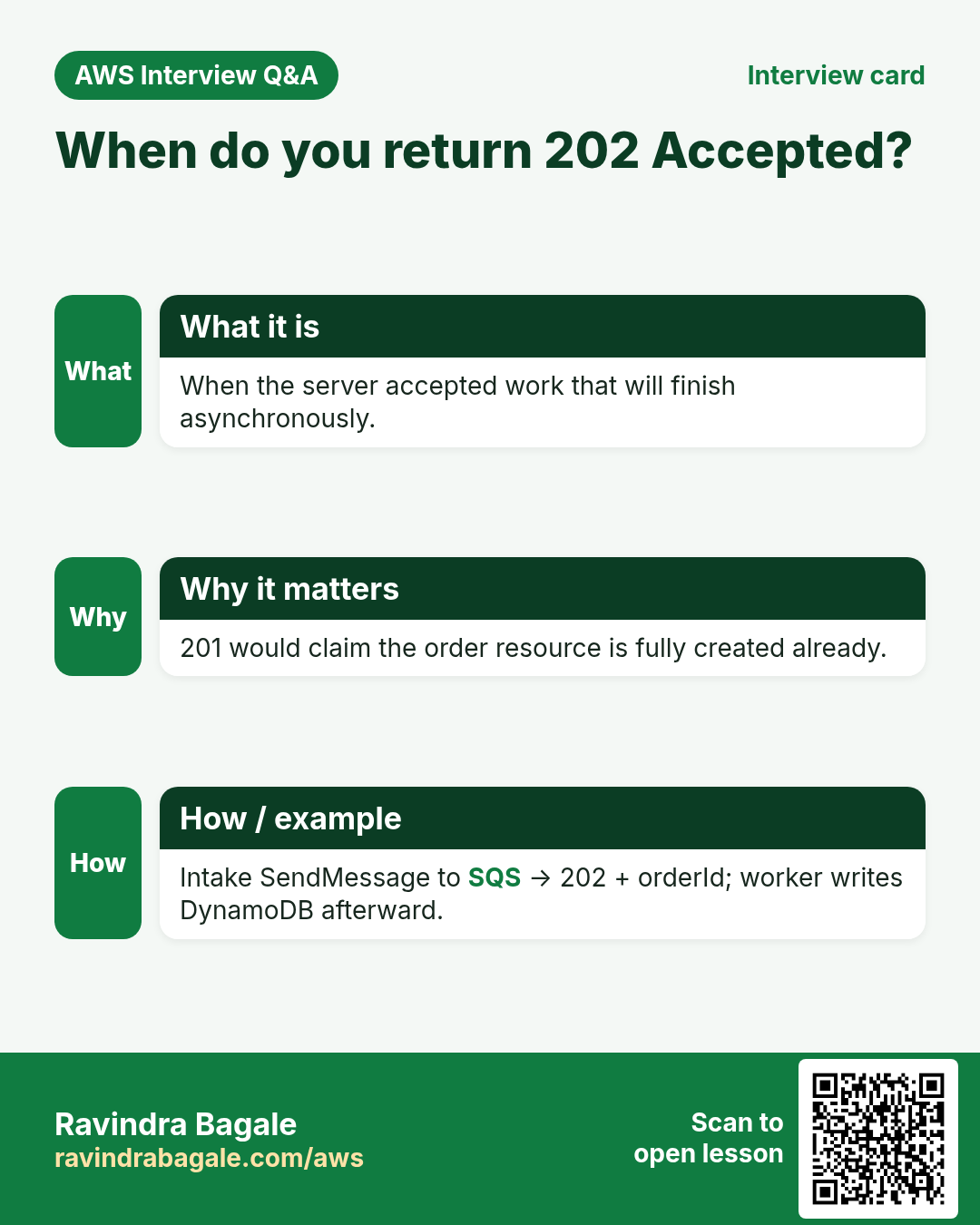
- Return 202 Accepted
- Cleanup
1. Everyday example
Why do we need this?
If hundreds hit Place order together, a slow write path times out the API. SQS absorbs the spike; workers drain it.
What is it?
HTTP API → intake Lambda → SendMessage → SQS → worker Lambda → DynamoDB PutItem. Client gets 202.
Download: async-order-api.zip
2. Lab
How to do it (step by step)
A. Queue + table
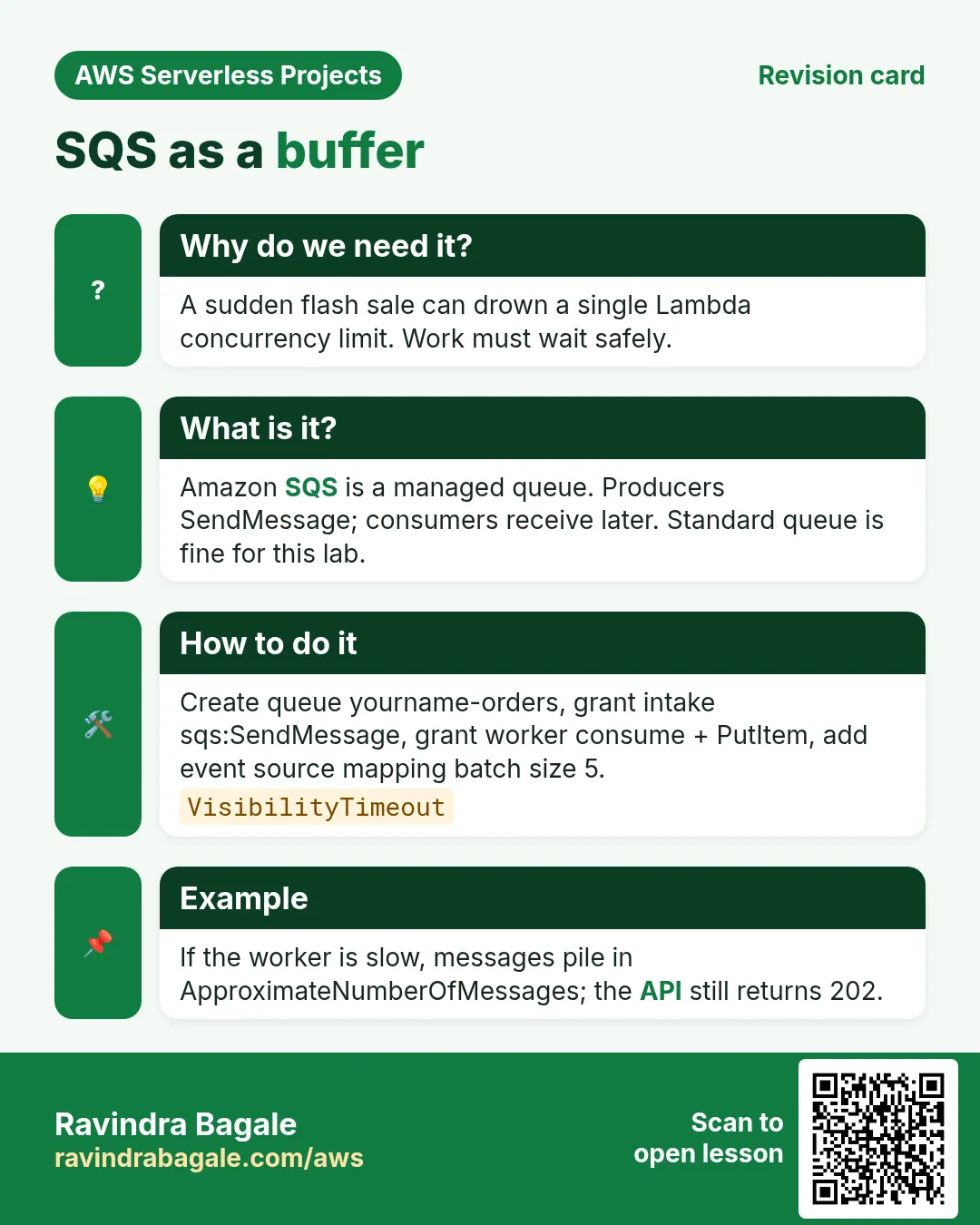
- SQS Standard queue
yourname-orders. Copy URL. - DynamoDB
yourname-orders, PKorderId, on-demand.
B. Worker
- Role: logs + SQS consume + PutItem.
- Function worker.py, env TABLE_NAME. Add SQS trigger batch size 5.
C. Intake API
- Function intake.py, env QUEUE_URL, IAM sqs:SendMessage.
- HTTP API POST /orders. CORS *.
curl -s -X POST "$API_BASE/orders" -H 'content-type: application/json' \
  -d '{"sku":"TEE-RED","qty":2}'
# wait ~2s — DynamoDB item status accepted
Cleanup
- Remove SQS trigger, both Lambdas, API, purge+delete queue, table, roles.
3. Interview
Q. Why 202 not 201?
Accepted for async processing, not created finished.
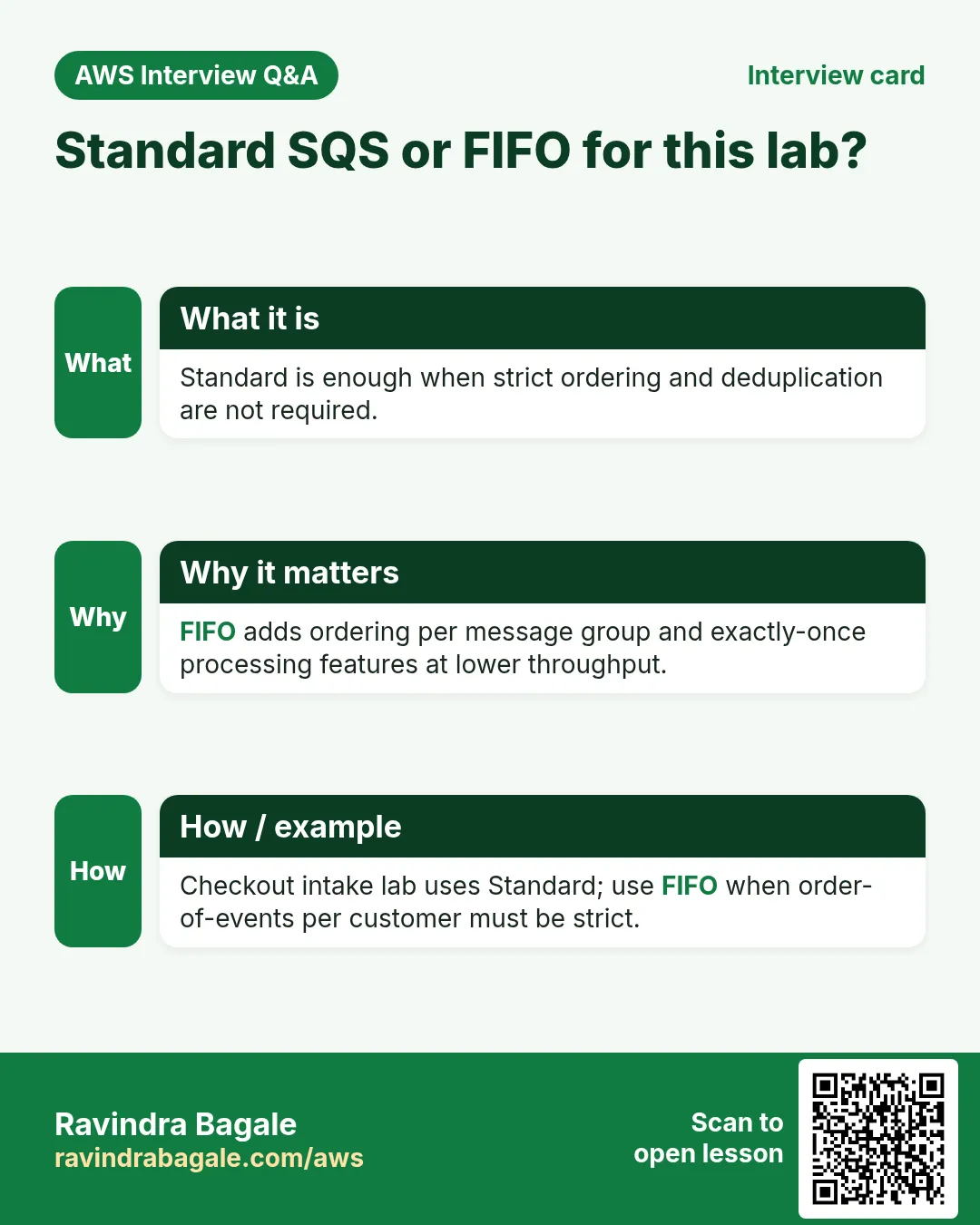
Q. Standard vs FIFO?
FIFO for strict order + dedupe; Standard fine here.
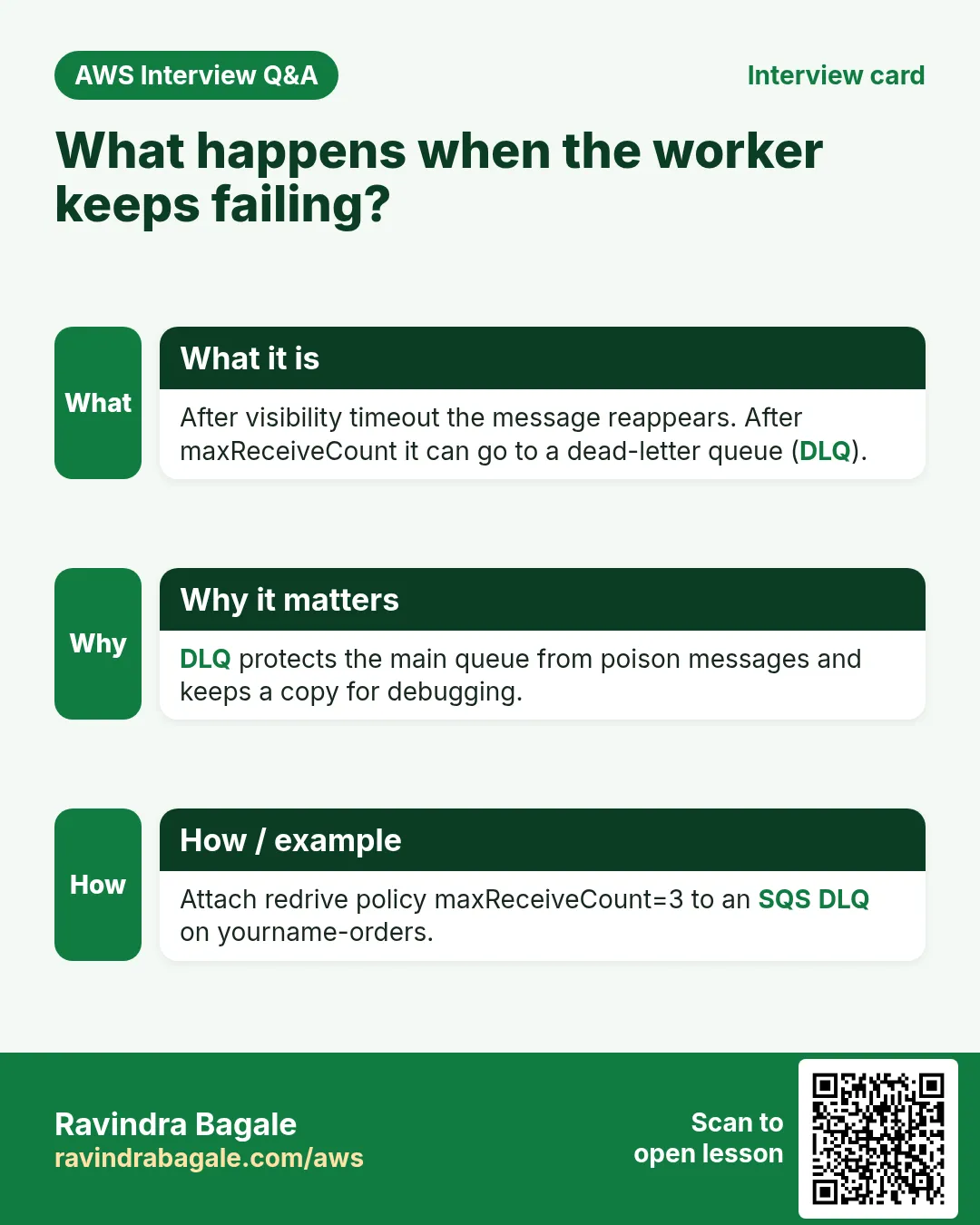
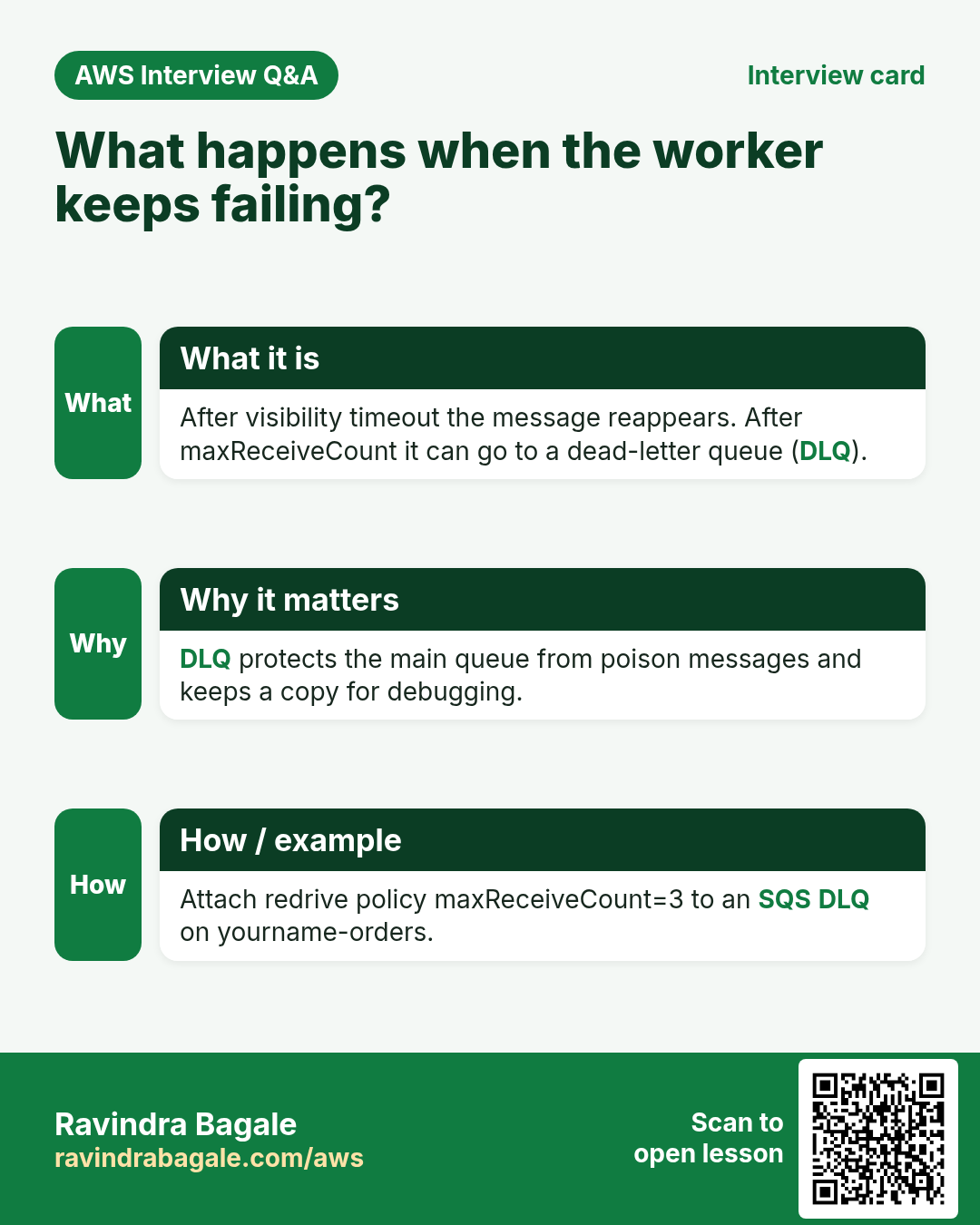
Q. Worker failure?
Visibility timeout retry; DLQ after maxReceiveCount.
Q. Native API GW to SQS?
Yes — fewer parts; lab uses intake for clear code.
Q. Cleanup?
Queue, Lambdas, API, table.
Try at home
- Attach a DLQ after 3 receives.
- GET /orders/{id}.
In short
- Async = intake → SQS → worker → DynamoDB.
- 202 keeps API fast.
- Triggers + IAM matter.
- Clean queues too.
Practice Tasks
Dubai Gold Souk is a jewellery business in Dubai. Fatima Al Mansoori looks after its IT and cloud work. They count money in AED and run their AWS resources in the me-central-1 Region. In the tasks below you do real jobs for them using what this lesson teaches. All names, account IDs, IP addresses and numbers are made up for practice.
0 / 12
Easy List functions
Why: See which functions exist in this Region.
What to do: List the Lambda functions in me-central-1.
- Read the task and decide which AWS service it is about.
- Write aws, then the service name, then the operation (the action word).
- Add each needed flag (--name) followed by its value from the task.
- Flags can be in any order. Click Check answer.
Medium Invoke a function
Why: Invoke runs the function now and saves its answer in a file.
What to do: Invoke dubaigold-orders-fn and save the response to out.json.
- Read the task and decide which AWS service it is about.
- Write aws, then the service name, then the operation (the action word).
- Add each needed flag (--name) followed by its value from the task.
- Flags can be in any order. Click Check answer.
Medium Trust policy for a Lambda role
Why: The trust policy says WHO may take the role.
What to do: Write a trust policy that lets lambda.amazonaws.com assume the role.
- Start with { "Version": "2012-10-17", "Statement": [ ... ] }.
- In each statement write Effect, Action and Resource.
- Give only what the task needs (least privilege).
- Use double quotes and commas correctly. Click Check answer.
Medium Put an item
Why: DynamoDB JSON shows the type of each value: S for string, N for number.
What to do: Put an item into dubaigold-orders with orderId "o-101" (string) and amount 2500 (number).
- Read the task and decide which AWS service it is about.
- Write aws, then the service name, then the operation (the action word).
- Add each needed flag (--name) followed by its value from the task.
- Flags can be in any order. Click Check answer.
Medium Change timeout and memory
Why: More memory also gives more CPU; timeout stops runaway runs.
What to do: Set dubaigold-orders-fn to timeout 30 seconds and memory 512 MB.
- Read the task and decide which AWS service it is about.
- Write aws, then the service name, then the operation (the action word).
- Add each needed flag (--name) followed by its value from the task.
- Flags can be in any order. Click Check answer.
Medium Let a function write logs
Why: Without these actions, Lambda logs never appear in CloudWatch.
What to do: Allow logs:CreateLogGroup, logs:CreateLogStream, logs:PutLogEvents on arn:aws:logs:*:*:* only.
- Start with { "Version": "2012-10-17", "Statement": [ ... ] }.
- In each statement write Effect, Action and Resource.
- Give only what the task needs (least privilege).
- Use double quotes and commas correctly. Click Check answer.
Hard Connect an SQS queue to Lambda
Why: An event source mapping makes Lambda poll the queue and process messages in batches.
What to do: Create an event source mapping from queue arn:aws:sqs:me-central-1:112884599412:dubaigold-orders to dubaigold-orders-fn with batch size 10.
- Read the task and decide which AWS service it is about.
- Write aws, then the service name, then the operation (the action word).
- Add each needed flag (--name) followed by its value from the task.
- Flags can be in any order. Click Check answer.
Hard Create a Lambda function
Why: Lambda needs the code zip, a runtime, a handler name and an execution role.
What to do: Create function dubaigold-orders-fn: runtime python3.12, handler app.handler, role arn:aws:iam::112884599412:role/lambda-basic, code in function.zip.
- Read the task and decide which AWS service it is about.
- Write aws, then the service name, then the operation (the action word).
- Add each needed flag (--name) followed by its value from the task.
- Flags can be in any order. Click Check answer.
Hard Set environment variables
Why: Keep settings like table names out of the code.
What to do: Set the environment variable TABLE=dubaigold-orders on dubaigold-orders-fn.
- Read the task and decide which AWS service it is about.
- Write aws, then the service name, then the operation (the action word).
- Add each needed flag (--name) followed by its value from the task.
- Flags can be in any order. Click Check answer.
Hard Invoke with a JSON payload
Why: In CLI v2, raw JSON needs --cli-binary-format raw-in-base64-out.
What to do: Invoke dubaigold-orders-fn with payload {"orderId":"o-101"} (raw JSON) and save the reply in out.json.
- Read the task and decide which AWS service it is about.
- Write aws, then the service name, then the operation (the action word).
- Add each needed flag (--name) followed by its value from the task.
- Flags can be in any order. Click Check answer.
Hard Lambda GB-seconds
Why: Lambda bills memory × time.
What to do: 1,000,000 invocations, 512 MB memory, 200 ms each. How many GB-seconds?
- Write down the numbers the task gives you.
- Work it out step by step on paper.
- Type only the final answer in the box.
- Click Check answer.
Hard Let S3 call your function
Why: A resource-based permission is needed before S3 can invoke the function.
What to do: Add permission statement s3invoke to dubaigold-orders-fn so s3.amazonaws.com can call lambda:InvokeFunction from bucket arn:aws:s3:::dubaigold-uploads.
- Read the task and decide which AWS service it is about.
- Write aws, then the service name, then the operation (the action word).
- Add each needed flag (--name) followed by its value from the task.
- Flags can be in any order. Click Check answer.
Revision, comparison and interview cards
Revise this lesson in a few minutes. Save the cards on your phone or download them as PNG files. The QR code on each card opens this lesson.
More cards: Ravi Sir's Cards.