AWS SDK STS: Assume Role, Cross-Account Access and Temporary Credentials (Python, PHP, Node.js)
STS gives out short-lived keys. We check who we are with GetCallerIdentity, assume a role in another account, build SDK clients from the temporary keys, add an external ID and MFA, and let the SDK refresh role credentials by itself — in Python, PHP and Node.js. The example: an agency with Noah in Sydney managing client accounts, and Aditi in Delhi auditing them.
What you'll learn in this chapter
- Check identity with GetCallerIdentity
- Assume a role
- Use temporary credentials in clients
- Add external ID and MFA
- Use auto-refreshing providers
1. The big picture: the visitor badge
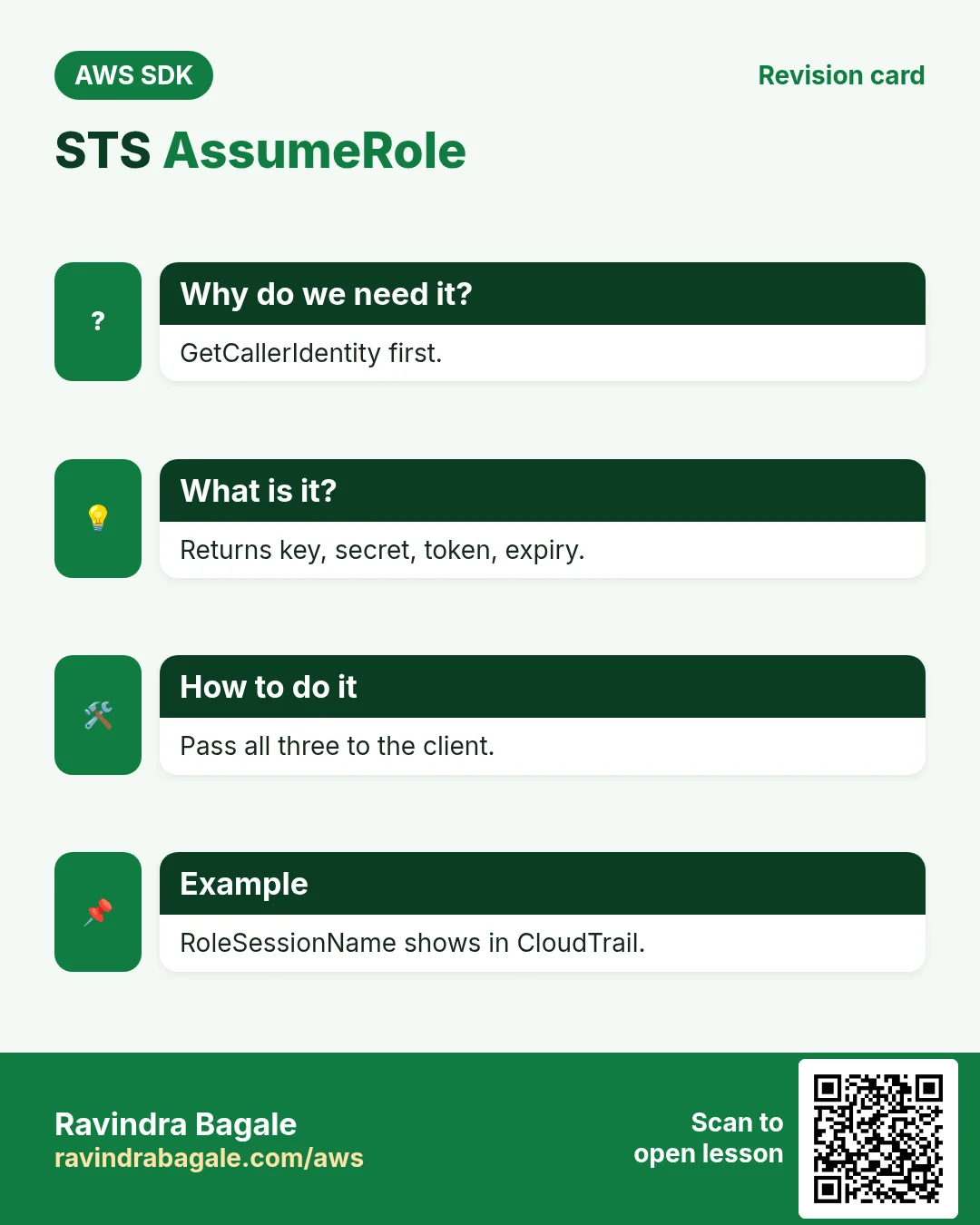
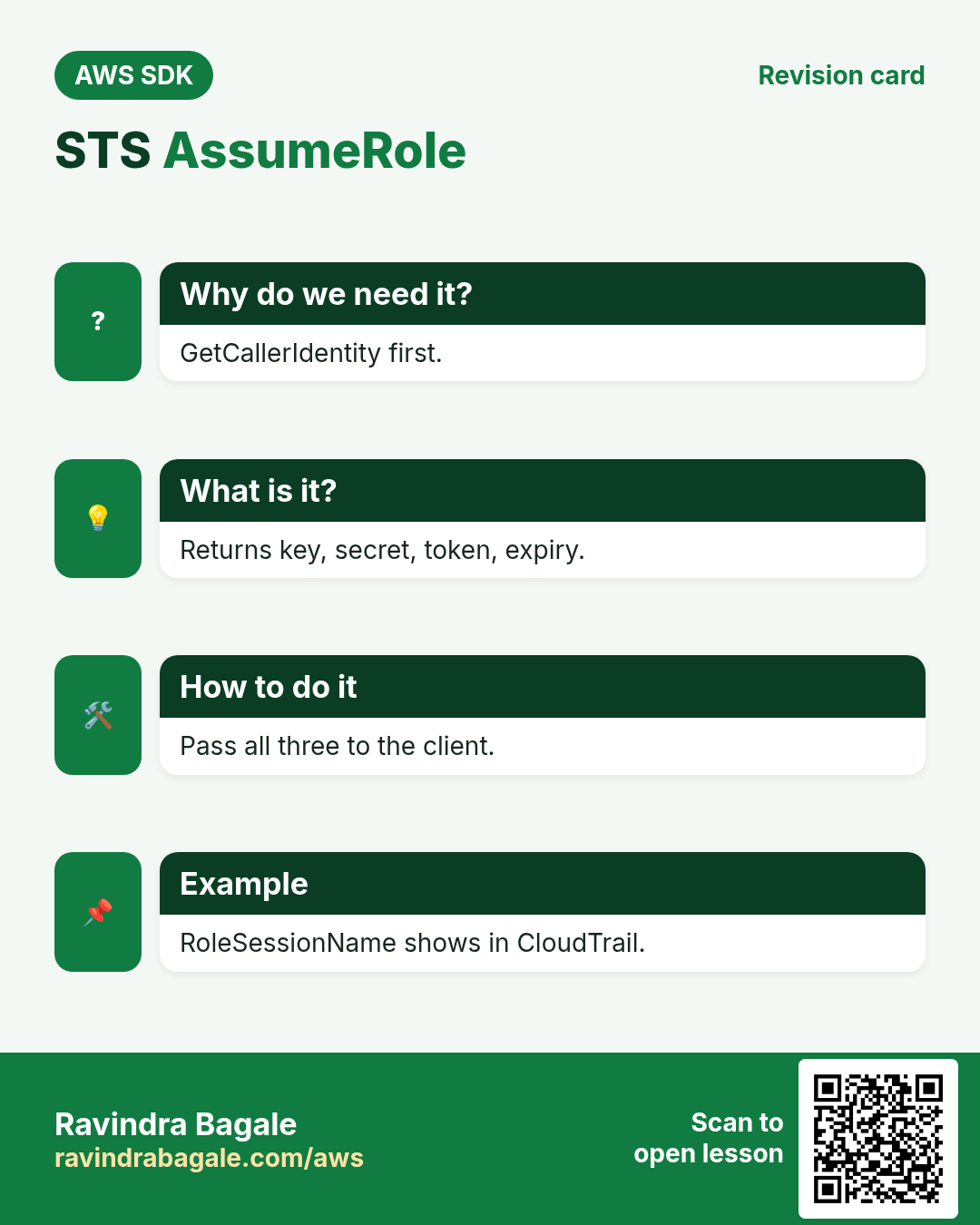
Why do we need this?
At a client office you show your ID at reception and get a visitor badge that opens only certain floors and expires at 6 pm. AssumeRole is reception; the temporary credentials are the badge.
What is it?
AssumeRole returns AccessKeyId, SecretAccessKey, SessionToken and Expiration (15 min to 12 h). The role's trust policy says who may assume it; its permissions say what the badge can do.
How to do it (step by step)
2. Who am I?
Why do we need this?
Before Noah runs anything against a client in Auckland, he checks which account and role his script is using.
What is it?
GetCallerIdentity needs no permissions and returns Account, UserId and Arn.
How to do it (step by step)
- Python.
import boto3
sts = boto3.client("sts")
me = sts.get_caller_identity()
print(me["Account"], me["Arn"])
Expected output:
111111111111 arn:aws:iam::111111111111:user/noah- Node.js.
import { STSClient, GetCallerIdentityCommand } from "@aws-sdk/client-sts";
const sts = new STSClient({ region: "ap-southeast-2" });
const me = await sts.send(new GetCallerIdentityCommand({}));
console.log(me.Account, me.Arn);
Expected output:
111111111111 arn:aws:iam::111111111111:user/noah- PHP.
<?php
require "vendor/autoload.php";
$sts = new Aws\Sts\StsClient(["region" => "ap-southeast-2"]);
$me = $sts->getCallerIdentity();
echo $me["Account"], " ", $me["Arn"], PHP_EOL;
Expected output:
111111111111 arn:aws:iam::111111111111:user/noah- Verify with the CLI.
aws sts get-caller-identity --query Arn --output textExpected output:
arn:aws:iam::111111111111:user/noah3. Assume a role in another account
Why do we need this?
The Auckland client (account 222222222222) gave the agency a role called AgencyOps with read access to S3 and EC2.
What is it?
Call AssumeRole with RoleArn and a RoleSessionName (shows in CloudTrail). Then pass the three keys to a new client.
How to do it (step by step)
- Python: assume and build an S3 client.
c = sts.assume_role(RoleArn="arn:aws:iam::222222222222:role/AgencyOps",
    RoleSessionName="noah-audit", DurationSeconds=3600)["Credentials"]
s3 = boto3.client("s3", aws_access_key_id=c["AccessKeyId"],
    aws_secret_access_key=c["SecretAccessKey"], aws_session_token=c["SessionToken"])
print(c["Expiration"], [b["Name"] for b in s3.list_buckets()["Buckets"]][:2])
Expected output:
2026-10-24 08:40:00+00:00 ['kiwi-shop-assets', 'kiwi-shop-logs']- Node.js: assume and build an EC2 client.
import { AssumeRoleCommand } from "@aws-sdk/client-sts";
import { EC2Client, DescribeInstancesCommand } from "@aws-sdk/client-ec2";
const { Credentials: c } = await sts.send(new AssumeRoleCommand({
  RoleArn: "arn:aws:iam::222222222222:role/AgencyOps", RoleSessionName: "noah-ec2" }));
const ec2 = new EC2Client({ region: "ap-southeast-2", credentials: {
  accessKeyId: c.AccessKeyId, secretAccessKey: c.SecretAccessKey, sessionToken: c.SessionToken } });
const r = await ec2.send(new DescribeInstancesCommand({}));
console.log(r.Reservations.length, "reservations");
Expected output:
3 reservations- PHP: assume and pass credentials.
<?php
$c = $sts->assumeRole(["RoleArn" => "arn:aws:iam::222222222222:role/AgencyOps",
    "RoleSessionName" => "noah-php"])["Credentials"];
$s3 = new Aws\S3\S3Client(["region" => "ap-southeast-2", "credentials" => [
    "key" => $c["AccessKeyId"], "secret" => $c["SecretAccessKey"], "token" => $c["SessionToken"]]]);
echo count($s3->listBuckets()["Buckets"]), " buckets", PHP_EOL;
Expected output:
2 buckets- Verify: who am I now, using the role keys.
AWS_ACCESS_KEY_ID=... AWS_SECRET_ACCESS_KEY=... AWS_SESSION_TOKEN=... aws sts get-caller-identity --query Arn --output textExpected output:
arn:aws:sts::222222222222:assumed-role/AgencyOps/noah-audit4. External ID and MFA
Why do we need this?
Aditi's audit tool in Delhi serves 40 companies; an external ID stops one customer tricking it into another's account. Admin roles also demand MFA.
What is it?
The trust policy checks sts:ExternalId; pass ExternalId in AssumeRole. For MFA pass SerialNumber and TokenCode.
How to do it (step by step)
- Trust policy on the client's role (JSON).
{"Version": "2012-10-17", "Statement": [{
  "Effect": "Allow",
  "Principal": {"AWS": "arn:aws:iam::333333333333:role/AuditTool"},
  "Action": "sts:AssumeRole",
  "Condition": {"StringEquals": {"sts:ExternalId": "acme-7f3a91"}}}]}
Expected output:
(saved in role AuditReadOnly)- Python: assume with ExternalId.
c = sts.assume_role(RoleArn="arn:aws:iam::444444444444:role/AuditReadOnly",
    RoleSessionName="aditi-audit", ExternalId="acme-7f3a91")["Credentials"]
print("ok until", c["Expiration"])
Expected output:
ok until 2026-10-24 07:55:00+00:00- Node.js: assume with MFA.
const r = await sts.send(new AssumeRoleCommand({
  RoleArn: "arn:aws:iam::222222222222:role/AgencyAdmin", RoleSessionName: "noah-admin",
  SerialNumber: "arn:aws:iam::111111111111:mfa/noah", TokenCode: "492817" }));
console.log("admin until", r.Credentials.Expiration.toISOString());
Expected output:
admin until 2026-10-24T07:55:00.000Z- PHP: a wrong external ID fails.
<?php
try { $sts->assumeRole(["RoleArn" => "arn:aws:iam::444444444444:role/AuditReadOnly",
    "RoleSessionName" => "x", "ExternalId" => "wrong"]); }
catch (Aws\Exception\AwsException $e) { echo $e->getAwsErrorCode(), PHP_EOL; }
Expected output:
AccessDenied5. Let the SDK refresh for you
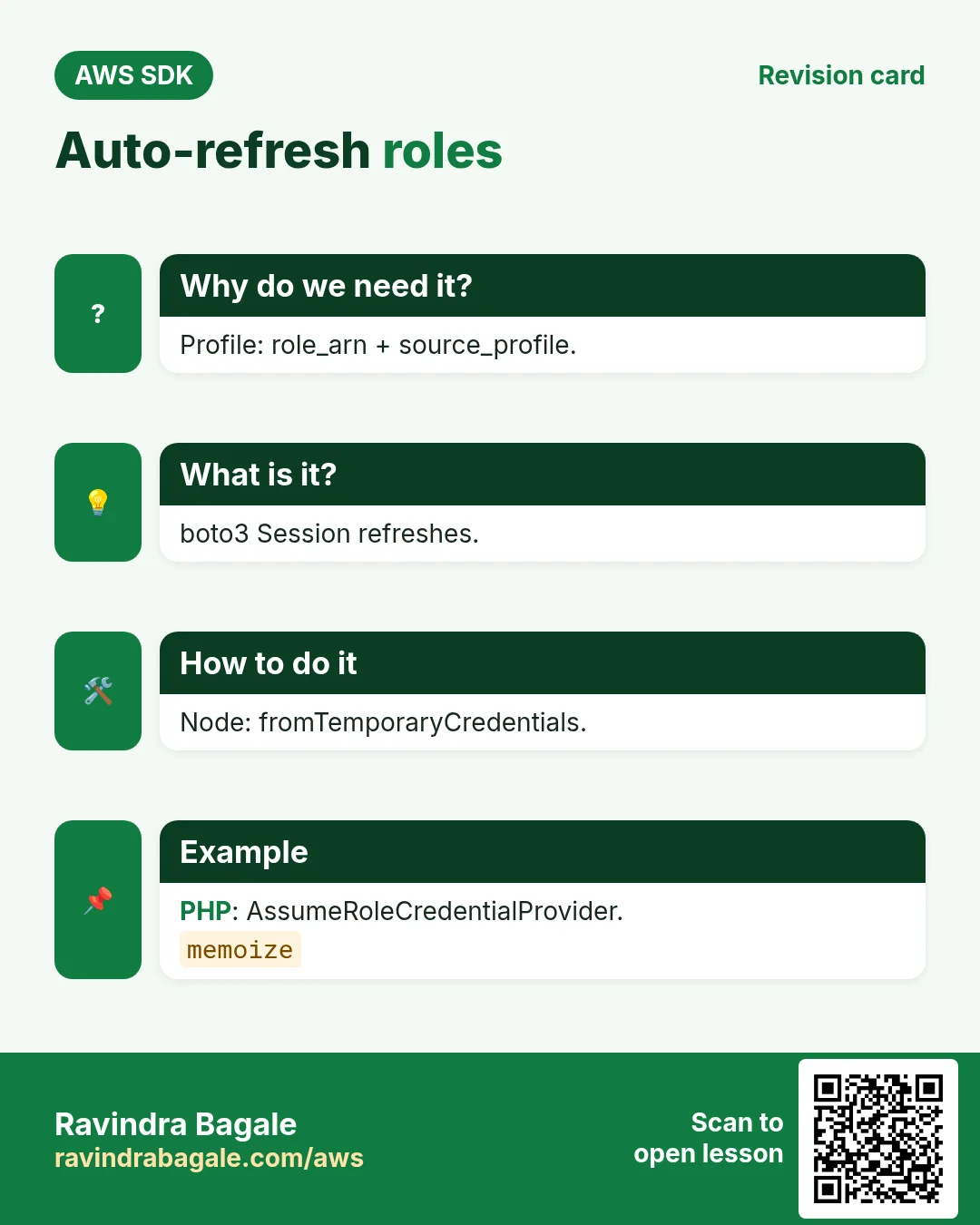
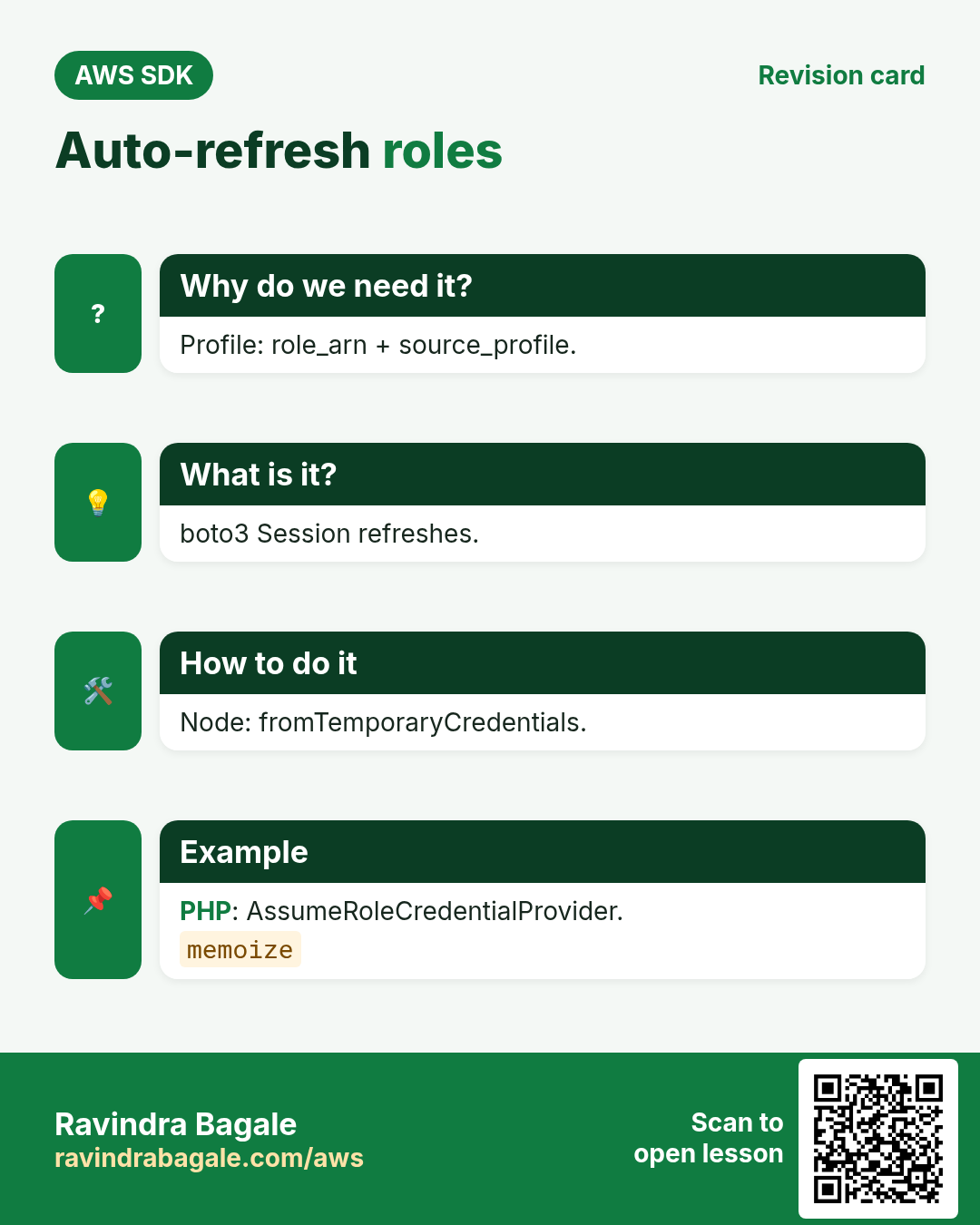
Why do we need this?
A nightly job in Frankfurt runs 3 hours; one-hour keys would expire half way.
What is it?
Use role profiles (role_arn + source_profile) or the SDK's assume-role provider. They renew keys before Expiration automatically.
How to do it (step by step)
- ~/.aws/config profile for all three SDKs.
[profile kiwi]
role_arn = arn:aws:iam::222222222222:role/AgencyOps
source_profile = default
role_session_name = nightly
region = ap-southeast-2
Expected output:
(saved)- Python: use the profile; boto3 refreshes.
s = boto3.Session(profile_name="kiwi")
print(s.client("sts").get_caller_identity()["Arn"])
Expected output:
arn:aws:sts::222222222222:assumed-role/AgencyOps/nightly- Node.js: fromTemporaryCredentials provider.
import { fromTemporaryCredentials } from "@aws-sdk/credential-providers";
import { S3Client, ListBucketsCommand } from "@aws-sdk/client-s3";
const s3 = new S3Client({ region: "ap-southeast-2", credentials: fromTemporaryCredentials({
  params: { RoleArn: "arn:aws:iam::222222222222:role/AgencyOps", RoleSessionName: "nightly" } }) });
console.log((await s3.send(new ListBucketsCommand({}))).Buckets.length);
Expected output:
2- PHP: AssumeRoleCredentialProvider with memoize.
<?php
use Aws\Credentials\{AssumeRoleCredentialProvider, CredentialProvider};
$p = new AssumeRoleCredentialProvider(["client" => $sts, "assume_role_params" => [
    "RoleArn" => "arn:aws:iam::222222222222:role/AgencyOps", "RoleSessionName" => "nightly"]]);
$s3 = new Aws\S3\S3Client(["region" => "ap-southeast-2", "credentials" => CredentialProvider::memoize($p)]);
echo count($s3->listBuckets()["Buckets"]), PHP_EOL;
Expected output:
26. The same call in Java, Go, .NET and the CLI
Why do we need this?
Teams often mix languages. Once you know the call in Python, PHP and Node.js, the other SDKs are the same API with different syntax.
What is it?
All of them call the AssumeRole API. Use the CLI line to test it quickly from a terminal.
How to do it (step by step)
| Stack | Code |
|---|---|
| AWS CLI | aws sts assume-role --role-arn arn:aws:iam::222222222222:role/AgencyOps --role-session-name noah |
| Java v2 | StsAssumeRoleCredentialsProvider p = StsAssumeRoleCredentialsProvider.builder().stsClient(sts).refreshRequest(r -> r.roleArn(arn).roleSessionName("noah")).build(); |
| Go v2 | cfg.Credentials = aws.NewCredentialsCache(stscreds.NewAssumeRoleProvider(sts.NewFromConfig(cfg), arn)) |
| .NET | var creds = new AssumeRoleAWSCredentials(new BasicAWSCredentials(k, s), arn, "noah"); |
7. Clean up so nothing keeps costing
Why do we need this?
Lab resources left running cost money and can be a security risk.
What is it?
Delete in reverse order: children first, then parents.
How to do it (step by step)
- Nothing to delete: temporary credentials expire by themselves. Remove test roles if you made them.
aws iam delete-role --role-name AuditReadOnlyExpected output:
(no output means success)Ravindra Bagale's Tip
Give every RoleSessionName a person or job name; it is how you find who did what in CloudTrail.
8. Interview questions and answers
Q. What does AssumeRole return?
AccessKeyId, SecretAccessKey, SessionToken and Expiration.
Q. What controls who can assume a role?
The role's trust policy.
Q. Why an external ID?
To prevent the confused-deputy problem for third-party access.
Q. How long do role sessions last?
15 minutes to the role's max (up to 12 hours); default 1 hour.
Q. How to avoid expiry in long jobs?
Use a refreshing provider or role profile instead of static keys.
Try at home
- Write a Python script that loops over three client account IDs, assumes AgencyOps in each and counts S3 buckets.
- Use AssumeRole with a session policy that allows only s3:ListBucket.
In short
- GetCallerIdentity first.
- AssumeRole → 3 keys.
- Pass SessionToken too.
- ExternalId / MFA conditions.
- Refreshing providers.
Practice Tasks
Sydney Surf School is a sports training business in Sydney. Liam O'Brien looks after its IT and cloud work. They count money in AUD and run their AWS resources in the ap-southeast-2 Region. In the tasks below you do real jobs for them using what this lesson teaches. All names, account IDs, IP addresses and numbers are made up for practice.
0 / 10
Easy Check who you are logged in as
Why: Always confirm the account and identity before running changes.
What to do: Show the account ID and ARN of the identity your CLI is using.
- Read the task and decide which AWS service it is about.
- Write aws, then the service name, then the operation (the action word).
- Add each needed flag (--name) followed by its value from the task.
- Flags can be in any order. Click Check answer.
Easy How many addresses in a /16?
Why: Picking a VPC size needs this count.
What to do: Sydney Surf School plans the VPC 10.153.0.0/16. How many IP addresses does it hold in total?
- Write down the numbers the task gives you.
- Work it out step by step on paper.
- Type only the final answer in the box.
- Click Check answer.
Medium Assume a role
Why: AssumeRole gives you short-lived keys for another role, often in another account.
What to do: Assume role arn:aws:iam::107908505706:role/Auditor with session name liam-audit.
- Read the task and decide which AWS service it is about.
- Write aws, then the service name, then the operation (the action word).
- Add each needed flag (--name) followed by its value from the task.
- Flags can be in any order. Click Check answer.
Medium Decode an "access denied" message
Why: Some errors come encoded; decoding shows exactly which policy blocked you.
What to do: Decode the authorization message stored in the shell variable $MSG.
- Read the task and decide which AWS service it is about.
- Write aws, then the service name, then the operation (the action word).
- Add each needed flag (--name) followed by its value from the task.
- Flags can be in any order. Click Check answer.
Medium Trust policy for an EC2 role
Why: The trust policy says WHO may take the role.
What to do: Write a trust policy that lets ec2.amazonaws.com assume the role.
- Start with { "Version": "2012-10-17", "Statement": [ ... ] }.
- In each statement write Effect, Action and Resource.
- Give only what the task needs (least privilege).
- Use double quotes and commas correctly. Click Check answer.
Medium Trust policy for an ECS task role
Why: The trust policy says WHO may take the role.
What to do: Write a trust policy that lets ecs-tasks.amazonaws.com assume the role.
- Start with { "Version": "2012-10-17", "Statement": [ ... ] }.
- In each statement write Effect, Action and Resource.
- Give only what the task needs (least privilege).
- Use double quotes and commas correctly. Click Check answer.
Medium Trust policy for a Lambda role
Why: The trust policy says WHO may take the role.
What to do: Write a trust policy that lets lambda.amazonaws.com assume the role.
- Start with { "Version": "2012-10-17", "Statement": [ ... ] }.
- In each statement write Effect, Action and Resource.
- Give only what the task needs (least privilege).
- Use double quotes and commas correctly. Click Check answer.
Hard Let another account assume a role
Why: Cross-account roles are safer than sharing access keys.
What to do: Write a trust policy that lets account 111122223333 assume this role.
- Start with { "Version": "2012-10-17", "Statement": [ ... ] }.
- In each statement write Effect, Action and Resource.
- Give only what the task needs (least privilege).
- Use double quotes and commas correctly. Click Check answer.
Hard Assume a role for 15 minutes
Why: Shorter sessions lower the risk if keys leak.
What to do: Assume arn:aws:iam::107908505706:role/Deployer with session name deploy-job for 900 seconds.
- Read the task and decide which AWS service it is about.
- Write aws, then the service name, then the operation (the action word).
- Add each needed flag (--name) followed by its value from the task.
- Flags can be in any order. Click Check answer.
Hard Get a session token with MFA
Why: Some actions need MFA. get-session-token returns keys that carry MFA proof.
What to do: Get a session token using MFA device arn:aws:iam::107908505706:mfa/liam and the code 123456.
- Read the task and decide which AWS service it is about.
- Write aws, then the service name, then the operation (the action word).
- Add each needed flag (--name) followed by its value from the task.
- Flags can be in any order. Click Check answer.
Revision, comparison and interview cards
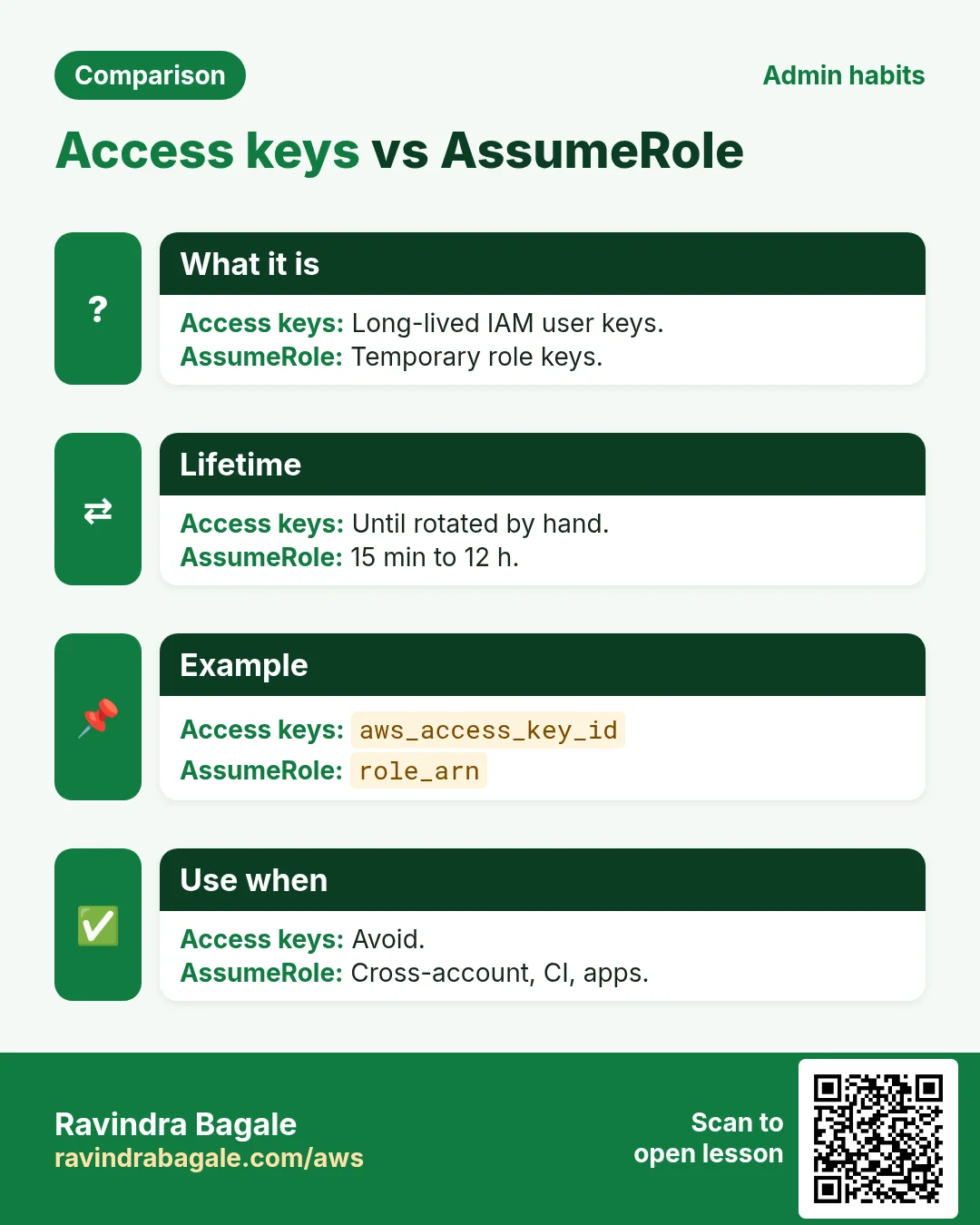
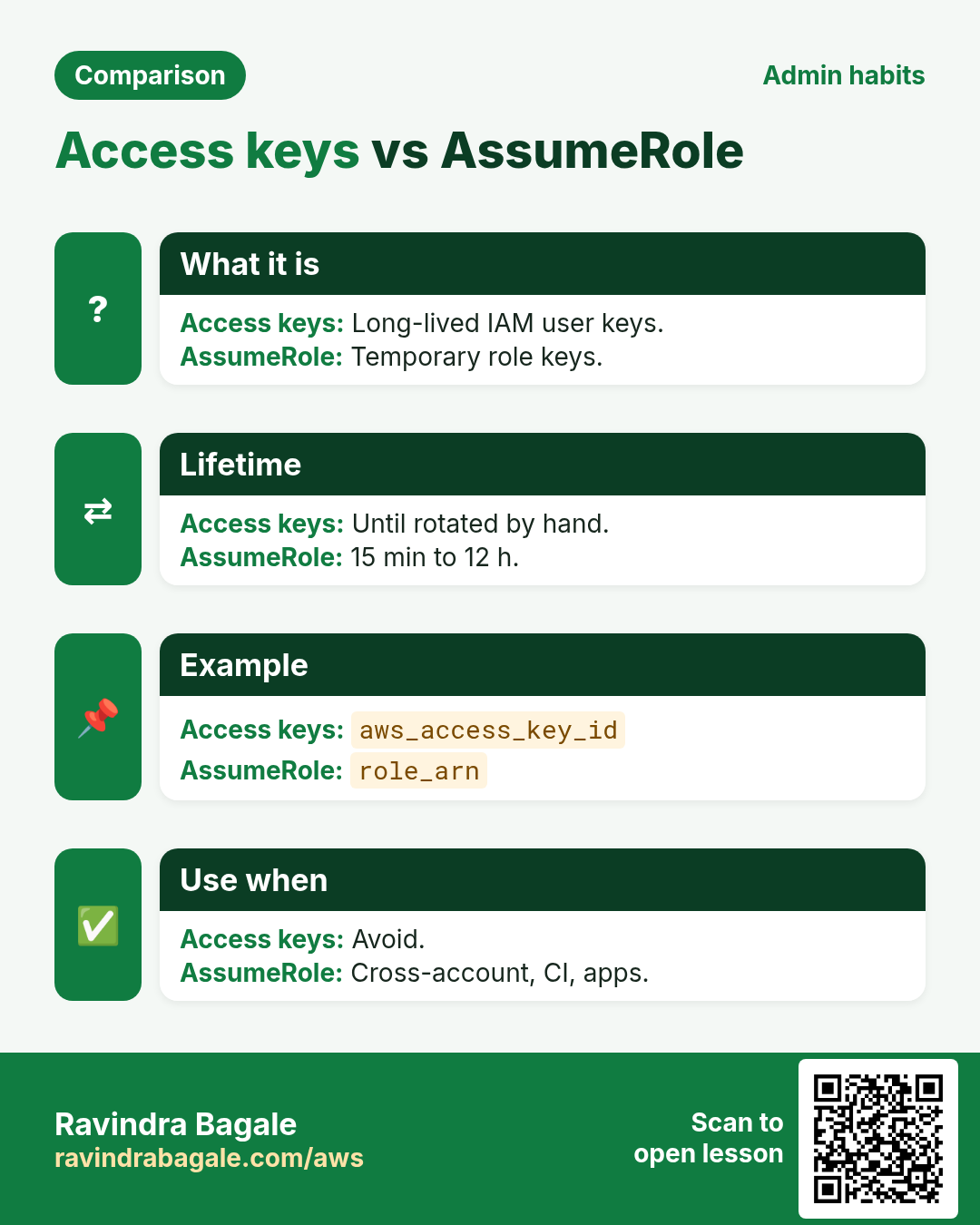
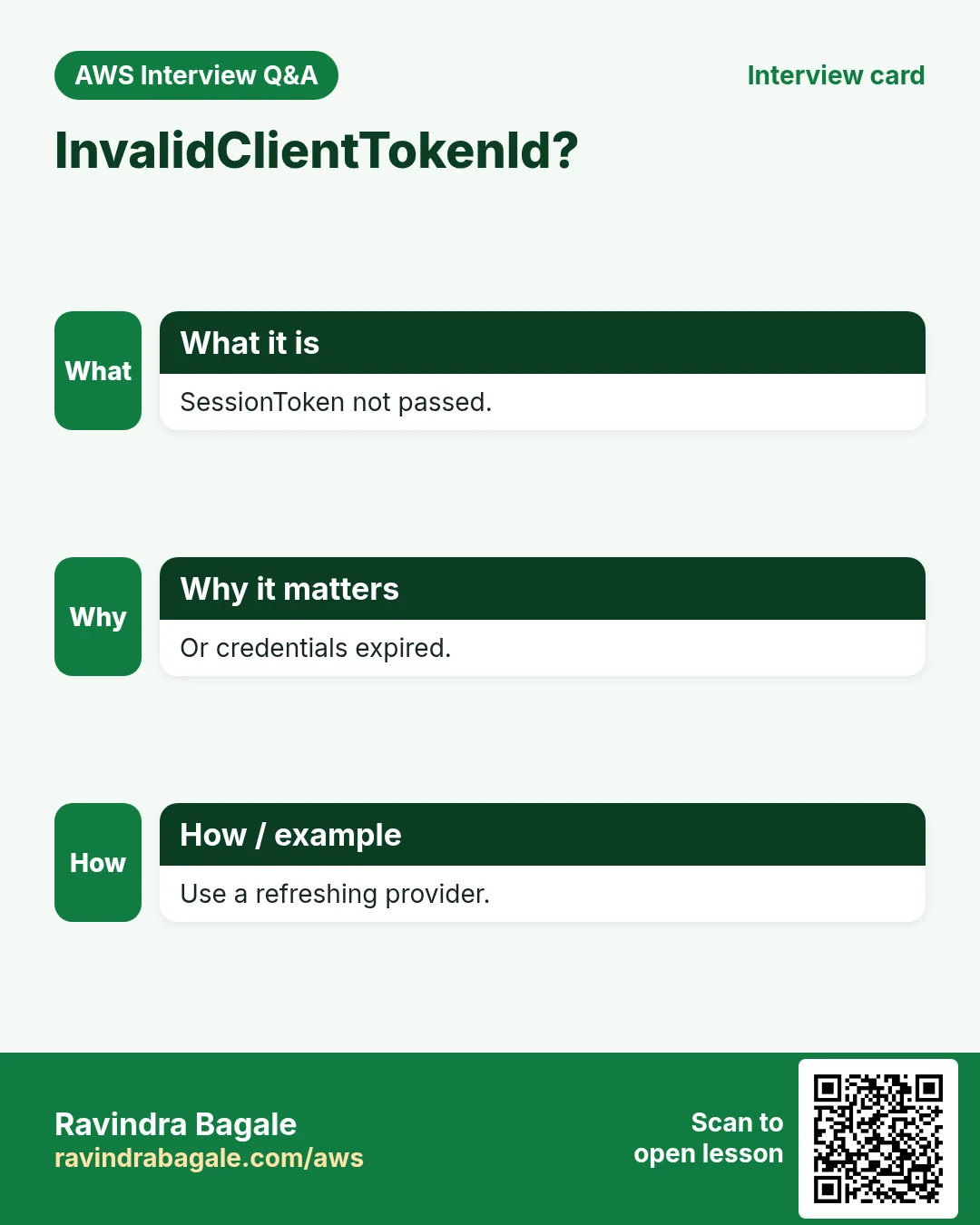
Revise this lesson in a few minutes. Save the cards on your phone or download them as PNG files. The QR code on each card opens this lesson.
More cards: Ravi Sir's Cards.