Project: Build a Reels Video Upload App with Amazon S3, EC2 and RDS MySQL
This is the project chapter. We use everything from the S3 chapters, from What Is Amazon S3 to Versioning and Replication, and build a small reels app: users upload short videos, the files go to S3, the details go to RDS MySQL, and playback comes from CloudFront or a pre-signed link. Node.js is the main code, with Flask and PHP versions.
What you'll learn in this chapter
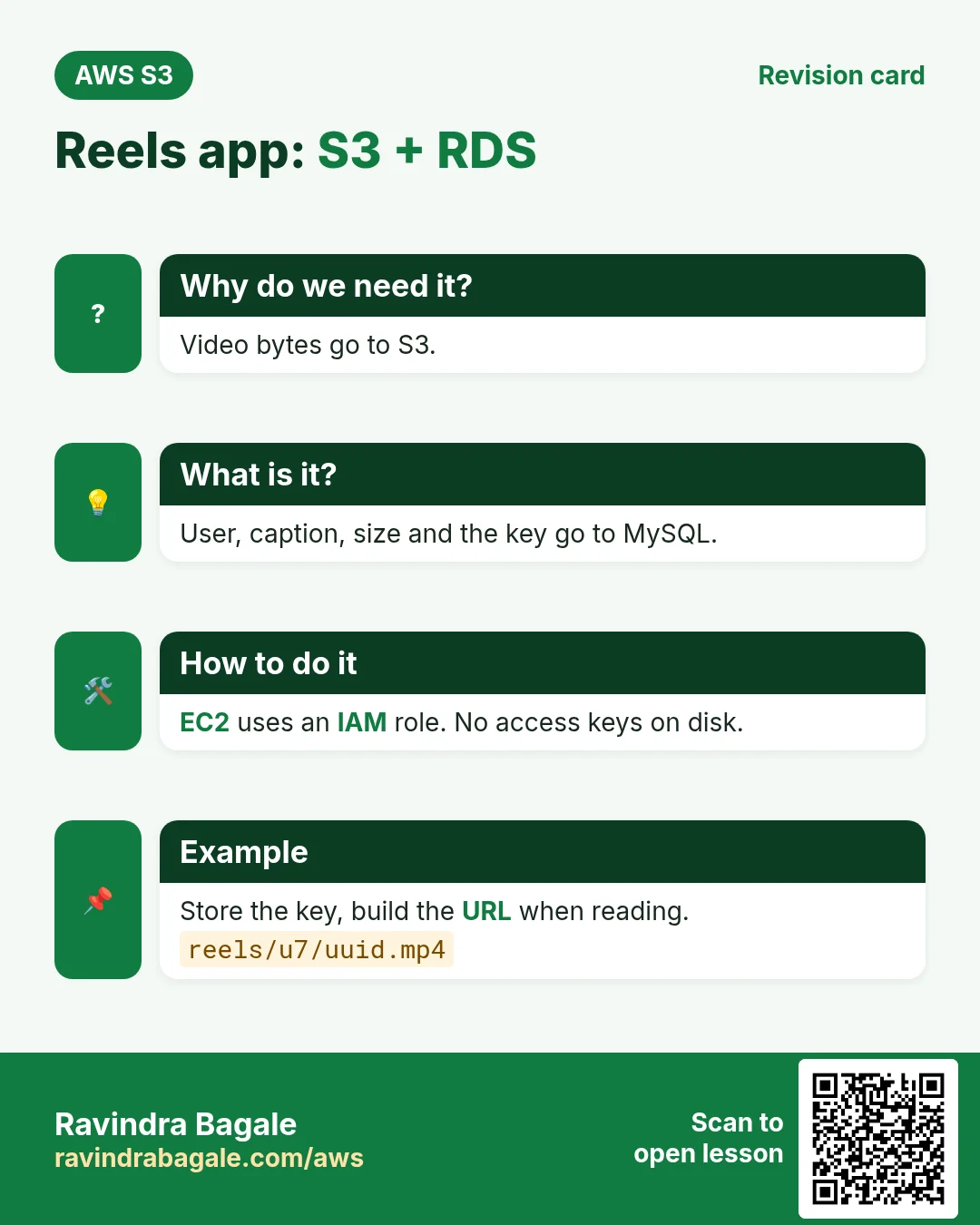
- Why videos go to S3 and only metadata goes to MySQL
- EC2 with an IAM role, no access keys
- Two upload paths: through the server, or direct with a pre-signed PUT
- Schema, code (Node, Flask, PHP), security groups and VPC endpoint
- Cron backups to S3 and S3 event notifications
1. The story: a reels app for a college fest
A college fest wants students to upload 30-second reels. Hundreds of videos, each 20 to 80 MB, and everyone watching on phones. If videos sit on the EC2 disk, the disk fills up, a second server cannot see them, and losing the instance loses the fest.
So: big files to S3, small facts (who, caption, size, key) to MySQL, and the app on EC2 just connects them.
2. Architecture
Why do we need this?
Each part does the job it is best at. Databases are bad at storing big binary files; S3 is bad at queries like "latest 20 reels by user 7".
What is it?
| Part | Setting | Why |
|---|---|---|
| S3 | reels-app-media, BPA on, ACLs disabled, SSE-S3, versioning on | Private, safe from overwrites |
| IAM role | reels-ec2-role: s3:PutObject, s3:GetObject on reels-app-media/reels/* | No keys on disk; least privilege |
| SG web | 80, 443 from 0.0.0.0/0; 22 from your IP | Public site, limited SSH |
| SG db | 3306 from SG web | Only the app reaches MySQL |
| VPC endpoint | Gateway endpoint for S3 on the route tables | Server-to-S3 traffic free and private |
| S3 CORS | Allow PUT from your site origin | The browser uploads directly to S3 |
3. Two ways to upload
Why do we need this?
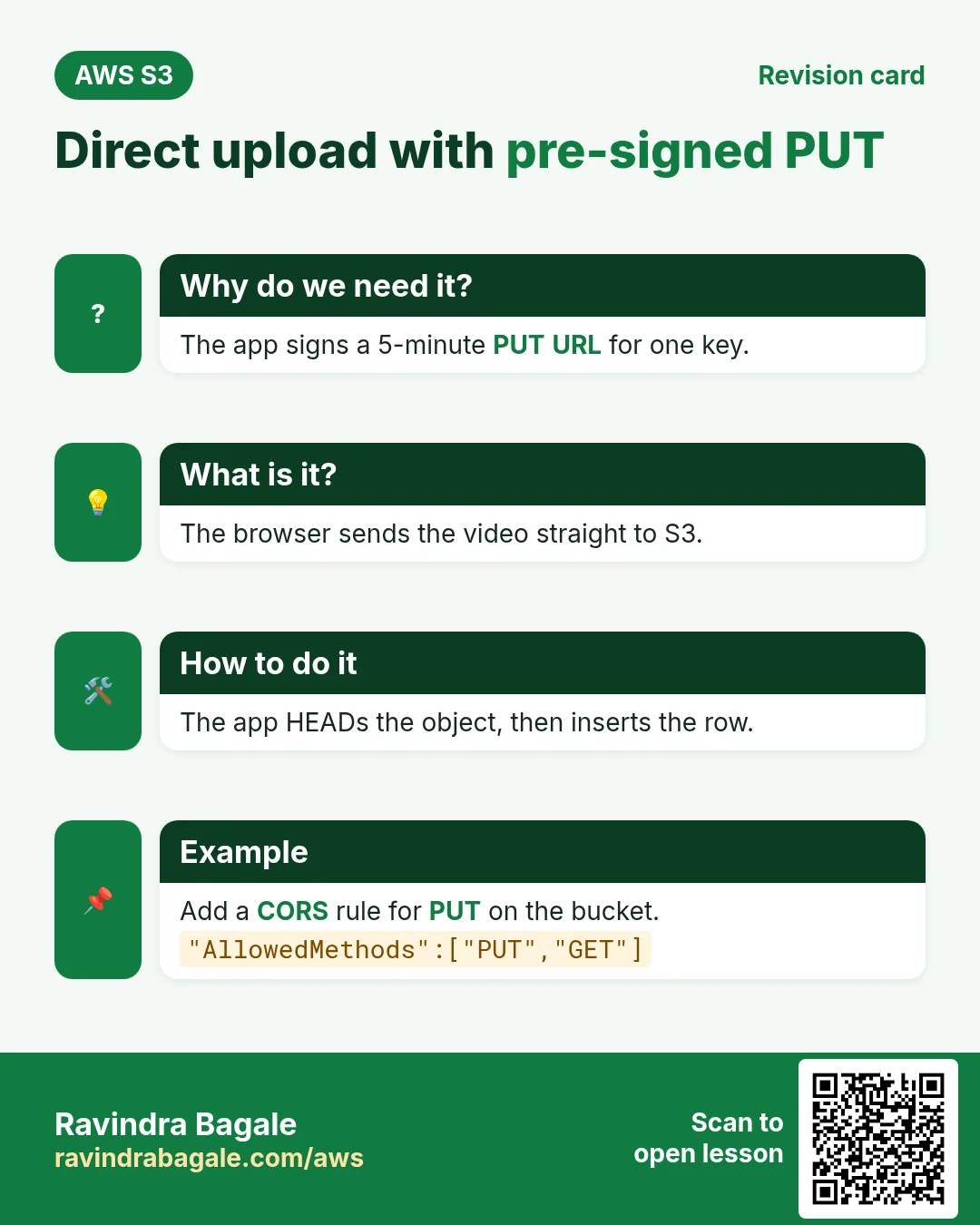
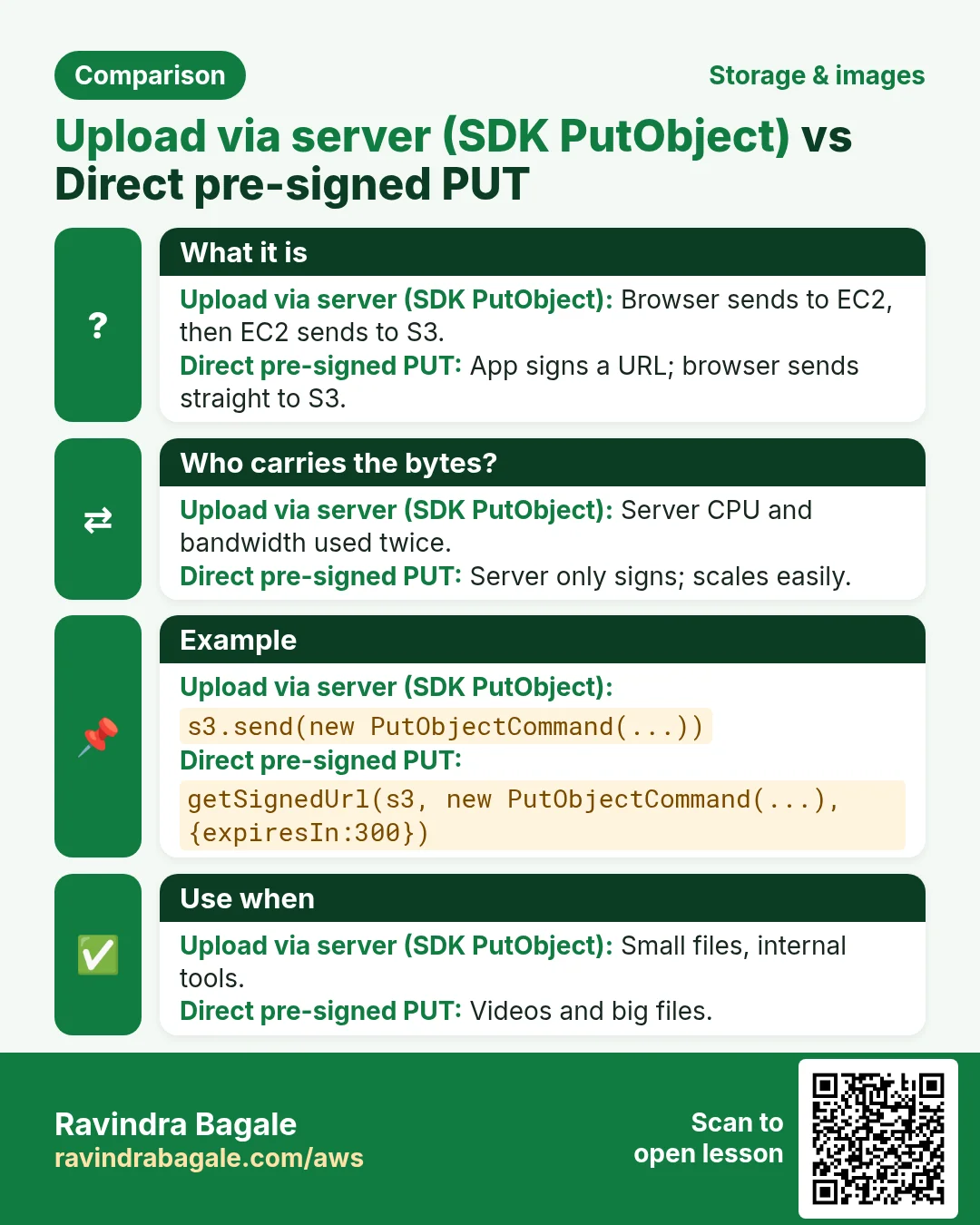
An 80 MB video through your server uses its CPU, memory and bandwidth twice (in and out). A pre-signed PUT sends it straight to S3.
What is it?
| Point | Via server (SDK PutObject) | Direct (pre-signed PUT) |
|---|---|---|
| Path | Browser → EC2 → S3 | Browser → S3 |
| Server load | High | Tiny (just signs a URL) |
| Checks before upload | Easy (inspect the file) | Limit type and size in the signed request; verify after |
| Best for | Small files, internal tools | Videos, big files, many users |
4. Database schema
CREATE DATABASE reels CHARACTER SET utf8mb4;
USE reels;
CREATE TABLE users (
  id INT AUTO_INCREMENT PRIMARY KEY,
  username VARCHAR(50) NOT NULL UNIQUE,
  created_at TIMESTAMP DEFAULT CURRENT_TIMESTAMP
);
CREATE TABLE reels (
  id BIGINT AUTO_INCREMENT PRIMARY KEY,
  user_id INT NOT NULL,
  s3_key VARCHAR(512) NOT NULL UNIQUE,
  caption VARCHAR(300),
  duration_sec SMALLINT,
  size_bytes BIGINT NOT NULL,
  content_type VARCHAR(50) DEFAULT 'video/mp4',
  created_at TIMESTAMP DEFAULT CURRENT_TIMESTAMP,
  FOREIGN KEY (user_id) REFERENCES users(id),
  INDEX idx_user_created (user_id, created_at)
);
INSERT INTO users (username) VALUES ('ravi'), ('asha');
Why store the key and not the full URL? The domain may change (S3 → CloudFront → custom domain). The key never changes; build the URL when reading.
5. Node.js app (main)
// app.js  -  npm i express mysql2 @aws-sdk/client-s3 @aws-sdk/s3-request-presigner uuid
const express = require('express');
const mysql = require('mysql2/promise');
const { S3Client, PutObjectCommand, GetObjectCommand, HeadObjectCommand } = require('@aws-sdk/client-s3');
const { getSignedUrl } = require('@aws-sdk/s3-request-presigner');
const { v4: uuid } = require('uuid');

const BUCKET = process.env.BUCKET;            // reels-app-media
const CDN = process.env.CDN_DOMAIN || '';      // dxxxx.cloudfront.net (optional)
const s3 = new S3Client({ region: 'ap-south-1' }); // creds come from the EC2 role
const db = mysql.createPool({ host: process.env.DB_HOST, user: 'app',
  password: process.env.DB_PASS, database: 'reels' });
const app = express();
app.use(express.json());
app.use(express.static('public'));

app.post('/api/upload-url', async (req, res) => {
  const { userId, type, size } = req.body;
  if (type !== 'video/mp4' || size > 100 * 1024 * 1024) return res.status(400).json({ error: 'mp4 up to 100 MB' });
  const key = `reels/u${userId}/${uuid()}.mp4`;
  const url = await getSignedUrl(s3, new PutObjectCommand({ Bucket: BUCKET, Key: key,
    ContentType: type, ContentLength: size }), { expiresIn: 300 });
  res.json({ key, url });
});

app.post('/api/reels', async (req, res) => {
  const { userId, key, caption, duration } = req.body;
  if (!key.startsWith(`reels/u${userId}/`)) return res.status(403).end();
  const head = await s3.send(new HeadObjectCommand({ Bucket: BUCKET, Key: key })); // 404 if missing
  await db.execute('INSERT INTO reels (user_id,s3_key,caption,duration_sec,size_bytes) VALUES (?,?,?,?,?)',
    [userId, key, caption, duration, head.ContentLength]);
  res.status(201).json({ ok: true });
});

app.get('/api/reels', async (req, res) => {
  const [rows] = await db.query('SELECT r.id,u.username,r.s3_key,r.caption,r.duration_sec,r.size_bytes,r.created_at FROM reels r JOIN users u ON u.id=r.user_id ORDER BY r.created_at DESC LIMIT 20');
  for (const r of rows) r.url = CDN ? `https://${CDN}/${r.s3_key}`
    : await getSignedUrl(s3, new GetObjectCommand({ Bucket: BUCKET, Key: r.s3_key }), { expiresIn: 900 });
  res.json(rows);
});

app.listen(3000, () => console.log('reels on :3000'));
Browser side (public/index.html), the important part:
const f = document.querySelector('#file').files[0];
const r = await fetch('/api/upload-url', {method:'POST', headers:{'Content-Type':'application/json'},
  body: JSON.stringify({userId:1, type:f.type, size:f.size})}).then(x => x.json());
await fetch(r.url, {method:'PUT', headers:{'Content-Type':f.type}, body:f});   // straight to S3
await fetch('/api/reels', {method:'POST', headers:{'Content-Type':'application/json'},
  body: JSON.stringify({userId:1, key:r.key, caption:cap.value, duration:30})});
6. Flask and PHP versions
# app.py  -  pip install flask boto3 pymysql
import os, uuid, boto3, pymysql
from flask import Flask, request, jsonify
s3 = boto3.client("s3", region_name="ap-south-1")
B = os.environ["BUCKET"]
db = lambda: pymysql.connect(host=os.environ["DB_HOST"], user="app", password=os.environ["DB_PASS"], database="reels")
app = Flask(__name__)

@app.post("/api/upload-url")
def upload_url():
    j = request.json
    if j["type"] != "video/mp4" or j["size"] > 100*1024*1024: return {"error": "mp4 up to 100 MB"}, 400
    key = f"reels/u{j['userId']}/{uuid.uuid4()}.mp4"
    url = s3.generate_presigned_url("put_object", Params={"Bucket": B, "Key": key, "ContentType": j["type"]}, ExpiresIn=300)
    return {"key": key, "url": url}

@app.post("/api/reels")
def save():
    j = request.json
    size = s3.head_object(Bucket=B, Key=j["key"])["ContentLength"]
    with db() as c, c.cursor() as cur:
        cur.execute("INSERT INTO reels (user_id,s3_key,caption,duration_sec,size_bytes) VALUES (%s,%s,%s,%s,%s)",
                    (j["userId"], j["key"], j["caption"], j["duration"], size)); c.commit()
    return {"ok": True}, 201
<?php // upload-url.php - composer require aws/aws-sdk-php
require 'vendor/autoload.php';
$s3 = new Aws\S3\S3Client(['region' => 'ap-south-1', 'version' => 'latest']);
$in = json_decode(file_get_contents('php://input'), true);
$key = sprintf('reels/u%d/%s.mp4', $in['userId'], bin2hex(random_bytes(16)));
$cmd = $s3->getCommand('PutObject', ['Bucket' => getenv('BUCKET'), 'Key' => $key, 'ContentType' => 'video/mp4']);
$url = (string) $s3->createPresignedRequest($cmd, '+5 minutes')->getUri();
header('Content-Type: application/json');
echo json_encode(['key' => $key, 'url' => $url]);7. IAM role, bucket CORS and endpoint
{"Version":"2012-10-17","Statement":[{"Effect":"Allow",
 "Action":["s3:PutObject","s3:GetObject"],"Resource":"arn:aws:s3:::reels-app-media/reels/*"},
 {"Effect":"Allow","Action":"s3:PutObject","Resource":"arn:aws:s3:::reels-app-media/backups/*"}]}
[{"AllowedOrigins":["http://YOUR-EC2-PUBLIC-DNS:3000"],"AllowedMethods":["PUT","GET"],
"AllowedHeaders":["*"],"ExposeHeaders":["ETag"],"MaxAgeSeconds":3000}]Why CORS: the page is on your domain but the PUT goes to s3.amazonaws.com. Without CORS the browser blocks it. Why HeadObject needs only s3:GetObject: HEAD is authorised by GetObject.
8. Build it: full lab
How to do it (step by step)
Part A: S3, IAM, network
- Region ap-south-1. Create bucket
yourname-reels-media: BPA on, ACLs disabled, versioning Enable, SSE-S3. - Bucket › Permissions › CORS › paste the CORS JSON (origin = your EC2 address later; use * while testing).
- IAM › Policies › Create: the JSON above (with your bucket), name
reels-s3-policy. - IAM › Roles › Create: EC2, attach reels-s3-policy, name
reels-ec2-role. - VPC › Security groups:
reels-web(22 from My IP, 3000 from 0.0.0.0/0) andreels-db(3306 from reels-web). - VPC › Endpoints › Create: AWS services,
com.amazonaws.ap-south-1.s3, type Gateway, default VPC, select its route tables.
Part B: RDS and EC2
- RDS › Create database: MySQL 8.0, Free tier, identifier
reels-db, masteradmin, db.t3.micro or db.t4g.micro, 20 GB gp3, Public access No, SG reels-db. - EC2 › Launch: Amazon Linux 2023, t3.micro, SG reels-web, IAM instance profile reels-ec2-role.
- SSH in.
sudo dnf install -y nodejs mariadb105. - Check the role:
aws sts get-caller-identity. Expected: an ARN withassumed-role/reels-ec2-role. mysql -h <rds-endpoint> -u admin -p, paste the schema, thenCREATE USER 'app'@'%' IDENTIFIED BY 'StrongPass#1'; GRANT SELECT,INSERT ON reels.* TO 'app'@'%';mkdir reels && cd reels && npm init -y && npm i express mysql2 @aws-sdk/client-s3 @aws-sdk/s3-request-presigner uuid, create app.js and public/index.html.BUCKET=yourname-reels-media DB_HOST=<rds-endpoint> DB_PASS='StrongPass#1' node app.js. Expected:reels on :3000.
Part C: test
- Open
http://EC2-PUBLIC-IP:3000, pick a small mp4, add a caption, upload. - Browser DevTools › Network: the PUT goes to
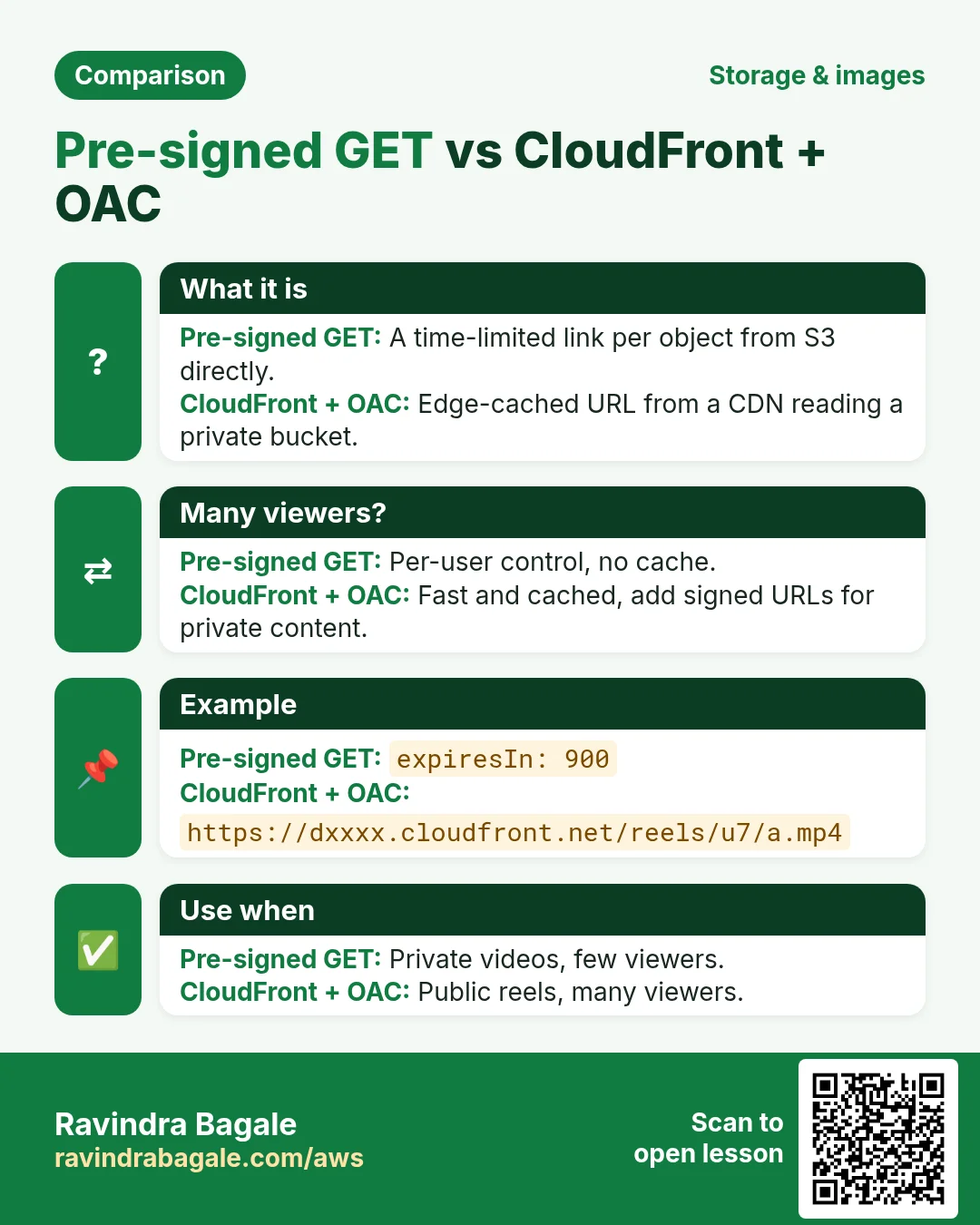
yourname-reels-media.s3.ap-south-1.amazonaws.comwith status 200. aws s3 ls s3://yourname-reels-media/reels/ --recursive. Expected:reels/u1/<uuid>.mp4.SELECT s3_key,caption,size_bytes,created_at FROM reels.reels;shows the row.curl -s localhost:3000/api/reels: each item has a pre-signedurl. Open it: the video plays. After 15 minutes it returns AccessDenied.- Optional: CloudFront with OAC on this bucket (as in the static website chapter), then restart with
CDN_DOMAIN=dxxxx.cloudfront.net. Why: cached playback for many viewers.
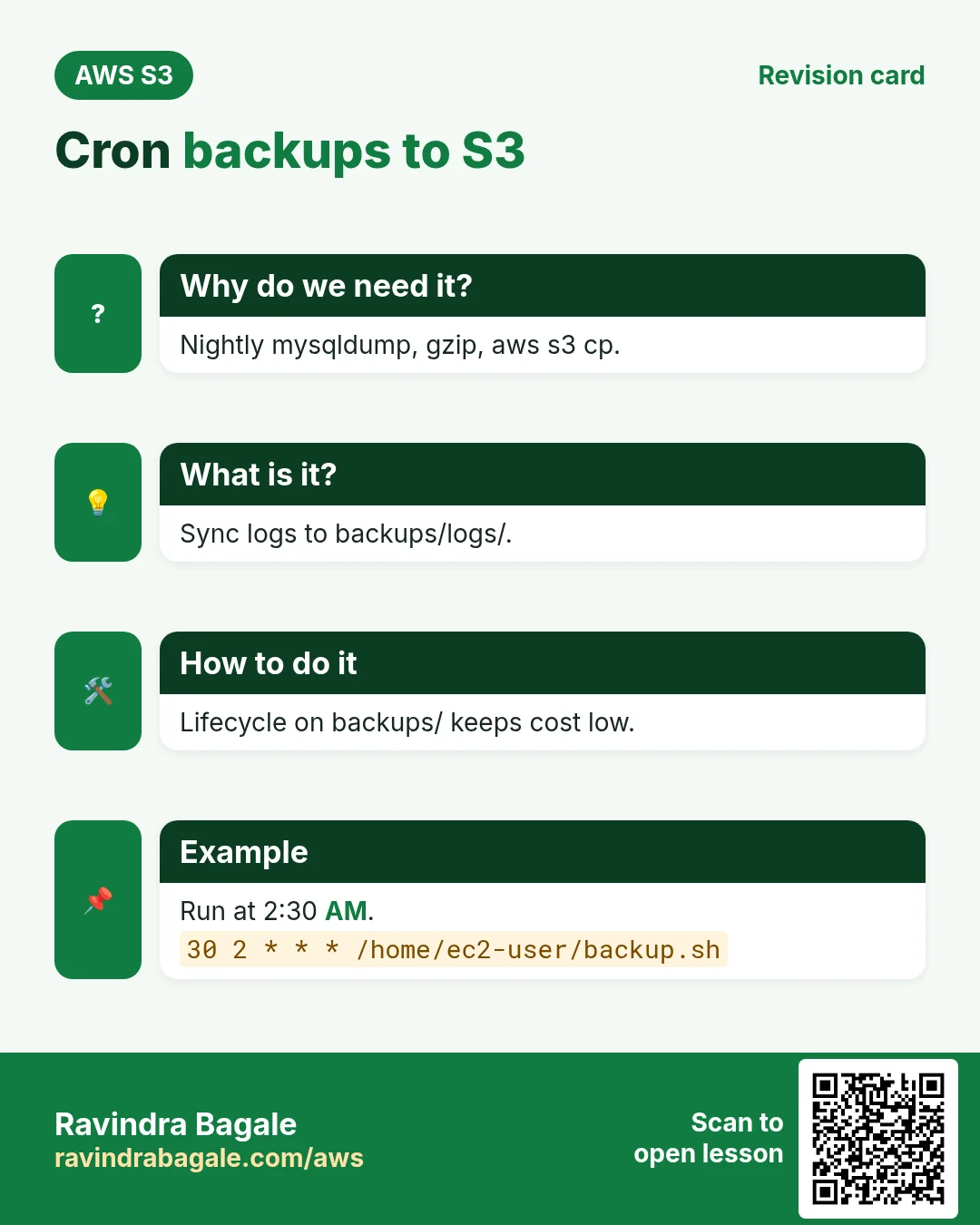
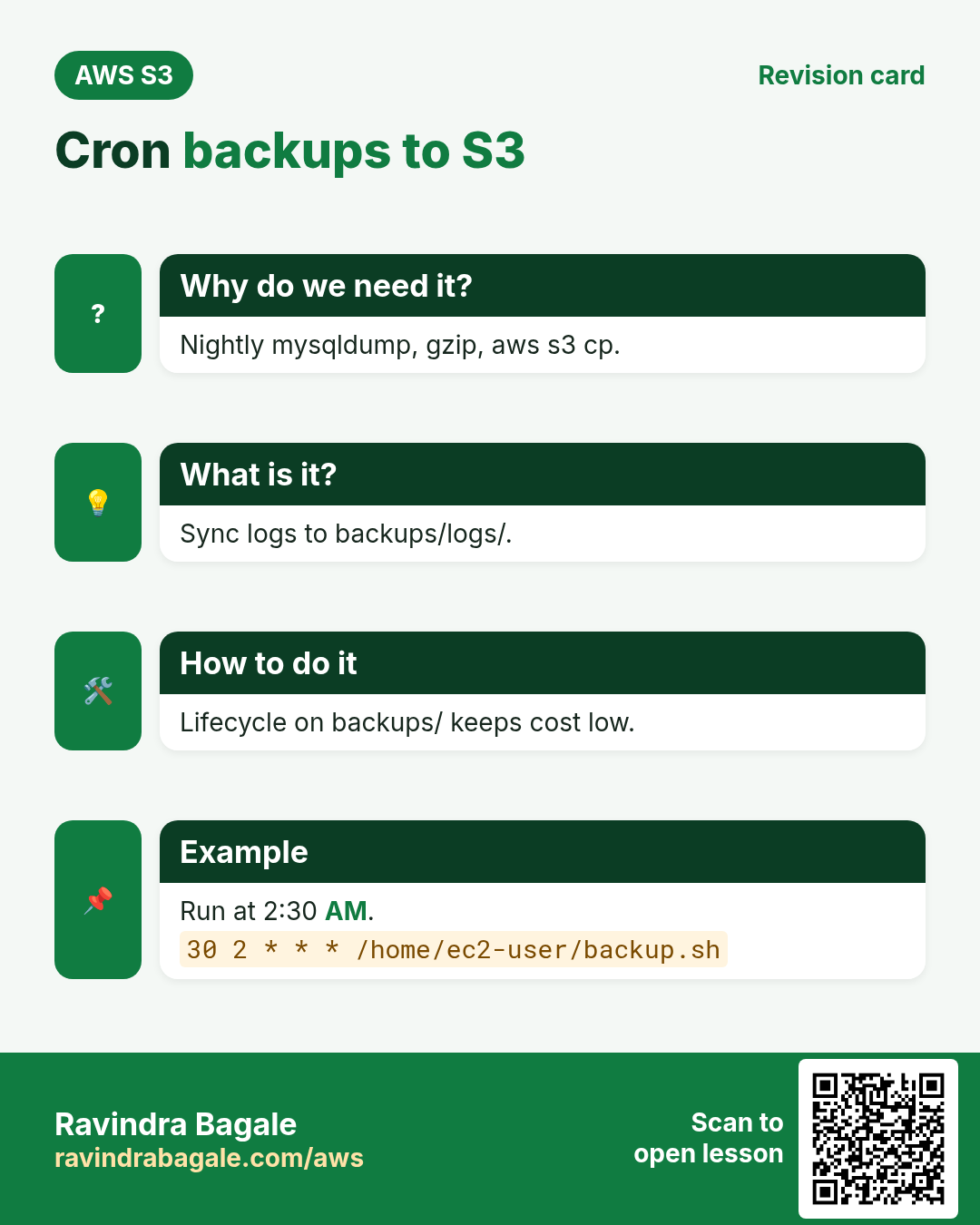
9. Backups with cron
Why do we need this?
Logs fill the EC2 disk, and a database without an off-server copy is a risk. S3 with a lifecycle rule is a cheap backup target.
How to do it (step by step)
# /home/ec2-user/backup.sh
#!/bin/bash
set -e
D=$(date +%F)
mysqldump -h "$DB_HOST" -u admin -p"$DB_ADMIN_PASS" --single-transaction reels | gzip > /tmp/reels-$D.sql.gz
aws s3 cp /tmp/reels-$D.sql.gz s3://yourname-reels-media/backups/mysql/ --storage-class STANDARD_IA
aws s3 sync /var/log/reels/ s3://yourname-reels-media/backups/logs/$(hostname)/
rm -f /tmp/reels-$D.sql.gz

# crontab -e   (2:30 AM every day)
30 2 * * * DB_HOST=... DB_ADMIN_PASS=... /home/ec2-user/backup.sh >> /var/log/reels-backup.log 2>&1
On AL2023 install cron first: sudo dnf install -y cronie && sudo systemctl enable --now crond. Better: keep the password in Secrets Manager or ~/.my.cnf (chmod 600), not in crontab. Add a lifecycle rule on backups/: Glacier Instant after 30 days, expire after 365.
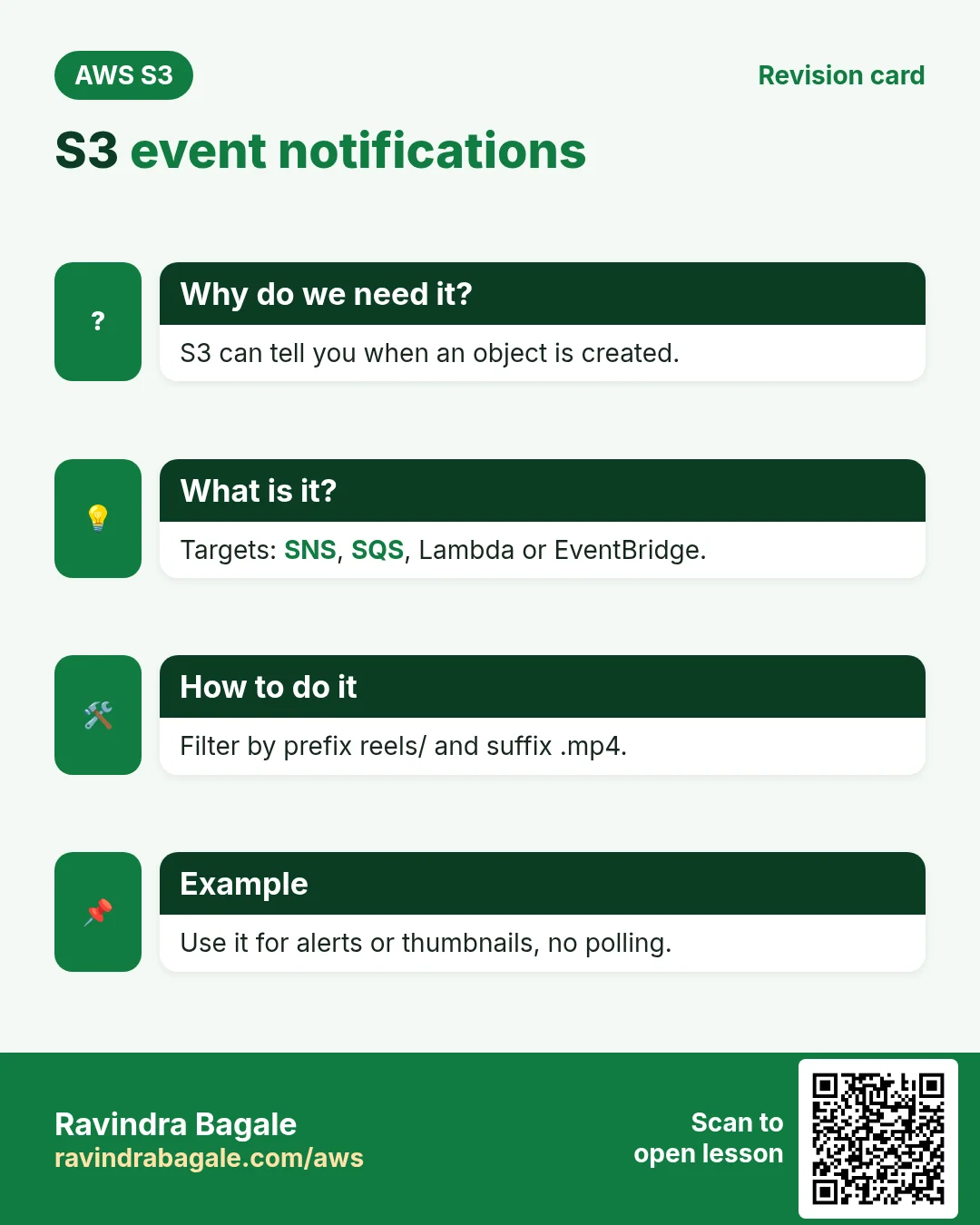
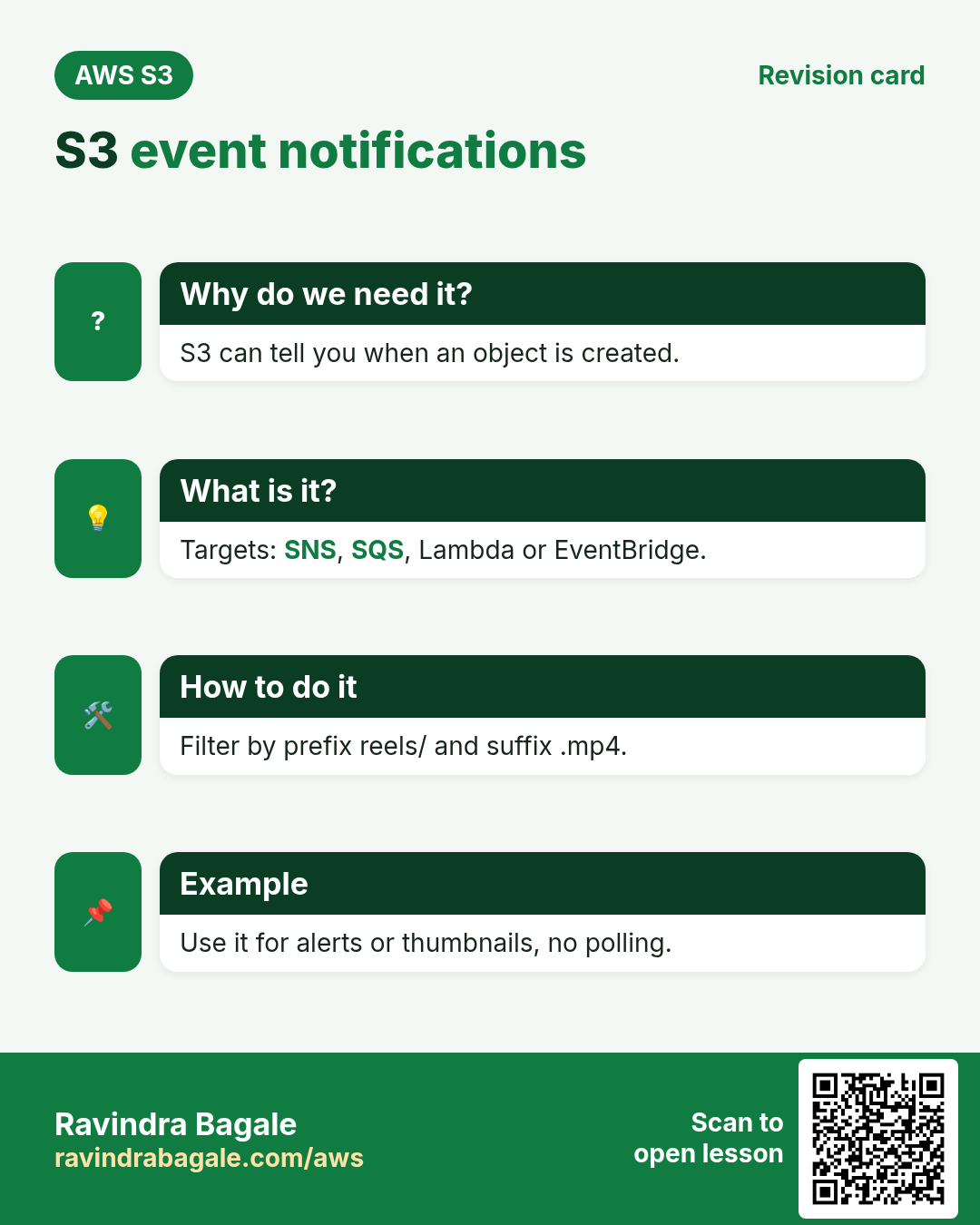
10. S3 event notifications
Why do we need this?
When a reel arrives you may want to alert moderators or make a thumbnail, without the app polling S3.
What is it?
Bucket › Properties › Event notifications › Create: name new-reel, prefix reels/, suffix .mp4, event All object create events, destination SNS topic (email moderators) or a Lambda function. The SNS topic or Lambda must have a resource policy allowing s3.amazonaws.com; the console adds it for Lambda. For many targets and filters, send events to EventBridge instead.
# Lambda (Python) - logs each new reel
def handler(event, context):
    for r in event["Records"]:
        print(r["s3"]["bucket"]["name"], r["s3"]["object"]["key"], r["s3"]["object"]["size"])
11. Cleanup
- Delete the event notification, Lambda/SNS topic, CloudFront distribution (disable first).
- Terminate the EC2 instance. Delete RDS reels-db (skip final snapshot for a lab).
- S3 › bucket › Empty (all versions), then Delete.
- Delete the VPC endpoint, security groups reels-web and reels-db, role reels-ec2-role and policy reels-s3-policy.
12. Interview questions
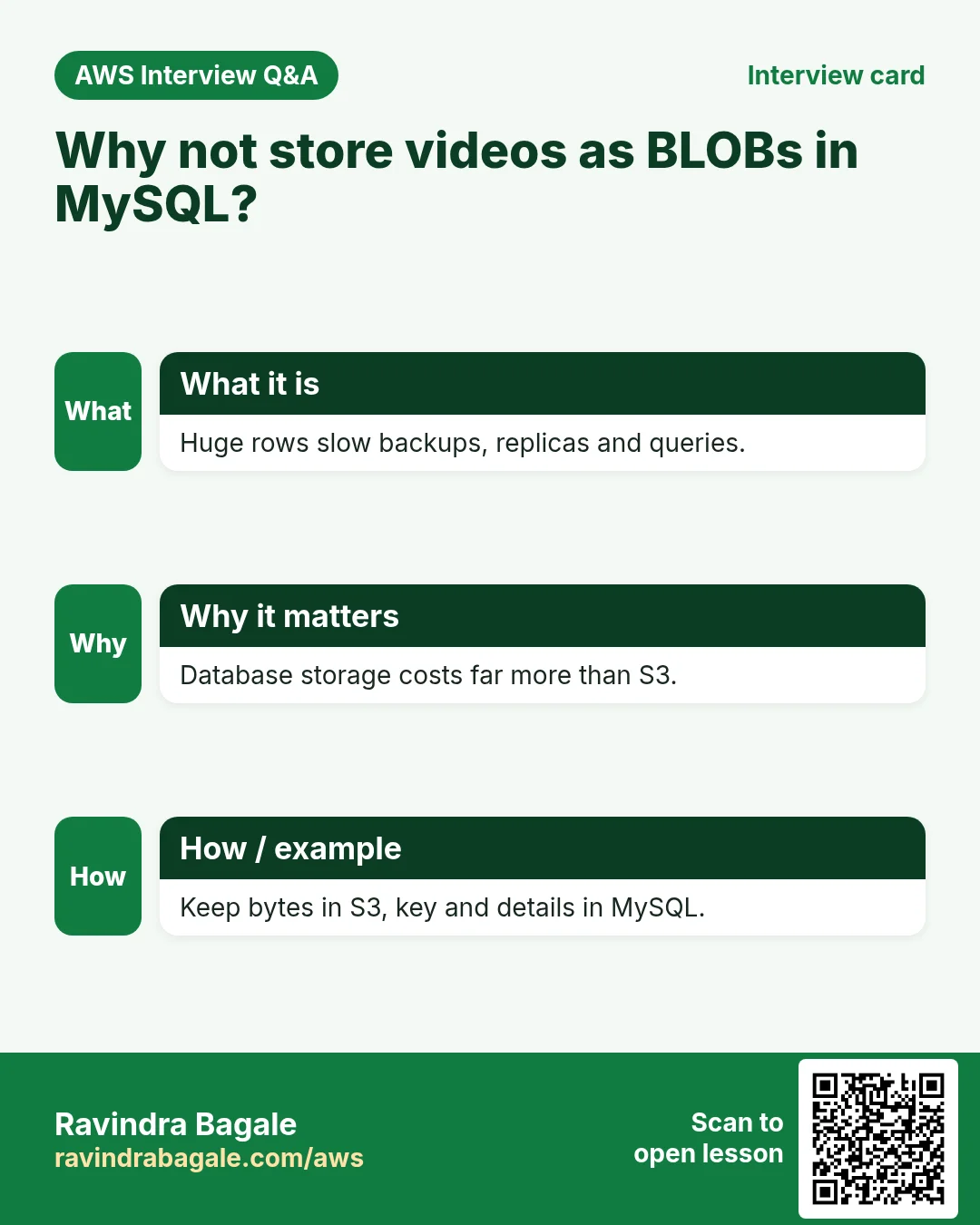
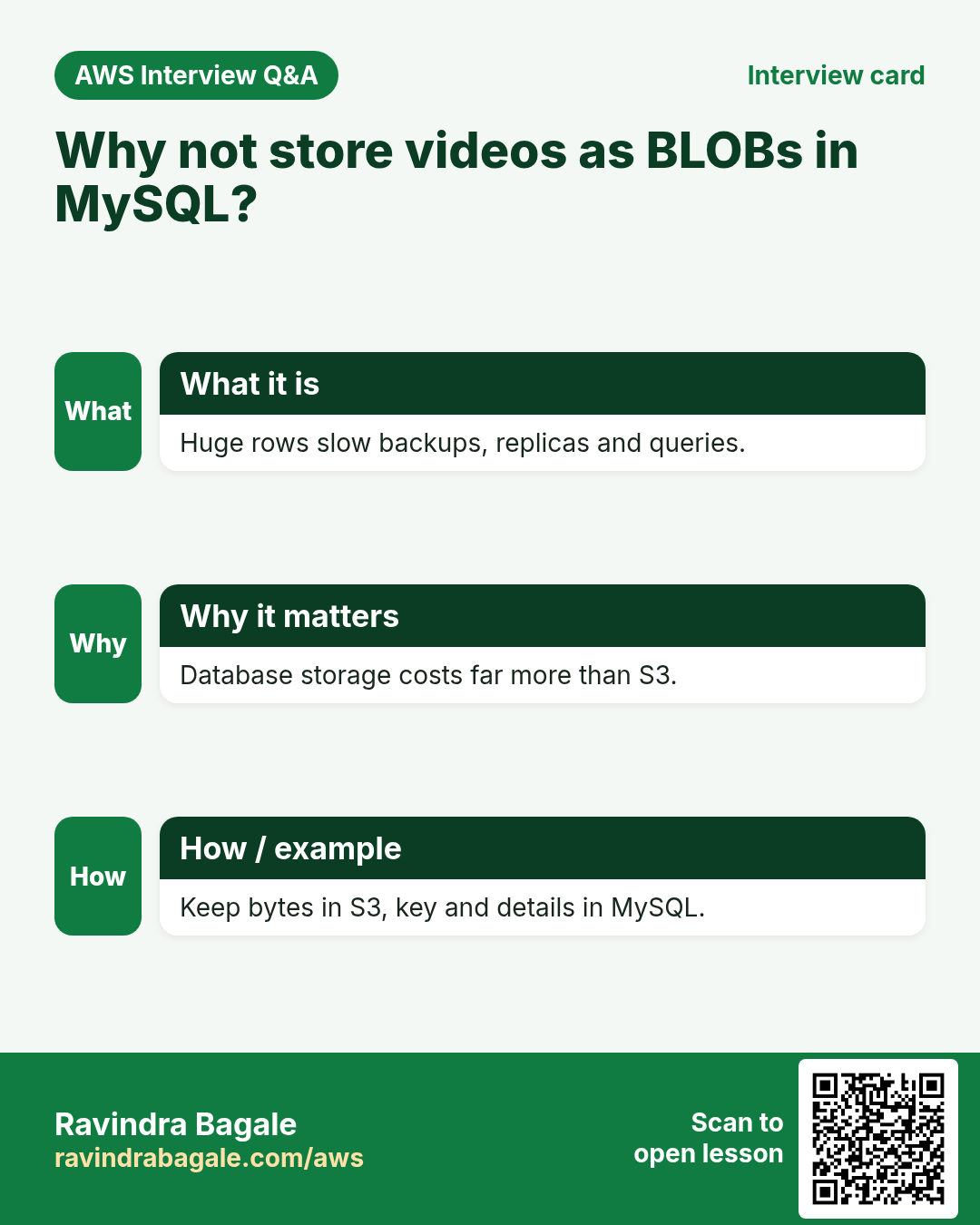
Q. Why not store videos as BLOBs in MySQL?
Big rows slow backups, replicas and queries, and DB storage costs far more than S3. Store the key in MySQL, bytes in S3.
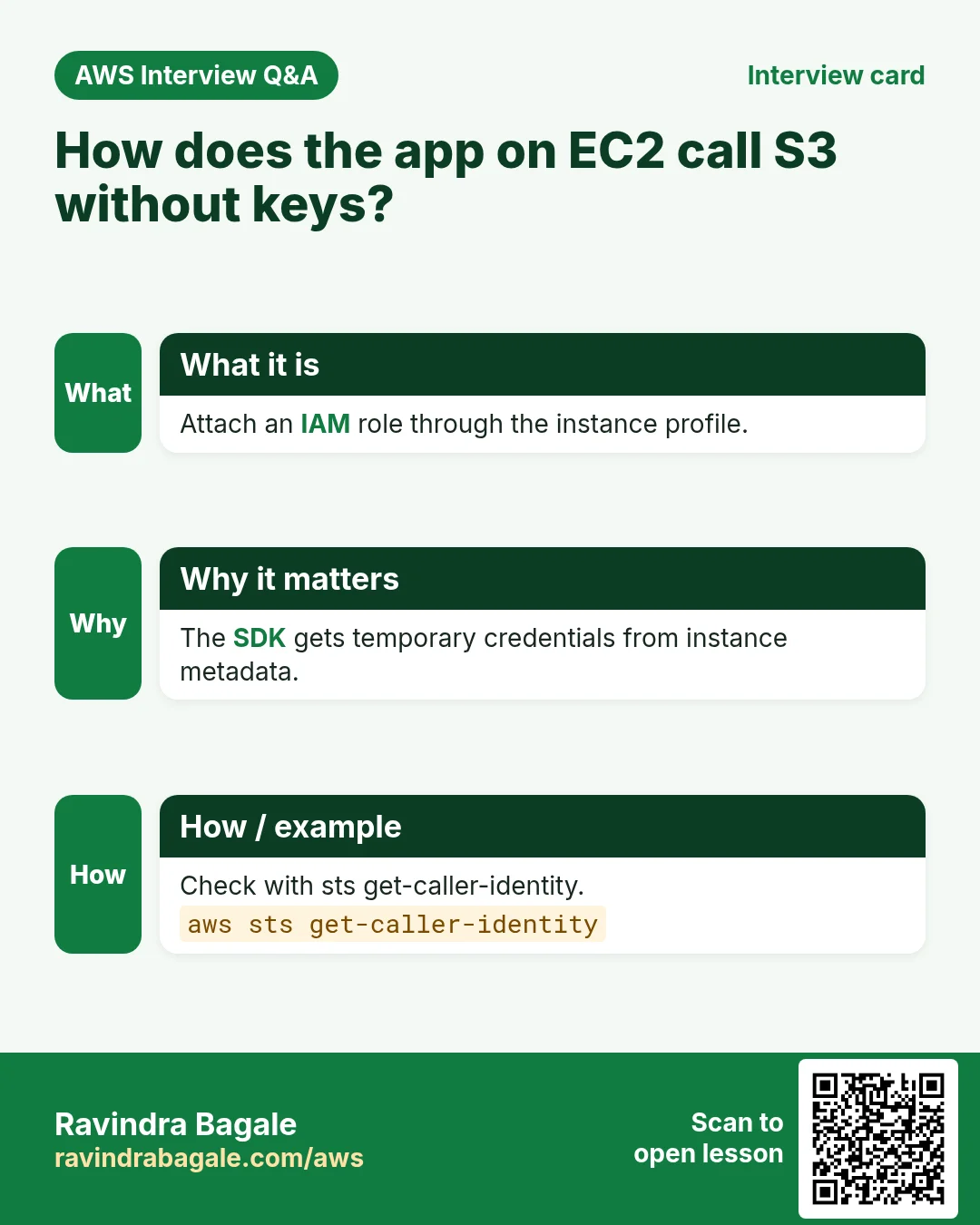
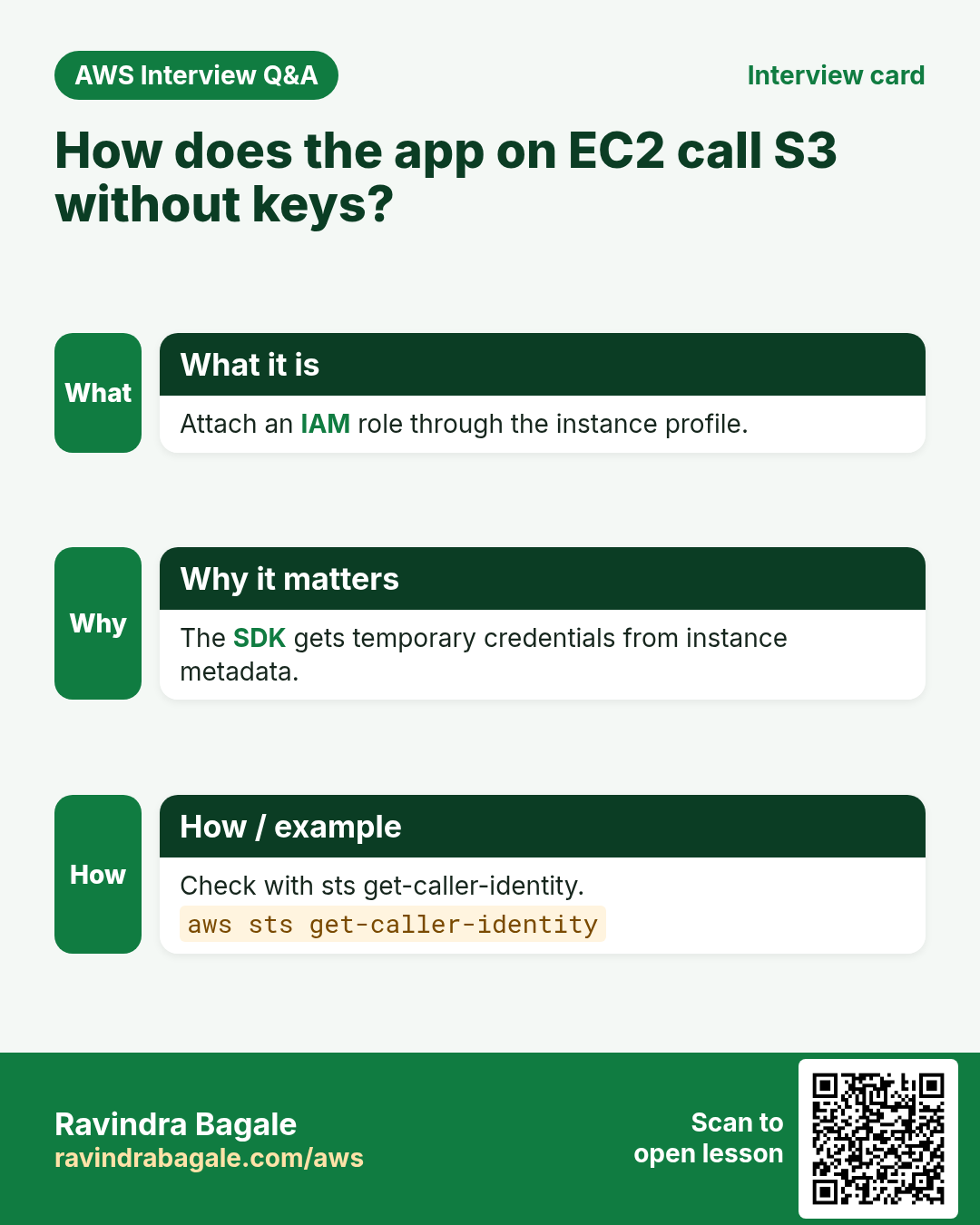
Q. How does the EC2 app call S3 without access keys?
An IAM role in the instance profile; the SDK fetches temporary credentials from the instance metadata service.
Q. Why pre-signed PUT for uploads?
The file goes straight to S3, so the server does not carry the bytes and scales easily.
Q. The browser PUT fails with a CORS error. Fix?
Add a CORS rule on the bucket allowing PUT from your site origin.
Q. How do you react to every new upload?
S3 event notification to SNS, SQS, Lambda or EventBridge.
Try at home
- Add a Lambda on new-reel events that writes the object size back to MySQL.
- Switch playback to CloudFront and compare load time.
- Restore yesterday's mysqldump from S3 into a new database.
In short
- Bytes in S3, metadata in MySQL, app on EC2 joins them.
- IAM role, never access keys on the server.
- Pre-signed PUT for big uploads; HEAD before saving the row.
- Playback via pre-signed GET or CloudFront + OAC.
- Cron backups and event notifications make S3 the hub of the app.
Practice Tasks
Goa Beach Stays is a hospitality business in Panaji. Rosario Fernandes looks after its IT and cloud work. They count money in INR and run their AWS resources in the ap-south-1 Region. In the tasks below you do real jobs for them using what this lesson teaches. All names, account IDs, IP addresses and numbers are made up for practice.
0 / 12
Easy Find the database endpoint
Why: Your app connects using the endpoint name, not an IP.
What to do: Describe DB instance goabeachstays-db.
- Read the task and decide which AWS service it is about.
- Write aws, then the service name, then the operation (the action word).
- Add each needed flag (--name) followed by its value from the task.
- Flags can be in any order. Click Check answer.
Easy Biggest orders first
Why: Querying the database is daily work after you set up RDS.
What to do: Show order id and amount, biggest amount first.
Tables: customers(id, name, city) and orders(id, customer_id, amount, odate).
- Find the table the task is about (see the table list above the box).
- Write the SQL statement step by step: what, from where, which rows.
- End the statement with ;
- Click Check answer. Your query runs on a practice copy of the table.
Easy Filter customers by city
Why: Querying the database is daily work after you set up RDS.
What to do: List the names of customers in Pune.
Tables: customers(id, name, city) and orders(id, customer_id, amount, odate).
- Find the table the task is about (see the table list above the box).
- Write the SQL statement step by step: what, from where, which rows.
- End the statement with ;
- Click Check answer. Your query runs on a practice copy of the table.
Medium Remove small orders
Why: Querying the database is daily work after you set up RDS.
What to do: Delete orders with amount below 200.
Tables: customers(id, name, city) and orders(id, customer_id, amount, odate).
- Find the table the task is about (see the table list above the box).
- Write the SQL statement step by step: what, from where, which rows.
- End the statement with ;
- Click Check answer. Your query runs on a practice copy of the table.
Medium Orders with customer names
Why: Querying the database is daily work after you set up RDS.
What to do: Show each customer name with each order amount.
Tables: customers(id, name, city) and orders(id, customer_id, amount, odate).
- Find the table the task is about (see the table list above the box).
- Write the SQL statement step by step: what, from where, which rows.
- End the statement with ;
- Click Check answer. Your query runs on a practice copy of the table.
Medium Total sales
Why: Querying the database is daily work after you set up RDS.
What to do: Show the total of all order amounts as one number.
Tables: customers(id, name, city) and orders(id, customer_id, amount, odate).
- Find the table the task is about (see the table list above the box).
- Write the SQL statement step by step: what, from where, which rows.
- End the statement with ;
- Click Check answer. Your query runs on a practice copy of the table.
Medium Fix a city
Why: Querying the database is daily work after you set up RDS.
What to do: Customer 5 moved to Rome. Update the record.
Tables: customers(id, name, city) and orders(id, customer_id, amount, odate).
- Find the table the task is about (see the table list above the box).
- Write the SQL statement step by step: what, from where, which rows.
- End the statement with ;
- Click Check answer. Your query runs on a practice copy of the table.
Medium Turn on Multi-AZ
Why: Multi-AZ keeps a standby copy in another AZ and fails over automatically.
What to do: Modify goabeachstays-db to be Multi-AZ and apply the change immediately.
- Read the task and decide which AWS service it is about.
- Write aws, then the service name, then the operation (the action word).
- Add each needed flag (--name) followed by its value from the task.
- Flags can be in any order. Click Check answer.
Hard Sales per customer
Why: Querying the database is daily work after you set up RDS.
What to do: Show customer_id and total amount per customer, only where total is above 1000.
Tables: customers(id, name, city) and orders(id, customer_id, amount, odate).
- Find the table the task is about (see the table list above the box).
- Write the SQL statement step by step: what, from where, which rows.
- End the statement with ;
- Click Check answer. Your query runs on a practice copy of the table.
Hard Customers with no orders
Why: Querying the database is daily work after you set up RDS.
What to do: List names of customers who have never ordered.
Tables: customers(id, name, city) and orders(id, customer_id, amount, odate).
- Find the table the task is about (see the table list above the box).
- Write the SQL statement step by step: what, from where, which rows.
- End the statement with ;
- Click Check answer. Your query runs on a practice copy of the table.
Hard Create a MySQL database
Why: RDS runs the database for you: backups, patches and failover are managed.
What to do: Create RDS instance goabeachstays-db: engine mysql, class db.t3.micro, 20 GiB storage, master user admin, master password from $DB_PASS.
- Read the task and decide which AWS service it is about.
- Write aws, then the service name, then the operation (the action word).
- Add each needed flag (--name) followed by its value from the task.
- Flags can be in any order. Click Check answer.
Hard Create a read replica
Why: Read replicas take report and read traffic off the main database.
What to do: Create read replica goabeachstays-db-ro from source goabeachstays-db.
- Read the task and decide which AWS service it is about.
- Write aws, then the service name, then the operation (the action word).
- Add each needed flag (--name) followed by its value from the task.
- Flags can be in any order. Click Check answer.
Revision, comparison and interview cards
Revise this lesson in a few minutes. Save the cards on your phone or download them as PNG files. The QR code on each card opens this lesson.
More cards: Ravi Sir's Cards.