How to Build a 3-Tier Architecture in AWS with VPC, NAT Gateway and RDS
The earlier chapters taught each piece on its own: subnets and route tables, security groups, the bastion host and the NAT gateway, and Amazon RDS. This chapter puts all of them together and builds one complete three-tier application from an empty account: a custom VPC with a public web tier, a private app tier and a private database tier on Amazon RDS. On the way you will see why the NAT gateway is needed only while you install software, why media files go to Amazon S3 and not to EBS, and what IaaS, PaaS and SaaS really mean.
What you'll learn in this class
- Why an application is split into web, app and database tiers
- Planning the VPC, the four subnets and the route tables
- A public web server and a private app server
- Reaching the private server, and Nginx
proxy_passfrom web to app - The NAT gateway: only for outbound traffic, and how to save its cost
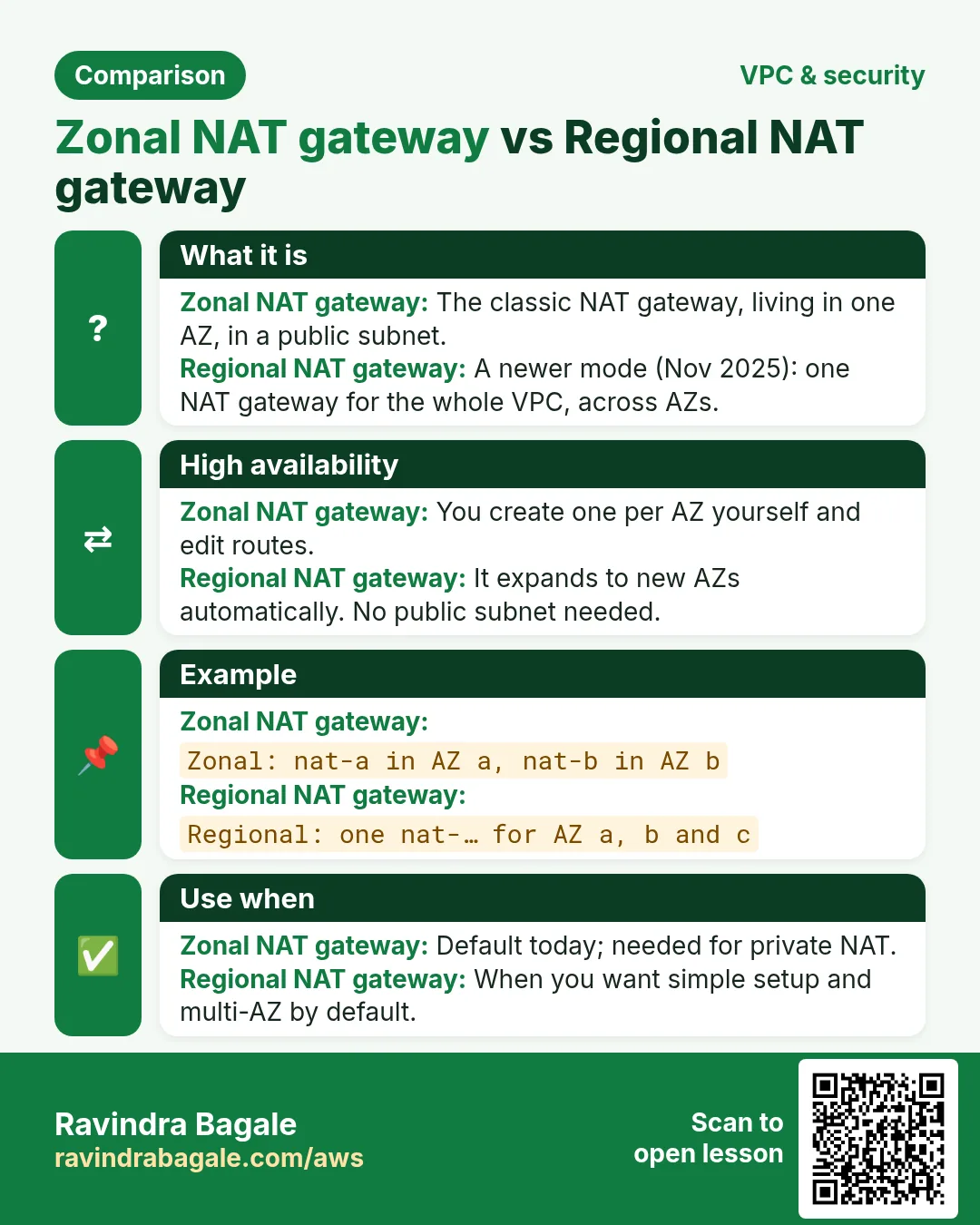
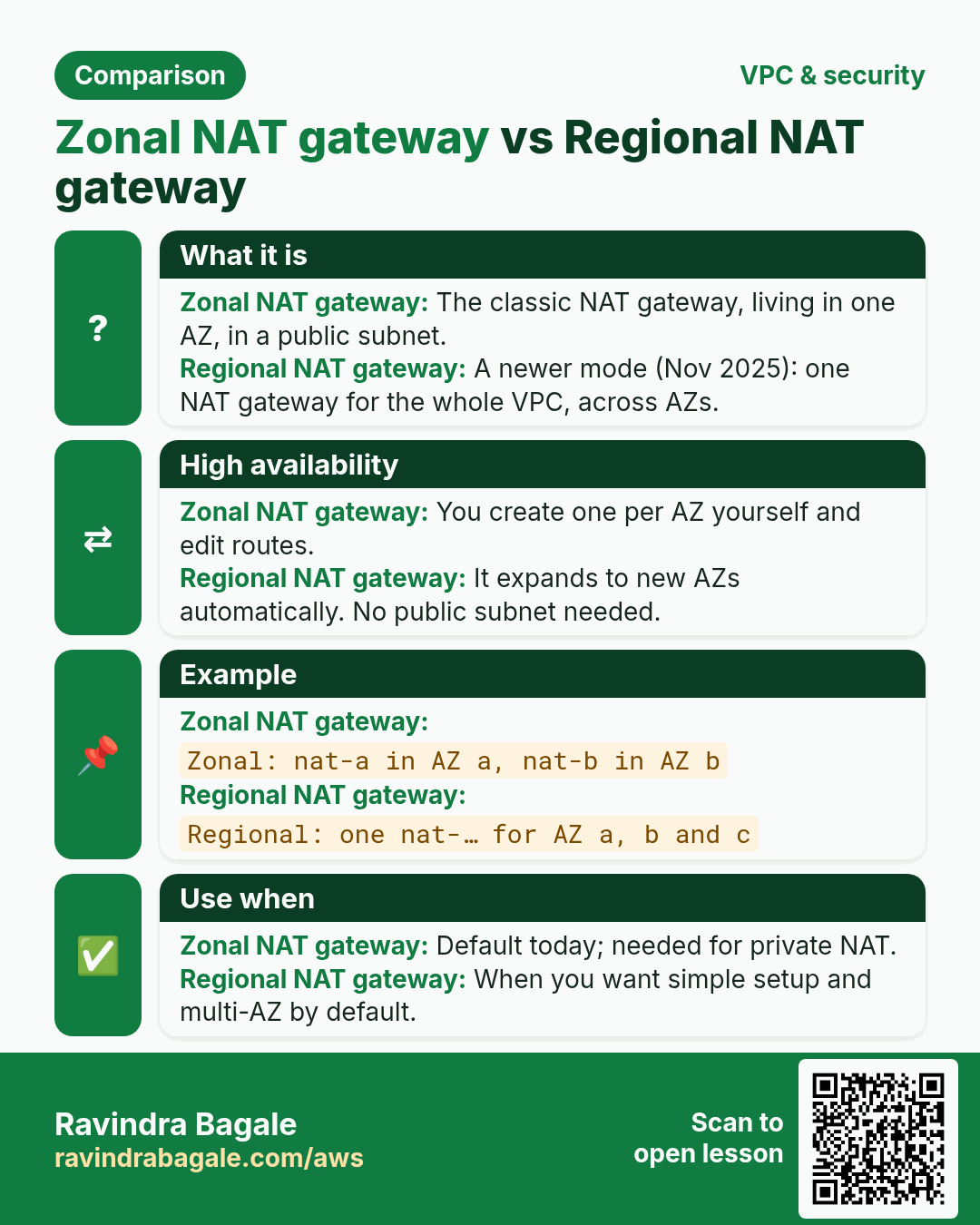
- Zonal vs regional NAT gateways
- A DB subnet group and an RDS MySQL database with no public access
- Security groups chained web → app → database
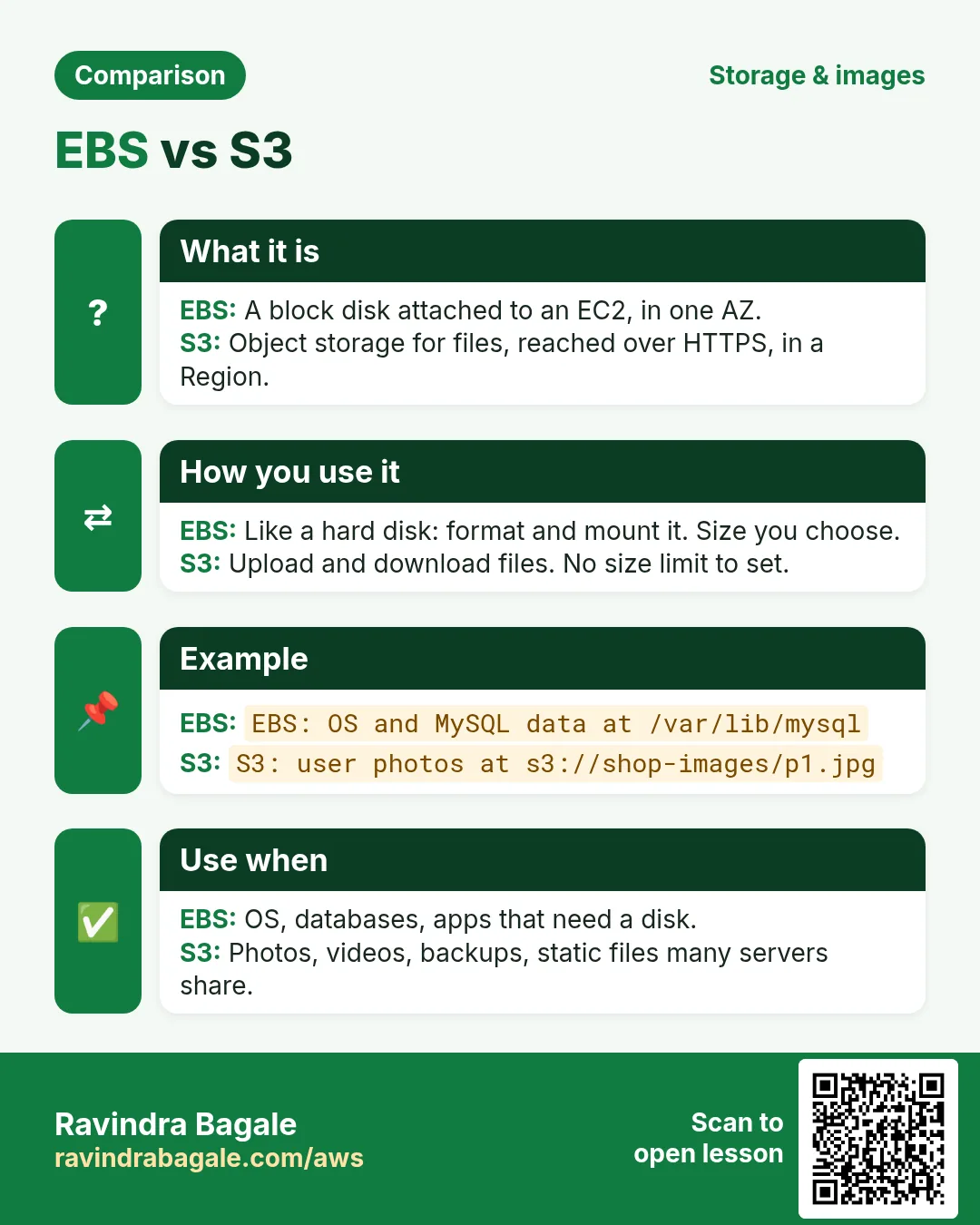
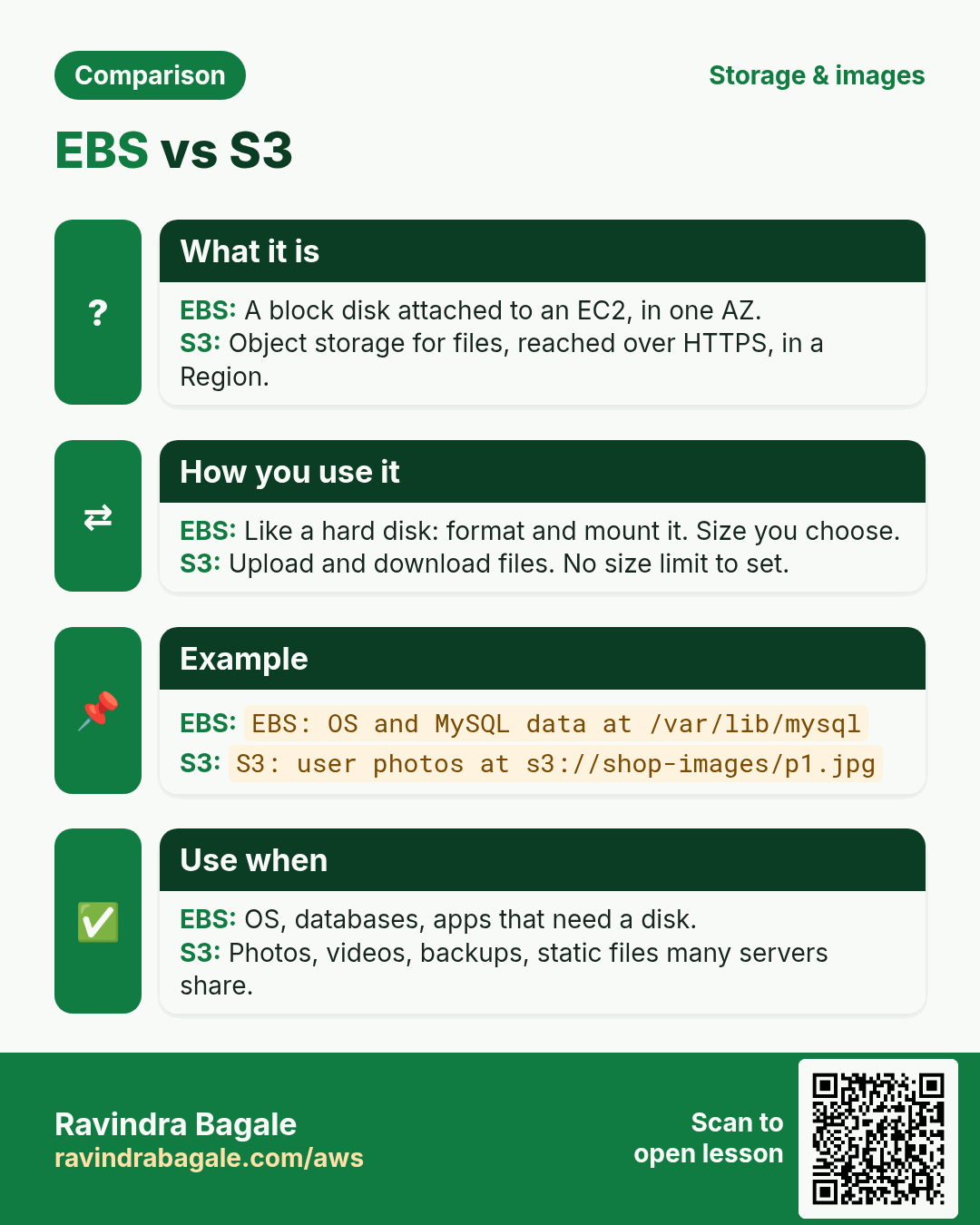
- EBS vs S3, and the S3 gateway endpoint
- IaaS, PaaS and SaaS
1. Why three tiers
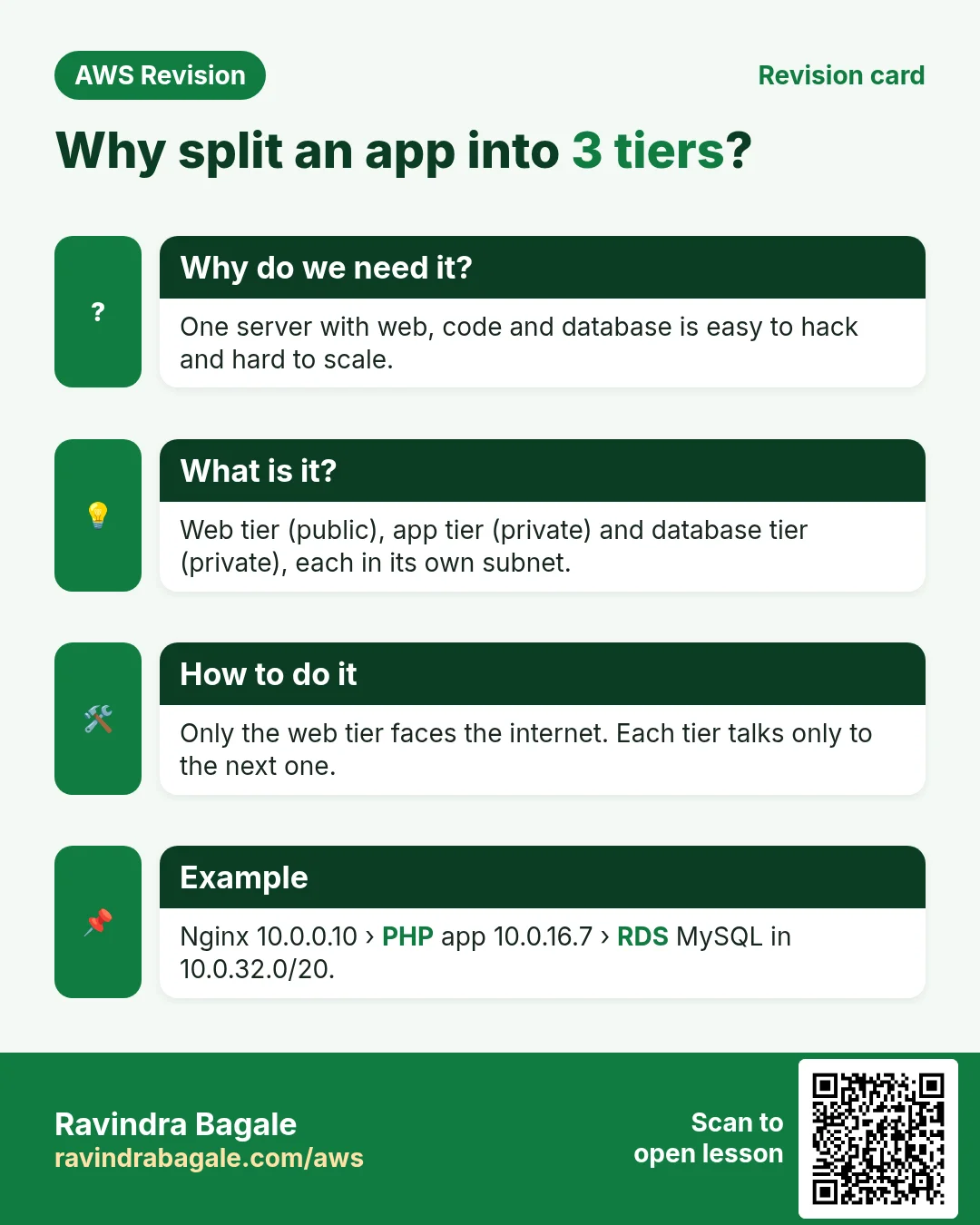
Why: suppose we are building a photo-sharing app. If the web page, the business code and the database all run on one public server, one hole in the web server exposes the database too, and you can't grow one part without growing everything.
- Web tier: the only tier the internet can reach. It receives the browser's request.
- App tier: the business code (here PHP). It has no public IP.
- Database tier: the data. Only the app tier can talk to it.
- Each tier sits in its own subnet with its own security group, so an attacker who reaches the web server still can't reach the database directly.
The idea of tiers and chained security groups is in What Is AWS VPC and How to Calculate CIDR IP Ranges. Here we build it.
Classroom line
There should be no confusion at all.
Class मधलं वाक्य
"Ajibat confusion vhaycha nahiye."
अजिबात confusion व्हायचं नाहीये.
Classroom line
There should be no confusion at all.
2. The plan on paper
What we build (Region us-east-1):
| Name | CIDR | AZ | Type |
|---|---|---|---|
| ThreeTierVpc | 10.0.0.0/16 |
- | VPC, tenancy Default |
| WebSubnet | 10.0.0.0/20 |
us-east-1a | public |
| AppSubnet | 10.0.16.0/20 |
us-east-1b | private |
| DBSubnet | 10.0.32.0/20 |
us-east-1c | private |
| DBSubnet2 | 10.0.48.0/20 |
us-east-1a | private |
Worked example: why these four CIDRs don't overlap
- A
/20holds 4,096 IPs, which is 16 values of the 3rd octet. - WebSubnet:
10.0.0.0to10.0.15.255. - AppSubnet starts at the next IP:
10.0.16.0to10.0.31.255. - DBSubnet:
10.0.32.0to10.0.47.255. - DBSubnet2:
10.0.48.0to10.0.63.255. - Usable in each: 4,096 − 5 = 4,091.
The binary method is in How to Create Public and Private Subnets in AWS VPC.
Figure 1. The three-tier VPC: a public web subnet with the web server and the NAT gateway, a private app subnet, and two private DB subnets in two AZs for RDS.
3. Step 1: the VPC, subnets and the public route table
- VPC > Your VPCs > Create VPC, VPC only, name
ThreeTierVpc, CIDR10.0.0.0/16, tenancy Default. - Subnets > Create subnet: create
WebSubnet,AppSubnetandDBSubnetfrom the table. - Internet gateways > Create:
ThreeTierIGW, then Actions > Attach to VPCThreeTierVpc. - Route tables > Create:
ThreeTierPublicRouteTable, add route0.0.0.0/0→ThreeTierIGW. - Subnet associations: associate only
WebSubnet. - App and DB subnets stay on the main route table, which has only the
localroute, so they are private.
4. Step 2: the web server
- Launch an Amazon Linux 2023 instance
WebServerinWebSubnet, Auto-assign public IP enabled. - Security group
web-sg: SSH 22 and HTTP 80 from0.0.0.0/0(for practice; in real work limit SSH to your own IP). - Connect and install Nginx:
sudo yum install nginx -y
sudo service nginx start
- Open
http://<web-public-ip>/: the Nginx welcome page loads.
5. Step 3: the app server
- Launch
AppServerinAppSubnet, Auto-assign public IP disabled. - Security group
app-sg: SSH 22 and HTTP 80 with source =web-sg(the web server's security group). Using the security group, not the web server's IP, keeps working even if the web server is replaced. - Your laptop can't reach it: it has no public IP.
How to log in: use the web server as a jump host. The clean way keeps the key on your laptop:
ssh -J ec2-user@<web-public-ip> ec2-user@<app-private-ip>
Why this is safer than copying the key to the web server is in How to Access a Private EC2 with a Bastion Host and NAT Gateway.
Classroom line
It's simple, we just have to launch a server.
Class मधलं वाक्य
"Simple aahe, ek server launch karaychay."
Simple आहे, एक server launch करायचाय.
Classroom line
It's simple, we just have to launch a server.
6. Step 4: a NAT gateway so the app server can install software
Why: sudo yum install php -y on the app server fails: its route table has no way to the internet.
- NAT gateways > Create NAT gateway: name
ThreeTierNAT, subnetWebSubnet(a public subnet), connectivity Public, Allocate Elastic IP. - Route tables > Create:
ThreeTierPrivateRouteTable, route0.0.0.0/0→ThreeTierNAT, associateAppSubnet. - The NAT gateway has no route table of its own. The route to it lives in the private subnet's route table.
- On the app server, install and start PHP and Nginx:
sudo yum install php -y
sudo yum install nginx -y
sudo service php-fpm start
sudo service nginx start
- In
/usr/share/nginx/html/, removeindex.htmland createindex.php:
```
App tier
```
- Test on the app server itself:
curl http://localhost/index.phpprints the PHP page.
How the NAT gateway translates addresses is in How to Access a Private EC2 with a Bastion Host and NAT Gateway.
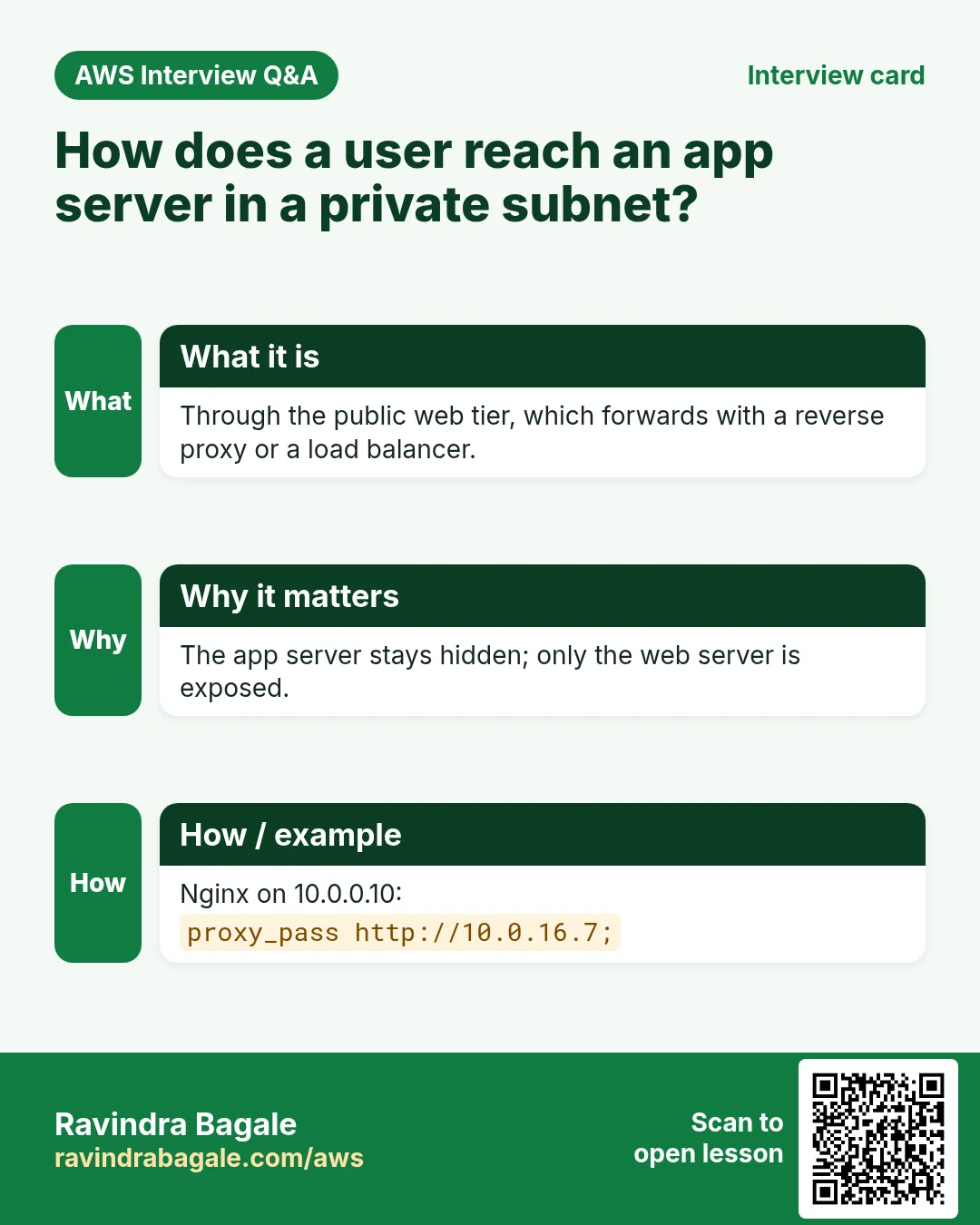
7. Step 5: the web server forwards to the app server
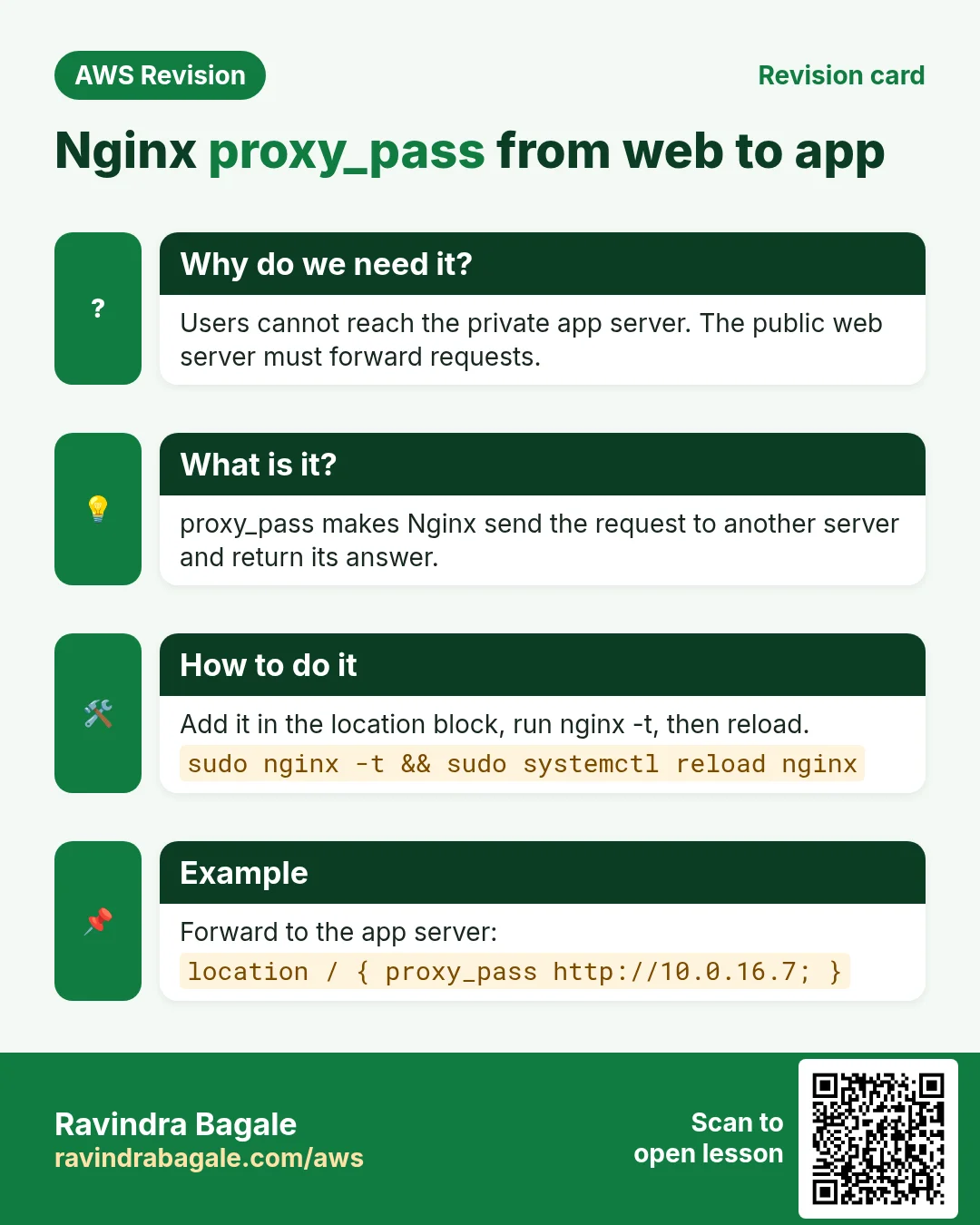
- On the web server, edit
/etc/nginx/nginx.conf. Inside theserverblock, set:
location / {
    proxy_pass http://<app-private-ip>:80;
}
- Check and reload:
sudo nginx -t
sudo service nginx reload
- Open
http://<web-public-ip>/in the browser: you now see the PHP page that runs on the private app server.
Figure 2. Animation: the browser reaches only the web server; Nginx passes the request to the app server's private IP; PHP queries RDS on port 3306; the answer goes back the same way.
8. The NAT gateway only for installs
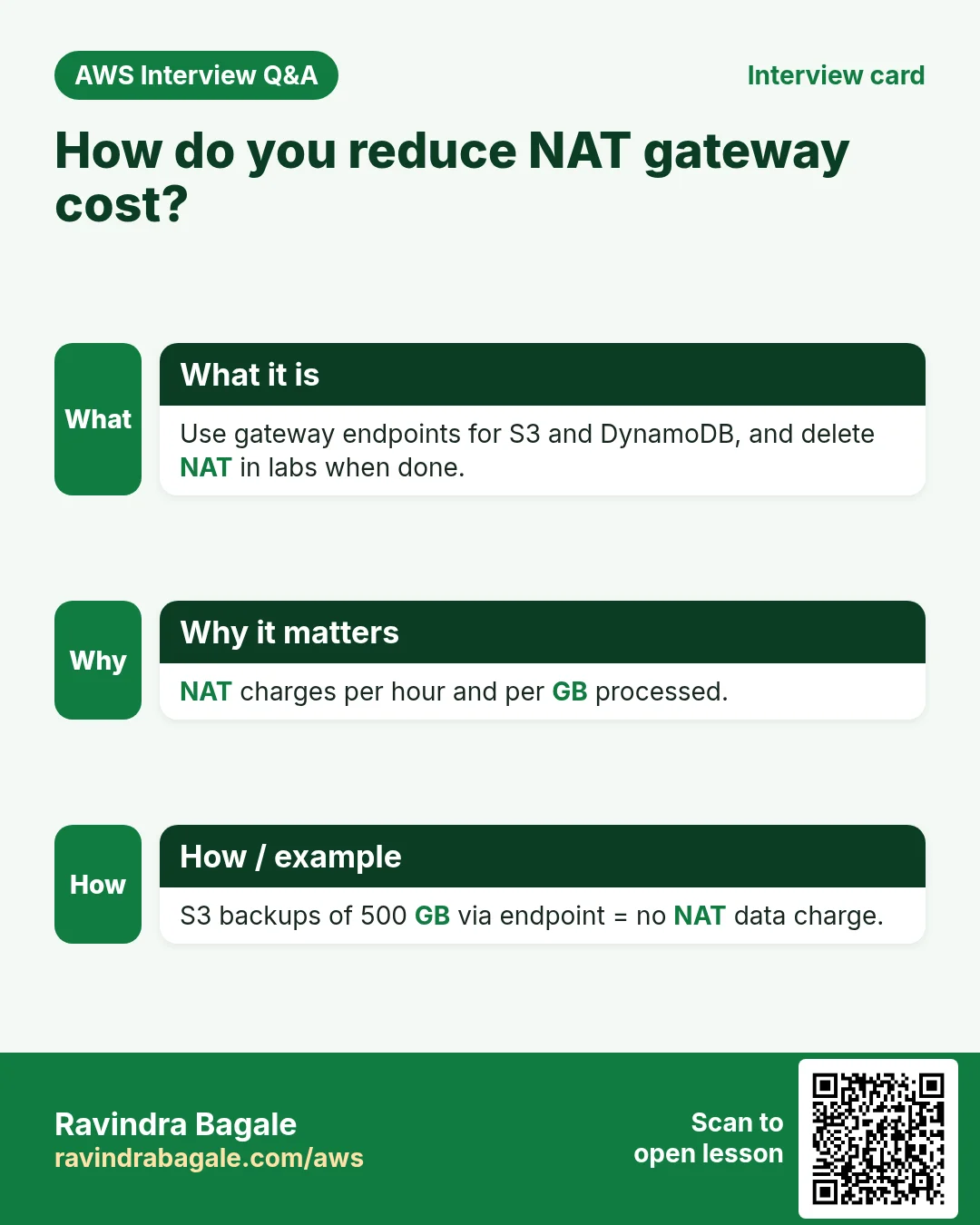
Why: a NAT gateway is charged for every hour it exists and for every GB it processes, and its Elastic IP is charged too. The app server needs the internet only when it installs or updates software.
- Create the NAT gateway and the
0.0.0.0/0route. - Install the software. Check the internet with
ping google.comorcurl -I https://aws.amazon.com. - Delete the NAT gateway, release its Elastic IP, and remove the route (it becomes a blackhole route).
- Next time you need updates, create it again.
In production, servers usually keep the NAT gateway, because they patch often and pull packages at boot.
Classroom line
You need internet only when installing new software, not otherwise.
Class मधलं वाक्य
नवीन software install करायचं असेल तेव्हाच internet लागतं, बाकी वेळ नाही.
Classroom line – हिंदी
"Jab bhi naya software install karna ho, tabhi internet lagta hai, baki time nahi."
9. Zonal vs regional NAT gateway
- Zonal NAT gateway (the classic one): lives in one public subnet in one AZ. If that AZ fails, private servers in other AZs lose their way out. For high availability you create one zonal NAT gateway per AZ, and each AZ's private route table points to its own.
- Regional NAT gateway (available since November 2025): one NAT gateway for the whole VPC that automatically expands to the AZs where your workloads run. It doesn't need a public subnet, and you don't edit route tables each time you add an AZ.
- For this practice build one zonal NAT gateway is enough.
10. Step 6: the DB subnet group
Why: RDS needs a DB subnet group with subnets in at least two AZs, so that it can place a standby in another AZ if you turn on Multi-AZ.
- Subnets > Create subnet:
DBSubnet2,us-east-1a,10.0.48.0/20. - RDS > Subnet groups > Create DB subnet group:
ThreeTierDBSubnetGroup, VPCThreeTierVpc, subnetsDBSubnet(1c) andDBSubnet2(1a).
11. Step 7: create the RDS MySQL database
- RDS > Create database > Standard create, engine MySQL, template Free tier.
- DB identifier
database-1, master usernameroot, and your own strong password (never put it on a page or in code you share). - Instance class
db.t3.microordb.t4g.micro, storage 20 GB gp2, storage autoscaling up to 1000 GB. - VPC
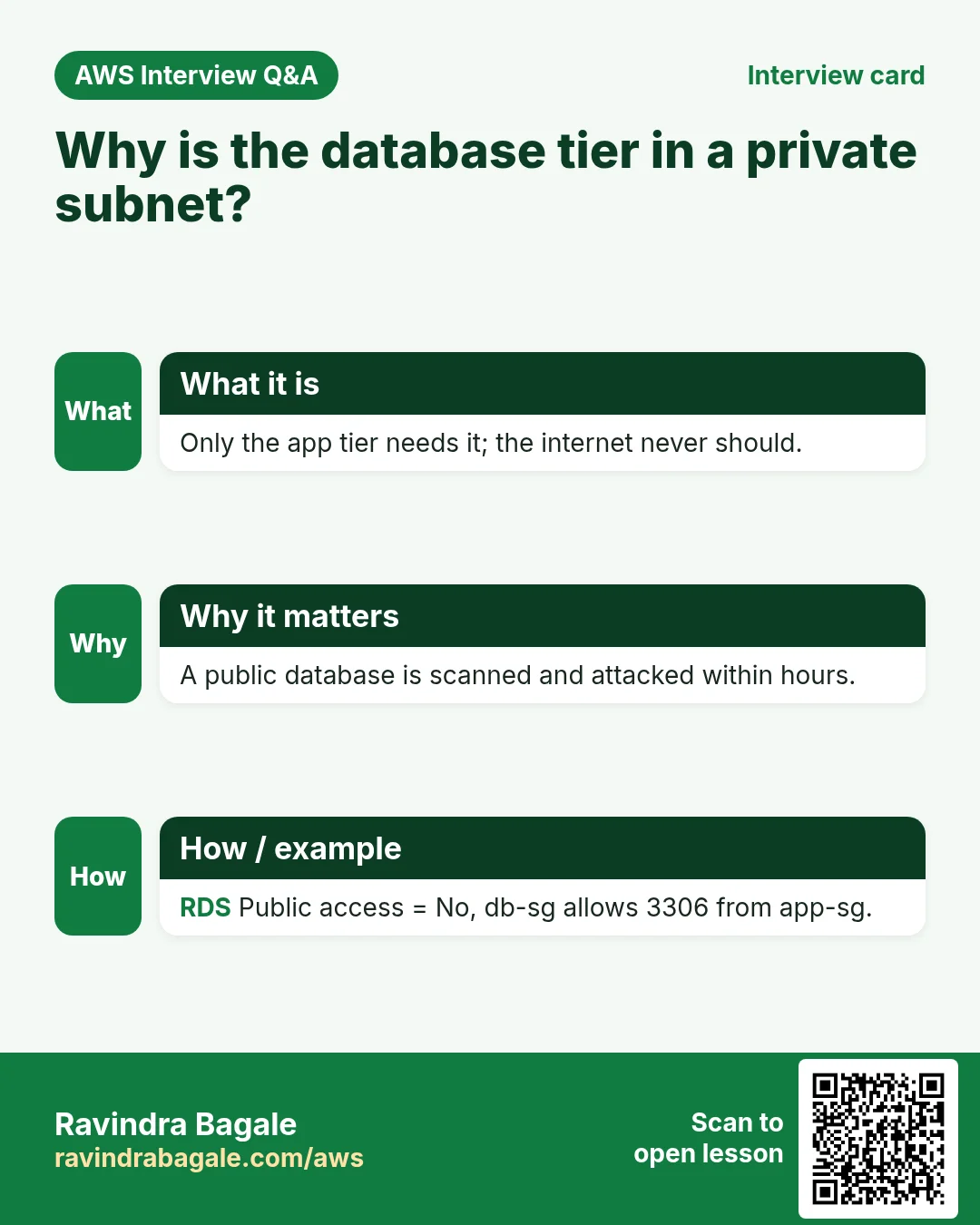
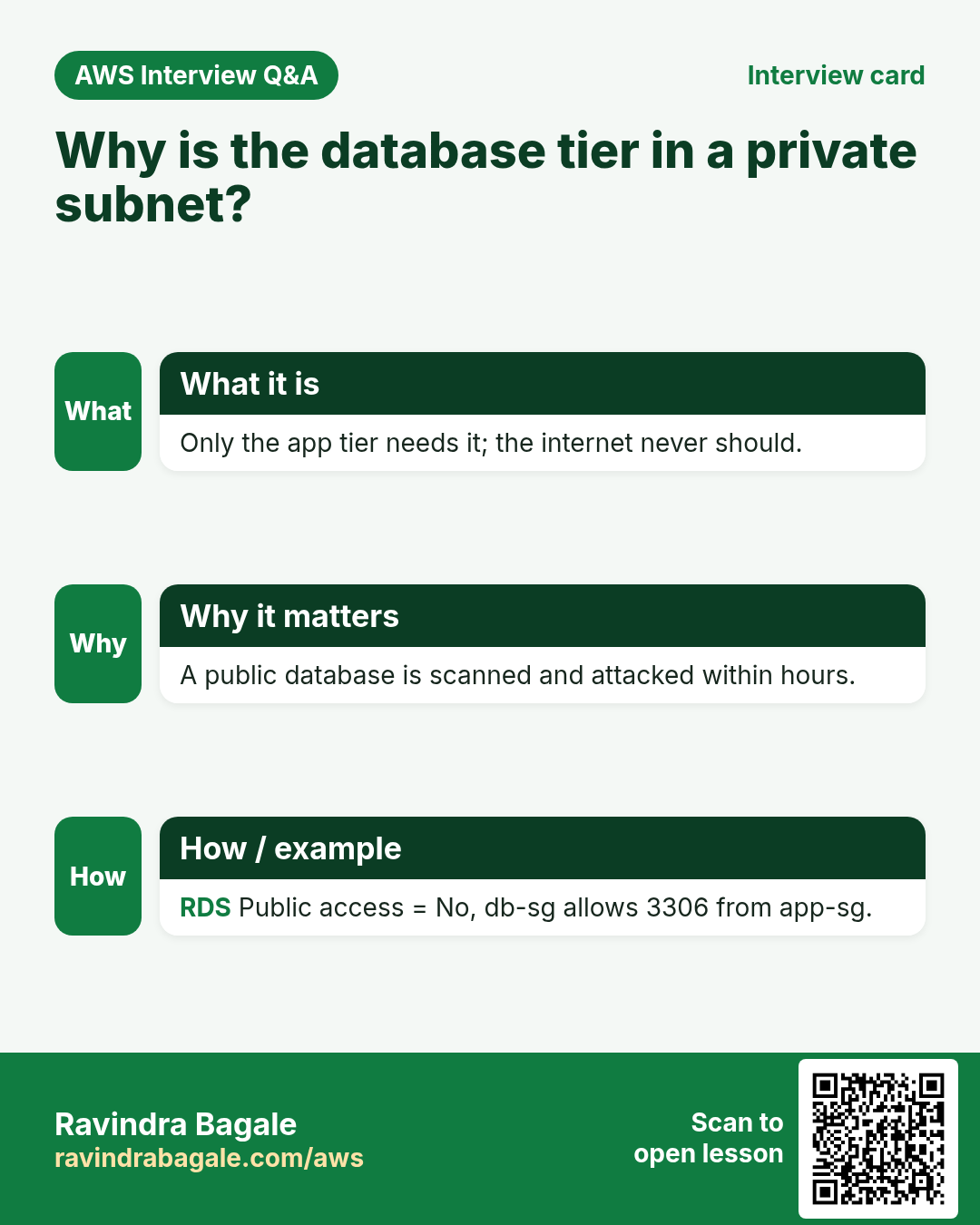
ThreeTierVpc, subnet groupThreeTierDBSubnetGroup, Public access: No. - New security group
db-sg. Create database and wait until it is Available.
Why RDS instead of MySQL on your own EC2, and Multi-AZ vs read replicas, are in Amazon RDS Multi-AZ vs Read Replicas Explained.
12. Step 8: connect from the app server
- On the app server install the MariaDB client:
sudo yum install mariadb105 -y
- Connect:
mysql -h <rds-endpoint> -u root -p. - If it hangs and then says it can't connect, the database security group is blocking you. Add to
db-sgan inbound rule MYSQL/Aurora, TCP 3306, sourceapp-sg. - Now the connection works. Create the database and a table:
CREATE DATABASE insta;
USE insta;
CREATE TABLE IF NOT EXISTS users (
  id INT AUTO_INCREMENT PRIMARY KEY,
  username VARCHAR(100) NOT NULL,
  password VARCHAR(255) NOT NULL,
  mobile VARCHAR(20) NOT NULL
);
SHOW TABLES;
SELECT * FROM users;
- For PHP pages to talk to MySQL, the app server also needs the PHP MySQL driver:
sudo yum install php-mysqlnd -y, thensudo service php-fpm restart.
The chain of security groups:
web-sg: 80 from0.0.0.0/0.app-sg: 80 fromweb-sg.db-sg: 3306 fromapp-sg.
Each tier accepts traffic only from the tier in front of it. A PHP form that writes into a table like this is built in How to Create a Registration Form in PHP and MySQL.
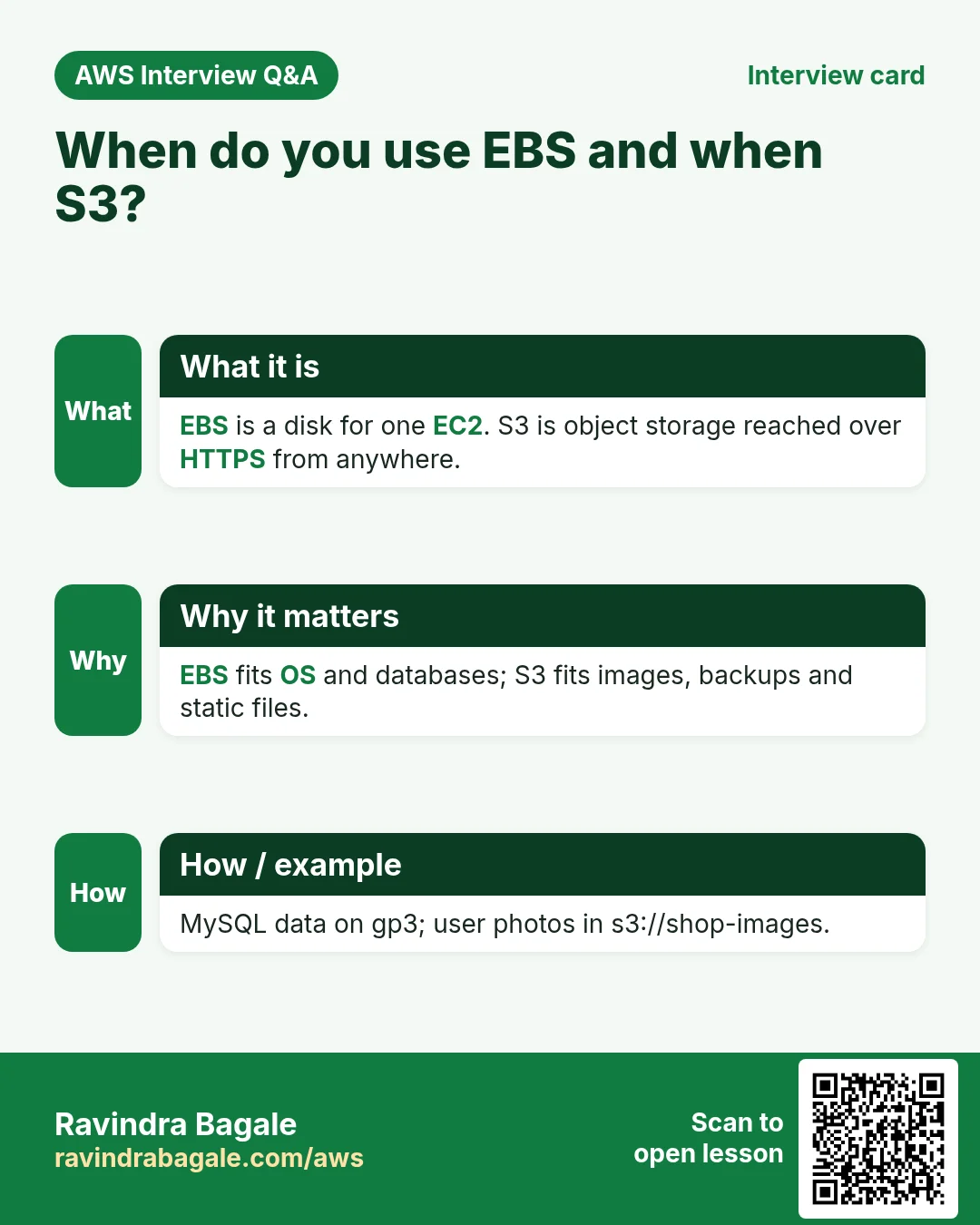
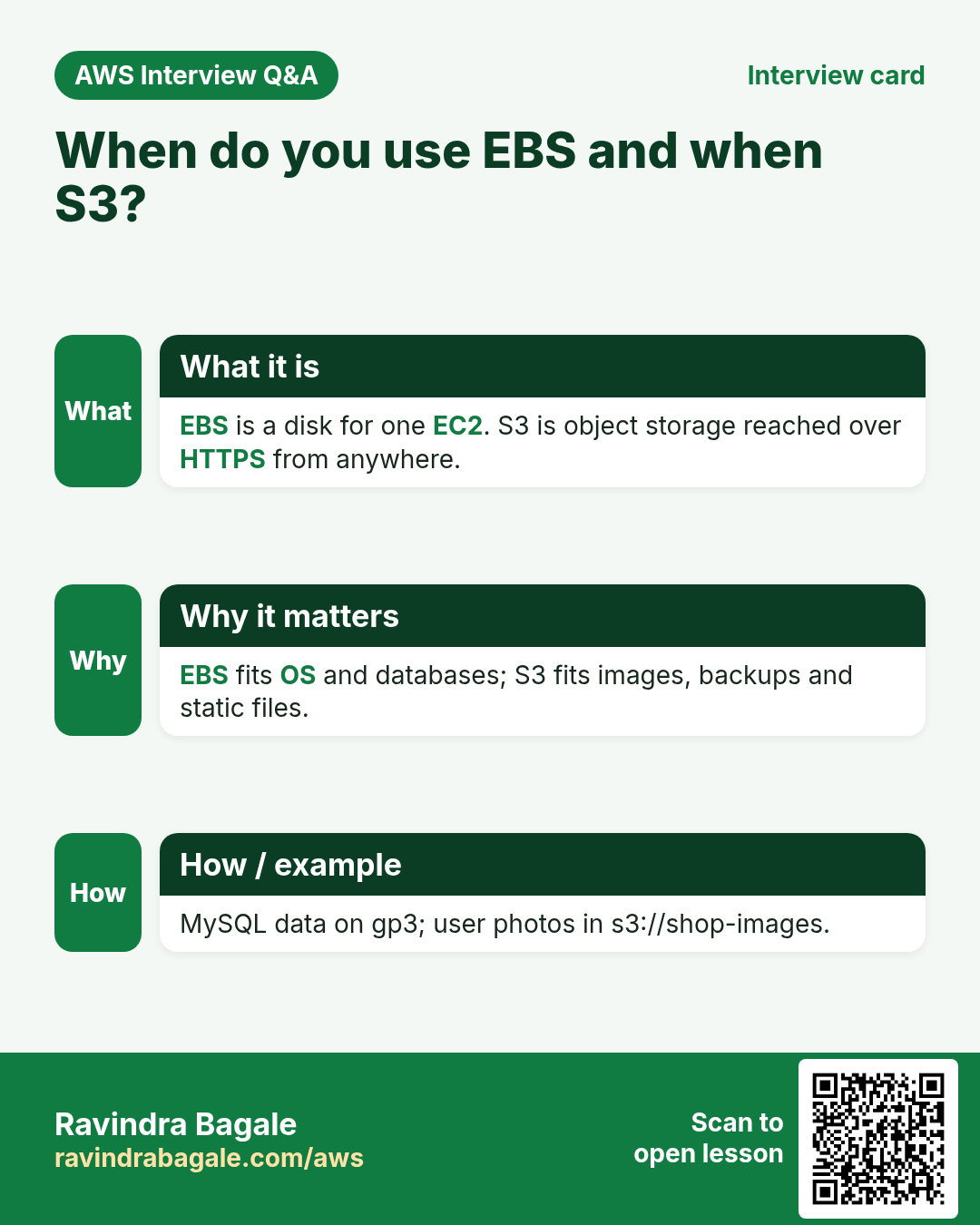
13. Where do photos and videos go: EBS vs S3
Why: suppose we are Instagram and store 100 TB of reels. Putting them on EBS disks of the app servers would be the wrong tool.
| EBS | S3 | |
|---|---|---|
| Type | block storage, a disk for one server | object storage, files over HTTPS |
| You pay for | the size you provision | the GB you actually store |
| Size | you pick a size and grow it yourself | practically unlimited |
| Where | in one AZ, attached to an instance | a Regional service outside your VPC |
Worked example: an 8 GB EBS root volume that holds 2 GB of files is still billed for 8 GB. In S3 you pay for the 2 GB.
So the database (in RDS) stores the text data and the file's name or URL, and the photo or video itself goes to S3.
Classroom line
S3 lives outside the VPC and AWS manages it.
Class मधलं वाक्य
S3 VPC च्या बाहेर असतं, AWS manage करतं.
Classroom line – हिंदी
"S3 VPC ke bahar rehta hai, AWS manage karta hai."
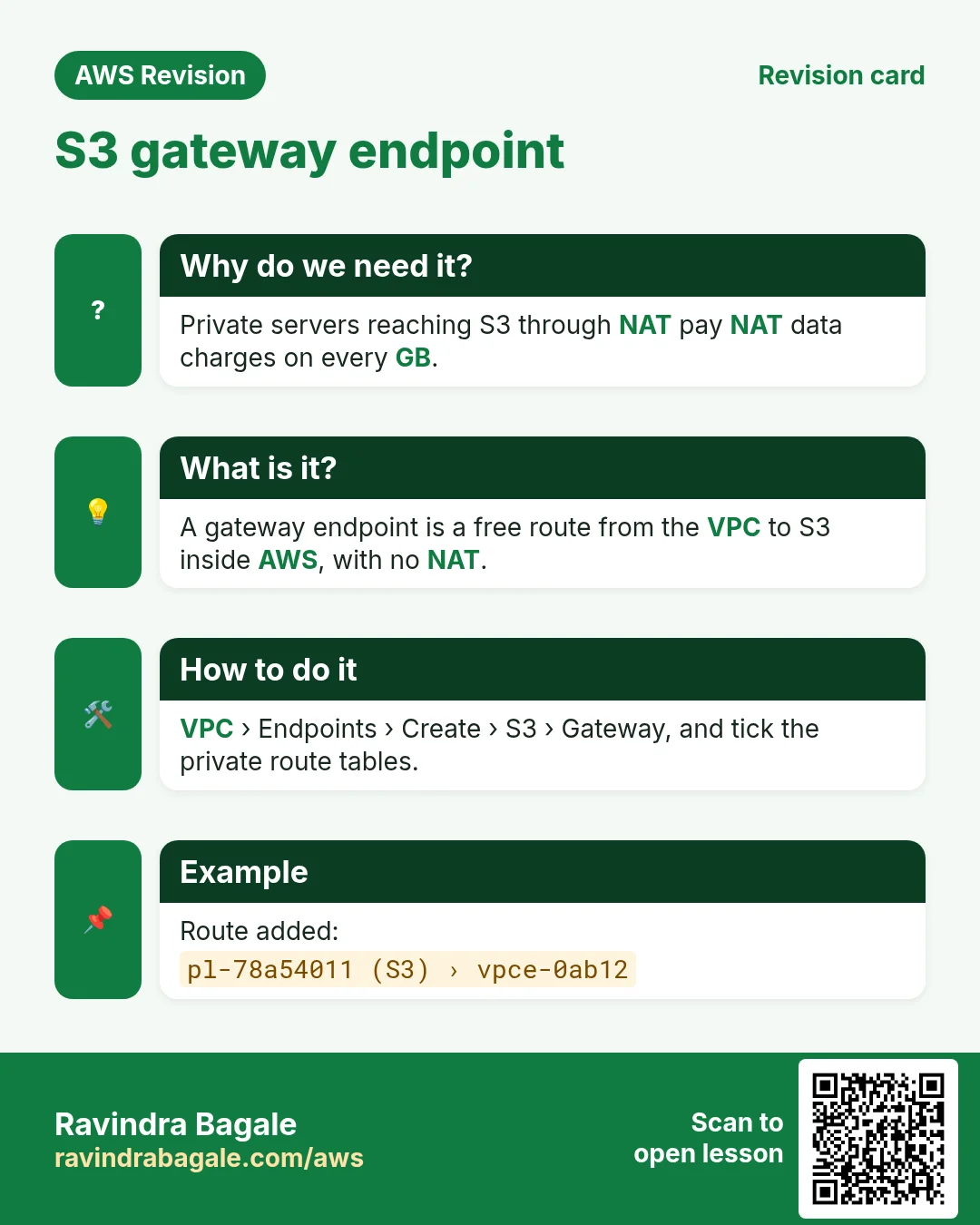
S3 gateway endpoint: a private server would normally reach S3 through the NAT gateway and pay NAT data charges. A gateway VPC endpoint for S3 adds a route in your route table that sends S3 traffic straight to S3 on AWS's network. Gateway endpoints for S3 have no extra charge.
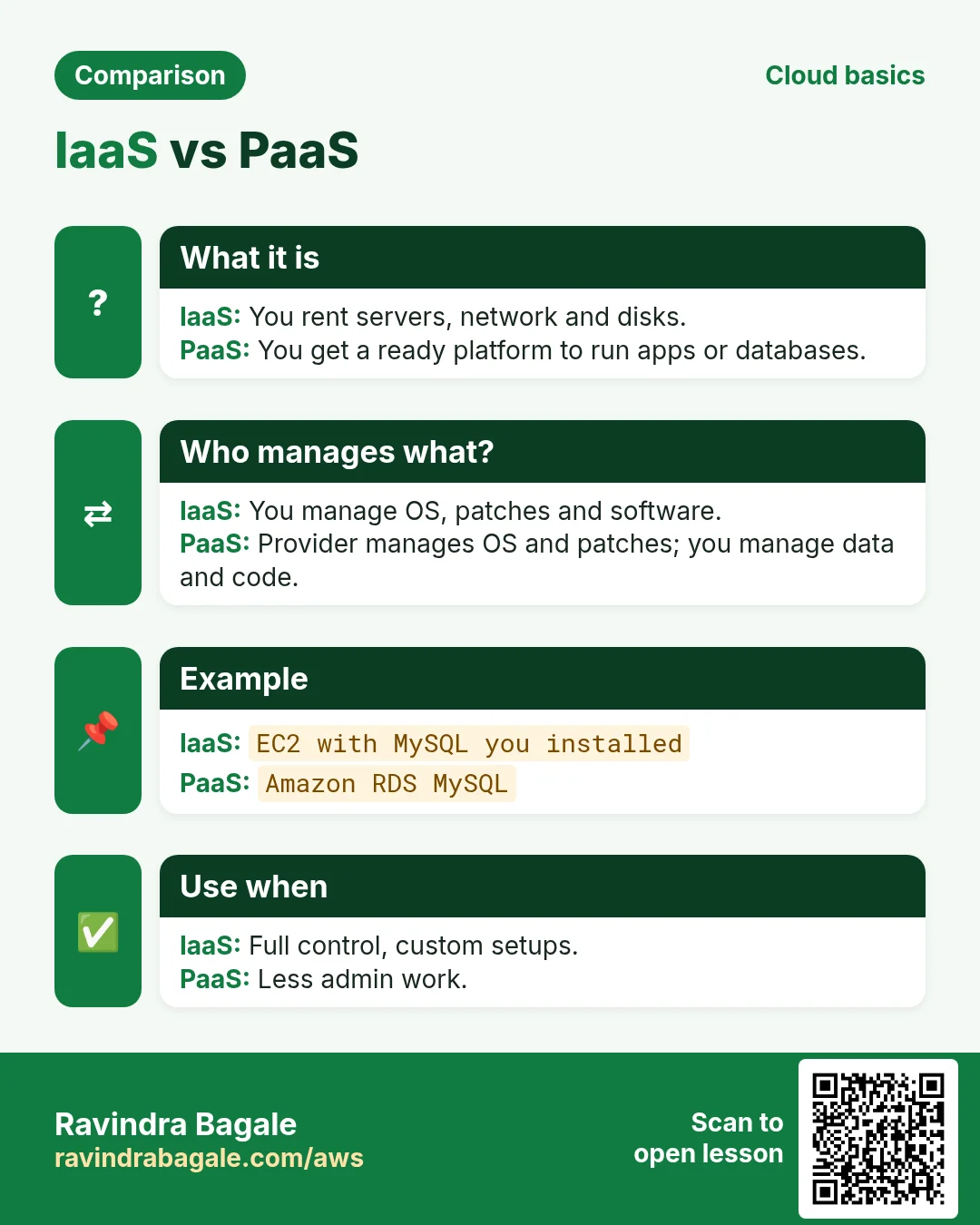
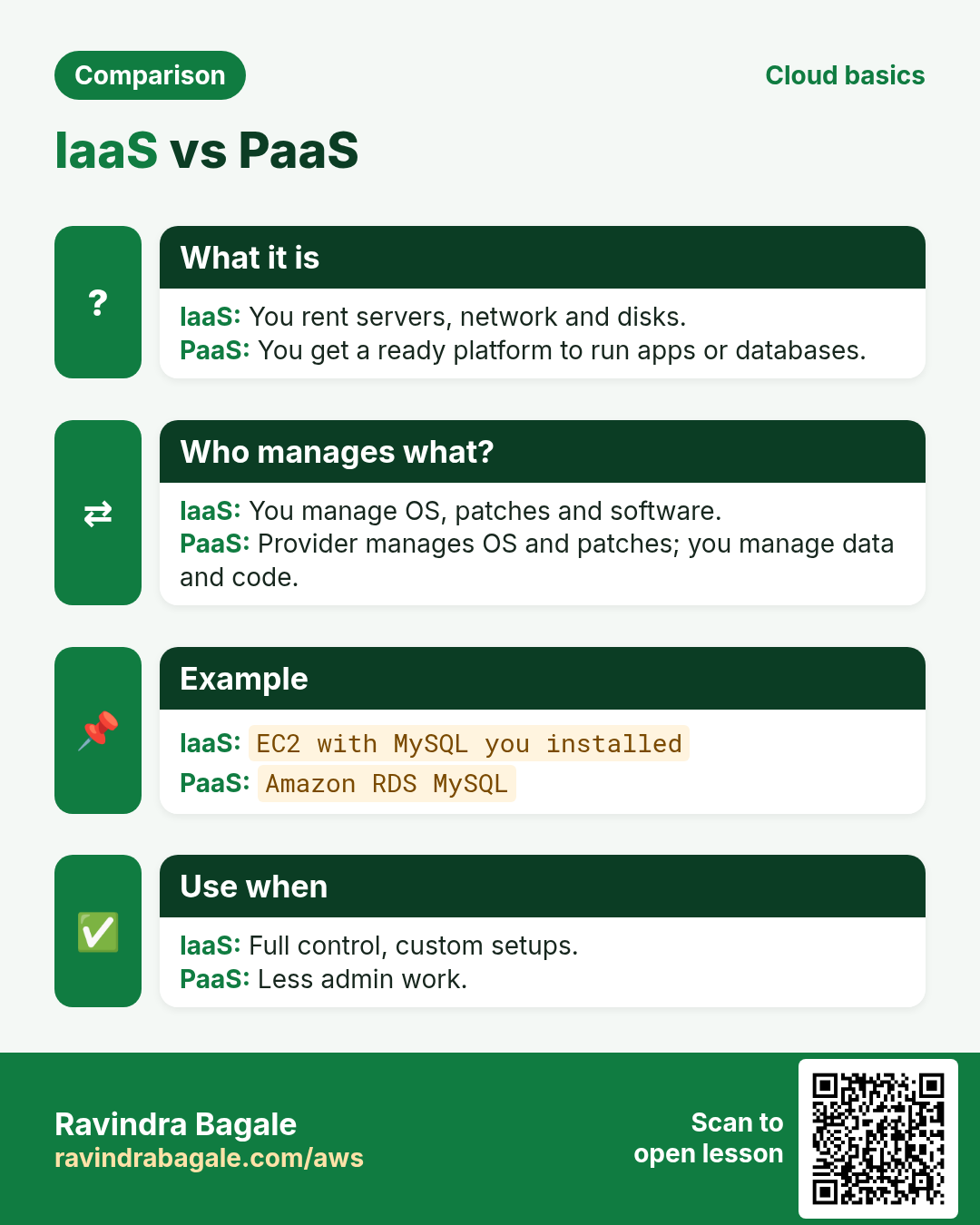
14. IaaS, PaaS and SaaS
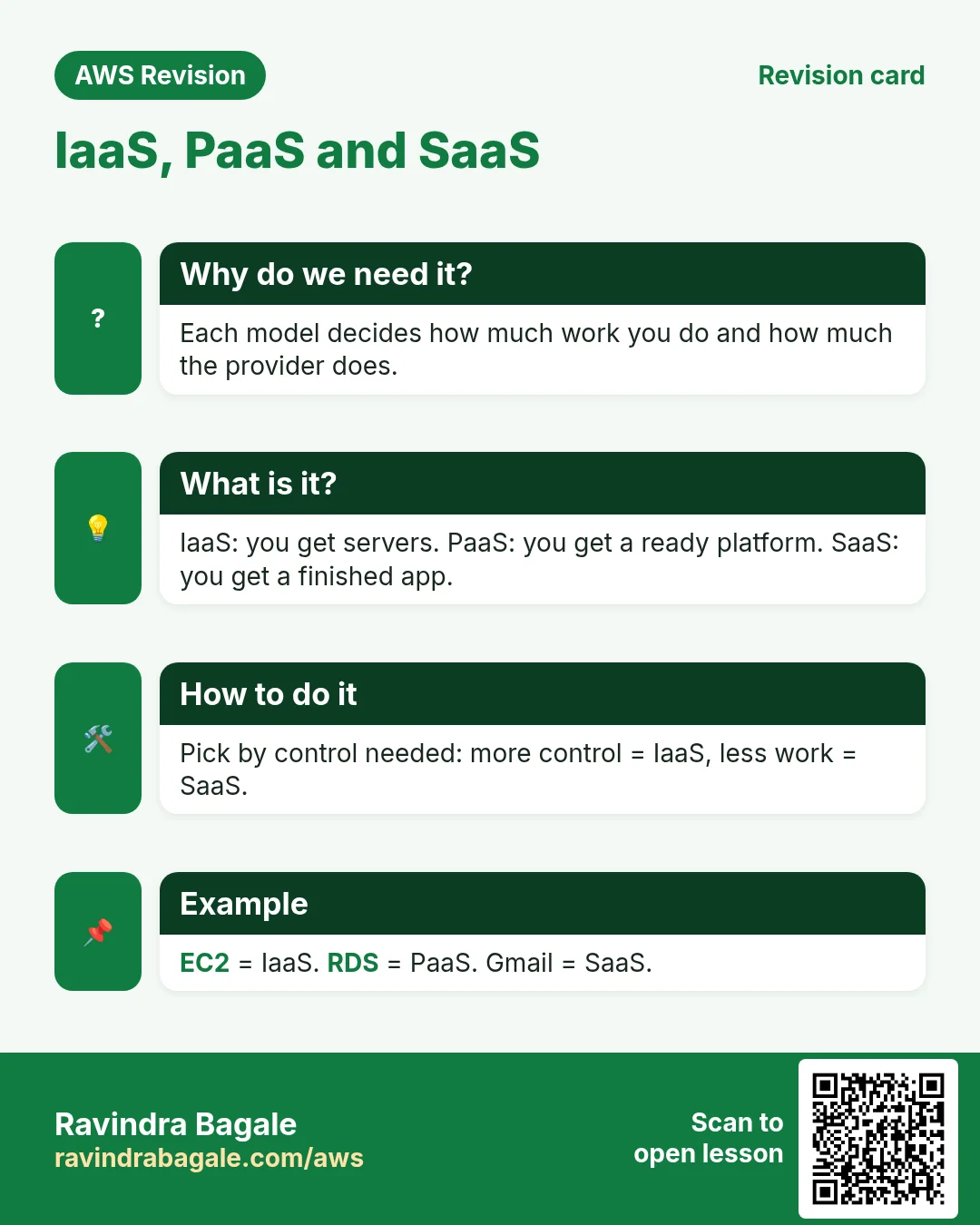
- IaaS (Infrastructure as a Service), for example EC2: AWS gives you the virtual hardware. You install and patch the operating system, the database engine and your app.
- PaaS (Platform as a Service), for example RDS: AWS runs and patches the OS and the MySQL engine and takes backups. You manage the data, tables and users.
- SaaS (Software as a Service), for example Gmail: the whole application is ready. You just sign in and use it.
- S3 is a fully managed storage service: you only upload and download objects, and AWS runs everything behind it.
Figure 3. Who manages what in IaaS (EC2), PaaS (RDS) and SaaS (Gmail).
15. When something goes wrong
- The web page shows 502 Bad Gateway: Nginx on the web server can't reach the app server. Check the private IP in
proxy_pass, that Nginx and php-fpm run on the app server, and thatapp-sgallows 80 fromweb-sg. yum installhangs on the app server: no route to a NAT gateway, or the NAT gateway was deleted (blackhole route).mysql -h ...times out:db-sgdoesn't allow 3306 fromapp-sg, or you connect from a server outside the VPC while Public access is No.- RDS refuses the subnet group: it needs subnets in at least two AZs.
- The bill is higher than expected: a NAT gateway or an unattached Elastic IP is still there. Delete what you don't use.
Ravindra Bagale's Tip
Build the tiers in order and test each one before the next: web page first, then curl on the app server, then proxy_pass, then MySQL. When something breaks, you then know exactly which link of the chain to check.
Next step: the production-style version of this build, with two Availability Zones, load balancers and Auto Scaling, click by click: How to Build a 3-Tier Architecture in AWS Step by Step (VPC, ALB, Auto Scaling, RDS).
16. The whole class on one page
- Three tiers: web (public), app (private), database (private), each with its own subnet and security group.
- VPC
10.0.0.0/16;/20subnets at10.0.0.0,10.0.16.0,10.0.32.0,10.0.48.0. - Only the web subnet's route table has
0.0.0.0/0→ IGW. - The private app server is reached with
ssh -Jthrough the web server. - Nginx on the web server sends requests to the app server with
proxy_pass. - A NAT gateway in a public subnet gives private servers a way out; the route is in the private route table.
- A NAT gateway costs money every hour; for practice, create it for installs and delete it after.
- Zonal NAT = one AZ; regional NAT = one gateway that follows your workloads across AZs.
- RDS needs a DB subnet group with subnets in at least two AZs; keep Public access at No.
- Security groups chain: 80 from
web-sg, 3306 fromapp-sg. - Media goes to S3 (pay per GB stored), not EBS (pay for provisioned size); an S3 gateway endpoint avoids NAT charges.
- IaaS = EC2, PaaS = RDS, SaaS = Gmail.
17. Try at home
Try at home
Task 1: on paper
- Draw the VPC with the four subnets, the IGW, the NAT gateway and the two route tables.
- Write the inbound rules of
web-sg,app-sganddb-sg.
Task 2: in the console
- Build the web and app tiers and get the PHP page through the web server's public IP.
- Create the RDS database, connect from the app server, and create the
userstable.
Task 3: clean up
- Delete the RDS database, the NAT gateway, and release the Elastic IP.
- Terminate both instances, then delete the subnets, route tables, IGW and the VPC.
Recap
In short
- Only the web tier is public; app and database stay private.
- Nginx
proxy_passconnects web to app; security groups chain web → app → database. - The NAT gateway is for outbound traffic only, and it costs money while it exists.
- RDS lives in a DB subnet group across two AZs, with no public access.
- Store media in S3, not on EBS.
- EC2 is IaaS, RDS is PaaS, Gmail is SaaS.
Practice Tasks
Shivneri Schools is a education business in Junnar. Kavita Shinde looks after its IT and cloud work. They count money in INR and run their AWS resources in the ap-south-1 Region. In the tasks below you do real jobs for them using what this lesson teaches. All names, account IDs, IP addresses and numbers are made up for practice.
0 / 12
Easy How many addresses in a /16?
Why: Picking a VPC size needs this count.
What to do: Shivneri Schools plans the VPC 10.64.0.0/16. How many IP addresses does it hold in total?
- Write down the numbers the task gives you.
- Work it out step by step on paper.
- Type only the final answer in the box.
- Click Check answer.
Easy Create a VPC
Why: A VPC is your own private network in AWS. Everything else lives inside it.
What to do: Create a VPC with the CIDR block 10.7.0.0/16.
- Read the task and decide which AWS service it is about.
- Write aws, then the service name, then the operation (the action word).
- Add each needed flag (--name) followed by its value from the task.
- Flags can be in any order. Click Check answer.
Easy Create an internet gateway
Why: Without an internet gateway, nothing in the VPC can reach the internet.
What to do: Create a new internet gateway.
- Read the task and decide which AWS service it is about.
- Write aws, then the service name, then the operation (the action word).
- Add each needed flag (--name) followed by its value from the task.
- Flags can be in any order. Click Check answer.
Medium Create a subnet in one AZ
Why: Subnets split the VPC range and each one lives in exactly one AZ.
What to do: In vpc-03ec55255edeadbee, create subnet 10.7.1.0/24 in ap-south-1a.
- Read the task and decide which AWS service it is about.
- Write aws, then the service name, then the operation (the action word).
- Add each needed flag (--name) followed by its value from the task.
- Flags can be in any order. Click Check answer.
Medium Add the internet route
Why: A subnet is "public" only when its route table sends 0.0.0.0/0 to an internet gateway.
What to do: In route table rtb-0103da55255dbb22, send all internet traffic (0.0.0.0/0) to igw-003da55255daa11.
- Read the task and decide which AWS service it is about.
- Write aws, then the service name, then the operation (the action word).
- Add each needed flag (--name) followed by its value from the task.
- Flags can be in any order. Click Check answer.
Medium Find the VPC router address
Why: AWS reserves base+1 for the router.
What to do: Which address does AWS reserve for the VPC router in subnet 10.64.4.0/24?
- Write down the numbers the task gives you.
- Work it out step by step on paper.
- Type only the final answer in the box.
- Click Check answer.
Medium Usable IPs in an AWS /24 subnet
Why: AWS keeps 5 addresses in every subnet.
What to do: How many addresses can Shivneri Schools use for servers in subnet 10.64.1.0/24 on AWS?
- Write down the numbers the task gives you.
- Work it out step by step on paper.
- Type only the final answer in the box.
- Click Check answer.
Medium Link a subnet to a route table
Why: Until you associate it, a subnet uses the main route table.
What to do: Associate subnet subnet-0103da55255dbb1 with route table rtb-0103da55255dbb22.
- Read the task and decide which AWS service it is about.
- Write aws, then the service name, then the operation (the action word).
- Add each needed flag (--name) followed by its value from the task.
- Flags can be in any order. Click Check answer.
Medium Attach the internet gateway
Why: A gateway does nothing until it is attached to a VPC.
What to do: Attach igw-003da55255daa11 to vpc-03ec55255edeadbee.
- Read the task and decide which AWS service it is about.
- Write aws, then the service name, then the operation (the action word).
- Add each needed flag (--name) followed by its value from the task.
- Flags can be in any order. Click Check answer.
Hard Pick the smallest prefix
Why: Right-sizing saves address space.
What to do: A subnet must hold 100 servers on AWS. What is the largest prefix number (smallest subnet) that fits? Answer like /25.
- Write down the numbers the task gives you.
- Work it out step by step on paper.
- Type only the final answer in the box.
- Click Check answer.
Hard Split a /24 into two
Why: Public and private subnets often split one block.
What to do: Split 10.64.8.0/24 into two equal subnets. Write both CIDRs separated by a comma.
- Write down the numbers the task gives you.
- Work it out step by step on paper.
- Type only the final answer in the box.
- Click Check answer.
Hard Create a NAT gateway
Why: Private servers use a NAT gateway (in a public subnet) to download updates.
What to do: Create a NAT gateway in public subnet subnet-0103da55255dbb1 using Elastic IP allocation eipalloc-003da55255ddd44.
- Read the task and decide which AWS service it is about.
- Write aws, then the service name, then the operation (the action word).
- Add each needed flag (--name) followed by its value from the task.
- Flags can be in any order. Click Check answer.
Quick revision cards
Revise this lesson in two minutes. Save the cards on your phone or download them as PNG files. The QR code on each card opens its lesson.
More cards: Ravi Sir's Cards.