CloudFront HTTPS, TLS and Custom Domains with ACM
In How to Host a Static Website on S3 we clicked through ACM and Route 53 once. In CloudFront Security we controlled who can watch. Now we go deeper into HTTPS itself: the two HTTPS legs, viewer protocol policy, TLS security policies, why the certificate must live in us-east-1, alternate domain names, SNI and the Route 53 alias. The lab puts cdn.yourdomain.com on HTTPS and proves it with curl.
What you'll learn in this chapter
- Viewer-to-edge vs edge-to-origin HTTPS
- Viewer protocol policy and origin protocol policy
- TLS security policies and SNI
- Why the ACM certificate must be in us-east-1
- Alternate domain names and the Route 53 alias
1. A story: the sealed envelope
You post a cheque. It goes from your house to the local post office, then from the post office to the bank. If only the first trip uses a sealed envelope, anyone on the second trip can read it. Real safety needs both trips sealed.
With CloudFront, your house is the browser, the post office is the edge and the bank is the origin.
2. Two HTTPS legs
Why do we need this?
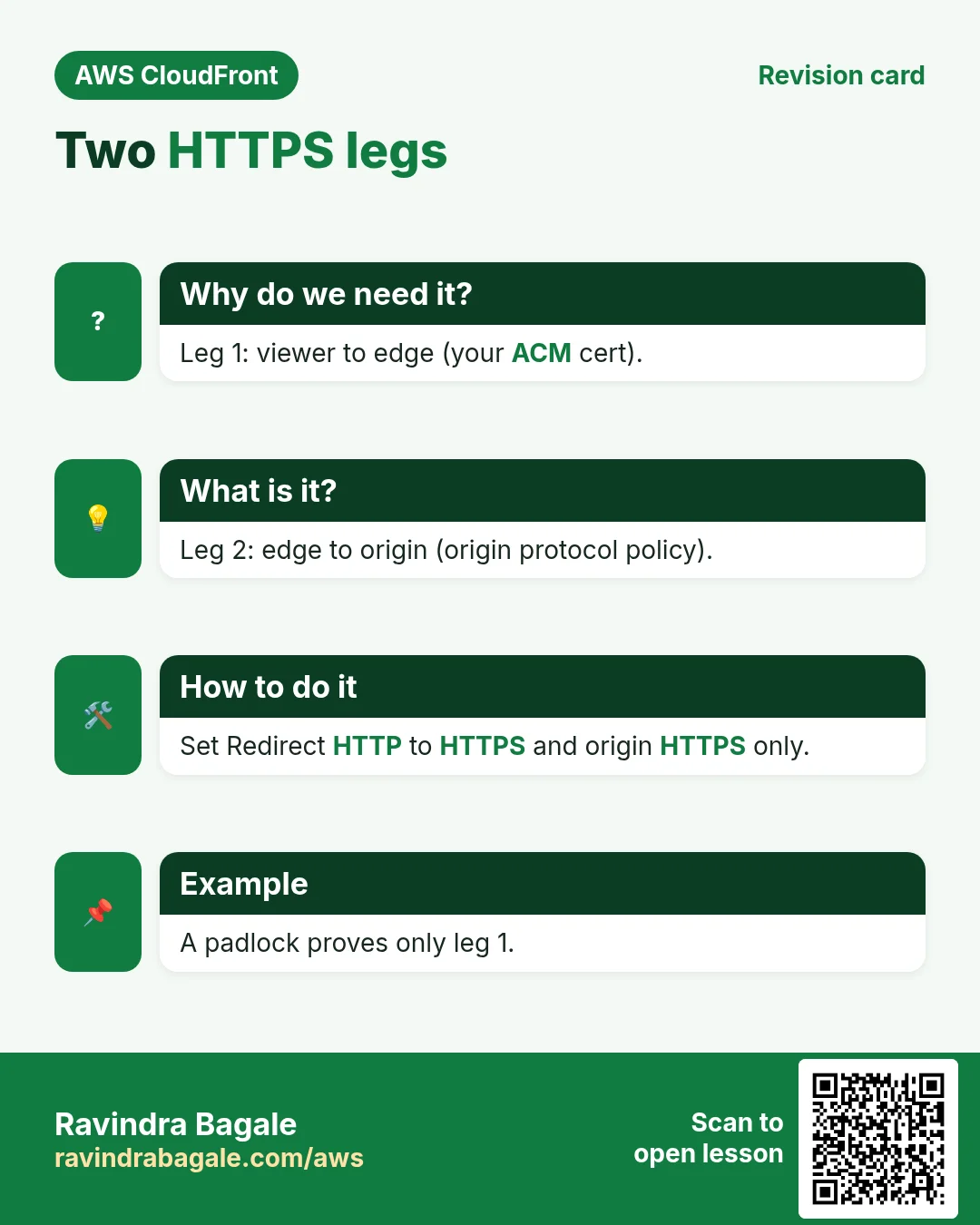
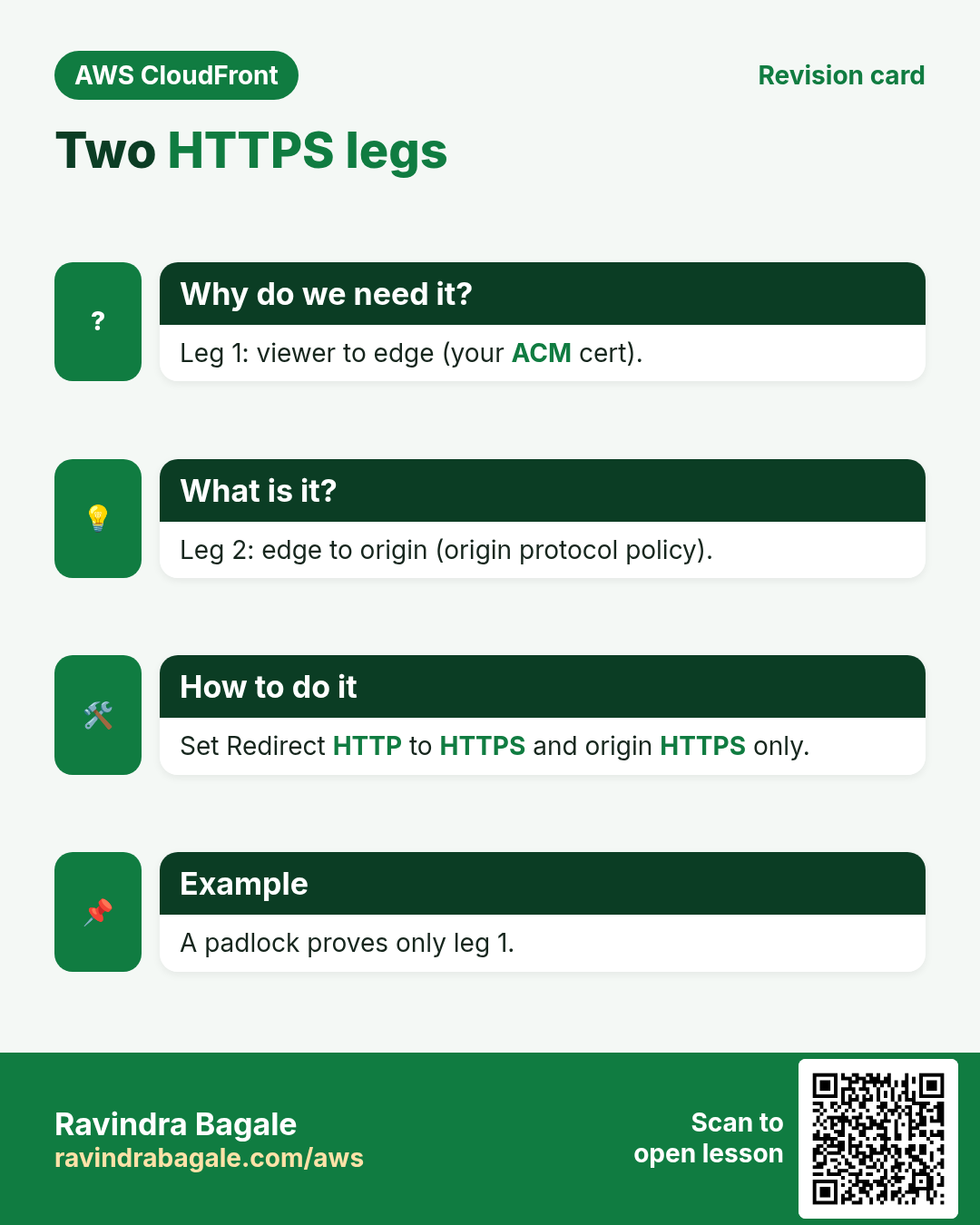
A green padlock in the browser only proves the first leg. The edge-to-origin leg is a separate setting.
What is it?
| Setting | Options | Recommended |
|---|---|---|
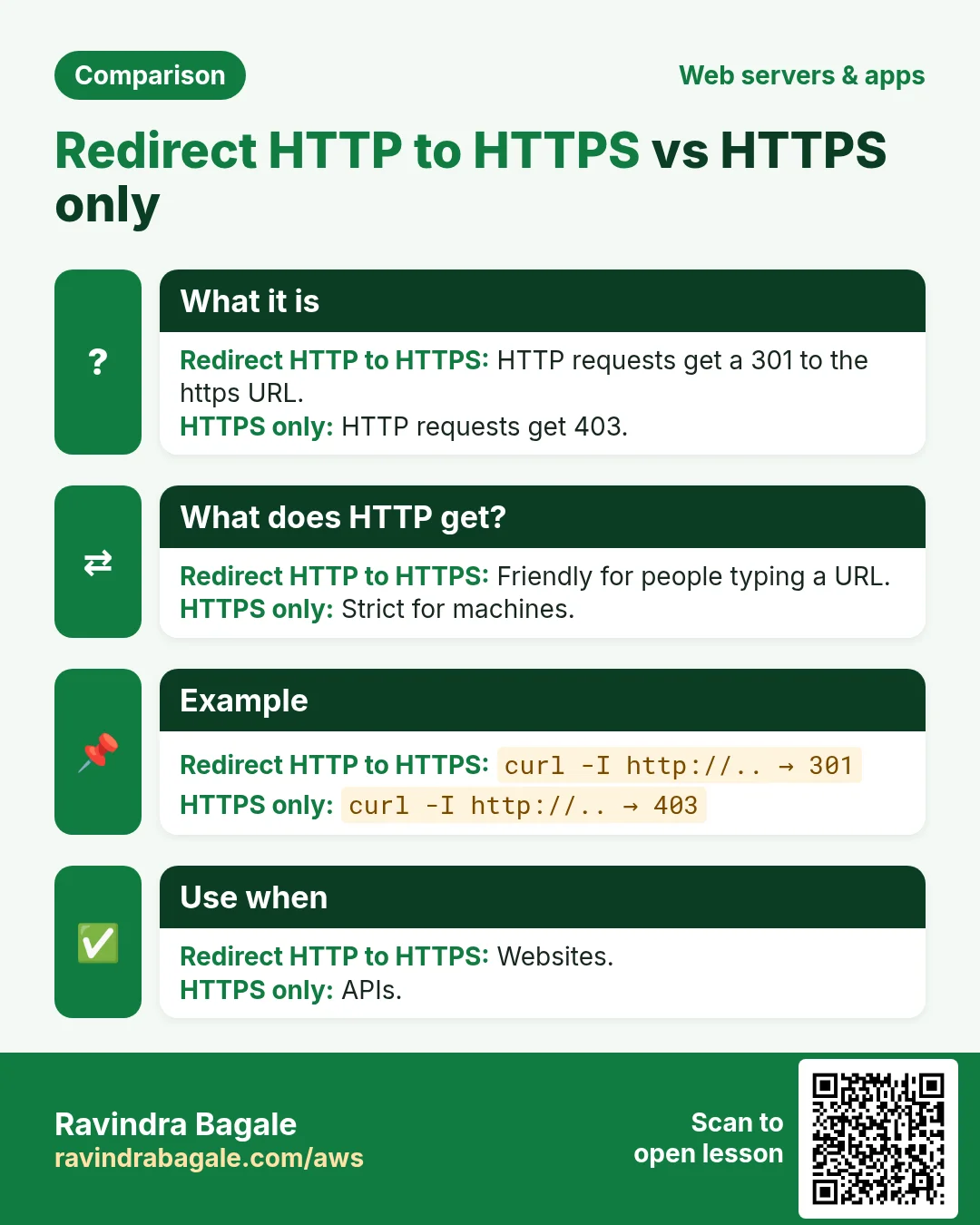
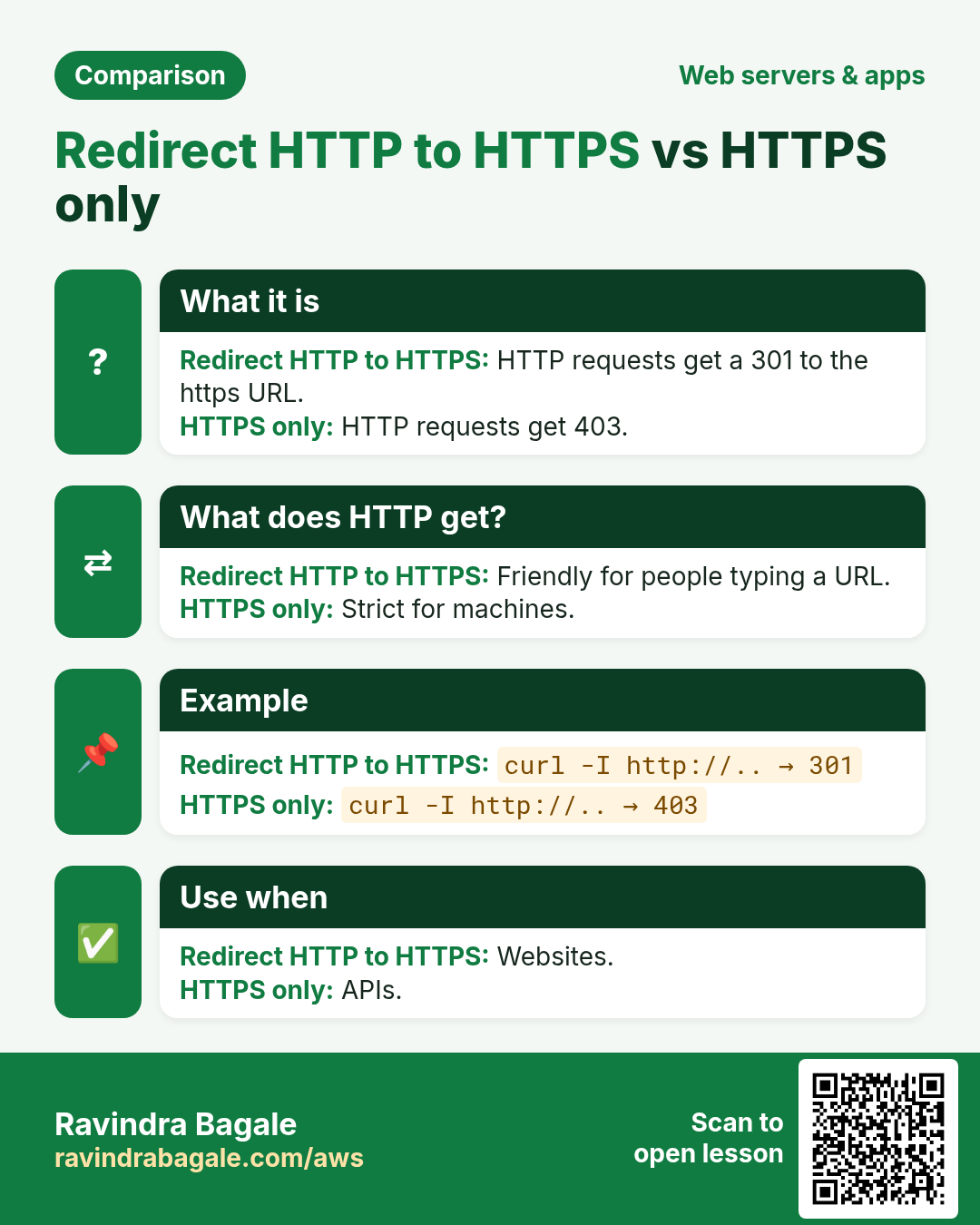
| Viewer protocol policy (per behavior) | HTTP and HTTPS; Redirect HTTP to HTTPS; HTTPS only | Redirect HTTP to HTTPS for websites (301); HTTPS only for APIs (HTTP gets 403) |
| Origin protocol policy (custom origins) | HTTP only; HTTPS only; Match viewer | HTTPS only |
| Origin SSL protocols | TLSv1.2, TLSv1.1, TLSv1, SSLv3 | TLSv1.2 |
| S3 REST origin | Always HTTPS | - |
| S3 website endpoint origin | HTTP only (S3 limitation) | Avoid for sensitive data |
For HTTPS to a custom origin, the origin certificate must be a valid public certificate (not self-signed) whose name matches the origin domain or the forwarded Host header. Otherwise CloudFront returns 502.
3. TLS security policies
Why do we need this?
Old TLS versions and weak ciphers have known attacks. Compliance checks (PCI DSS) fail if you allow them.
What is it?
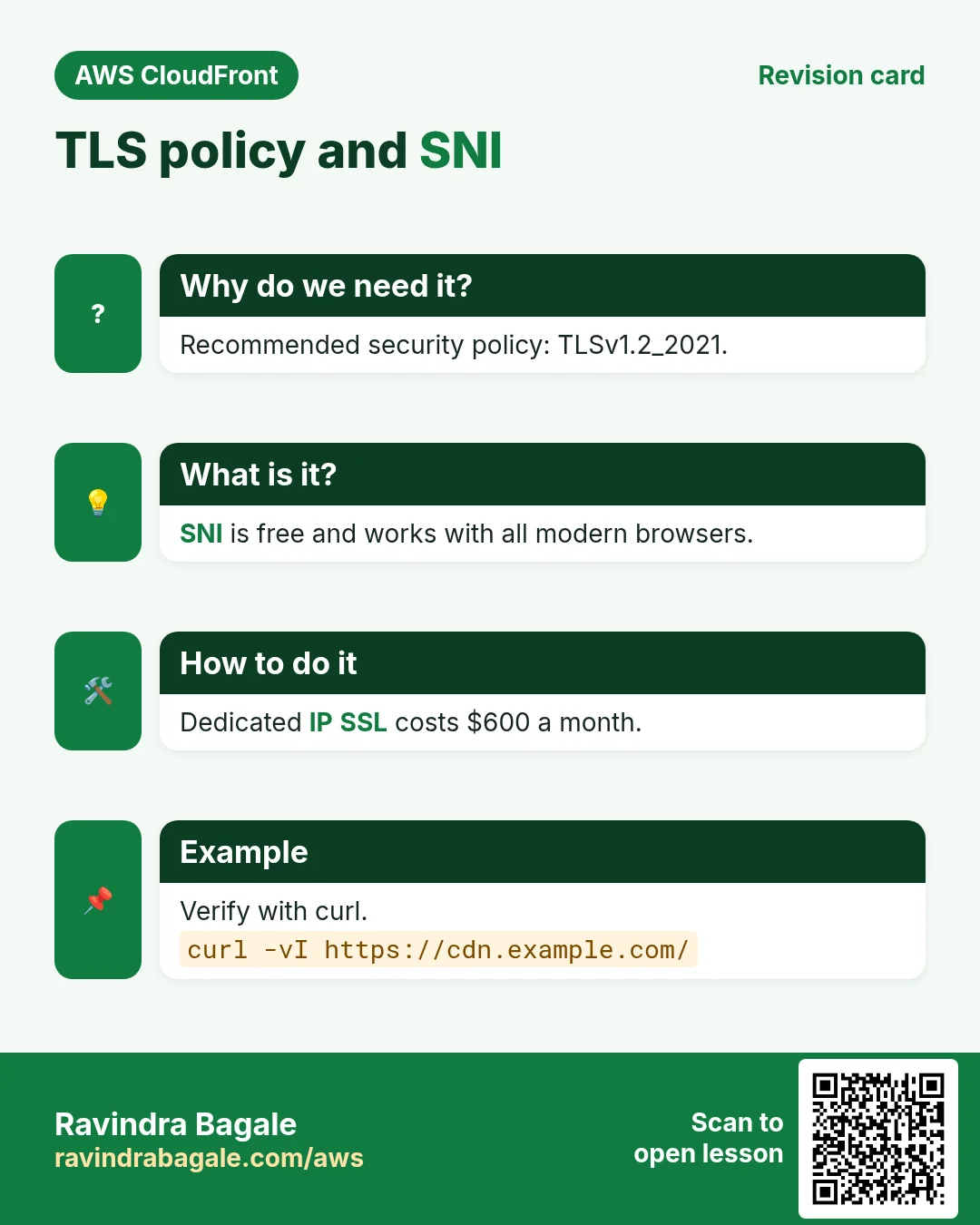
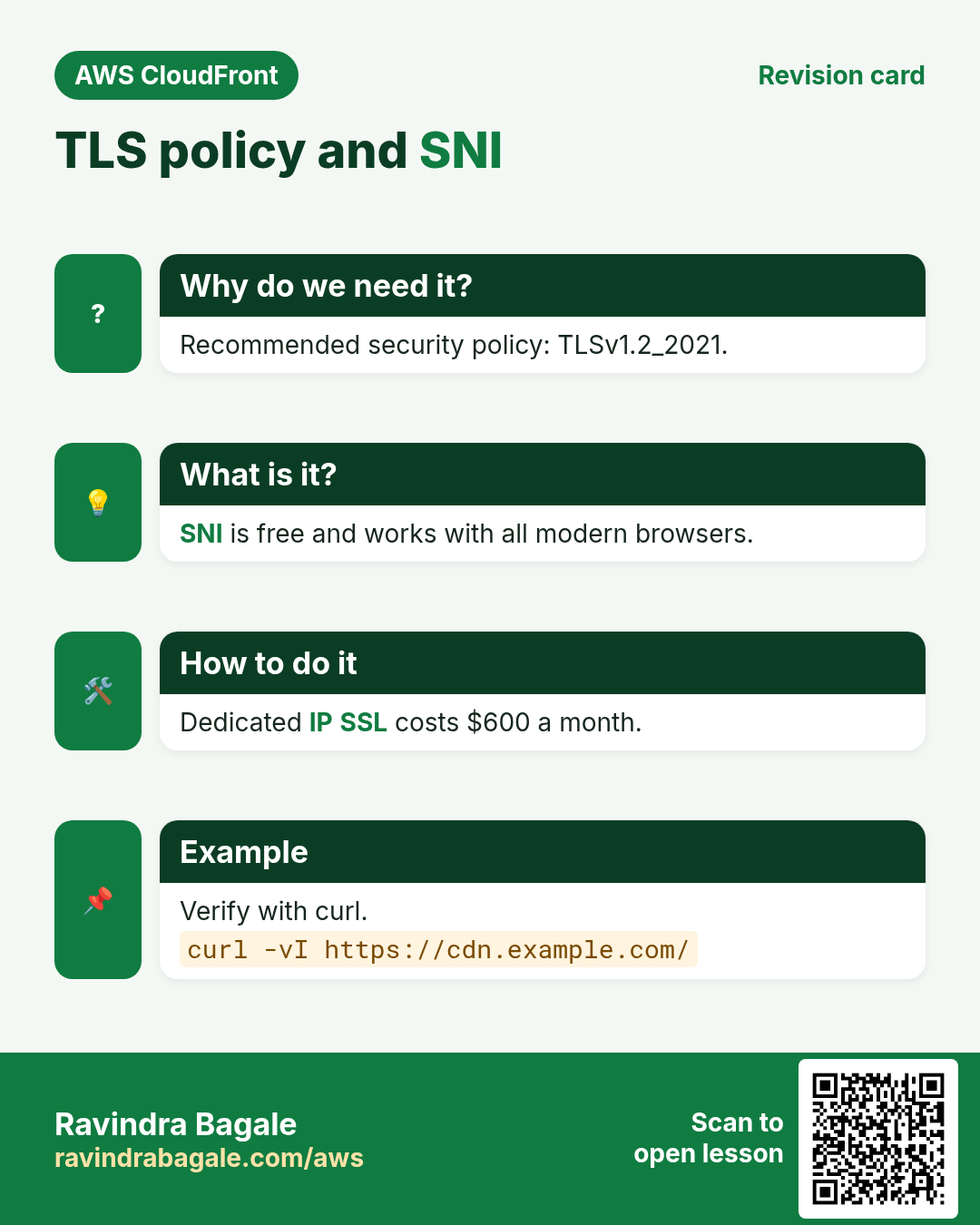
With your own certificate you choose a security policy: the minimum TLS version and cipher list for leg 1. TLSv1.2_2021 is the recommended default (TLS 1.2+ with strong ciphers; TLS 1.3 is used automatically when the browser supports it). Older policies such as TLSv1_2016 exist only for very old clients, and AWS keeps adding newer ones; check the console list. With the default *.cloudfront.net certificate you cannot pick a policy.
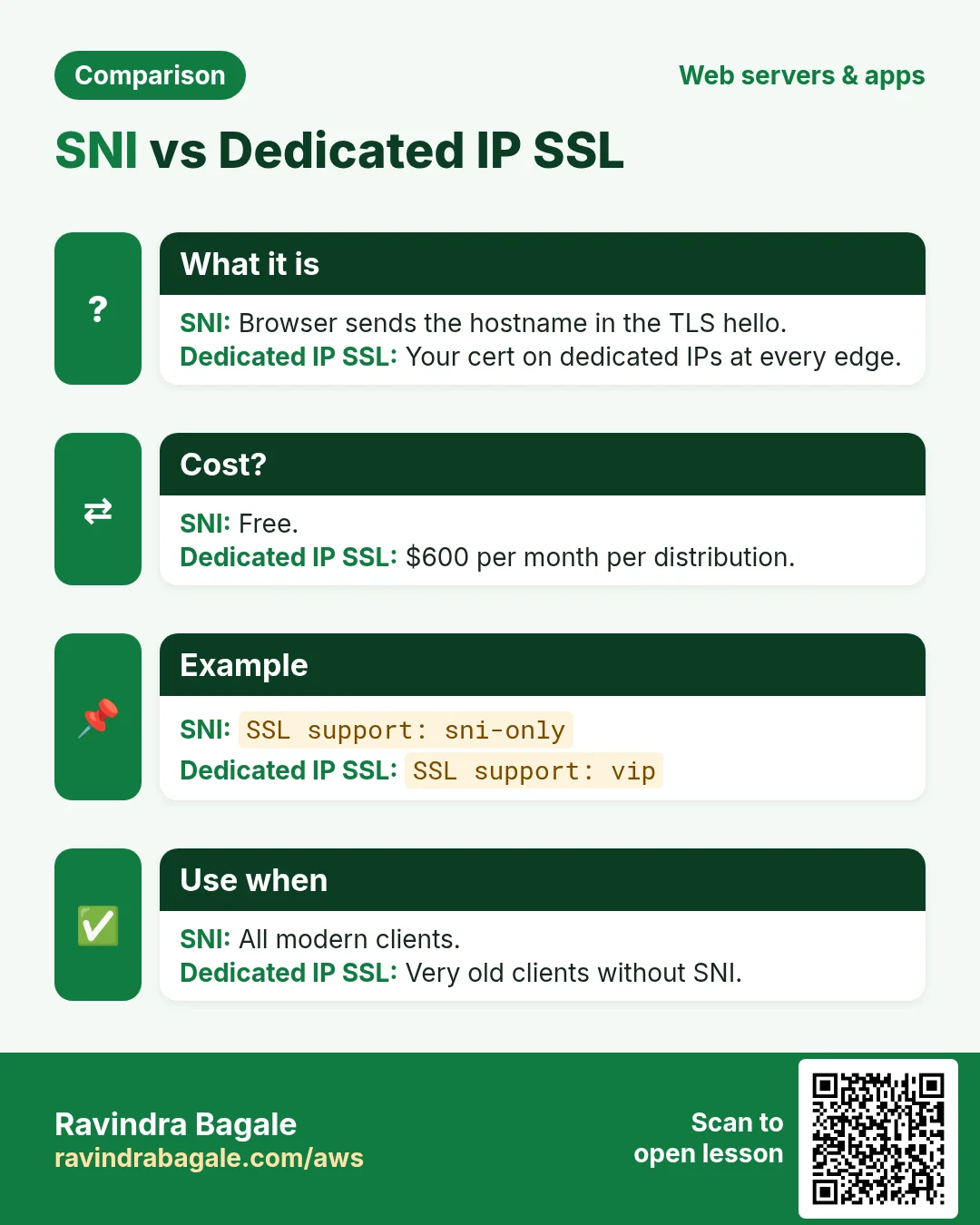
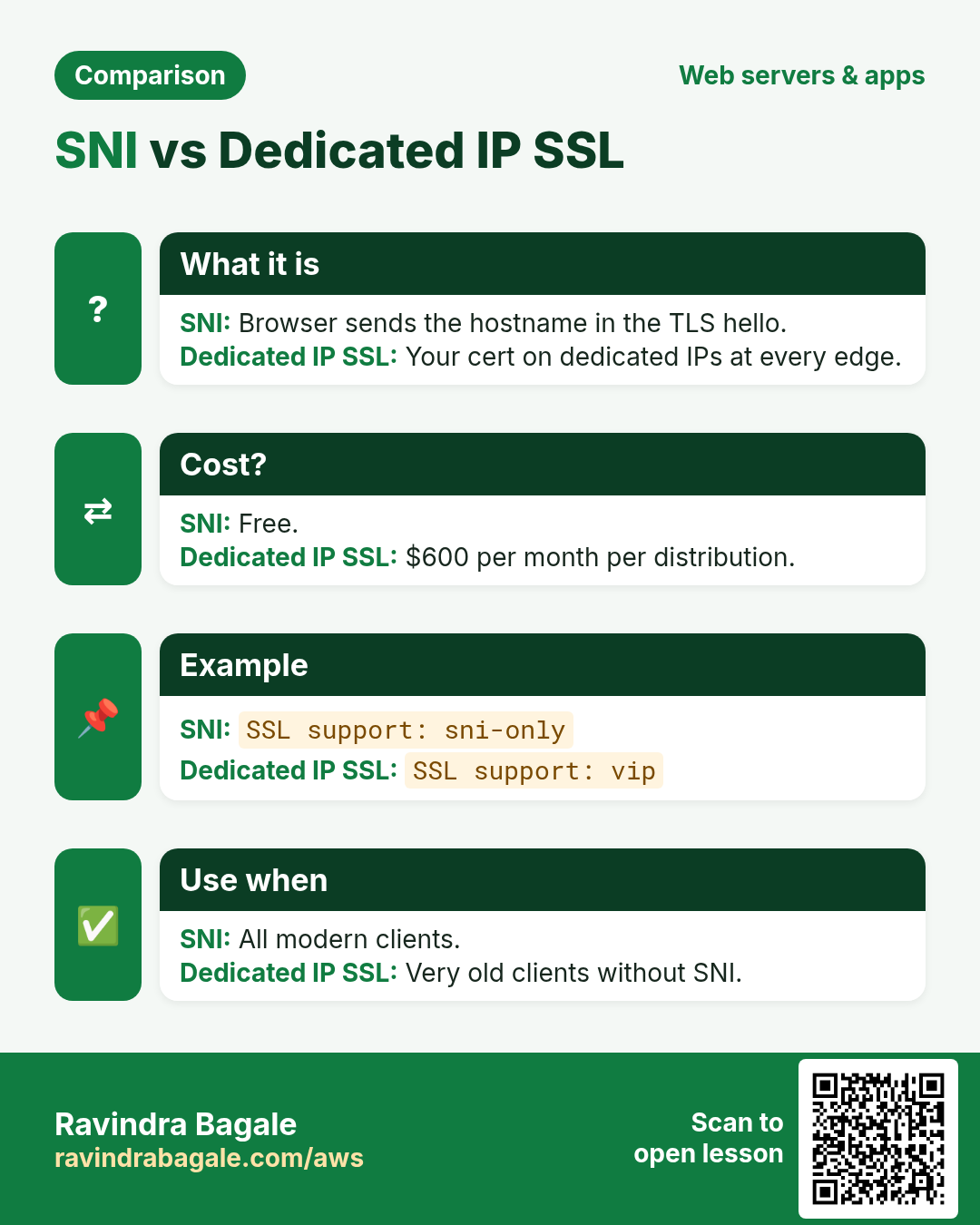
| Client support | SNI (default) | Dedicated IP |
|---|---|---|
| How it works | Browser sends the hostname in the TLS hello; the edge picks your certificate | Your certificate on dedicated IPs at every edge |
| Cost | Free | $600 per month per distribution |
| Who needs it | Every modern browser and SDK | Only very old clients without SNI |
4. Why the ACM certificate must be in us-east-1
Why do we need this?
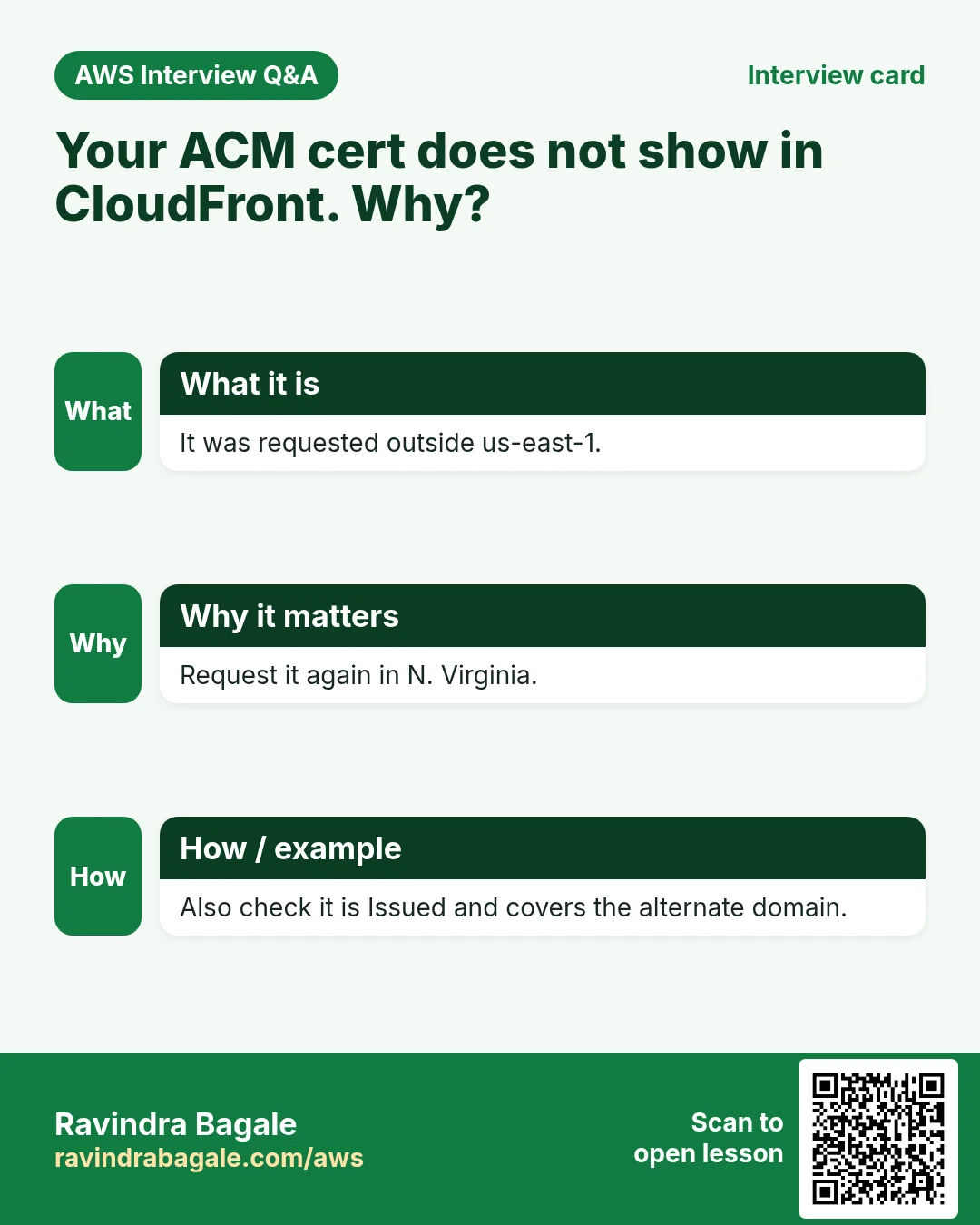
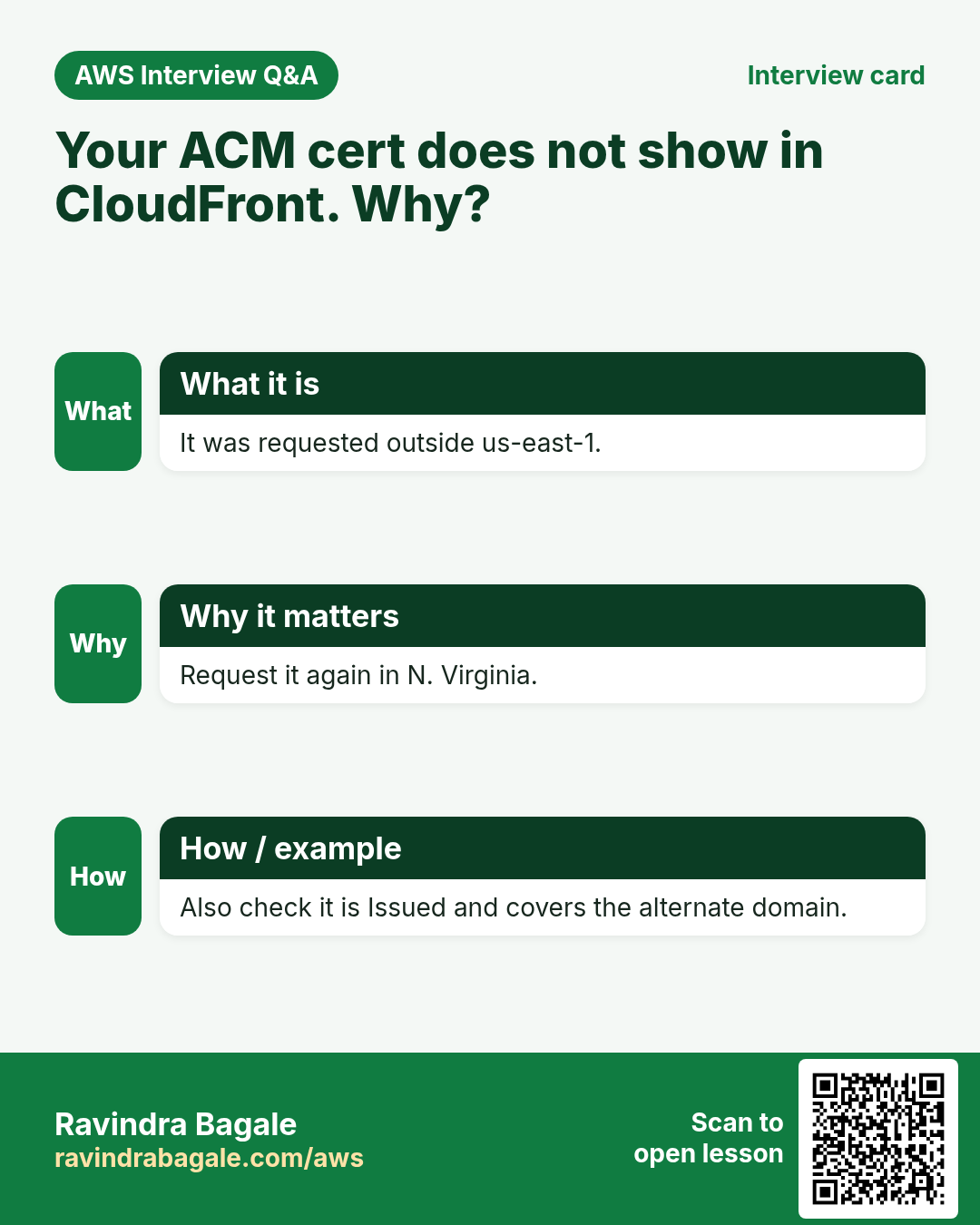
People request the certificate in Mumbai, next to their bucket, and then it does not appear in the CloudFront dropdown.
What is it?
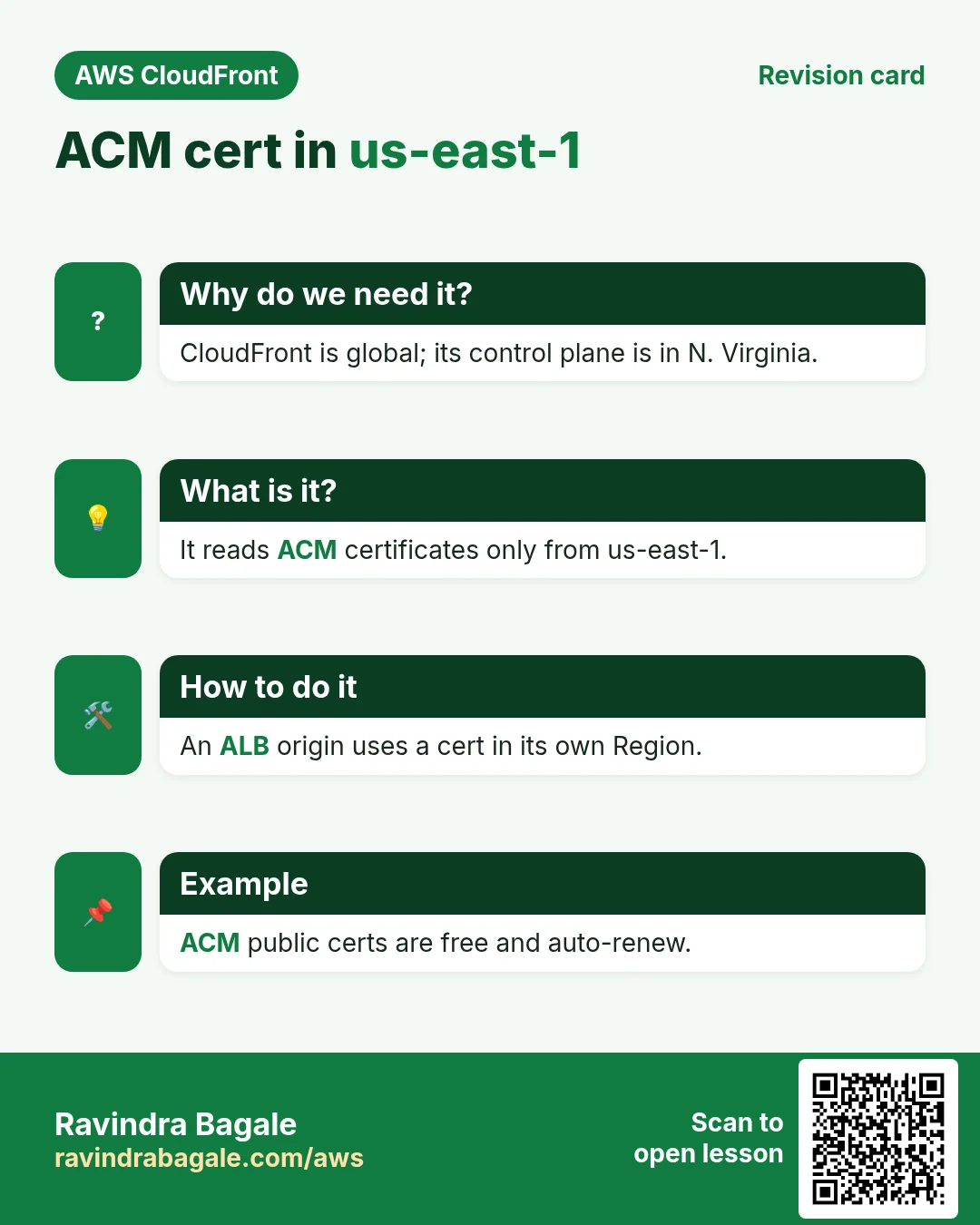
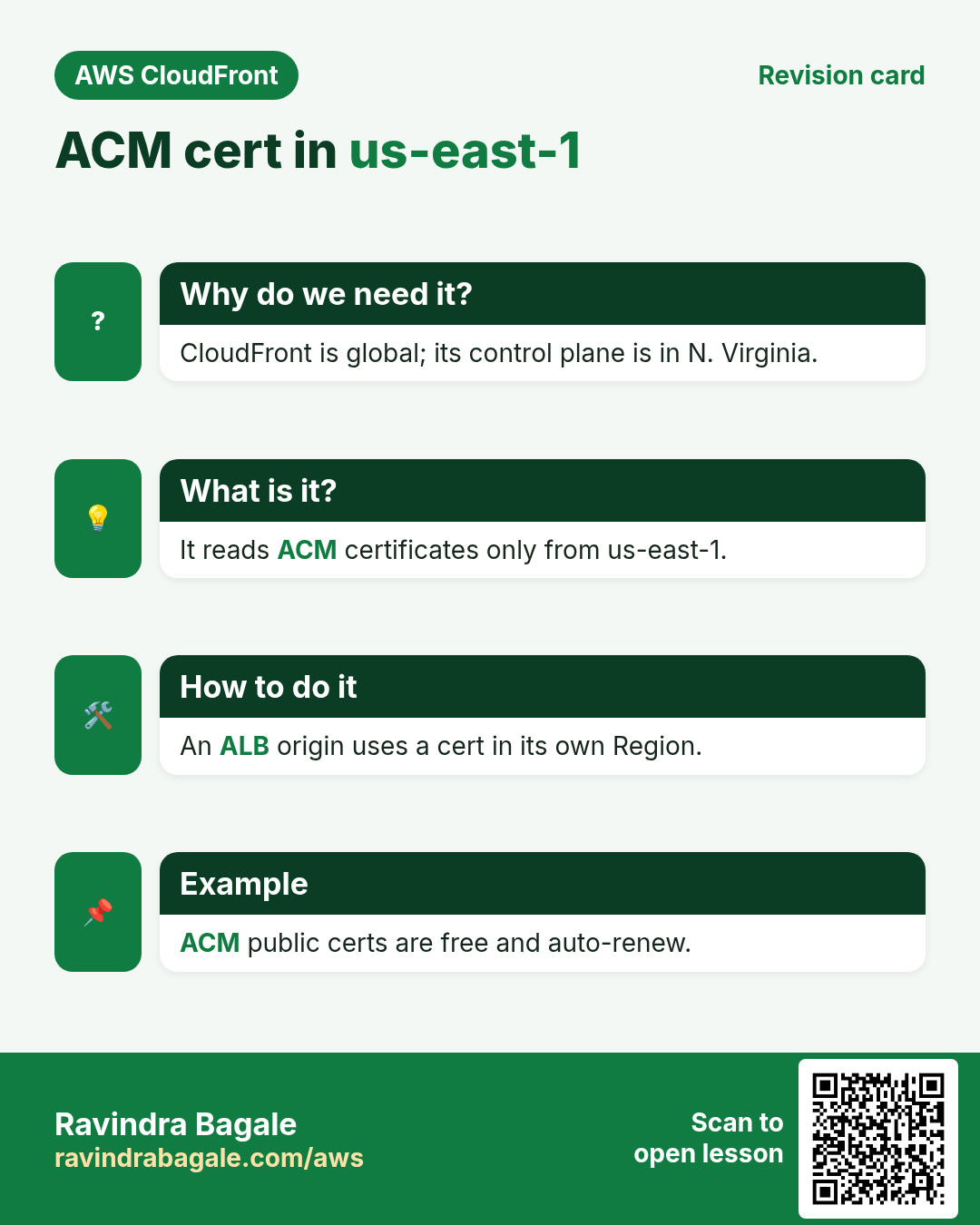
CloudFront is a global service whose control plane runs in US East (N. Virginia). It reads certificates from ACM in us-east-1 only and copies them to every edge. A certificate in ap-south-1 is fine for an ALB in ap-south-1 (leg 2), but leg 1 always needs one in us-east-1. ACM public certificates are free and renew automatically while the DNS validation record stays in place.
| Need | Certificate Region |
|---|---|
| CloudFront alternate domain (cdn.example.com) | us-east-1 |
| ALB origin in Mumbai (origin.example.com) | ap-south-1 |
| API Gateway edge-optimized custom domain | us-east-1 |
| API Gateway regional custom domain | Same Region as the API |
5. Alternate domain names and Route 53 alias
- Alternate domain names (CNAMEs): list every name the distribution answers, e.g.
cdn.example.com. The attached certificate must cover each name. A wildcard*.example.comcovers one level (cdn.example.com) but not example.com or a.b.example.com. - A name can belong to only one distribution at a time across all of AWS. Moving it needs a TXT record proof or AWS support.
- Route 53: create an A record (and AAAA for IPv6) with Alias = yes pointing to the distribution. CloudFront alias targets use hosted zone ID
Z2FDTNDATAQYW2. Alias works at the apex and queries are free. Using another DNS provider? Create a CNAME from cdn.example.com to dXXXX.cloudfront.net (not possible at the apex). - HSTS: add a response headers policy (managed
SecurityHeadersPolicy) so browsers always use HTTPS next time.
6. Common errors
| Symptom | Cause | Fix |
|---|---|---|
| Certificate not in the dropdown | Requested in the wrong Region | Request again in us-east-1 |
| "CNAMEAlreadyExists" | The name is on another distribution | Remove it there or prove ownership |
| NET::ERR_CERT_COMMON_NAME_INVALID | Name not in alternate domains or not on the cert | Add both |
| 502 Bad Gateway | Origin cert expired, self-signed or name mismatch | Use a valid public cert on the origin |
| Certificate stuck "Pending validation" | CNAME validation record missing | Create records in Route 53 from ACM |
7. Lab: cdn.yourdomain.com over HTTPS
How to do it (step by step)
You need a domain with a Route 53 hosted zone, and a distribution (any earlier lab).
- Switch the console Region to US East (N. Virginia) us-east-1.
- ACM › Request › Request a public certificate › Fully qualified domain name
cdn.yourdomain.com› DNS validation › Key algorithm RSA 2048 › Request. - Open the certificate › Create records in Route 53 › Create. Wait until Status = Issued (often 2 to 10 minutes).
- CloudFront › your distribution › General › Edit. Alternate domain name: add
cdn.yourdomain.com. - Custom SSL certificate: pick the new one. Security policy: TLSv1.2_2021. Supported HTTP versions: HTTP/2 and HTTP/3. Save.
- Behaviors › Default › Edit › Viewer protocol policy Redirect HTTP to HTTPS. Response headers policy: SecurityHeadersPolicy. Save.
- Route 53 › your hosted zone › Create record: name
cdn, type A, Alias on, Route traffic to Alias to CloudFront distribution, pick it › Create. Repeat for type AAAA. - DNS check:
dig +short cdn.yourdomain.com. Expected: several CloudFront IPs. - HTTPS check:
curl -I https://cdn.yourdomain.com/. Expected:HTTP/2 200(or 403 if no root object),via: ... (CloudFront),strict-transport-securityheader. - Redirect check:
curl -I http://cdn.yourdomain.com/. Expected:301 Moved PermanentlywithLocation: https://.... - Certificate check:
curl -vI https://cdn.yourdomain.com/ 2>&1 | grep -E "subject:|issuer:|SSL connection". Expected: subject CN=cdn.yourdomain.com, issuer Amazon, TLSv1.3 or TLSv1.2. - Old TLS check:
curl -sI --tlsv1.1 --tls-max 1.1 https://cdn.yourdomain.com/. Expected: handshake failure. Why: TLSv1.2_2021 refuses TLS 1.1.
Cleanup
- Delete the A and AAAA records. Remove the alternate domain from the distribution (or delete the distribution).
- ACM (us-east-1) › delete the certificate once nothing uses it, and its validation CNAME.
8. Interview questions
Q. Why must a CloudFront certificate be in us-east-1?
CloudFront is global and its control plane reads ACM certificates only from us-east-1, then distributes them to edges.
Q. Is the connection to the origin encrypted if the browser shows a padlock?
Not necessarily. Leg 2 depends on the origin protocol policy; set HTTPS only.
Q. SNI or dedicated IP?
SNI: free and supported by all modern clients. Dedicated IP costs $600/month and is only for legacy clients.
Q. Which security policy would you pick?
TLSv1.2_2021 (TLS 1.2 minimum, strong ciphers), unless a newer policy fits your clients.
Q. CloudFront returns 502 after switching the origin to HTTPS. Why?
The origin certificate is invalid, self-signed, expired, or does not match the origin domain.
Try at home
- Add www.yourdomain.com and yourdomain.com to the same distribution with one certificate that lists both names.
- Run an SSL Labs test on cdn.yourdomain.com and compare TLSv1.2_2021 with TLSv1_2016.
In short
- Two legs: viewer-to-edge and edge-to-origin; secure both.
- Redirect HTTP to HTTPS for sites, HTTPS only for APIs and origins.
- TLSv1.2_2021 + SNI is the normal choice.
- CloudFront certificates live in us-east-1.
- Alternate domain + matching cert + Route 53 alias = your own HTTPS domain.
Practice Tasks
Tokyo Ramen House is a restaurant business in Tokyo. Yuki Tanaka looks after its IT and cloud work. They count money in JPY and run their AWS resources in the ap-northeast-1 Region. In the tasks below you do real jobs for them using what this lesson teaches. All names, account IDs, IP addresses and numbers are made up for practice.
0 / 12
Easy List hosted zones
Why: You need the zone ID to change records.
What to do: List all hosted zones in the account.
- Read the task and decide which AWS service it is about.
- Write aws, then the service name, then the operation (the action word).
- Add each needed flag (--name) followed by its value from the task.
- Flags can be in any order. Click Check answer.
Easy List distributions
Why: Find the distribution ID and domain name.
What to do: List all CloudFront distributions.
- Read the task and decide which AWS service it is about.
- Write aws, then the service name, then the operation (the action word).
- Add each needed flag (--name) followed by its value from the task.
- Flags can be in any order. Click Check answer.
Medium Create a hosted zone
Why: A hosted zone holds all DNS records for your domain.
What to do: Create a public hosted zone for tokyoramen.jp, with caller reference tokyoramen-2026-01.
- Read the task and decide which AWS service it is about.
- Write aws, then the service name, then the operation (the action word).
- Add each needed flag (--name) followed by its value from the task.
- Flags can be in any order. Click Check answer.
Medium Clear the CloudFront cache
Why: After a deploy, invalidate so visitors get the new files now, not after the TTL.
What to do: Invalidate all paths (/*) on distribution E2QWRUHAPOMQZL.
- Read the task and decide which AWS service it is about.
- Write aws, then the service name, then the operation (the action word).
- Add each needed flag (--name) followed by its value from the task.
- Flags can be in any order. Click Check answer.
Medium List records in a zone
Why: Check what A, CNAME and MX records exist before you change them.
What to do: List the record sets in hosted zone Z0123456789ABCDEFGHIJ.
- Read the task and decide which AWS service it is about.
- Write aws, then the service name, then the operation (the action word).
- Add each needed flag (--name) followed by its value from the task.
- Flags can be in any order. Click Check answer.
Medium Find the Amazon DNS address
Why: The VPC DNS resolver sits at base+2 of the VPC range.
What to do: The VPC is 10.27.0.0/16. What is the Amazon-provided DNS server address?
- Write down the numbers the task gives you.
- Work it out step by step on paper.
- Type only the final answer in the box.
- Click Check answer.
Medium Look up a DNS record
Why: dig shows what IP a name points to, so you can check DNS changes.
What to do: Look up the A record of www.tokyoramen.jp.
- Find the Linux command that does this job.
- Add the options (like -r or -h) the task needs.
- Add the file names, folders or users in the right order.
- Use sudo if the job changes system files or users. Click Check answer.
Hard Create or update a DNS record
Why: UPSERT creates the record or updates it if it already exists.
What to do: Apply the record changes in change.json to hosted zone Z0123456789ABCDEFGHIJ.
- Read the task and decide which AWS service it is about.
- Write aws, then the service name, then the operation (the action word).
- Add each needed flag (--name) followed by its value from the task.
- Flags can be in any order. Click Check answer.
Hard Create a distribution from a config file
Why: The full config (origins, behaviors, certificate) is easiest to keep in JSON.
What to do: Create a CloudFront distribution from dist.json.
- Read the task and decide which AWS service it is about.
- Write aws, then the service name, then the operation (the action word).
- Add each needed flag (--name) followed by its value from the task.
- Flags can be in any order. Click Check answer.
Hard Invalidate two paths
Why: Invalidating only what changed is cheaper and faster.
What to do: On E2QWRUHAPOMQZL, invalidate /index.html and /css/site.css.
- Read the task and decide which AWS service it is about.
- Write aws, then the service name, then the operation (the action word).
- Add each needed flag (--name) followed by its value from the task.
- Flags can be in any order. Click Check answer.
Hard Bucket policy for CloudFront OAC
Why: With OAC, only your CloudFront distribution may read the private bucket.
What to do: Allow the service cloudfront.amazonaws.com to s3:GetObject on tokyoramen-site/*, only when aws:SourceArn equals arn:aws:cloudfront::109567203608:distribution/E2QWRUHAPOMQZL.
- Start with { "Version": "2012-10-17", "Statement": [ ... ] }.
- In each statement write Effect, Action and Resource.
- Give only what the task needs (least privilege).
- Use double quotes and commas correctly. Click Check answer.
Hard Create an Origin Access Control
Why: OAC lets only CloudFront read your private S3 bucket.
What to do: Create an origin access control from oac.json.
- Read the task and decide which AWS service it is about.
- Write aws, then the service name, then the operation (the action word).
- Add each needed flag (--name) followed by its value from the task.
- Flags can be in any order. Click Check answer.
Revision, comparison and interview cards
Revise this lesson in a few minutes. Save the cards on your phone or download them as PNG files. The QR code on each card opens this lesson.
More cards: Ravi Sir's Cards.