Linux Signals and kill Command: kill, pkill, killall, SIGTERM vs SIGKILL and trap
A signal is a short message the kernel delivers to a process: please stop, stop now, reload your config, pause, continue. kill, pkill and killall send signals; Ctrl+C and Ctrl+Z send them from the keyboard; timeout sends one after a time limit; and trap lets your own scripts react to them. You also learn why zombies and D-state processes do not die.
What you'll learn in this chapter
- List signals and know the common ones
- Use kill with a PID and a signal
- Choose SIGTERM before SIGKILL
- Use SIGHUP to reload, SIGSTOP/SIGCONT to pause
- Use pkill, killall and timeout
- Write trap handlers in bash; handle zombies and D-state
1. An everyday example: the PMT bus conductor
Why do we need this?
On a Pune PMT bus, the conductor has a few fixed signals. One bell: next stop, please get ready (polite). Two quick bells: stop right now. A long whistle: driver, wait here (pause). Another whistle: go again (continue). If the route changes, the depot radios: 'take the new route sheet' without stopping the bus. If a passenger is asleep and does not respond, the conductor cannot throw him out while the bus crosses a bridge; he waits.
What is it?
One bell = SIGTERM (15, polite stop, can clean up). Two quick bells = SIGKILL (9, cannot be refused). Long whistle = SIGSTOP. Go again = SIGCONT. New route sheet = SIGHUP (reload config). Passenger on the bridge = D-state: even SIGKILL waits until the IO finishes.
How to do it (step by step)
2. kill -l: the list of signals
Why do we need this?
You must know signal names and numbers to pick the right one and to read exit codes like 137.
What is it?
kill -l lists all signals. kill -l 9 prints the name for a number. You can use names (TERM, SIGTERM) or numbers (15). Common ones are below; numbers can differ on non-x86 systems, so names are safer.
| Signal | No. | Default | Typical use |
|---|---|---|---|
| SIGHUP | 1 | Terminate | Reload config / terminal closed |
| SIGINT | 2 | Terminate | Ctrl+C |
| SIGQUIT | 3 | Core dump | Ctrl+\ |
| SIGKILL | 9 | Terminate, cannot catch | Last resort |
| SIGTERM | 15 | Terminate | Polite stop (default of kill) |
| SIGSTOP | 19 | Stop, cannot catch | Pause |
| SIGTSTP | 20 | Stop | Ctrl+Z |
| SIGCONT | 18 | Continue | Resume |
| SIGUSR1/2 | 10/12 | Terminate | App-defined (log reopen, dump stats) |
How to do it (step by step)
- List them.
kill -l | head -2Output:
 1) SIGHUP	 2) SIGINT	 3) SIGQUIT	 4) SIGILL	 5) SIGTRAP
 6) SIGABRT	 7) SIGBUS	 8) SIGFPE	 9) SIGKILL	10) SIGUSR1
What it means: 64 signals in total on Linux.
- Number to name.
kill -l 15; kill -l 137Output:
TERM
KILL
What it means: kill -l understands exit codes too (137-128=9).
3. kill PID: send a signal
Why do we need this?
To stop or control one exact process by its PID.
What is it?
kill PID sends SIGTERM. kill -SIGNAL PID or kill -s SIGNAL PID sends another. Several PIDs at once are allowed. kill %1 targets a shell job. kill -0 PID sends nothing but checks if the PID exists and you may signal it. You can only signal your own processes unless you are root.
How to do it (step by step)
- Polite stop.
kill 9601; sleep 1; ps -p 9601 || echo goneOutput:
  PID TTY  TIME CMD
gone
What it means: Default SIGTERM worked.
- By name of signal.
kill -s TERM 9702 9703Output:
(no output)What it means: Two processes at once.
- Is it alive?
kill -0 2201 && echo aliveOutput:
aliveWhat it means: Common in scripts and pid-file checks.
- Someone else's process.
kill 1420Output:
bash: kill: (1420) - Operation not permittedWhat it means: mysql owns it; use sudo.
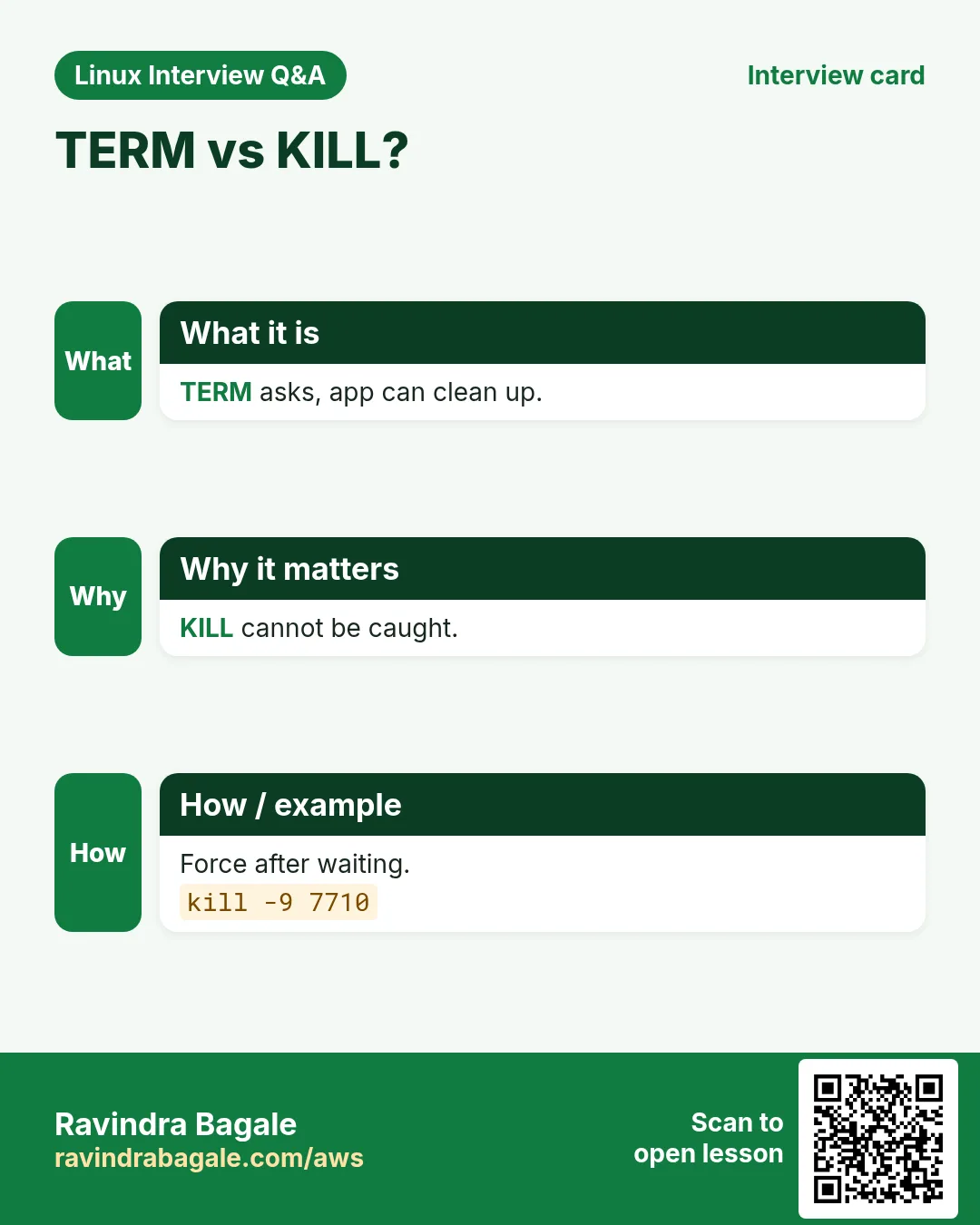
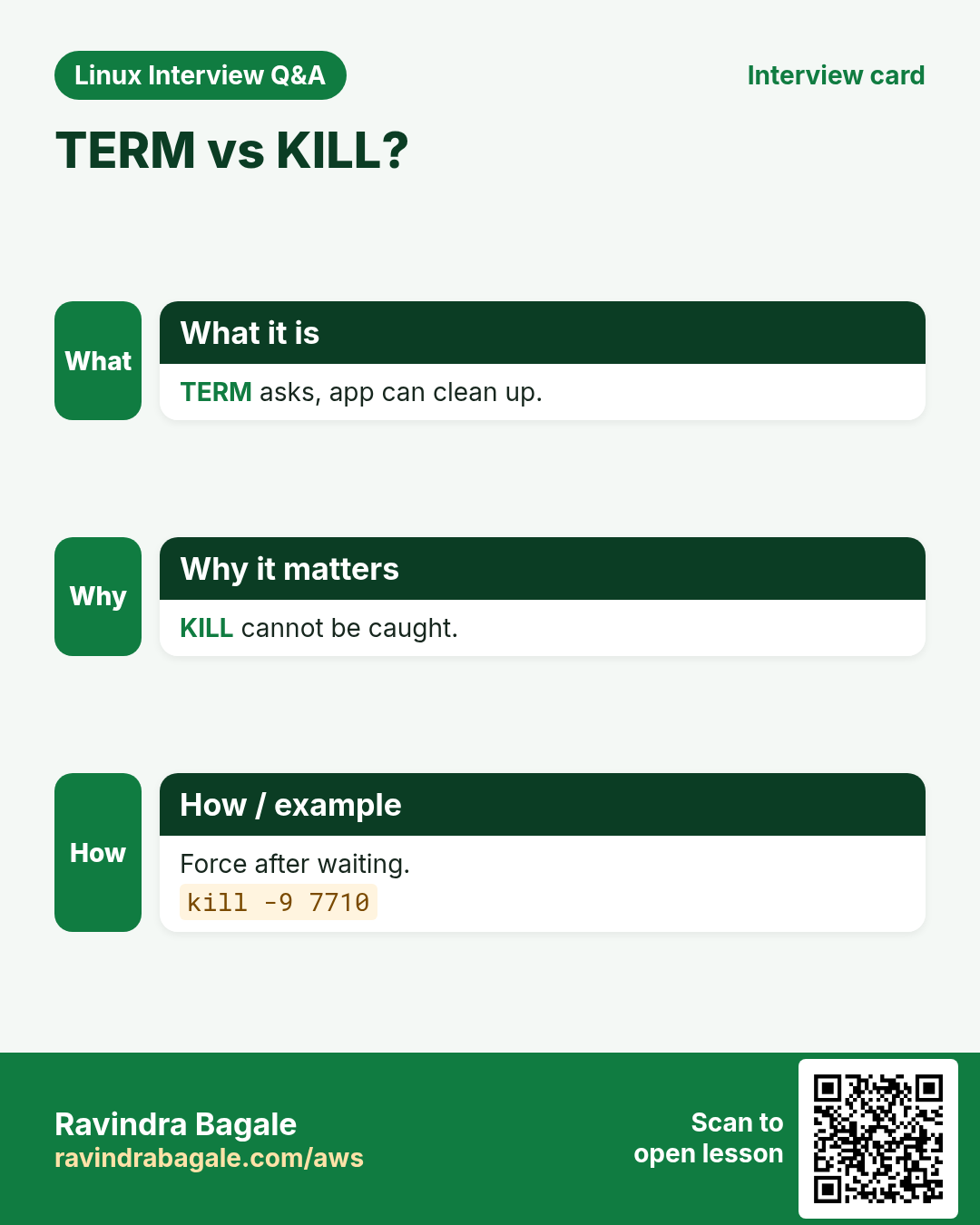
4. SIGTERM vs SIGKILL
Why do we need this?
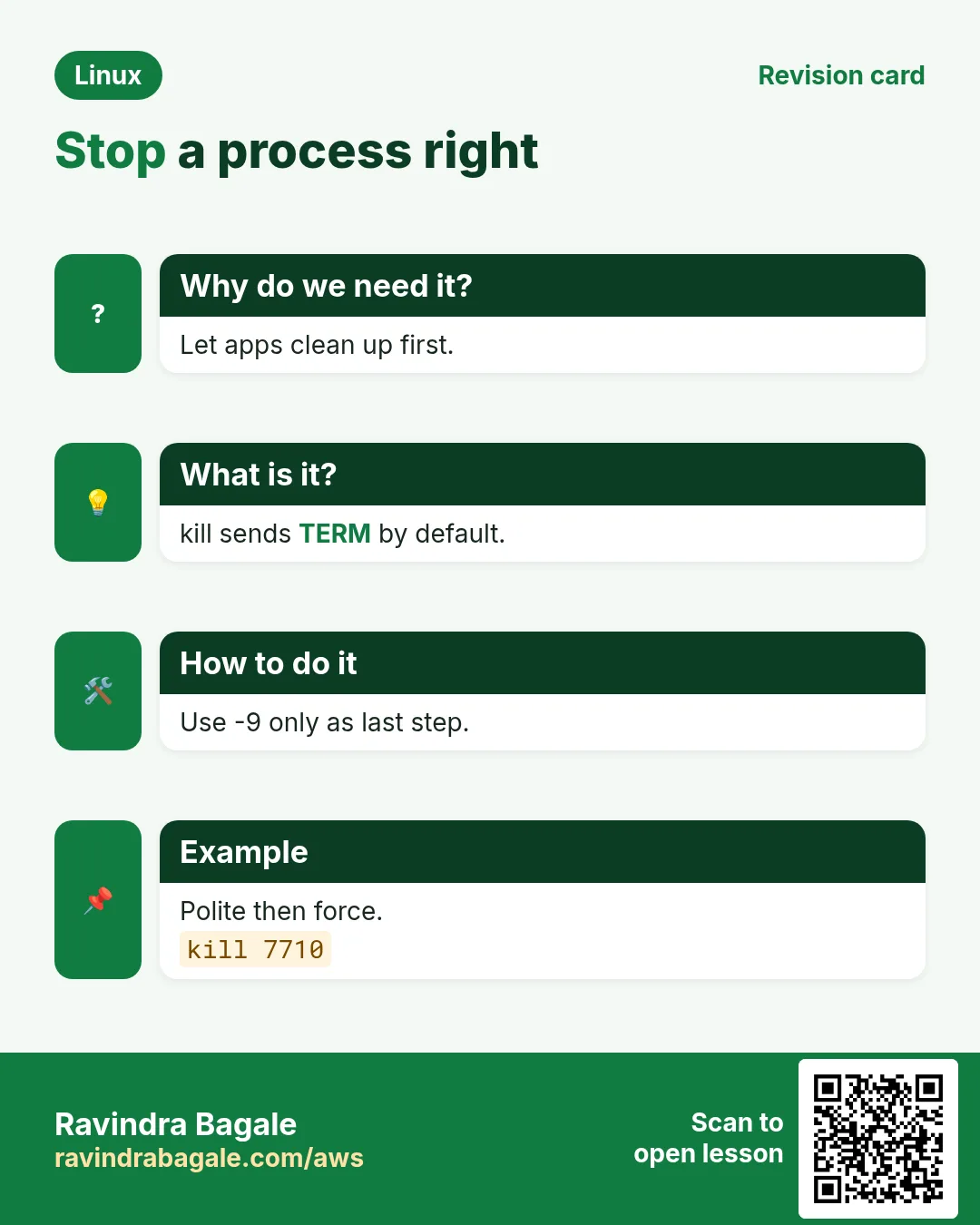
kill -9 first is a common habit and it causes corrupt files, lost data and leftover locks.
What is it?
SIGTERM (15) asks the program to finish: save data, close connections, remove pid files. SIGKILL (9) is handled by the kernel: the process is removed at once, with no cleanup. Order: TERM, wait 10-30 s, then KILL only if needed. systemd does the same on stop (TimeoutStopSec).
| SIGTERM 15 | SIGKILL 9 | |
|---|---|---|
| Can be caught | Yes | No |
| Cleanup | Yes | No |
| Use | First, always | Only if TERM fails |
How to do it (step by step)
- Ask first, wait, then force.
kill 7710; for i in $(seq 10); do kill -0 7710 2>/dev/null || break; sleep 1; done; kill -0 7710 2>/dev/null && kill -9 7710Output:
(no output)What it means: Graceful stop with a 10 second limit.
- What KILL looks like to the parent.
sleep 100 & kill -9 $!; wait $!; echo $?Output:
[1]+  Killed    sleep 100
137
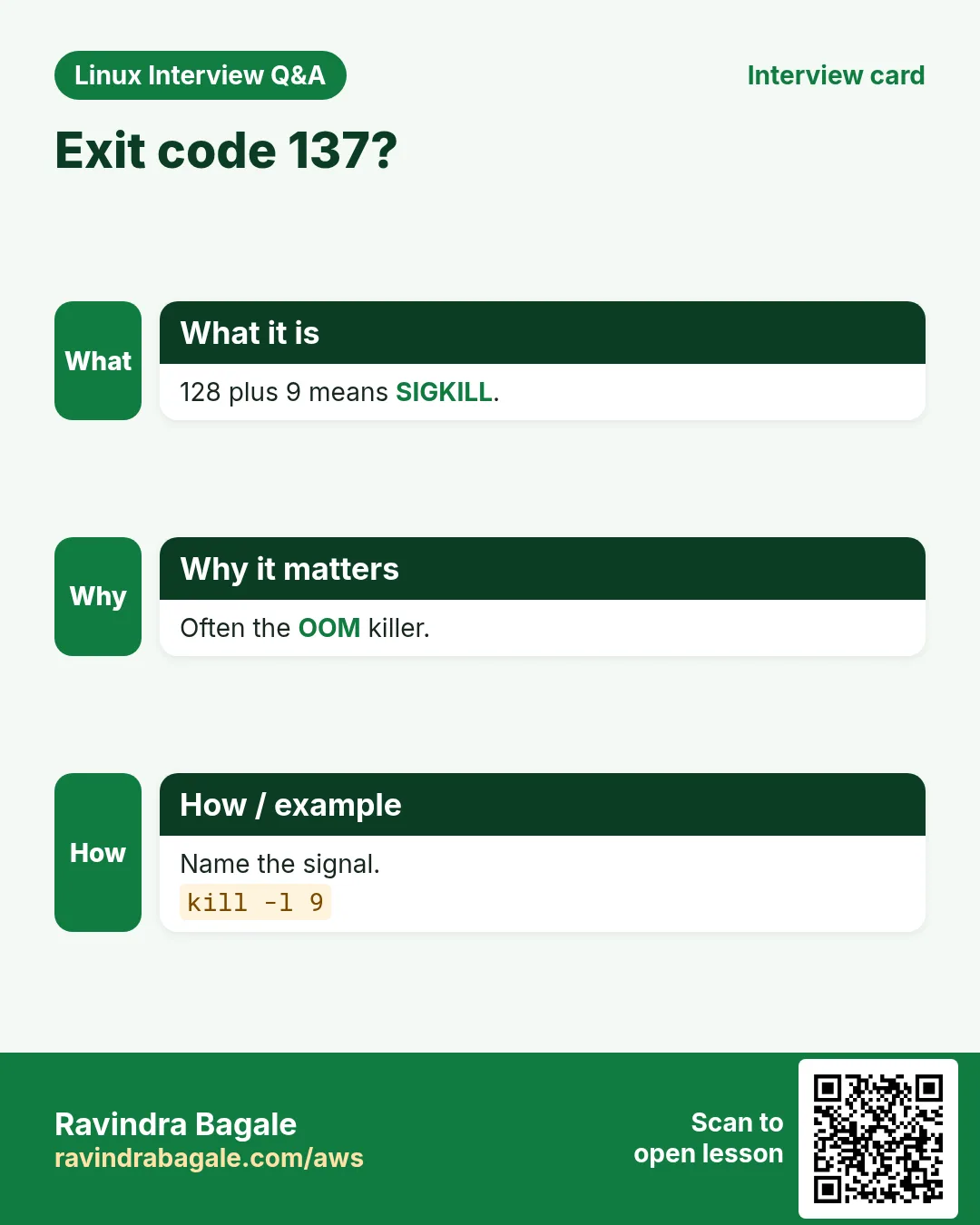
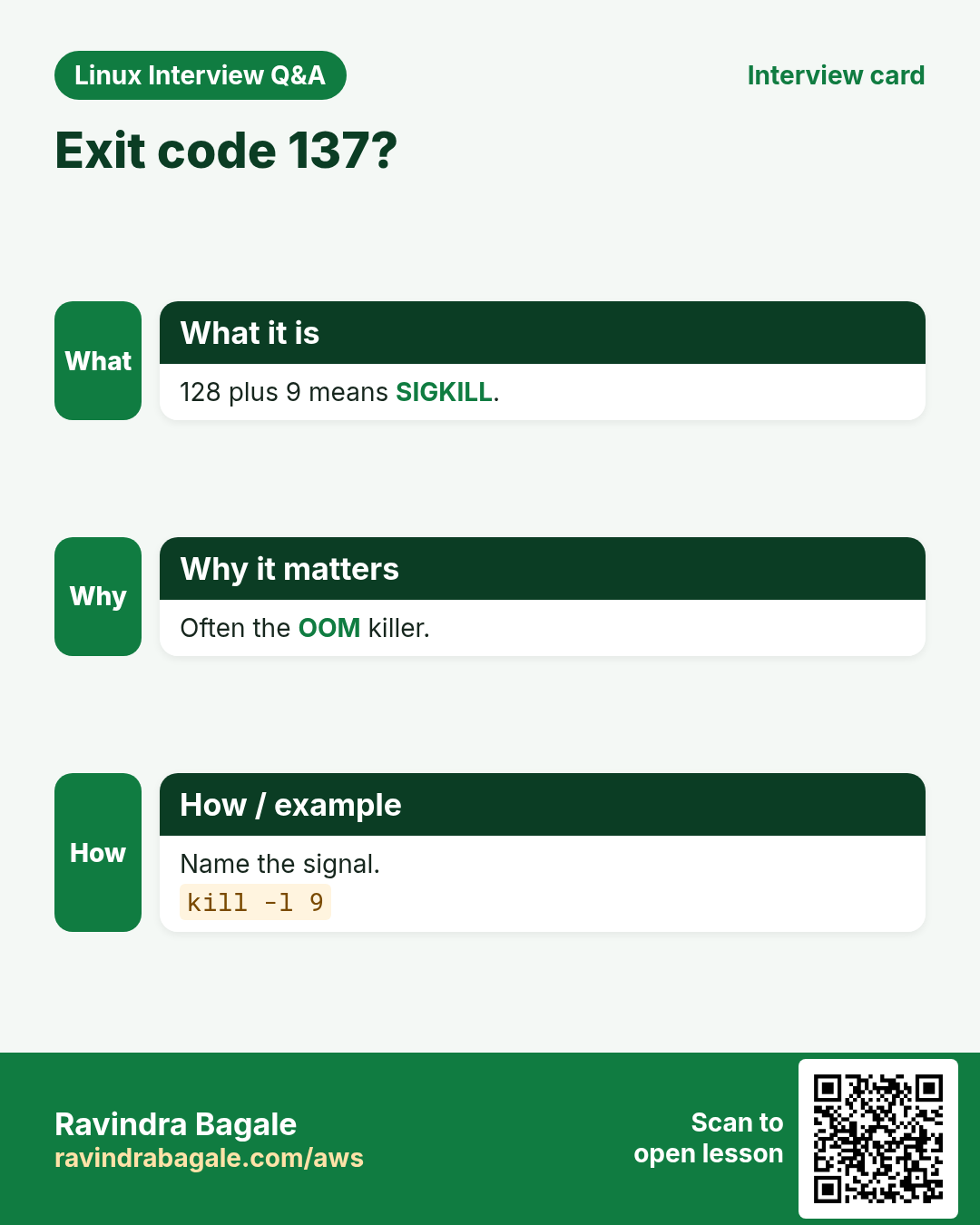
What it means: 137 = 128 + 9.
- OOM killer uses SIGKILL too.
sudo journalctl -k | grep -i 'killed process' | tail -1Output:
Out of memory: Killed process 8812 (python) total-vm:9.1GWhat it means: Exit code 137 in Docker/K8s often means OOM.
5. SIGHUP: reload without restart
Why do we need this?
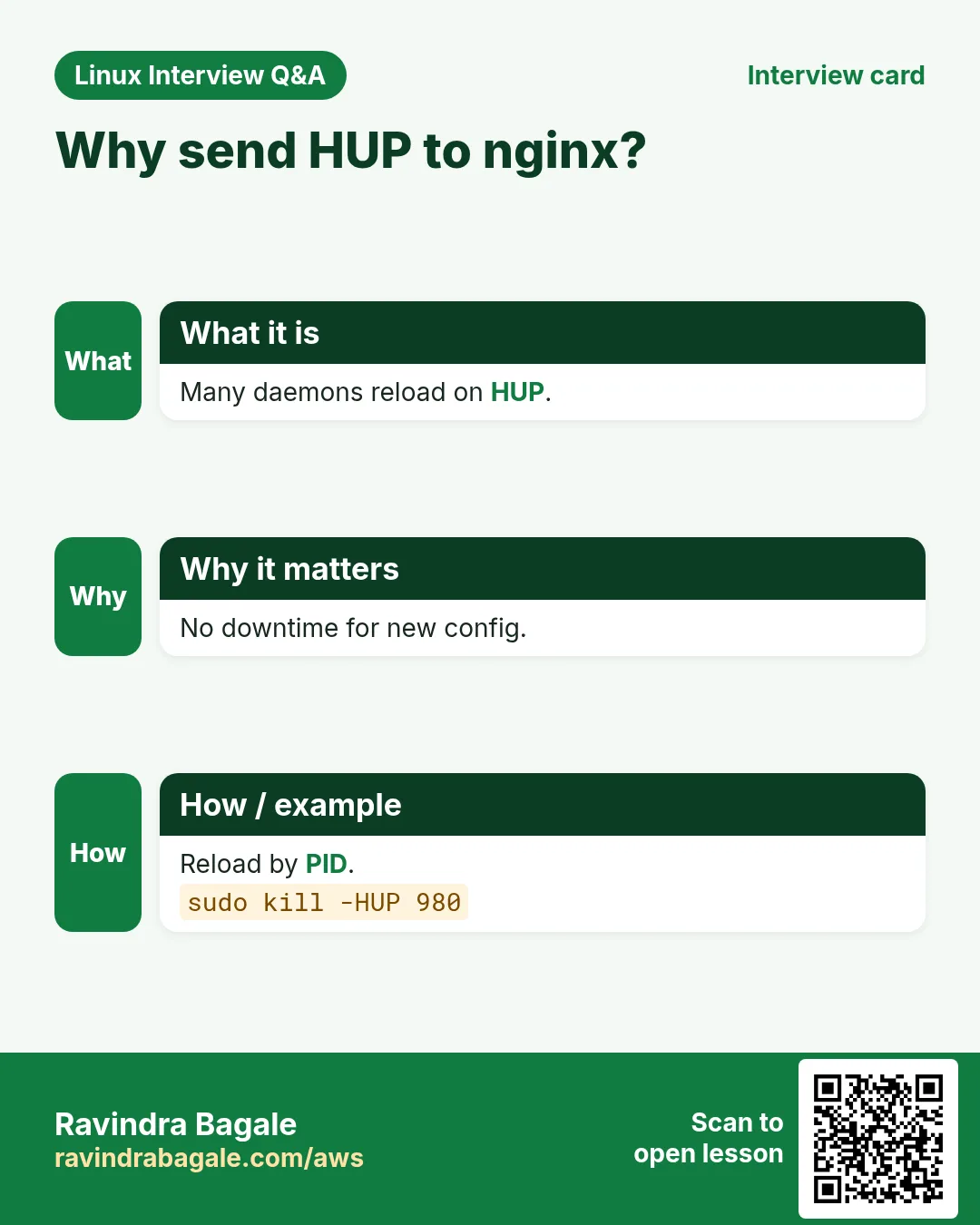
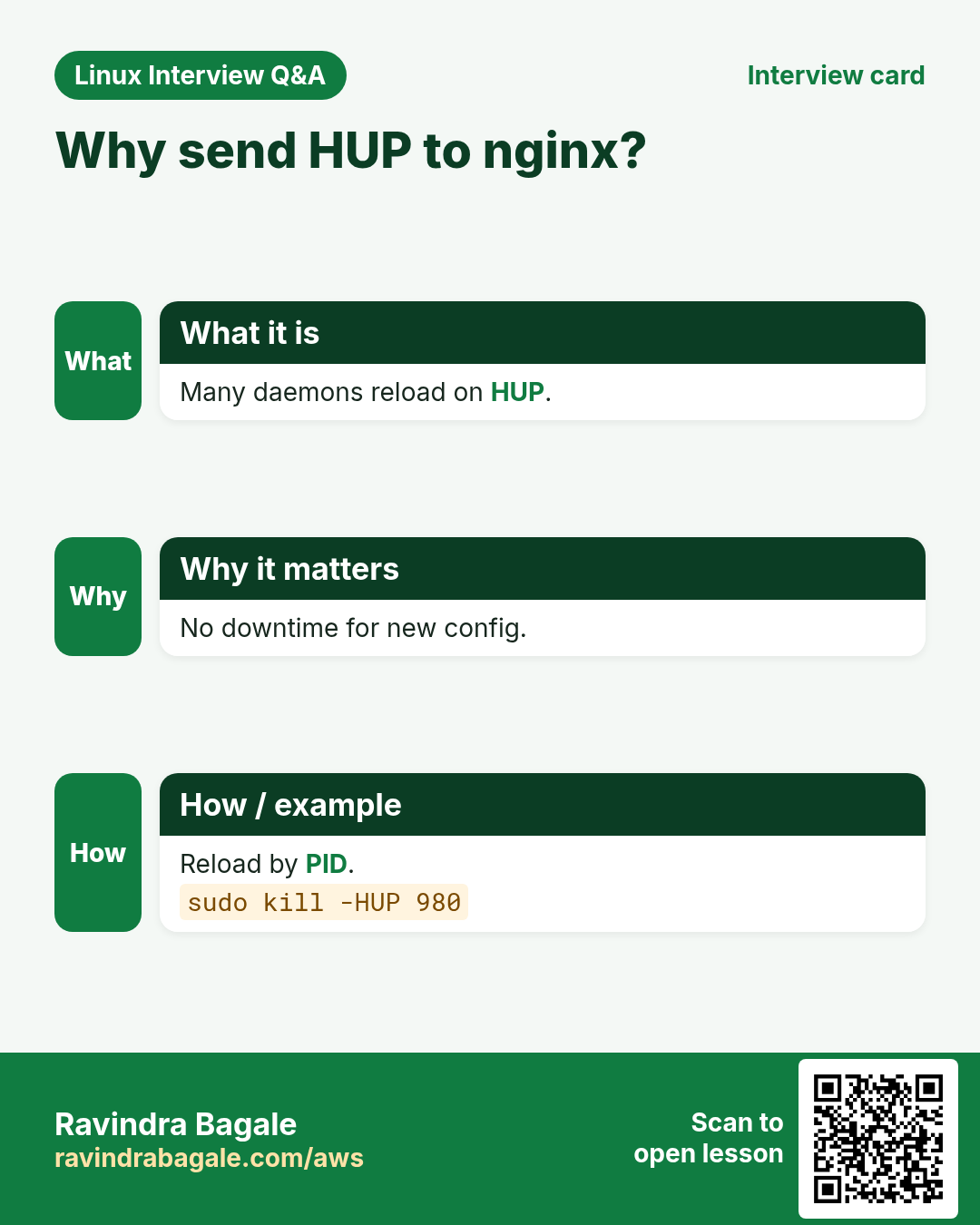
Many daemons re-read their config on SIGHUP, so you can apply changes with no downtime.
What is it?
For daemons (nginx, sshd, rsyslog, haproxy), SIGHUP means reload. For a normal terminal program it means 'your terminal closed' and it exits (that is why nohup exists). systemctl reload usually sends SIGHUP or runs ExecReload. Always test config first (nginx -t, sshd -t).
How to do it (step by step)
- Test and reload nginx.
sudo nginx -t && sudo kill -HUP $(cat /run/nginx.pid)Output:
nginx: configuration file /etc/nginx/nginx.conf test is successfulWhat it means: Workers restart gracefully; connections keep working.
- The systemd way.
sudo systemctl reload sshd && systemctl status sshd --no-pager | grep -i reloadOutput:
Oct 25 12:01:10 web1 systemd[1]: Reloaded OpenSSH server daemon.What it means: Same effect, logged by systemd.
- Tell rsyslog to reopen logs.
sudo pkill -HUP rsyslogdOutput:
(no output)What it means: Used after manual log rotation.
6. SIGINT, SIGSTOP, SIGCONT and keyboard signals
Why do we need this?
Pause a heavy job for a few minutes during peak, then let it continue; or interrupt a script cleanly.
What is it?
Ctrl+C sends SIGINT, Ctrl+Z SIGTSTP, Ctrl+\ SIGQUIT to the foreground job. SIGSTOP pauses any process and cannot be caught. SIGCONT resumes it (bg/fg also send CONT). A stopped process shows T in ps.
How to do it (step by step)
- Pause a backup.
sudo kill -STOP 9500 && ps -o pid,stat,cmd -p 9500Output:
  PID STAT CMD
 9500 T    tar czf /backup/www.tgz /srv/www
What it means: T = stopped, using no CPU.
- Resume it.
sudo kill -CONT 9500 && ps -o stat= -p 9500Output:
RWhat it means: Continues exactly where it was.
- Interrupt from a script.
kill -INT 9810Output:
(the program prints ^C-like cleanup)What it means: Same as pressing Ctrl+C in its terminal.
7. pkill: signal by name or pattern
Why do we need this?
When there are many workers or you do not know PIDs, sending by name is faster.
What is it?
pkill uses the same matching as pgrep: NAME pattern, -f full command line, -u USER, -x exact, -t TTY, -n newest, -o oldest. Default signal TERM; -HUP, -9 etc. Always run pgrep -a with the same options first to see what would match.
How to do it (step by step)
- Preview, then stop.
pgrep -af 'celery worker'; pkill -f 'celery worker'Output:
5101 celery worker -A shop
5102 celery worker -A shop
What it means: Both workers get TERM.
- All processes of a user.
sudo pkill -u intern1Output:
(no output)What it means: Ends a leaving user's sessions.
- Kick a terminal session.
who; sudo pkill -KILL -t pts/3Output:
guest pts/3 2026-10-25 11:40 (203.0.113.9)What it means: Logs that user out.
- Danger of loose patterns.
pgrep -l sshOutput:
800 sshd
8700 sshd
9050 ssh-agent
What it means: pkill ssh would hit sshd too. Use -x.
8. killall: signal by exact program name
Why do we need this?
Stop every copy of one program with a clear exact-name match.
What is it?
killall NAME matches the exact process name (not a pattern). -s SIGNAL, -i asks for each, -u USER, -w waits until they die, -o/-y older/younger than a time. Installed by psmisc. On Solaris killall kills everything, so be careful on other Unix systems.
How to do it (step by step)
- Stop all copies and wait.
killall -w php-fpmOutput:
(returns when all are gone)What it means: -w is good in scripts before a restart.
- Ask before each.
killall -i python3Output:
Kill python3(8812) ? (y/N) y
Kill python3(8820) ? (y/N) n
What it means: Safe interactive use.
- Old processes only.
killall -o 2h -u ravi sleepOutput:
(no output)What it means: Kills ravi's sleeps older than 2 hours.
9. timeout: limit how long a command runs
Why do we need this?
A hanging curl, backup or test should not block a cron job or CI pipeline forever.
What is it?
timeout 30s CMD sends TERM after 30 seconds. -s KILL picks another signal. -k 5s sends KILL 5 s after the first signal if still alive. Exit code 124 means it timed out. Units: s, m, h, d.
How to do it (step by step)
- Limit a health check.
timeout 5s curl -s https://api.example.com/health; echo $?Output:
124What it means: 124 = timed out; the API is slow.
- TERM, then KILL.
timeout -k 10s 1h ./nightly-report.shOutput:
(no output)What it means: Up to 1 hour, then TERM, then KILL after 10 s.
- In cron.
*/5 * * * * timeout 4m /usr/local/bin/sync.shOutput:
(crontab line)What it means: Next run never overlaps the last.
10. trap: handle signals in bash scripts
Why do we need this?
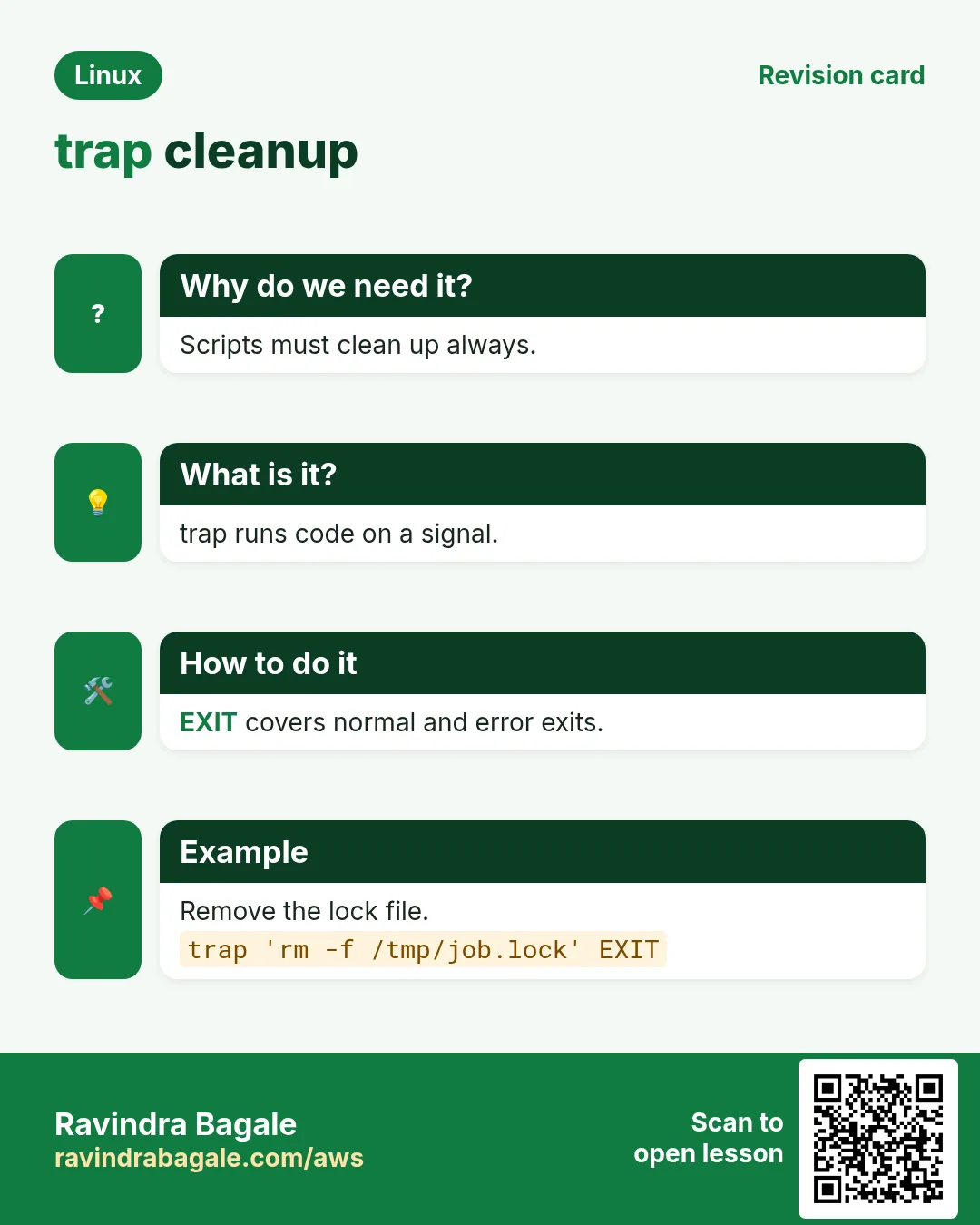
When a script is stopped (Ctrl+C, TERM from systemd), it should remove temp files and locks instead of leaving a mess.
What is it?
trap 'COMMANDS' SIGNALS runs COMMANDS when a signal arrives. EXIT runs on any exit, ERR on a failing command. trap '' INT ignores Ctrl+C. trap - INT restores default. trap -p shows current traps. KILL and STOP cannot be trapped.
How to do it (step by step)
- Clean up temp files on exit.
cat clean.sh
#!/bin/bash
tmp=$(mktemp)
trap 'rm -f "$tmp"; echo cleaned' EXIT
echo working > "$tmp"; sleep 30
Output:
(press Ctrl+C)
^Ccleaned
What it means: Runs on normal end and on Ctrl+C.
- Graceful stop on TERM.
trap 'echo stopping; kill $child; wait $child; exit 0' TERM; ./worker & child=$!; waitOutput:
(after kill -TERM of the script) stoppingWhat it means: Passes the stop to the child and waits.
- Reload on HUP.
trap 'source /etc/myapp.conf; echo reloaded' HUPOutput:
(after kill -HUP) reloadedWhat it means: Your script acts like a daemon.
- Show active traps.
trap -pOutput:
trap -- 'rm -f "$tmp"; echo cleaned' EXITWhat it means: Useful while debugging.
11. Zombies and D-state: processes that will not die
Why do we need this?
kill -9 does not remove them, and people waste hours. You must know the real fix.
What is it?
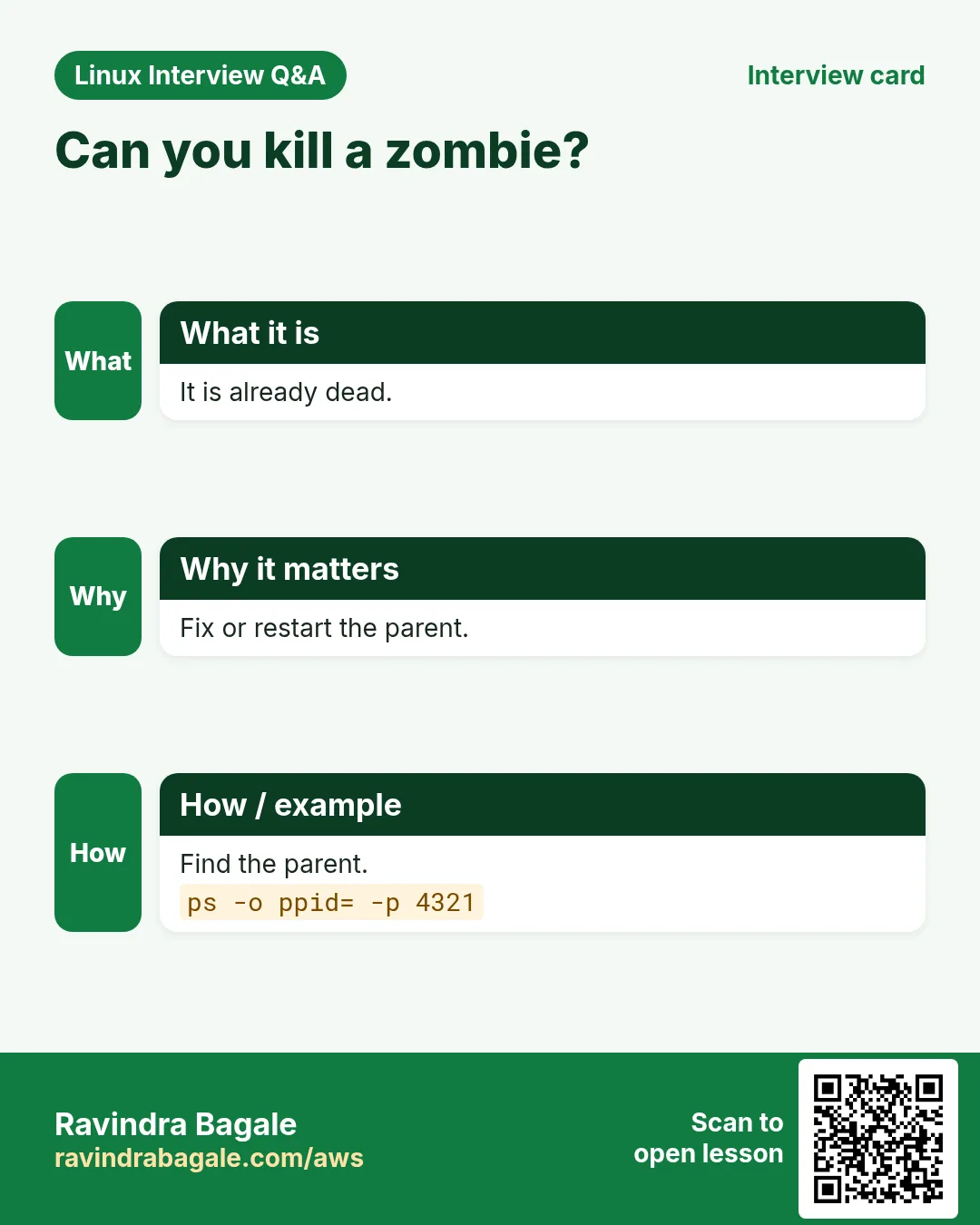
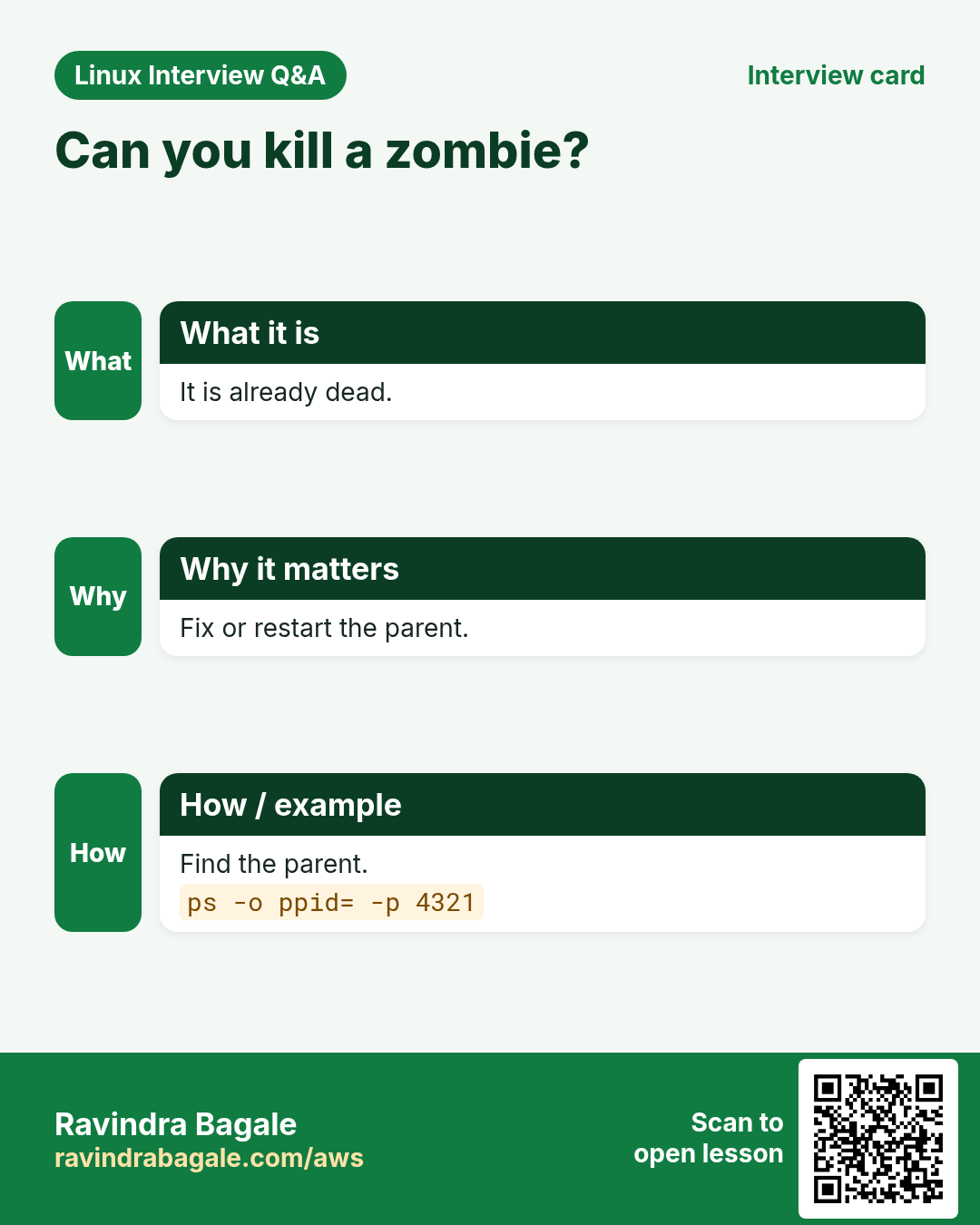
A zombie (Z) has already exited; only its exit record waits for the parent. Fix the parent: send it SIGCHLD or restart it; if the parent dies, systemd adopts and reaps it. A D-state process is inside the kernel waiting for IO (dead NFS, failing disk); signals wait until IO returns. Fix the storage, use umount -f/-l for NFS, or reboot.
How to do it (step by step)
- Find zombies and their parents.
ps -eo pid,ppid,stat,cmd | awk '$3 ~ /Z/'Output:
9901 9900 Z [worker] <defunct>What it means: PPID 9900 must reap it.
- kill -9 on a zombie does nothing.
kill -9 9901; ps -o stat= -p 9901Output:
ZWhat it means: It is already dead.
- Nudge or restart the parent.
kill -CHLD 9900; sleep 1; ps -o stat= -p 9901 || echo reapedOutput:
reapedWhat it means: If not, restart the parent service.
- D-state from a dead NFS.
ps -eo pid,stat,wchan:20,cmd | awk '$2 ~ /D/'Output:
7001 D nfs_wait_bit_killable ls /mnt/nfsWhat it means: Waiting on NFS; fix the mount.
12. Real examples from many industries
Why do we need this?
The same Linux skill shows up in every kind of company. Seeing it in many places helps you remember it.
What is it?
Each row is a made-up team. It shows who uses this and how.
How to do it (step by step)
| Team and city | How they use it | Command |
|---|---|---|
| Rahul, payments, Pune | Graceful TERM then KILL in deploy scripts | kill $PID; sleep 15; kill -9 $PID |
| Elena, CDN, Madrid | Reloads nginx with HUP after cert renewal | nginx -t && kill -HUP $(cat /run/nginx.pid) |
| Joseph, ISP NOC, Nairobi | Limits monitoring probes with timeout | timeout 10s ping -c3 10.0.0.1 |
| Hiro, robotics, Nagoya | trap cleans lock files in control scripts | trap 'rm -f /run/arm.lock' EXIT |
| Ananya, data team, Bengaluru | Pauses ETL during business hours | pkill -STOP -f etl.py |
| Lucas, hosting, Sao Paulo | Logs out idle SSH users | pkill -KILL -t pts/5 |
13. Common errors and how to fix them
Why do we need this?
Everyone hits these errors. Knowing the cause saves hours.
What is it?
Read the exact message first. Then match it to a row below.
How to do it (step by step)
| Error you see | Why it happens | How to fix |
|---|---|---|
bash: kill: (1420) - Operation not permitted | Not your process | Use sudo.sudo kill 1420 |
bash: kill: (99999) - No such process | PID already gone or typo | Re-check with pgrep.pgrep -a myapp |
Process ignores kill (SIGTERM) | App handles TERM slowly or is stuck | Wait, then use KILL.kill -9 PID |
kill -9 does not remove <defunct> | It is a zombie | Fix or restart the parent.ps -o ppid= -p PID |
kill -9 has no effect, STAT D | Stuck in kernel IO | Fix storage/NFS or reboot.ps -eo pid,stat,wchan:20,cmd |
Container exited with code 137 | SIGKILL, often the OOM killer | Check memory limits and kernel log.journalctl -k | grep -i oom |
Script exits with 143 under systemd | SIGTERM on stop; maybe no trap | Add trap or SuccessExitStatus=143.systemctl show -p ExecMainStatus app |
pkill killed the wrong processes | Loose pattern matched more | Preview with pgrep -a and use -x or -f carefully.pgrep -ax nginx |
killall: command not found | psmisc not installed | Install psmisc or use pkill.sudo dnf install -y psmisc |
timeout: exit 124 every run | The command is slower than the limit | Find why or raise the limit.time ./job.sh |
14. Troubleshooting step by step
Why do we need this?
If a process will not stop: identify it, try TERM, check its state, then KILL, and if it still stays, look at zombies or D-state.
What is it?
Go top to bottom. Stop at the first step that shows the problem.
How to do it (step by step)
- Confirm the exact process.
pgrep -a myapp- Ask it to stop.
kill PID- Wait and check the state.
sleep 10; ps -o pid,stat,cmd -p PID- Force only if needed.
kill -9 PID- Zombie? Look at the parent.
ps -o ppid= -p PID- D-state? Check storage.
dmesg -T | tail -2015. Lab 1: Graceful vs forced stop
Why do we need this?
Write a small script that cleans up on TERM, then compare TERM and KILL.
What is it?
A full hands-on lab. Run every step on a test Linux machine (an EC2 instance, a VM, or WSL).
How to do it (step by step)
- Create the script.
cat > ~/svc.sh <<'X'
#!/bin/bash
touch /tmp/svc.lock
trap 'rm -f /tmp/svc.lock; echo clean exit; exit 0' TERM INT
while true; do sleep 1; done
X
chmod +x ~/svc.sh
Output:
(no output)- Run and stop with TERM.
~/svc.sh & sleep 1; kill $!; wait $!; echo code=$?; ls /tmp/svc.lockOutput:
clean exit
code=0
ls: cannot access '/tmp/svc.lock': No such file or directory- Run and stop with KILL.
~/svc.sh & sleep 1; kill -9 $!; wait $!; echo code=$?; ls /tmp/svc.lockOutput:
code=137
/tmp/svc.lock- See the difference.
echo 'KILL left the lock file behind'Output:
KILL left the lock file behind- Clean up.
rm -f /tmp/svc.lock ~/svc.shOutput:
(no output)16. Lab 2: Pause, resume, reload and time-limit
Why do we need this?
Use STOP/CONT, pkill with preview, and timeout.
What is it?
A full hands-on lab. Run every step on a test Linux machine (an EC2 instance, a VM, or WSL).
How to do it (step by step)
- Start two workers.
(sleep 500 &) ; (sleep 501 &) ; pgrep -a sleepOutput:
9950 sleep 500
9951 sleep 501- Pause and resume one.
kill -STOP 9950; ps -o pid,stat -p 9950; kill -CONT 9950; ps -o stat= -p 9950Output:
  PID STAT
 9950 T
S- Preview then pkill.
pgrep -af 'sleep 50'; pkill -f 'sleep 50'; pgrep -c sleepOutput:
9950 sleep 500
9951 sleep 501
0- Time-limit a command.
timeout 2s sleep 10; echo $?Output:
124- Reload a daemon safely.
sudo sshd -t && sudo systemctl reload sshd && echo reloadedOutput:
reloadedRavindra Bagale's Tip
Make 'kill, wait, then kill -9' a habit, never the other way round. And before any pkill, run the same pattern with pgrep -a to see exactly what you are about to stop.
Ravindra Bagale's Tip – मराठी
'kill, थांबा, मग kill -9' ही सवय करा, उलट कधीच नाही. आणि कोणत्याही pkill आधी तोच pattern pgrep -a ने चालवून नेमकं काय थांबवणार ते बघा.
Ravindra Bagale's Tip – हिंदी
'kill, रुकें, फिर kill -9' की आदत डालें, उल्टा कभी नहीं. और किसी भी pkill से पहले वही pattern pgrep -a से चलाकर देखें कि आप ठीक-ठीक क्या रोकने वाले हैं.
17. Frequently asked questions
Q. Which signal does kill send by default?
SIGTERM (15).
Q. Why avoid kill -9 first?
The program cannot save data or clean up, so you may get corrupt files and stale locks.
Q. pkill or killall?
pkill matches patterns and options like pgrep; killall matches exact names. Both are fine; preview first.
Q. What does exit code 130 mean?
Stopped by Ctrl+C (128 + 2).
Q. Can I trap SIGKILL?
No. KILL and STOP cannot be caught or ignored.
Q. Does SIGHUP always reload?
Only for programs written to do so (most daemons). For others it ends them.
Q. How do I kill a whole process group?
kill -TERM -PGID (negative number), or systemctl stop for services.
Q. Why does my container not stop quickly?
PID 1 in a container ignores TERM unless it handles it; use exec in entrypoints, tini, or a trap.
18. Interview questions and answers
Beginner level
Q. What is a signal?
A short message from the kernel to a process, like stop, pause or reload.
Q. SIGTERM vs SIGKILL?
TERM asks politely and can be handled; KILL ends at once and cannot be caught.
Q. What does Ctrl+C send?
SIGINT.
Q. How do you list signals?
kill -l.
Mid level level
Q. How do you reload nginx config without downtime?
nginx -t, then systemctl reload nginx or kill -HUP master PID.
Q. What does exit code 137 mean?
Killed by SIGKILL (128+9), often OOM.
Q. How do you limit a command to 30 seconds?
timeout 30s CMD; exit 124 if it timed out.
Q. How do you clean up temp files when a script is interrupted?
trap 'rm -f "$tmp"' EXIT INT TERM.
Senior level
Q. A process is in D state and ignores kill -9. Explain.
It is blocked inside a kernel IO call; signals are delivered only when it returns. Fix the device or NFS (umount -f/-l), or reboot.
Q. Zombies are piling up. Root cause and fix?
The parent does not call wait(). Fix the code (handle SIGCHLD), restart the parent, or use an init like tini in containers.
Q. How does systemd stop a service?
Sends KillSignal (TERM) to the cgroup, waits TimeoutStopSec, then SIGKILL; KillMode controls which processes.
Q. Why use exec in a Docker entrypoint script?
So the app becomes PID 1 and receives SIGTERM directly instead of the shell swallowing it.
Try at home
- Write a script that prints 'tick' every second, prints 'bye' on Ctrl+C or TERM, and prints 'reloaded' on HUP. Test all three with kill.
- Run 'sleep 100' and find out the exit code when it is stopped by TERM, KILL and Ctrl+C. Explain each number.
Practice Tasks
Ahmednagar Sugar Co-op is a sugar co-operative business in Ahilyanagar. Balasaheb Pawar looks after its IT and cloud work. They count money in INR and run their AWS resources in the ap-south-1 Region. In the tasks below you do real jobs for them using what this lesson teaches. All names, account IDs, IP addresses and numbers are made up for practice.
0 / 17
Easy Number of a signal
Why: Know the names.
What to do: Print the number of the TERM signal by its name.
- Find the Linux command that does this job.
- Add the options (like -r or -h) the task needs.
- Add the file names, folders or users in the right order.
- Use sudo if the job changes system files or users. Click Check answer.
Easy Polite stop
Why: Let the app clean up.
What to do: Send the default terminate signal to PID 5520.
- Find the Linux command that does this job.
- Add the options (like -r or -h) the task needs.
- Add the file names, folders or users in the right order.
- Use sudo if the job changes system files or users. Click Check answer.
Easy All copies by name
Why: Restart gunicorn cleanly.
What to do: Stop every process named exactly gunicorn and wait until they are gone.
- Find the Linux command that does this job.
- Add the options (like -r or -h) the task needs.
- Add the file names, folders or users in the right order.
- Use sudo if the job changes system files or users. Click Check answer.
Easy Limit a command
Why: Health check hangs.
What to do: Run curl -s https://example.com with a 5 second limit.
- Find the Linux command that does this job.
- Add the options (like -r or -h) the task needs.
- Add the file names, folders or users in the right order.
- Use sudo if the job changes system files or users. Click Check answer.
Medium Name for a number
Why: Exit code 137 seen.
What to do: Print the signal name for number 2.
- Find the Linux command that does this job.
- Add the options (like -r or -h) the task needs.
- Add the file names, folders or users in the right order.
- Use sudo if the job changes system files or users. Click Check answer.
Medium Force kill
Why: TERM did not work after 30 s.
What to do: Send SIGKILL to PID 5520.
- Find the Linux command that does this job.
- Add the options (like -r or -h) the task needs.
- Add the file names, folders or users in the right order.
- Use sudo if the job changes system files or users. Click Check answer.
Medium Is it alive?
Why: pid file check.
What to do: Check whether PID 3307 exists without sending a real signal.
- Find the Linux command that does this job.
- Add the options (like -r or -h) the task needs.
- Add the file names, folders or users in the right order.
- Use sudo if the job changes system files or users. Click Check answer.
Medium Reload nginx by PID
Why: New certificate at BIZ.
What to do: Send SIGHUP to PID 980 (the nginx master).
- Find the Linux command that does this job.
- Add the options (like -r or -h) the task needs.
- Add the file names, folders or users in the right order.
- Use sudo if the job changes system files or users. Click Check answer.
Medium Pause a process
Why: Peak hour; pause the ETL.
What to do: Pause PID 9611 with a signal that cannot be caught.
- Find the Linux command that does this job.
- Add the options (like -r or -h) the task needs.
- Add the file names, folders or users in the right order.
- Use sudo if the job changes system files or users. Click Check answer.
Medium Resume a process
Why: Peak is over.
What to do: Resume the paused PID 9611.
- Find the Linux command that does this job.
- Add the options (like -r or -h) the task needs.
- Add the file names, folders or users in the right order.
- Use sudo if the job changes system files or users. Click Check answer.
Medium Stop by full command
Why: Celery workers have no fixed PIDs.
What to do: Send TERM to every process whose full command line matches 'rq worker'.
- Find the Linux command that does this job.
- Add the options (like -r or -h) the task needs.
- Add the file names, folders or users in the right order.
- Use sudo if the job changes system files or users. Click Check answer.
Medium End a user's processes
Why: Intern leaving BIZ.
What to do: Send TERM to all processes of user trainee7.
- Find the Linux command that does this job.
- Add the options (like -r or -h) the task needs.
- Add the file names, folders or users in the right order.
- Use sudo if the job changes system files or users. Click Check answer.
Medium Clean up on exit
Why: Leftover temp files.
What to do: In a bash script, set a trap that runs rm -f /tmp/job.lock on EXIT.
- Find the Linux command that does this job.
- Add the options (like -r or -h) the task needs.
- Add the file names, folders or users in the right order.
- Use sudo if the job changes system files or users. Click Check answer.
Hard Kick a terminal
Why: Unknown user on pts/5.
What to do: Send KILL to everything on terminal pts/5.
- Find the Linux command that does this job.
- Add the options (like -r or -h) the task needs.
- Add the file names, folders or users in the right order.
- Use sudo if the job changes system files or users. Click Check answer.
Hard TERM then KILL
Why: Nightly job must never hang.
What to do: Run ./report.sh with a 1h limit, and send KILL 10s after the first signal if still alive.
- Find the Linux command that does this job.
- Add the options (like -r or -h) the task needs.
- Add the file names, folders or users in the right order.
- Use sudo if the job changes system files or users. Click Check answer.
Hard Ignore TERM
Why: A critical step must not be interrupted.
What to do: Make the script ignore SIGTERM.
- Find the Linux command that does this job.
- Add the options (like -r or -h) the task needs.
- Add the file names, folders or users in the right order.
- Use sudo if the job changes system files or users. Click Check answer.
Hard Find zombies
Why: Defunct entries are piling up.
What to do: List stat, pid, ppid and cmd of all processes, then filter rows whose stat contains Z with awk on field 1.
- Find the Linux command that does this job.
- Add the options (like -r or -h) the task needs.
- Add the file names, folders or users in the right order.
- Use sudo if the job changes system files or users. Click Check answer.
19. Related chapters
- Linux Ops Refresh for DevOps
- Bash Scripting for Automation
- Linux grep and find Commands with Examples
- How to Set Up Passwordless SSH Between Linux Servers
In short
- kill -l lists; names are safer than numbers.
- kill sends TERM; -9 only as the last step.
- HUP reloads daemons; STOP/CONT pause and resume.
- pkill/killall by name; preview with pgrep -a.
- timeout limits time (exit 124); trap cleans up.
- Zombies: fix the parent. D-state: fix the IO.
Revision, comparison and interview cards
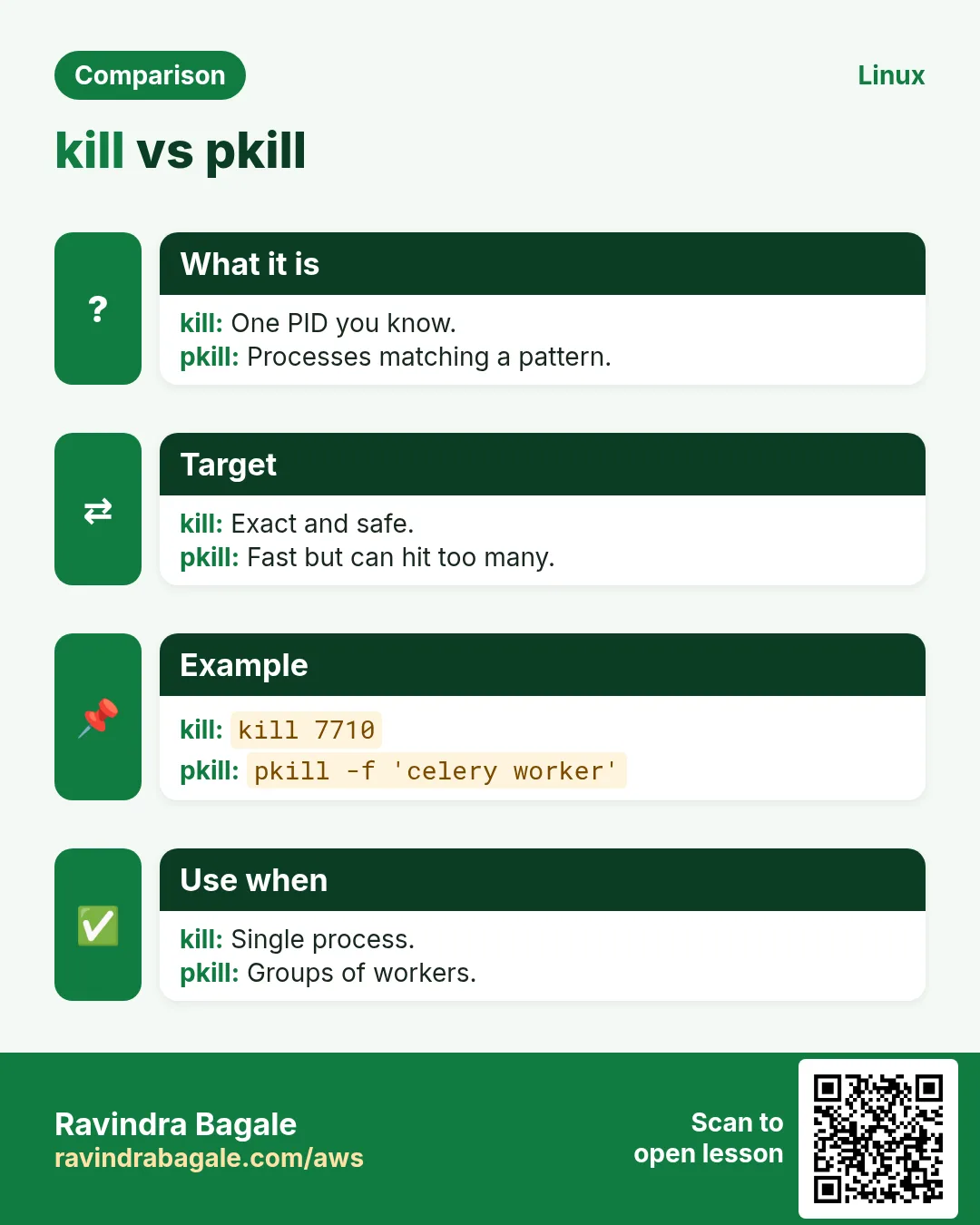
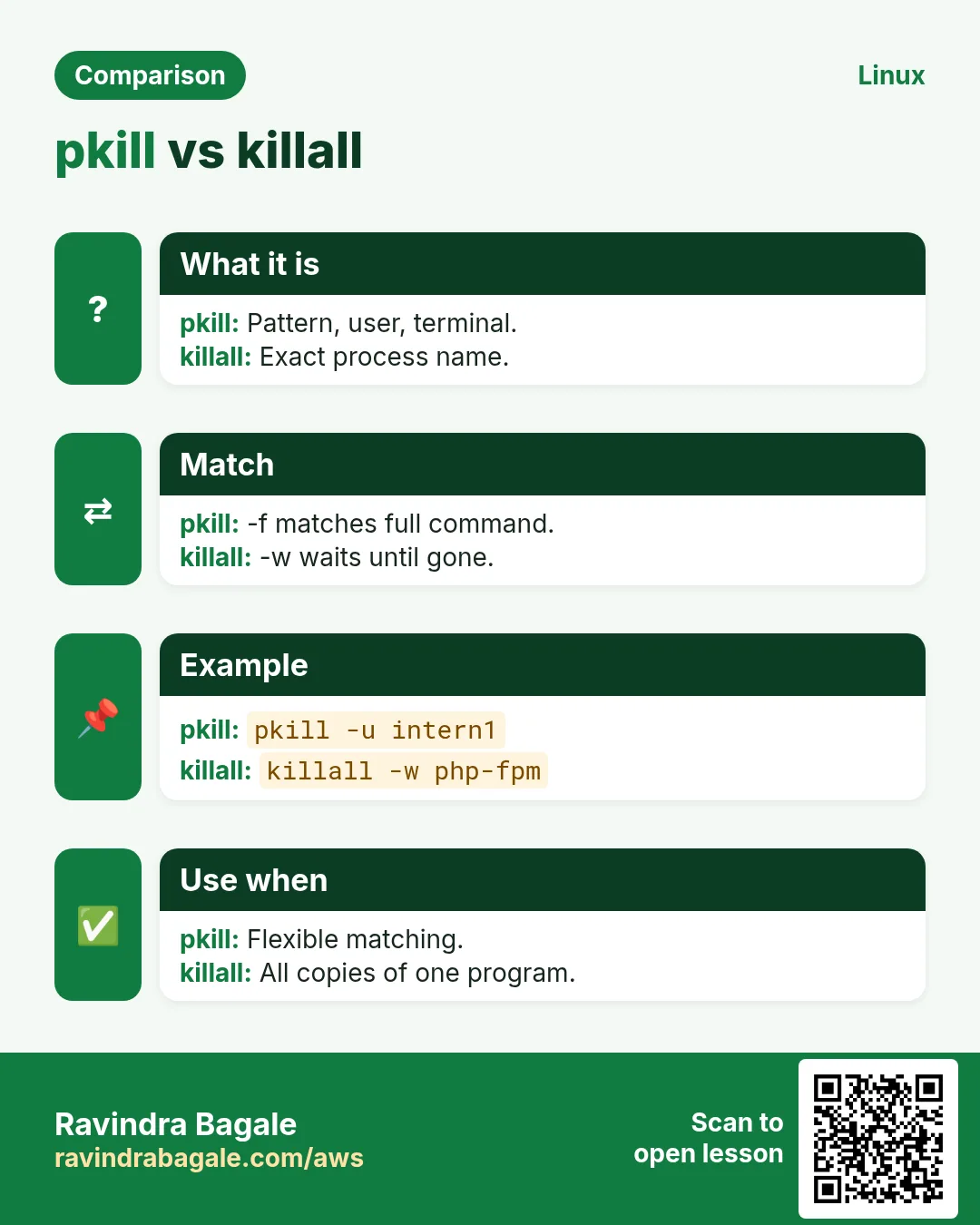
Revise this lesson in a few minutes. Save the cards on your phone or download them as PNG files. The QR code on each card opens this lesson.
More cards: Ravi Sir's Cards.