How to Create a Registration Form in PHP and MySQL
Every page we have served so far only asked the server for something. In this chapter we build a page that sends data to it: a registration form in HTML, a PHP script that receives the data, and a MariaDB table that stores it, all on one Amazon Linux EC2 server running nginx, php-fpm and MariaDB. You will also see how to get the code from an AI assistant, what you must change in what it gives you, and how to find out why a form does not work.
What you'll learn in this class
- GET and POST, and why a form that sends data uses POST
- An HTML form:
action,methodand thenameof each input $_POST, the array that holds the submitted values- The four database connection values, and why
localhostis127.0.0.1 - PHP's MySQL driver
php-mysqlnd, and restarting php-fpm - The
instadatabase, theuserstable, and a database user just for the app register.htmlandsignup.phpwith a prepared statement andpassword_hash()- Testing with
SELECT, and alogin.phpthat usespassword_verify() - Writing prompts for an AI assistant and fixing its placeholders
- View Page Source, and a checklist for a form that does not work
1. GET and POST
Why: a registration form has to carry a name, an email and a password from the browser to the server. How the browser sends them decides whether the password stays private.
What: every request from a browser has a method. Two matter here:
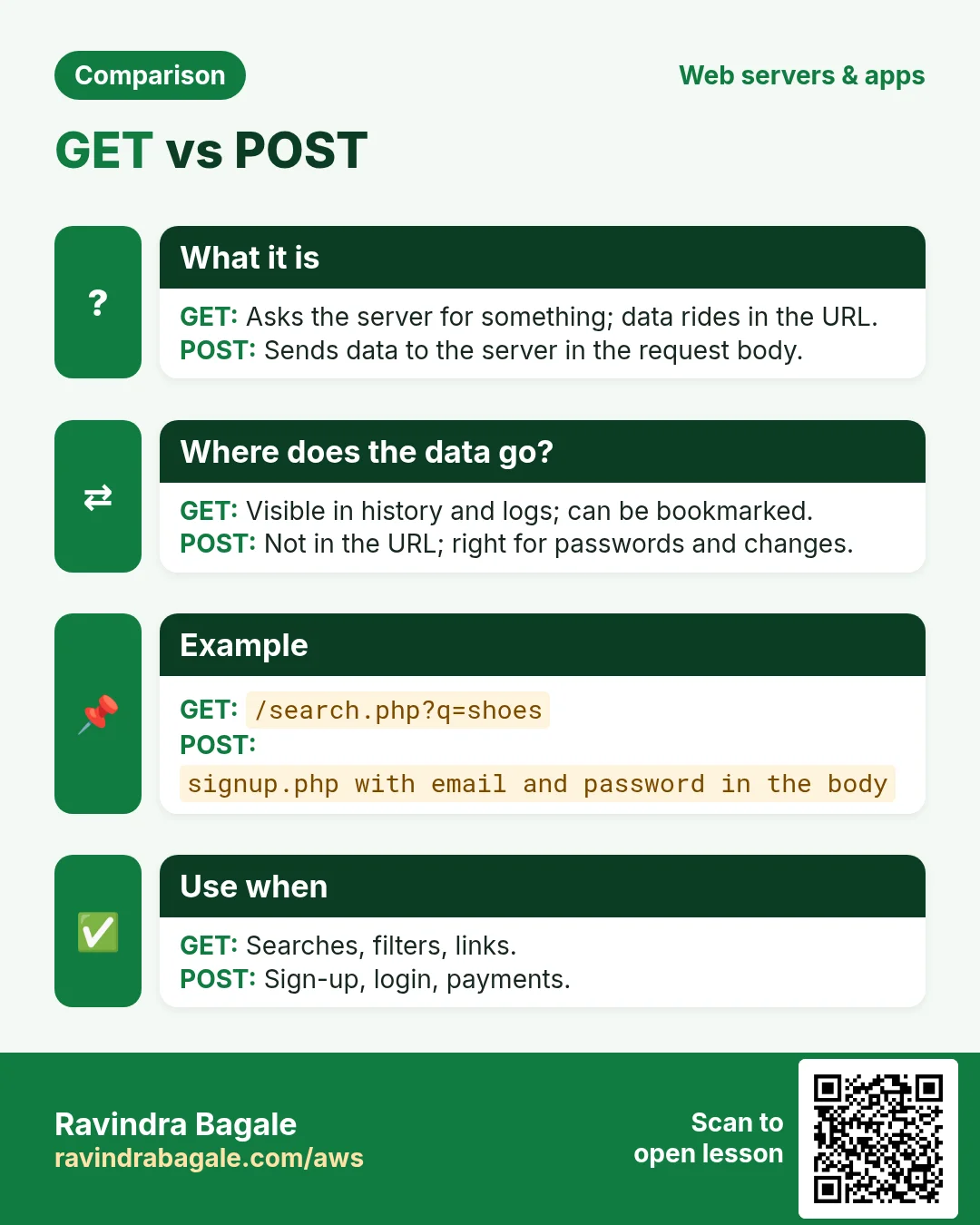
- GET asks the server for something. Typing a URL, clicking a link and refreshing are all GET requests. Any data rides in the URL, after a
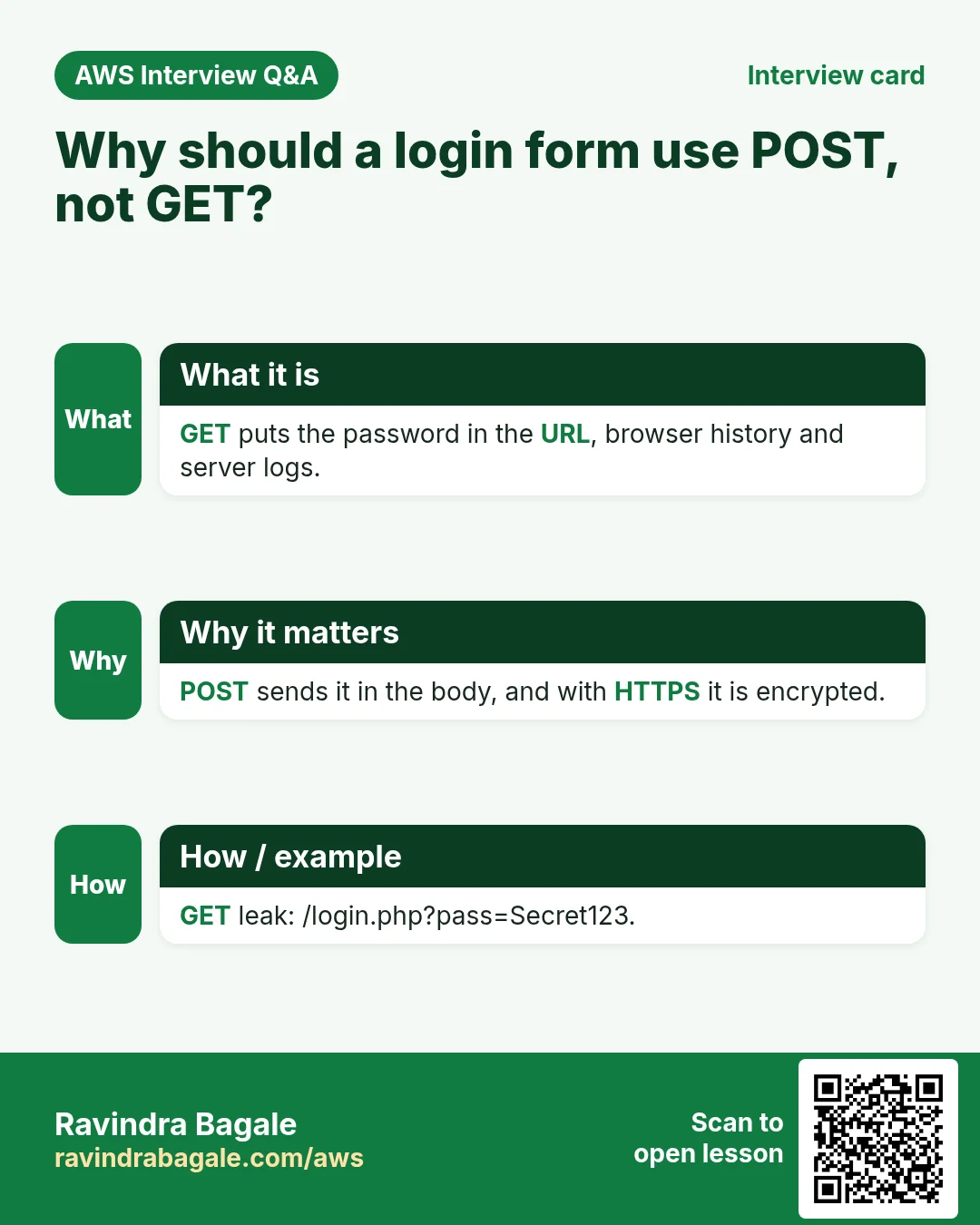
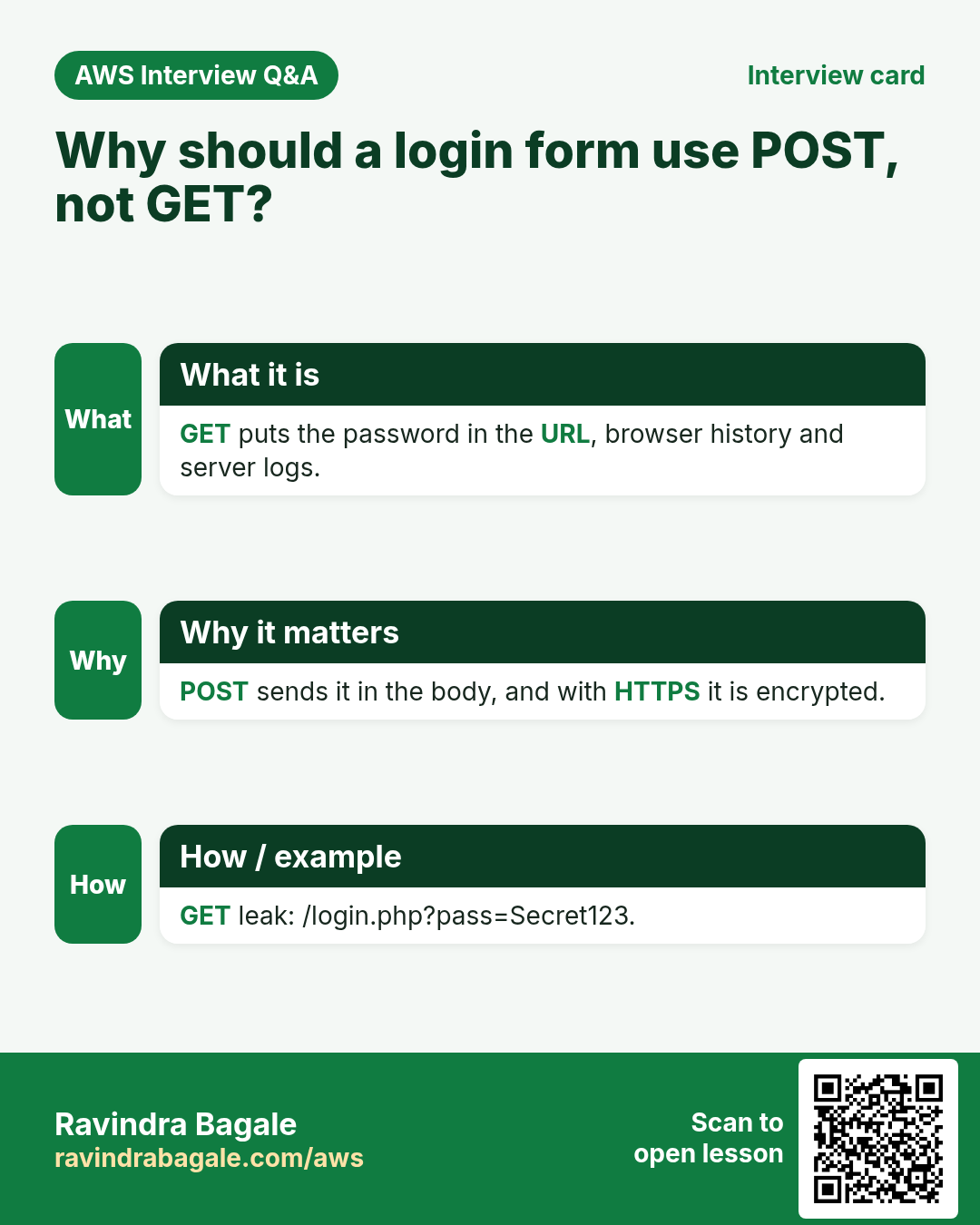
?. - POST gives data to the server. The data travels inside the request body, so it never appears in the URL, the browser history or the server's access log.
Classroom line
In a POST request we aren't asking the server for something; we are giving something to it.
Class मधलं वाक्य
POST request मध्ये आपण server कडे मागत नाही, आपण server ला देतो.
Classroom line – हिंदी
"POST request me hum server se maang nahi rahe, hum server ko de rahe hain."
How it looks:
- You open
http://SERVER-IP/register.html: a GET. The server answers with the form. - You fill the form and click Register: a POST to
signup.php, withname=...&email=...&password=...in the body. - The same form without
method="POST"falls back to GET, and the browser showssignup.php?name=Asha&email=asha%40example.com&password=MySecret123in the address bar. Anyone looking at the screen, the history or the log can read the password.
Figure 1. Animation: GET asks for a page and carries no data; POST sends the form data inside the request body; a form without method=POST falls back to GET and puts the password in the URL.
2. The server: nginx, php-fpm and MariaDB
Why: three programs work together on one EC2 server, and all three must be running before the form can work.
What:
- nginx is the web server on port 80. It sends
.htmlfiles itself and hands every.phpfile to php-fpm. - php-fpm runs the PHP code.
- MariaDB is the database server on port 3306.
How:
- Connect to your Amazon Linux EC2 instance with
ssh -i key.pem ec2-user@SERVER-IP. - If the three are not installed yet, install them in one go:
sudo yum install nginx mariadb105-server php -y. -
Start them:
sudo service nginx start sudo service mariadb start sudo service php-fpm start -
Each one prints
Redirecting to /bin/systemctl start nginx.service(or mariadb, php-fpm). That is normal: on Amazon Linux theservicecommand passes the job tosystemctl. - Go to the folder nginx serves on Amazon Linux:
cd /usr/share/nginx/html. -
Make two test pages:
echo '<h1>HTML works</h1>' | sudo tee index.html echo '<?php phpinfo();' | sudo tee index.php -
Open
http://SERVER-IP/index.htmlandhttp://SERVER-IP/index.php. The first shows HTML works; the second shows the long purple PHP information page.
Classroom line
Make index.html and index.php and check; both pages must open.
Class मधलं वाक्य
"Index.html ani index.php banvun bagha. Donhi page disayla pahijet."
index.html आणि index.php बनवून बघा. दोन्ही pages दिसायला पाहिजेत.
Classroom line
Make index.html and index.php and check; both pages must open.
Classroom line
If both pages open, it means PHP and HTML are working properly.
Class मधलं वाक्य
"He donhi page disayla lagle yacha artha PHP ani HTML barobar work kartay."
हे दोन्ही pages दिसायला लागले याचा अर्थ PHP आणि HTML बरोबर work करतंय.
Classroom line
If both pages open, it means PHP and HTML are working properly.
- The PHP information page shows server details, so delete it once you have seen it:
sudo rm /usr/share/nginx/html/index.php.
Figure 2. nginx serves .html and passes .php to php-fpm; php-fpm needs the php-mysqlnd driver to talk to MariaDB. Start all three with sudo service ... start.
3. PHP's MySQL driver: php-mysqlnd
Why: PHP alone cannot talk to MariaDB. It needs a driver, an extension that knows the MySQL/MariaDB protocol. Without it, the mysqli functions do not exist, and signup.php stops with a blank page or 500 Internal Server Error.
What: on Amazon Linux the package is php-mysqlnd. It matches the PHP version you already have and adds mysqli and pdo_mysql.
How:
-
Install it:
sudo yum install php-mysqlnd -y -
Restart php-fpm so it loads the new extension:
sudo service php-fpm restart -
Only php-fpm loads PHP extensions, so nginx and MariaDB need nothing.
-
Check that the driver is there:
php -m | grep -i mysql -
You should see
mysqli,mysqlndandpdo_mysql.
4. The database: insta, users and an app user
Why: the form needs a table to land in, and the PHP code needs a database login. That login should not be root: if the app's password ever leaks, the damage must stay limited to what the app really needs.
How:
- Log in with
mysql -u root -p. -
Create the database and the table:
CREATE DATABASE insta; USE insta; CREATE TABLE users ( id INT AUTO_INCREMENT PRIMARY KEY, name VARCHAR(100) NOT NULL, email VARCHAR(150) NOT NULL UNIQUE, password VARCHAR(255) NOT NULL ); -
One column per form field, plus
idthat numbers the rows by itself. emailisUNIQUE, so one email can register only once.passwordisVARCHAR(255)because it will hold a hash (section 8), not the typed password. A hash today is 60 characters; 255 leaves room for stronger ones later.-
Create a user just for the app, with your own password in place of the placeholder:
CREATE USER 'appuser'@'localhost' IDENTIFIED BY 'YOUR_APP_PASSWORD'; GRANT SELECT, INSERT ON insta.users TO 'appuser'@'localhost'; -
appusercan read and add rows ininsta.users, and nothing else. It cannot drop the table or look at other databases. - Check with
SHOW GRANTS FOR 'appuser'@'localhost';. TryDROP TABLE users;while logged in asappuserand you getERROR 1142 ... DROP command denied. exit;
5. The four connection values
Why: to open a connection, PHP needs to know where the database is, who is logging in, with which password, and which database to use. If even one value is wrong, nothing gets saved.
What:
- Server name: where MariaDB runs. Here it is on the same EC2 server as PHP, so
localhost. - User name:
appuser. - Password: the one you set in
CREATE USER. - Database:
insta.
Classroom line
The database is on the same server as PHP, so we call it localhost.
Class मधलं वाक्य
जिथे PHP आहे तिथेच database आहे, म्हणून त्याला localhost म्हणणार.
Classroom line – हिंदी
"Jahan PHP hai wahi database hai, to usko localhost kahenge."
Classroom line
localhost is a domain name; its IP is 127.0.0.1.
Class मधलं वाक्य
localhost हे एक domain name आहे; त्याचा IP 127.0.0.1 आहे.
Classroom line – हिंदी
"Localhost ek domain name hai; iska IP 127.0.0.1 hai."
How: in PHP the four values are four variables, and one line opens the connection:
$servername = "localhost";
$username   = "appuser";
$password   = "YOUR_APP_PASSWORD";
$database   = "insta";
$conn = new mysqli($servername, $username, $password, $database);
localhostalways means "this same machine". Its address is127.0.0.1.- With
localhost, mysqli connects through MariaDB's local socket file. With127.0.0.1it uses TCP port 3306. Both reach the same database. - If the database ever moves to its own server (for example Amazon RDS), only
$servernamechanges, to that server's address.
Figure 3. The four connection values: localhost (127.0.0.1, the same server), a user just for the app, its password, and the database insta. One wrong value and the connection fails.
6. The HTML form: action, method and name
Why: three attributes decide where the form data goes, how it travels, and what it is called when it gets there.
What:
action="signup.php": the file that receives the data. It must match the PHP file name exactly, including upper and lower case.method="POST": send the data in the request body.name="..."on every input: the label each value carries. PHP finds the value by this name.
Classroom line
If you write signup.php here and put the PHP code in a different file, it won't work.
Class मधलं वाक्य
"Ithe signup.php lihilat ani PHP code vegLya file madhe taklat, tar nahi chalnar."
इथे signup.php लिहिलंत आणि PHP code वेगळ्या file मध्ये टाकलात, तर नाही चालणार.
Classroom line
If you write signup.php here and put the PHP code in a different file, it won't work.
How:
-
Create the form:
sudo nano /usr/share/nginx/html/register.html<!DOCTYPE html> <html> <head><meta charset="utf-8"><title>Register</title></head> <body> <h2>Create Account</h2> <form action="signup.php" method="POST"> <label>Name</label> <input type="text" name="name" required><br> <label>Email</label> <input type="email" name="email" required><br> <label>Password</label> <input type="password" name="password" minlength="8" required><br> <button type="submit">Register</button> </form> </body> </html> -
type="password"shows dots instead of the letters.requiredandminlength="8"make the browser check the fields before sending. - Open
http://SERVER-IP/register.html. A version with some CSS styling looks like the screenshot below; the form tag and the input names are what matter.
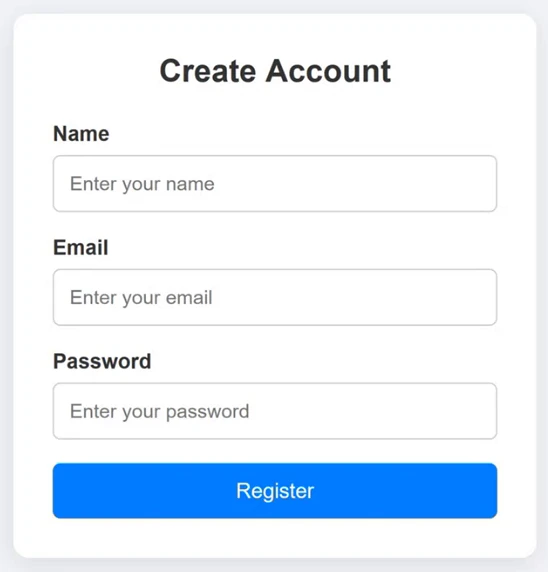
Whiteboard: The registration form served by nginx: Name, Email and Password fields and a Register button.
- Want to see the HTML of any page, yours or someone else's? Right-click the page and choose View Page Source (or press Ctrl+U). You can read it, and copy it as a starting point.
Classroom line
Want this same code? Right-click on the page, choose View Page Source and copy it.
Class मधलं वाक्य
"Hech code pahije tar page var right click kara, View Page Source kara, copy kara."
हाच code पाहिजे तर page वर right click करा, View Page Source करा, copy करा.
Classroom line
Want this same code? Right-click on the page, choose View Page Source and copy it.
- In the source, find the
<form ...>line and checkactionandmethodfirst.
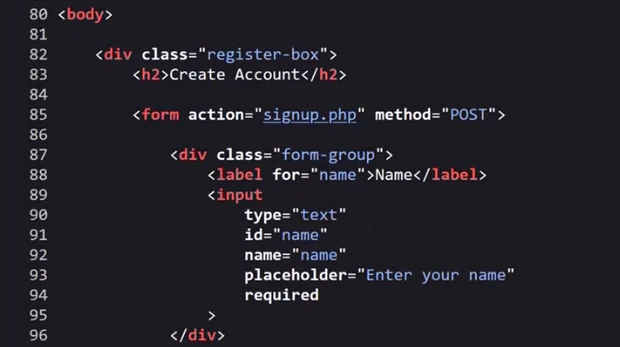
Whiteboard: View Page Source of the registration page: the form tag sends the data with method POST to signup.php.
7. $_POST: the form data inside PHP
Why: when the POST arrives, signup.php needs a way to get at each value.
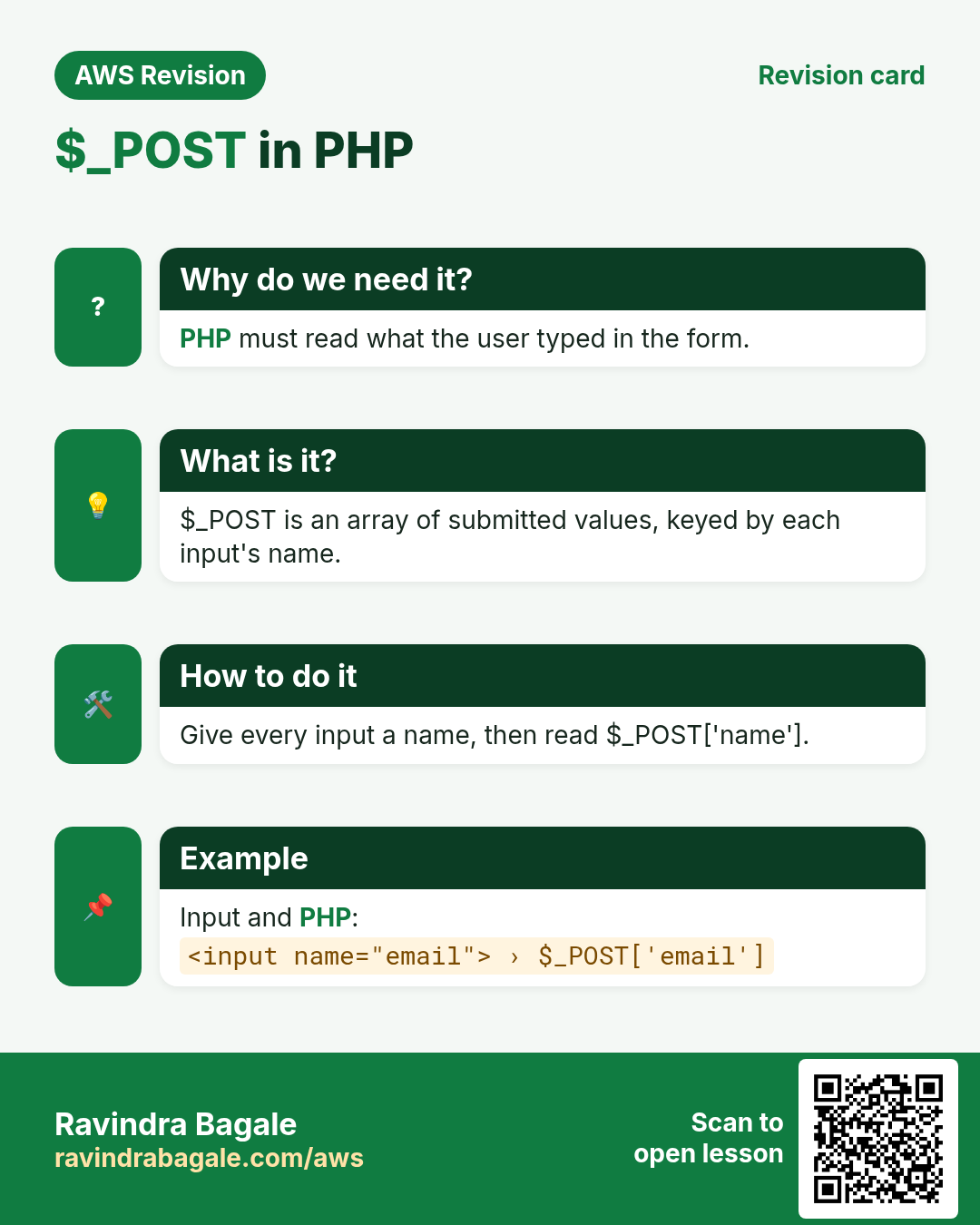
What: PHP puts everything that came in a POST body into $_POST, an array. An array is one variable that holds many values, each under its own key. The keys are the name attributes from the form.
Classroom line
An array is a variable that holds multiple values inside it.
Class मधलं वाक्य
Array म्हणजे असा variable ज्याच्या आत अनेक values येतात.
Classroom line – हिंदी
"Array matlab ek aisa variable jiske andar multiple values aate hain."
How:
- For our form,
$_POSTholds three entries:'name' => 'Asha','email' => 'asha@example.com','password' => 'MySecret123'. -
Take each value out by its key:
$name = trim($_POST["name"] ?? ""); $email = trim($_POST["email"] ?? ""); $pass = $_POST["password"] ?? ""; -
?? ""gives an empty string if the field is missing, instead of a warning. trim()removes spaces typed by mistake before or after the name and email.- If the key in PHP is spelt differently from the
namein HTML ($_POST["Email"]forname="email"), the value is simply empty.
Figure 4. Each input's name becomes a key in $_POST: name=Asha in the request body becomes $_POST['name'] in signup.php.
8. signup.php, the safe way
Why: this file decides what lands in your database. Two rules make it safe:
- Never paste form data into the SQL text. If you build the query as
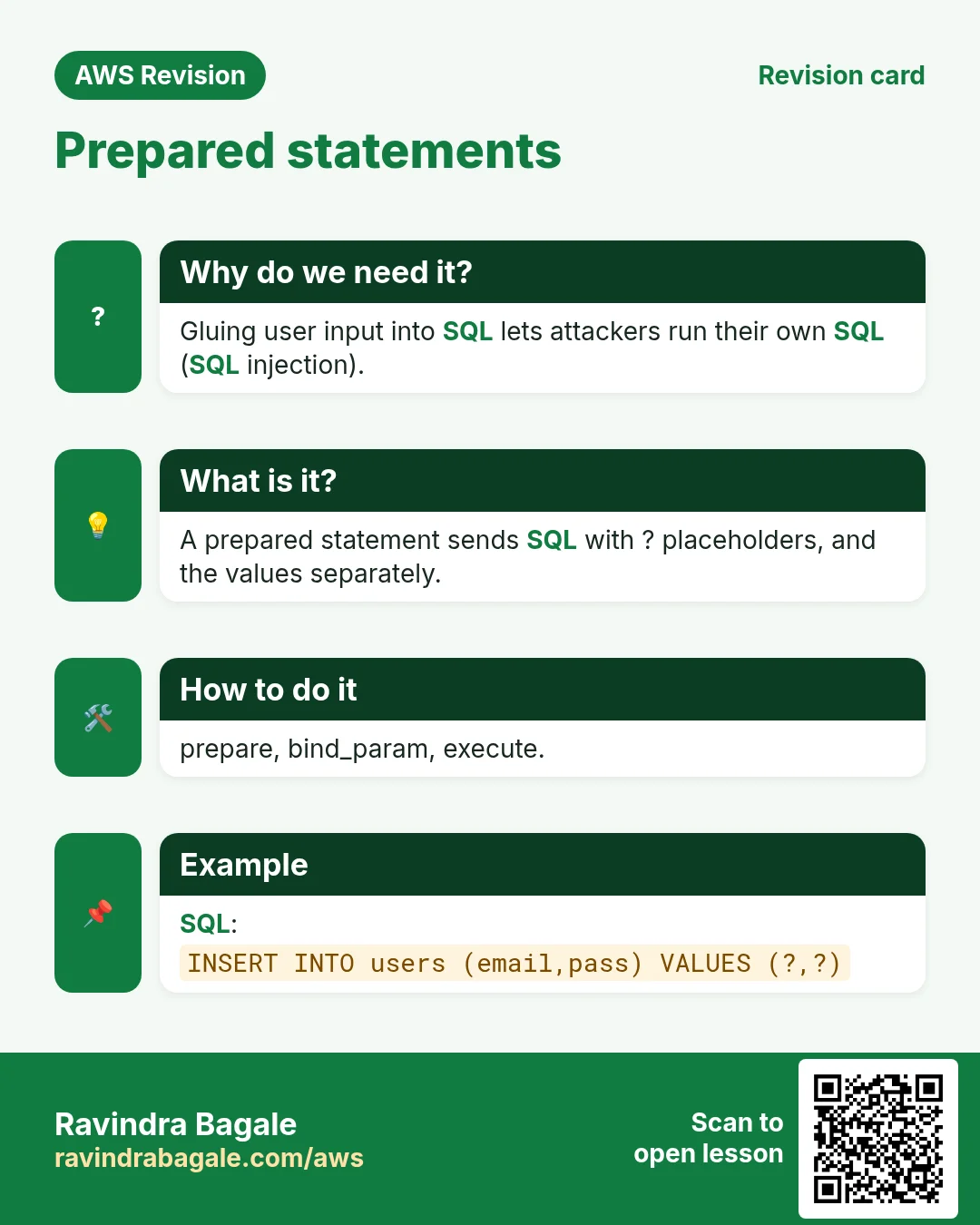
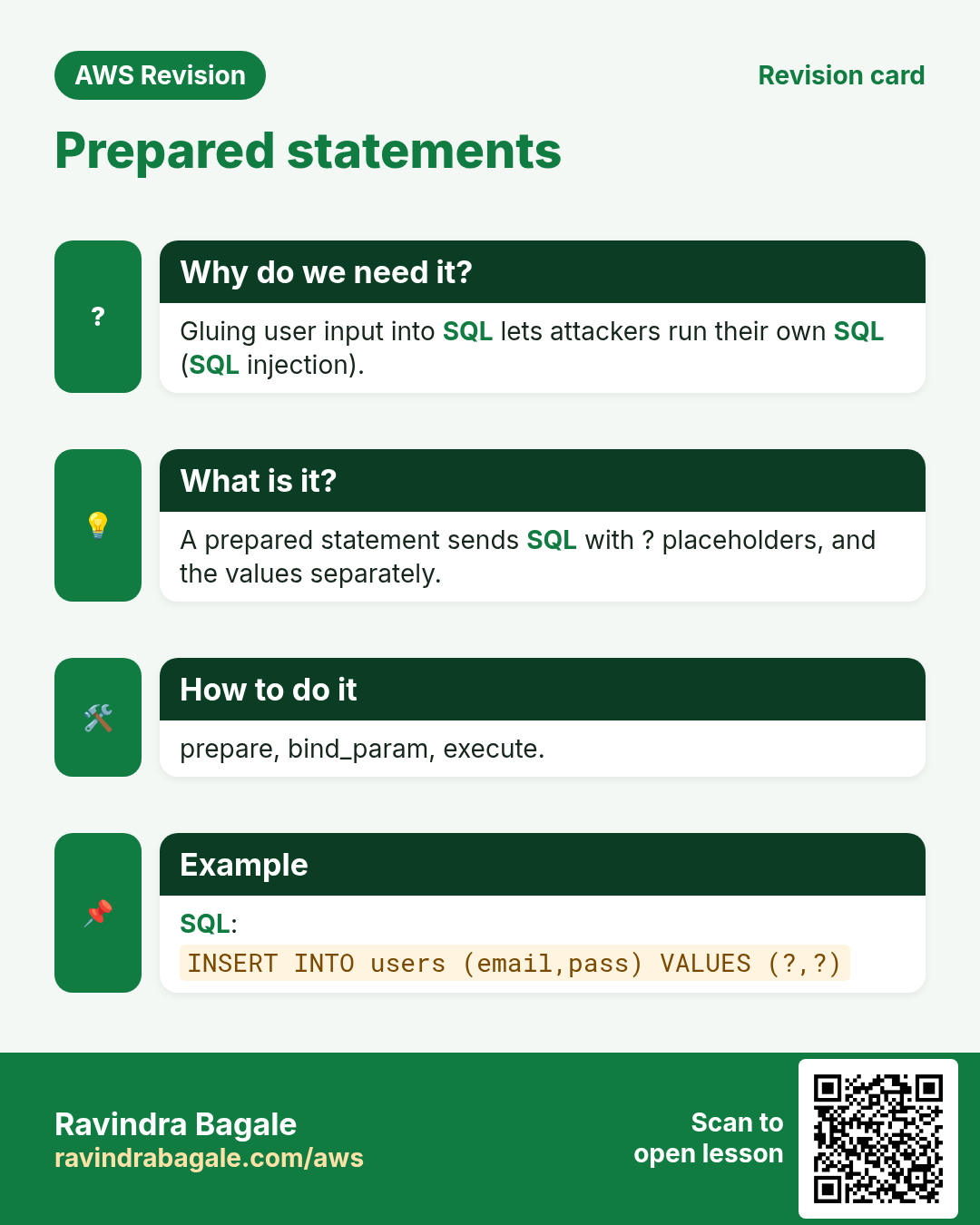
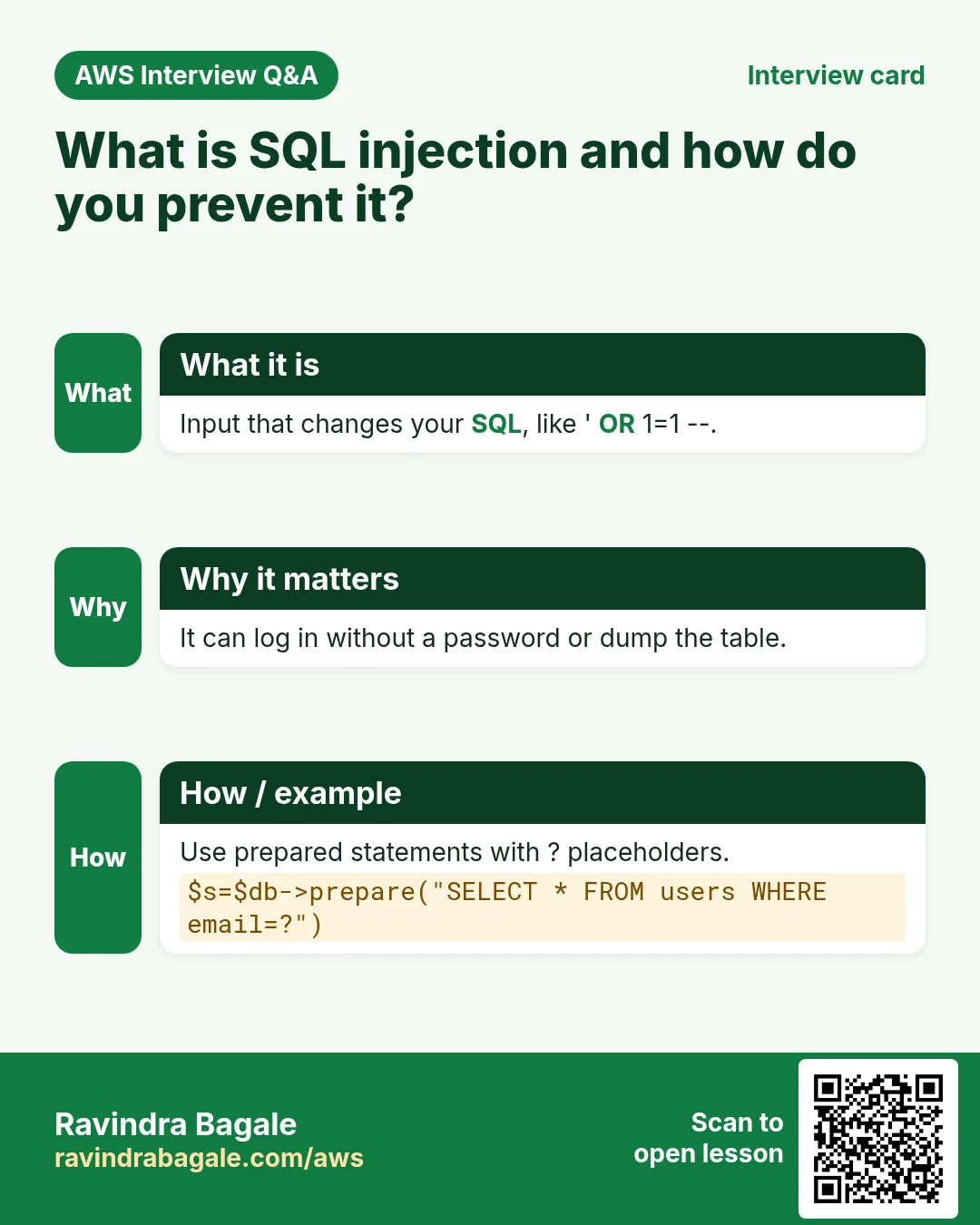
"... VALUES ('$name', ...)", a quote typed in the name field ends your string and the rest runs as SQL. This is called SQL injection. A prepared statement sends the SQL first, with?for each value, and the values separately, so they can only ever be data. - Never store the password itself.
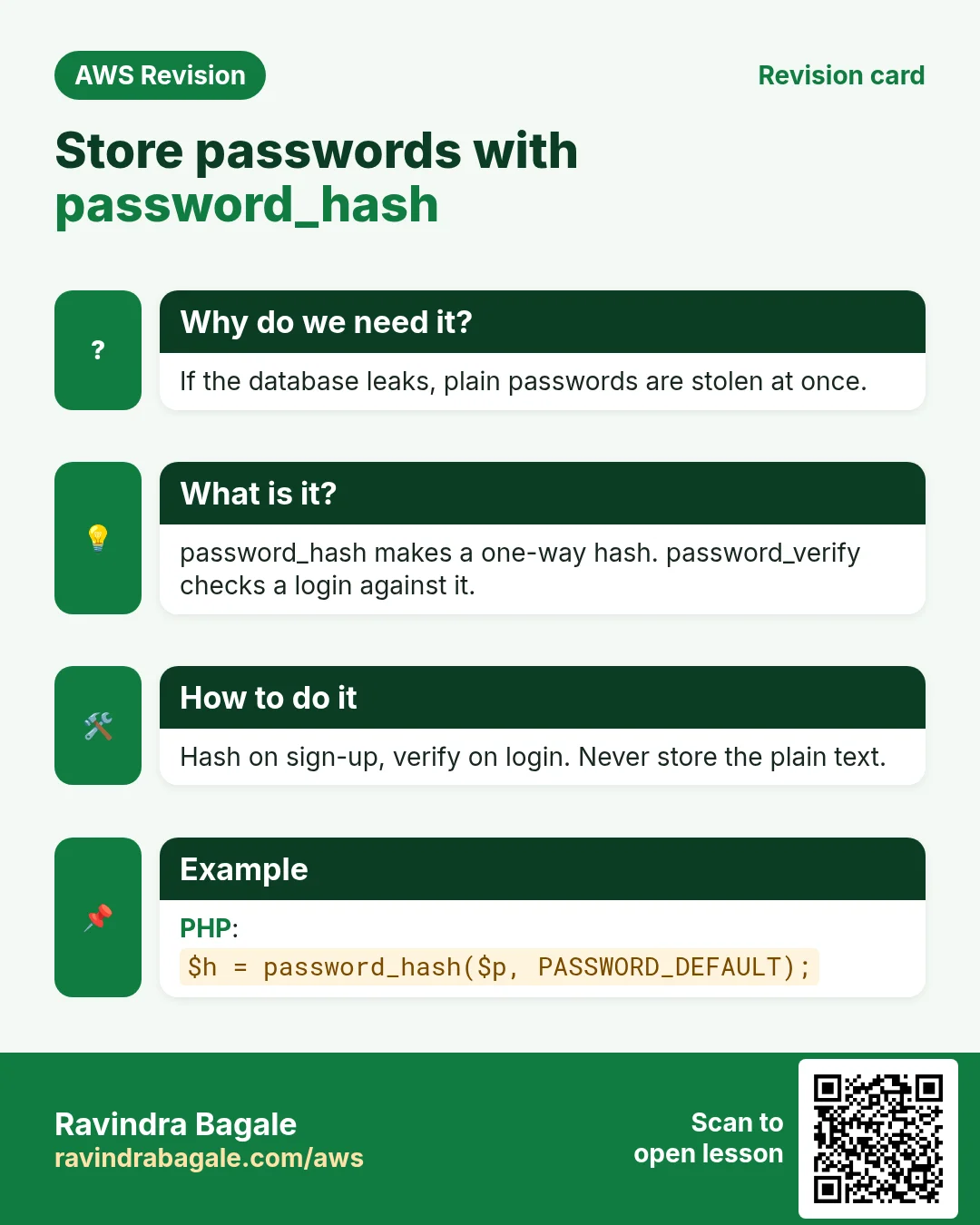
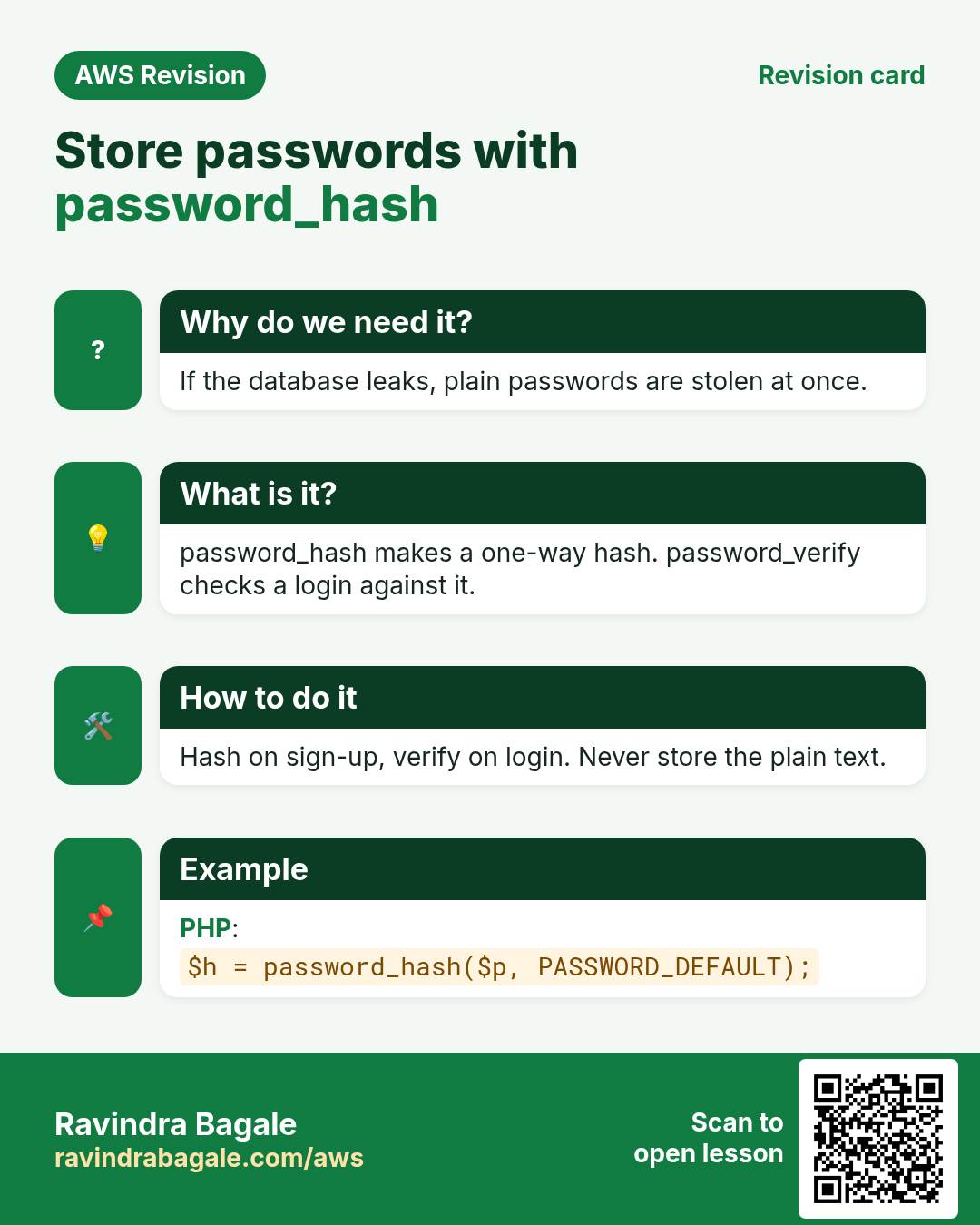
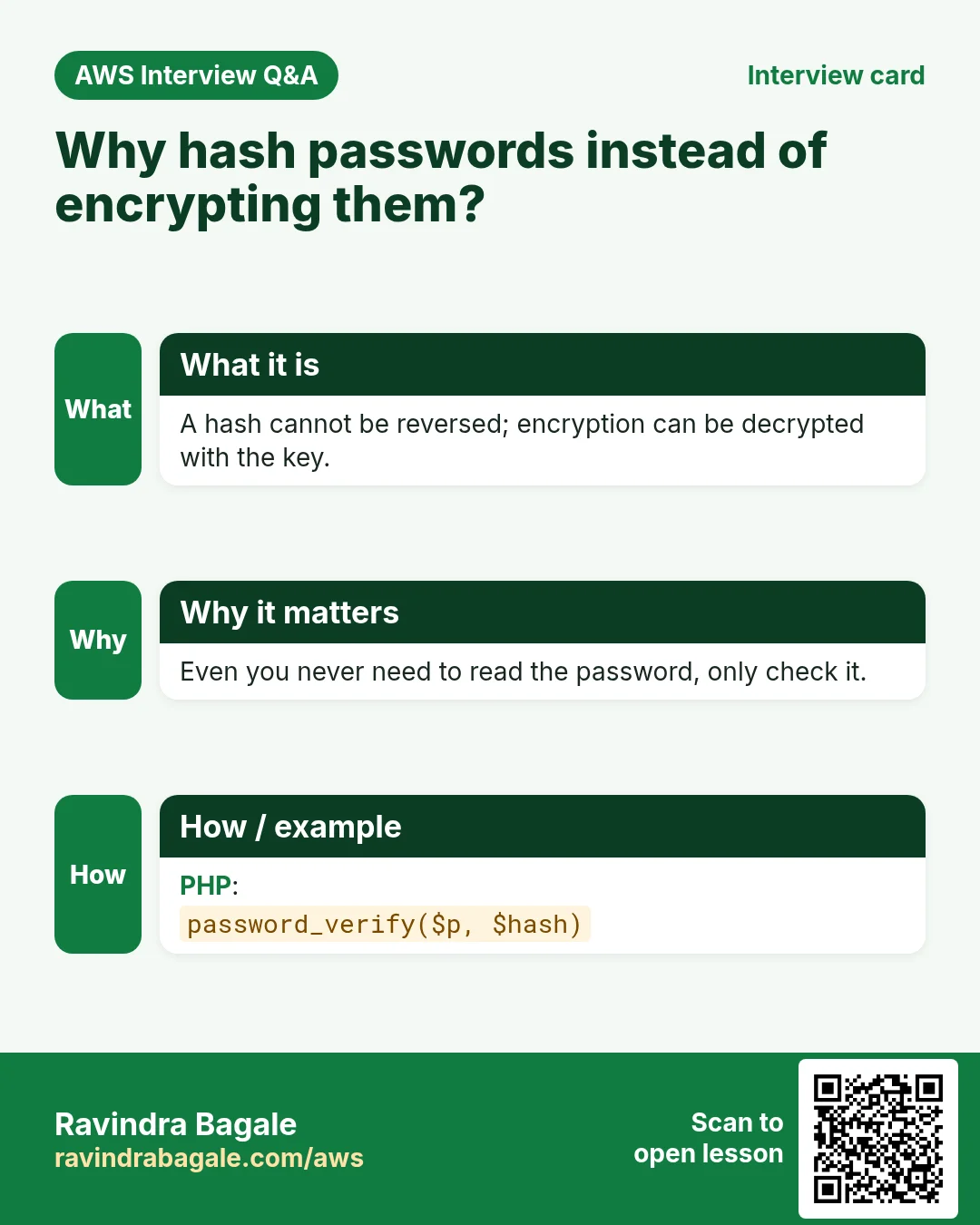
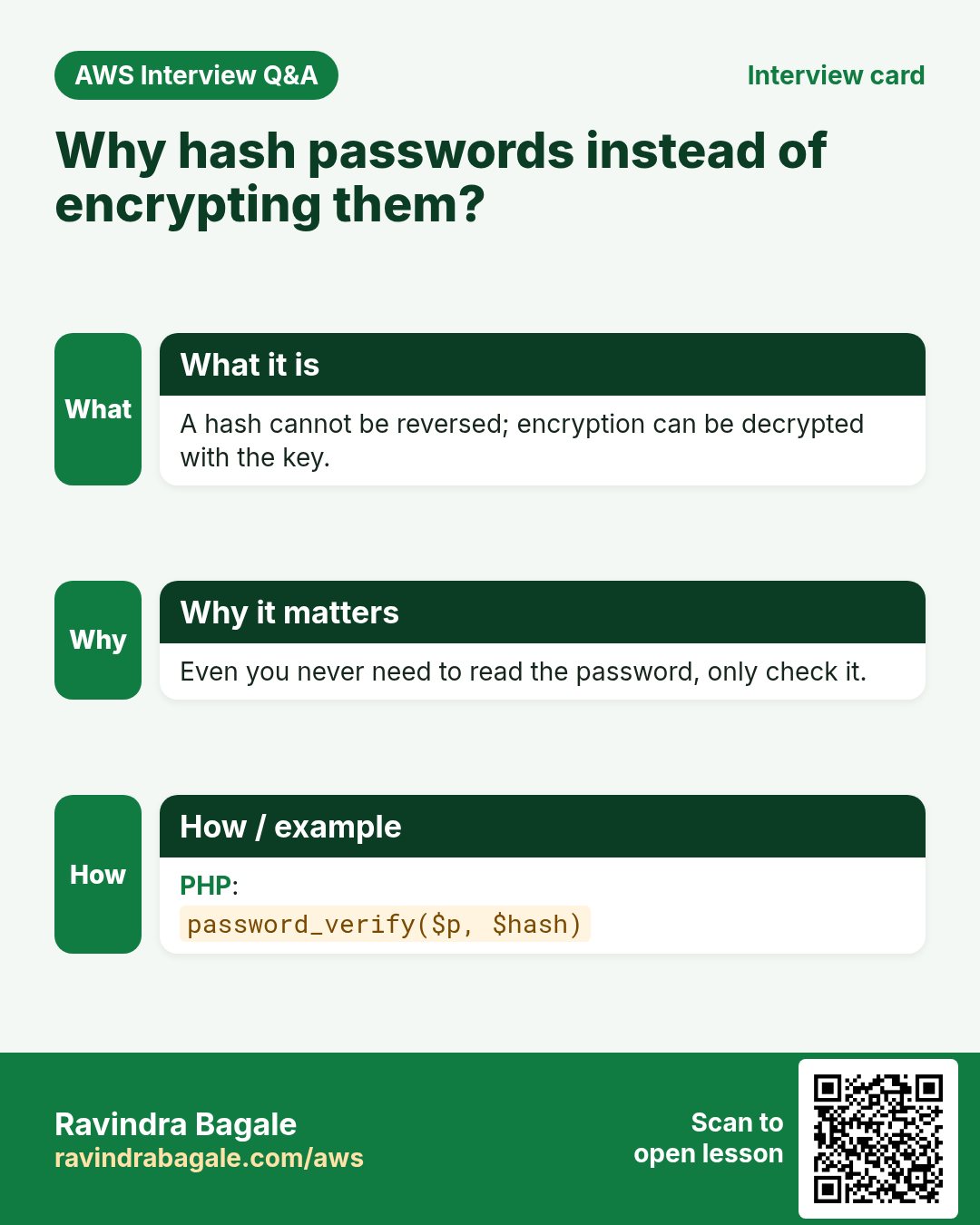
password_hash()turns it into a one-way hash. Anyone who reads the table, a backup or a leaked copy sees only hashes.
Classroom line
Understanding it matters more than just doing it; pay attention.
Class मधलं वाक्य
"Karnyapeksha samjun ghena mahatvacha aahe, laksh dya."
करण्यापेक्षा समजून घेणं महत्त्वाचं आहे, लक्ष द्या.
Classroom line
Understanding it matters more than just doing it; pay attention.
How: sudo nano /usr/share/nginx/html/signup.php
<?php
// 1. The four connection values
$servername = "localhost";          // same server as PHP (127.0.0.1)
$username   = "appuser";            // limited user, not root
$password   = "YOUR_APP_PASSWORD";  // placeholder: put your own
$database   = "insta";

// Only accept form submissions (POST)
if ($_SERVER["REQUEST_METHOD"] !== "POST") {
    header("Location: register.html");
    exit;
}

// 2. Read the form fields from $_POST
$name  = trim($_POST["name"] ?? "");
$email = trim($_POST["email"] ?? "");
$pass  = $_POST["password"] ?? "";

if ($name === "" || !filter_var($email, FILTER_VALIDATE_EMAIL) || strlen($pass) < 8) {
    exit("Please fill all fields. Password must be at least 8 characters.");
}

mysqli_report(MYSQLI_REPORT_ERROR | MYSQLI_REPORT_STRICT);
try {
    // 3. Connect
    $conn = new mysqli($servername, $username, $password, $database);

    // 4. Store a hash, never the plain password
    $hash = password_hash($pass, PASSWORD_DEFAULT);

    // 5. Prepared statement: data goes separately from the SQL
    $stmt = $conn->prepare("INSERT INTO users (name, email, password) VALUES (?, ?, ?)");
    $stmt->bind_param("sss", $name, $email, $hash);
    $stmt->execute();

    echo "Registration successful. <a href=\"login.html\">Log in</a>";
} catch (mysqli_sql_exception $e) {
    if ($e->getCode() == 1062) {
        echo "An account with this email already exists.";
    } else {
        error_log("signup.php: " . $e->getMessage());
        echo "Something went wrong. Please try again later.";
    }
}
Read it top to bottom:
- The four connection values from section 5.
- A GET to
signup.php(someone typing its URL) is sent back to the form. - The three values come out of
$_POST, and are checked: a name, a valid email, a password of at least 8 characters. The browser checks too, but anyone can skip the browser, so the server checks again. mysqli_report(...)makes every database error an exception that thecatchblock handles.password_hash($pass, PASSWORD_DEFAULT)makes the hash, a 60-character text that starts with$2y$.prepare()sends the SQL with three?.bind_param("sss", ...)attaches three strings, one per?, in order.execute()runs it.- Error 1062 is the duplicate entry from the
UNIQUEemail: the user gets a clear message. - Any other error goes to the PHP error log for you, while the visitor sees a general message. Database details are never shown on the page.
Figure 5. Pasted SQL lets a typed quote change the command; a prepared statement fixes the SQL first and sends the values separately, so the same text is stored as a plain name.
Figure 6. Animation: a password stored as typed is readable by anyone with the table; password_hash() stores a one-way 60-character hash; password_verify() checks a login against it.
9. Test the whole flow
Why: a form that "looks fine" proves nothing. Follow one registration all the way into the table.
How:
- Open
http://SERVER-IP/register.html, fill inAsha,asha@example.comand a password of 8 or more characters, and click Register. - The page says
Registration successful. Log in. The address bar shows just/signup.php, no data. - Go back and register the same email again. The page says
An account with this email already exists. -
Check from the database side with
mysql -u root -p:USE insta; SELECT id, name, email, password FROM users; -
Asha's row is there, and the password column holds something like
$2y$12$GscnGr53N2GXU/ebcR2Wg..., not the password. - Register a second person. Their id is 3, not 2: the failed duplicate insert used up id 2, as with any failed insert into an
AUTO_INCREMENTtable. - Type a name like
x'); DROP TABLE users; --and register. It is saved as a plain name, andusersis still there. That is the prepared statement at work.
Figure 7. Animation: the browser gets register.html from nginx; Register sends POST /signup.php, which nginx passes to php-fpm; signup.php inserts the row into insta.users in MariaDB.
10. The next step: login.php
Why: registration stores users; a login page checks them. It uses the same pieces in reverse.
What: login.html is the same form with only email and password, and action="login.php". login.php looks up the row by email and lets PHP compare the typed password with the stored hash.
How: sudo nano /usr/share/nginx/html/login.php
<?php
$servername = "localhost";
$username   = "appuser";
$password   = "YOUR_APP_PASSWORD";
$database   = "insta";

if ($_SERVER["REQUEST_METHOD"] !== "POST") {
    header("Location: login.html");
    exit;
}

$email = trim($_POST["email"] ?? "");
$pass  = $_POST["password"] ?? "";

mysqli_report(MYSQLI_REPORT_ERROR | MYSQLI_REPORT_STRICT);
try {
    $conn = new mysqli($servername, $username, $password, $database);

    $stmt = $conn->prepare("SELECT name, password FROM users WHERE email = ?");
    $stmt->bind_param("s", $email);
    $stmt->execute();
    $user = $stmt->get_result()->fetch_assoc();

    if ($user && password_verify($pass, $user["password"])) {
        echo "Welcome, " . htmlspecialchars($user["name"]) . "!";
    } else {
        echo "Wrong email or password.";
    }
} catch (mysqli_sql_exception $e) {
    error_log("login.php: " . $e->getMessage());
    echo "Something went wrong. Please try again later.";
}
- The query finds the row by email only. Never write
WHERE password = '...': the column holds a hash, not the password. password_verify($pass, $user["password"])hashes the typed password the same way and compares. True means the password is right.- A wrong email and a wrong password get the same message, so nobody can use the form to find out which emails are registered.
htmlspecialchars()prints the name safely, even if it contains<or quotes.- Test: the right password gives
Welcome, Asha!; a wrong one givesWrong email or password. - A real app would now start a session (
session_start()) to remember the logged-in user from page to page.
11. Let an AI assistant write the code, then fix it
Why: as a cloud engineer you will deploy, configure and debug applications you did not write. AI assistants such as ChatGPT write this kind of code in seconds, but they cannot know your server, your database or your passwords. Your job is to ask clearly and then read and correct every line.
Classroom line
Whatever half-information we give ChatGPT, that's all we'll get back from it.
Class मधलं वाक्य
"ChatGPT la aapan jevdhi ardhavat mahiti deto, tevdhach tyachyakadun yenar."
ChatGPT ला आपण जेवढी अर्धवट माहिती देतो, तेवढंच त्याच्याकडून येणार.
Classroom line
Whatever half-information we give ChatGPT, that's all we'll get back from it.
How to write the prompts:
- One file per prompt, and name everything. For the form: Create a registration form in HTML with name, email and password fields that sends the data with POST to signup.php.
- Then the script, with your real names and the safety rules: Create signup.php for it: PHP mysqli, database insta, table users with columns name, email and password, prepared statements, password_hash(), and a message if the email already exists.
- A vague prompt such as make a signup page makes the assistant guess the file name, the fields, the database and the table, and you spend longer fixing the guesses.
Classroom line
You must learn how to prompt.
Class मधलं वाक्य
"Prompting shikta aala pahije."
Prompting शिकता आलं पाहिजे.
Classroom line
You must learn how to prompt.
What to change in what you get:
- The four connection values. The assistant writes placeholders such as
your_username,your_databaseorenter your password. They never work as they are. - Database, table and column names. Copy them from
SHOW DATABASES;andDESC users;. - The
actionof the form must match the PHP file name you actually save. - Safety: if the code builds SQL by pasting variables into a string, or stores
$_POST["password"]directly, ask for a prepared statement andpassword_hash(), or change it yourself. - Test, then
SELECT * FROM users;.
Classroom line
ChatGPT doesn't give you this; it just says 'enter your password'.
Class मधलं वाक्य
"ChatGPT tumhala he det nahi; to mhanto 'enter your password'."
ChatGPT तुम्हाला हे देत नाही; तो म्हणतो 'enter your password'.
Classroom line
ChatGPT doesn't give you this; it just says 'enter your password'.
Keep the code safe:
- A
.phpfile in the web root is run, not shown, so its database password stays on the server. - Never leave a copy such as
signup.txtorsignup.php.bakin/usr/share/nginx/html: nginx sends those as plain text, password and all. To share code, copy it from the terminal or withscp. - Never paste your real database password into an AI chat. Use the placeholder and fill it in on the server.
Figure 8. A vague prompt leaves the assistant guessing; complete prompts name the files, fields, database and safety rules. Then fix the connection values, the names and the action, and test.
12. Why does my form not work?
Why: almost every broken form comes down to a few small things. Check them in this order.
Classroom line
These are very small things: a spelling mistake, the wrong folder, a wrong password.
Class मधलं वाक्य
"Lay chotya chotya goshti aahet: spelling mistake, chukicha folder, password chukicha."
लय छोट्या छोट्या गोष्टी आहेत: spelling mistake, चुकीचा folder, password चुकीचा.
Classroom line
These are very small things: a spelling mistake, the wrong folder, a wrong password.
404 Not Foundforregister.html: the file is in the wrong folder. nginx on Amazon Linux serves/usr/share/nginx/html./var/www/htmlis Apache's folder (and nginx's on Ubuntu), so a file there gives 404 here. Check withls /usr/share/nginx/html.- Register does nothing, or
405 Not Allowed: the form has noaction. Without it the browser sends the data back toregister.htmlitself; withmethod="POST", nginx refuses a POST to a plain.htmlfile with 405. Addaction="signup.php". - The typed data, password too, appears in the URL: the form has no
method, so it uses GET. Addmethod="POST".
Classroom line
It's sending the data in the URL; change the HTML and use method.
Class मधलं वाक्य
"Te URL madhe data pathvatay; HTML badla, method vapra."
ते URL मध्ये data पाठवतंय; HTML बदला, method वापरा.
Classroom line
It's sending the data in the URL; change the HTML and use method.
404 Not Foundforsignup.php: the file name differs from theaction:signup.html,Signup.php,sigup.php. Linux file names are case-sensitive.500or a blank page: look in the PHP error log.Class "mysqli" not foundorCall to undefined function mysqli_...means the driver is missing:sudo yum install php-mysqlnd -y, thensudo service php-fpm restart.Something went wrong, and the log saysAccess denied for user 'appuser'@'localhost'orUnknown database: a connection value does not match what you created in MariaDB.- The log says
Unknown column 'fullname'orTable 'insta.user' doesn't exist: theINSERTuses names that are not in your table. Copy them fromDESC users;. - Where the logs are: nginx writes to
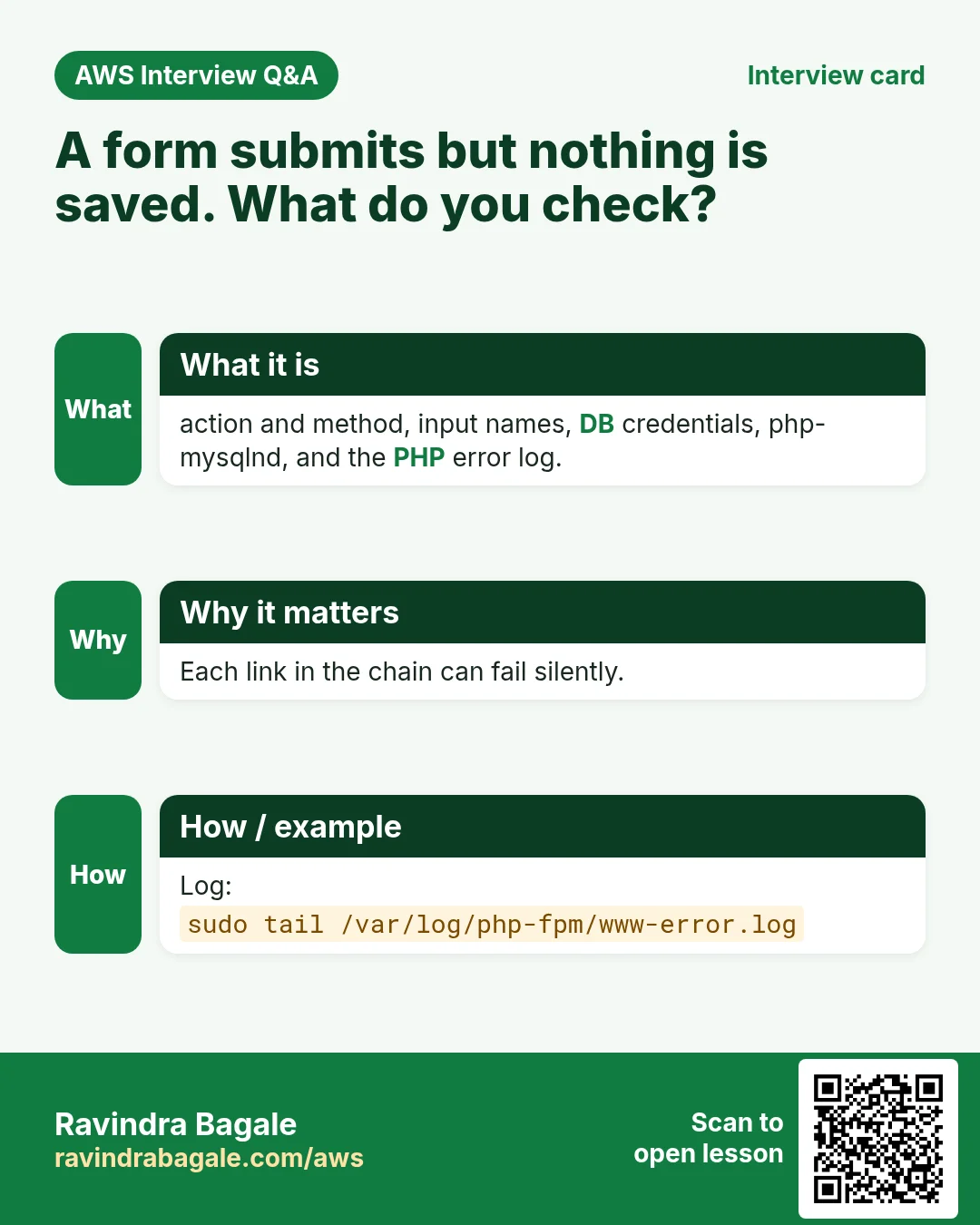
/var/log/nginx/error.log(missing files, 404s); PHP errors from php-fpm go to/var/log/php-fpm/www-error.log. Read the last lines withsudo tail -n 20and the file name.
Figure 9. Why a form does not work, in order: wrong folder, no action, no method, file name not matching the action, missing driver, wrong connection values, wrong table or column names. The logs tell you which.
Ravindra Bagale's Tip
Test every layer on its own before you test the form. index.html opens: nginx is fine. index.php opens: php-fpm is fine. mysql -u appuser -p insta logs in: the user, password and database are right. Only then click Register. When something breaks, sudo tail -n 20 /var/log/nginx/error.log and /var/log/php-fpm/www-error.log usually name the exact problem in one line.
When you're done practising, delete any test pages you no longer need and stop the EC2 instance.
13. Hands-on lab: one registration, from the form to the table
Why this lab. A form has many links: nginx, php-fpm, the driver, the database, the app user, the HTML and the PHP. This lab checks each link in order, so when a form breaks you know which link to test.
- Start the three services
- Command:
sudo service nginx start; sudo service mariadb start; sudo service php-fpm start - You should see: Three
Redirecting to /bin/systemctl start ...lines. - Check:
sudo service php-fpm statusshowsactive (running); the same for nginx and mariadb. - Why: nginx receives the request, php-fpm runs the PHP, MariaDB stores the row. One stopped service breaks the whole form.
- Command:
- Install the MySQL driver for PHP
- Command:
sudo yum install php-mysqlnd -y && sudo service php-fpm restart - You should see:
Complete!and the restart line. - Check:
php -m | grep -i mysqllistsmysqli,mysqlndandpdo_mysql. - Why: PHP alone can't talk to MariaDB. php-fpm loads extensions only at start, hence the restart.
- Command:
- Create the database, table and app user
- Do: Log in with
sudo mysql -u root -pand run theCREATE DATABASE insta;,CREATE TABLE users (...),CREATE USER 'appuser'@'localhost' ...andGRANT SELECT, INSERT ON insta.users ...statements from section 4. - Check:
SHOW GRANTS FOR 'appuser'@'localhost';listsSELECT, INSERToninsta.users. - Why: The app logs in as a user that can only read and add rows in one table. If the code is ever abused, it can't drop tables or read other databases.
- Do: Log in with
- Test the app login from the terminal
- Command:
mysql -u appuser -p insta -e "SELECT COUNT(*) FROM users;" - You should see: After the app password: a small table with
0. - Check: No
Access denied. - Why: If these four values (host, user, password, database) fail here, they will fail in PHP too. Testing here first separates database problems from code problems.
- Command:
- Put the form and signup.php in place
- Do: Create
register.html(section 6) andsignup.php(section 8) in/usr/share/nginx/htmlwithsudo nano. - Check:
php -l /usr/share/nginx/html/signup.php→No syntax errors detected. - Why:
action="signup.php"must match the file name exactly.php -lcatches a missing semicolon before a visitor gets a blank page.
- Do: Create
- Register one user
- Do: Open
http://PUBLIC_IP/register.html, fill in a name, an email and a password, and submit. - You should see: The success message from
signup.php, and the address bar shows/signup.phpwith no form data in it. - Check: No
500 Internal Server Errorand no blank page. - Why: With
method="POST"the data travels in the request body, not in the URL, so the password never shows in the address bar or the browser history.
- Do: Open
- Check the row
- Command:
sudo mysql -u root -p insta -e "SELECT id, name, email, password FROM users;" - You should see: One row with your name and email; the password column starts with
$2y$. - Check: The password you typed does not appear anywhere.
- Why:
password_hash()stores a hash, never the password. If the table leaks, the real passwords don't.
- Command:
- Stop the instance
- Do: EC2 console → Instance state → Stop instance.
- Check: State Stopped.
- Why: Three services run all the time on this server. Stopping saves free-tier hours; the database stays on the disk.
14. The whole class on one page
- GET asks for something and carries data in the URL; POST gives data to the server inside the request body.
- A form needs
action="signup.php"(the receiving file),method="POST", and anameon every input. $_POSTis an array:$_POST["email"]is the value of the input namedemail.- Start the stack with
sudo service nginx|mariadb|php-fpm start; nginx on Amazon Linux serves/usr/share/nginx/html. - PHP needs
php-mysqlndto talk to MariaDB; after installing it, restart only php-fpm. users(id, name, email UNIQUE, password VARCHAR(255)), and anappuserwithGRANT SELECT, INSERT ON insta.users, never root.- Four connection values:
localhost(127.0.0.1), user, password, database. - Prepared statement:
prepare("... VALUES (?, ?, ?)"),bind_param("sss", ...),execute(). password_hash()when storing,password_verify()when logging in.- Check with
SELECT * FROM users;. A duplicate email gives error 1062 and uses up an id. - AI assistants: complete prompts, then fix the placeholders, the names and the action; never paste real passwords.
- A broken form: folder, action, method, file name, driver, connection values, table and column names, then the logs.
15. Try at home
Try at home
Task 1: the stack
- Start nginx, MariaDB and php-fpm, and open an
index.htmland anindex.phpfrom/usr/share/nginx/html. - Install
php-mysqlnd, restart php-fpm, and confirmmysqliwithphp -m.
Task 2: registration
- Create
insta.usersandappuserwith onlySELECTandINSERT. - Build
register.htmlandsignup.php, register two users, and look at the hashes withSELECT. - Register the same email twice and note the id of the next new user.
Task 3: break it on purpose
- Remove
method="POST"from the form and register: where did the password go? - Remove the
action, then renamesignup.phptoSignup.php. Note each error. - Put a wrong password in
$passwordand find the message in/var/log/php-fpm/www-error.log.
Task 4: login and an extra field
- Build
login.htmlandlogin.phpwithpassword_verify(), and test a right and a wrong password. - Ask an AI assistant to add a
phonefield to both the form andsignup.php. Add the column withALTER TABLE, fix every placeholder, and test.
Recap
In short
- GET asks the server for something; POST sends data in the request body, so a form with a password always uses
method="POST". - The form's
actionnames the PHP file that receives the data, and each input'snamebecomes a key in the$_POSTarray. - nginx serves
/usr/share/nginx/htmland hands.phpto php-fpm;php-mysqlndlets PHP reach MariaDB, and only php-fpm needs a restart after installing it. - PHP connects with four values:
localhost(127.0.0.1), a user just for the app, its password and the databaseinsta. signup.phpuses a prepared statement andpassword_hash();login.phpfinds the row by email and checks it withpassword_verify().- Test with
SELECT * FROM users;and try a duplicate email. - Give an AI assistant complete prompts, then replace its placeholders and check every name.
- A broken form is usually the folder, the action, the method, a file name, the driver, a connection value or a column name; the nginx and php-fpm logs say which.
Practice Tasks
Pune Fintech Labs is a finance business in Pune. Rohan Kulkarni looks after its IT and cloud work. They count money in INR and run their AWS resources in the ap-south-1 Region. In the tasks below you do real jobs for them using what this lesson teaches. All names, account IDs, IP addresses and numbers are made up for practice.
0 / 12
Easy Restart a service after a change
Why: Config changes only apply after the service restarts or reloads.
What to do: Restart the nginx service.
- Find the Linux command that does this job.
- Add the options (like -r or -h) the task needs.
- Add the file names, folders or users in the right order.
- Use sudo if the job changes system files or users. Click Check answer.
Easy Check if a service is running
Why: When a site is down, first check whether the web server process is running.
What to do: Show the status of the httpd service.
- Find the Linux command that does this job.
- Add the options (like -r or -h) the task needs.
- Add the file names, folders or users in the right order.
- Use sudo if the job changes system files or users. Click Check answer.
Easy Install a package on Ubuntu
Why: Ubuntu uses apt. Package names differ: on Ubuntu Apache is apache2.
What to do: Install the apache2 package on Ubuntu without being asked to confirm.
- Find the Linux command that does this job.
- Add the options (like -r or -h) the task needs.
- Add the file names, folders or users in the right order.
- Use sudo if the job changes system files or users. Click Check answer.
Easy Install a package on Amazon Linux
Why: dnf is the package manager on Amazon Linux 2023. -y answers yes for you.
What to do: Install the httpd package on Amazon Linux 2023 without being asked to confirm.
- Find the Linux command that does this job.
- Add the options (like -r or -h) the task needs.
- Add the file names, folders or users in the right order.
- Use sudo if the job changes system files or users. Click Check answer.
Easy Biggest orders first
Why: Querying the database is daily work after you set up RDS.
What to do: Show order id and amount, biggest amount first.
Tables: customers(id, name, city) and orders(id, customer_id, amount, odate).
- Find the table the task is about (see the table list above the box).
- Write the SQL statement step by step: what, from where, which rows.
- End the statement with ;
- Click Check answer. Your query runs on a practice copy of the table.
Easy Filter customers by city
Why: Querying the database is daily work after you set up RDS.
What to do: List the names of customers in Pune.
Tables: customers(id, name, city) and orders(id, customer_id, amount, odate).
- Find the table the task is about (see the table list above the box).
- Write the SQL statement step by step: what, from where, which rows.
- End the statement with ;
- Click Check answer. Your query runs on a practice copy of the table.
Medium Test the nginx config
Why: A test catches typos before a restart takes your site down.
What to do: Check the nginx configuration files for errors.
- Find the Linux command that does this job.
- Add the options (like -r or -h) the task needs.
- Add the file names, folders or users in the right order.
- Use sudo if the job changes system files or users. Click Check answer.
Medium Start a service now and at boot
Why: enable makes it start after reboot; --now also starts it right away.
What to do: Enable the nginx service and start it immediately, in one command.
- Find the Linux command that does this job.
- Add the options (like -r or -h) the task needs.
- Add the file names, folders or users in the right order.
- Use sudo if the job changes system files or users. Click Check answer.
Medium Open port 80 to the world
Why: Visitors can reach your website only if the security group allows HTTP.
What to do: Allow inbound TCP port 80 from 0.0.0.0/0 on security group sg-00542045bb534c3b2.
- Read the task and decide which AWS service it is about.
- Write aws, then the service name, then the operation (the action word).
- Add each needed flag (--name) followed by its value from the task.
- Flags can be in any order. Click Check answer.
Medium Total sales
Why: Querying the database is daily work after you set up RDS.
What to do: Show the total of all order amounts as one number.
Tables: customers(id, name, city) and orders(id, customer_id, amount, odate).
- Find the table the task is about (see the table list above the box).
- Write the SQL statement step by step: what, from where, which rows.
- End the statement with ;
- Click Check answer. Your query runs on a practice copy of the table.
Medium Orders with customer names
Why: Querying the database is daily work after you set up RDS.
What to do: Show each customer name with each order amount.
Tables: customers(id, name, city) and orders(id, customer_id, amount, odate).
- Find the table the task is about (see the table list above the box).
- Write the SQL statement step by step: what, from where, which rows.
- End the statement with ;
- Click Check answer. Your query runs on a practice copy of the table.
Hard Sales per customer
Why: Querying the database is daily work after you set up RDS.
What to do: Show customer_id and total amount per customer, only where total is above 1000.
Tables: customers(id, name, city) and orders(id, customer_id, amount, odate).
- Find the table the task is about (see the table list above the box).
- Write the SQL statement step by step: what, from where, which rows.
- End the statement with ;
- Click Check answer. Your query runs on a practice copy of the table.
Revision, comparison and interview cards
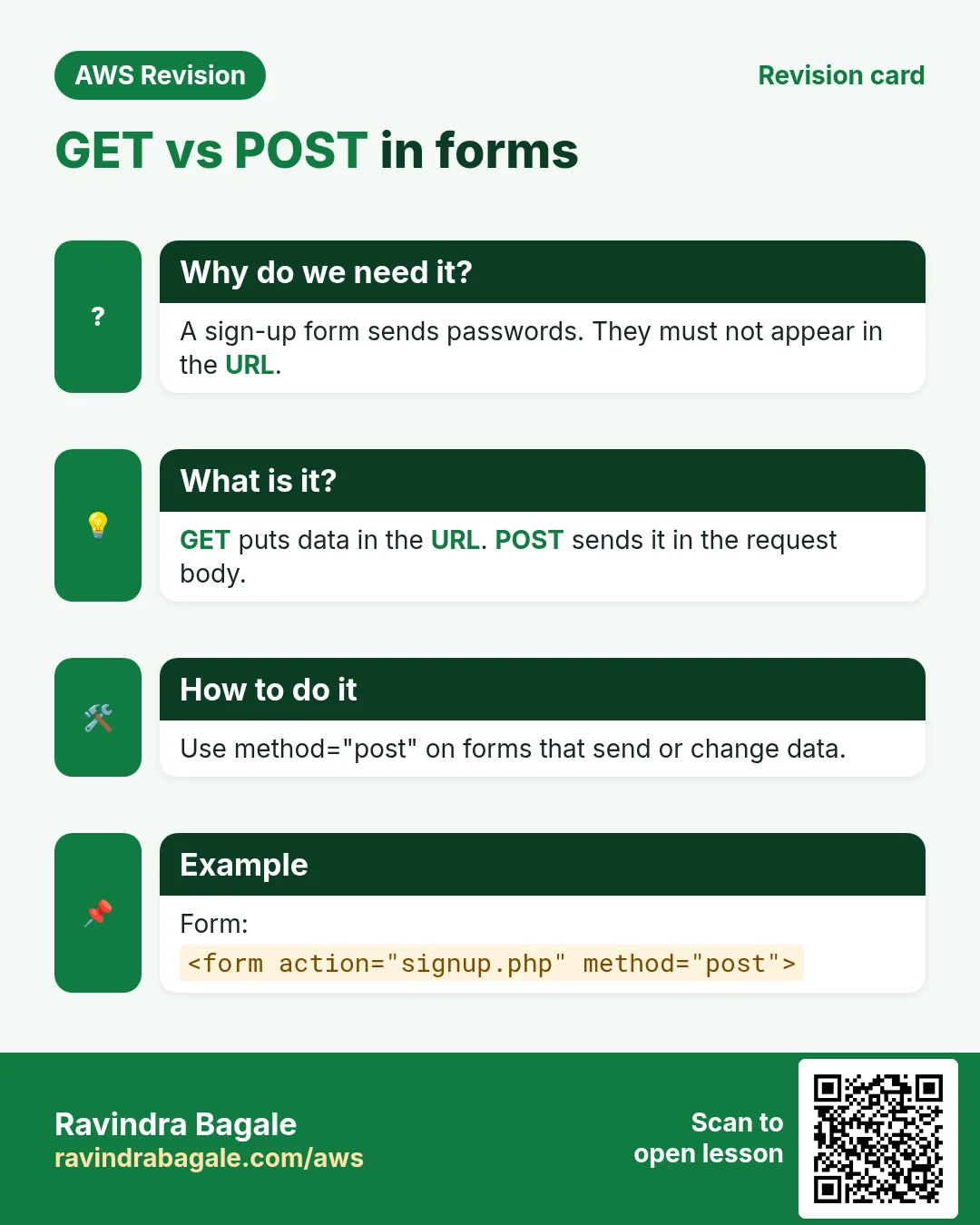
Revise this lesson in a few minutes. Save the cards on your phone or download them as PNG files. The QR code on each card opens this lesson.
![Revision card: $_POST in PHP. PHP must read what the user typed in the form. $_POST is an array of submitted values, keyed by each input's name. Give every input a name, then read $_POST['name']. Input and PHP:](../ravi-sirs-cards/cards/en/rev-f-post-array.webp)
More cards: Ravi Sir's Cards.