Build a REST API with API Gateway and Lambda Step by Step
In What Is Amazon API Gateway? you chose a product. Now you build: a Lambda backend, GET and POST routes, path and query parameters, CORS (and why the browser blocks you), API keys with a usage plan, throttling, and a custom domain sketch with ACM.
What you'll learn in this chapter
- Build GET and POST with Lambda proxy
- Path params and query strings
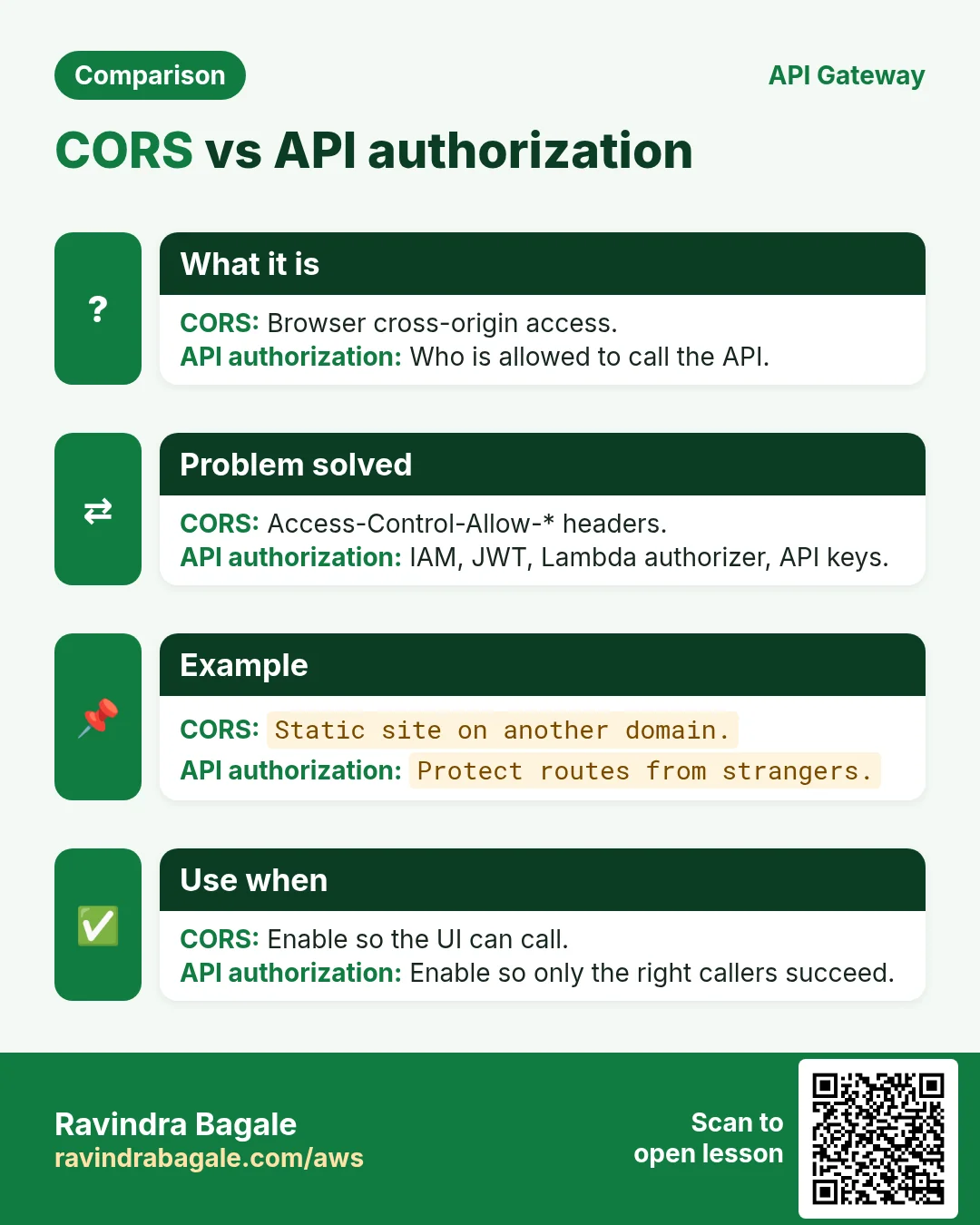
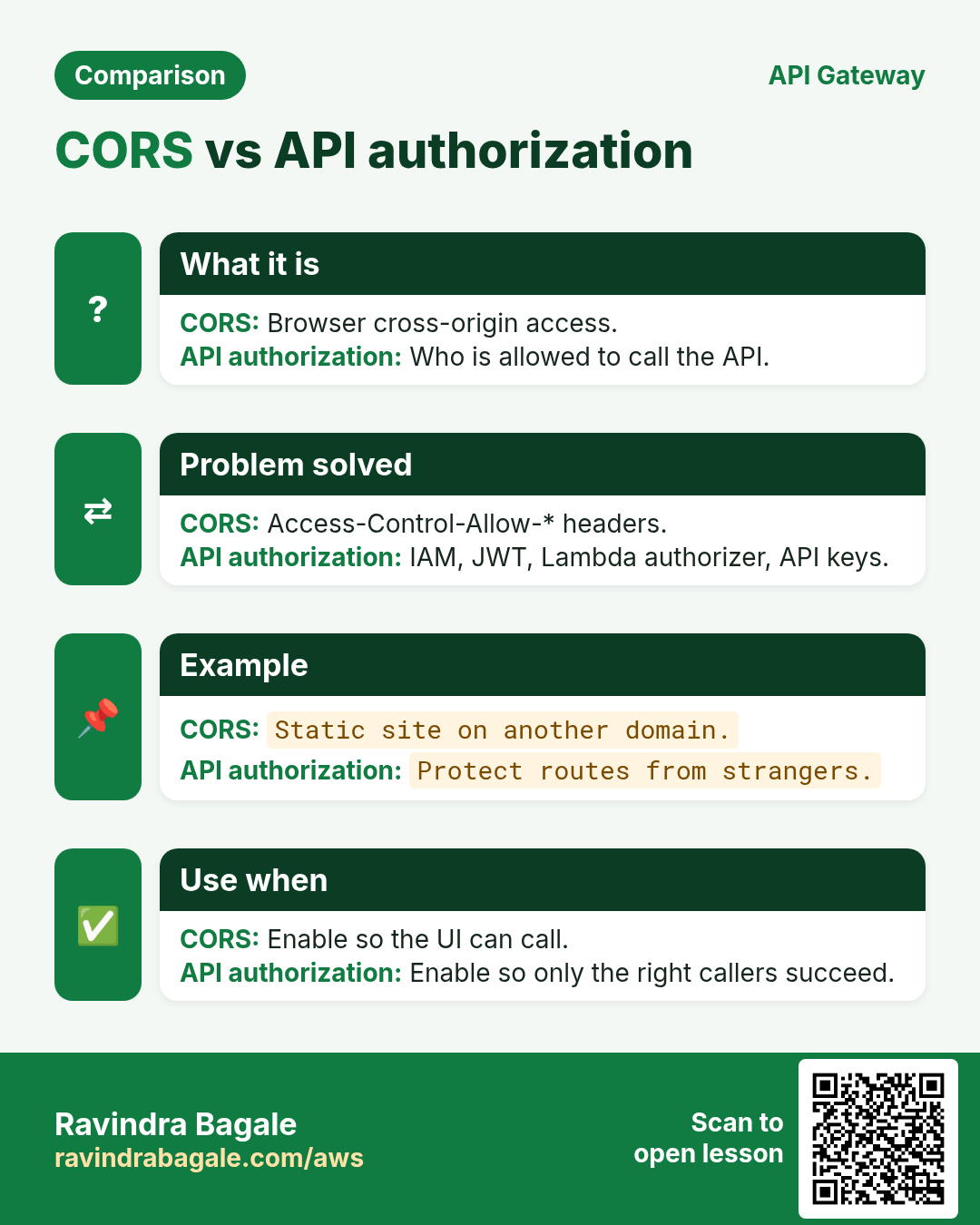
- CORS — why and how
- API keys, usage plans, throttling (REST)
- Custom domain + ACM outline
1. A story: notes API for a class app
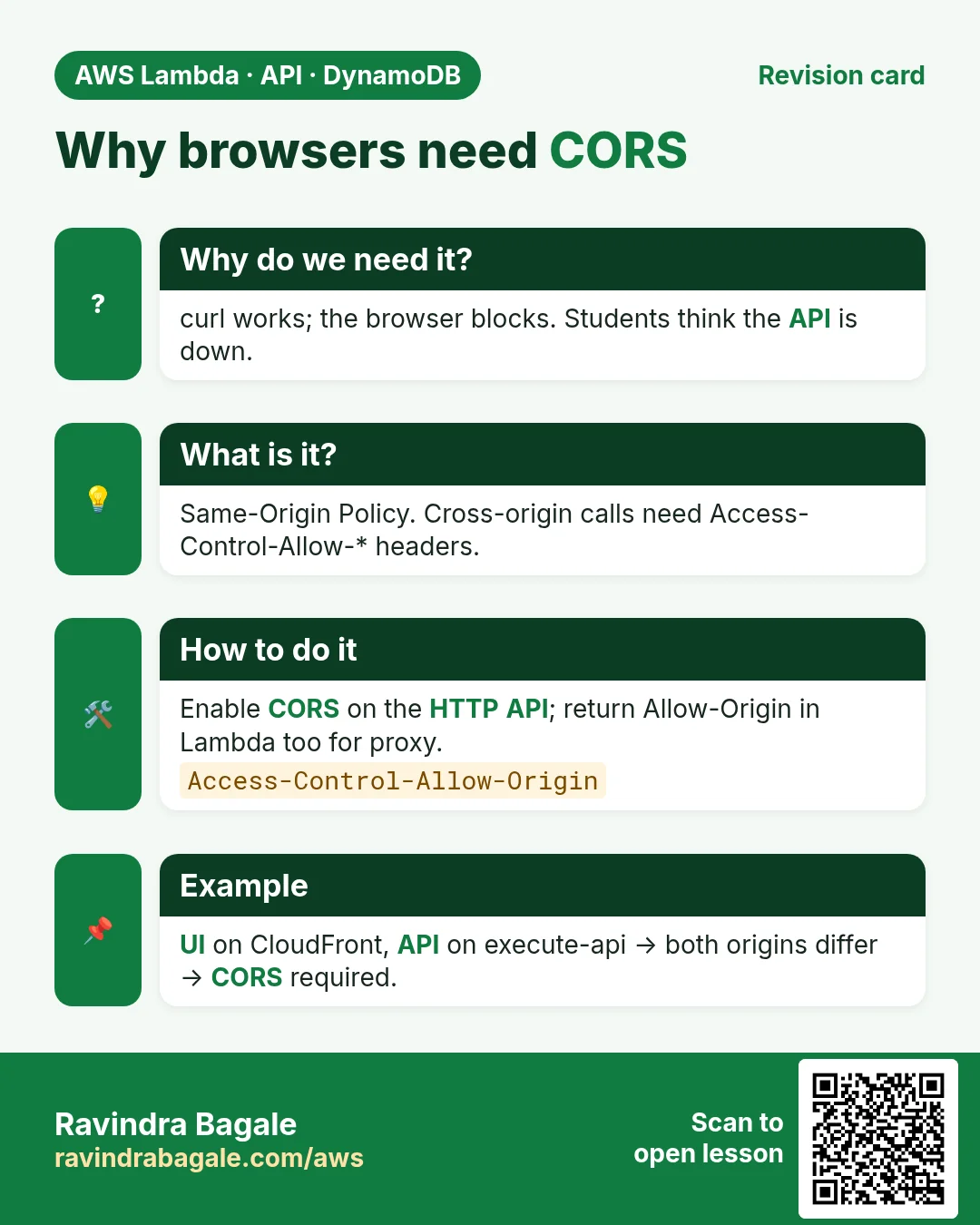
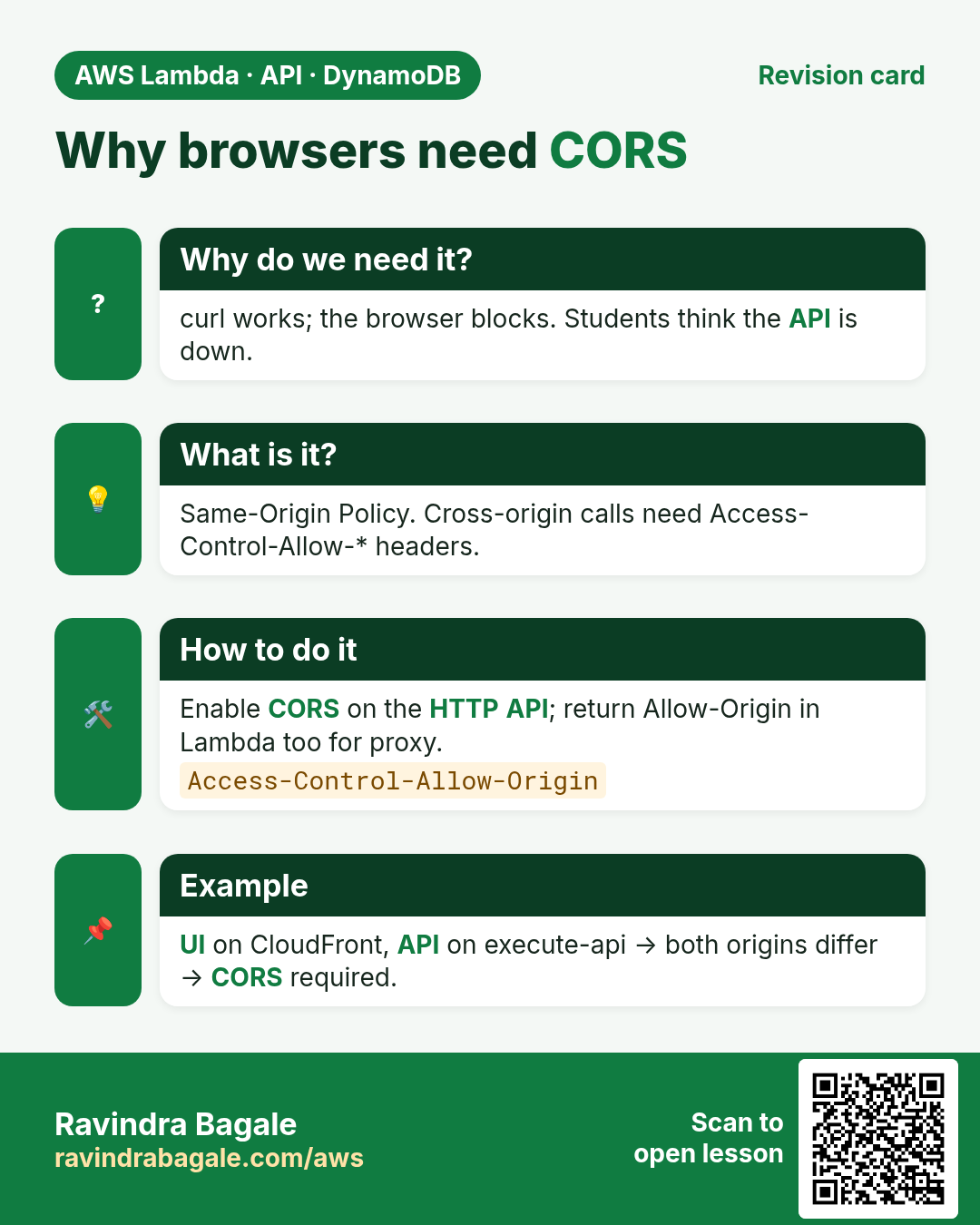
Students' React app on https://notes.campus.test must list and create notes. The API will live at https://api.campus.test. Without CORS headers, the browser blocks the call even if curl works.
2. Lab: HTTP API + Lambda (GET and POST)
How to do it (step by step)
We use an HTTP API for the happy path (cheap, simple). A short REST section later shows API keys. Region ap-south-1.
1. Lambda function
- Create function
notes-api-lab, Python 3.12, basic execution role. - Paste:
import json, urllib.parse
NOTES = [{"id": "1", "text": "Buy milk"}]  # lab memory only
def lambda_handler(event, context):
    method = event.get("requestContext", {}).get("http", {}).get("method") or event.get("httpMethod")
    path = event.get("rawPath") or event.get("path") or "/"
    headers = {"content-type": "application/json", "access-control-allow-origin": "*"}
    if method == "GET" and path.endswith("/notes"):
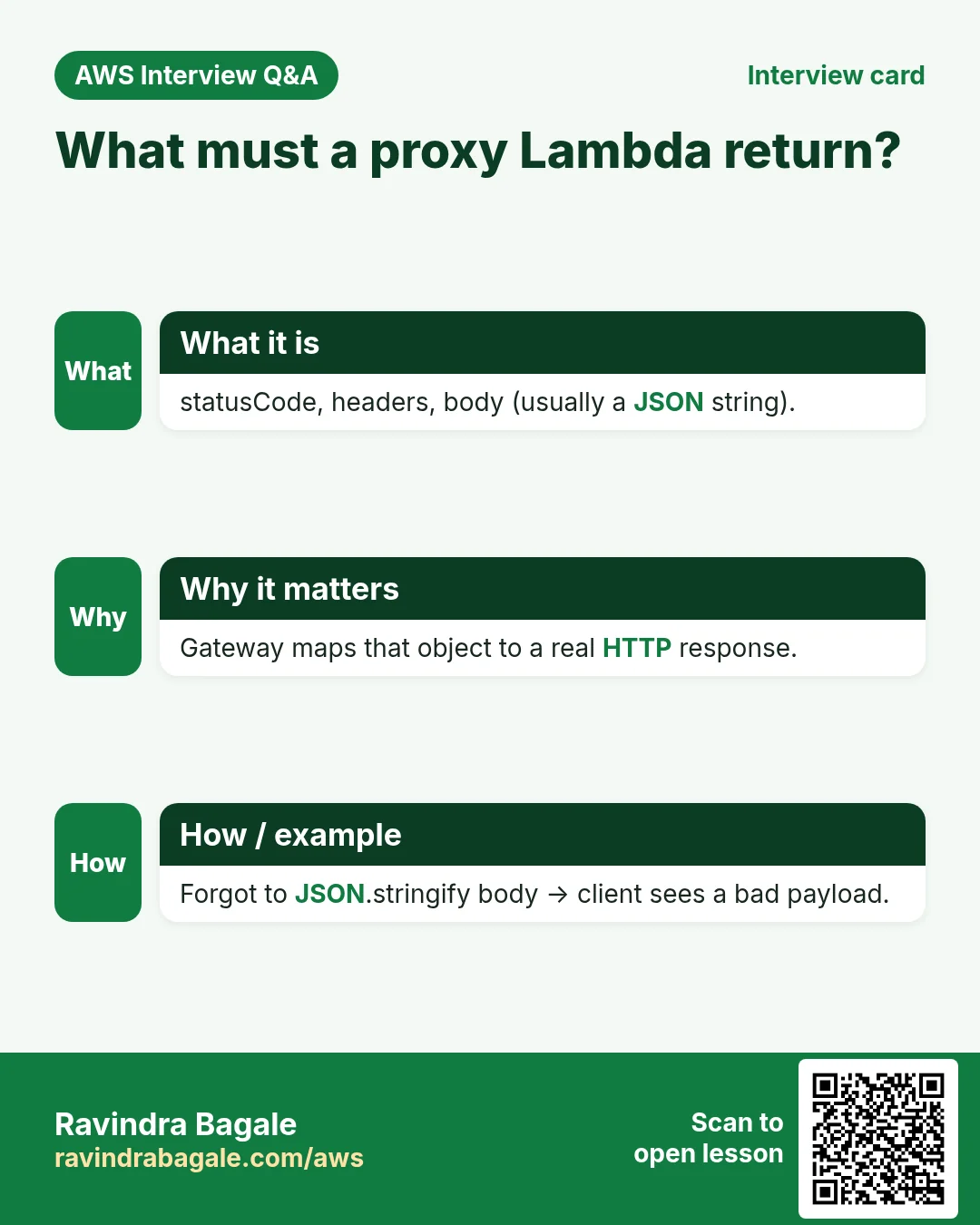
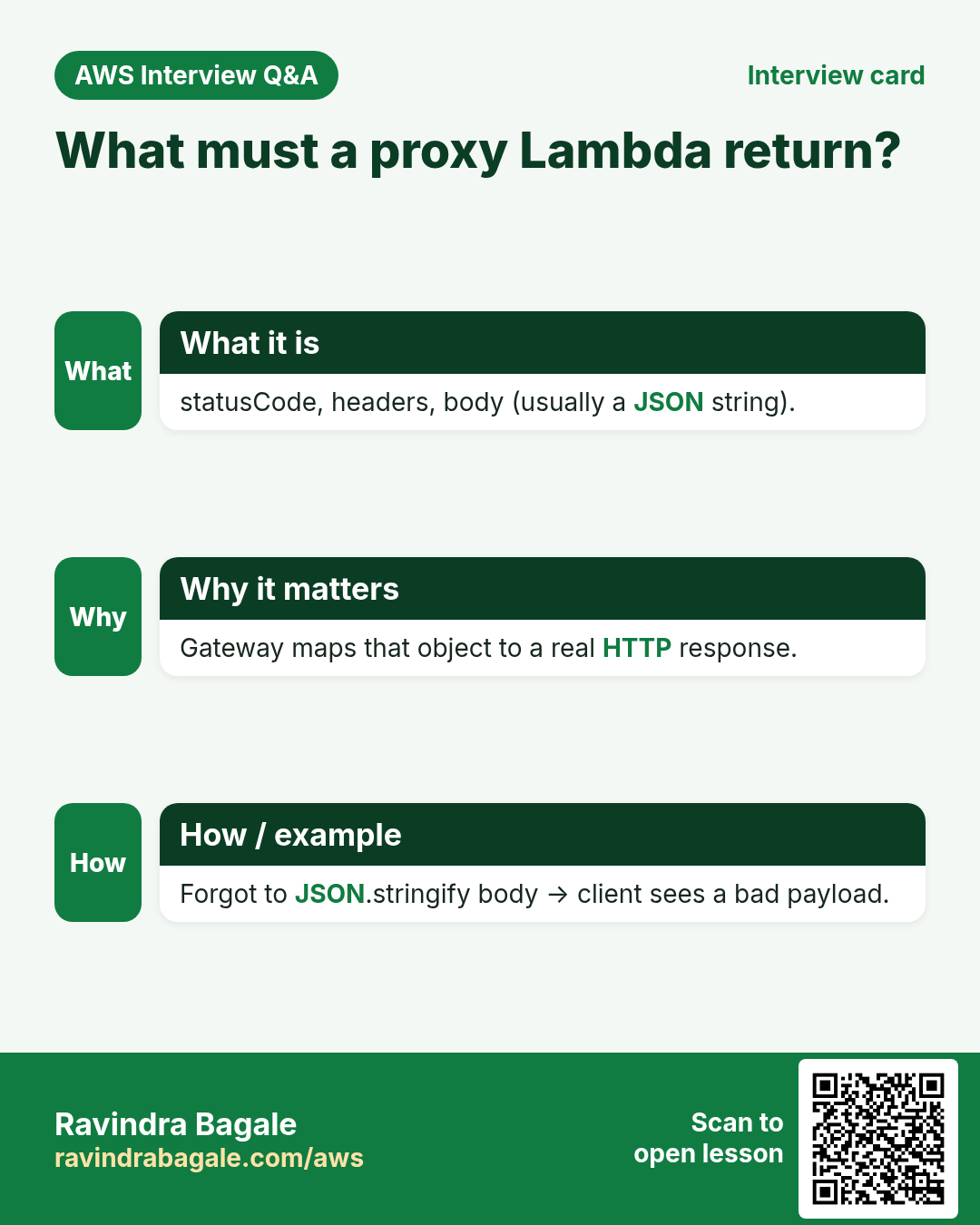
        return {"statusCode": 200, "headers": headers, "body": json.dumps(NOTES)}
    if method == "GET" and "/notes/" in path:
        nid = path.rstrip("/").split("/")[-1]
        hit = next((n for n in NOTES if n["id"] == nid), None)
        return {"statusCode": 200 if hit else 404, "headers": headers, "body": json.dumps(hit or {"error": "missing"})}
    if method == "POST" and path.endswith("/notes"):
        body = json.loads(event.get("body") or "{}")
        item = {"id": str(len(NOTES) + 1), "text": body.get("text", "")}
        NOTES.append(item)
        return {"statusCode": 201, "headers": headers, "body": json.dumps(item)}
return {"statusCode": 404, "headers": headers, "body": json.dumps({"error": "no route"})}- Deploy. Why
access-control-allow-origin: *: so a browser on another origin can read the response in this lab. Lock it to your real domain in production.
2. HTTP API
- API Gateway → Create API → HTTP API → Build. Name:
notes-http. - Add integration → Lambda → select
notes-api-lab. - Routes: Add
GET /notes,POST /notes,GET /notes/{id}. Attach each to the Lambda integration. - Stages: keep
$defaultwith auto-deploy. Create. - Copy the Invoke URL, like
https://abc123.execute-api.ap-south-1.amazonaws.com.
3. Test with curl
BASE=https://abc123.execute-api.ap-south-1.amazonaws.com
curl -s $BASE/notes
curl -s -X POST $BASE/notes -H 'content-type: application/json' -d '{"text":"Ship lab"}'
curl -s $BASE/notes/1
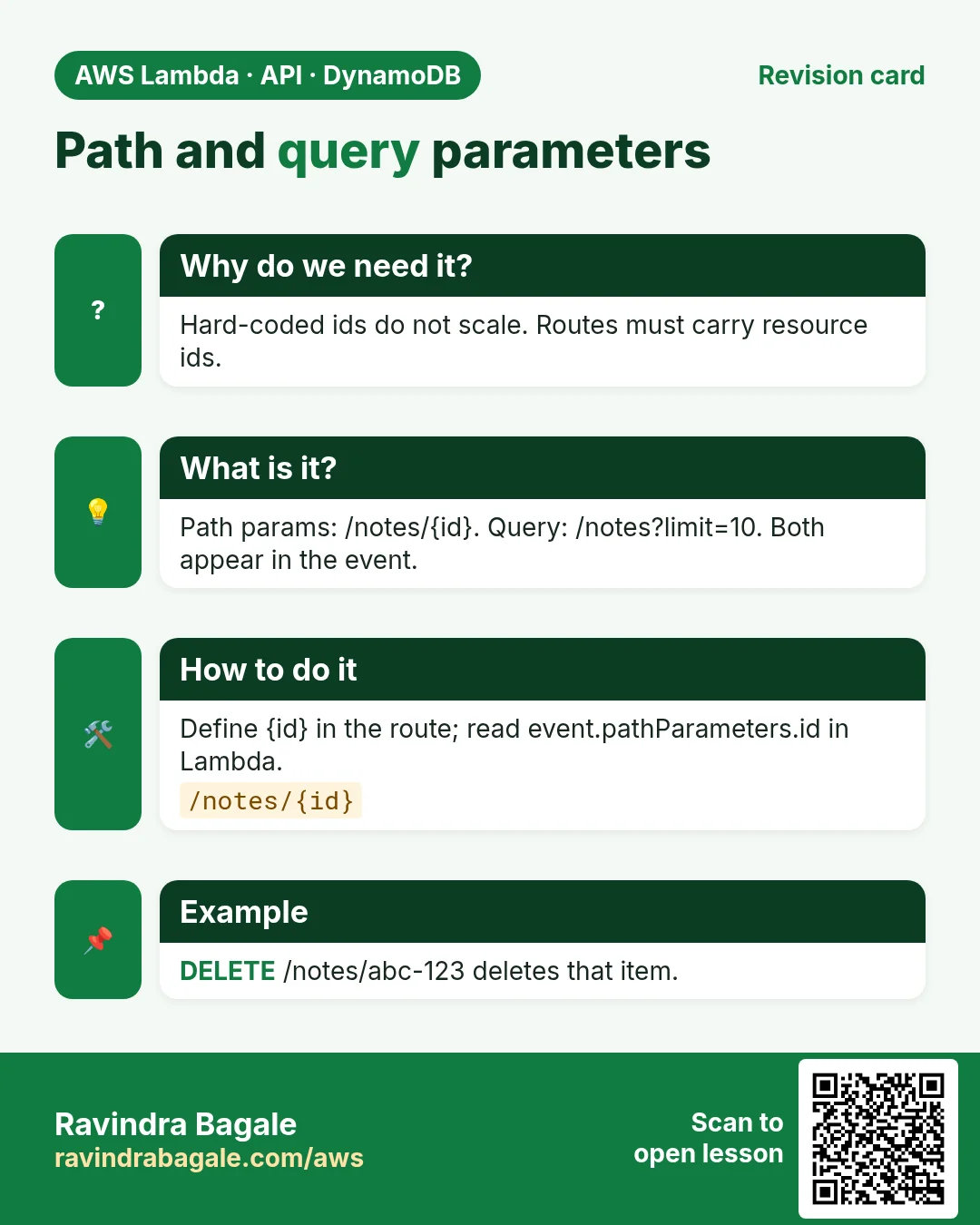
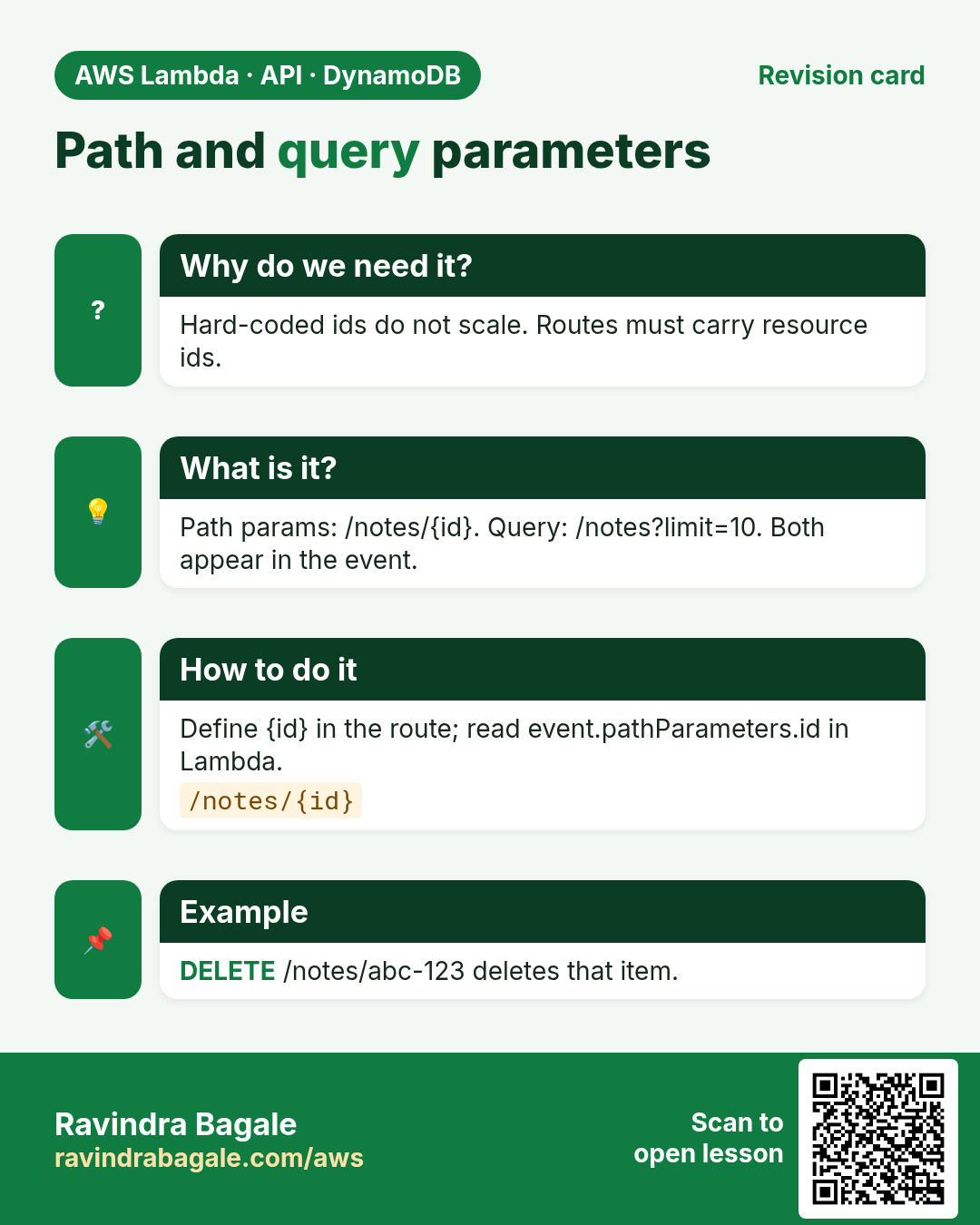
Expected: JSON list, then a 201 body with new id, then one note. Path param {id} lands in the path; query strings appear in event.queryStringParameters (try /notes?limit=1 after you add reading of that field).
3. CORS — why the browser blocks you
Why do we need this?
Browsers enforce the Same-Origin Policy. A page on https://app.example.com calling https://api.example.com is cross-origin. The browser hides the response unless the API says it is allowed.
What is it?
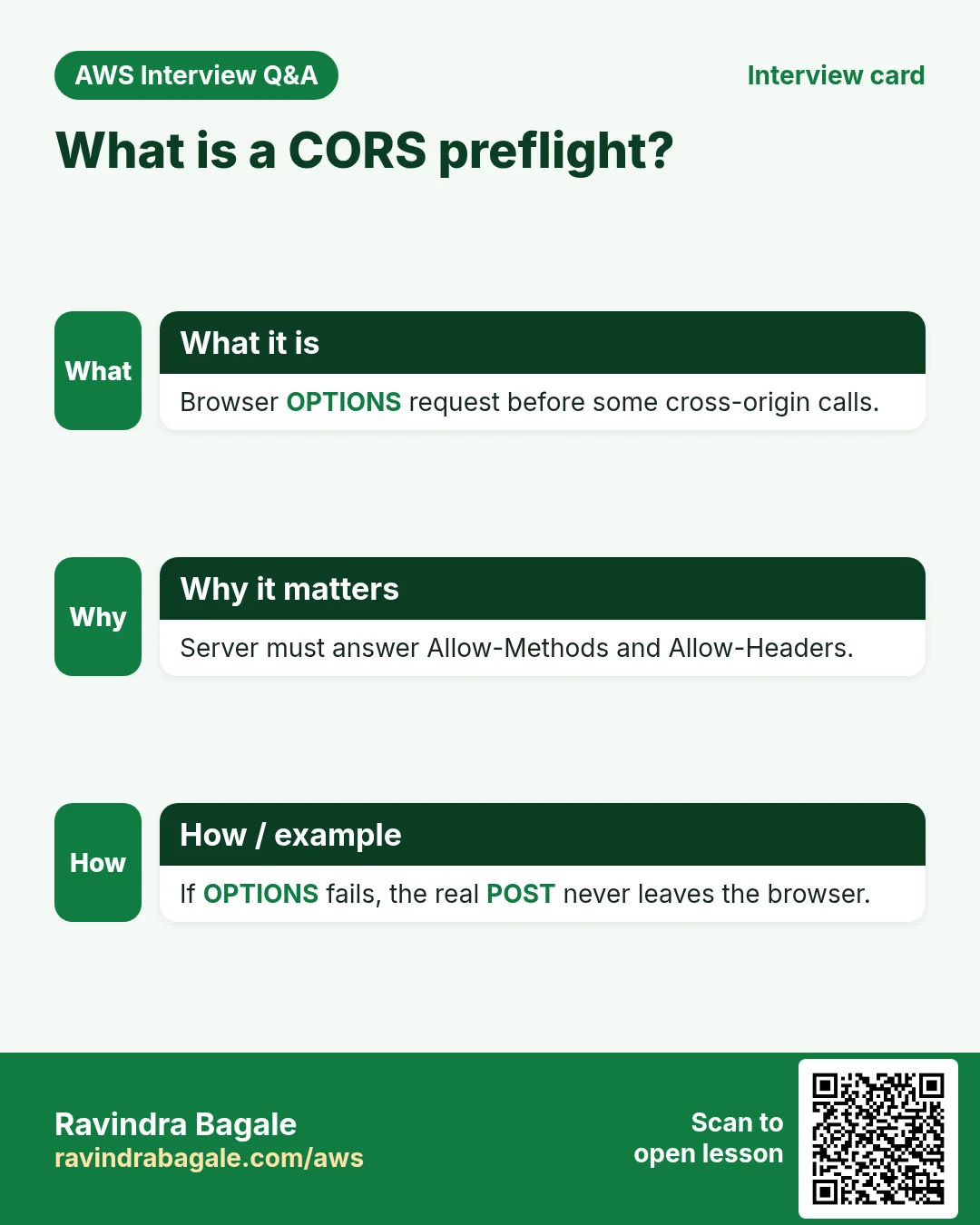
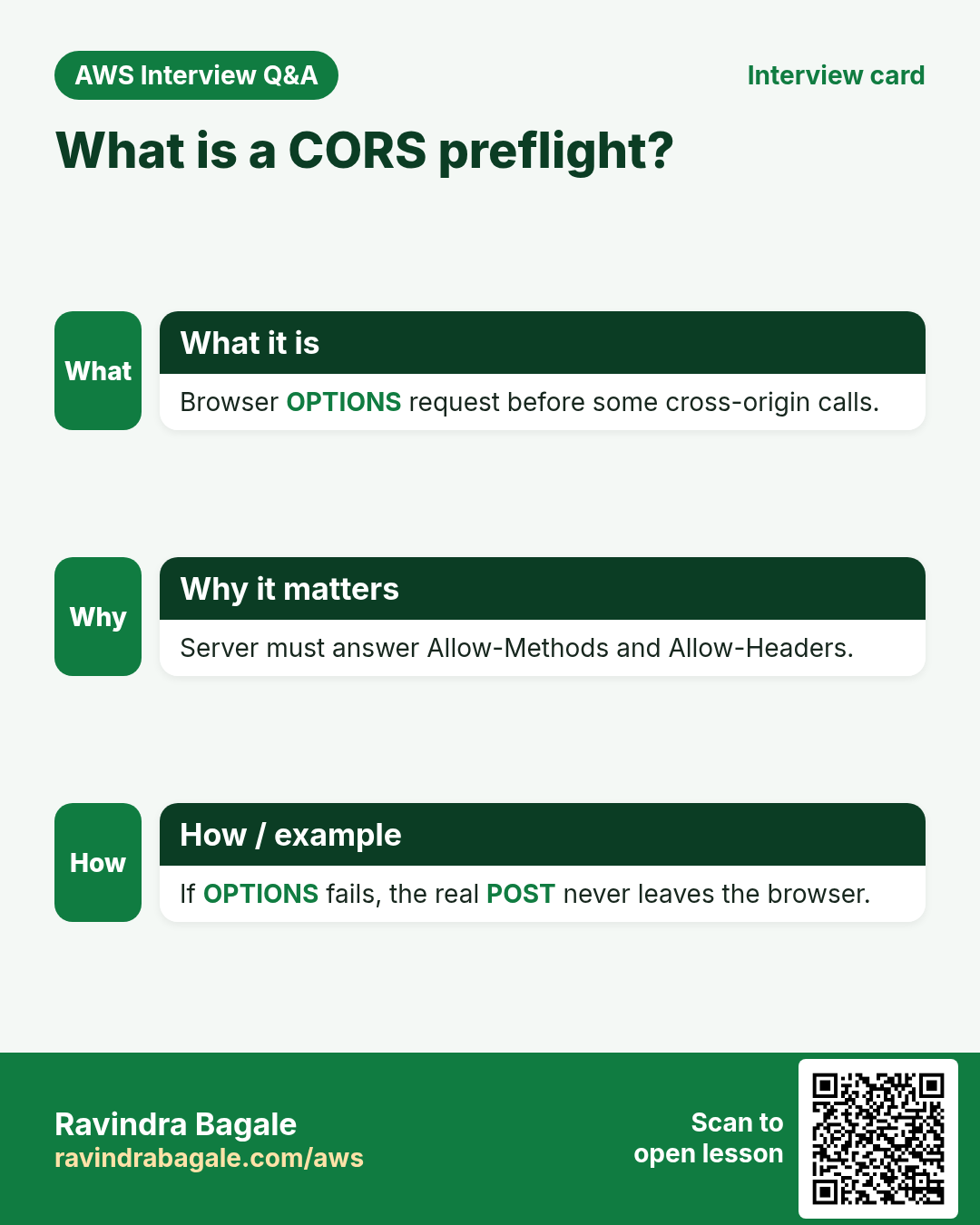
CORS is that permission, via response headers such as Access-Control-Allow-Origin. For requests with special headers or methods, the browser first sends an OPTIONS preflight. Your API must answer OPTIONS with allow headers.
How to do it (step by step)
- In HTTP API → CORS → Configure. Allow origins:
https://notes.campus.test(or*for lab). Allow methods: GET, POST, OPTIONS. Allow headers: content-type, authorization. - Also return the same headers from Lambda (as in the lab code) so non-preflight responses work.
- Verify with browser DevTools → Network: failed calls show CORS errors; after fix, status 200.
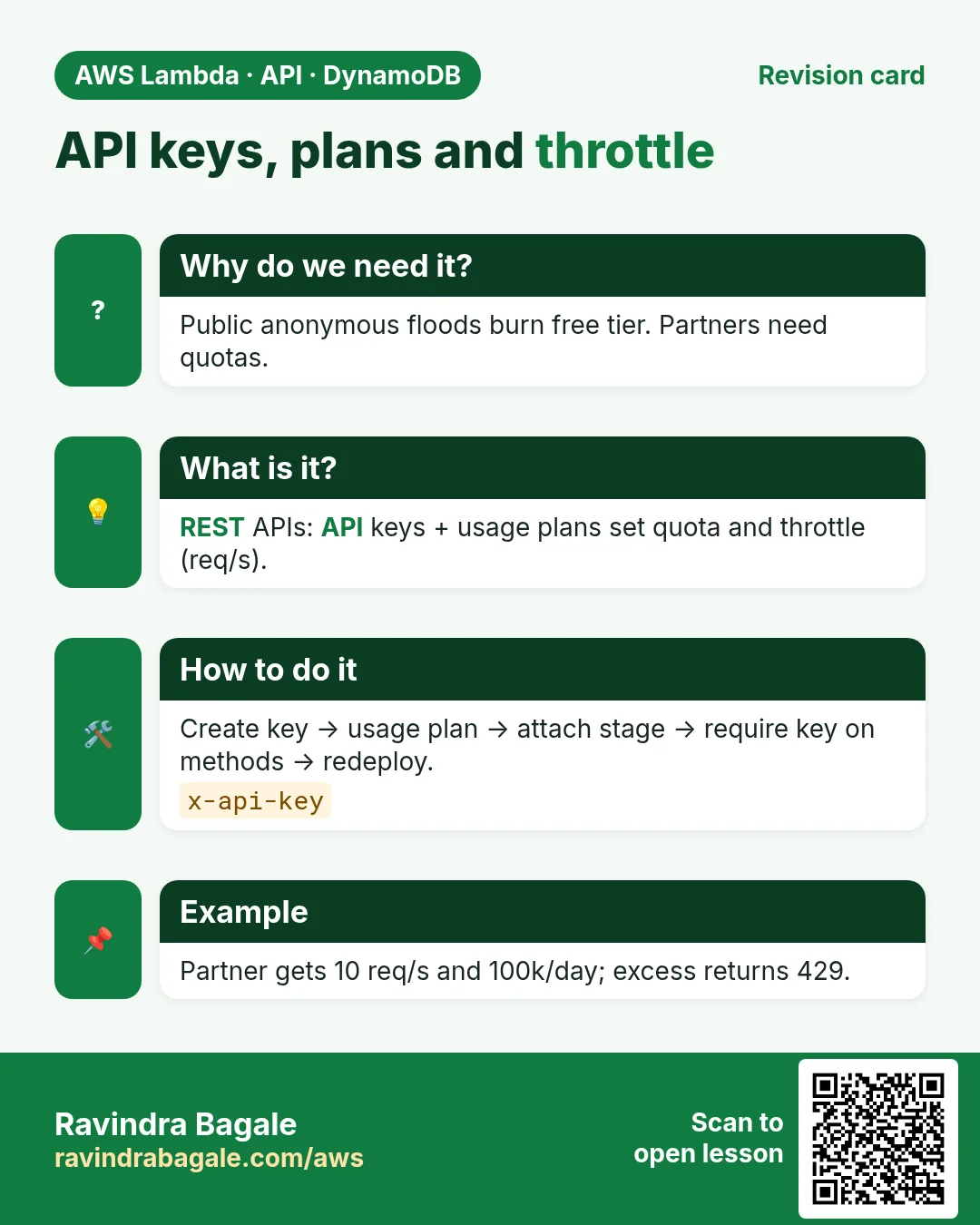
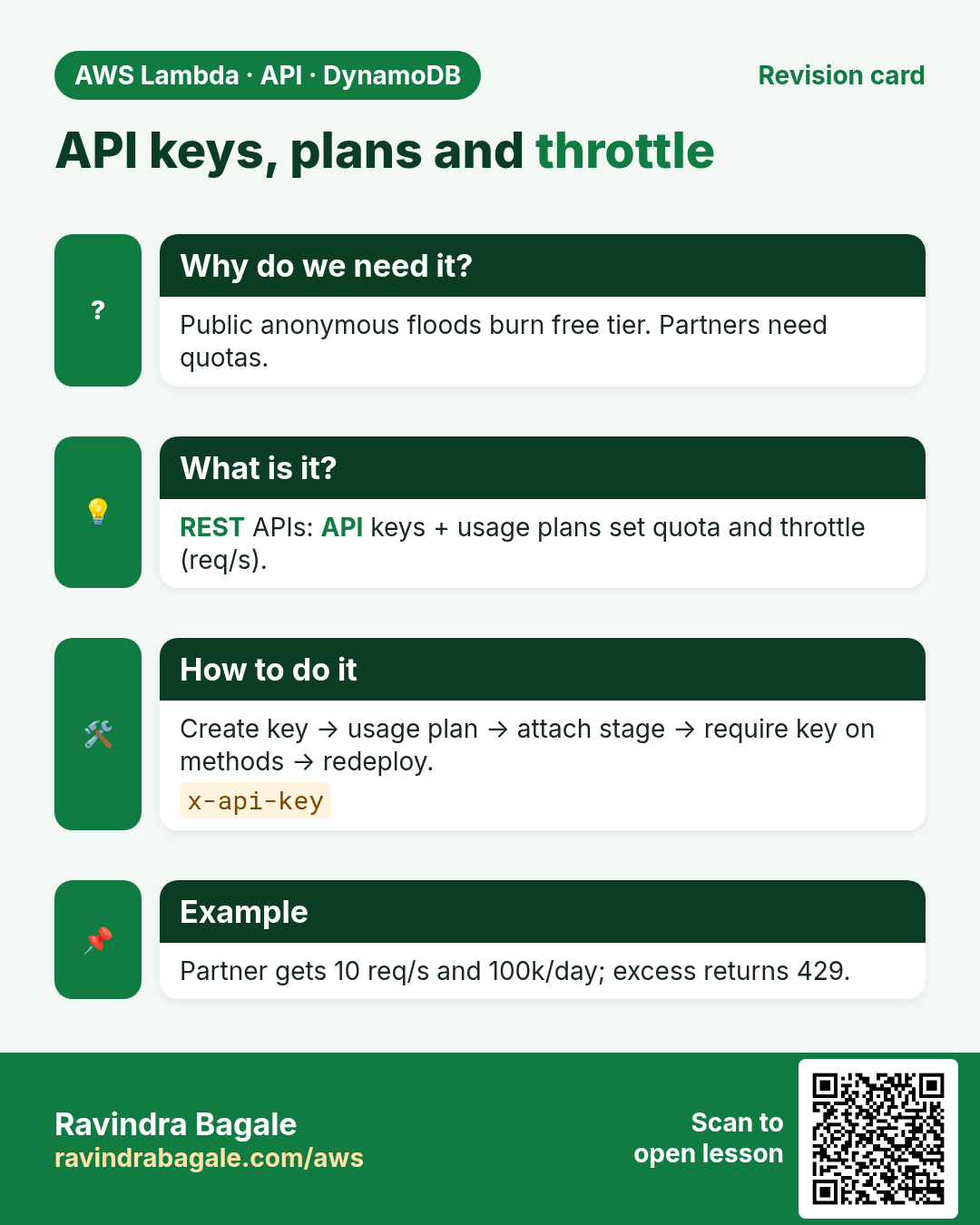
4. API keys, usage plans and throttling (REST)
Why do we need this?
Partners should not share one open URL. You want a key per partner and a rate limit so one client cannot melt your Lambda bill.
What is it?
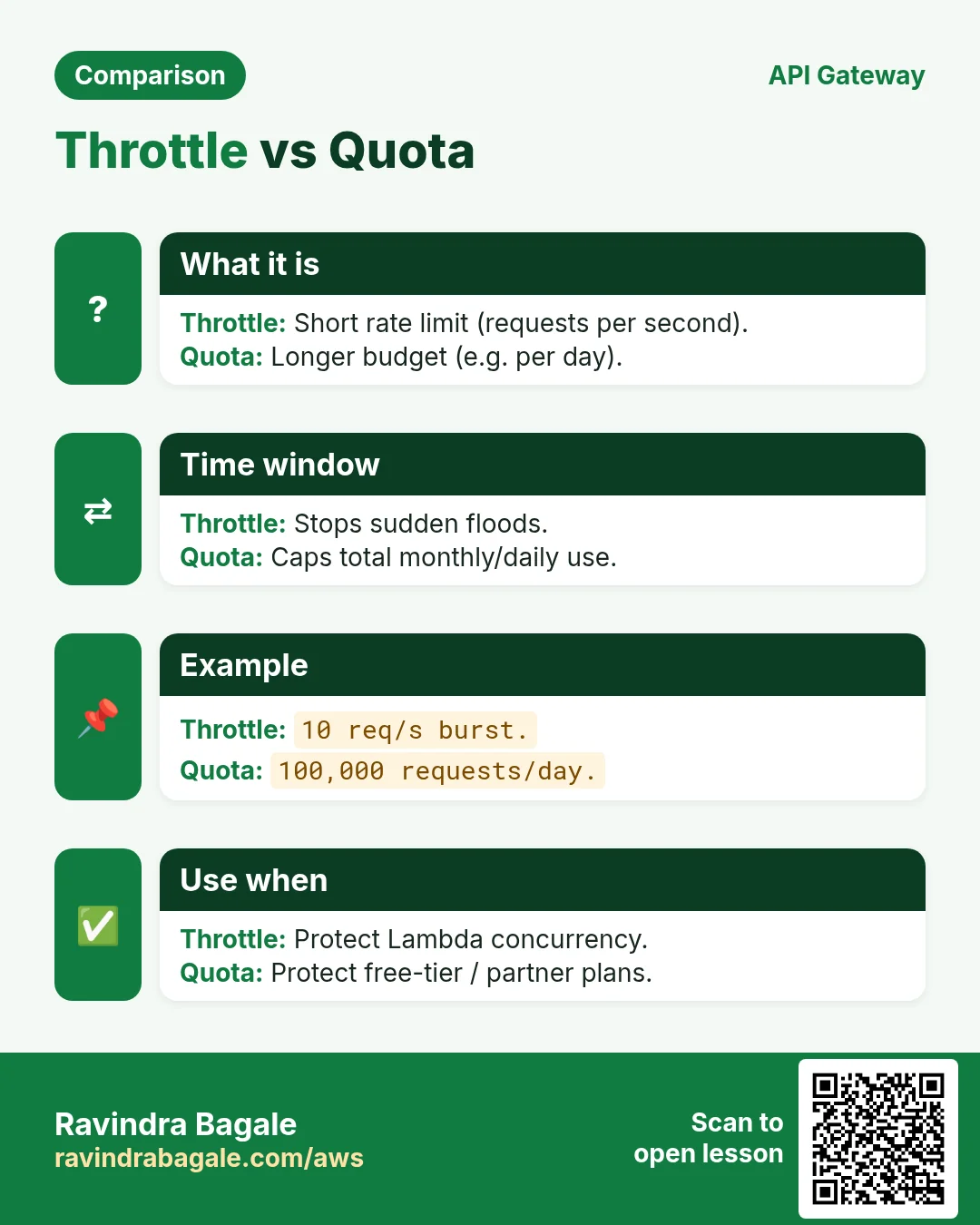
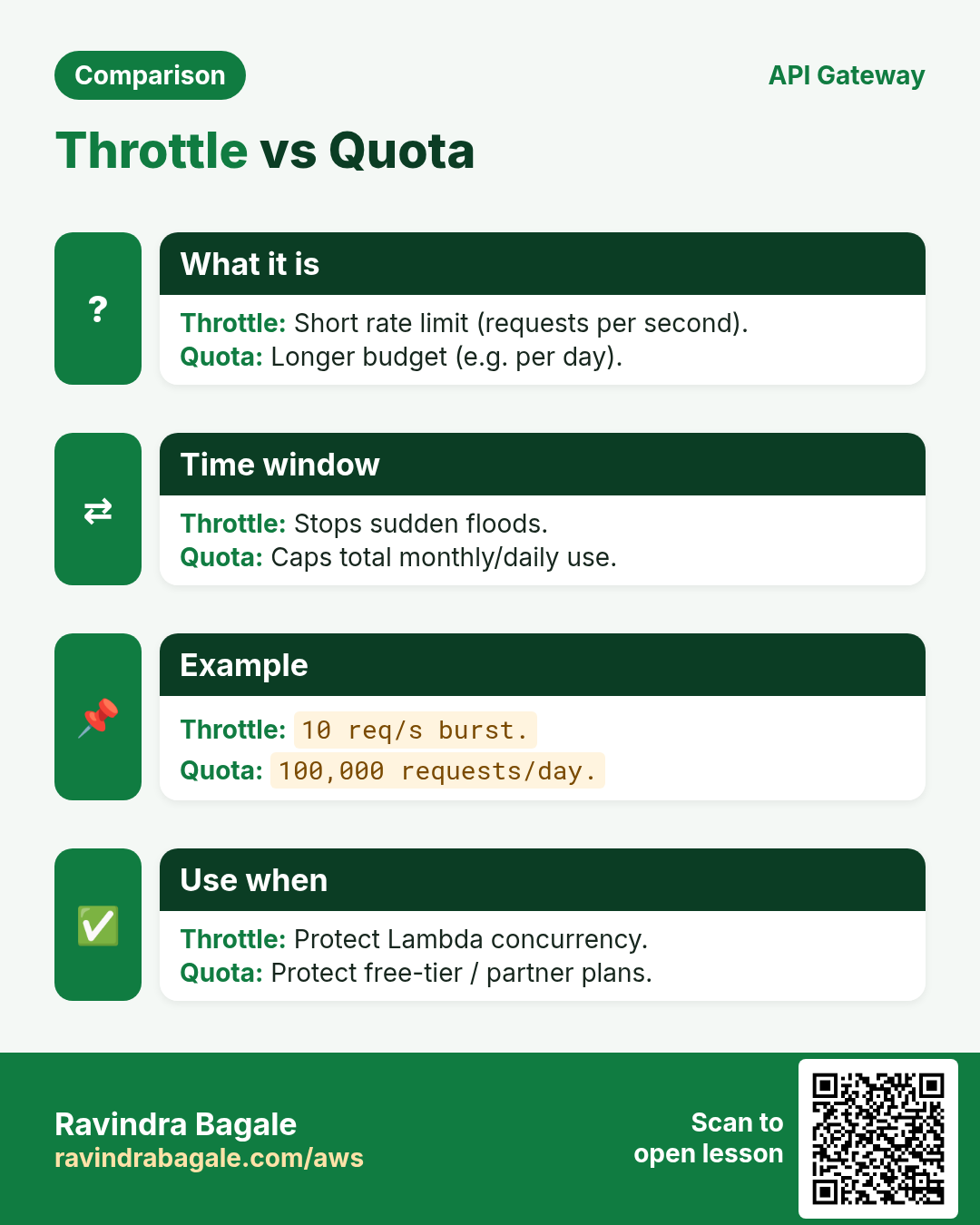
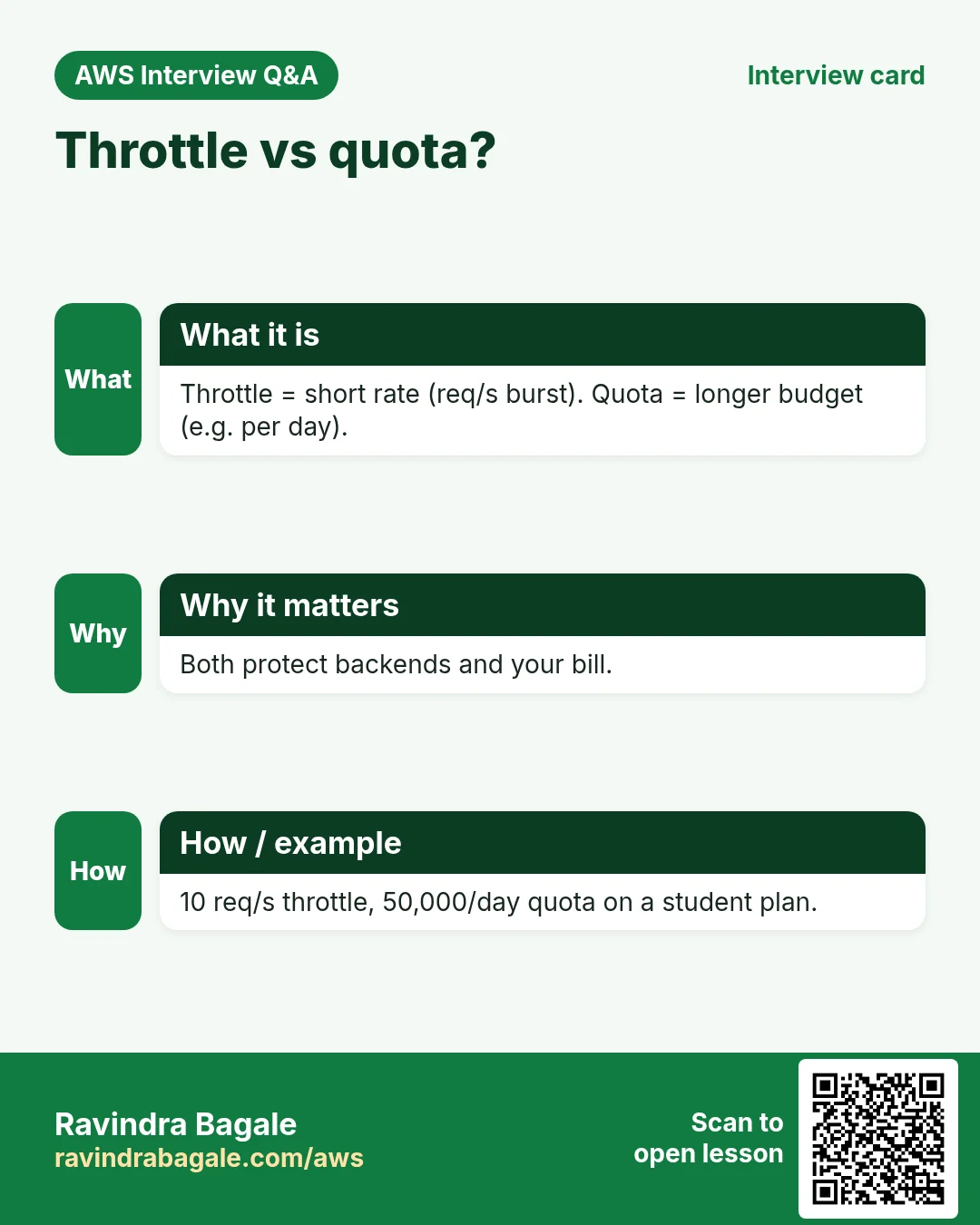
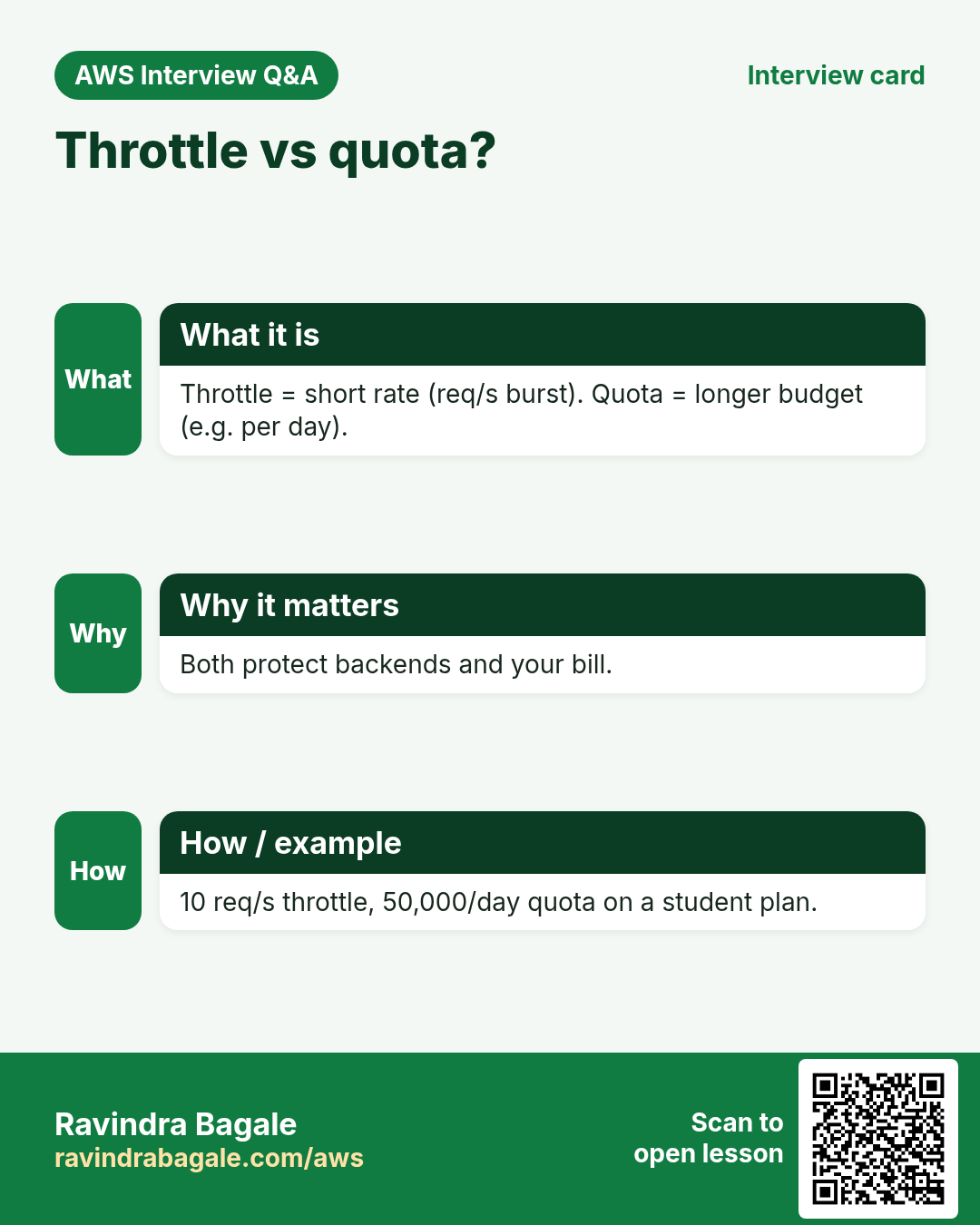
These features exist on REST APIs (not HTTP APIs). An API key is a secret string clients send in x-api-key. A usage plan ties keys to stages and sets throttle (requests/second) and quota (requests/day).
How to do it (step by step)
- Create a REST API → resources
/notes→ methods GET/POST with Lambda proxy. Deploy to stageprod. - API Keys → Create → show and copy the value once.
- Usage plans → Create → throttle e.g. 5 req/s, burst 10 → quota 1000/day → add stage
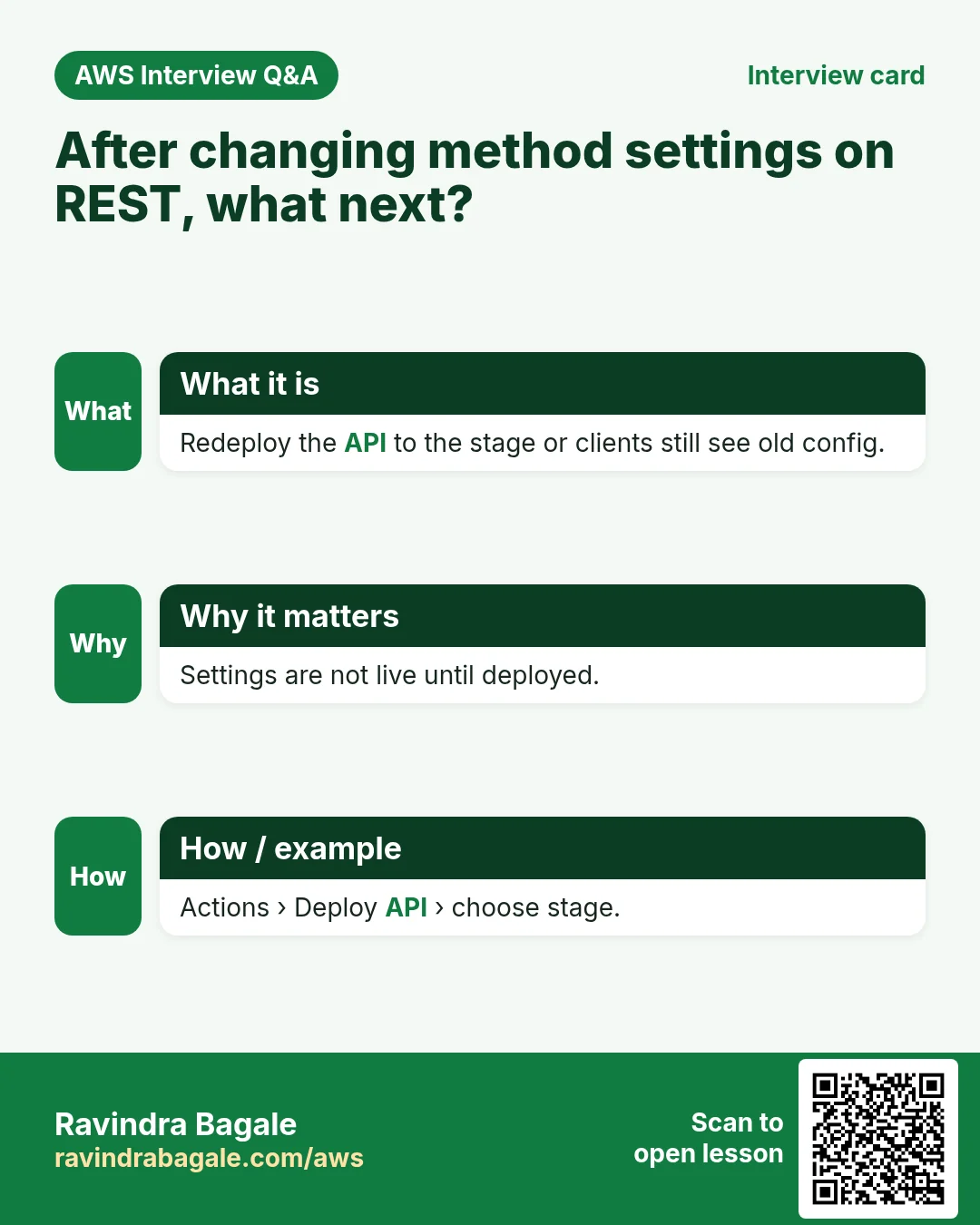
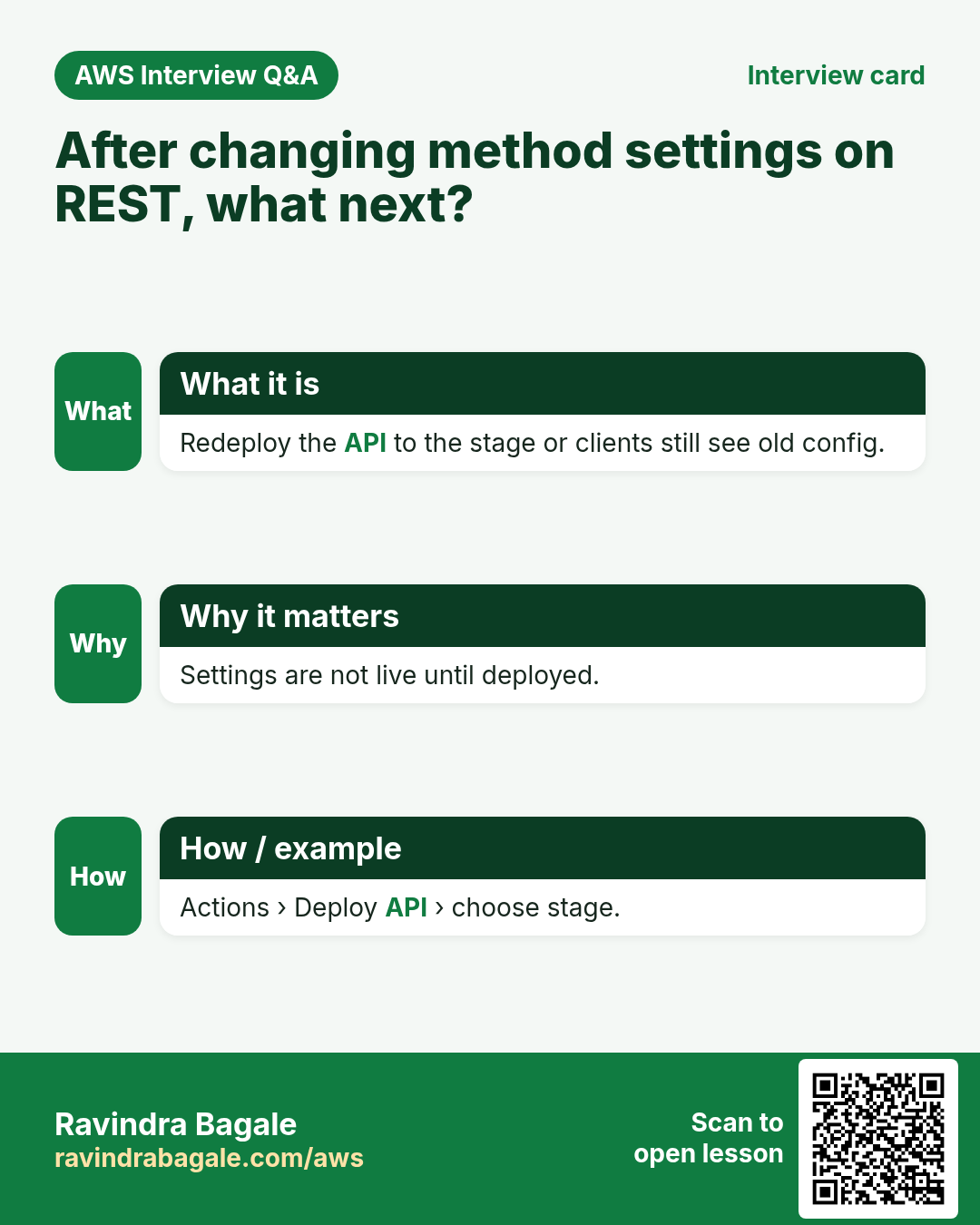
prod→ add the API key. - On each method: Method Request → API Key Required = true. Redeploy.
- Call with
curl -H "x-api-key: YOURKEY" https://.../prod/notes. Without the header: 403.
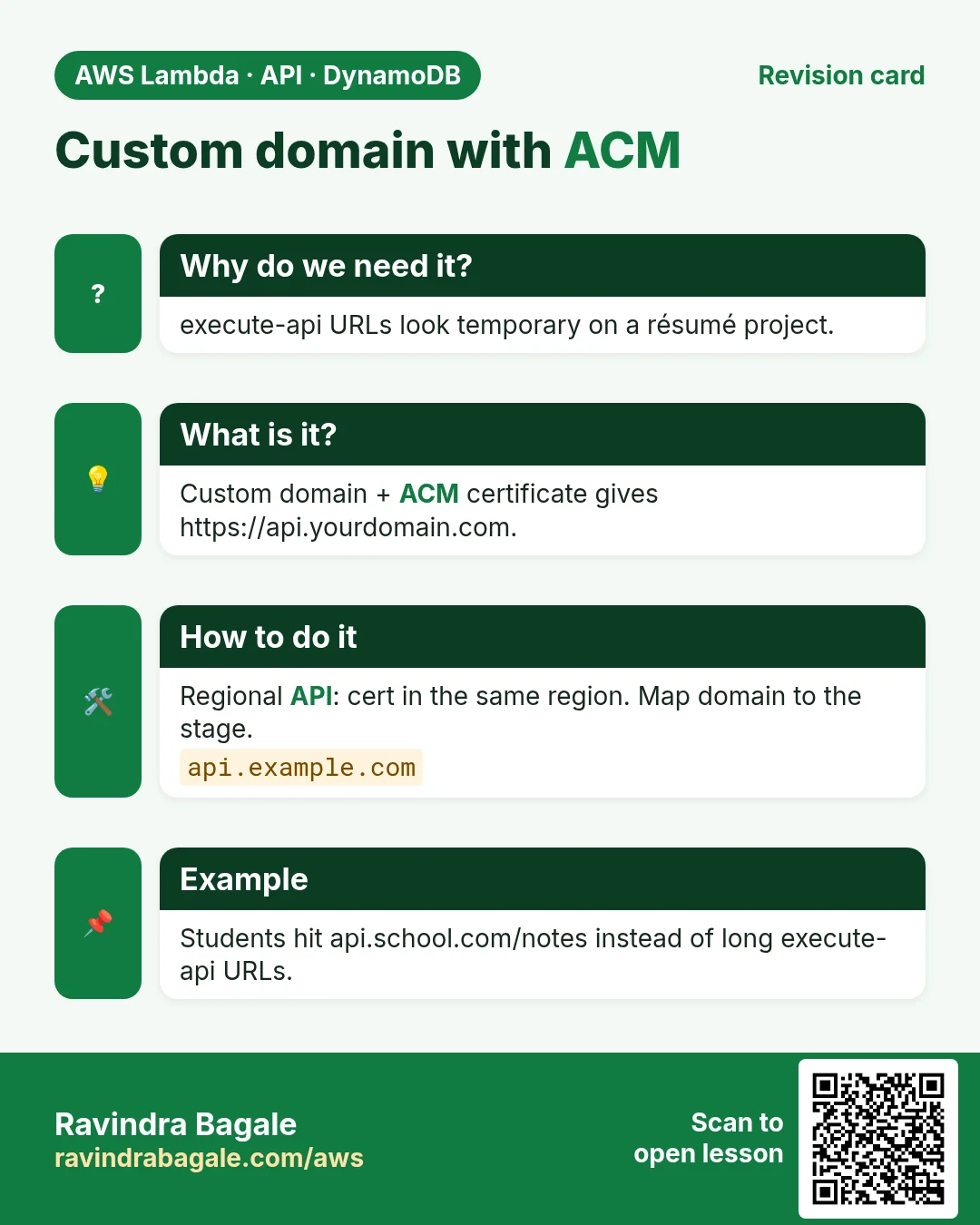
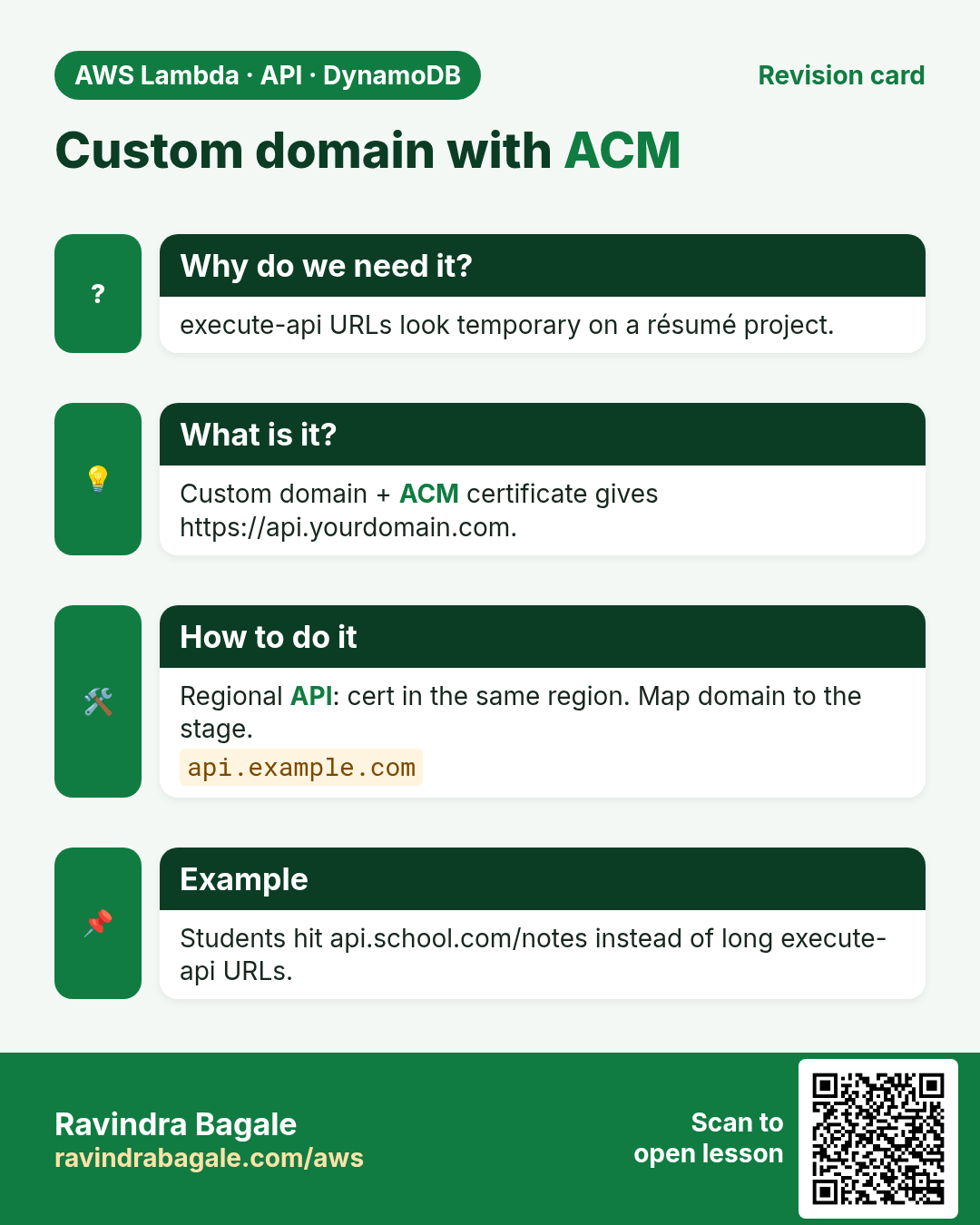
5. Custom domain + ACM (outline)
- Request an ACM public certificate for
api.yourdomain.comin the same region as the API (for Regional endpoints). Validate via DNS. - API Gateway → Custom domain names → Create → TLS 1.2 → attach certificate → map path `/` to your API stage.
- Route 53 (or your DNS): alias/CNAME to the Gateway domain target shown in the console. Why: browsers need a name that resolves to Gateway.
- Wait for Available, then call
https://api.yourdomain.com/notes.
Cleanup
- Delete HTTP/REST APIs, custom domains, Lambda
notes-api-lab, unused API keys and usage plans. - Leave ACM cert only if other labs use it.
6. Interview questions
Q. How do path parameters reach Lambda?
In proxy mode they are part of the path; HTTP APIs also expose them under pathParameters.
Q. Why CORS if curl works?
curl is not a browser. Browsers enforce Same-Origin Policy and need Allow-Origin headers.
Q. API key vs IAM auth?
API key identifies a client app for quotas; easy to share, not end-user identity. IAM signs requests as an AWS principal.
Q. Throttle vs quota?
Throttle = short-rate (req/s). Quota = longer budget (req/day).
Q. Why regional ACM for API Gateway?
Regional custom domains need the certificate in the API region. (CloudFront is the service that needs us-east-1.)
Try at home
- Add query param limit to GET /notes and slice the list.
- Put a React or simple HTML page on S3/CloudFront and call your API with fetch; fix CORS until it works.
In short
- HTTP API + Lambda proxy is the fast path for GET/POST.
- CORS headers (and OPTIONS) unlock browser calls.
- API keys + usage plans on REST APIs control partners.
- Custom domain = ACM cert + Gateway mapping + DNS.
Practice Tasks
Texas Solar Co is a solar energy business in Austin. Carlos Ramirez looks after its IT and cloud work. They count money in USD and run their AWS resources in the us-east-2 Region. In the tasks below you do real jobs for them using what this lesson teaches. All names, account IDs, IP addresses and numbers are made up for practice.
0 / 12
Easy List functions
Why: See which functions exist in this Region.
What to do: List the Lambda functions in us-east-2.
- Read the task and decide which AWS service it is about.
- Write aws, then the service name, then the operation (the action word).
- Add each needed flag (--name) followed by its value from the task.
- Flags can be in any order. Click Check answer.
Medium Invoke a function
Why: Invoke runs the function now and saves its answer in a file.
What to do: Invoke texassolar-orders-fn and save the response to out.json.
- Read the task and decide which AWS service it is about.
- Write aws, then the service name, then the operation (the action word).
- Add each needed flag (--name) followed by its value from the task.
- Flags can be in any order. Click Check answer.
Medium Trust policy for a Lambda role
Why: The trust policy says WHO may take the role.
What to do: Write a trust policy that lets lambda.amazonaws.com assume the role.
- Start with { "Version": "2012-10-17", "Statement": [ ... ] }.
- In each statement write Effect, Action and Resource.
- Give only what the task needs (least privilege).
- Use double quotes and commas correctly. Click Check answer.
Medium Change timeout and memory
Why: More memory also gives more CPU; timeout stops runaway runs.
What to do: Set texassolar-orders-fn to timeout 30 seconds and memory 512 MB.
- Read the task and decide which AWS service it is about.
- Write aws, then the service name, then the operation (the action word).
- Add each needed flag (--name) followed by its value from the task.
- Flags can be in any order. Click Check answer.
Medium Let a function write logs
Why: Without these actions, Lambda logs never appear in CloudWatch.
What to do: Allow logs:CreateLogGroup, logs:CreateLogStream, logs:PutLogEvents on arn:aws:logs:*:*:* only.
- Start with { "Version": "2012-10-17", "Statement": [ ... ] }.
- In each statement write Effect, Action and Resource.
- Give only what the task needs (least privilege).
- Use double quotes and commas correctly. Click Check answer.
Hard Let S3 call your function
Why: A resource-based permission is needed before S3 can invoke the function.
What to do: Add permission statement s3invoke to texassolar-orders-fn so s3.amazonaws.com can call lambda:InvokeFunction from bucket arn:aws:s3:::texassolar-uploads.
- Read the task and decide which AWS service it is about.
- Write aws, then the service name, then the operation (the action word).
- Add each needed flag (--name) followed by its value from the task.
- Flags can be in any order. Click Check answer.
Hard Create a Lambda function
Why: Lambda needs the code zip, a runtime, a handler name and an execution role.
What to do: Create function texassolar-orders-fn: runtime python3.12, handler app.handler, role arn:aws:iam::111225901510:role/lambda-basic, code in function.zip.
- Read the task and decide which AWS service it is about.
- Write aws, then the service name, then the operation (the action word).
- Add each needed flag (--name) followed by its value from the task.
- Flags can be in any order. Click Check answer.
Hard Set environment variables
Why: Keep settings like table names out of the code.
What to do: Set the environment variable TABLE=texassolar-orders on texassolar-orders-fn.
- Read the task and decide which AWS service it is about.
- Write aws, then the service name, then the operation (the action word).
- Add each needed flag (--name) followed by its value from the task.
- Flags can be in any order. Click Check answer.
Hard Invoke with a JSON payload
Why: In CLI v2, raw JSON needs --cli-binary-format raw-in-base64-out.
What to do: Invoke texassolar-orders-fn with payload {"orderId":"o-101"} (raw JSON) and save the reply in out.json.
- Read the task and decide which AWS service it is about.
- Write aws, then the service name, then the operation (the action word).
- Add each needed flag (--name) followed by its value from the task.
- Flags can be in any order. Click Check answer.
Hard Lambda GB-seconds
Why: Lambda bills memory × time.
What to do: 1,000,000 invocations, 512 MB memory, 200 ms each. How many GB-seconds?
- Write down the numbers the task gives you.
- Work it out step by step on paper.
- Type only the final answer in the box.
- Click Check answer.
Hard Quick-create an HTTP API for Lambda
Why: Quick create builds an HTTP API, a default route and stage pointing at your function.
What to do: Create an HTTP API named texassolar-api whose target is arn:aws:lambda:us-east-2:111225901510:function:texassolar-orders-fn.
- Read the task and decide which AWS service it is about.
- Write aws, then the service name, then the operation (the action word).
- Add each needed flag (--name) followed by its value from the task.
- Flags can be in any order. Click Check answer.
Hard Connect an SQS queue to Lambda
Why: An event source mapping makes Lambda poll the queue and process messages in batches.
What to do: Create an event source mapping from queue arn:aws:sqs:us-east-2:111225901510:texassolar-orders to texassolar-orders-fn with batch size 10.
- Read the task and decide which AWS service it is about.
- Write aws, then the service name, then the operation (the action word).
- Add each needed flag (--name) followed by its value from the task.
- Flags can be in any order. Click Check answer.
Revision, comparison and interview cards
Revise this lesson in a few minutes. Save the cards on your phone or download them as PNG files. The QR code on each card opens this lesson.
More cards: Ravi Sir's Cards.