Linux Complete Interview Pack 2: 150 Shell Scripting Interview Questions and Answers with Coding Exercises
This chapter is a full Shell Scripting interview pack: 150 questions with complete answers, split into beginner (50), mid level (50), senior (25) and 25 coding exercises with full working solutions. You will learn the questions interviewers ask most about variables, quoting, loops, functions, exit codes, set -euo pipefail, trap, getopts, text processing with grep, sed and awk, and production script design. Each coding exercise shows the script, so you can type it, run it and explain it.
What you'll learn in this chapter
- Answer 50 beginner scripting questions clearly
- Explain strict mode, trap, locks and option parsing
- Discuss safe, maintainable production scripts at senior level
- Solve 25 common coding exercises on a whiteboard or live shell
- Read and fix someone else's buggy script
- Know when bash is the wrong tool
1. An everyday example: a recipe card
Why do we need this?
Aaji's puran poli recipe card in a Pune kitchen lists the ingredients, the steps in order, what to check (is the dal soft?), and what to do if something goes wrong (too sticky, add flour). A good shell script is the same card for a computer. Interviewers check whether your card is clear, safe and works every time, even when someone else in the family follows it.
What is it?
Ingredients = variables and arguments. Steps = commands in order. 'Is the dal soft?' = if tests and exit codes. 'Too sticky, add flour' = error handling and trap. Another family member following it = a teammate running your script.
How to do it (step by step)
2. What scripting interviews actually test
Why do we need this?
Many candidates know commands but write scripts that break on spaces, empty input or errors. Interviewers look for that gap.
What is it?
They test four things: correctness (does it work), safety (quotes, strict mode, no dangerous deletes), clarity (names, functions, usage) and judgement (when to use awk, when to switch to Python). A short correct script beats a long clever one.
| Area | Red flag | Green flag |
|---|---|---|
| Quoting | for f in $(ls) | for f in ./*; do "$f" |
| Errors | No exit codes | set -euo pipefail and clear exit 1/2 |
| Cleanup | Temp files left behind | mktemp plus trap EXIT |
| Deletes | rm -rf $DIR/ | rm -rf "${DIR:?}"/ after checks |
| Judgement | 300-line bash JSON parser | jq, or Python for complex logic |
How to do it (step by step)
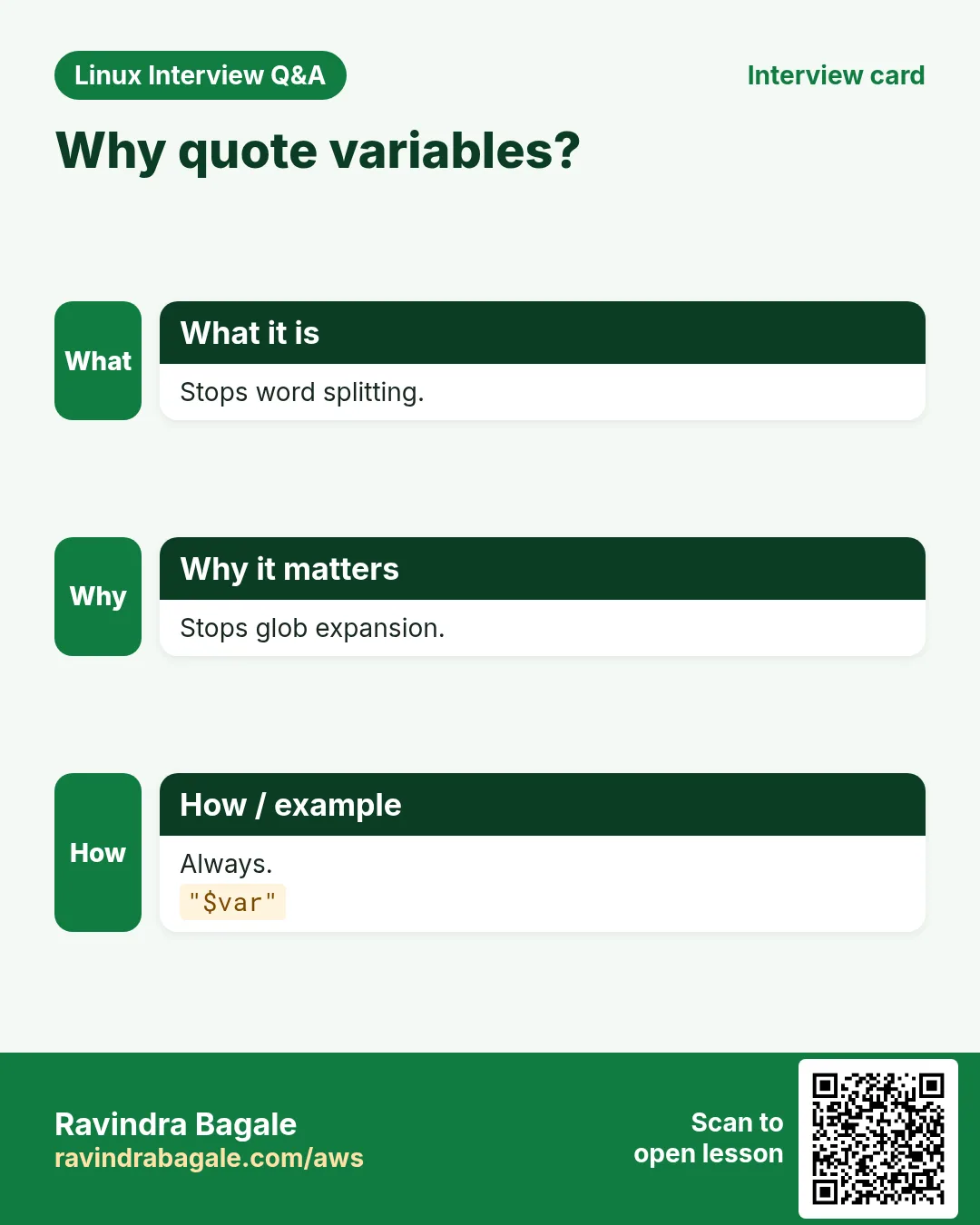
- Show a bug interviewers love: unquoted variables.
f='my report.txt'; touch "$f"; ls $f; ls "$f"Output:
ls: cannot access 'my': No such file or directory
ls: cannot access 'report.txt': No such file or directory
my report.txt
What it means: Unquoted, the name split into two words. Quoted, it works.
- Show why pipefail matters.
false | true; echo "without: $?"; set -o pipefail; false | true; echo "with: $?"Output:
without: 0
with: 1
What it means: Without pipefail a failed first command is hidden.
- Lint a script the way reviewers do.
printf '#!/bin/bash\nfor f in $(ls *.log); do rm $f; done\n' > bad.sh; shellcheck bad.sh | grep -o 'SC[0-9]*' | sort -uOutput:
SC2045
SC2086
What it means: SC2045: iterating over ls output. SC2086: unquoted variable. Mention both in an interview.
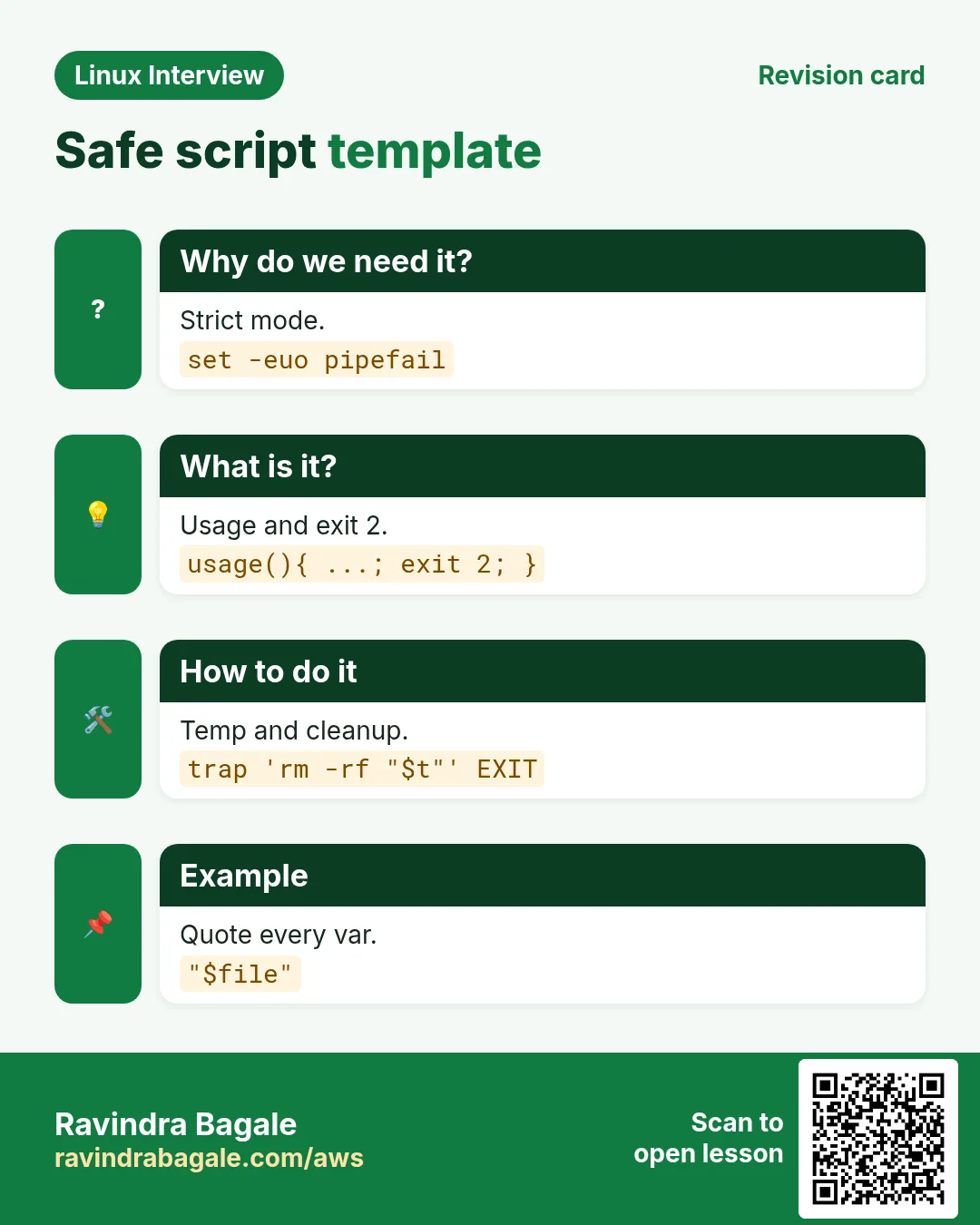
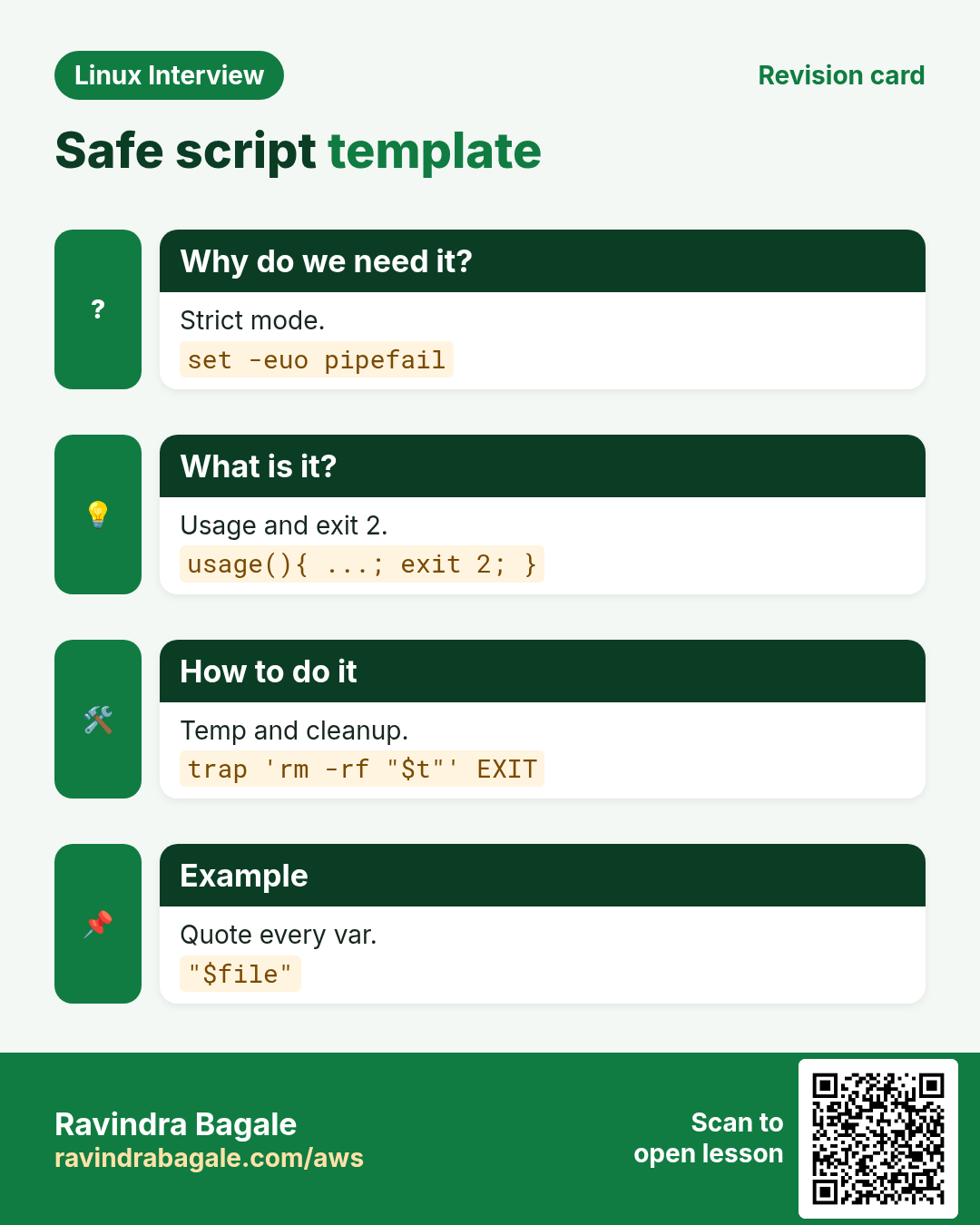
3. The script template to write in any interview
Why do we need this?
Starting every answer from the same safe skeleton saves time and shows good habits straight away.
What is it?
The template has a shebang, strict mode, a usage function, argument checks, a log helper, a temp folder with trap cleanup and a main function. You can write it from memory in about two minutes, then fill in the task.
How to do it (step by step)
- The template.
#!/usr/bin/env bash
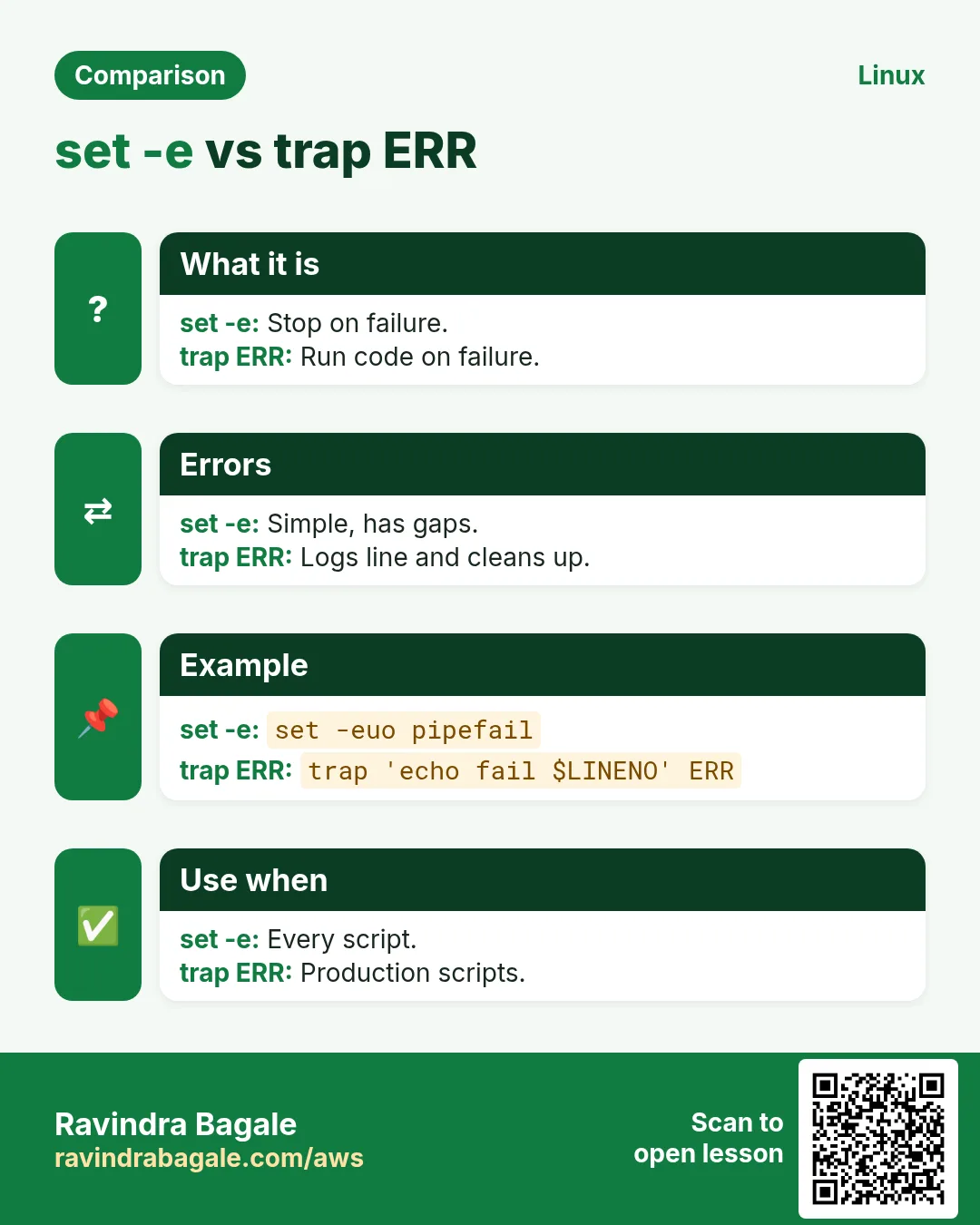
set -euo pipefail
usage(){ echo "usage: ${0##*/} -f FILE [-n]" >&2; exit 2; }
log(){ printf '%s %s\n' "$(date '+%F %T')" "$*" >&2; }
file='' dry=0
while getopts 'f:nh' o; do case $o in f) file=$OPTARG;; n) dry=1;; *) usage;; esac; done
[[ -n $file && -r $file ]] || usage
tmp=$(mktemp -d); trap 'rm -rf "$tmp"' EXIT
main(){ log "processing $file dry=$dry"; wc -l < "$file"; }
main
What it means: Strict mode, usage, getopts, validation, logging, cleanup and main. Say each part as you write it.
- Run it with good and bad input.
./tpl.sh -f /etc/hosts; ./tpl.sh -f /nope; echo "exit=$?"Output:
2026-10-26 10:40:12 processing /etc/hosts dry=0
4
usage: tpl.sh -f FILE [-n]
exit=2
What it means: Good input works; bad input prints usage and exits 2.
- Trace it to explain the flow.
PS4='+ ${LINENO}: ' bash -x ./tpl.sh -f /etc/hosts 2>&1 | head -4Output:
+ 3: file=
+ 3: dry=0
+ 4: getopts f:nh o
+ 4: case $o in
What it means: Line numbers help you walk the interviewer through the script.
4. Real examples from many industries
Why do we need this?
The same Linux skill shows up in every kind of company. Seeing it in many places helps you remember it.
What is it?
Each row is a made-up team. It shows who uses this and how.
How to do it (step by step)
| Team and city | How they use it | Command |
|---|---|---|
| Pooja, logistics, Chakan Pune | Asks freshers the even-odd and backup exercises | tar -czf backup.tgz dir |
| Arjun, fintech, Gurugram | Senior round on strict mode and rollback | set -euo pipefail |
| Emma, cloud consultancy, Dublin | Live exercise on log parsing with awk | awk '{c[$9]++} END{for(s in c) print s,c[s]}' |
| Kenji, robotics, Nagoya | Code review round with ShellCheck findings | shellcheck deploy.sh |
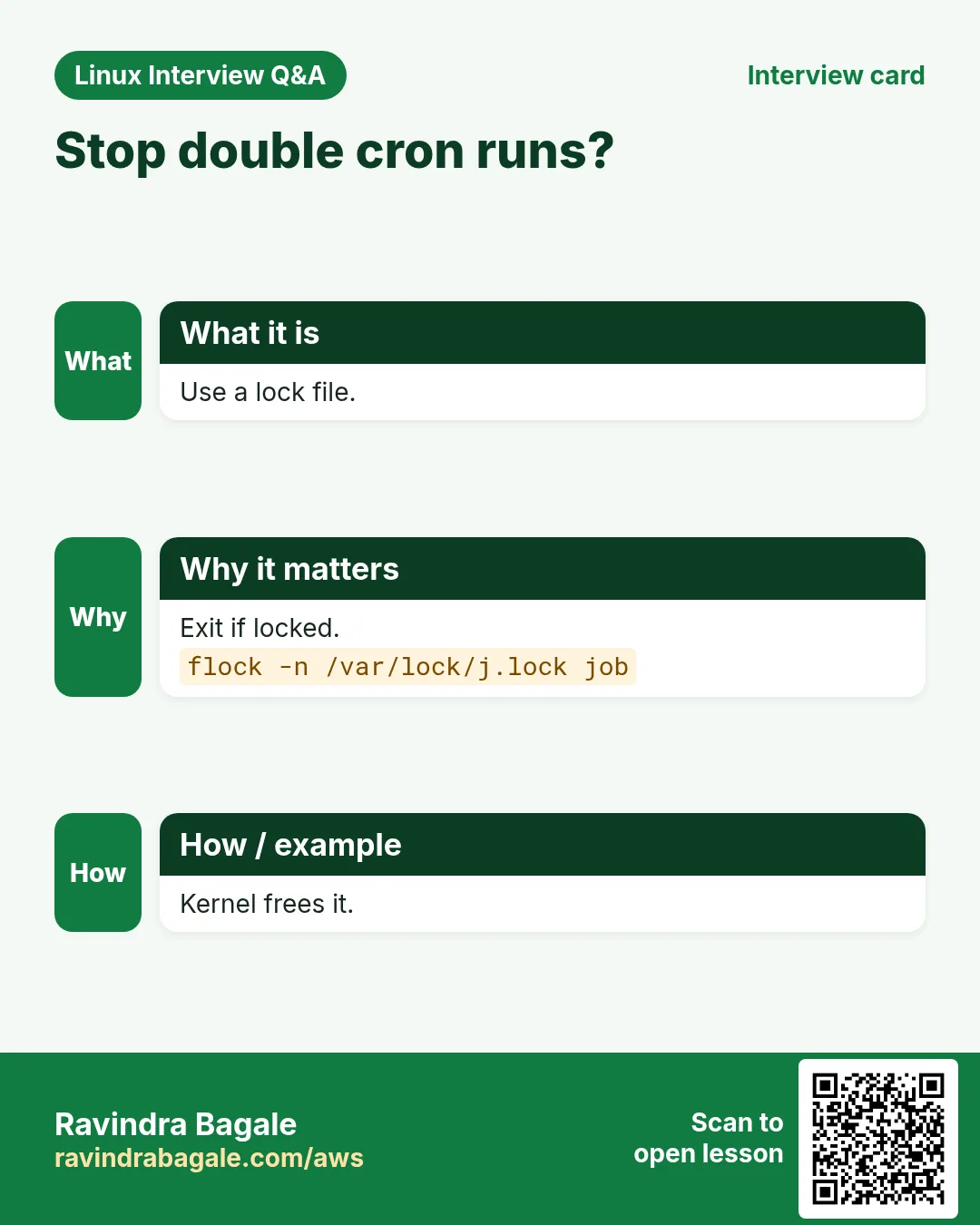
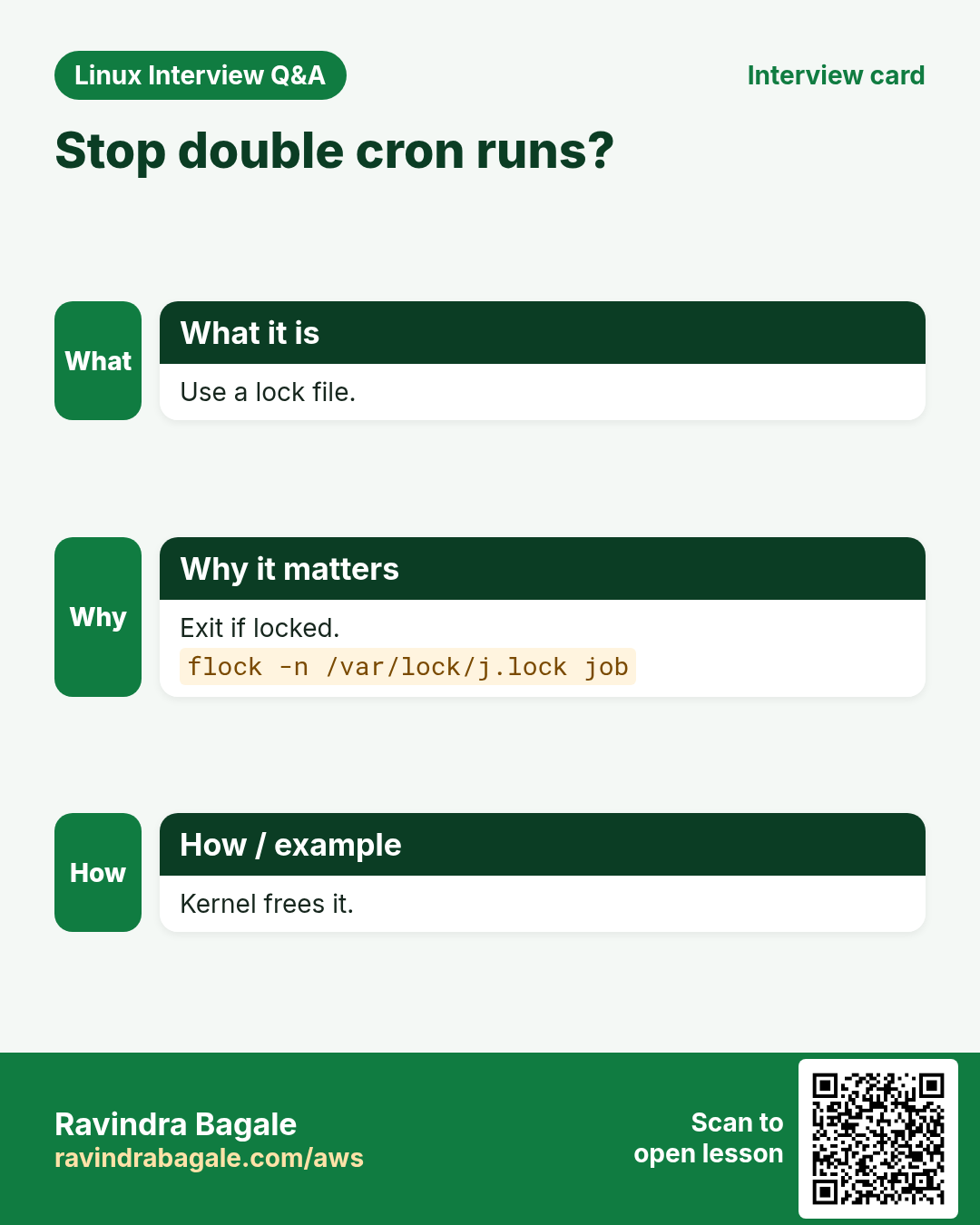
| Fatima, hospital IT, Karachi | Asks about flock and cron overlap | flock -n /var/lock/job.lock job.sh |
| Sachin, dairy co-op, Kolhapur | Tests user creation from CSV | useradd -m -g staff ravi |
5. Common errors and how to fix them
Why do we need this?
Everyone hits these errors. Knowing the cause saves hours.
What is it?
Read the exact message first. Then match it to a row below.
How to do it (step by step)
| Error you see | Why it happens | How to fix |
|---|---|---|
line 3: [: too many arguments | Unquoted variable with spaces in [ ] | Quote it or use [[ ]].[[ $name == "Asha Patil" ]] |
unbound variable | set -u and an unset variable | Give a default.echo "${1:-}" |
syntax error near unexpected token `fi' | Missing then or semicolon | Check if ...; then.bash -n script.sh |
bad interpreter: /bin/bash^M | Windows line endings | Convert to Unix.sed -i 's/\r$//' script.sh |
command not found after cd in a script | PATH or typo, or script run with sh | Use full paths and bash.command -v jq |
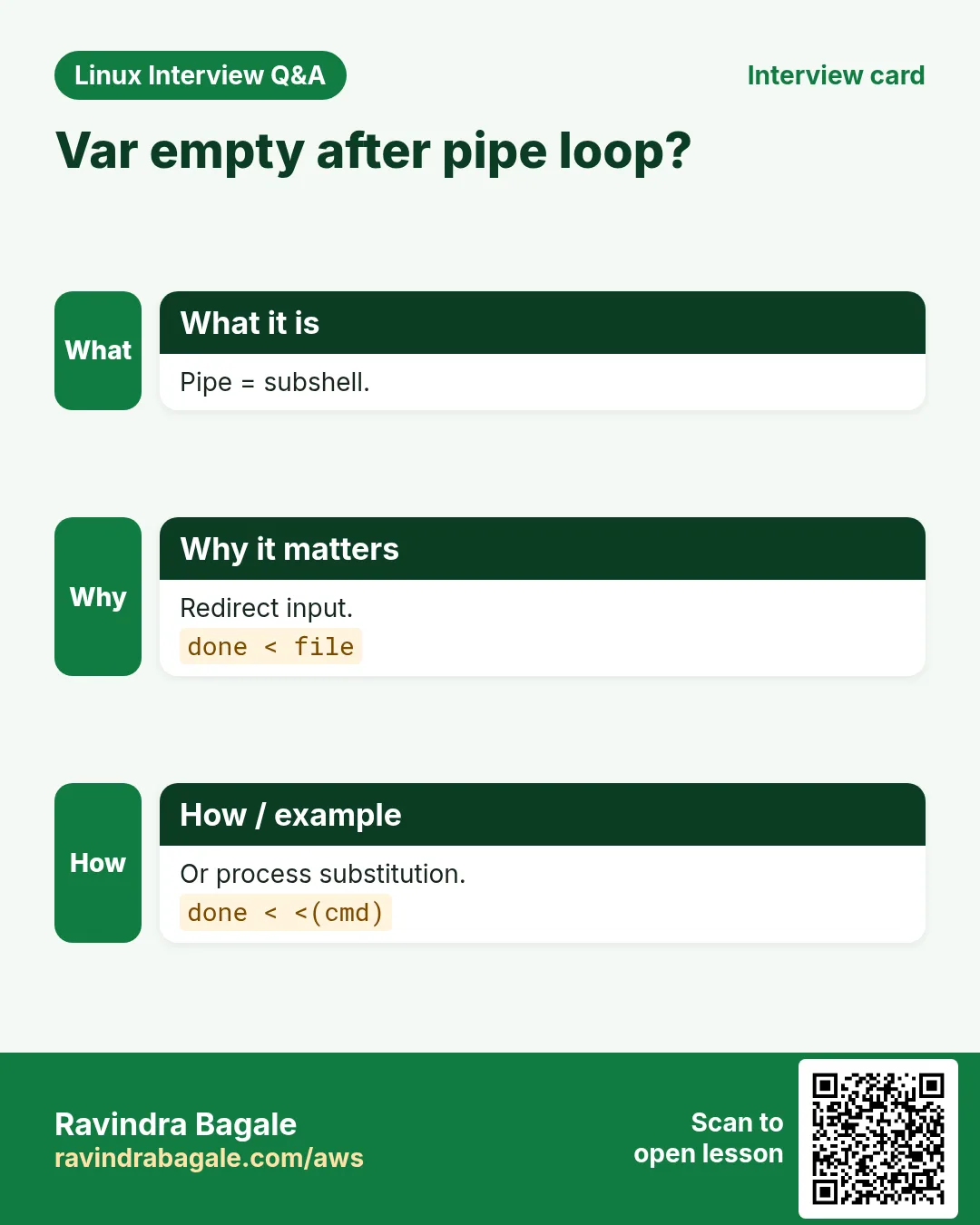
Variable empty after while loop | Pipe made a subshell | Redirect the loop input.while read -r l; do n=$((n+1)); done < file |
arithmetic: value too great for base | Leading zero read as octal | Force base 10.echo $(( 10#08 + 1 )) |
Script runs twice from cron at once | No lock | Wrap with flock.flock -n /var/lock/x.lock /opt/x.sh |
Permission denied running ./script.sh | No execute bit or noexec mount | chmod +x or run with bash.chmod +x script.sh |
6. Troubleshooting step by step
Why do we need this?
When your script fails during a live round, debug calmly and out loud; the debugging itself is being graded.
What is it?
Go top to bottom. Stop at the first step that shows the problem.
How to do it (step by step)
- Check syntax without running.
bash -n script.sh- Run with a trace.
bash -x script.sh arg1- Print the exit code of the failing step.
cmd; echo "rc=$?"- Check variables with declare -p.
declare -p file dry- Lint it.
shellcheck script.sh- Test the smallest failing part alone.
echo '1,2,3' | awk -F, '{print $2}'7. Lab 1: Five live coding exercises in 30 minutes
Why do we need this?
Solve five exercises from the coding group with a timer, using the template, and run each one.
What is it?
A full hands-on lab. Run every step on a test Linux machine (an EC2 instance, a VM, or WSL).
How to do it (step by step)
- Exercise: even or odd.
bash evenodd.sh 7; bash evenodd.sh x; echo "rc=$?"Output:
7 is odd
not a number
rc=2- Exercise: top 5 IPs from a sample log.
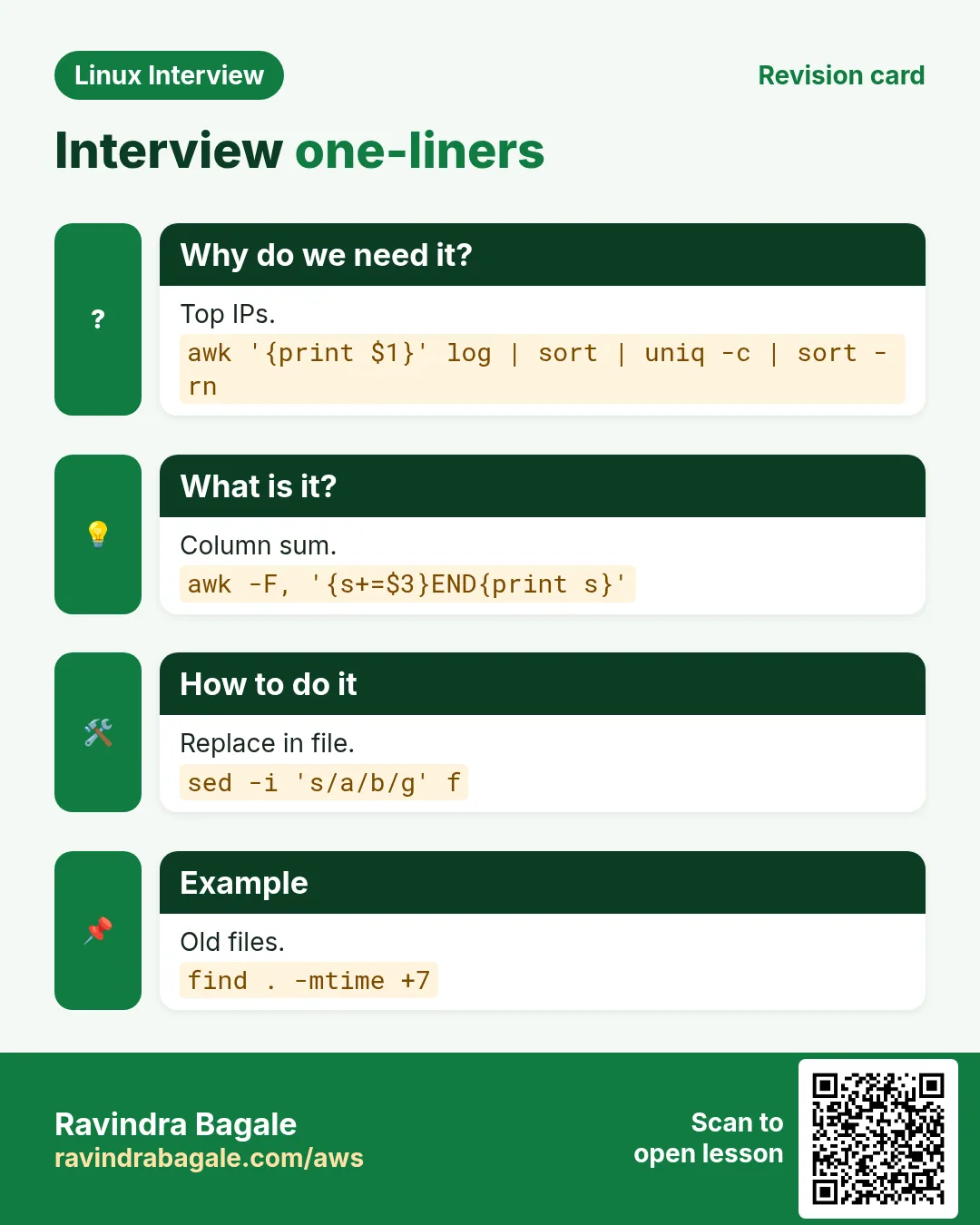
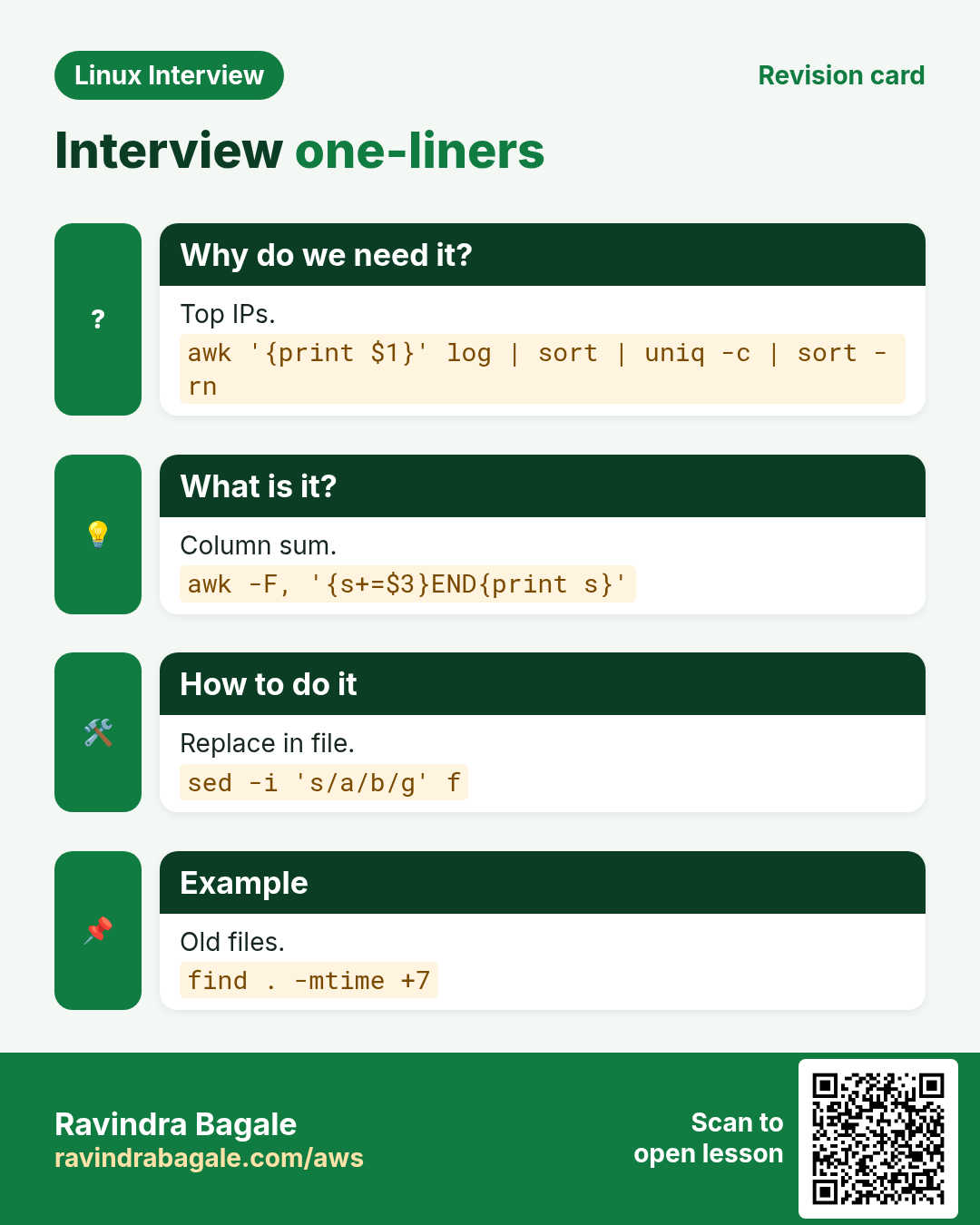
awk '{print $1}' access.log | sort | uniq -c | sort -rn | head -3Output:
    912 49.36.12.8
    305 103.21.4.77
120 10.0.0.5- Exercise: keep the last 7 backups.
ls -1t backups/backup-*.tgz | tail -n +8 | xargs -r rm -v | wc -lOutput:
3- Exercise: wait for a URL.
bash waiturl.sh http://localhost:8080/healthOutput:
up- Exercise: validate an IP.
source ipcheck.sh; valid_ip 10.0.0.25 && echo ok; valid_ip 10.0.0.256 || echo badOutput:
ok
bad
8. Lab 2: Review and fix a buggy script
Why do we need this?
Take a broken cleanup script, find every bug with ShellCheck and tests, and rewrite it safely.
What is it?
A full hands-on lab. Run every step on a test Linux machine (an EC2 instance, a VM, or WSL).
How to do it (step by step)
- Create the buggy script.
printf '#!/bin/bash\nDIR=$1\ncd $DIR\nfor f in $(ls *.tmp); do rm $f; done\necho done\n' > clean.sh; cat clean.shOutput:
#!/bin/bash
DIR=$1
cd $DIR
for f in $(ls *.tmp); do rm $f; done
echo done- Lint it.
shellcheck clean.sh | grep -o 'SC[0-9]*' | sort | uniq -cOutput:
      1 SC2045
3 SC2086- Show the danger: run with no argument in a test folder.
mkdir -p /tmp/t && cd /tmp/t && bash ~/clean.sh; pwdOutput:
done
/tmp/t- Rewrite safely.
cat > clean.sh <<'EOF'
#!/usr/bin/env bash
set -euo pipefail
dir=${1:?usage: clean.sh DIR}
cd -- "$dir"
shopt -s nullglob
for f in ./*.tmp; do rm -f -- "$f"; done
echo "cleaned $dir"
EOF
shellcheck clean.sh && echo lint-ok
Output:
lint-ok- Test the safe version.
bash clean.sh; echo "rc=$?"; touch /tmp/t/a.tmp '/tmp/t/b c.tmp'; bash clean.sh /tmp/t; ls /tmp/t | wc -lOutput:
clean.sh: line 3: 1: usage: clean.sh DIR
rc=1
cleaned /tmp/t
0
9. Beginner: shell scripting basics
Why do we need this?
Interviewers ask these again and again. Knowing a clear, short answer for each one builds confidence.
What is it?
Each question opens to show a full answer. Read the answer, then say it aloud in your own words.
How to do it (step by step)
First try to answer without opening. Then open, compare, and run any command on a test machine.
Q. What is a shell script?
A text file with shell commands run in order. It automates repeated work like backups, log cleanup, deployments and reports.
Q. What is the shebang line?
The first line, like #!/usr/bin/env bash, which tells the system which interpreter to use when the script is executed directly.
Q. How do you run a script?
chmod +x script.sh then ./script.sh, or run it with bash script.sh without execute permission. source script.sh runs it in the current shell.
Q. What is the difference between bash script.sh and source script.sh?
bash starts a new child shell, so variables and cd do not affect your shell. source (or .) runs inside the current shell, so changes stay.
Q. How do you create a variable?
name=value with no spaces around =. Read it with $name or "${name}". Quote values with spaces: city="New Delhi".
Q. Why should you quote variables?
Without quotes the shell splits values on spaces and expands globs, so a file named my file.txt becomes two words. "$var" keeps it as one.
Q. What is the difference between single and double quotes?
Single quotes keep everything literal. Double quotes allow $var, $(cmd) and backslash escapes but stop word splitting.
Q. How do you store command output in a variable?
today=$(date +%F). The older backtick form `date` works but is harder to nest.
Q. How do you read user input?
read -rp 'Enter name: ' name. Add -s to hide input for passwords and -t 10 for a timeout.
Q. What are positional parameters?
$1, $2 and so on are arguments, $0 the script name, $# the count, "$@" all arguments separately and $* all as one string. shift moves them left.
Q. How do you write an if statement?
if [[ -f /etc/app.conf ]]; then echo found; else echo missing; fi. Use elif for more branches.
Q. What are common file tests?
-f regular file, -d directory, -e exists, -r readable, -w writable, -x executable, -s not empty, -L symlink.
Q. How do you compare numbers and strings?
Numbers: -eq, -ne, -lt, -le, -gt, -ge, or (( a > b )). Strings: == and != inside [[ ]], -z for empty and -n for not empty.
Q. What is the difference between [ ] and [[ ]]?
[ ] is the POSIX test command and needs careful quoting. [[ ]] is a bash keyword that handles empty variables, supports && and ||, pattern matching with == and regex with =~.
Q. How do you write a for loop?
for f in *.log; do gzip "$f"; done. For numbers: for i in {1..5} or for ((i=1;i<=5;i++)).
Q. How do you write a while loop?
while condition; do ...; done. For example while ! curl -sf localhost:8080; do sleep 2; done waits until the app is up. until runs while the condition is false.
Q. What do break and continue do?
break exits the loop. continue skips to the next iteration. Both take a number for nested loops, like break 2.
Q. How do you write a case statement?
case "$1" in start) start_app;; stop) stop_app;; *) echo "usage: $0 start|stop";; esac. It is cleaner than many elif branches.
Q. How do you define and call a function?
greet() { echo "Hi $1"; } then greet Asha. Use local for variables inside, and return a status with return N or output with echo.
Q. What is an exit code?
A number 0 to 255 every command returns. 0 means success. $? holds the last one and exit N ends a script with N.
Q. What do && and
do between commands? || a && b runs b only if a succeeds. a || b runs b only if a fails. mkdir -p dir && cd dir || exit 1 is a common pattern.
Q. How do you do arithmetic in bash?
$(( a + b )) for integers, (( count++ )) to increment, let and expr are older forms. For decimals use bc or awk, such as echo '3.5*2' | bc.
Q. How do you add comments?
A # starts a comment to the end of the line. For a block, many people use several # lines; a here-doc to : also works but is less clear.
Q. How do you debug a script?
bash -x script.sh or set -x inside prints each command before it runs. bash -n checks syntax without running and shellcheck finds common bugs.
Q. What is an array in bash?
A list variable: servers=(web1 web2 db1). ${servers[0]} is the first, "${servers[@]}" all items, ${#servers[@]} the count. declare -A makes key-value maps.
Q. What is a here-doc?
A way to feed many lines to a command: cat <<EOF > file then lines then EOF. Quote 'EOF' to stop variable expansion inside.
Q. How do you check if a command exists?
if command -v jq >/dev/null; then ... fi. Avoid which in scripts because its output differs between systems.
Q. What is /dev/null?
A special file that discards anything written to it. cmd >/dev/null 2>&1 silences all output.
Q. How do you print without a newline or with formatting?
printf 'Name: %s Age: %d\n' Asha 30 gives exact formatting. echo -n prints without newline but echo varies between shells, so printf is safer.
Q. How do you get the current date in a file name?
backup-$(date +%F).tgz gives backup-2026-10-26.tgz. Use date +%Y%m%d-%H%M%S for a full stamp.
Q. What is the difference between $* and $@?
Unquoted they behave the same. "$@" keeps each argument separate (correct for passing on), while "$*" joins all into one string with the first IFS character.
Q. What is $$ and $!?
$$ is the PID of the current shell, often used for temp file names. $! is the PID of the last background job, used with wait or kill.
Q. What is an alias?
A short name for a command, like alias ll='ls -lah'. Aliases are for interactive shells; use functions in scripts.
Q. What is the difference between .bashrc and .bash_profile?
.bash_profile (or .profile) runs for login shells like SSH sessions; .bashrc runs for interactive non-login shells like new terminal tabs. Most setups source .bashrc from .bash_profile.
Q. How do you make a variable available to child processes?
export NAME=value. Without export, the variable exists only in the current shell. env NAME=value cmd sets it for one command.
Q. What does the test -z "$var" check?
True when the string is empty or the variable is unset. -n is the opposite.
Q. How do you exit a script early with an error message?
echo 'config missing' >&2; exit 1. Write errors to stderr (>&2) so they do not mix with normal output.
Q. What are stdin, stdout and stderr?
Three standard streams: 0 input, 1 normal output, 2 errors. Redirect them with <, > or 1>, and 2>.
Q. How do you loop over lines of command output safely?
while IFS= read -r line; do ...; done < <(cmd). This keeps spaces and runs the loop in the current shell so variables survive.
Q. What is the difference between sh and bash?
sh is the POSIX shell (dash on Ubuntu, bash in sh mode on RHEL). bash adds arrays, [[ ]], brace expansion, process substitution and more. A #!/bin/sh script must avoid bash-only features.
Q. What is brace expansion?
{a,b,c} and {1..5} create lists before the command runs: mkdir -p app/{logs,conf,data} makes three folders and cp file{,.bak} makes a backup copy.
Q. What is globbing?
The shell expands patterns like *.log, file?.txt and [0-9]* to matching file names before the command runs. If nothing matches, the pattern stays as is unless nullglob is set.
Q. How do you take a default value for a missing argument?
env=${1:-dev} uses dev when $1 is empty. ${VAR:?message} stops with an error when it is missing.
Q. How do you get the length of a string?
${#var}. For example name=Pune; echo ${#name} prints 4.
Q. How do you make a script print a usage message?
Write a usage function that prints the syntax to stderr and exits 1, and call it when [[ $# -lt 1 ]] or on -h.
Q. What is the purpose of the IFS variable?
The Internal Field Separator decides how the shell splits words and how read splits fields. IFS=, read -r a b c <<< "$line" splits a CSV line.
Q. How do you sleep in a script?
sleep 5 waits five seconds; sleep 1m and sleep 0.5 also work with GNU sleep.
Q. What is a subshell?
A child copy of the shell made by ( ), pipes or $( ). Changes inside, like cd or variables, do not affect the parent.
Q. How do you make a script exit if any command fails?
Put set -euo pipefail near the top, and handle expected failures with || true or if blocks.
Q. How do you make a script run on its own every hour?
Add a cron line such as 0 * * * * /opt/scripts/report.sh >> /var/log/report.log 2>&1, or create a systemd timer with OnCalendar=hourly.
10. Mid level: robust scripts, text processing and automation
Why do we need this?
Interviewers ask these again and again. Knowing a clear, short answer for each one builds confidence.
What is it?
Each question opens to show a full answer. Read the answer, then say it aloud in your own words.
How to do it (step by step)
First try to answer without opening. Then open, compare, and run any command on a test machine.
Q. What does each part of set -euo pipefail do and what are its traps?
-e exits on errors but is ignored inside if conditions, && chains and functions called in conditions. -u fails on unset variables, so use ${VAR:-} for optional ones. pipefail returns the last non-zero status in a pipeline. grep with no match returns 1 and can stop the script unexpectedly.
Q. What is trap used for?
It runs code on signals or exit: trap 'rm -f "$tmp"' EXIT cleans temp files, trap 'echo failed at line $LINENO' ERR reports errors, and trap '' INT ignores Ctrl+C.
Q. How do you create temp files safely?
tmp=$(mktemp) or dir=$(mktemp -d) gives a unique, private path. Combine with trap 'rm -rf "$dir"' EXIT. Never use fixed names like /tmp/out.txt.
Q. How do you stop two copies of a script running at the same time?
Use flock: exec 9>/var/lock/backup.lock; flock -n 9 || { echo running; exit 1; }. Or wrap the cron line with flock -n /var/lock/job.lock script.sh.
Q. How do you parse options in a script?
getopts handles short flags: while getopts 'e:vh' o; do case $o in e) env=$OPTARG;; v) verbose=1;; h) usage;; esac; done; shift $((OPTIND-1)). For long options use a while loop with case on $1 and shift.
Q. How do you log with timestamps from a script?
log(){ printf '%s %s\n' "$(date '+%F %T')" "$*" | tee -a "$LOG"; } then log 'backup started'. logger -t backup 'started' sends to syslog or the journal.
Q. How do you send all script output to a log and the screen?
exec > >(tee -a "$LOG") 2>&1 near the top redirects everything after it.
Q. What is process substitution?
<(cmd) gives a command's output as a file path. diff <(sort a) <(sort b) compares sorted files without temp files. >(cmd) does the reverse.
Q. Why does a variable set inside a pipe loop disappear?
Each part of a pipeline runs in a subshell, so cat f | while read l; do n=$((n+1)); done leaves n unchanged. Use done < f, done < <(cmd), or shopt -s lastpipe.
Q. How do you retry a command with backoff?
for i in 1 2 3 4 5; do cmd && break; sleep $((i*2)); done. Check the final status after the loop and exit if it never succeeded.
Q. How do you add a timeout to a command?
timeout 30 curl -s URL kills it after 30 seconds and returns 124. timeout -k 5 30 cmd sends KILL 5 seconds after TERM.
Q. How do you run tasks in parallel and wait for all?
Start each with & and call wait. Save PIDs to check each status with wait $pid. xargs -P 4 or GNU parallel limit how many run at once.
Q. How do you safely loop over files with spaces?
for f in ./*.csv; do ... "$f"; done with quotes works. For find results use find . -name '*.csv' -print0 | while IFS= read -r -d '' f; do ...; done. Never use for f in $(ls).
Q. How do you use associative arrays?
declare -A port=([web]=80 [db]=5432); echo "${port[db]}"; for k in "${!port[@]}"; do echo "$k=${port[$k]}"; done. Needs bash 4.
Q. How do you remove a file extension or get a file name from a path?
${f%.*} drops the last extension, ${f##*/} keeps the file name and ${f%/*} keeps the folder, all without external commands.
Q. How do you replace text inside a variable?
${v/old/new} replaces the first match and ${v//old/new} all. ${v^^} and ${v,,} change case.
Q. How do you check a string against a regex in bash?
[[ $ip =~ ^([0-9]{1,3}\.){3}[0-9]{1,3}$ ]] && echo ok. Captured groups are in BASH_REMATCH. Keep the regex unquoted or in a variable.
Q. What is the difference between grep, sed and awk?
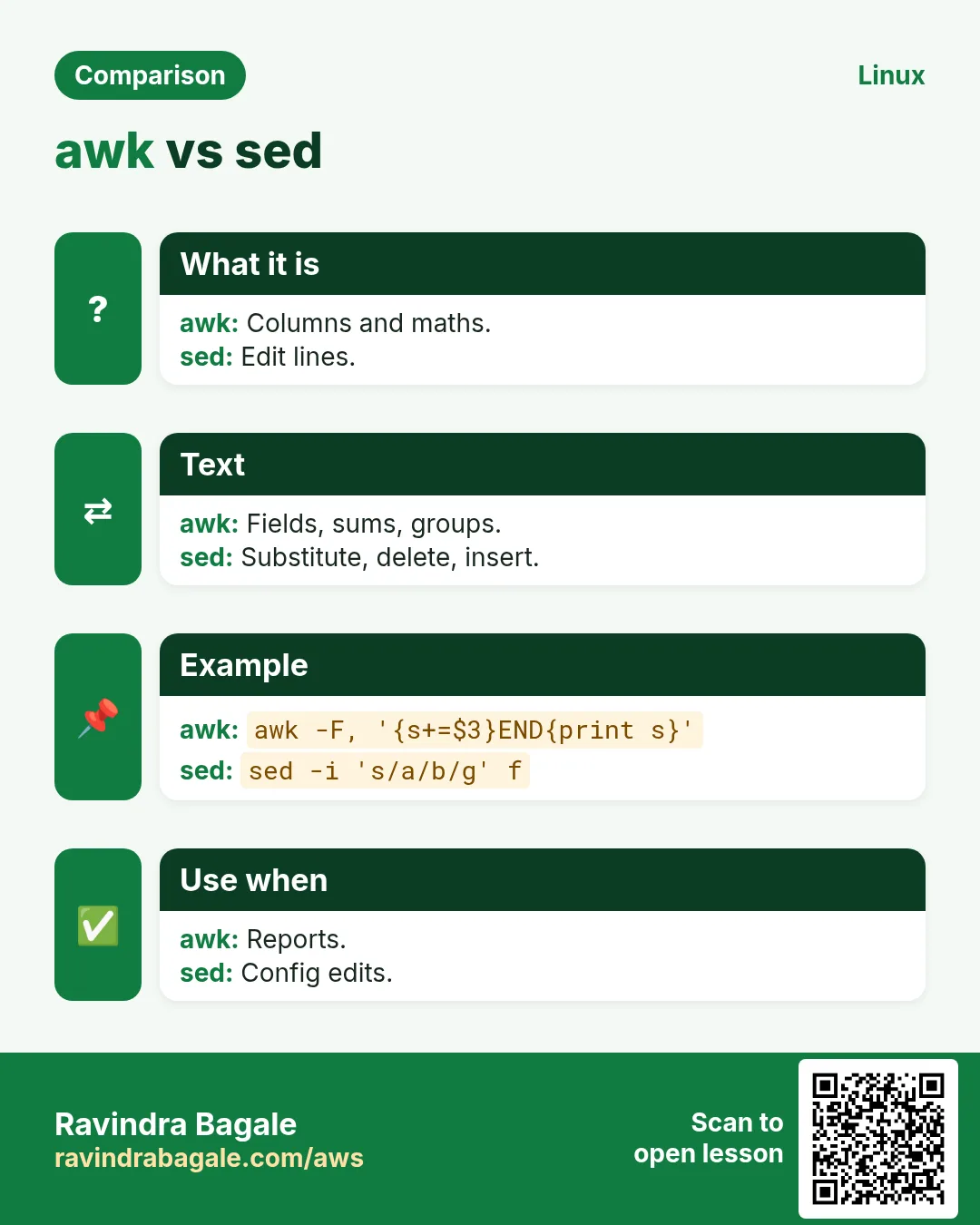
grep finds lines matching a pattern. sed edits streams (substitute, delete, insert lines). awk is a small language for columns and calculations, like summing a field or grouping.
Q. How do you sum a column with awk?
awk -F, '{s+=$3} END {print s}' sales.csv sums the third CSV column. Add NR>1 to skip the header.
Q. How do you print lines between two patterns with sed?
sed -n '/START/,/END/p' file. sed -n '10,20p' file prints lines 10 to 20.
Q. How do you read a config file of key=value pairs safely?
Loop with while IFS='=' read -r k v; do [[ $k =~ ^[A-Z_]+$ ]] && declare "$k=$v"; done < app.conf. Sourcing an untrusted file runs any code inside it, so avoid that.
Q. How do you work with JSON in shell scripts?
Use jq: jq -r '.items[].name' data.json, curl -s api | jq '.status', jq -r '.[] | [.id,.name] | @csv' for CSV. Do not parse JSON with grep or sed.
Q. How do you check the HTTP status of a URL in a script?
code=$(curl -s -o /dev/null -w '%{http_code}' "$url"); [[ $code == 200 ]] || alert. Add --max-time 10 so it never hangs.
Q. How do you compare two files and act on differences?
if ! diff -q a b >/dev/null; then echo changed; fi, or compare checksums with cmp -s a b. comm -13 <(sort a) <(sort b) prints lines only in b.
Q. How do you write a function that returns a value?
Print the value and capture it: get_ip(){ hostname -I | awk '{print $1}'; }; ip=$(get_ip). return only gives a 0 to 255 status code. A nameref (declare -n) can also write into a caller's variable.
Q. Why use local in functions?
Without local, variables in a function overwrite globals with the same name, causing hard bugs. local keeps them inside the function.
Q. How do you make scripts reusable with a library file?
Put shared functions in lib.sh and load them with source "$(dirname "$0")/lib.sh". Guard against loading twice and keep the library free of top-level actions.
Q. How do you find the folder of the running script?
dir=$(cd "$(dirname "${BASH_SOURCE[0]}")" && pwd). This works even when called from another folder or through source.
Q. How do you validate that a script runs as root?
[[ $EUID -eq 0 ]] || { echo 'run as root' >&2; exit 1; }.
Q. How do you make a dry-run mode?
Wrap actions: run(){ if [[ $DRY == 1 ]]; then echo "+ $*"; else "$@"; fi; } then run rm -f "$f". Users can see what would happen before it does.
Q. How do you use xargs safely?
find . -name '*.tmp' -print0 | xargs -0 rm -f handles spaces. -n 1 passes one item per command, -P 4 runs four at a time and -I{} places the item where you want.
Q. What is the difference between exec cmd and running cmd?
exec replaces the shell with cmd, so the script ends there and cmd keeps the same PID. It is common in container entrypoints so signals reach the app. exec with only redirects changes the script's file descriptors.
Q. How do you check disk usage and alert above a limit?
use=$(df --output=pcent / | tail -1 | tr -dc 0-9); (( use > 85 )) && echo "disk ${use}%" | mail -s alert ops@example.com.
Q. How do you handle CSV with quoted commas?
Plain awk -F, breaks on "Pune, MH". Use a proper tool such as csvkit, mlr (Miller) or Python's csv module; or awk with FPAT='([^,]+)|("[^"]+")' in GNU awk.
Q. What is ShellCheck and why use it?
A linter that finds quoting bugs, unused variables, bad tests and portability issues, each with a code like SC2086. Run it in your editor and CI.
Q. How do you print a trace with line numbers?
export PS4='+ ${BASH_SOURCE}:${LINENO}: ' then set -x. Each traced line then shows the file and line.
Q. How do you write a script that works on both RHEL and Ubuntu?
Detect with . /etc/os-release and $ID, then pick dnf or apt, service names (httpd or apache2) and paths in a case statement. Use command -v to check tools.
Q. How do you handle signals so a long script stops cleanly?
trap 'echo stopping; kill $(jobs -p) 2>/dev/null; exit 130' INT TERM. Clean up children and temp files in the handler.
Q. How do you create a menu in a script?
select opt in start stop status quit; do case $opt in quit) break;; *) systemctl "$opt" app;; esac; done. PS3 sets the prompt.
Q. How do you write to a file as root from a normal user script?
sudo echo x > /etc/file fails because the redirect runs as you. Use echo x | sudo tee /etc/file >/dev/null, or sudo tee -a to append.
Q. How do you avoid useless use of cat?
Use grep pattern file instead of cat file | grep pattern, and while read ... done < file instead of cat file | while read. It saves a process and keeps variables.
Q. How do you generate a random password or string?
openssl rand -base64 18, or tr -dc 'A-Za-z0-9' </dev/urandom | head -c 16. $RANDOM is fine for jitter but not for secrets.
Q. How do you check if a port is open from a script without nc?
timeout 3 bash -c "</dev/tcp/$host/$port" && echo open || echo closed. This uses bash's built-in /dev/tcp.
Q. How do you run a script on remote servers with local variables?
ssh host "bash -s" -- "$env" < deploy.sh passes the local script and arguments. Or ssh host "cd /app && ENV=$env ./run.sh" with careful quoting.
Q. How do you write a here-doc with indentation?
Use <<-EOF and indent the lines with tabs (not spaces); the leading tabs are removed.
Q. How do you find and delete files older than 7 days?
find /var/log/app -type f -name '*.log' -mtime +7 -print then the same with -delete once the list looks right.
Q. How do you make a script idempotent?
Check before acting: mkdir -p, id user || useradd user, grep -q line file || echo line >> file, and systemctl is-enabled before enable. Running it twice should change nothing the second time.
Q. What exit codes do 126, 127 and 130 mean?
126 found but not executable, 127 command not found, 130 stopped by Ctrl+C (128 plus signal 2). 137 is killed by signal 9 and 143 by signal 15.
Q. How do you measure how long a script or step takes?
time ./script.sh for the whole run, or start=$SECONDS; ...; echo "took $((SECONDS-start))s" inside.
Q. How do you test shell scripts?
Use bats-core for unit tests, shellcheck for lint, bash -n for syntax, run in a container for clean environments, and add a CI job. Keep functions small so they are easy to test.
11. Senior level: design, safety and production scripting
Why do we need this?
Interviewers ask these again and again. Knowing a clear, short answer for each one builds confidence.
What is it?
Each question opens to show a full answer. Read the answer, then say it aloud in your own words.
How to do it (step by step)
First try to answer without opening. Then open, compare, and run any command on a test machine.
Q. When should you stop using bash and switch to Python or Go?
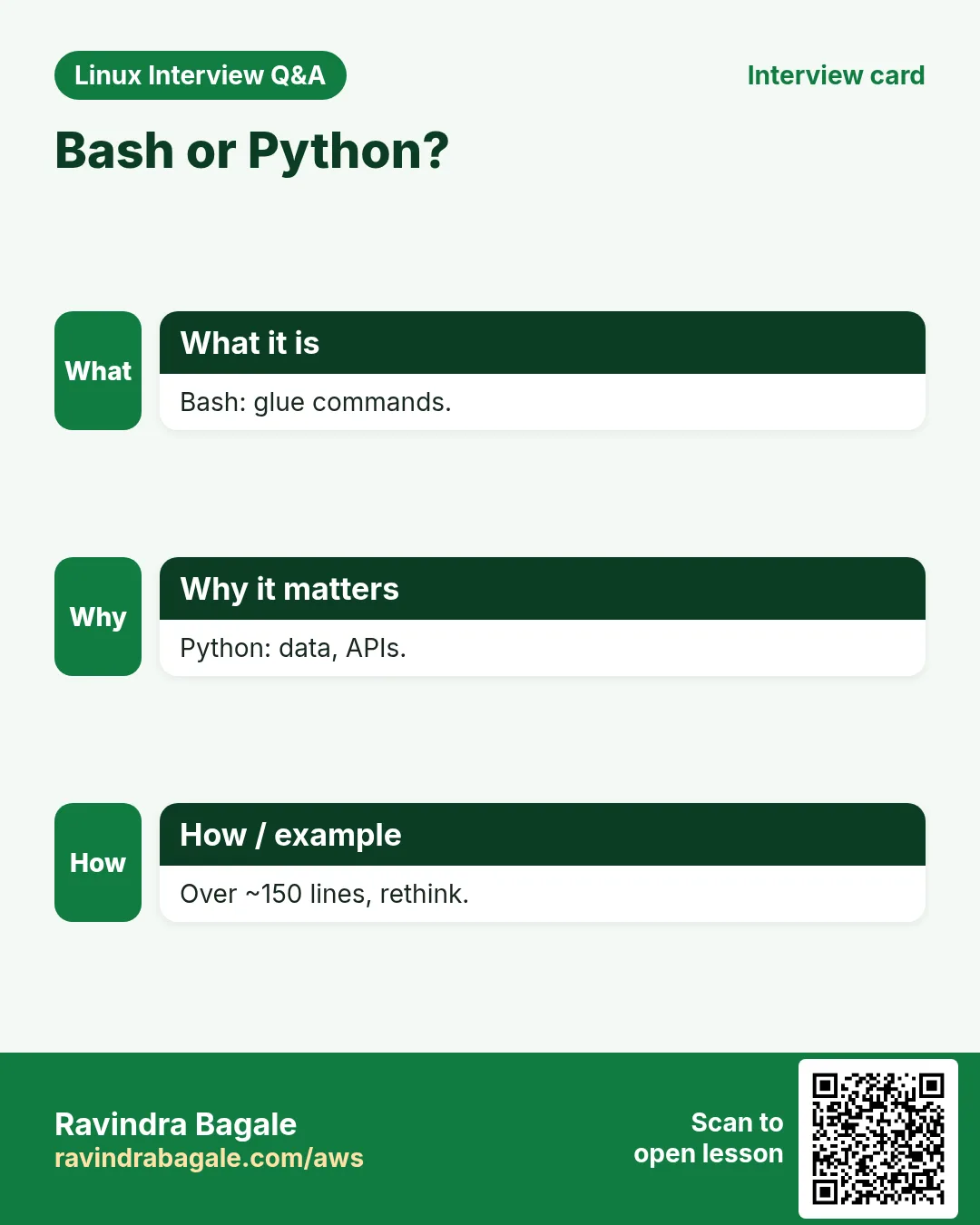
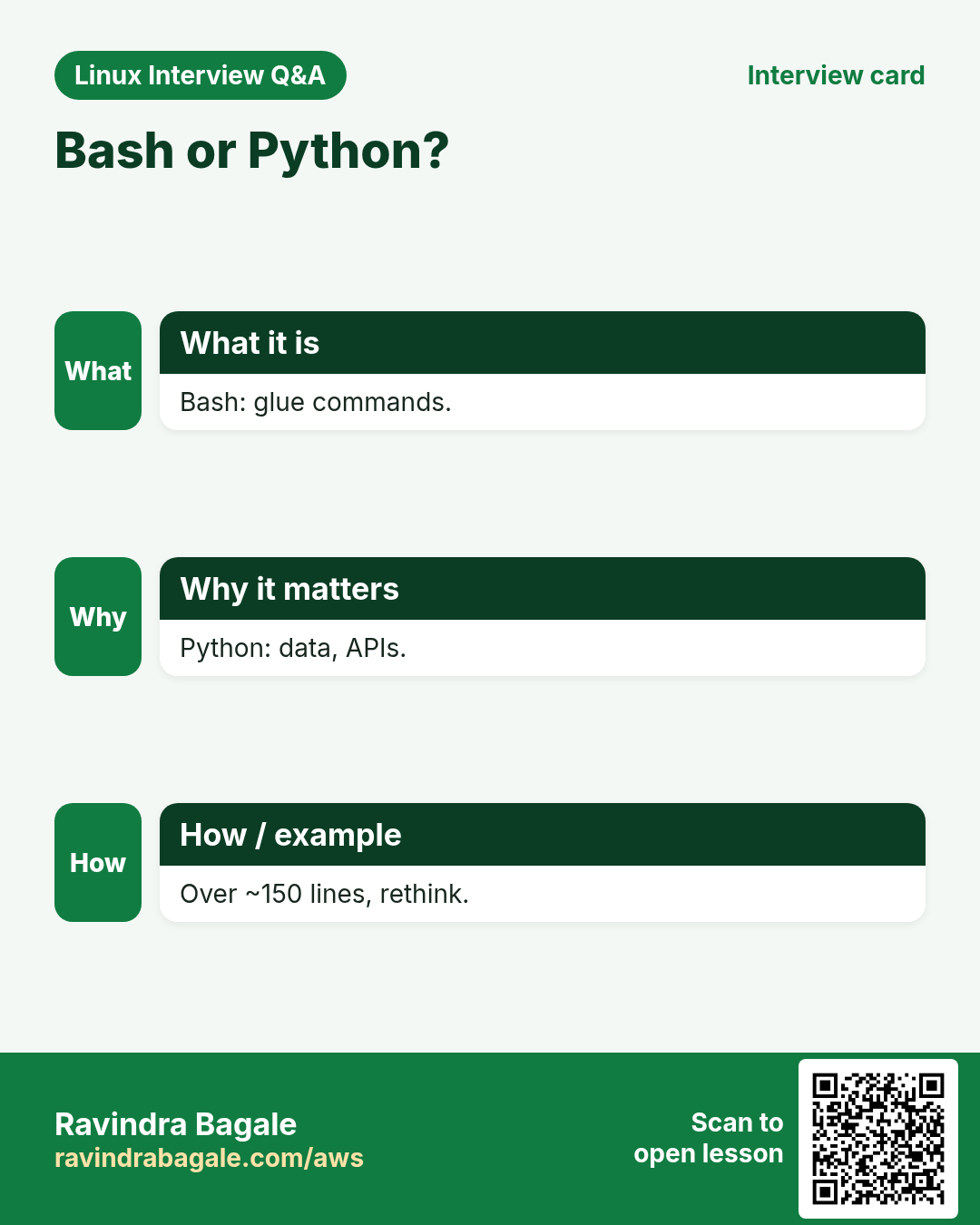
When the script needs complex data structures, JSON or API work beyond a few jq calls, heavy error handling, unit tests, concurrency control or grows past a few hundred lines. Bash is best for gluing commands, bootstrapping and simple automation.
Q. How do you design a production-grade deployment script?
Strict mode, a lock, clear arguments with validation, a dry-run flag, logging with timestamps, pre-checks (disk, health, versions), atomic switch (symlink swap or new release folder), health check after deploy, automatic rollback on failure, idempotent steps and meaningful exit codes.
Q. How do you make a file update atomic?
Write to a temp file in the same filesystem, sync if needed, then mv tmp target. rename is atomic, so readers see either the old or new file, never half of one.
Q. What are the main security risks in shell scripts?
Unquoted variables (injection and globbing), eval on user input, predictable temp files, secrets in arguments visible in ps, world-writable script paths, trusting PATH, and sourcing untrusted files. Fix with quoting, mktemp, absolute paths, reading secrets from files or env, and strict permissions.
Q. How do you pass secrets to scripts safely?
Read them from a root-only file (chmod 600), an environment variable injected by systemd or CI, or a secret manager CLI such as aws secretsmanager or vault. Avoid command-line arguments and set +x around secret use so traces do not print them.
Q. Why is eval dangerous and what are alternatives?
eval runs any text as code, so user data like ; rm -rf / becomes a command. Use arrays for building commands (cmd=(rsync -a "$src" "$dst"); "${cmd[@]}"), declare or printf -v for dynamic variables, and case for dispatch.
Q. How do you handle concurrency in cron jobs across many servers?
flock only works on one host. Across hosts use a distributed lock (a DynamoDB or Redis key with expiry, Consul or etcd), or schedule on one leader, or make the job idempotent so duplicates are harmless.
Q. How do you make bash scripts observable in production?
Structured log lines (key=value or JSON) to the journal with logger, exit codes that mean something, a heartbeat or push metric (Prometheus pushgateway or CloudWatch put-metric-data), alerts on failure via trap ERR, and run them as systemd units for status and history.
Q. Cron or systemd timer: which and why?
Timers give logs in journalctl, dependency ordering, Persistent=true to catch missed runs, randomized delays, resource limits and easy status. Cron is simpler and everywhere. For production services, timers are usually better.
Q. How do you write portable POSIX scripts?
Use #!/bin/sh, [ ] not [[ ]], no arrays, $(...) is fine, printf over echo, no local in strict POSIX (though dash supports it), no brace expansion or process substitution, and test with dash and checkbashisms.
Q. How do you speed up a slow shell script?
Avoid spawning processes inside big loops (use parameter expansion, builtins and one awk pass instead of many greps), batch with xargs or parallel, avoid repeated ssh by using ControlMaster, and measure with time and set -x timestamps.
Q. How do you review a teammate's shell script?
Check strict mode and quoting, input validation, error handling and cleanup, idempotency, hardcoded paths or secrets, destructive commands guarded by checks, shellcheck output, logging, and whether it should be a config management task instead.
Q. How do you prevent rm -rf "$DIR/" disasters?
Use set -u and ${DIR:?} so an empty variable stops the script, check the path is under an expected root, avoid running as root when not needed, and prefer moving to a trash folder first.
Q. When would you use Ansible instead of shell scripts?
When managing many servers' state: Ansible gives idempotent modules, inventory, templating, check mode, roles and reporting. Shell is fine for single host tasks or glue inside Ansible's shell module.
Q. How do you handle partial failures in a multi-server script?
Collect results per host in an associative array, continue on failure, print a summary table, and exit non-zero if any host failed. Add a --hosts flag to retry only the failed ones.
Q. What are common bash version differences that break scripts?
macOS ships bash 3.2 (no associative arrays, no ${var^^}, no mapfile). Older RHEL has bash 4.2. Features like wait -n need 4.3 and ${var@Q} needs 4.4. Check BASH_VERSINFO when needed.
Q. How do you write a safe script that edits system config files?
Back up with a timestamp, edit with a tool that validates (visudo -cf, nginx -t, sshd -t), write atomically, keep a diff in the log, and roll back automatically if validation or the service restart fails.
Q. How do you keep scripts maintainable in a team?
A style guide (Google shell style), a main function, small named functions, a header with purpose and usage, version control with review, shellcheck and bats in CI, and a README with examples.
Q. How does bash handle signals while waiting on a foreground command?
Traps run only after the foreground command finishes. To react quickly, run the command in the background and wait for it; wait returns early when a trapped signal arrives.
Q. How do you write a container entrypoint script correctly?
Use set -e, prepare config from env vars, then exec "$@" so the app becomes PID 1 and receives SIGTERM. Use tini or --init if the app does not reap child processes.
Q. What would you put in a server bootstrap (user-data) script?
Strict mode and logging to a file, package updates, install agents (SSM, CloudWatch), create users and SSH keys, harden SSH, mount disks by UUID, pull config from S3 or Parameter Store, start services, and signal success or failure to the orchestrator.
Q. How do you handle very large log files efficiently in shell?
Stream rather than load: use grep -F for fixed strings, LC_ALL=C for faster matching, zgrep or zcat for compressed logs, awk single pass aggregates, sort -S for memory and --parallel, and split by time window first.
Q. How do you design exit codes for scripts that other tools call?
0 success, 1 general error, 2 usage error, and documented specific codes like 3 config missing or 4 dependency down. Keep them stable, since monitoring and CI rely on them.
Q. Tell me about a script you wrote that saved real time.
Use STAR: the situation (for example 40 servers patched by hand each month), the task, what you built (a parallel, logged, idempotent patch script with health checks and rollback), and the result in numbers (hours saved, errors cut).
Q. How do you handle time zones and dates in scripts?
Store and log in UTC (date -u), convert only for display with TZ=Asia/Kolkata date, use ISO 8601 formats, and use date -d for arithmetic like date -d '7 days ago' +%F in GNU date.
12. Coding exercises with full solutions
Why do we need this?
Most scripting rounds include at least one live exercise. Seeing full solutions teaches the habits interviewers look for.
What is it?
Each exercise opens to show the approach and a complete script you can copy and run.
How to do it (step by step)
Try writing your own version first, then open and compare. Run both on a test machine.
Q. Write a script that prints whether a number given as an argument is even or odd.
Check the argument is a whole number, then use the remainder operator.
#!/usr/bin/env bash
set -euo pipefail
n=${1:?usage: $0 NUMBER}
[[ $n =~ ^-?[0-9]+$ ]] || { echo 'not a number' >&2; exit 2; }
if (( n % 2 == 0 )); then echo "$n is even"; else echo "$n is odd"; fi
Q. Reverse a string without using rev.
Walk the string from the last character to the first using substring expansion.
#!/usr/bin/env bash
s=${1:?usage: $0 TEXT}
out=''
for (( i=${#s}-1; i>=0; i-- )); do out+=${s:i:1}; done
echo "$out"
Q. Check whether a word is a palindrome, ignoring case.
Lower-case it, reverse it, and compare.
#!/usr/bin/env bash
w=${1,,}
r=$(printf '%s' "$w" | rev)
[[ $w == "$r" ]] && echo palindrome || echo 'not palindrome'
Q. Print the first N Fibonacci numbers.
Keep two variables and shift them each step.
#!/usr/bin/env bash
n=${1:-10}; a=0; b=1
for (( i=0; i<n; i++ )); do printf '%s ' "$a"; (( t=a+b, a=b, b=t )); done; echo
Q. Find the factorial of a number.
Multiply in a loop; bash integers are 64-bit, so up to 20! is safe.
#!/usr/bin/env bash
n=${1:?}; f=1
for (( i=2; i<=n; i++ )); do (( f*=i )); done
echo "$n! = $f"
Q. Count lines, words and characters in a file without wc.
Read line by line and add up; this shows how loops and expansion work.
#!/usr/bin/env bash
l=0 w=0 c=0
while IFS= read -r line || [[ -n $line ]]; do
  (( l++ )); set -- $line; (( w+=$# )); (( c+=${#line}+1 ))
done < "${1:?file}"
echo "$l $w $c"
Q. Print the top 5 IP addresses from an nginx access log.
The client IP is the first field; count with sort and uniq.
awk '{print $1}' /var/log/nginx/access.log | sort | uniq -c | sort -rn | head -5Q. Count HTTP status codes in an access log.
In the combined log format the status is field 9.
awk '{c[$9]++} END {for (s in c) print s, c[s]}' /var/log/nginx/access.log | sortQ. Write a disk usage alert script for all mounted filesystems.
Use df with fixed columns, skip tmpfs, and alert above a threshold.
#!/usr/bin/env bash
set -euo pipefail
limit=${1:-80}
df -P -x tmpfs -x devtmpfs | awk 'NR>1 {gsub("%","",$5); print $5, $6}' |
while read -r use mnt; do
  (( use >= limit )) && echo "ALERT $mnt at ${use}%"
done
exit 0
Q. Back up a folder with a dated archive and keep only the last 7.
Create the archive, then list old ones by time and delete beyond 7.
#!/usr/bin/env bash
set -euo pipefail
src=${1:?src}; dst=${2:?dst}
mkdir -p "$dst"
tar -czf "$dst/backup-$(date +%F-%H%M).tgz" -C "$(dirname "$src")" "$(basename "$src")"
ls -1t "$dst"/backup-*.tgz | tail -n +8 | xargs -r rm -f
Q. Check whether a list of services is running and restart any that are down.
Loop over names, use systemctl is-active, and log actions.
#!/usr/bin/env bash
for s in nginx sshd crond; do
  if ! systemctl is-active --quiet "$s"; then
    echo "$(date '+%F %T') $s down, restarting"
    systemctl restart "$s" || echo "restart of $s failed" >&2
  fi
done
Q. Create users from a CSV file of username,group.
Read each line, skip the header, create the group and user only if missing.
#!/usr/bin/env bash
set -euo pipefail
while IFS=, read -r u g; do
  [[ $u == username ]] && continue
  getent group "$g" >/dev/null || groupadd "$g"
  id "$u" &>/dev/null || useradd -m -g "$g" "$u"
done < "${1:?csv}"
Q. Find the 10 largest files under a folder.
Use find with size output and sort.
find "${1:-.}" -type f -printf '%s %p
' 2>/dev/null | sort -rn | head -10 | awk '{printf "%.1f MB %s
", $1/1048576, $2}'
Q. Rename all .jpeg files to .jpg in a folder.
Use parameter expansion to swap the extension and mv -n to avoid overwriting.
for f in *.jpeg; do [[ -e $f ]] || continue; mv -n -- "$f" "${f%.jpeg}.jpg"; doneQ. Wait until a web app returns 200, up to 60 seconds.
Loop with curl and a deadline using SECONDS.
#!/usr/bin/env bash
url=${1:-http://localhost:8080/health}
end=$((SECONDS+60))
until [[ $(curl -s -o /dev/null -w '%{http_code}' --max-time 3 "$url") == 200 ]]; do
  (( SECONDS >= end )) && { echo 'timed out' >&2; exit 1; }
  sleep 2
done
echo up
Q. Print lines that appear in file A but not in file B.
comm works on sorted input.
comm -23 <(sort -u a.txt) <(sort -u b.txt)Q. Find duplicate files by content in a folder.
Hash every file, then show hashes seen more than once.
find "${1:-.}" -type f -exec md5sum {} + | sort | awk '{h=$1; $1=""; if (h==p) {print pf; print $0} p=h; pf=$0}' | sort -uQ. Monitor a log file and alert when ERROR appears.
tail -F follows rotation; grep --line-buffered passes lines at once.
tail -Fn0 /var/log/app/app.log | grep --line-buffered ERROR | while read -r line; do
  logger -t appwatch "ERROR seen: $line"
done
Q. Run a command on many servers in parallel and report failures.
Background each ssh, store PIDs in an array, and wait for each.
#!/usr/bin/env bash
declare -A pid
for h in web1 web2 db1; do ssh -o ConnectTimeout=5 "$h" uptime > "/tmp/$h.out" 2>&1 & pid[$h]=$!; done
fail=0
for h in "${!pid[@]}"; do wait "${pid[$h]}" || { echo "FAIL $h"; fail=1; }; done
exit $fail
Q. Validate an IPv4 address properly.
Check the shape with a regex, then each octet is 0 to 255.
valid_ip(){
  local ip=$1 o
  [[ $ip =~ ^([0-9]{1,3})\.([0-9]{1,3})\.([0-9]{1,3})\.([0-9]{1,3})$ ]] || return 1
  for o in "${BASH_REMATCH[@]:1}"; do (( 10#$o <= 255 )) || return 1; done
}
valid_ip 10.0.0.256 && echo ok || echo bad
Q. Print the most used words in a text file.
Split into words, lower-case, count and sort.
tr -cs '[:alpha:]' '
' < book.txt | tr '[:upper:]' '[:lower:]' | sort | uniq -c | sort -rn | head -10
Q. Swap two columns in a CSV and keep the rest.
awk with a comma separator swaps fields and rebuilds the line.
awk -F, -v OFS=, '{t=$1; $1=$2; $2=t; print}' in.csvQ. Write a script that rotates its own log when it exceeds 10 MB.
Check size with stat and move it aside with a timestamp before writing.
log=/var/log/myjob.log
if [[ -f $log ]] && (( $(stat -c %s "$log") > 10485760 )); then
  mv "$log" "$log.$(date +%F-%H%M%S)"; gzip "$log".*[0-9] 2>/dev/null || true
fi
echo "$(date '+%F %T') run" >> "$log"
Q. Sum the memory (RSS) used by all processes of one program.
ps prints RSS in KB; awk adds it up.
ps -C "${1:-nginx}" -o rss= | awk '{s+=$1} END {printf "%.1f MB
", s/1024}'
Q. Write a deployment script with symlink switch and automatic rollback.
Unpack into a new release folder, swap the current link, health check, and swap back on failure.
#!/usr/bin/env bash
set -euo pipefail
rel=/opt/app/releases/$(date +%Y%m%d%H%M%S)
prev=$(readlink -f /opt/app/current || true)
mkdir -p "$rel" && tar -xzf "${1:?artifact}" -C "$rel"
ln -sfn "$rel" /opt/app/current && systemctl restart app
if ! curl -sf --max-time 5 localhost:8080/health; then
  echo 'health failed, rolling back' >&2
  [[ -n $prev ]] && ln -sfn "$prev" /opt/app/current && systemctl restart app
  exit 1
fi
echo "deployed $rel"Ravindra Bagale's Tip
In a live scripting round, write the safe template first even if the task is tiny. Then talk through each line. Interviewers often stop you halfway because they have already seen quoting, strict mode and cleanup, which is what they wanted to know.
Ravindra Bagale's Tip – मराठी
Live scripting round मधे task छोटा असला तरी आधी safe template लिहा. मग प्रत्येक line बोलत समजावा. Interviewers बऱ्याचदा अर्ध्यातच थांबवतात कारण त्यांना quoting, strict mode आणि cleanup दिसलेलं असतं, आणि त्यांना तेच जाणून घ्यायचं होतं.
Ravindra Bagale's Tip – हिंदी
Live scripting round में task छोटा हो तब भी पहले safe template लिखिए. फिर हर line बोलकर समझाइए. Interviewers अक्सर बीच में ही रोक देते हैं क्योंकि उन्हें quoting, strict mode और cleanup दिख चुका होता है, और वे यही जानना चाहते थे.
13. Frequently asked questions
Q. Do interviewers allow man pages or Google?
Some allow man pages in live rounds; many do not allow Google. Ask at the start.
Q. Should I write POSIX sh or bash?
Bash unless they ask for POSIX. Say which you chose and why.
Q. Is awk enough or do I need Python?
awk handles columns and sums well; for JSON, APIs or complex logic say you would use Python.
Q. How do I practise coding exercises?
Type each solution here by hand, run it, break it, and fix it. Then write it again from memory.
Q. Do they ask about sed and awk deeply?
Usually common one-liners: substitution, ranges, column sums and grouping.
Q. Is set -e always good?
It helps but has traps. Say you use it with pipefail and handle expected failures explicitly.
Q. What is the most common mistake in scripts?
Unquoted variables, by far.
Q. Are these questions company specific?
No, they are typical and commonly reported across many companies.
14. Interview questions and answers
Beginner level
Q. What does $? hold?
The exit status of the last command.
Q. How do you make a script executable?
chmod +x script.sh.
Q. How do you loop 1 to 10?
for i in {1..10}; do echo $i; done.
Q. How do you read a file line by line?
while IFS= read -r line; do ...; done < file.
Mid level level
Q. How do you ensure cleanup on Ctrl+C?
trap 'cleanup' EXIT INT TERM.
Q. How do you parse -v and -f FILE?
getopts 'vf:'.
Q. How do you avoid parallel cron runs?
flock -n on a lock file.
Q. How do you get the script's own folder?
cd "$(dirname "${BASH_SOURCE[0]}")" && pwd.
Senior level
Q. How do you make a deploy script safe to re-run?
Idempotent steps, release folders, a symlink switch, health check and automatic rollback.
Q. How do you keep secrets out of traces and ps?
Read from files or env, set +x around them, never pass as arguments.
Q. When is bash the wrong choice?
Complex data, JSON APIs, heavy logic, long-lived services or when tests and types matter.
Q. How do you test scripts in CI?
shellcheck, bash -n, bats-core tests and running in a clean container.
Try at home
- Write the template from memory three times this week until it takes under two minutes.
- Solve all 25 coding exercises without looking, then compare with the solutions here.
- Run ShellCheck on every old script you have and fix the warnings.
Practice Tasks
Vidarbha Cotton Mills is a textiles business in Nagpur. Ganesh Wankhede looks after its IT and cloud work. They count money in INR and run their AWS resources in the ap-south-1 Region. In the tasks below you do real jobs for them using what this lesson teaches. All names, account IDs, IP addresses and numbers are made up for practice.
0 / 21
Easy Strict mode
Why: BIZ tests scripting skill in live rounds.
What to do: Turn on strict mode and also make ERR traps inherited by functions.
- Find the Linux command that does this job.
- Add the options (like -r or -h) the task needs.
- Add the file names, folders or users in the right order.
- Use sudo if the job changes system files or users. Click Check answer.
Easy Exit status
Why: BIZ tests scripting skill in live rounds.
What to do: Print the exit status of the last command.
- Find the Linux command that does this job.
- Add the options (like -r or -h) the task needs.
- Add the file names, folders or users in the right order.
- Use sudo if the job changes system files or users. Click Check answer.
Easy Syntax check
Why: BIZ tests scripting skill in live rounds.
What to do: Check deploy.sh for syntax errors without running it.
- Find the Linux command that does this job.
- Add the options (like -r or -h) the task needs.
- Add the file names, folders or users in the right order.
- Use sudo if the job changes system files or users. Click Check answer.
Easy Trace
Why: BIZ tests scripting skill in live rounds.
What to do: Run deploy.sh with a trace of every command.
- Find the Linux command that does this job.
- Add the options (like -r or -h) the task needs.
- Add the file names, folders or users in the right order.
- Use sudo if the job changes system files or users. Click Check answer.
Easy Lint
Why: BIZ tests scripting skill in live rounds.
What to do: Lint deploy.sh showing only warnings and above.
- Find the Linux command that does this job.
- Add the options (like -r or -h) the task needs.
- Add the file names, folders or users in the right order.
- Use sudo if the job changes system files or users. Click Check answer.
Easy Count lines
Why: BIZ tests scripting skill in live rounds.
What to do: Print only the number of lines in access.log.
- Find the Linux command that does this job.
- Add the options (like -r or -h) the task needs.
- Add the file names, folders or users in the right order.
- Use sudo if the job changes system files or users. Click Check answer.
Easy Grep count
Why: BIZ tests scripting skill in live rounds.
What to do: Count lines containing ERROR in app.log.
- Find the Linux command that does this job.
- Add the options (like -r or -h) the task needs.
- Add the file names, folders or users in the right order.
- Use sudo if the job changes system files or users. Click Check answer.
Easy Edit crontab
Why: BIZ tests scripting skill in live rounds.
What to do: Open your own crontab for editing.
- Find the Linux command that does this job.
- Add the options (like -r or -h) the task needs.
- Add the file names, folders or users in the right order.
- Use sudo if the job changes system files or users. Click Check answer.
Medium Default arg
Why: BIZ tests scripting skill in live rounds.
What to do: Set variable env to the first argument or prod if missing.
- Find the Linux command that does this job.
- Add the options (like -r or -h) the task needs.
- Add the file names, folders or users in the right order.
- Use sudo if the job changes system files or users. Click Check answer.
Medium Required arg
Why: BIZ tests scripting skill in live rounds.
What to do: Set dir to the first argument, failing with message need dir if missing.
- Find the Linux command that does this job.
- Add the options (like -r or -h) the task needs.
- Add the file names, folders or users in the right order.
- Use sudo if the job changes system files or users. Click Check answer.
Medium Temp folder
Why: BIZ tests scripting skill in live rounds.
What to do: Create a private temporary folder and store its path in variable work.
- Find the Linux command that does this job.
- Add the options (like -r or -h) the task needs.
- Add the file names, folders or users in the right order.
- Use sudo if the job changes system files or users. Click Check answer.
Medium Cleanup trap
Why: BIZ tests scripting skill in live rounds.
What to do: Remove the folder in work when the script exits or gets INT or TERM.
- Find the Linux command that does this job.
- Add the options (like -r or -h) the task needs.
- Add the file names, folders or users in the right order.
- Use sudo if the job changes system files or users. Click Check answer.
Medium Read lines
Why: BIZ tests scripting skill in live rounds.
What to do: Read users.txt line by line safely into variable u and echo each.
- Find the Linux command that does this job.
- Add the options (like -r or -h) the task needs.
- Add the file names, folders or users in the right order.
- Use sudo if the job changes system files or users. Click Check answer.
Medium Column sum
Why: BIZ tests scripting skill in live rounds.
What to do: Sum the 3rd comma-separated column of sales.csv with awk.
- Find the Linux command that does this job.
- Add the options (like -r or -h) the task needs.
- Add the file names, folders or users in the right order.
- Use sudo if the job changes system files or users. Click Check answer.
Medium Replace in file
Why: BIZ tests scripting skill in live rounds.
What to do: Replace every foo with bar in config.ini in place, keeping a .bak backup.
- Find the Linux command that does this job.
- Add the options (like -r or -h) the task needs.
- Add the file names, folders or users in the right order.
- Use sudo if the job changes system files or users. Click Check answer.
Medium Old files
Why: BIZ tests scripting skill in live rounds.
What to do: Delete .log files under /var/log/app older than 7 days.
- Find the Linux command that does this job.
- Add the options (like -r or -h) the task needs.
- Add the file names, folders or users in the right order.
- Use sudo if the job changes system files or users. Click Check answer.
Medium Write as root
Why: BIZ tests scripting skill in live rounds.
What to do: Write the text 1 to /proc/sys/net/ipv4/ip_forward as root from a normal shell.
- Find the Linux command that does this job.
- Add the options (like -r or -h) the task needs.
- Add the file names, folders or users in the right order.
- Use sudo if the job changes system files or users. Click Check answer.
Hard Single instance
Why: BIZ tests scripting skill in live rounds.
What to do: Run /opt/job.sh only if the lock /var/lock/job.lock is free, otherwise exit at once.
- Find the Linux command that does this job.
- Add the options (like -r or -h) the task needs.
- Add the file names, folders or users in the right order.
- Use sudo if the job changes system files or users. Click Check answer.
Hard Top IPs
Why: BIZ tests scripting skill in live rounds.
What to do: Print the top 5 client IPs (field 1) in access.log with counts, highest first.
- Find the Linux command that does this job.
- Add the options (like -r or -h) the task needs.
- Add the file names, folders or users in the right order.
- Use sudo if the job changes system files or users. Click Check answer.
Hard Leading zero
Why: BIZ tests scripting skill in live rounds.
What to do: Print 08 plus 1 as decimal arithmetic, forcing base 10.
- Find the Linux command that does this job.
- Add the options (like -r or -h) the task needs.
- Add the file names, folders or users in the right order.
- Use sudo if the job changes system files or users. Click Check answer.
Hard Options loop
Why: BIZ tests scripting skill in live rounds.
What to do: Start a getopts loop for options v and f taking a value, into variable o.
- Find the Linux command that does this job.
- Add the options (like -r or -h) the task needs.
- Add the file names, folders or users in the right order.
- Use sudo if the job changes system files or users. Click Check answer.
15. Related chapters
- Linux Ops Refresh for DevOps
- Bash Scripting for Automation
- Linux grep and find Commands with Examples
- How to Set Up Passwordless SSH Between Linux Servers
In short
- 150 questions: 50 beginner, 50 mid, 25 senior, 25 coding.
- Quote every variable.
- Start from the safe template.
- Use set -euo pipefail with care.
- trap for cleanup, flock for locks.
- Know when to switch to Python.
Revision, comparison and interview cards
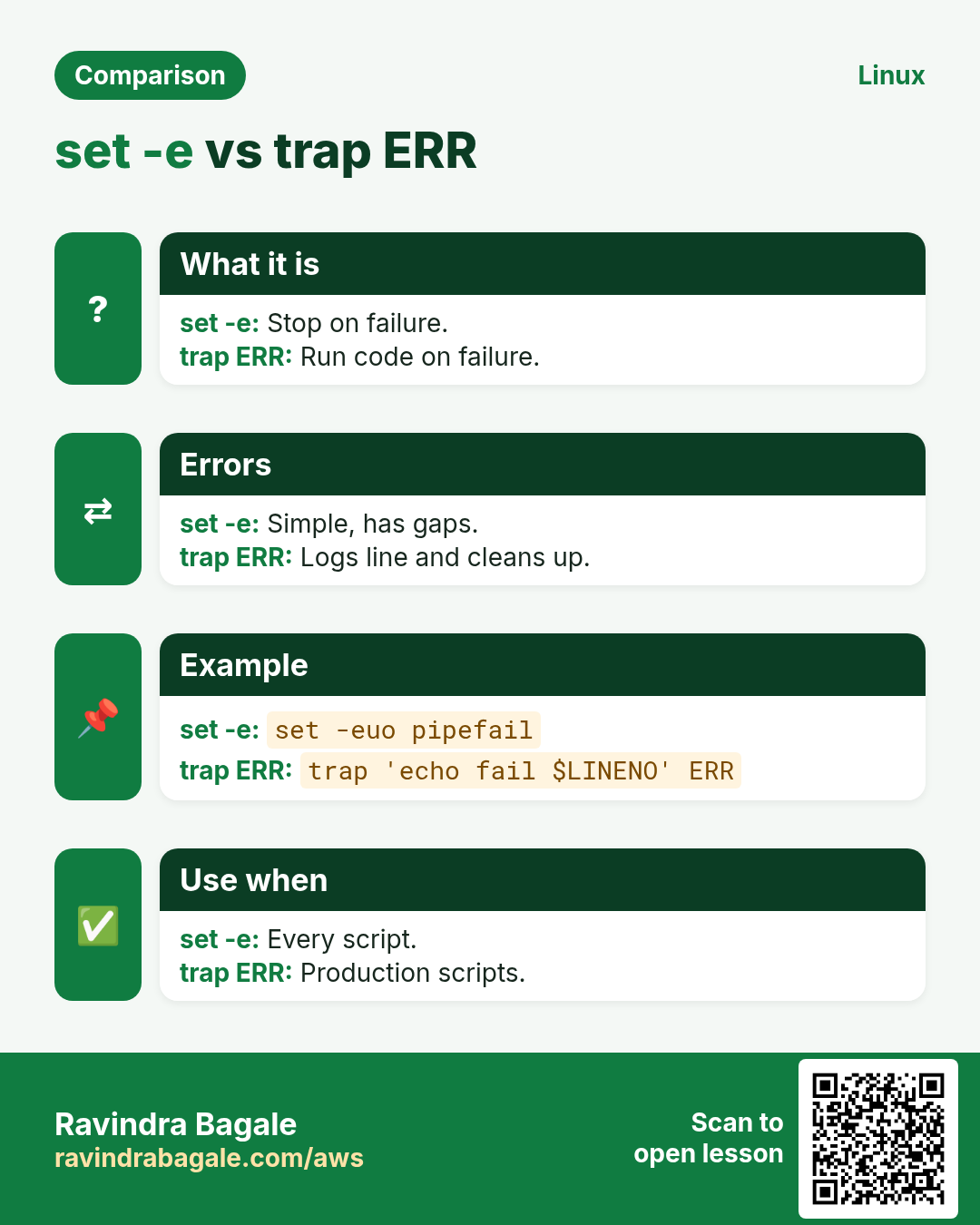
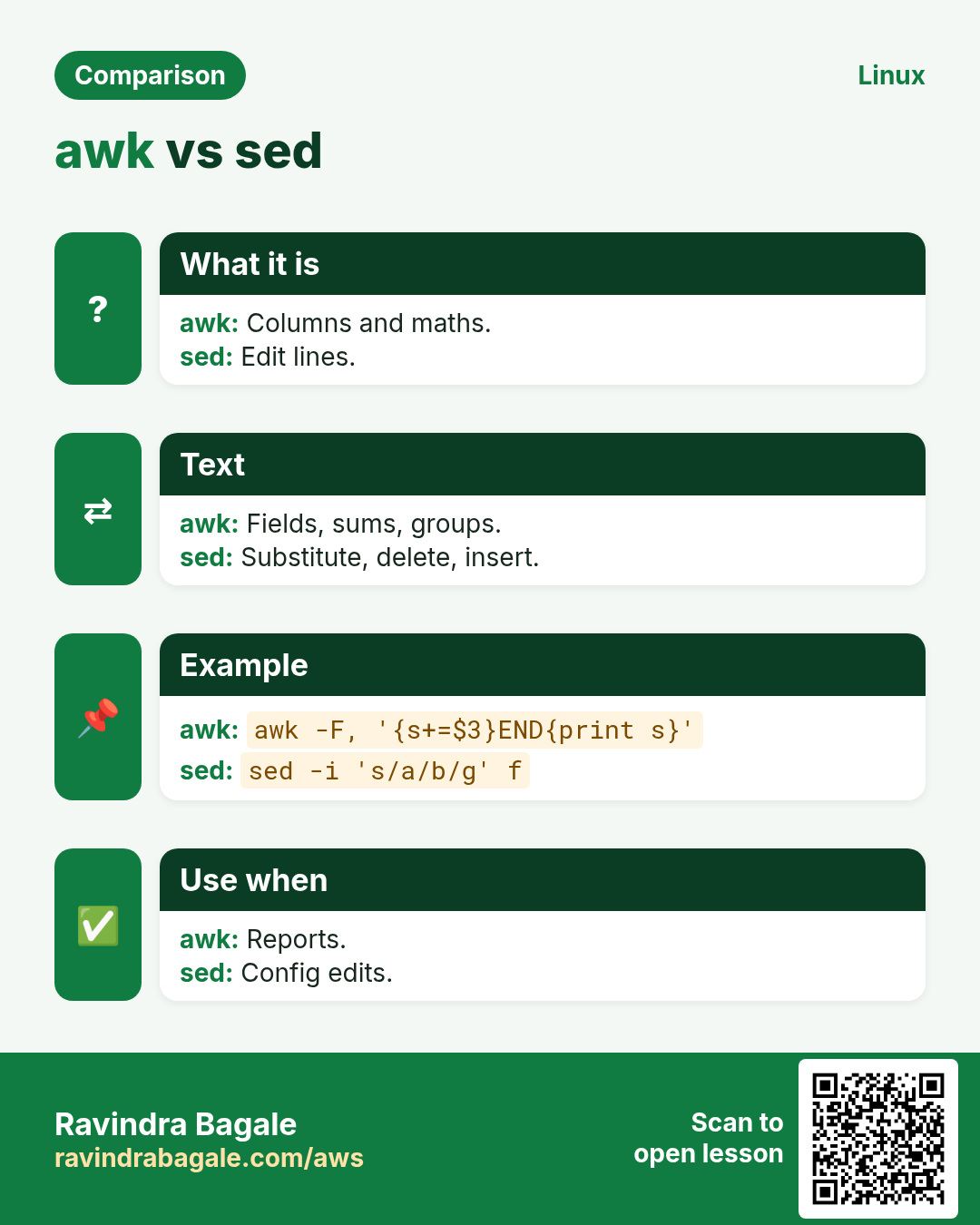
Revise this lesson in a few minutes. Save the cards on your phone or download them as PNG files. The QR code on each card opens this lesson.
More cards: Ravi Sir's Cards.