AWS CLI Output Formats, --query (JMESPath), Filters, Pagination and Waiters
AWS replies can be huge. Here you learn to get only the line you need with --output, --query, filters, pagination, waiters and --dry-run.
What you'll learn in this chapter
- Choose json, yaml, text or table output
- Pick fields with --query (JMESPath)
- Filter on the server with --filters
- Control pagination
- Wait with waiters and test with --dry-run
1. The big picture: getting only what you need
Why do we need this?
Think of a railway enquiry counter. You do not ask for the whole timetable book. You ask "Pune to Mumbai, after 6 pm". You get one line.
What is it?
--filters asks AWS to send less. --query trims the reply on your machine. --output decides the shape.
How to do it (step by step)
2. Output formats: json, yaml, text, table
Why do we need this?
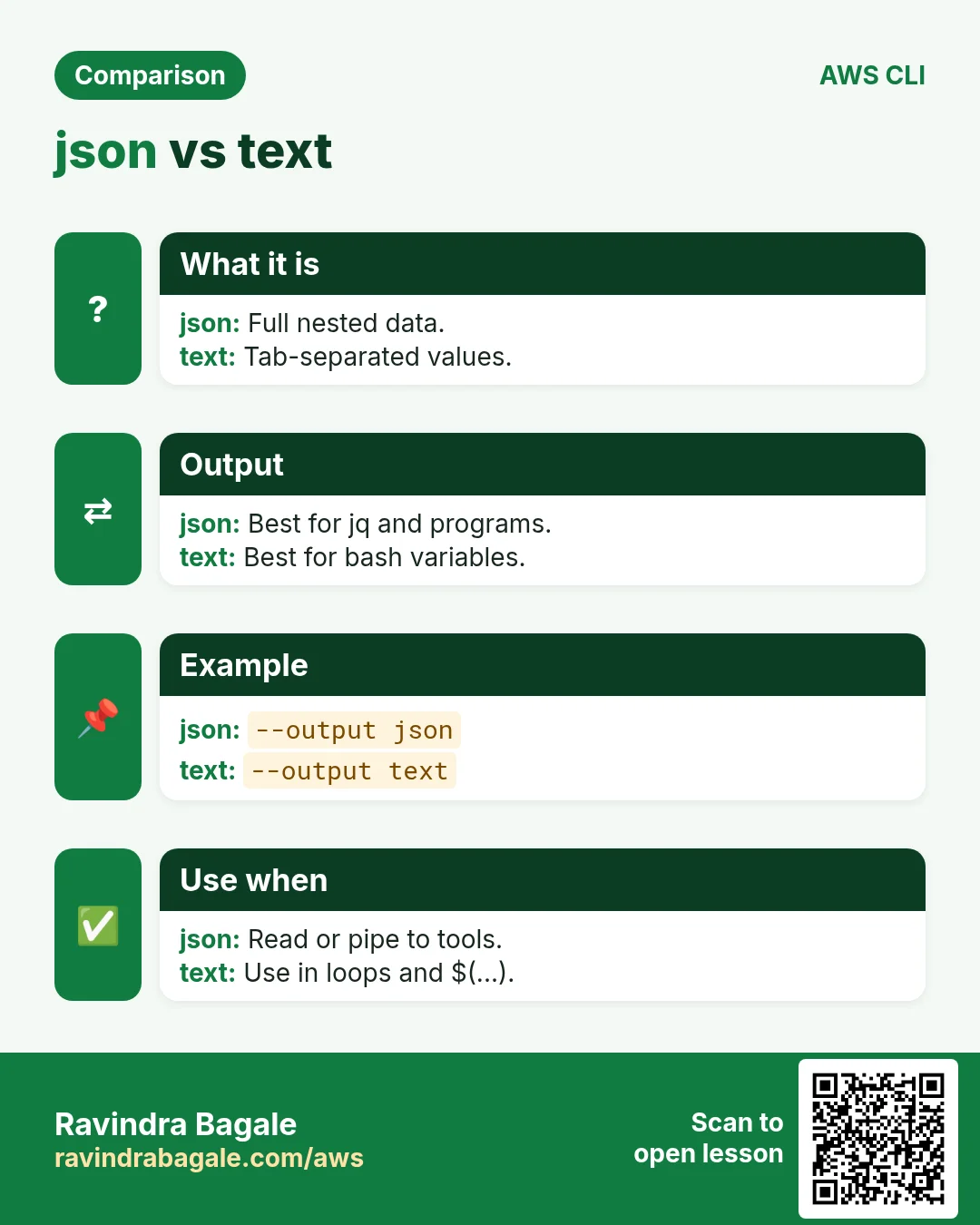
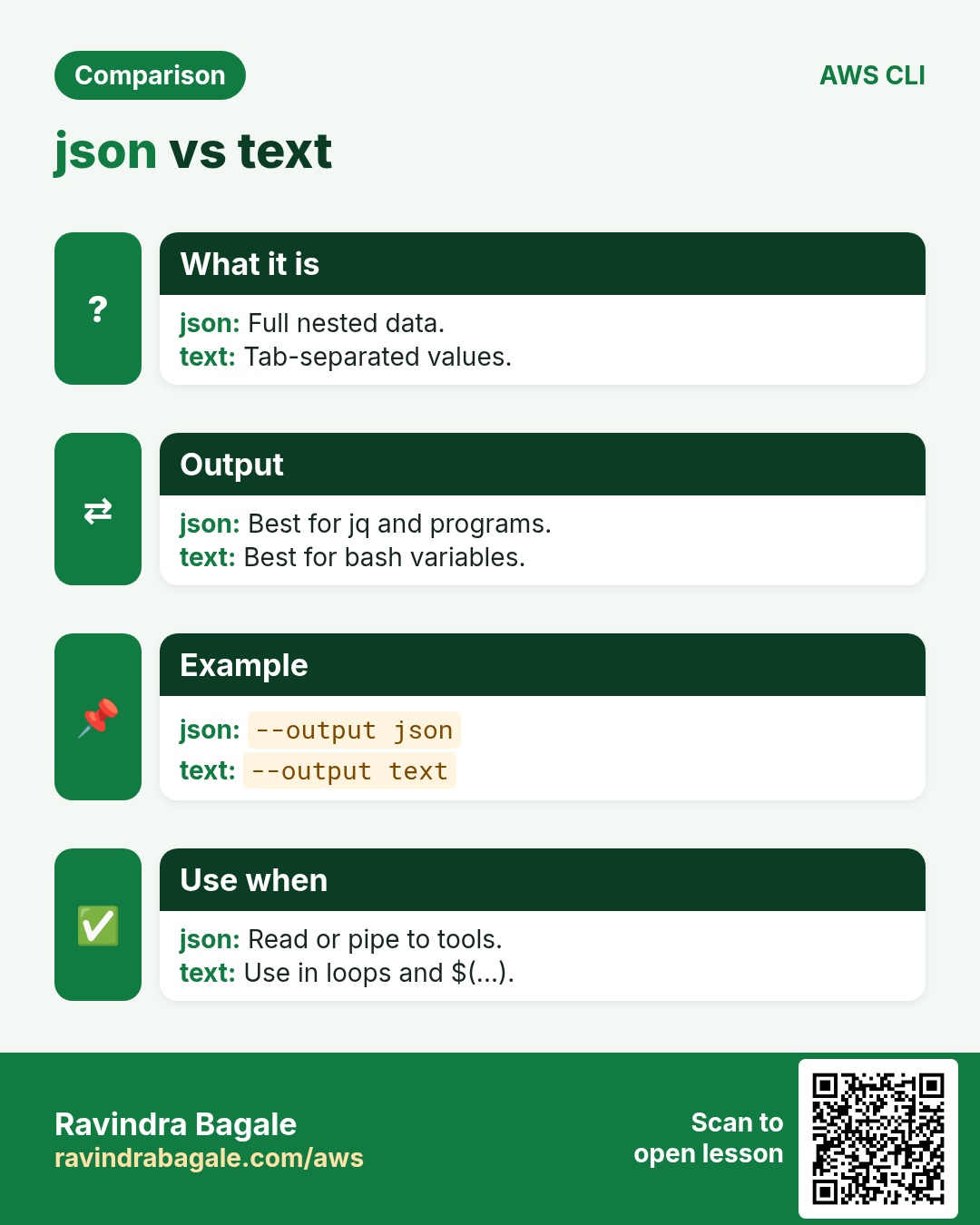
Humans like tables. Scripts like text. Tools like JSON. One flag switches between them.
What is it?
--output takes json (default), yaml, yaml-stream, text or table.
How to do it (step by step)
- JSON (default).
aws ec2 describe-regions --region ap-south-1 --max-items 1Expected output:
{
  "Regions": [ { "Endpoint": "ec2.ap-south-1.amazonaws.com", "RegionName": "ap-south-1", ... } ]
}- Table for humans.
aws ec2 describe-regions --query "Regions[0:2].[RegionName]" --output tableExpected output:
---------------------
|  DescribeRegions  |
+-------------------+
|  ap-south-1       |
|  eu-north-1       |
+-------------------+- Text for scripts.
aws ec2 describe-regions --query "Regions[].RegionName" --output textExpected output:
ap-south-1 eu-north-1 ...- Turn off the pager so output does not open in less.
export AWS_PAGER=""Expected output:
(no output means success)3. --query with JMESPath
Why do we need this?
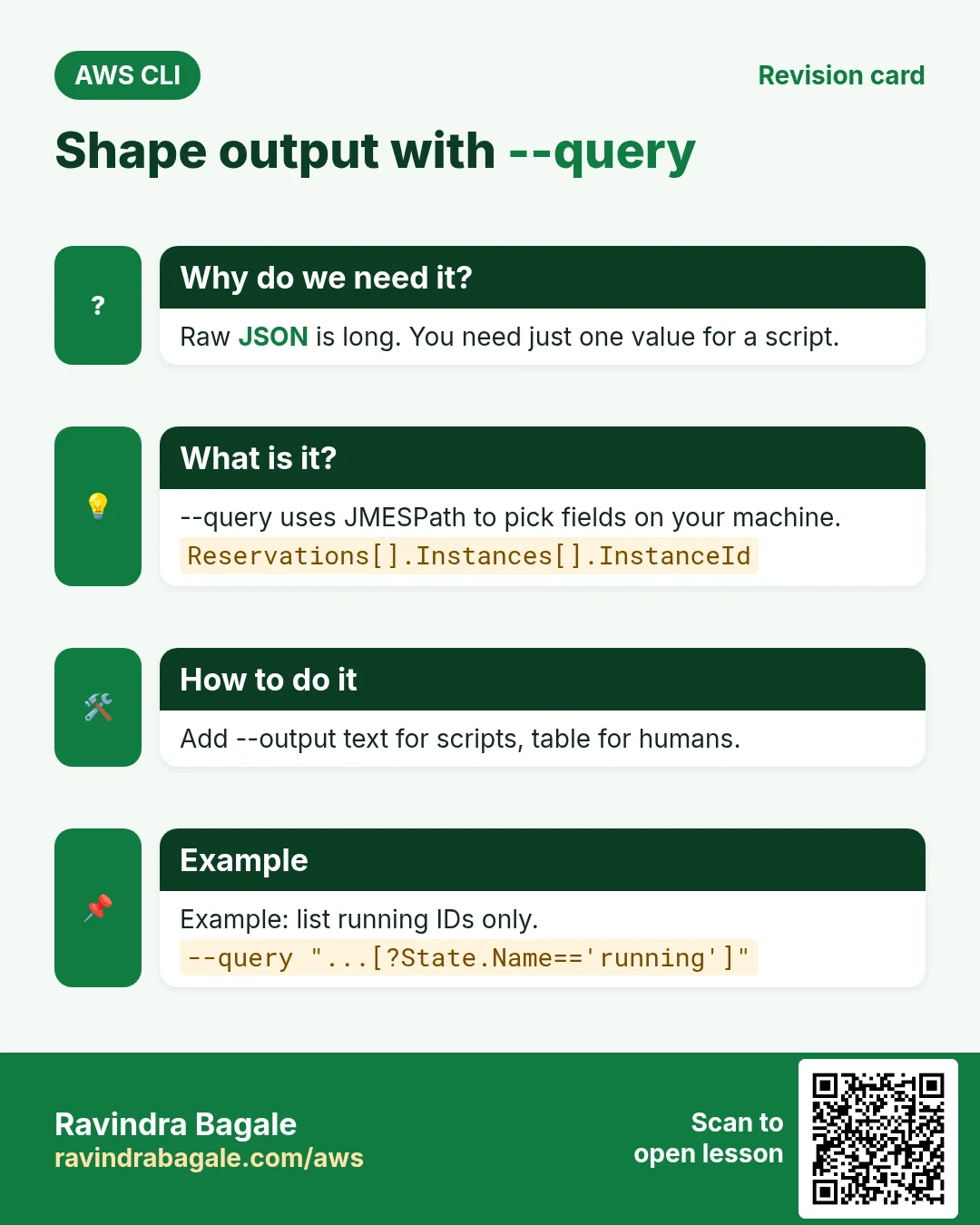
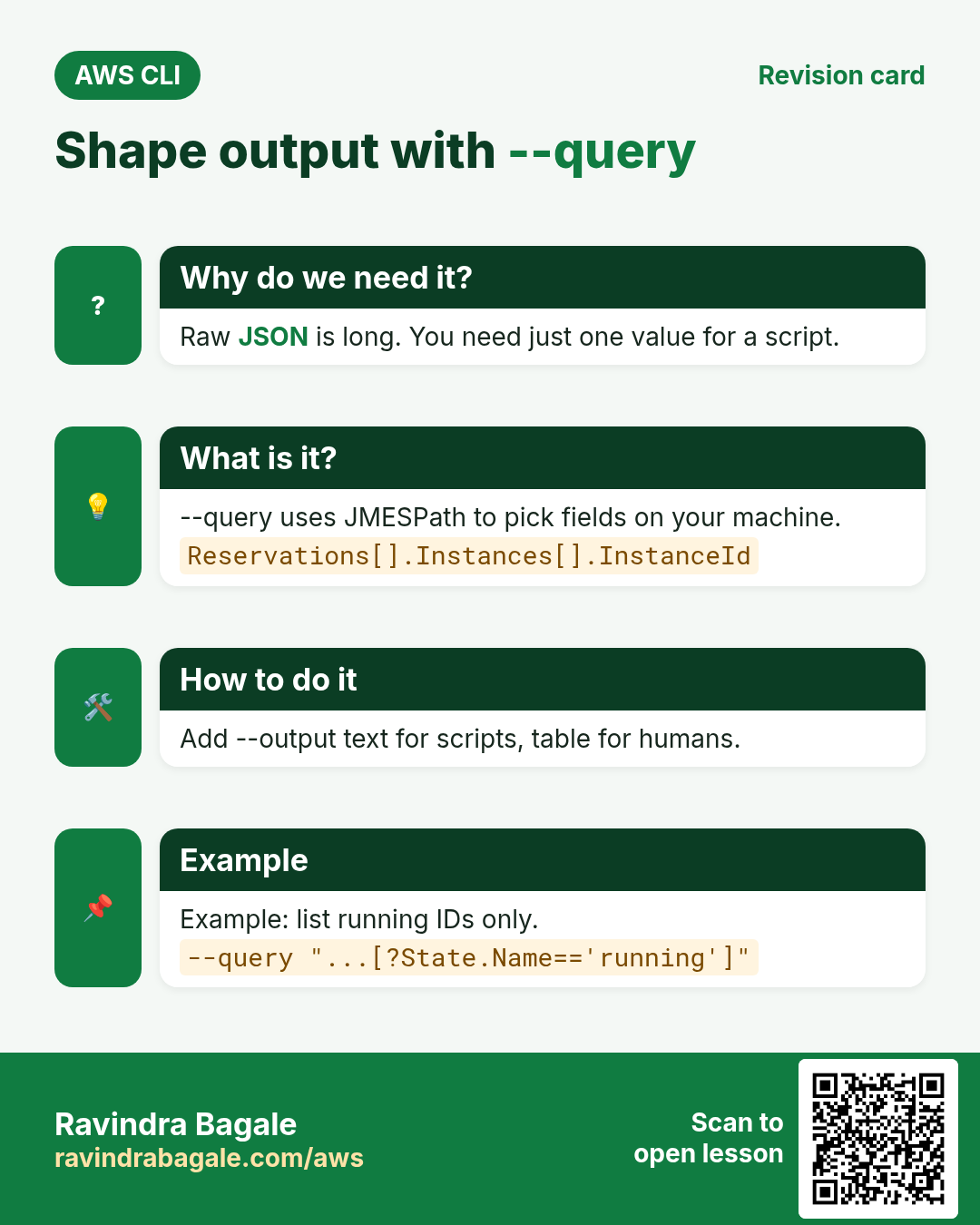
You need one instance ID, not 300 lines of JSON.
What is it?
JMESPath is a small language to pick parts of JSON. [] flattens a list, .Name picks a key, [?State.Name=='running'] filters, {id:InstanceId} renames.
| Pattern | Meaning |
|---|---|
| Reservations[].Instances[].InstanceId | All instance IDs |
| [?State.Name=='running'] | Keep only running |
| [0] | First item |
| length(@) | Count items |
| sort_by(@,&LaunchTime) | Sort by a key |
| {id:InstanceId,ip:PublicIpAddress} | Pick and rename |
How to do it (step by step)
- All instance IDs.
aws ec2 describe-instances --query "Reservations[].Instances[].InstanceId" --output textExpected output:
i-0abc1234def567890 i-0fed9876cba543210- Only running ones with their IP.
aws ec2 describe-instances --query "Reservations[].Instances[?State.Name=='running'][].{id:InstanceId,ip:PublicIpAddress}" --output tableExpected output:
|  id                   |  ip            |
| i-0abc1234def567890 | 13.233.10.20 |- Count buckets.
aws s3api list-buckets --query "length(Buckets)"Expected output:
4- Read a tag value.
aws ec2 describe-instances --query "Reservations[].Instances[].Tags[?Key=='Name'].Value[]" --output textExpected output:
web-1 web-24. --filters: filter on the server
Why do we need this?
--query still downloads everything first. --filters makes AWS send less, which is faster on big accounts.
What is it?
Many describe commands take --filters Name=...,Values=.... Tag filters use Name=tag:Env.
How to do it (step by step)
- Running instances only.
aws ec2 describe-instances --filters Name=instance-state-name,Values=running --query "Reservations[].Instances[].InstanceId" --output textExpected output:
i-0abc1234def567890- Instances tagged Env=dev.
aws ec2 describe-instances --filters "Name=tag:Env,Values=dev" --query "length(Reservations[].Instances[])"Expected output:
2- Combine two filters (AND).
aws ec2 describe-instances --filters Name=instance-type,Values=t3.micro Name=tag:Env,Values=dev --output text --query "Reservations[].Instances[].InstanceId"Expected output:
i-0abc1234def5678905. Pagination
Why do we need this?
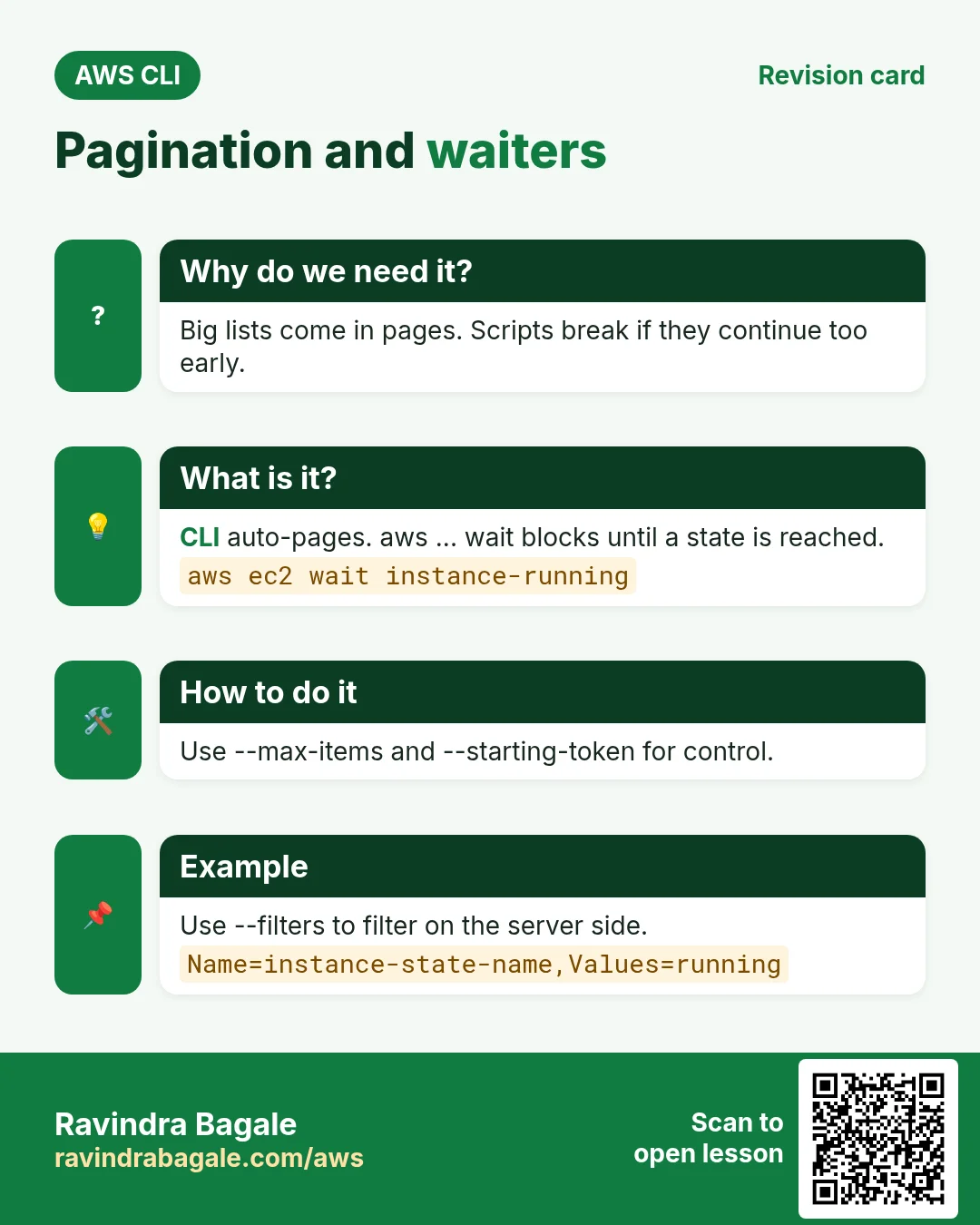
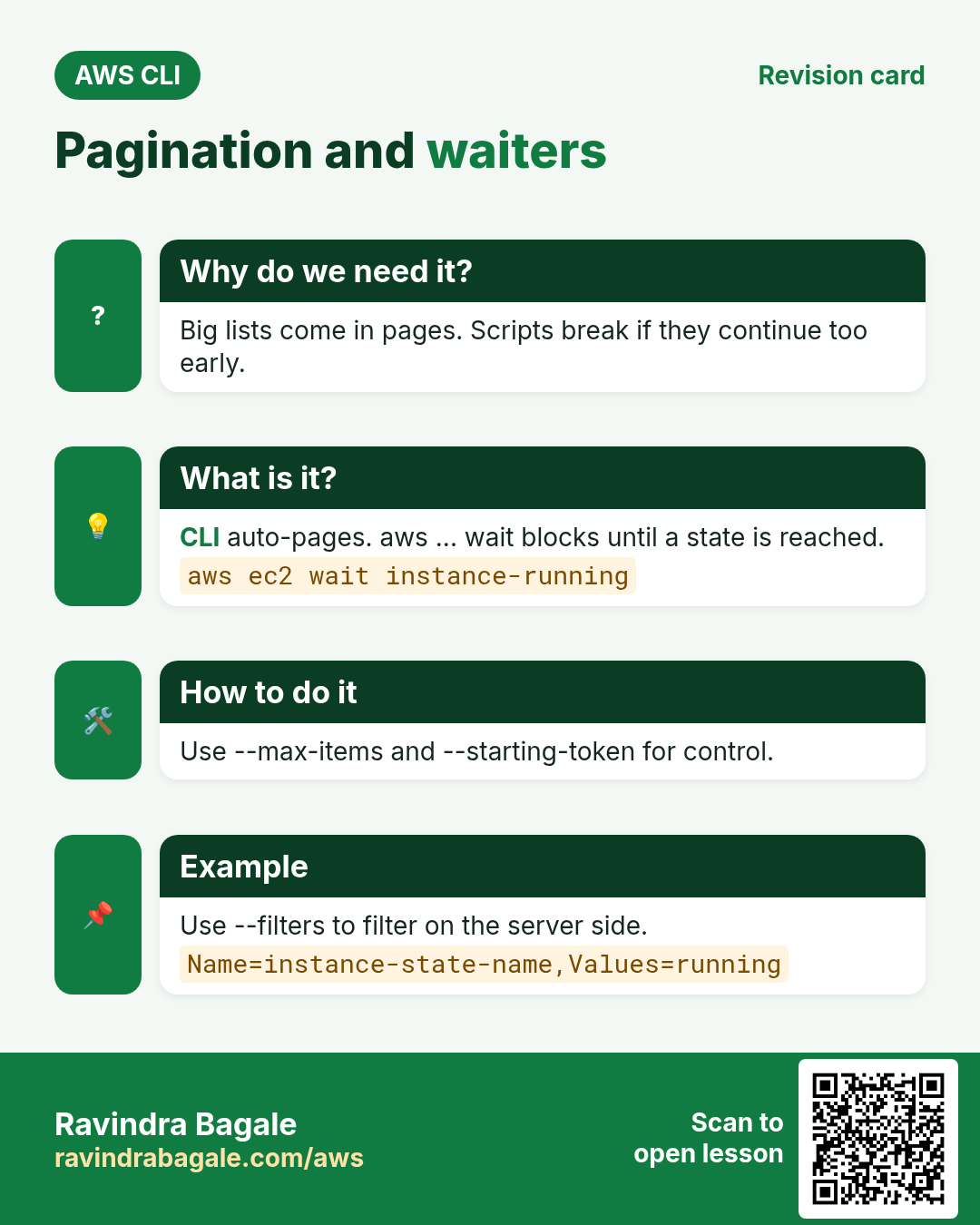
Some lists have thousands of items. AWS returns them in pages.
What is it?
The CLI fetches all pages by itself. --max-items limits what you see and prints a NextToken. --starting-token continues. --page-size makes smaller API calls. --no-paginate gets only the first page.
How to do it (step by step)
- Get the first 2 objects.
aws s3api list-objects-v2 --bucket my-bucket --max-items 2Expected output:
{ "Contents": [ ... 2 items ... ],
"NextToken": "eyJDb250aW51YXRpb25Ub2tlbiI6..." }- Continue from the token.
aws s3api list-objects-v2 --bucket my-bucket --max-items 2 --starting-token eyJDb250aW51YXRpb25Ub2tlbiI6...Expected output:
{ "Contents": [ ... next 2 ... ] }- Avoid throttling with smaller pages.
aws s3api list-objects-v2 --bucket my-bucket --page-size 100 --query "length(Contents)"Expected output:
23506. Waiters
Why do we need this?
After "start instance" the server is not ready yet. Scripts must wait, not sleep for a guessed time.
What is it?
aws <service> wait <condition> polls until the state is reached, then exits 0. It fails with exit 255 after a timeout.
How to do it (step by step)
- Wait until an instance is running.
aws ec2 wait instance-running --instance-ids i-0abc1234def567890 && echo readyExpected output:
ready- Wait until a bucket exists.
aws s3api wait bucket-exists --bucket my-bucket && echo okExpected output:
ok- See all waiters for a service.
aws ec2 wait help | grep -E "^ +o " | head -3Expected output:
o bundle-task-complete
o conversion-task-cancelled
o conversion-task-completed
7. --dry-run and --cli-input-json
Why do we need this?
Before you launch or delete, you want to know if IAM allows it, without doing it.
What is it?
EC2 commands accept --dry-run. Success is shown as an error named DryRunOperation. --generate-cli-skeleton prints a JSON template you can fill and pass with --cli-input-json.
How to do it (step by step)
- Dry-run a launch.
aws ec2 run-instances --image-id ami-0abcdef1234567890 --instance-type t3.micro --dry-runExpected output:
An error occurred (DryRunOperation) when calling the RunInstances operation: Request would have succeeded, but DryRun flag is set.- Without permission you see this instead.
Expected output:
An error occurred (UnauthorizedOperation) ...- Make a JSON skeleton.
aws ec2 run-instances --generate-cli-skeleton > run.jsonExpected output:
(run.json file created)- Use the filled file.
aws ec2 run-instances --cli-input-json file://run.json --dry-runExpected output:
... DryRunOperation ...- Debug any command.
aws s3 ls --debug 2>&1 | grep -m1 "Making request"Expected output:
... Making request for OperationModel(name=ListBuckets) ...8. Same action in Python, Node.js, Java, Go, .NET and PHP
Why do we need this?
Scripts start in the CLI. Apps call the same API through an SDK. Knowing both helps you move a tested command into real code.
What is it?
Each CLI command maps to one API call. For example aws ec2 describe-instances --filters ... maps to the DescribeInstances API.
How to do it (step by step)
Same action (DescribeInstances + paginator) from code. Every SDK reads the same profile, region and credentials as the CLI.
| Stack | Code |
|---|---|
| Python (boto3) | p = boto3.client("ec2").get_paginator("describe_instances") |
| Node.js (v3) | for await (const pg of paginateDescribeInstances({client}, {Filters:[{Name:"instance-state-name",Values:["running"]}]})) {} |
| Java (v2) | ec2.describeInstancesPaginator(r -> r.filters(Filter.builder().name("instance-state-name").values("running").build())).reservations(); |
| Go (v2) | p := ec2.NewDescribeInstancesPaginator(c, &ec2.DescribeInstancesInput{Filters: f}) |
| .NET | await foreach (var r in ec2.Paginators.DescribeInstances(req).Reservations) { } |
| PHP | foreach ($ec2->getPaginator("DescribeInstances", ["Filters"=>$f]) as $pg) { } |
Ravindra Bagale's Tip
Filter first on the server with --filters, then trim with --query, and use --output text in scripts. This is the fastest and cleanest pattern.
9. Interview questions and answers
Q. --filters vs --query?
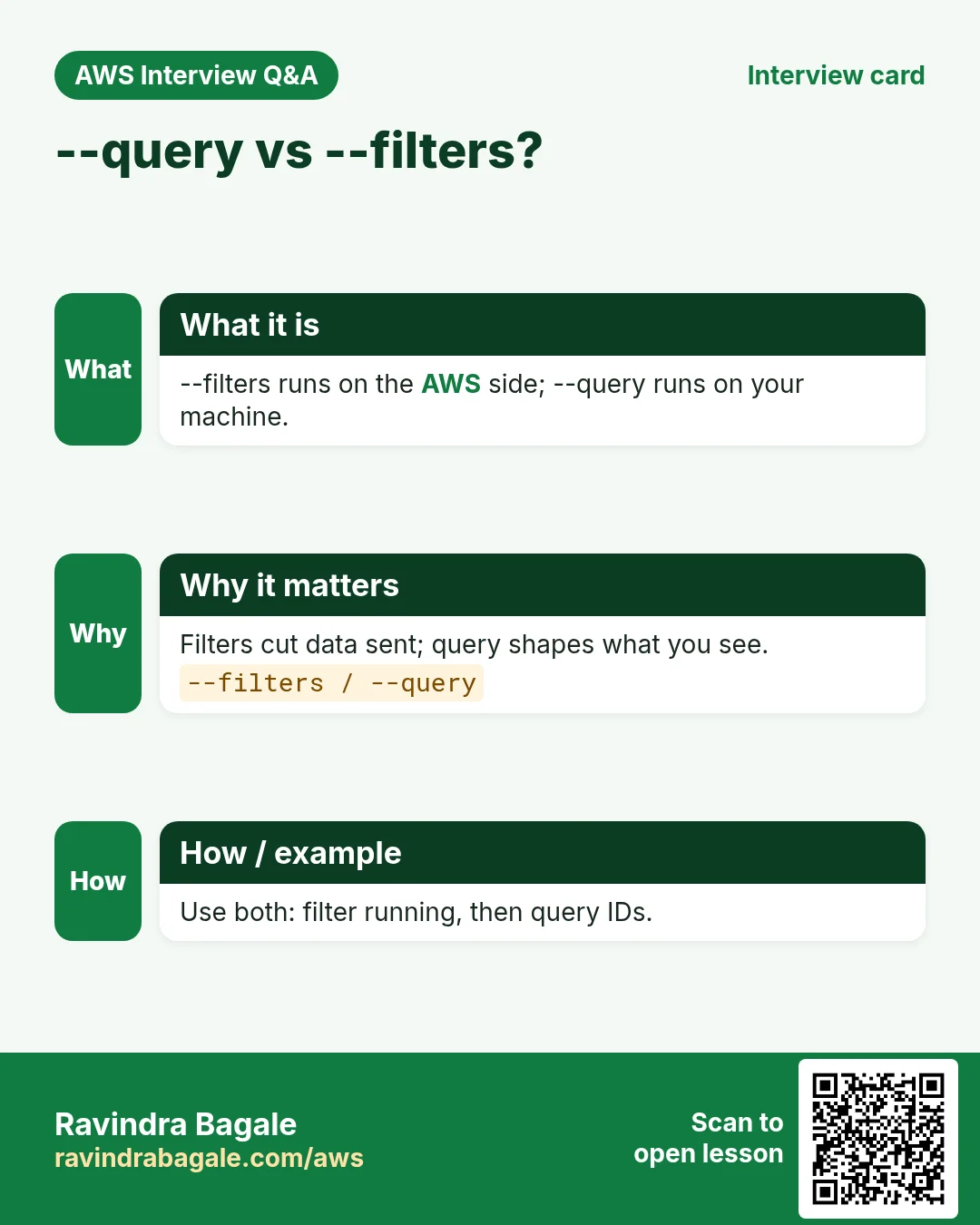
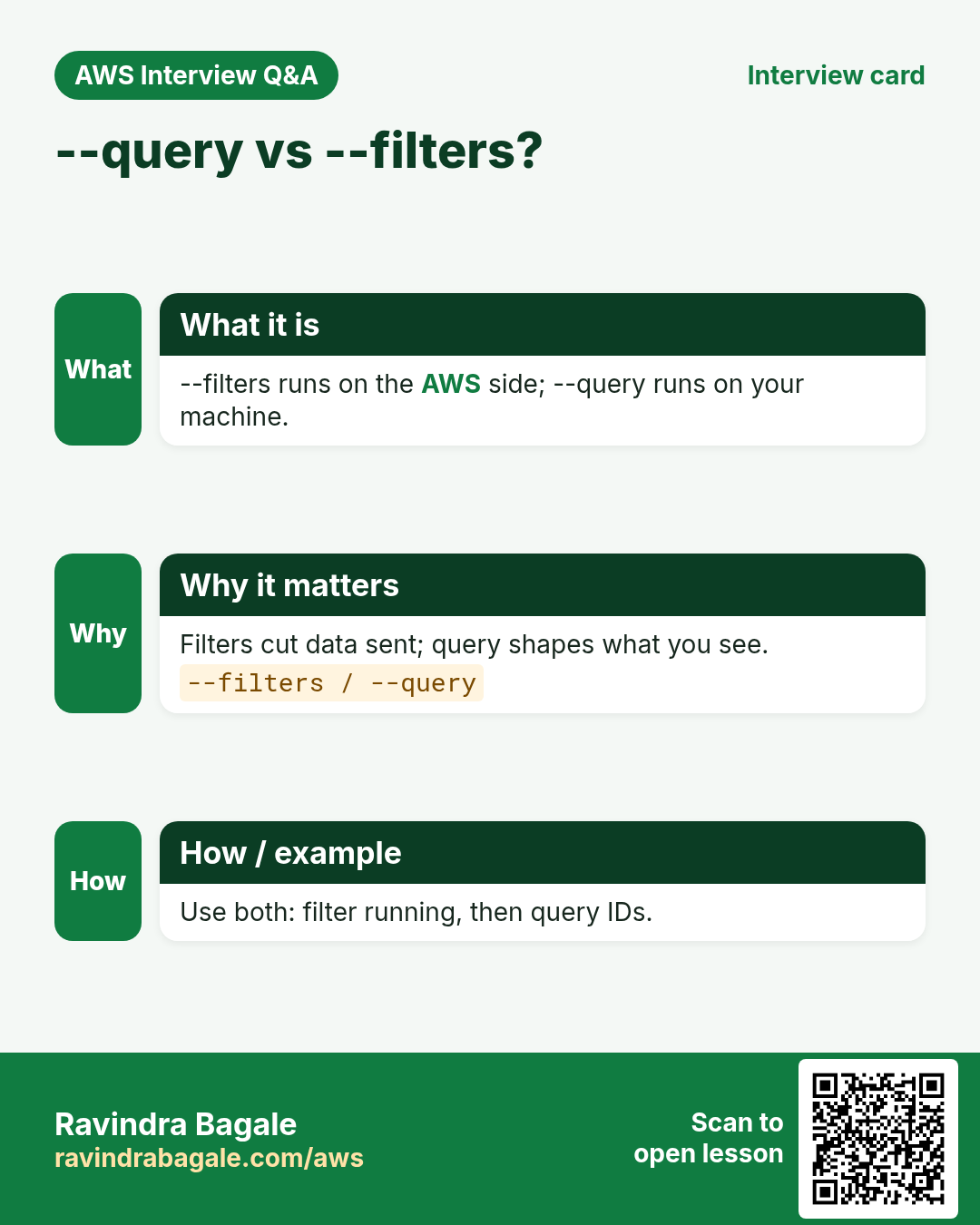
--filters runs on the AWS side and sends less data. --query runs on your machine on the reply.
Q. How do you continue after --max-items?
Pass the NextToken value to --starting-token.
Q. What does a successful --dry-run print?
A DryRunOperation error saying the request would have succeeded.
Q. Why use waiters instead of sleep?
Waiters poll the real state and exit as soon as it is reached.
Q. Best output for bash loops?
--output text, because values are tab separated.
Try at home
- Print the Name tag and state of all your instances as a table.
- List objects of a bucket 5 at a time using --max-items and --starting-token.
In short
- --output sets the shape.
- --query picks fields with JMESPath.
- --filters cuts data on the server.
- --max-items plus --starting-token pages through.
- wait and --dry-run make scripts safe.
Practice Tasks
Tokyo Ramen House is a restaurant business in Tokyo. Yuki Tanaka looks after its IT and cloud work. They count money in JPY and run their AWS resources in the ap-northeast-1 Region. In the tasks below you do real jobs for them using what this lesson teaches. All names, account IDs, IP addresses and numbers are made up for practice.
0 / 12
Easy Create a route table
Why: A route table decides where traffic from a subnet goes.
What to do: Create a route table in vpc-05ca203c0fdeadbee.
- Read the task and decide which AWS service it is about.
- Write aws, then the service name, then the operation (the action word).
- Add each needed flag (--name) followed by its value from the task.
- Flags can be in any order. Click Check answer.
Easy Protect an SSH key file
Why: SSH refuses to use a key file that other users can read.
What to do: Make tokyoramen-key.pem readable only by its owner and nobody else (no write).
- Find the Linux command that does this job.
- Add the options (like -r or -h) the task needs.
- Add the file names, folders or users in the right order.
- Use sudo if the job changes system files or users. Click Check answer.
Medium Link a subnet to a route table
Why: Until you associate it, a subnet uses the main route table.
What to do: Associate subnet subnet-00d5ab203a0cbb1 with route table rtb-00d5ab203a0cbb22.
- Read the task and decide which AWS service it is about.
- Write aws, then the service name, then the operation (the action word).
- Add each needed flag (--name) followed by its value from the task.
- Flags can be in any order. Click Check answer.
Medium Add the internet route
Why: A subnet is "public" only when its route table sends 0.0.0.0/0 to an internet gateway.
What to do: In route table rtb-00d5ab203a0cbb22, send all internet traffic (0.0.0.0/0) to igw-0d5ab203a0caa11.
- Read the task and decide which AWS service it is about.
- Write aws, then the service name, then the operation (the action word).
- Add each needed flag (--name) followed by its value from the task.
- Flags can be in any order. Click Check answer.
Medium Create a security group
Why: A security group is the firewall around your instance.
What to do: Create a security group named tokyoramen-web-sg with description "Web servers" in vpc-05ca203c0fdeadbee.
- Read the task and decide which AWS service it is about.
- Write aws, then the service name, then the operation (the action word).
- Add each needed flag (--name) followed by its value from the task.
- Flags can be in any order. Click Check answer.
Medium Open port 80 to the world
Why: Visitors can reach your website only if the security group allows HTTP.
What to do: Allow inbound TCP port 80 from 0.0.0.0/0 on security group sg-00c56a20360b4c3b2.
- Read the task and decide which AWS service it is about.
- Write aws, then the service name, then the operation (the action word).
- Add each needed flag (--name) followed by its value from the task.
- Flags can be in any order. Click Check answer.
Medium Copy your public key to another server
Why: After this, you can SSH to that server without a password.
What to do: Copy your public key to user ec2-user on 10.0.6.25.
- Find the Linux command that does this job.
- Add the options (like -r or -h) the task needs.
- Add the file names, folders or users in the right order.
- Use sudo if the job changes system files or users. Click Check answer.
Medium Create an SSH key pair
Why: Passwordless SSH between servers needs a key pair on the first server.
What to do: Create a new SSH key pair of type ed25519.
- Find the Linux command that does this job.
- Add the options (like -r or -h) the task needs.
- Add the file names, folders or users in the right order.
- Use sudo if the job changes system files or users. Click Check answer.
Hard Create a NAT gateway
Why: Private servers use a NAT gateway (in a public subnet) to download updates.
What to do: Create a NAT gateway in public subnet subnet-00d5ab203a0cbb1 using Elastic IP allocation eipalloc-0d5ab203a0cdd44.
- Read the task and decide which AWS service it is about.
- Write aws, then the service name, then the operation (the action word).
- Add each needed flag (--name) followed by its value from the task.
- Flags can be in any order. Click Check answer.
Hard Route private traffic through NAT
Why: The private route table must send 0.0.0.0/0 to the NAT gateway, not the internet gateway.
What to do: In private route table rtb-00d5ab203a0cbb22, send 0.0.0.0/0 to NAT gateway nat-05ab203a0ccc33.
- Read the task and decide which AWS service it is about.
- Write aws, then the service name, then the operation (the action word).
- Add each needed flag (--name) followed by its value from the task.
- Flags can be in any order. Click Check answer.
Hard Allow SSH only from the office
Why: Opening SSH to everyone invites attacks. Allow only your office IP (/32).
What to do: On sg-00c56a20360b4c3b2, allow inbound TCP port 22 only from the office IP 49.36.6.10.
- Read the task and decide which AWS service it is about.
- Write aws, then the service name, then the operation (the action word).
- Add each needed flag (--name) followed by its value from the task.
- Flags can be in any order. Click Check answer.
Hard Show only running instances
Why: Filters ask AWS to send only what you need, which is faster than sorting by eye.
What to do: Describe only instances whose state is running.
- Read the task and decide which AWS service it is about.
- Write aws, then the service name, then the operation (the action word).
- Add each needed flag (--name) followed by its value from the task.
- Flags can be in any order. Click Check answer.
Revision, comparison and interview cards
Revise this lesson in a few minutes. Save the cards on your phone or download them as PNG files. The QR code on each card opens this lesson.
More cards: Ravi Sir's Cards.