Linux Package Management: apt, dnf, yum, rpm, dpkg and snap Commands Explained
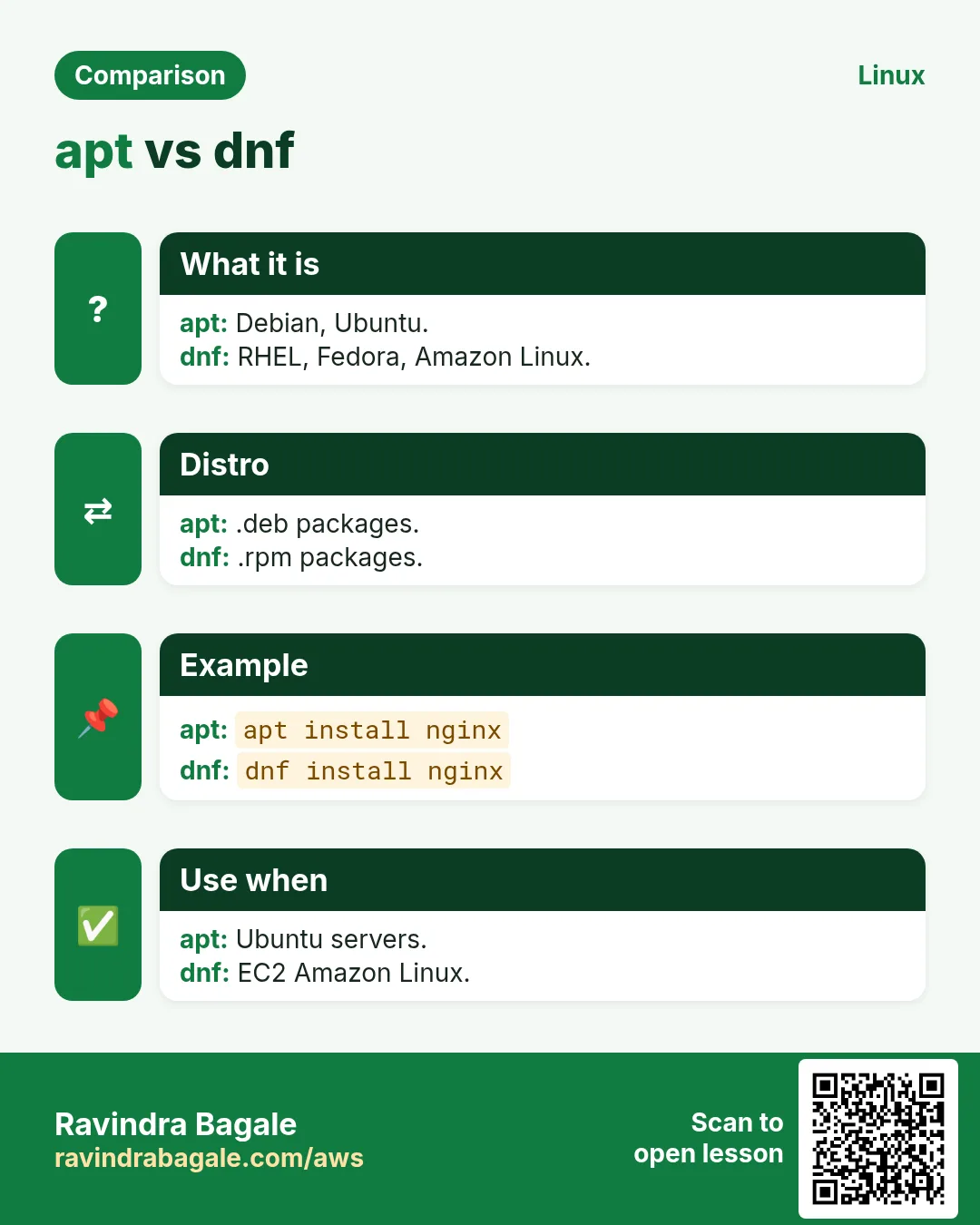
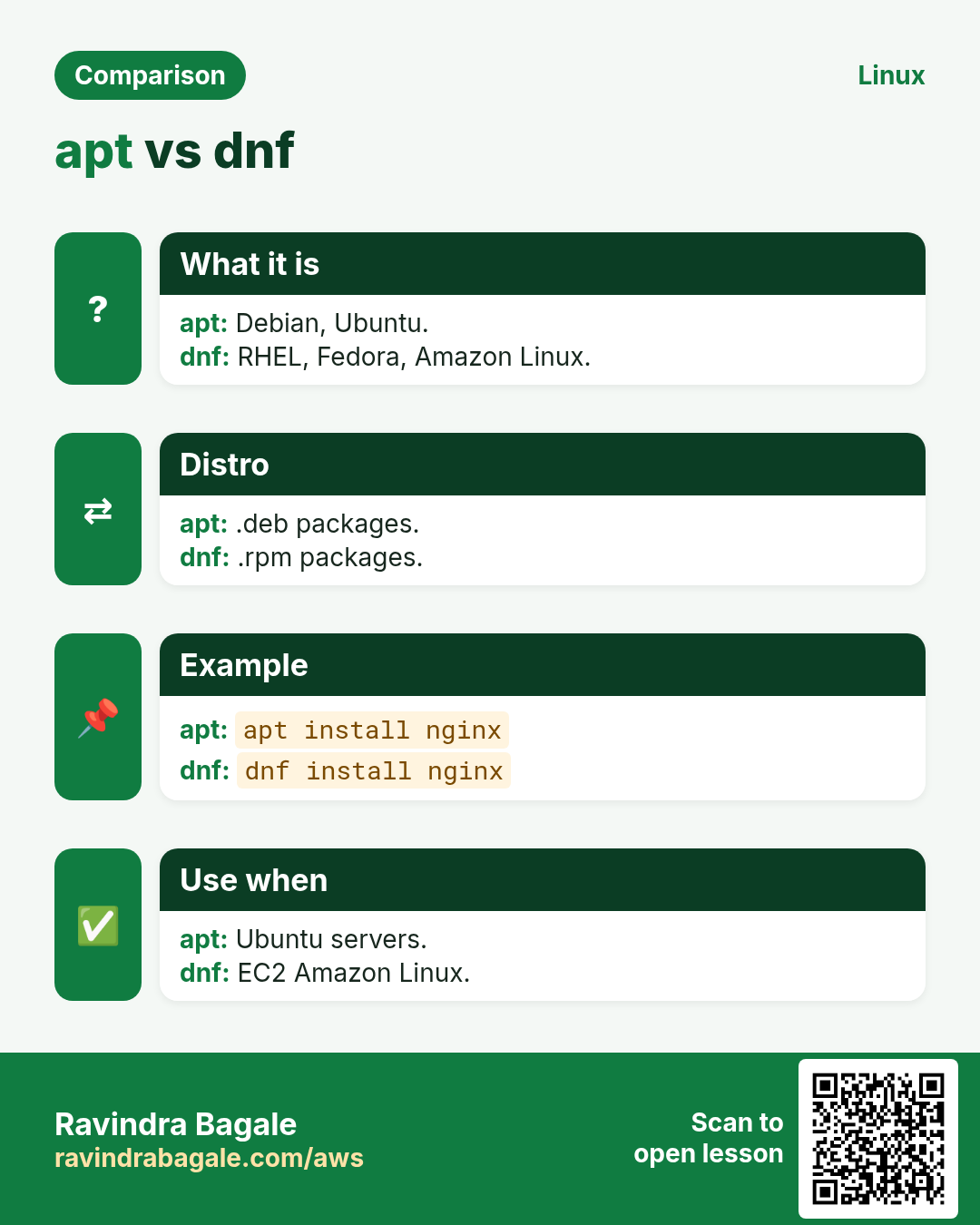
Software on Linux comes in packages. A package manager downloads the right package, checks it, installs its dependencies, and can update or remove it later. Debian and Ubuntu use apt with dpkg underneath. RHEL, Amazon Linux, Rocky and Fedora use dnf (yum on older systems) with rpm underneath. snap works on many distros. We cover each command and key option one by one.
What you'll learn in this chapter
- Refresh lists and install, remove and purge with apt
- Search, show and upgrade packages safely
- Use dnf/yum for install, update, provides, history and undo
- Query installed files with rpm and dpkg
- Add repositories and hold versions
- Install and manage snaps
1. An everyday example: ordering from a trusted wholesaler
Why do we need this?
A Pune shopkeeper does not make biscuits. He orders from a trusted wholesaler's catalogue. The catalogue is updated every week. When he orders tea, the wholesaler also sends the sugar it needs. Every box has a seal, so he knows it is genuine.
What is it?
Wholesaler = repository. Catalogue = package index (apt update / dnf makecache). Tea plus sugar = dependencies. Seal = GPG signature. The shopkeeper's order book = apt/dnf history.
How to do it (step by step)
2. apt update: refresh the catalogue
Why do we need this?
Without a fresh index, apt does not know about new versions and may try to download files that no longer exist (404).
What is it?
sudo apt update downloads the package lists from every repo. It does not install or upgrade anything. Run it before install or upgrade.
How to do it (step by step)
- Refresh.
sudo apt updateOutput:
Hit:1 http://archive.ubuntu.com/ubuntu noble InRelease
Get:2 http://security.ubuntu.com/ubuntu noble-security InRelease [126 kB]
Reading package lists... Done
12 packages can be upgraded. Run 'apt list --upgradable' to see them.
What it means: Only the lists changed.
- What can be upgraded?
apt list --upgradableOutput:
openssl/noble-updates 3.0.13-0ubuntu3.4 amd64 [upgradable from: 3.0.13-0ubuntu3.1]What it means: Name, new version, old version.
3. apt install: install packages
Why do we need this?
This is how you get nginx, git, python and almost everything else.
What is it?
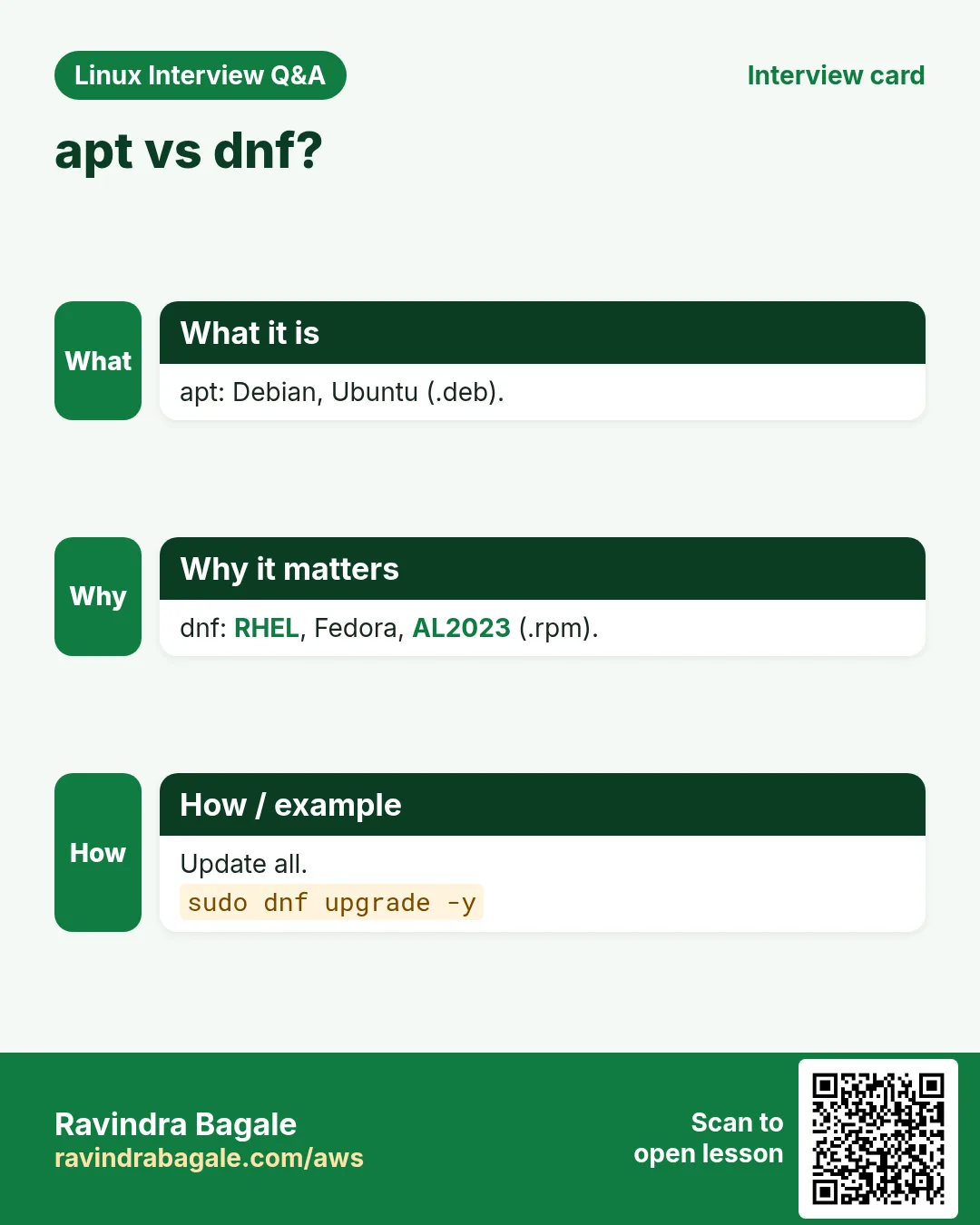
sudo apt install NAME [NAME...] installs with dependencies. -y says yes automatically (use in scripts). NAME=VERSION installs a specific version. --no-install-recommends skips optional extras. apt install ./file.deb installs a local file and its deps.
How to do it (step by step)
- Install nginx.
sudo apt install -y nginxOutput:
The following NEW packages will be installed:
  libnginx-mod-http-geoip2 nginx nginx-common
Setting up nginx (1.24.0-2ubuntu7) ...
What it means: Dependencies came along.
- A slim install.
sudo apt install -y --no-install-recommends python3-pipOutput:
(fewer packages listed)What it means: Good for small images.
- Exact version.
sudo apt install -y nginx=1.24.0-2ubuntu7Output:
nginx is already the newest version (1.24.0-2ubuntu7).What it means: Pin a version you tested.
4. apt remove, purge and autoremove
Why do we need this?
Removing software you do not need saves disk and reduces security risk. Sometimes you also want its config gone for a clean reinstall.
What is it?
apt remove NAME removes the program but keeps config files in /etc. apt purge NAME removes config too. apt autoremove removes dependencies nobody needs any more.
How to do it (step by step)
- Remove but keep config.
sudo apt remove -y nginx && ls /etc/nginx | head -2Output:
conf.d
nginx.conf
What it means: Config is still there.
- Remove everything.
sudo apt purge -y nginx nginx-commonOutput:
Removing nginx-common ...
Purging configuration files for nginx-common ...
What it means: /etc/nginx is gone.
- Clean leftovers.
sudo apt autoremove -yOutput:
Removing libnginx-mod-http-geoip2 ...What it means: Orphans removed.
5. apt upgrade and full-upgrade
Why do we need this?
Security fixes arrive as updates. Patching is a normal weekly job.
What is it?
apt upgrade installs newer versions but never removes packages. apt full-upgrade may remove or add packages to finish the upgrade (for example new kernels). apt install --only-upgrade NAME upgrades one package. Check /var/run/reboot-required after kernel updates.
How to do it (step by step)
- Patch the server.
sudo apt update && sudo apt upgrade -yOutput:
12 upgraded, 0 newly installed, 0 to remove and 0 not upgraded.What it means: Nothing was removed.
- Only openssl.
sudo apt install --only-upgrade -y opensslOutput:
openssl is already the newest versionWhat it means: Targeted patch.
- Reboot needed?
cat /var/run/reboot-required 2>/dev/null || echo no rebootOutput:
*** System restart required ***What it means: A kernel was updated.
6. apt search, show and list
Why do we need this?
Before you install, you want to know the exact name, version, size and what it depends on.
What is it?
apt search WORD searches names and descriptions. apt show NAME shows version, size, depends, description. apt list --installed lists installed packages. apt-cache policy NAME shows candidate versions and which repo they come from.
How to do it (step by step)
- Find a JSON tool.
apt search --names-only '^jq$'Output:
jq/noble 1.7.1-3build1 amd64
  lightweight and flexible command-line JSON processor
What it means: Exact name match.
- Details.
apt show jq 2>/dev/null | grep -E 'Version|Depends|Installed-Size'Output:
Version: 1.7.1-3build1
Installed-Size: 102 kB
Depends: libjq1 (= 1.7.1-3build1), libc6 (>= 2.34)
What it means: Small and simple.
- Which repo and version?
apt-cache policy nginxOutput:
nginx:
  Installed: (none)
  Candidate: 1.24.0-2ubuntu7
  Version table:
     1.24.0-2ubuntu7 500
        500 http://archive.ubuntu.com/ubuntu noble/main amd64 Packages
What it means: Candidate is what install would pick.
7. dpkg: the low-level Debian tool
Why do we need this?
You need to ask: which package owns this file? What files did this package install? Is it really installed?
What is it?
dpkg -l lists packages (ii = installed). dpkg -L NAME lists its files. dpkg -S /path finds the owner. dpkg -s NAME shows status. dpkg -i file.deb installs a local file but does not fetch deps (fix with apt -f install).
How to do it (step by step)
- Is curl installed?
dpkg -l curl | tail -n1Output:
ii curl 8.5.0-2ubuntu10.4 amd64 command line tool for transferring data with URL syntaxWhat it means: ii = installed OK.
- Who owns this file?
dpkg -S /usr/bin/curlOutput:
curl: /usr/bin/curlWhat it means: Package name first.
- Files of a package.
dpkg -L jq | grep binOutput:
/usr/bin/jqWhat it means: Where it put the binary.
- Local .deb with missing deps.
sudo dpkg -i tool_1.0_amd64.deb; sudo apt -f install -yOutput:
dpkg: dependency problems prevent configuration of tool ...
Setting up tool (1.0) ...
What it means: apt fixes the deps.
8. dnf and yum install, remove and reinstall
Why do we need this?
Amazon Linux, RHEL, Rocky, Alma and Fedora servers are very common in companies.
What is it?
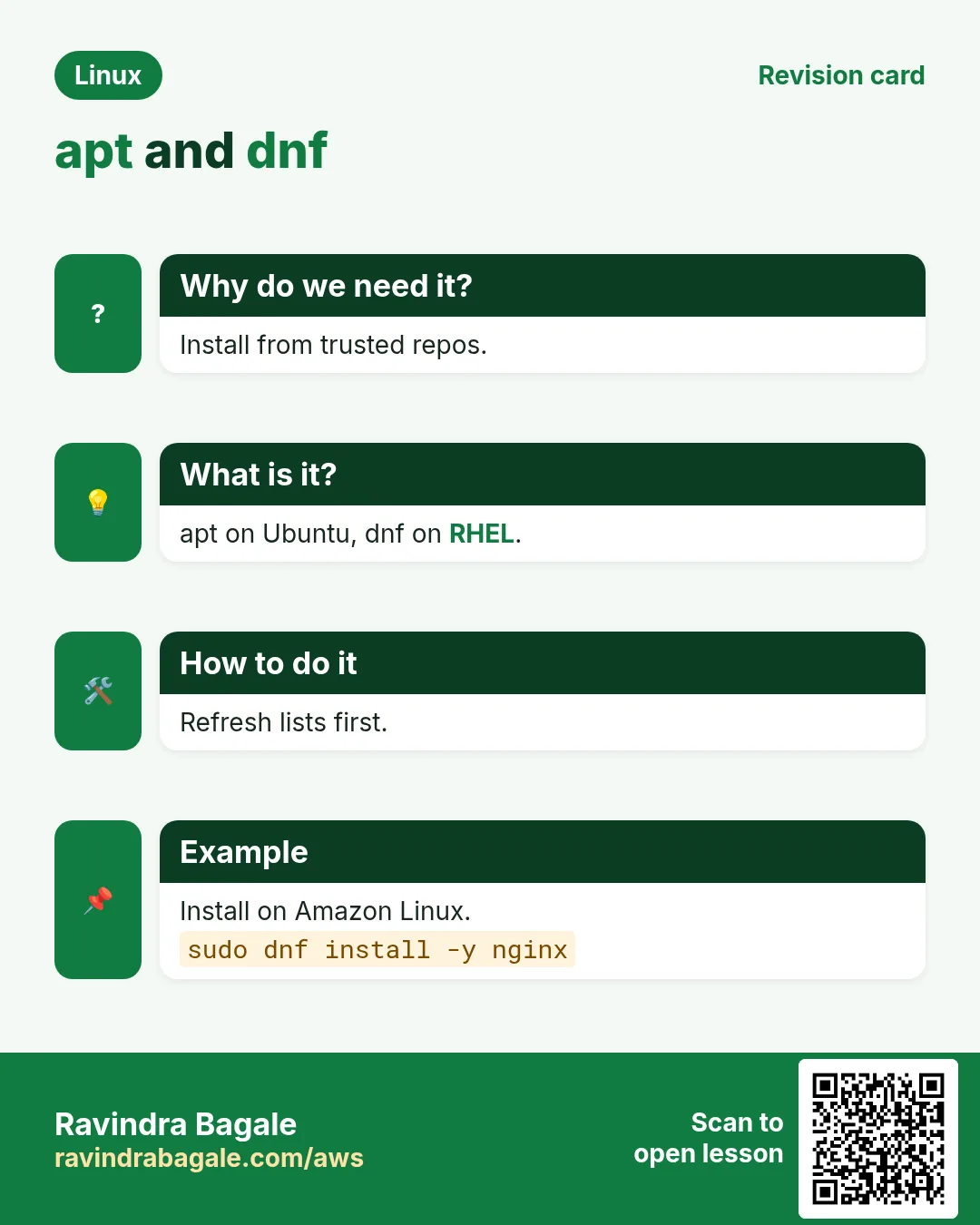
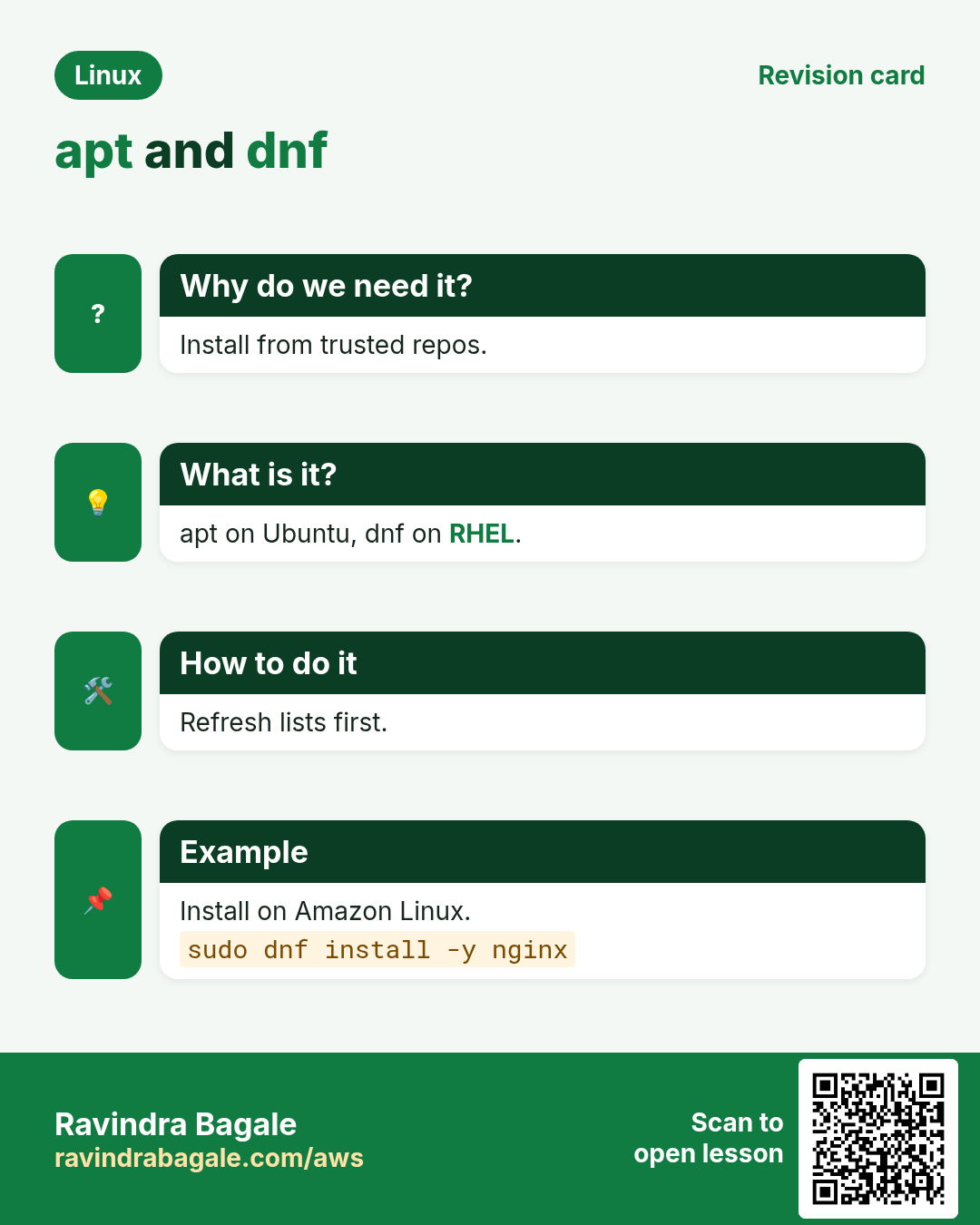
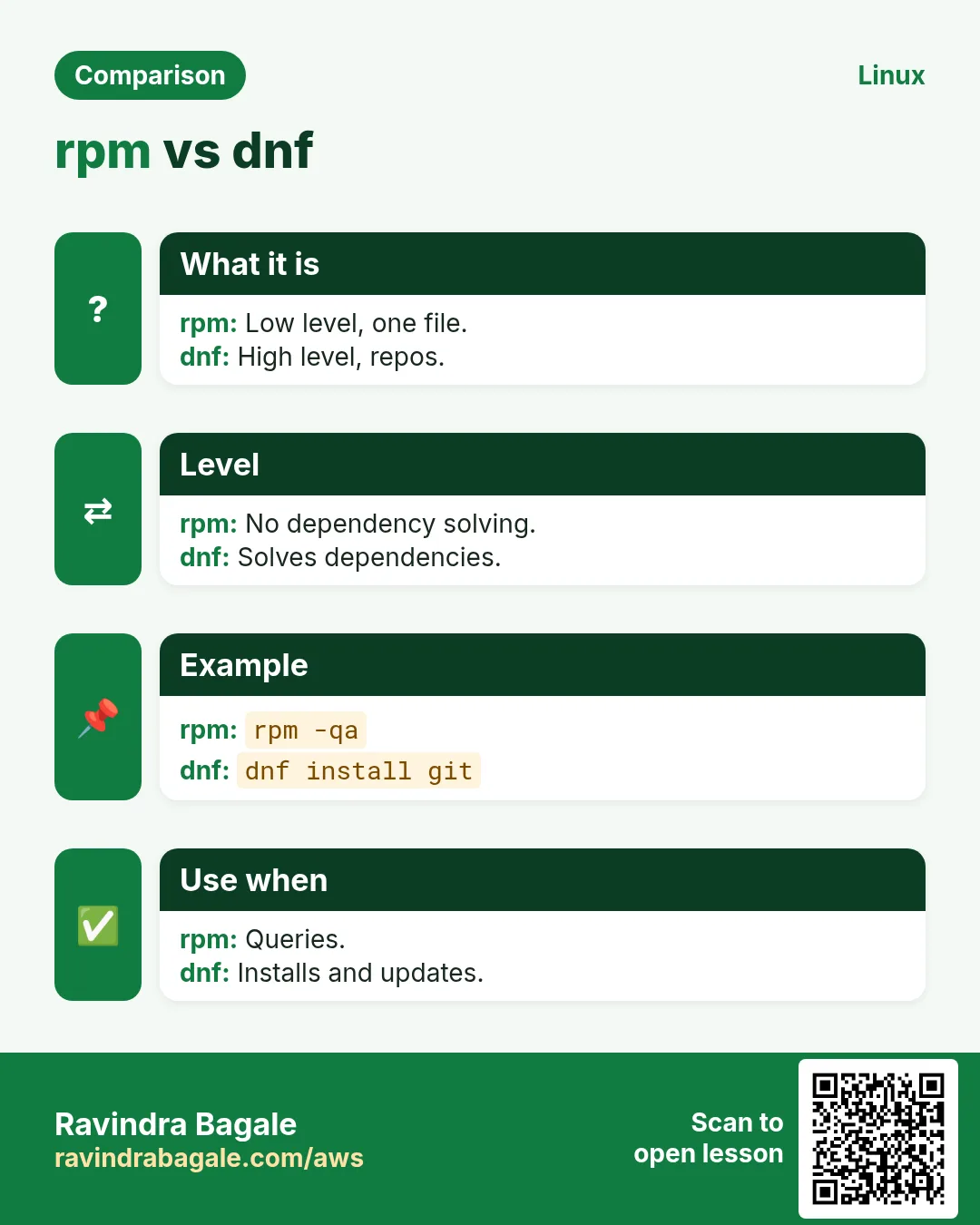
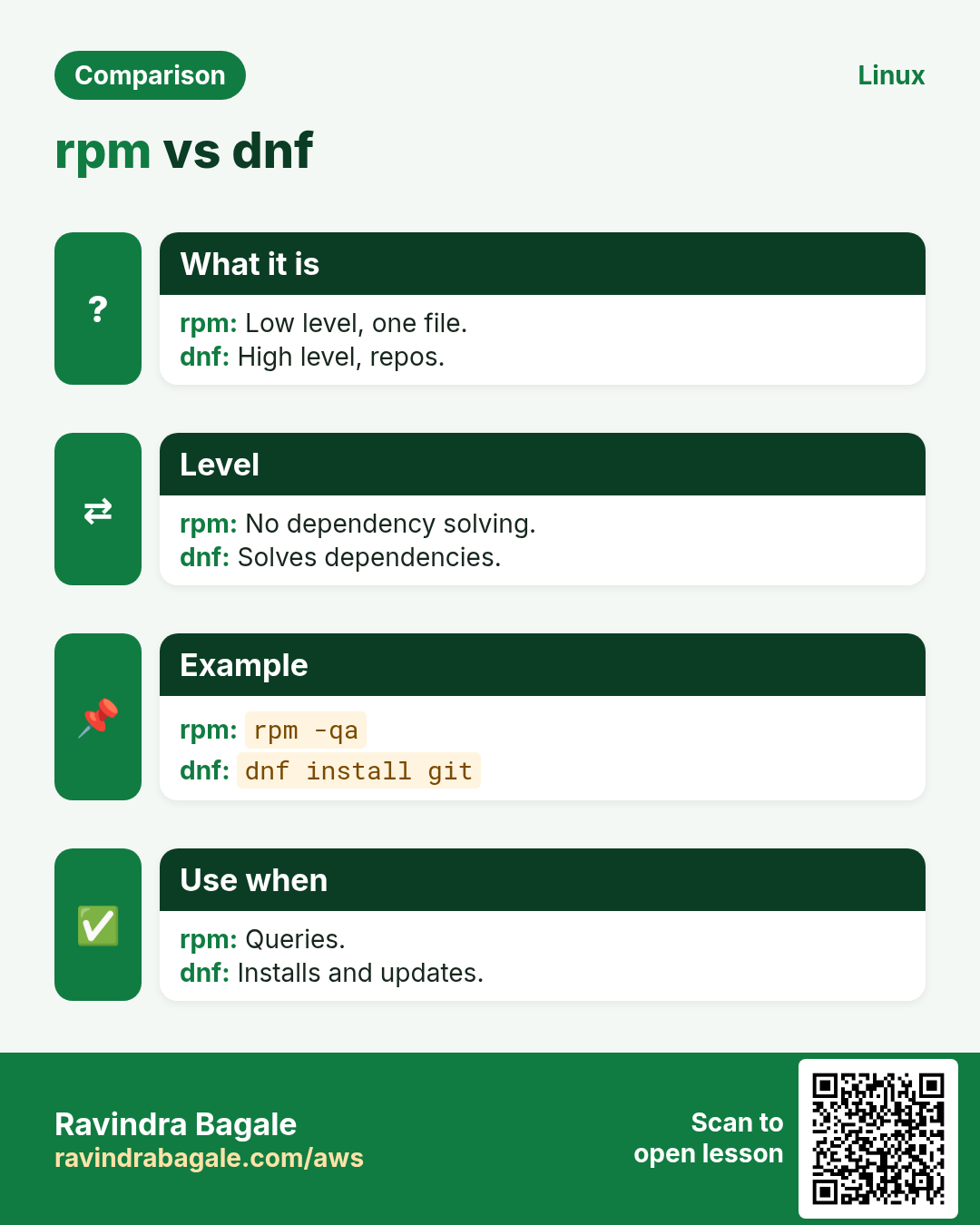
sudo dnf install NAME (yum works the same on older systems; on new ones yum is a link to dnf). -y for yes. dnf remove NAME removes it and unused deps. dnf reinstall NAME restores broken files. dnf install ./file.rpm installs a local file with deps. There is no separate update-the-list step: dnf refreshes metadata when it is old (dnf makecache forces it).
How to do it (step by step)
- Install nginx.
sudo dnf install -y nginxOutput:
Installed:
  nginx-1:1.24.0-1.amzn2023.0.4.x86_64  nginx-core-1:1.24.0-1.amzn2023.0.4.x86_64
Complete!
What it means: Complete! means success.
- Remove.
sudo dnf remove -y nginxOutput:
Removed:
  nginx-1:1.24.0-1.amzn2023.0.4.x86_64
Complete!
What it means: Also removes unused deps.
- Fix a deleted binary.
sudo dnf reinstall -y curlOutput:
Reinstalled:
  curl-minimal-8.5.0-1.amzn2023.0.4.x86_64
What it means: Files restored.
9. dnf check-update, update and upgrade --security
Why do we need this?
Patching RHEL-family servers safely, sometimes only security fixes.
What is it?
dnf check-update lists available updates (exit 100 if there are some). dnf update or dnf upgrade upgrades all (same thing). dnf upgrade NAME for one. dnf upgrade --security only security errata. needs-restarting -r tells if a reboot is needed.
How to do it (step by step)
- What would change?
dnf check-updateOutput:
openssl-libs.x86_64 1:3.0.8-1.amzn2023.0.14 amazonlinuxWhat it means: One update waiting.
- Security only.
sudo dnf upgrade --security -yOutput:
Upgraded:
  openssl-libs-1:3.0.8-1.amzn2023.0.14.x86_64
Complete!
What it means: Minimal change.
- Reboot needed?
sudo dnf needs-restarting -rOutput:
Core libraries or services have been updated since boot-up:
  * kernel
Reboot is required to fully utilize these updates.
What it means: Plan a reboot.
10. dnf search, info, provides and list
Why do we need this?
'command not found': which package gives me this command? dnf provides answers that.
What is it?
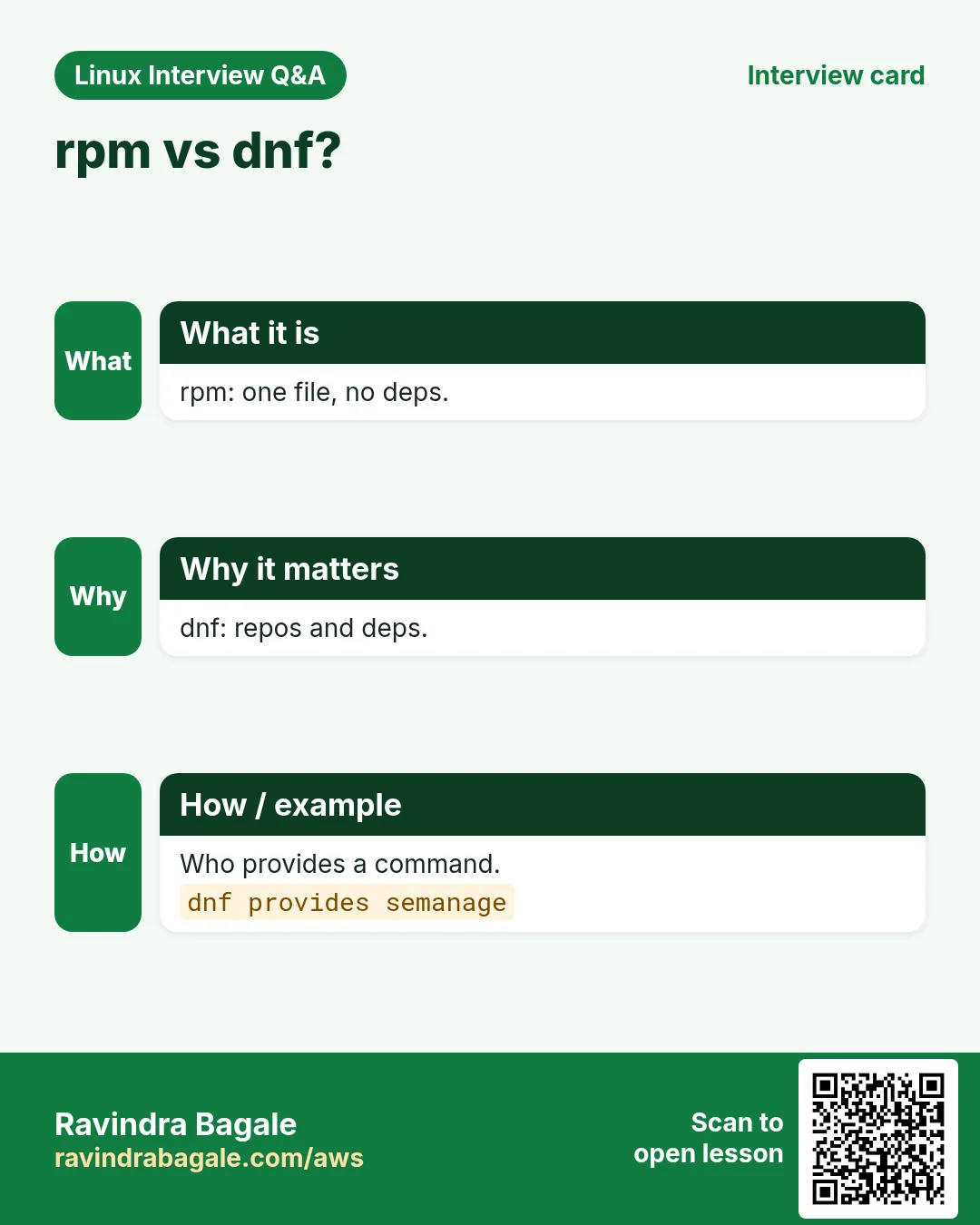
dnf search WORD. dnf info NAME shows version, repo, size. dnf provides '*/bin/NAME' or a file path finds the package. dnf list installed. dnf repoquery -l NAME lists files before install.
How to do it (step by step)
- Who gives the dig command?
dnf provides '*/bin/dig'Output:
bind-utils-32:9.18.28-1.amzn2023.0.1.x86_64 : Utilities for querying DNS name servers
Repo        : amazonlinux
Matched from:
Filename    : /usr/bin/dig
What it means: Install bind-utils.
- Info.
dnf info jq | grep -E 'Version|Repository'Output:
Version      : 1.7.1
Repository   : amazonlinux
What it means: From the official repo.
- Is it installed?
dnf list installed | grep -i nginxOutput:
nginx.x86_64 1:1.24.0-1.amzn2023.0.4 @amazonlinuxWhat it means: @ = installed from that repo.
11. dnf history and undo
Why do we need this?
A patch broke the app. You want to see exactly what changed and roll it back.
What is it?
dnf history lists transactions with IDs. dnf history info ID shows packages. sudo dnf history undo ID reverses it (needs old versions in the repo). dnf downgrade NAME goes to an older version. On apt, see /var/log/apt/history.log.
How to do it (step by step)
- Recent changes.
sudo dnf history | head -4Output:
ID | Command line              | Date and time    | Action(s) | Altered
14 | upgrade --security -y     | 2026-10-25 13:10 | Upgrade   |    1
13 | install -y nginx          | 2026-10-25 12:55 | Install   |    2
What it means: Who did what, when.
- Undo the patch.
sudo dnf history undo 14 -yOutput:
Downgraded:
  openssl-libs-1:3.0.8-1.amzn2023.0.12.x86_64
Complete!
What it means: Rolled back.
- apt's record.
grep -A2 'Start-Date' /var/log/apt/history.log | tail -n3Output:
Start-Date: 2026-10-25  13:12:01
Commandline: apt upgrade -y
Upgrade: openssl:amd64 (3.0.13-0ubuntu3.1, 3.0.13-0ubuntu3.4)
What it means: Old and new versions.
12. rpm queries: -qa, -qi, -ql, -qf
Why do we need this?
rpm reads the package database directly and fast. Great for audits and scripts.
What is it?
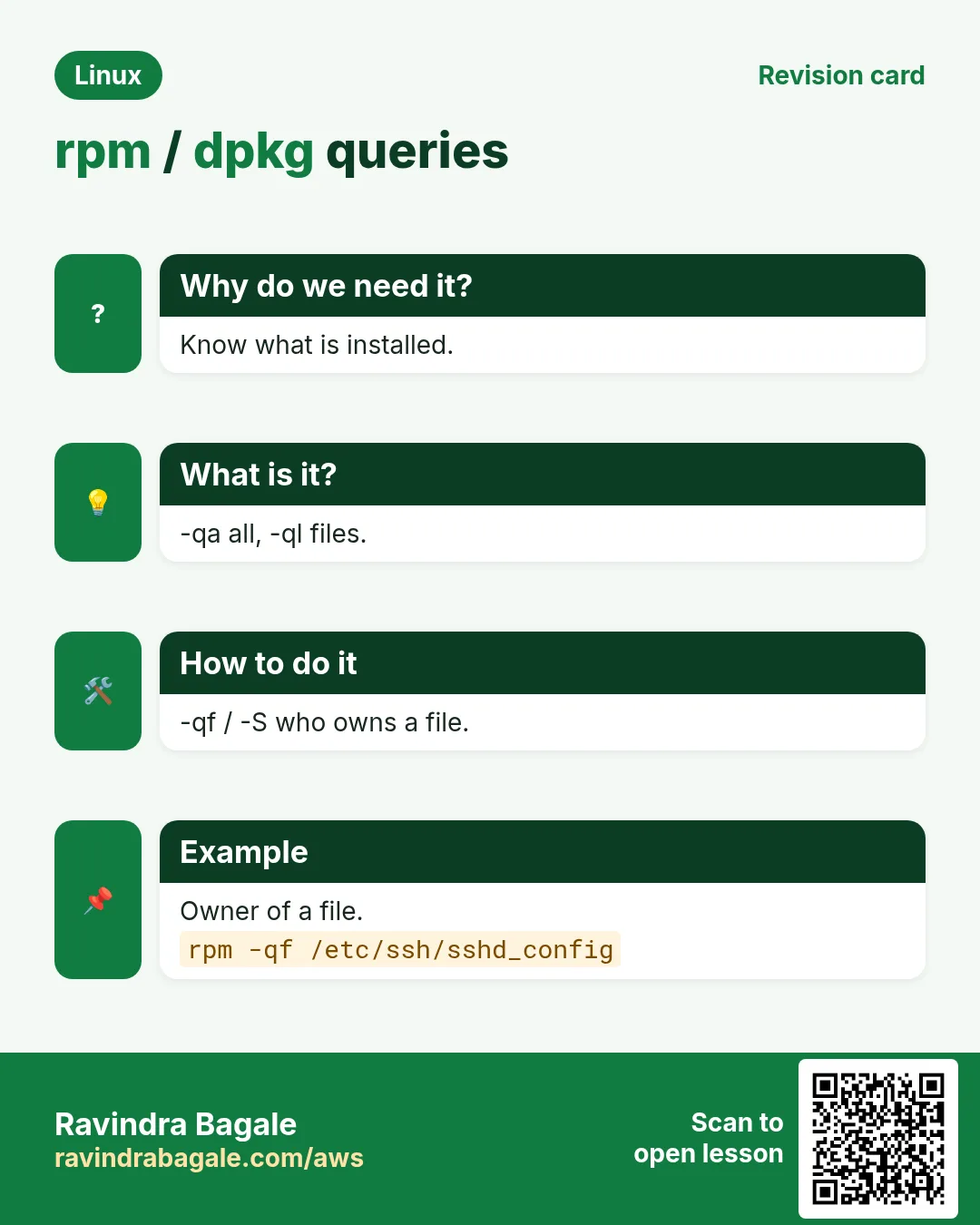
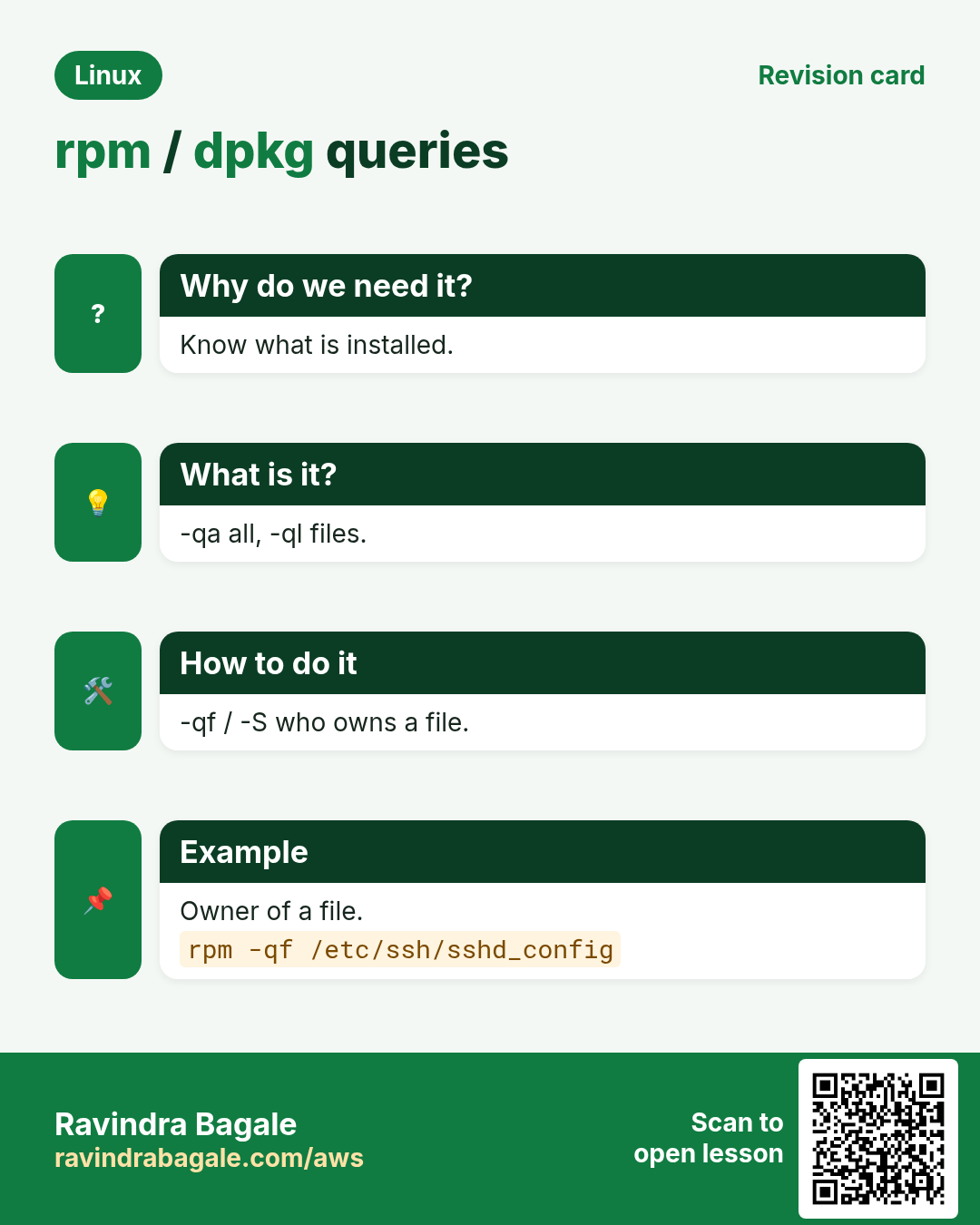
rpm -qa lists all installed (pipe to grep). rpm -qi NAME info. rpm -ql NAME files. rpm -qf /path owner. rpm -V NAME verifies files against the database. rpm -qp --requires file.rpm reads a file not yet installed. Avoid rpm -i for installing; it does not resolve deps.
How to do it (step by step)
- Find kernel packages.
rpm -qa | grep '^kernel-6'Output:
kernel-6.1.112-122.189.amzn2023.x86_64
kernel-6.1.115-126.197.amzn2023.x86_64
What it means: Two kernels installed.
- Owner of a file.
rpm -qf /etc/ssh/sshd_configOutput:
openssh-server-8.7p1-8.amzn2023.0.11.x86_64What it means: The package that owns it.
- Config files of a package.
rpm -qc nginx-core | head -2Output:
/etc/nginx/fastcgi.conf
/etc/nginx/mime.types
What it means: -qc = config only.
- Was anything changed?
rpm -V openssh-serverOutput:
S.5....T. c /etc/ssh/sshd_configWhat it means: Size, checksum and time changed: someone edited it.
13. Repositories: add, list and enable
Why do we need this?
Many tools (Docker, Node.js, PostgreSQL) give newer versions from their own repo.
What is it?
apt: a .list or .sources file in /etc/apt/sources.list.d with signed-by= pointing to a key in /etc/apt/keyrings; then apt update. dnf: a .repo file in /etc/yum.repos.d (dnf config-manager --add-repo URL); dnf repolist shows enabled repos; --enablerepo/--disablerepo for one command. Only add repos you trust.
How to do it (step by step)
- Enabled dnf repos.
dnf repolistOutput:
repo id              repo name
amazonlinux          Amazon Linux 2023 repository
kernel-livepatch     Amazon Linux 2023 Kernel Livepatch repository
What it means: Where packages come from.
- Add Docker's repo (Fedora/RHEL).
sudo dnf config-manager --add-repo https://download.docker.com/linux/fedora/docker-ce.repoOutput:
Adding repo from: https://download.docker.com/linux/fedora/docker-ce.repoWhat it means: A .repo file now exists.
- apt repo with a key.
curl -fsSL https://download.docker.com/linux/ubuntu/gpg | sudo gpg --dearmor -o /etc/apt/keyrings/docker.gpg
echo 'deb [signed-by=/etc/apt/keyrings/docker.gpg] https://download.docker.com/linux/ubuntu noble stable' | sudo tee /etc/apt/sources.list.d/docker.list
sudo apt update
Output:
Get:5 https://download.docker.com/linux/ubuntu noble InRelease [48.8 kB]What it means: The key is scoped to this repo only.
14. Holding versions: apt-mark hold and dnf versionlock
Why do we need this?
A database or Kubernetes package must not jump versions during a routine patch.
What is it?
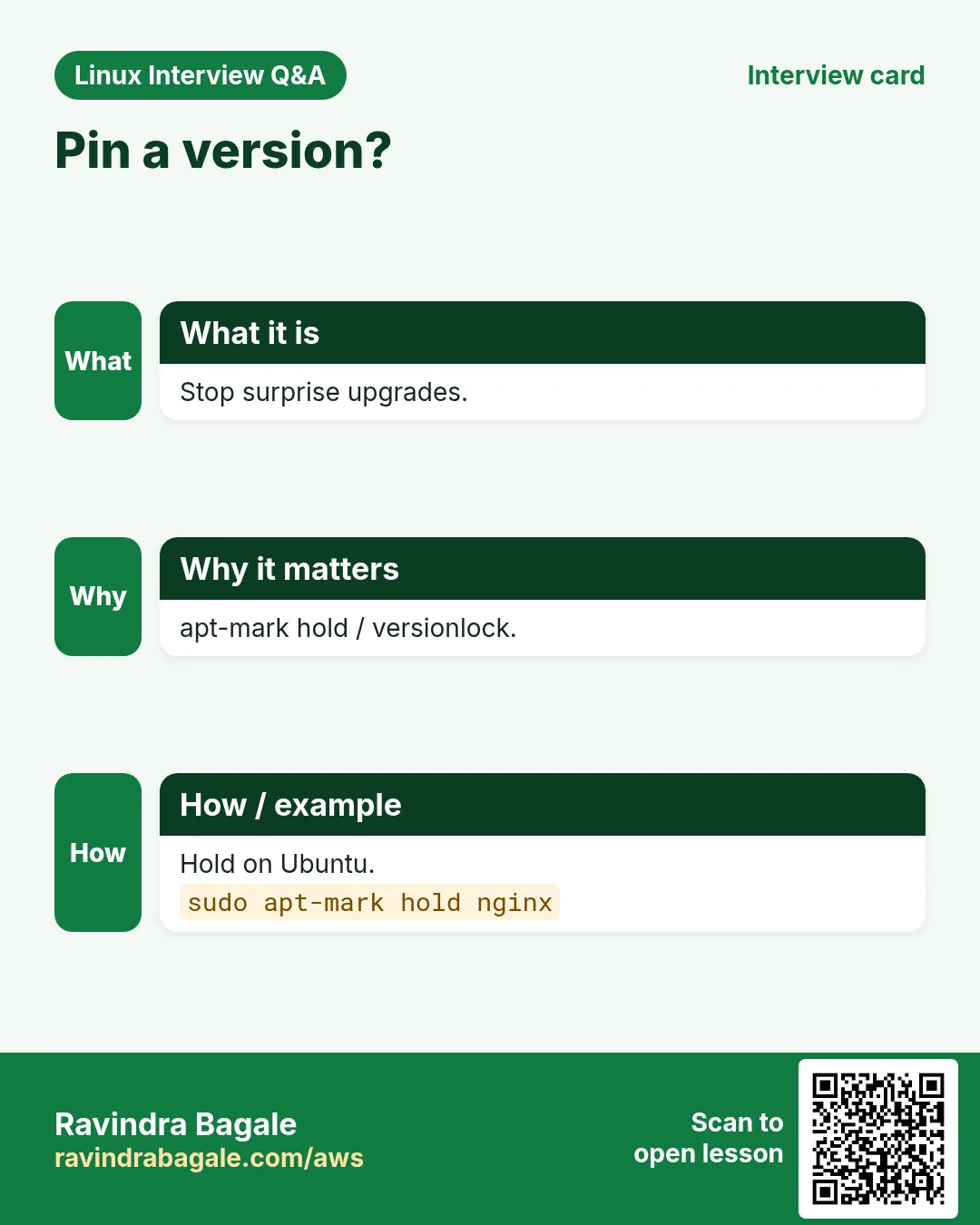
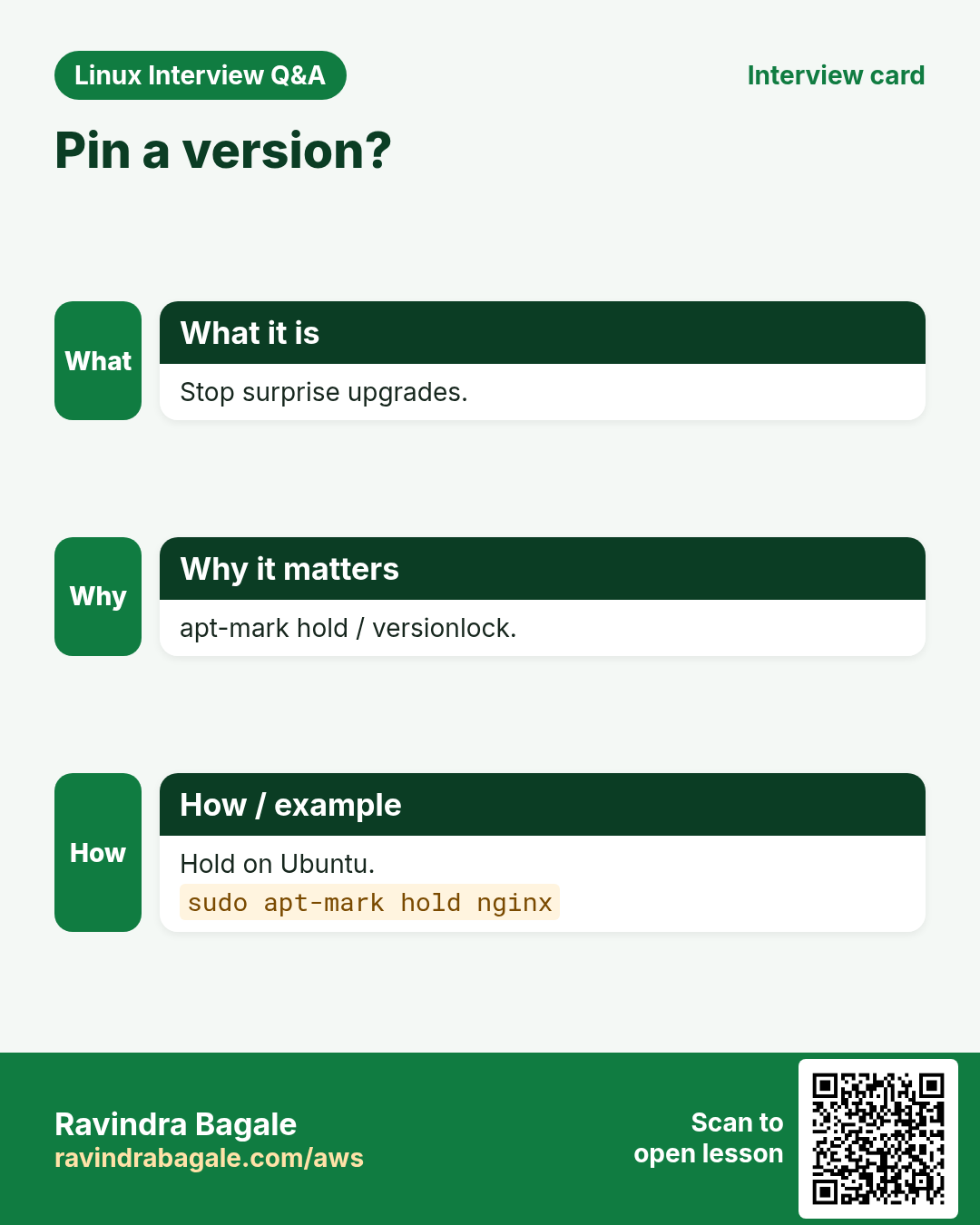
apt-mark hold NAME stops upgrades; apt-mark showhold lists; unhold releases. dnf: install python3-dnf-plugin-versionlock, then dnf versionlock add NAME, list, delete. Or exclude=NAME in /etc/dnf/dnf.conf.
How to do it (step by step)
- Hold kubelet.
sudo apt-mark hold kubelet kubeadm && apt-mark showholdOutput:
kubelet set on hold.
kubeadm set on hold.
kubeadm
kubelet
What it means: Upgrades skip them.
- Lock on dnf.
sudo dnf versionlock add postgresql16-serverOutput:
Adding versionlock on: postgresql16-server-0:16.4-1.amzn2023.0.1.*What it means: Locked to this version.
- Release.
sudo apt-mark unhold kubeletOutput:
Canceled hold on kubelet.What it means: Upgrade when you are ready.
15. Cleaning caches
Why do we need this?
Downloaded package files pile up and fill small disks and container images.
What is it?
apt clean deletes /var/cache/apt/archives. apt autoclean deletes only old versions. dnf clean all deletes dnf caches. In Dockerfiles, clean in the same RUN line.
How to do it (step by step)
- Cache size.
sudo du -sh /var/cache/apt /var/cache/dnf 2>/dev/nullOutput:
412M /var/cache/aptWhat it means: Space you can get back.
- Clean.
sudo apt clean && sudo du -sh /var/cache/aptOutput:
36K /var/cache/aptWhat it means: Freed.
- Dockerfile pattern.
RUN apt-get update && apt-get install -y --no-install-recommends curl && rm -rf /var/lib/apt/lists/*Output:
(image layer)What it means: Smaller image.
16. snap: install, list, refresh, remove
Why do we need this?
Some tools ship as snaps with all their libraries inside and auto updates, the same on every distro.
What is it?
sudo snap install NAME. --classic for tools that need full system access (like code editors). snap list shows installed. snap refresh updates now; snap refresh --hold pauses updates. snap remove NAME. snap info NAME shows channels (stable, edge).
How to do it (step by step)
- Install a snap.
sudo snap install aws-cli --classicOutput:
aws-cli (v2/stable) 2.18.10 from Amazon Web Services (aws✓) installedWhat it means: ✓ = verified publisher.
- List.
snap listOutput:
Name     Version   Rev   Tracking   Publisher   Notes
aws-cli  2.18.10   1211  v2/stable  aws✓        classic
core22   20241001  1663  latest/stable canonical✓ base
What it means: Tracking = channel.
- Pause updates during an event.
sudo snap refresh --hold=72h aws-cliOutput:
General refreshes of "aws-cli" held until 2026-10-28T13:20:00+05:30What it means: No surprises for 3 days.
17. Real examples from many industries
Why do we need this?
The same Linux skill shows up in every kind of company. Seeing it in many places helps you remember it.
What is it?
Each row is a made-up team. It shows who uses this and how.
How to do it (step by step)
| Team and city | How they use it | Command |
|---|---|---|
| Rohit, SaaS startup, Pune | Weekly security patching on Ubuntu | apt update && apt upgrade -y |
| Emma, bank, Zurich | Pins PostgreSQL to a tested version | dnf versionlock add postgresql16-server |
| Yusuf, telecom, Istanbul | Finds which package owns a changed file | rpm -qf /etc/ssh/sshd_config |
| Mei, AI lab, Singapore | Slim GPU images with no recommends | apt-get install --no-install-recommends |
| Carlos, retail, Madrid | Rolls back a bad patch | dnf history undo 14 |
| Sana, college, Aurangabad | Installs tools as snaps on lab PCs | snap install code --classic |
18. Common errors and how to fix them
Why do we need this?
Everyone hits these errors. Knowing the cause saves hours.
What is it?
Read the exact message first. Then match it to a row below.
How to do it (step by step)
| Error you see | Why it happens | How to fix |
|---|---|---|
E: Unable to locate package nginxx | Typo or apt update not run | Update lists and check the name.sudo apt update && apt search nginx |
E: Could not get lock /var/lib/dpkg/lock-frontend. It is held by process 2101 (unattended-upgr) | Another apt is running (auto updates) | Wait for it; do not delete the lock.ps -p 2101 -o cmd |
E: Failed to fetch ... 404 Not Found | Old package lists | Run apt update first.sudo apt update |
dpkg: dependency problems prevent configuration | dpkg -i does not install deps | Let apt fix it.sudo apt -f install -y |
E: dpkg was interrupted, you must manually run 'sudo dpkg --configure -a' | An install was killed midway | Finish configuring.sudo dpkg --configure -a |
Error: Unable to find a match: htop | Package is in a repo you do not have (e.g. EPEL) | Search, or enable the right repo.dnf search htop |
GPG check FAILED / NO_PUBKEY | Repo key missing or wrong | Import the vendor key; never disable checks.sudo rpm --import KEY_URL |
Error: Failed to download metadata for repo | Network, proxy or bad repo URL | Check the URL; disable that repo for now.sudo dnf --disablerepo=REPO makecache |
Problem: conflicting requests ... nothing provides libfoo.so | Mixed incompatible repos | Remove the third-party repo or pick a matching version.dnf repolist |
error: snap "code" requires classic confinement | The snap needs --classic | Add --classic if you trust it.sudo snap install code --classic |
19. Troubleshooting step by step
Why do we need this?
When an install fails, check name, repos, locks and keys in that order.
What is it?
Go top to bottom. Stop at the first step that shows the problem.
How to do it (step by step)
- Refresh and search the name.
sudo apt update && apt search --names-only NAME- Check which repos are on.
dnf repolist; ls /etc/apt/sources.list.d- See who holds the lock.
sudo lsof /var/lib/dpkg/lock-frontend- Finish half-done installs.
sudo dpkg --configure -a && sudo apt -f install- Look at history.
sudo dnf history | head; tail /var/log/apt/history.log- Clean caches and retry.
sudo dnf clean all && sudo dnf makecache20. Lab 1: Full package life cycle on Ubuntu
Why do we need this?
Search, inspect, install, query files, hold, remove and purge a package.
What is it?
A full hands-on lab. Run every step on a test Linux machine (an EC2 instance, a VM, or WSL).
How to do it (step by step)
- Refresh and search.
sudo apt update -qq && apt search --names-only '^tree$'Output:
tree/noble 2.1.1-2 amd64- Install.
sudo apt install -y treeOutput:
Setting up tree (2.1.1-2) ...- Query files and owner.
dpkg -L tree | grep bin; dpkg -S $(which tree)Output:
/usr/bin/tree
tree: /usr/bin/tree- Hold and check.
sudo apt-mark hold tree && apt-mark showholdOutput:
tree set on hold.
tree- Unhold and purge.
sudo apt-mark unhold tree && sudo apt purge -y tree && dpkg -l tree | tail -n1Output:
dpkg-query: no packages found matching tree21. Lab 2: dnf with history undo and rpm audit
Why do we need this?
Install with dnf, find what you got with rpm, verify files, then undo the install.
What is it?
A full hands-on lab. Run every step on a test Linux machine (an EC2 instance, a VM, or WSL).
How to do it (step by step)
- Find who gives a command.
dnf provides '*/bin/tree'Output:
tree-2.1.0-1.amzn2023.0.2.x86_64 : File system tree viewer- Install.
sudo dnf install -y treeOutput:
Complete!- rpm info and files.
rpm -qi tree | head -3; rpm -ql tree | grep binOutput:
Name        : tree
Version     : 2.1.0
/usr/bin/tree- Verify.
rpm -V tree && echo cleanOutput:
clean- Undo the last transaction.
sudo dnf history undo last -yOutput:
Removed:
  tree-2.1.0-1.amzn2023.0.2.x86_64
Complete!Ravindra Bagale's Tip
Install with apt or dnf, ask questions with dpkg or rpm. And before any patch on a production server, note the history ID or save apt-mark showmanual, so you can roll back in minutes.
Ravindra Bagale's Tip – मराठी
Install apt किंवा dnf ने, प्रश्न dpkg किंवा rpm ने. आणि production server वर कोणत्याही patch आधी history ID नोंदवा किंवा apt-mark showmanual save करा, म्हणजे minutes मधे rollback.
Ravindra Bagale's Tip – हिंदी
Install apt या dnf से, सवाल dpkg या rpm से. और production server पर किसी भी patch से पहले history ID नोट करें या apt-mark showmanual save करें, ताकि minutes में rollback हो सके.
22. Frequently asked questions
Q. apt or apt-get?
apt for people (nicer output); apt-get in scripts (stable output).
Q. yum or dnf?
dnf is the new yum; on RHEL 8+ yum points to dnf.
Q. Why do I need apt update but not dnf update before install?
apt never refreshes lists on its own; dnf refreshes old metadata automatically.
Q. Is dnf update the same as dnf upgrade?
Yes.
Q. Can I install a .deb on Amazon Linux?
No, use the .rpm or a container.
Q. remove vs purge?
purge also deletes config files.
Q. Snap or apt?
apt for system packages; snap for apps that want their own bundle and auto updates.
Q. Is it safe to delete the dpkg lock?
No. Wait or find the process; deleting can corrupt the database.
23. Interview questions and answers
Beginner level
Q. Install nginx on Ubuntu?
sudo apt update && sudo apt install nginx.
Q. Install nginx on Amazon Linux?
sudo dnf install nginx.
Q. What does apt update do?
Refreshes package lists only.
Q. Which package owns /usr/bin/curl?
dpkg -S or rpm -qf /usr/bin/curl.
Mid level level
Q. upgrade vs full-upgrade?
full-upgrade may remove or add packages to finish.
Q. How do you roll back a dnf change?
dnf history undo ID.
Q. How do you stop a package from upgrading?
apt-mark hold or dnf versionlock add.
Q. Find the package for a missing command?
dnf provides '*/bin/cmd' or apt-file search.
Senior level
Q. How do you patch 300 servers safely?
Staged rings, a local mirror or snapshot repo, holds for critical packages, history IDs, health checks, automatic reboot windows.
Q. Why is signed-by better than apt-key?
The key is trusted only for that repo, not every repo.
Q. How do you detect tampered system files?
rpm -Va or debsums, compare against the package database.
Q. Reproducible builds with packages?
Pin exact versions, use snapshot repos, lock files, and build images once.
Try at home
- On your machine, list how many packages are installed (dpkg -l | grep -c ^ii or rpm -qa | wc -l). Find the owner of /bin/ls.
- Install htop, hold it, try an upgrade, then unhold and remove it. Write each command you used.
Practice Tasks
Amravati Agro Market is a agriculture business in Amravati. Anjali Thakre looks after its IT and cloud work. They count money in INR and run their AWS resources in the ap-south-1 Region. In the tasks below you do real jobs for them using what this lesson teaches. All names, account IDs, IP addresses and numbers are made up for practice.
0 / 16
Easy Refresh lists
Why: Software must be installed safely.
What to do: On Ubuntu, refresh package lists.
- Find the Linux command that does this job.
- Add the options (like -r or -h) the task needs.
- Add the file names, folders or users in the right order.
- Use sudo if the job changes system files or users. Click Check answer.
Easy Install with apt
Why: Software must be installed safely.
What to do: Install nginx on Ubuntu without a prompt.
- Find the Linux command that does this job.
- Add the options (like -r or -h) the task needs.
- Add the file names, folders or users in the right order.
- Use sudo if the job changes system files or users. Click Check answer.
Easy Search apt
Why: Software must be installed safely.
What to do: Search apt for redis.
- Find the Linux command that does this job.
- Add the options (like -r or -h) the task needs.
- Add the file names, folders or users in the right order.
- Use sudo if the job changes system files or users. Click Check answer.
Easy Install with dnf
Why: Software must be installed safely.
What to do: On Amazon Linux, install git without a prompt.
- Find the Linux command that does this job.
- Add the options (like -r or -h) the task needs.
- Add the file names, folders or users in the right order.
- Use sudo if the job changes system files or users. Click Check answer.
Easy All rpm packages
Why: Software must be installed safely.
What to do: List all installed rpm packages.
- Find the Linux command that does this job.
- Add the options (like -r or -h) the task needs.
- Add the file names, folders or users in the right order.
- Use sudo if the job changes system files or users. Click Check answer.
Easy dpkg list
Why: Software must be installed safely.
What to do: List packages with dpkg and filter for nginx.
- Find the Linux command that does this job.
- Add the options (like -r or -h) the task needs.
- Add the file names, folders or users in the right order.
- Use sudo if the job changes system files or users. Click Check answer.
Easy List snaps
Why: Software must be installed safely.
What to do: List installed snaps.
- Find the Linux command that does this job.
- Add the options (like -r or -h) the task needs.
- Add the file names, folders or users in the right order.
- Use sudo if the job changes system files or users. Click Check answer.
Medium Remove with config
Why: Software must be installed safely.
What to do: Remove apache2 including its config files.
- Find the Linux command that does this job.
- Add the options (like -r or -h) the task needs.
- Add the file names, folders or users in the right order.
- Use sudo if the job changes system files or users. Click Check answer.
Medium Who provides a file?
Why: Software must be installed safely.
What to do: Find which package provides the semanage command.
- Find the Linux command that does this job.
- Add the options (like -r or -h) the task needs.
- Add the file names, folders or users in the right order.
- Use sudo if the job changes system files or users. Click Check answer.
Medium dnf history of a package
Why: Software must be installed safely.
What to do: Show the dnf transaction history list only for nginx.
- Find the Linux command that does this job.
- Add the options (like -r or -h) the task needs.
- Add the file names, folders or users in the right order.
- Use sudo if the job changes system files or users. Click Check answer.
Medium Updates available?
Why: Software must be installed safely.
What to do: List available updates without installing.
- Find the Linux command that does this job.
- Add the options (like -r or -h) the task needs.
- Add the file names, folders or users in the right order.
- Use sudo if the job changes system files or users. Click Check answer.
Medium Which package owns a file
Why: Software must be installed safely.
What to do: Find which package owns /etc/ssh/sshd_config.
- Find the Linux command that does this job.
- Add the options (like -r or -h) the task needs.
- Add the file names, folders or users in the right order.
- Use sudo if the job changes system files or users. Click Check answer.
Medium Files in a package
Why: Software must be installed safely.
What to do: List files installed by the nginx rpm.
- Find the Linux command that does this job.
- Add the options (like -r or -h) the task needs.
- Add the file names, folders or users in the right order.
- Use sudo if the job changes system files or users. Click Check answer.
Medium dpkg owner
Why: Software must be installed safely.
What to do: Find which package owns /usr/bin/curl on Ubuntu.
- Find the Linux command that does this job.
- Add the options (like -r or -h) the task needs.
- Add the file names, folders or users in the right order.
- Use sudo if the job changes system files or users. Click Check answer.
Medium Install a .deb
Why: Software must be installed safely.
What to do: Install the local file app_1.2_amd64.deb with dpkg.
- Find the Linux command that does this job.
- Add the options (like -r or -h) the task needs.
- Add the file names, folders or users in the right order.
- Use sudo if the job changes system files or users. Click Check answer.
Medium Install a snap
Why: Software must be installed safely.
What to do: Install the classic snap code.
- Find the Linux command that does this job.
- Add the options (like -r or -h) the task needs.
- Add the file names, folders or users in the right order.
- Use sudo if the job changes system files or users. Click Check answer.
24. Related chapters
- Linux Ops Refresh for DevOps
- Bash Scripting for Automation
- Linux grep and find Commands with Examples
- How to Set Up Passwordless SSH Between Linux Servers
In short
- apt update refreshes; apt install, remove, purge, autoremove.
- apt search, show, apt-cache policy before install.
- dpkg -l, -L, -S answer questions.
- dnf install, upgrade --security, provides, history undo.
- rpm -qa, -qf, -ql, -V for audits.
- Repos with signed keys; hold versions; snap for bundled apps.
Revision, comparison and interview cards
Revise this lesson in a few minutes. Save the cards on your phone or download them as PNG files. The QR code on each card opens this lesson.


More cards: Ravi Sir's Cards.