What Is AWS VPC and How to Calculate CIDR IP Ranges
Up to now every server in this course did everything on its own: Nginx, PHP and the database on one EC2 instance with a public IP. That is fine for learning, but it is not how real applications are built. This chapter starts AWS networking. It first shows where an EC2 server really runs (a slice of a big physical host), then why real apps are split into three tiers, what a VPC is, and how security groups protect each tier. Then comes the maths every cloud engineer is asked in interviews: what /16, /20, /22 and /24 mean, how many IPs each gives, and how to find the first and last IP in binary. It ends by creating your own VPC in the console.
What you'll learn in this class
- How Regions, Availability Zones, data centres and hosts fit together
- What a virtual server is, and what the hypervisor does
- Why one server for everything is risky, and what 2-tier and 3-tier mean
- What a VPC is, and why it lives in one Region
- Chaining security groups: web, app and database
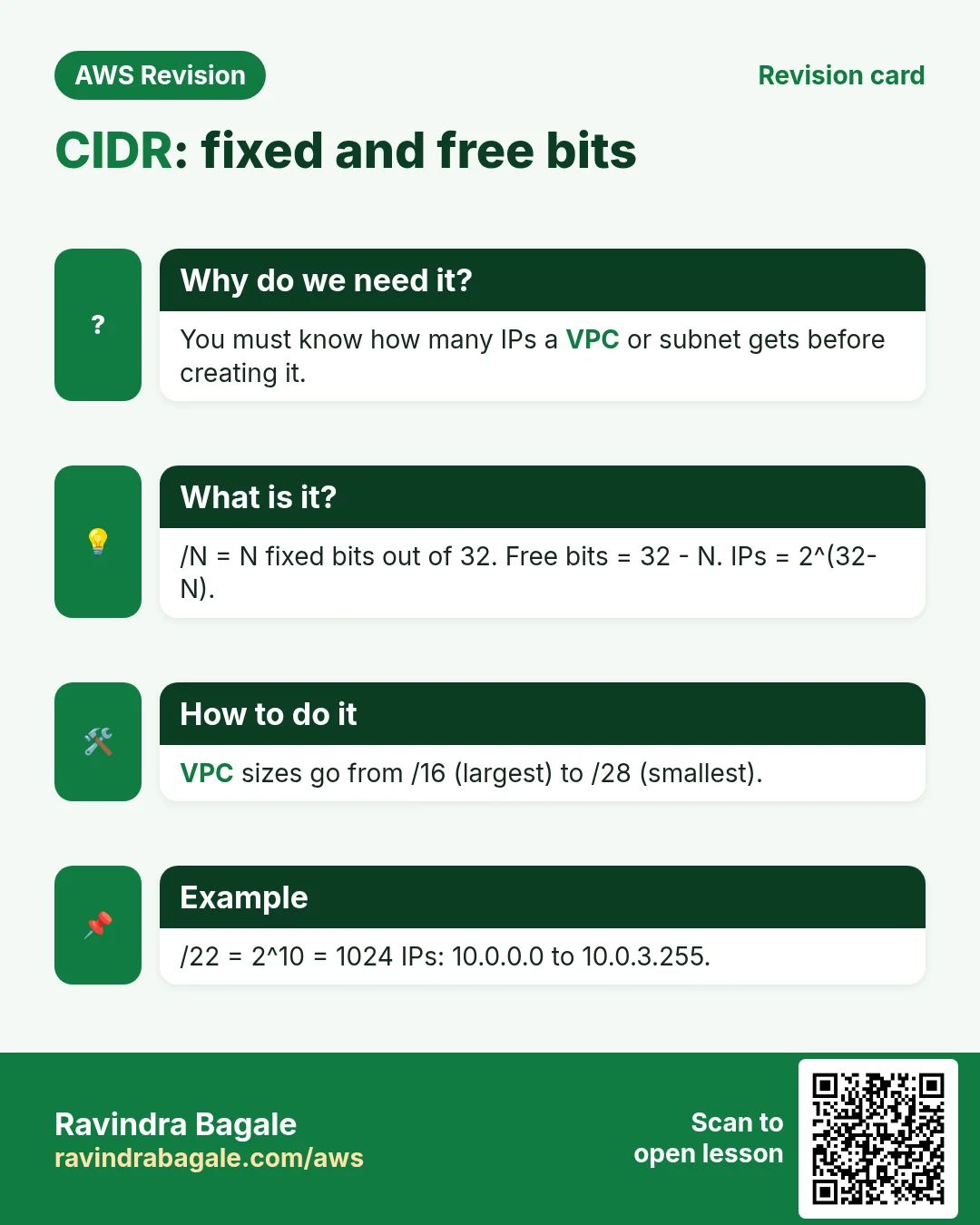
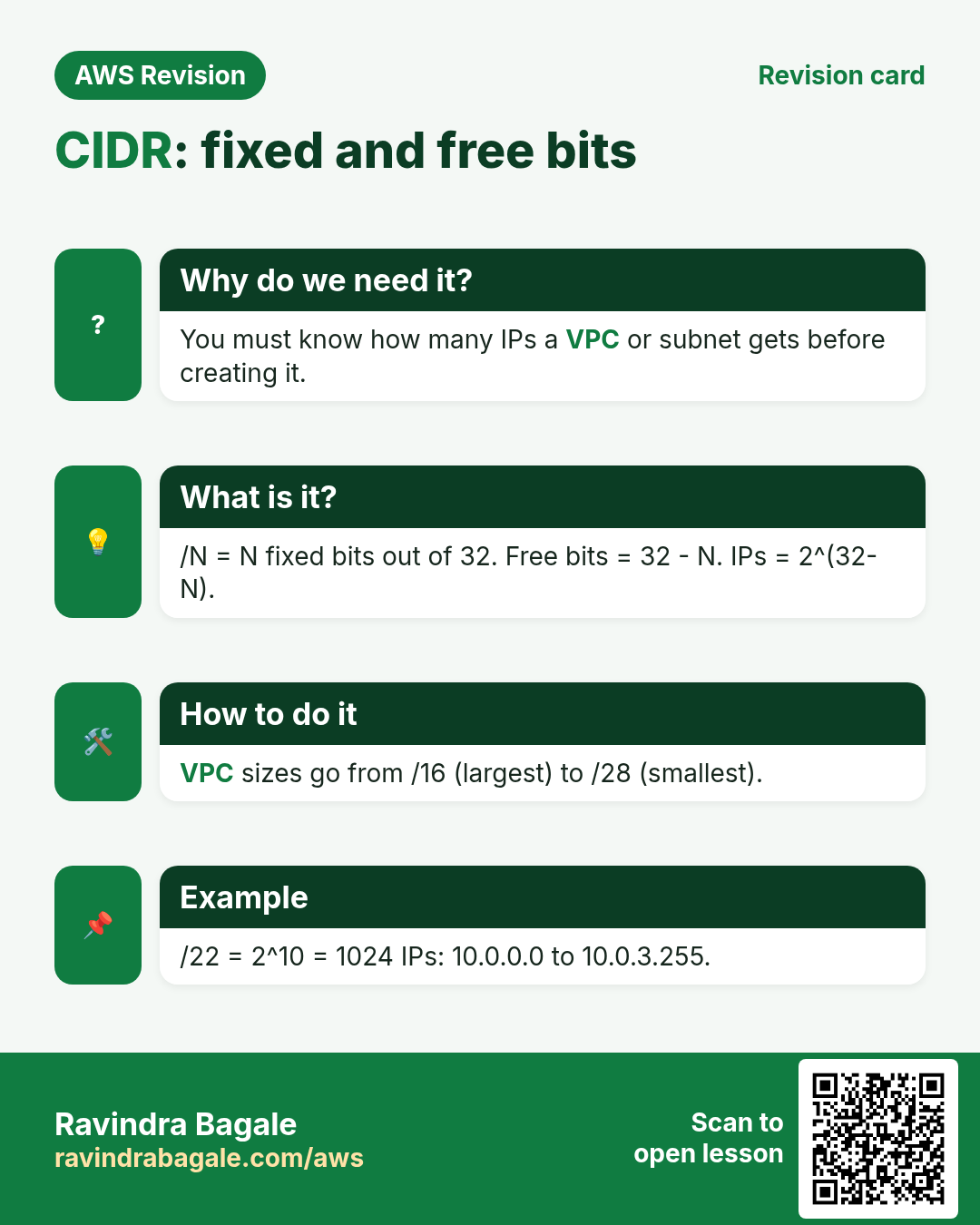
- CIDR notation: fixed bits and free bits
- Worked examples:
/16,/24,/20and/22, with the last IP found in binary - The CIDR table and the rule 2 to the power (32 minus the prefix)
- Why a VPC is split into subnets
- Creating a VPC in the console, and the
/16to/28limit
1. Where an EC2 server really runs
Why: before you design a network, you need a picture of the building blocks under it.
- Region: a geographic area, for example Mumbai,
ap-south-1. - Availability Zone (AZ): one or more data centres grouped together inside the Region. The AZs of one Region are kept apart from each other, but in the same metro area:
ap-south-1a,ap-south-1bandap-south-1care three separate sites around Mumbai, not three different cities. AWS doesn't publish how many data centres an AZ has, or where they are. - Data centre: a building full of racks.
- Host: one big physical server in a rack, with a lot of CPU and RAM, for example hundreds of GB of RAM.
The land story: suppose AWS needs 100 acres for an AZ, but only two plots of 50 acres are free, a few kilometres apart. It builds two data centres, and the two together are one AZ.
The full tour of Regions, AZs, Local Zones, Wavelength Zones and edge locations is in Region, Availability Zone and data center and Why one AZ can be more than one data center.
2. What a virtual server is
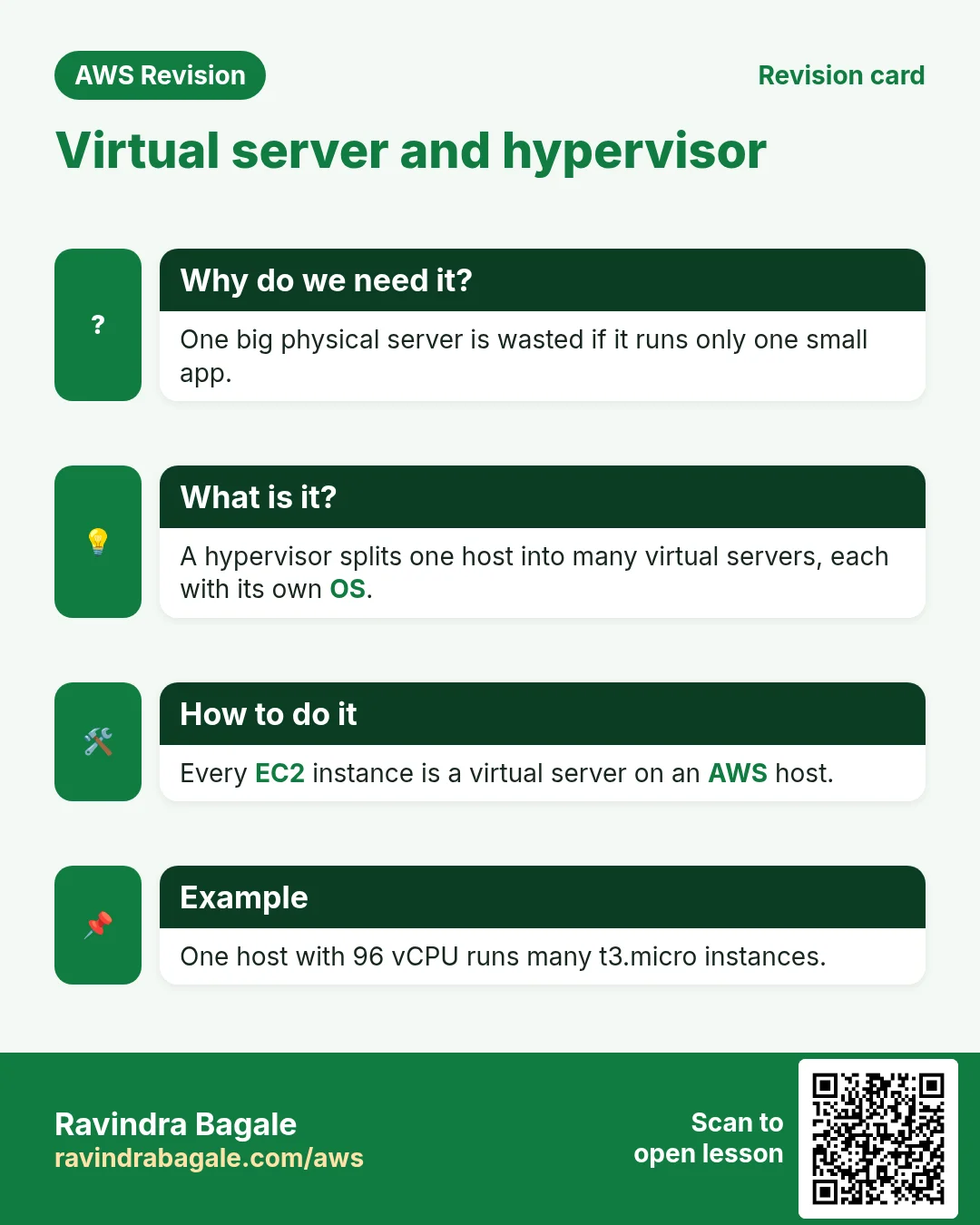
The question: when you launch a t3.micro (2 vCPU, 1 GiB RAM), does AWS give you a whole physical machine? No. A host is far bigger than that.
What happens:
- A program called the hypervisor runs on the host.
- The hypervisor cuts the host's CPU, RAM, disk and network into slices.
- Your
t3.microis one slice. Other customers get other slices of the same host. - Each slice runs its own operating system and can't see the others. Think of two folders on one laptop with separate permissions: my folder can't read yours.
That slice is a virtual server (virtual machine, VM). VirtualBox on your laptop does the same thing on a small scale.
Classroom line
EC2 is a virtual server too. It isn't actually a physical server.
Class मधलं वाक्य
EC2 सुद्धा virtual server आहे. तो खरंतर physical server नाही.
Classroom line – हिंदी
"EC2 bhi virtual server hai. Wo actually physical server nahi hai."
Classroom line
On one piece of physical hardware, many separate operating systems are being created virtually.
Class मधलं वाक्य
एकाच physical hardware वर virtually वेगवेगळ्या OS बनत आहेत.
Classroom line – हिंदी
"Ek hi physical hardware pe alag-alag virtually alag-alag OS bana raha hai."
Classroom line
This folder can't access the data inside that folder.
Class मधलं वाक्य
हा folder त्या folder मधला data access करू शकत नाही.
Classroom line – हिंदी
"Ye folder us folder ke andar ka data access nahi kar sakta."
Figure 1. A data centre holds racks of hosts. On one host, the hypervisor cuts the physical CPU, RAM, disk and network into isolated slices: your t3.micro (2 vCPU, 1 GiB) is one slice with its own OS, and other customers get other slices.
Classroom line
They'll ask you in interviews: what is a virtual server?
Class मधलं वाक्य
"Vichartil tumhala interview madhe: what is a virtual server?"
Interview मध्ये तुम्हाला विचारतील: what is a virtual server?
Classroom line
They'll ask you in interviews: what is a virtual server?
Interview answer in one line: a virtual server is a slice of a physical server's CPU, RAM, disk and network, created and isolated by a hypervisor, running its own operating system.
3. Why networking matters: one server doing everything
Suppose we run a banking app on one EC2 server with Nginx, PHP and MySQL (a LEMP stack). A customer checks the balance:
- The phone sends a request to the server's public IP on port 443.
- Nginx receives it and hands
get_balance.phpto PHP. - PHP asks MySQL for the balance.
- MySQL answers, PHP builds the page, and Nginx sends the balance back.
The problem: port 443 is open to the whole internet, so it is open to attackers too.
- They guess passwords again and again (a brute force attack).
- Bots send thousands of requests, sometimes enough to knock the server over (a DDoS attack).
- If anyone breaks into this one server, the database is right there. A balance of 100 could be changed to 100 crore.
The more time and tools an attacker has, the bigger the risk. The fix is not one magic setting; it is the way the servers are laid out.
Classroom line
What do attackers do? They guess passwords; they run brute force attacks.
Class मधलं वाक्य
Hack करणारे काय करतात? Passwords guess करतात, brute force attack करतात.
Classroom line – हिंदी
"Hack karne wale kya karte hai? Password guess karte hai, brute force attack karte hai."
4. Two servers: hide the database behind a private IP
The idea: split the work over two servers.
- Server 1, web: Nginx only, with a public IP. It is the only server the internet can reach.
- Server 2, app and database: PHP and MySQL, with a private IP only. Nginx passes requests to it with
proxy_passto its private IP, just like the reverse proxy in Put Nginx in front as the reverse proxy.
Defence on the web server:
- Watch
/var/log/nginx/access.logfor strange patterns. - Put a web application firewall (WAF) or a security monitoring tool (SIEM) in front.
- Rate limit: for example, decide that more than 60 requests a minute from one IP is a bot, and block that IP.
Still not enough: attackers spread their requests over many IPs to stay under the rate limit. And if they break into the web server, the private server is reachable from inside it. So real applications go one step further.
5. Three tiers: web, app and database
What: a 3-tier architecture gives each job its own layer of servers:
- Web tier: Nginx or Apache. Receives requests from the internet. Public.
- App tier: PHP, Node.js or Python. Runs the business logic. Private.
- Database tier: MySQL or MariaDB. Stores the data. Private.
Each tier can have many servers, and all servers in one tier are identical: same AMI, same instance type, same security group. For example, 6 Nginx servers, 6 PHP servers, and 1 primary database with 2 read replicas (copies used only for reading; they get their own chapter later).
Apps that must be fast (suppose we are Instagram) use three tiers. Some banks add an extra tier for more checks: slower, but safer. Single-server LAMP and LEMP were only for learning.
Classroom line
Until now we installed LAMP inside one server and used it, but the real world doesn't work like that.
Class मधलं वाक्य
आत्तापर्यंत आपण एकाच server मध्ये LAMP install करून वापरत होतो, पण real world मध्ये तसं नसतं.
Classroom line – हिंदी
"Aaj tak hum ek hi server ke andar LAMP install karke use karte the, lekin real world me waisa nahi rehta."
Figure 2. Animation: step 1, one public server runs Nginx, PHP and MySQL, so breaking in exposes the database; step 2, only the Nginx web server is public and the app and database server has a private IP; step 3, three tiers (web public, app private, database private), each with its own servers and firewall rules.
6. What a VPC is
Why: those three tiers need a network of their own, where servers talk over private IPs and only the web tier can be reached from outside.
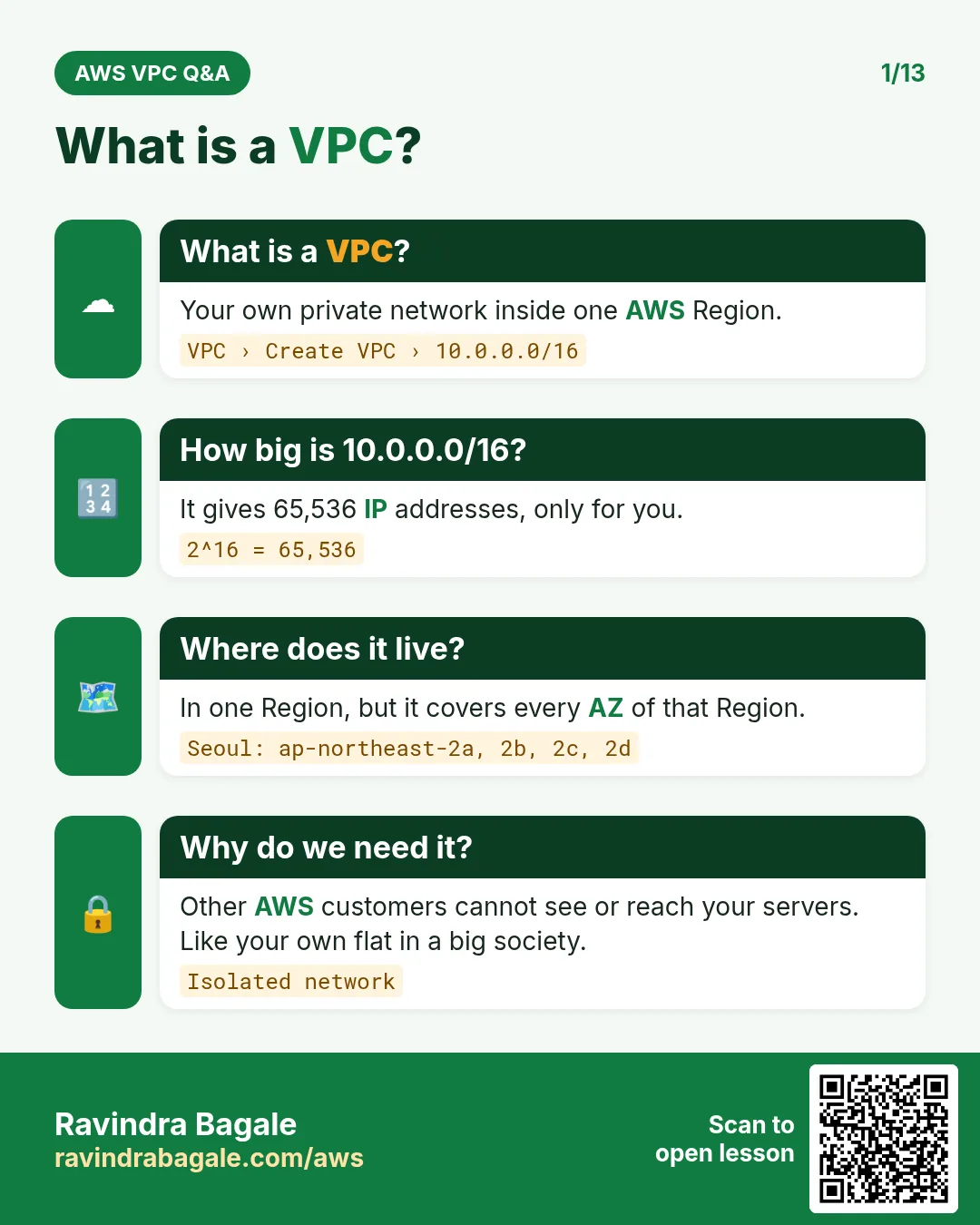
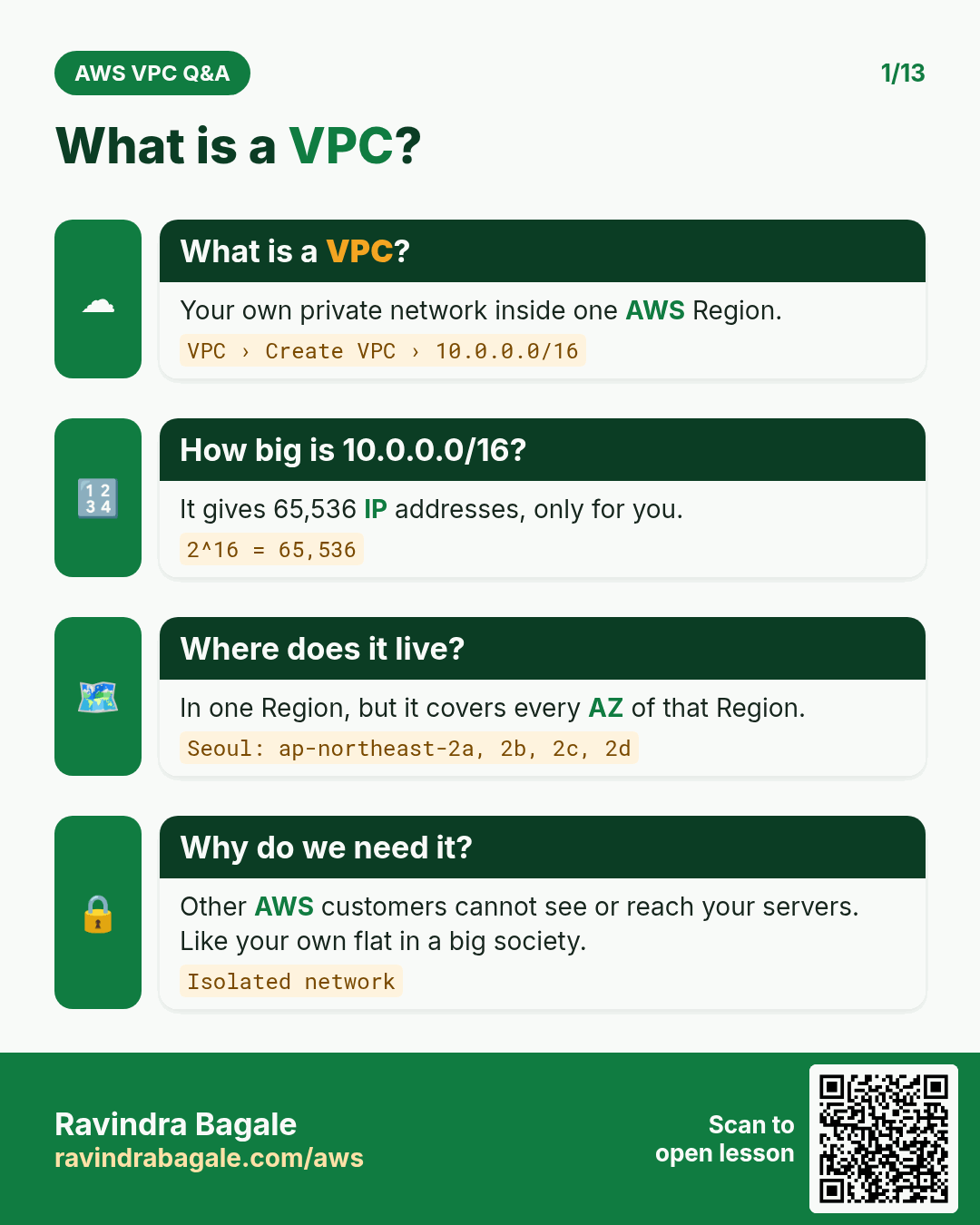
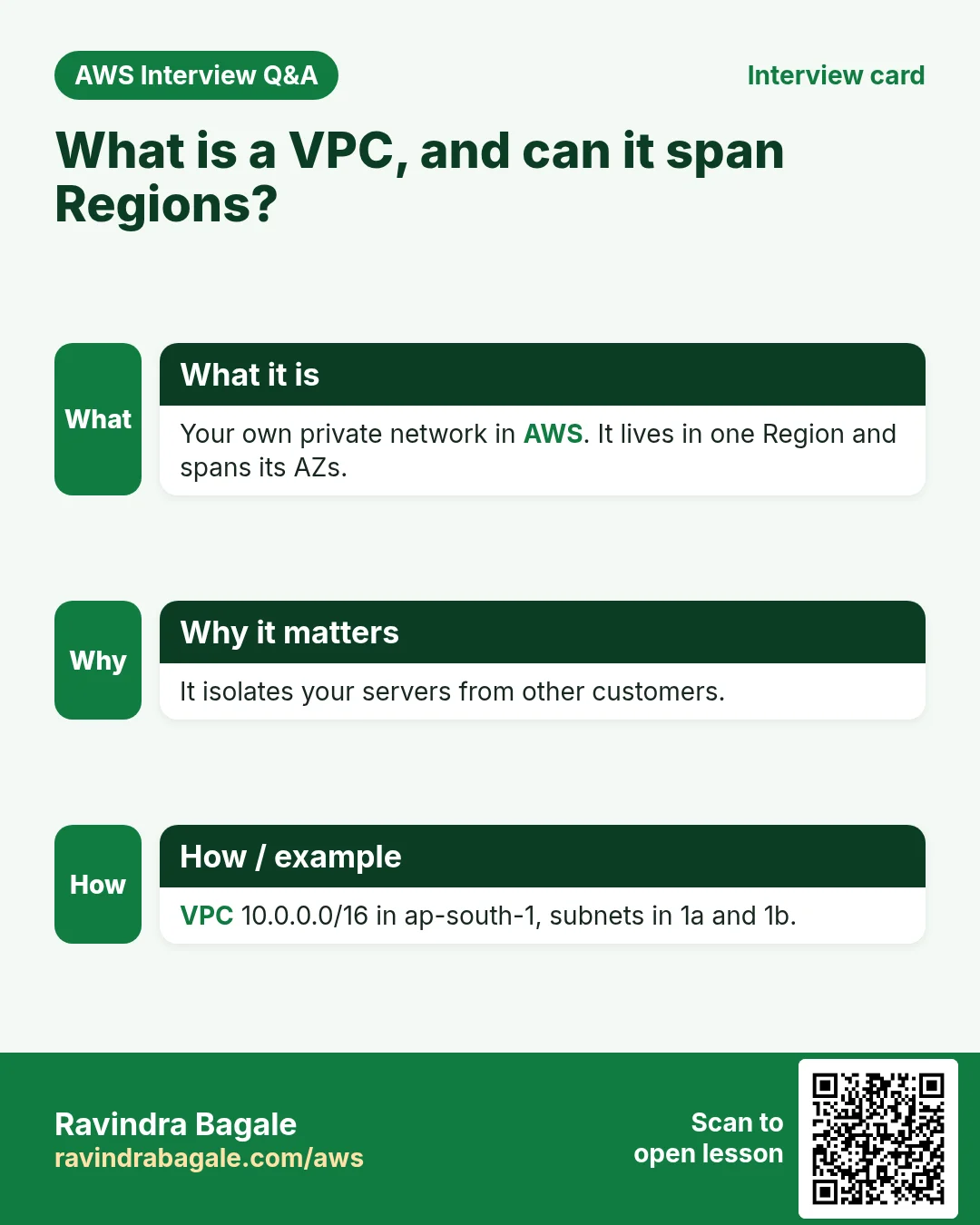
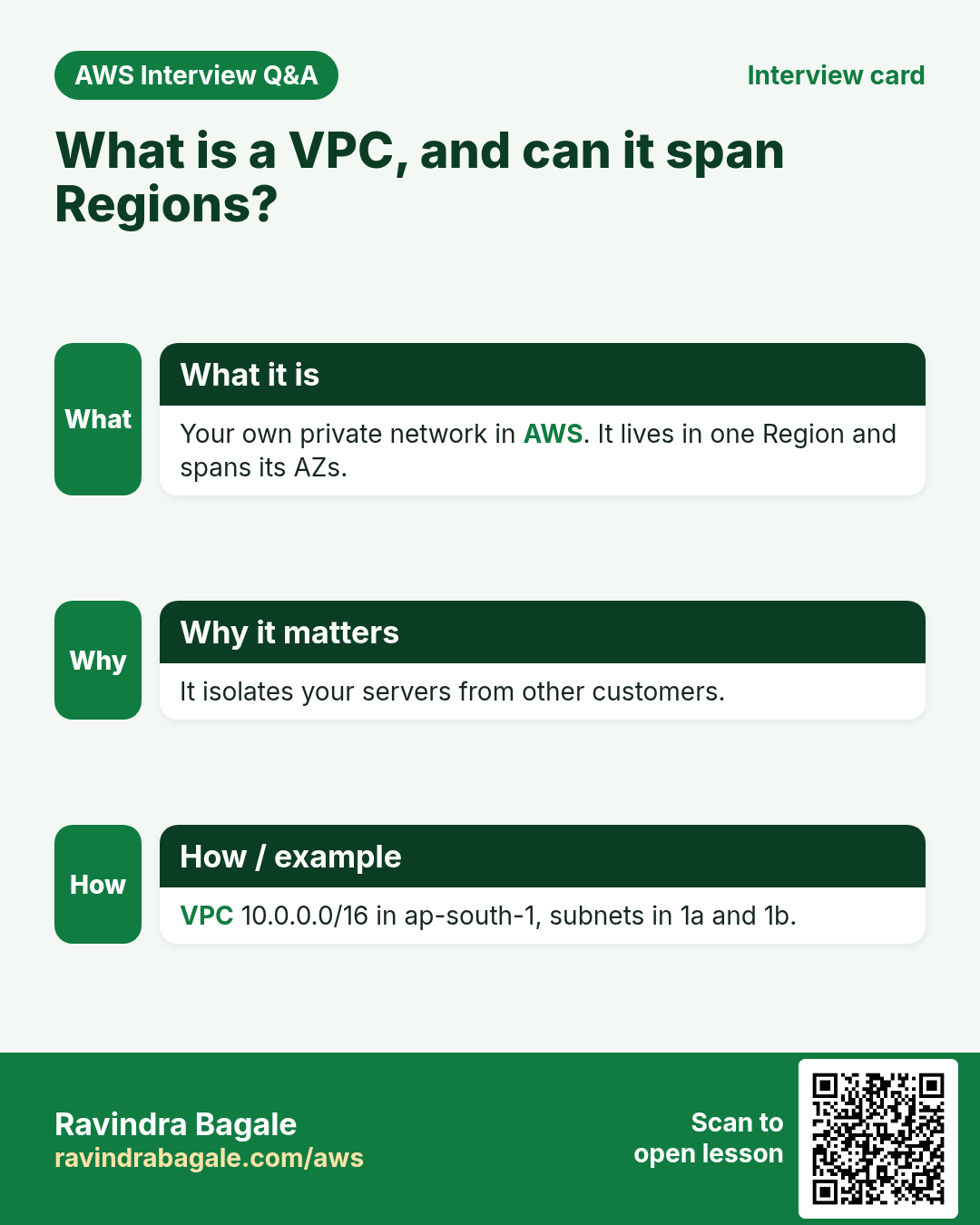
What: a VPC (Virtual Private Cloud) is your own private network inside AWS.
- Servers inside it talk to each other over private IPs.
- You decide what the internet can reach.
- A VPC lives in one Region and covers all the AZs of that Region. For servers in another Region you create another VPC there.
- Every EC2 instance is always in some VPC. A public IP is optional.
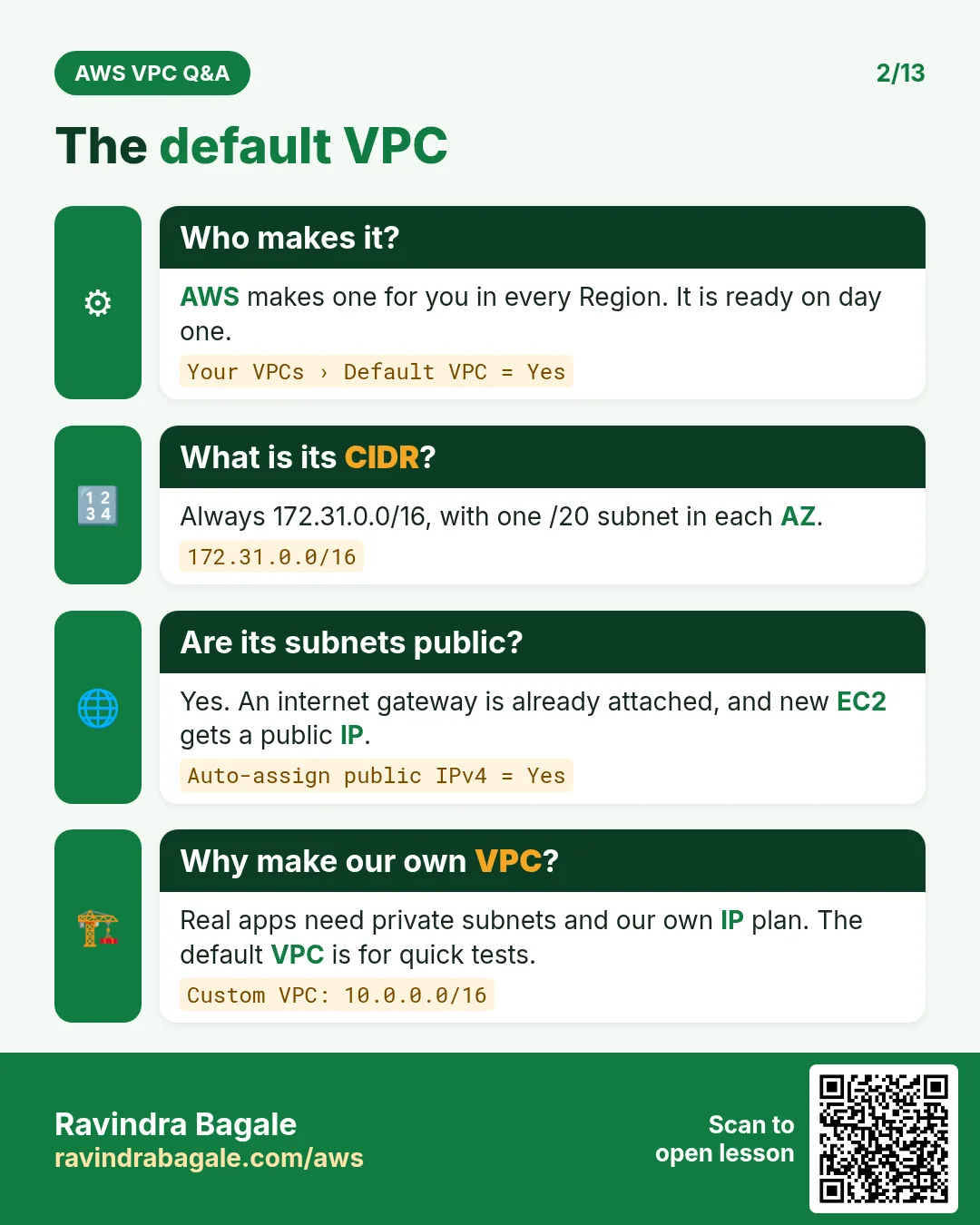
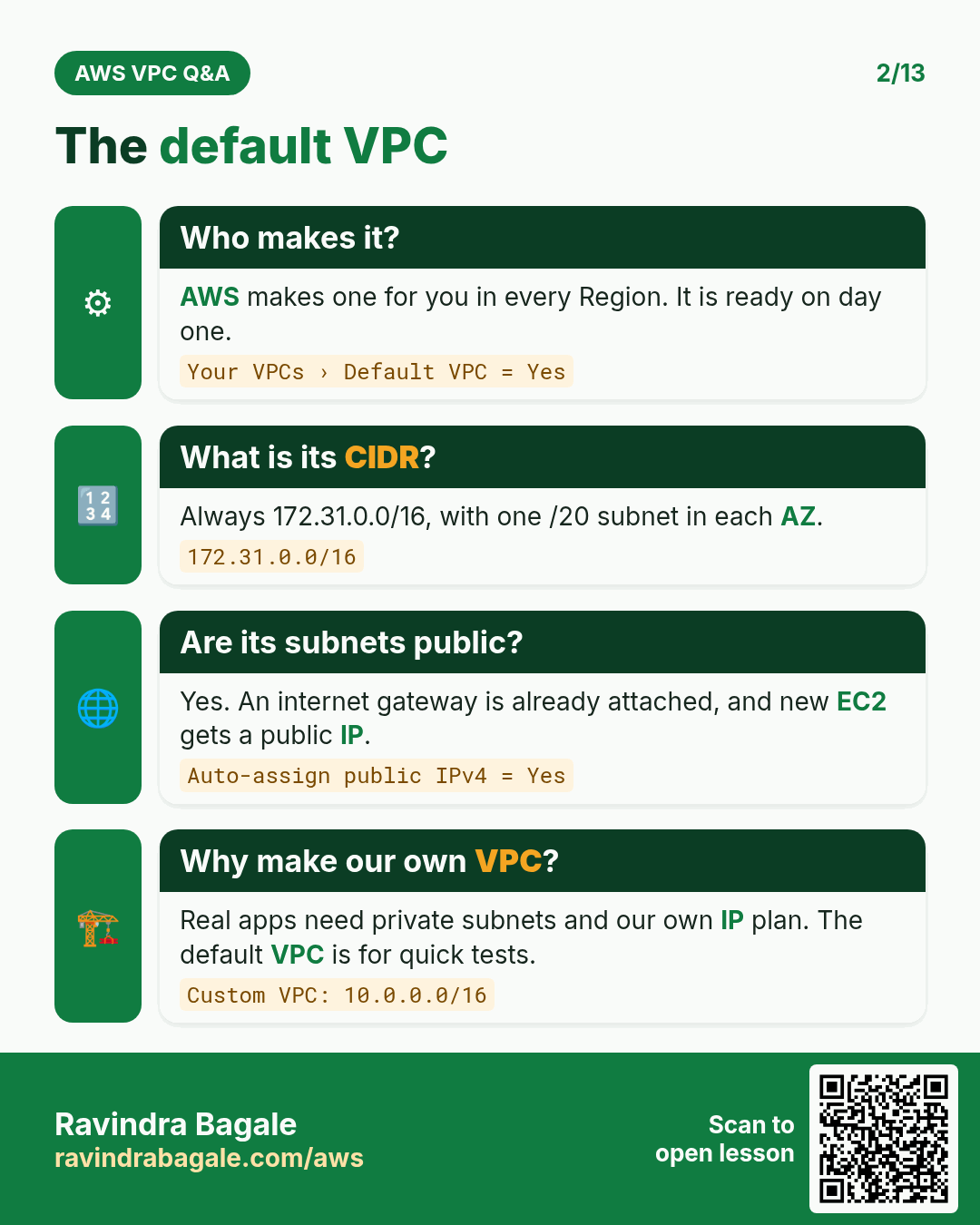
- Every Region of a new account already has a default VPC, so beginners can launch a server at once. That is where all your servers so far were launched. Production uses custom VPCs with IP ranges planned in advance.
Classroom line
VPC is a very big topic.
Class मधलं वाक्य
"Lai mothi gosht aahe VPC."
VPC खूप मोठी गोष्ट आहे.
Classroom line
VPC is a very big topic.
Figure 3. A VPC lives in one Region and spans all its Availability Zones: VPC 10.0.0.0/16 covers ap-south-1a, 1b and 1c, and servers in it talk over private IPs. Another Region, such as us-east-1, needs its own VPC.
7. Security groups chained tier by tier
Why: even inside a VPC, each tier should accept traffic only from the tier in front of it.
How:
- Web security group (
sg-web): inbound port 443 from0.0.0.0/0, which means everyone. - App security group (
sg-app): inbound port 80 only fromsg-web, the web servers. - Database security group (
sg-db): inbound port 3306 only fromsg-app, the app servers.
Two CIDR values to know:
0.0.0.0/0= every IPv4 address: the whole internet./32= exactly one IP, for example10.0.0.25/32.
You could allow the web server's private IP with /32. Allowing the security group itself is better: private IPs change when servers are replaced or added, but the group stays the same.
The result: even if an attacker breaks into the Nginx server, MySQL can't be reached directly from the internet, because its security group accepts nothing except the app servers.
Classroom line
MySQL can't be hacked directly, because you have put a restriction in the security group.
Class मधलं वाक्य
"Directly MySQL hack honar nahi, karan security group madhe tumhi restriction takla asta."
Directly MySQL hack होणार नाही, कारण security group मध्ये तुम्ही restriction टाकलेलं असतं.
Classroom line
MySQL can't be hacked directly, because you have put a restriction in the security group.
Figure 4. Security groups chained tier by tier: sg-web allows 443 from 0.0.0.0/0, sg-app allows 80 only from sg-web, sg-db allows 3306 only from sg-app. An attacker going straight to port 3306 matches no rule and is dropped.
8. CIDR notation: what the /16 means
Why: when you create a VPC, AWS asks for an IPv4 CIDR block such as 10.0.0.0/16. You must know what range of IPs that gives you.
What: an IPv4 address is 32 bits, written as 4 parts (octets) of 8 bits each. In CIDR notation the number after the slash, the prefix, says how many bits from the left are fixed.
- Fixed bits are the network part: they are the same in every IP of the block.
- The rest are free bits: they change from IP to IP.
- Each free bit doubles the count, so the block has 2 to the power (free bits) IPs.
- To get the first IP, set all free bits to 0. To get the last IP, set all free bits to 1.
Binary place values of one octet, from left to right: 128, 64, 32, 16, 8, 4, 2, 1. Add the places that hold a 1. For example 00001111 = 8 + 4 + 2 + 1 = 15, and 11111111 = 255. Why each part stops at 255 is in Why each part of an IP stops at 255.
Classroom line
You can do binary to decimal and decimal to binary, right?
Class मधलं वाक्य
"Binary to decimal, decimal to binary yeta na tumhala?"
Binary to decimal, decimal to binary येतं ना तुम्हाला?
Classroom line
You can do binary to decimal and decimal to binary, right?
9. Worked example: 10.0.0.0/16
- Prefix 16 = 8 + 8, so the first two octets are fixed:
10.0. - Free bits = 32 − 16 = 16, the last two octets.
- Count = 2 to the power 16 = 256 × 256 = 65,536 IPs.
- First IP: free bits all 0 =
10.0.0.0. - Last IP: free bits all 1 =
10.0.255.255.
Classroom line
The first 16 bits stay fixed.
Class मधलं वाक्य
सुरुवातीचे 16 bits fix राहतील.
Classroom line – हिंदी
"Starting ke 16 bits fix rahenge."
Figure 5. In 10.0.0.0/16 the first 16 bits (10 and 0) are fixed and the last 16 bits are free: 2 to the power 16 = 65,536 IPs, from 10.0.0.0 to 10.0.255.255.
10. Worked example: 10.0.0.0/24
- Prefix 24 = 8 + 8 + 8, so
10.0.0is fixed. - Free bits = 32 − 24 = 8, the last octet only.
- Count = 2 to the power 8 = 256 IPs, from
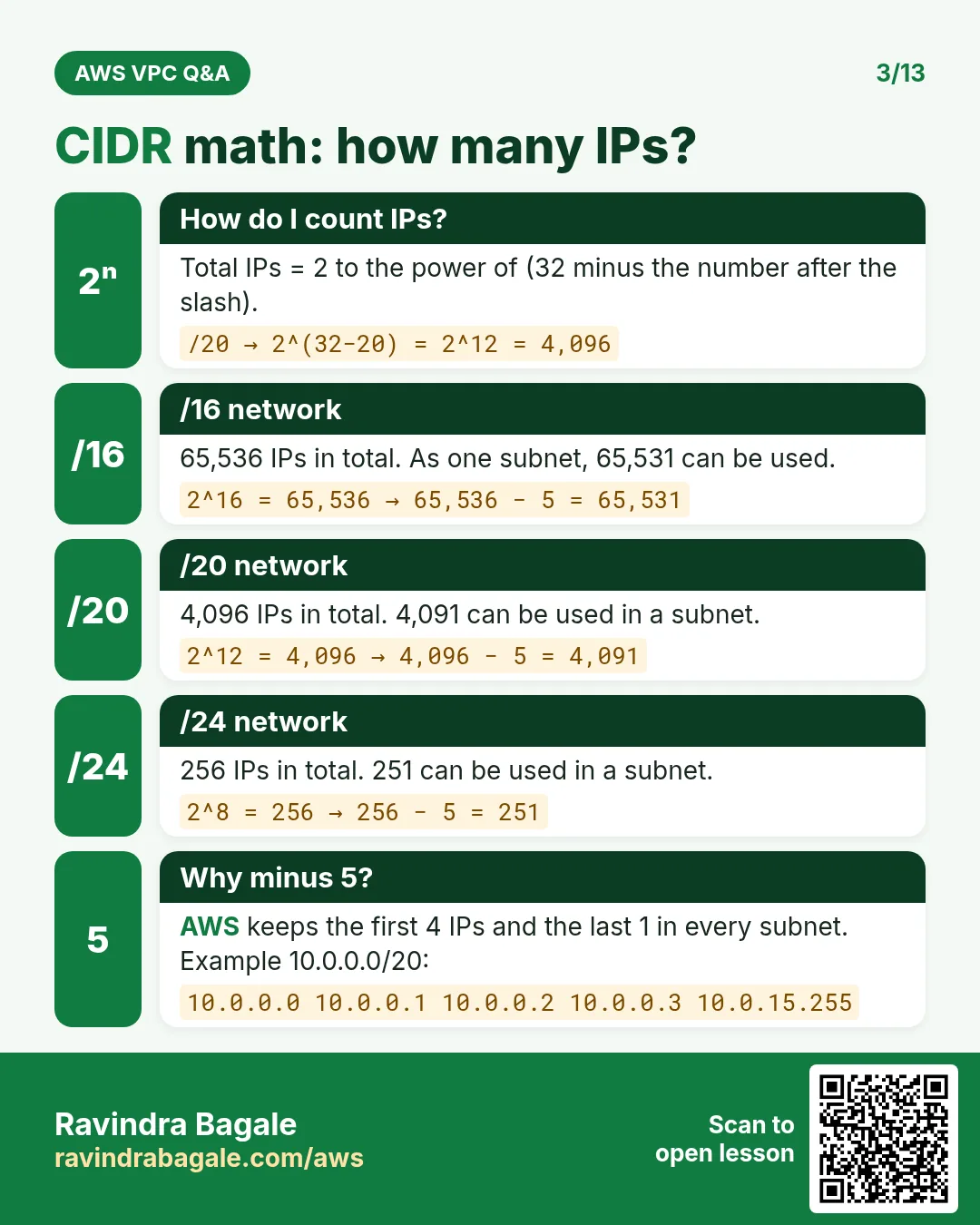
10.0.0.0to10.0.0.255. - But not 256 servers. When this range is a subnet, AWS keeps 5 IPs of it for itself: the first four and the last one. So 251 are usable. The next chapter lists what each of the 5 is for.
Classroom line
Saying you can launch 256 servers is still not true.
Class मधलं वाक्य
तुम्ही 256 servers launch करू शकता, हे अजूनही खोटं आहे.
Classroom line – हिंदी
"Aap 256 servers launch kar sakte ho, ye abhi bhi jhooth hai."
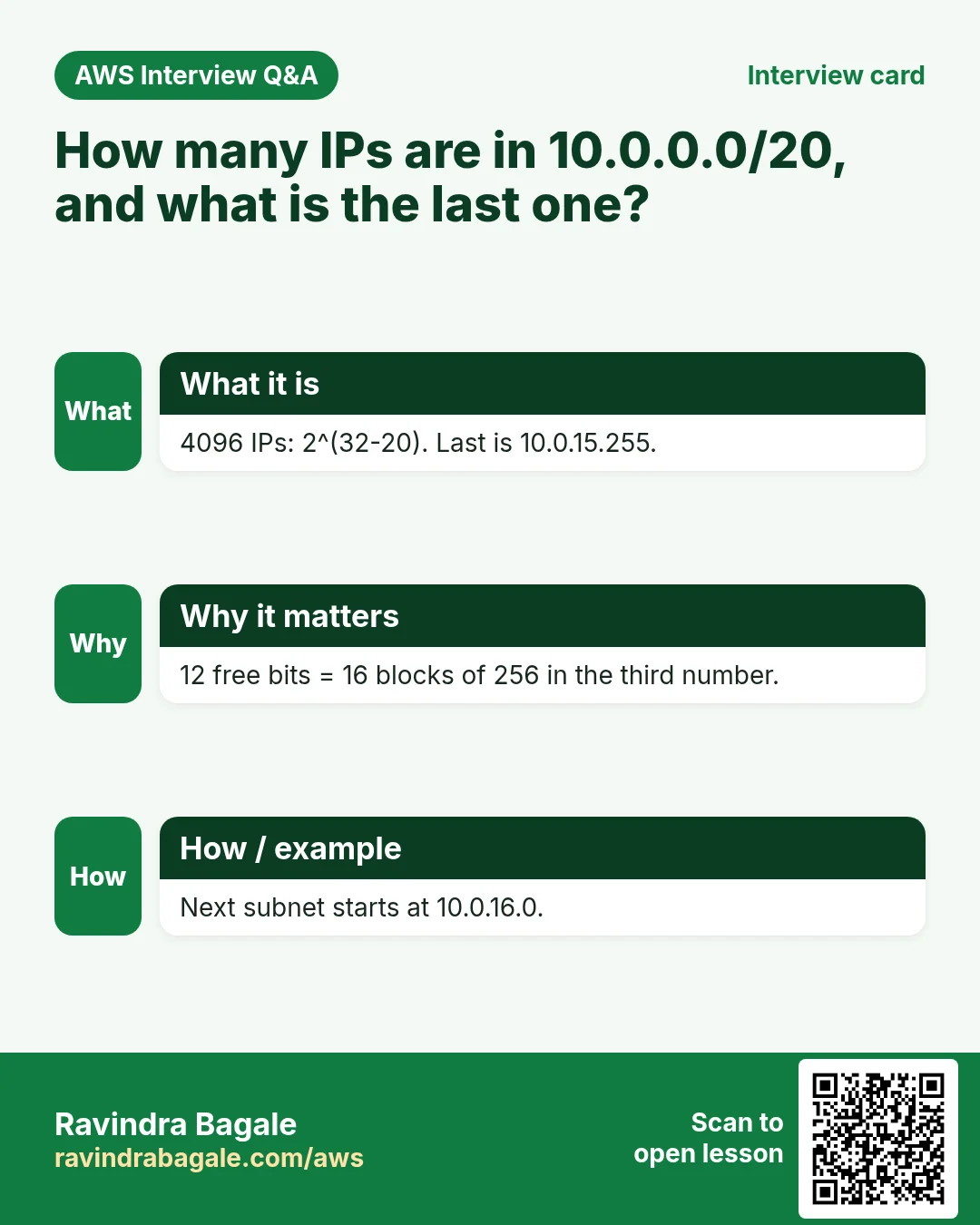
11. Worked example: 10.0.0.0/20 and its last IP
Why this one is harder: 20 is not a multiple of 8, so the split falls inside an octet.
- 20 = 8 + 8 + 4. The first two octets are fixed, and the first 4 bits of the 3rd octet are fixed too.
- Free bits: the last 4 bits of the 3rd octet + all 8 bits of the 4th octet = 12.
- Count = 2 to the power 12 = 16 × 256 = 4,096 IPs.
- Write the 3rd octet, 0, in binary:
0000 0000. - Keep the first 4 bits, set the last 4 to 1:
0000 1111= 8 + 4 + 2 + 1 = 15. - The 4th octet is fully free, so it becomes 255.
- Range:
10.0.0.0to10.0.15.255.
Check: 16 values in the 3rd octet (0 to 15) × 256 values in the 4th = 4,096. It matches step 3.
Figure 6. Animation: 10.0.0.0/20 splits inside the 3rd octet (8 + 8 + 4); the 3rd octet 0 is 0000 0000; keep the first 4 bits and set the 4 free bits to 1, 0000 1111 = 15; the 4th octet is 255, so the last IP is 10.0.15.255 and the block has 4,096 IPs.
12. Worked example: 172.31.0.0/22
- 22 = 8 + 8 + 6.
172.31is fixed, and the first 6 bits of the 3rd octet are fixed. - Free bits: 2 in the 3rd octet + 8 in the 4th = 10.
- Count = 2 to the power 10 = 4 × 256 = 1,024 IPs.
- The 3rd octet, 0, in binary:
000000 00. Set the 2 free bits to 1:000000 11= 2 + 1 = 3. - Range:
172.31.0.0to172.31.3.255.
Check: 4 values in the 3rd octet (0, 1, 2, 3) × 256 = 1,024.
Classroom line
Are you getting it?
Class मधलं वाक्य
"Kaltay ka?"
कळतंय का?
Classroom line
Are you getting it?
13. The CIDR table and the quick rule
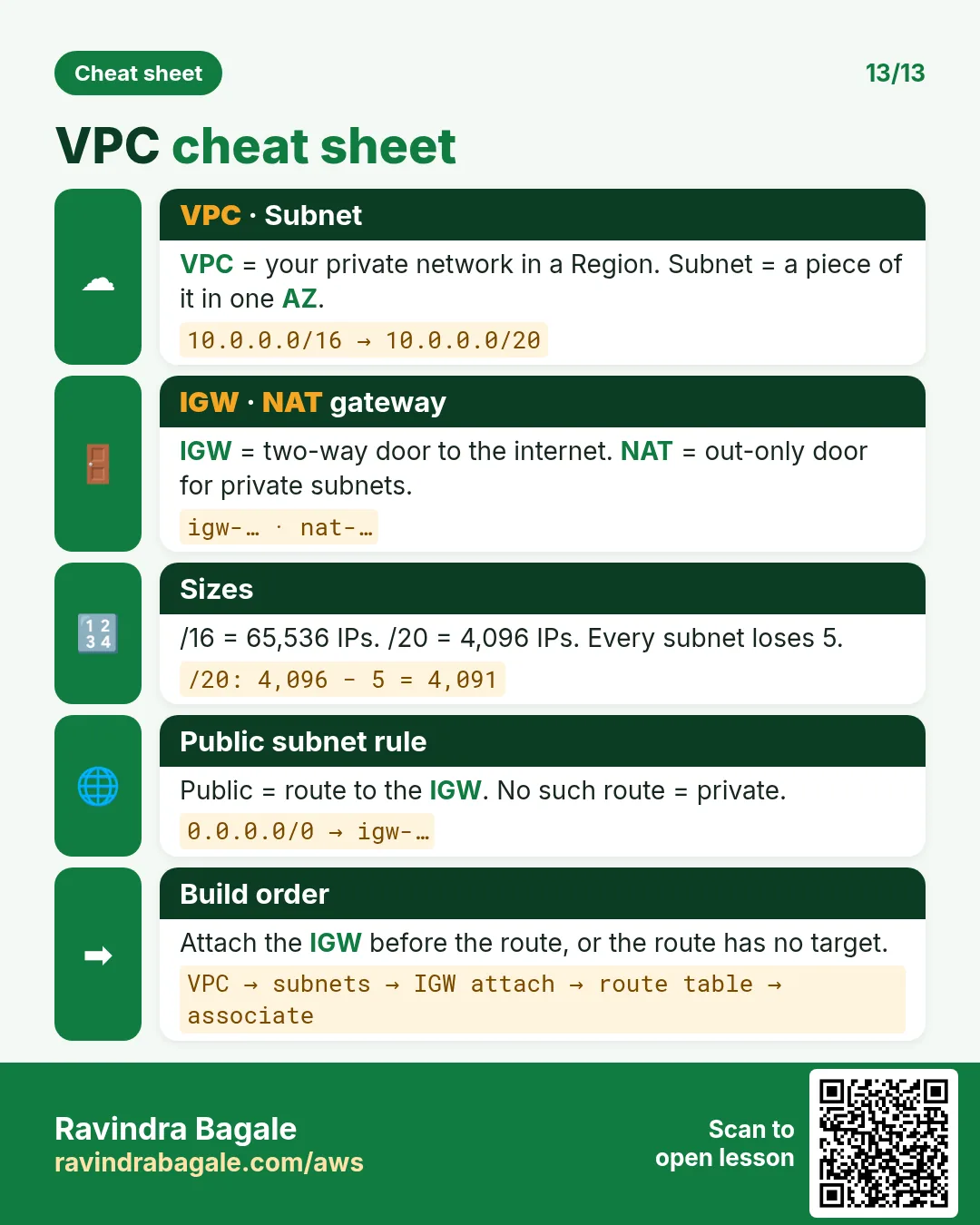
The rule: number of IPs = 2 to the power (32 − prefix). Every step of 1 in the prefix halves or doubles the block.
| Prefix | IPs | Prefix | IPs |
|---|---|---|---|
| /32 | 1 | /23 | 512 |
| /31 | 2 | /22 | 1,024 |
| /30 | 4 | /21 | 2,048 |
| /29 | 8 | /20 | 4,096 |
| /28 | 16 | /19 | 8,192 |
| /27 | 32 | /18 | 16,384 |
| /26 | 64 | /17 | 32,768 |
| /25 | 128 | /16 | 65,536 |
| /24 | 256 |
What this means for sizing:
- A block is always a power of 2. You can't make a subnet of exactly 80 IPs.
- For 80 servers,
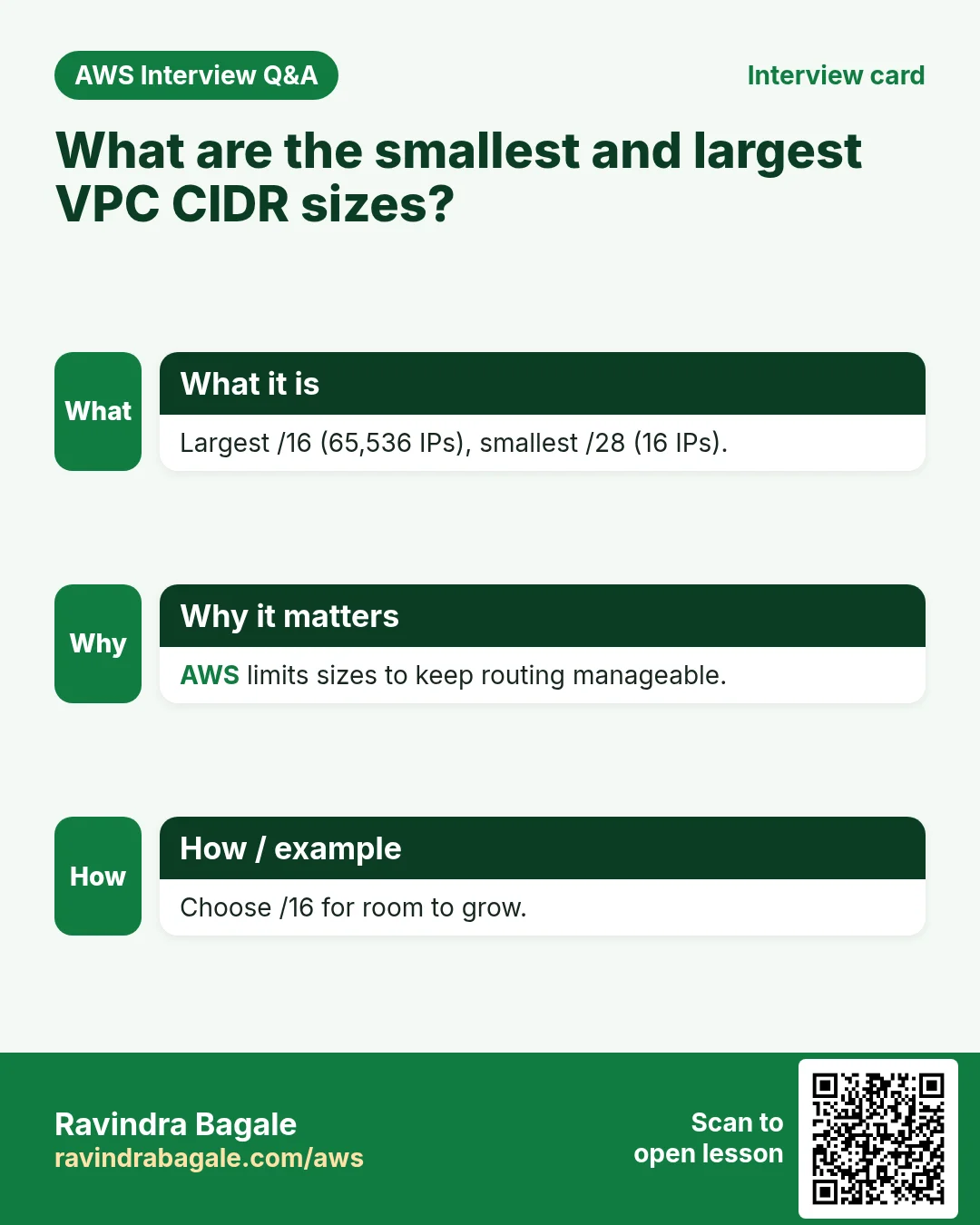
/26(64) is too small. Take/25: 128 IPs, 123 usable after the 5 AWS keeps. - In AWS, a VPC's IPv4 block, and a subnet's, can be from
/16(65,536, the largest) to/28(16, the smallest).
14. Why a VPC is split into subnets
Why: a house isn't one big room. It has a kitchen, a hall, a bedroom and a balcony, each for one purpose. A VPC is split the same way into subnets, smaller blocks of its IP range, one per tier.
- Web servers go in one subnet, app servers in another, the database in a third.
- Rules can then use whole ranges, for example "the app tier accepts traffic only from the web subnet".
Classroom line
There's a kitchen, a hall, a bedroom and a balcony; my architecture is built the same way.
Class मधलं वाक्य
एक kitchen आहे, एक hall आहे, एक bedroom आहे, balcony आहे, तसंच हे माझं architecture बनलं.
Classroom line – हिंदी
"Ek kitchen hai, ek hall hai, ek bedroom hai, balcony hai, waisa hi ye mera architecture ban gaya."
Carving 10.0.0.0/16 into /20 subnets:
10.0.0.0/20:10.0.0.0to10.0.15.255(section 11).10.0.16.0/20:10.0.16.0to10.0.31.255.10.0.32.0/20:10.0.32.0to10.0.47.255.- Each block starts 16 higher in the 3rd octet: 0, 16, 32, 48, and so on up to 240.
- 65,536 ÷ 4,096 = 16 subnets of
/20fit in the VPC.
Figure 7. VPC 10.0.0.0/16 holds 16 blocks of /20 (4,096 IPs each), starting at 0, 16, 32 ... 240 in the 3rd octet. The first three are the web tier 10.0.0.0/20, the app tier 10.0.16.0/20 and the DB tier 10.0.32.0/20.
15. Create a VPC in the console
How:
- Open the VPC console and check the Region at the top right.
- Your VPCs > Create VPC.
- Resources to create: VPC only.
- Name tag:
my-vpc. - IPv4 CIDR block: IPv4 CIDR manual input, and IPv4 CIDR
10.0.0.0/16. - IPv6 CIDR block: No IPv6 CIDR block. Tenancy: Default.
- Create VPC.
What you get: AWS also creates a main route table, a default network ACL and a default security group for the new VPC. It has no subnets and no internet access yet; the next chapters add them.
Good to know:
- A block bigger than
/16(for example/15) or smaller than/28is refused. - The VPC's first block can't be changed later, but you can add more CIDR blocks to the VPC.
- Plan the range before you create it. Production VPCs usually take a private range such as
10.0.0.0/16; the private ranges are in Private IP ranges. - The VPC itself costs nothing.
16. When something goes wrong
- The console refuses the CIDR block: the prefix is outside
/16to/28. Use/16for a practice VPC. - Your count is off by a factor of 2: count the free bits again: 32 minus the prefix, not the prefix itself.
- The last IP comes out wrong for
/20or/22: convert only the octet where the split falls, keep its fixed bits as they are, and set only the free bits to 1. - You planned exactly 256 servers in a
/24: AWS keeps 5 IPs of every subnet; plan for 251. - You wrote
10.0.5.0/16: write the first IP of the block, with every free bit 0:10.0.0.0/16.
Ravindra Bagale's Tip
Don't learn the CIDR table by heart; learn to build it. Start from /32 = 1 and double for every step down to /16 = 65,536. For a split inside an octet, write that one octet in binary with the places 128 64 32 16 8 4 2 1, keep the fixed bits, set the free bits to 1 and add up. Practise it on paper until it takes one minute: interviews ask it again and again.
17. The whole class on one page
- Region > AZ (one or more data centres in the same metro area) > data centre > racks > hosts.
- A virtual server is a slice of a host, created and isolated by the hypervisor; a
t3.microis 2 vCPU and 1 GiB. - One server for everything exposes the database; two servers hide it behind a private IP; real apps use three tiers: web (public), app and database (private).
- A VPC is your private network in one Region, across all its AZs. Every EC2 is in a VPC; each Region has a default VPC; production uses custom ones.
- Chain the security groups: web 443 from
0.0.0.0/0, app 80 fromsg-web, database 3306 fromsg-app. - In CIDR, the prefix is the count of fixed bits; IPs = 2 to the power (32 − prefix).
10.0.0.0/16: 65,536 IPs to10.0.255.255.10.0.0.0/24: 256 IPs, 251 usable as a subnet.10.0.0.0/20: 3rd octet0000 1111= 15, so10.0.15.255, 4,096 IPs.172.31.0.0/22:000000 11= 3, so172.31.3.255, 1,024 IPs.- AWS VPC and subnet sizes:
/16to/28. Blocks are always powers of 2. - Split the VPC into subnets per tier:
/20blocks step by 16 in the 3rd octet, and 16 of them fit in a/16.
18. Try at home
Try at home
Task 1: count on paper
- For
/18,/21,/25and/28, write the number of free bits and the number of IPs. - Find the last IP of
10.0.0.0/21and of192.168.0.0/23in binary. Check: 8 × 256 and 2 × 256.
Task 2: plan a VPC
- Your app needs 3 tiers with at least 1,000 servers each. Pick a prefix for each subnet, and write the three ranges inside
10.0.0.0/16. - Which security group rule lets the database accept only the app servers?
Task 3: in the console
- Create the VPC
10.0.0.0/16with VPC only, then open its main route table, network ACL and security group. - Try to create one with
/15, and read the message. - Delete the practice VPC when you are done.
Recap
In short
- An EC2 server is a virtual slice of a big physical host, isolated by the hypervisor.
- Real apps split web, app and database into three tiers; only the web tier is public.
- A VPC is your private network in one Region; security groups chain the tiers together.
- The CIDR prefix is the number of fixed bits; set the free bits to 1 to get the last IP.
- AWS allows
/16to/28, and keeps 5 IPs of every subnet. - Split the VPC into one subnet per tier, such as three
/20blocks.
Practice Tasks
Stockholm Games is a gaming business in Stockholm. Erik Lindqvist looks after its IT and cloud work. They count money in SEK and run their AWS resources in the eu-north-1 Region. In the tasks below you do real jobs for them using what this lesson teaches. All names, account IDs, IP addresses and numbers are made up for practice.
0 / 12
Easy How many addresses in a /16?
Why: Picking a VPC size needs this count.
What to do: Stockholm Games plans the VPC 10.93.0.0/16. How many IP addresses does it hold in total?
- Write down the numbers the task gives you.
- Work it out step by step on paper.
- Type only the final answer in the box.
- Click Check answer.
Easy Create a VPC
Why: A VPC is your own private network in AWS. Everything else lives inside it.
What to do: Create a VPC with the CIDR block 10.3.0.0/16.
- Read the task and decide which AWS service it is about.
- Write aws, then the service name, then the operation (the action word).
- Add each needed flag (--name) followed by its value from the task.
- Flags can be in any order. Click Check answer.
Easy Create an internet gateway
Why: Without an internet gateway, nothing in the VPC can reach the internet.
What to do: Create a new internet gateway.
- Read the task and decide which AWS service it is about.
- Write aws, then the service name, then the operation (the action word).
- Add each needed flag (--name) followed by its value from the task.
- Flags can be in any order. Click Check answer.
Medium Create a subnet in one AZ
Why: Subnets split the VPC range and each one lives in exactly one AZ.
What to do: In vpc-04e54f4a2cdeadbee, create subnet 10.3.1.0/24 in eu-north-1a.
- Read the task and decide which AWS service it is about.
- Write aws, then the service name, then the operation (the action word).
- Add each needed flag (--name) followed by its value from the task.
- Flags can be in any order. Click Check answer.
Medium Find the VPC router address
Why: AWS reserves base+1 for the router.
What to do: Which address does AWS reserve for the VPC router in subnet 10.93.4.0/24?
- Write down the numbers the task gives you.
- Work it out step by step on paper.
- Type only the final answer in the box.
- Click Check answer.
Medium Usable IPs in an AWS /24 subnet
Why: AWS keeps 5 addresses in every subnet.
What to do: How many addresses can Stockholm Games use for servers in subnet 10.93.1.0/24 on AWS?
- Write down the numbers the task gives you.
- Work it out step by step on paper.
- Type only the final answer in the box.
- Click Check answer.
Medium Add the internet route
Why: A subnet is "public" only when its route table sends 0.0.0.0/0 to an internet gateway.
What to do: In route table rtb-0244d54c4b2abb22, send all internet traffic (0.0.0.0/0) to igw-044d54c4b2aaa11.
- Read the task and decide which AWS service it is about.
- Write aws, then the service name, then the operation (the action word).
- Add each needed flag (--name) followed by its value from the task.
- Flags can be in any order. Click Check answer.
Medium Link a subnet to a route table
Why: Until you associate it, a subnet uses the main route table.
What to do: Associate subnet subnet-0244d54c4b2abb1 with route table rtb-0244d54c4b2abb22.
- Read the task and decide which AWS service it is about.
- Write aws, then the service name, then the operation (the action word).
- Add each needed flag (--name) followed by its value from the task.
- Flags can be in any order. Click Check answer.
Medium Attach the internet gateway
Why: A gateway does nothing until it is attached to a VPC.
What to do: Attach igw-044d54c4b2aaa11 to vpc-04e54f4a2cdeadbee.
- Read the task and decide which AWS service it is about.
- Write aws, then the service name, then the operation (the action word).
- Add each needed flag (--name) followed by its value from the task.
- Flags can be in any order. Click Check answer.
Medium First usable IP for a server
Why: The first 4 addresses are reserved by AWS.
What to do: What is the first IP address a server can get in 10.93.20.0/24 on AWS?
- Write down the numbers the task gives you.
- Work it out step by step on paper.
- Type only the final answer in the box.
- Click Check answer.
Hard Pick the smallest prefix
Why: Right-sizing saves address space.
What to do: A subnet must hold 100 servers on AWS. What is the largest prefix number (smallest subnet) that fits? Answer like /25.
- Write down the numbers the task gives you.
- Work it out step by step on paper.
- Type only the final answer in the box.
- Click Check answer.
Hard Split a /24 into two
Why: Public and private subnets often split one block.
What to do: Split 10.93.8.0/24 into two equal subnets. Write both CIDRs separated by a comma.
- Write down the numbers the task gives you.
- Work it out step by step on paper.
- Type only the final answer in the box.
- Click Check answer.
Quick revision cards
Revise this chapter in two minutes. Save the cards on your phone or download them as PNG files. The QR code on each card opens its lesson.
More cards: Ravi Sir's Cards: AWS VPC and Subnets.