AWS SDK S3 Examples: Upload, Download, Presigned URLs and Multipart (Python, PHP, Node.js)
S3 is the first service most apps call from code. We build a small photo store for Aisha's studio in Dubai and Ravi's print shop in Nashik: create a bucket, upload and download files, list them, share a private file with a presigned URL and upload a big video in parts — in Python, PHP and Node.js.
What you'll learn in this chapter
- Create a bucket from code
- Upload and download files
- List objects with a prefix
- Generate presigned GET and PUT URLs
- Upload large files with multipart
1. The big picture: a locker room
Why do we need this?
A gym gives each member a locker with a number. You put a bag in, take it out, or hand a friend a one-time pass that works for 10 minutes. S3 is the locker room: the bucket is the room, the key is the locker number, the object is the bag, and a presigned URL is the one-time pass.
What is it?
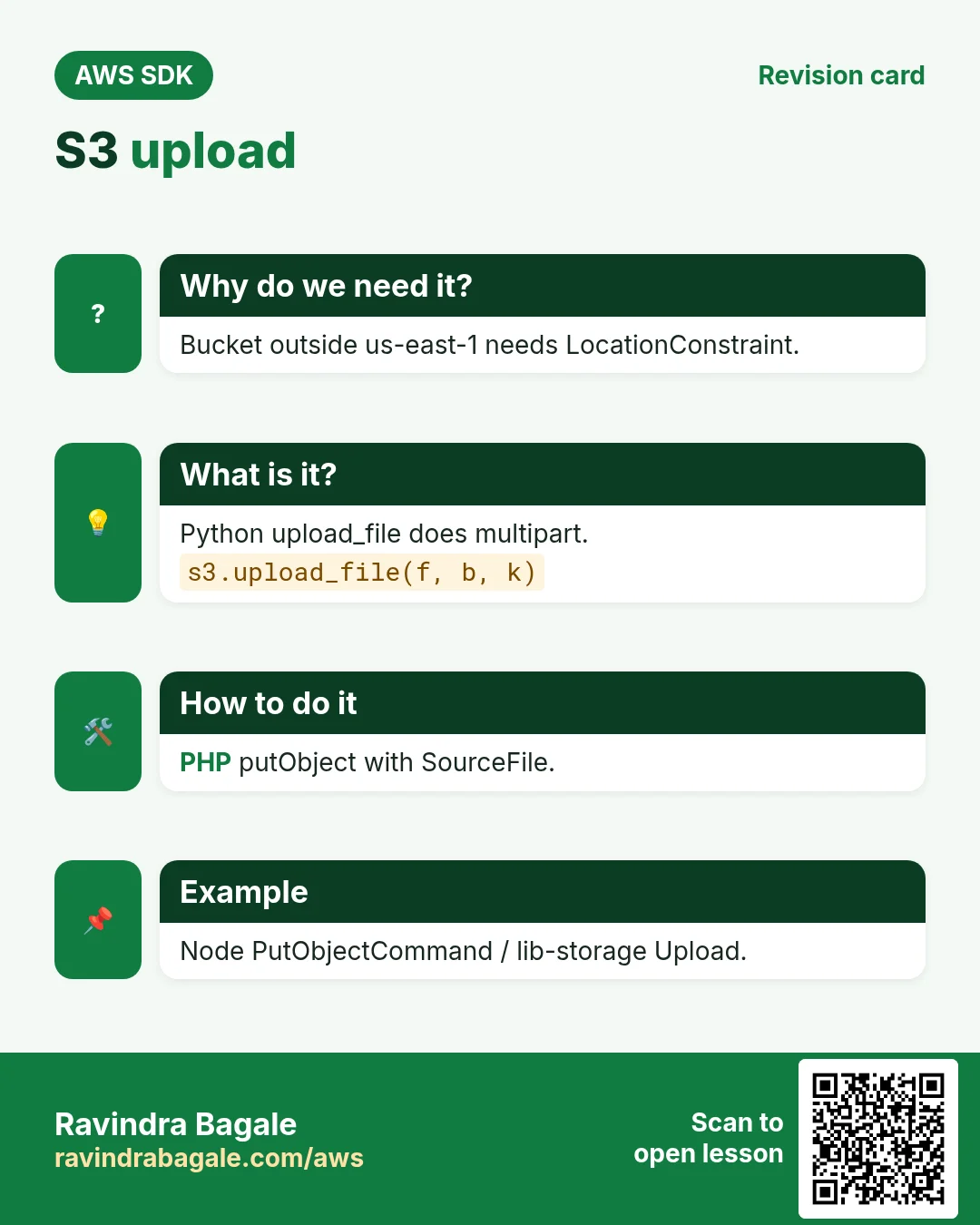
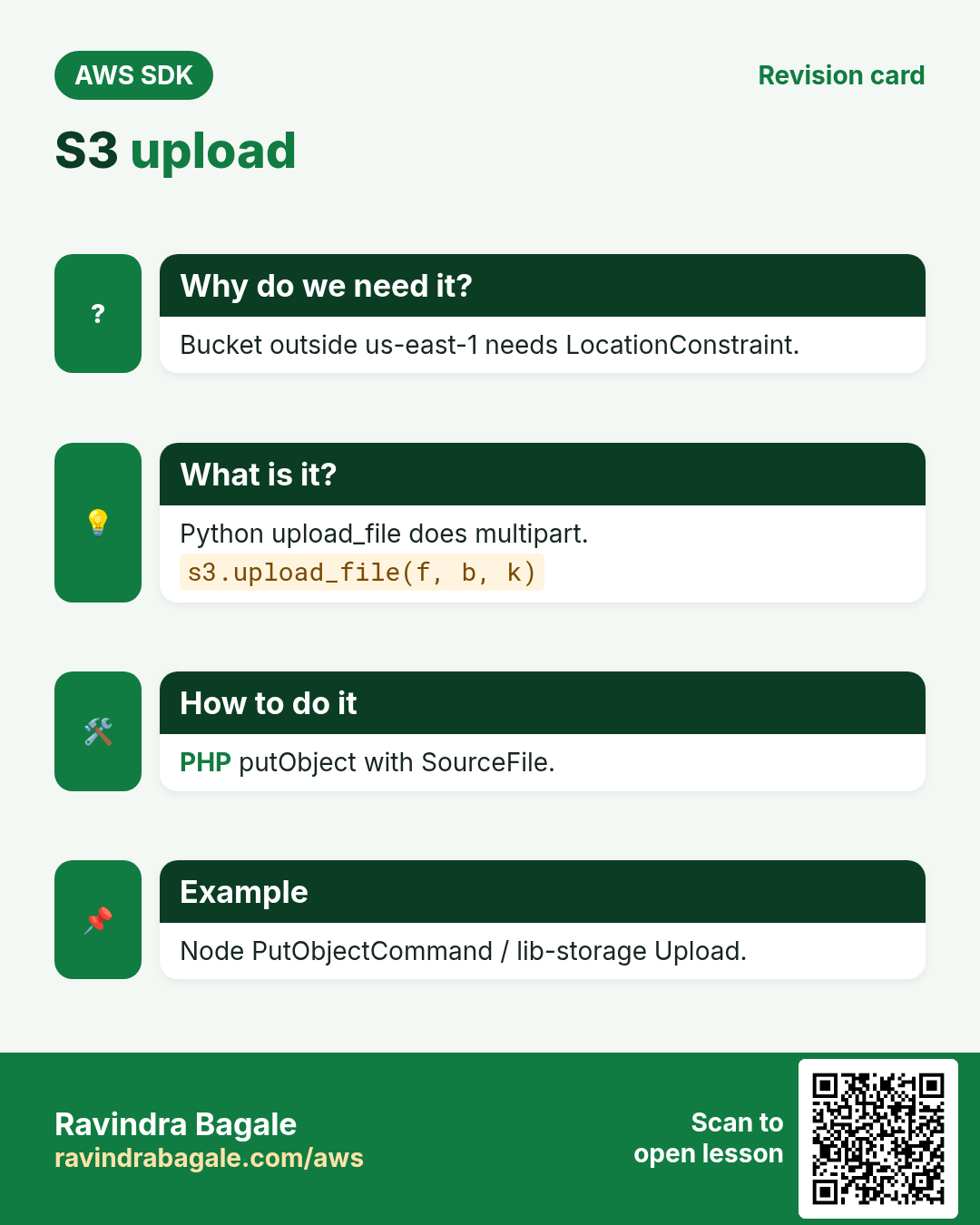
Python has a high-level upload_file/download_file that does multipart for you. PHP has putObject and the MultipartUploader. Node uses PutObjectCommand and the Upload class from @aws-sdk/lib-storage.
How to do it (step by step)
2. Create a bucket and upload
Why do we need this?
Aisha wants every client photo shoot stored safely, not on one laptop.
What is it?
Outside us-east-1 you must pass a LocationConstraint. Set ContentType so browsers show the image instead of downloading it.
How to do it (step by step)
- Python: create the bucket and upload a file.
import boto3

s3 = boto3.client("s3", region_name="me-central-1")
bucket = "aisha-studio-111122223333"
s3.create_bucket(Bucket=bucket, CreateBucketConfiguration={"LocationConstraint": "me-central-1"})
s3.upload_file("shoot-01.jpg", bucket, "2026/oct/shoot-01.jpg", ExtraArgs={"ContentType": "image/jpeg"})
print("Uploaded to", bucket)
Expected output:
Uploaded to aisha-studio-111122223333- PHP: putObject from a file path.
<?php
require "vendor/autoload.php";
use Aws\S3\S3Client;

$s3 = new S3Client(["region" => "ap-south-1"]);
$bucket = "ravi-prints-nashik-111122223333";
$s3->createBucket(["Bucket" => $bucket, "CreateBucketConfiguration" => ["LocationConstraint" => "ap-south-1"]]);
$s3->waitUntil("BucketExists", ["Bucket" => $bucket]);
$r = $s3->putObject(["Bucket" => $bucket, "Key" => "orders/inv-1001.pdf", "SourceFile" => "inv-1001.pdf", "ContentType" => "application/pdf"]);
echo "ETag: ", $r["ETag"], PHP_EOL;
Expected output:
ETag: "9b2cf535f27731c974343645a3985328"- Node.js: PutObjectCommand with a file stream.
import { S3Client, PutObjectCommand } from "@aws-sdk/client-s3";
import { createReadStream, statSync } from "node:fs";

const s3 = new S3Client({ region: "eu-central-1" });
const r = await s3.send(new PutObjectCommand({
  Bucket: "lena-cafe-berlin-111122223333",
  Key: "menu/autumn.png",
  Body: createReadStream("autumn.png"),
  ContentLength: statSync("autumn.png").size,
  ContentType: "image/png",
}));
console.log("ETag:", r.ETag);
Expected output:
ETag: "5d41402abc4b2a76b9719d911017c592"- Verify: the object exists.
aws s3 ls s3://aisha-studio-111122223333/2026/oct/Expected output:
2026-10-24 10:15:02 245760 shoot-01.jpg3. Download and list
Why do we need this?
Ravi needs the invoice PDF back on the shop PC, and a list of all October orders.
What is it?
GetObject returns a stream. Prefix filters keys like a folder. Use a paginator when there can be more than 1,000 keys.
How to do it (step by step)
- Python: download and list by prefix.
import boto3

s3 = boto3.client("s3", region_name="ap-south-1")
b = "ravi-prints-nashik-111122223333"
s3.download_file(b, "orders/inv-1001.pdf", "copy-inv-1001.pdf")
for o in s3.list_objects_v2(Bucket=b, Prefix="orders/").get("Contents", []):
    print(o["Key"], o["Size"])
Expected output:
orders/inv-1001.pdf 48213- PHP: getObject with SaveAs.
<?php
require "vendor/autoload.php";
$s3 = new Aws\S3\S3Client(["region" => "ap-south-1"]);
$b = "ravi-prints-nashik-111122223333";
$s3->getObject(["Bucket" => $b, "Key" => "orders/inv-1001.pdf", "SaveAs" => "copy-inv-1001.pdf"]);
foreach ($s3->listObjectsV2(["Bucket" => $b, "Prefix" => "orders/"])["Contents"] as $o) {
    echo $o["Key"], " ", $o["Size"], PHP_EOL;
}
Expected output:
orders/inv-1001.pdf 48213- Node.js: read the body as a string.
import { S3Client, PutObjectCommand, GetObjectCommand, ListObjectsV2Command } from "@aws-sdk/client-s3";

const s3 = new S3Client({ region: "eu-central-1" });
const B = "lena-cafe-berlin-111122223333";
await s3.send(new PutObjectCommand({ Bucket: B, Key: "menu/today.txt", Body: "Apfelstrudel €4.50" }));
const obj = await s3.send(new GetObjectCommand({ Bucket: B, Key: "menu/today.txt" }));
console.log(await obj.Body.transformToString());
const list = await s3.send(new ListObjectsV2Command({ Bucket: B, Prefix: "menu/" }));
console.log(list.Contents.map(o => o.Key));
Expected output:
Apfelstrudel €4.50
[ 'menu/autumn.png', 'menu/today.txt' ]- Verify: downloaded file matches.
ls -l copy-inv-1001.pdf | awk '{print $5}'Expected output:
482134. Presigned URLs
Why do we need this?
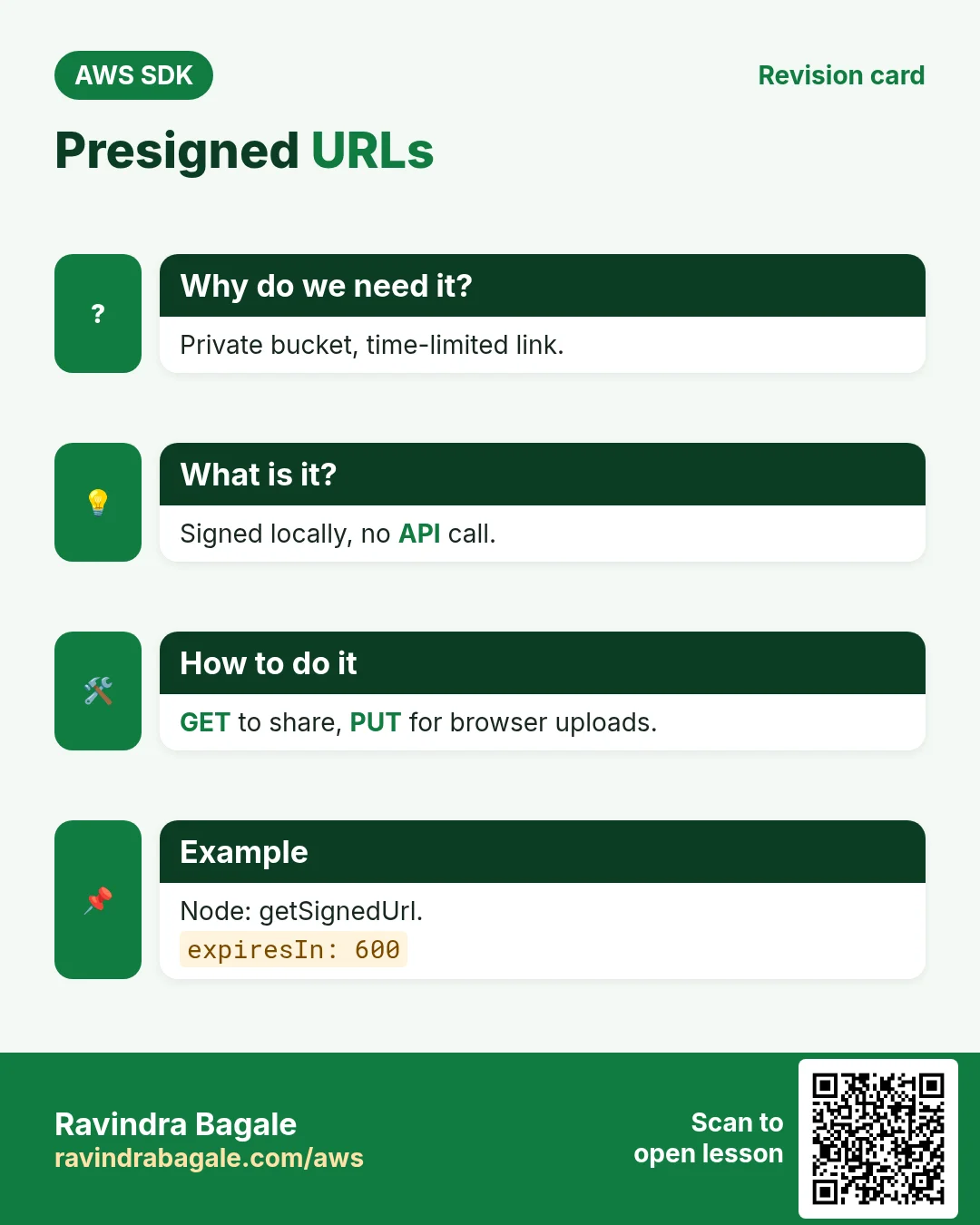
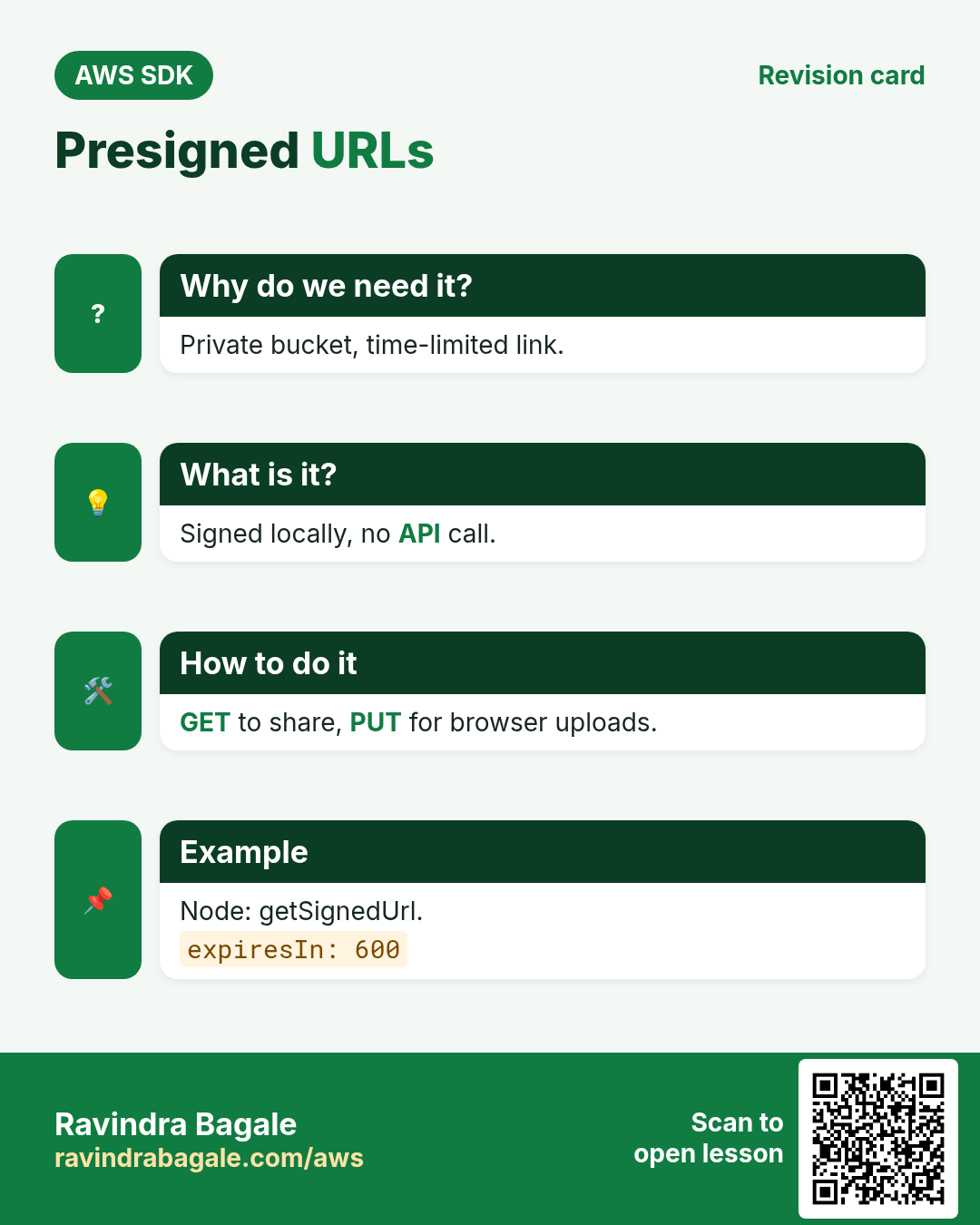
Aisha's client in New York must download 40 photos, but the bucket stays private. A presigned URL gives time-limited access with no AWS login.
What is it?
The SDK signs the URL locally with your credentials. GET URLs let people download; PUT URLs let a browser upload directly to S3 without passing through your server.
How to do it (step by step)
- Python: a 1-hour download link.
import boto3

s3 = boto3.client("s3", region_name="me-central-1")
url = s3.generate_presigned_url(
    "get_object",
    Params={"Bucket": "aisha-studio-111122223333", "Key": "2026/oct/shoot-01.jpg"},
    ExpiresIn=3600,
)
print(url[:80])
Expected output:
https://aisha-studio-111122223333.s3.me-central-1.amazonaws.com/2026/oct/shoot-0- PHP: createPresignedRequest.
<?php
require "vendor/autoload.php";
$s3 = new Aws\S3\S3Client(["region" => "ap-south-1"]);
$cmd = $s3->getCommand("GetObject", ["Bucket" => "ravi-prints-nashik-111122223333", "Key" => "orders/inv-1001.pdf"]);
$req = $s3->createPresignedRequest($cmd, "+15 minutes");
echo (string) $req->getUri(), PHP_EOL;
Expected output:
https://ravi-prints-nashik-111122223333.s3.ap-south-1.amazonaws.com/orders/inv-1001.pdf?X-Amz-Algorithm=AWS4-HMAC-SHA256&...&X-Amz-Expires=900&X-Amz-Signature=...- Node.js: a presigned PUT URL for browser uploads.
// npm install @aws-sdk/s3-request-presigner
import { S3Client, PutObjectCommand } from "@aws-sdk/client-s3";
import { getSignedUrl } from "@aws-sdk/s3-request-presigner";

const s3 = new S3Client({ region: "eu-central-1" });
const url = await getSignedUrl(s3, new PutObjectCommand({
  Bucket: "lena-cafe-berlin-111122223333", Key: "uploads/review.jpg", ContentType: "image/jpeg",
}), { expiresIn: 600 });
console.log(url.split("?")[0]);
Expected output:
https://lena-cafe-berlin-111122223333.s3.eu-central-1.amazonaws.com/uploads/review.jpg- Verify: download with curl, no AWS login.
curl -s -o test.jpg -w "%{http_code}\n" "$URL"Expected output:
200- Verify: upload with the PUT URL.
curl -s -X PUT -H "Content-Type: image/jpeg" --data-binary @review.jpg -w "%{http_code}\n" "$PUT_URL"Expected output:
2005. Multipart upload for big files
Why do we need this?
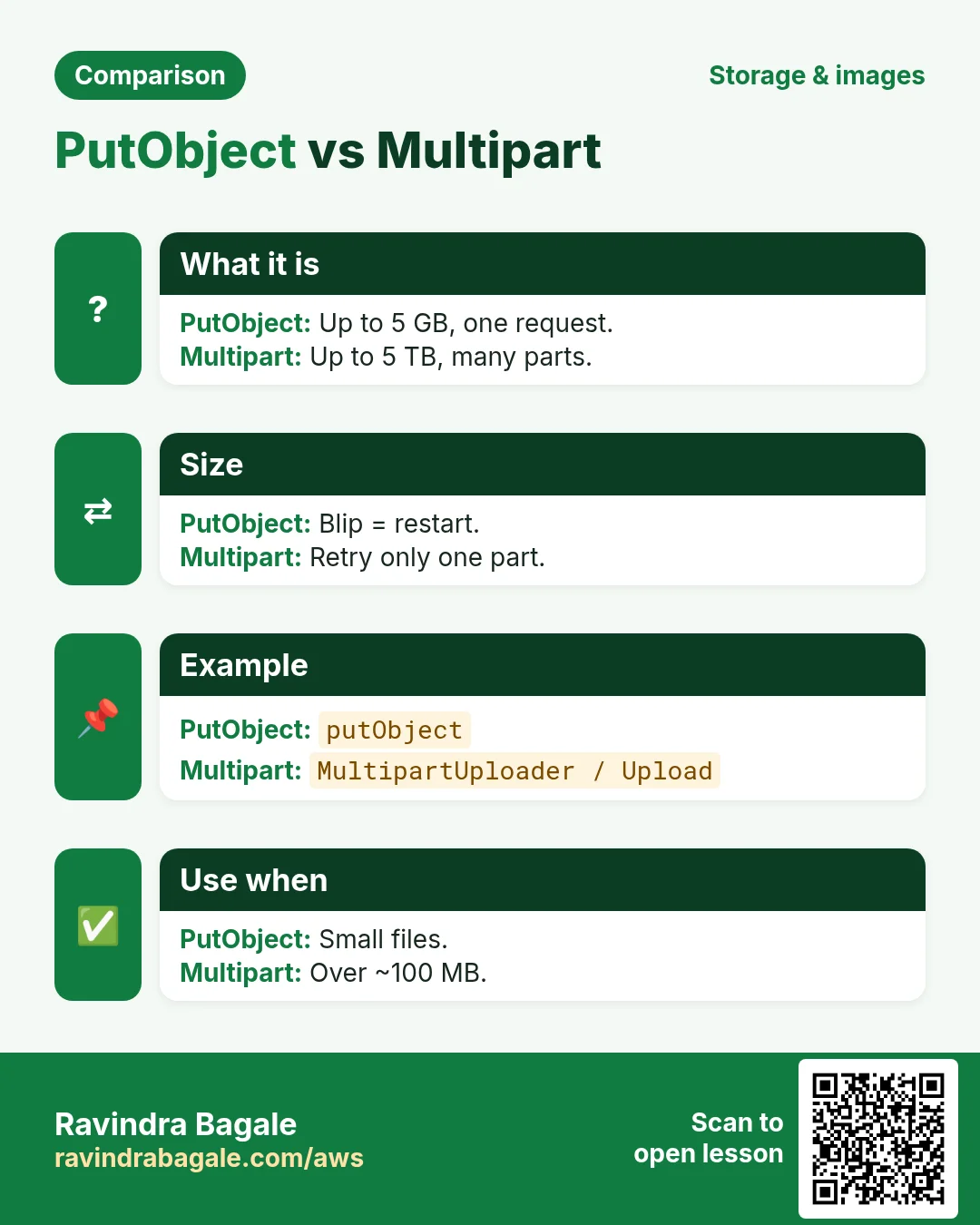
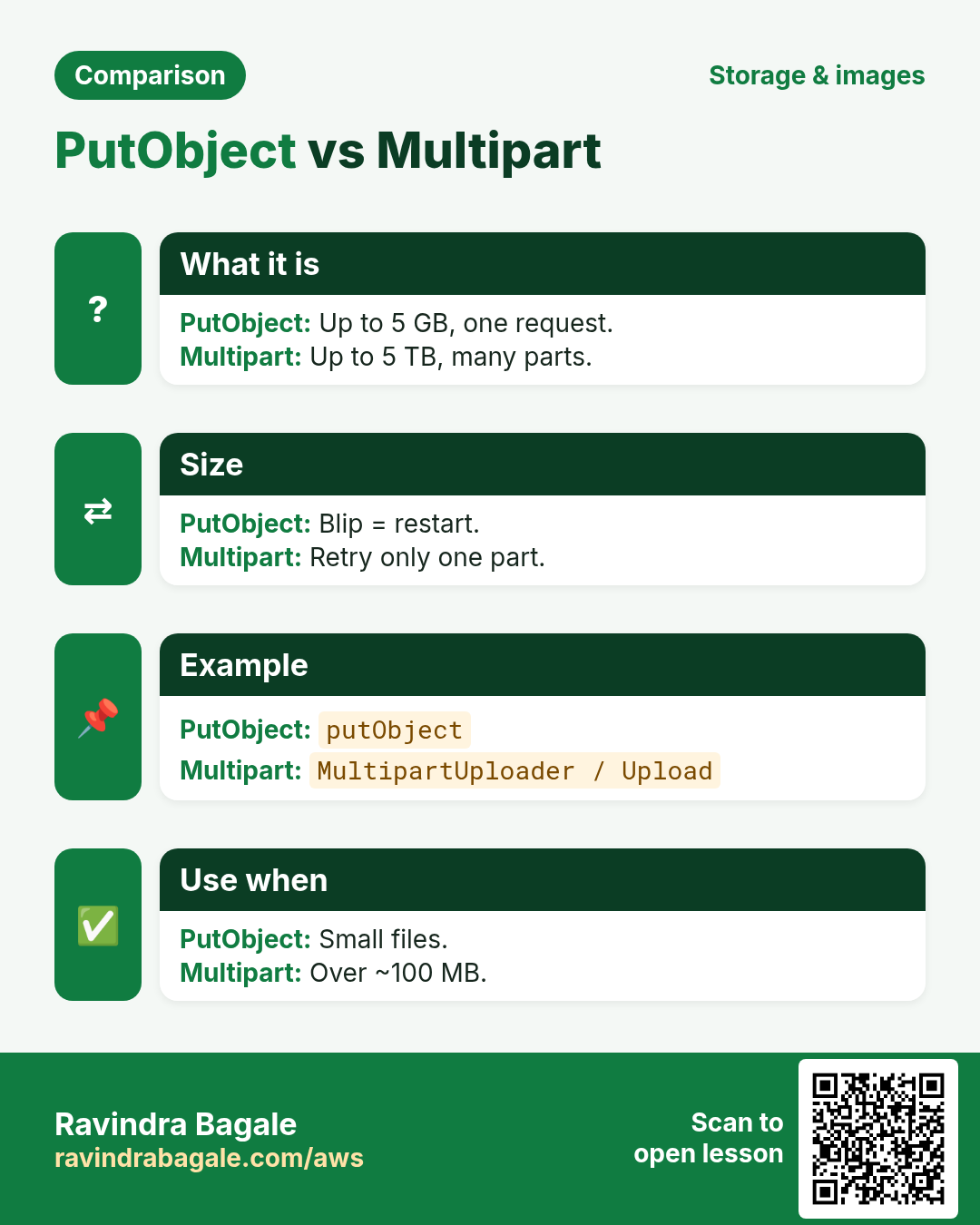
James in Sydney uploads a 3 GB wedding video. A single PUT is limited to 5 GB and one network blip restarts everything. Multipart sends parts in parallel and retries only the failed part.
What is it?
Parts are at least 5 MB (except the last), up to 10,000 parts. The high-level helpers do create, upload parts and complete for you.
How to do it (step by step)
- Python: TransferConfig controls the threshold and threads.
import boto3
from boto3.s3.transfer import TransferConfig

cfg = TransferConfig(multipart_threshold=64 * 1024 * 1024, multipart_chunksize=64 * 1024 * 1024, max_concurrency=8)
s3 = boto3.client("s3", region_name="ap-southeast-2")
s3.upload_file("wedding.mp4", "james-films-sydney-111122223333", "raw/wedding.mp4", Config=cfg)
head = s3.head_object(Bucket="james-films-sydney-111122223333", Key="raw/wedding.mp4")
print("ETag:", head["ETag"])
Expected output:
ETag: "d41d8cd98f00b204e9800998ecf8427e-48"- PHP: MultipartUploader.
<?php
require "vendor/autoload.php";
use Aws\S3\MultipartUploader;
use Aws\Exception\MultipartUploadException;

$s3 = new Aws\S3\S3Client(["region" => "ap-southeast-2"]);
$up = new MultipartUploader($s3, "wedding.mp4", ["bucket" => "james-films-sydney-111122223333", "key" => "raw/wedding.mp4", "part_size" => 64 * 1024 * 1024, "concurrency" => 5]);
try {
    $r = $up->upload();
    echo "Done: ", $r["ObjectURL"], PHP_EOL;
} catch (MultipartUploadException $e) {
    echo "Failed: ", $e->getMessage(), PHP_EOL;
}
Expected output:
Done: https://james-films-sydney-111122223333.s3.ap-southeast-2.amazonaws.com/raw/wedding.mp4- Node.js: Upload from @aws-sdk/lib-storage with progress.
// npm install @aws-sdk/lib-storage
import { S3Client } from "@aws-sdk/client-s3";
import { Upload } from "@aws-sdk/lib-storage";
import { createReadStream } from "node:fs";

const up = new Upload({
  client: new S3Client({ region: "ap-southeast-2" }),
  params: { Bucket: "james-films-sydney-111122223333", Key: "raw/wedding.mp4", Body: createReadStream("wedding.mp4") },
  partSize: 64 * 1024 * 1024, queueSize: 4,
});
up.on("httpUploadProgress", p => console.log("part", p.part, p.loaded));
const r = await up.done();
console.log("Done:", r.Key);
Expected output:
part 1 67108864
part 2 134217728
...
Done: raw/wedding.mp4- Verify: the ETag ends with -partcount and no uploads are left half-done.
aws s3api head-object --bucket james-films-sydney-111122223333 --key raw/wedding.mp4 --query ETag --output text
aws s3api list-multipart-uploads --bucket james-films-sydney-111122223333 --query "length(Uploads || `[]`)"
Expected output:
"d41d8cd98f00b204e9800998ecf8427e-48"
0
6. The same call in Java, Go, .NET and the CLI
Why do we need this?
Teams often mix languages. Once you know the call in Python, PHP and Node.js, the other SDKs are the same API with different syntax.
What is it?
All of them call the PutObject API. Use the CLI line to test it quickly from a terminal.
How to do it (step by step)
| Stack | Code |
|---|---|
| AWS CLI | aws s3 cp f s3://b/k |
| Java v2 | s3.putObject(PutObjectRequest.builder().bucket("b").key("k").build(), RequestBody.fromFile(Paths.get("f"))); |
| Go v2 | f, _ := os.Open("f") |
| .NET | await s3.PutObjectAsync(new PutObjectRequest { BucketName = "b", Key = "k", FilePath = "f" }); |
7. Clean up so nothing keeps costing
Why do we need this?
Lab resources left running cost money and can be a security risk.
What is it?
Delete in reverse order: children first, then parents.
How to do it (step by step)
- Python: empty and delete a bucket.
import boto3
b = boto3.resource("s3").Bucket("aisha-studio-111122223333")
b.objects.all().delete()
b.delete()
print("deleted")
Expected output:
deleted- Abort any half-finished multipart uploads.
aws s3api list-multipart-uploads --bucket james-films-sydney-111122223333 --query "Uploads[].[Key,UploadId]" --output textExpected output:
(no output means success)Ravindra Bagale's Tip
Add a lifecycle rule "AbortIncompleteMultipartUpload after 7 days". Failed multipart parts are invisible in the console but you still pay for them.
8. Interview questions and answers
Q. Why use upload_file instead of put_object in boto3?
upload_file switches to multipart automatically and uploads parts in parallel with retries.
Q. What is a presigned URL?
A URL signed with your credentials that grants time-limited GET or PUT on one object.
Q. Minimum part size for multipart?
5 MB, except the last part; up to 10,000 parts.
Q. How do you read an S3 body in Node v3?
await obj.Body.transformToString() or pipe the stream.
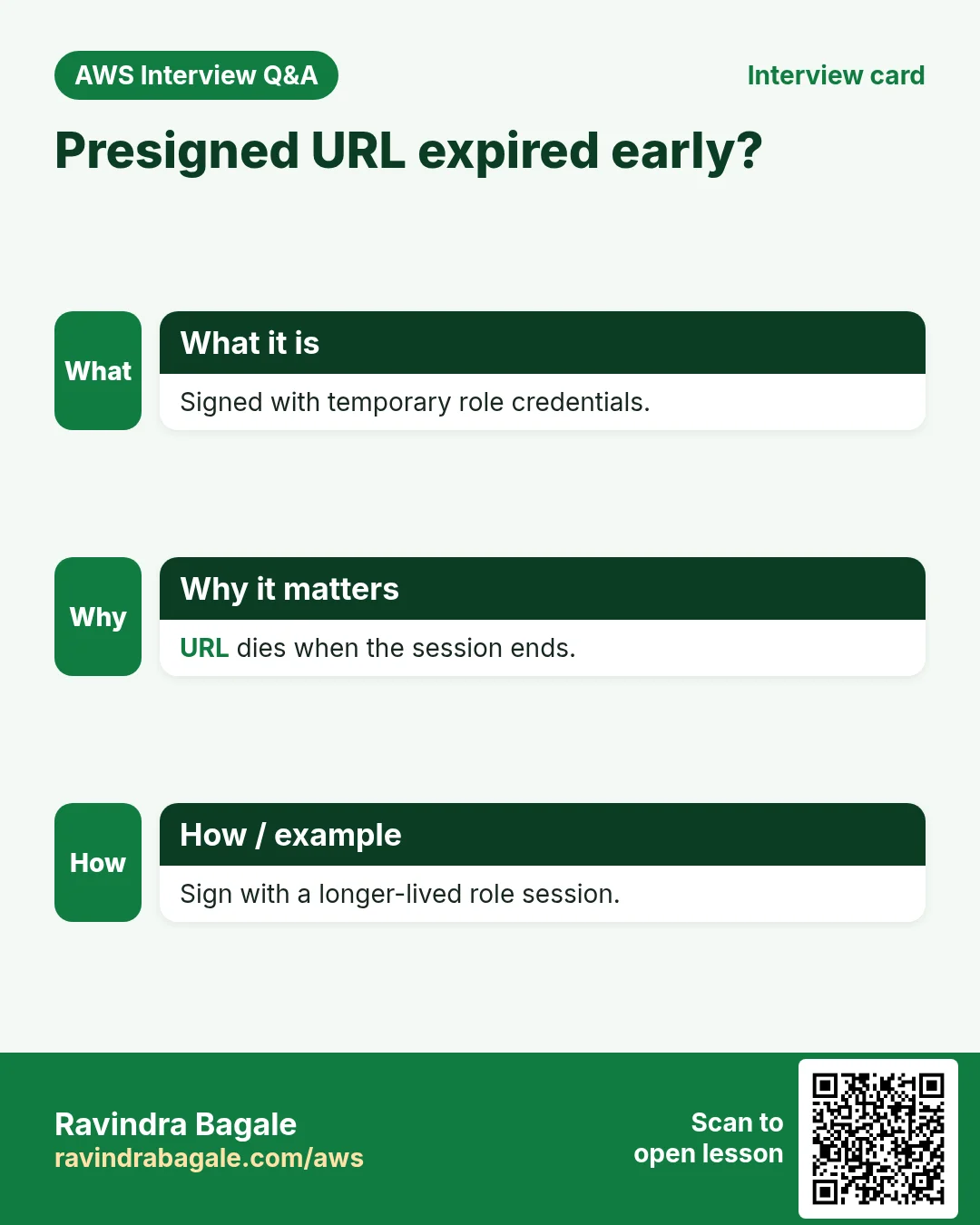
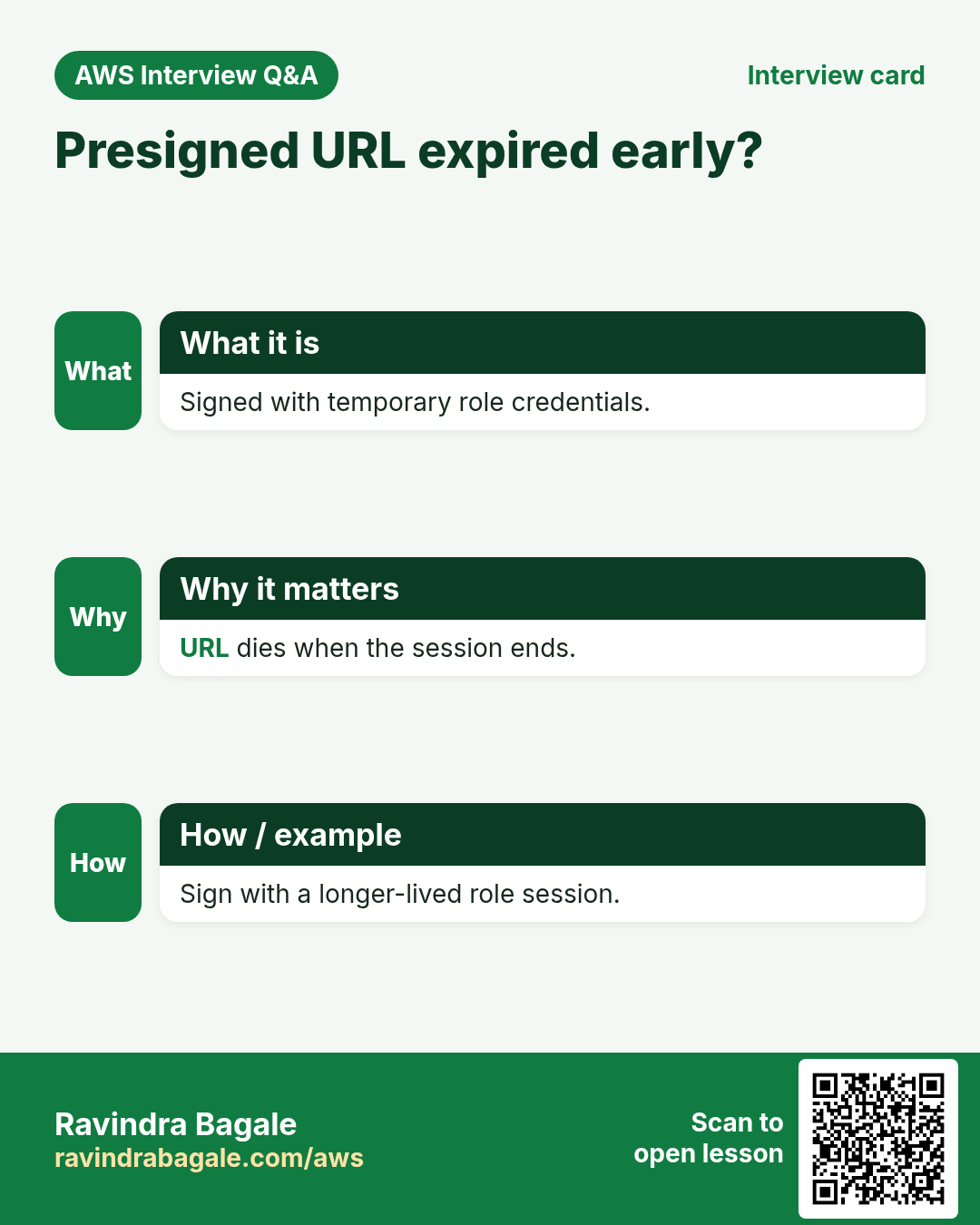
Q. Can a presigned URL outlive its credentials?
No. If it was signed with temporary role credentials it stops working when they expire.
Try at home
- Write a script in each language that uploads every .jpg in a folder and prints a presigned link for each.
- Add a lifecycle rule that aborts incomplete multipart uploads after 7 days.
In short
- Bucket outside us-east-1 needs LocationConstraint.
- upload_file / putObject / PutObjectCommand.
- Use Prefix and paginators to list.
- Presigned GET/PUT for private sharing.
- Multipart for big files; abort leftovers.
Practice Tasks
New York News Daily is a media business in New York. Rachel Cohen looks after its IT and cloud work. They count money in USD and run their AWS resources in the us-east-1 Region. In the tasks below you do real jobs for them using what this lesson teaches. All names, account IDs, IP addresses and numbers are made up for practice.
0 / 12
Easy List distributions
Why: Find the distribution ID and domain name.
What to do: List all CloudFront distributions.
- Read the task and decide which AWS service it is about.
- Write aws, then the service name, then the operation (the action word).
- Add each needed flag (--name) followed by its value from the task.
- Flags can be in any order. Click Check answer.
Easy Upload a file to S3
Why: aws s3 cp works like Linux cp, but one side is S3.
What to do: Upload report.pdf to s3://nynewsdaily-invoices-2026/reports/report.pdf.
- Read the task and decide which AWS service it is about.
- Write aws, then the service name, then the operation (the action word).
- Add each needed flag (--name) followed by its value from the task.
- Flags can be in any order. Click Check answer.
Medium Make a temporary download link
Why: A pre-signed URL shares one private file for a short time, without making the bucket public.
What to do: Create a pre-signed URL for s3://nynewsdaily-invoices-2026/inv-101.pdf that expires in 3600 seconds.
- Read the task and decide which AWS service it is about.
- Write aws, then the service name, then the operation (the action word).
- Add each needed flag (--name) followed by its value from the task.
- Flags can be in any order. Click Check answer.
Medium Clear the CloudFront cache
Why: After a deploy, invalidate so visitors get the new files now, not after the TTL.
What to do: Invalidate all paths (/*) on distribution E2QWRUHAPOMQZL.
- Read the task and decide which AWS service it is about.
- Write aws, then the service name, then the operation (the action word).
- Add each needed flag (--name) followed by its value from the task.
- Flags can be in any order. Click Check answer.
Medium Download a whole S3 folder
Why: With --recursive, cp copies every object under a prefix.
What to do: Download everything under s3://nynewsdaily-invoices-2026/2026/ into the local folder ./invoices.
- Read the task and decide which AWS service it is about.
- Write aws, then the service name, then the operation (the action word).
- Add each needed flag (--name) followed by its value from the task.
- Flags can be in any order. Click Check answer.
Medium Read an object's metadata
Why: head-object shows size, type and version without downloading the file.
What to do: Show the metadata of key reels/v1.mp4 in bucket nynewsdaily-media.
- Read the task and decide which AWS service it is about.
- Write aws, then the service name, then the operation (the action word).
- Add each needed flag (--name) followed by its value from the task.
- Flags can be in any order. Click Check answer.
Medium Bucket policy for a public website
Why: A static website bucket must let everyone read its files.
What to do: Write a bucket policy that lets anyone (*) do s3:GetObject on every object in nynewsdaily-site.
- Start with { "Version": "2012-10-17", "Statement": [ ... ] }.
- In each statement write Effect, Action and Resource.
- Give only what the task needs (least privilege).
- Use double quotes and commas correctly. Click Check answer.
Medium List and read one bucket
Why: ListBucket works on the bucket ARN; GetObject works on object ARNs.
What to do: Allow s3:ListBucket on bucket nynewsdaily-data and s3:GetObject on all its objects. Nothing else.
- Start with { "Version": "2012-10-17", "Statement": [ ... ] }.
- In each statement write Effect, Action and Resource.
- Give only what the task needs (least privilege).
- Use double quotes and commas correctly. Click Check answer.
Hard Bucket policy for CloudFront OAC
Why: With OAC, only your CloudFront distribution may read the private bucket.
What to do: Allow the service cloudfront.amazonaws.com to s3:GetObject on nynewsdaily-site/*, only when aws:SourceArn equals arn:aws:cloudfront::127812880530:distribution/E2QWRUHAPOMQZL.
- Start with { "Version": "2012-10-17", "Statement": [ ... ] }.
- In each statement write Effect, Action and Resource.
- Give only what the task needs (least privilege).
- Use double quotes and commas correctly. Click Check answer.
Hard Create an Origin Access Control
Why: OAC lets only CloudFront read your private S3 bucket.
What to do: Create an origin access control from oac.json.
- Read the task and decide which AWS service it is about.
- Write aws, then the service name, then the operation (the action word).
- Add each needed flag (--name) followed by its value from the task.
- Flags can be in any order. Click Check answer.
Hard Make a CloudFront signed URL
Why: Signed URLs let only paying users watch a video, for a limited time.
What to do: Sign https://d111.cloudfront.net/course/intro.mp4 with key pair ID K2JCJMDEHXQW5F, private key private_key.pem, expiring 2026-12-31.
- Read the task and decide which AWS service it is about.
- Write aws, then the service name, then the operation (the action word).
- Add each needed flag (--name) followed by its value from the task.
- Flags can be in any order. Click Check answer.
Hard Create a distribution from a config file
Why: The full config (origins, behaviors, certificate) is easiest to keep in JSON.
What to do: Create a CloudFront distribution from dist.json.
- Read the task and decide which AWS service it is about.
- Write aws, then the service name, then the operation (the action word).
- Add each needed flag (--name) followed by its value from the task.
- Flags can be in any order. Click Check answer.
Revision, comparison and interview cards
Revise this lesson in a few minutes. Save the cards on your phone or download them as PNG files. The QR code on each card opens this lesson.
More cards: Ravi Sir's Cards.