EC2 and EBS Health Check Alarms in CloudWatch (Status Checks, BurstBalance, Queue Length)
How to Stop, Start, Reboot or Recover an EC2 Instance with a CloudWatch Alarm showed the alarm actions. Now we point them at the right health signals: the EC2 status checks and the EBS volume signals. These are the alarms every production server should have from day one.
What you'll learn in this chapter
- System, instance and attached EBS status checks, and who fixes each
- Lab: auto-recover on StatusCheckFailed_System, reboot on StatusCheckFailed_Instance
- EBS volume status checks (ok, warning, impaired)
- BurstBalance and VolumeQueueLength alarms, with the reason for each value
1. A story: the site is down, but CPU looks fine
A Node.js shop site stops answering at 2 AM. The CPU graph shows a flat 0%. The team thinks "low traffic". In fact the server has frozen: the OS ran out of memory. CPU alarms cannot see this. Status checks can.
Another night a MySQL server on a small gp2 disk becomes very slow. CPU is low again. The disk ran out of burst credits. Only EBS metrics show it.
2. EC2 status checks
Why do we need this?
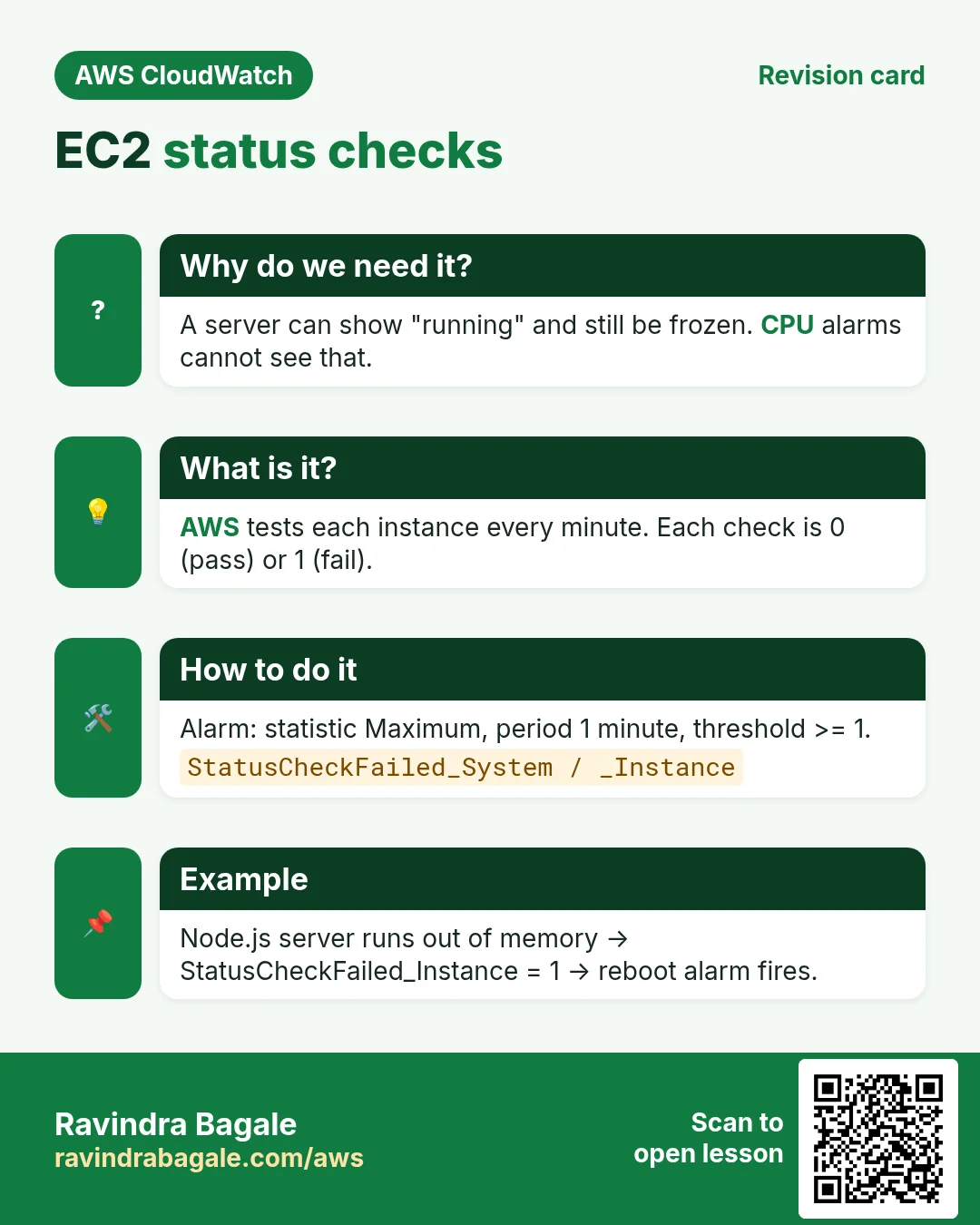
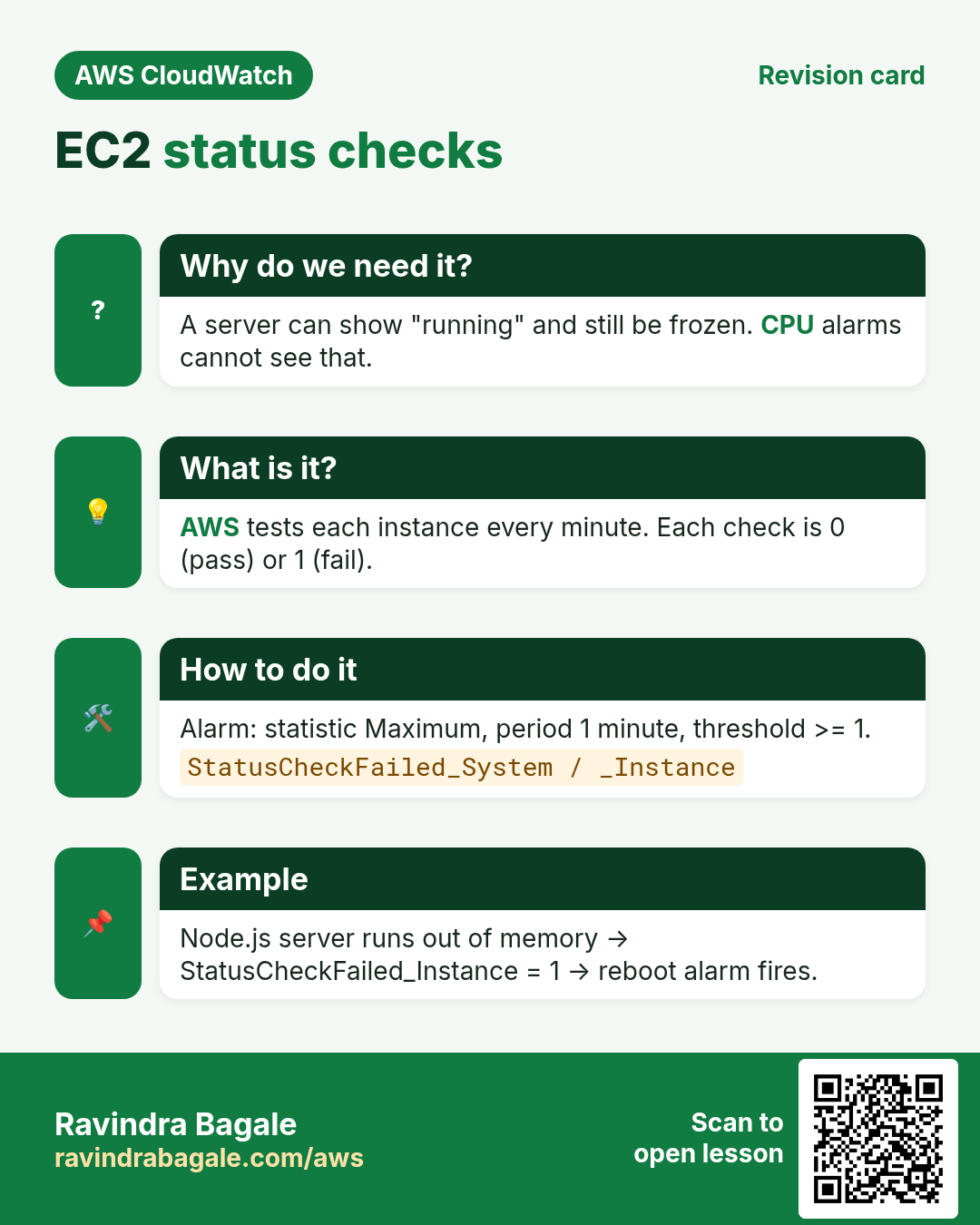
A server can be "running" in the console and still be useless. AWS tests every instance every minute so you know if it really works.
What is it?
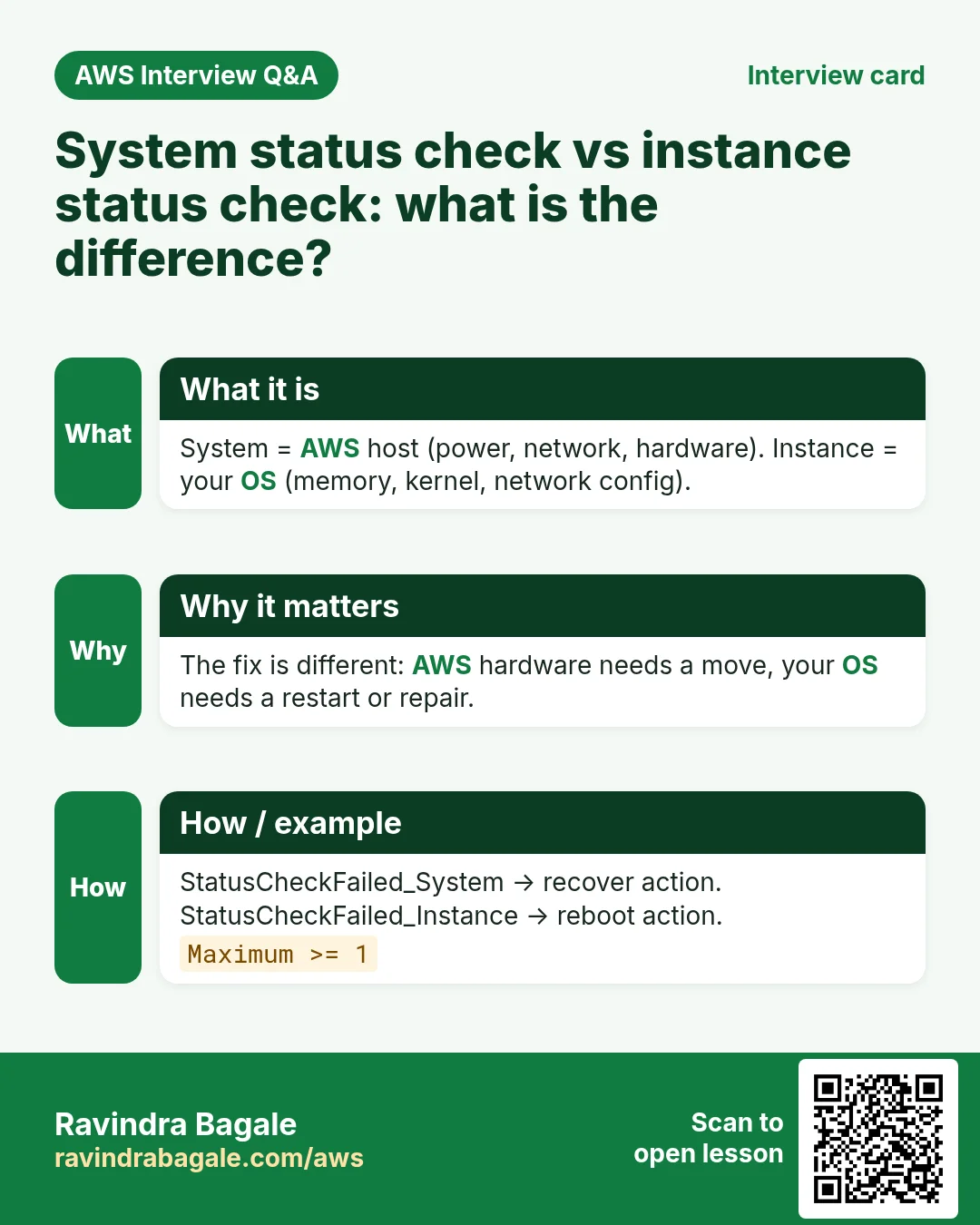
| Check / metric | What it tests | Typical cause | Who fixes | Alarm action |
|---|---|---|---|---|
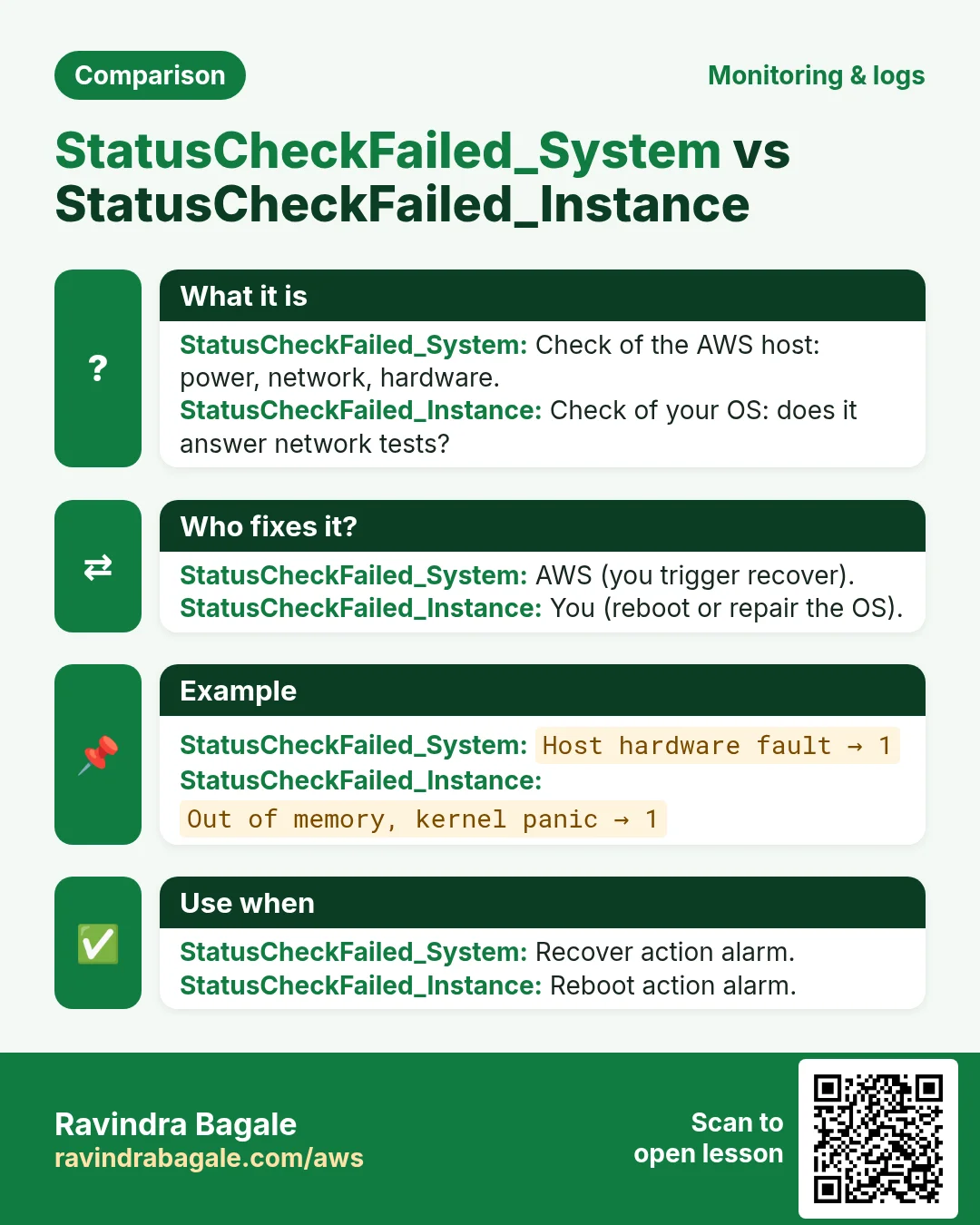
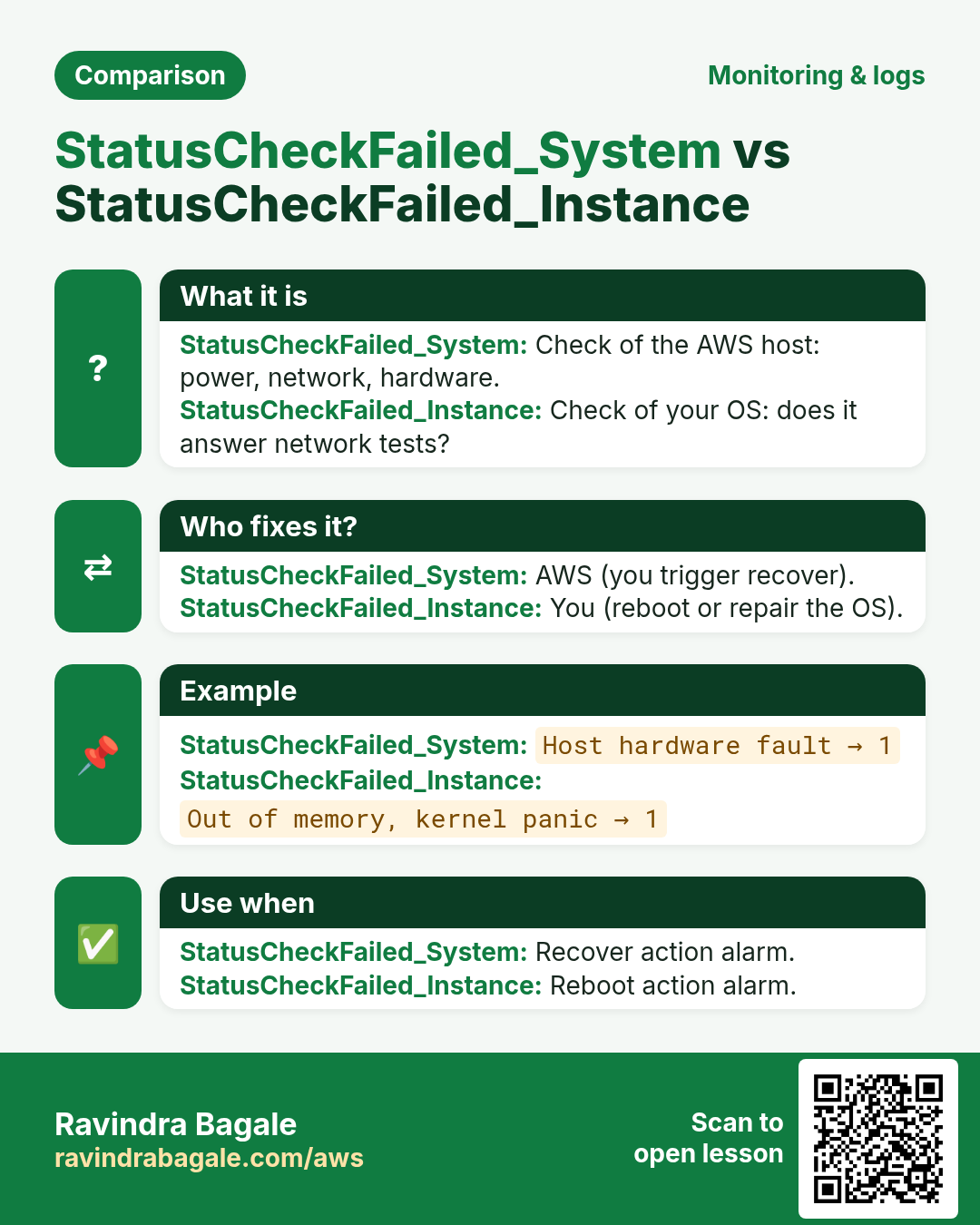
System status checkStatusCheckFailed_System | AWS host: power, network, hardware | Host hardware failure | AWS | Recover |
Instance status checkStatusCheckFailed_Instance | Your OS answers network tests | Out of memory, kernel panic, bad network config, full disk at boot | You | Reboot |
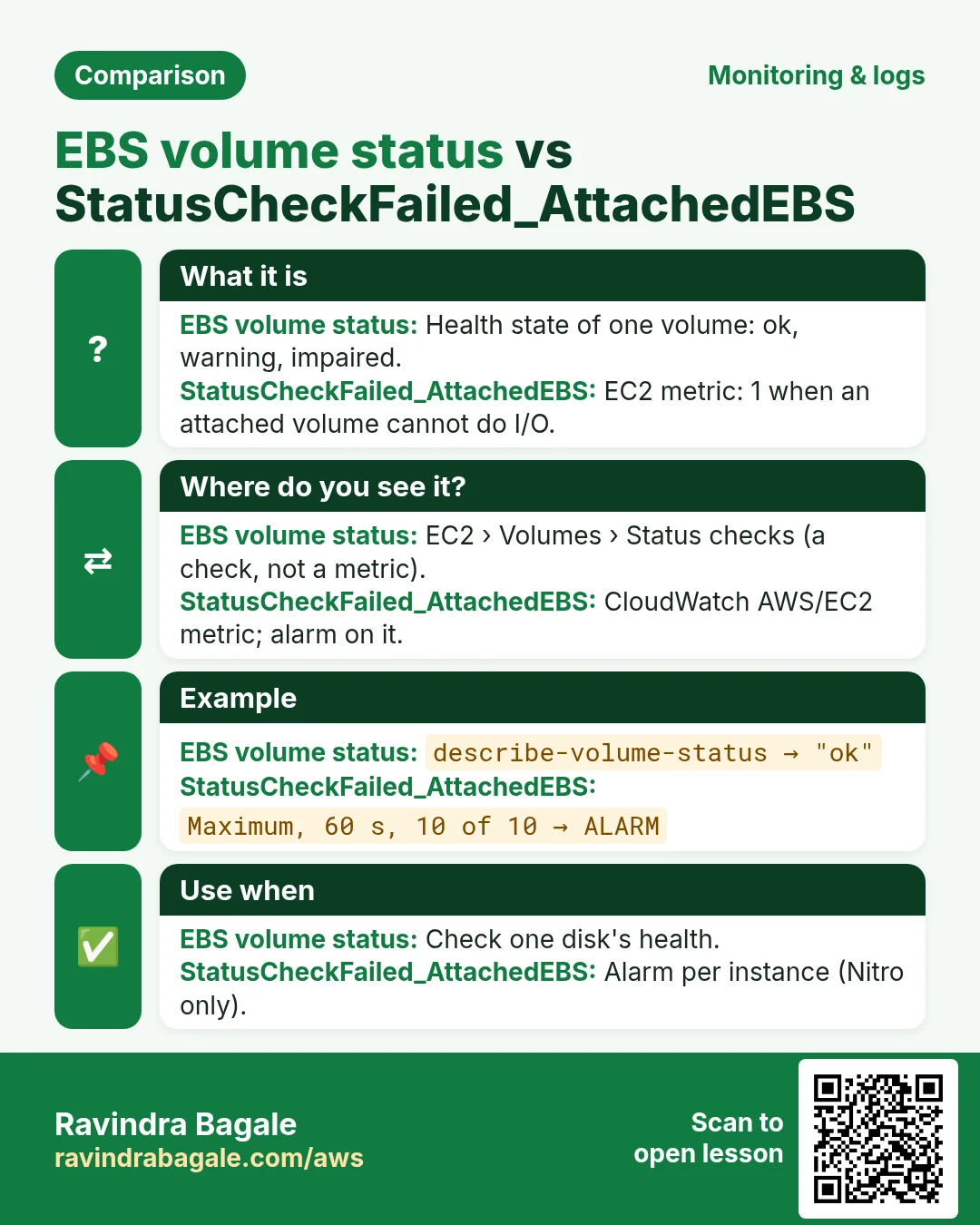
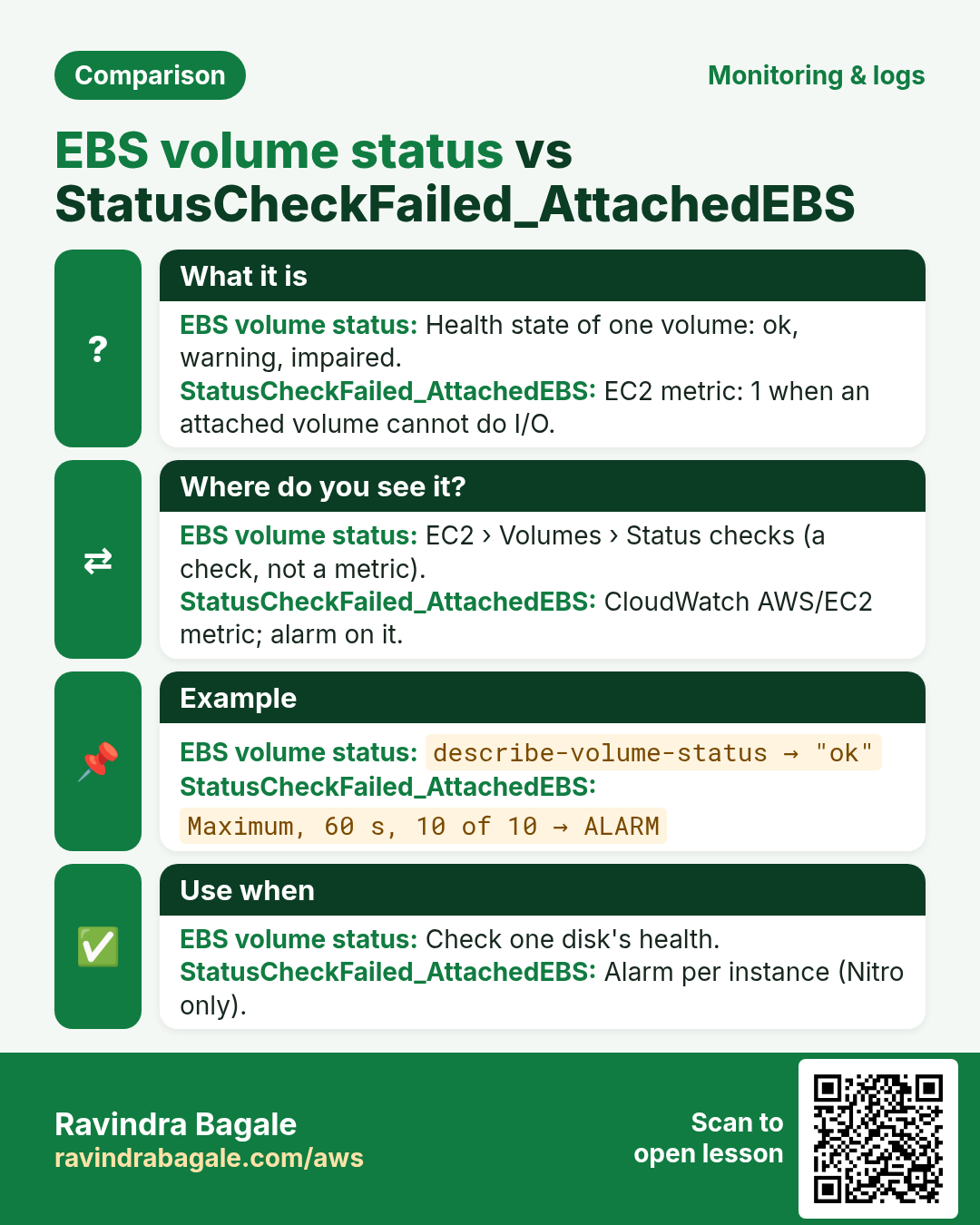
Attached EBS checkStatusCheckFailed_AttachedEBS | Attached EBS volumes can do I/O | Storage or host problem | AWS / you (stop-start) | Notify, or stop then start; recover is not supported |
BothStatusCheckFailed | 1 if any check fails | - | - | Notify |
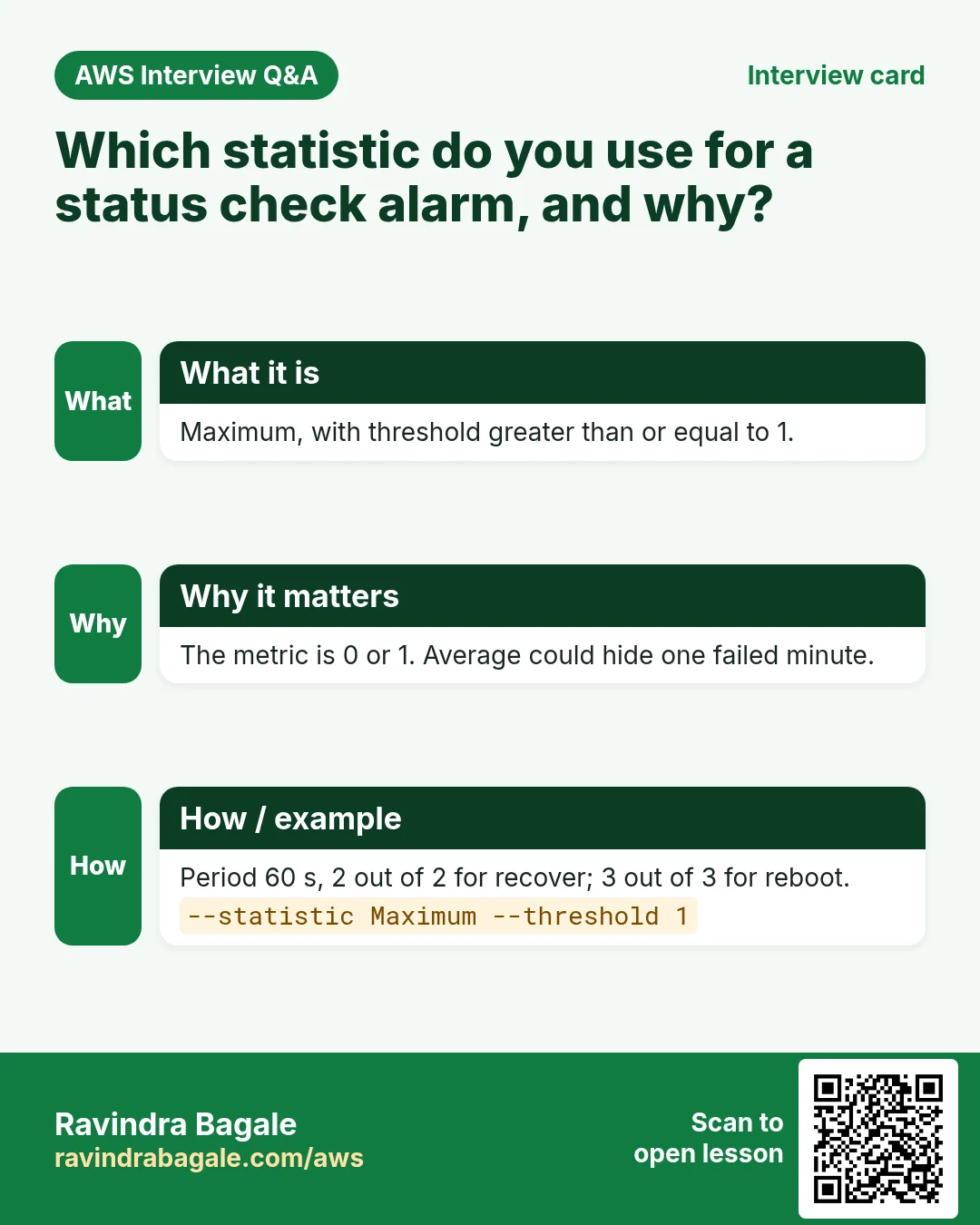
Each metric is 0 (pass) or 1 (fail). So the statistic is Maximum and the threshold is >= 1. The attached EBS check works only on Nitro instances (t3, m5, c5 and newer).
Ravindra Bagale's Tip
Many current instance types already have simplified automatic recovery turned on by default for system check failures. A recover alarm is still useful: it also sends you an email and works the same on every instance type that supports recovery.
3. Lab 1: auto-recover and auto-reboot alarms
Use one t3.micro (Amazon Linux 2023) with only EBS storage. Why EBS only: recover is not supported for instances with instance-store volumes.
Part A: recover on system check
- CloudWatch → Alarms → Create alarm → Select metric → EC2 → Per-Instance Metrics → your ID → StatusCheckFailed_System.
- Statistic Maximum. Period 1 minute. Why: status checks are sent every minute even with basic monitoring.
- Condition Greater/Equal
1. Datapoints2out of2. Why 2: avoids reacting to one odd minute. - Next → Add EC2 action → In alarm → Recover this instance. Add the SNS topic
ops-alertstoo. - Name
web1-system-recover→ Create.
Part B: reboot on instance check
- Create alarm → metric StatusCheckFailed_Instance, Maximum, 1 minute.
- Condition >=
1, datapoints3out of3. Why 3: AWS advises a different evaluation length from the recover alarm, so both do not fire at the same moment. - EC2 action: Reboot this instance. Add SNS. Name
web1-instance-reboot.
aws cloudwatch put-metric-alarm --alarm-name web1-system-recover \
  --namespace AWS/EC2 --metric-name StatusCheckFailed_System \
  --dimensions Name=InstanceId,Value=i-0abc1234567890def \
  --statistic Maximum --period 60 --evaluation-periods 2 --datapoints-to-alarm 2 \
  --threshold 1 --comparison-operator GreaterThanOrEqualToThreshold \
  --alarm-actions arn:aws:automate:ap-south-1:ec2:recover arn:aws:sns:ap-south-1:111122223333:ops-alerts

aws cloudwatch put-metric-alarm --alarm-name web1-instance-reboot \
  --namespace AWS/EC2 --metric-name StatusCheckFailed_Instance \
  --dimensions Name=InstanceId,Value=i-0abc1234567890def \
  --statistic Maximum --period 60 --evaluation-periods 3 --datapoints-to-alarm 3 \
  --threshold 1 --comparison-operator GreaterThanOrEqualToThreshold \
  --alarm-actions arn:aws:automate:ap-south-1:ec2:reboot arn:aws:sns:ap-south-1:111122223333:ops-alerts
Part C: test safely
- You cannot break AWS hardware, so test the action with a forced state:
aws cloudwatch set-alarm-state --alarm-name web1-instance-reboot --state-value ALARM --state-reason "lab test"- Verify: an ALARM email arrives, and
uptimeon the server shows a fresh boot (a few minutes). The next real check moves the alarm back to OK. - To see a real instance-check failure, on a throwaway instance run
sudo systemctl stop sshd; sudo ip link set ens5 down. The instance check fails in a few minutes and the reboot alarm brings it back (the change was not saved, so the network comes up after boot).
4. EBS volume status checks
Why do we need this?
A disk can become unsafe to use: AWS may detect data that could be inconsistent. Writing to it then can damage data.
What is it?
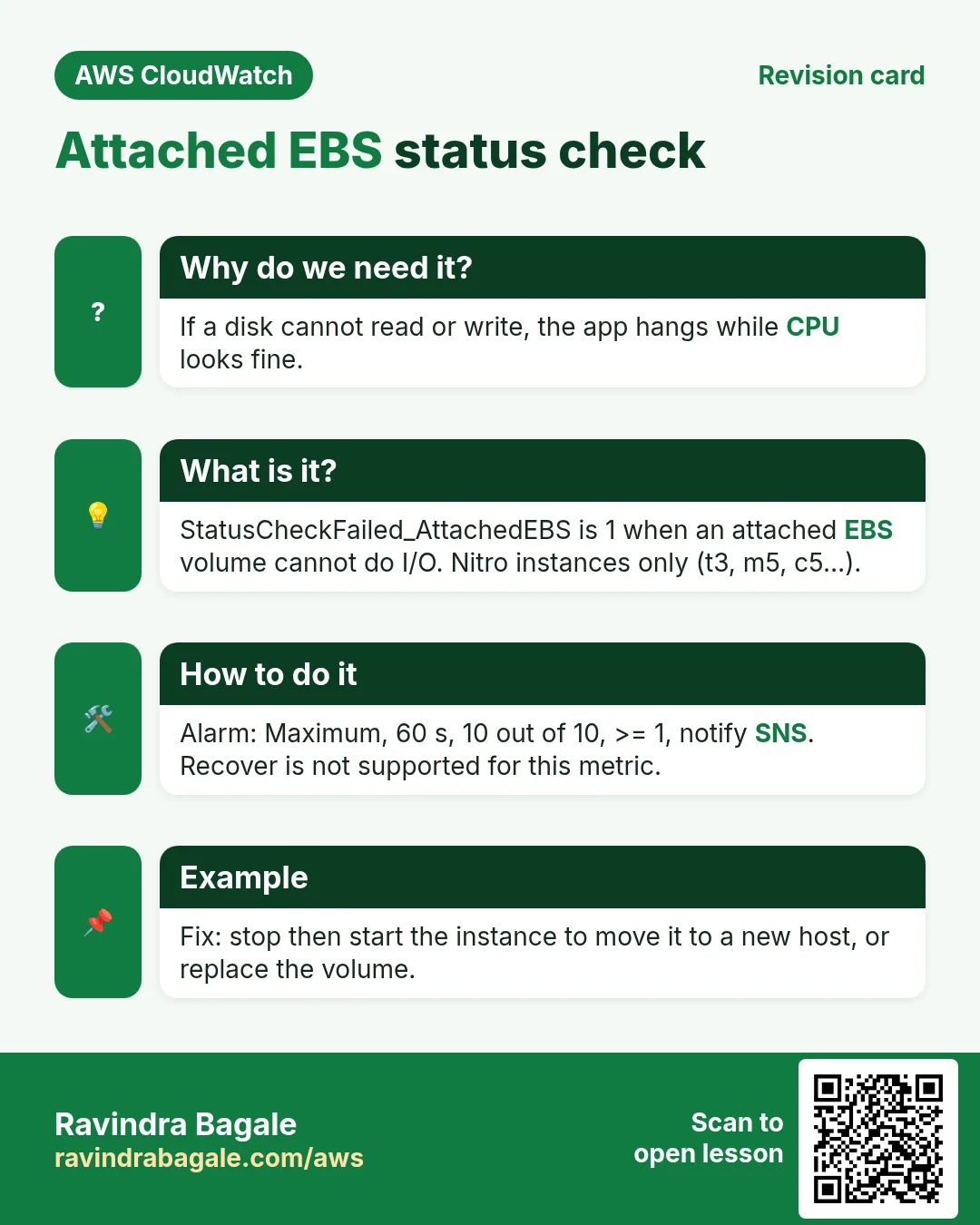
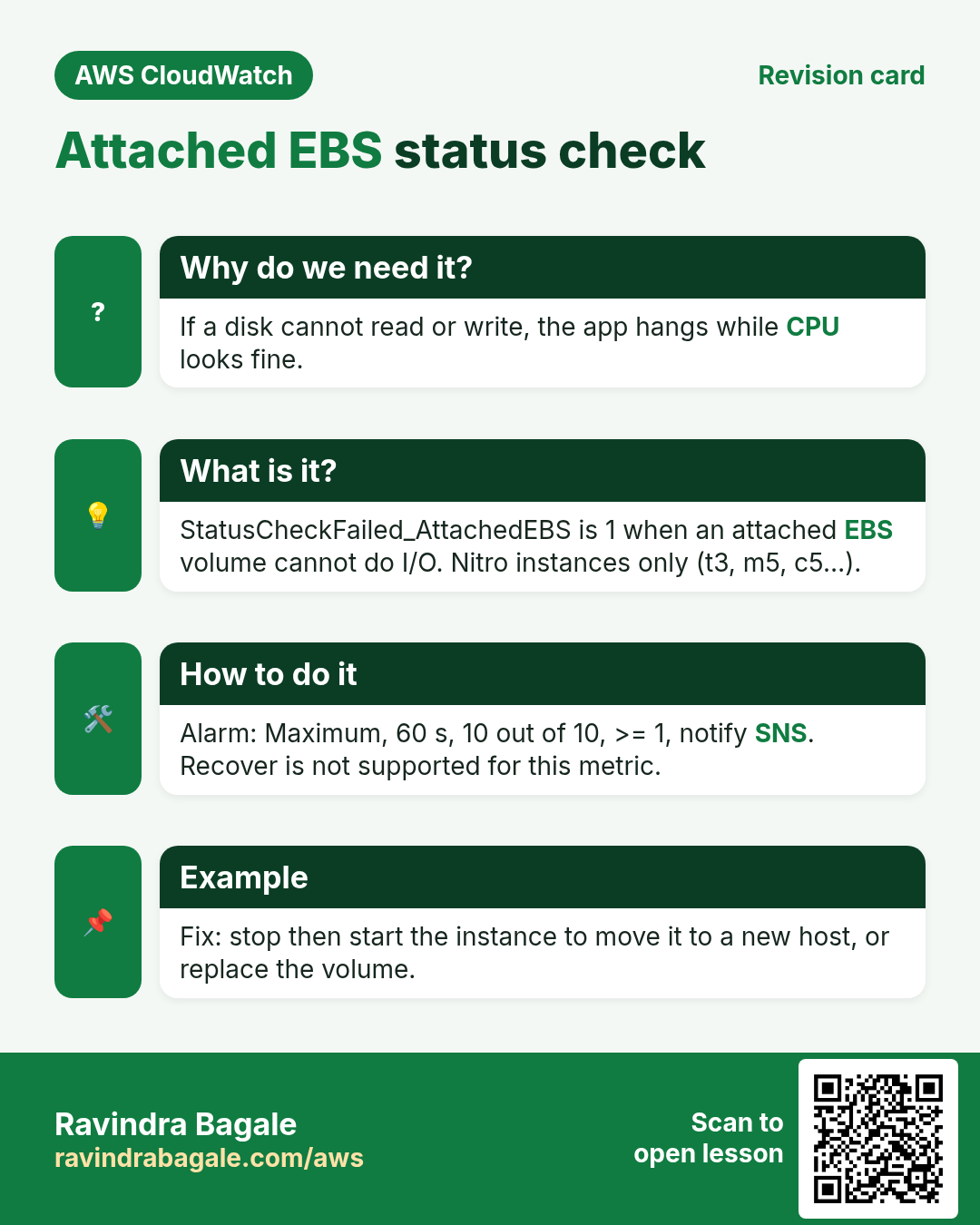
Every EBS volume has a volume status: ok, warning, impaired or insufficient-data. This is a status check you see in EC2 → Volumes → Status checks, not a normal CloudWatch metric. When AWS sees possible inconsistency it can turn off I/O (the "auto-enable I/O" setting decides if I/O comes back on by itself).
aws ec2 describe-volume-status --volume-ids vol-0abc1234567890def \
  --query 'VolumeStatuses[0].VolumeStatus'
# expected: {"Status": "ok", "Details": [{"Name": "io-enabled","Status":"passed"}, ...]}
To alarm on the disk from the instance side, use StatusCheckFailed_AttachedEBS (AWS/EC2). AWS recommends Maximum, period 60 s, 10 out of 10. To be told about volume-status events, create an EventBridge rule on EBS Volume Notification events and send them to SNS.
5. BurstBalance and VolumeQueueLength
Why do we need this?
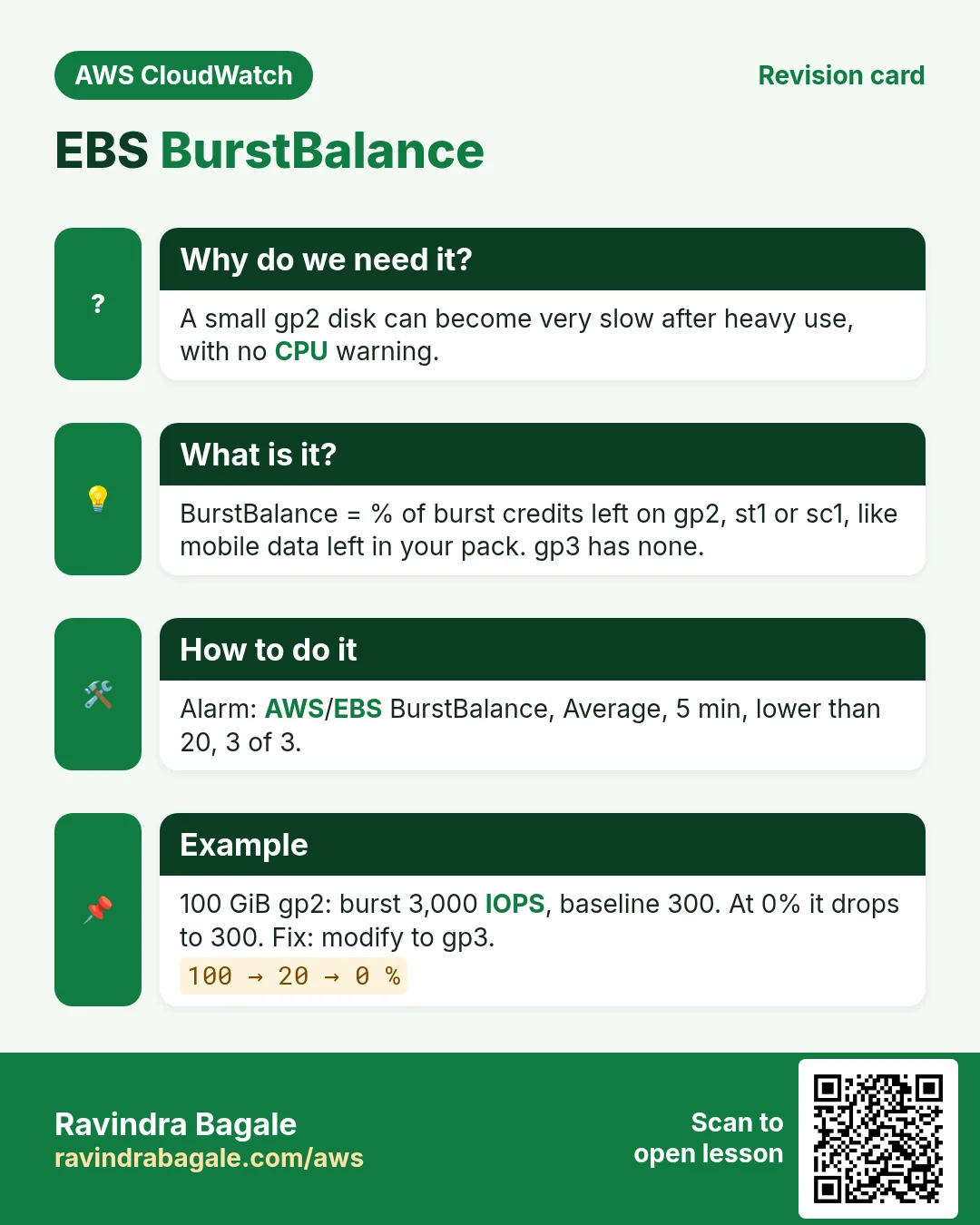
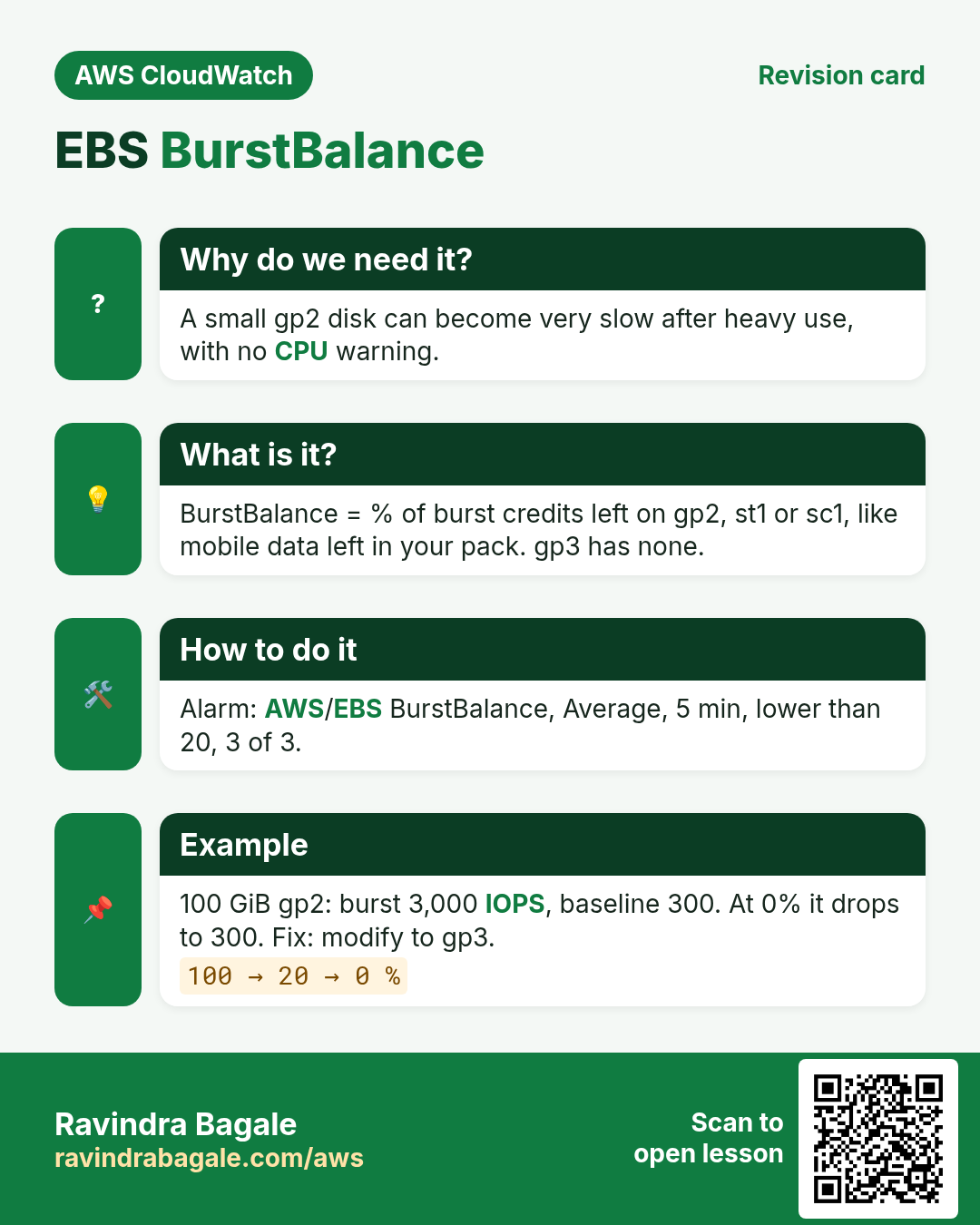
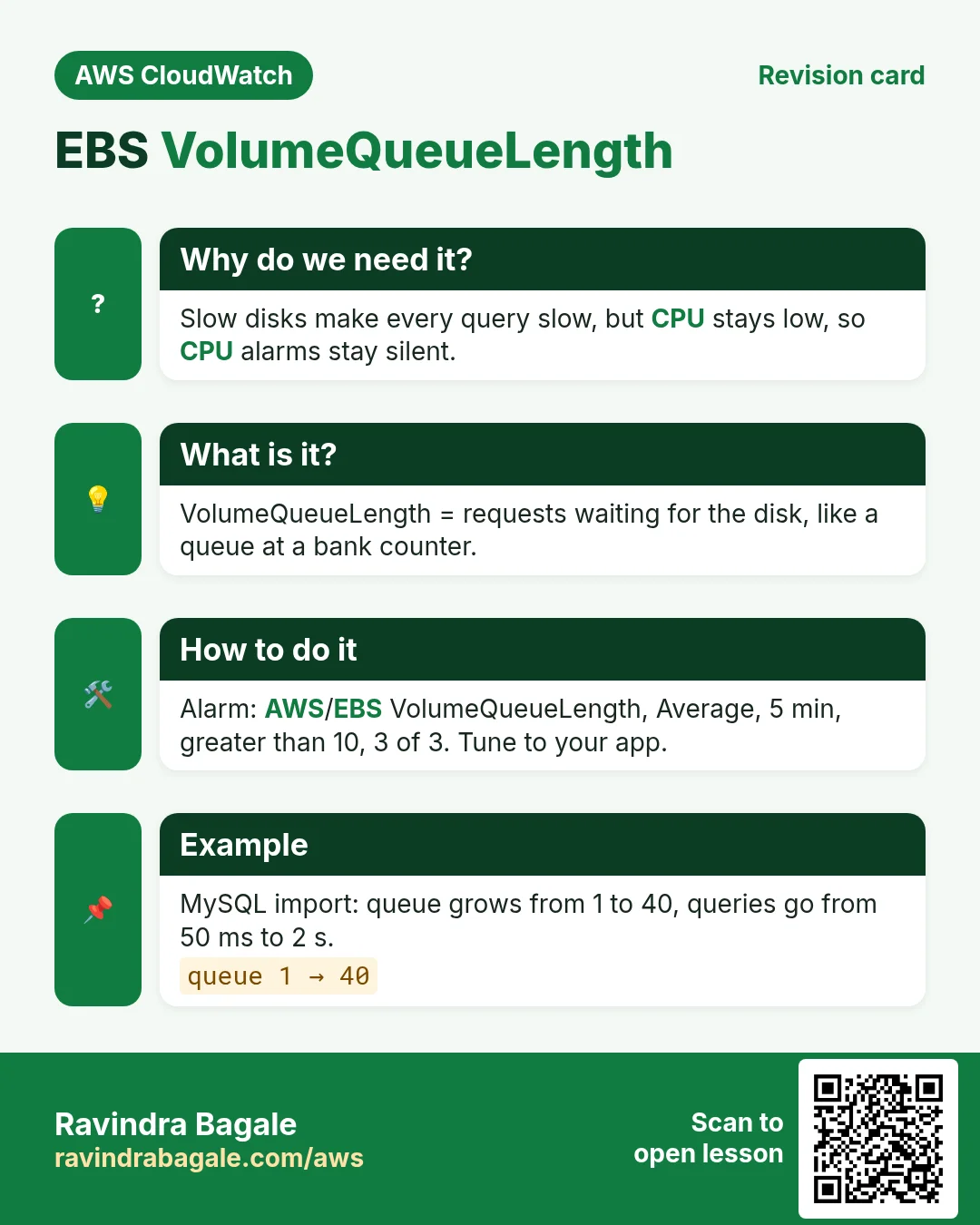
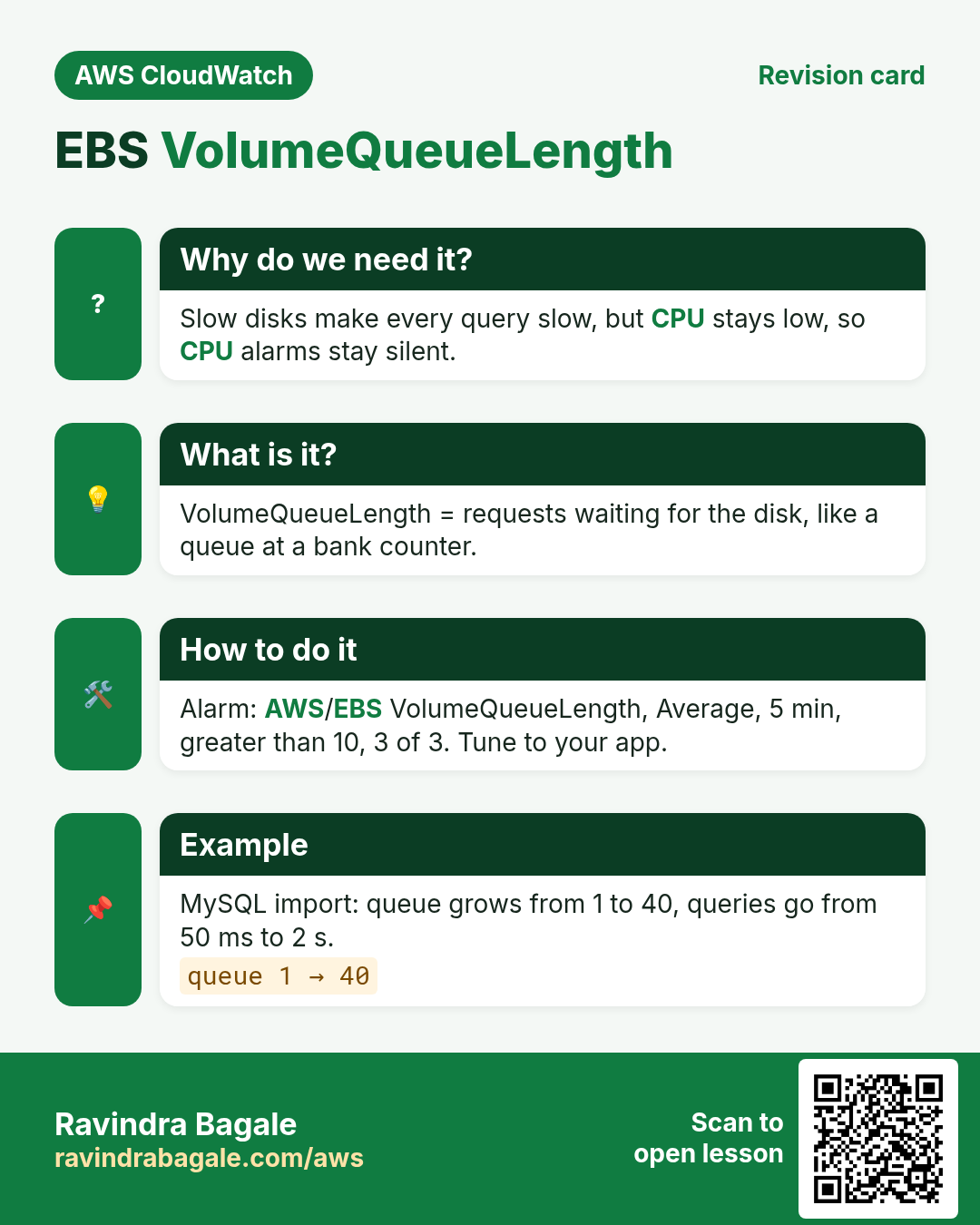
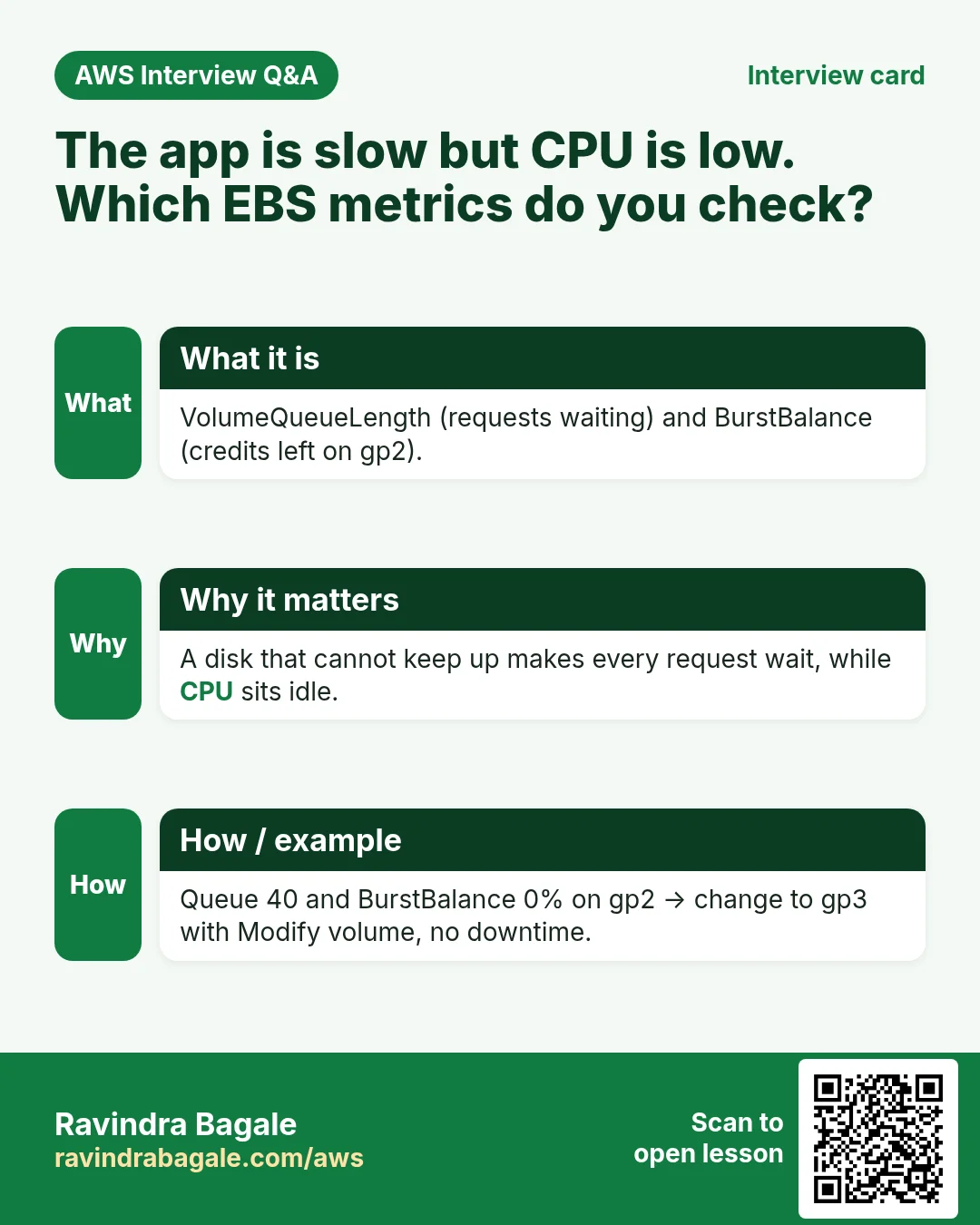
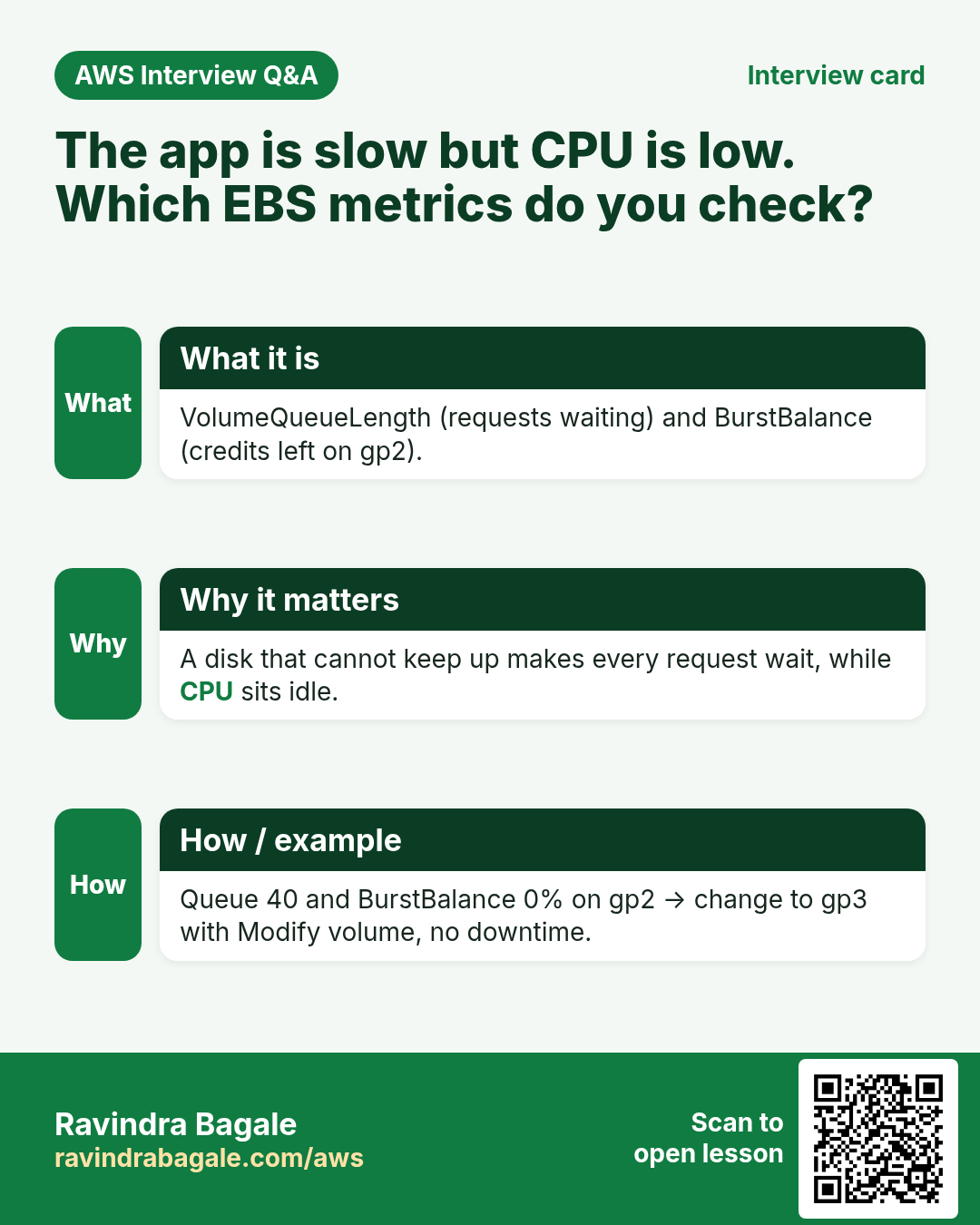
A slow disk makes every app slow, but CPU stays low, so CPU alarms are silent. These two metrics show disk pain directly.
What is it?
| Metric (AWS/EBS) | Plain meaning | Applies to | Alarm idea |
|---|---|---|---|
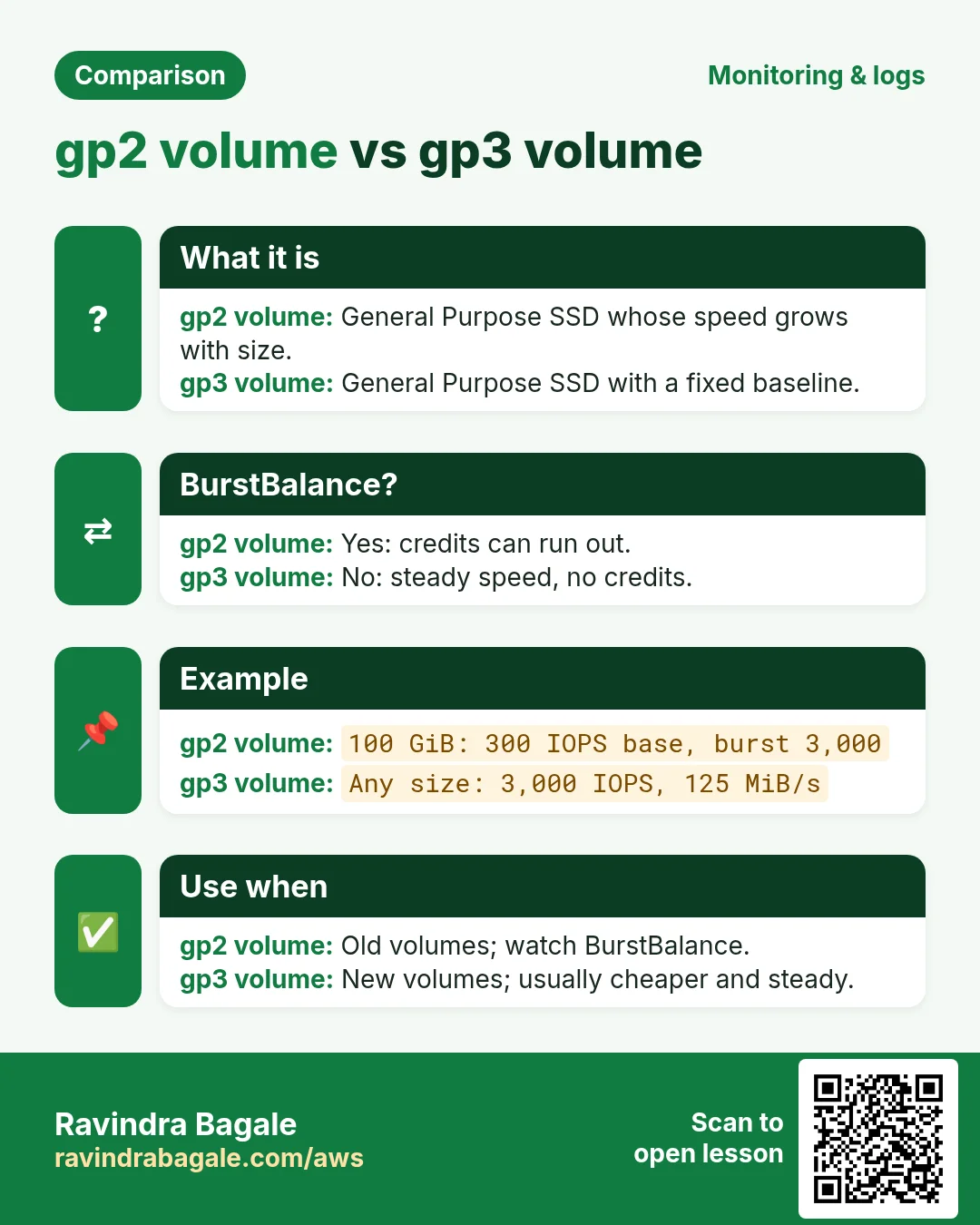
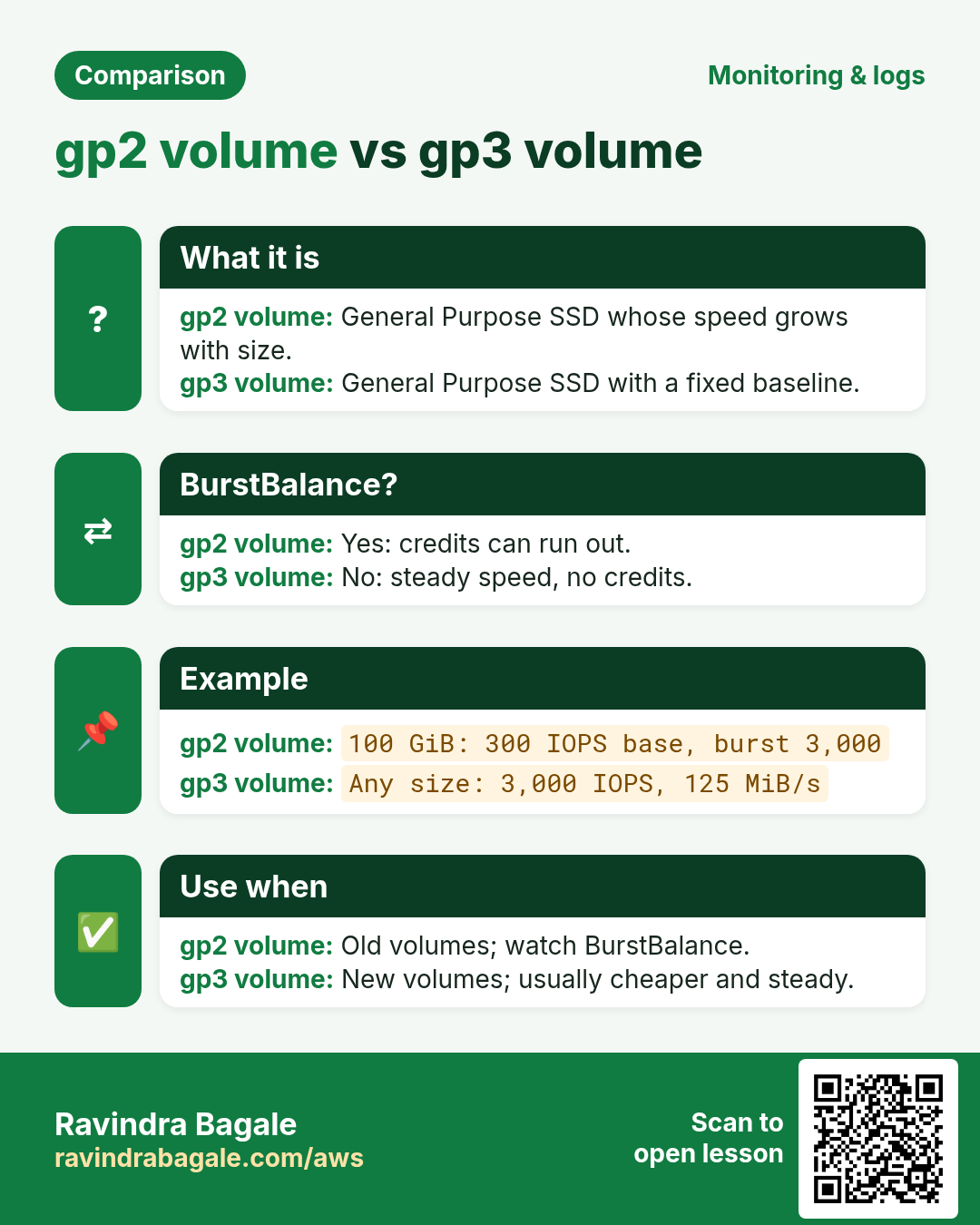
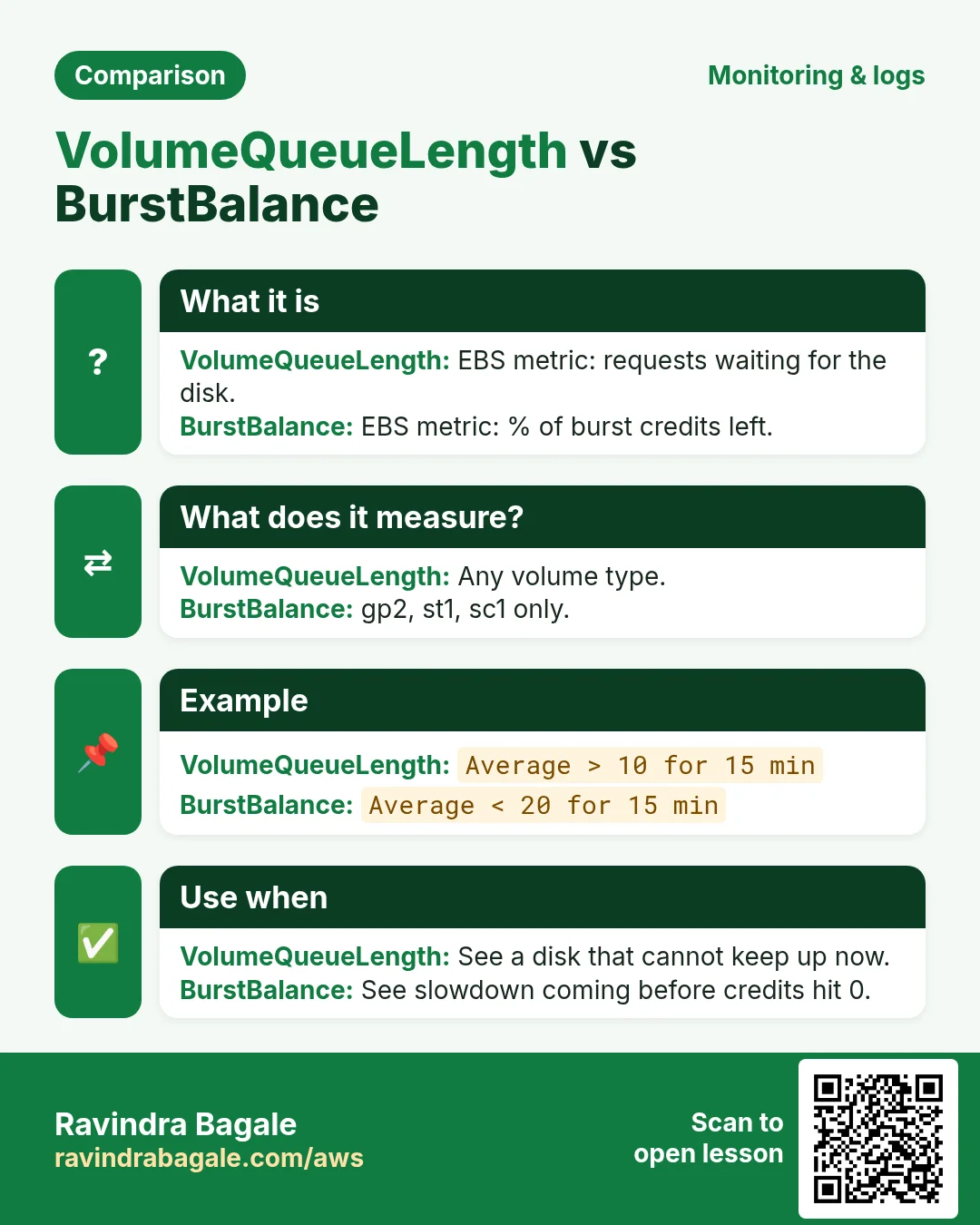
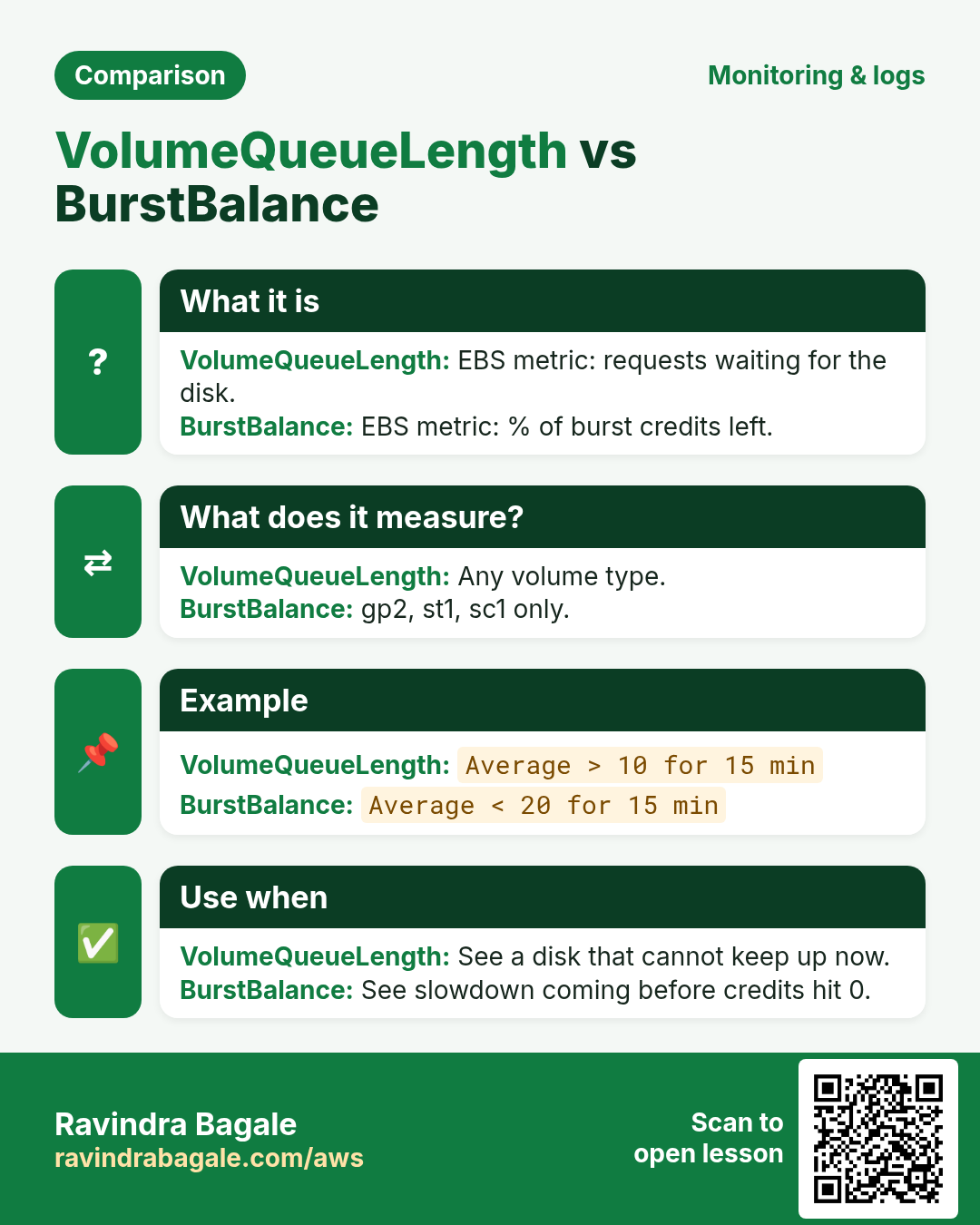
| BurstBalance | % of burst credits left. Like mobile data left in your pack | gp2, st1, sc1 (not gp3, which has no burst bucket) | Average < 20 for 15 min |
| VolumeQueueLength | Requests waiting for the disk. Like a queue at a bank counter | All types | Average > 10 for 15 min (tune to your app) |
| VolumeIdleTime | Seconds with no I/O | All | Helps find unused disks |
| VolumeReadOps / VolumeWriteOps | Read and write operations | All | Divide by period seconds to get IOPS |
Worked example: a 100 GiB gp2 volume has a baseline of 300 IOPS and can burst to 3,000. A MySQL import runs at 3,000 IOPS. BurstBalance falls 100 → 60 → 20 → 0. At 0, the disk drops to 300 IOPS, the queue grows to 40, and queries that took 50 ms take 2 s. An alarm at 20% gives you time to act. The fix: change the volume to gp3 (baseline 3,000 IOPS for any size) with Modify volume, no downtime.
Lab 2: EBS alarms
- EC2 → Volumes → select the root volume of your instance → copy the Volume ID and note the type (gp2 or gp3).
- CloudWatch → Create alarm → EBS → Per-Volume Metrics → your volume → VolumeQueueLength.
- Average, 5 minutes, Greater than
10, 3 out of 3. SNSops-alerts. Nameweb1-disk-queue. - If the volume is gp2: another alarm on BurstBalance, Average, 5 minutes, Lower than
20, 3 out of 3. Nameweb1-burst-low. - Attached-EBS alarm with the CLI:
aws cloudwatch put-metric-alarm --alarm-name web1-attached-ebs \
  --namespace AWS/EC2 --metric-name StatusCheckFailed_AttachedEBS \
  --dimensions Name=InstanceId,Value=i-0abc1234567890def \
  --statistic Maximum --period 60 --evaluation-periods 10 --datapoints-to-alarm 10 \
  --threshold 1 --comparison-operator GreaterThanOrEqualToThreshold \
--alarm-actions arn:aws:sns:ap-south-1:111122223333:ops-alerts- Make the disk busy to watch the queue:
sudo dnf install -y fio
sudo fio --name=q --filename=/tmp/fio.bin --size=1G --rw=randwrite --bs=4k --iodepth=64 --ioengine=libaio --direct=1 --runtime=600 --time_based
rm -f /tmp/fio.bin- Verify: in the volume Monitoring tab, Average queue length rises; with gp2 the burst balance falls. The queue alarm goes to ALARM.
- Cleanup: delete
web1-system-recover,web1-instance-reboot,web1-disk-queue,web1-burst-low,web1-attached-ebs; stop or terminate the instance.
6. Health alarms per stack
| Server | Must-have health alarms |
|---|---|
| nginx / Apache web | System recover, instance reboot |
| MySQL / PostgreSQL on EC2 | Recover, attached EBS, VolumeQueueLength, BurstBalance (gp2) |
| Java Spring / .NET app server | Instance reboot (memory hangs), plus agent memory alarm |
| Node.js / Python / Go API in Auto Scaling | No reboot alarm; the group replaces bad instances (EC2 or ELB health checks) |
7. Interview questions
Q. System vs instance status check?
System = AWS host problem, fix with recover. Instance = your OS problem, fix with reboot or by repairing the OS.
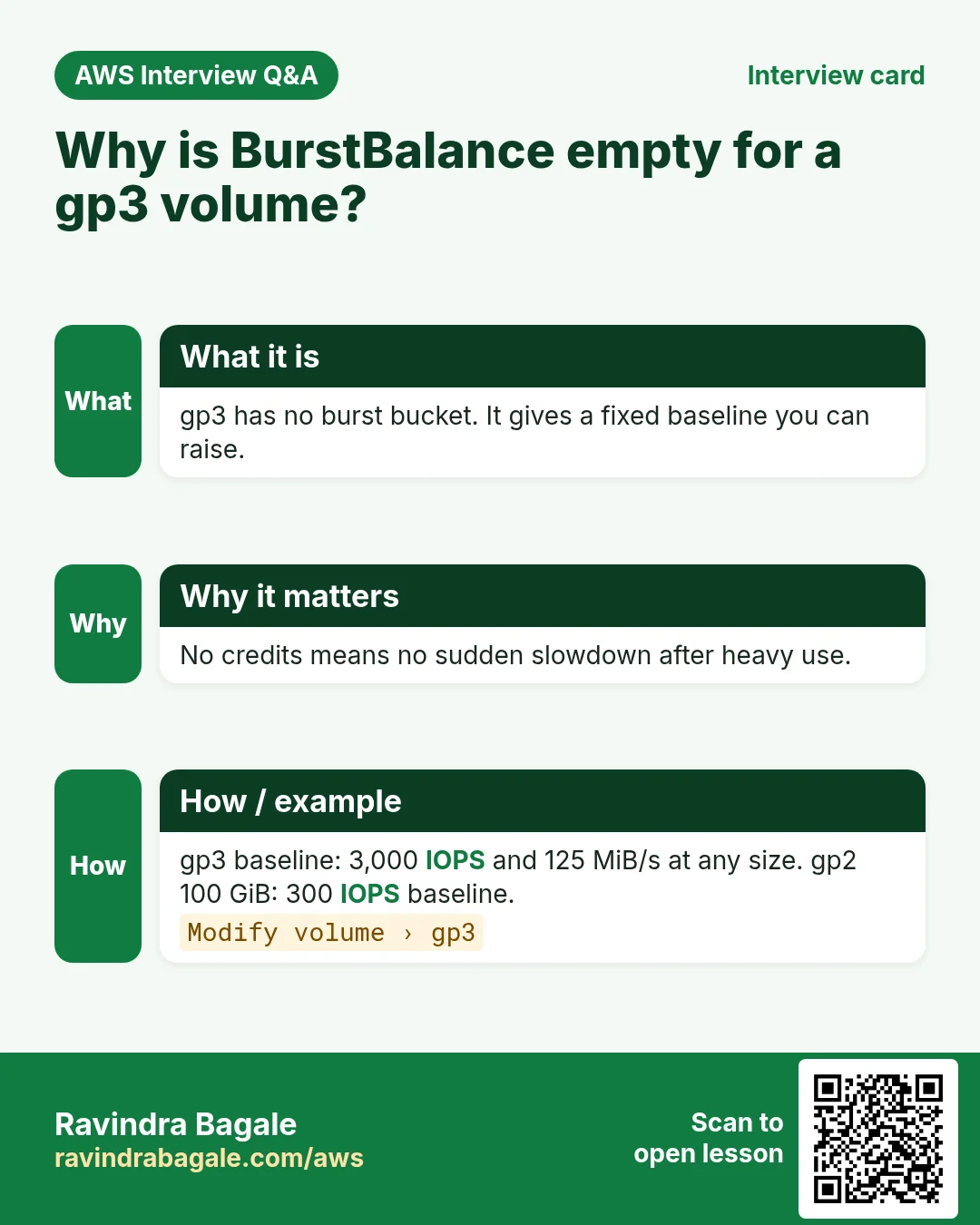
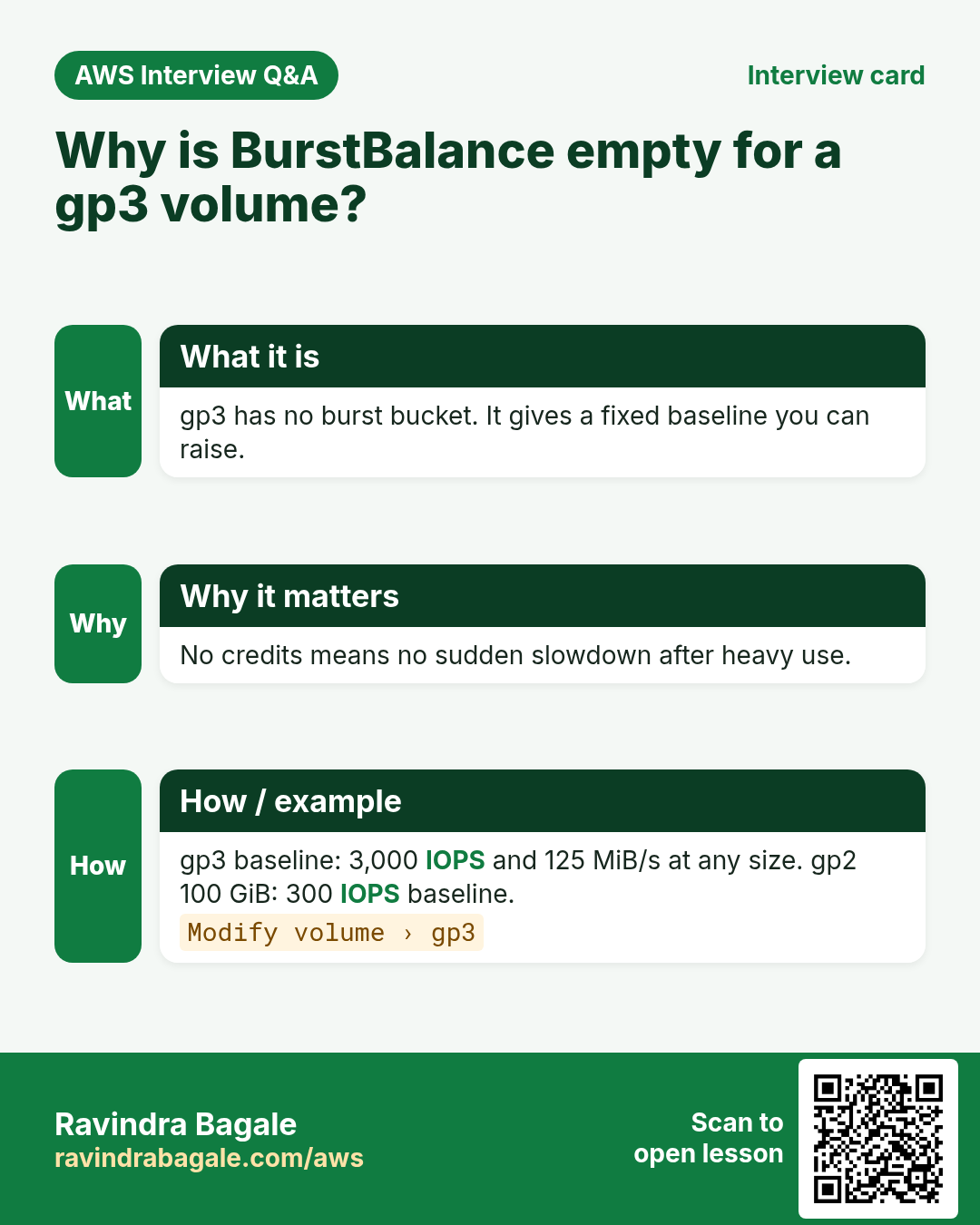
Q. Why is BurstBalance empty on a gp3 volume?
gp3 has no burst bucket. It gives a fixed baseline (3,000 IOPS, 125 MiB/s) that you can raise.
Q. Which statistic for status check alarms?
Maximum, because the value is 0 or 1 and one failure must count.
Try at home
- Add recover and reboot alarms to one of your lab servers and test the reboot with set-alarm-state.
- Run the fio test on a small gp2 volume and watch BurstBalance fall. Then modify it to gp3 and watch the queue drop.
In short
- StatusCheckFailed_System → recover; StatusCheckFailed_Instance → reboot.
- StatusCheckFailed_AttachedEBS watches disks from the instance (Nitro only); recover is not supported for it.
- Volume status (ok/warning/impaired) is a check, seen with describe-volume-status.
- BurstBalance (gp2/st1/sc1) and VolumeQueueLength show slow disks that CPU alarms miss.
Practice Tasks
Patil Dairy is a dairy business in Kolhapur. Sunita Patil looks after its IT and cloud work. They count money in INR and run their AWS resources in the ap-south-1 Region. In the tasks below you do real jobs for them using what this lesson teaches. All names, account IDs, IP addresses and numbers are made up for practice.
0 / 11
Easy Create an SNS topic
Why: A topic is a channel: publish once, every subscriber gets it.
What to do: Create topic patildairy-alerts.
- Read the task and decide which AWS service it is about.
- Write aws, then the service name, then the operation (the action word).
- Add each needed flag (--name) followed by its value from the task.
- Flags can be in any order. Click Check answer.
Easy List alarms that are firing
Why: In an incident, first see which alarms are in ALARM state.
What to do: Describe only the alarms whose state is ALARM.
- Read the task and decide which AWS service it is about.
- Write aws, then the service name, then the operation (the action word).
- Add each needed flag (--name) followed by its value from the task.
- Flags can be in any order. Click Check answer.
Easy List metrics in a namespace
Why: See which metrics AWS already collects for a service.
What to do: List the metrics in the AWS/EC2 namespace.
- Read the task and decide which AWS service it is about.
- Write aws, then the service name, then the operation (the action word).
- Add each needed flag (--name) followed by its value from the task.
- Flags can be in any order. Click Check answer.
Easy Publish to one topic
Why: An alerting app only needs to publish.
What to do: Allow sns:Publish on arn:aws:sns:ap-south-1:100444365147:patildairy-alerts only.
- Start with { "Version": "2012-10-17", "Statement": [ ... ] }.
- In each statement write Effect, Action and Resource.
- Give only what the task needs (least privilege).
- Use double quotes and commas correctly. Click Check answer.
Medium Subscribe an email
Why: Email subscribers must click the confirm link before they receive messages.
What to do: Subscribe ops@patildairy.in by email to arn:aws:sns:ap-south-1:100444365147:patildairy-alerts.
- Read the task and decide which AWS service it is about.
- Write aws, then the service name, then the operation (the action word).
- Add each needed flag (--name) followed by its value from the task.
- Flags can be in any order. Click Check answer.
Medium Publish a custom metric
Why: Custom metrics let you graph and alarm on business numbers, like orders per minute.
What to do: Publish metric OrdersPlaced with value 6 in namespace PatilDairy/Shop.
- Read the task and decide which AWS service it is about.
- Write aws, then the service name, then the operation (the action word).
- Add each needed flag (--name) followed by its value from the task.
- Flags can be in any order. Click Check answer.
Medium Check target health
Why: If targets are unhealthy the site shows 502/503 errors.
What to do: Show the health of the targets in arn:aws:elasticloadbalancing:ap-south-1:100444365147:targetgroup/patildairy-tg/6d0ecf831eec9f09.
- Read the task and decide which AWS service it is about.
- Write aws, then the service name, then the operation (the action word).
- Add each needed flag (--name) followed by its value from the task.
- Flags can be in any order. Click Check answer.
Medium Check instance status checks
Why: System and instance status checks tell you if AWS hardware or your OS has a problem.
What to do: Show the status checks of instance i-0b415a34440011a2b.
- Read the task and decide which AWS service it is about.
- Write aws, then the service name, then the operation (the action word).
- Add each needed flag (--name) followed by its value from the task.
- Flags can be in any order. Click Check answer.
Medium Kubernetes LoadBalancer Service
Why: A Service of type LoadBalancer gets an AWS load balancer.
What to do: Write a Service of type LoadBalancer selecting app: web, port 80 to targetPort 8080.
- Start from the top-level keys the task names.
- Indent child keys with 2 spaces (no tabs).
- Fill in each property with the value from the task.
- Click Check answer. Key order does not matter.
Hard Create a CPU alarm
Why: An alarm watches a metric and notifies you before users notice a problem.
What to do: Create alarm patildairy-cpu-high: AWS/EC2 CPUUtilization, Average over 300 seconds, 1 evaluation period, GreaterThanThreshold 80, for InstanceId=i-0b415a34440011a2b, notify arn:aws:sns:ap-south-1:100444365147:patildairy-alerts.
- Read the task and decide which AWS service it is about.
- Write aws, then the service name, then the operation (the action word).
- Add each needed flag (--name) followed by its value from the task.
- Flags can be in any order. Click Check answer.
Hard Auto-recover an instance with an alarm
Why: A recover action moves the instance to healthy hardware when the system check fails.
What to do: Create alarm patildairy-recover on AWS/EC2 StatusCheckFailed_System, Maximum over 60 s, 2 periods, GreaterThanOrEqualToThreshold 1, InstanceId=i-0b415a34440011a2b, action arn:aws:automate:ap-south-1:ec2:recover.
- Read the task and decide which AWS service it is about.
- Write aws, then the service name, then the operation (the action word).
- Add each needed flag (--name) followed by its value from the task.
- Flags can be in any order. Click Check answer.
Revision, comparison and interview cards
Revise this lesson in a few minutes. Save the cards on your phone or download them as PNG files. The QR code on each card opens this lesson.
More cards: Ravi Sir's Cards.