AWS CLI Bash Scripting and Cheat Sheet: Automate AWS
We turn commands into safe scripts: strict bash settings, loops over regions and resources, waiters, pagination, error handling, retries, dry runs, and a one-page cheat sheet of everything in this series.
What you'll learn in this chapter
- Write safe scripts
- Loop over regions and resources
- Waiters and pagination
- Errors, retries and dry runs
- Use the cheat sheet
1. The big picture: a recipe card
Why do we need this?
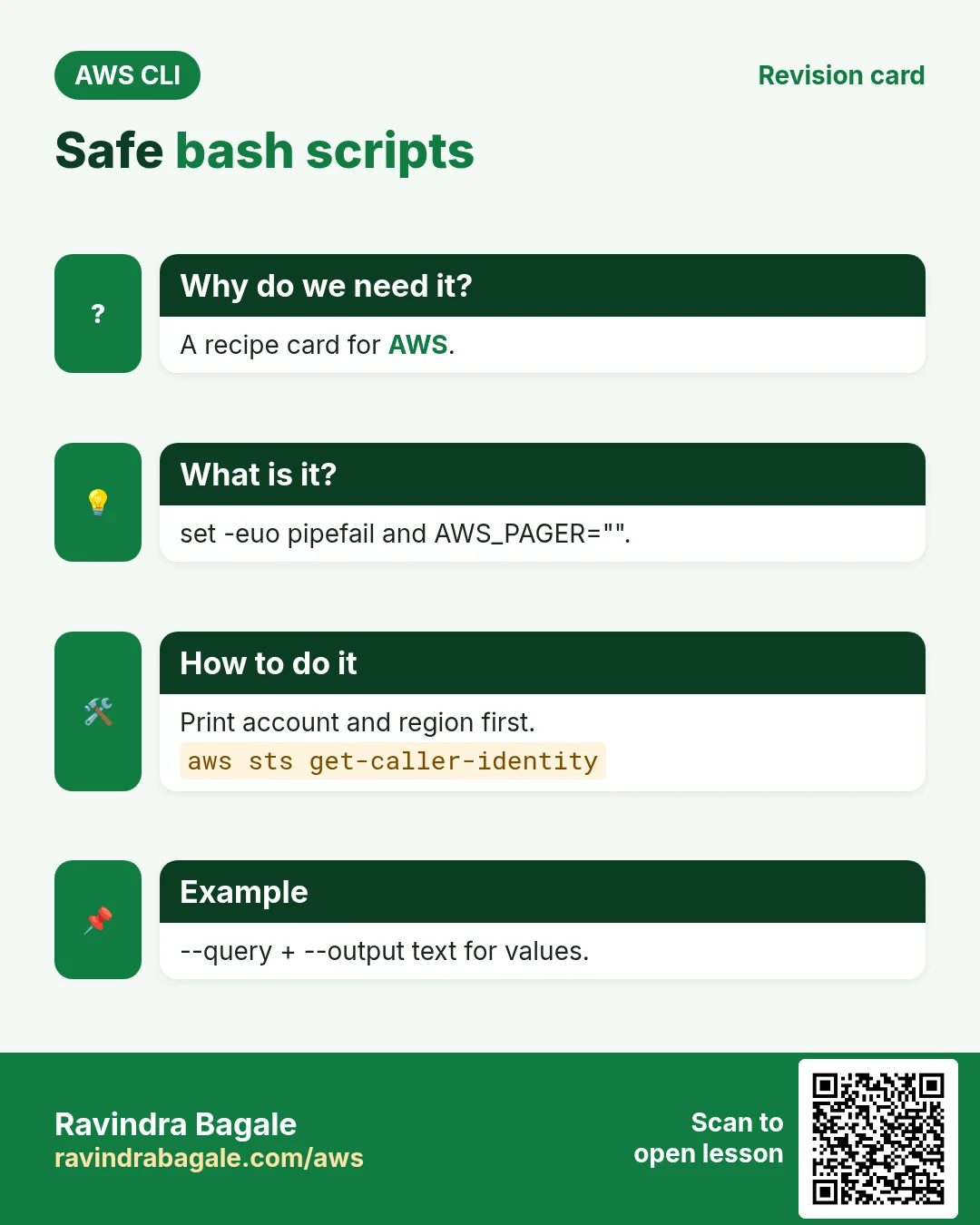
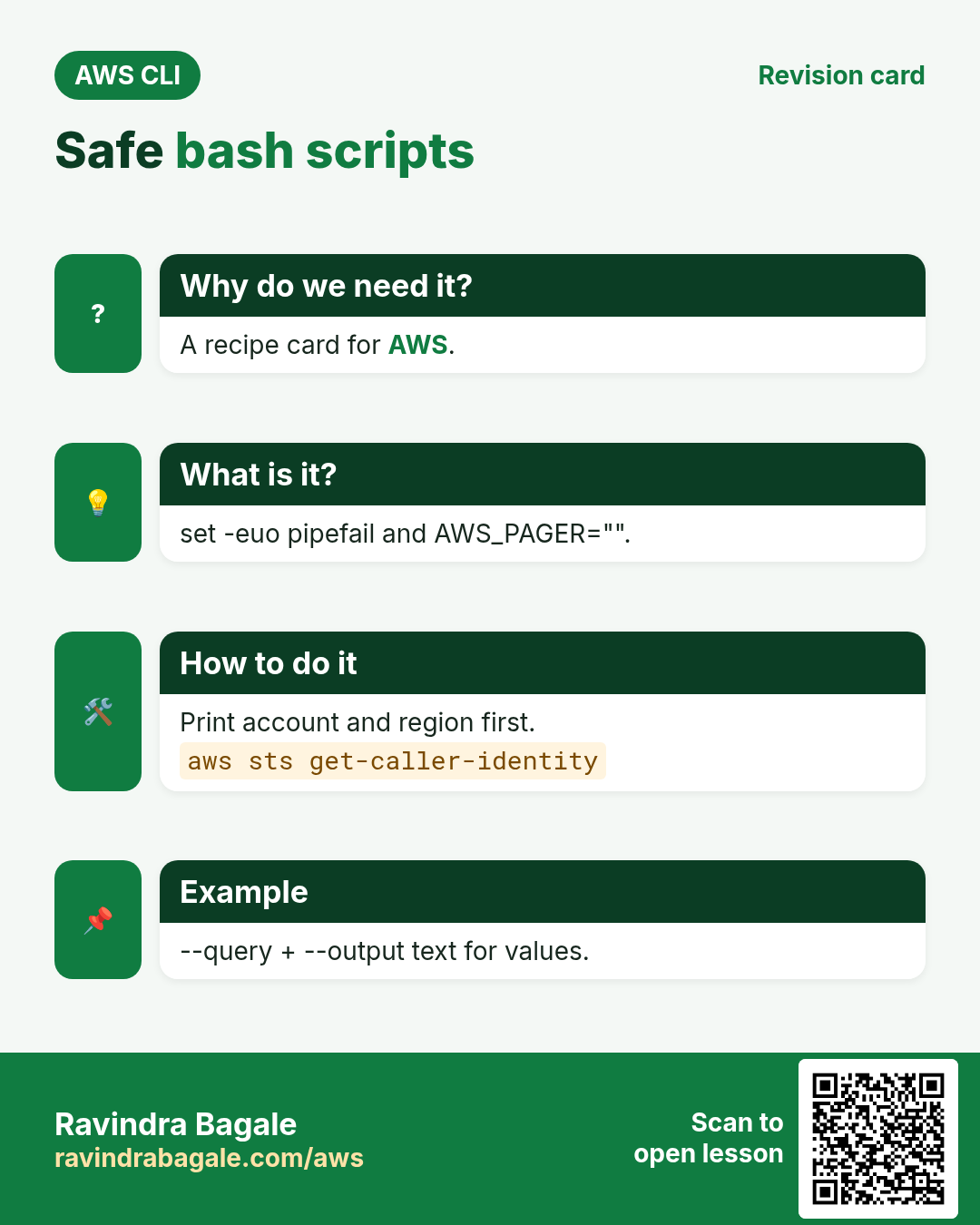
Aaji writes a recipe card so anyone makes the same dish every time. A script is your recipe card for AWS: the same steps, the same order, no forgotten salt.
What is it?
Good scripts use --query and --output text to get clean values, aws ... wait instead of sleep, and stop on the first error.
How to do it (step by step)
2. A safe script header
Why do we need this?
A script that keeps going after an error can delete the wrong thing.
What is it?
set -euo pipefail stops on errors, unset variables and failed pipes. AWS_PAGER="" stops the pager. Check the account before you act.
How to do it (step by step)
- Write the header.
cat > tag-report.sh <<'B'
#!/usr/bin/env bash
set -euo pipefail
export AWS_PAGER=""
REGION=${REGION:-ap-south-1}
ACCT=$(aws sts get-caller-identity --query Account --output text)
echo "account=$ACCT region=$REGION"
B
chmod +x tag-report.sh && ./tag-report.sh
Expected output:
account=111122223333 region=ap-south-13. Loops over regions and resources
Why do we need this?
You need a list of running servers in every region, not one at a time.
What is it?
describe-regions gives region names. --output text gives tab-separated values that a for or while read loop can use.
How to do it (step by step)
- Count running instances per region.
for r in $(aws ec2 describe-regions --query "Regions[].RegionName" --output text); do
  n=$(aws ec2 describe-instances --region $r --filters Name=instance-state-name,Values=running --query "length(Reservations[].Instances[])")
  [ "$n" != "0" ] && echo "$r $n"
done
Expected output:
ap-south-1 3
us-east-1 1- Process rows with while read.
aws ec2 describe-instances --query "Reservations[].Instances[].[InstanceId,InstanceType,Tags[?Key=='Name']|[0].Value]" --output text |
while read -r id type name; do echo "$name ($type) -> $id"; done
Expected output:
web (t3.micro) -> i-0abc123def45678904. Waiters and pagination
Why do we need this?
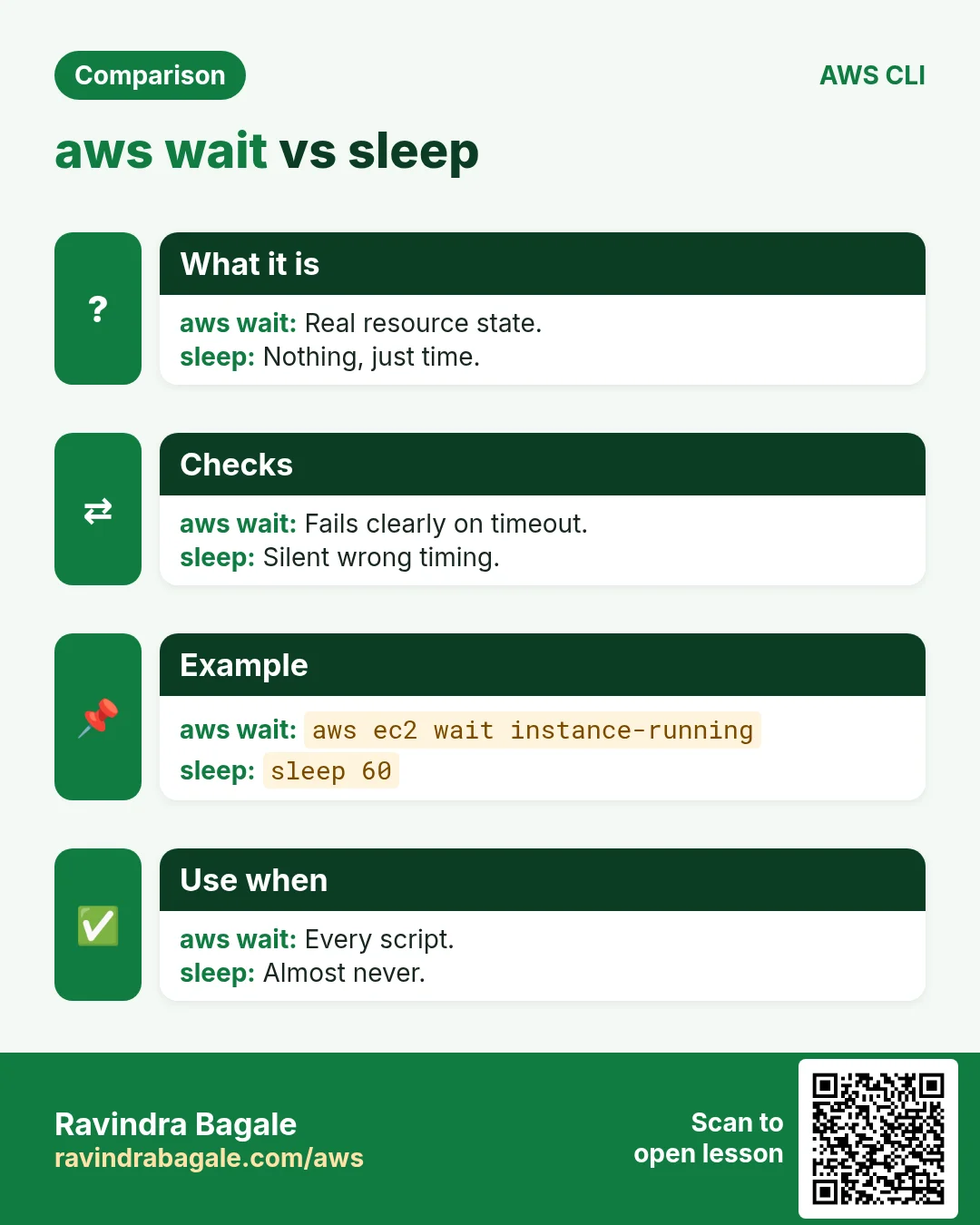
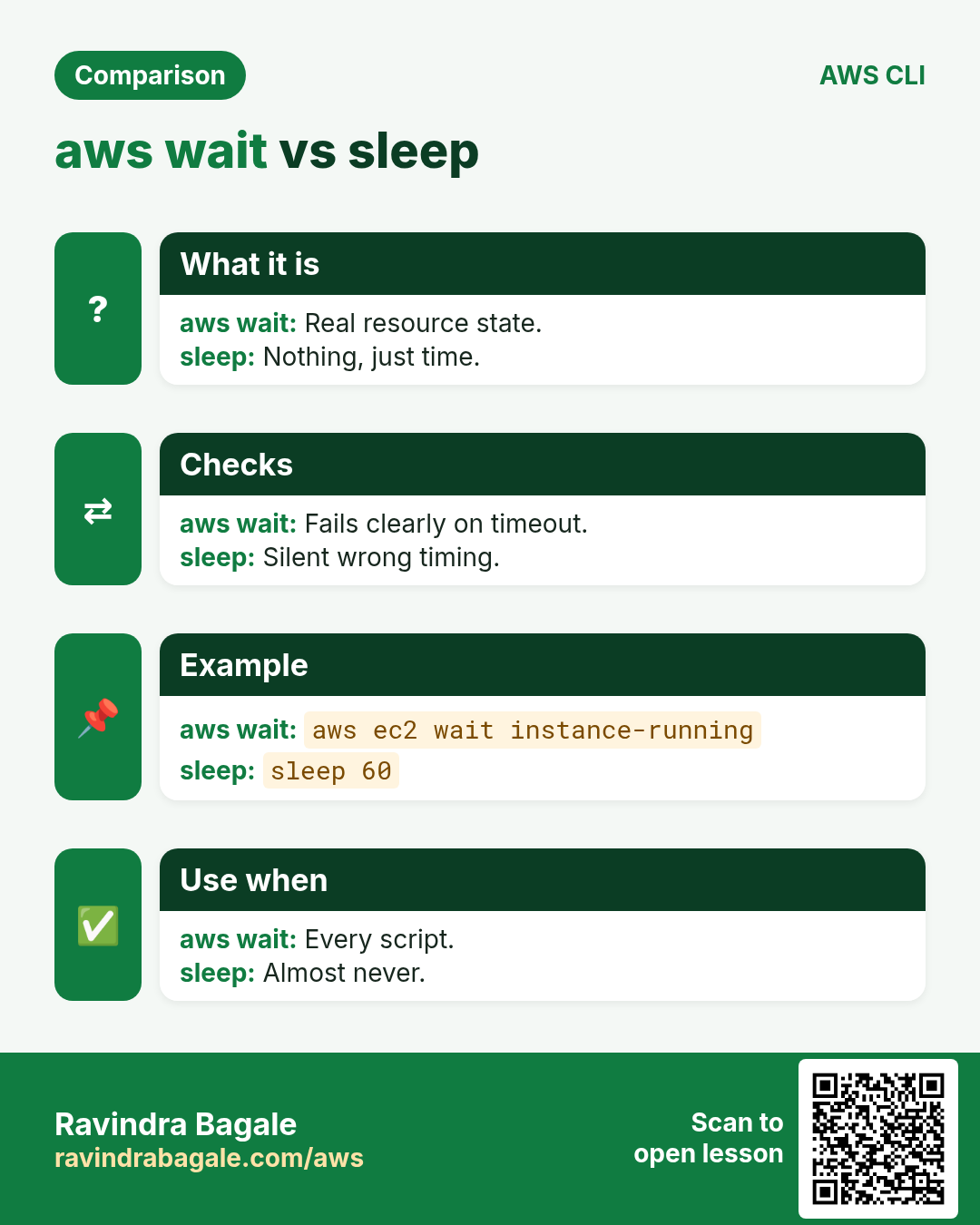
sleep 60 is either too short or wastes time; big lists come back in pages.
What is it?
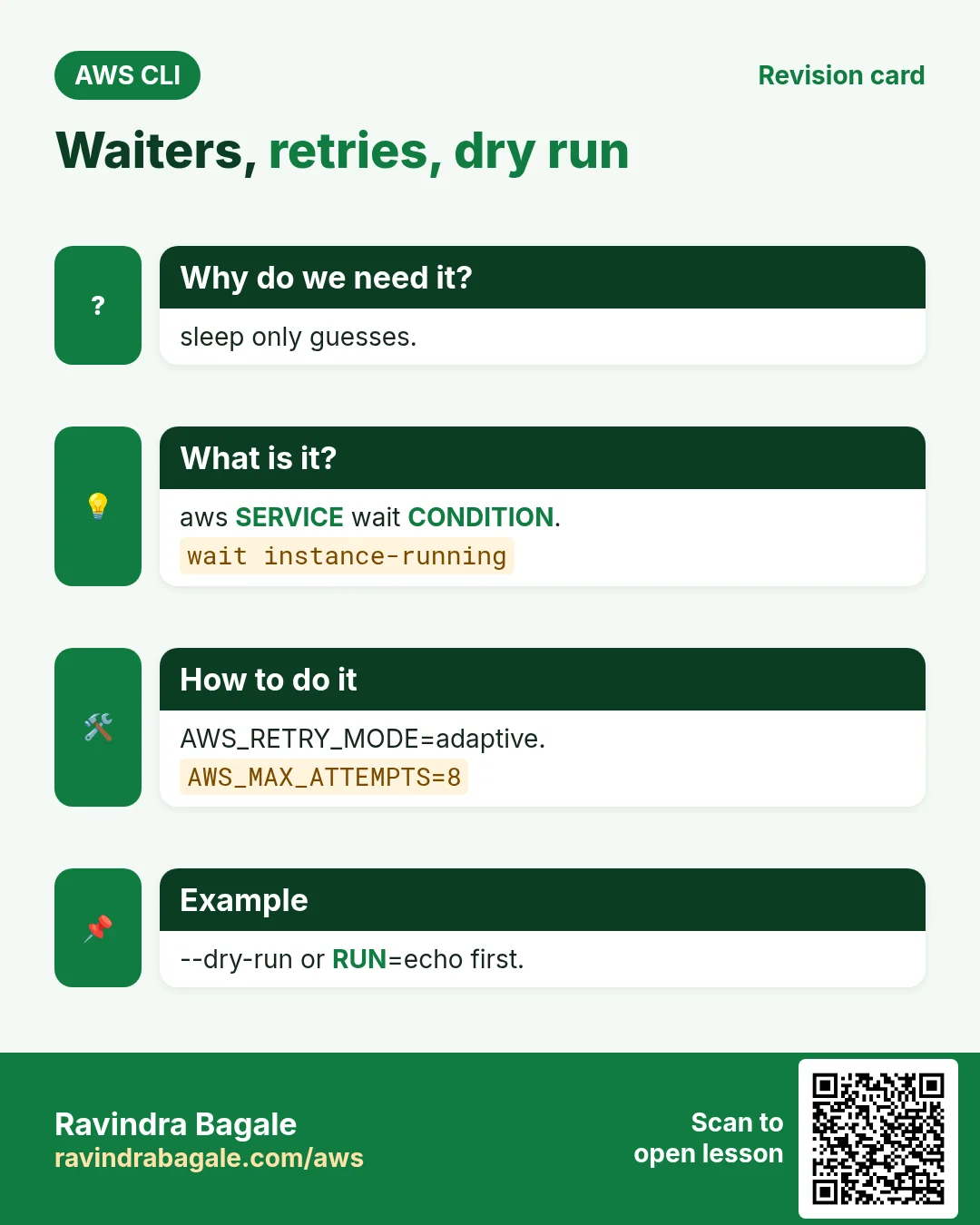
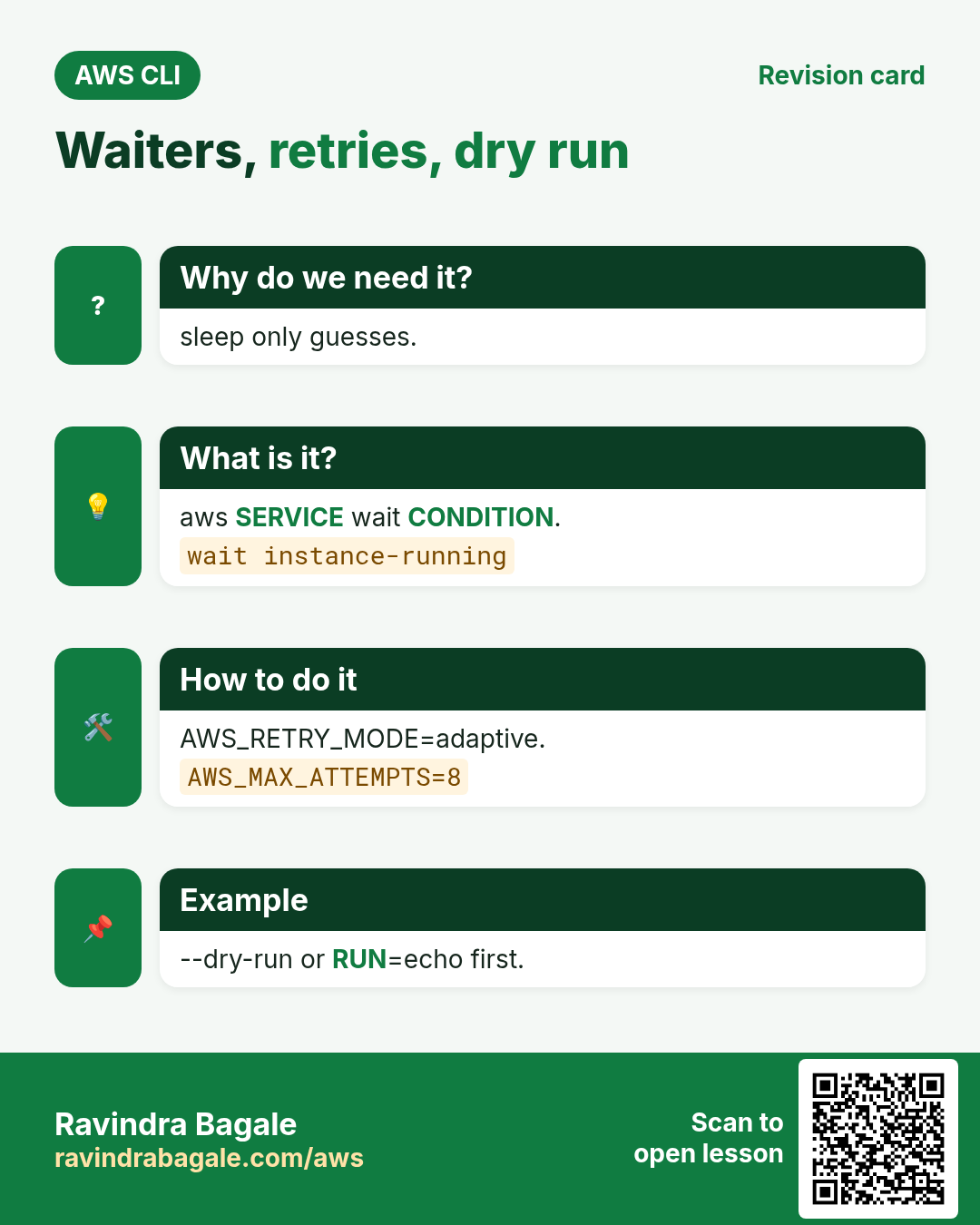
aws SERVICE wait CONDITION polls until ready or fails. The CLI auto-paginates; --max-items with --starting-token pages by hand; --page-size makes smaller calls.
How to do it (step by step)
- Launch and wait properly.
ID=$(aws ec2 run-instances --image-id resolve:ssm:/aws/service/ami-amazon-linux-latest/al2023-ami-kernel-default-x86_64 --instance-type t3.micro --query "Instances[0].InstanceId" --output text)
aws ec2 wait instance-running --instance-ids $ID && echo "ready $ID"
Expected output:
ready i-0def456abc7890123- Page by hand.
aws s3api list-objects-v2 --bucket my-bucket --max-items 2 --query "{keys:Contents[].Key,next:NextToken}"Expected output:
{"keys": ["a.txt", "b.txt"], "next": "eyJDb250aW51YXRpb25Ub2tlbiI6..."}5. Errors, retries and dry runs
Why do we need this?
APIs throttle under load, and you want to test a delete script without deleting.
What is it?
AWS_RETRY_MODE=adaptive and AWS_MAX_ATTEMPTS retry for you. Exit code 0 means success; check it with if. EC2 supports --dry-run; for others, print instead of run.
How to do it (step by step)
- Turn on smart retries.
export AWS_RETRY_MODE=adaptive AWS_MAX_ATTEMPTS=8
aws configure list | grep -i region
Expected output:
region ap-south-1 config-file ~/.aws/config- Handle a missing resource.
if aws s3api head-bucket --bucket maybe-missing 2>/dev/null; then echo exists; else echo "missing, creating"; fiExpected output:
missing, creating- Dry run an EC2 delete.
aws ec2 terminate-instances --instance-ids $ID --dry-runExpected output:
An error occurred (DryRunOperation) ... Request would have succeeded, but DryRun flag is set.- Echo-mode for other services.
RUN=${RUN:-echo}
for b in $(aws s3api list-buckets --query "Buckets[?starts_with(Name,'cli-tmp')].Name" --output text); do $RUN aws s3 rb s3://$b --force; done
Expected output:
aws s3 rb s3://cli-tmp-1 --force6. One-page cheat sheet
Why do we need this?
In an outage you need the right command in seconds.
What is it?
These are the most used commands from all 25 chapters, grouped by service.
How to do it (step by step)
- Setup and identity.
aws configure sso
aws sts get-caller-identity
aws configure list-profiles
aws ec2 describe-regions --output table
Expected output:
(no output means success)- Compute and storage.
aws ec2 describe-instances --filters Name=instance-state-name,Values=running
aws ec2 start-instances / stop-instances --instance-ids i-...
aws s3 sync ./site s3://bucket --delete
aws s3 presign s3://bucket/file --expires-in 3600
aws ec2 create-snapshot --volume-id vol-...
Expected output:
(no output means success)- Network, load balancing and scaling.
aws ec2 describe-vpcs / describe-subnets / describe-security-groups
aws ec2 authorize-security-group-ingress --group-id sg-... --protocol tcp --port 443 --cidr 0.0.0.0/0
aws elbv2 describe-target-health --target-group-arn ...
aws autoscaling set-desired-capacity --auto-scaling-group-name asg --desired-capacity 3
Expected output:
(no output means success)- Databases and serverless.
aws rds describe-db-instances --query "DBInstances[].[DBInstanceIdentifier,DBInstanceStatus]"
aws dynamodb query --table-name t --key-condition-expression "pk=:p" --expression-attribute-values '{":p":{"S":"u1"}}'
aws lambda invoke --function-name f --cli-binary-format raw-in-base64-out --payload '{}' out.json
aws apigatewayv2 get-apis
Expected output:
(no output means success)- Messaging, DNS, containers.
aws sns publish --topic-arn ... --message hi
aws sqs receive-message --queue-url ... --wait-time-seconds 20
aws route53 change-resource-record-sets --hosted-zone-id Z... --change-batch file://c.json
aws ecr get-login-password | docker login --username AWS --password-stdin ACCT.dkr.ecr.REGION.amazonaws.com
aws ecs update-service --cluster c --service s --force-new-deployment
aws eks update-kubeconfig --name cluster
Expected output:
(no output means success)- Ops, security, delivery.
aws logs tail /aws/lambda/f --follow
aws cloudwatch describe-alarms --state-value ALARM
aws cloudformation deploy --stack-name s --template-file t.yaml
aws secretsmanager get-secret-value --secret-id name
aws ssm start-session --target i-...
aws kms encrypt --key-id alias/k --plaintext fileb://f
aws cloudfront create-invalidation --distribution-id E... --paths "/*"
Expected output:
(no output means success)7. Same action in Python, Node.js, Java, Go, .NET and PHP
Why do we need this?
Scripts start in the CLI. Apps call the same API through an SDK. Knowing both helps you move a tested command into real code.
What is it?
Each CLI command maps to one API call. For example aws sts get-caller-identity maps to the Who am I API.
How to do it (step by step)
Same action (Who am I) from code. Every SDK reads the same profile, region and credentials as the CLI.
| Stack | Code |
|---|---|
| Python (boto3) | boto3.client("sts").get_caller_identity()["Account"] |
| Node.js (v3) | await sts.send(new GetCallerIdentityCommand({})); |
| Java (v2) | sts.getCallerIdentity().account(); |
| Go (v2) | c.GetCallerIdentity(ctx, &sts.GetCallerIdentityInput{}) |
| .NET | await sts.GetCallerIdentityAsync(new GetCallerIdentityRequest()); |
| PHP | $sts->getCallerIdentity()["Account"]; |
8. Clean up so nothing keeps costing
Why do we need this?
Lab resources left running cost money and can be a security risk.
What is it?
Delete in reverse order: children first, then parents.
How to do it (step by step)
- Terminate the test instance.
aws ec2 terminate-instances --instance-ids $ID --query "TerminatingInstances[0].CurrentState.Name" --output text
aws ec2 wait instance-terminated --instance-ids $ID
Expected output:
shutting-down- Remove the script files.
rm -f tag-report.shExpected output:
(no output means success)- Verify nothing is left running.
aws ec2 describe-instances --filters Name=instance-state-name,Values=running --query "length(Reservations[].Instances[])"Expected output:
0Ravindra Bagale's Tip
Before any delete loop, run it once with RUN=echo and read every line. Then run with RUN= (empty) to execute.
9. Interview questions and answers
Q. Why set -euo pipefail?
Stop on errors, unset variables and failed pipe parts.
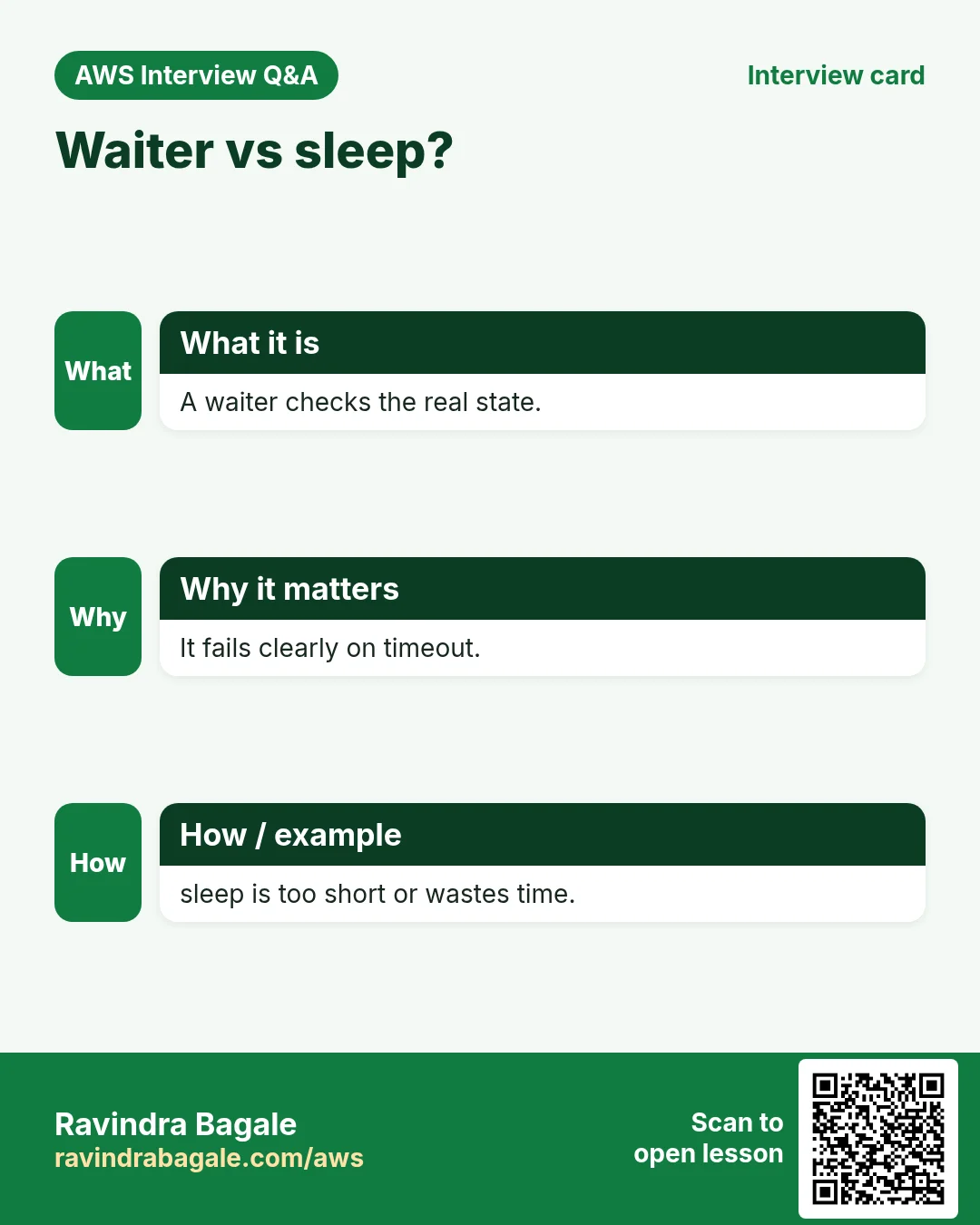
Q. Waiter vs sleep?
A waiter polls the real state and fails on timeout; sleep only guesses.
Q. How does the CLI paginate?
Automatically by default; --max-items and --starting-token for manual paging, --no-paginate for one page.
Q. How to handle throttling?
AWS_RETRY_MODE=adaptive with AWS_MAX_ATTEMPTS.
Q. How do you test destructive scripts?
EC2 --dry-run, and echo-mode that prints commands before running them.
Try at home
- Write a script that lists every S3 bucket with its region and size class in a CSV.
- Write a stop-dev-servers.sh that stops instances tagged env=dev in all regions, with RUN=echo first.
In short
- set -euo pipefail.
- --query + --output text.
- wait, not sleep.
- adaptive retries.
- Dry run first.
Practice Tasks
Shivneri Schools is a education business in Junnar. Kavita Shinde looks after its IT and cloud work. They count money in INR and run their AWS resources in the ap-south-1 Region. In the tasks below you do real jobs for them using what this lesson teaches. All names, account IDs, IP addresses and numbers are made up for practice.
0 / 12
Easy List your EC2 instances
Why: Before changing anything, see what is running and in which state.
What to do: Show details of all EC2 instances of Shivneri Schools in ap-south-1.
- Read the task and decide which AWS service it is about.
- Write aws, then the service name, then the operation (the action word).
- Add each needed flag (--name) followed by its value from the task.
- Flags can be in any order. Click Check answer.
Easy List files in a bucket folder
Why: Check that the upload worked and see file sizes.
What to do: List the objects under s3://shivnerischool-invoices-2026/reports/.
- Read the task and decide which AWS service it is about.
- Write aws, then the service name, then the operation (the action word).
- Add each needed flag (--name) followed by its value from the task.
- Flags can be in any order. Click Check answer.
Easy Create a bucket
Why: A bucket is the top-level container for your files in S3.
What to do: Create the bucket shivnerischool-invoices-2026 in ap-south-1.
- Read the task and decide which AWS service it is about.
- Write aws, then the service name, then the operation (the action word).
- Add each needed flag (--name) followed by its value from the task.
- Flags can be in any order. Click Check answer.
Easy Check who you are logged in as
Why: Always confirm the account and identity before running changes.
What to do: Show the account ID and ARN of the identity your CLI is using.
- Read the task and decide which AWS service it is about.
- Write aws, then the service name, then the operation (the action word).
- Add each needed flag (--name) followed by its value from the task.
- Flags can be in any order. Click Check answer.
Easy Read a config file
Why: Reading a file on the screen is the quickest way to check its settings.
What to do: Print the whole file /etc/shivnerischool/app.conf on the screen.
- Find the Linux command that does this job.
- Add the options (like -r or -h) the task needs.
- Add the file names, folders or users in the right order.
- Use sudo if the job changes system files or users. Click Check answer.
Easy List all files with details
Why: Hidden files (like .env) and file sizes or owners only show with the right options.
What to do: Show a long listing of every file, including hidden ones, in /var/www/shivnerischool.
- Find the Linux command that does this job.
- Add the options (like -r or -h) the task needs.
- Add the file names, folders or users in the right order.
- Use sudo if the job changes system files or users. Click Check answer.
Easy Create an empty file
Why: Some apps need a file to exist before they can write to it.
What to do: Create an empty file named orders-inr.csv in the current folder.
- Find the Linux command that does this job.
- Add the options (like -r or -h) the task needs.
- Add the file names, folders or users in the right order.
- Use sudo if the job changes system files or users. Click Check answer.
Medium Limit how many items come back
Why: --max-items stops a huge listing after the first N results.
What to do: List objects in bucket shivnerischool-logs with s3api, returning at most 50 items.
- Read the task and decide which AWS service it is about.
- Write aws, then the service name, then the operation (the action word).
- Add each needed flag (--name) followed by its value from the task.
- Flags can be in any order. Click Check answer.
Medium Show output as a table
Why: --output table is easy to read on screen.
What to do: List all S3 buckets using s3api and show the result as a table.
- Read the task and decide which AWS service it is about.
- Write aws, then the service name, then the operation (the action word).
- Add each needed flag (--name) followed by its value from the task.
- Flags can be in any order. Click Check answer.
Hard Show only running instances
Why: Filters ask AWS to send only what you need, which is faster than sorting by eye.
What to do: Describe only instances whose state is running.
- Read the task and decide which AWS service it is about.
- Write aws, then the service name, then the operation (the action word).
- Add each needed flag (--name) followed by its value from the task.
- Flags can be in any order. Click Check answer.
Hard Pick fields with --query
Why: JMESPath --query prints just what you need, ready for scripts.
What to do: Describe instances but print only the instance IDs, using the query Reservations[].Instances[].InstanceId and text output.
- Read the task and decide which AWS service it is about.
- Write aws, then the service name, then the operation (the action word).
- Add each needed flag (--name) followed by its value from the task.
- Flags can be in any order. Click Check answer.
Hard Wait until an instance is running
Why: Waiters pause your script until AWS reports the state you need.
What to do: Wait until instance i-0d55255ad30111a2b is running.
- Read the task and decide which AWS service it is about.
- Write aws, then the service name, then the operation (the action word).
- Add each needed flag (--name) followed by its value from the task.
- Flags can be in any order. Click Check answer.
Revision, comparison and interview cards
Revise this lesson in a few minutes. Save the cards on your phone or download them as PNG files. The QR code on each card opens this lesson.
More cards: Ravi Sir's Cards.