SQL Database Design and Foreign Keys with Examples
Knowing CREATE TABLE is not the same as knowing which tables to create. In this chapter we design the database behind two apps everyone uses, Instagram Reels and Flipkart, decide what becomes a column and what needs its own table, and then link tables safely with a foreign key, so no order or like can point to a user who does not exist.
What you'll learn in this class
- Setting keys inside
CREATE TABLE: inlineUNIQUEversus a table-levelUNIQUE(email)after a comma ERROR 1062on a duplicate email, and why the next id skips a number- What database design is: how many tables, and which column goes where
- Why like and comment counters in a reels table fail, and the
likestable withCOUNT(*) - The rule: many values per row means its own table
- Finding tables by walking the user journey (Flipkart), and why actions are not columns
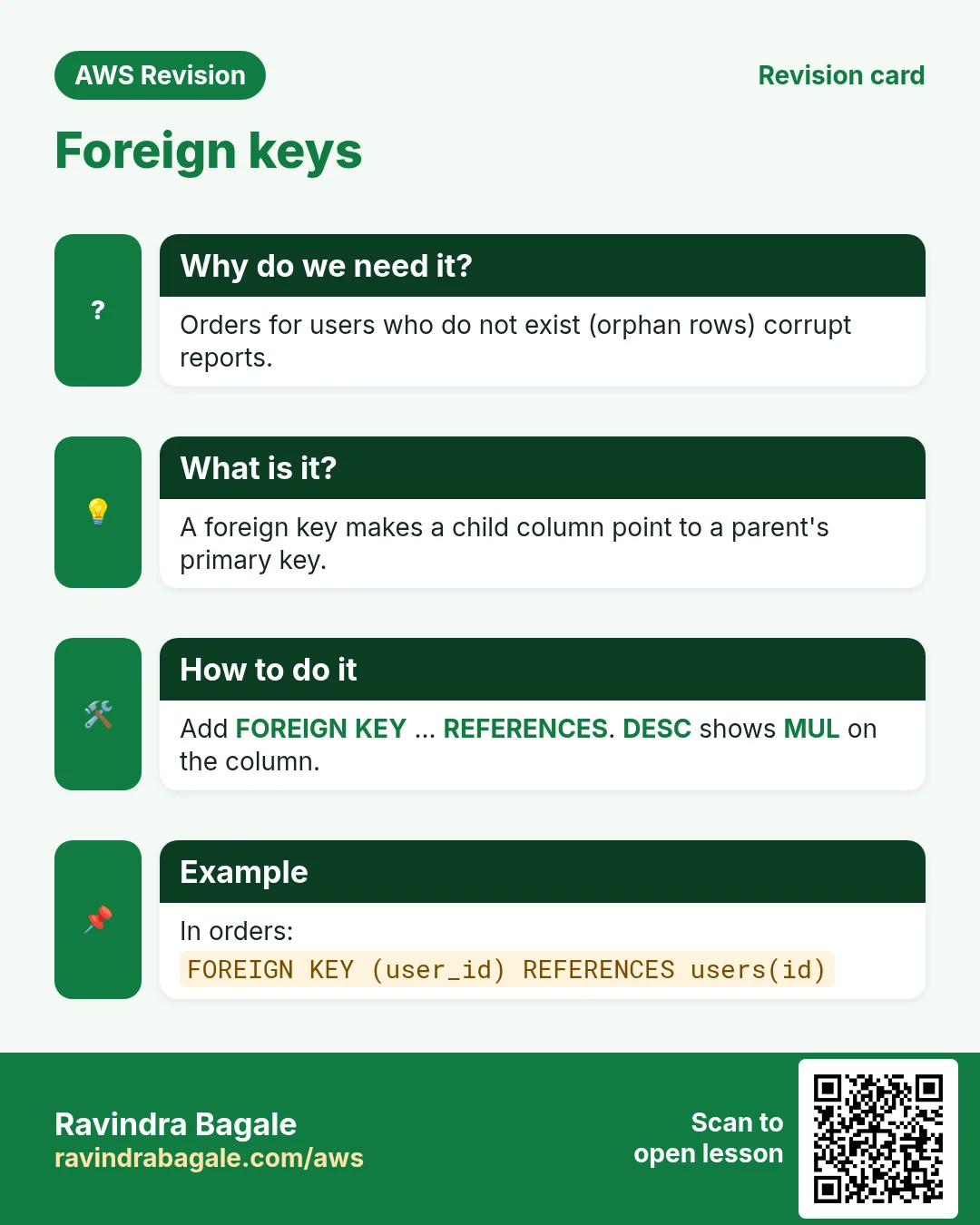
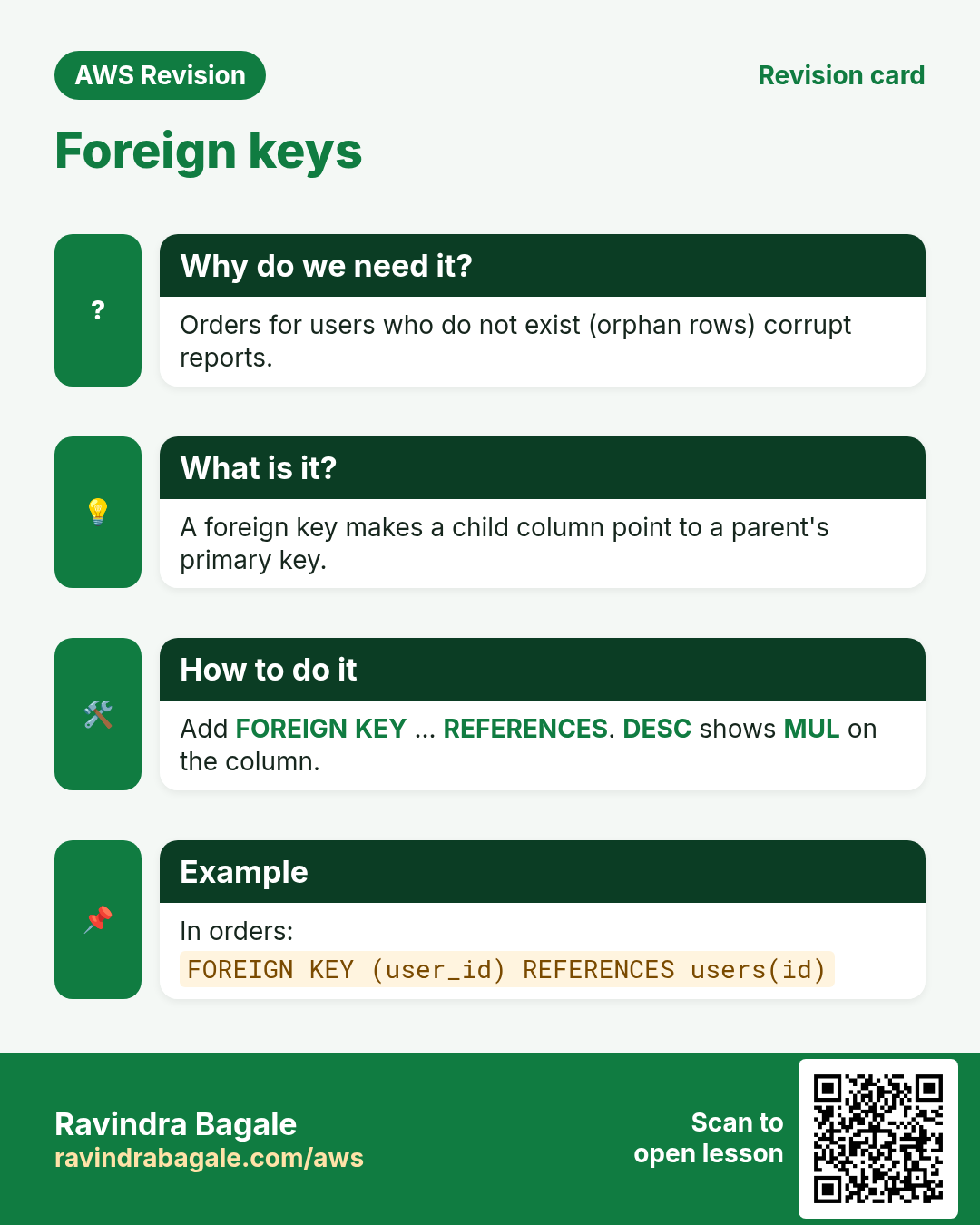
- Foreign keys: orphan rows, parent and child,
FOREIGN KEY ... REFERENCES, andMULinDESC ERROR 1452for a child without a parent,ERROR 1451for a parent with children- Soft delete with an
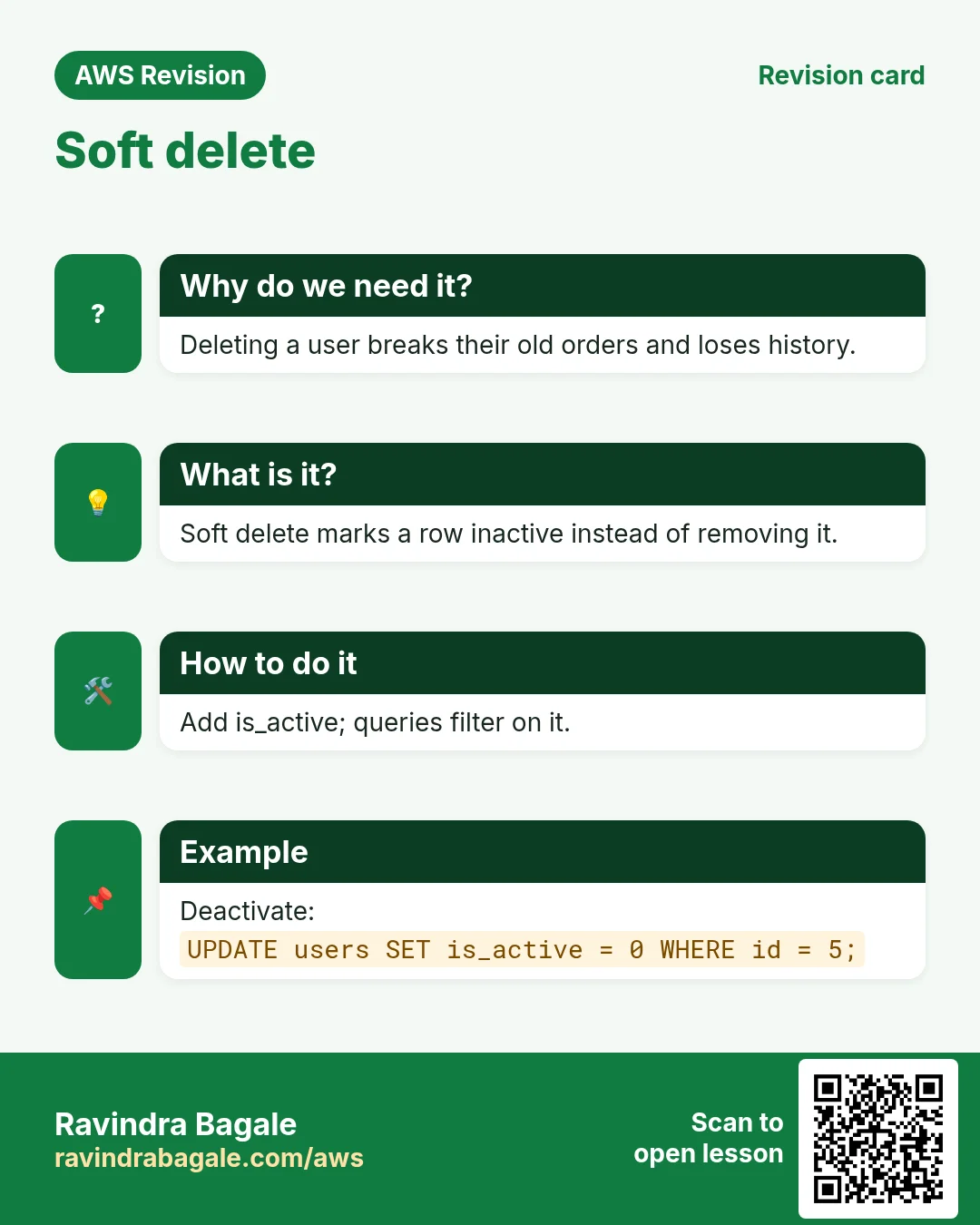
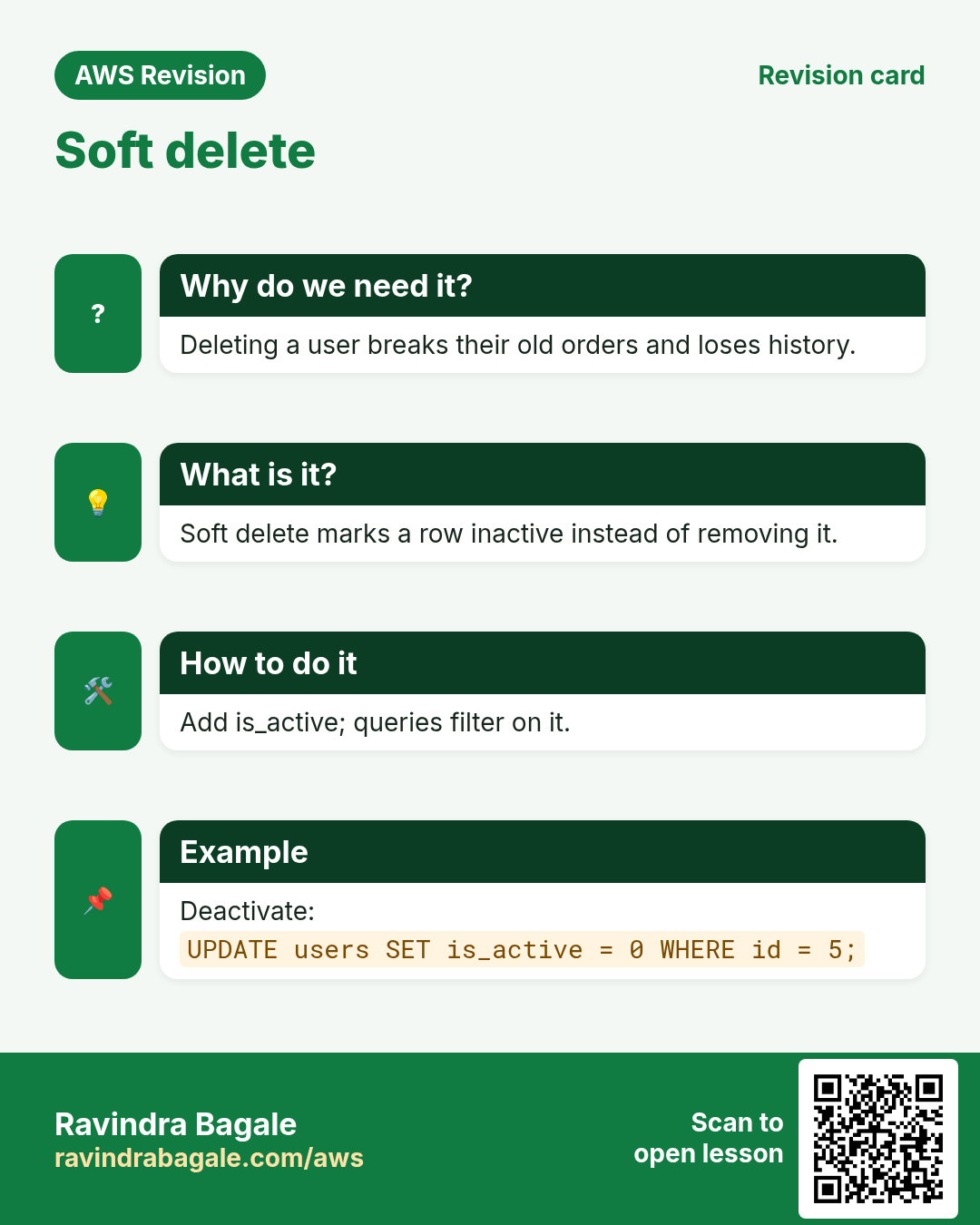
is_activecolumn
1. Practice data
Why: every command below shows its result. If you start from the same empty database, you get the same answers and can check yourself.
How:
- Log in with
mysql -u root -p. -
Start with a fresh
instagramdatabase. If you still have one from an earlier SQL chapter, this removes it:DROP DATABASE IF EXISTS instagram; CREATE DATABASE instagram; USE instagram; -
This time we don't create the table and fix it later. The keys go in right away, in the next section.
2. Set the keys while you create the table
Why: in the last SQL chapter we added keys later with ALTER TABLE. That works, but if duplicates have already crept in, the ALTER TABLE fails and you must clean the data first. In real projects the keys are decided before the first row goes in.
Classroom line
Usually we don't create the table first and add the primary key later.
Class मधलं वाक्य
साधारणपणे असं होत नाही की आधी table बनवला आणि नंतर primary key लावली.
Classroom line – हिंदी
"Aisa generally nahi hota ki pehle table banaya fir baad me primary key assign kiya."
What: a key can be written in two places inside CREATE TABLE:
- Inline, on the column itself:
email VARCHAR(50) UNIQUE. - Table level, as a separate item after all the columns:
UNIQUE(email). - Both give exactly the same table.
DESCshowsUNIonemaileither way. - The table-level form is just one more item in the list, so it needs a comma before it, like every column.
Classroom line
Declare all the columns first, then declare the unique key at the end with UNIQUE.
Class मधलं वाक्य
आधी सगळे columns declare करा, मग शेवटी UNIQUE वापरून unique declare करा.
Classroom line – हिंदी
"Pehle sabhi columns declare karo, fir last me UNIQUE use karke unique declare karo."
How:
-
Create
userswith the table-level form:CREATE TABLE users ( id INT PRIMARY KEY AUTO_INCREMENT, name VARCHAR(20), email VARCHAR(50), UNIQUE(email) ); -
DESC users;showsidasPRIwithauto_increment, andemailasUNI. - The inline form would be
email VARCHAR(50) UNIQUEwith no last line. Don't run it now;usersalready exists. - Leave out the comma before
UNIQUE(email)and MariaDB stops withERROR 1064 (42000): You have an error in your SQL syntax, pointing at(email). - Use the table-level form when a rule covers more than one column, or when you like all the rules together at the end. Otherwise inline is shorter.
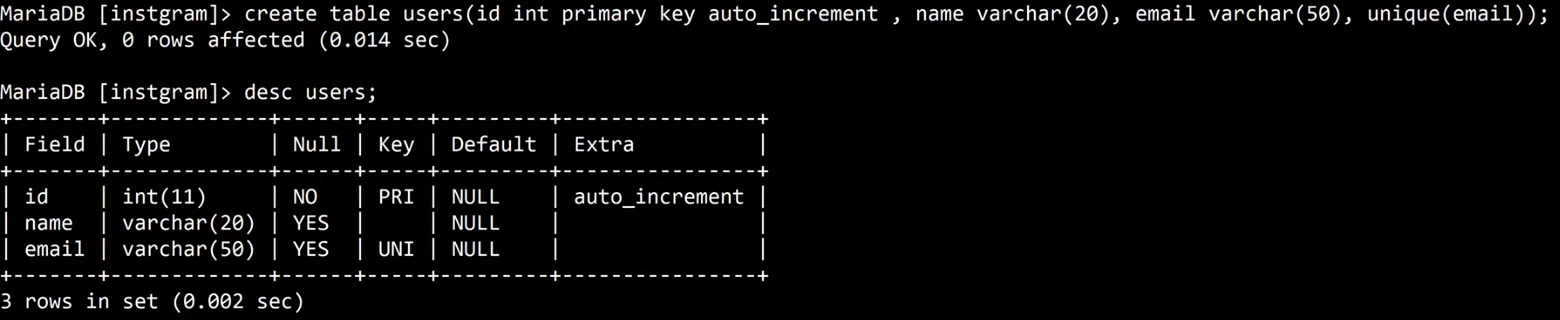
Whiteboard: CREATE TABLE users with UNIQUE(email) written as the last item, after a comma. DESC shows PRI with auto_increment on id and UNI on email.
Figure 1. Two ways to make email UNIQUE in CREATE TABLE: inline on the column, or as a separate line UNIQUE(email) after a comma. Both give the same table; a duplicate email gives ERROR 1062.
3. UNIQUE at work: ERROR 1062 and the skipped id
Why: one email must belong to one account. Login, password reset and "this email is already registered" all depend on it.
How:
-
Add a user. There is no id in the list, so
AUTO_INCREMENTpicks it:INSERT INTO users (name, email) VALUES ('amit', 'amit@example.com'); -
Query OK, 1 row affected. amit gets id 1. -
Try the same email again:
INSERT INTO users (name, email) VALUES ('amit', 'amit@example.com'); -
MariaDB refuses:
ERROR 1062 (23000): Duplicate entry 'amit@example.com' for key 'email'. The key is named after the column. -
Add two more users:
INSERT INTO users (name, email) VALUES ('neha', 'neha@example.com'); INSERT INTO users (name, email) VALUES ('rahul', 'rahul@example.com'); -
SELECT * FROM users;shows ids 1, 3, 4. The failed insert used up id 2, as you saw withAUTO_INCREMENTgaps in the last SQL chapter.
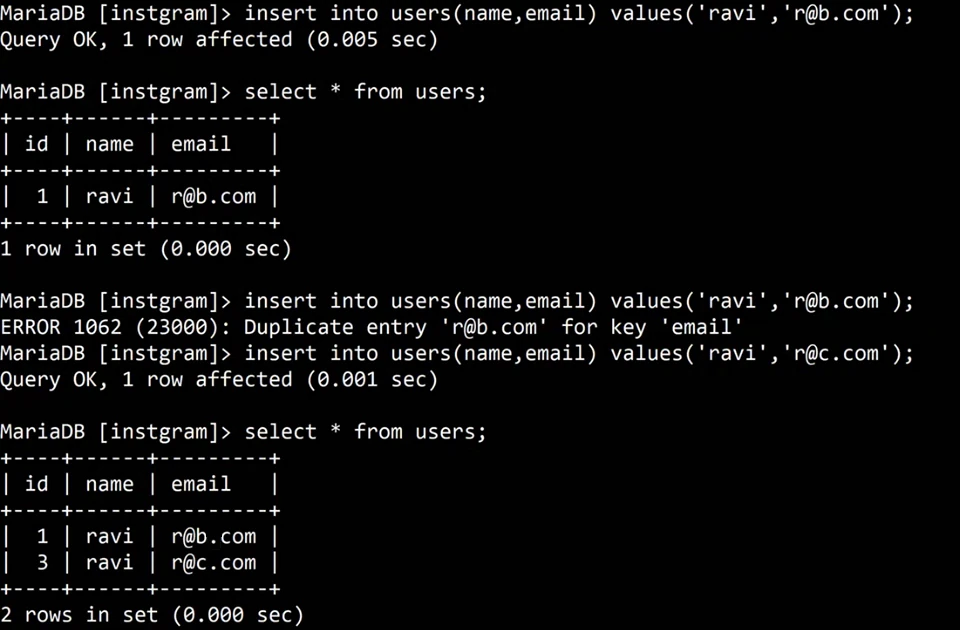
Whiteboard: A second insert of the same email fails with ERROR 1062 for key 'email'. The next user gets id 3, because the failed insert used up id 2.
Classroom line
Do it, and try it without looking; see how much you can do on your own.
Class मधलं वाक्य
"Kara, aani na baghta karnyacha prayatna kara, tumhala kiti yeta bagha."
करा, आणि न बघता करण्याचा प्रयत्न करा, तुम्हाला किती येतं ते बघा.
Classroom line
Do it, and try it without looking; see how much you can do on your own.
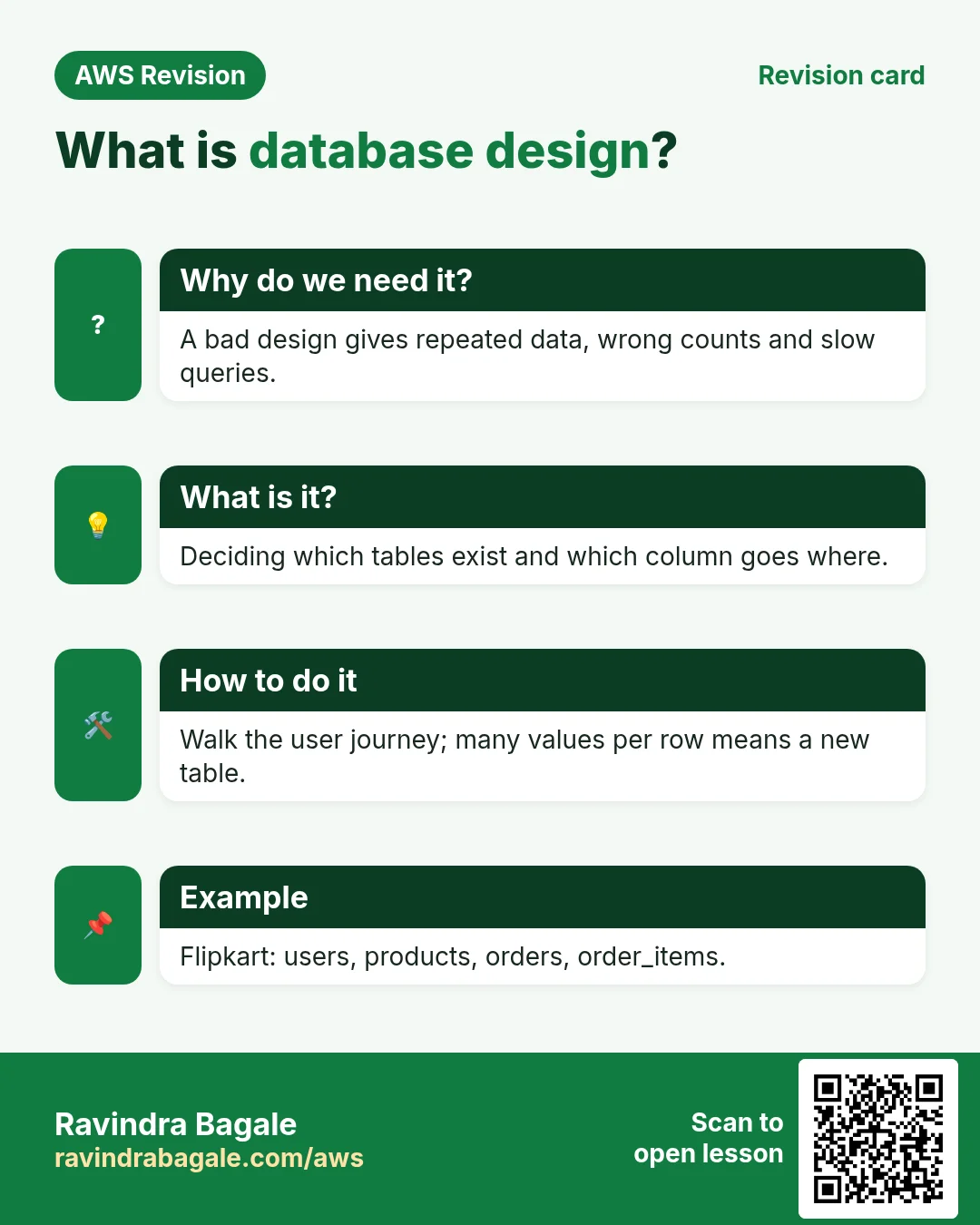
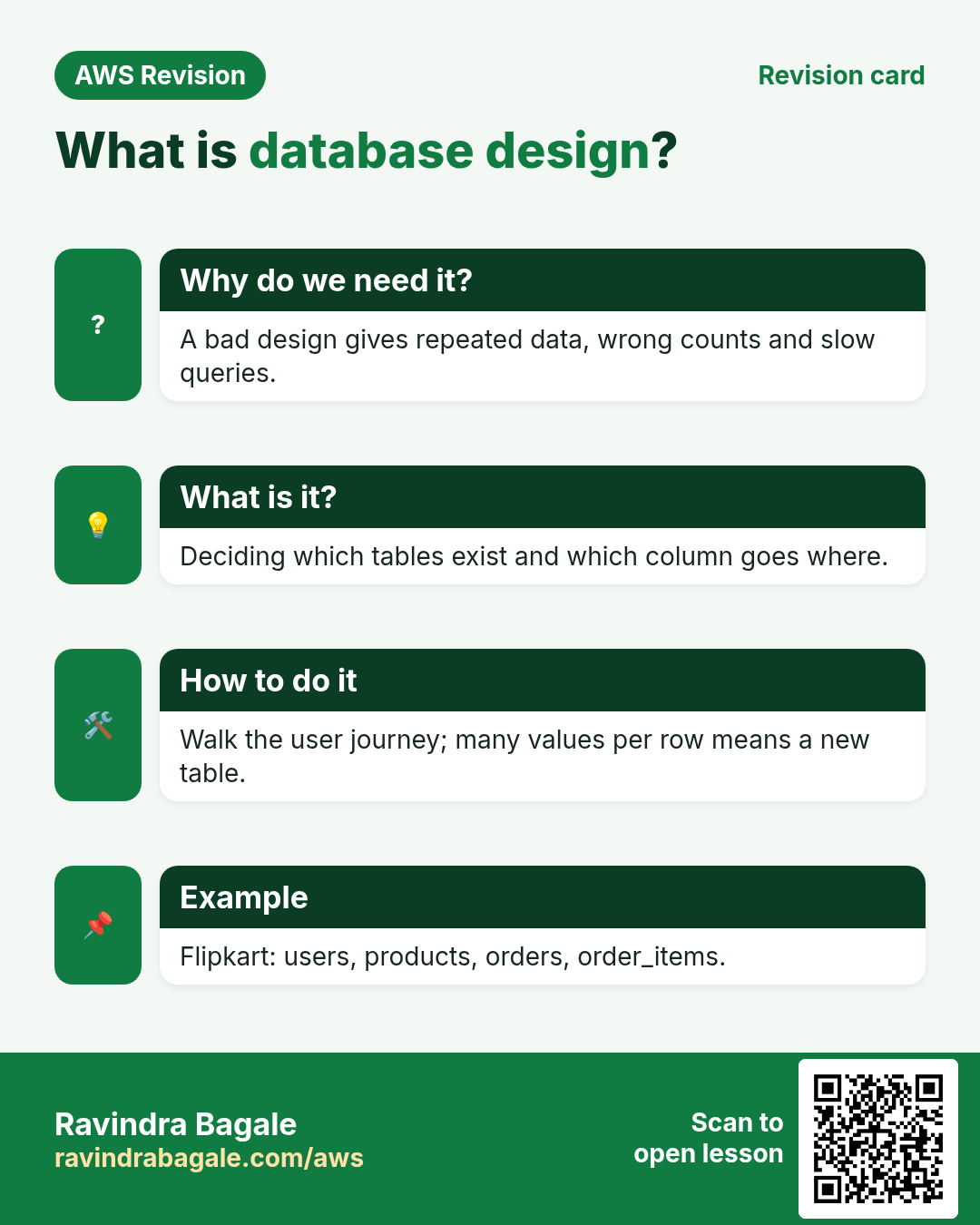
4. What database design is
Why: an app is only as good as its tables. A bad design works for a week and then cannot answer simple questions, like "who liked this reel?"
What: database design means deciding:
- How many tables the app needs.
- Which columns go in which table.
- How the tables are linked to each other.
Classroom line
Deciding how many tables there should be and which column goes in which table is called database design.
Class मधलं वाक्य
किती tables असावेत, कोणत्या table मध्ये कोणता column, यालाच database design म्हणतात.
Classroom line – हिंदी
"Kitne tables hone chahiye, kis table mein kaunsa column, isiko database design bolte hain."
How: design comes before the first CREATE TABLE, usually on paper:
- List what the app shows on each screen.
- Group the data by "thing": a person, a reel, a like, an order.
- Each kind of thing becomes a table; each single fact about it becomes a column.
- Try one sample row per table and check every cell (section 7).
Classroom line
Only when you can separate all this data will you get a proper database design.
Class मधलं वाक्य
जेव्हा तुम्ही हा सगळा data वेगवेगळा करू शकता, तेव्हाच proper database design बनतं.
Classroom line – हिंदी
"Jab aap ye sabhi data alag alag kar paate hain, usi waqt proper database design banega."
5. Suppose we are building Instagram Reels
Why: a reel screen looks simple: a profile photo, a username, the video, a caption, and counts for likes and comments. Each of those must come from a table.
Classroom line
Every reel that gets uploaded must be stored as a record in the database.
Class मधलं वाक्य
जी कोणती reel upload होते, तिचा record database मध्ये store झाला पाहिजे.
Classroom line – हिंदी
"Jo bhi reel upload kar rahe hai, uska record database me store hona chahiye."
What: the first idea most people have is one reels table with everything in it:
id,user_id(who uploaded it),caption,video_url.- Plus counters:
likes,comments,shares, each a plain number.
Classroom line
Let's make the mistakes and see.
Class मधलं वाक्य
"Chuka karun baghuya."
चुका करून बघूया.
Classroom line
Let's make the mistakes and see.
How: test the design with real questions.
- Reel 102 has
likes = 3. Someone taps like; the app changes it to 4. Fine so far. - Who liked it? The counter can't say. It is only a number.
- When did they like it? Not stored either.
- Did the same person like it twice? There is no way to check.
- Someone taps unlike. Whose like should be removed?
- Comments have the same problem, and worse: a comment also has text.
Classroom line
If someone has liked it, then who liked it? That should be visible too.
Class मधलं वाक्य
कोणी like केलं असेल, तर कोणी like केलं? तेही दिसलं पाहिजे ना.
Classroom line – हिंदी
"Agar kisi ne like kiya hai to kisne like kiya? Wo bhi dikhna chahiye na."
Figure 2. Animation: a likes counter in the reels table only says how many; it cannot say who or when, or handle unlike. A likes table with one row per like answers all of these, and COUNT(*) gives the number.
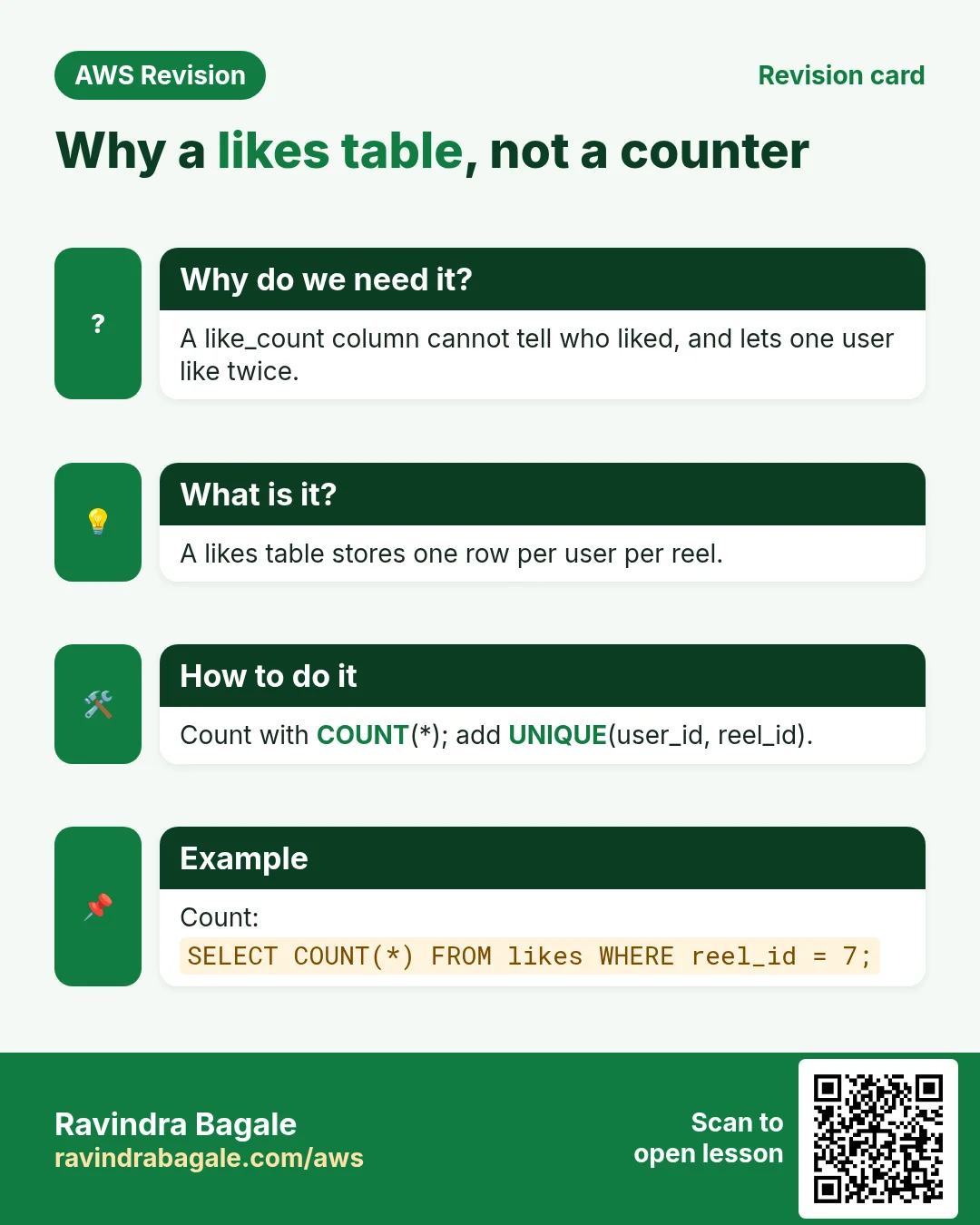
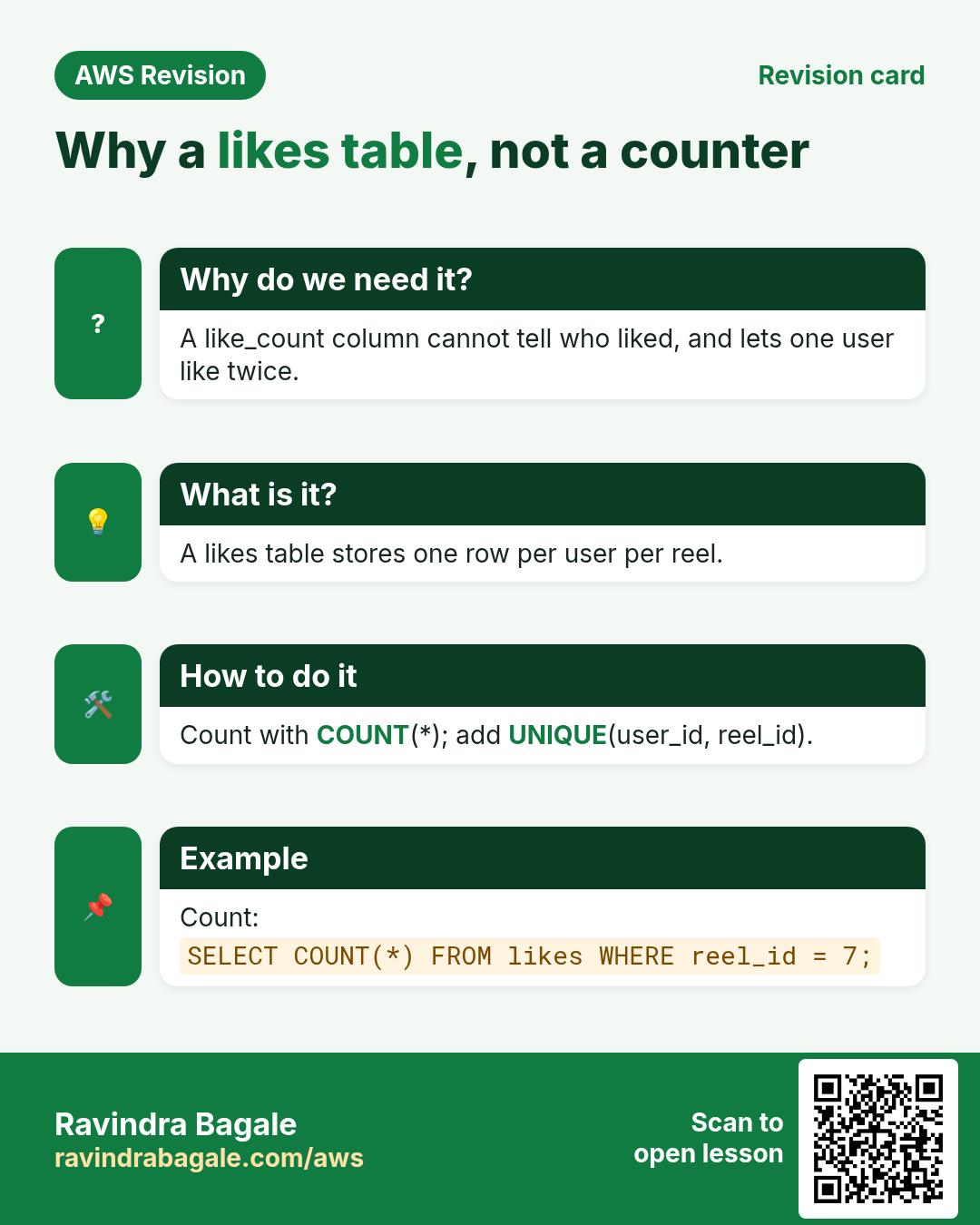
6. The likes table, and COUNT(*)
Why: the counter could not answer "who" or "when". Each like is its own event, so each like gets its own row.
Classroom line
Now how will you find out who liked it?
Class मधलं वाक्य
आता तुम्हाला कसं कळणार कोणी like केलं ते?
Classroom line – हिंदी
"Abhi tumhe kaise pata chalega kisne like kiya hai?"
What: a likes table with:
id: the like's own number.user_id: who liked.reel_id: which reel.liked_at: when.DEFAULT CURRENT_TIMESTAMPfills in the current date and time by itself.
The number of likes is not stored anywhere. It is counted from the rows whenever it is needed.
How:
-
Create the table:
CREATE TABLE likes (id INT PRIMARY KEY AUTO_INCREMENT, user_id INT, reel_id INT, liked_at DATETIME DEFAULT CURRENT_TIMESTAMP); -
Three users like reel 102, and amit also likes reel 105:
INSERT INTO likes (user_id, reel_id) VALUES (1, 102), (3, 102), (4, 102), (1, 105); -
Query OK, 4 rows affected. Each row got today's date and time inliked_at. -
Count the likes on reel 102 from the
likestable:SELECT COUNT(*) FROM likes WHERE reel_id = 102; -
The answer is 3.
-
Tap the count, and the app lists who liked it:
SELECT user_id, liked_at FROM likes WHERE reel_id = 102; -
You get users 1, 3 and 4, each with a time. The app then shows their names and profile photos from
users. - Unlike is now simple: delete that one row, for example
DELETE FROM likes WHERE user_id = 4 AND reel_id = 102; - The
reelstable keeps only what a reel has once: who uploaded it, the caption, the video link.
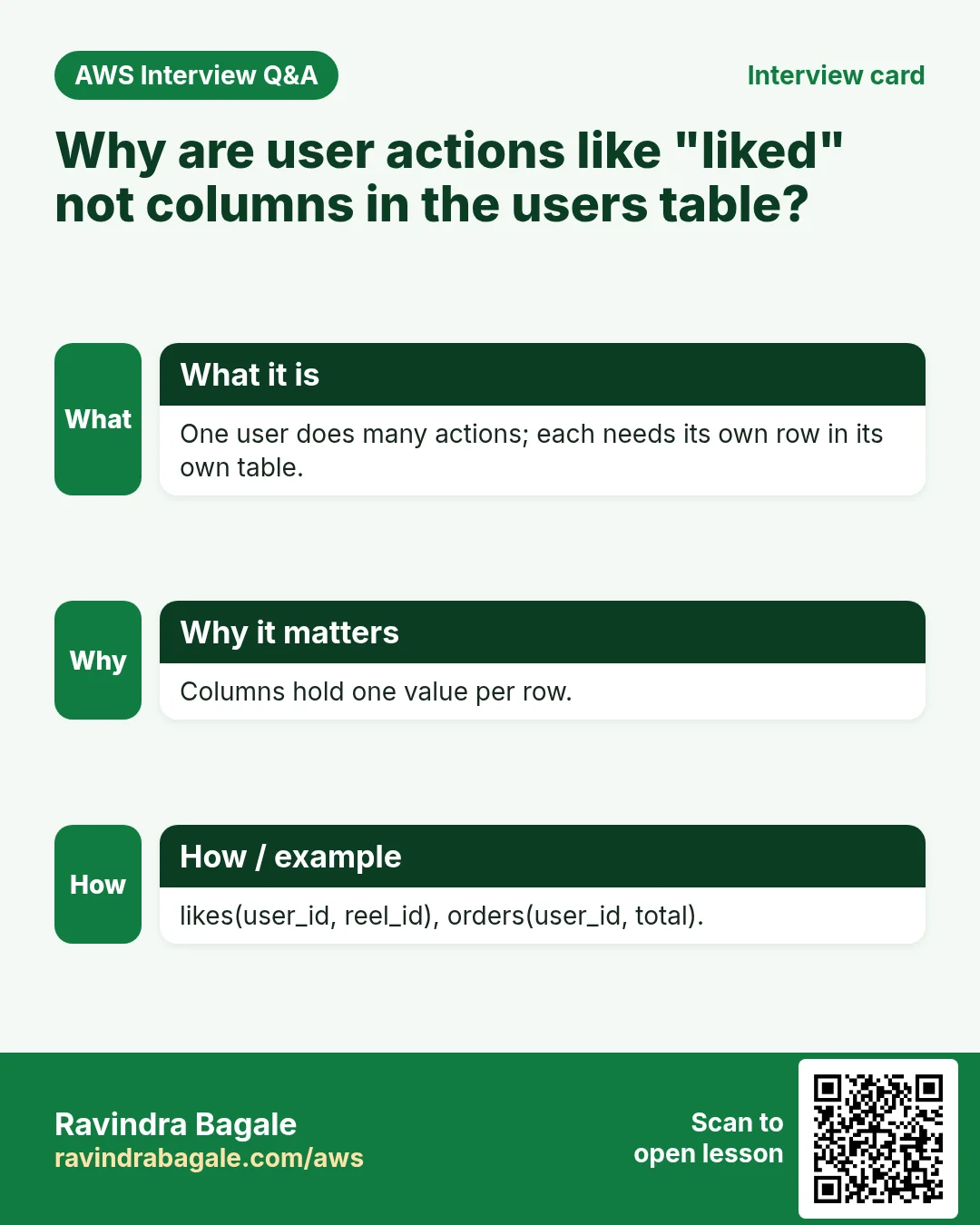
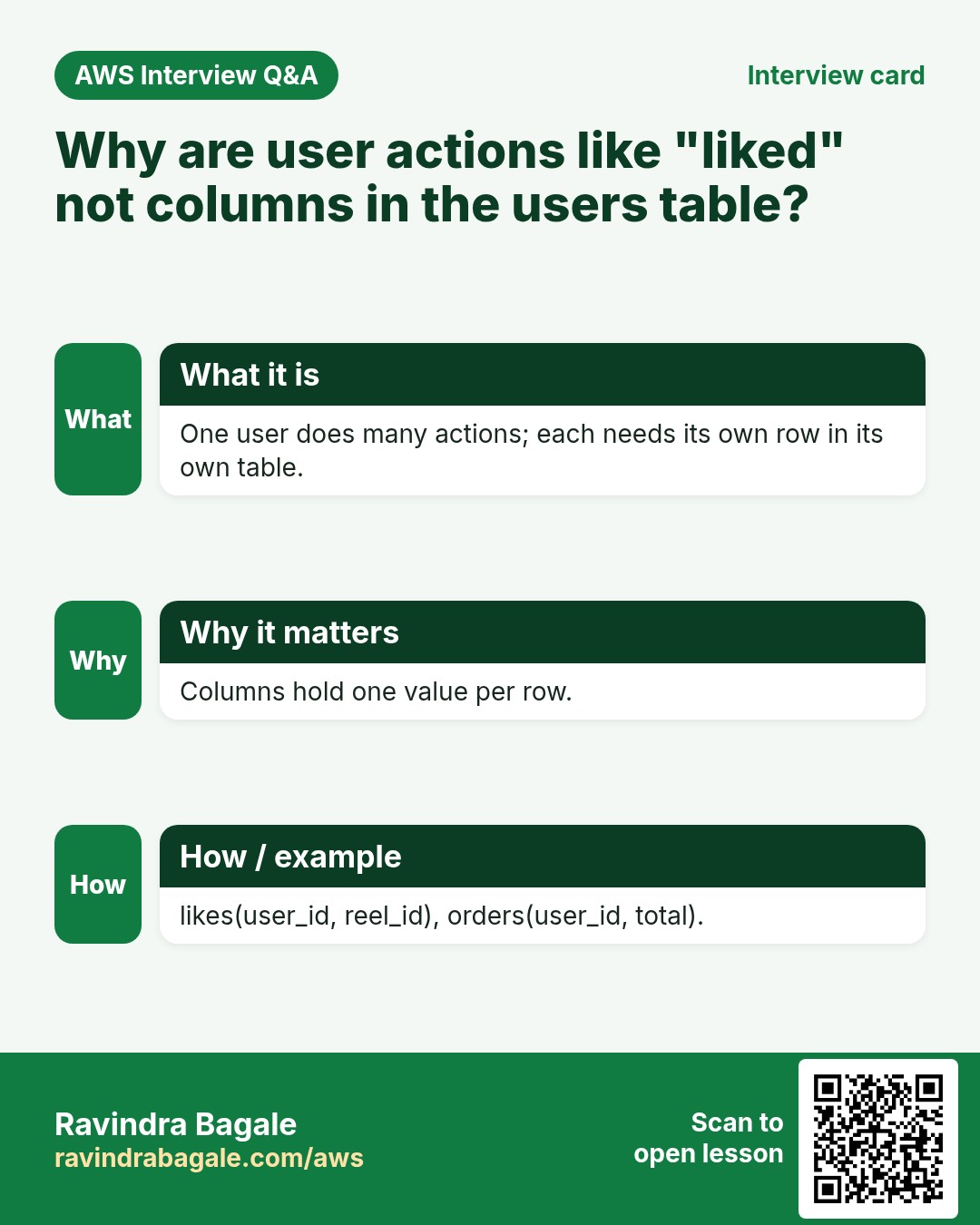
7. The rule: many values per row, own table
Why: you need a quick test you can apply to any column of any app.
Classroom line
If a column is going to hold more than one value, that data becomes a separate table.
Class मधलं वाक्य
एखाद्या column मध्ये एकापेक्षा जास्त values येणार असतील, तर तो data वेगळा table बनतो.
Classroom line – हिंदी
"Agar kisi column mein ek se zyada value aane wale hain, toh woh data alag table ban jata hai."
What:
- One value per row: keep it as a column. A reel has one caption, one video link, one uploader.
- Many values per row, or a list that keeps growing: give it its own table, with one row per value. A reel has many likes, many comments, many tags.
- Never squeeze a list into one cell, like
'1,3,4'. You could not count, search or remove one of them cleanly.
How: the paper test.
- Write the columns of a table on paper.
- Fill in one sample row with realistic values.
- Look at each cell. If it needs a comma-separated list, that data needs its own table.
- Example:
caption = 'chai time'is one value;liked by = 1, 3, 4, ...is many, solikesis a table. - Example:
tags = chai, rain, puneis many, so tags go in areel_tagstable: one row per reel and tag.
Figure 3. The paper test: write one sample row and check each cell. One value per row stays a column; many values per row become their own table, one row per value.
8. Suppose we are building Flipkart: walk the user journey
Why: a shopping app has dozens of tables. Guessing them at random misses some; walking through the app like a customer finds them in order.
Classroom line
Whenever you think something through, think step by step.
Class मधलं वाक्य
जेव्हा तुम्ही काही विचार कराल, तेव्हा step by step विचार करायचा.
Classroom line – हिंदी
"Jab bhi aap kuch sochoge na, toh step by step sochna hai."
How: follow one customer and note what must be stored at each step.
- Register and profile: a
userstable, one row per person. - Delivery address: an
addressestable. One user can have many addresses: you live in Pune but send a gift to your parents in another city. Many values per user means its own table. - Browse:
categories(mobiles, shoes, books) andproducts. - Cart and wishlist:
cart(user, product, quantity) andwishlist(user, product). - Pay:
orders(who bought, how much) andpayments(one or more per order). - After the order:
order_tracking(one row per status change),returns,ratings. - Behind the scenes:
sellers,offers,support_tickets.
What is not a table or a column: search, filter, sort, "add to cart", "buy now". These are actions. An action either reads rows (a SELECT with WHERE and ORDER BY) or adds a row (add to cart is an INSERT into cart).
Classroom line
What is add to cart? It is a functionality, an action.
Class मधलं वाक्य
Add to cart काय आहे? Functionality आहे, action आहे.
Classroom line – हिंदी
"Add to cart kya hai? Functionality hai, action hai."
Figure 4. Animation: walking the Flipkart user journey (register, profile, browse, cart, address, pay, track) finds the tables one by one. Actions such as search, filter and add to cart are not tables or columns.
9. Designing products: column or own table?
Why: products is where people put too much. Apply the rule from section 7 to every idea.
What:
- Columns, one value per product:
id,name,brand,price DECIMAL(10,2),description,return_days. - Size is three numbers, so store three columns:
length_cm,width_cm,depth_cm. Then you can filter on each one. - Category: don't type "Mobiles" into every product row. Keep a
categoriestable (id,name) and store only the number in products:category_id. A spelling fix then happens in one row. - Own tables, because there are many values or they change often:
product_photos: many photos per product.ratings: many users rate one product.stock: changes with every sale.price_history: old prices with their dates.sellers: one product can be sold by many sellers.offers: they come and go.
- Not columns at all: "good quality" is an opinion; it lives in
ratings. "Add to cart" is an action.
Figure 5. products: single facts stay columns, including category_id that points to a categories table; photos, ratings, stock, price history, sellers and offers get their own tables.
10. Why foreign keys: orphan rows
Why: tables now hold each other's ids: likes.user_id, orders.user_id, products.category_id. Nothing so far checks that those ids are real.
What can go wrong:
usershas ids 1, 3 and 4.- A
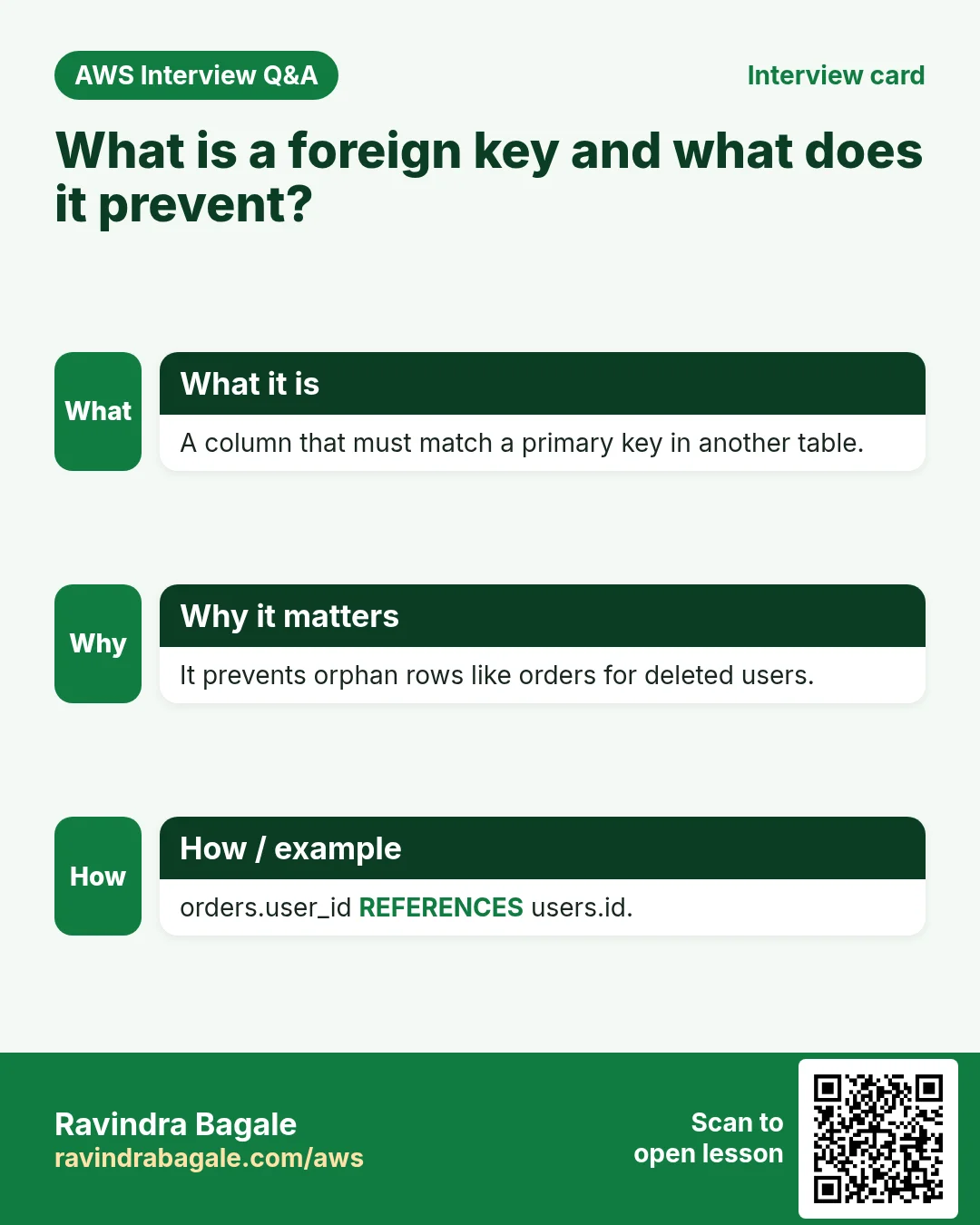
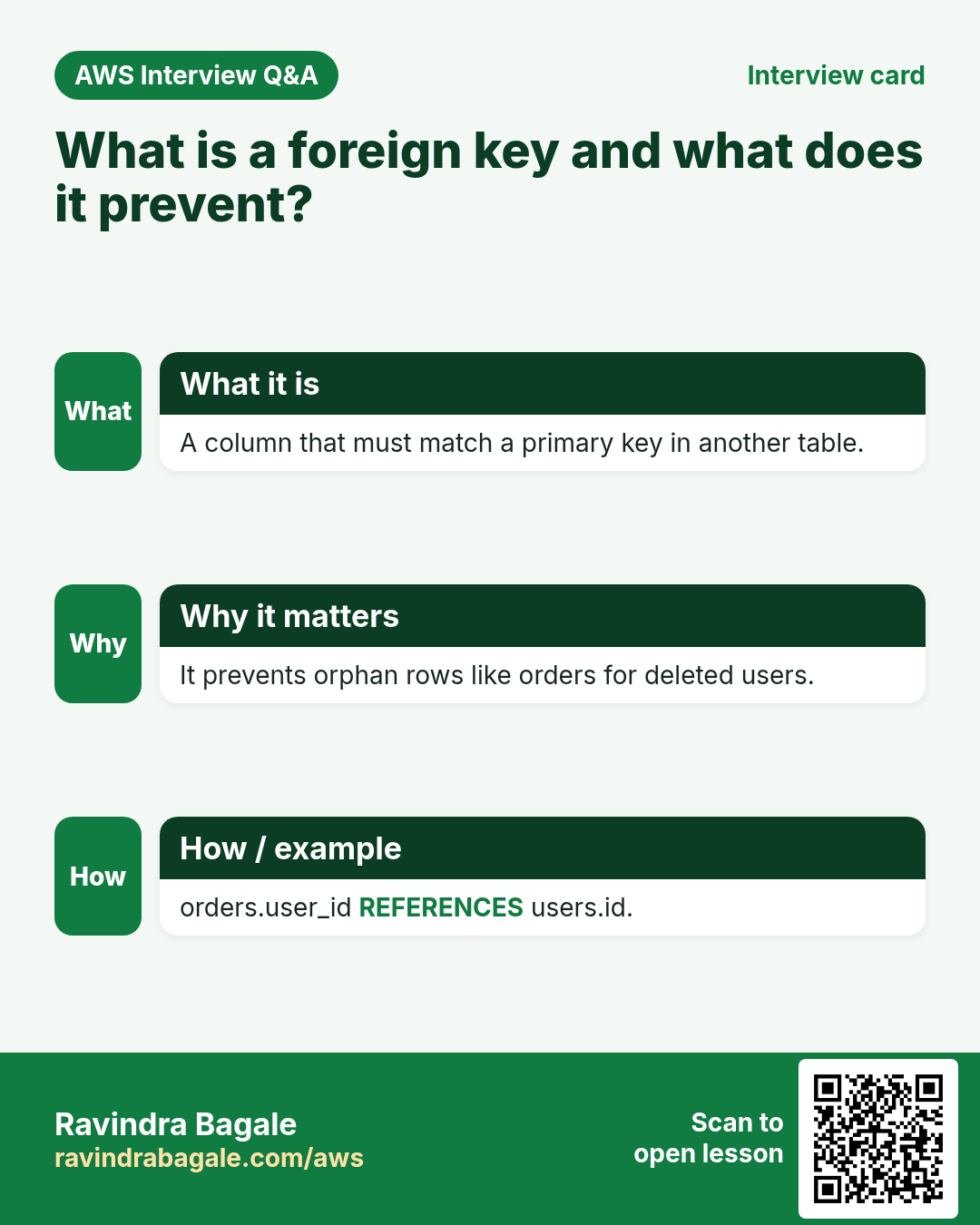
reelsrow says reel 103 was uploaded by user 30. There is no user 30. Whose profile photo should the app show? This is an orphan row: a child with no parent. - An
ordersrow says order 2, Rs 1,00,000, was placed by user 10, who does not exist. In an audit, nobody can say who paid that money. - Likes from users who don't exist make every like count wrong.
Classroom line
Only the users you actually have will place orders; a user who doesn't exist can't place an order.
Class मधलं वाक्य
जे users तुमच्याकडे आहेत तेच order देतील; जो user अस्तित्वातच नाही तो order देणार नाही.
Classroom line – हिंदी
"Jo user tumhare paas hai wahi order denge; jo user hai hi nahi wo order nahi denge."
What: a foreign key is a rule on a column of one table: "every value here must exist in that column of the other table". The database checks it on every insert, update and delete.
Figure 6. Without a foreign key, reel 103 points to user 30 and order 2 for Rs 1,00,000 points to user 10, and neither user exists: orphan rows.
11. Parent and child
Why: Every foreign key has two sides, and every error message in this chapter names one of them. Knowing which table is the parent tells you which row to fix.
What:
- The table that is pointed to is the parent:
users. - The table that holds the pointer is the child:
orders, with itsuser_idcolumn. - One parent row can have many children: one user, many orders.
The rules:
- A value in the child's foreign key column must exist in the parent column.
NULLis allowed unless you make the columnNOT NULL. - The parent column must be a
PRIMARY KEYorUNIQUEcolumn. Usually it is the parent's primary key,users(id). A unique column such asusers(email)works too. - Both columns must have the same type:
INTtoINT. - Create the parent table first. The child refers to it by name.
How: see what happens when a rule is broken. Just read these two examples; they fail on purpose.
-
A parent column without a key:
CREATE TABLE bad (id INT PRIMARY KEY, uname VARCHAR(20), FOREIGN KEY (uname) REFERENCES users(name)); -
It fails:
ERROR 1005 (HY000): Can't create table `instagram`.`bad` (errno: 150 "Foreign key constraint is incorrectly formed").namehas no key, so it can't be a parent column. - The same
ERROR 1005appears when the types differ (VARCHARpointing toINT), or when the parent table doesn't exist yet.
Figure 7. users is the parent and orders the child: each orders.user_id points to a users.id. The parent column must be a PRIMARY KEY or UNIQUE column of the same type, and the parent table is created first.
12. CREATE TABLE with a FOREIGN KEY
Why: Writing the foreign key into CREATE TABLE puts the rule in the database from the first row, so no orphan can ever slip in.
How:
-
Create the child table. The foreign key is written at table level, after a comma, like
UNIQUE(email):CREATE TABLE orders ( id INT PRIMARY KEY AUTO_INCREMENT, user_id INT, product_id INT, amount DECIMAL(10,2), FOREIGN KEY (user_id) REFERENCES users(id) ); -
Read it as: "
user_idin this table refers toidinusers". amount DECIMAL(10,2)stores money exactly: up to 10 digits, 2 of them after the point, such as1299.50.DESC orders;showsMULin the Key column ofuser_id.- MUL means "multiple": the column has an index, and the same value may repeat. MariaDB creates this index for every foreign key. It makes sense: one user can have many orders.
- Compare:
PRIis the primary key,UNIis unique,MULallows repeats.
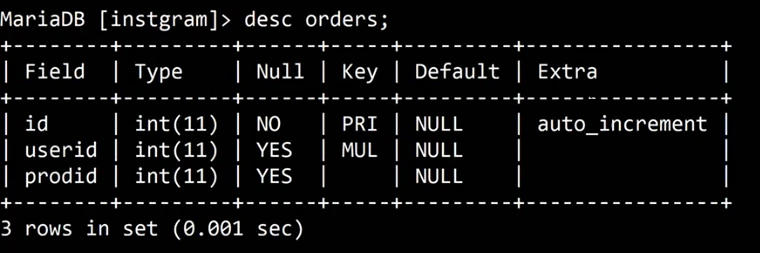
Whiteboard: DESC orders after creating it with a foreign key: id is PRI with auto_increment, and the foreign key column shows MUL.
13. ERROR 1452: a child needs a parent
Why: this is the whole point of the foreign key: no order for a user who doesn't exist.
How:
-
An order for rahul (id 4), who exists:
INSERT INTO orders (user_id, product_id, amount) VALUES (4, 1001, 499.00); -
Query OK, 1 row affected. It gets id 1. -
The Rs 1,00,000 order for user 30, who doesn't exist:
INSERT INTO orders (user_id, product_id, amount) VALUES (30, 1001, 100000.00); -
MariaDB refuses:
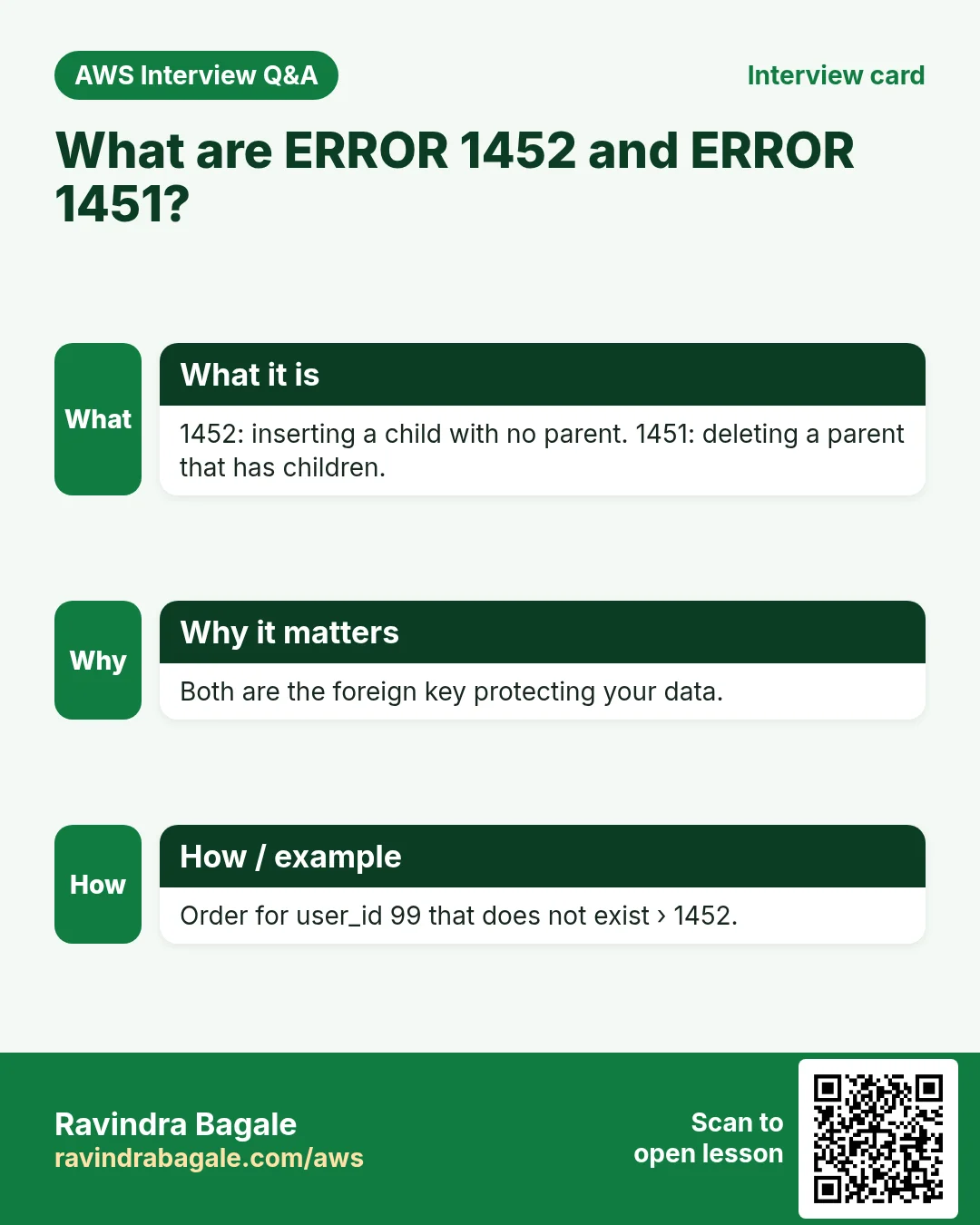
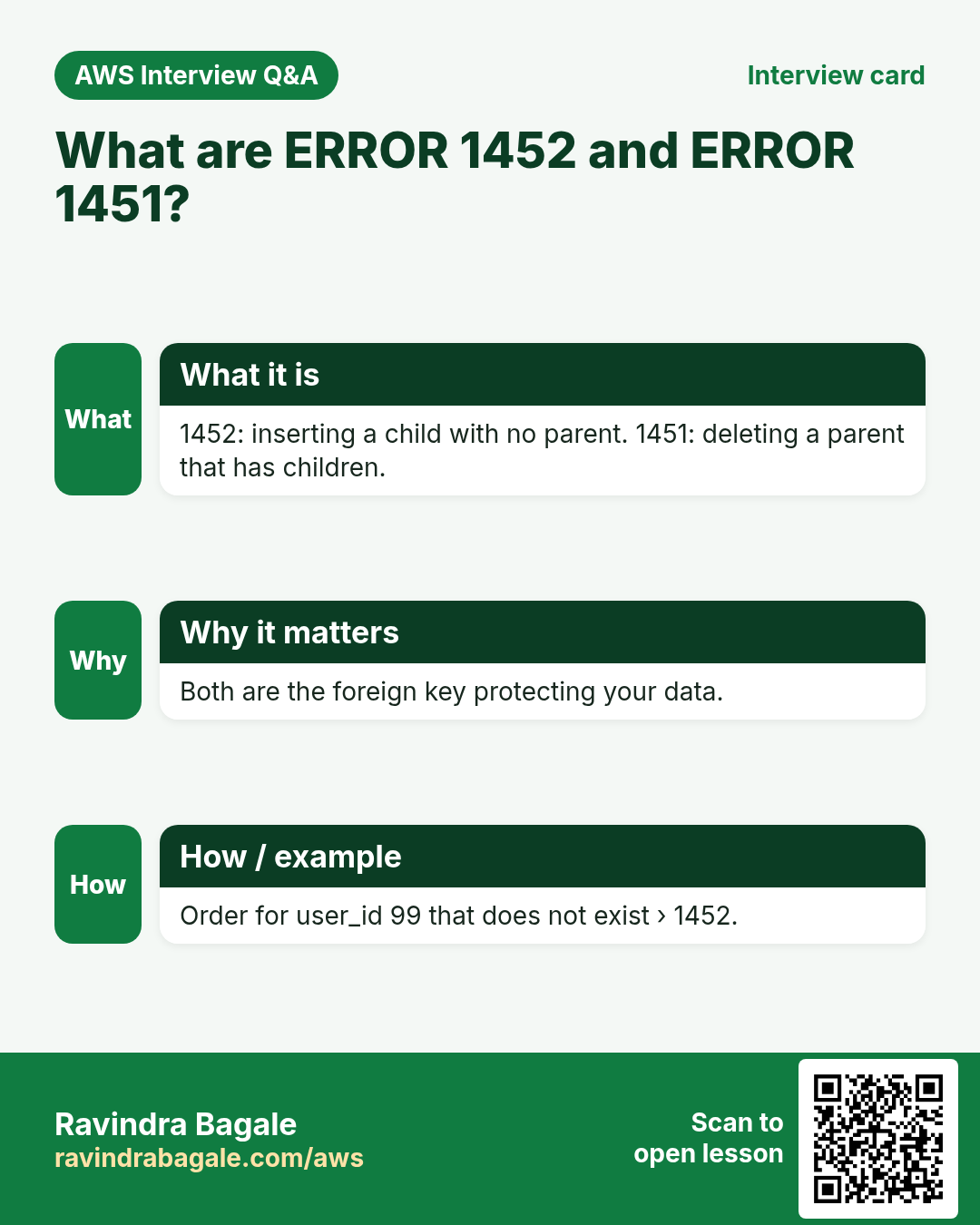
ERROR 1452 (23000): Cannot add or update a child row: a foreign key constraint fails (`instagram`.`orders`, CONSTRAINT `orders_ibfk_1` FOREIGN KEY (`user_id`) REFERENCES `users` (`id`)). - Read the message from the end: the constraint
orders_ibfk_1saysuser_idmust matchusers.id, and 30 doesn't. orders_ibfk_1is the name MariaDB gave the foreign key, because we didn't name it.-
An order for amit (id 1):
INSERT INTO orders (user_id, product_id, amount) VALUES (1, 1002, 1299.50); -
It gets id 3, not 2. The failed insert used up id 2, just like the duplicate email in section 3.
SELECT * FROM orders;shows order 1 (user 4, 499.00) and order 3 (user 1, 1299.50).
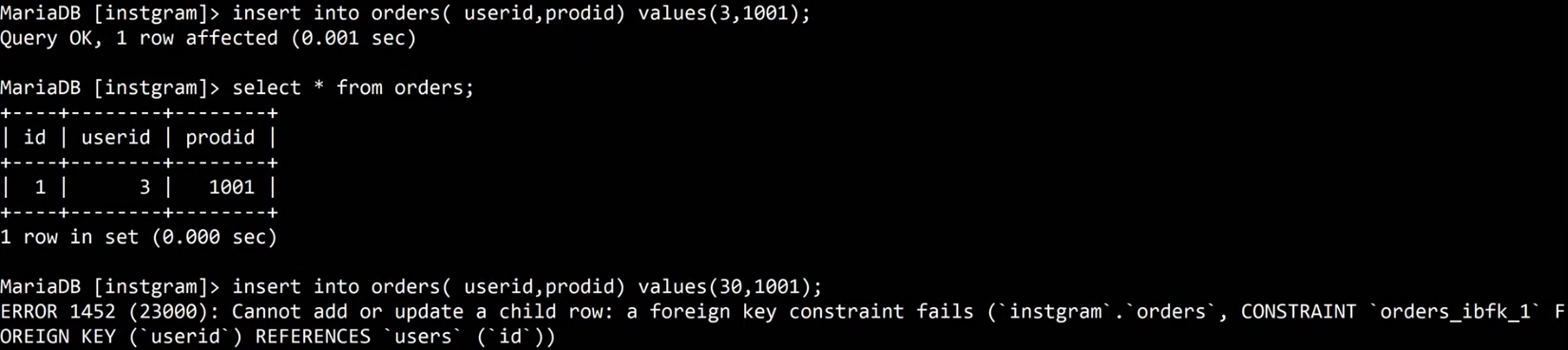
Whiteboard: An order for an existing user works; an order for user 30, who does not exist, fails with ERROR 1452 Cannot add or update a child row.
14. ERROR 1451: delete the child first
Why: the rule works in both directions. Deleting a parent that still has children would turn those children into orphans, so the database refuses that too.
How:
-
Try to delete amit, who has order 3:
DELETE FROM users WHERE id = 1; -
MariaDB refuses:
ERROR 1451 (23000): Cannot delete or update a parent row: a foreign key constraint fails (`instagram`.`orders`, CONSTRAINT `orders_ibfk_1` FOREIGN KEY (`user_id`) REFERENCES `users` (`id`)). -
Delete the child first:
DELETE FROM orders WHERE id = 3; -
Now the parent can go:
DELETE FROM users WHERE id = 1; -
Both answer
Query OK, 1 row affected.SELECT * FROM users;shows neha and rahul. - The same protection covers changing a parent id (
UPDATE users SET id = 33 WHERE id = 4;givesERROR 1451) and dropping the whole parent table (DROP TABLE users;givesERROR 1451whileordersrefers to it). - To remove both tables, drop the child first:
DROP TABLE orders;thenDROP TABLE users;

Whiteboard: Deleting a user who still has an order fails with ERROR 1451. After deleting the order first, the same delete of the user works.
Figure 8. Animation: an order for user 30 fails with ERROR 1452 and uses up id 2; deleting user 1 fails with ERROR 1451 while order 3 points to it; deleting the order first, then the user, works.
15. Soft delete with is_active
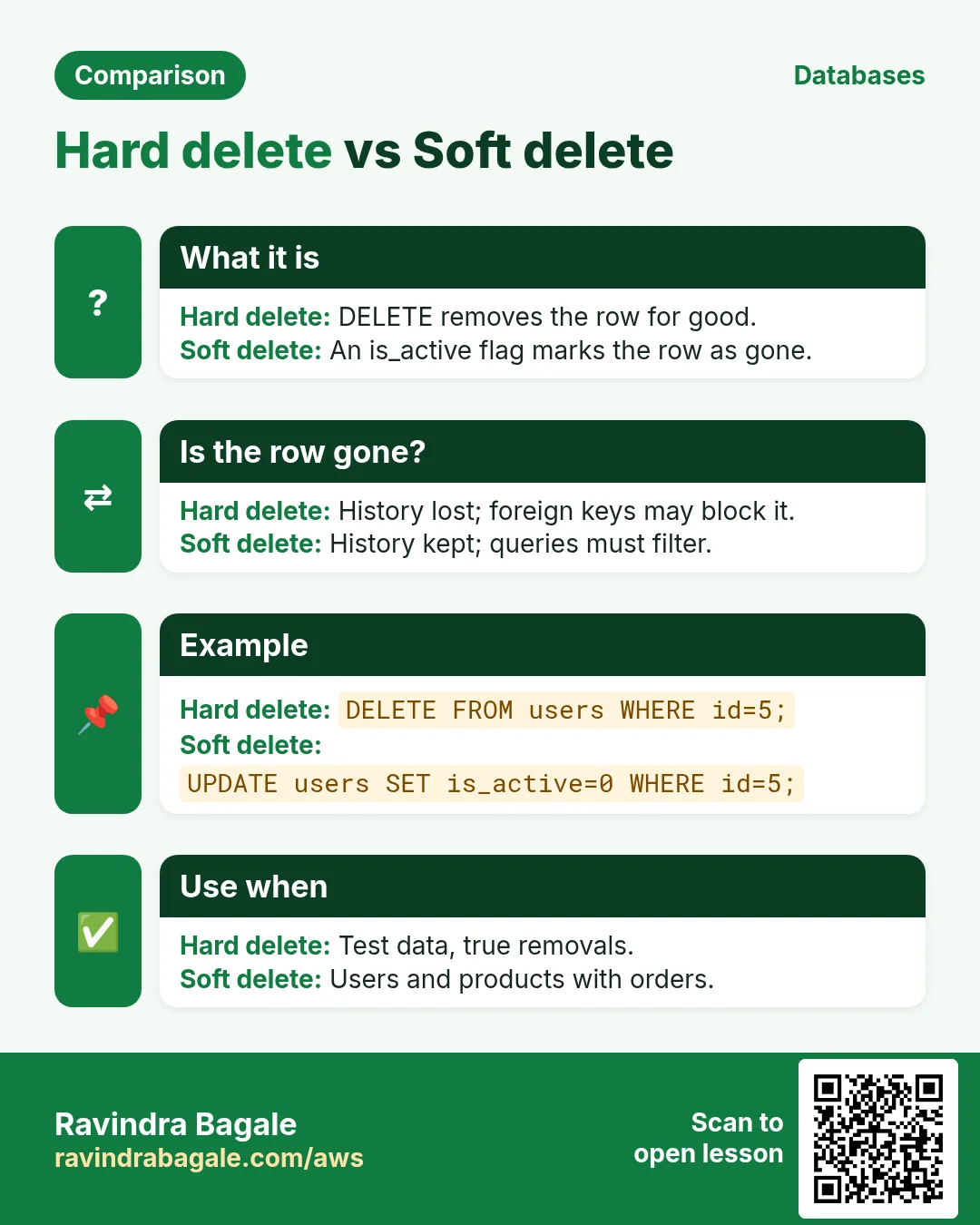
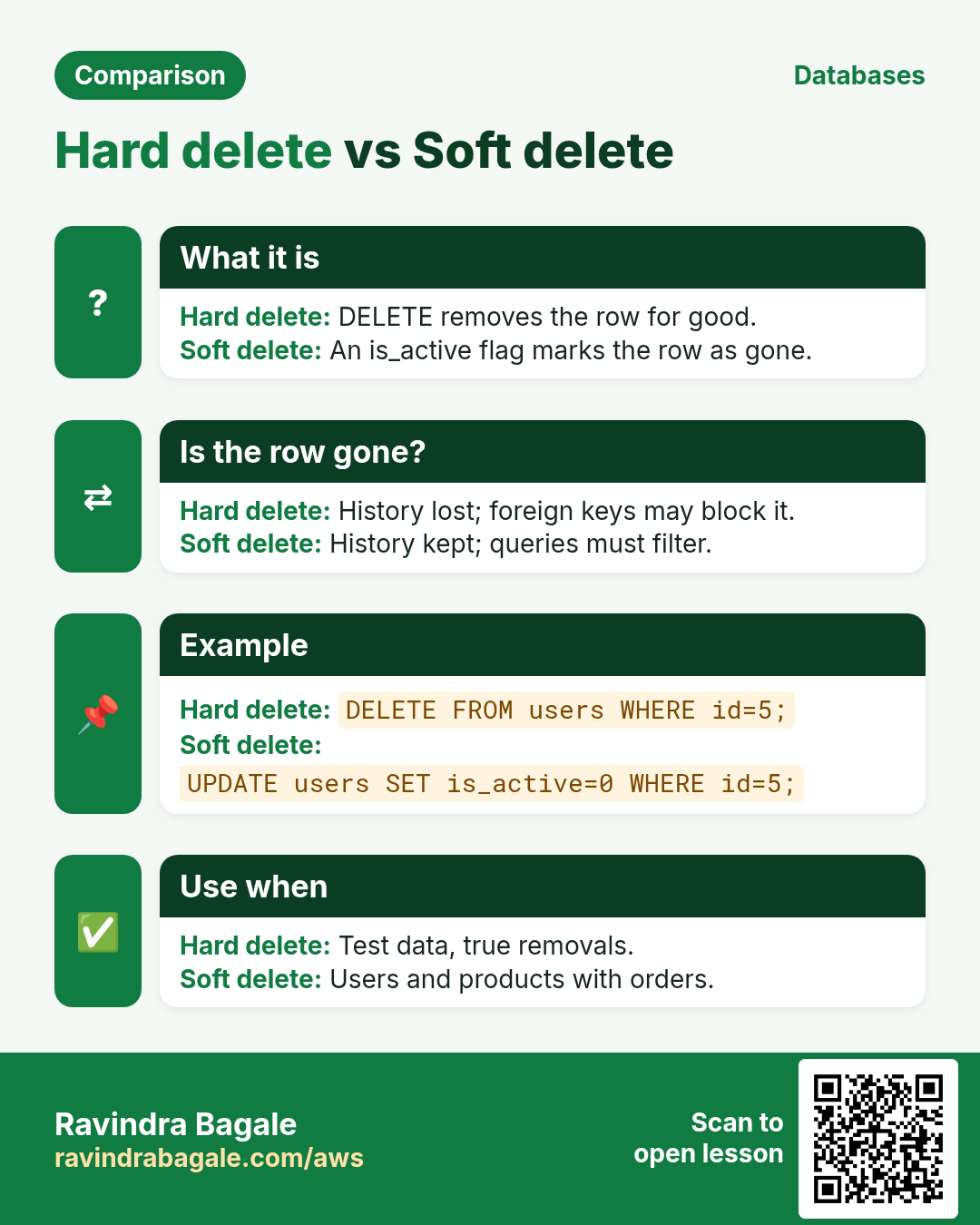
Why: a customer closes the account. Deleting the user is blocked while orders exist, and deleting the orders would destroy bills, tax records and returns. Real apps almost never delete such rows.
Classroom line
Even if a user deactivates their account, we won't have to remove that user.
Class मधलं वाक्य
एखाद्या user ने deactivate केलं तरी, आपल्याला तो user काढावा लागणार नाही.
Classroom line – हिंदी
"Agar koi user deactivate bhi karta hai, to humein ye user nahi nikalna padega."
What: a soft delete keeps the row and marks it inactive with a flag column, usually is_active: 1 for active, 0 for deactivated. The app shows only active rows.
How:
-
Add the flag. Every existing user starts as active:
ALTER TABLE users ADD COLUMN is_active TINYINT NOT NULL DEFAULT 1; -
rahul (id 4) closes his account:
UPDATE users SET is_active = 0 WHERE id = 4; -
The app lists only active users:
SELECT * FROM users WHERE is_active = 1; -
Only neha appears. rahul's row is still there, and so is his order 1:
SELECT * FROM orders;still shows it, pointing to a real user. - rahul comes back?
UPDATE users SET is_active = 1 WHERE id = 4;and everything is as before. - Remember to add
WHERE is_active = 1to every query that lists users in the app.
Figure 9. Hard delete is blocked with ERROR 1451 while orders exist, and would destroy history. Soft delete keeps the row with is_active = 0; the app lists WHERE is_active = 1.
Ravindra Bagale's Tip
Before you write a single CREATE TABLE, draw the tables on paper with arrows from every child column to its parent, and fill one sample row in each. If a cell needs a list, make a table; if a column holds another table's id, give it a FOREIGN KEY. Add NOT NULL to a foreign key column when the child must always have a parent, such as an order's user_id. Ten minutes on paper saves days of cleaning orphan rows later.
When you're done practising, type exit; and stop the EC2 instance.
16. Hands-on lab: keys, a foreign key and a soft delete
Why this lab. Keys are the database's own rules. This lab triggers each rule on purpose (duplicate email, order for a missing user, deleting a user with orders) and ends with the soft delete real apps use.
- Create a fresh database
- Command:
CREATE DATABASE shop; USE shop; - You should see:
Query OK, 1 row affected, thenDatabase changed. - Check: The prompt shows
[shop]. - Why: A fresh database means your results match these steps exactly.
- Command:
- Create users with keys built in
- Command:
CREATE TABLE users (id INT PRIMARY KEY AUTO_INCREMENT, name VARCHAR(20), email VARCHAR(50) UNIQUE); - You should see:
Query OK, 0 rows affected - Check:
DESC users;showsPRIonidandUNIonemail. - Why: Setting keys in
CREATE TABLEmeans the rules apply from the first row. Adding them later fails if duplicates have crept in.
- Command:
- Add two users
- Command:
INSERT INTO users (name, email) VALUES ('amit', 'amit@example.com'), ('neha', 'neha@example.com'); - You should see:
Query OK, 2 rows affected - Check:
SELECT * FROM users;→ ids 1 and 2. - Why: No ids typed:
AUTO_INCREMENTgives 1 and 2.
- Command:
- Try a duplicate email
- Command:
INSERT INTO users (name, email) VALUES ('amit2', 'amit@example.com'); - You should see:
ERROR 1062 (23000): Duplicate entry 'amit@example.com' for key 'email' - Check:
SELECT COUNT(*) FROM users;→2. - Why: One email must belong to one account, or login and password reset break.
UNIQUEenforces it.
- Command:
- Create orders with a foreign key
- Command:
CREATE TABLE orders (id INT PRIMARY KEY AUTO_INCREMENT, user_id INT, amount DECIMAL(10,2), FOREIGN KEY (user_id) REFERENCES users(id)); - You should see:
Query OK, 0 rows affected - Check:
DESC orders;showsMULonuser_id. - Why:
ordersis the child;usersis the parent. Both columns areINT, which a foreign key requires.
- Command:
- Add a valid order
- Command:
INSERT INTO orders (user_id, amount) VALUES (1, 499.00); - You should see:
Query OK, 1 row affected - Check:
SELECT * FROM orders;→1 | 1 | 499.00. - Why: User 1 exists, so the child row is allowed.
- Command:
- Try an order for a missing user
- Command:
INSERT INTO orders (user_id, amount) VALUES (30, 100.00); - You should see:
ERROR 1452 (23000): Cannot add or update a child row: a foreign key constraint fails ... - Check:
SELECT COUNT(*) FROM orders;→1. - Why: No user 30, so no order for user 30. Without the foreign key this orphan row would sit in your sales data with nobody to bill.
- Command:
- Try to delete a user with orders
- Command:
DELETE FROM users WHERE id = 1; - You should see:
ERROR 1451 (23000): Cannot delete or update a parent row: a foreign key constraint fails ... - Check:
SELECT name FROM users;still showsamit. - Why: The rule works both ways: a parent with children can't vanish and leave orphans behind.
- Command:
- Soft delete instead
- Command:
ALTER TABLE users ADD COLUMN is_active TINYINT NOT NULL DEFAULT 1; UPDATE users SET is_active = 0 WHERE id = 1; - You should see:
Query OKfor both; the update says1 row affected. - Check:
SELECT name FROM users WHERE is_active = 1;→neha. - Why: The account disappears from the app, but the order history stays for bills and audits. If the user comes back, set
is_active = 1.
- Command:
- Clean up
- Command:
DROP DATABASE shop; - You should see:
Query OK, 2 rows affected(two tables removed). - Check:
SHOW DATABASES;no longer listsshop. Exit and stop the instance. - Why: Dropping the whole practice database removes both tables in one step. Never run this on real data.
- Command:
17. The whole class on one page
- Keys go in
CREATE TABLE: inlineemail VARCHAR(50) UNIQUE, or table level..., UNIQUE(email)after a comma. - A duplicate gives
ERROR 1062 ... for key 'email', and the failed insert uses up an id. - Database design: how many tables, which columns where, and how they link.
- Counters can't say who or when. One row per event (
likes), andSELECT COUNT(*) FROM likes WHERE reel_id = 102; - One value per row: a column. Many values per row: its own table.
- Find tables by walking the user journey. Actions (search, filter, add to cart) are not columns.
- Repeated text such as a category name becomes its own table plus an id column (
category_id). - Foreign key:
FOREIGN KEY (user_id) REFERENCES users(id). Parent =users, child =orders.DESCshowsMUL. - The parent column must be a
PRIMARY KEYorUNIQUEcolumn of the same type; otherwiseERROR 1005(errno 150). - A child without a parent:
ERROR 1452. Deleting or changing a parent with children:ERROR 1451. Delete the child first. - Soft delete:
is_active1 / 0, andWHERE is_active = 1in the app.
18. Try at home
Try at home
Task 1: keys at creation time
- Create a
productstable withid INT PRIMARY KEY AUTO_INCREMENT,name VARCHAR(50),sku VARCHAR(20), and a table-levelUNIQUE(sku). - Insert the same
skutwice and read the error. Then insert a new one and explain its id. - Remove the comma before
UNIQUE(sku)in a new table and read the error.
Task 2: design on paper
- Walk the journey of a food delivery app: sign up, search a restaurant, add dishes, pay, track, rate.
- List the tables. Write one sample row for each and apply the many-values rule.
- Mark every column that holds another table's id. Those are your foreign keys.
Task 3: reels with foreign keys
- Create
reels(id,user_id,caption) withFOREIGN KEY (user_id) REFERENCES users(id). - Recreate
likeswith two foreign keys:user_idtousers(id)andreel_idtoreels(id). - Insert a reel and three likes, count them with
COUNT(*), then try a like from user 30.
Task 4: delete safely
- Try to delete a user who has a reel, and read the error.
- Delete in the right order to make it work.
- Add
is_activetousers, deactivate one user, and list only active users.
Recap
In short
- Set keys inside
CREATE TABLE: inlineUNIQUEon the column, orUNIQUE(email)as a last item after a comma; a duplicate givesERROR 1062. - Database design decides how many tables there are, which columns go where, and how tables link.
- A counter column can't say who or when; store one row per like and count with
SELECT COUNT(*) FROM likes WHERE reel_id = .... - One value per row is a column; many values per row become their own table, one row per value.
- Walk the user journey to find tables; actions such as add to cart are not columns.
- A foreign key stops orphan rows:
FOREIGN KEY (user_id) REFERENCES users(id); the parent column must be aPRIMARY KEYorUNIQUEcolumn, andDESCshowsMULon the child column. ERROR 1452: the child's value has no parent.ERROR 1451: the parent still has children, so delete the child first.- Soft delete keeps history: set
is_active = 0instead of deleting, and listWHERE is_active = 1.
Practice Tasks
Dublin Fitness Club is a fitness business in Dublin. Siobhan Murphy looks after its IT and cloud work. They count money in EUR and run their AWS resources in the eu-west-1 Region. In the tasks below you do real jobs for them using what this lesson teaches. All names, account IDs, IP addresses and numbers are made up for practice.
0 / 10
Easy Biggest orders first
Why: Querying the database is daily work after you set up RDS.
What to do: Show order id and amount, biggest amount first.
Tables: customers(id, name, city) and orders(id, customer_id, amount, odate).
- Find the table the task is about (see the table list above the box).
- Write the SQL statement step by step: what, from where, which rows.
- End the statement with ;
- Click Check answer. Your query runs on a practice copy of the table.
Easy Filter customers by city
Why: Querying the database is daily work after you set up RDS.
What to do: List the names of customers in Pune.
Tables: customers(id, name, city) and orders(id, customer_id, amount, odate).
- Find the table the task is about (see the table list above the box).
- Write the SQL statement step by step: what, from where, which rows.
- End the statement with ;
- Click Check answer. Your query runs on a practice copy of the table.
Easy Log in to MariaDB
Why: The mysql client lets you run SQL on the database server.
What to do: Open the MariaDB client as user root and ask for the password.
- Find the Linux command that does this job.
- Add the options (like -r or -h) the task needs.
- Add the file names, folders or users in the right order.
- Use sudo if the job changes system files or users. Click Check answer.
Medium Total sales
Why: Querying the database is daily work after you set up RDS.
What to do: Show the total of all order amounts as one number.
Tables: customers(id, name, city) and orders(id, customer_id, amount, odate).
- Find the table the task is about (see the table list above the box).
- Write the SQL statement step by step: what, from where, which rows.
- End the statement with ;
- Click Check answer. Your query runs on a practice copy of the table.
Medium Orders with customer names
Why: Querying the database is daily work after you set up RDS.
What to do: Show each customer name with each order amount.
Tables: customers(id, name, city) and orders(id, customer_id, amount, odate).
- Find the table the task is about (see the table list above the box).
- Write the SQL statement step by step: what, from where, which rows.
- End the statement with ;
- Click Check answer. Your query runs on a practice copy of the table.
Medium Remove small orders
Why: Querying the database is daily work after you set up RDS.
What to do: Delete orders with amount below 200.
Tables: customers(id, name, city) and orders(id, customer_id, amount, odate).
- Find the table the task is about (see the table list above the box).
- Write the SQL statement step by step: what, from where, which rows.
- End the statement with ;
- Click Check answer. Your query runs on a practice copy of the table.
Medium Fix a city
Why: Querying the database is daily work after you set up RDS.
What to do: Customer 5 moved to Rome. Update the record.
Tables: customers(id, name, city) and orders(id, customer_id, amount, odate).
- Find the table the task is about (see the table list above the box).
- Write the SQL statement step by step: what, from where, which rows.
- End the statement with ;
- Click Check answer. Your query runs on a practice copy of the table.
Hard Sales per customer
Why: Querying the database is daily work after you set up RDS.
What to do: Show customer_id and total amount per customer, only where total is above 1000.
Tables: customers(id, name, city) and orders(id, customer_id, amount, odate).
- Find the table the task is about (see the table list above the box).
- Write the SQL statement step by step: what, from where, which rows.
- End the statement with ;
- Click Check answer. Your query runs on a practice copy of the table.
Hard Customers with no orders
Why: Querying the database is daily work after you set up RDS.
What to do: List names of customers who have never ordered.
Tables: customers(id, name, city) and orders(id, customer_id, amount, odate).
- Find the table the task is about (see the table list above the box).
- Write the SQL statement step by step: what, from where, which rows.
- End the statement with ;
- Click Check answer. Your query runs on a practice copy of the table.
Hard Back up a database to a file
Why: mysqldump writes the whole database as SQL. Save it before big changes.
What to do: Dump the database dublinfit_wp as user root (ask for password) into dublinfit_wp.sql.
- Find the Linux command that does this job.
- Add the options (like -r or -h) the task needs.
- Add the file names, folders or users in the right order.
- Use sudo if the job changes system files or users. Click Check answer.
Revision, comparison and interview cards
Revise this lesson in a few minutes. Save the cards on your phone or download them as PNG files. The QR code on each card opens this lesson.
More cards: Ravi Sir's Cards.