AWS CLI RDS Commands: Create, Snapshot and Restore a Database
We run a MySQL database on RDS from the terminal: subnet group, create, connect, change, snapshot, restore, read replica and safe delete.
What you'll learn in this chapter
- Create a DB subnet group
- Create and connect to a DB instance
- Modify size and backups
- Snapshot, restore and read replicas
- Delete safely with a final snapshot
1. The big picture: a managed database
Why do we need this?
Renting a flat with maintenance included: the society fixes water, lifts and painting. You just live there. RDS is a database where AWS does patching, backups and failover.
What is it?
RDS commands are in aws rds: create-db-subnet-group, create-db-instance, modify-db-instance, create-db-snapshot, restore-db-instance-from-db-snapshot, create-db-instance-read-replica.
How to do it (step by step)
2. DB subnet group
Why do we need this?
RDS must know which private subnets it may use, in at least two zones.
What is it?
A DB subnet group is a named list of subnets for RDS.
How to do it (step by step)
- Create it.
aws rds create-db-subnet-group --db-subnet-group-name cli-db-subnets --db-subnet-group-description "private" --subnet-ids $PRI1 $PRI2 --query "DBSubnetGroup.SubnetGroupStatus" --output textExpected output:
Complete3. Create and connect
Why do we need this?
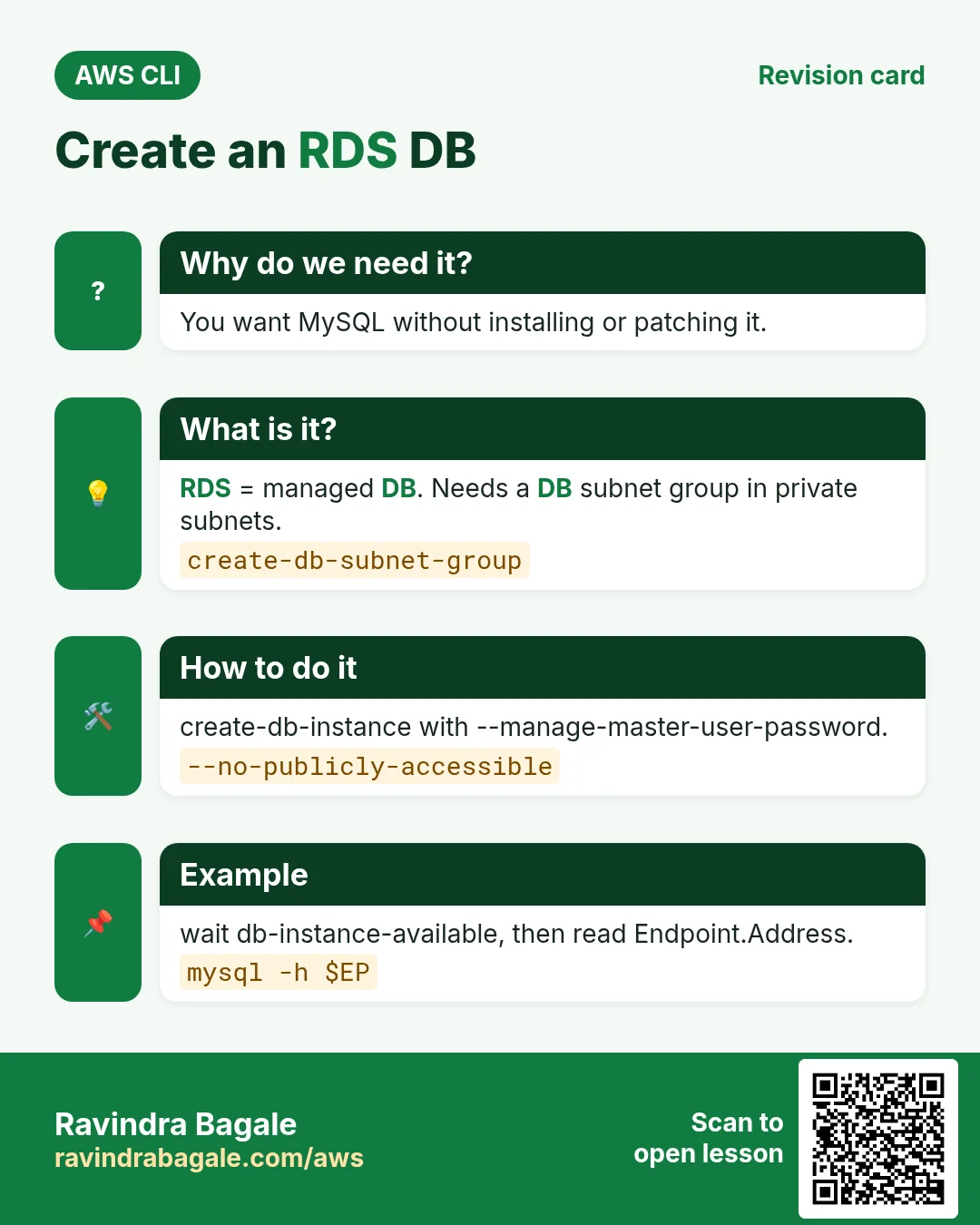
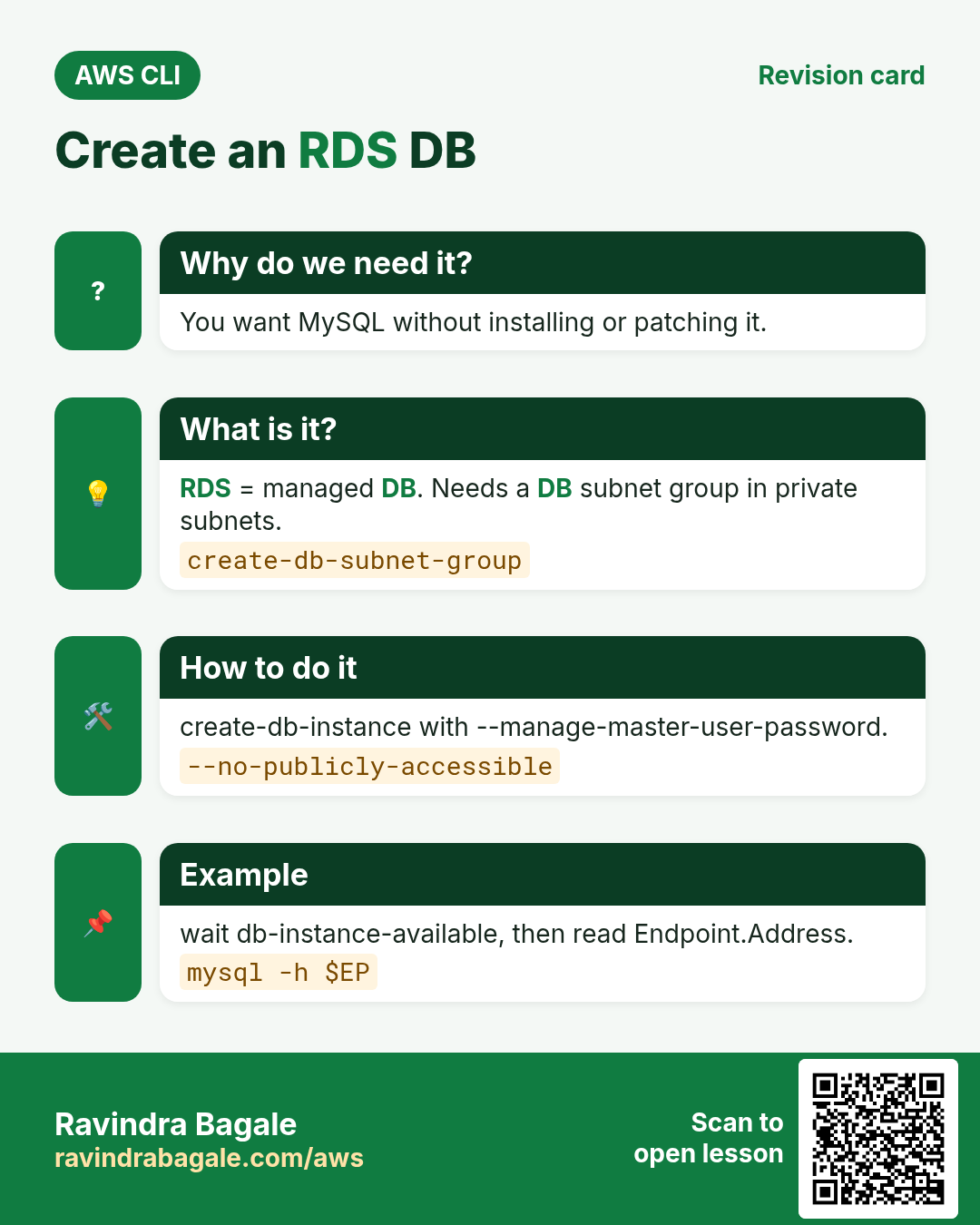
You want a running MySQL without installing anything on a server.
What is it?
create-db-instance picks engine, class, storage and credentials. --manage-master-user-password keeps the password in Secrets Manager.
How to do it (step by step)
- Create the database.
aws rds create-db-instance --db-instance-identifier cli-mysql --engine mysql --db-instance-class db.t3.micro --allocated-storage 20 --master-username admin --manage-master-user-password --db-subnet-group-name cli-db-subnets --vpc-security-group-ids $DSG --backup-retention-period 7 --no-publicly-accessible --query "DBInstance.DBInstanceStatus" --output textExpected output:
creating- Wait and get the endpoint.
aws rds wait db-instance-available --db-instance-identifier cli-mysql
EP=$(aws rds describe-db-instances --db-instance-identifier cli-mysql --query "DBInstances[0].Endpoint.Address" --output text); echo $EP
Expected output:
cli-mysql.abc123.ap-south-1.rds.amazonaws.com- Connect from an app server.
mysql -h $EP -u admin -p -e "SELECT VERSION();"Expected output:
8.0.394. Modify the instance
Why do we need this?
Traffic grew. You need a bigger class and more storage.
What is it?
modify-db-instance changes class, storage, backups or Multi-AZ. Without --apply-immediately it waits for the maintenance window.
How to do it (step by step)
- Grow and enable Multi-AZ now.
aws rds modify-db-instance --db-instance-identifier cli-mysql --db-instance-class db.t3.small --allocated-storage 30 --multi-az --apply-immediately --query "DBInstance.PendingModifiedValues"Expected output:
{ "DBInstanceClass": "db.t3.small", "AllocatedStorage": 30, "MultiAZ": true }- Verify.
aws rds describe-db-instances --db-instance-identifier cli-mysql --query "DBInstances[0].[DBInstanceClass,MultiAZ,DBInstanceStatus]" --output textExpected output:
db.t3.small True available5. Snapshots, restore and read replicas
Why do we need this?
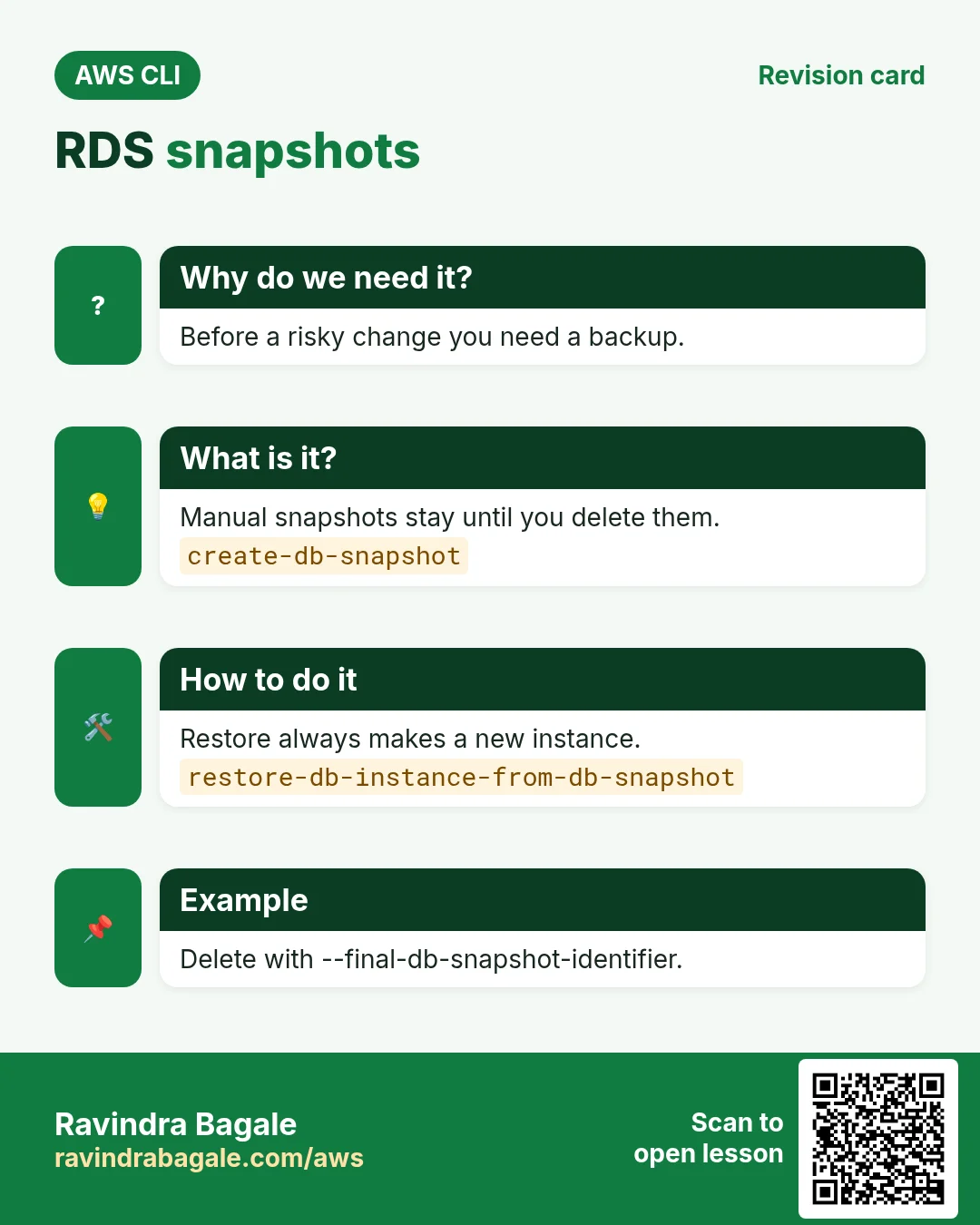
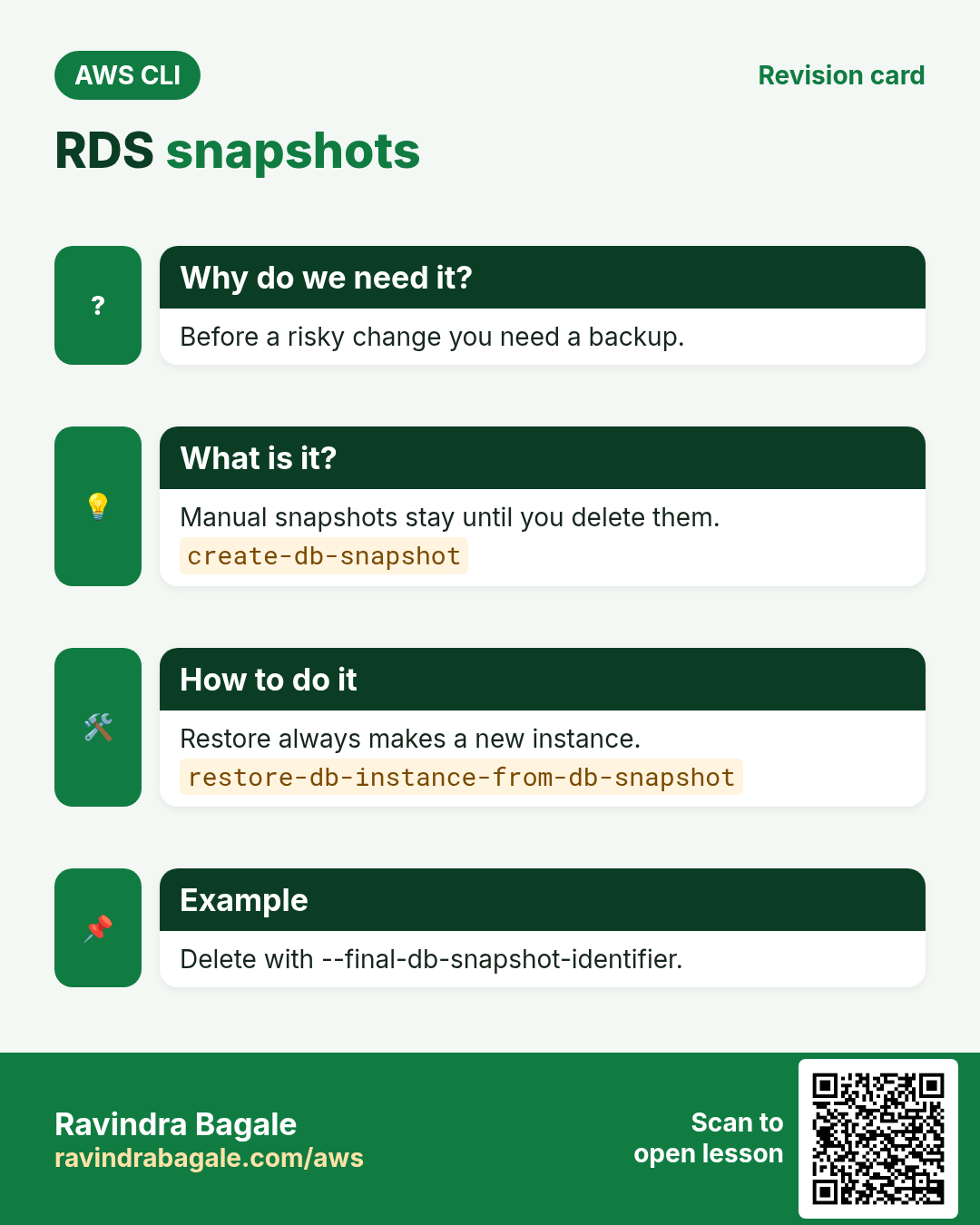
Before a risky change you want a backup. Reports should not slow the main database.
What is it?
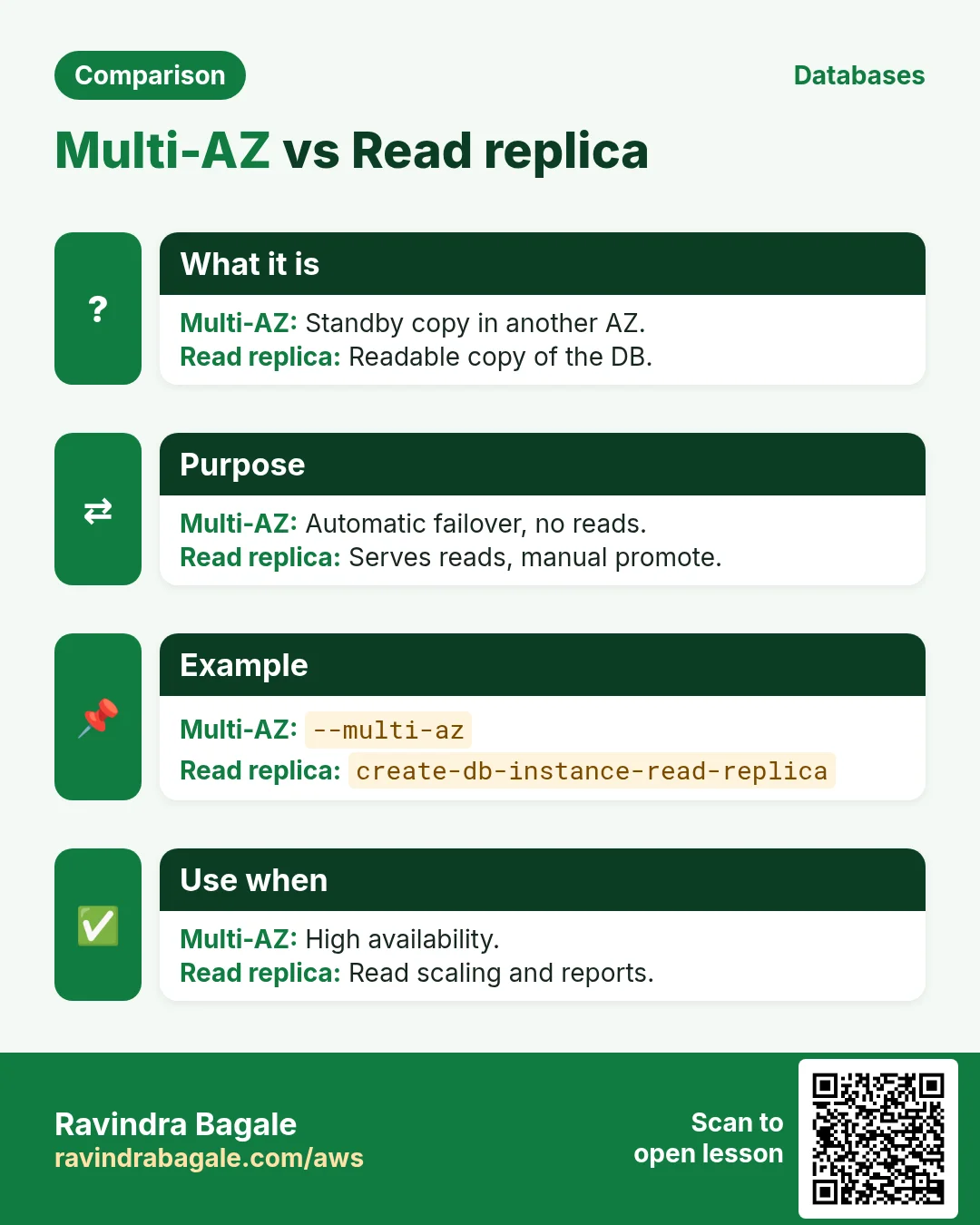
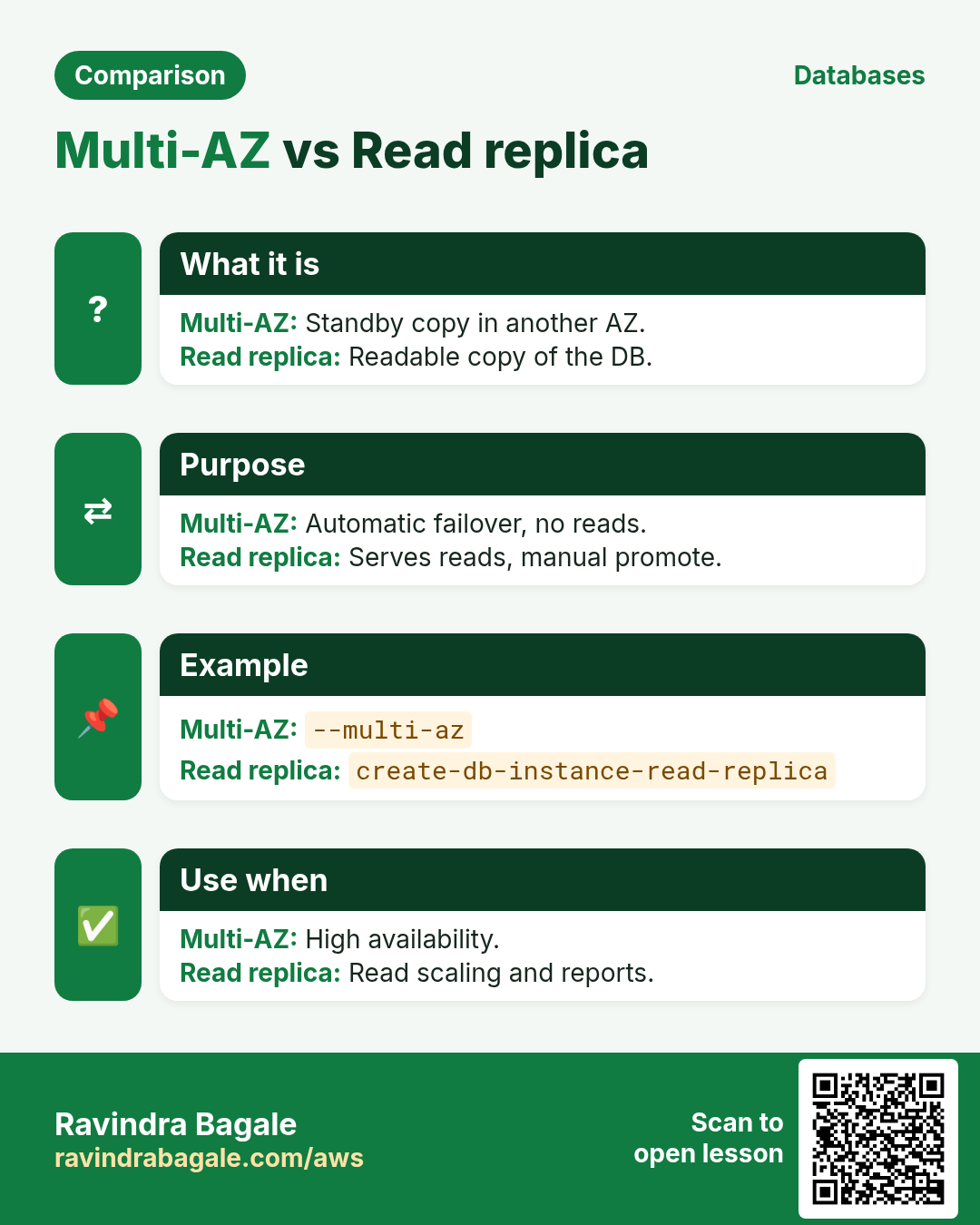
A manual snapshot stays until you delete it. Restore always creates a new instance. A read replica copies data for read-only queries.
How to do it (step by step)
- Take a snapshot.
aws rds create-db-snapshot --db-instance-identifier cli-mysql --db-snapshot-identifier cli-mysql-before-change
aws rds wait db-snapshot-available --db-snapshot-identifier cli-mysql-before-change && echo done
Expected output:
done- Restore to a new instance.
aws rds restore-db-instance-from-db-snapshot --db-instance-identifier cli-mysql-restored --db-snapshot-identifier cli-mysql-before-change --db-subnet-group-name cli-db-subnets --query "DBInstance.DBInstanceStatus" --output textExpected output:
creating- Create a read replica.
aws rds create-db-instance-read-replica --db-instance-identifier cli-mysql-ro --source-db-instance-identifier cli-mysql --query "DBInstance.ReadReplicaSourceDBInstanceIdentifier" --output textExpected output:
cli-mysql6. Same action in Python, Node.js, Java, Go, .NET and PHP
Why do we need this?
Scripts start in the CLI. Apps call the same API through an SDK. Knowing both helps you move a tested command into real code.
What is it?
Each CLI command maps to one API call. For example aws rds create-db-snapshot --db-instance-identifier db1 --db-snapshot-identifier s1 maps to the CreateDBSnapshot API.
How to do it (step by step)
Same action (CreateDBSnapshot) from code. Every SDK reads the same profile, region and credentials as the CLI.
| Stack | Code |
|---|---|
| Python (boto3) | boto3.client("rds").create_db_snapshot(DBInstanceIdentifier="db1",DBSnapshotIdentifier="s1") |
| Node.js (v3) | await rds.send(new CreateDBSnapshotCommand({DBInstanceIdentifier:"db1",DBSnapshotIdentifier:"s1"})); |
| Java (v2) | rds.createDBSnapshot(r -> r.dbInstanceIdentifier("db1").dbSnapshotIdentifier("s1")); |
| Go (v2) | c.CreateDBSnapshot(ctx, &rds.CreateDBSnapshotInput{DBInstanceIdentifier: aws.String("db1"), DBSnapshotIdentifier: aws.String("s1")}) |
| .NET | await rds.CreateDBSnapshotAsync(new CreateDBSnapshotRequest{DBInstanceIdentifier="db1",DBSnapshotIdentifier="s1"}); |
| PHP | $rds->createDBSnapshot(["DBInstanceIdentifier"=>"db1","DBSnapshotIdentifier"=>"s1"]); |
7. Clean up so nothing keeps costing
Why do we need this?
Lab resources left running cost money and can be a security risk.
What is it?
Delete in reverse order: children first, then parents.
How to do it (step by step)
- Delete the replica and the restored copy.
aws rds delete-db-instance --db-instance-identifier cli-mysql-ro --skip-final-snapshot
aws rds delete-db-instance --db-instance-identifier cli-mysql-restored --skip-final-snapshot
Expected output:
(no output means success)- Delete the main DB with a final snapshot.
aws rds delete-db-instance --db-instance-identifier cli-mysql --final-db-snapshot-identifier cli-mysql-final
aws rds wait db-instance-deleted --db-instance-identifier cli-mysql && echo gone
Expected output:
gone- Remove snapshots and the subnet group when sure.
aws rds delete-db-snapshot --db-snapshot-identifier cli-mysql-before-change
aws rds delete-db-subnet-group --db-subnet-group-name cli-db-subnets
Expected output:
(no output means success)Ravindra Bagale's Tip
Turn on --deletion-protection for production. Then delete-db-instance fails until you modify it off, which stops accidents.
8. Interview questions and answers
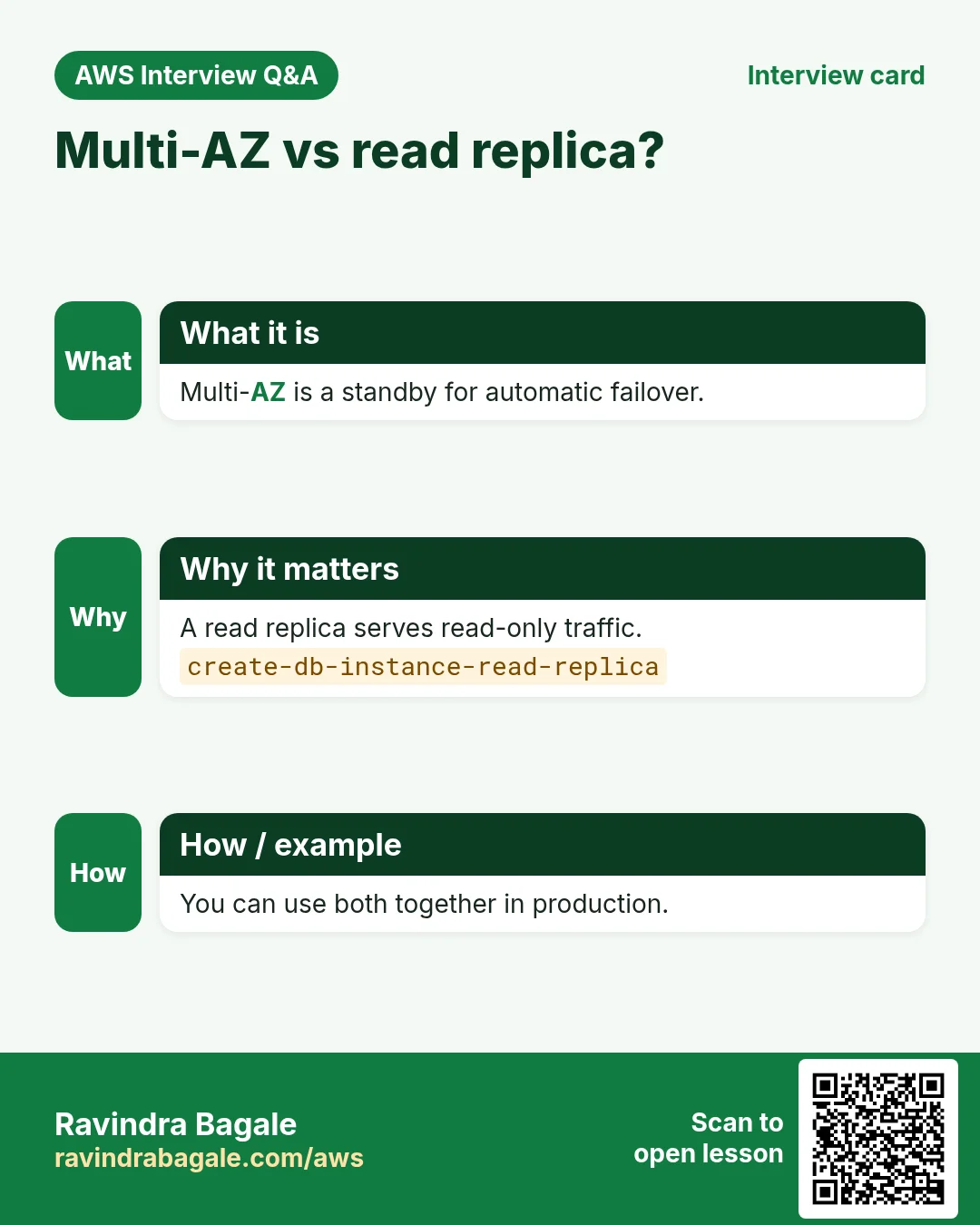
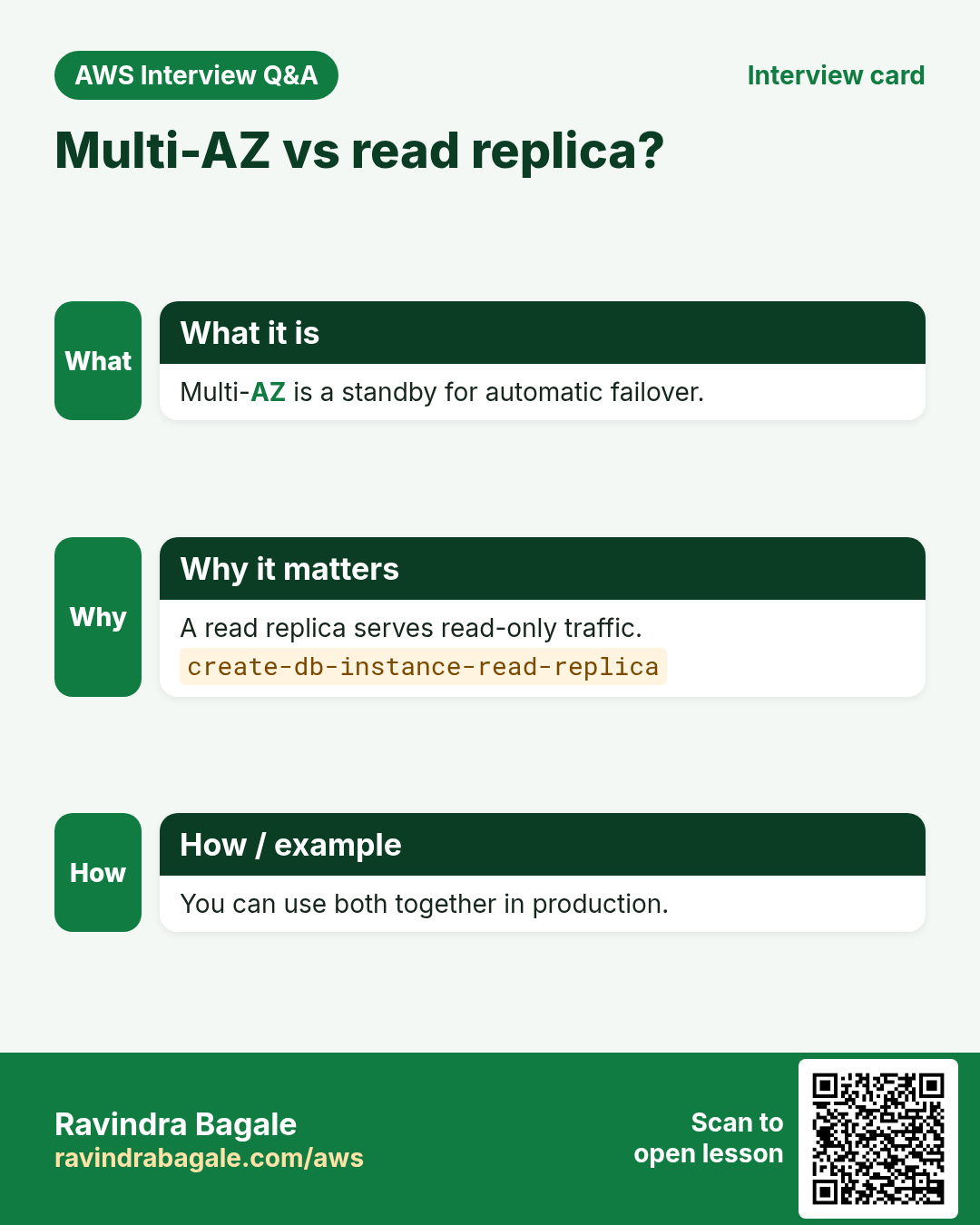
Q. Multi-AZ vs read replica?
Multi-AZ is a standby for failover. A read replica serves read traffic.
Q. Does restore overwrite the database?
No. It always creates a new DB instance.
Q. What does --apply-immediately do?
Applies the change now instead of in the maintenance window.
Q. How do you avoid storing the master password?
--manage-master-user-password stores it in Secrets Manager.
Q. Automated vs manual snapshots?
Automated follow retention and vanish with the DB. Manual stay until deleted.
Try at home
- Create a db.t3.micro, create a table, snapshot, drop the table, restore and check the table is back.
- Try delete with deletion protection on and read the error.
In short
- Subnet group in private subnets.
- Wait for db-instance-available.
- Modify with --apply-immediately.
- Restore makes a new instance.
- Final snapshot on delete.
Practice Tasks
Pandharpur Yatra Tours is a travel business in Pandharpur. Vitthal More looks after its IT and cloud work. They count money in INR and run their AWS resources in the ap-south-1 Region. In the tasks below you do real jobs for them using what this lesson teaches. All names, account IDs, IP addresses and numbers are made up for practice.
0 / 12
Easy Find the database endpoint
Why: Your app connects using the endpoint name, not an IP.
What to do: Describe DB instance pandharpuryatra-db.
- Read the task and decide which AWS service it is about.
- Write aws, then the service name, then the operation (the action word).
- Add each needed flag (--name) followed by its value from the task.
- Flags can be in any order. Click Check answer.
Easy Biggest orders first
Why: Querying the database is daily work after you set up RDS.
What to do: Show order id and amount, biggest amount first.
Tables: customers(id, name, city) and orders(id, customer_id, amount, odate).
- Find the table the task is about (see the table list above the box).
- Write the SQL statement step by step: what, from where, which rows.
- End the statement with ;
- Click Check answer. Your query runs on a practice copy of the table.
Easy Filter customers by city
Why: Querying the database is daily work after you set up RDS.
What to do: List the names of customers in Pune.
Tables: customers(id, name, city) and orders(id, customer_id, amount, odate).
- Find the table the task is about (see the table list above the box).
- Write the SQL statement step by step: what, from where, which rows.
- End the statement with ;
- Click Check answer. Your query runs on a practice copy of the table.
Medium Remove small orders
Why: Querying the database is daily work after you set up RDS.
What to do: Delete orders with amount below 200.
Tables: customers(id, name, city) and orders(id, customer_id, amount, odate).
- Find the table the task is about (see the table list above the box).
- Write the SQL statement step by step: what, from where, which rows.
- End the statement with ;
- Click Check answer. Your query runs on a practice copy of the table.
Medium Orders with customer names
Why: Querying the database is daily work after you set up RDS.
What to do: Show each customer name with each order amount.
Tables: customers(id, name, city) and orders(id, customer_id, amount, odate).
- Find the table the task is about (see the table list above the box).
- Write the SQL statement step by step: what, from where, which rows.
- End the statement with ;
- Click Check answer. Your query runs on a practice copy of the table.
Medium Total sales
Why: Querying the database is daily work after you set up RDS.
What to do: Show the total of all order amounts as one number.
Tables: customers(id, name, city) and orders(id, customer_id, amount, odate).
- Find the table the task is about (see the table list above the box).
- Write the SQL statement step by step: what, from where, which rows.
- End the statement with ;
- Click Check answer. Your query runs on a practice copy of the table.
Medium Fix a city
Why: Querying the database is daily work after you set up RDS.
What to do: Customer 5 moved to Rome. Update the record.
Tables: customers(id, name, city) and orders(id, customer_id, amount, odate).
- Find the table the task is about (see the table list above the box).
- Write the SQL statement step by step: what, from where, which rows.
- End the statement with ;
- Click Check answer. Your query runs on a practice copy of the table.
Medium Turn on Multi-AZ
Why: Multi-AZ keeps a standby copy in another AZ and fails over automatically.
What to do: Modify pandharpuryatra-db to be Multi-AZ and apply the change immediately.
- Read the task and decide which AWS service it is about.
- Write aws, then the service name, then the operation (the action word).
- Add each needed flag (--name) followed by its value from the task.
- Flags can be in any order. Click Check answer.
Hard Sales per customer
Why: Querying the database is daily work after you set up RDS.
What to do: Show customer_id and total amount per customer, only where total is above 1000.
Tables: customers(id, name, city) and orders(id, customer_id, amount, odate).
- Find the table the task is about (see the table list above the box).
- Write the SQL statement step by step: what, from where, which rows.
- End the statement with ;
- Click Check answer. Your query runs on a practice copy of the table.
Hard Customers with no orders
Why: Querying the database is daily work after you set up RDS.
What to do: List names of customers who have never ordered.
Tables: customers(id, name, city) and orders(id, customer_id, amount, odate).
- Find the table the task is about (see the table list above the box).
- Write the SQL statement step by step: what, from where, which rows.
- End the statement with ;
- Click Check answer. Your query runs on a practice copy of the table.
Hard Create a MySQL database
Why: RDS runs the database for you: backups, patches and failover are managed.
What to do: Create RDS instance pandharpuryatra-db: engine mysql, class db.t3.micro, 20 GiB storage, master user admin, master password from $DB_PASS.
- Read the task and decide which AWS service it is about.
- Write aws, then the service name, then the operation (the action word).
- Add each needed flag (--name) followed by its value from the task.
- Flags can be in any order. Click Check answer.
Hard Create a read replica
Why: Read replicas take report and read traffic off the main database.
What to do: Create read replica pandharpuryatra-db-ro from source pandharpuryatra-db.
- Read the task and decide which AWS service it is about.
- Write aws, then the service name, then the operation (the action word).
- Add each needed flag (--name) followed by its value from the task.
- Flags can be in any order. Click Check answer.
Revision, comparison and interview cards
Revise this lesson in a few minutes. Save the cards on your phone or download them as PNG files. The QR code on each card opens this lesson.
More cards: Ravi Sir's Cards.