Linux Complete Interview Pack 1: 300 Linux Interview Questions and Answers for Beginner, Mid and Senior Level
This is the big Linux interview pack: 300 real questions with full answers, split into beginner, mid level and senior. Beginner covers files, users, permissions, processes, packages, services and networking basics. Mid level covers storage and LVM, boot and systemd, logs, SSH, security and performance. Senior covers kernel internals, real troubleshooting scenarios, hardening and system design. Every answer is short enough to say aloud in an interview and complete enough to show you really understand it.
What you'll learn in this chapter
- Answer 100 beginner Linux questions with confidence
- Explain storage, boot, systemd, SSH and performance at mid level
- Handle senior scenario and design questions step by step
- Use a clear answer pattern: what, why, command, example
- Practise with commands on a real machine, not only reading
- Know which level of answer the interviewer expects
1. An everyday example: the driving licence test
Why do we need this?
At the Pune RTO, the officer does not ask you to recite the motor vehicle act. He asks you to drive a figure of eight, stop on a slope and explain a signal. Linux interviews work the same way. They want to see that you can explain a thing simply, show the command and handle the case when something goes wrong. A beginner shows they know the controls, a mid-level person shows they drive safely in traffic, and a senior shows they can teach others and handle a breakdown on the highway.
What is it?
Figure of eight = a basic command question. Driving in traffic = a mid-level how-would-you question. Highway breakdown = a senior troubleshooting scenario. The officer's follow-up = the interviewer's 'why' and 'what if' questions.
How to do it (step by step)
2. How Linux interviews are usually structured
Why do we need this?
Knowing the shape of the interview lets you prepare the right things instead of reading everything.
What is it?
Most Linux and DevOps interviews have a screening round with quick fact questions, a technical round with how-would-you and troubleshooting questions, sometimes a hands-on task on a live machine, and a manager or behavioural round. Level decides depth: beginners get what and how, mid-level get why and edge cases, seniors get scenarios, trade-offs and design.
| Level | What they test | Typical question |
|---|---|---|
| Beginner (0 to 2 years) | Commands, files, permissions, basic services | How do you find a file by name? |
| Mid (2 to 5 years) | Storage, boot, networking, scripting, real fixes | The root filesystem is full. What do you do? |
| Senior (5+ years) | Internals, scenarios, design, leading incidents | Design patching for 2000 servers with no downtime. |
How to do it (step by step)
- Check your own machine facts before an interview, so examples come from real output.
cat /etc/os-release | head -3; uname -r; nproc; free -h | head -2Output:
NAME="Rocky Linux"
VERSION="9.4 (Blue Onyx)"
ID="rocky"
5.14.0-427.13.1.el9_4.x86_64
2
               total        used        free      shared  buff/cache   available
Mem:           3.6Gi       812Mi       1.9Gi        16Mi       1.1Gi       2.8Gi
What it means: You can now say: on my Rocky 9 test box with kernel 5.14 and 2 CPUs I tried this.
- Practise explaining a command with its output, not only its name.
df -hT / /varOutput:
Filesystem          Type  Size  Used Avail Use% Mounted on
/dev/mapper/rl-root xfs    17G  4.1G   13G  25% /
/dev/mapper/rl-var  xfs   9.8G  7.9G  1.9G  81% /var
What it means: Point at Use% and Mounted on. Interviewers like it when you read output aloud correctly.
- Record a 60-second answer and listen back.
arecord -d 60 -f cd answer.wav # or use your phone voice recorderWhat it means: Listening once shows filler words and missing steps faster than any book.
3. The answer pattern that works at every level
Why do we need this?
Interviewers remember clear, structured answers. Rambling answers hide what you know.
What is it?
Use What, Why, How, Example. For troubleshooting, use Observe, Narrow, Fix, Prevent: say what you check first, how you narrow the cause, the fix, and how you stop it coming back. For design, state assumptions, give a simple version, then improve it for scale and failure.
| Question type | Pattern | Example opening |
|---|---|---|
| Concept | What, Why, How, Example | An inode is the record that stores a file's details... |
| Troubleshooting | Observe, Narrow, Fix, Prevent | First I check df and df -i to see which one is full... |
| Design | Assume, Simple, Scale, Fail | Assume 500 servers in two regions. A simple version is... |
| Behavioural | STAR: Situation, Task, Action, Result | Last year our payment server went down at 2 AM... |
How to do it (step by step)
- Concept example: what is a zombie process?
ps -eo pid,ppid,stat,comm | awk '$3 ~ /Z/'Output:
4120 3988 Z worker <defunct>What it means: What: a finished child whose parent has not read its exit status. Why: too many fill the PID table. How: fix or restart the parent (PPID 3988). Example: a buggy cron wrapper left 200 zombies.
- Troubleshooting example: the website returns 502.
systemctl status app --no-pager | head -5; ss -ltnp | grep 8080; tail -3 /var/log/nginx/error.logOutput:
● app.service - Shop API
     Active: failed (Result: exit-code)
2026/10/26 10:14:02 [error] connect() failed (111: Connection refused) while connecting to upstream
What it means: Observe: nginx cannot reach the app on 8080. Narrow: the app service failed. Fix: read journalctl -u app and restart. Prevent: Restart=on-failure and an alert.
- Design example: say your assumptions out loud first.
What it means: Assume 300 web servers, 99.9 percent target, one region with three zones. Then give the simple design, then add load balancer health checks, autoscaling and monitoring.
4. Real examples from many industries
Why do we need this?
The same Linux skill shows up in every kind of company. Seeing it in many places helps you remember it.
What is it?
Each row is a made-up team. It shows who uses this and how.
How to do it (step by step)
| Team and city | How they use it | Command |
|---|---|---|
| Sneha, IT services company, Hinjewadi Pune | Uses the beginner bank to train freshers in week one | ls -l /etc/passwd |
| Imran, bank data centre, Mumbai | Drills mid-level storage answers for L2 hires | lvextend -r -L +5G /dev/vg/var |
| Kavya, e-commerce, Bengaluru | Runs senior scenario rounds for SRE roles | vmstat 1 5 |
| Lucas, telecom, São Paulo | Uses the SSH and security group for on-call training | sshd -t |
| Aiko, game studio, Tokyo | Uses the performance group to hire build engineers | iostat -xz 1 3 |
| Rahul, sugar factory IT, Baramati | Prepares for his first Linux admin job with the beginner bank | systemctl status crond |
5. Common errors and how to fix them
Why do we need this?
Everyone hits these errors. Knowing the cause saves hours.
What is it?
Read the exact message first. Then match it to a row below.
How to do it (step by step)
| Error you see | Why it happens | How to fix |
|---|---|---|
Answering only the command name | Interviewer wanted the reason too | Add one line of why and one example. |
Saying 'I will google it' for basics | Shows no practice | Say what you would check first, then mention docs.man 5 fstab |
chmod 777 as the fix for every permission error | Red flag for security | Explain owner, group and the least permission needed.chmod 750 /srv/app |
kill -9 as the first step | Skips graceful shutdown | Say TERM first, then KILL only if stuck.kill -TERM 4120 |
Rebooting without finding the cause | Problem will return | Collect logs, then restore, then RCA.journalctl -b -1 -p err |
Mixing up free and available memory | Cache looks like used memory | Read the available column.free -h |
Disabling SELinux to make things work | Common wrong answer | Check AVC denials and fix labels or booleans.ausearch -m AVC -ts recent |
Long silence on a scenario question | Thinking without talking | Think aloud: say your first check and why. |
Claiming experience you do not have | Follow-ups expose it | Say you used it in a lab and explain what you learned. |
6. Troubleshooting step by step
Why do we need this?
When you get stuck in an interview, fall back to a calm, step-by-step method instead of guessing.
What is it?
Go top to bottom. Stop at the first step that shows the problem.
How to do it (step by step)
- Repeat the question in your words to confirm you understood it.
- Say what you would observe first and the command for it.
uptime; df -h; free -h- Narrow down: is it CPU, memory, disk, network or the app?
top -b -n1 | head -15- Check logs for the exact error.
journalctl -p err -n 20 --no-pager- Propose a safe fix and how to verify it.
systemctl restart app && curl -sI localhost:8080 | head -1- Say how you would prevent it next time.
7. Lab 1: A 30-minute mock interview on your own server
Why do we need this?
Pick 10 beginner and 5 mid questions, answer each aloud, and prove each answer with a command on a test machine.
What is it?
A full hands-on lab. Run every step on a test Linux machine (an EC2 instance, a VM, or WSL).
How to do it (step by step)
- Pick random questions with shuf from your notes file.
grep -c '' my-questions.txt; shuf -n 5 my-questions.txtOutput:
40
What is an inode?
How do you find which process uses port 80?
What does umask 022 mean?
How do you check failed logins?
What is a symlink?- Answer 'which process uses port 80' and prove it.
sudo ss -ltnp 'sport = :80'Output:
State  Recv-Q Send-Q Local Address:Port Peer Address:Port Process
LISTEN 0 511 0.0.0.0:80 0.0.0.0:* users:(("nginx",pid=1102,fd=6))- Answer 'what does umask 022 mean' and prove it.
umask; touch t1; mkdir d1; ls -ld t1 d1Output:
0022
drwxr-xr-x. 2 asha asha 6 Oct 26 10:20 d1
-rw-r--r--. 1 asha asha 0 Oct 26 10:20 t1- Answer 'how do you check failed logins' and prove it.
sudo lastb -n 3; sudo journalctl -u sshd --since today | grep -c 'Failed password'Output:
root     ssh:notty    185.220.101.4    Mon Oct 26 09:58 - 09:58  (00:00)
57- Time yourself and note weak answers to revise.
echo "$(date +%F) inode:ok port80:ok umask:slow lastb:ok" >> mock-log.txt; tail -1 mock-log.txtOutput:
2026-10-26 inode:ok port80:ok umask:slow lastb:ok8. Lab 2: Break and fix, the senior scenario drill
Why do we need this?
Have a friend (or a script) break three things on a test VM; you find and fix each while speaking your steps aloud.
What is it?
A full hands-on lab. Run every step on a test Linux machine (an EC2 instance, a VM, or WSL).
How to do it (step by step)
- Break 1: fill /var with a big file that a process keeps open.
sudo fallocate -l 1G /var/tmp/big; sudo bash -c 'exec 3</var/tmp/big; sleep 3600 &' ; sudo rm /var/tmp/big; df -h /var | tail -1Output:
/dev/mapper/rl-var 9.8G 8.9G 0.9G 91% /var- Find the deleted but open file.
sudo lsof +L1 | grep /varOutput:
sleep 5122 root 3r REG 253,2 1073741824 0 1301 /var/tmp/big (deleted)- Fix by stopping the holder and confirm space returns.
sudo kill 5122; df -h /var | tail -1Output:
/dev/mapper/rl-var 9.8G 7.9G 1.9G 81% /var- Break 2: a wrong fstab line; check before reboot.
echo 'UUID=bad /data xfs defaults 0 0' | sudo tee -a /etc/fstab; sudo findmnt --verify | tail -2Output:
[E] unreachable source: UUID=bad
1 parse errors, 0 errors, 0 warnings- Fix fstab and verify clean.
sudo sed -i '/UUID=bad/d' /etc/fstab; sudo findmnt --verify | tail -1Output:
0 parse errors, 0 errors, 0 warnings- Break 3: stop a running service (chronyd here) and restore it with a check.
sudo systemctl stop chronyd; systemctl is-active chronyd; sudo systemctl start chronyd; systemctl is-active chronydOutput:
inactive
active
9. Beginner: Linux basics, files and directories
Why do we need this?
Interviewers ask these again and again. Knowing a clear, short answer for each one builds confidence.
What is it?
Each question opens to show a full answer. Read the answer, then say it aloud in your own words.
How to do it (step by step)
First try to answer without opening. Then open, compare, and run any command on a test machine.
Q. What is Linux?
Linux is a free, open-source operating system kernel written first by Linus Torvalds in 1991. With GNU tools and other software it forms a full OS (a distribution) used on servers, phones (Android), cloud and embedded devices.
Q. What is the difference between the kernel and a distribution?
The kernel manages CPU, memory, devices and processes. A distribution (RHEL, Ubuntu, Debian, Amazon Linux) packages the kernel with a shell, libraries, package manager, installer and default configs.
Q. Name some popular Linux distributions.
Server side: RHEL, Rocky Linux, AlmaLinux, CentOS Stream, Ubuntu Server, Debian, SUSE, Amazon Linux. Desktop: Ubuntu, Fedora, Linux Mint. Containers: Alpine.
Q. What is a shell?
A shell is the program that reads your commands and asks the kernel to run them. Common shells are bash, sh (dash), zsh and fish. echo $SHELL shows your login shell.
Q. What is the Linux directory structure (FHS)?
Everything starts at / (root). /etc holds config, /var holds changing data like logs, /home holds user folders, /root is root's home, /bin and /usr/bin hold commands, /tmp is temporary, /dev holds device files, /proc and /sys are virtual kernel views, /boot holds the kernel and bootloader files, /opt holds add-on software.
Q. What is the difference between an absolute and a relative path?
An absolute path starts from / such as /var/log/messages. A relative path starts from the current folder such as logs/app.log or ../conf.
Q. How do you see which directory you are in?
Run pwd (print working directory).
Q. How do you list files including hidden ones with details?
ls -la shows all files (including names starting with a dot) in long format with permissions, owner, size and time. Add -h for human sizes and -t to sort by time.
Q. How do you create a directory tree in one command?
mkdir -p a/b/c creates all missing parent folders and does not fail if they exist.
Q. How do you copy a folder with all its contents?
cp -r src dst copies recursively. cp -a also keeps permissions, owners, times and links, so it is better for backups.
Q. How do you move or rename a file?
mv old new renames. mv file /dir/ moves it. Use mv -i to ask before overwriting.
Q. How do you delete a non-empty directory?
rm -r dir removes it and everything inside. rm -rf forces without prompts; double-check the path because there is no recycle bin. rmdir only removes empty folders.
Q. How do you view a file page by page?
less file lets you scroll, search with /word and quit with q. cat prints everything at once, head shows the start and tail shows the end.
Q. How do you watch a log file live?
tail -f /var/log/app.log keeps printing new lines. tail -F also follows the file after log rotation.
Q. What does the touch command do?
It creates an empty file if it does not exist, or updates the modified time of an existing file.
Q. What is the difference between a hard link and a soft link?
A hard link is another name for the same inode, so it keeps working if the original name is deleted, but it cannot cross file systems or point to directories. A soft (symbolic) link stores a path; it can cross file systems but breaks if the target is removed. Create them with ln and ln -s.
Q. What is an inode?
An inode is the record that stores a file's metadata: type, permissions, owner, size, timestamps and data block pointers. The file name lives in the directory entry, not the inode. ls -i shows inode numbers and df -i shows inode usage.
Q. How do you find a file by name?
find / -name 'nginx.conf' 2>/dev/null searches the tree. locate nginx.conf is faster but uses a database updated by updatedb.
Q. How do you search for text inside files?
grep -rn 'error' /var/log searches recursively and shows line numbers. Add -i to ignore case and -l to print only file names.
Q. How do you count lines, words and characters?
wc file prints all three. wc -l counts only lines, which is common in pipelines like grep error app.log followed by wc -l.
Q. What is the use of the man command?
man ls opens the manual page for ls. Use /word to search inside it. ls --help gives a short summary and man -k keyword searches all manuals.
Q. How do you check command history?
history lists previous commands. !! repeats the last one, !42 runs entry 42 and Ctrl+R searches history interactively.
Q. What is the difference between > and >>?
> writes output to a file and replaces old content. >> appends to the end of the file.
Q. What is a pipe?
A pipe (|) sends the output of one command as input to the next, for example ps aux | grep nginx.
Q. How do you compare two files?
diff a b shows line differences, diff -u gives the unified patch style, cmp checks bytes, and md5sum or sha256sum compares checksums.
10. Beginner: users, groups and permissions
Why do we need this?
Interviewers ask these again and again. Knowing a clear, short answer for each one builds confidence.
What is it?
Each question opens to show a full answer. Read the answer, then say it aloud in your own words.
How to do it (step by step)
First try to answer without opening. Then open, compare, and run any command on a test machine.
Q. What do the permissions rwxr-xr-- mean?
The first three (rwx) are for the owner: read, write, execute. The next three (r-x) are for the group: read and execute. The last three (r--) are for others: read only. In numbers that is 754.
Q. How do numeric permissions work?
r=4, w=2, x=1, added per class. 644 is rw-r--r-- (normal file), 755 is rwxr-xr-x (scripts and folders), 600 is rw------- (private keys), 700 is rwx------ (private folder).
Q. What does execute permission mean on a directory?
x on a directory lets you enter it with cd and reach files inside. r lets you list names, and w lets you create, delete or rename entries.
Q. How do you change permissions?
chmod 640 file sets numbers. chmod u+x script.sh adds execute for the owner. chmod -R g+w dir changes a whole tree.
Q. How do you change the owner of a file?
chown user file, chown user:group file, or chown -R app:app /srv/app for a tree. chgrp changes only the group.
Q. What is umask?
umask removes permissions from new files. With umask 022, new files get 644 and new folders 755. With 027 others get nothing.
Q. How do you add a user?
useradd -m -s /bin/bash asha creates the user with a home folder and shell. passwd asha sets the password. On Debian adduser asha is the friendly wrapper.
Q. How do you add a user to a group?
usermod -aG docker asha appends the group. Without -a the user is removed from other secondary groups. The user must log in again to get the new group.
Q. Where are user and password details stored?
/etc/passwd holds user name, UID, GID, home and shell. /etc/shadow holds password hashes and ageing, readable only by root. /etc/group holds groups.
Q. What is the UID of root?
0. Any account with UID 0 has full root power, so check for extra UID 0 accounts during audits.
Q. What is the difference between su and sudo?
su switches to another user (default root) and needs that user's password. sudo runs one command as root using your own password and is logged, and rules in /etc/sudoers decide who can do what.
Q. How do you safely edit sudoers?
Use visudo. It checks syntax before saving, so a typo cannot lock everyone out. Put extra rules in files under /etc/sudoers.d/.
Q. How do you see which user you are and your groups?
whoami prints the user name. id shows UID, GID and all groups. groups lists only group names.
Q. How do you lock a user account?
usermod -L user or passwd -l user locks the password. chage -E 0 user expires the account. Setting the shell to /sbin/nologin blocks interactive logins.
Q. How do you delete a user and their home?
userdel -r user removes the account, home folder and mail spool. Back up the home first if needed.
Q. What is the sticky bit?
On a folder like /tmp (permissions 1777, shown as t), users can delete only their own files even though everyone can write there.
Q. What are SUID and SGID?
SUID (4xxx, s in owner x) makes a program run as its owner, like passwd running as root. SGID (2xxx) on a program runs with the group; on a folder new files inherit the folder's group, which is handy for shared team folders.
Q. How do you check password ageing for a user?
chage -l user lists last change, expiry and warning days. chage -M 90 user forces a change every 90 days.
Q. Who is logged in right now?
who and w show logged-in users; w also shows what they run and load. last shows login history and lastb shows failed logins.
Q. What is a system user?
An account for a service (like nginx or mysql) with a low UID, no password and often a nologin shell. Create one with useradd -r -s /sbin/nologin app.
Q. What are ACLs?
Access Control Lists give extra users or groups permissions beyond owner, group and others. setfacl -m u:ravi:rw file grants access and getfacl file shows it. A + after the permission string in ls -l means an ACL exists.
Q. How do you change a user's default shell?
chsh -s /bin/zsh user or usermod -s /bin/zsh user. The shell must be listed in /etc/shells.
Q. What is /etc/skel?
A template folder. Its files (like .bashrc) are copied into every new user's home when useradd -m runs.
Q. Why should you not work as root all the time?
One wrong command can destroy the system, and malware or mistakes get full power. Use a normal user and sudo only when needed, which is also logged for audits.
11. Beginner: processes, packages and services
Why do we need this?
Interviewers ask these again and again. Knowing a clear, short answer for each one builds confidence.
What is it?
Each question opens to show a full answer. Read the answer, then say it aloud in your own words.
How to do it (step by step)
First try to answer without opening. Then open, compare, and run any command on a test machine.
Q. What is a process?
A running instance of a program. Each has a PID, a parent (PPID), an owner, memory and a state such as running or sleeping.
Q. How do you list running processes?
ps aux lists all with CPU and memory. ps -ef shows the parent PID. top and htop show them live. pgrep nginx gives PIDs by name.
Q. How do you stop a process?
kill PID sends SIGTERM (15) so the program can clean up. kill -9 PID sends SIGKILL which cannot be caught; use it last. pkill name and killall name work by name.
Q. What is PID 1?
The first user-space process started by the kernel. On modern systems it is systemd; it starts services and adopts orphan processes.
Q. What is the difference between foreground and background jobs?
A foreground job holds the terminal. Add & to run in the background, Ctrl+Z to pause, bg to resume in background, fg to bring back, and jobs to list.
Q. How do you keep a command running after logout?
nohup cmd & ignores the hangup signal and writes output to nohup.out. tmux or screen keep a whole session. For real services use a systemd unit.
Q. What does the top command show?
Uptime and load average, task counts, CPU split (us, sy, id, wa), memory and swap, then processes sorted by CPU. Press M to sort by memory, P for CPU, k to kill and q to quit.
Q. What is load average?
The average number of tasks running or waiting for CPU or disk, over 1, 5 and 15 minutes. Compare it with the number of CPU cores (nproc); a load of 4 on 4 cores is fully busy.
Q. How do you change process priority?
nice -n 10 cmd starts with lower priority. renice -n 5 -p PID changes a running one. Values go from -20 (highest) to 19 (lowest); only root can raise priority.
Q. What is a package manager?
A tool that installs, updates and removes software with its dependencies from repositories. RHEL family uses dnf (or yum) with rpm packages; Debian and Ubuntu use apt with deb packages.
Q. How do you install and remove a package?
RHEL: dnf install nginx and dnf remove nginx. Ubuntu: apt update then apt install nginx and apt remove nginx (apt purge also removes config).
Q. How do you check if a package is installed?
rpm -q nginx or dnf list installed nginx on RHEL. dpkg -l nginx or apt list --installed on Ubuntu.
Q. Which package owns a file?
rpm -qf /usr/sbin/nginx on RHEL, dpkg -S /usr/sbin/nginx on Debian. dnf provides '*/semanage' finds which package gives a missing command.
Q. What is systemd?
The init system and service manager on most distributions. It starts services in parallel, tracks them in cgroups, restarts them on failure, handles logs (journald), timers, mounts and targets.
Q. How do you start, stop and check a service?
systemctl start nginx, systemctl stop nginx, systemctl restart nginx, systemctl status nginx. reload re-reads config without dropping connections when the service supports it.
Q. How do you make a service start at boot?
systemctl enable nginx creates the boot link. systemctl enable --now nginx enables and starts at once. disable removes it and is-enabled checks it.
Q. How do you read service logs?
journalctl -u nginx shows that unit's logs. Add -f to follow, -b for this boot, --since '1 hour ago' for a window, and -p err for errors only.
Q. Where are classic log files?
Under /var/log: messages or syslog for general logs, secure or auth.log for logins and sudo, dmesg for kernel messages, plus app folders like nginx/ and httpd/.
Q. How do you check the OS version?
cat /etc/os-release shows the distribution and version. uname -r shows the kernel version and hostnamectl shows both plus the hostname.
Q. How do you check system uptime?
uptime shows how long the system has run plus load average. uptime -p prints it in a friendly form.
Q. How do you schedule a job to run every day?
crontab -e and add a line like 30 2 * * * /opt/backup.sh to run at 02:30 daily. The five fields are minute, hour, day of month, month and day of week.
Q. How do you run a one-time job later?
at 22:00 then type the command and press Ctrl+D. atq lists jobs and atrm removes one. The atd service must be running.
Q. How do you check memory usage?
free -h shows total, used, free and available memory and swap. Look at available, not free, because Linux uses spare RAM for cache.
Q. How do you check disk space?
df -h shows space per mounted file system. du -sh /var/log shows how much one folder uses, and du -h --max-depth=1 / helps find big folders.
Q. How do you compress and extract files?
tar -czf backup.tgz dir creates a gzip archive and tar -xzf backup.tgz extracts it. Use -tzf to list. zip and unzip handle .zip files; gzip and gunzip handle single files.
12. Beginner: networking basics and remote access
Why do we need this?
Interviewers ask these again and again. Knowing a clear, short answer for each one builds confidence.
What is it?
Each question opens to show a full answer. Read the answer, then say it aloud in your own words.
How to do it (step by step)
First try to answer without opening. Then open, compare, and run any command on a test machine.
Q. How do you see the IP address of a server?
ip a (ip addr show) lists interfaces and addresses. hostname -I prints only the IPs. ifconfig is the older tool from net-tools.
Q. How do you check if another host is reachable?
ping -c 4 host sends four ICMP echo requests. No reply can also mean ICMP is blocked by a firewall, so also test the real port.
Q. How do you see which ports are listening?
ss -tulpn shows TCP and UDP listening sockets with the process. netstat -tulpn is the older equivalent.
Q. How do you test if a remote port is open?
nc -zv host 443, or curl -v telnet://host:443, or timeout 3 bash -c 'echo > /dev/tcp/host/443'. telnet host 443 also works if installed.
Q. How does DNS resolution work on Linux?
Programs ask the resolver, which follows /etc/nsswitch.conf: usually /etc/hosts first, then DNS servers in /etc/resolv.conf (often via systemd-resolved). dig name and nslookup name query DNS directly.
Q. What is /etc/hosts used for?
Static name-to-IP mappings that override DNS, handy for testing a new server before DNS changes.
Q. How do you connect to a remote server?
ssh user@host. Use -i key.pem for a key, -p 2222 for another port. ssh -v shows debug details when it fails.
Q. How do you set up key-based SSH login?
ssh-keygen -t ed25519 creates a key pair. ssh-copy-id user@host puts the public key in ~/.ssh/authorized_keys on the server. Keep ~/.ssh at 700 and authorized_keys at 600.
Q. How do you copy files between servers?
scp file user@host:/path copies one file; scp -r copies folders. rsync -avz src/ user@host:/dst/ copies only changes and can resume, so it is better for big or repeated copies.
Q. How do you download a file from the internet?
curl -O URL or wget URL. curl -I URL shows only headers, useful to check status codes.
Q. What is the default gateway and how do you see it?
The router that sends traffic outside your network. ip route shows it as the default via line.
Q. How do you change the hostname?
hostnamectl set-hostname web01 sets it permanently. Update /etc/hosts too if apps resolve their own name.
Q. What are common port numbers?
22 SSH, 25 SMTP, 53 DNS, 80 HTTP, 443 HTTPS, 3306 MySQL, 5432 PostgreSQL, 6379 Redis, 123 NTP, 389 LDAP, 2049 NFS.
Q. What is the difference between TCP and UDP?
TCP is connection based, ordered and reliable with retransmits (web, SSH, databases). UDP is connectionless and faster with no delivery guarantee (DNS queries, video, NTP).
Q. How do you trace the network path to a host?
traceroute host or tracepath host shows each hop. mtr host combines ping and traceroute live.
Q. How do you check the firewall on RHEL?
firewall-cmd --state and firewall-cmd --list-all show the active zone, services and ports. On Ubuntu, ufw status does the same.
Q. How do you open a port in firewalld?
firewall-cmd --permanent --add-port=8080/tcp then firewall-cmd --reload. For known services use --add-service=http.
Q. How do you check the time and time zone?
timedatectl shows local time, UTC, zone and whether NTP sync is active. timedatectl set-timezone Asia/Kolkata changes the zone.
Q. What is SSH port forwarding?
ssh -L 8080:db:5432 user@bastion makes local port 8080 reach db:5432 through the bastion. -R does the reverse, and -D makes a SOCKS proxy.
Q. How do you check which process uses a port?
ss -ltnp 'sport = :80' or lsof -i :80 shows the PID and program. fuser 80/tcp also prints the PID.
Q. What is a MAC address?
The hardware address of a network card (like 0a:1b:2c:3d:4e:5f) used inside a local network. ip link shows it.
Q. What is a subnet mask or CIDR?
It says which part of an IP is the network. 192.168.1.0/24 means the first 24 bits are network, giving 256 addresses (254 usable hosts).
Q. How do you reboot or shut down safely?
systemctl reboot or shutdown -r now to reboot; shutdown -h +10 'maintenance' halts in 10 minutes with a warning; shutdown -c cancels.
Q. How do you check hardware details?
lscpu for CPU, free -h for RAM, lsblk for disks, lspci and lsusb for devices, dmidecode for vendor and serial (as root).
Q. What are environment variables?
Named values passed to processes, like PATH, HOME and LANG. env or printenv lists them, export NAME=value sets one for child processes, and you make it permanent in ~/.bashrc or /etc/environment.
Q. What is the PATH variable?
A colon-separated list of folders the shell searches for commands. echo $PATH shows it, which cmd or command -v cmd shows where a command is found, and export PATH=$PATH:/opt/tool/bin adds a folder.
13. Mid level: storage, LVM and file systems
Why do we need this?
Interviewers ask these again and again. Knowing a clear, short answer for each one builds confidence.
What is it?
Each question opens to show a full answer. Read the answer, then say it aloud in your own words.
How to do it (step by step)
First try to answer without opening. Then open, compare, and run any command on a test machine.
Q. How do you list disks and partitions?
lsblk shows block devices as a tree with sizes and mount points. fdisk -l and parted -l show partition tables, and blkid shows UUIDs and file system types.
Q. What is the difference between MBR and GPT?
MBR supports disks up to 2 TB and 4 primary partitions. GPT supports huge disks, 128 partitions by default, keeps a backup header and is needed for UEFI boot.
Q. How do you create and mount a new file system?
Partition with fdisk or parted, then mkfs.xfs /dev/sdb1 (or mkfs.ext4), mkdir /data, mount /dev/sdb1 /data, and check with df -h /data.
Q. How do you make a mount permanent?
Add a line to /etc/fstab using the UUID: UUID=... /data xfs defaults,nofail 0 0. Then run mount -a to test before rebooting; a bad fstab line can stop boot.
Q. What are the fields in /etc/fstab?
Device (UUID or path), mount point, file system type, options (defaults, noatime, nofail), dump flag and fsck order (0 skip, 1 root, 2 others).
Q. What is LVM?
Logical Volume Manager puts disks (physical volumes) into a pool (volume group) and cuts flexible logical volumes from it. You can grow volumes, add disks and take snapshots without repartitioning.
Q. What are the steps to create an LVM volume?
pvcreate /dev/sdb, vgcreate vgdata /dev/sdb, lvcreate -n lvapp -L 10G vgdata, mkfs.xfs /dev/vgdata/lvapp, then mount it. Check with pvs, vgs and lvs.
Q. How do you extend a logical volume online?
lvextend -r -L +5G /dev/vgdata/lvapp grows the volume and the file system together (-r). Without -r run xfs_growfs /mount for XFS or resize2fs for ext4. If the VG is full, add a disk with vgextend first.
Q. Can you shrink an XFS file system?
No. XFS can only grow. To shrink, back up, recreate smaller and restore. ext4 can shrink but only while unmounted.
Q. What is the difference between ext4 and XFS?
Both are journaling file systems. XFS is the RHEL default, scales well for large files and parallel I/O, and cannot shrink. ext4 is the Debian and Ubuntu default, can shrink offline and is very mature.
Q. What is swap and how do you add it?
Disk space used when RAM is full. Add a swap file: fallocate -l 2G /swapfile, chmod 600 /swapfile, mkswap /swapfile, swapon /swapfile, and add it to /etc/fstab. swapon --show lists swap.
Q. What is swappiness?
vm.swappiness (0 to 100) controls how eagerly the kernel swaps. Databases often use 1 to 10 so memory stays in RAM. Set it with sysctl vm.swappiness=10 and save it under /etc/sysctl.d/.
Q. The disk shows free space but you cannot create files. Why?
Inodes may be full, often from millions of tiny files like sessions or mail queue. Check df -i, find the folder with the most files, and clean it.
Q. df shows the disk full but du shows much less. Why?
A deleted file is still held open by a process, so its space is not freed. Find it with lsof +L1 or lsof | grep deleted and restart that process, or truncate it through /proc/PID/fd/N.
Q. How do you check and repair a file system?
Unmount it first. fsck -f /dev/sdb1 for ext4, xfs_repair /dev/sdb1 for XFS. For the root file system boot into rescue mode.
Q. What is RAID and which levels are common?
RAID combines disks for speed or safety. RAID 0 stripes (fast, no safety), RAID 1 mirrors, RAID 5 stripes with parity (one disk can fail), RAID 6 allows two failures, RAID 10 mirrors and stripes. On Linux software RAID uses mdadm.
Q. What is an LVM snapshot used for?
A point-in-time copy of a volume, made with lvcreate -s -n snap -L 2G /dev/vg/lv. Use it for consistent backups or a quick rollback before an upgrade; it only stores changed blocks, so give it enough space.
Q. How do you mount an NFS share?
Install nfs-utils, then mount -t nfs server:/export /mnt. In fstab use server:/export /mnt nfs defaults,_netdev 0 0. showmount -e server lists exports.
Q. What is the noatime mount option?
It stops updating the access time on every read, which reduces writes and helps busy servers. relatime (the default) is a lighter middle ground.
Q. How do you find the biggest files on a server?
find / -xdev -type f -size +500M -exec ls -lh {} + or du -ah /var | sort -rh | head -20. ncdu gives an interactive view.
Q. How do you rescan for a new disk without reboot?
For SCSI or virtual disks: echo '- - -' > /sys/class/scsi_host/host0/scan, or rescan-scsi-bus.sh. On cloud NVMe disks the new device usually appears by itself; check lsblk.
Q. What is the difference between /dev/sda and /dev/nvme0n1?
sda is the name for SATA, SAS or SCSI disks. nvme0n1 is the first namespace on the first NVMe controller, with partitions named nvme0n1p1. Names can change between boots, so use UUIDs in fstab.
Q. How do you grow a cloud disk after resizing it in the console?
growpart /dev/nvme0n1 1 grows the partition, then xfs_growfs / or resize2fs /dev/nvme0n1p1 grows the file system. lsblk confirms the new size.
Q. How do you see I/O usage per disk?
iostat -xz 2 (from sysstat) shows utilisation, await and queue per device. iotop shows which process does the I/O.
Q. What is a bind mount?
mount --bind /src /dst makes the same folder visible at a second path. Containers and chroot setups use it a lot.
14. Mid level: boot, systemd and logs
Why do we need this?
Interviewers ask these again and again. Knowing a clear, short answer for each one builds confidence.
What is it?
Each question opens to show a full answer. Read the answer, then say it aloud in your own words.
How to do it (step by step)
First try to answer without opening. Then open, compare, and run any command on a test machine.
Q. Explain the Linux boot process.
Firmware (BIOS or UEFI) runs POST and loads the bootloader (GRUB2). GRUB loads the kernel and initramfs. The kernel starts drivers, mounts the root file system using initramfs, then starts PID 1 (systemd), which reaches the default target and starts services and the login prompt.
Q. What is initramfs?
A small temporary root file system loaded with the kernel. It has the drivers and tools needed to find and mount the real root (LVM, RAID, encryption). Rebuild it with dracut -f on RHEL or update-initramfs -u on Ubuntu.
Q. What are systemd targets?
Groups of units that describe a system state, replacing runlevels. multi-user.target is like runlevel 3 (text, network), graphical.target is runlevel 5, rescue.target is single user. systemctl get-default and set-default manage the boot target.
Q. How do you write a simple systemd service?
Create /etc/systemd/system/app.service with [Unit] Description and After=network.target, [Service] ExecStart=/opt/app/run, User=app, Restart=on-failure, and [Install] WantedBy=multi-user.target. Then systemctl daemon-reload and systemctl enable --now app.
Q. What is the difference between Wants and Requires?
Requires= makes the unit fail or stop if the dependency fails. Wants= is a soft dependency that starts the other unit but does not care if it fails. Neither sets order; use After= for that.
Q. How do you override a vendor unit safely?
systemctl edit nginx opens a drop-in file in /etc/systemd/system/nginx.service.d/override.conf. Only your changes go there, so package updates do not overwrite them. systemctl cat nginx shows the merged result.
Q. How do you list failed services?
systemctl --failed or systemctl list-units --state=failed. Then journalctl -u name -b to see why, and systemctl reset-failed to clear old entries.
Q. How do you find what slows down boot?
systemd-analyze shows total boot time, systemd-analyze blame lists units by start time and systemd-analyze critical-chain shows the slow path.
Q. How do you make journal logs persistent?
Create /var/log/journal (or set Storage=persistent in /etc/systemd/journald.conf) and restart systemd-journald. Then journalctl -b -1 shows the previous boot.
Q. How do you limit journal disk usage?
journalctl --disk-usage shows it. journalctl --vacuum-size=500M or --vacuum-time=7d trims it, and SystemMaxUse= in journald.conf caps it.
Q. What is logrotate?
A tool run daily that rotates, compresses and deletes old logs based on rules in /etc/logrotate.conf and /etc/logrotate.d/. Options include daily, rotate 7, compress, missingok and postrotate to reload the app. Test with logrotate -d.
Q. What is the difference between copytruncate and create in logrotate?
create renames the log and makes a new file, so the app must reopen it (signal or reload). copytruncate copies then empties the file in place, which works for apps that cannot reopen logs but may lose a few lines.
Q. How do you reset a forgotten root password on RHEL?
Reboot, press e at GRUB, add rd.break to the linux line, press Ctrl+X. Then mount -o remount,rw /sysroot, chroot /sysroot, passwd root, touch /.autorelabel for SELinux, exit twice.
Q. How do you change kernel boot parameters permanently?
grubby --update-kernel=ALL --args='param=value' on RHEL, or edit GRUB_CMDLINE_LINUX in /etc/default/grub and run grub2-mkconfig -o /boot/grub2/grub.cfg (update-grub on Ubuntu).
Q. What is dmesg used for?
It prints the kernel ring buffer: hardware detection, driver errors, disk errors, OOM kills and network link changes. dmesg -T shows human times and journalctl -k gives the same with the journal.
Q. What is a systemd timer?
A unit (name.timer) that starts a matching service on a schedule, like OnCalendar=daily or OnBootSec=5min. It logs to the journal, can catch up missed runs with Persistent=true, and systemctl list-timers shows next runs.
Q. How do you mask a service?
systemctl mask name links it to /dev/null so nothing can start it, even as a dependency. unmask reverses it. Use it to stop conflicts like iptables and firewalld.
Q. How do you limit a service's memory or CPU?
In the unit or a drop-in: MemoryMax=1G, CPUQuota=50%, TasksMax=200. systemd applies them through cgroups. systemd-cgtop shows live usage.
Q. What does Restart=on-failure do?
systemd restarts the service when it exits with an error, is killed by a signal or times out. RestartSec= sets the wait and StartLimitBurst= stops endless restart loops.
Q. How do you boot into rescue or emergency mode?
At GRUB add systemd.unit=rescue.target (basic system, root password) or systemd.unit=emergency.target (only root mounted read-only). From a running system use systemctl isolate rescue.target.
Q. What is rsyslog?
The classic syslog daemon. It receives logs (often forwarded from journald) and writes them to files like /var/log/messages, and it can forward to a central server over TCP or UDP port 514.
Q. How do you send logs to a central server?
In rsyslog add *.* @@logserver:514 (@@ is TCP, @ is UDP) in /etc/rsyslog.d/remote.conf and restart rsyslog. Many teams use agents like Fluent Bit or the CloudWatch agent instead.
Q. How do you check which kernel versions are installed and set the default?
rpm -q kernel lists them, grubby --default-kernel shows the default and grubby --set-default /boot/vmlinuz-VERSION changes it.
Q. How do you load a kernel module?
modprobe name loads it with dependencies, lsmod lists loaded modules, modinfo name shows details and modprobe -r removes it. Files in /etc/modules-load.d/ load at boot.
Q. How do you change kernel parameters at runtime?
sysctl -w net.ipv4.ip_forward=1 changes it now. Put the line in /etc/sysctl.d/99-custom.conf and run sysctl --system to make it permanent. sysctl -a lists all.
15. Mid level: networking, SSH and security
Why do we need this?
Interviewers ask these again and again. Knowing a clear, short answer for each one builds confidence.
What is it?
Each question opens to show a full answer. Read the answer, then say it aloud in your own words.
How to do it (step by step)
First try to answer without opening. Then open, compare, and run any command on a test machine.
Q. How do you set a static IP with NetworkManager?
nmcli con mod eth0 ipv4.method manual ipv4.addresses 10.0.1.20/24 ipv4.gateway 10.0.1.1 ipv4.dns 10.0.0.2 then nmcli con up eth0. nmtui gives a menu.
Q. What is netplan?
Ubuntu's network config in YAML under /etc/netplan/. Edit the file, run netplan try (auto rollback) and then netplan apply.
Q. How do you add a static route?
ip route add 10.20.0.0/16 via 10.0.1.1 adds it now. For permanence use nmcli con mod eth0 +ipv4.routes '10.20.0.0/16 10.0.1.1' or the routes section in netplan.
Q. How do you capture network traffic?
tcpdump -i eth0 -nn port 443 prints packets live. Add -w file.pcap to save for Wireshark, and host 10.0.1.5 to filter one host.
Q. What is the difference between firewalld zones and iptables?
firewalld is a manager with zones (public, internal, trusted) and services, and it changes rules without dropping connections. It uses nftables underneath on new systems. iptables is the older direct rule tool with chains like INPUT and FORWARD.
Q. How do you allow a port only from one network in firewalld?
Use a rich rule: firewall-cmd --permanent --add-rich-rule='rule family=ipv4 source address=10.0.0.0/16 port port=5432 protocol=tcp accept' then --reload. Or add the source to a zone.
Q. How do you harden SSH?
In /etc/ssh/sshd_config: PermitRootLogin no, PasswordAuthentication no, use keys, AllowUsers or AllowGroups, MaxAuthTries 3, and maybe a non-default port. Test with sshd -t, then systemctl reload sshd. Add fail2ban for brute force.
Q. What is SELinux?
Mandatory access control on RHEL. Every process and file has a label (context), and policy decides who can access what, even for root. Modes are enforcing, permissive and disabled; getenforce and sestatus show them.
Q. A web server cannot read files in a new folder with SELinux on. How do you fix it?
Check with ls -Z and ausearch -m avc -ts recent. Set the right type: semanage fcontext -a -t httpd_sys_content_t '/srv/web(/.*)?' then restorecon -Rv /srv/web. Do not disable SELinux.
Q. How do you let a service use a non-standard port with SELinux?
semanage port -a -t http_port_t -p tcp 8081 adds the port to the allowed type. semanage port -l lists existing ones.
Q. What are SELinux booleans?
On or off switches for parts of policy, like httpd_can_network_connect. getsebool -a lists them and setsebool -P name on sets one permanently.
Q. What is AppArmor?
The Ubuntu and SUSE alternative to SELinux. It uses path-based profiles in /etc/apparmor.d/ with enforce and complain modes. aa-status shows them.
Q. What is fail2ban?
A service that watches logs for repeated failures (like SSH logins) and bans the source IP in the firewall for a while. Configure jails in /etc/fail2ban/jail.local and check with fail2ban-client status sshd.
Q. How do you check open connections to a server?
ss -tan shows all TCP connections with state. ss -tan state established | wc -l counts them and ss -s gives a summary.
Q. What does TIME_WAIT mean?
The side that closed a TCP connection keeps it for a short time to catch late packets. Many TIME_WAIT sockets are normal on busy clients; use keepalive and connection pooling if ports run out.
Q. How do you check an SSL certificate from the command line?
openssl s_client -connect host:443 -servername host shows the chain. Pipe it to openssl x509 -noout -dates -subject to see expiry and name. curl -vI https://host also shows it.
Q. What is the ~/.ssh/config file for?
It stores per-host settings like HostName, User, Port, IdentityFile and ProxyJump, so ssh prod works instead of a long command.
Q. What is a jump host or bastion?
A hardened server in a public subnet used as the only way into private servers. ssh -J user@bastion user@private connects through it in one step.
Q. How do you check DNS from the server?
dig +short example.com A gives the IP, dig @8.8.8.8 example.com tests a specific resolver and getent hosts example.com shows what the system actually resolves (including /etc/hosts).
Q. What is NTP or chrony and why does time matter?
chronyd keeps the clock in sync with time servers. Wrong time breaks TLS certificates, Kerberos, log order and distributed databases. chronyc sources and chronyc tracking show sync status.
Q. What is network bonding or teaming?
Combining two or more NICs into one logical link for failover (active-backup) or more bandwidth (802.3ad LACP). Configure with nmcli con add type bond.
Q. How do you audit file access?
auditd records events from rules: auditctl -w /etc/passwd -p wa -k passwd_change watches writes. ausearch -k passwd_change and aureport show results. Put rules in /etc/audit/rules.d/.
Q. How do you apply only security updates?
RHEL: dnf update --security or dnf updateinfo list security. Ubuntu: unattended-upgrades handles security updates automatically.
Q. How do you find files with SUID set?
find / -xdev -perm -4000 -type f lists them. Compare against a known list; an unexpected SUID binary can be a backdoor.
Q. How do you check listening services that should not be exposed?
ss -tulpn and look for 0.0.0.0 or [::] binds on databases, Redis or admin ports. Bind them to 127.0.0.1 or a private IP and block with the firewall.
16. Mid level: performance, monitoring and scripting
Why do we need this?
Interviewers ask these again and again. Knowing a clear, short answer for each one builds confidence.
What is it?
Each question opens to show a full answer. Read the answer, then say it aloud in your own words.
How to do it (step by step)
First try to answer without opening. Then open, compare, and run any command on a test machine.
Q. What do us, sy, wa and st mean in top?
us is user code, sy is kernel work, wa is waiting for disk I/O, st is steal time taken by the hypervisor on VMs. High wa points to storage, high st to a noisy neighbour or too small an instance.
Q. What is vmstat used for?
vmstat 2 prints every 2 seconds: run queue (r), blocked (b), swap in and out (si, so), I/O (bi, bo) and CPU split. Non-zero si and so means memory pressure.
Q. What is sar?
From sysstat, it records performance history every 10 minutes. sar -u for CPU, sar -r for memory, sar -d for disks, sar -n DEV for network, and sar -f /var/log/sa/sa25 for a past day.
Q. What is the OOM killer?
When memory and swap run out, the kernel kills the process with the highest oom_score to save the system. dmesg or journalctl -k shows Out of memory: Killed process lines. Tune with oom_score_adj or fix the leak.
Q. What is a zombie process?
A process that has exited but whose parent has not read its exit status, shown as Z or defunct. It uses no CPU or memory, only a PID. Fix the parent or restart it; you cannot kill a zombie directly.
Q. What is a D state process?
Uninterruptible sleep, usually waiting on disk or NFS I/O. It cannot be killed until the I/O returns. Many D processes raise load average even with idle CPU.
Q. What is strace?
It shows the system calls a process makes. strace -p PID attaches to a running one, strace -f follows children, strace -e trace=open,connect filters. Great for finding missing files or hung network calls.
Q. What does lsof do?
Lists open files, which on Linux includes sockets and pipes. lsof -p PID for one process, lsof -i :443 for a port, lsof /var/log/app.log for who holds a file.
Q. What is ulimit?
Per-process limits like open files (-n) and processes (-u). ulimit -a shows them. Set permanent limits in /etc/security/limits.conf for login sessions, or LimitNOFILE= in a systemd unit for services.
Q. What causes Too many open files?
The process reached its file descriptor limit, often from leaking connections or a low default of 1024. Check ls /proc/PID/fd | wc -l and cat /proc/PID/limits, then raise LimitNOFILE and fix leaks.
Q. How do you find which process uses the most memory?
ps aux --sort=-%mem | head or top then press M. smem gives a fair proportional view. Remember shared memory is counted in each process RSS.
Q. What is the page cache?
Spare RAM used to cache file data. It shows as buff/cache in free and is released when apps need memory, which is why available matters more than free.
Q. What is the first line of a shell script and why?
The shebang, like #!/bin/bash or #!/usr/bin/env bash. It tells the kernel which interpreter runs the file when you execute it directly.
Q. What does set -euo pipefail do?
-e exits on a failing command, -u errors on unset variables, and pipefail makes a pipeline fail if any part fails. Together they stop scripts from silently continuing after errors.
Q. How do you check the exit status of the last command?
echo $? prints it. 0 means success and any other number means failure. if cmd; then ... tests it directly.
Q. What are $0, $1, $# and $@?
$0 is the script name, $1 the first argument, $# the number of arguments and "$@" all arguments as separate words (always quote it).
Q. How do you read a file line by line in bash?
while IFS= read -r line; do echo "$line"; done < file. IFS= keeps spaces and -r keeps backslashes.
Q. How do you redirect both output and errors to a file?
cmd > out.log 2>&1 or in bash cmd &> out.log. Order matters: 2>&1 must come after the file redirect.
Q. How do you print the second column of a file?
awk '{print $2}' file. For a CSV use awk -F, '{print $2}' file or cut -d, -f2 file.
Q. How do you replace text in a file?
sed -i 's/old/new/g' file edits in place. Use sed -i.bak to keep a backup and test first without -i.
Q. How do you count the top IPs in an access log?
awk '{print $1}' access.log | sort | uniq -c | sort -rn | head shows the busiest clients.
Q. How do you run a command on many servers?
A loop with ssh: for h in $(cat hosts); do ssh "$h" uptime; done. For real fleets use Ansible (ansible all -m ping), pssh or SSM Run Command.
Q. What is the difference between a hard and soft ulimit?
The soft limit is what applies now and a user can raise it up to the hard limit. Only root can raise the hard limit. ulimit -Sn and ulimit -Hn show both.
Q. What tools do you use for monitoring Linux servers?
Locally top, htop, vmstat, iostat, sar, ss and journalctl. For fleets, Prometheus with node_exporter and Grafana, Zabbix, Nagios, Datadog or CloudWatch, with alerts on CPU, memory, disk, inodes and service health.
Q. How do you check why a server rebooted?
last -x reboot shutdown shows reboot times, journalctl --list-boots then journalctl -b -1 -e shows the end of the last boot, and look for kernel panic, OOM, watchdog or a planned update in logs.
17. Senior: kernel, internals and performance
Why do we need this?
Interviewers ask these again and again. Knowing a clear, short answer for each one builds confidence.
What is it?
Each question opens to show a full answer. Read the answer, then say it aloud in your own words.
How to do it (step by step)
First try to answer without opening. Then open, compare, and run any command on a test machine.
Q. What happens when you type ls and press Enter?
The shell reads and parses the line, expands aliases and globs, finds ls via PATH, calls fork() to create a child, the child calls execve() to load /usr/bin/ls, the kernel maps the binary and libraries, ls makes system calls like openat and getdents64 to read the folder and write to print, then exits, and the shell's wait() collects the exit status.
Q. What is the difference between a process and a thread in Linux?
Both are tasks to the kernel, created by clone(). Threads share the address space, open files and signal handlers of their process; processes have separate memory. ps -eLf or top -H shows threads.
Q. What are cgroups?
Control groups limit and account for CPU, memory, I/O and process counts for groups of processes. systemd and container runtimes use them. cgroup v2 is a single unified tree under /sys/fs/cgroup.
Q. What are namespaces?
Kernel features that give a process its own view of PIDs, network, mounts, hostname (UTS), IPC, users and cgroups. Containers are processes with namespaces plus cgroups. lsns lists them and nsenter enters one.
Q. How does virtual memory work?
Each process sees its own virtual address space split into pages (usually 4 KB). The MMU maps pages to physical RAM through page tables; missing pages cause page faults that load from disk or allocate memory. This allows isolation, overcommit, shared libraries and swap.
Q. What are huge pages and when do you use them?
Pages of 2 MB or 1 GB instead of 4 KB, which reduce TLB misses for big memory apps like Oracle, SAP HANA or DPDK. Static huge pages are set with vm.nr_hugepages. Transparent Huge Pages are automatic, but many databases recommend turning THP off because of latency spikes.
Q. What is memory overcommit?
Linux lets processes allocate more virtual memory than exists, assuming not all is used. vm.overcommit_memory=0 is heuristic, 1 always allows, 2 strict with overcommit_ratio. When real use exceeds RAM and swap, the OOM killer acts.
Q. How do you approach a server with high load but low CPU usage?
Load counts tasks in D state too. Check vmstat for b and wa, iostat -x for disk await and util, ps -eo stat,pid,cmd | grep '^D' for blocked tasks, and check NFS or storage latency. The fix is usually storage, not CPU.
Q. What is the USE method?
For every resource (CPU, memory, disk, network) check Utilisation, Saturation and Errors. It is a quick checklist by Brendan Gregg that avoids random guessing during incidents.
Q. What is perf?
The Linux profiler. perf top shows hot functions live, perf record -g -p PID then perf report shows call stacks, and perf stat counts CPU events. Flame graphs are built from perf data.
Q. What is eBPF and how is it used in operations?
A safe way to run small programs inside the kernel. Tools from bcc and bpftrace like execsnoop, opensnoop, biolatency and tcpretrans give deep visibility with low overhead; Cilium and Falco use it for networking and security.
Q. What are I/O schedulers?
They order disk requests. Modern multi-queue options are none (best for NVMe), mq-deadline (good default for SSD and virtual disks), bfq (desktop fairness) and kyber. See and change via /sys/block/sda/queue/scheduler.
Q. What is tuned?
A RHEL service that applies tuning profiles like throughput-performance, latency-performance, virtual-guest or postgresql. tuned-adm list, tuned-adm active and tuned-adm profile NAME manage them.
Q. Which kernel parameters do you tune for a busy web server?
net.core.somaxconn and tcp_max_syn_backlog for accept queues, net.ipv4.ip_local_port_range for outgoing ports, tcp_tw_reuse for many short connections, fs.file-max and LimitNOFILE for descriptors, and netdev_max_backlog for packet bursts. Change one at a time and measure.
Q. What is a kernel panic and how do you get data from it?
A fatal kernel error that stops the system. Configure kdump (crashkernel= boot parameter and kdump service) to save a vmcore in /var/crash, then analyse it with the crash tool or send it to the vendor.
Q. What is a soft lockup or hung task warning?
The kernel reports a CPU stuck in kernel code for over 20 seconds (soft lockup) or a task in D state for over 120 seconds (hung task). Causes include storage stalls, driver bugs or an overloaded hypervisor.
Q. What is NUMA?
On multi-socket servers memory is attached to each CPU socket; local access is faster than remote. numactl --hardware shows nodes, numastat shows misses and numactl --cpunodebind binds a process. Databases may need NUMA-aware settings.
Q. What is the difference between RSS, VSZ and PSS?
VSZ is total virtual memory mapped. RSS is physical memory used including shared pages. PSS divides shared pages among users, so the sum of PSS is the real total. smem and /proc/PID/smaps_rollup show PSS.
Q. How do you find a memory leak on a server?
Track RSS over time (ps or sar), look at /proc/PID/smaps for growing regions, use the language tool (pmap, valgrind, jmap for Java, tracemalloc for Python) and as a short-term fix set MemoryMax and restart on schedule while the bug is fixed.
Q. What is the difference between fork and exec?
fork() makes a copy of the current process (copy-on-write). exec() replaces the current program with a new one in the same PID. Shells use fork then exec to run commands.
Q. What is copy-on-write?
After fork, parent and child share the same memory pages until one writes, and only then is that page copied. It makes fork fast and saves memory.
Q. How do signals work?
Signals are small async messages to a process: SIGTERM asks to stop, SIGKILL forces, SIGHUP often means reload, SIGINT is Ctrl+C, SIGCHLD tells a parent a child ended. Processes can catch or ignore most except SIGKILL and SIGSTOP.
Q. What is /proc and what useful things are in it?
A virtual file system showing kernel and process data. /proc/PID/status, cmdline, fd, limits and environ for a process; /proc/meminfo, cpuinfo, loadavg, mounts and /proc/sys for tunables.
Q. How do you live patch the kernel?
Use kpatch on RHEL or Canonical Livepatch on Ubuntu to apply critical security fixes without reboot. You still reboot later in a maintenance window to load the full new kernel.
Q. What is the difference between a page fault minor and major?
A minor fault maps a page already in memory (like a shared library or cache). A major fault needs disk I/O to load the page, which is slow. Many major faults mean memory pressure.
18. Senior: troubleshooting scenarios
Why do we need this?
Interviewers ask these again and again. Knowing a clear, short answer for each one builds confidence.
What is it?
Each question opens to show a full answer. Read the answer, then say it aloud in your own words.
How to do it (step by step)
First try to answer without opening. Then open, compare, and run any command on a test machine.
Q. A production website is slow. How do you troubleshoot?
Confirm the symptom with curl -w timings from inside and outside. Check the server with uptime, top, free, df, iostat and ss -s. Read web and app logs for errors and slow requests, check the database (slow log, connections), DNS and any recent deploys. Fix the bottleneck found, communicate status, and write a post-mortem.
Q. You cannot SSH into a server. What do you check?
Network: ping, nc -zv host 22, security groups or firewall. Service: use the cloud console or serial console to check sshd status and logs. Auth: ssh -v for key errors, permissions on ~/.ssh, a full disk, a changed host key, or fail2ban bans. Also check whether the host is up at all.
Q. The root file system is 100 percent full. What do you do?
Find growth with du -xh --max-depth=1 / | sort -h, check /var/log, /tmp, core dumps, old kernels and package cache. Check deleted-but-open files with lsof +L1. Clean safely (truncate big logs, vacuum the journal, dnf clean all), then fix the cause with logrotate, alerts or a bigger disk.
Q. A server does not boot after an fstab change. How do you fix it?
Boot to emergency mode (or use the cloud rescue instance), remount root rw with mount -o remount,rw /, fix or comment the bad line, use UUIDs and nofail, run mount -a to test and reboot.
Q. A service fails to start after a config change. What do you do?
Check systemctl status and journalctl -u name -n 50, test the config with the app's own check (nginx -t, httpd -t, sshd -t), check file permissions, SELinux denials and port conflicts, then roll back to the last good config if needed.
Q. CPU is at 100 percent. How do you find the cause?
top or pidstat 1 to find the process, top -H -p PID for the thread, perf top or a language profiler (jstack for Java, py-spy for Python) for the hot code. Check for loops after a deploy, crypto miners, or a traffic spike. Use renice or limits only as a stopgap.
Q. The server is swapping heavily. What do you do?
Confirm with vmstat si and so, find the biggest users by RSS, check for leaks or a too-large cache setting (like JVM heap or DB buffer), and add RAM or reduce memory. Lower swappiness only after the real fix.
Q. An application cannot connect to the database. How do you debug it?
From the app host: resolve the name (getent hosts), test the port (nc -zv db 5432), check firewall and security groups, check database listen address and max connections, test credentials with the client (psql or mysql), and read both app and DB logs.
Q. DNS works with dig but the application fails to resolve. Why?
dig talks to DNS directly but apps use the system resolver through nsswitch. Check /etc/nsswitch.conf, /etc/hosts, systemd-resolved (resolvectl status), search domains, IPv6 AAAA issues, and app-level DNS caching like the JVM TTL.
Q. A cron job did not run. How do you investigate?
Check crond is running, the cron log (journalctl -u crond or /var/log/cron), the crontab syntax and user, that the script is executable, uses full paths (cron has a tiny PATH), and that % signs are escaped. Redirect output to a log to see errors.
Q. Users get Permission denied even with correct permissions. What else can block access?
SELinux or AppArmor labels, ACLs, a parent folder missing x, the file system mounted read-only or noexec, immutable attributes (lsattr shows i), wrong group until re-login, or NFS root squash.
Q. A process is stuck and kill -9 does not work. Why?
It is in D state waiting on I/O (often NFS or a failing disk) or it is a zombie whose parent has not reaped it. Fix the storage, unmount NFS with -f or -l, or restart the parent; sometimes only a reboot clears it.
Q. Time on servers is drifting. What is the impact and fix?
Logs go out of order, TLS and token checks fail, and clusters can split. Check timedatectl and chronyc tracking, make sure chronyd is enabled and can reach NTP on UDP 123, and use the cloud provider's time source like 169.254.169.123 on AWS.
Q. A disk shows I/O errors in dmesg. What do you do?
Treat it as hardware failure: check smartctl -a, move traffic away, take a backup or snapshot if possible, replace the disk (or the instance in cloud) and rebuild RAID. Do not run fsck repeatedly on a failing disk.
Q. After a kernel update, the server will not boot. What do you do?
Choose the previous kernel in the GRUB menu, boot, then set it as default with grubby and investigate (missing driver, initramfs issue). Remove or fix the bad kernel and keep at least two kernels installed.
Q. A server has many connections in CLOSE_WAIT. What does it mean?
The remote side closed but your application has not closed its socket, which is an application bug (missing close or stuck threads). Restarting helps for now, but the code must be fixed.
Q. How do you find who deleted a file?
If auditd watched it, ausearch -f path shows the user and command. Otherwise check shell histories, sudo logs in secure or auth.log, application logs and backups. For the future add an audit rule.
Q. How do you recover a deleted file that a process still has open?
Find it with lsof | grep deleted, note the PID and fd number, then copy it back with cp /proc/PID/fd/N /restore/path.
Q. Packets are being dropped on a busy server. Where do you look?
ip -s link and ethtool -S eth0 for NIC drops, netstat -s or nstat for TCP retransmits and listen overflows, ss -lnt for full accept queues, and conntrack -S if the conntrack table is full. Tune buffers, queues or scale out.
Q. nf_conntrack table full appears in logs. What is the fix?
Raise net.netfilter.nf_conntrack_max and the hash size, reduce timeouts for short connections, or skip tracking for high-volume traffic with notrack rules. It is common on NAT gateways and busy load balancers.
Q. A server is suspected to be hacked. What are your first steps?
Isolate it from the network but keep it running for evidence, take a memory and disk snapshot, check last, w, unusual processes, crontabs, new users, authorized_keys, outbound connections (ss -tp) and recently changed binaries (rpm -Va). Inform security, rotate credentials and rebuild from a clean image rather than cleaning in place.
Q. A script works by hand but fails from cron or systemd. Why?
Different environment: limited PATH, no HOME or proxy variables, different user, no terminal, different working folder and SELinux context. Use full paths, set variables explicitly and log stdout and stderr.
Q. Load balancer health checks fail on one node only. How do you debug it?
Compare that node: curl the health URL locally, check the service, disk, memory and logs, firewall rules, time sync, recent config drift and whether it was deployed with a different version. Remove it from rotation while fixing.
Q. How do you run a post-mortem after an outage?
Write a blameless timeline (detection, impact, actions), the root cause and contributing factors, what went well and badly, and action items with owners and dates, like alerts, runbooks or automation. Share it and track the actions.
19. Senior: security, hardening and compliance
Why do we need this?
Interviewers ask these again and again. Knowing a clear, short answer for each one builds confidence.
What is it?
Each question opens to show a full answer. Read the answer, then say it aloud in your own words.
How to do it (step by step)
First try to answer without opening. Then open, compare, and run any command on a test machine.
Q. How do you harden a new Linux server?
Minimal install, patch fully, create named admin users with sudo, SSH keys only and no root login, firewall default deny, SELinux enforcing, disable unused services, set password and lockout policy, enable auditd, time sync and central logging, and scan with a CIS benchmark tool such as OpenSCAP.
Q. What is the CIS benchmark?
A free community guide of security settings for each OS, with Level 1 (safe for most) and Level 2 (stricter) controls. Tools like OpenSCAP or Ansible roles apply and check it.
Q. How does PAM work?
Pluggable Authentication Modules let programs like sshd and sudo use stacked modules from /etc/pam.d/ for auth, account, password and session steps. Examples: pam_faillock for lockout, pam_pwquality for password rules, pam_limits for ulimits.
Q. How do you manage secrets on Linux servers?
Do not store them in scripts or Git. Use a vault (HashiCorp Vault, AWS Secrets Manager or SSM Parameter Store), give access through roles, keep files at 600 owned by the service user, and rotate regularly.
Q. How do you centralise user login across many servers?
Join servers to a directory: FreeIPA or Active Directory through SSSD and realmd (realm join). This gives one place for users, groups, sudo rules, Kerberos SSO and SSH keys.
Q. How do you encrypt a disk?
LUKS with cryptsetup: cryptsetup luksFormat /dev/sdb, cryptsetup open /dev/sdb secure, then mkfs and mount /dev/mapper/secure. Use /etc/crypttab for boot, and Clevis with a TPM or Tang server for automatic unlock. In cloud, use the provider's encrypted volumes.
Q. How do you verify system files were not tampered with?
rpm -Va compares installed files to package checksums (debsums on Debian). AIDE builds a baseline database and reports changes on later runs.
Q. What is the principle of least privilege on Linux?
Give each user and service only what it needs: service accounts with nologin, narrow sudo rules for specific commands, file permissions 640 or 600 for secrets, SELinux confinement, and no shared root passwords.
Q. How do you write a limited sudo rule?
In /etc/sudoers.d/web: %webops ALL=(root) NOPASSWD: /usr/bin/systemctl restart nginx, /usr/bin/systemctl status nginx. Avoid giving editors, shells or wildcards that allow escaping to root.
Q. How do you handle a critical CVE across 500 servers?
Find affected hosts from inventory (package versions), assess exposure, test the patch on staging, roll out in waves with automation (Ansible, SSM Patch Manager, Satellite), restart or live patch as needed, verify versions and report compliance.
Q. What is chroot and is it a security boundary?
chroot changes the root folder a process sees. It is useful for rescue and builds, but a root process can escape it, so it is not a strong security boundary; use containers with namespaces or VMs.
Q. What are Linux capabilities?
Root power split into pieces like CAP_NET_BIND_SERVICE (bind low ports) or CAP_SYS_ADMIN. Give a program only one with setcap cap_net_bind_service=+ep /usr/bin/app or AmbientCapabilities= in systemd.
Q. How do you sandbox a systemd service?
Add options like NoNewPrivileges=yes, ProtectSystem=strict, ProtectHome=yes, PrivateTmp=yes, ReadWritePaths=/var/lib/app and CapabilityBoundingSet=. systemd-analyze security name scores the result.
Q. What is the difference between symmetric and asymmetric encryption in SSH?
SSH uses asymmetric keys (like ed25519) to authenticate and agree on a session key through key exchange, then fast symmetric ciphers (like AES or ChaCha20) encrypt the traffic.
Q. How do you rotate SSH keys for a team safely?
Keep keys in central config (Ansible, IPA or SSH certificates), add the new key, test login, then remove the old key from authorized_keys everywhere. SSH certificates with short expiry avoid manual rotation entirely.
Q. How do you protect against fork bombs and runaway users?
Set nproc limits in /etc/security/limits.conf, use TasksMax in systemd slices, and memory limits per user slice.
Q. How do you check for unauthorised cron jobs?
Look at crontab -l for each user (or /var/spool/cron), /etc/crontab, /etc/cron.d, cron.daily and friends, plus systemctl list-timers. Compare with configuration management.
Q. What is immutable infrastructure and how does it change Linux admin work?
Servers are never patched by hand; you build a new image (Packer, golden AMI) and replace instances. Admins focus on image pipelines, config as code and automated rollouts instead of fixing snowflake servers.
Q. How do you make sure logs cannot be altered by an attacker?
Ship them off the host in real time (rsyslog over TLS, a log agent, or SIEM), store them in write-once storage, and restrict who can delete logs centrally.
Q. What is FIPS mode?
A setting that limits crypto to FIPS 140 validated algorithms, needed in some government and finance work. On RHEL enable it with fips-mode-setup --enable and reboot; test apps because some old ciphers stop working.
Q. How do you safely give developers access to production logs?
Ship logs to a central tool with role-based access, or give a group read access with ACLs on the log folder and a limited sudo rule for journalctl -u app, without full shell or root.
Q. What is the difference between authentication and authorisation?
Authentication proves who you are (password, key, MFA). Authorisation decides what you are allowed to do (permissions, sudo rules, SELinux policy).
Q. How do you add MFA to SSH?
Use pam_google_authenticator or a vendor PAM module, set KbdInteractiveAuthentication yes and AuthenticationMethods publickey,keyboard-interactive in sshd_config. Keep a break-glass path tested.
Q. How do you check a server against compliance automatically?
Run OpenSCAP (oscap xccdf eval with a CIS or STIG profile) or tools like Lynis, export the report, and fix gaps through Ansible so drift is corrected on every run.
Q. What is a break-glass account?
An emergency admin login kept sealed (password in a safe or vault, heavy alerting on use) for when SSO or keys fail. Test it regularly and rotate after any use.
20. Senior: design, high availability and automation
Why do we need this?
Interviewers ask these again and again. Knowing a clear, short answer for each one builds confidence.
What is it?
Each question opens to show a full answer. Read the answer, then say it aloud in your own words.
How to do it (step by step)
First try to answer without opening. Then open, compare, and run any command on a test machine.
Q. How do you design a highly available web tier on Linux?
At least two servers in different zones behind a load balancer with health checks, stateless apps with sessions in Redis or a DB, shared or replicated storage, config from code, auto scaling, monitoring and tested failover.
Q. What is Pacemaker and Corosync?
The classic Linux HA cluster stack. Corosync handles membership and quorum, Pacemaker moves resources like a VIP, file system or database between nodes. Fencing (STONITH) is required to avoid split brain.
Q. What is split brain and how do you prevent it?
Two cluster nodes both think they are primary and write data independently. Prevent it with quorum (odd number of voters or a witness), fencing to power off the lost node, and reliable cluster networks.
Q. What is keepalived?
A daemon that uses VRRP to float a virtual IP between two or more servers (like HAProxy or Nginx nodes) and runs health check scripts to move the IP on failure.
Q. How do you plan backups for Linux servers?
Decide RPO and RTO, back up data and configs (not just disks), use the 3-2-1 rule, automate with tools like restic, Borg, Bacula or cloud snapshots, encrypt, monitor job results, and test restores regularly.
Q. What is the difference between RPO and RTO?
RPO (recovery point objective) is how much data loss is acceptable, like 15 minutes. RTO (recovery time objective) is how long you can be down, like 1 hour. They drive backup frequency and DR design.
Q. How do you manage configuration across hundreds of servers?
Configuration management such as Ansible, Puppet, Chef or Salt, with code in Git, code review, idempotent roles, inventory from the cloud API, and regular runs to correct drift.
Q. What does idempotent mean in automation?
Running the same task many times gives the same result without extra changes, like ensure a package is installed rather than install again. It makes automation safe to rerun.
Q. How would you patch a large fleet with zero downtime?
Group servers into waves, drain each from the load balancer, patch and reboot, run health checks, add back, then continue. Automate with Ansible serial, SSM maintenance windows or rolling instance refresh, and stop on failure.
Q. How do containers differ from VMs?
VMs virtualise hardware and each runs a full kernel. Containers share the host kernel and isolate processes with namespaces and cgroups, so they start in milliseconds and are lighter but share kernel risk.
Q. What Linux skills matter most for Kubernetes nodes?
cgroups and namespaces, container runtimes (containerd, crictl), networking (iptables or nftables, IPVS, CNI, DNS), storage mounts, kubelet logs in journald, kernel parameters and resource pressure like OOM and disk pressure.
Q. How do you build a golden image?
Use Packer to start from a base image, apply hardening and agents with Ansible, run tests (CIS scan, smoke tests), then publish a versioned AMI or template. Rebuild monthly or on critical CVEs.
Q. What metrics and alerts would you set for a Linux fleet?
CPU and load per core, memory available and swap, disk space and inodes with prediction, disk latency, network errors, service up checks, certificate expiry, failed systemd units, time drift and backup success. Alert on symptoms that need action, not on every spike.
Q. What is an SLO and how does it relate to Linux ops?
A service level objective is a target like 99.9 percent of requests under 300 ms. Ops work (capacity, patching, alerts) is planned to protect it, and the error budget decides how much risk changes can take.
Q. How do you do capacity planning?
Collect trends for CPU, memory, disk and network, find the peak and growth rate, keep headroom (often 30 to 40 percent), load test before big events, and use auto scaling where possible.
Q. How do you migrate an application from CentOS 7 to RHEL 9 or Rocky 9?
Inventory packages and configs, check app support for the new versions (Python, OpenSSL, systemd), build a new server with automation rather than in-place upgrade, test, migrate data, switch DNS or the load balancer, and keep the old server for rollback. Leapp exists for in-place upgrades between RHEL majors.
Q. How do you handle log volume at scale?
Ship structured logs with an agent (Fluent Bit, Vector), set retention by type, sample noisy debug logs, index only needed fields, archive to cheap object storage and alert on log errors, not log volume alone.
Q. What is the difference between scaling up and scaling out?
Scaling up gives one server more CPU or RAM; it is simple but has limits and a single failure point. Scaling out adds more servers behind a load balancer; it needs stateless design but gives resilience.
Q. How do you write a runbook?
Name the alert, the impact, quick checks with exact commands, decision steps, the fix, how to verify, the escalation contact and links to dashboards. Keep it short, tested and in version control.
Q. How do you reduce toil in Linux operations?
Measure repeated manual tasks, automate them (scripts, Ansible, self-healing with systemd restarts or auto scaling), remove noisy alerts, standardise images and give teams self-service tools.
Q. How do you test disaster recovery?
Schedule game days: restore backups to a clean environment, fail over a region or cluster, measure actual RTO and RPO, record gaps and fix them. A plan never tested is only a guess.
Q. What is GitOps for servers?
Desired state for servers and apps lives in Git; pipelines or agents apply it automatically, and every change is a reviewed commit that can be rolled back.
Q. How do you mentor junior admins?
Pair on real incidents, share runbooks, review their scripts and changes, give them safe lab environments, explain why behind commands and encourage blameless learning.
Q. How do you choose between RHEL, Ubuntu and Amazon Linux for a project?
Consider vendor support and certification (SAP, Oracle on RHEL), team skills, package freshness, lifecycle length, cost of subscriptions, cloud integration (Amazon Linux on AWS) and the tooling your company already standardised.
Q. Describe a difficult production issue you solved.
Use the STAR format: the Situation and impact, your Task, the Actions with real commands and reasoning (for example finding a deleted log held open with lsof that filled the disk), and the Result with numbers plus the prevention you added.
Q. How do you explain a technical risk to a non-technical manager?
Describe the business impact in plain words (for example the payment site could be down for 2 hours), the chance it happens, the cost and time of the fix, and give a clear recommendation with options.
Ravindra Bagale's Tip
Do not try to memorise 300 answers. Read a group, then close the page and explain five questions to a friend or to your phone recorder. Run every command you mention at least once on a real machine, because interviewers can tell the difference between read and done.
Ravindra Bagale's Tip – मराठी
300 उत्तरं पाठ करायचा प्रयत्न करू नका. एक group वाचा, मग page बंद करा आणि पाच प्रश्न friend ला किंवा phone recorder ला समजावा. तुम्ही सांगता ती प्रत्येक command खऱ्या machine वर किमान एकदा चालवा, कारण वाचलेलं आणि केलेलं यातला फरक interviewers ना कळतो.
Ravindra Bagale's Tip – हिंदी
300 जवाब रटने की कोशिश मत कीजिए. एक group पढ़िए, फिर page बंद करके पाँच सवाल किसी दोस्त को या phone recorder को समझाइए. आप जो भी command बताते हैं उसे असली machine पर कम से कम एक बार चलाइए, क्योंकि पढ़ा हुआ और किया हुआ, इसका फ़र्क interviewers समझ जाते हैं.
21. Frequently asked questions
Q. Are these the exact questions companies ask?
They are typical and commonly reported questions. Each company and interviewer is different, so learn the idea, not the exact words.
Q. How long should an answer be?
30 to 60 seconds for most questions; up to 3 minutes for scenarios and design.
Q. I am a fresher. Should I read senior questions?
Read them for ideas, but focus on beginner and the first half of mid level.
Q. RHEL or Ubuntu for practice?
Practise on both if you can. Many companies use RHEL family servers; Ubuntu is common on cloud.
Q. What if I do not know an answer?
Say so honestly, then say how you would find out and what you would check first.
Q. Do I need certifications?
Not always, but RHCSA is widely respected because it is hands-on.
Q. How many days to prepare with this bank?
About two to three weeks at one group per day plus hands-on practice.
Q. Is it fine to answer in Hinglish or Marathi-English?
Yes in most Indian interviews, as long as technical terms are correct and clear.
22. Interview questions and answers
Beginner level
Q. What is the first thing to check when a command says permission denied?
Who owns the file and its mode with ls -l, and whether you need sudo.
Q. How do you see the last 50 lines of a log live?
tail -n 50 -f file.
Q. How do you see your IP address?
ip a or hostname -I.
Q. How do you check a service status?
systemctl status name.
Mid level level
Q. How do you add swap without a new disk?
Create a swap file with fallocate, chmod 600, mkswap, swapon, and add it to fstab.
Q. How do you find which package owns a file?
rpm -qf /path or dpkg -S /path.
Q. How do you view logs from the previous boot?
journalctl -b -1, with persistent journal enabled.
Q. How do you test sshd config before restart?
sshd -t.
Senior level
Q. A server reboots randomly. How do you start?
Check last -x and journalctl -b -1 for the end of the last boot, dmesg and BMC or cloud logs for hardware, kernel panic or OOM, and kdump for vmcores.
Q. How do you decide between scaling up and scaling out?
Scale out for stateless, horizontally splittable work and resilience; scale up for stateful or license-bound workloads, with cost and failure blast radius in mind.
Q. What metrics do you alert on for a Linux fleet?
Saturation and errors that affect users: disk and inode usage trend, memory pressure (PSI), load versus CPUs, service health checks, error rates and latency SLOs.
Q. How do you run a blameless postmortem?
Timeline, impact, root and contributing causes, what went well, action items with owners and dates, and no personal blame.
Try at home
- Pick one group each day. Read it, then close the page and explain 5 questions aloud without looking.
- For every command answer in the beginner groups, run the command on a free cloud VM or WSL and save the output in a notes file.
- Do Lab 2 with a friend once a week and swap roles.
Practice Tasks
Maple Leaf Books is a bookselling business in Toronto. Emily Tremblay looks after its IT and cloud work. They count money in CAD and run their AWS resources in the ca-central-1 Region. In the tasks below you do real jobs for them using what this lesson teaches. All names, account IDs, IP addresses and numbers are made up for practice.
0 / 21
Easy Kernel version
Why: BIZ hires Linux admins and checks basics in interviews.
What to do: Print the kernel name and kernel release together.
- Find the Linux command that does this job.
- Add the options (like -r or -h) the task needs.
- Add the file names, folders or users in the right order.
- Use sudo if the job changes system files or users. Click Check answer.
Easy Memory
Why: BIZ hires Linux admins and checks basics in interviews.
What to do: Show memory in human units with a total line.
- Find the Linux command that does this job.
- Add the options (like -r or -h) the task needs.
- Add the file names, folders or users in the right order.
- Use sudo if the job changes system files or users. Click Check answer.
Easy Disk space
Why: BIZ hires Linux admins and checks basics in interviews.
What to do: Show disk space with filesystem types for /srv, human readable.
- Find the Linux command that does this job.
- Add the options (like -r or -h) the task needs.
- Add the file names, folders or users in the right order.
- Use sudo if the job changes system files or users. Click Check answer.
Easy Failed units
Why: BIZ hires Linux admins and checks basics in interviews.
What to do: List failed units using list-units with a state filter and no legend lines.
- Find the Linux command that does this job.
- Add the options (like -r or -h) the task needs.
- Add the file names, folders or users in the right order.
- Use sudo if the job changes system files or users. Click Check answer.
Easy Load
Why: BIZ hires Linux admins and checks basics in interviews.
What to do: Print the raw load averages straight from the kernel proc file.
- Find the Linux command that does this job.
- Add the options (like -r or -h) the task needs.
- Add the file names, folders or users in the right order.
- Use sudo if the job changes system files or users. Click Check answer.
Easy Graceful stop
Why: BIZ hires Linux admins and checks basics in interviews.
What to do: Ask process 4121 to stop gracefully with the default signal.
- Find the Linux command that does this job.
- Add the options (like -r or -h) the task needs.
- Add the file names, folders or users in the right order.
- Use sudo if the job changes system files or users. Click Check answer.
Easy Permissions
Why: BIZ hires Linux admins and checks basics in interviews.
What to do: Give report.sh rwx for owner and r-x for group and others using octal.
- Find the Linux command that does this job.
- Add the options (like -r or -h) the task needs.
- Add the file names, folders or users in the right order.
- Use sudo if the job changes system files or users. Click Check answer.
Easy Resolve name
Why: BIZ hires Linux admins and checks basics in interviews.
What to do: Resolve api.example.com using the system resolver order, including /etc/hosts.
- Find the Linux command that does this job.
- Add the options (like -r or -h) the task needs.
- Add the file names, folders or users in the right order.
- Use sudo if the job changes system files or users. Click Check answer.
Medium Inodes
Why: BIZ hires Linux admins and checks basics in interviews.
What to do: Show inode usage for /var only.
- Find the Linux command that does this job.
- Add the options (like -r or -h) the task needs.
- Add the file names, folders or users in the right order.
- Use sudo if the job changes system files or users. Click Check answer.
Medium Who listens
Why: BIZ hires Linux admins and checks basics in interviews.
What to do: List listening TCP sockets with process names and numeric ports.
- Find the Linux command that does this job.
- Add the options (like -r or -h) the task needs.
- Add the file names, folders or users in the right order.
- Use sudo if the job changes system files or users. Click Check answer.
Medium Boot errors
Why: BIZ hires Linux admins and checks basics in interviews.
What to do: Show only error priority journal messages from the current boot.
- Find the Linux command that does this job.
- Add the options (like -r or -h) the task needs.
- Add the file names, folders or users in the right order.
- Use sudo if the job changes system files or users. Click Check answer.
Medium Biggest folders
Why: BIZ hires Linux admins and checks basics in interviews.
What to do: Show sizes of folders one level under /var, sorted human, staying on one filesystem.
- Find the Linux command that does this job.
- Add the options (like -r or -h) the task needs.
- Add the file names, folders or users in the right order.
- Use sudo if the job changes system files or users. Click Check answer.
Medium Top memory
Why: BIZ hires Linux admins and checks basics in interviews.
What to do: List processes with pid, %mem and command sorted by memory, highest first.
- Find the Linux command that does this job.
- Add the options (like -r or -h) the task needs.
- Add the file names, folders or users in the right order.
- Use sudo if the job changes system files or users. Click Check answer.
Medium Add to group
Why: BIZ hires Linux admins and checks basics in interviews.
What to do: Add user priya to supplementary group docker without removing other groups.
- Find the Linux command that does this job.
- Add the options (like -r or -h) the task needs.
- Add the file names, folders or users in the right order.
- Use sudo if the job changes system files or users. Click Check answer.
Medium Default route
Why: BIZ hires Linux admins and checks basics in interviews.
What to do: Show which route the kernel would use to reach 8.8.8.8.
- Find the Linux command that does this job.
- Add the options (like -r or -h) the task needs.
- Add the file names, folders or users in the right order.
- Use sudo if the job changes system files or users. Click Check answer.
Medium Check fstab
Why: BIZ hires Linux admins and checks basics in interviews.
What to do: Verify /etc/fstab for errors with verbose output.
- Find the Linux command that does this job.
- Add the options (like -r or -h) the task needs.
- Add the file names, folders or users in the right order.
- Use sudo if the job changes system files or users. Click Check answer.
Hard Deleted open files
Why: BIZ hires Linux admins and checks basics in interviews.
What to do: List deleted-but-open files on the /var filesystem only.
- Find the Linux command that does this job.
- Add the options (like -r or -h) the task needs.
- Add the file names, folders or users in the right order.
- Use sudo if the job changes system files or users. Click Check answer.
Hard Zombies
Why: BIZ hires Linux admins and checks basics in interviews.
What to do: Show pid, ppid, state and command for every process so you can spot Z states.
- Find the Linux command that does this job.
- Add the options (like -r or -h) the task needs.
- Add the file names, folders or users in the right order.
- Use sudo if the job changes system files or users. Click Check answer.
Hard Capture
Why: BIZ hires Linux admins and checks basics in interviews.
What to do: Capture packets on any interface for TCP port 443 without name lookups.
- Find the Linux command that does this job.
- Add the options (like -r or -h) the task needs.
- Add the file names, folders or users in the right order.
- Use sudo if the job changes system files or users. Click Check answer.
Hard Grow LV
Why: BIZ hires Linux admins and checks basics in interviews.
What to do: Grow /dev/vg0/data by 5G and resize its filesystem in the same command.
- Find the Linux command that does this job.
- Add the options (like -r or -h) the task needs.
- Add the file names, folders or users in the right order.
- Use sudo if the job changes system files or users. Click Check answer.
Hard Trace syscalls
Why: BIZ hires Linux admins and checks basics in interviews.
What to do: Trace only file open calls of ls, following children.
- Find the Linux command that does this job.
- Add the options (like -r or -h) the task needs.
- Add the file names, folders or users in the right order.
- Use sudo if the job changes system files or users. Click Check answer.
23. Related chapters
- Linux Ops Refresh for DevOps
- Bash Scripting for Automation
- Linux grep and find Commands with Examples
- How to Set Up Passwordless SSH Between Linux Servers
In short
- 300 questions: 100 beginner, 100 mid, 100 senior.
- Answer with What, Why, How, Example.
- Troubleshoot with Observe, Narrow, Fix, Prevent.
- Prove answers with commands on a real machine.
- Never jump to chmod 777, kill -9 or disabling SELinux.
- Think aloud on scenarios.
Revision, comparison and interview cards
Revise this lesson in a few minutes. Save the cards on your phone or download them as PNG files. The QR code on each card opens this lesson.
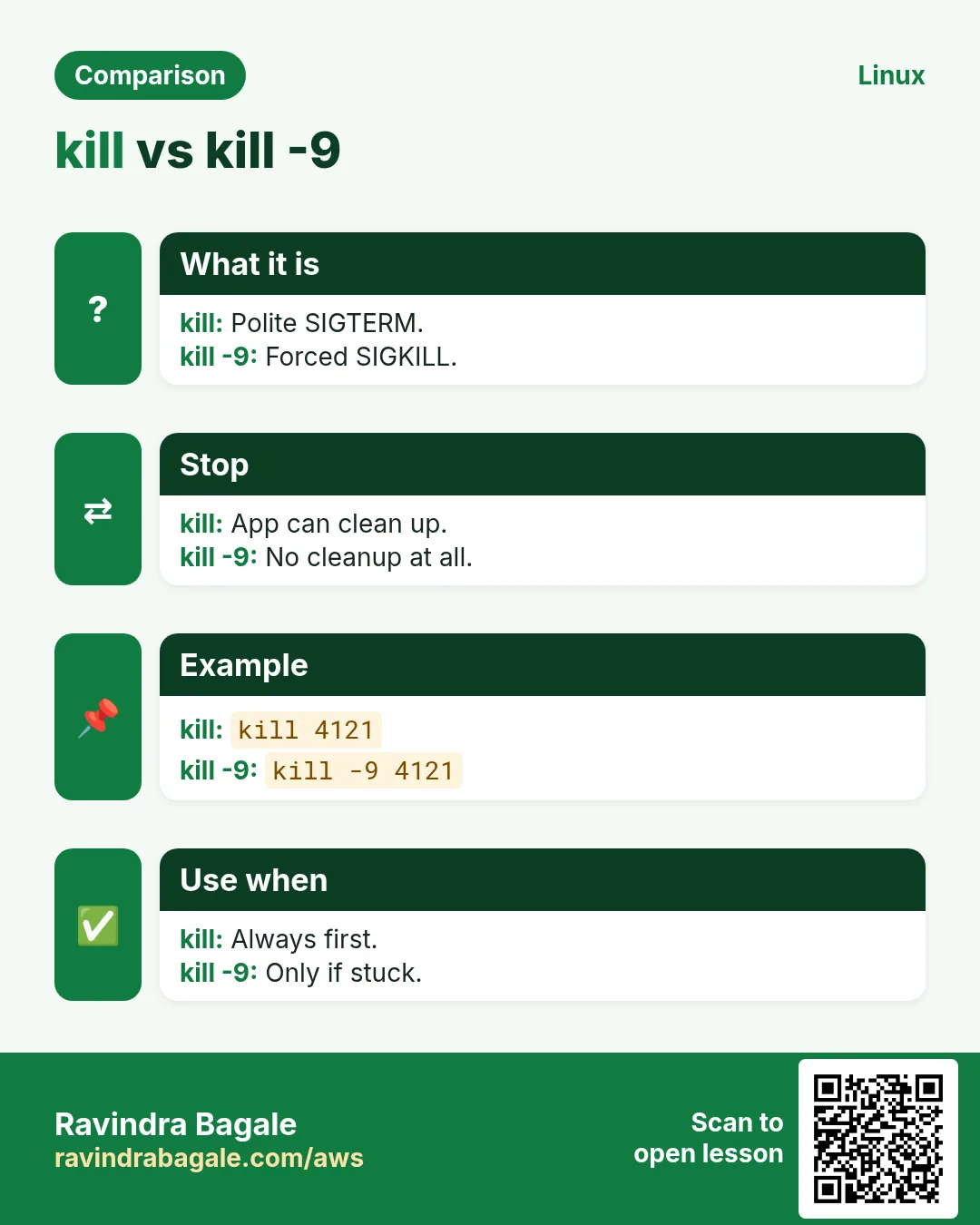
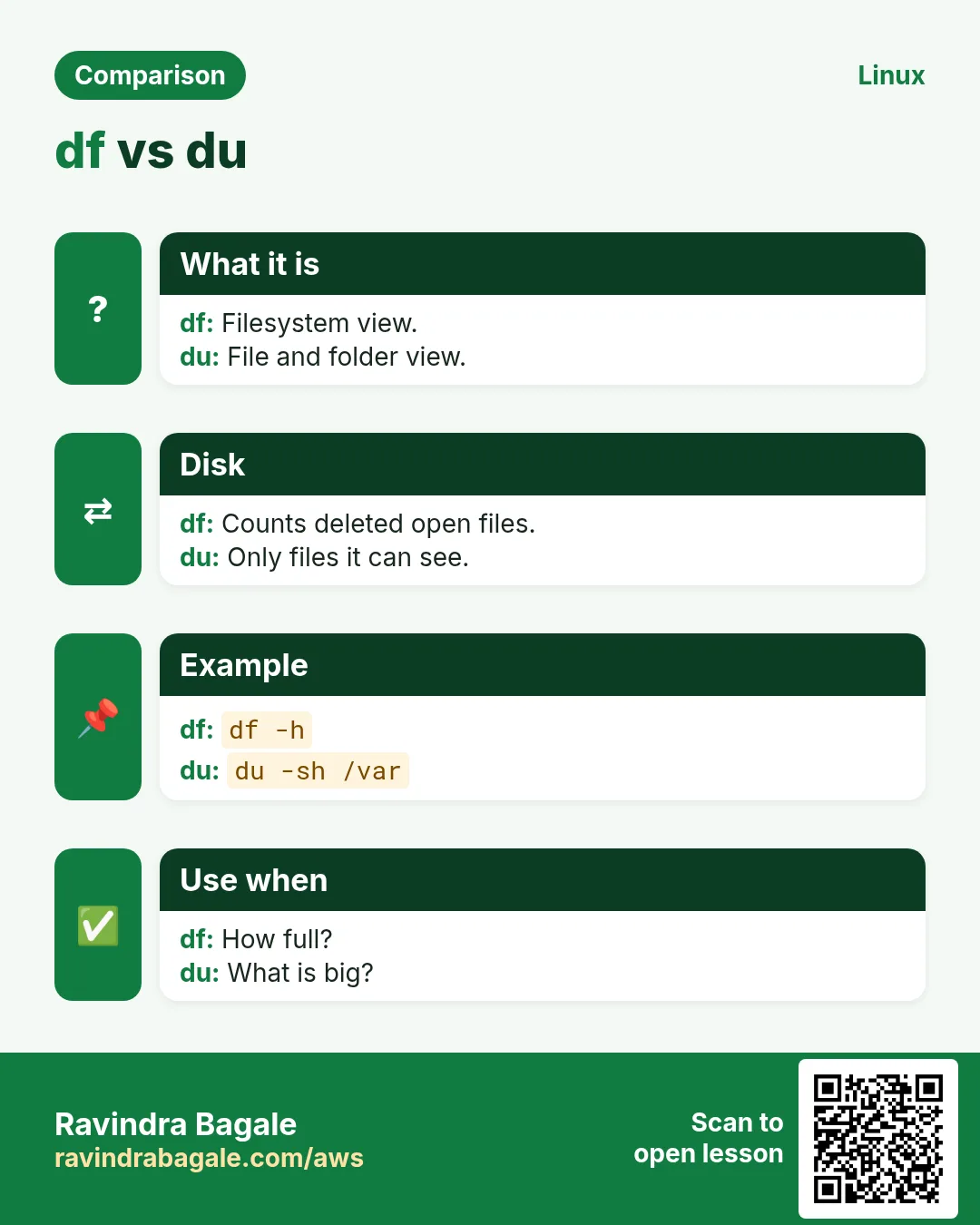
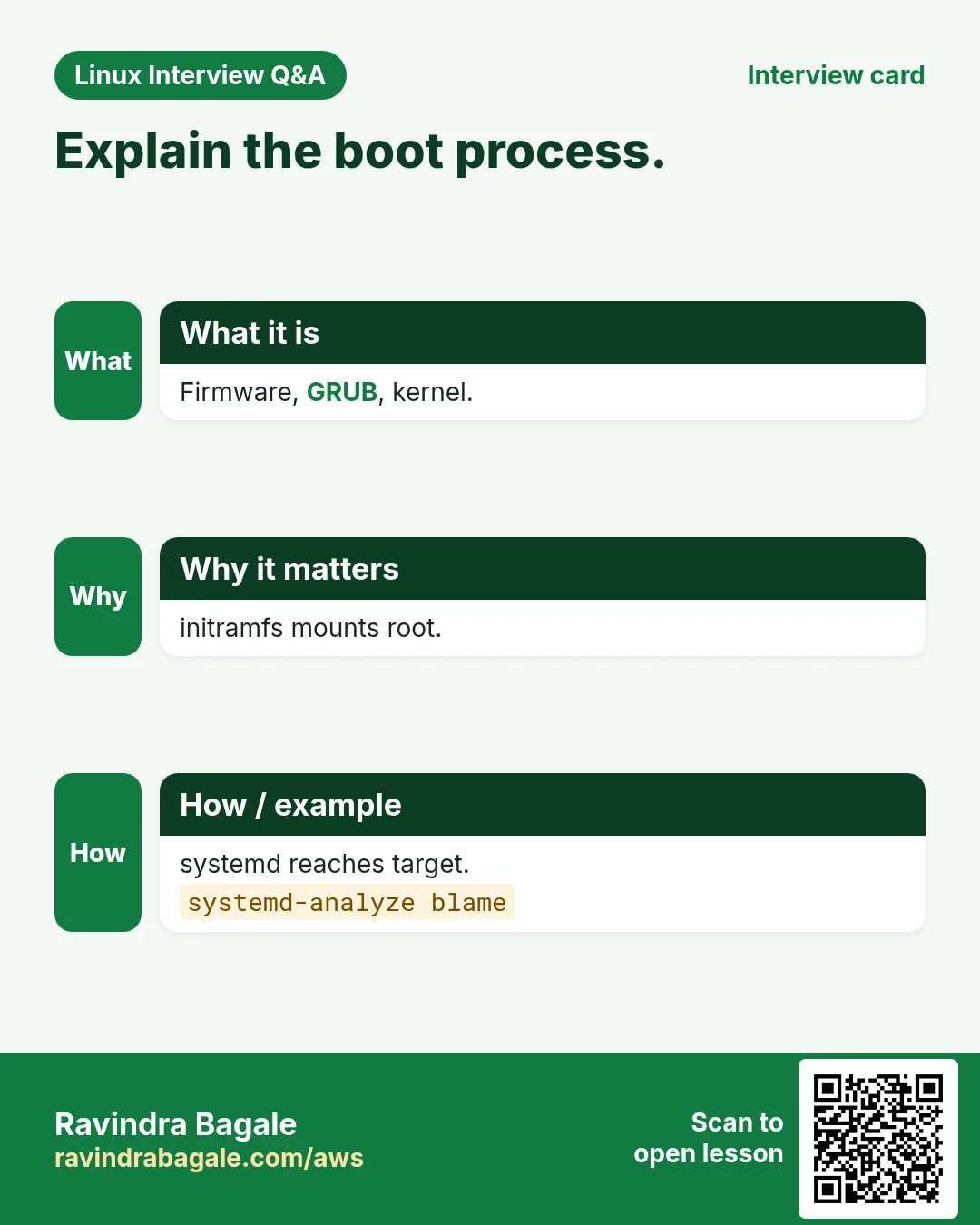
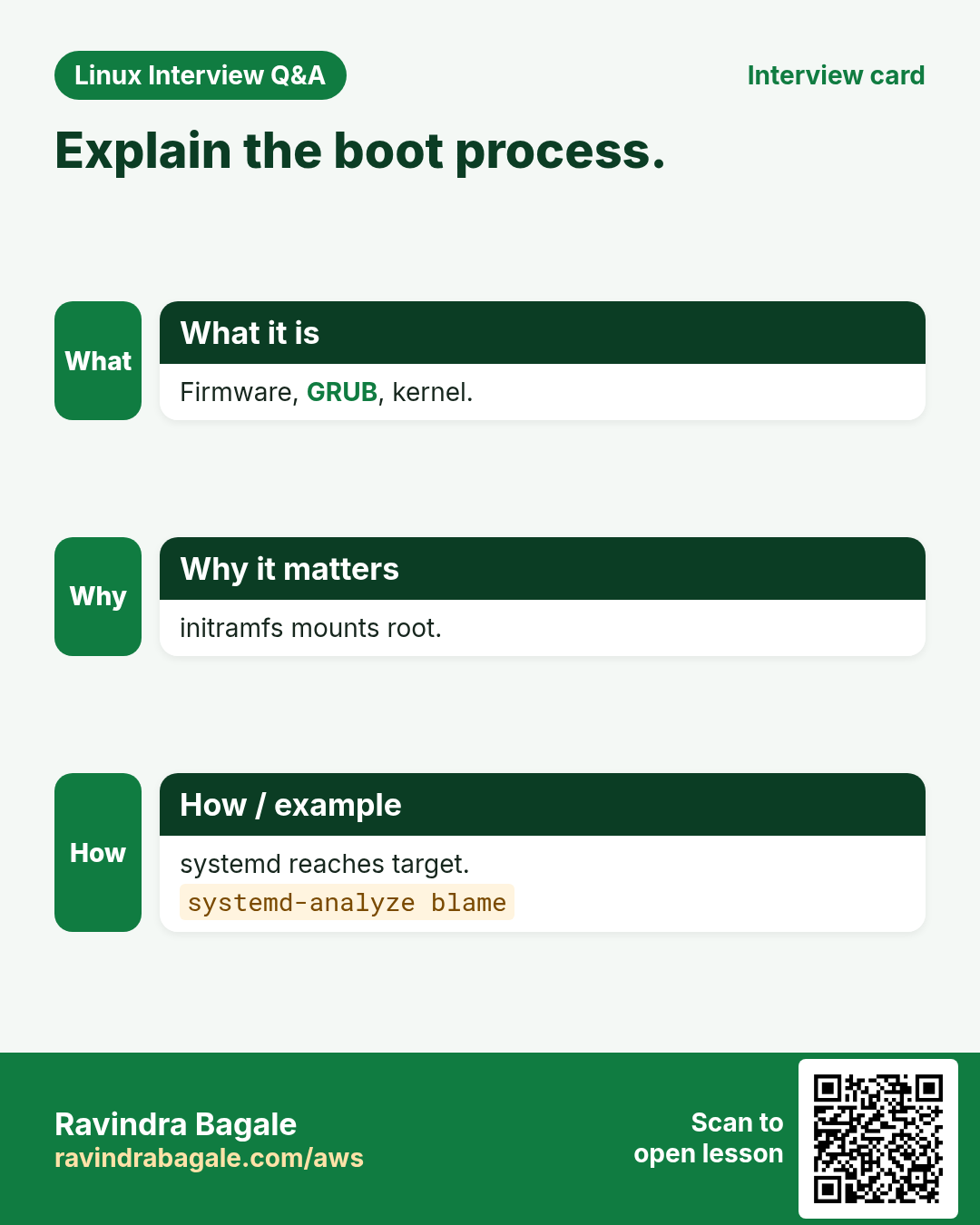
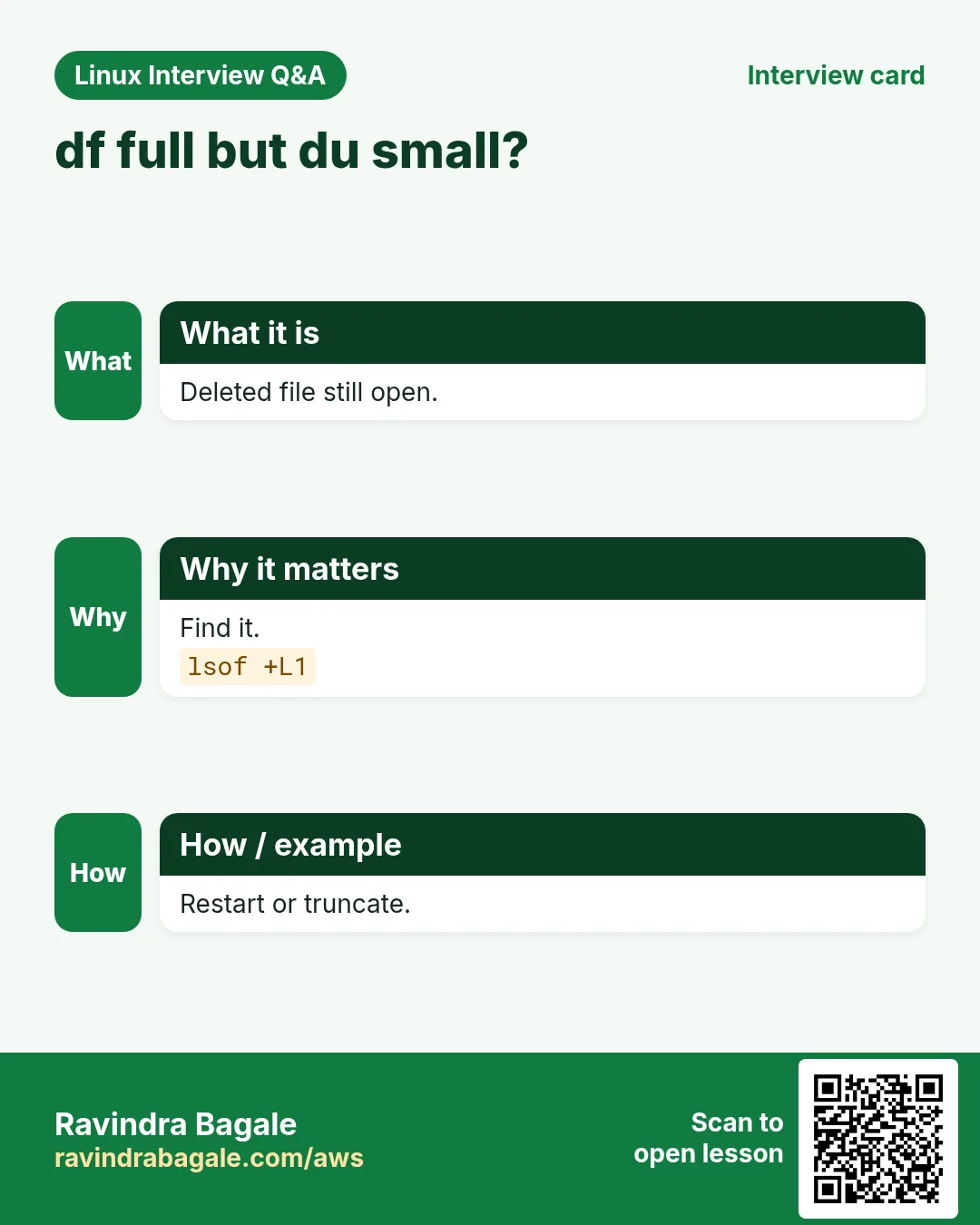
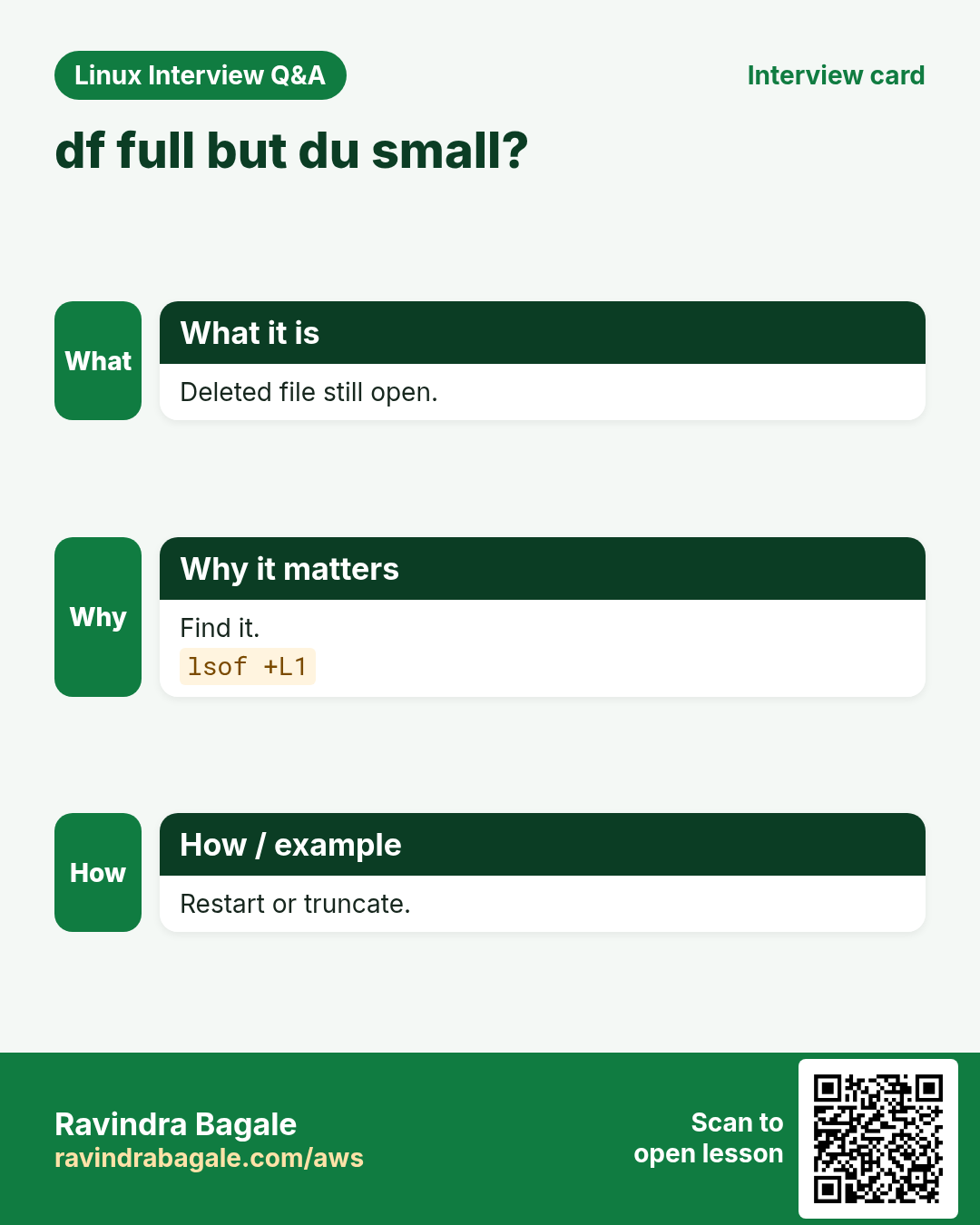
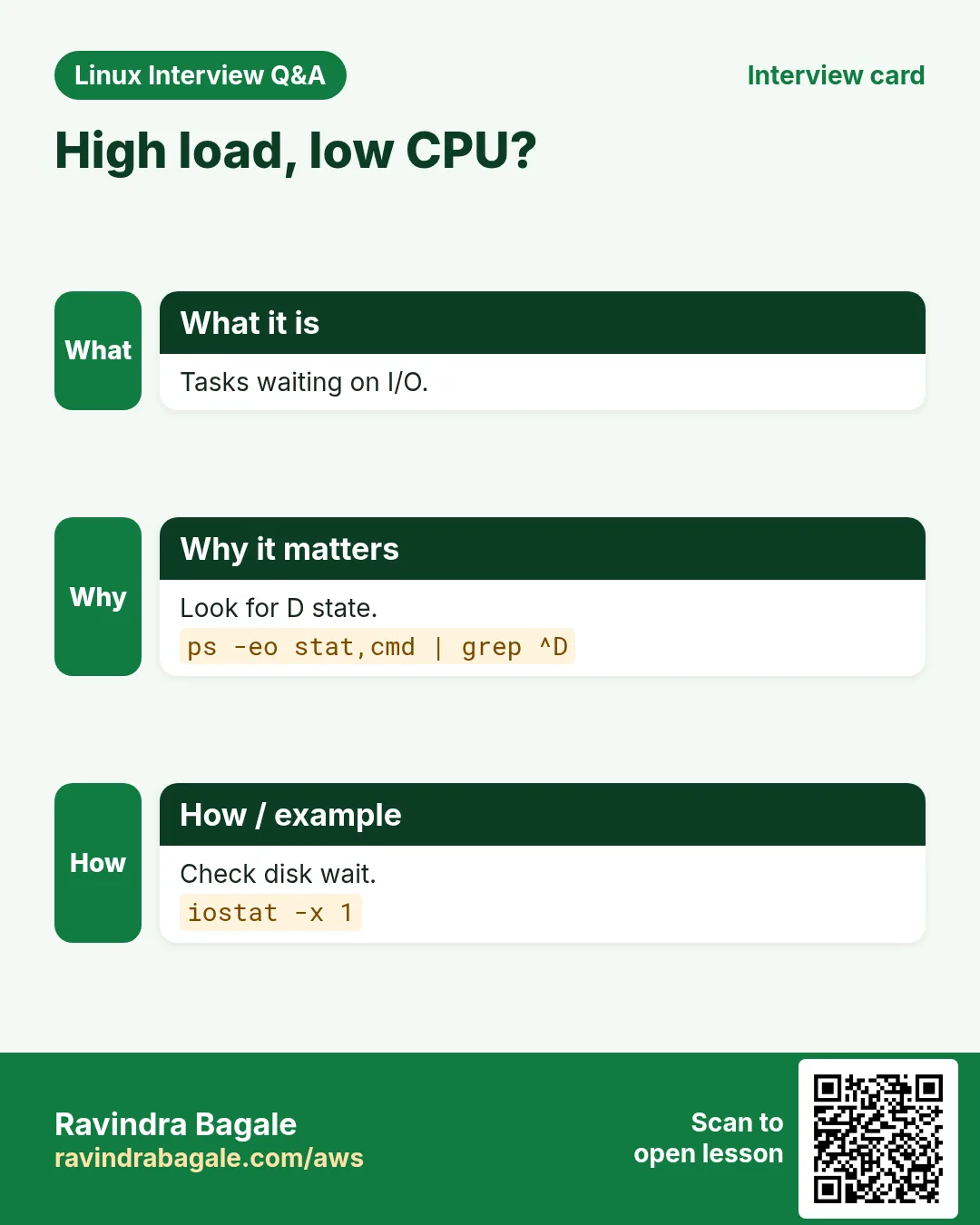
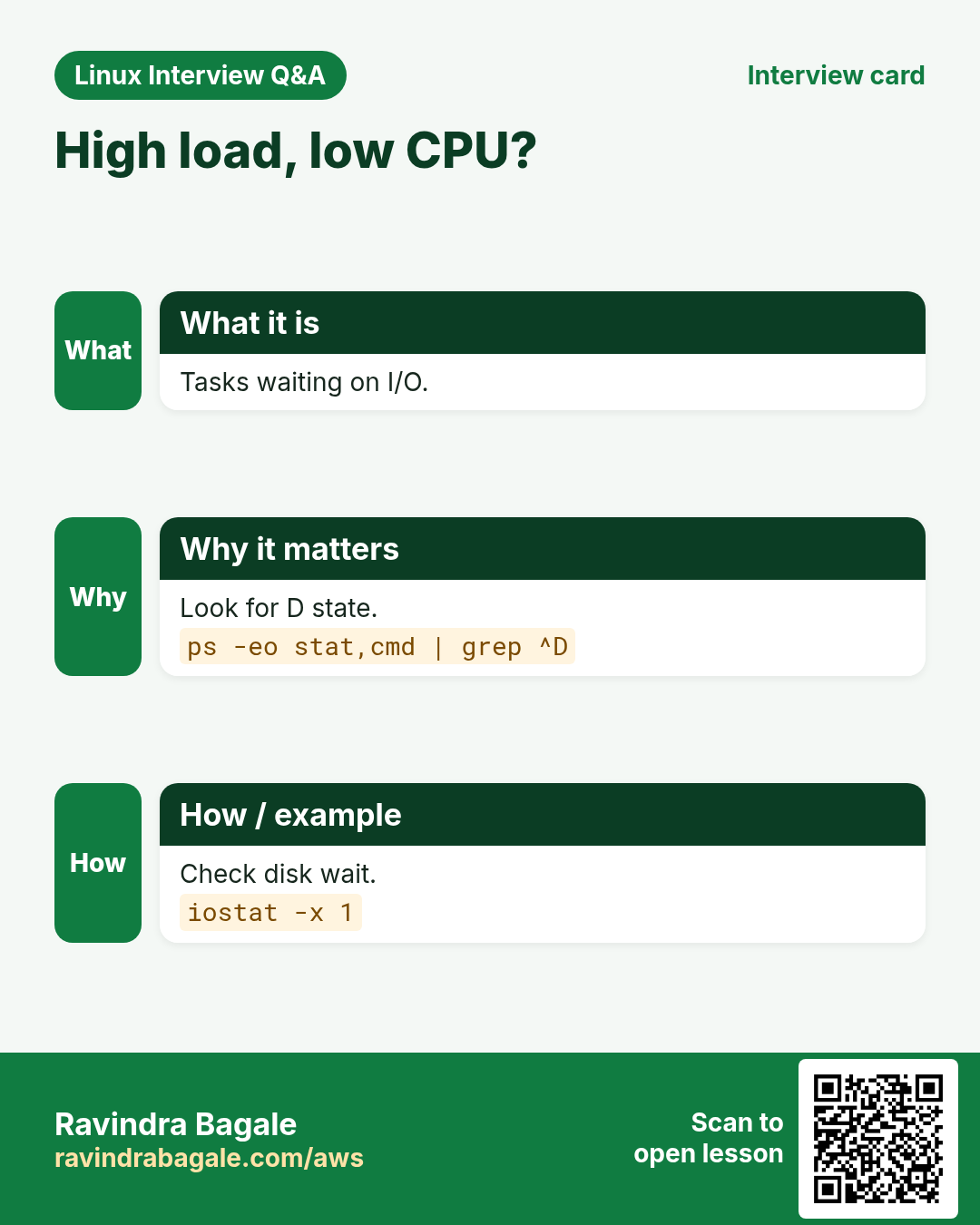
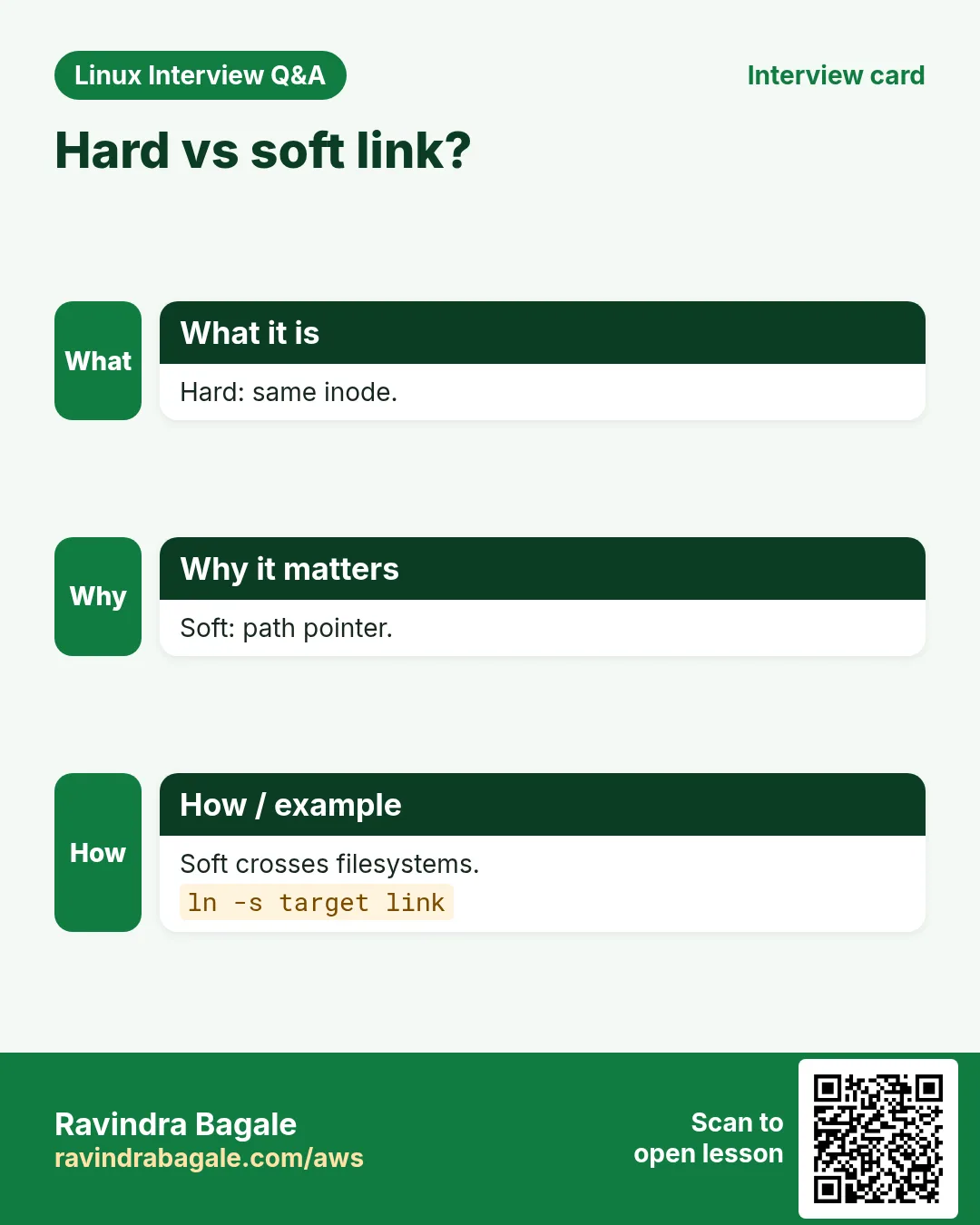
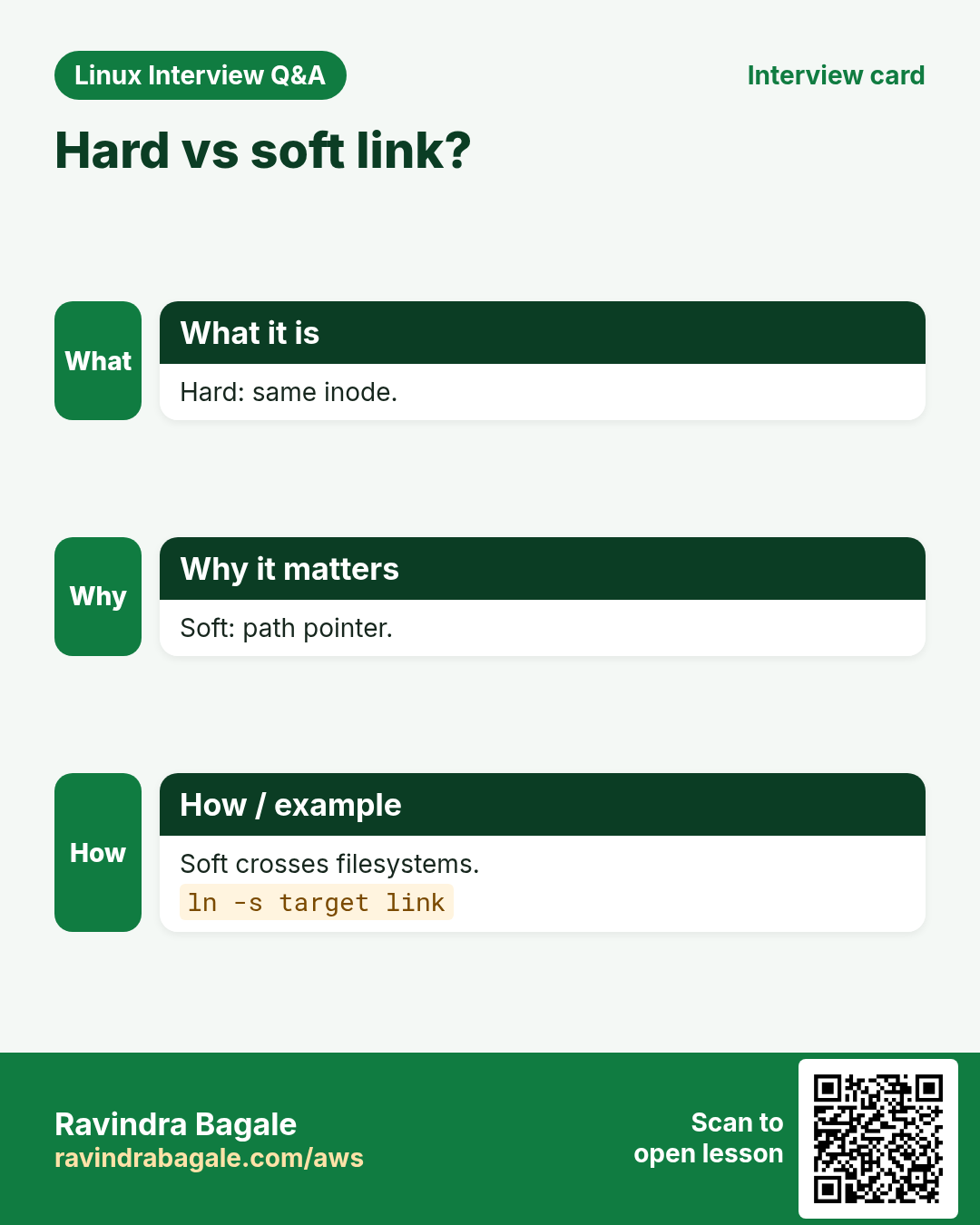
More cards: Ravi Sir's Cards.