Shell Scripting Complete 8: String Manipulation and Parameter Expansion (${var#}, ${var%}, ${var//}) Explained Simply
Scripts work with text all the time: file names, dates, versions, URLs, log lines and user input. Bash can cut, replace, trim, change case and measure text by itself, without calling sed or awk. This is called parameter expansion. In this chapter you learn ${#var} for length, ${var:start:len} for substrings, # and % to remove prefixes and suffixes, / to replace, ^^ and ,, for case, defaults with :- := :? and :+, indirect names, and printf for clean formatting. Every command has an everyday example first and then examples from many industries.
What you'll learn in this chapter
- Measure length and cut substrings
- Remove prefixes and suffixes with # and %
- Replace text with / and //
- Change case with ^^ and ,,
- Use defaults :- := :? :+
- Format output with printf
1. An everyday example: a tailor and a long cloth
Why do we need this?
A tailor gets a long cloth. He measures it, cuts the first part, trims the edges, and sometimes changes a patch. He never sends the cloth to another shop for this; he has scissors and tape on his own table. Bash parameter expansion is the scissors and tape for text, right inside your script.
What is it?
Cloth = the string in a variable. Tape = ${#var} length. Cutting a piece = ${var:start:len}. Trimming the left edge = ${var#pattern}. Trimming the right edge = ${var%pattern}. Changing a patch = ${var/old/new}. Spare cloth when none given = ${var:-default}.
How to do it (step by step)
2. Length and substrings
Why do we need this?
You often need to check if a PIN code has 6 digits, or take the year from a date like 2026-10-25.
What is it?
${#v} gives the number of characters. ${v:start} gives everything from position start (counting from 0). ${v:start:len} gives len characters. A negative start counts from the end but needs a space: ${v: -4}. These are built into bash, so they are fast even inside big loops.
| Form | Gives |
|---|---|
| ${#v} | length |
| ${v:2} | from index 2 to end |
| ${v:0:4} | first 4 chars |
| ${v: -3} | last 3 chars |
| ${v:2:-1} | from 2, drop last 1 |
How to do it (step by step)
- Length of a PIN.
pin=411038; echo ${#pin}Output:
6What it means: Six characters.
- Year from a date.
d=2026-10-25; echo "${d:0:4}"Output:
2026What it means: Start 0, take 4.
- Month.
echo "${d:5:2}"Output:
10What it means: Start 5, take 2.
- Last four of a card.
card=4111222233334444; echo "XXXX-${card: -4}"Output:
XXXX-4444What it means: Space before minus is needed.
- Check length in an if.
mob=98220; (( ${#mob} == 10 )) || echo 'mobile must be 10 digits'Output:
mobile must be 10 digitsWhat it means: Simple input validation.
3. Remove a prefix with # and ##
Why do we need this?
Paths and URLs have parts you want to drop: the folder, the https:// part, a v from v1.4.2.
What is it?
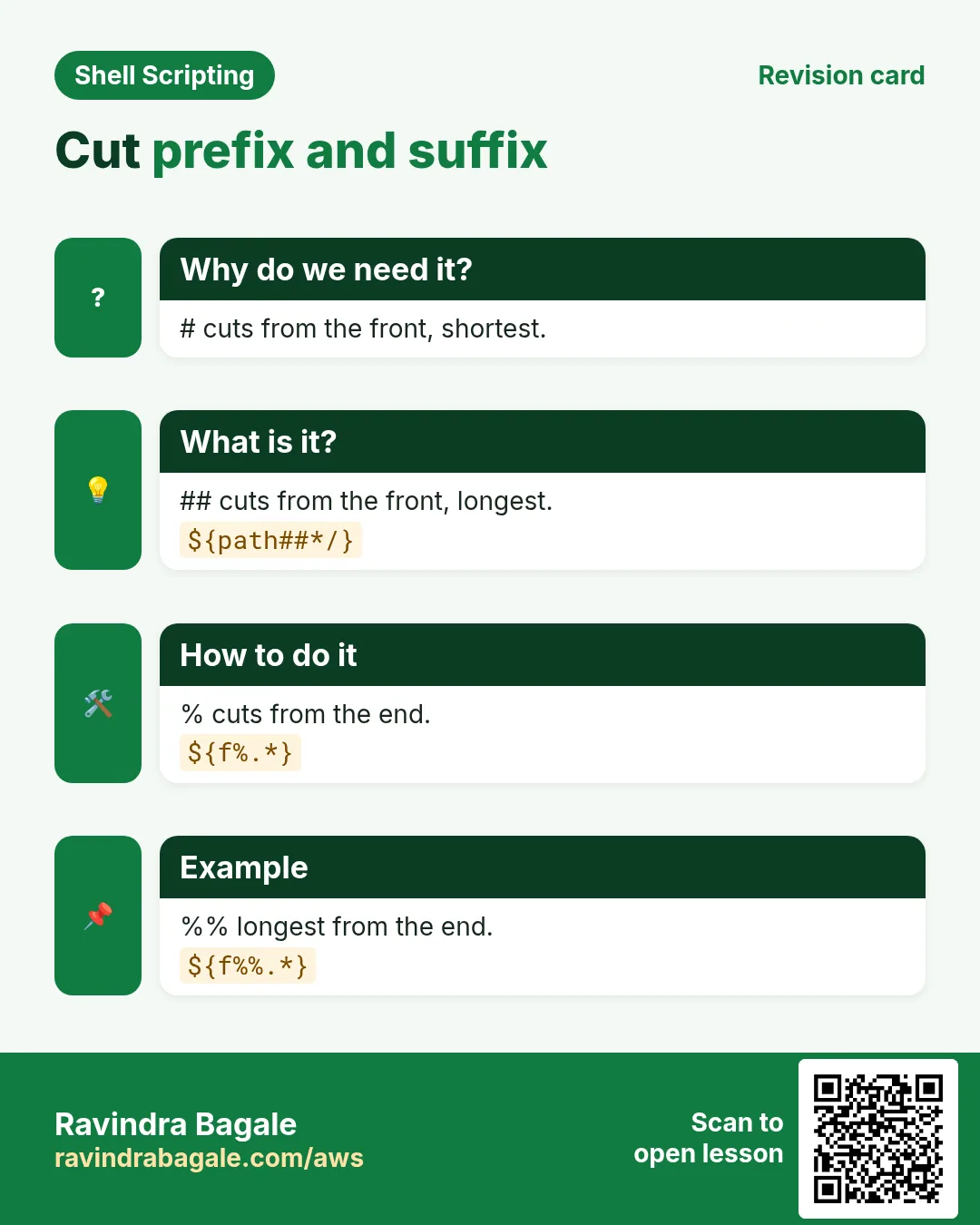
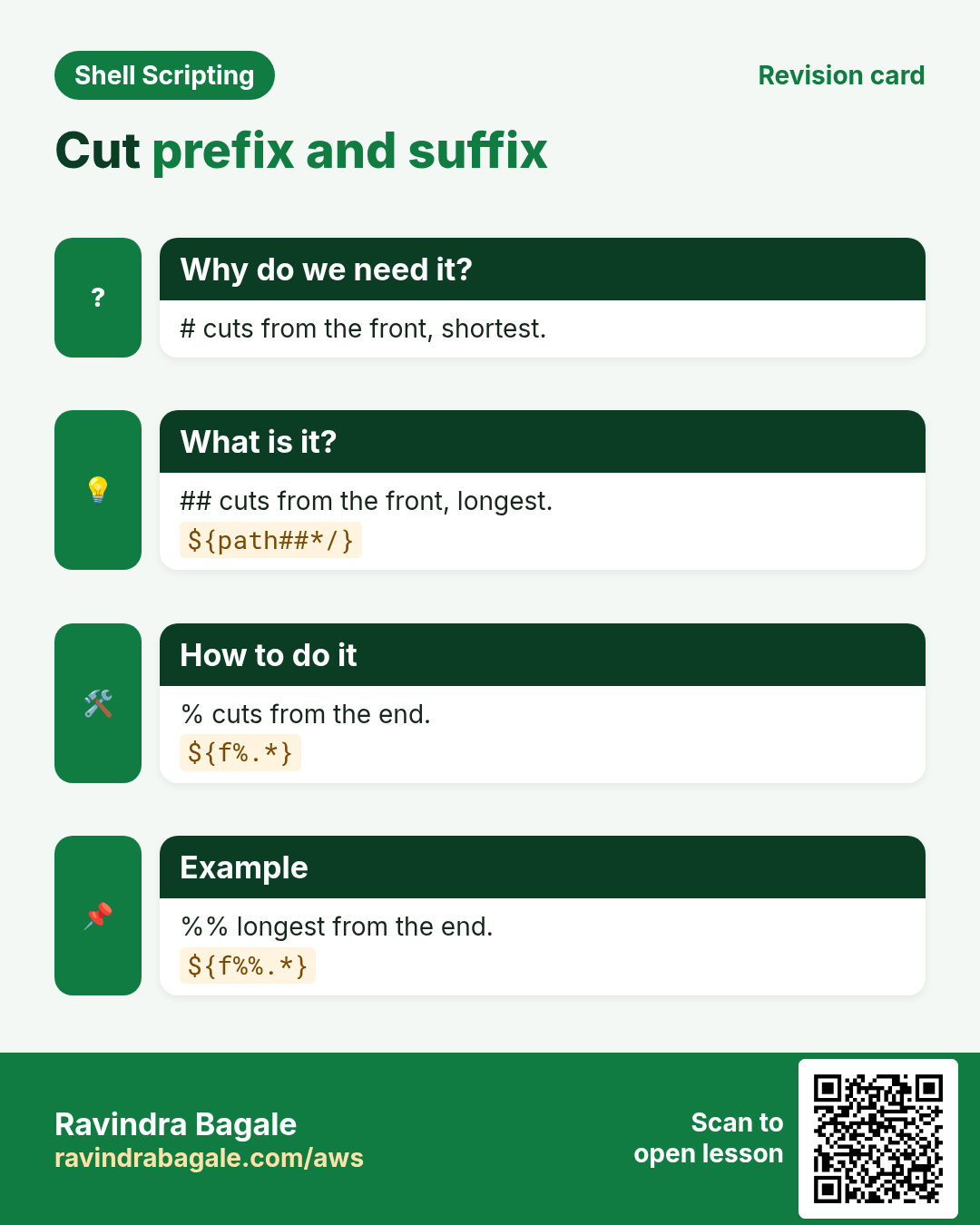
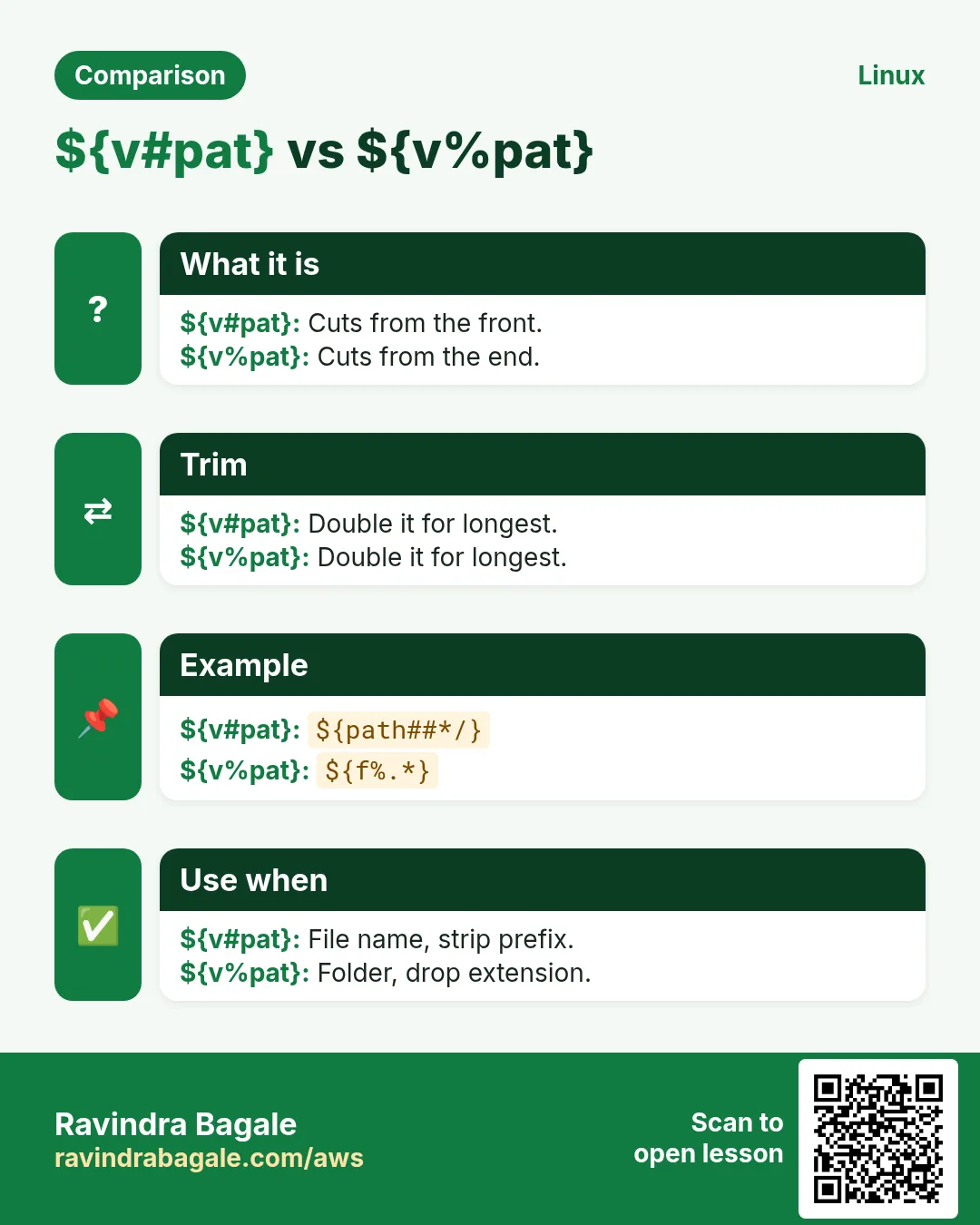
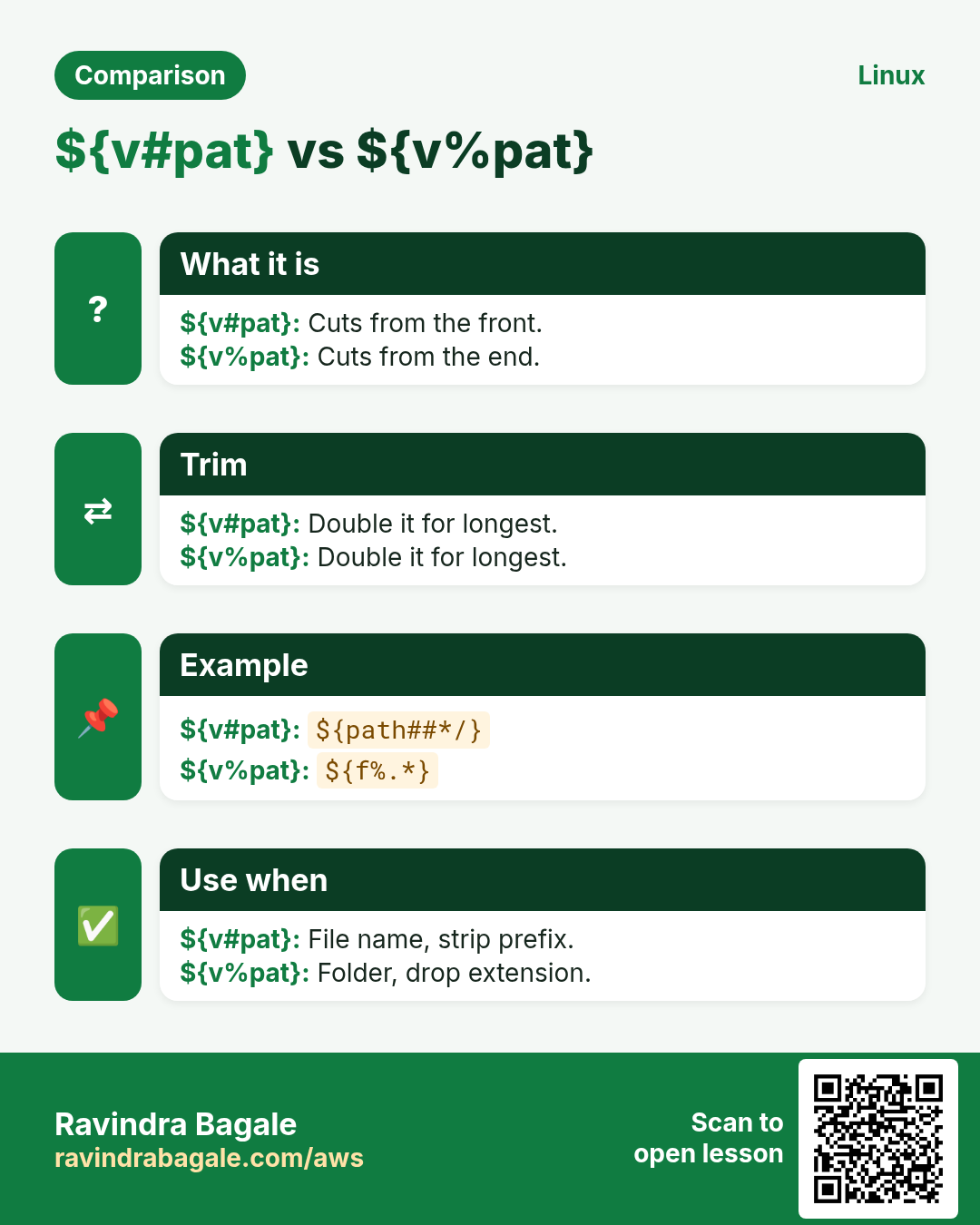
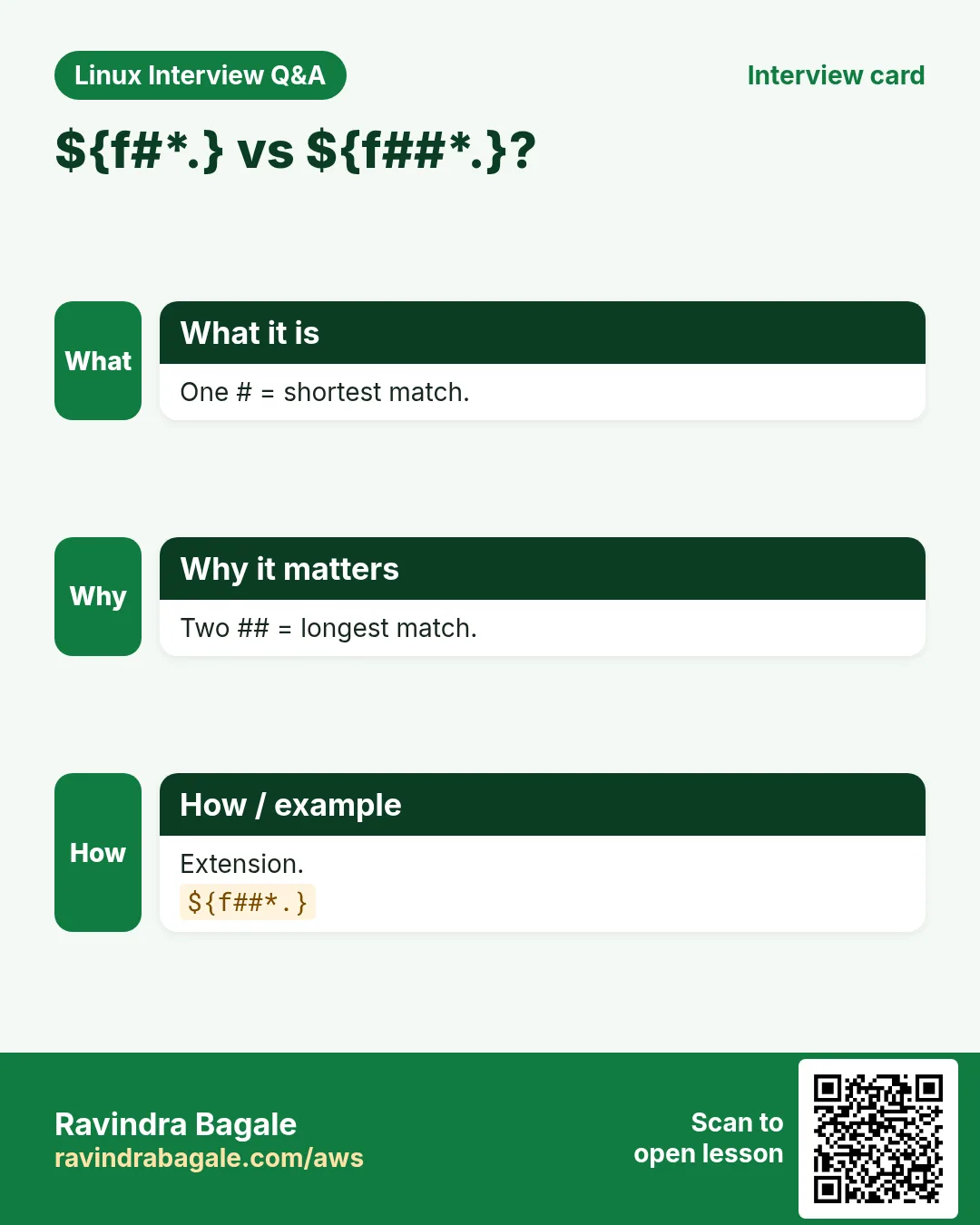
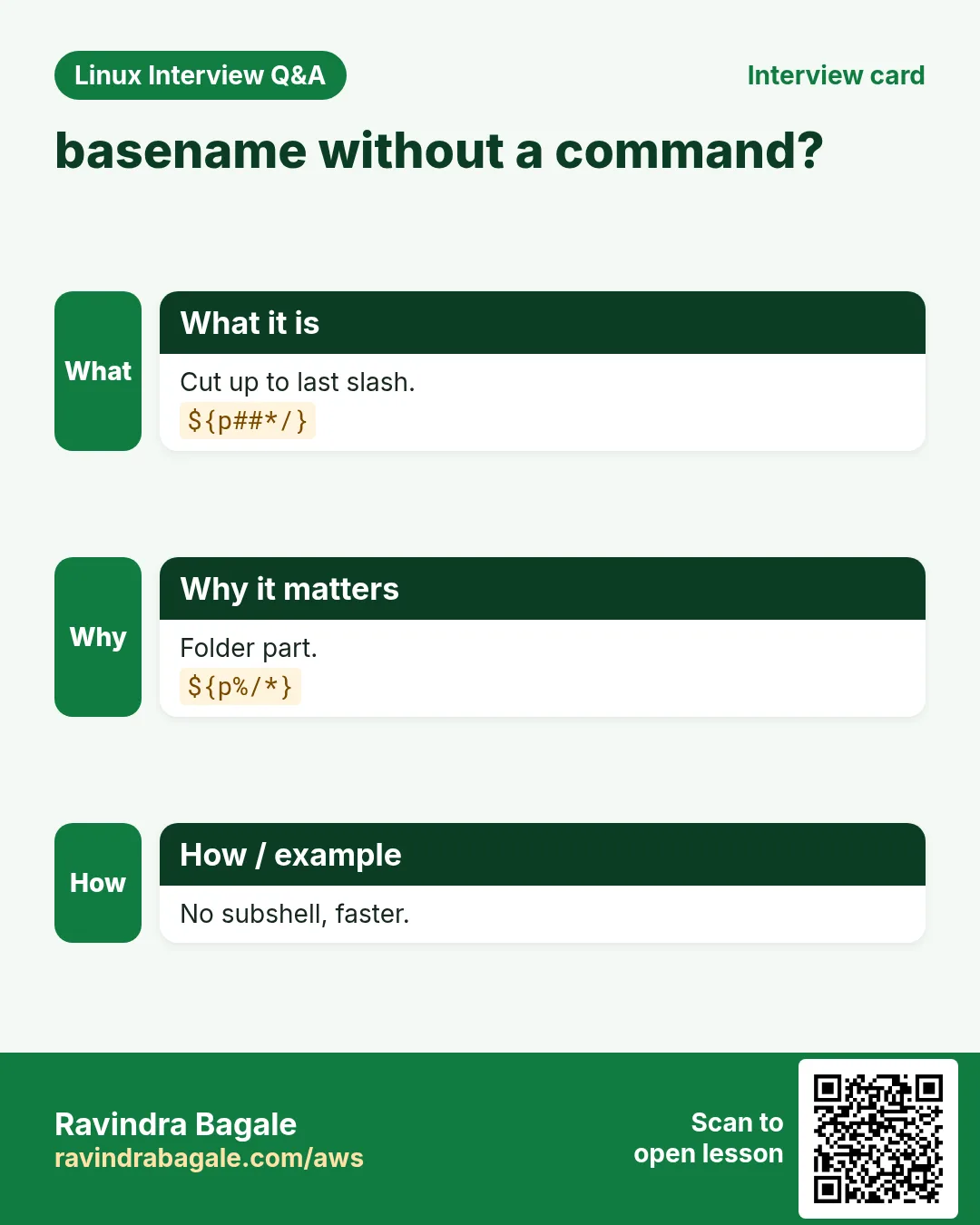
${v#pat} removes the shortest match of pat from the start. ${v##pat} removes the longest match. pat is a glob, so * means any text. ${path##*/} keeps only the file name, like basename, but without starting a new process.
How to do it (step by step)
- File name from a path.
p=/var/log/nginx/access.log; echo "${p##*/}"Output:
access.logWhat it means: Longest */ removed.
- Shortest vs longest.
echo "${p#*/}"Output:
var/log/nginx/access.logWhat it means: Only the first / removed.
- Drop the scheme.
u=https://shop.example.in/cart; echo "${u#*://}"Output:
shop.example.in/cartWhat it means: Everything up to :// removed.
- Version without v.
tag=v1.4.2; echo "${tag#v}"Output:
1.4.2What it means: A fixed prefix works too.
4. Remove a suffix with % and %%
Why do we need this?
Changing report.csv to report.json, or getting the folder from a path, needs the end removed.
What is it?
${v%pat} removes the shortest match from the end; ${v%%pat} removes the longest. ${f%.*} drops the last extension. ${f%%.*} drops all extensions (backup.tar.gz becomes backup). ${p%/*} gives the folder, like dirname. Easy memory trick: # is on the left of $ on the keyboard, % is on the right.
How to do it (step by step)
- Change extension.
f=sales-2026.csv; echo "${f%.csv}.json"Output:
sales-2026.jsonWhat it means: Remove .csv, add .json.
- Last vs all extensions.
b=backup.tar.gz; echo "${b%.*} ${b%%.*}"Output:
backup.tar backupWhat it means: % shortest, %% longest.
- Folder of a path.
p=/srv/app/conf/app.yml; echo "${p%/*}"Output:
/srv/app/confWhat it means: Like dirname.
- Rename all in a loop.
for f in *.jpeg; do mv -- "$f" "${f%.jpeg}.jpg"; done; lsOutput:
a.jpg b.jpgWhat it means: No sed needed.
5. Replace text with / and //
Why do we need this?
Spaces in names, a wrong city code, or a password in a log line: you need to swap text.
What is it?
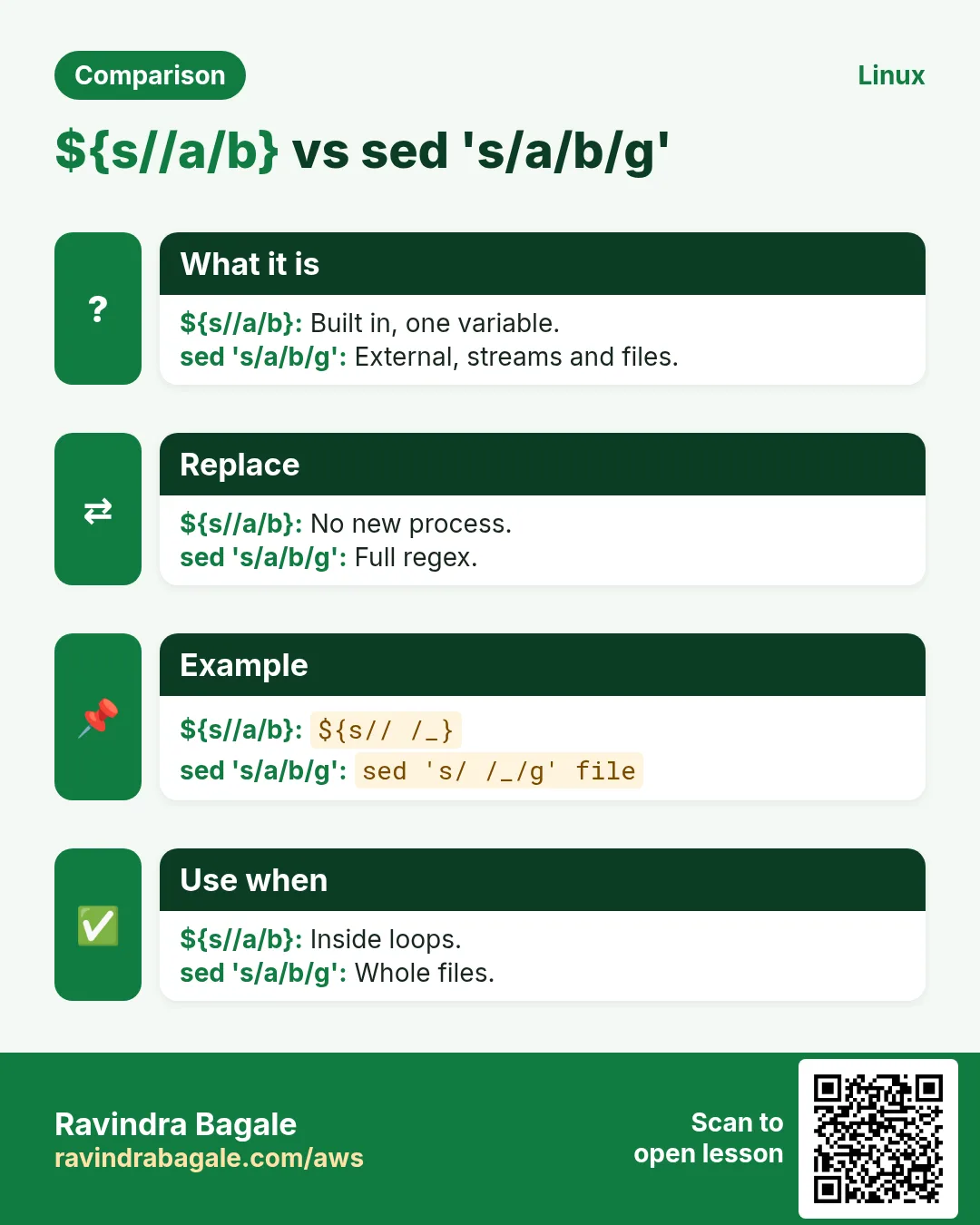
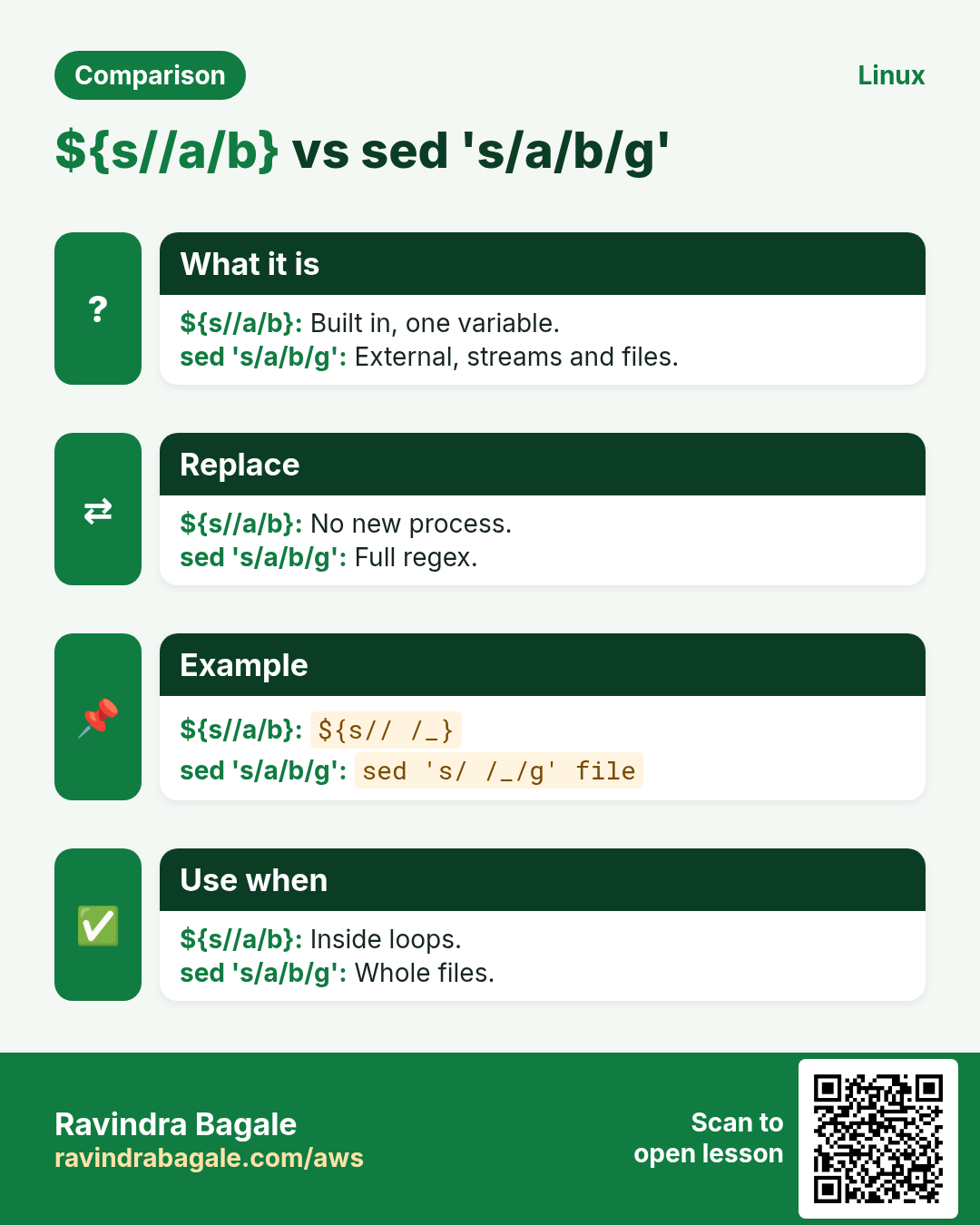
${v/old/new} replaces the first match. ${v//old/new} replaces all. ${v/#old/new} only at the start, ${v/%old/new} only at the end. Leave new empty to delete: ${v// /}. old is a glob pattern, so ${v//[0-9]/#} hides all digits.
| Form | Does |
|---|---|
| ${v/a/b} | first a to b |
| ${v//a/b} | every a to b |
| ${v/#a/b} | a at start |
| ${v/%a/b} | a at end |
| ${v// /} | delete all spaces |
How to do it (step by step)
- Spaces to underscores.
n='Q3 sales report.pdf'; echo "${n// /_}"Output:
Q3_sales_report.pdfWhat it means: All spaces replaced.
- First only.
echo "${n/ /_}"Output:
Q3_sales report.pdfWhat it means: Single slash = first.
- Mask digits.
acct=AC-9876-5432; echo "${acct//[0-9]/*}"Output:
AC-****-****What it means: Pattern [0-9].
- Fix at the end.
host=web1.local; echo "${host/%.local/.prod.in}"Output:
web1.prod.inWhat it means: /% anchors the end.
- Remove all dashes.
ph=98-22-11-00-00; echo "${ph//-/}"Output:
9822110000What it means: Empty replacement deletes.
6. Change case with ^ ^^ , ,,
Why do we need this?
Users type Yes, YES or yes. Environment names should be lowercase in paths but uppercase in labels.
What is it?
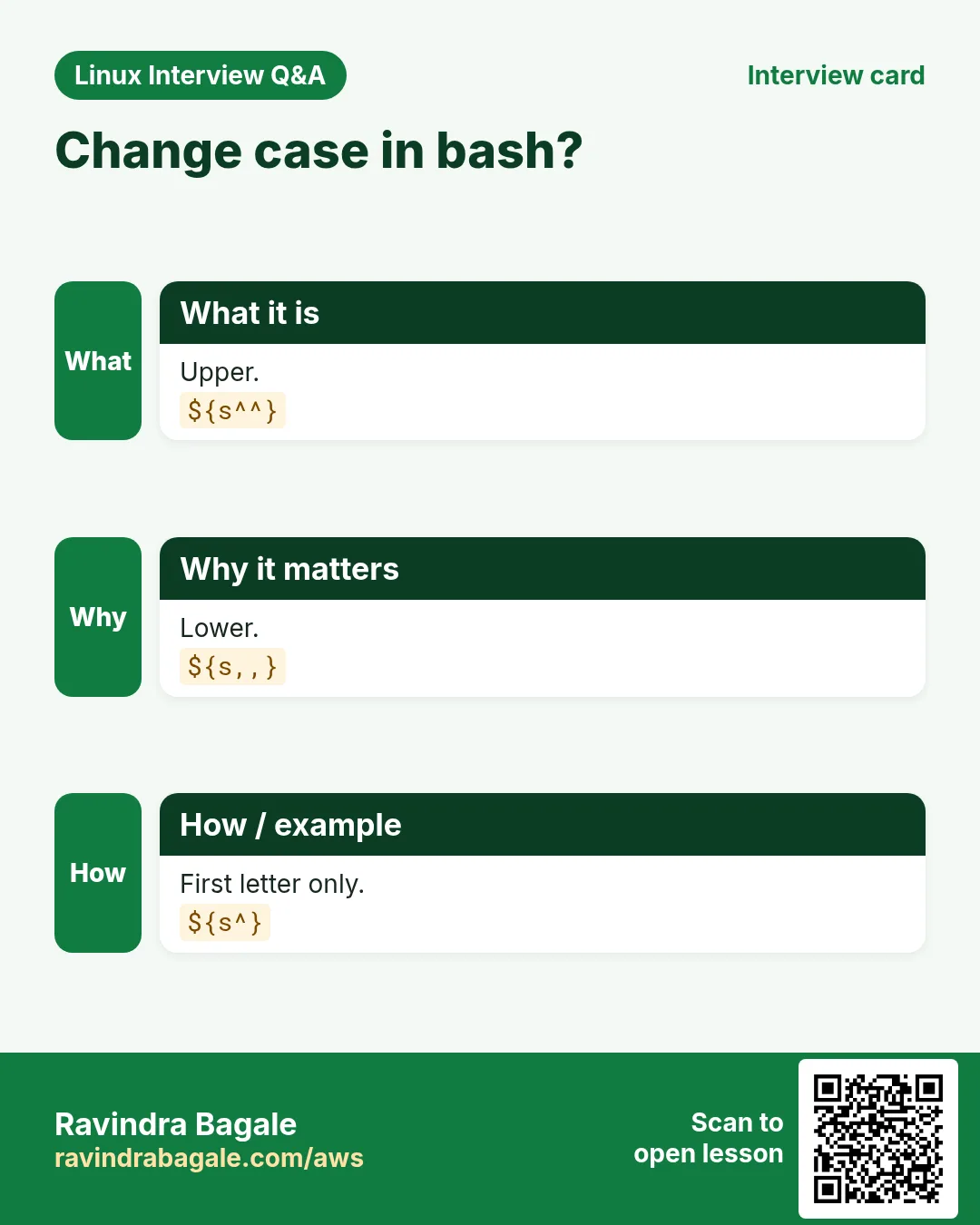
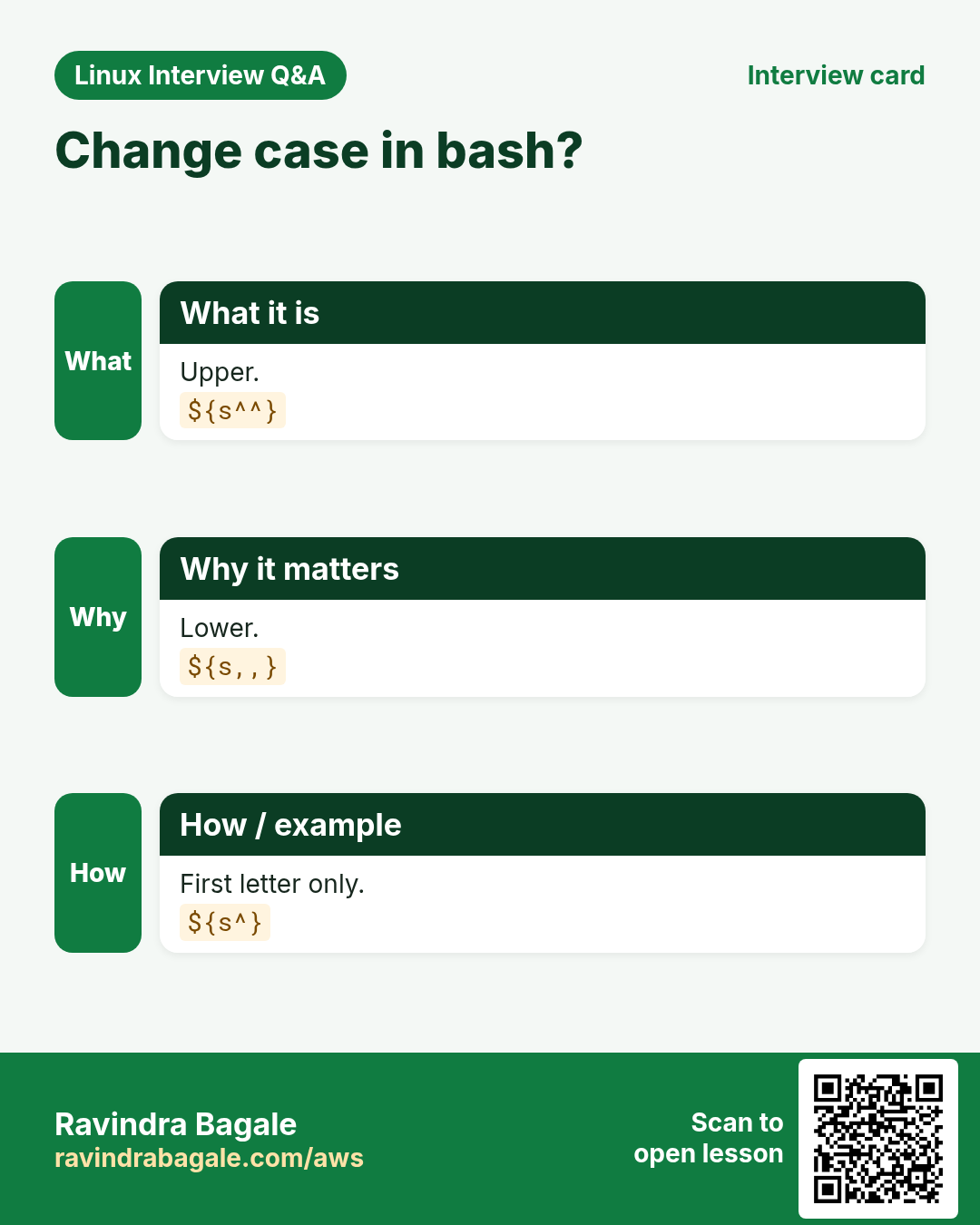
${v^^} makes all uppercase, ${v,,} makes all lowercase. ${v^} uppercases only the first letter, ${v,} lowercases only the first. This needs bash 4 or newer. Compare answers after lowercasing: [[ ${ans,,} == y* ]].
How to do it (step by step)
- Uppercase label.
env=prod; echo "[${env^^}]"Output:
[PROD]What it means: All letters up.
- Lowercase input.
ans=YeS; echo "${ans,,}"Output:
yesWhat it means: Easy to compare.
- Capitalise a name.
city=pune; echo "${city^}"Output:
PuneWhat it means: Only first letter.
- Case-free yes check.
read -rp 'Continue? ' a; [[ ${a,,} == y* ]] && echo goOutput:
Continue? Y
go
What it means: Y, y, yes all work.
7. Defaults: :- := :? :+
Why do we need this?
Scripts must behave well when a variable or argument is missing, especially with set -u.
What is it?
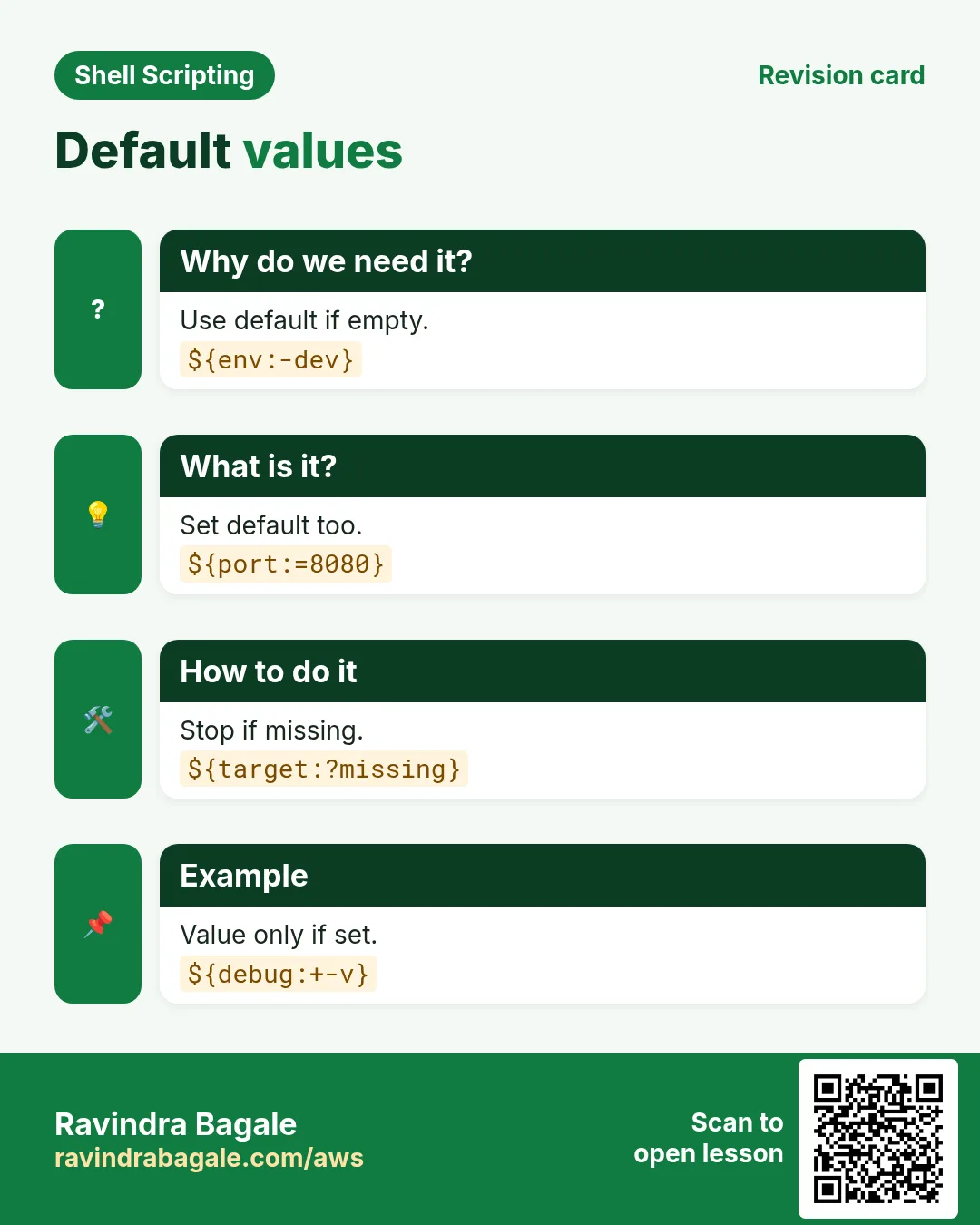
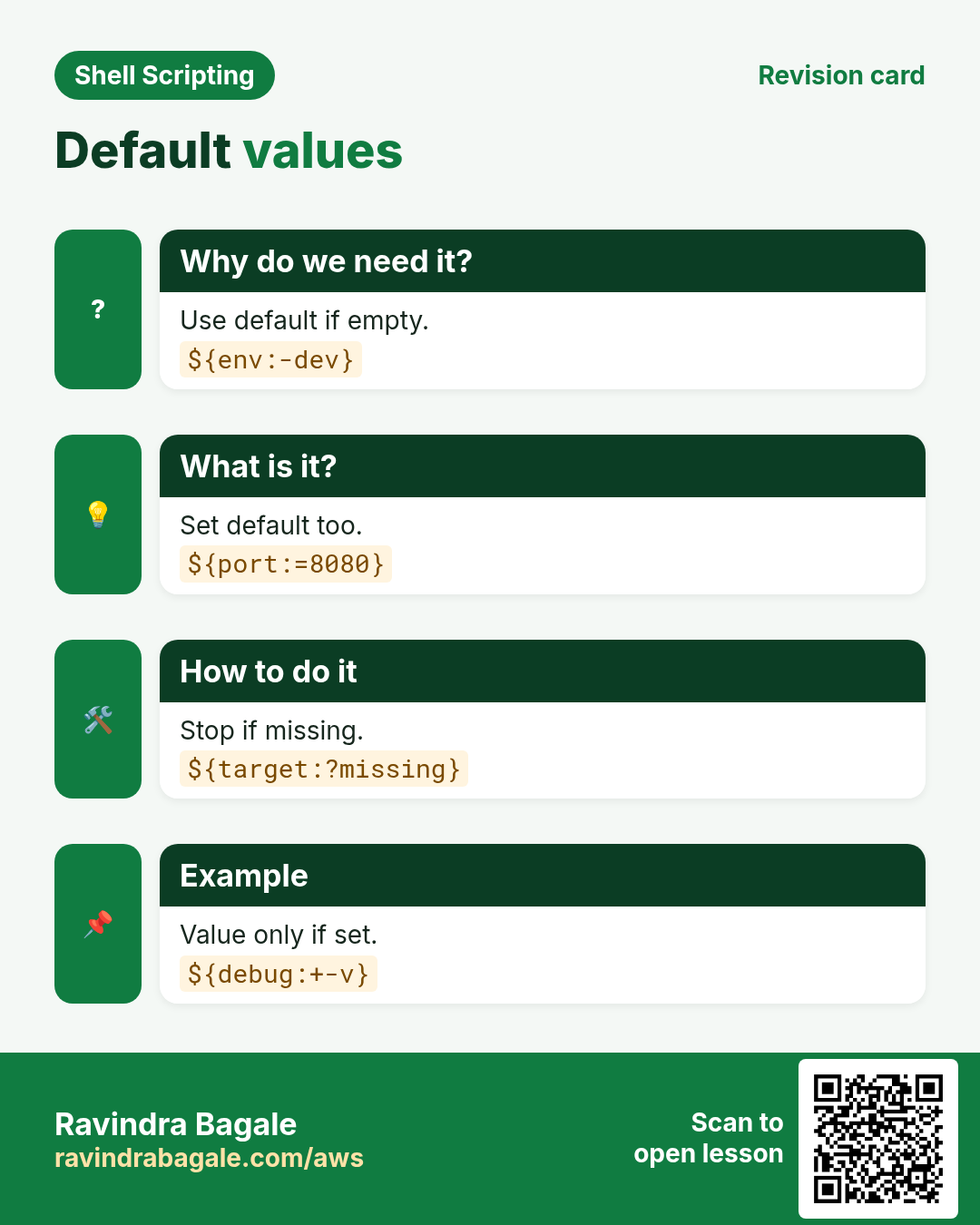
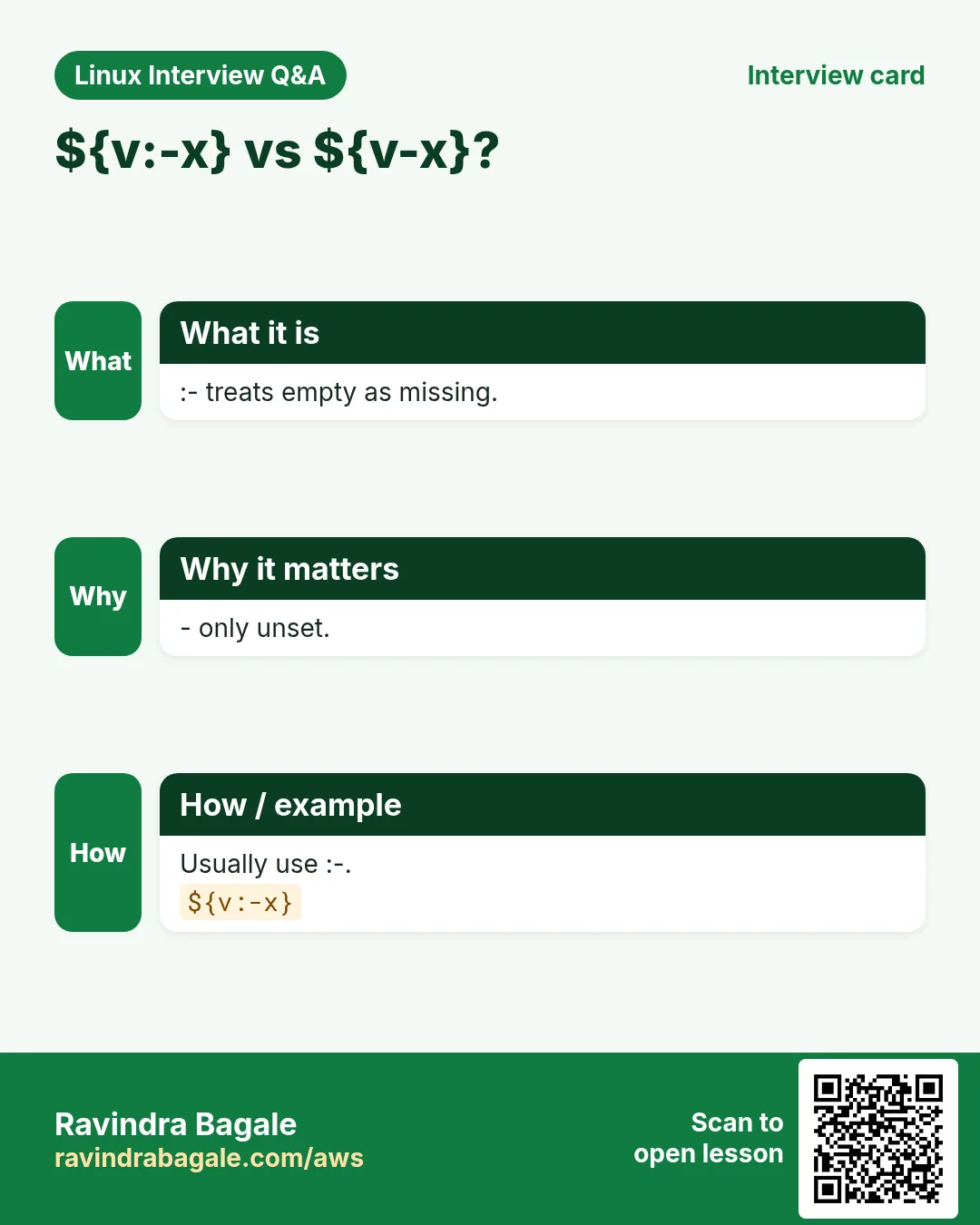
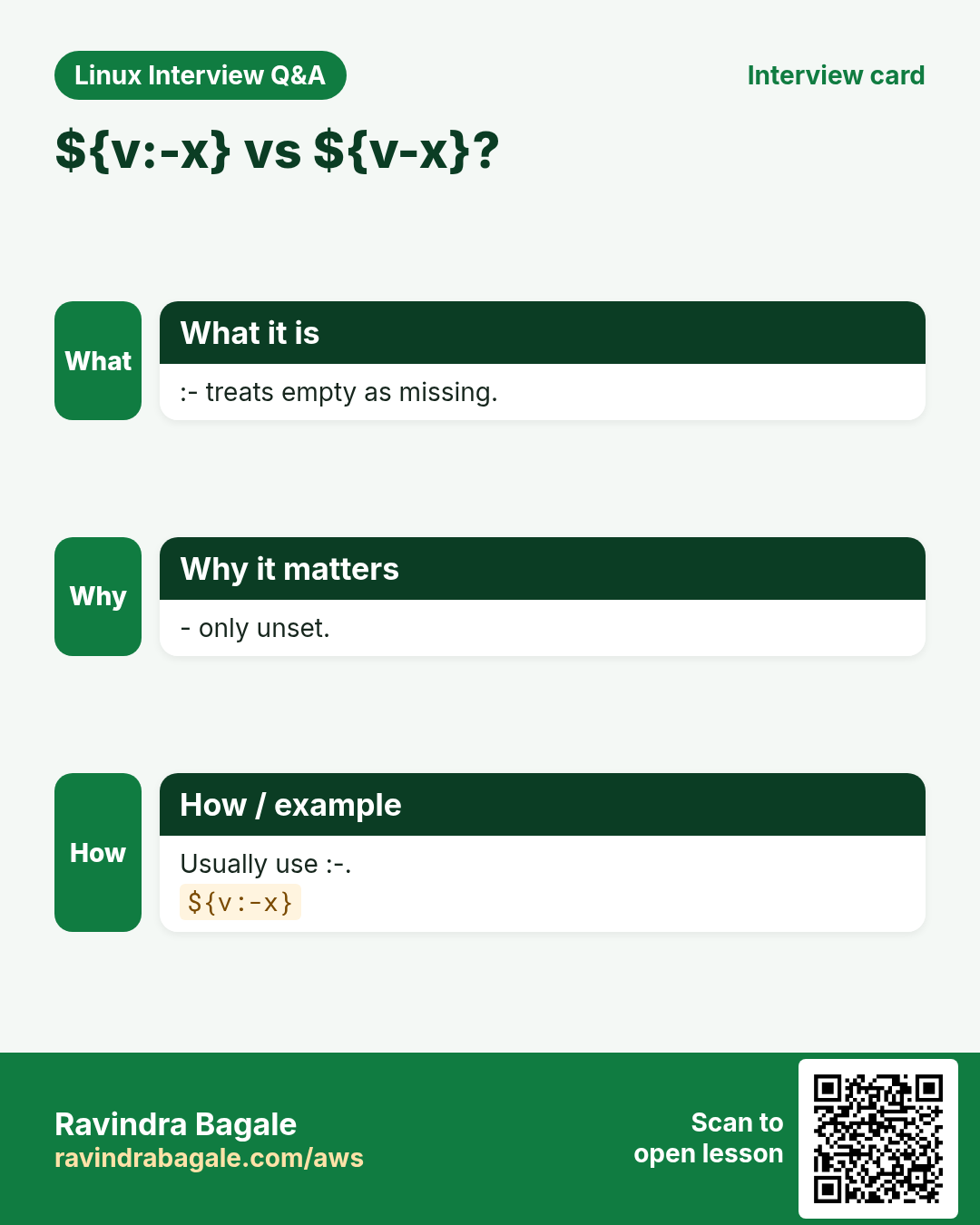
${v:-x} uses x if v is empty or unset, but does not change v. ${v:=x} also sets v to x. ${v:?message} stops the script with message if v is empty. ${v:+x} gives x only if v has a value (good for optional flags). Without the colon (${v-x}) only unset counts, not empty.
| Form | If v is empty |
|---|---|
| ${v:-x} | gives x |
| ${v:=x} | gives x and sets v |
| ${v:?msg} | prints msg, exits |
| ${v:+x} | gives nothing (x only if set) |
How to do it (step by step)
- Default env.
env=${1:-dev}; echo "deploying to $env"Output:
deploying to devWhat it means: No argument given.
- Set if missing.
unset PORT; : "${PORT:=8080}"; echo $PORTOutput:
8080What it means: : runs nothing but expands.
- Required value.
unset DB_HOST; echo "${DB_HOST:?DB_HOST is required}"Output:
bash: DB_HOST: DB_HOST is requiredWhat it means: Script stops here.
- Optional flag.
verbose=1; echo rsync -a ${verbose:+-v} src/ dst/Output:
rsync -a -v src/ dst/What it means: Flag only when set.
8. Indirect names and listing variables
Why do we need this?
Config like PORT_web and PORT_db is easier when you build the name from another variable.
What is it?
${!name} reads the variable whose name is stored in name. ${!PREFIX@} lists all variable names that start with PREFIX. declare -n creates a nameref, a second name for a variable, useful in functions. Prefer associative arrays for new code; indirect names are for existing env-style config.
How to do it (step by step)
- Indirect read.
PORT_web=80; PORT_db=5432; s=db; k=PORT_$s; echo "${!k}"Output:
5432What it means: Name built from s.
- List by prefix.
echo ${!PORT_@}Output:
PORT_db PORT_webWhat it means: All names starting PORT_.
- Nameref.
set_out(){ declare -n r=$1; r=done; }; set_out status; echo $statusOutput:
doneWhat it means: Function wrote into status.
9. Trim spaces and clean input
Why do we need this?
Values from CSV files and forms often have extra spaces or Windows line endings that break comparisons.
What is it?
Remove a Windows carriage return with ${v%$'\r'}. Trim leading spaces with ${v#"${v%%[![:space:]]*}"} and trailing with ${v%"${v##*[![:space:]]}"}. That looks hard, so many people wrap it in a trim function once. read with default IFS also trims spaces at both ends.
How to do it (step by step)
- Drop Windows CR.
line=$'pune\r'; line=${line%$'\r'}; [[ $line == pune ]] && echo cleanOutput:
cleanWhat it means: Comparison now works.
- Trim function.
trim(){ local s=$1; s=${s#"${s%%[![:space:]]*}"}; s=${s%"${s##*[![:space:]]}"}; printf '%s' "$s"; }; echo "[$(trim ' Asha Patil ')]"Output:
[Asha Patil]What it means: Both ends cleaned, middle space kept.
- read trims too.
read -r x <<< ' nashik '; echo "[$x]"Output:
[nashik]What it means: Default IFS trims.
10. printf for clean output
Why do we need this?
echo behaves differently on different systems. Reports need aligned columns and fixed decimals.
What is it?
printf FORMAT args. %s is a string, %d an integer, %5.2f a number with 2 decimals, %-10s a left-aligned 10-wide column, \n a new line. printf repeats the format for extra arguments. printf -v var stores the result in a variable instead of printing. printf '%(%F %T)T' prints the time without calling date.
How to do it (step by step)
- Aligned table.
printf '%-8s %6s\n' City Orders Pune 1200 Nagpur 85Output:
City     Orders
Pune       1200
Nagpur       85
What it means: Format repeats per pair.
- Two decimals.
printf 'Total: %.2f\n' 1499.5Output:
Total: 1499.50What it means: Money format.
- Zero padding.
printf 'INV-%05d\n' 42Output:
INV-00042What it means: Invoice numbers.
- Into a variable.
printf -v stamp '%(%Y%m%d)T' -1; echo "backup-$stamp.tgz"Output:
backup-20261025.tgzWhat it means: -1 means now.
11. Real examples from many industries
Why do we need this?
The same Linux skill shows up in every kind of company. Seeing it in many places helps you remember it.
What is it?
Each row is a made-up team. It shows who uses this and how.
How to do it (step by step)
| Team and city | How they use it | Command |
|---|---|---|
| Aditi, e-commerce, Pune | Rename product images .jpeg to .jpg | mv "$f" "${f%.jpeg}.jpg" |
| Ben, broadcasting, London | File name from upload path | echo "${p##*/}" |
| Min-jun, gaming, Seoul | Strip v from release tags | echo "${tag#v}" |
| Layla, airline, Cairo | Mask passport numbers in logs | echo "${id//[0-9]/*}" |
| Mateo, fintech, Buenos Aires | Invoice IDs with zero padding | printf 'INV-%05d' "$n" |
| Swapnil, insurance, Nagpur | Default region when not passed | region=${1:-ap-south-1} |
12. Common errors and how to fix them
Why do we need this?
Everyone hits these errors. Knowing the cause saves hours.
What is it?
Read the exact message first. Then match it to a row below.
How to do it (step by step)
| Error you see | Why it happens | How to fix |
|---|---|---|
bad substitution | Typo or sh instead of bash | Run with bash; check braces.bash script.sh |
${v: -3} gives the whole string | Wrote ${v:-3} without space | Add a space before minus.echo "${v: -3}" |
^^ prints bad substitution on Mac | bash 3.2 | Use bash 4+ or tr.tr '[:lower:]' '[:upper:]' |
Comparison fails though text looks same | Hidden \r from Windows file | Strip CR.v=${v%$'\r'} |
Removed too much of the path | Used ## instead of # | Pick shortest or longest correctly.echo "${p#*/}" |
parameter null or not set | ${v:?} triggered | Pass the value or set it.export DB_HOST=db1 |
printf: invalid number | Text passed to %d | Pass a number or use %s.printf '%s\n' "$x" |
echo -e prints -e | sh echo differs | Use printf.printf 'a\tb\n' |
Glob in pattern matched files | Unquoted result | Quote the expansion.echo "${v//x/*}" |
13. Troubleshooting step by step
Why do we need this?
Print the value inside brackets before and after each step so you can see hidden spaces and characters.
What is it?
Go top to bottom. Stop at the first step that shows the problem.
How to do it (step by step)
- Show with brackets.
printf '[%s]\n' "$v"- Show hidden characters.
printf '%s' "$v" | od -c- Length.
echo ${#v}- Bash version.
echo $BASH_VERSION- Trace the step.
set -x; out=${v%.*}; set +x- Lint.
shellcheck s.sh14. Lab 1: Bulk rename and clean file names
Why do we need this?
Create messy file names, then clean them with only parameter expansion: spaces to underscores, lowercase, and .jpeg to .jpg.
What is it?
A full hands-on lab. Run every step on a test Linux machine (an EC2 instance, a VM, or WSL).
How to do it (step by step)
- Folder and files.
mkdir -p ~/lab44 && cd ~/lab44 && touch 'Diwali Sale.JPEG' 'Shop Front.jpeg' 'logo.jpeg'- See them.
lsOutput:
Diwali Sale.JPEG Shop Front.jpeg logo.jpeg- Dry run.
for f in *; do n=${f,,}; n=${n// /_}; n=${n%.jpeg}.jpg; echo "$f -> $n"; doneOutput:
Diwali Sale.JPEG -> diwali_sale.jpg
Shop Front.jpeg -> shop_front.jpg
logo.jpeg -> logo.jpg- Rename.
for f in *; do n=${f,,}; n=${n// /_}; n=${n%.jpeg}.jpg; [[ $f == "$n" ]] || mv -n -- "$f" "$n"; done; lsOutput:
diwali_sale.jpg logo.jpg shop_front.jpg- Clean up.
cd ~ && rm -r ~/lab4415. Lab 2: Parse a URL and a version string
Why do we need this?
Split a URL into scheme, host and path, and split a version into major, minor and patch, all without sed or cut.
What is it?
A full hands-on lab. Run every step on a test Linux machine (an EC2 instance, a VM, or WSL).
How to do it (step by step)
- Set values.
u='https://api.shop.in/v2/orders?id=7'; ver=v3.12.5- Scheme.
echo "${u%%://*}"Output:
https- Host.
rest=${u#*://}; echo "${rest%%/*}"Output:
api.shop.in- Path without query.
path=/${rest#*/}; echo "${path%%\?*}"Output:
/v2/orders- Version parts.
v=${ver#v}; major=${v%%.*}; minor=${v#*.}; minor=${minor%.*}; patch=${v##*.}; echo "$major $minor $patch"Output:
3 12 5- Bump patch.
echo "v$major.$minor.$((patch+1))"Output:
v3.12.6Ravindra Bagale's Tip
Learn # for the start and % for the end, one sign for the shortest match and two for the longest. With that rule plus ${v//old/new} and ${v:-default}, you can replace most small sed and basename calls in your scripts.
Ravindra Bagale's Tip – मराठी
# सुरुवातीसाठी आणि % शेवटासाठी, एक चिन्ह सगळ्यात लहान match आणि दोन सगळ्यात मोठा. हा नियम आणि ${v//old/new} व ${v:-default} शिकलात की scripts मधले बहुतेक छोटे sed आणि basename calls बदलू शकता.
Ravindra Bagale's Tip – हिंदी
# शुरुआत के लिए और % अंत के लिए, एक चिह्न सबसे छोटा match और दो सबसे बड़ा. यह नियम और ${v//old/new} व ${v:-default} सीख लिया तो scripts के ज़्यादातर छोटे sed और basename calls बदल सकते हैं.
16. Frequently asked questions
Q. Is parameter expansion faster than sed?
Yes for small strings, no new process.
Q. Does it work in sh?
# % :- yes; / ^^ substrings are bash only.
Q. Regex in patterns?
No, globs only; use [[ =~ ]] for regex.
Q. Count characters with spaces?
${#v} counts them.
Q. Unicode length?
Correct in a UTF-8 locale.
Q. Difference :- and -?
Colon also treats empty as missing.
Q. Why printf over echo?
Same output everywhere.
Q. Split on a comma?
IFS=, read -ra parts <<< "$v".
17. Interview questions and answers
Beginner level
Q. Length of a variable?
${#v}.
Q. First 3 characters?
${v:0:3}.
Q. Default value?
${v:-x}.
Q. All uppercase?
${v^^}.
Mid level level
Q. File name without folder?
${p##*/}.
Q. Change extension?
${f%.*}.new.
Q. Replace all spaces?
${v// /_}.
Q. Fail if missing?
${v:?msg}.
Senior level
Q. Why avoid basename in loops?
Each call starts a process; expansion is built in.
Q. When use sed instead?
Regex or multi-line edits on files.
Q. Nameref use?
Return values into a caller's variable.
Q. Handle CRLF input?
Strip \r with ${v%$'\r'} or dos2unix.
Try at home
- Write a script that takes a full name like 'asha patil' and prints 'Asha Patil' and the initials 'AP'.
- Make a printf table of 5 cities and their PIN codes with aligned columns.
Practice Tasks
Maple Leaf Books is a bookselling business in Toronto. Emily Tremblay looks after its IT and cloud work. They count money in CAD and run their AWS resources in the ca-central-1 Region. In the tasks below you do real jobs for them using what this lesson teaches. All names, account IDs, IP addresses and numbers are made up for practice.
0 / 21
Easy Length
Why: BIZ cleans names, paths and IDs inside scripts every day.
What to do: Emily Tremblay at Maple Leaf Books stores an order id in variable id. Print how many characters it has.
- Find the Linux command that does this job.
- Add the options (like -r or -h) the task needs.
- Add the file names, folders or users in the right order.
- Use sudo if the job changes system files or users. Click Check answer.
Easy Substring
Why: BIZ cleans names, paths and IDs inside scripts every day.
What to do: Print the first 4 characters of variable code.
- Find the Linux command that does this job.
- Add the options (like -r or -h) the task needs.
- Add the file names, folders or users in the right order.
- Use sudo if the job changes system files or users. Click Check answer.
Easy File name only
Why: BIZ cleans names, paths and IDs inside scripts every day.
What to do: Variable path holds a full path. Print only the file name using expansion.
- Find the Linux command that does this job.
- Add the options (like -r or -h) the task needs.
- Add the file names, folders or users in the right order.
- Use sudo if the job changes system files or users. Click Check answer.
Easy Folder only
Why: BIZ cleans names, paths and IDs inside scripts every day.
What to do: From variable path, print only the folder part.
- Find the Linux command that does this job.
- Add the options (like -r or -h) the task needs.
- Add the file names, folders or users in the right order.
- Use sudo if the job changes system files or users. Click Check answer.
Easy Replace first
Why: BIZ cleans names, paths and IDs inside scripts every day.
What to do: In variable s, replace the first space with an underscore and print it.
- Find the Linux command that does this job.
- Add the options (like -r or -h) the task needs.
- Add the file names, folders or users in the right order.
- Use sudo if the job changes system files or users. Click Check answer.
Easy Replace all
Why: BIZ cleans names, paths and IDs inside scripts every day.
What to do: In variable s, replace every space with an underscore and print it.
- Find the Linux command that does this job.
- Add the options (like -r or -h) the task needs.
- Add the file names, folders or users in the right order.
- Use sudo if the job changes system files or users. Click Check answer.
Easy Upper case
Why: BIZ cleans names, paths and IDs inside scripts every day.
What to do: Print variable city in all capital letters.
- Find the Linux command that does this job.
- Add the options (like -r or -h) the task needs.
- Add the file names, folders or users in the right order.
- Use sudo if the job changes system files or users. Click Check answer.
Easy Lower case
Why: BIZ cleans names, paths and IDs inside scripts every day.
What to do: Print variable email in all small letters.
- Find the Linux command that does this job.
- Add the options (like -r or -h) the task needs.
- Add the file names, folders or users in the right order.
- Use sudo if the job changes system files or users. Click Check answer.
Easy Default value
Why: BIZ cleans names, paths and IDs inside scripts every day.
What to do: Print variable env, or the word dev if it is empty or unset.
- Find the Linux command that does this job.
- Add the options (like -r or -h) the task needs.
- Add the file names, folders or users in the right order.
- Use sudo if the job changes system files or users. Click Check answer.
Medium Last three
Why: BIZ cleans names, paths and IDs inside scripts every day.
What to do: Print the last 3 characters of variable code (note the space before minus).
- Find the Linux command that does this job.
- Add the options (like -r or -h) the task needs.
- Add the file names, folders or users in the right order.
- Use sudo if the job changes system files or users. Click Check answer.
Medium Extension
Why: BIZ cleans names, paths and IDs inside scripts every day.
What to do: Variable f holds report.final.csv. Print only the extension after the last dot.
- Find the Linux command that does this job.
- Add the options (like -r or -h) the task needs.
- Add the file names, folders or users in the right order.
- Use sudo if the job changes system files or users. Click Check answer.
Medium Drop extension
Why: BIZ cleans names, paths and IDs inside scripts every day.
What to do: Print variable f without its last extension.
- Find the Linux command that does this job.
- Add the options (like -r or -h) the task needs.
- Add the file names, folders or users in the right order.
- Use sudo if the job changes system files or users. Click Check answer.
Medium Capital first
Why: BIZ cleans names, paths and IDs inside scripts every day.
What to do: Print variable name with only its first letter capitalised.
- Find the Linux command that does this job.
- Add the options (like -r or -h) the task needs.
- Add the file names, folders or users in the right order.
- Use sudo if the job changes system files or users. Click Check answer.
Medium Set default
Why: BIZ cleans names, paths and IDs inside scripts every day.
What to do: Print variable port, assigning 8080 to it if it is empty.
- Find the Linux command that does this job.
- Add the options (like -r or -h) the task needs.
- Add the file names, folders or users in the right order.
- Use sudo if the job changes system files or users. Click Check answer.
Medium Required
Why: BIZ cleans names, paths and IDs inside scripts every day.
What to do: Print variable target, but stop with message missing target if it is empty.
- Find the Linux command that does this job.
- Add the options (like -r or -h) the task needs.
- Add the file names, folders or users in the right order.
- Use sudo if the job changes system files or users. Click Check answer.
Medium Strip prefix
Why: BIZ cleans names, paths and IDs inside scripts every day.
What to do: Variable tag holds v2.4.1. Print it without the leading v.
- Find the Linux command that does this job.
- Add the options (like -r or -h) the task needs.
- Add the file names, folders or users in the right order.
- Use sudo if the job changes system files or users. Click Check answer.
Medium Padded print
Why: BIZ cleans names, paths and IDs inside scripts every day.
What to do: Print variable n as a 5-digit number padded with zeros using printf.
- Find the Linux command that does this job.
- Add the options (like -r or -h) the task needs.
- Add the file names, folders or users in the right order.
- Use sudo if the job changes system files or users. Click Check answer.
Medium Field from string
Why: BIZ cleans names, paths and IDs inside scripts every day.
What to do: Variable line holds asha:1001:pune. Print the third field using cut on colon.
- Find the Linux command that does this job.
- Add the options (like -r or -h) the task needs.
- Add the file names, folders or users in the right order.
- Use sudo if the job changes system files or users. Click Check answer.
Hard Alternate value
Why: BIZ cleans names, paths and IDs inside scripts every day.
What to do: Print the text --verbose only when variable debug is set and not empty.
- Find the Linux command that does this job.
- Add the options (like -r or -h) the task needs.
- Add the file names, folders or users in the right order.
- Use sudo if the job changes system files or users. Click Check answer.
Hard Indirect
Why: BIZ cleans names, paths and IDs inside scripts every day.
What to do: Variable k holds the name of another variable. Print that other variable value.
- Find the Linux command that does this job.
- Add the options (like -r or -h) the task needs.
- Add the file names, folders or users in the right order.
- Use sudo if the job changes system files or users. Click Check answer.
Hard Trim leading spaces
Why: BIZ cleans names, paths and IDs inside scripts every day.
What to do: Print variable s with leading spaces removed using sed.
- Find the Linux command that does this job.
- Add the options (like -r or -h) the task needs.
- Add the file names, folders or users in the right order.
- Use sudo if the job changes system files or users. Click Check answer.
18. Related chapters
- Linux Ops Refresh for DevOps
- Bash Scripting for Automation
- Linux grep and find Commands with Examples
- How to Set Up Passwordless SSH Between Linux Servers
In short
- ${#v} length, ${v:s:n} substring.
- # and ## remove from the start.
- % and %% remove from the end.
- / and // replace.
- ^^ ,, change case.
- :- := :? :+ handle missing values; printf formats.
Revision, comparison and interview cards
Revise this lesson in a few minutes. Save the cards on your phone or download them as PNG files. The QR code on each card opens this lesson.
More cards: Ravi Sir's Cards.