ALB vs NLB vs Gateway Load Balancer in AWS
One load balancer, its target groups and health checks now keep a region running (Health checks: who gets no traffic). This chapter goes wider and deeper. Wider: how Route 53 routing policies send each user to the right region. Deeper: what the four AWS load balancer types are, how the OSI layers explain the difference between an ALB and an NLB, why chat and calls need different connections from a photo feed, how push notifications reach a phone, and what HTTPS protects compared with end-to-end encryption. At the end you can choose a load balancer and defend the choice.
What you'll learn in this class
- One load balancer per region, and Route 53 in front
- Route 53 routing policies: geolocation, geoproximity, latency, weighted, IP-based
- The four load balancer types
- The OSI layers, from 7 down to 1
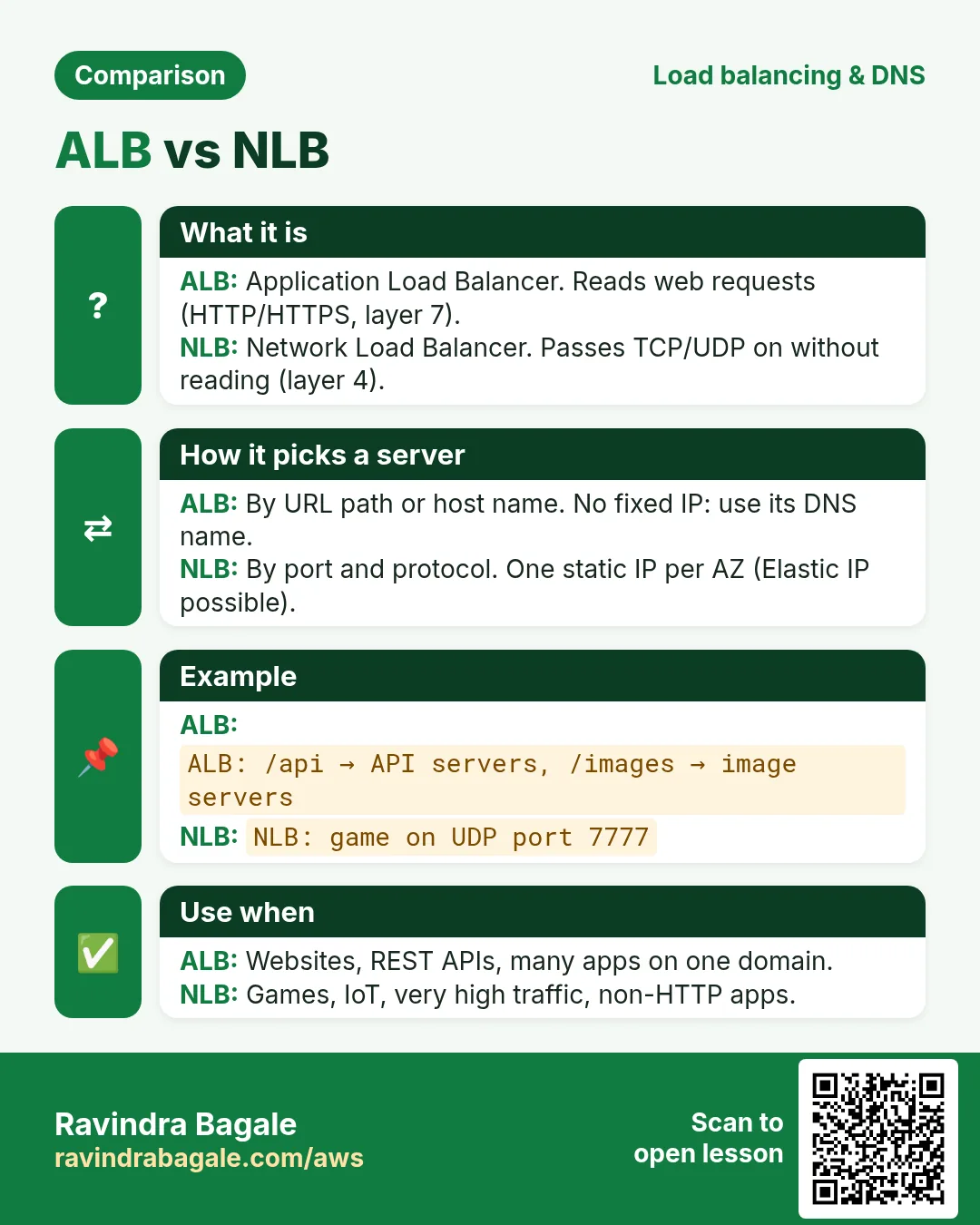
- ALB (layer 7) vs NLB (layer 4)
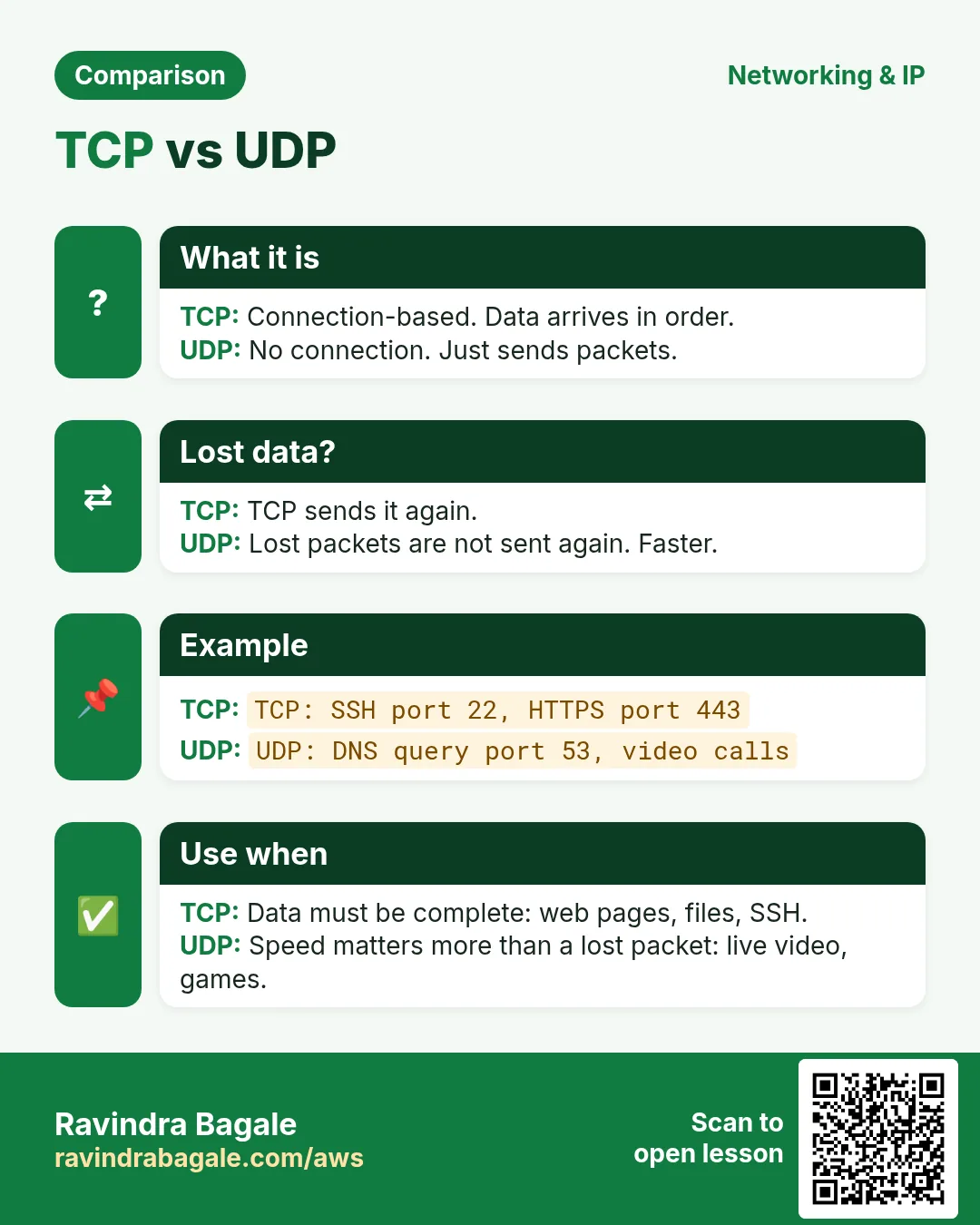
- TCP vs UDP
- Long-lived vs short connections
- Choosing ALB, NLB or Gateway Load Balancer
- Pull vs push, and how push notifications work
- Gateway Load Balancer and the Classic Load Balancer
- HTTPS vs end-to-end encryption
1. One region is not enough
Why: a load balancer works inside one region. A Mumbai ALB can't register a server in another region.
Suppose the app runs in two regions, Mumbai (ap-south-1) and Hyderabad (ap-south-2):
- Each region gets its own load balancer, target groups and servers.
- Users still type one name,
example.com. - Route 53 answers that name with the load balancer of one region. Which one is decided by the routing policy.
- If a region fails its health check, Route 53 stops giving it out.
Figure 1. Users type example.com; Route 53 answers with the load balancer of Mumbai (ap-south-1) or Hyderabad (ap-south-2), each with its own target groups and servers.
More on this layout: One app, multiple regions and One domain name, many regions, many load balancers.
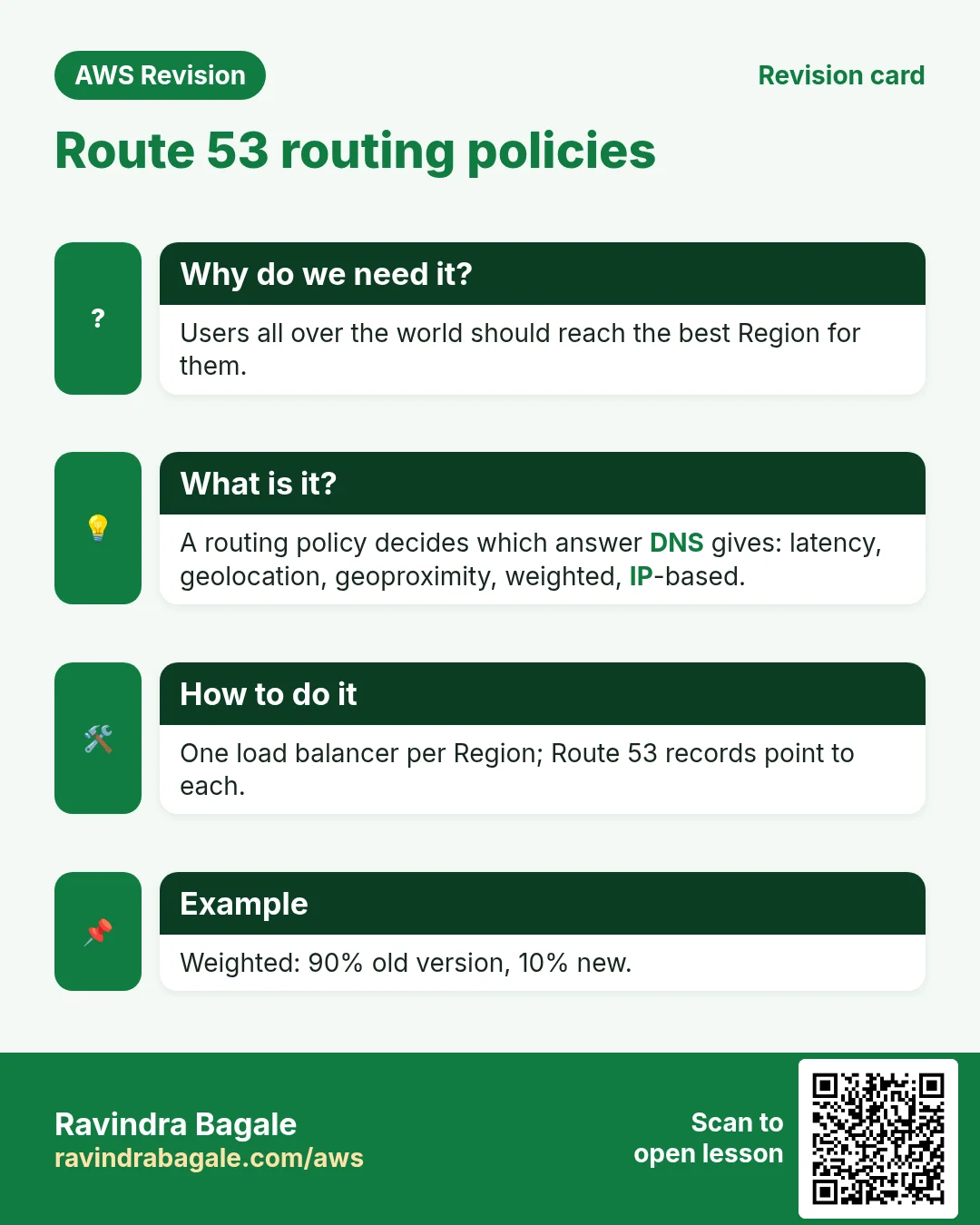
2. Route 53 routing policies
Each policy answers "which region for this user?" in a different way:
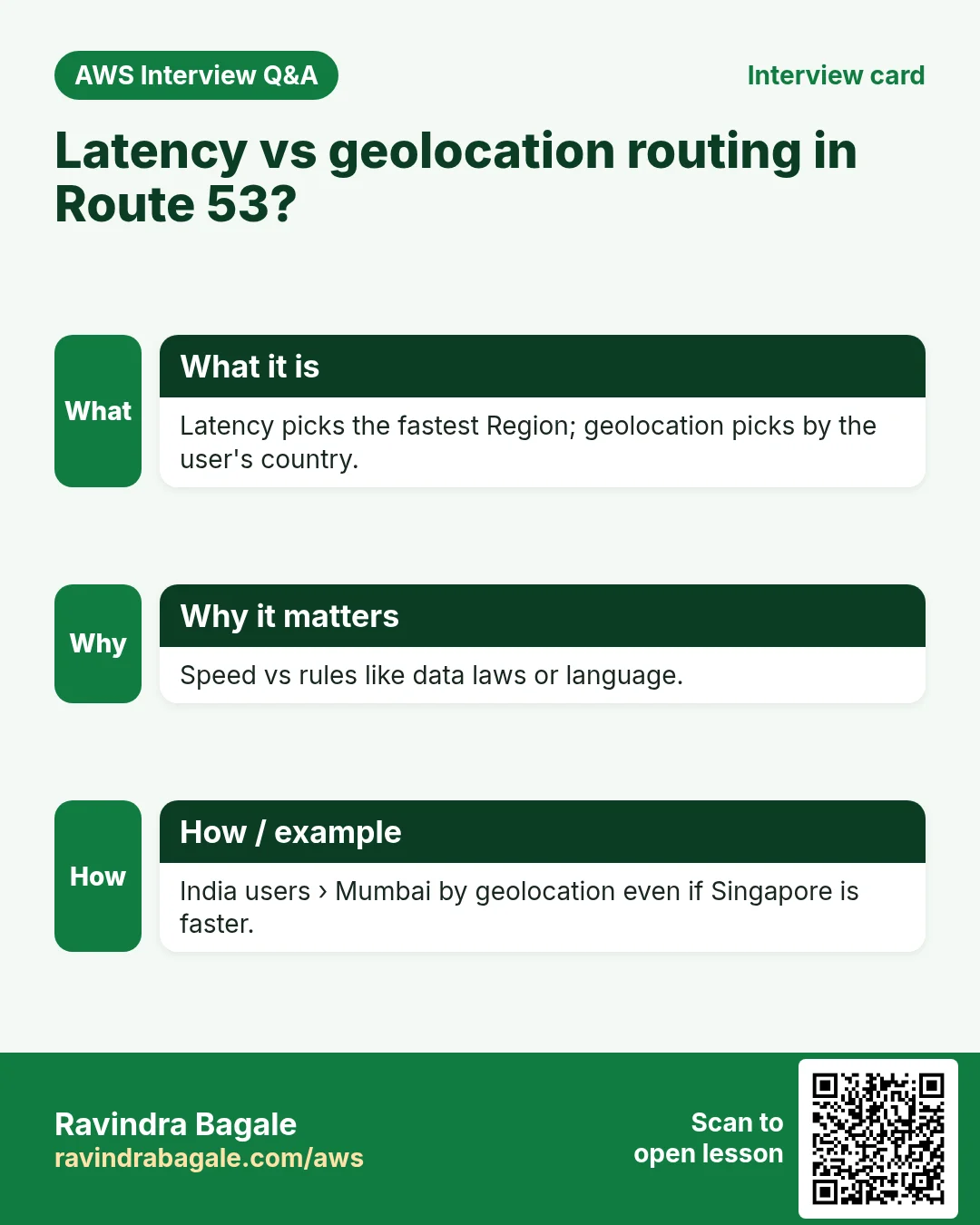
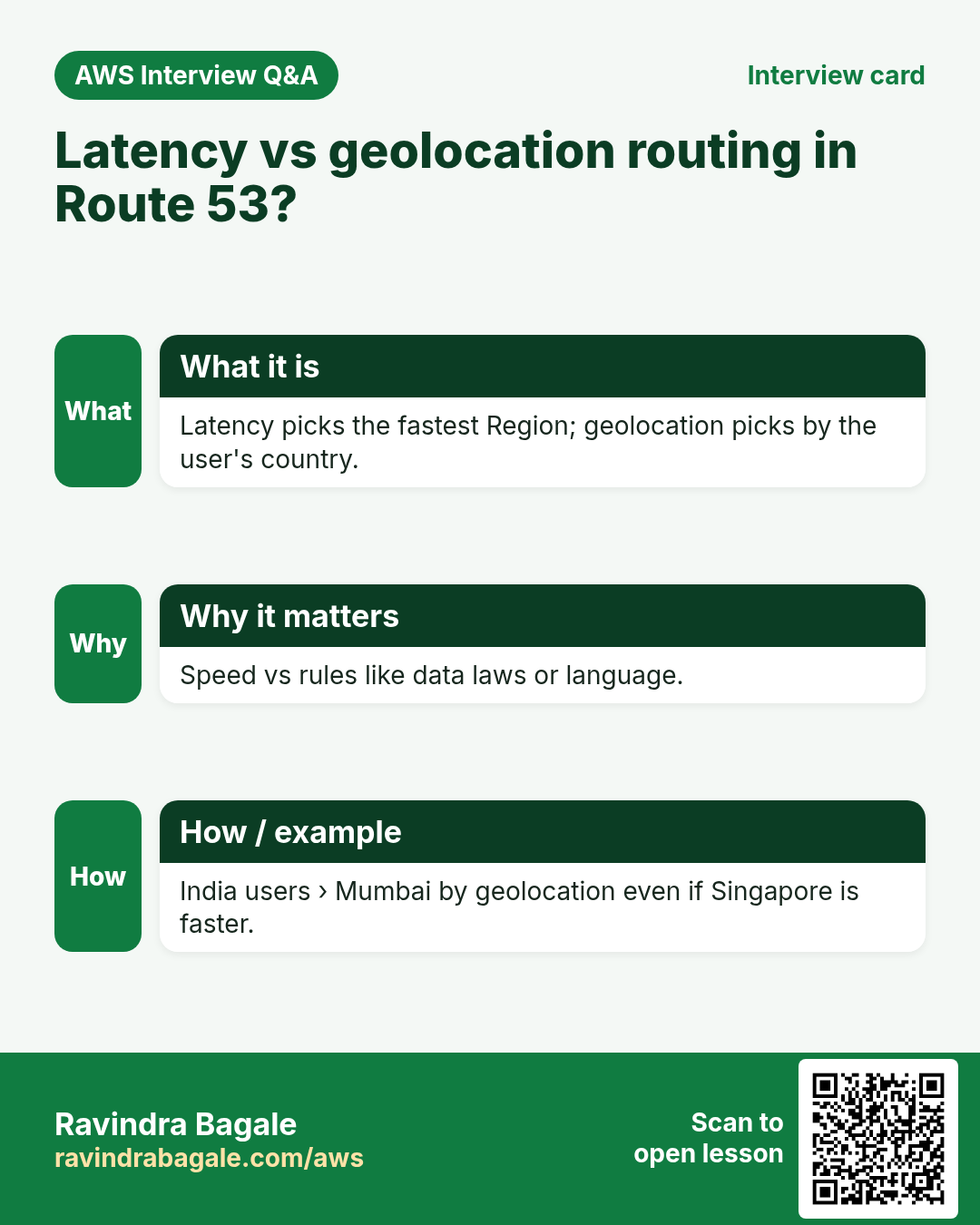
- Geolocation: by the user's country or state. Suppose a show may be streamed only in India: users in India get the Indian region, everyone else gets a "not available" site.
- Geoproximity: by distance between the user and each region, with a bias you can set to pull more or fewer users towards a region.
- Latency: to the region with the lowest measured network delay for that user. The fastest is not always the nearest.
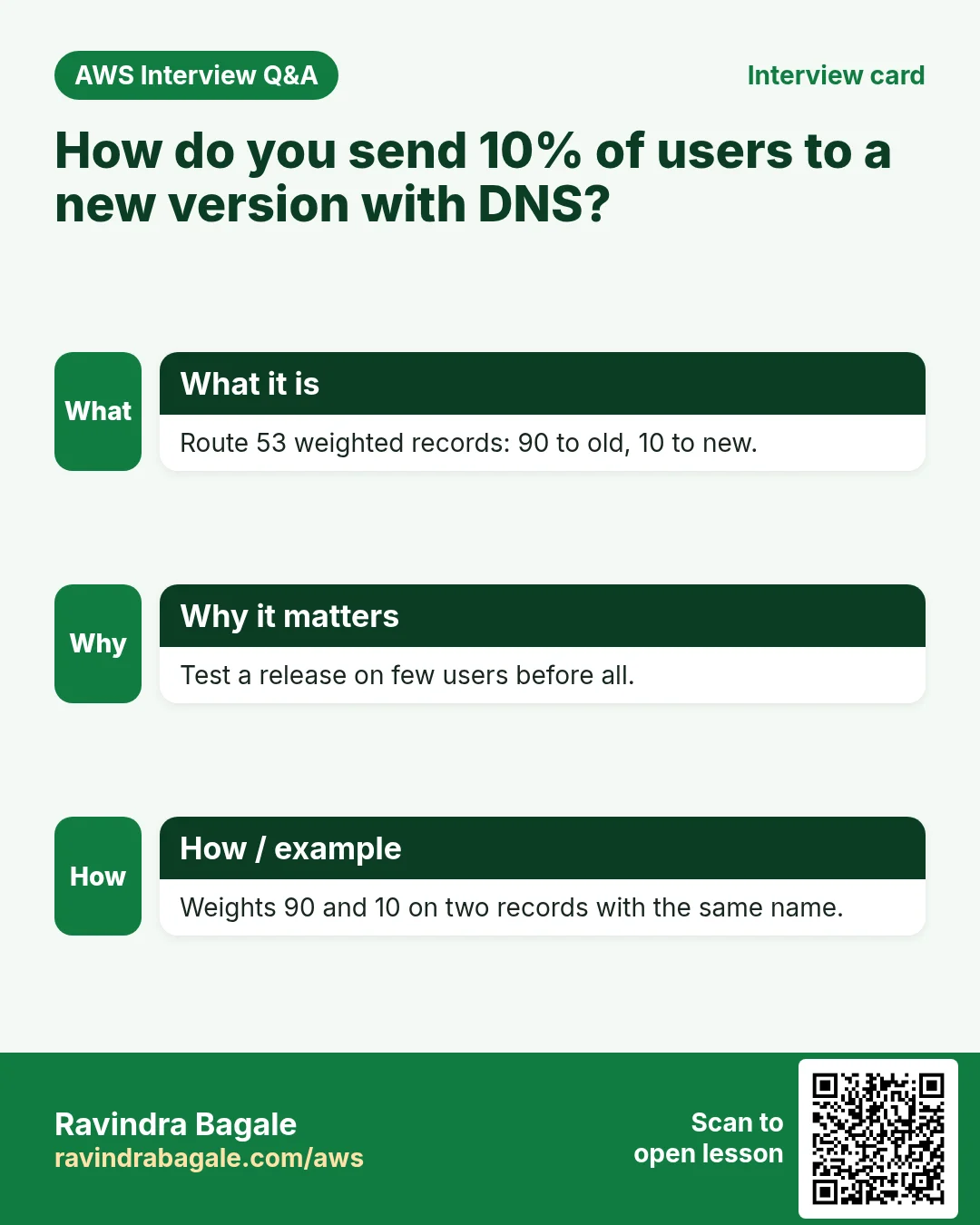
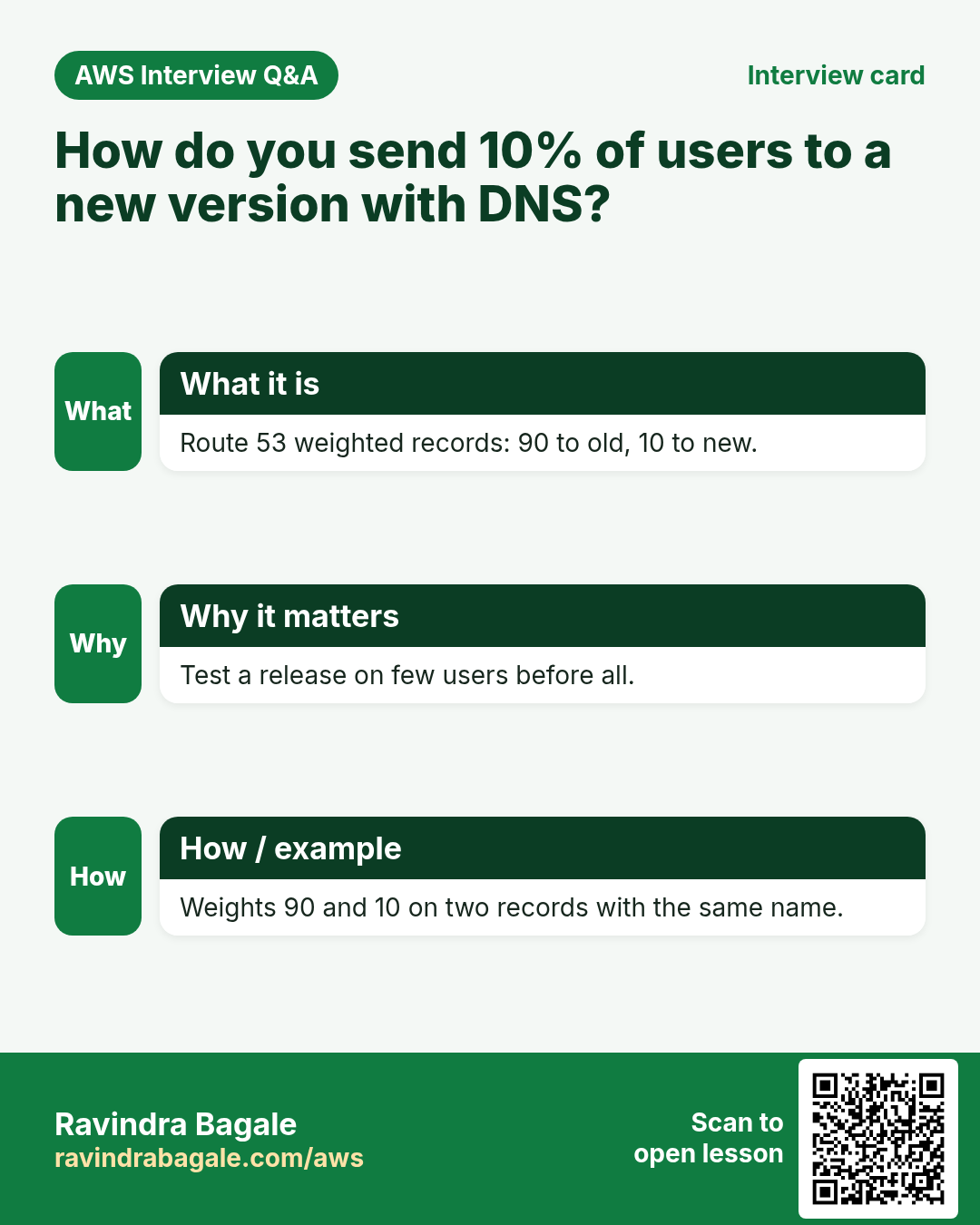
- Weighted: split by percentages you choose.
- IP-based: by the user's IP range (CIDR), for example all users of one internet provider's range to one region.
- Route 53 also has simple (one answer) and failover (a primary, and a standby used only when the primary is unhealthy).
Weighted, worked example. Suppose we are Instagram and a new feature is ready in one region:
- Record A (old, stable version): weight 80.
- Record B (region with the new feature): weight 20.
- Share of B = 20 / (80 + 20) = 20% of the DNS answers.
- If errors rise, set B to 0. If all is well, move to 50/50, then 0/100.
Classroom line
Big companies don't take this risk.
Class मधलं वाक्य
मोठ्या companies हा risk घेत नाहीत.
Classroom line – हिंदी
"Jitne bhi badi companies hai, ye risk nahi lete."
Figure 2. Geolocation: by country or state. Geoproximity: by distance, with a bias. Latency: lowest measured delay. Weighted: suppose 80% to the stable version and 20% to the new one. IP-based: by the user's CIDR.
Inside one target group the choice of server is a different setting: Routing policy.
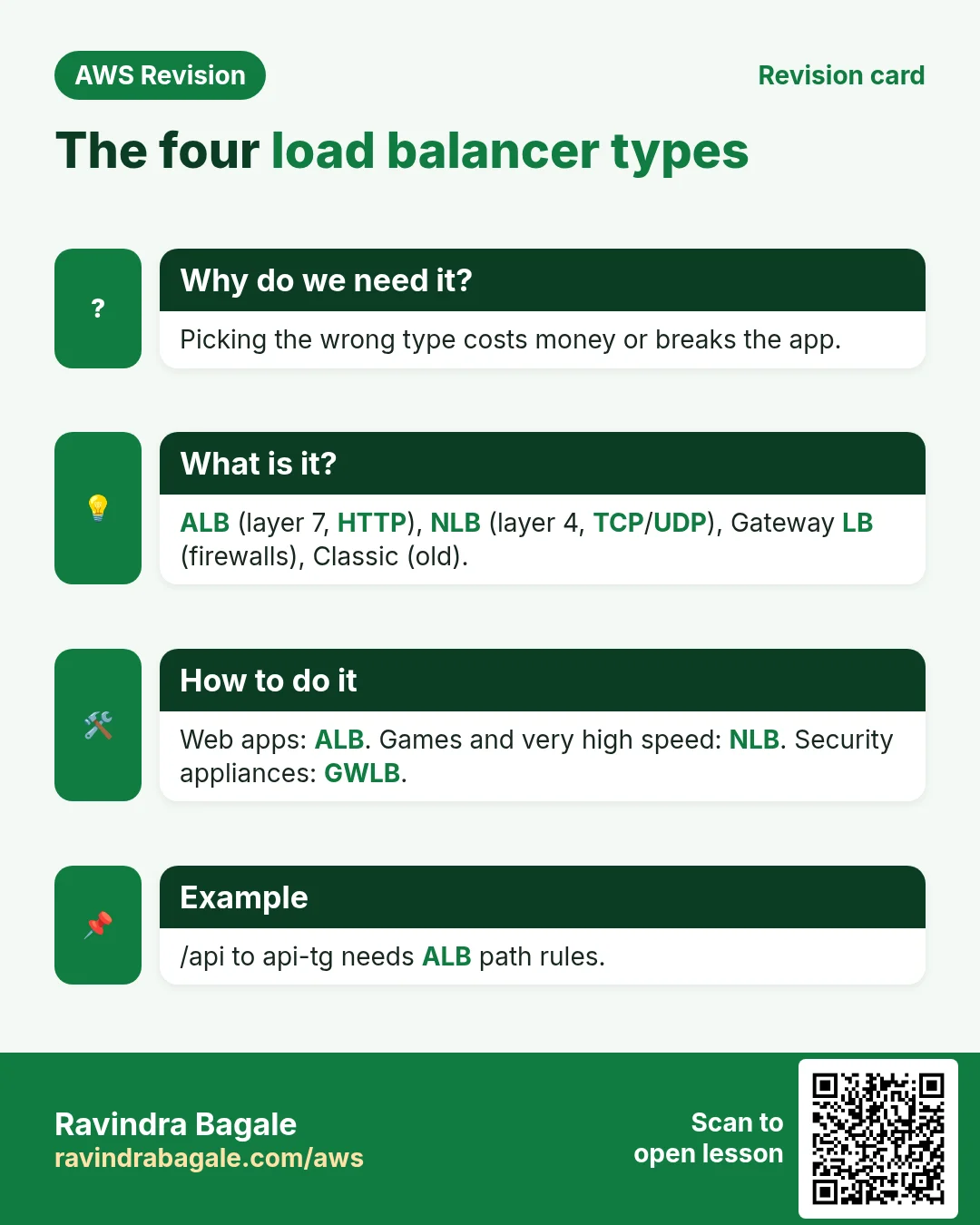
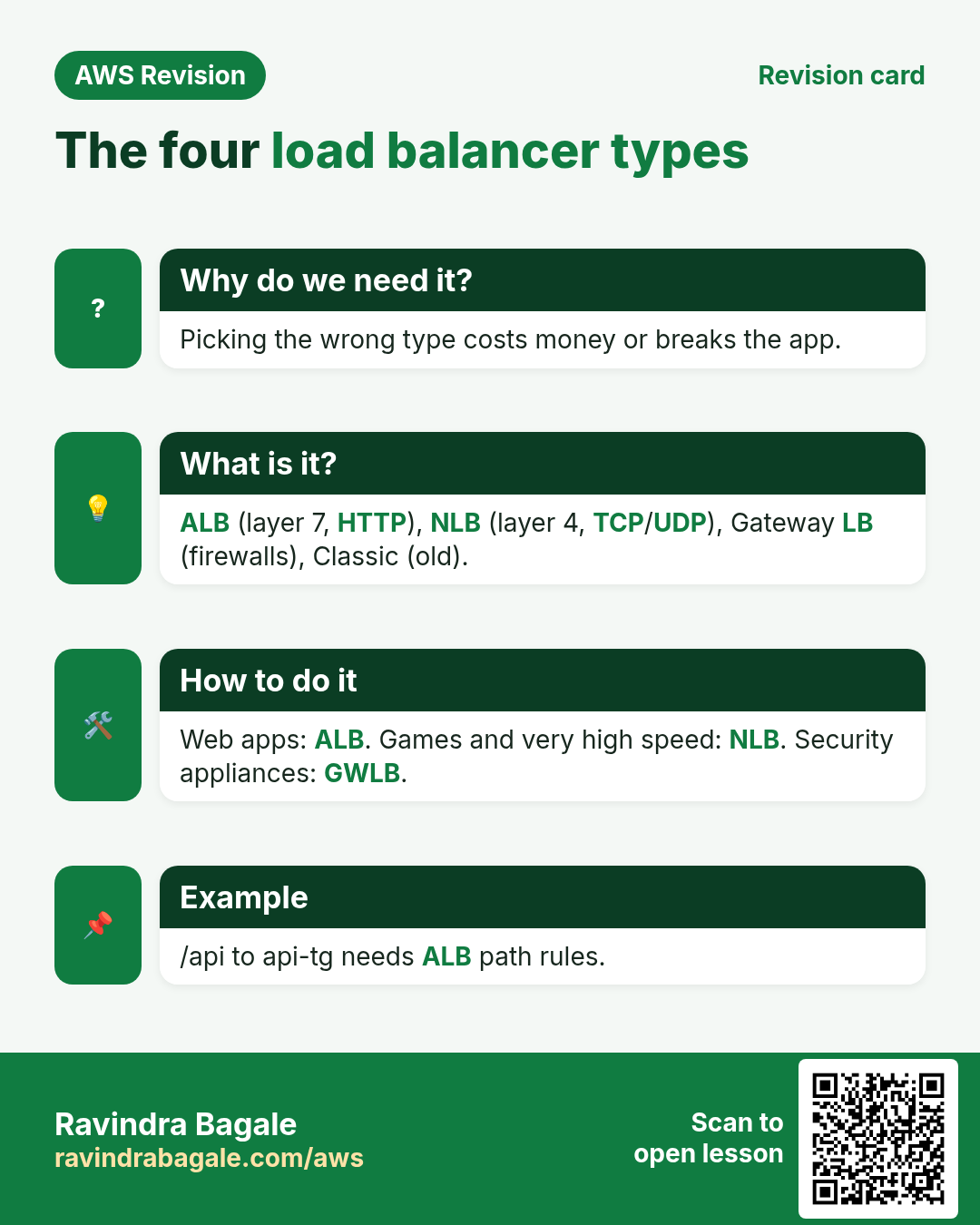
3. The four load balancer types
- Application Load Balancer (ALB): layer 7. Reads HTTP and HTTPS: path, host, headers, cookies.
- Network Load Balancer (NLB): layer 4. Passes TCP and UDP connections on, very fast, with a static IP per AZ.
- Gateway Load Balancer (GWLB): layer 3. Spreads traffic over security appliances such as firewalls (section 10).
- Classic Load Balancer (CLB): the previous generation. Kept for old setups; new work uses ALB or NLB.
Classroom line
We don't use the Classic Load Balancer now.
Class मधलं वाक्य
Classic load balancer आता आपण वापरत नाही.
Classroom line – हिंदी
"Classic load balancer abhi hum use nahi karte."
Layer 7, 4, 3: these numbers come from the OSI model. Once the layers are clear, the difference between the types is clear too.
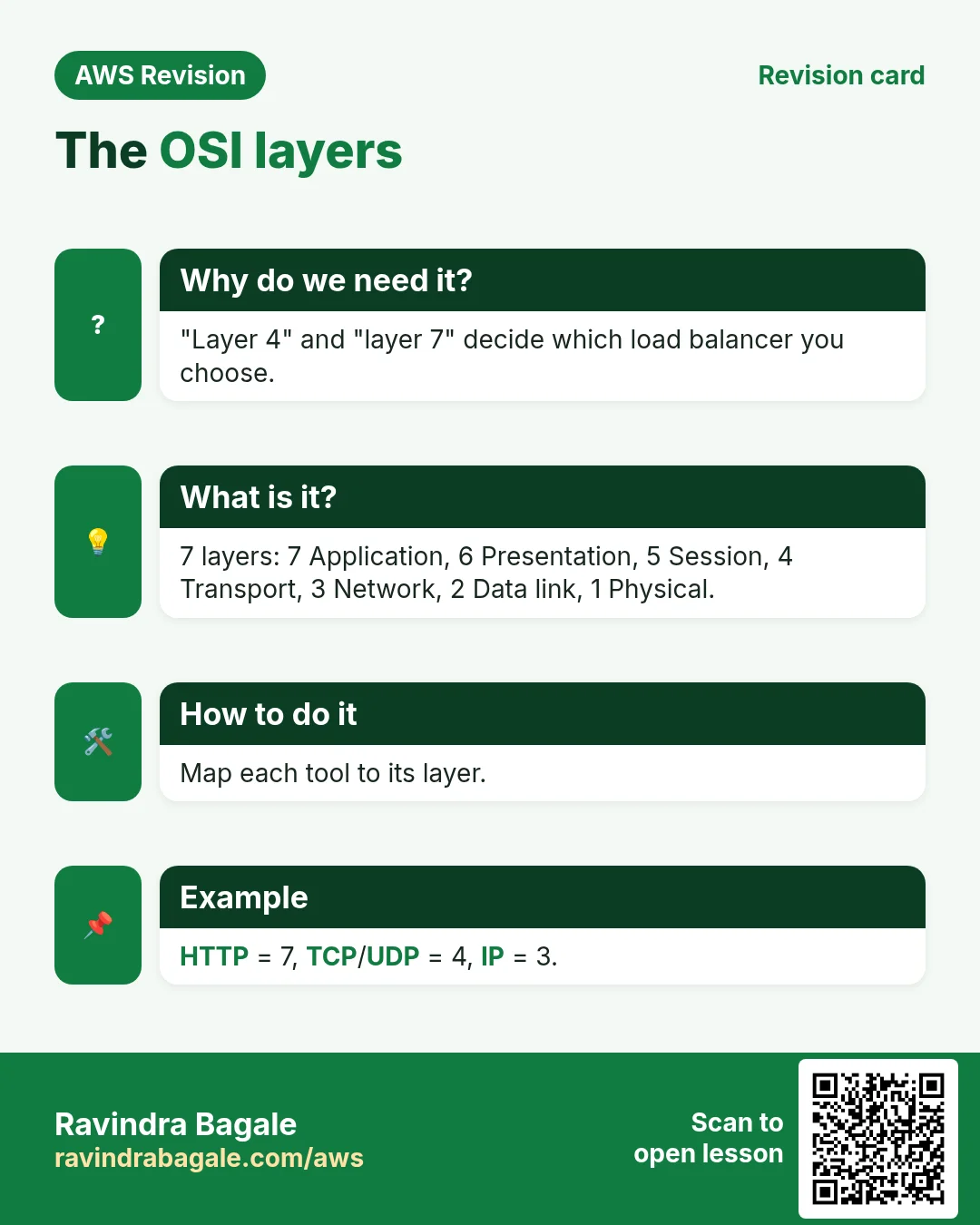
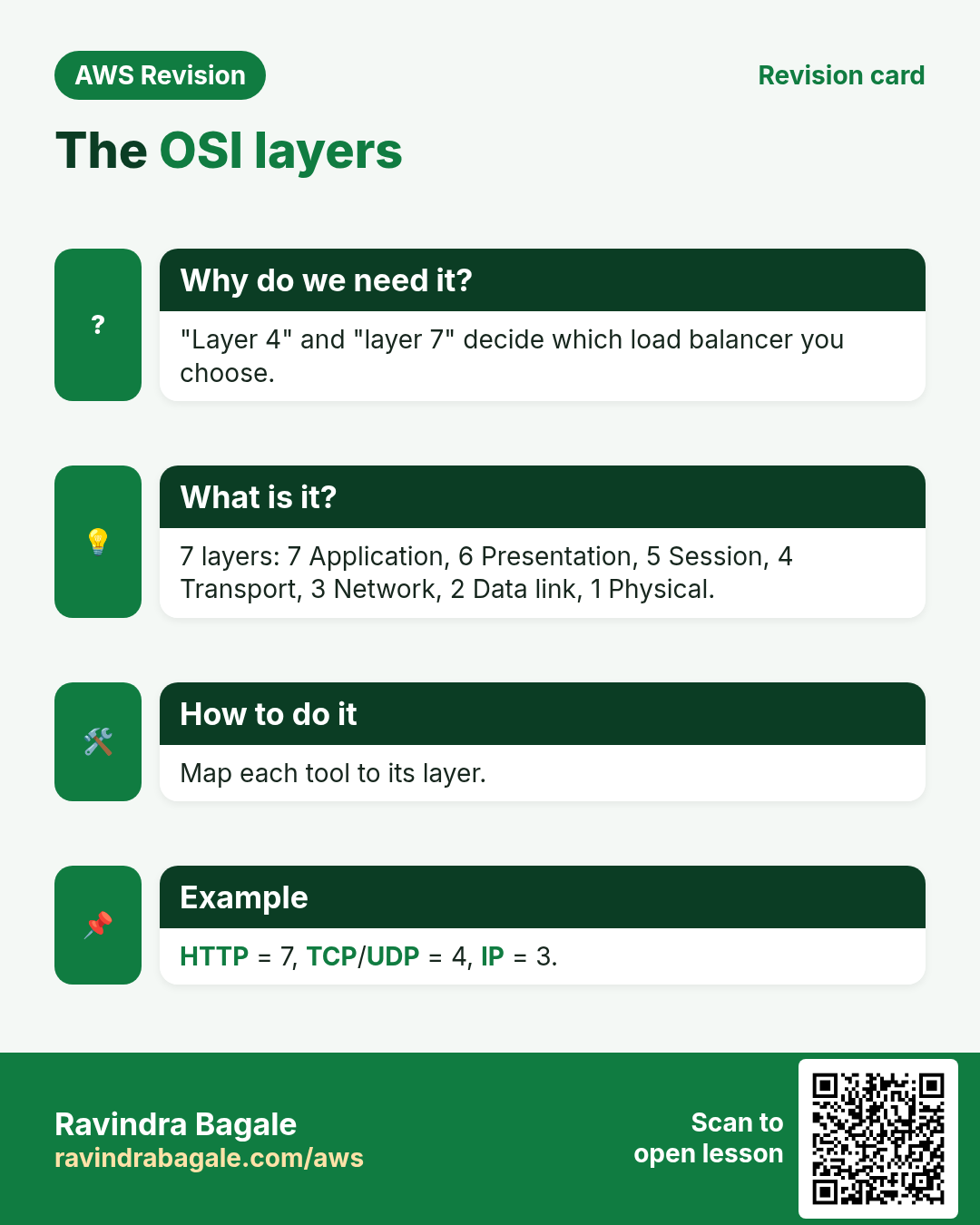
4. The OSI layers
Why: a Dell laptop, an HP laptop, a phone and a server, all from different makers, must understand each other. The OSI model is the shared set of rules, in seven layers. When you send data, it goes down from layer 7 to layer 1; the receiver unpacks it from 1 back up to 7.
Classroom line
Remember the OSI layers?
Class मधलं वाक्य
"OSI layer aathvatay ka?"
OSI layer आठवतायत का?
Classroom line
Remember the OSI layers?
- Layer 7, Application: the protocol the app speaks: HTTP/HTTPS, SMTP, IMAP, POP3.
- Layer 6, Presentation: the format of the data: encoding, compression, encryption (TLS).
- Layer 5, Session: opening, keeping and closing a conversation between the two sides.
- Layer 4, Transport: TCP or UDP, and ports. It splits the data into numbered pieces called segments.
- Layer 3, Network: source and destination IP addresses. Routers read this layer, and it stays visible even when the content is encrypted.
- Layer 2, Data link: MAC addresses; a frame to the next device on the way (for example your router).
- Layer 1, Physical: the actual signal on the cable or the Wi-Fi radio.
Classroom line
Who handles this? The browser does.
Class मधलं वाक्य
हे कोण बघतो? हे पण browser च बघतो.
Classroom line – हिंदी
"Ye kon janta hai? Ye bhi browser hi janta hai."
Your browser and the operating system do all of this for you, on every page you open.
Worked example: how many segments? On a normal Ethernet or Wi-Fi path a TCP segment carries up to about 1,460 bytes of data. Suppose you upload a 10 MB file:
- 10 MB = 10 × 1,024 × 1,024 = 10,485,760 bytes.
- 10,485,760 / 1,460 ≈ 7,182 segments, each with a sequence number.
- The receiver puts them back in order using those numbers.
Figure 3. Animation: a request goes down the layers: 7 HTTP, 6 TLS encryption, 5 session, 4 TCP segments with ports, 3 IP addresses, 2 MAC frame, 1 signal; the server unpacks it from 1 up to 7. An ALB works at layer 7, an NLB at layer 4, a GWLB at layer 3.
5. ALB vs NLB
ALB, layer 7:
- Opens the HTTP request and reads the path, host, headers and cookies.
- So it can route
/reels*and/upload*to different target groups. - Picks a target per request (round robin by default); sticky sessions with a cookie.
NLB, layer 4:
- Does not read HTTP. It looks only at the protocol, IP addresses and ports.
- Picks a target per connection, using a hash of protocol + source IP and port + destination IP and port. Every packet of that connection goes to the same target.
- A new connection from the same user can land on another target. If you need that user on one server, turn on stickiness by source IP.
- Because it doesn't open the HTTP, it adds very little delay and handles a huge number of connections. It gives a static IP per AZ, and it can also terminate TLS.
- Behind an NLB, a web server such as Nginx reads the HTTP itself.
With source-IP stickiness on, one user's connections stay together:
Classroom line
All requests go to that same server.
Class मधलं वाक्य
"Sagle request tyach same server lach jatil."
सगळ्या requests त्याच server ला जातील.
Classroom line
All requests go to that same server.
Classroom line
Got the difference between the two? They ask this in interviews.
Class मधलं वाक्य
"Kaltay ka doghan madhla difference? He vichartat interview la."
कळतंय का दोघांमधला difference? हे interview ला विचारतात.
Classroom line
Got the difference between the two? They ask this in interviews.
Figure 4. ALB at layer 7 reads the path, host, headers and cookies, routes /reels* and /upload*, and picks a target per request. NLB at layer 4 sees only protocol, IPs and ports, picks a target per connection by a flow hash, and keeps that connection on it.
Each one in detail: Application Load Balancer and Network Load Balancer.
6. TCP vs UDP
Layer 4 has two main protocols.
TCP:
- Opens a connection first.
- The receiver acknowledges what it got.
- Lost segments are sent again, and everything arrives in order.
- Use it for chats, web pages and files, where every byte must arrive.
Classroom line
There's a catch there too: acknowledgements.
Class मधलं वाक्य
त्यात पण लफडं आहे, acknowledgement चा problem आहे.
Classroom line – हिंदी
"Usme bhi lafda hai, acknowledgement ka problem hai."
UDP:
- No connection set-up, no acknowledgements, no resending.
- Use it for voice and video calls. A piece of audio that arrives late is useless; skipping it is better than the whole call waiting for it.
Classroom line
That would be a big mess.
Class मधलं वाक्य
खूप मोठं लफडं होईल.
Classroom line – हिंदी
"Bahut bada lafda ho jayega."
A live call over TCP would freeze every time one piece is lost and resent.
An everyday picture of acknowledgements: WhatsApp ticks. Suppose we are WhatsApp:
- Clock: the message hasn't reached the server yet.
- One tick: the server got it.
- Two ticks: delivered to the other phone.
- Blue ticks: read.
- These are receipts the app builds on top of TCP. TCP's own acknowledgements work underneath, for every segment, and you never see them.
Figure 5. TCP: connection, acknowledgements, lost segments resent, in order; for chats, pages and files. UDP: no acknowledgement and no resend; for live voice and video. WhatsApp ticks (clock, one tick, two ticks, blue) are app-level receipts built on top of TCP.
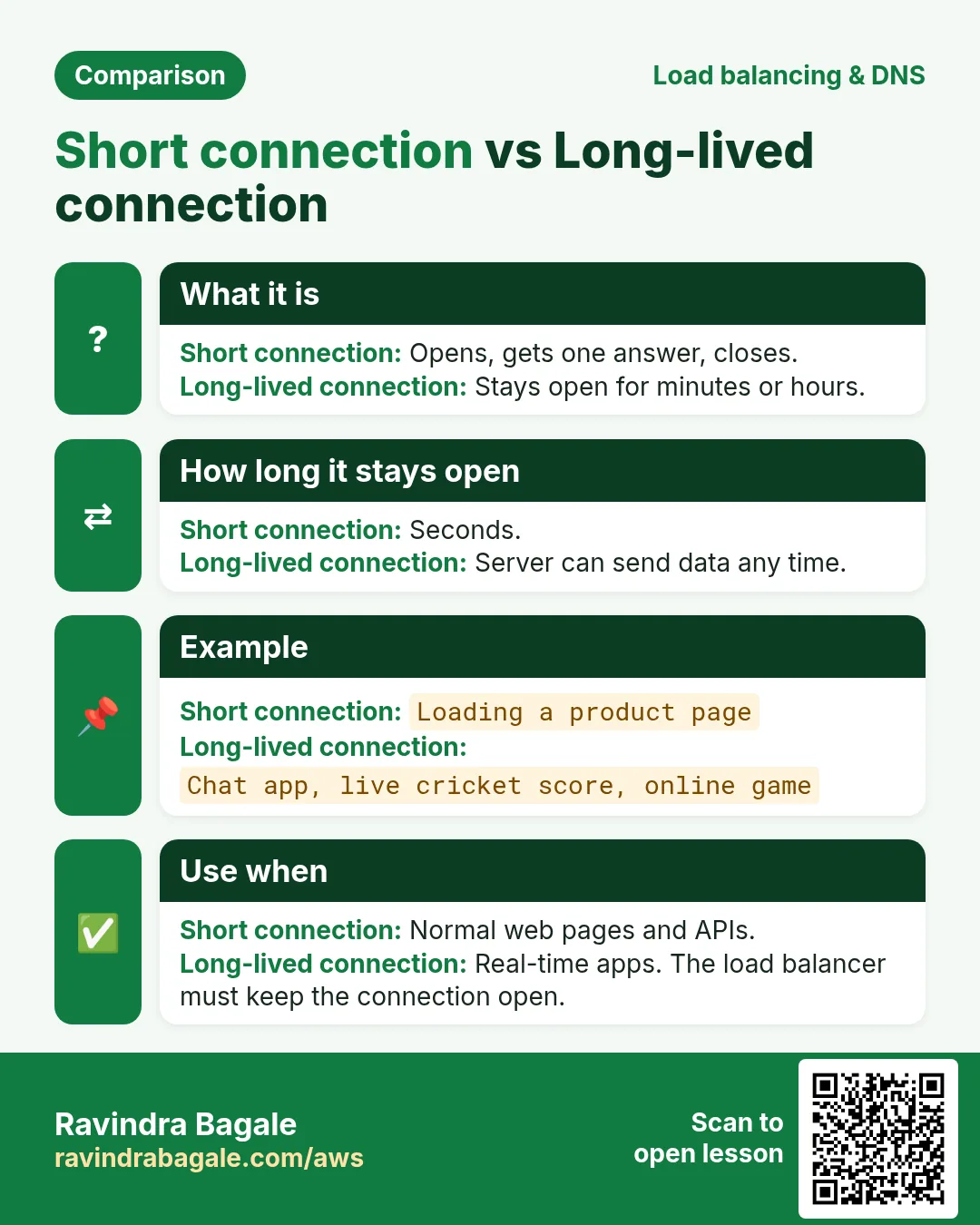
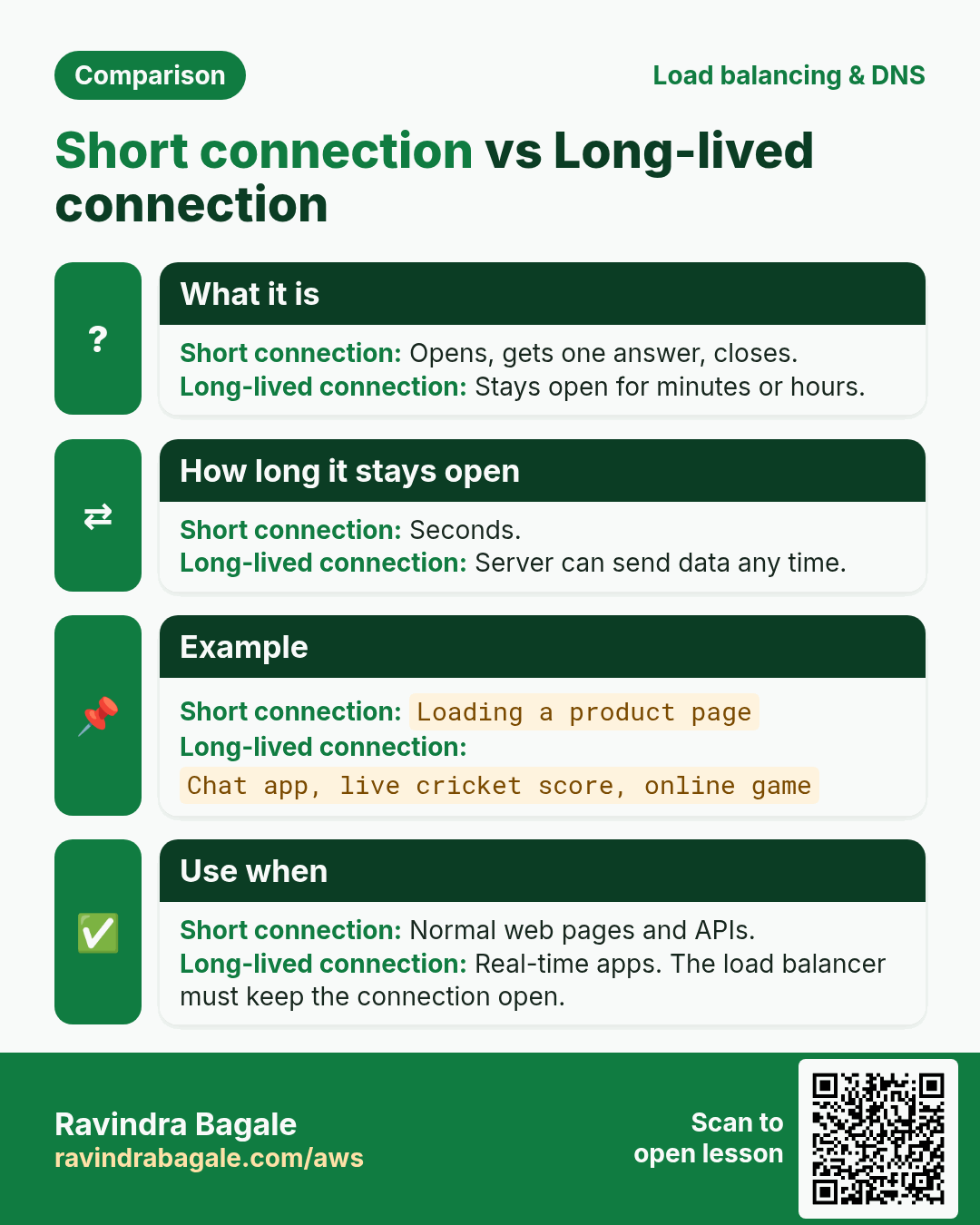
7. Long-lived vs short connections
Suppose we are WhatsApp.
- Each open app keeps one connection to the server all the time.
- Messages flow over it both ways the moment they are sent.
- A server can hold only so many open connections, so the count of connections is what you plan for.
Suppose we are Instagram.
- The app opens a connection, asks for the feed, gets the answer and closes it within a second or two.
- The same server serves many more users per hour, because no one holds a connection while just scrolling.
Figure 6. Animation: suppose we are WhatsApp, where each phone keeps one connection open and messages flow both ways; suppose we are Instagram, where each request opens, gets its answer and closes, so the server is free for the next user.
8. Choosing ALB, NLB or Gateway Load Balancer
Classroom line
If your traffic is HTTP or HTTPS, use the Application Load Balancer.
Class मधलं वाक्य
तुमची request HTTP, HTTPS असेल तर Application Load Balancer वापरा.
Classroom line – हिंदी
"Agar aapka request HTTP, HTTPS hai to aap Application Load Balancer use karo."
- Websites and APIs over HTTP/HTTPS → ALB. Path and host rules, cookie stickiness. Chat over WebSockets on HTTPS also works on an ALB.
- Raw TCP or UDP → NLB. Game servers, voice, custom chat protocols, MQTT for devices.
- A fixed IP address that partners can allow-list, or extreme throughput with very low delay → NLB.
- Traffic that must pass through firewall appliances first → Gateway Load Balancer.
- Classic → only in old setups you haven't moved yet.
Figure 7. HTTP or HTTPS, including WebSockets: ALB. Raw TCP or UDP, a static IP, or extreme throughput: NLB. Traffic that must be inspected by firewall appliances: Gateway Load Balancer. Classic: old setups only.
The same decision as a table: Which load balancer to use.
9. Pull vs push, and push notifications
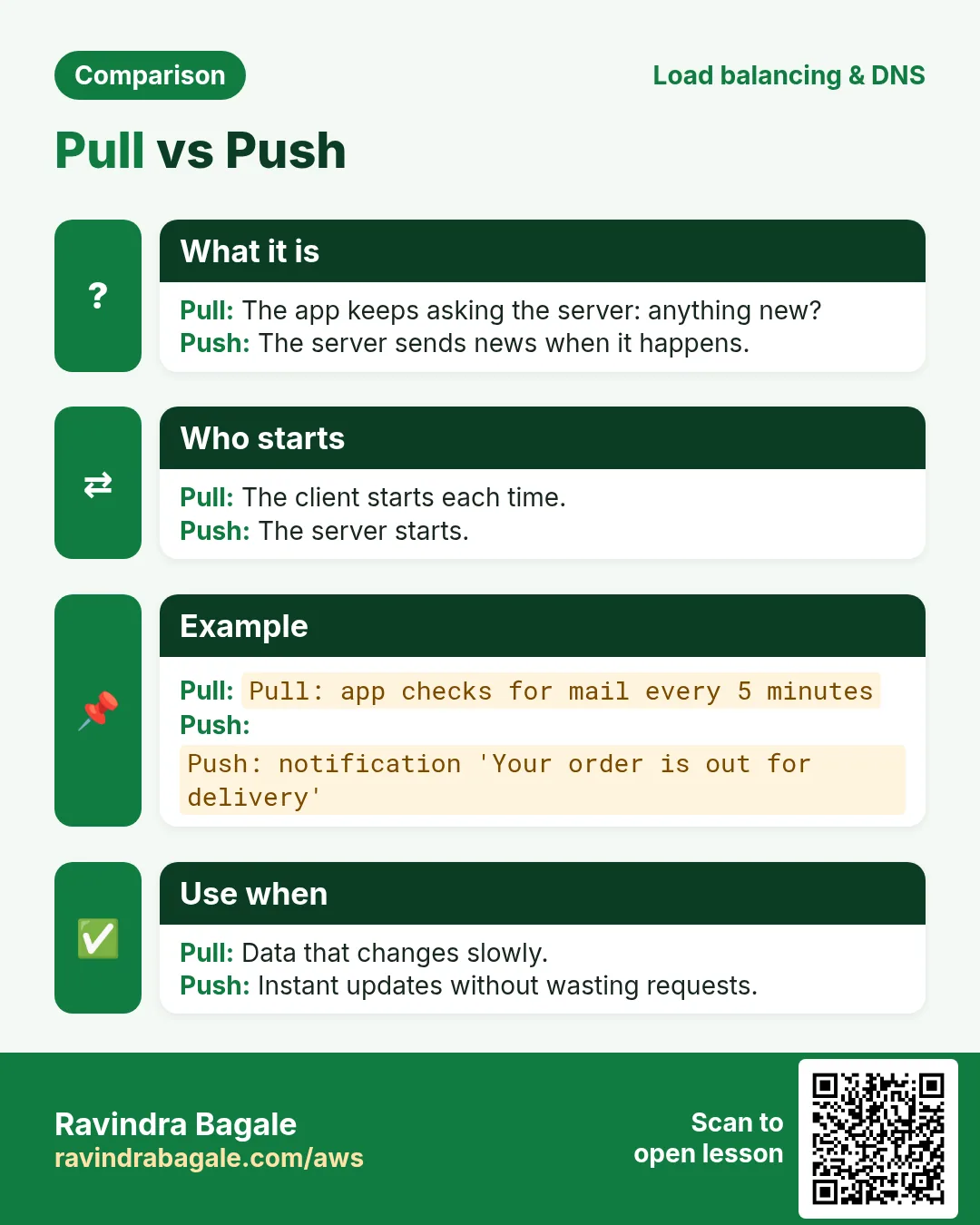
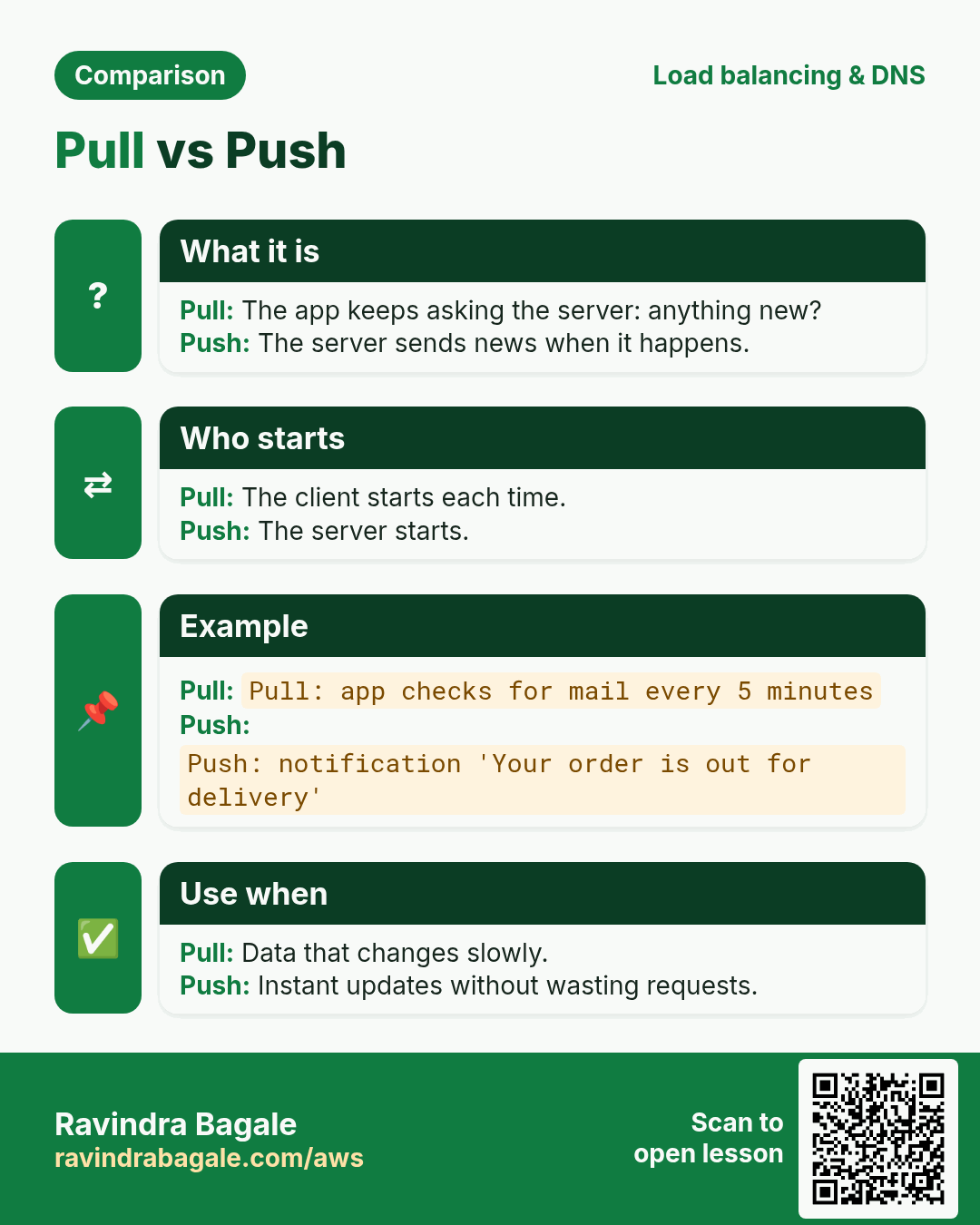
- Pull: the app asks. Suppose we are Instagram: when you open the app, it asks the server for the feed.
- Push: the server sends when there is news. Suppose we are WhatsApp: a new message comes to you without your asking.
Why not let every app keep asking? Dozens of apps polling all day would drain the battery and the data. So the phone keeps one long-lived connection to Google (FCM, Android) or Apple (APNs, iOS), and all apps share it.
How a push notification travels:
- When the app is installed, it registers with FCM or APNs and gets a device token. The phone knows the app by its app ID, for example
com.instagram.android. - The app sends that token to its own server, which stores it with the user.
- Suppose we are Instagram and someone likes your photo: our server sends the token and a short message to Google or Apple.
- Google or Apple pushes it down the phone's open connection, even when the app is closed.
- The payload is small, about 4 KB. A photo or video stays in storage such as S3, and the notification carries only a link or an ID.
- On AWS, SNS mobile push can send to FCM and APNs for you, the same SNS you used for alarm emails.
Figure 8. Animation: the app registers with FCM or APNs and gets a device token, which it sends to the app server; when there is news, the app server sends the token and a short message (about 4 KB at most) to Google or Apple, which push it to the phone over its one open connection.
10. Gateway Load Balancer, and the Classic Load Balancer
Why a Gateway Load Balancer: some companies must inspect all incoming traffic with third-party next-generation firewalls before it reaches the app.
- Traffic from the internet first goes to the Gateway Load Balancer.
- It spreads the traffic across a group of firewall appliances, working at layer 3.
- Bad traffic, for example a flood of junk requests, is dropped right there.
- Clean traffic continues to your ALB and the app.
- So the app tier doesn't scale up, and bill you, for junk.
Figure 9. Internet traffic goes to the Gateway Load Balancer, which spreads it over firewall appliances; bad traffic is dropped there and only clean traffic reaches the ALB and the app servers.
The Classic Load Balancer is the original, previous-generation load balancer. It still runs in old accounts because migrating a working system has a risk; new set-ups use ALB or NLB.
Classroom line
If it's running, don't touch it.
Class मधलं वाक्य
चालू आहे ना, तर त्याला हात लावायचा नाही.
Classroom line – हिंदी
"Agar chal raha hai na, haath nahi lagane ka usko."
More: Gateway Load Balancer and Classic Load Balancer.
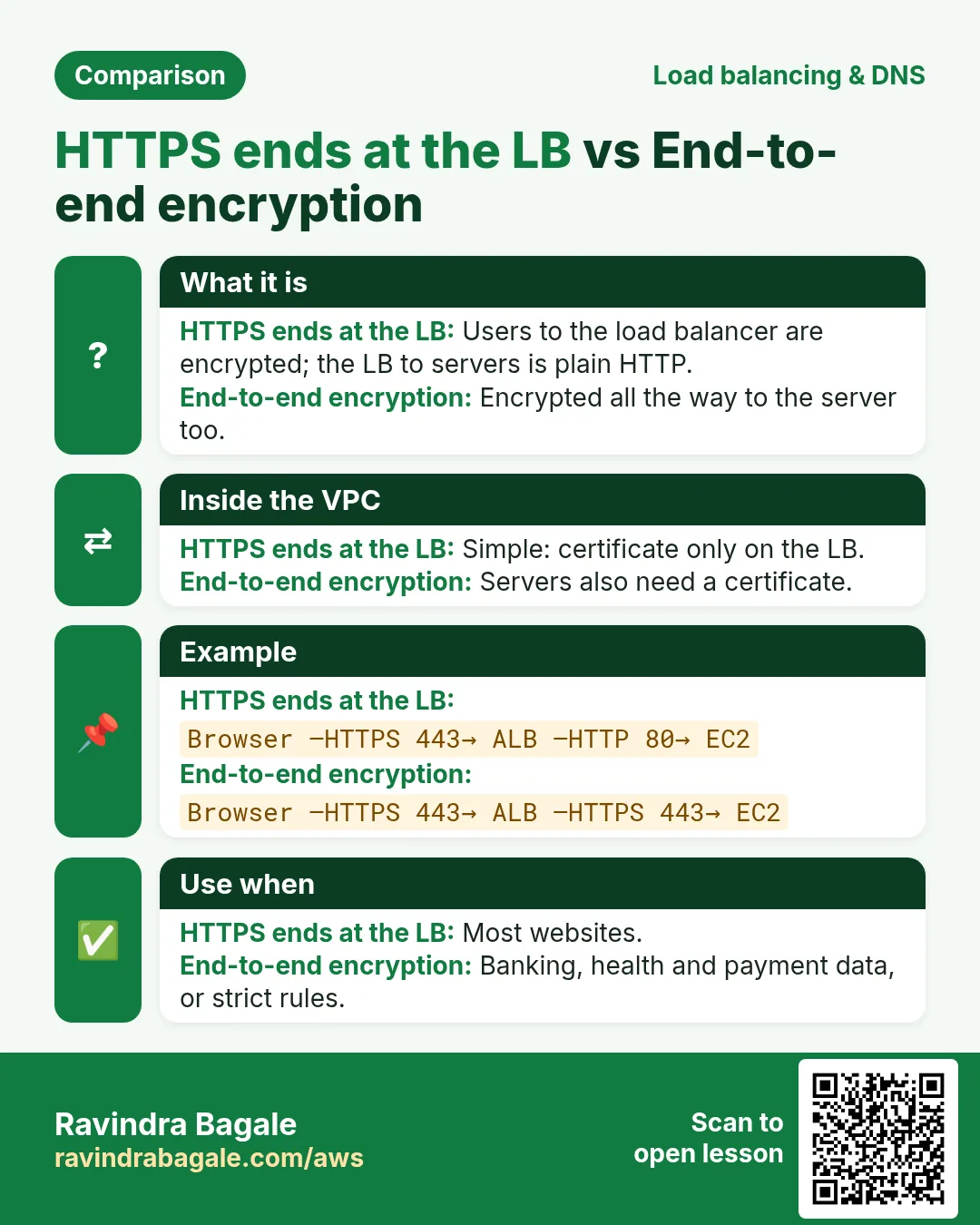
11. HTTPS vs end-to-end encryption
HTTPS:
- The data is encrypted between the browser and the load balancer or Nginx.
- Nobody on the way (Wi-Fi, ISP) can read it.
- The server decrypts it, so the company's server can read it. It has to, to process your order or your post.
End-to-end encryption (suppose we are WhatsApp):
- The message is encrypted on the sender's phone.
- Only the receiver's phone holds the key to decrypt it.
- The servers in between only relay it and can't read it.
Figure 10. HTTPS: encrypted from the browser to the load balancer or Nginx, where the server decrypts and can read it. End-to-end: encrypted on the sender's phone and decrypted only on the receiver's phone; the servers in between only relay it.
12. Internet-facing and internal load balancers
- Internet-facing: in the public subnets, with a public DNS name. Users reach the web tier through it.
- Internal: in the private subnets, reachable only inside the VPC. The web tier calls the app tier through it.
- So a three-tier app has two load balancers: internet → internet-facing LB → web tier → internal LB → app tier.
Details and the security groups: Internet-facing and internal load balancers.
13. Build it in the console
Part A: weighted routing in Route 53 (suppose one ALB in Mumbai and one in Hyderabad already exist)
- Route 53 > Hosted zones, open
example.com, Create record. - Record name: empty (the root) or
www; type A; turn on Alias; route traffic to Alias to Application and Classic Load Balancer, region ap-south-1, pick the Mumbai ALB. - Routing policy Weighted, weight 80, record ID
mumbai. - Add another record: same name and type, Alias to the Hyderabad ALB in ap-south-2, weight 20, record ID
hyderabad. - Turn on Evaluate target health on both, so an unhealthy region is skipped. Create records.
Part B: a Network Load Balancer
- EC2 > Target groups > Create target group, type Instances, protocol TCP, port 80, name
tg-tcp. Register the web servers. - Load balancers > Create load balancer > Network Load Balancer, Internet-facing, two public subnets in different AZs.
- Listener TCP:80 →
tg-tcp. Create load balancer. - Open the NLB's DNS name in the browser. Nginx answers, because Nginx reads the HTTP, not the NLB.
- Optional: in
tg-tcp> Attributes, turn on Stickiness (source IP).
14. When something goes wrong
- Weighted records but everyone lands in one region: clients cache DNS answers for the TTL; the split shows over many users, not on one laptop.
- A region is down and users still go there: Evaluate target health is off on its record.
- Path rules don't exist on the NLB: an NLB doesn't read HTTP. Use an ALB for path or host routing.
- NLB targets unhealthy: the target security group must allow the traffic port, and the health check, from the NLB or the clients.
- A push notification with a big image fails: the payload limit is about 4 KB. Send a link to the image in S3 instead.
Ravindra Bagale's Tip
Start the choice from the protocol. HTTP or HTTPS: ALB, almost always. Anything else over TCP or UDP, or a fixed IP: NLB. Firewall appliances: Gateway Load Balancer. And release a new version with weighted records, 80/20 first, so only a few users ever see a bad release.
15. The whole class on one page
- A load balancer serves one region; for several regions, one load balancer each and Route 53 in front.
- Route 53 policies: geolocation, geoproximity (bias), latency, weighted (suppose 80/20), IP-based; also simple and failover.
- Four types: ALB (layer 7), NLB (layer 4), Gateway (layer 3, appliances), Classic (previous generation).
- OSI: 7 application, 6 presentation, 5 session, 4 transport, 3 network, 2 data link, 1 physical.
- A 10 MB file ≈ 7,182 TCP segments of about 1,460 bytes.
- ALB: reads path, host, headers, cookies; per request. NLB: protocol, IP, port; per connection by flow hash; optional source-IP stickiness; static IP; TLS.
- TCP: acknowledged, resent, in order. UDP: none of that, for live calls. WhatsApp ticks are app receipts on top of TCP.
- WhatsApp-style apps hold a connection open; Instagram-style requests are short.
- Pull = the app asks; push = the server sends, through FCM/APNs with a device token; payload about 4 KB.
- HTTPS: the server can read the data. End-to-end: only the receiver's phone can.
16. Try at home
Try at home
Task 1: on paper
- Weighted records 90 and 10: what share of DNS answers goes to each? And with 3 and 1?
- How many 1,460-byte segments does a 2 MB file need (2 MB = 2,097,152 bytes)?
- For each, pick ALB, NLB or Gateway LB: a shopping website; a multiplayer game over UDP; all traffic must pass a firewall appliance; a partner needs a fixed IP to allow-list.
Task 2: in the console
- Put an NLB with a TCP:80 listener in front of your web servers and open its DNS name.
- If you have a domain in Route 53, create two weighted Alias records (80/20) to two load balancers.
Task 3: clean up
- Delete the records you created, the NLB and
tg-tcp. Load balancers are billed every hour they exist.
Recap
In short
- Route 53 picks the region; the load balancer picks the server.
- ALB reads HTTP at layer 7; NLB passes TCP/UDP at layer 4; Gateway LB feeds firewalls at layer 3.
- TCP for things that must arrive, UDP for things that must be on time.
- Push goes through FCM/APNs with small payloads; big files go by link.
- HTTPS protects the road; end-to-end protects the message from everyone but the receiver.
Practice Tasks
Milan Furniture is a furniture business in Milan. Giulia Rossi looks after its IT and cloud work. They count money in EUR and run their AWS resources in the eu-south-1 Region. In the tasks below you do real jobs for them using what this lesson teaches. All names, account IDs, IP addresses and numbers are made up for practice.
0 / 12
Easy How many addresses in a /16?
Why: Picking a VPC size needs this count.
What to do: Milan Furniture plans the VPC 10.167.0.0/16. How many IP addresses does it hold in total?
- Write down the numbers the task gives you.
- Work it out step by step on paper.
- Type only the final answer in the box.
- Click Check answer.
Medium First usable IP for a server
Why: The first 4 addresses are reserved by AWS.
What to do: What is the first IP address a server can get in 10.167.20.0/24 on AWS?
- Write down the numbers the task gives you.
- Work it out step by step on paper.
- Type only the final answer in the box.
- Click Check answer.
Medium Find the VPC router address
Why: AWS reserves base+1 for the router.
What to do: Which address does AWS reserve for the VPC router in subnet 10.167.4.0/24?
- Write down the numbers the task gives you.
- Work it out step by step on paper.
- Type only the final answer in the box.
- Click Check answer.
Medium Usable IPs in an AWS /24 subnet
Why: AWS keeps 5 addresses in every subnet.
What to do: How many addresses can Milan Furniture use for servers in subnet 10.167.1.0/24 on AWS?
- Write down the numbers the task gives you.
- Work it out step by step on paper.
- Type only the final answer in the box.
- Click Check answer.
Medium Usable IPs in a /28
Why: /28 is the smallest AWS subnet.
What to do: Subnet 10.167.9.0/28 on AWS. How many usable IPs?
- Write down the numbers the task gives you.
- Work it out step by step on paper.
- Type only the final answer in the box.
- Click Check answer.
Medium Create a subnet in one AZ
Why: Subnets split the VPC range and each one lives in exactly one AZ.
What to do: In vpc-01541f2c2fdeadbee, create subnet 10.5.1.0/24 in eu-south-1a.
- Read the task and decide which AWS service it is about.
- Write aws, then the service name, then the operation (the action word).
- Add each needed flag (--name) followed by its value from the task.
- Flags can be in any order. Click Check answer.
Medium Check target health
Why: If targets are unhealthy the site shows 502/503 errors.
What to do: Show the health of the targets in arn:aws:elasticloadbalancing:eu-south-1:126154182628:targetgroup/milanfurniture-tg/6d0ecf831eec9f09.
- Read the task and decide which AWS service it is about.
- Write aws, then the service name, then the operation (the action word).
- Add each needed flag (--name) followed by its value from the task.
- Flags can be in any order. Click Check answer.
Hard Range of a /26
Why: Knowing the range stops subnets from overlapping.
What to do: Write the first and last address of 10.167.3.64/26 (like a.b.c.d - e.f.g.h).
- Write down the numbers the task gives you.
- Work it out step by step on paper.
- Type only the final answer in the box.
- Click Check answer.
Hard Pick the smallest prefix
Why: Right-sizing saves address space.
What to do: A subnet must hold 100 servers on AWS. What is the largest prefix number (smallest subnet) that fits? Answer like /25.
- Write down the numbers the task gives you.
- Work it out step by step on paper.
- Type only the final answer in the box.
- Click Check answer.
Hard Split a /24 into two
Why: Public and private subnets often split one block.
What to do: Split 10.167.8.0/24 into two equal subnets. Write both CIDRs separated by a comma.
- Write down the numbers the task gives you.
- Work it out step by step on paper.
- Type only the final answer in the box.
- Click Check answer.
Hard Create an Application Load Balancer
Why: An ALB needs at least two subnets in different AZs for high availability.
What to do: Create an ALB named milanfurniture-alb in subnets subnet-02a1541c2a2cbb1 and subnet-0a1541c2a2cbb2 with security group sg-0261541b262b4c3b2.
- Read the task and decide which AWS service it is about.
- Write aws, then the service name, then the operation (the action word).
- Add each needed flag (--name) followed by its value from the task.
- Flags can be in any order. Click Check answer.
Hard Add an HTTP listener
Why: The listener is what accepts traffic on a port and forwards it to a target group.
What to do: On load balancer arn:aws:elasticloadbalancing:eu-south-1:126154182628:loadbalancer/app/milanfurniture-alb/50dc6c495c0c9188, create an HTTP listener on port 80 that forwards to arn:aws:elasticloadbalancing:eu-south-1:126154182628:targetgroup/milanfurniture-tg/6d0ecf831eec9f09.
- Read the task and decide which AWS service it is about.
- Write aws, then the service name, then the operation (the action word).
- Add each needed flag (--name) followed by its value from the task.
- Flags can be in any order. Click Check answer.
Quick revision cards
Revise this lesson in two minutes. Save the cards on your phone or download them as PNG files. The QR code on each card opens its lesson.
More cards: Ravi Sir's Cards.