How to Stop, Start, Reboot or Recover an EC2 Instance with a CloudWatch Alarm
In Amazon CloudWatch Explained the alarm only sent an email. Here the alarm does the work itself: it stops an idle server, reboots a stuck one or moves it to healthy hardware. We also answer a common question: "Can an alarm start a stopped instance?" The short answer is no, and you will learn the two correct ways to do it.
What you'll learn in this chapter
- The four EC2 alarm actions: stop, terminate, reboot, recover
- Lab: stop an idle instance automatically when CPU stays low
- Why there is no "start" alarm action
- Start a stopped instance with EventBridge Scheduler (on a clock)
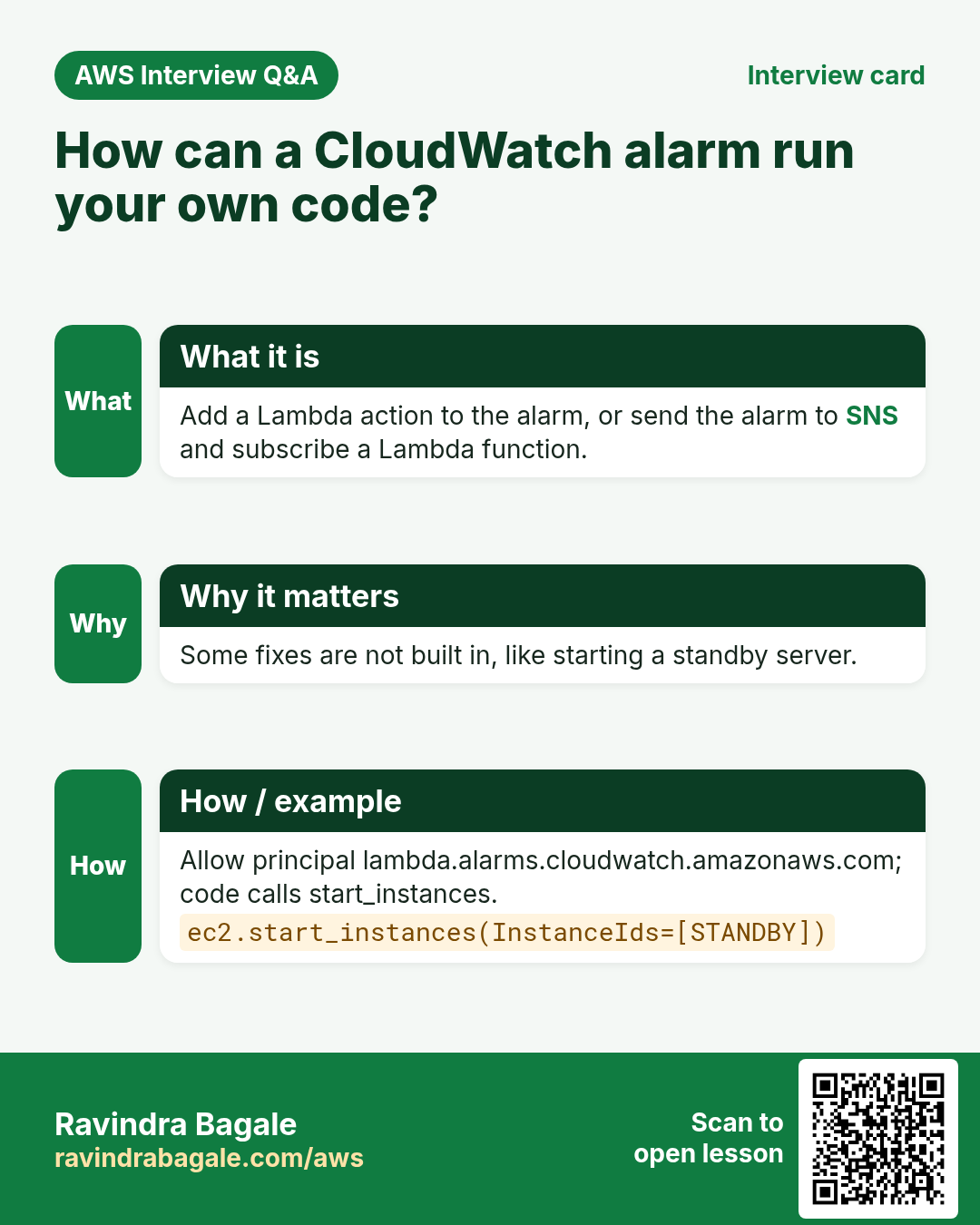
- Start an instance from an alarm with a Lambda function
1. A story: the forgotten test server
A developer in Pune starts a c5.2xlarge to test a Java build on Friday. He forgets it. On Monday the bill shows 60+ hours of a large server doing nothing.
A second story: a payroll server runs every night from 1 AM to 3 AM, then sits idle. The team wants it off in the day and on again at 1 AM.
Both problems are solved with alarms and schedules. No human needs to remember anything.
2. The four EC2 alarm actions
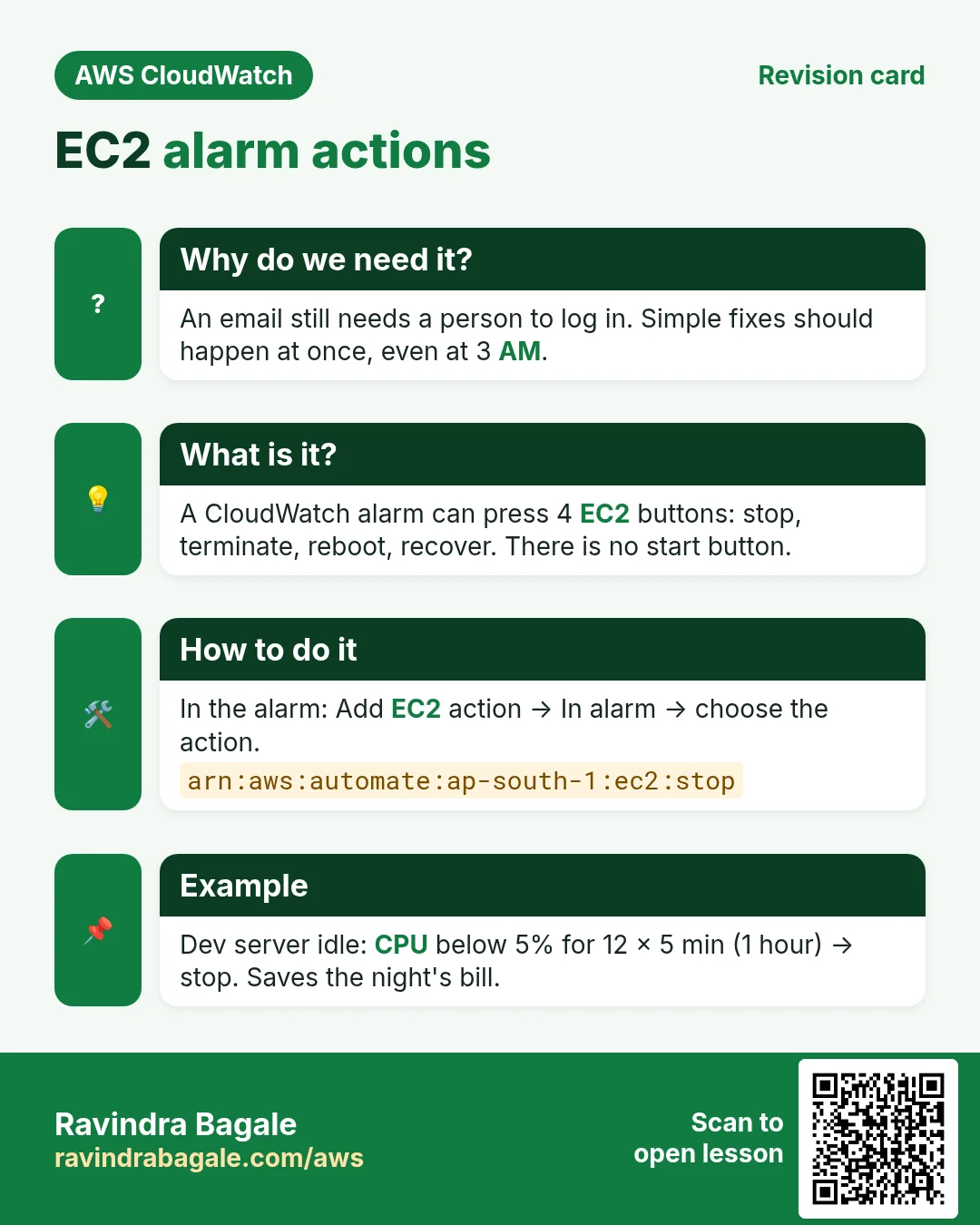
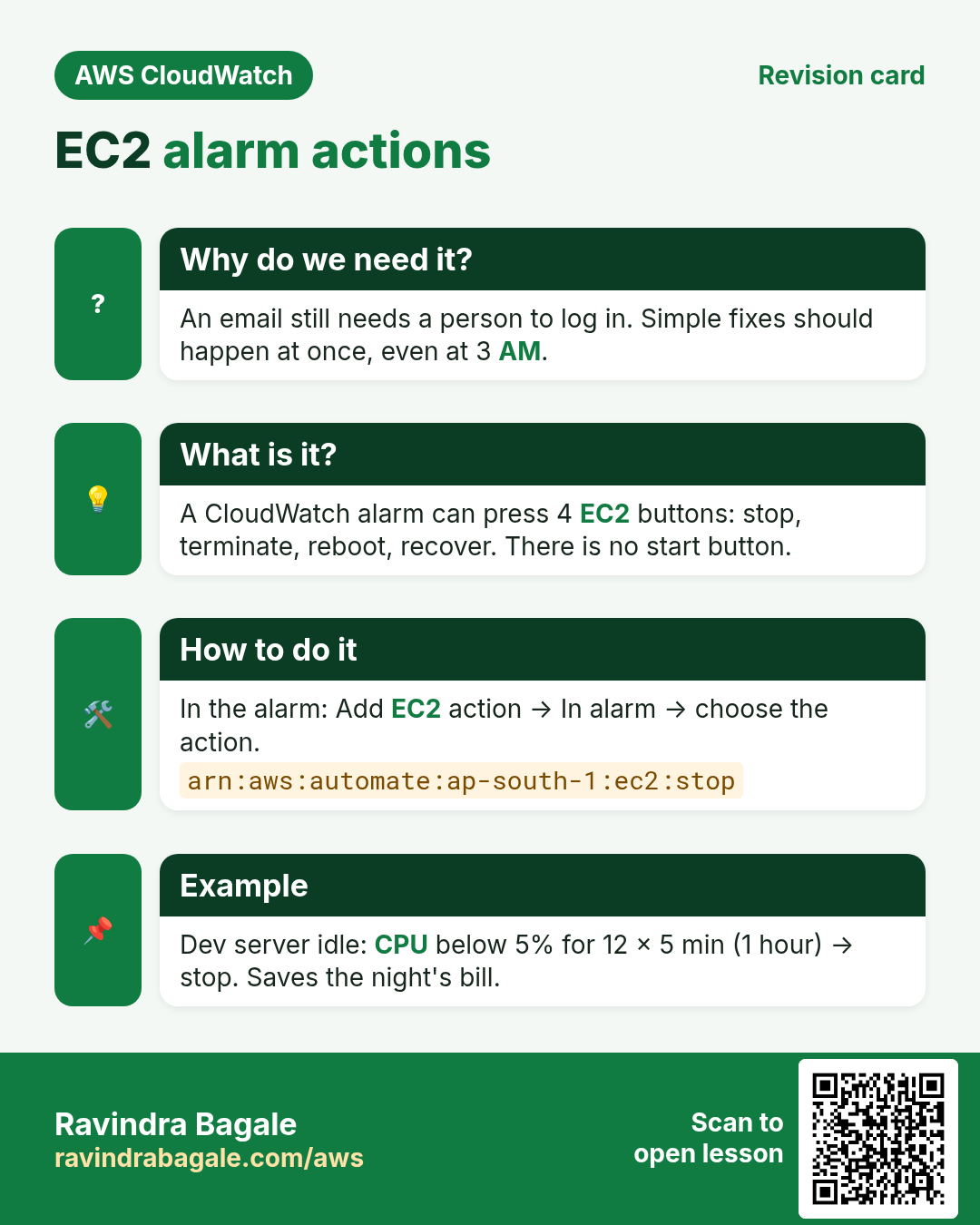
Why do we need this?
An email still needs a person to log in and click. For simple, safe fixes we want the alarm to act at once, even at 3 AM.
What is it?
An EC2 alarm action is a button the alarm can press on one instance. It works on alarms that watch a per-instance metric (one with the InstanceId dimension).
| Action | What happens | Use it when | Keeps |
|---|---|---|---|
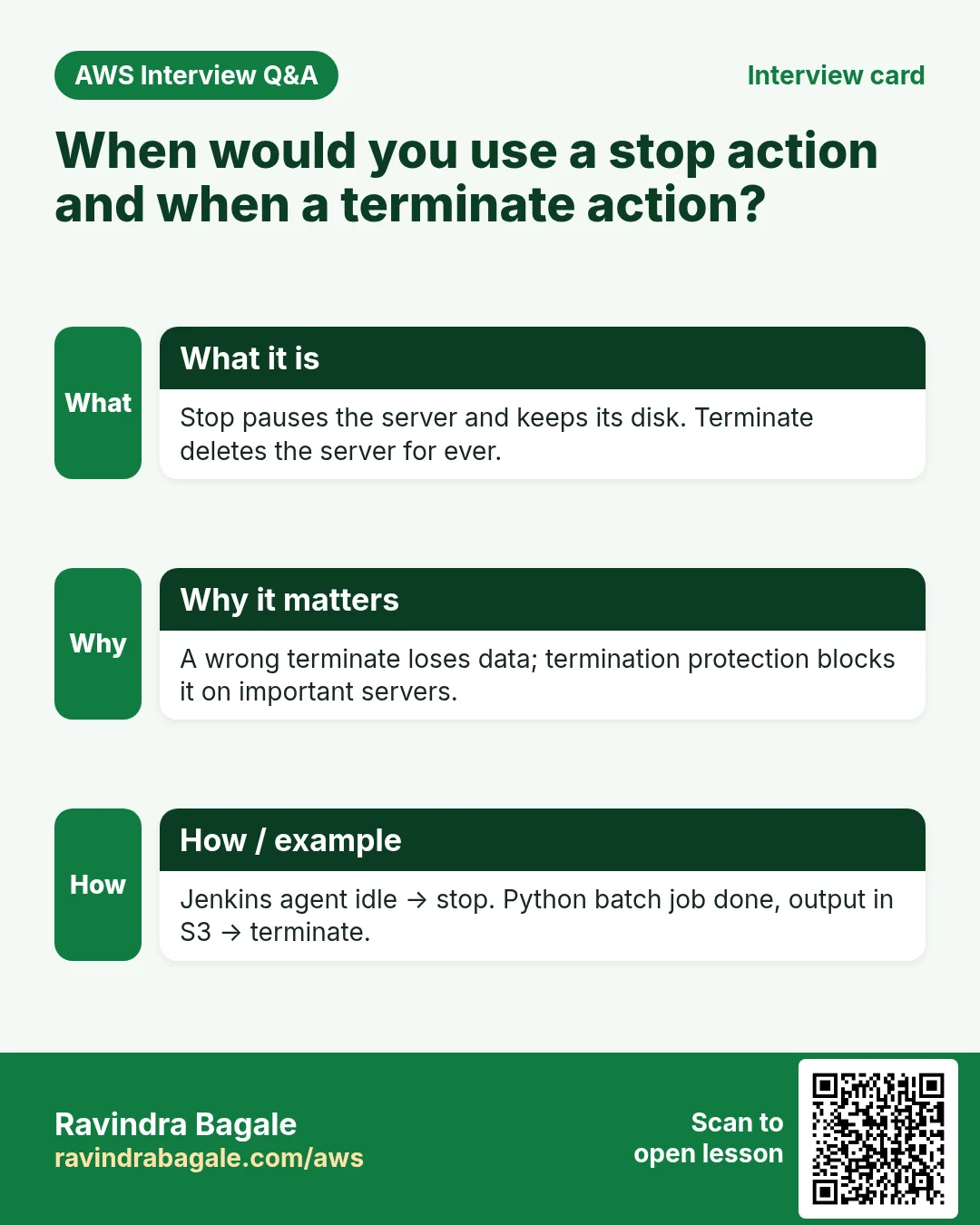
| Stop | Instance shuts down; compute billing stops | Idle dev/test servers | Instance ID, EBS data; public IP changes |
| Terminate | Instance is deleted for ever | Finished batch jobs | Nothing (root EBS is deleted by default) |
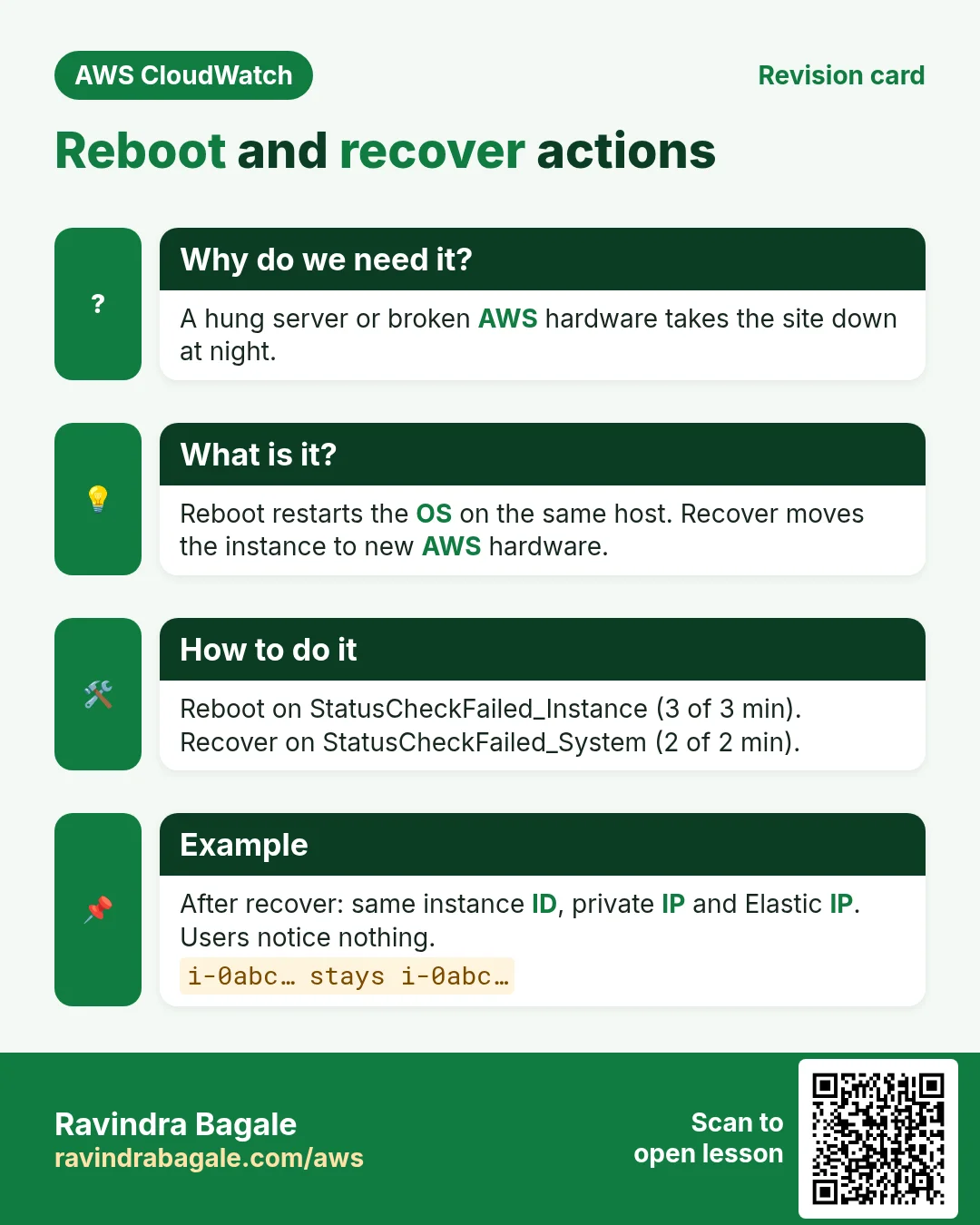
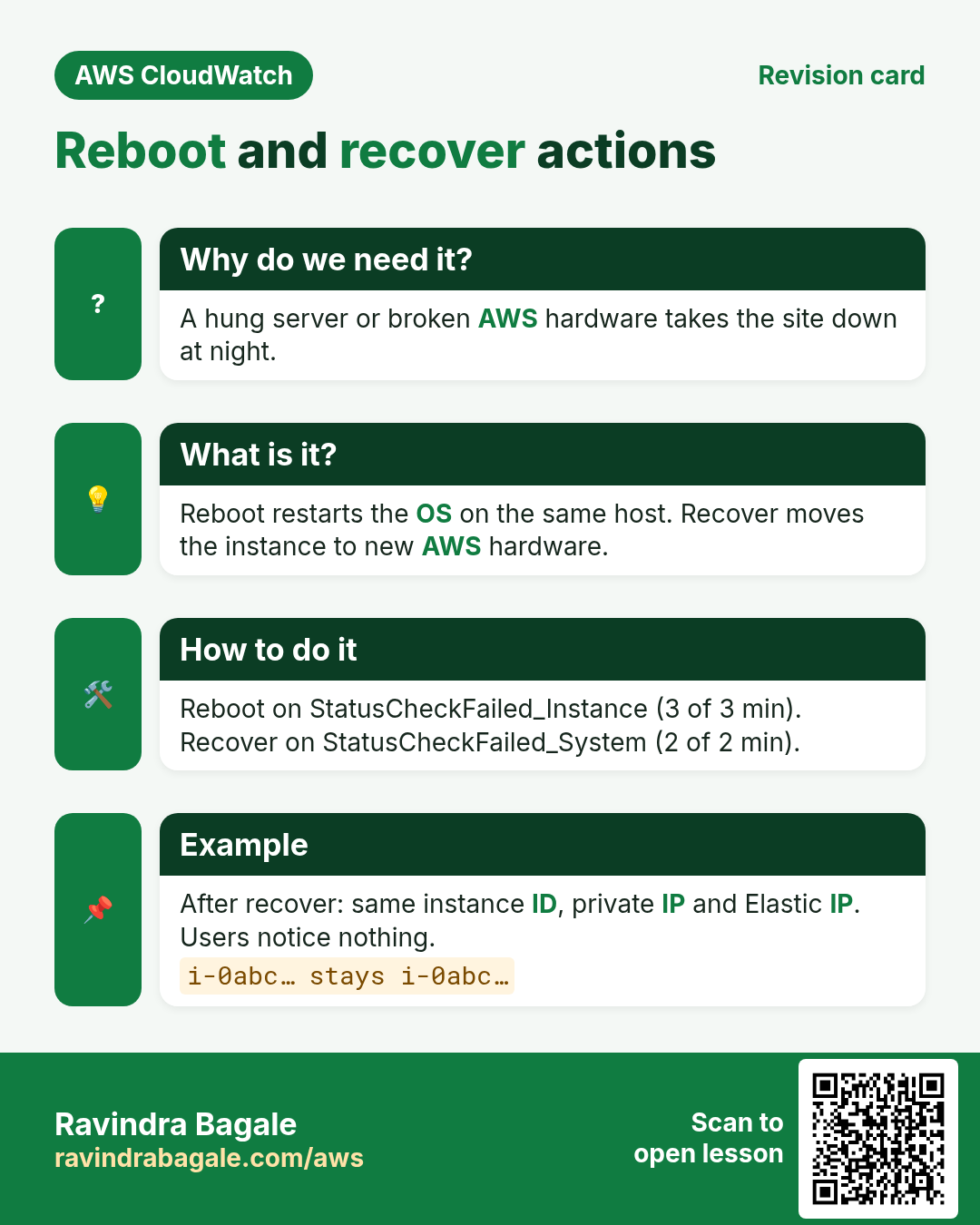
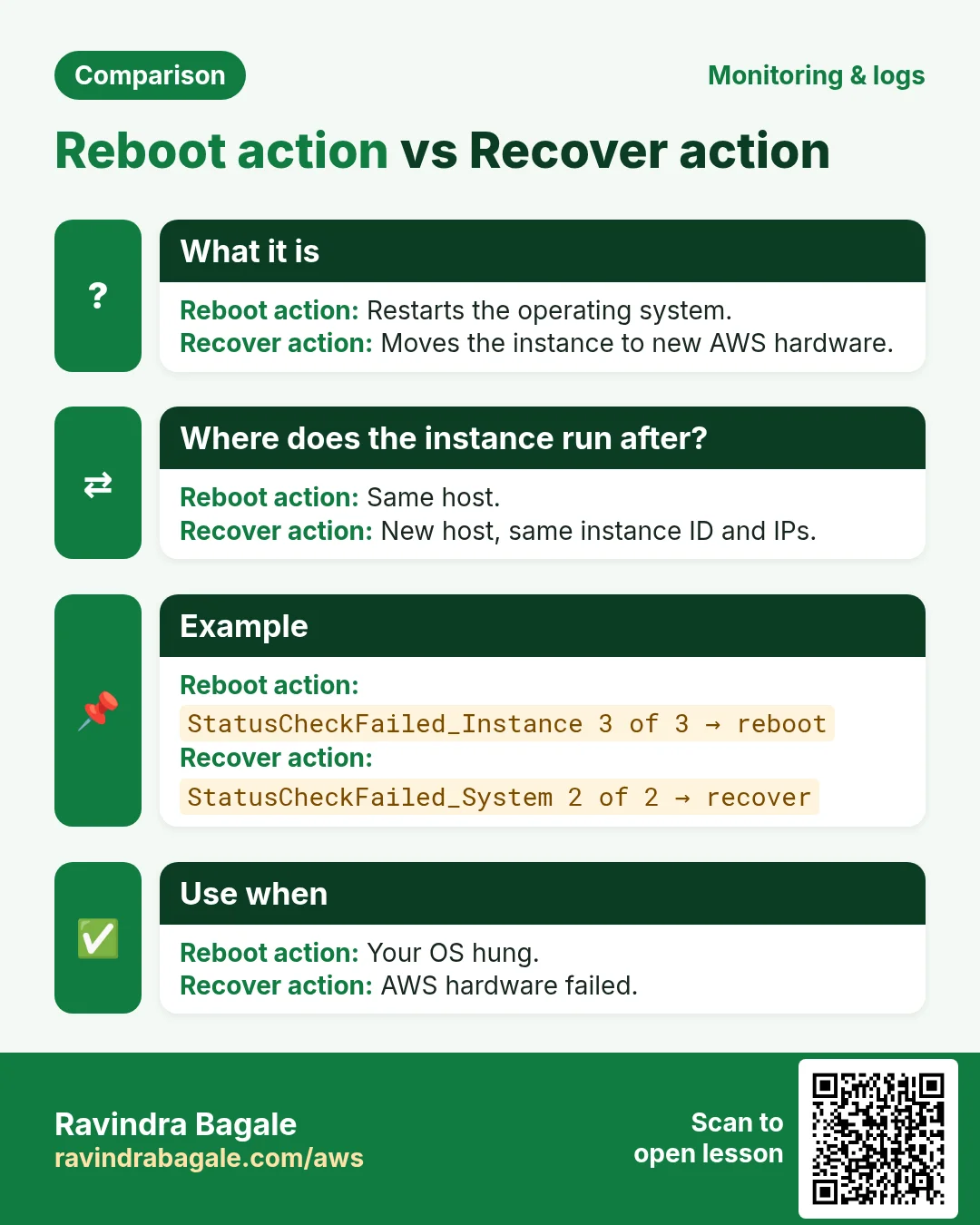
| Reboot | OS restarts on the same host | Instance status check fails (OS hung) | Everything, same IPs |
| Recover | AWS moves it to new hardware | System status check fails (AWS hardware) | Instance ID, private IP, Elastic IP, metadata |
Ravindra Bagale's Tip
Terminate cannot be undone. Turn on termination protection on important servers; a terminate action does nothing on a protected instance.
3. Lab 1: stop an idle instance automatically
Rule: if average CPU stays below 5% for 1 hour, stop the instance.
Why these values: a real idle Linux server sits at 0-2% CPU. 5% leaves room for small background jobs. 1 hour (12 periods of 5 minutes) avoids stopping a server during a short coffee break.
- Open EC2 → Instances, select the test instance and copy its Instance ID.
- Open the Monitoring tab. Click the ⋮ on the CPU graph or the + next to Alarm status. (Or go to CloudWatch → Alarms → Create alarm.)
- Metric: EC2 → Per-Instance Metrics → CPUUtilization for your instance.
- Statistic Average, period 5 minutes.
- Condition: Lower than
5. - Datapoints to alarm:
12out of12. Why: all 12 boxes of the hour must be quiet. - Missing data: Treat missing data as ignore. Why: after the stop no CPU arrives; "ignore" keeps the last state and does not flip back and forth.
- Next. In EC2 action click Add EC2 action. Alarm state trigger: In alarm. Action: Stop this instance.
- Also add a notification to the
ops-alertsSNS topic, so a person knows why the server went down. - Name:
dev1-idle-stop. Create alarm. - Verify (fast test): for the lab, edit the alarm to
1out of1and threshold50. Leave the server idle. In 5-10 minutes the alarm fires and the instance state shows Stopping → Stopped.
The same alarm with the CLI (region ap-south-1). The action is an ARN:
aws cloudwatch put-metric-alarm --alarm-name dev1-idle-stop \
  --namespace AWS/EC2 --metric-name CPUUtilization \
  --dimensions Name=InstanceId,Value=i-0abc1234567890def \
  --statistic Average --period 300 --threshold 5 \
  --comparison-operator LessThanThreshold \
  --evaluation-periods 12 --datapoints-to-alarm 12 \
  --treat-missing-data ignore \
  --alarm-actions arn:aws:automate:ap-south-1:ec2:stop
# other actions: arn:aws:automate:ap-south-1:ec2:terminate
#                arn:aws:automate:ap-south-1:ec2:reboot
#                arn:aws:automate:ap-south-1:ec2:recover
Ravindra Bagale's Tip
The console creates a service-linked role for EC2 actions the first time. With the CLI on a brand-new account, if the action fails, create one alarm with an EC2 action in the console once.
4. Can an alarm start a stopped instance?
Why do we need this?
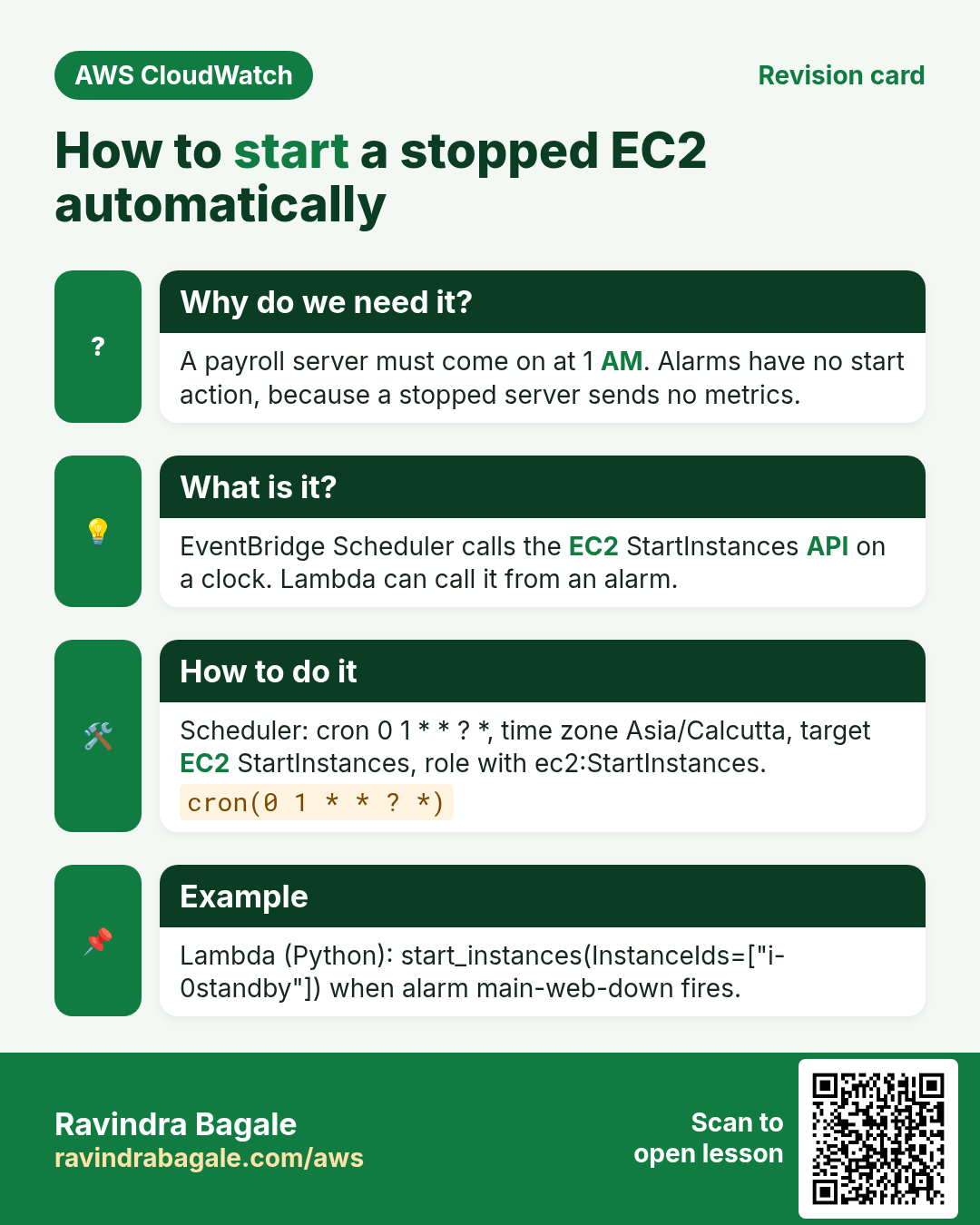
Our payroll server must come back on at 1 AM. People look for a "Start this instance" alarm action. It is not there.
What is it?
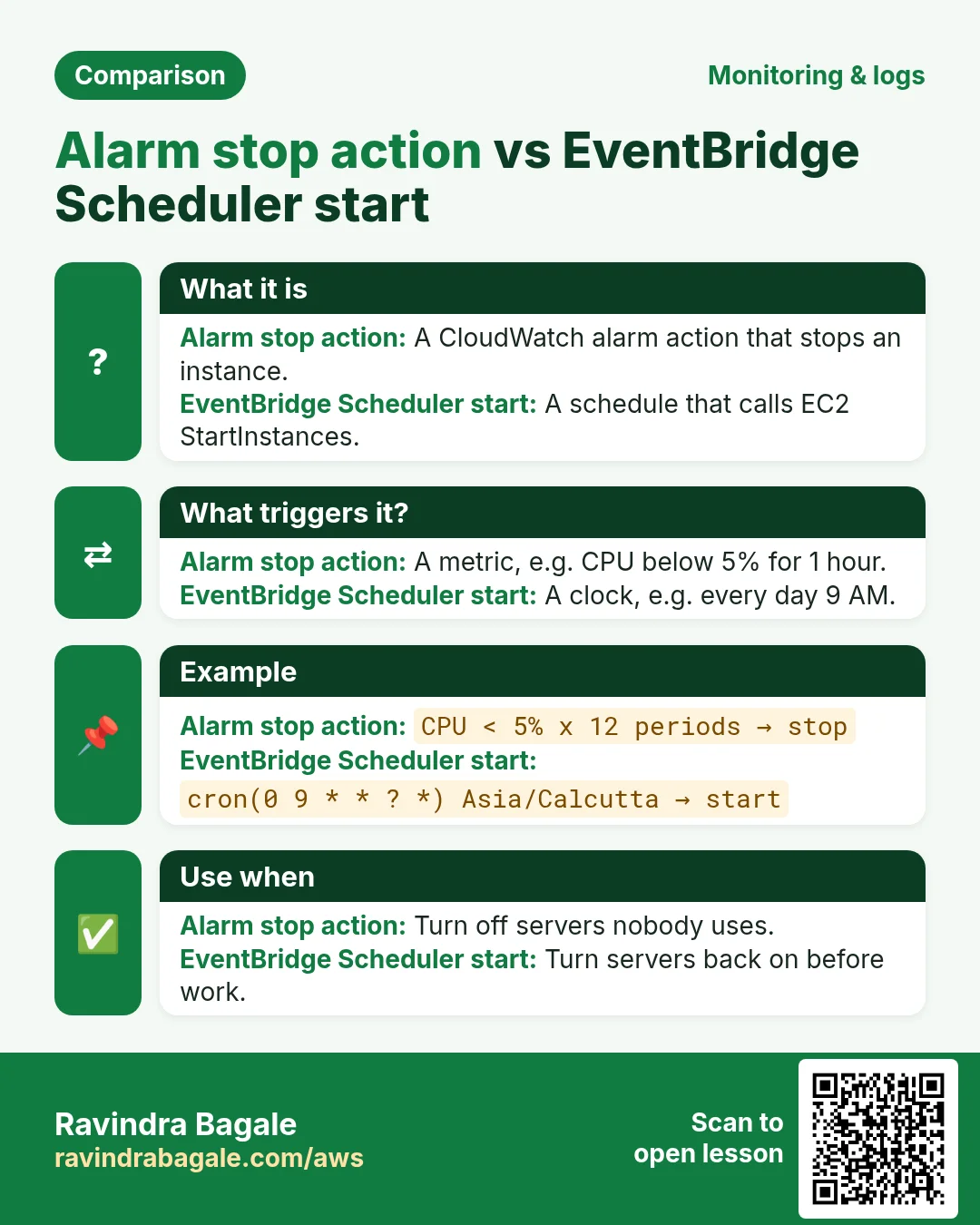
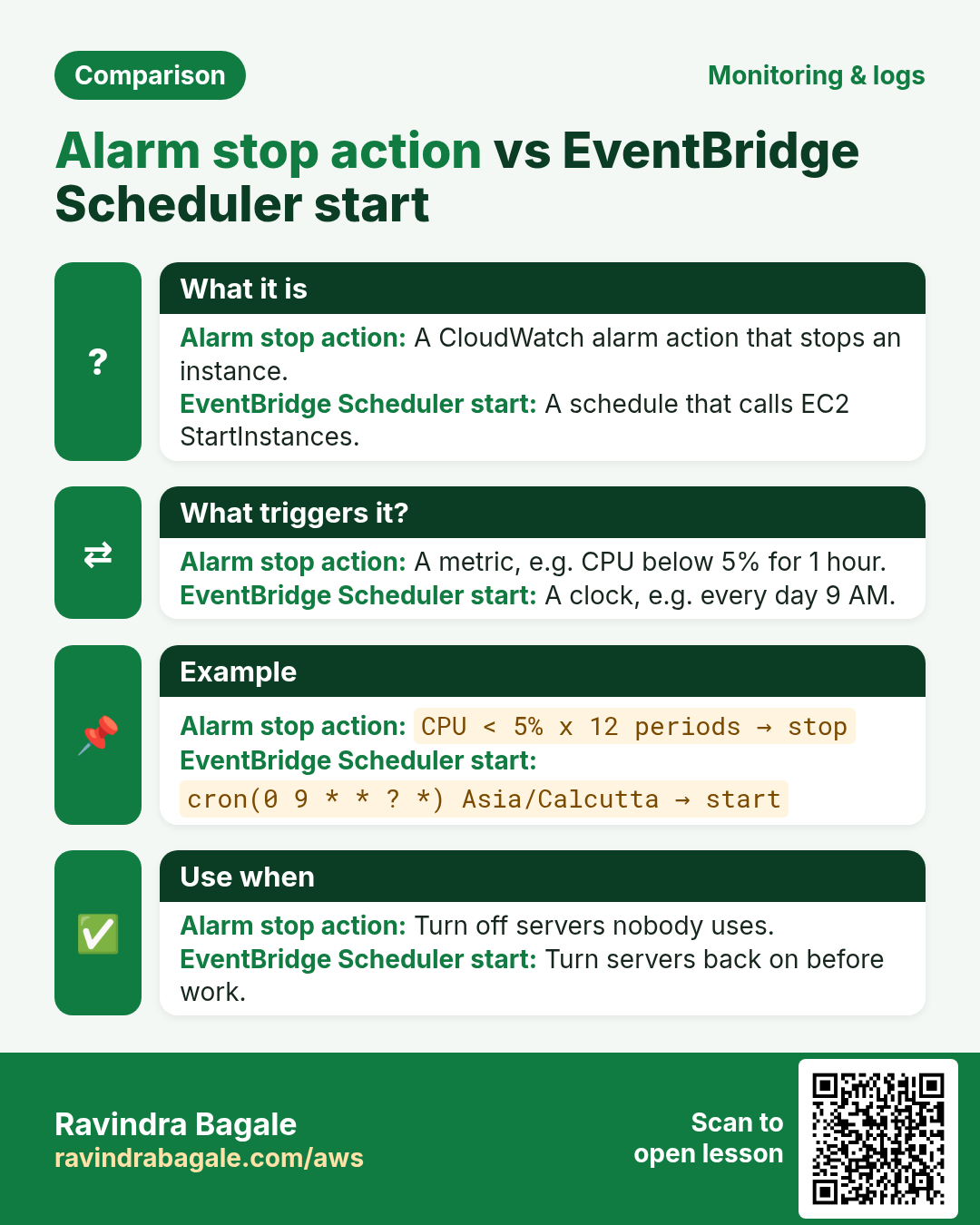
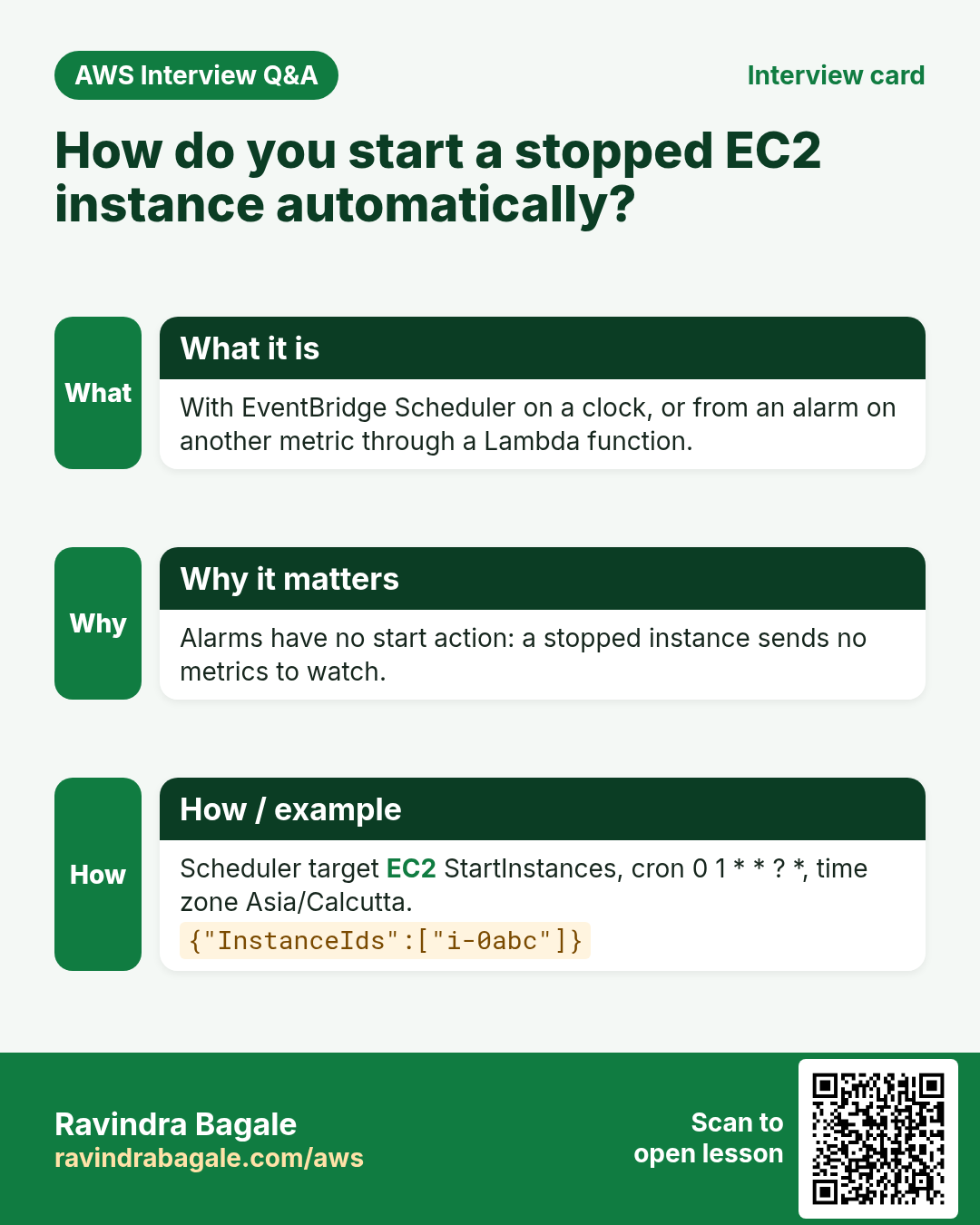
The plain answer: CloudWatch alarm EC2 actions are only stop, terminate, reboot and recover. There is no start action. The reason is simple: a stopped instance sends no metrics, so an alarm on its own metrics has nothing to watch.
| Need | Correct tool | How it starts EC2 |
|---|---|---|
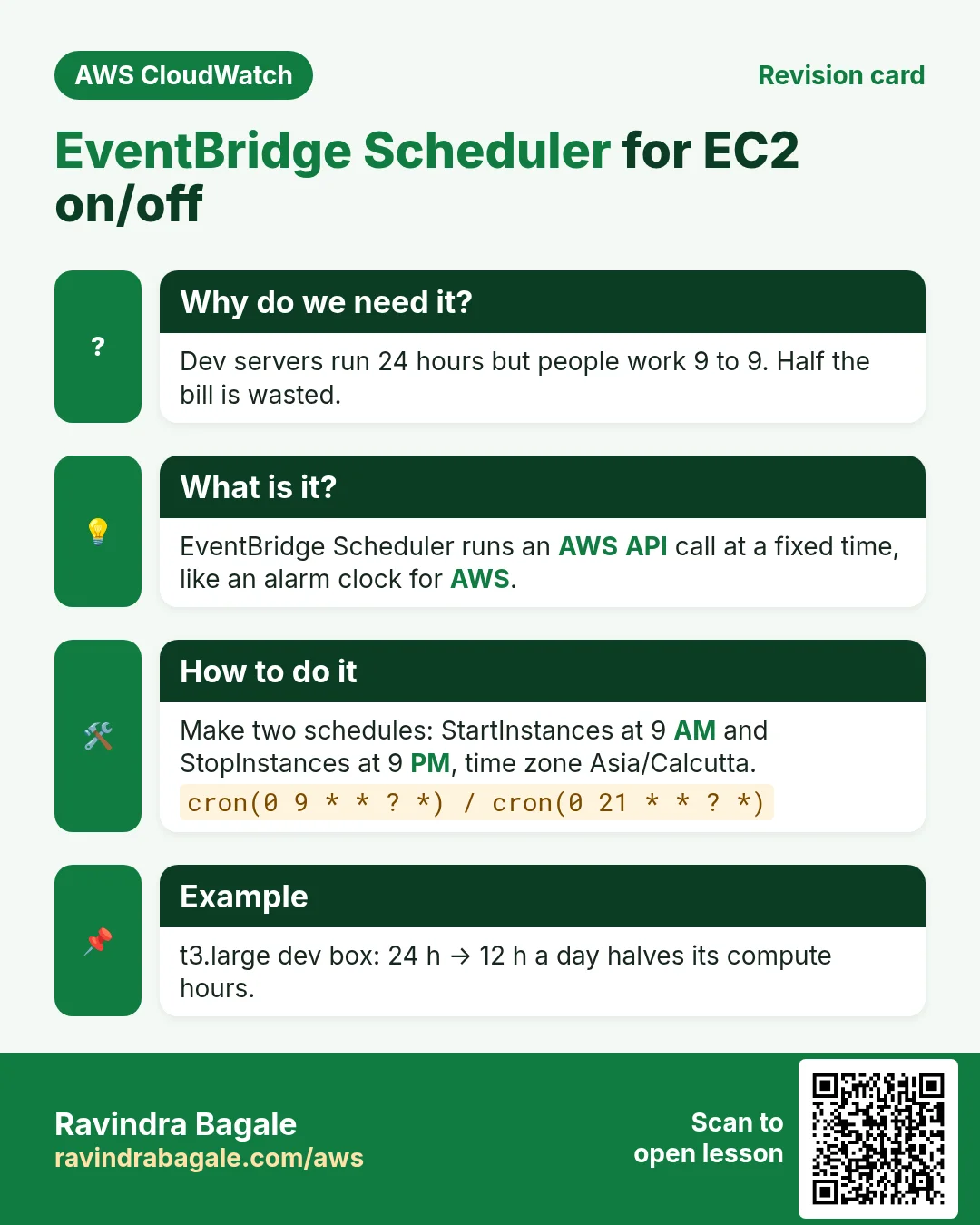
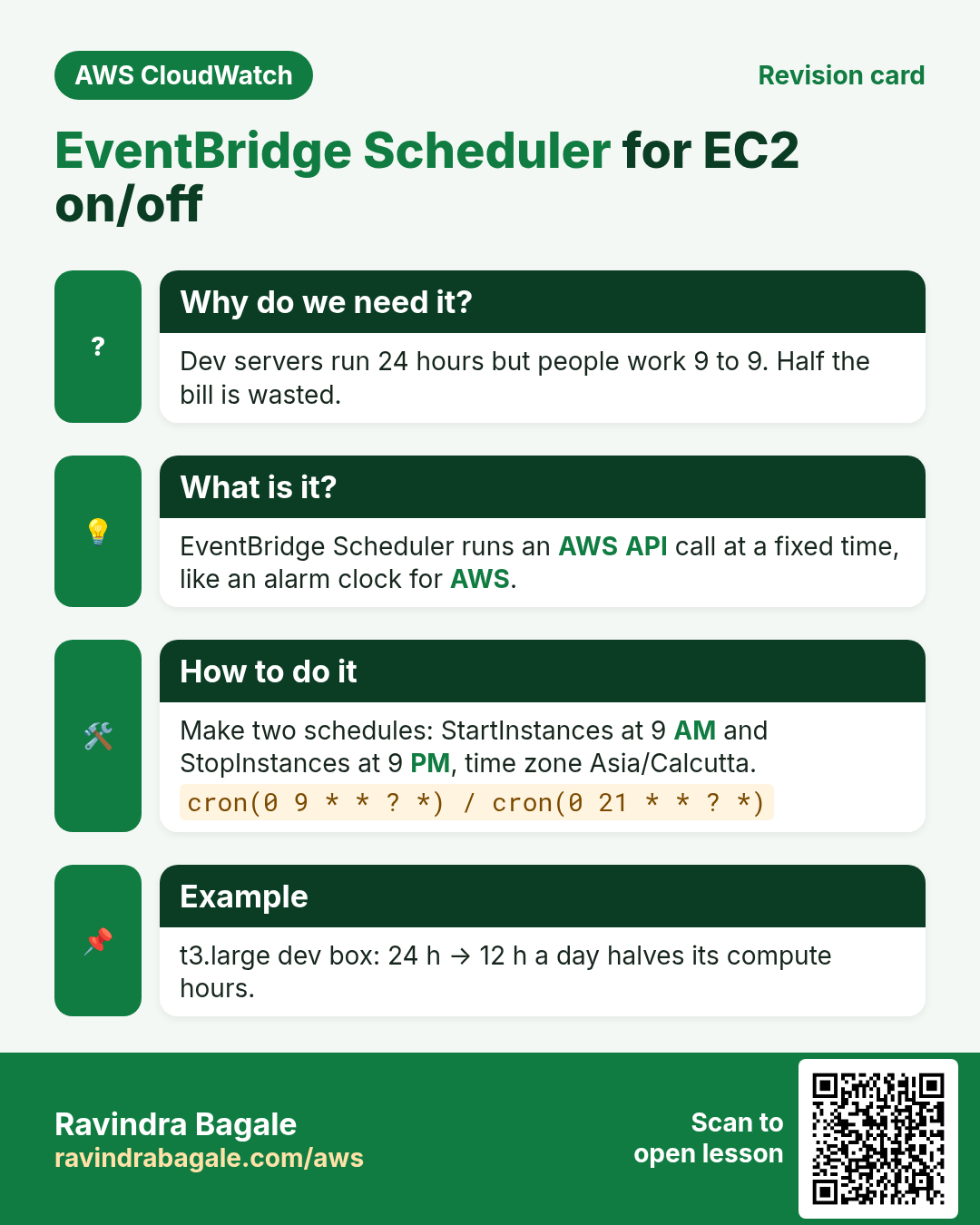
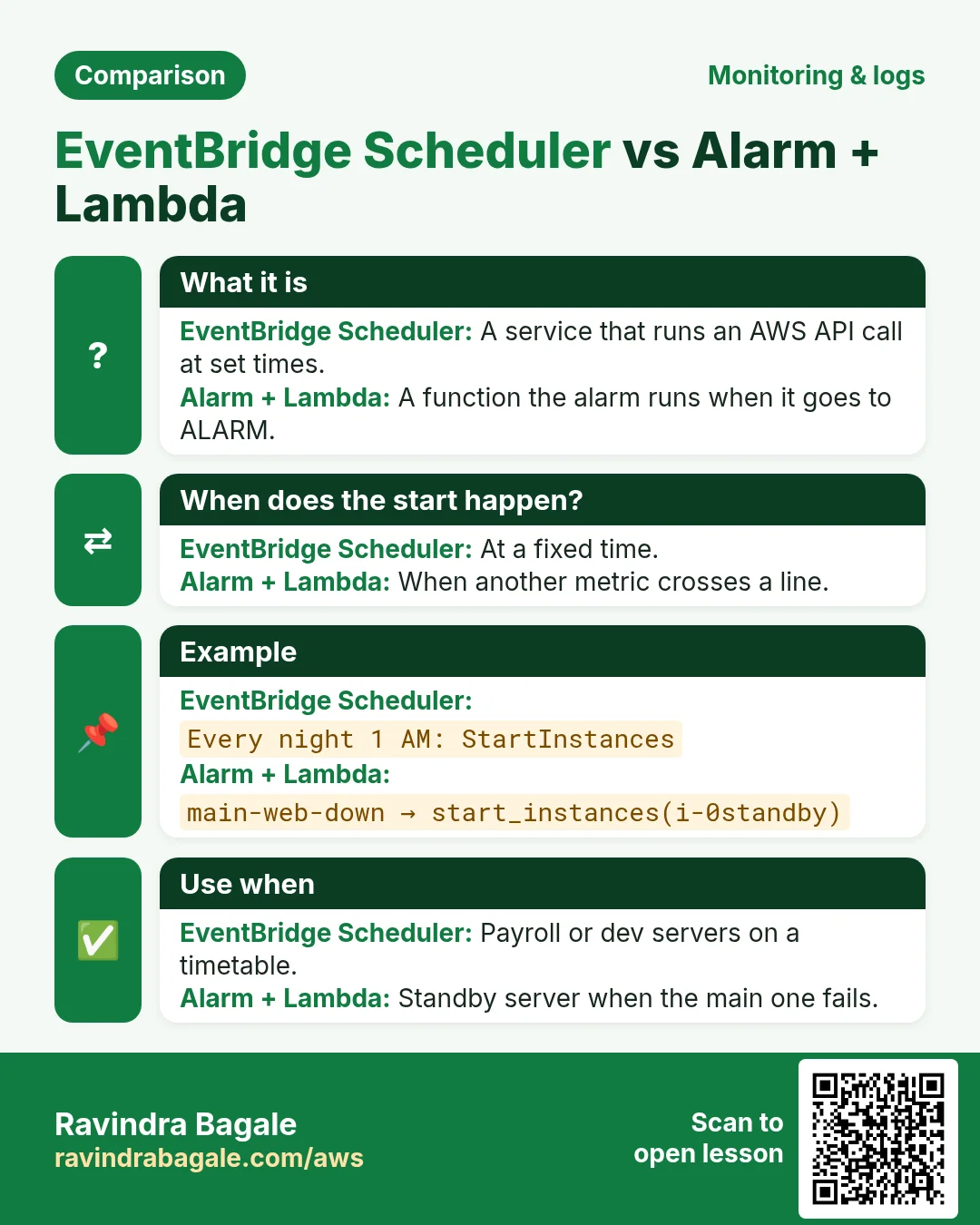
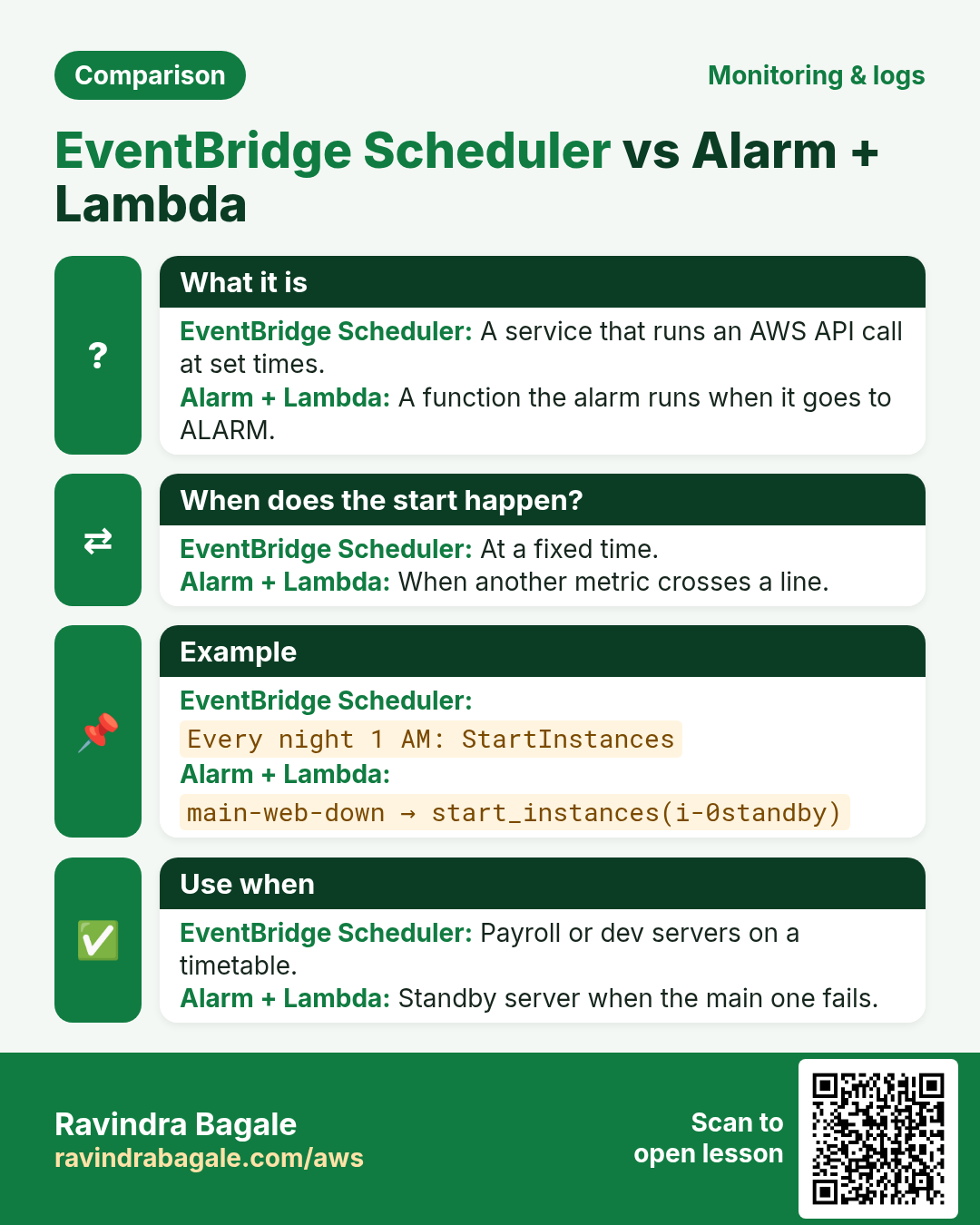
| Start at a fixed time (every day 1 AM) | EventBridge Scheduler | Calls the EC2 StartInstances API directly |
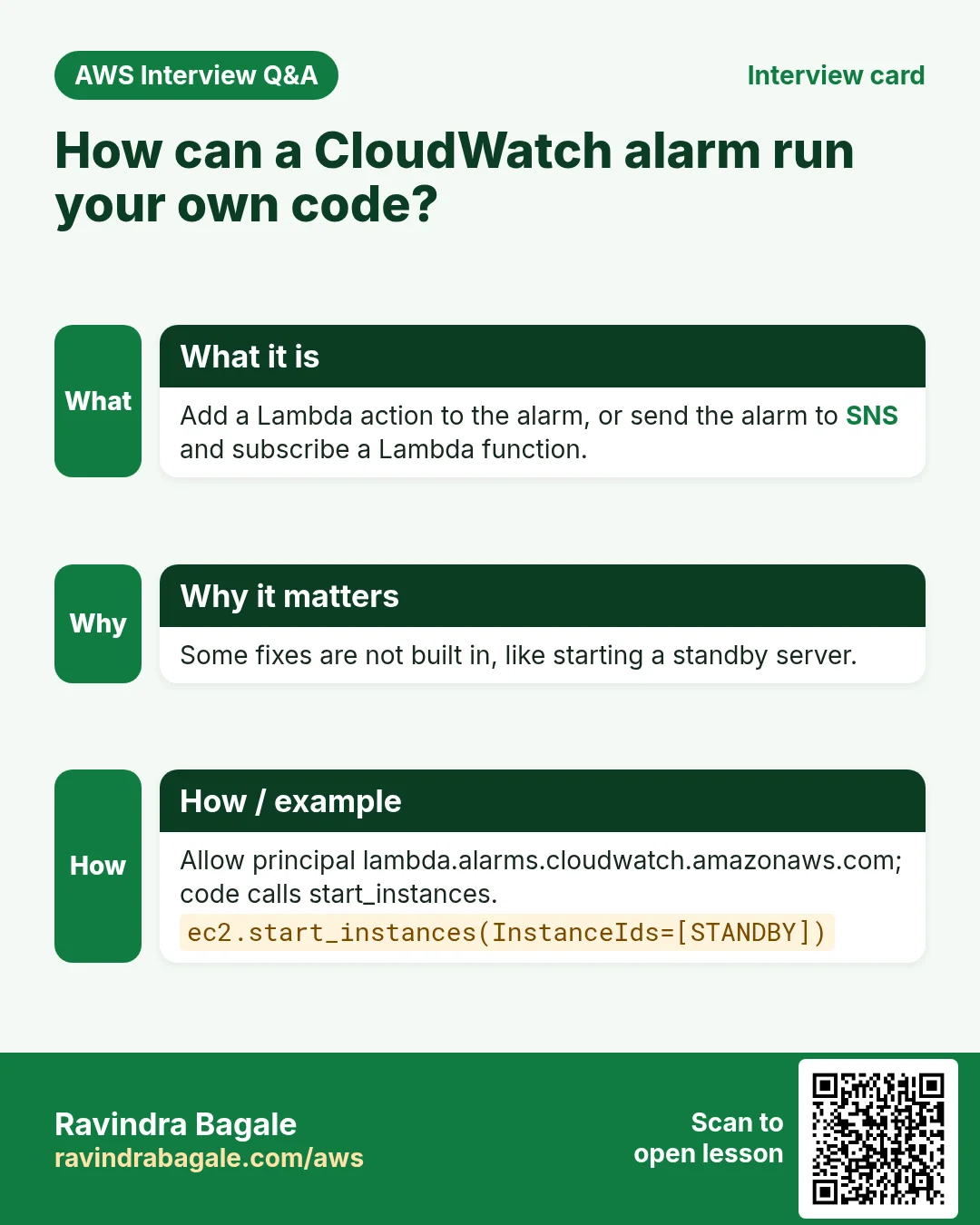
| Start when another metric crosses a line (queue is long, main server down) | CloudWatch alarm → Lambda (direct Lambda action, or via SNS) | Lambda code calls start_instances |
5. Lab 2: start an instance every day with EventBridge Scheduler
- Open Amazon EventBridge → Scheduler → Schedules → Create schedule.
- Name:
payroll-start-1am. - Schedule pattern: Recurring schedule → Cron-based. Cron:
0 1 * * ? *. - Time zone: Asia/Calcutta. Why: otherwise it runs in UTC, 5.5 hours off.
- Flexible time window: Off. Next.
- Target: All APIs → search EC2 → StartInstances.
- Input:
{"InstanceIds": ["i-0abc1234567890def"]}. Next. - Permissions: Create new role for this schedule. Why: Scheduler needs permission to call ec2:StartInstances.
- Next → Create schedule.
- Make a second schedule
payroll-stop-4amwith cron0 4 * * ? *and target EC2 StopInstances. - Verify quickly: create a one-time schedule 3 minutes from now. At that minute the instance state goes Pending → Running.
CLI version (the role must trust scheduler.amazonaws.com and allow ec2:StartInstances):
aws scheduler create-schedule --name payroll-start-1am \
  --schedule-expression "cron(0 1 * * ? *)" \
  --schedule-expression-timezone "Asia/Calcutta" \
  --flexible-time-window Mode=OFF \
  --target '{"Arn":"arn:aws:scheduler:::aws-sdk:ec2:startInstances",
             "RoleArn":"arn:aws:iam::111122223333:role/SchedulerEc2StartStop",
             "Input":"{\"InstanceIds\":[\"i-0abc1234567890def\"]}"}'
6. Lab 3: start a standby server from an alarm with Lambda
Story: the main web server fails its health check. You keep a stopped standby server. When the alarm on the main server fires, start the standby. (In real production an Auto Scaling group does this better; this lab teaches the pattern.)
- Open IAM → Roles → Create role. Trusted entity: AWS service → Lambda.
- Attach AWSLambdaBasicExecutionRole. Name:
lambda-start-standby. Create. - Open the role → Add permissions → Create inline policy → JSON:
{
  "Version": "2012-10-17",
  "Statement": [{
    "Effect": "Allow",
    "Action": "ec2:StartInstances",
    "Resource": "arn:aws:ec2:ap-south-1:111122223333:instance/i-0standby000000001"
  }]
}- Name the policy
start-standby-only. Why only one instance: the function can never start anything else. - Open Lambda → Create function. Name
start-standby, runtime Python 3.12, existing rolelambda-start-standby. - Paste this code and click Deploy:
import boto3, json
ec2 = boto3.client("ec2")
STANDBY = "i-0standby000000001"

def lambda_handler(event, context):
    # works for a direct alarm action and for SNS
    print(json.dumps(event)[:2000])
    r = ec2.start_instances(InstanceIds=[STANDBY])
    state = r["StartingInstances"][0]["CurrentState"]["Name"]
    print("standby state:", state)
return state- Give CloudWatch permission to call the function (CLI):
aws lambda add-permission --function-name start-standby \
  --statement-id cw-alarm --action lambda:InvokeFunction \
  --principal lambda.alarms.cloudwatch.amazonaws.com \
--source-arn arn:aws:cloudwatch:ap-south-1:111122223333:alarm:main-web-down- Create the alarm
main-web-downon the main server: metricStatusCheckFailed, statistic Maximum, period 1 minute, threshold>= 1, 2 out of 2. - In actions choose Lambda action → In alarm → function
start-standby. - Other route: send the alarm to an SNS topic and subscribe the Lambda function to that topic. Use it when many things must react to one alarm.
- Test:
aws cloudwatch set-alarm-state --alarm-name main-web-down --state-value ALARM --state-reason test. - Verify: Lambda → Monitor → View CloudWatch logs shows
standby state: pending, and the standby instance becomes Running.
7. Cleanup
- Delete alarms
dev1-idle-stopandmain-web-down. - Delete the schedules
payroll-start-1am,payroll-stop-4amand the test one-time schedule. - Delete the Lambda function and the role
lambda-start-standbyand the scheduler role. - Stop or terminate both test instances.
8. Which action for which stack?
| Server | Good action | Why |
|---|---|---|
| Jenkins / build agent (Java, Go) | Stop when idle | Builds are bursty; idle hours cost money |
| Python batch / ETL job | Terminate when done | Output is in S3; server is disposable |
| nginx / Apache web server | Recover + Reboot | Keep the same IP for users |
| MySQL on EC2 | Recover; never auto-terminate | Data lives on it |
| .NET / Node.js dev box | Scheduler stop 9 PM, start 9 AM | Nobody works at night |
9. Interview questions
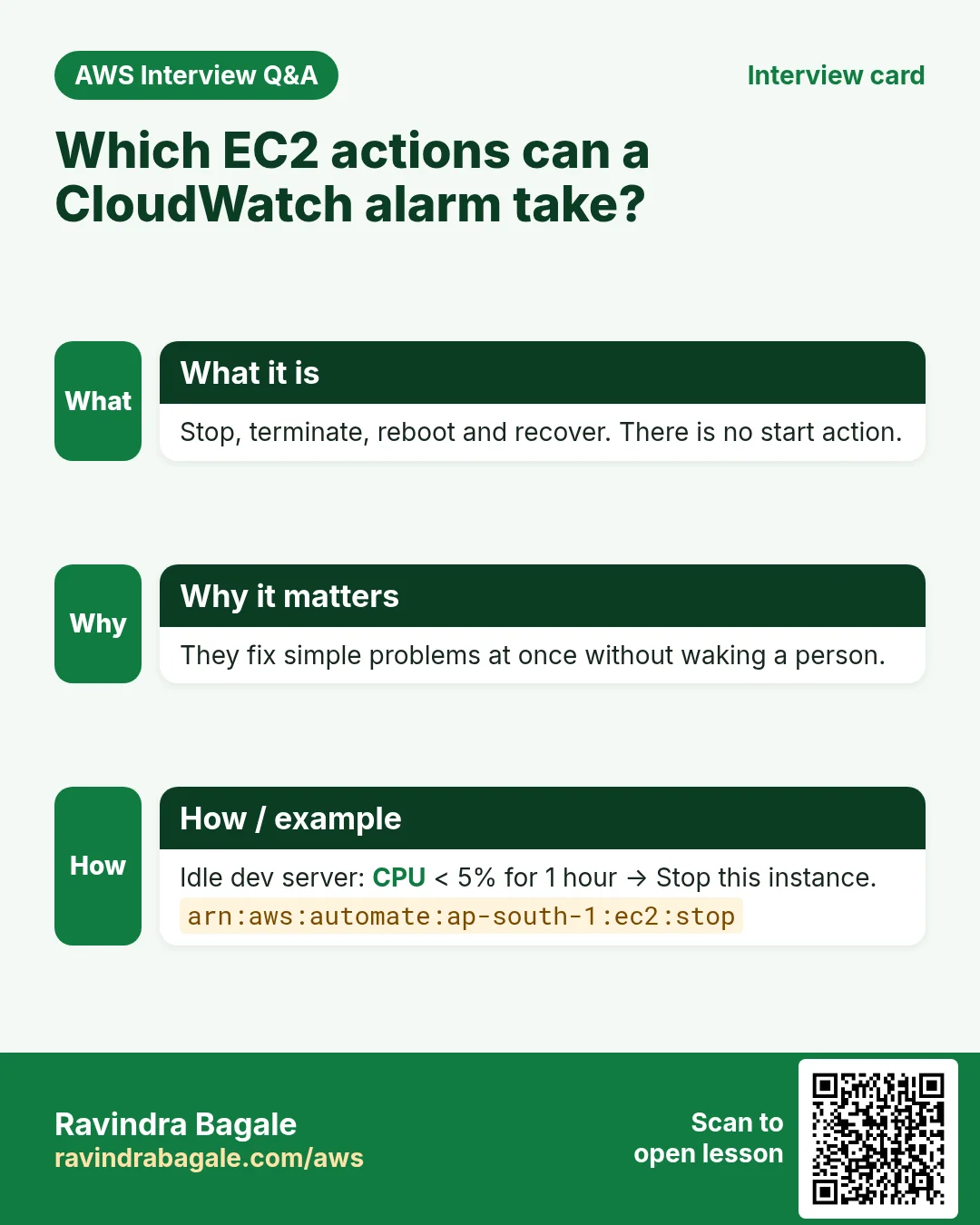
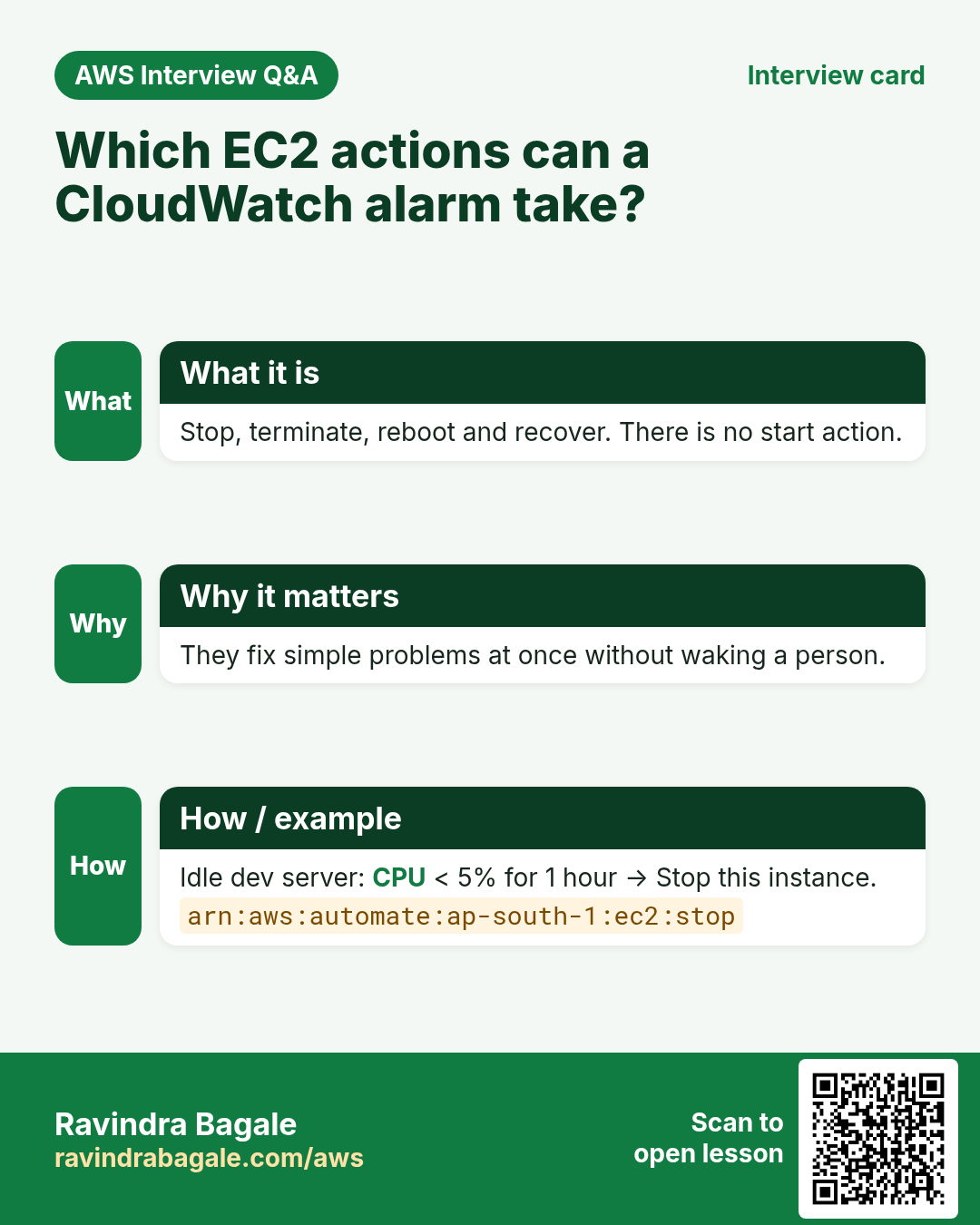
Q. Which EC2 actions can a CloudWatch alarm take?
Stop, terminate, reboot and recover.
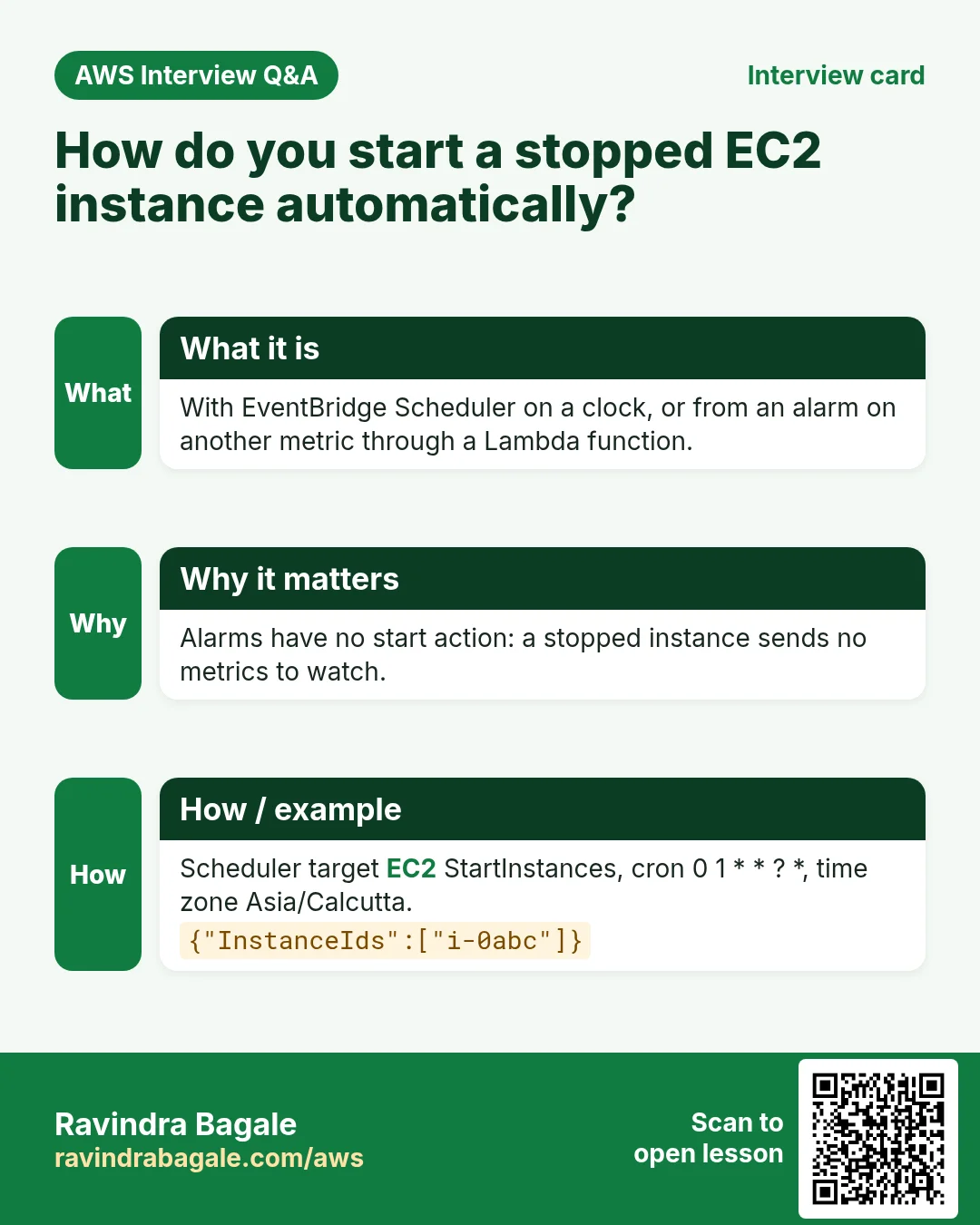
Q. How do you start a stopped EC2 instance automatically?
On a clock with EventBridge Scheduler (EC2 StartInstances target), or from an alarm on another metric through a Lambda function that calls StartInstances.
Q. Reboot or recover: which for which check?
Reboot for a failed instance status check; recover for a failed system status check.
Try at home
- Create a stop-when-idle alarm on a dev instance and a 9 AM Scheduler start for it. Check both next morning.
- Write in one line why there is no start action.
In short
- Alarm EC2 actions: stop, terminate, reboot, recover.
- There is no start action; a stopped instance sends no metrics.
- Start on a clock: EventBridge Scheduler → EC2 StartInstances.
- Start on an event: alarm → Lambda (direct or via SNS) → start_instances.
Practice Tasks
New York News Daily is a media business in New York. Rachel Cohen looks after its IT and cloud work. They count money in USD and run their AWS resources in the us-east-1 Region. In the tasks below you do real jobs for them using what this lesson teaches. All names, account IDs, IP addresses and numbers are made up for practice.
0 / 12
Easy Snapshot an EBS volume
Why: A snapshot is a point-in-time backup of one disk, kept in S3 by AWS.
What to do: Create a snapshot of volume vol-0ed12dd0530cfdeed with description "nightly nynewsdaily".
- Read the task and decide which AWS service it is about.
- Write aws, then the service name, then the operation (the action word).
- Add each needed flag (--name) followed by its value from the task.
- Flags can be in any order. Click Check answer.
Easy Detach a volume
Why: To move a disk to a rescue server, detach it first.
What to do: Detach volume vol-0ed12dd0530cfdeed.
- Read the task and decide which AWS service it is about.
- Write aws, then the service name, then the operation (the action word).
- Add each needed flag (--name) followed by its value from the task.
- Flags can be in any order. Click Check answer.
Easy Check free disk space
Why: If a disk is 100% full, apps and databases stop working.
What to do: Show free and used space of all mounted disks in human-readable units.
- Find the Linux command that does this job.
- Add the options (like -r or -h) the task needs.
- Add the file names, folders or users in the right order.
- Use sudo if the job changes system files or users. Click Check answer.
Easy List the disks
Why: After you attach an EBS volume, lsblk shows its device name.
What to do: List all block devices (disks and partitions) on the server.
- Find the Linux command that does this job.
- Add the options (like -r or -h) the task needs.
- Add the file names, folders or users in the right order.
- Use sudo if the job changes system files or users. Click Check answer.
Medium Attach a volume to an instance
Why: A volume must be attached (same AZ) before the server can see it.
What to do: Attach volume vol-0ed12dd0530cfdeed to instance i-00350cc21cb211a2b as device /dev/sdf.
- Read the task and decide which AWS service it is about.
- Write aws, then the service name, then the operation (the action word).
- Add each needed flag (--name) followed by its value from the task.
- Flags can be in any order. Click Check answer.
Medium Create an AMI from a server
Why: An AMI is a full server image. Launch identical copies from it any time.
What to do: Create an AMI named nynewsdaily-web-v1 from instance i-00350cc21cb211a2b.
- Read the task and decide which AWS service it is about.
- Write aws, then the service name, then the operation (the action word).
- Add each needed flag (--name) followed by its value from the task.
- Flags can be in any order. Click Check answer.
Medium Create a new EBS volume
Why: Extra data disks keep app data apart from the root disk.
What to do: Create a 20 GiB gp3 volume in Availability Zone us-east-1a.
- Read the task and decide which AWS service it is about.
- Write aws, then the service name, then the operation (the action word).
- Add each needed flag (--name) followed by its value from the task.
- Flags can be in any order. Click Check answer.
Medium Delete an old AMI
Why: Old AMIs and their snapshots cost money every month.
What to do: Deregister the image ami-01af11a110db0abcd.
- Read the task and decide which AWS service it is about.
- Write aws, then the service name, then the operation (the action word).
- Add each needed flag (--name) followed by its value from the task.
- Flags can be in any order. Click Check answer.
Medium Find a disk's UUID
Why: /etc/fstab should use the UUID, because device names can change after a reboot.
What to do: Show the UUID of /dev/xvdf.
- Find the Linux command that does this job.
- Add the options (like -r or -h) the task needs.
- Add the file names, folders or users in the right order.
- Use sudo if the job changes system files or users. Click Check answer.
Hard Create a CPU alarm
Why: An alarm watches a metric and notifies you before users notice a problem.
What to do: Create alarm nynewsdaily-cpu-high: AWS/EC2 CPUUtilization, Average over 300 seconds, 1 evaluation period, GreaterThanThreshold 80, for InstanceId=i-00350cc21cb211a2b, notify arn:aws:sns:us-east-1:127812880530:nynewsdaily-alerts.
- Read the task and decide which AWS service it is about.
- Write aws, then the service name, then the operation (the action word).
- Add each needed flag (--name) followed by its value from the task.
- Flags can be in any order. Click Check answer.
Hard Grow a volume without downtime
Why: EBS volumes can grow while in use. Afterwards you grow the file system too.
What to do: Increase volume vol-0ed12dd0530cfdeed to 50 GiB.
- Read the task and decide which AWS service it is about.
- Write aws, then the service name, then the operation (the action word).
- Add each needed flag (--name) followed by its value from the task.
- Flags can be in any order. Click Check answer.
Hard Copy a snapshot to another Region
Why: A copy in another Region protects you if a whole Region has a problem.
What to do: Copy snapshot snap-012ee0530beef5 from us-east-1 into us-west-2 (run the command in us-west-2).
- Read the task and decide which AWS service it is about.
- Write aws, then the service name, then the operation (the action word).
- Add each needed flag (--name) followed by its value from the task.
- Flags can be in any order. Click Check answer.
Revision, comparison and interview cards
Revise this lesson in a few minutes. Save the cards on your phone or download them as PNG files. The QR code on each card opens this lesson.
![Revision card: How to start a stopped EC2 automatically. A payroll server must come on at 1 AM. Alarms have no start action, because a stopped server sends no metrics. EventBridge Scheduler calls the EC2 StartInstances API on a clock. Lambda can call it from an alarm. Scheduler: cron 0 1 * * ? *, time zone Asia/Calcutta, target EC2 StartInstances, role with ec2:StartInstances. Lambda (Python): start_instances(InstanceIds=["i-0standby"]) when alarm main-web-down fires.](../ravi-sirs-cards/cards/en/rev-cw-start-stopped-ec2.webp)
More cards: Ravi Sir's Cards.