Linux Commands A-Z Part 2: chronyc, crontab, curl, cut, date, dd, df, diff, dig, dnf and du with Examples
This is Part 2 of the Linux Commands A-Z reference: chronyc to du. These are the commands you use when time is wrong, a server will not boot, files must be compared, jobs must be scheduled, a website or DNS must be tested, and a disk is full. Every command has why, what, an options table and step-by-step examples with real output and its meaning. cp is already covered in depth earlier, so it is linked.
What you'll learn in this chapter
- Check and fix server time with chronyc and date
- Repair a broken system with chroot and inspect kernel messages with dmesg
- Compare files and lists with cmp, comm, diff and cksum
- Schedule repeating jobs safely with crontab
- Test websites and DNS with curl and dig
- Find what fills a disk with df and du, and manage RPM packages with dnf
1. An everyday example: a PMPML bus depot at night
Why do we need this?
At the Hadapsar depot, the night supervisor checks that every bus clock matches the depot clock, compares today's route sheet with yesterday's, schedules the 5 AM departures, phones the control room to confirm the routes are open, and checks the diesel tank level before the morning rush.
What is it?
chronyc and date are the clock check. diff, comm and cmp are the route sheet comparison. crontab is the departure schedule. curl and dig are the phone call to the control room. df and du are the diesel tank level.
How to do it (step by step)
2. A five-minute health check using Part 2 commands
Why do we need this?
Before you dive into one command, see how they work together in a real check.
What is it?
One command per question. Each line answers one thing a manager or on-call engineer will ask.
| Question | Command |
|---|---|
| Is the clock right? | chronyc tracking |
| Is the disk full? | df -h |
| Is the site up? | curl -I |
| Does DNS point right? | dig +short |
| Any hardware errors? | dmesg -T -l err |
How to do it (step by step)
- Run the check in one go.
chronyc tracking | grep "System time"; df -h / | tail -1; curl -s -o /dev/null -w "%{http_code}\n" http://localhost/Output:
System time     : 0.000040 seconds fast of NTP time
/dev/nvme0n1p1   20G  9.1G   11G  46% /
200
What it means: Clock fine, disk at 46%, web server answering 200.
- Add a kernel check.
sudo dmesg -T -l err | tail -2What it means: No output means no recent kernel errors.
3. chronyc: Check and control time sync
chronyc in depth: is my server clock in sync?
Why do we need this?
Wrong time breaks TLS certificates, Kerberos and AD logins, cron jobs and log timelines. When two servers disagree by even a few minutes, debugging becomes very hard.
What is it?
chronyc is the control tool for chronyd, the NTP service on RHEL, Rocky, Amazon Linux and many Ubuntu servers. It shows the sources the server uses, how far off the clock is, and can force a step correction.
Common options
| Option | What it does |
|---|---|
chronyc tracking | Current offset and stratum. |
chronyc sources -v | Time sources with an explanation header. |
chronyc sourcestats | Drift and accuracy per source. |
chronyc makestep | Step the clock now. |
chronyc activity | How many sources are online. |
chronyc -n sources | Numeric, no DNS lookups. |
How to do it (step by step)
- Check the service.
systemctl is-active chronydOutput:
activeWhat it means: chronyd must run for chronyc to answer.
- See the sources.
chronyc sourcesOutput:
MS Name/IP address         Stratum Poll Reach LastRx Last sample
^* 169.254.169.123               3   4   377    12   -21us[  -30us] +/-  512us
What it means: ^* marks the source in use. Reach 377 means the last 8 polls worked.
- How far off are we?
chronyc tracking | grep -E "System time|Stratum"Output:
Stratum         : 4
System time     : 0.000021 seconds slow of NTP time
What it means: 21 microseconds slow: very healthy.
- Fix a big jump after a VM resume.
sudo chronyc makestepOutput:
200 OKWhat it means: The clock jumps to the right time at once instead of slowly drifting.
Practise this in the tasks below: Practice tasks
Real use: A stock-broking firm in Deccan alerts if chronyc tracking shows more than 100 ms offset, because trade timestamps must be exact.
4. chroot: Run a shell inside another root folder
chroot in depth: repair a broken system from rescue mode
Why do we need this?
When a server cannot boot, you start a rescue disk, mount the broken root disk and need to run its own tools, such as passwd, grub2-install or dracut. chroot lets you do that.
What is it?
chroot runs a command (by default a shell) with a different folder as /. Programs inside see only that tree. It is not a security sandbox for root; containers use namespaces instead.
Common options
| Option | What it does |
|---|---|
chroot /mnt/sysimage | Shell with /mnt/sysimage as root. |
chroot /sysroot | Used in rd.break root password reset. |
chroot DIR cmd | Run one command inside. |
mount --bind /dev DIR/dev | Give the chroot real devices. |
exit | Leave the chroot. |
How to do it (step by step)
- Mount the broken root.
mount /dev/vda4 /mnt/sysWhat it means: The damaged system is now a folder.
- Bind the special filesystems.
for d in dev proc sys; do mount --bind /$d /mnt/sys/$d; doneWhat it means: Tools inside need /dev, /proc and /sys.
- Enter it.
chroot /mnt/sysOutput:
[root@rescue /]#What it means: You are now "inside" the broken server.
- Rebuild the initramfs.
dracut -f --regenerate-allWhat it means: Fixes many "cannot find root" boot errors.
- Leave and reboot.
exit; rebootWhat it means: The server boots with the repaired files.
Practise this in the tasks below: Practice tasks
Real use: A data-centre engineer in Talawade uses chroot from a rescue ISO to reinstall GRUB on a server that stopped booting after a disk swap.
5. cksum: Print a CRC checksum and size
cksum in depth: quick CRC checks
Why do we need this?
After copying a big file between servers you want a quick check that nothing changed. cksum is on every Unix system, even very old ones.
What is it?
cksum prints a CRC-32 checksum, the size in bytes and the file name. CRC catches accidental corruption but not deliberate tampering; use sha256sum for security. Newer coreutils also support -a sha256.
Common options
| Option | What it does |
|---|---|
cksum f | CRC and size. |
cksum a b | Many files. |
cksum -a sha256 f | Use SHA-256 (coreutils 9+). |
cksum -a md5 f | Use MD5. |
cksum --check sums | Verify a list (with -a). |
How to do it (step by step)
- Checksum a file.
cksum backup.tarOutput:
2741519874 3221225472 backup.tarWhat it means: CRC value, then size in bytes, then name.
- Check the copy on the other server.
ssh dr01 cksum /backup/backup.tarOutput:
2741519874 3221225472 /backup/backup.tarWhat it means: Same CRC and size: the copy is fine.
- Use SHA-256 if available.
cksum -a sha256 backup.tarOutput:
SHA256 (backup.tar) = 9f2c...e1What it means: A stronger hash with the same tool.
Practise this in the tasks below: Practice tasks
Real use: A government records office in Pune checks cksum on scanned archives after each nightly copy.
6. clear: Clear the terminal screen
clear in depth: a clean screen and reset
Why do we need this?
During demos, screen-shares or long debugging, a messy screen hides the output you care about. Sometimes binary output also breaks the terminal so you see junk characters.
What is it?
clear clears the visible screen using terminal codes. Ctrl+L does the same in bash. reset re-initialises a terminal that shows garbage after you cat a binary file.
Common options
| Option | What it does |
|---|---|
clear | Clear the screen. |
Ctrl+L | Shortcut in bash. |
clear -x | Keep the scrollback. |
reset | Fix a broken terminal. |
tput reset | Another way to reset. |
How to do it (step by step)
- Clear before a demo.
clearWhat it means: The prompt moves to the top.
- Break the terminal by mistake.
cat /usr/bin/lsOutput:
ELF>...@...(garbage)What it means: Binary bytes change terminal settings.
- Fix it.
resetWhat it means: Normal letters again. Type it even if you cannot see what you type.
Practise this in the tasks below: Practice tasks
Real use: A trainer at a Shivajinagar institute presses Ctrl+L between examples so students see only the next command.
7. cmp: Compare two files byte by byte
cmp in depth: are two files byte-identical?
Why do we need this?
For binary files like images, firmware or archives, diff is not helpful. You just want to know if they are the same and where they first differ.
What is it?
cmp compares two files byte by byte. It prints the first difference and exits 1, or prints nothing and exits 0 when they match. Exit code 2 means an error. That makes it perfect for scripts.
Common options
| Option | What it does |
|---|---|
cmp a b | First difference. |
cmp -s a b | Silent, only exit code. |
cmp -l a b | List every differing byte. |
cmp -n 100 a b | Compare first 100 bytes. |
cmp -i 10 a b | Skip 10 bytes first. |
How to do it (step by step)
- Compare two builds.
cmp app-v1.bin app-v2.binOutput:
app-v1.bin app-v2.bin differ: byte 4097, line 12What it means: They differ starting at byte 4097.
- Use it in a script.
cmp -s new.conf /etc/app.conf || echo "config changed"Output:
config changedWhat it means: -s prints nothing; the exit code drives the logic.
- Check exit code directly.
cmp -s a.png a-copy.png; echo $?Output:
0What it means: 0 means identical.
Practise this in the tasks below: Practice tasks
Real use: An embedded team in Bhosari checks firmware images with cmp -s before flashing devices.
8. column: Format text into neat columns
column in depth: turn messy output into a neat table
Why do we need this?
CSV files and colon-separated files like /etc/passwd are hard to read on screen. column lines them up so you can read them like a table.
What is it?
column -t creates a table, guessing column widths. -s sets the input separator. Newer util-linux versions add -o for the output separator, -N for headers and -J for JSON.
Common options
| Option | What it does |
|---|---|
column -t | Make a table. |
column -t -s, | Comma separated input. |
column -t -s: | Colon separated input. |
column -t -N A,B,C | Add header names. |
column -t -J -N a,b | JSON output. |
column -t -o " | " | Output separator. |
How to do it (step by step)
- Read a CSV nicely.
column -t -s, sales.csv | head -3Output:
date        city    amount
2026-10-01  Pune    1000
2026-10-01  Nashik  450
What it means: Columns are now aligned.
- Read /etc/passwd as a table.
head -3 /etc/passwd | column -t -s:Output:
root    x  0  0  root    /root     /bin/bash
bin     x  1  1  bin     /bin      /sbin/nologin
What it means: Each field gets its own column.
- Tidy mount output.
mount | column -t | head -2Output:
proc   on  /proc  type  proc   (rw,nosuid)
sysfs  on  /sys   type  sysfs  (rw,nosuid)
What it means: Space-separated output also works.
Practise this in the tasks below: Practice tasks
Real use: A retail analytics team in Kalyani Nagar previews CSV exports with column -t before loading them into a database.
9. comm: Compare two sorted files line by line
comm in depth: what is only in A, only in B, or in both
Why do we need this?
You have two lists, such as users on two servers or packages before and after an upgrade, and need to see what is missing or added.
What is it?
comm needs two sorted files. It prints three columns: lines only in file 1, lines only in file 2, and lines in both. -1, -2 and -3 hide columns.
Common options
| Option | What it does |
|---|---|
comm a b | Three columns. |
comm -12 a b | Only lines in both. |
comm -23 a b | Only in a. |
comm -13 a b | Only in b. |
comm <(sort a) <(sort b) | Sort on the fly. |
comm --check-order a b | Warn if not sorted. |
How to do it (step by step)
- Save sorted package lists.
rpm -qa | sort > before.txtWhat it means: Snapshot before the upgrade.
- After the upgrade, save again.
rpm -qa | sort > after.txtWhat it means: Second snapshot.
- See only new versions.
comm -13 before.txt after.txt | head -2Output:
kernel-5.14.0-427.el9.x86_64
openssl-3.0.7-27.el9.x86_64
What it means: Column 3 view: lines only in after.txt.
- Users on both servers.
comm -12 <(cut -d: -f1 /etc/passwd | sort) <(ssh web02 cut -d: -f1 /etc/passwd | sort)Output:
arjun
priya
root
What it means: Common users only.
Practise this in the tasks below: Practice tasks
Real use: A university IT team in Ganeshkhind uses comm to find student accounts present in LDAP but missing on the lab servers.
10. crontab: Schedule repeating jobs
crontab in depth: schedule repeating jobs safely
Why do we need this?
Backups, report emails, log clean-up and certificate renewals must run every night or every hour without anyone pressing a button.
What is it?
crontab edits the per-user table read by the cron daemon (crond). Each line has five time fields (minute, hour, day of month, month, day of week) and a command. Cron runs with a small PATH and no terminal, so use full paths and log the output.
Common options
| Option | What it does |
|---|---|
crontab -e | Edit your table. |
crontab -l | List your table. |
crontab -r | Remove your table (careful). |
crontab -u user -l | Another user (root). |
crontab file | Install from a file. |
*/15 * * * * | Every 15 minutes. |
0 2 * * 1-5 | 2 AM on weekdays. |
@reboot | Once at boot. |
How to do it (step by step)
- List current jobs.
crontab -lOutput:
no crontab for arjunWhat it means: Nothing scheduled yet.
- Add a nightly backup at 1:30 AM.
crontab -e
30 1 * * * /usr/local/bin/backup.sh >> /var/log/backup.log 2>&1
Output:
crontab: installing new crontabWhat it means: minute 30, hour 1, every day. Output and errors go to a log.
- Check it is saved.
crontab -lOutput:
30 1 * * * /usr/local/bin/backup.sh >> /var/log/backup.log 2>&1What it means: The line is in your table.
- Confirm cron ran it.
sudo grep backup.sh /var/log/cron | tail -1Output:
Oct 26 01:30:01 web01 CROND[5512]: (arjun) CMD (/usr/local/bin/backup.sh ...)What it means: Proof of the run on RHEL. On Ubuntu use journalctl -u cron.
- Back up the table before editing.
crontab -l > ~/cron.bakWhat it means: If someone runs crontab -r, you can restore with crontab ~/cron.bak.
Practise this in the tasks below: Practice tasks
Real use: A newspaper in Budhwar Peth uses crontab to publish the e-paper PDF at 5 AM every day.
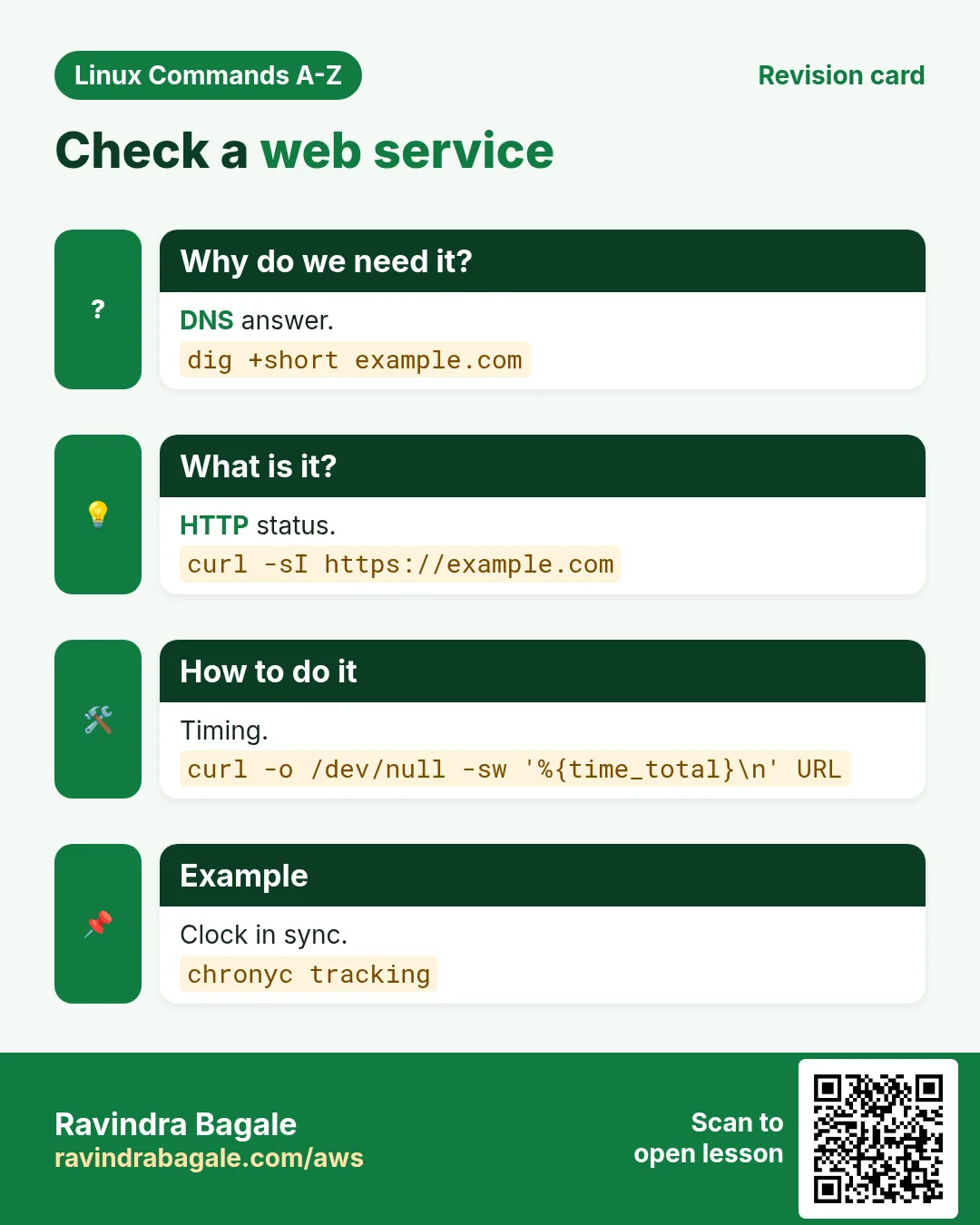
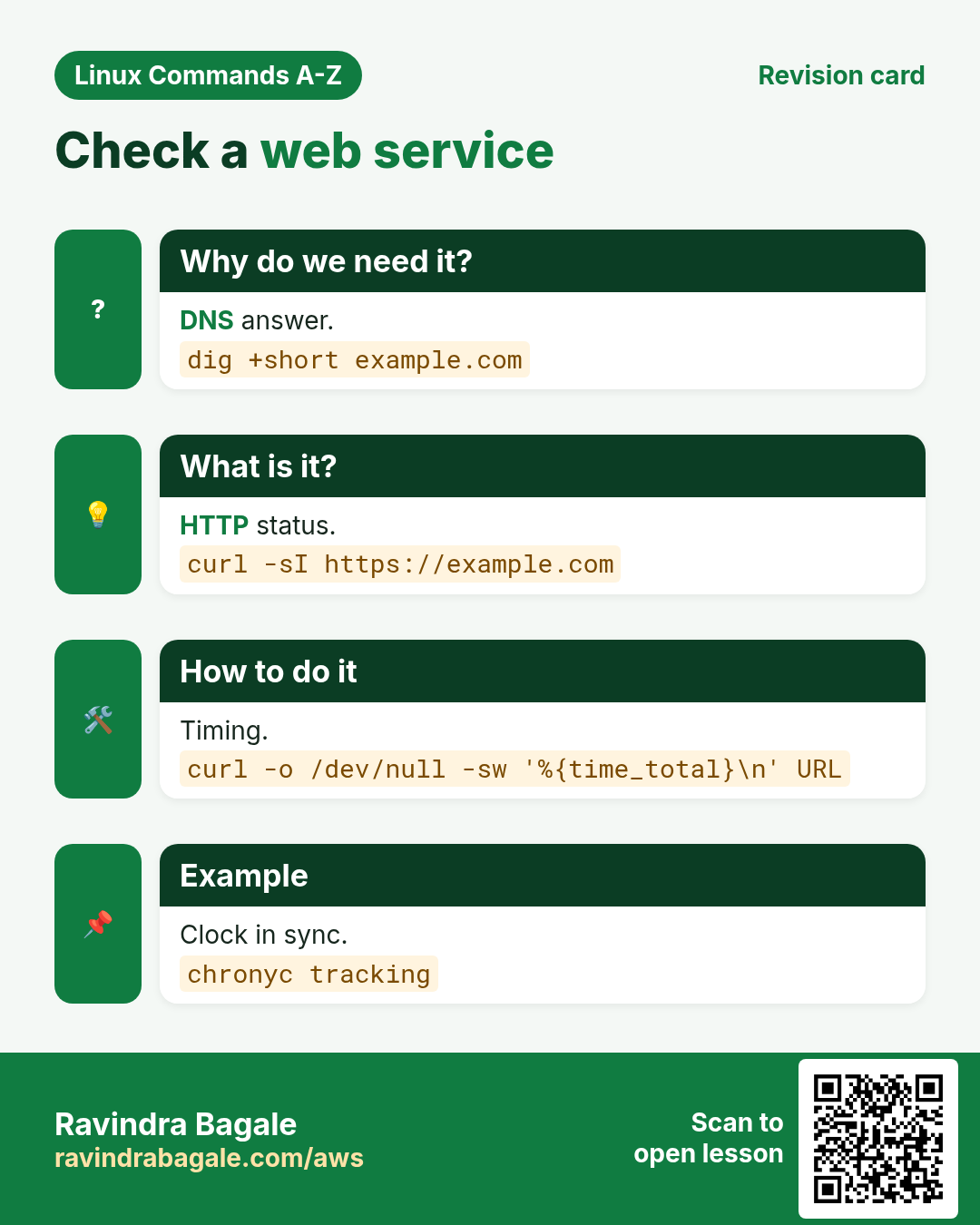
11. curl: Talk to web servers and APIs
curl in depth: test websites and APIs from the terminal
Why do we need this?
Is the site up? Which status code? Is the certificate valid? Does the API return the right JSON? curl answers all of these from the server itself, which is where you usually debug.
What is it?
curl transfers data with URLs over HTTP, HTTPS, FTP and more. By default it prints the body. Options add headers, send JSON, follow redirects, show timings or save files.
Common options
| Option | What it does |
|---|---|
curl URL | Print the body. |
curl -I URL | Headers only (HEAD). |
curl -sS | Silent but show errors. |
curl -L | Follow redirects. |
curl -o file URL | Save to a file. |
curl -X POST -H "Content-Type: application/json" -d @b.json | Send JSON. |
curl -u user:pass | Basic auth. |
curl -k | Skip TLS checks (testing only). |
curl -w "%{http_code}" | Print chosen values. |
curl --resolve host:443:IP | Test a server before DNS change. |
How to do it (step by step)
- Check headers.
curl -I https://example.comOutput:
HTTP/2 200
content-type: text/html; charset=UTF-8
What it means: 200 means OK. The headers show the type and server details.
- Only the status code.
curl -s -o /dev/null -w "%{http_code}\n" https://example.com/healthOutput:
200What it means: Perfect for scripts and health checks.
- Time each step.
curl -s -o /dev/null -w "dns=%{time_namelookup} connect=%{time_connect} total=%{time_total}\n" https://example.comOutput:
dns=0.004 connect=0.021 total=0.183What it means: Shows where the slowness is: DNS, connect or server.
- Call a JSON API.
curl -sS -X POST -H "Content-Type: application/json" -d '{"sku":"A1","qty":2}' http://localhost:8080/api/ordersOutput:
{"id":1042,"status":"created"}What it means: The API created order 1042.
- Test the new server before switching DNS.
curl -sI --resolve shop.example.com:443:10.0.5.20 https://shop.example.com | head -1Output:
HTTP/2 200What it means: curl talks to 10.0.5.20 but uses the real name for TLS.
Practise this in the tasks below: Practice tasks
Real use: A food-delivery startup in Koregaon Park runs curl -w checks every minute to catch slow payment APIs.
12. cut: Cut columns or characters from lines
cut in depth: pick columns and characters
Why do we need this?
Very often you need only one field from each line, such as user names, IPs or a date. cut is the simplest tool for fixed separators.
What is it?
cut picks fields (-f) using a one-character delimiter (-d, default tab), or characters (-c), or bytes (-b). It cannot handle many spaces in a row; use awk for that.
Common options
| Option | What it does |
|---|---|
cut -d: -f1 | Field 1, colon separator. |
cut -d, -f2,4 | Fields 2 and 4. |
cut -d, -f3- | Field 3 to the end. |
cut -c1-10 | Characters 1 to 10. |
cut --complement -f2 | All fields except 2. |
cut -d, -f1 --output-delimiter=" " | Change the output separator. |
How to do it (step by step)
- List user names.
cut -d: -f1 /etc/passwd | head -3Output:
root
bin
daemon
What it means: Field 1 of each line.
- Name and home folder.
cut -d: -f1,6 /etc/passwd | tail -2Output:
arjun:/home/arjun
priya:/home/priya
What it means: The output keeps the colon.
- Date part of log lines.
cut -c1-10 app.log | sort | uniq -cOutput:
  540 2026-10-25
  212 2026-10-26
What it means: Count log lines per day.
- Why cut fails on spaces.
echo 'a b' | cut -d' ' -f2What it means: Field 2 is empty because there are many spaces. awk '{print $2}' gives b.
Practise this in the tasks below: Practice tasks
Real use: An HR software team in Wakad cuts employee ids out of daily CSV attendance files with cut -d, -f1.
13. date: Show or format date and time
date in depth: show, format and calculate dates
Why do we need this?
Backups and logs need dated names. Reports need "yesterday". Incidents need UTC and IST side by side. date does all of this.
What is it?
date prints the current date and time in the system time zone. A + format string controls the output. GNU date -d understands words like yesterday and next monday. TZ changes the zone for one command.
Common options
| Option | What it does |
|---|---|
date | Now. |
date +%F | 2026-10-26 format. |
date +%Y%m%d-%H%M | For file names. |
date -u | UTC. |
date -d yesterday +%F | Yesterday. |
date -d "+7 days" | A week later. |
date +%s | Seconds since 1970 (epoch). |
date -d @1761400000 | Epoch to normal date. |
TZ=Asia/Kolkata date | Time in another zone. |
How to do it (step by step)
- Plain date.
dateOutput:
Mon Oct 26 01:20:05 IST 2026What it means: Shown in the server zone.
- A dated backup name.
tar czf "db-$(date +%F).tgz" db/ && ls db-*Output:
db-2026-10-26.tgzWhat it means: Sorts nicely and is easy to read.
- Yesterday for a report.
date -d yesterday +%FOutput:
2026-10-25What it means: No maths needed.
- UTC and IST together.
date -u +%T; TZ=Asia/Kolkata date +%TOutput:
19:50:05
01:20:05
What it means: IST is UTC plus 5:30.
- Turn an epoch from a log into a date.
date -d @1761400000Output:
Sat Oct 25 19:16:40 IST 2025What it means: Many apps log epoch seconds.
- Time a step in a script.
s=$(date +%s); sleep 2; echo $(( $(date +%s) - s ))sOutput:
2sWhat it means: Subtract two epochs.
Practise this in the tasks below: Practice tasks
Real use: A logistics firm in Chakan names each day's shipment export with date +%F so the files sort by day.
14. dd: Copy raw data block by block
dd in depth: raw copies, test files and bootable USBs
Why do we need this?
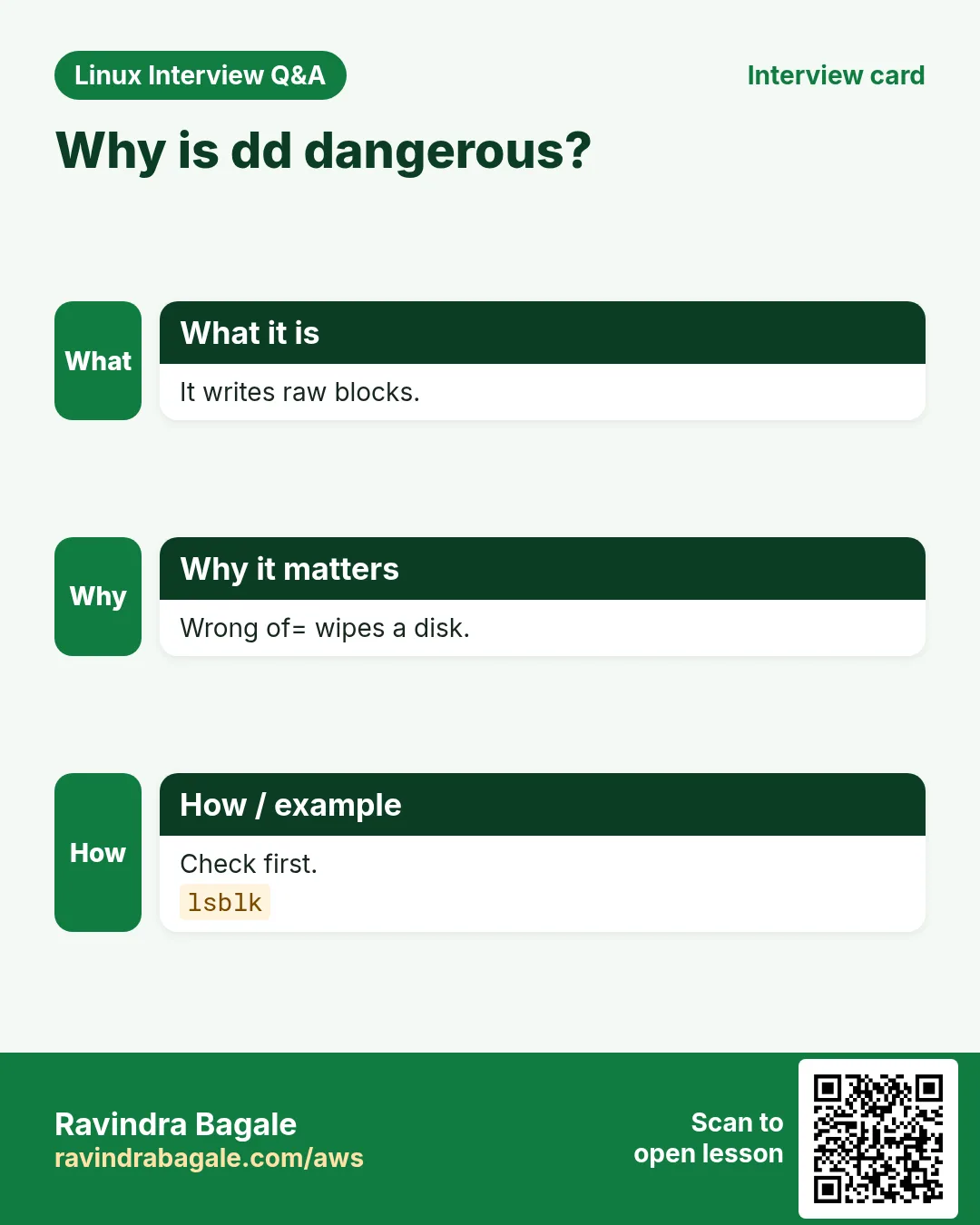
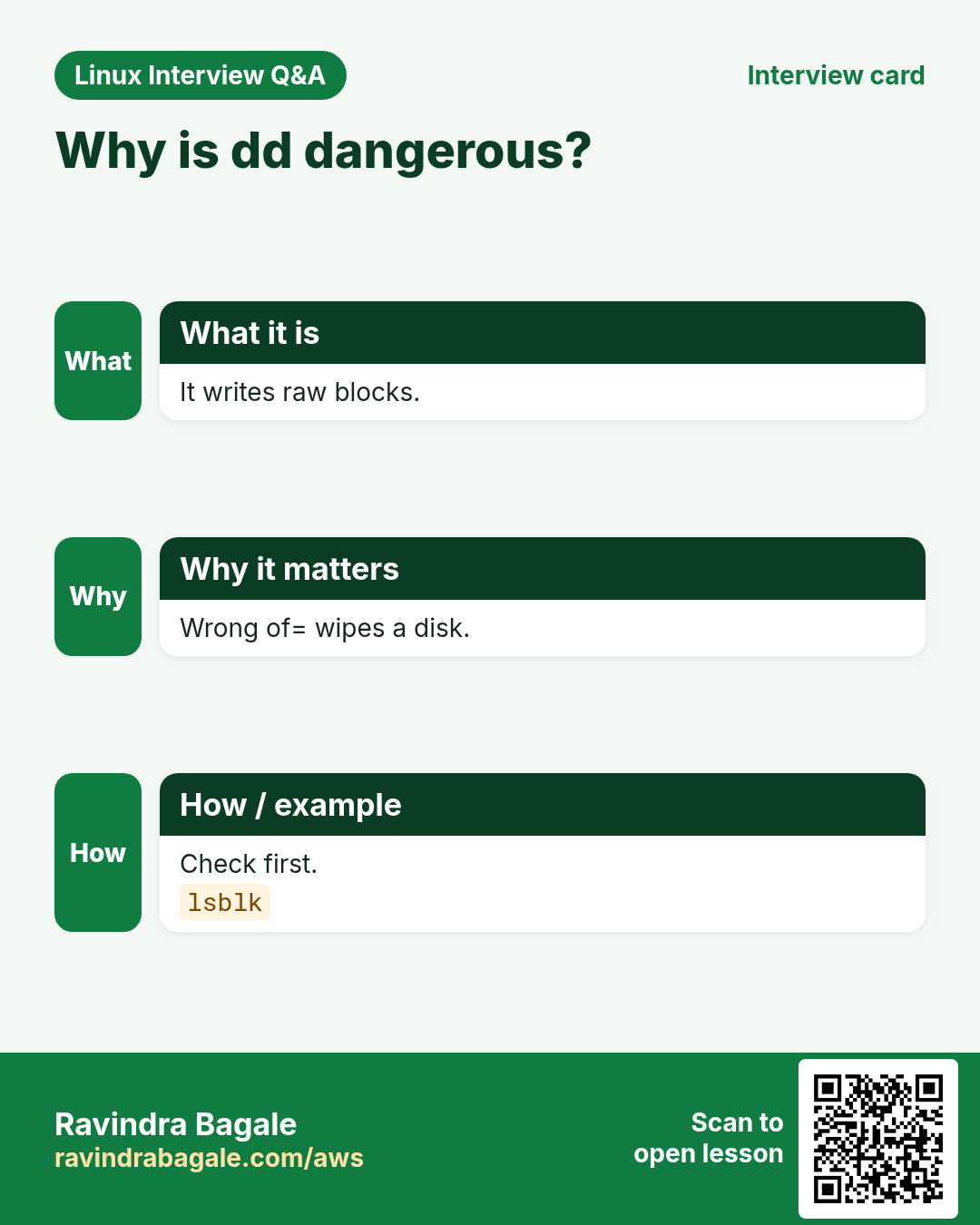
Some jobs need a byte-for-byte copy: writing an ISO to a USB stick, cloning a disk, making a test file of exact size, or wiping the start of a disk. dd does that, but one wrong letter can destroy a disk, so learn it carefully.
What is it?
dd copies from if= (input file) to of= (output file) in blocks of bs= size, count= times. It does not care about filesystems. status=progress shows progress. conv=fsync makes sure data reaches the disk.
Common options
| Option | What it does |
|---|---|
if=FILE | Input. |
of=FILE | Output (double-check this). |
bs=4M | Block size. |
count=N | Number of blocks. |
status=progress | Show progress. |
conv=fsync | Flush to disk at the end. |
oflag=direct | Bypass cache (for speed tests). |
skip=N / seek=N | Skip input / output blocks. |
How to do it (step by step)
- Make a 100 MB test file.
dd if=/dev/zero of=test.img bs=1M count=100 status=progressOutput:
104857600 bytes (105 MB, 100 MiB) copied, 0.12 s, 870 MB/sWhat it means: 100 blocks of 1 MiB each.
- Rough disk write speed.
dd if=/dev/zero of=/data/t bs=1M count=1024 oflag=directOutput:
1073741824 bytes (1.1 GB, 1.0 GiB) copied, 4.2 s, 256 MB/sWhat it means: oflag=direct skips RAM cache, so the number is closer to the disk.
- Find the USB stick first.
lsblk -d -o NAME,SIZE,MODELOutput:
sda  476G Samsung SSD
sdb   15G SanDisk Ultra
What it means: sdb is the 15 GB USB stick. Never guess.
- Write an ISO to it.
sudo dd if=Rocky-9.iso of=/dev/sdb bs=4M status=progress conv=fsyncOutput:
2.1 GB copied, 140 s, 15 MB/sWhat it means: Writes to the whole device, not a partition like sdb1.
- Back up the first MiB of a disk (partition table).
sudo dd if=/dev/vda of=vda-head.bin bs=1M count=1Output:
1048576 bytes copiedWhat it means: A small safety copy before partition work.
Practise this in the tasks below: Practice tasks
Real use: A hardware shop in Narayan Peth writes Linux installer USBs for customers with dd, always checking lsblk first.
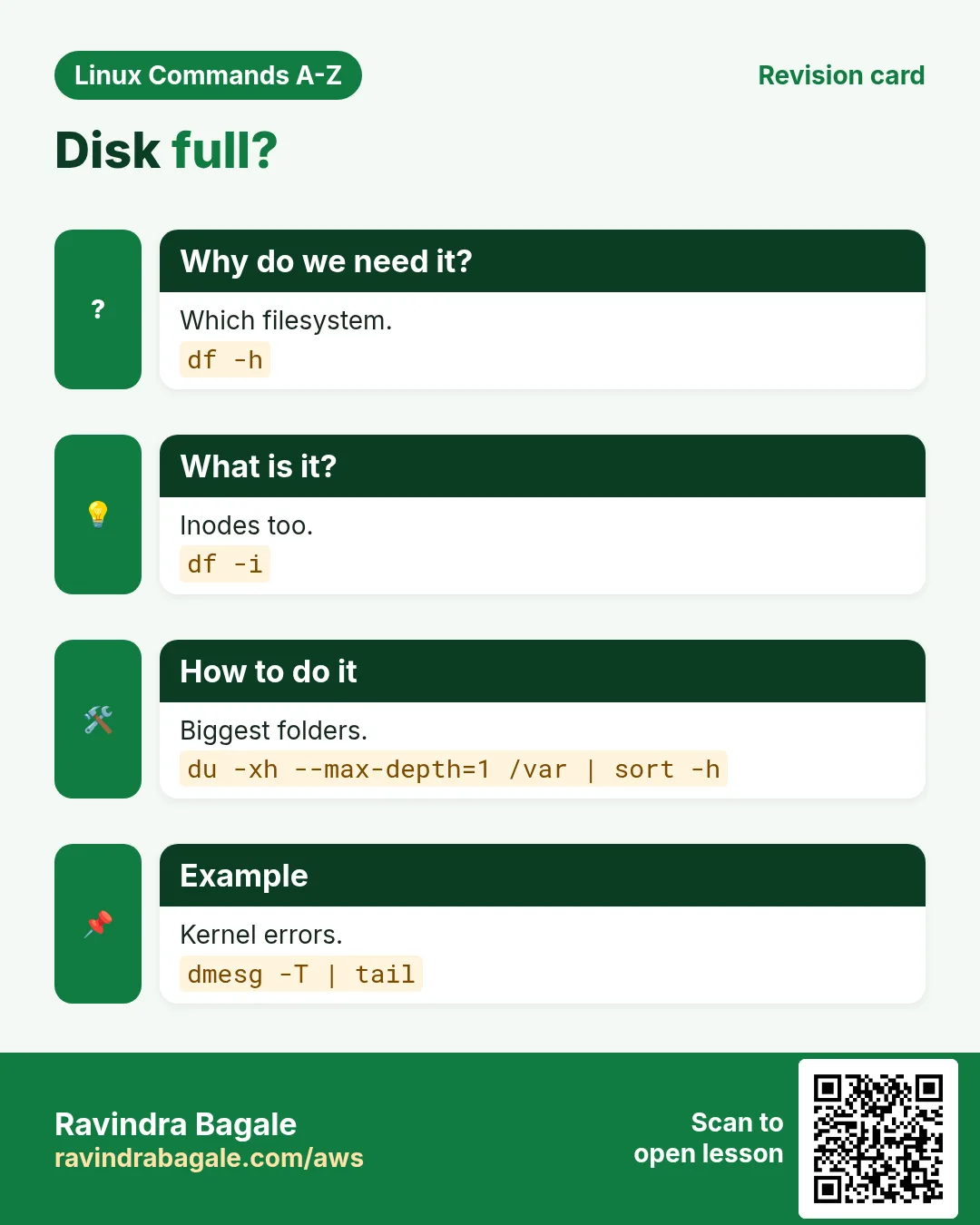
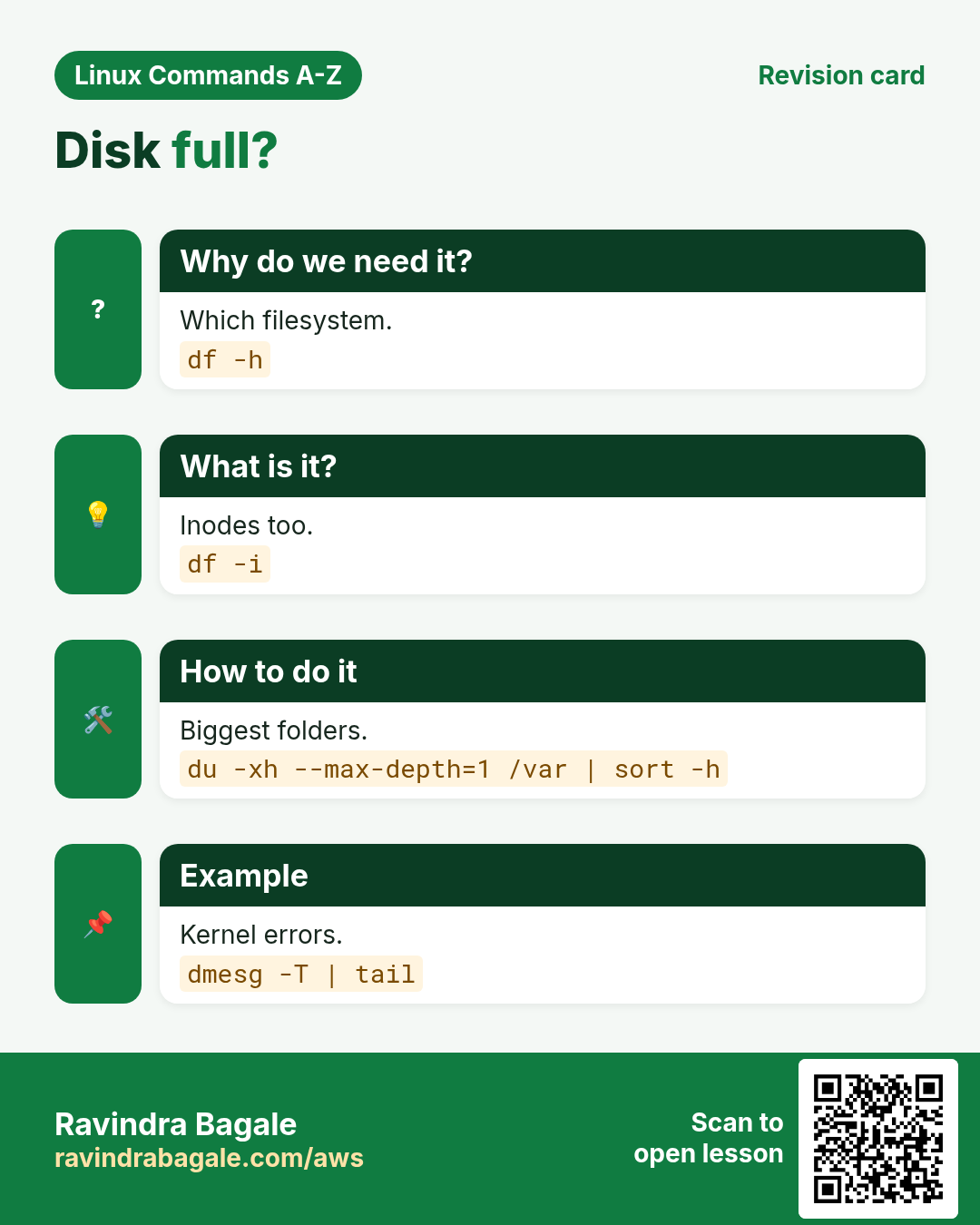
15. df: Show free disk space per filesystem
df in depth: free space, inodes and types
Why do we need this?
A full disk stops databases, logging and even SSH logins. df is the first thing to run when someone says "the server is slow" or "the app cannot write".
What is it?
df shows each mounted filesystem with size, used, available, use percent and mount point. -h gives human units. -i shows inodes, which can run out even when space is free. -T adds the filesystem type.
Common options
| Option | What it does |
|---|---|
df -h | Human readable. |
df -hT | With type. |
df -i | Inodes. |
df -h /var | The filesystem holding /var. |
df -x tmpfs -x devtmpfs | Hide memory filesystems. |
df --output=target,pcent | Choose columns. |
How to do it (step by step)
- The overview.
df -hOutput:
Filesystem      Size  Used Avail Use% Mounted on
/dev/nvme0n1p1   20G   18G  2.0G  91% /
/dev/nvme1n1    100G   40G   60G  40% /data
What it means: Root is 91% full; act before it hits 100.
- Only real disks with type.
df -hT -x tmpfs -x devtmpfsOutput:
/dev/nvme0n1p1 xfs 20G 18G 2.0G 91% /What it means: Memory filesystems are hidden.
- Inodes full?
df -i /varOutput:
Filesystem Inodes IUsed IFree IUse% Mounted on
/dev/vda3 655360 655360 0 100% /var
What it means: Space may be free, but no new file can be made. Usually millions of tiny files.
- Script-friendly use percent.
df --output=pcent / | tail -1 | tr -dc 0-9Output:
91What it means: Just the number, ready for an alert check.
Practise this in the tasks below: Practice tasks
Real use: A hospital PACS team in Erandwane watches df on the image store every hour, because a full disk stops X-ray uploads.
16. diff: Show differences between files
diff in depth: what changed between two files
Why do we need this?
After an upgrade or a colleague's change, you need to know exactly what changed in a config. diff shows it line by line and makes patches you can share.
What is it?
diff compares two text files. The default format uses < and >. -u gives the unified format used by git and patch, with - for removed and + for added lines. -r compares folders. Exit code 0 means same, 1 means different.
Common options
| Option | What it does |
|---|---|
diff a b | Default format. |
diff -u a b | Unified format. |
diff -y a b | Side by side. |
diff -r d1 d2 | Compare folders. |
diff -q d1 d2 | Only say which files differ. |
diff -w a b | Ignore spaces. |
diff -i a b | Ignore case. |
diff <(cmd1) <(cmd2) | Compare command outputs. |
How to do it (step by step)
- Unified diff of a config.
diff -u nginx.conf.bak /etc/nginx/nginx.confOutput:
--- nginx.conf.bak
+++ /etc/nginx/nginx.conf
@@ -12 +12 @@
-    worker_connections 768;
+    worker_connections 4096;
What it means: One line changed: 768 became 4096.
- Side by side for quick reading.
diff -y --width=60 a.txt b.txtOutput:
port=80        |  port=8080
user=web          user=web
What it means: | marks a changed line.
- Which files differ in two releases?
diff -rq release-41/ release-42/Output:
Files release-41/app.py and release-42/app.py differ
Only in release-42/: migrate.sql
What it means: Quick summary across folders.
- Compare two servers' configs.
diff <(ssh web01 cat /etc/app.conf) <(ssh web02 cat /etc/app.conf)Output:
3c3
< threads=8
---
> threads=4
What it means: web02 runs fewer threads. That explains the slowness.
- Make and apply a patch.
diff -u old.conf new.conf > fix.patch && patch old.conf < fix.patchOutput:
patching file old.confWhat it means: old.conf now matches new.conf.
Practise this in the tasks below: Practice tasks
Real use: An insurance company in Yerawada uses diff -u in change tickets so reviewers see exactly which config lines change.
17. dig: Query DNS records
dig in depth: ask DNS exactly what you want
Why do we need this?
"It is always DNS" is a joke among admins because so many outages are DNS problems. dig shows exactly what a DNS server answers, which record, and for how long it will be cached.
What is it?
dig (from bind-utils or dnsutils) sends DNS queries. You choose the name, the record type (A, AAAA, MX, CNAME, TXT, NS) and the server with @. +short trims the output; +trace follows the chain from the root servers.
Common options
| Option | What it does |
|---|---|
dig name | A record with full details. |
dig +short name | Only the answer. |
dig name MX | Mail servers. |
dig name TXT | TXT records (SPF, verification). |
dig @8.8.8.8 name | Ask a specific server. |
dig -x IP | Reverse lookup. |
dig +trace name | Follow from the root. |
dig +noall +answer name | Only the answer section. |
How to do it (step by step)
- Quick answer.
dig +short example.comOutput:
93.184.215.14What it means: The IP the name points to.
- See TTL.
dig +noall +answer example.comOutput:
example.com. 3600 IN A 93.184.215.14What it means: 3600 seconds: resolvers cache this for up to one hour.
- Check mail servers.
dig +short gmail.com MXOutput:
5 gmail-smtp-in.l.google.com.
10 alt1.gmail-smtp-in.l.google.com.
What it means: Lower number = higher priority.
- Compare your DNS with public DNS.
dig +short shop.example.in; dig +short @1.1.1.1 shop.example.inOutput:
10.0.5.10
203.0.113.20
What it means: Internal DNS gives a private IP; public DNS gives the public one. Normal for split DNS.
- Reverse lookup.
dig +short -x 8.8.8.8Output:
dns.google.What it means: Which name owns an IP.
Practise this in the tasks below: Practice tasks
Real use: An e-commerce team in Hinjewadi checks dig against several resolvers right after moving its site to a new load balancer.
18. dirname: Get the folder part of a path
dirname in depth: the folder part of a path
Why do we need this?
Scripts often need the folder a file is in, for example to create it first or to find files next to the script.
What is it?
dirname removes the last part of a path and prints the rest. If there is no slash it prints a dot. Like basename it works on text only. Bash can do ${p%/*}.
Common options
| Option | What it does |
|---|---|
dirname PATH | Folder part. |
dirname a/b c/d | Many paths. |
dirname -z | Use NUL at the end. |
"$(dirname "$0")" | Folder of the running script. |
${p%/*} | Pure bash way. |
How to do it (step by step)
- Simple.
dirname /var/log/nginx/access.logOutput:
/var/log/nginxWhat it means: The file name is removed.
- No slash.
dirname notes.txtOutput:
.What it means: Dot means the current folder.
- Find files next to your script.
cd "$(dirname "$0")" && lsOutput:
deploy.sh config.envWhat it means: The script works from anywhere.
- Create the parent before writing.
out=/srv/reports/2026/10/sales.csv; mkdir -p "$(dirname "$out")"What it means: The folder tree exists before the file is saved.
Practise this in the tasks below: Practice tasks
Real use: A reporting script at a Pune pharma company uses dirname to make month folders before writing each report.
19. dmesg: Read kernel messages
dmesg in depth: kernel messages about disks, memory and hardware
Why do we need this?
When a disk fails, a USB device is added, the OOM killer kills a process or a network card resets, the kernel writes a message. dmesg is where you read it.
What is it?
dmesg prints the kernel ring buffer. -T shows readable times, -l filters by level, -w waits for new messages. On many systems normal users need sudo. journalctl -k shows the same kernel log with persistence.
Common options
| Option | What it does |
|---|---|
dmesg -T | Human times. |
dmesg -l err,warn | Errors and warnings. |
dmesg -w | Follow new messages. |
dmesg -H | Pretty, paged output. |
dmesg | grep -i oom | Find OOM kills. |
dmesg -c | Print then clear (root). |
journalctl -k -b -1 | Kernel log of the last boot. |
How to do it (step by step)
- Recent errors.
sudo dmesg -T -l err,warn | tail -3Output:
[Mon Oct 26 00:12:01 2026] EXT4-fs warning (device nvme1n1): ext4_end_bio: I/O error 10What it means: I/O errors often mean a failing disk.
- Why did my Java process die?
sudo dmesg -T | grep -i "killed process"Output:
[Mon Oct 26 00:40:11 2026] Out of memory: Killed process 2211 (java) total-vm:8123456kBWhat it means: The kernel OOM killer stopped it; the server ran out of RAM.
- Watch while you plug in a disk.
sudo dmesg -wTOutput:
[...] sd 2:0:0:0: [sdb] 31457280 512-byte logical blocks: (16.1 GB/15.0 GiB)What it means: The new disk is sdb. Press Ctrl+C to stop.
Practise this in the tasks below: Practice tasks
Real use: A cloud support engineer in Magarpatta checks dmesg for OOM kills whenever a customer says "the app restarts by itself".
20. dnf: Install packages on RHEL, Fedora, Amazon Linux
dnf in depth: packages on RHEL, Rocky, Fedora and Amazon Linux 2023
Why do we need this?
Most enterprise Linux in Indian companies and banks is RHEL or a RHEL rebuild. You install software, patch CVEs, roll back bad updates and find which package gives a file, all with dnf.
What is it?
dnf resolves dependencies and installs RPM packages from repositories in /etc/yum.repos.d/. It keeps a history you can undo. yum on RHEL 8 and 9 is a link to dnf.
Common options
| Option | What it does |
|---|---|
dnf install -y pkg | Install. |
dnf remove pkg | Remove. |
dnf upgrade | Upgrade all. |
dnf check-update | What can be upgraded. |
dnf updateinfo list --security | Security updates. |
dnf search word | Search. |
dnf info pkg | Package details. |
dnf provides /path | Which package owns a file. |
dnf history | Past transactions. |
dnf history undo N | Undo transaction N. |
dnf repolist | Enabled repositories. |
dnf module list | Module streams (RHEL 8/9). |
How to do it (step by step)
- Which repos are on?
dnf repolistOutput:
repo id        repo name
appstream      Rocky Linux 9 - AppStream
baseos         Rocky Linux 9 - BaseOS
What it means: Two main RHEL-family repos.
- Install a web server.
sudo dnf install -y httpdOutput:
Installed:
  httpd-2.4.57-11.el9.x86_64 ...
Complete!
What it means: Dependencies came automatically.
- Find the package for a missing command.
dnf provides */bin/digOutput:
bind-utils-32:9.16.23-18.el9.x86_64 : Utilities for querying DNS name serversWhat it means: Install bind-utils to get dig.
- Security fixes only.
sudo dnf upgrade --security -yOutput:
Upgraded: openssl-1:3.0.7-27.el9 ...What it means: Good for quick CVE patching.
- Undo a bad change.
sudo dnf history | head -4 && sudo dnf history undo 14 -yOutput:
ID | Command line | Date and time | Action(s)
14 | install httpd | 2026-10-26 01:30 | Install
What it means: Transaction 14 is reversed.
Practise this in the tasks below: Practice tasks
Real use: A bank data centre in Pune patches RHEL servers monthly with dnf upgrade --security and keeps dnf history ids in the change ticket for rollback.
21. du: Show how much space folders use
du in depth: what is eating the disk?
Why do we need this?
df tells you a disk is full. du tells you which folder is using the space, so you know what to clean or move.
What is it?
du adds up the space used by files and folders. -s gives one total per argument, -h human units, -d sets depth, -x stays on one filesystem. Deleted but still open files are not counted, so df and du can disagree.
Common options
| Option | What it does |
|---|---|
du -sh dir | Total for dir. |
du -h -d1 dir | One level deep. |
du -xh -d1 / | Stay on the root filesystem. |
du -sh * | sort -h | Rank items by size. |
du -ah dir | Include files. |
du --exclude=*.iso | Skip a pattern. |
du -c a b | Grand total. |
How to do it (step by step)
- Total of a folder.
sudo du -sh /var/logOutput:
4.2G /var/logWhat it means: Logs are 4.2 GB.
- Biggest folders under /var.
sudo du -xh -d1 /var | sort -h | tail -4Output:
310M	/var/cache
1.1G	/var/lib
4.2G	/var/log
5.7G	/var
What it means: /var/log is the big one.
- Dig one more level.
sudo du -sh /var/log/* | sort -h | tail -2Output:
600M	/var/log/journal
3.4G	/var/log/app
What it means: The app logs need rotation.
- Largest files.
sudo find /var/log -type f -size +500M -exec du -h {} + | sort -hOutput:
2.9G /var/log/app/debug.logWhat it means: One debug log is 2.9 GB.
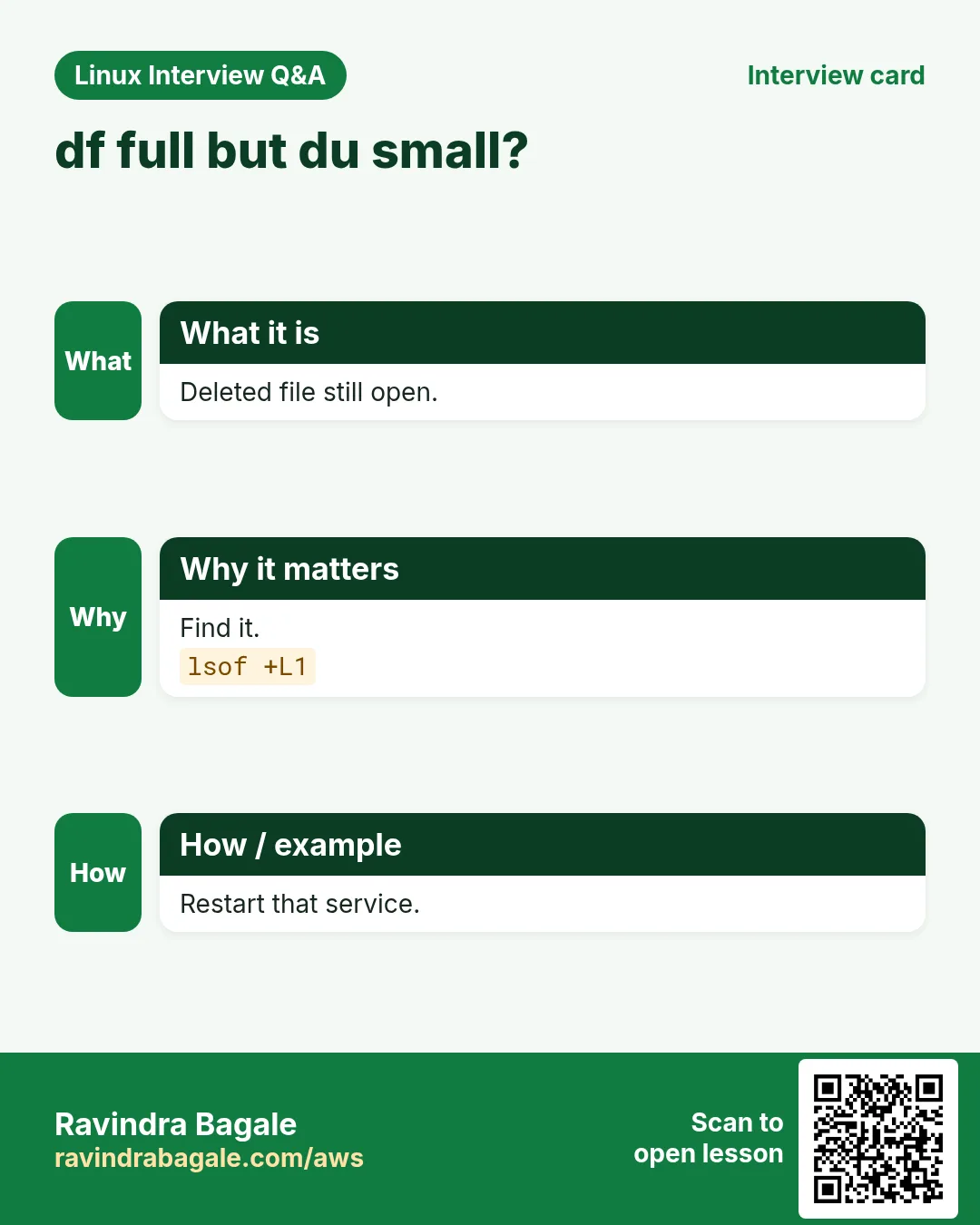
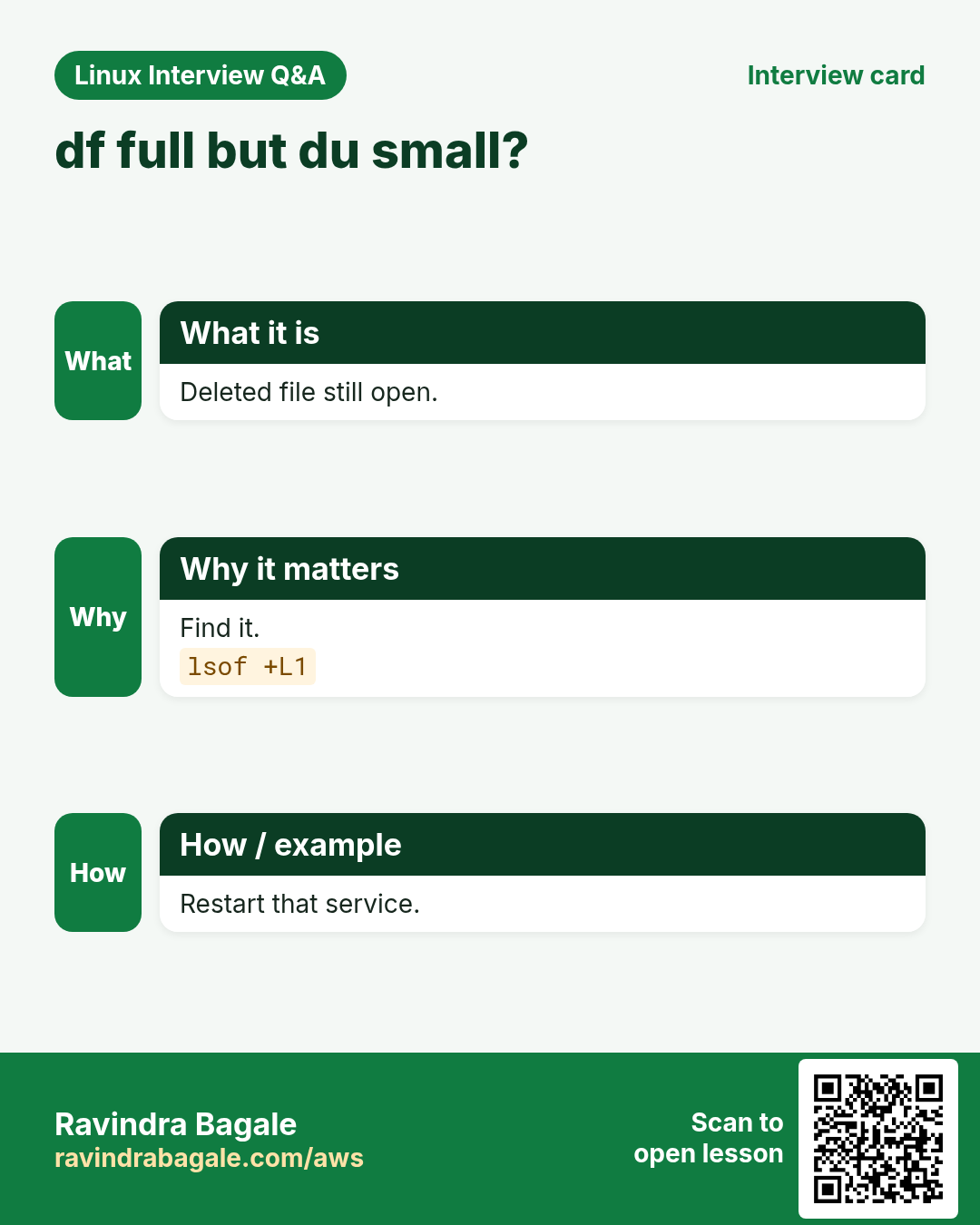
- df and du disagree?
sudo lsof +L1 | head -3Output:
java 2211 app 12w REG 259,1 2147483648 0 1234 /var/log/app/old.log (deleted)What it means: A deleted file is still held open; restart the process to free the space.
Practise this in the tasks below: Practice tasks
Real use: A video-streaming startup in Balewadi runs du -xh -d1 when its transcoding server fills up, then clears the temp chunks.
22. Commands in this range already covered in depth
Why do we need this?
These commands already have a full why, what and how section in an earlier chapter. Repeating them here would only make the page longer.
What is it?
Each link opens the exact section with options, examples and output.
How to do it (step by step)
cp: Copy files and folders: -r, -i, -v and -p
23. Real examples from many industries
Why do we need this?
The same Linux skill shows up in every kind of company. Seeing it in many places helps you remember it.
What is it?
Each row is a made-up team. It shows who uses this and how.
How to do it (step by step)
| Team and city | How they use it | Command |
|---|---|---|
| Aditya, broking, Deccan | Alerts on clock offset over 100 ms | chronyc tracking |
| Swati, e-commerce, Hinjewadi | Checks DNS after a load balancer move | dig +short @1.1.1.1 shop.example.in |
| Nikhil, payments, Koregaon Park | Times payment API calls every minute | curl -s -o /dev/null -w "%{time_total}" URL |
| Rupali, bank DC, Pune | Monthly RHEL patching with rollback ids | dnf upgrade --security -y |
| Omkar, video startup, Balewadi | Finds what fills the transcoding disk | du -xh -d1 / | sort -h |
| Neha, insurance, Yerawada | Puts config diffs in change tickets | diff -u old.conf new.conf |
24. Common errors and how to fix them
Why do we need this?
Everyone hits these errors. Knowing the cause saves hours.
What is it?
Read the exact message first. Then match it to a row below.
How to do it (step by step)
| Error you see | Why it happens | How to fix |
|---|---|---|
506 Cannot talk to daemon | chronyd is not running | Start the service.systemctl enable --now chronyd |
chroot: failed to run command '/bin/bash': No such file or directory | Wrong folder or root disk not mounted | Mount the right partition first.lsblk -f; ls /mnt/sys/bin/bash |
comm: file 1 is not in sorted order | Input not sorted | Sort both inputs.comm <(sort a) <(sort b) |
Cron job runs by hand but not from cron | Cron has a small PATH and no env | Use full paths and log output.PATH=/usr/local/bin:/usr/bin:/bin |
curl: (60) SSL certificate problem: unable to get local issuer certificate | Missing CA bundle or a broken chain on the server | Fix the chain; update CA certificates.openssl s_client -connect host:443 -showcerts |
curl: (7) Failed to connect to localhost port 8080: Connection refused | Nothing is listening on that port | Start the app or check the port.ss -ltnp | grep 8080 |
cut: the delimiter must be a single character | Used -d with two characters | Use one character or switch to awk.awk -F'::' '{print $2}' f |
date: invalid date 'yesterdy' | Typing mistake in -d text | Fix the word.date -d yesterday |
dd: failed to open '/dev/sdb': Permission denied | Needs root | Use sudo, after checking lsblk.lsblk; sudo dd ... |
No space left on device (but df shows free space) | Inodes are full | Find folders with many tiny files.df -i; du --inodes -d2 /var | sort -n | tail |
;; connection timed out; no servers could be reached | DNS server unreachable or blocked | Check resolv.conf and port 53.cat /etc/resolv.conf; nc -vzu 8.8.8.8 53 |
Error: Failed to download metadata for repo 'appstream' | No internet, proxy or a bad mirror | Check network, then clean cache.dnf clean all; dnf makecache |
25. Troubleshooting step by step
Why do we need this?
When a Part 2 command misbehaves, go through these steps.
What is it?
Go top to bottom. Stop at the first step that shows the problem.
How to do it (step by step)
- Is the service behind it running (chronyd, crond)?
systemctl is-active chronyd crond- Can you reach the network?
ping -c2 8.8.8.8- Is DNS working?
dig +short example.com- Is the disk or inode table full?
df -h /; df -i /- Did the kernel log anything?
sudo dmesg -T | tail -5- What changed recently?
sudo dnf history | head -526. Lab 1: Find and fix a full disk
Why do we need this?
Fill a test folder, find it with df and du, then clean it and schedule automatic cleanup.
What is it?
A full hands-on lab. Run every step on a test Linux machine (an EC2 instance, a VM, or WSL).
How to do it (step by step)
- Create big test files.
mkdir -p /tmp/lab9 && for i in 1 2 3; do dd if=/dev/zero of=/tmp/lab9/f$i bs=1M count=200 status=none; done- See the disk.
df -h /tmpOutput:
tmpfs 1.8G 600M 1.2G 33% /tmp- Find the folder.
du -sh /tmp/* 2>/dev/null | sort -h | tail -1Output:
600M /tmp/lab9- Delete old files.
find /tmp/lab9 -name "f*" -mmin +0 -delete; du -sh /tmp/lab9Output:
0 /tmp/lab9- Schedule nightly cleanup.
(crontab -l 2>/dev/null; echo "15 2 * * * find /tmp/lab9 -type f -mtime +1 -delete") | crontab -- Confirm.
crontab -l | tail -1Output:
15 2 * * * find /tmp/lab9 -type f -mtime +1 -delete27. Lab 2: Check a website end to end
Why do we need this?
Check DNS, connection timing, status code and the TLS date of a site, and compare two server configs.
What is it?
A full hands-on lab. Run every step on a test Linux machine (an EC2 instance, a VM, or WSL).
How to do it (step by step)
- DNS answer and TTL.
dig +noall +answer example.orgOutput:
example.org. 3600 IN A 93.184.215.14- Status code.
curl -s -o /dev/null -w "%{http_code}\n" https://example.orgOutput:
200- Timing.
curl -s -o /dev/null -w "dns=%{time_namelookup} tls=%{time_appconnect} total=%{time_total}\n" https://example.orgOutput:
dns=0.003 tls=0.090 total=0.170- Certificate end date.
echo | openssl s_client -connect example.org:443 2>/dev/null | openssl x509 -noout -enddateOutput:
notAfter=Jan 15 23:59:59 2027 GMT- Make two configs.
printf 'port=80\nthreads=8\n' > a.conf; printf 'port=80\nthreads=4\n' > b.conf- Compare.
diff -u a.conf b.confOutput:
-threads=8
+threads=4Ravindra Bagale's Tip
Make two habits today. One: before any risky change, save a copy and later compare it with diff -u. Two: whenever you add a cron line, send its output to a log file. These two habits alone will save you during most late-night incidents.
Ravindra Bagale's Tip – मराठी
आज दोन सवयी लावा. एक: कोणत्याही risky बदलाआधी copy save करा आणि नंतर diff -u ने compare करा. दोन: cron line जोडताना तिचा output log file मधे पाठवा. फक्त या दोन सवयी रात्री उशिराच्या बहुतेक incidents मधे वाचवतील.
Ravindra Bagale's Tip – हिंदी
आज दो आदतें बनाइए। एक: किसी भी risky बदलाव से पहले copy save कीजिए और बाद में diff -u से compare कीजिए। दो: cron line जोड़ते समय उसका output log file में भेजिए। सिर्फ़ ये दो आदतें देर रात के ज़्यादातर incidents में बचाएँगी।
28. Frequently asked questions
Q. Why is df different from du?
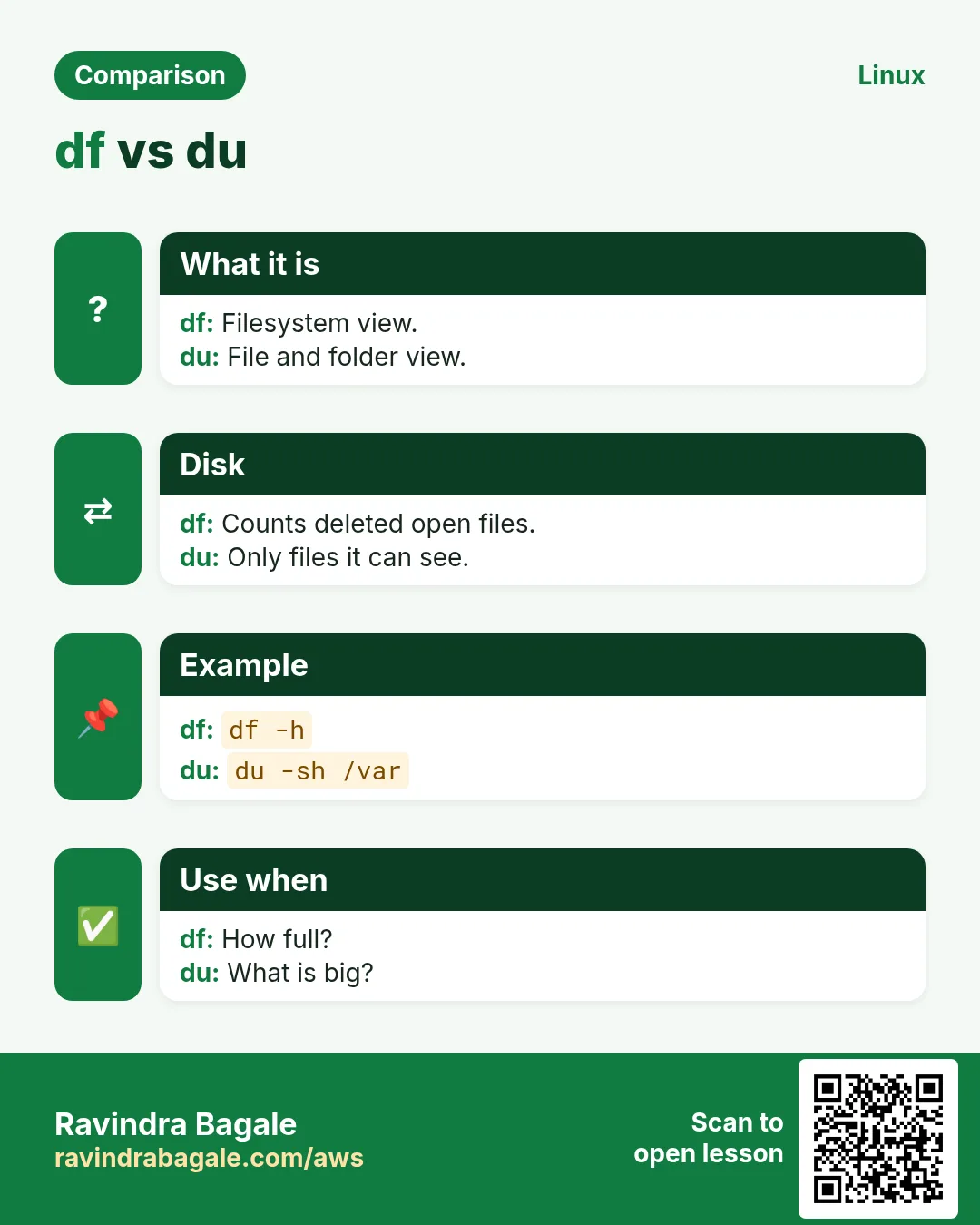
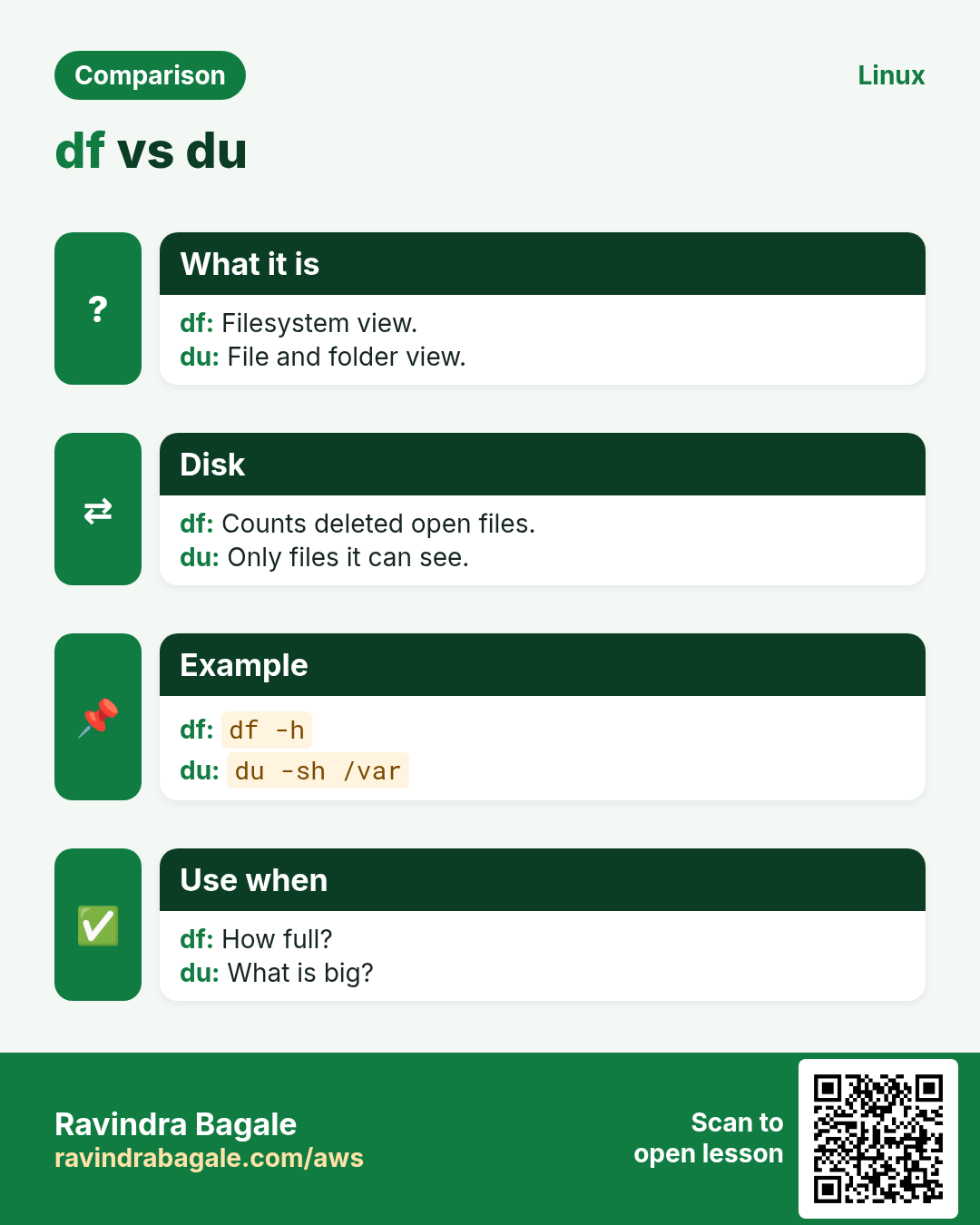
du cannot see deleted files that are still open, and it skips other mounts with -x. Check lsof +L1.
Q. cron or systemd timer?
Both work. Timers give logs in journalctl and handle missed runs; cron is simpler and everywhere.
Q. Is curl -k safe?
Only for testing. It turns off certificate checks.
Q. dig or nslookup?
dig gives more detail and is preferred by admins. nslookup is in a later part.
Q. Can dd damage my laptop disk?
Yes, if of= points to it. Always check lsblk first.
Q. Is yum gone?
On RHEL 8 and 9, yum is just a link to dnf.
Q. Why does my cron job not see my variables?
Cron does not read your .bashrc. Set variables in the crontab or the script.
Q. Where is cp?
Linked above under commands already covered.
29. Interview questions and answers
Beginner level
Q. What do the five cron fields mean?
Minute, hour, day of month, month, day of week.
Q. How do you check free disk space?
df -h.
Q. How do you see only HTTP headers?
curl -I URL.
Q. How do you get yesterday's date?
date -d yesterday +%F.
Mid level level
Q. Disk is full but du shows little. Why?
A deleted file is still open; find it with lsof +L1 and restart the process.
Q. How do you check which DNS server answers?
dig name shows SERVER: at the bottom; dig @server name tests one.
Q. How do you undo a bad package update?
dnf history then dnf history undo ID.
Q. What does chronyc makestep do?
Steps the clock at once instead of slewing.
Senior level
Q. Root password lost on RHEL 9. Steps?
rd.break, mount -o remount,rw /sysroot, chroot /sysroot, passwd, touch /.autorelabel.
Q. How to test a new server before DNS cutover?
curl --resolve host:443:NEWIP https://host.
Q. Design a safe cron for backups across 200 servers.
Random delay, flock to prevent overlap, logs, alert on failure, and a central check.
Try at home
- Run the five-minute health check on your own VM and save the output with today's date in the name.
- Add a cron job that writes date to a file every 5 minutes; check it after 15 minutes, then remove it.
- Use dig on three sites you use daily and note their TTLs.
Practice Tasks
London Legal LLP is a law business in London. Oliver Hughes looks after its IT and cloud work. They count money in GBP and run their AWS resources in the eu-west-2 Region. In the tasks below you do real jobs for them using what this lesson teaches. All names, account IDs, IP addresses and numbers are made up for practice.
0 / 20
Easy Numeric sources
Why: BIZ runs Linux servers and uses commands from chronyc to du daily.
What to do: List chrony source statistics without DNS lookups.
- Find the Linux command that does this job.
- Add the options (like -r or -h) the task needs.
- Add the file names, folders or users in the right order.
- Use sudo if the job changes system files or users. Click Check answer.
Easy Numeric tracking
Why: BIZ runs Linux servers and uses commands from chronyc to du daily.
What to do: Show chrony tracking with numeric addresses only.
- Find the Linux command that does this job.
- Add the options (like -r or -h) the task needs.
- Add the file names, folders or users in the right order.
- Use sudo if the job changes system files or users. Click Check answer.
Easy Save a file
Why: BIZ runs Linux servers and uses commands from chronyc to du daily.
What to do: Download https://example.com/a.tar.gz keeping its remote file name, following redirects.
- Find the Linux command that does this job.
- Add the options (like -r or -h) the task needs.
- Add the file names, folders or users in the right order.
- Use sudo if the job changes system files or users. Click Check answer.
Easy Next Monday
Why: BIZ runs Linux servers and uses commands from chronyc to du daily.
What to do: Print the date of next monday as YYYY-MM-DD.
- Find the Linux command that does this job.
- Add the options (like -r or -h) the task needs.
- Add the file names, folders or users in the right order.
- Use sudo if the job changes system files or users. Click Check answer.
Easy Warnings only
Why: BIZ runs Linux servers and uses commands from chronyc to du daily.
What to do: Show kernel messages of level warn only with readable times.
- Find the Linux command that does this job.
- Add the options (like -r or -h) the task needs.
- Add the file names, folders or users in the right order.
- Use sudo if the job changes system files or users. Click Check answer.
Medium First bytes only
Why: BIZ runs Linux servers and uses commands from chronyc to du daily.
What to do: Compare only the first 512 bytes of disk1.img and disk2.img.
- Find the Linux command that does this job.
- Add the options (like -r or -h) the task needs.
- Add the file names, folders or users in the right order.
- Use sudo if the job changes system files or users. Click Check answer.
Medium Only in second
Why: BIZ runs Linux servers and uses commands from chronyc to du daily.
What to do: Show lines only in new.txt when compared with old.txt (both sorted).
- Find the Linux command that does this job.
- Add the options (like -r or -h) the task needs.
- Add the file names, folders or users in the right order.
- Use sudo if the job changes system files or users. Click Check answer.
Medium Another user's cron
Why: BIZ runs Linux servers and uses commands from chronyc to du daily.
What to do: As root, list the crontab of user deploy.
- Find the Linux command that does this job.
- Add the options (like -r or -h) the task needs.
- Add the file names, folders or users in the right order.
- Use sudo if the job changes system files or users. Click Check answer.
Medium Basic auth
Why: BIZ runs Linux servers and uses commands from chronyc to du daily.
What to do: Call http://localhost:9000/api/health with user admin and password Pune123 showing headers only.
- Find the Linux command that does this job.
- Add the options (like -r or -h) the task needs.
- Add the file names, folders or users in the right order.
- Use sudo if the job changes system files or users. Click Check answer.
Medium All but one field
Why: BIZ runs Linux servers and uses commands from chronyc to du daily.
What to do: Print all comma fields of emp.csv except field 3.
- Find the Linux command that does this job.
- Add the options (like -r or -h) the task needs.
- Add the file names, folders or users in the right order.
- Use sudo if the job changes system files or users. Click Check answer.
Medium UTC ISO time
Why: BIZ runs Linux servers and uses commands from chronyc to du daily.
What to do: Print the current time in UTC in ISO 8601 with seconds.
- Find the Linux command that does this job.
- Add the options (like -r or -h) the task needs.
- Add the file names, folders or users in the right order.
- Use sudo if the job changes system files or users. Click Check answer.
Medium Choose df columns
Why: BIZ runs Linux servers and uses commands from chronyc to du daily.
What to do: Show only source, size and available columns for /home in human units.
- Find the Linux command that does this job.
- Add the options (like -r or -h) the task needs.
- Add the file names, folders or users in the right order.
- Use sudo if the job changes system files or users. Click Check answer.
Medium Ignore spacing
Why: BIZ runs Linux servers and uses commands from chronyc to du daily.
What to do: Compare a.yml and b.yml ignoring all white space, unified format.
- Find the Linux command that does this job.
- Add the options (like -r or -h) the task needs.
- Add the file names, folders or users in the right order.
- Use sudo if the job changes system files or users. Click Check answer.
Medium Name servers
Why: BIZ runs Linux servers and uses commands from chronyc to du daily.
What to do: List only the name servers of example.org.
- Find the Linux command that does this job.
- Add the options (like -r or -h) the task needs.
- Add the file names, folders or users in the right order.
- Use sudo if the job changes system files or users. Click Check answer.
Hard Run one command inside
Why: BIZ runs Linux servers and uses commands from chronyc to du daily.
What to do: Run passwd for user root inside /mnt/sys without opening a shell.
- Find the Linux command that does this job.
- Add the options (like -r or -h) the task needs.
- Add the file names, folders or users in the right order.
- Use sudo if the job changes system files or users. Click Check answer.
Hard JSON table
Why: BIZ runs Linux servers and uses commands from chronyc to du daily.
What to do: Turn space-separated users.txt into JSON with column names name and uid.
- Find the Linux command that does this job.
- Add the options (like -r or -h) the task needs.
- Add the file names, folders or users in the right order.
- Use sudo if the job changes system files or users. Click Check answer.
Hard Weekend schedule
Why: BIZ runs Linux servers and uses commands from chronyc to du daily.
What to do: Write the cron time fields for 6:45 AM on Saturday and Sunday only.
- Find the Linux command that does this job.
- Add the options (like -r or -h) the task needs.
- Add the file names, folders or users in the right order.
- Use sudo if the job changes system files or users. Click Check answer.
Hard Skip blocks
Why: BIZ runs Linux servers and uses commands from chronyc to du daily.
What to do: Copy 1 MiB from disk.img starting after the first 10 MiB into part.bin.
- Find the Linux command that does this job.
- Add the options (like -r or -h) the task needs.
- Add the file names, folders or users in the right order.
- Use sudo if the job changes system files or users. Click Check answer.
Hard Info on one transaction
Why: BIZ runs Linux servers and uses commands from chronyc to du daily.
What to do: Show the details of dnf transaction 22.
- Find the Linux command that does this job.
- Add the options (like -r or -h) the task needs.
- Add the file names, folders or users in the right order.
- Use sudo if the job changes system files or users. Click Check answer.
Hard Inode hogs
Why: BIZ runs Linux servers and uses commands from chronyc to du daily.
What to do: Show inode counts per folder one level under /var.
- Find the Linux command that does this job.
- Add the options (like -r or -h) the task needs.
- Add the file names, folders or users in the right order.
- Use sudo if the job changes system files or users. Click Check answer.
30. Related chapters
- Linux Commands A-Z Index
- Linux Ops Refresh for DevOps
- Bash Scripting for Automation
- Linux grep and find Commands with Examples
- How to Set Up Passwordless SSH Between Linux Servers
In short
- chronyc and date: time.
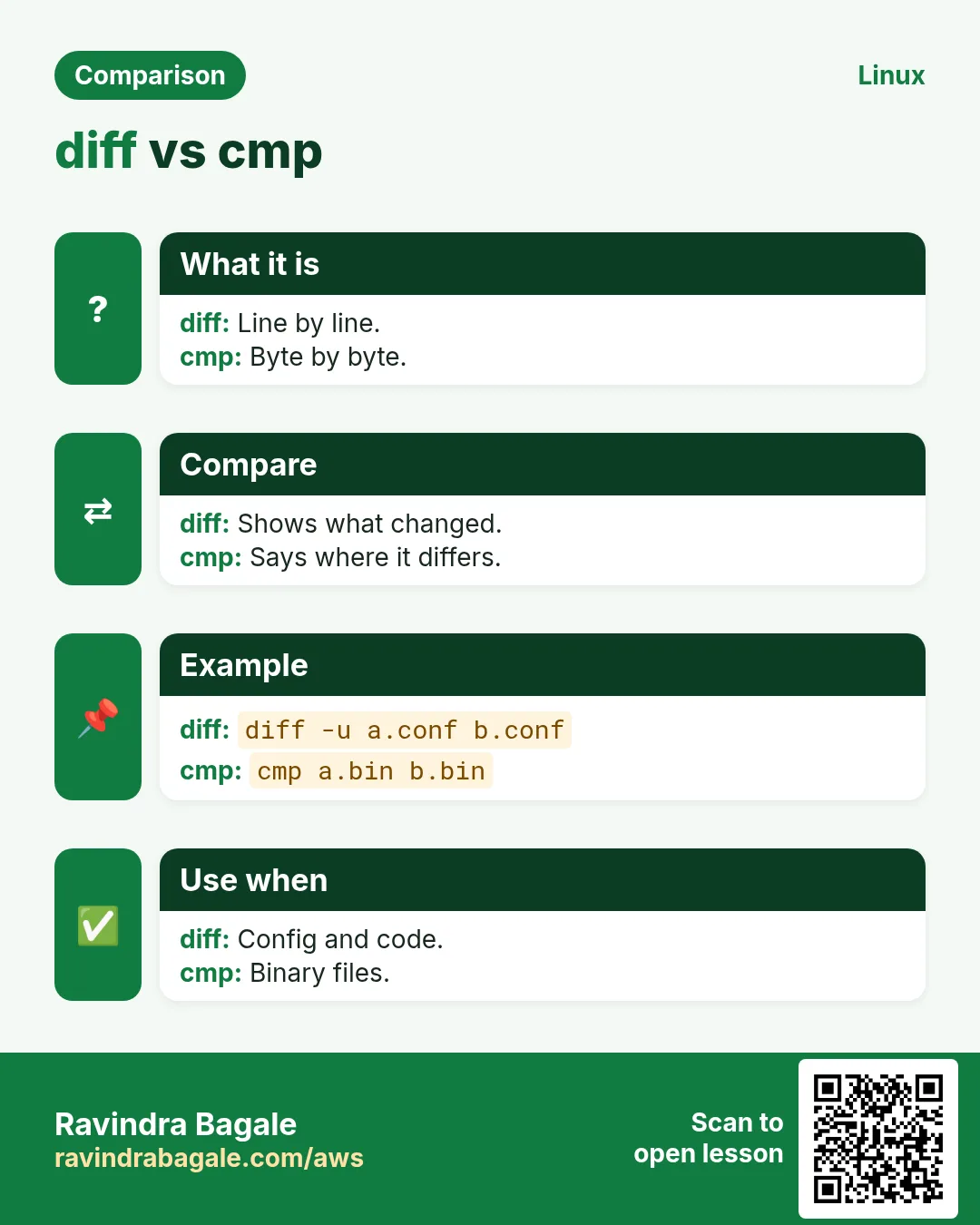
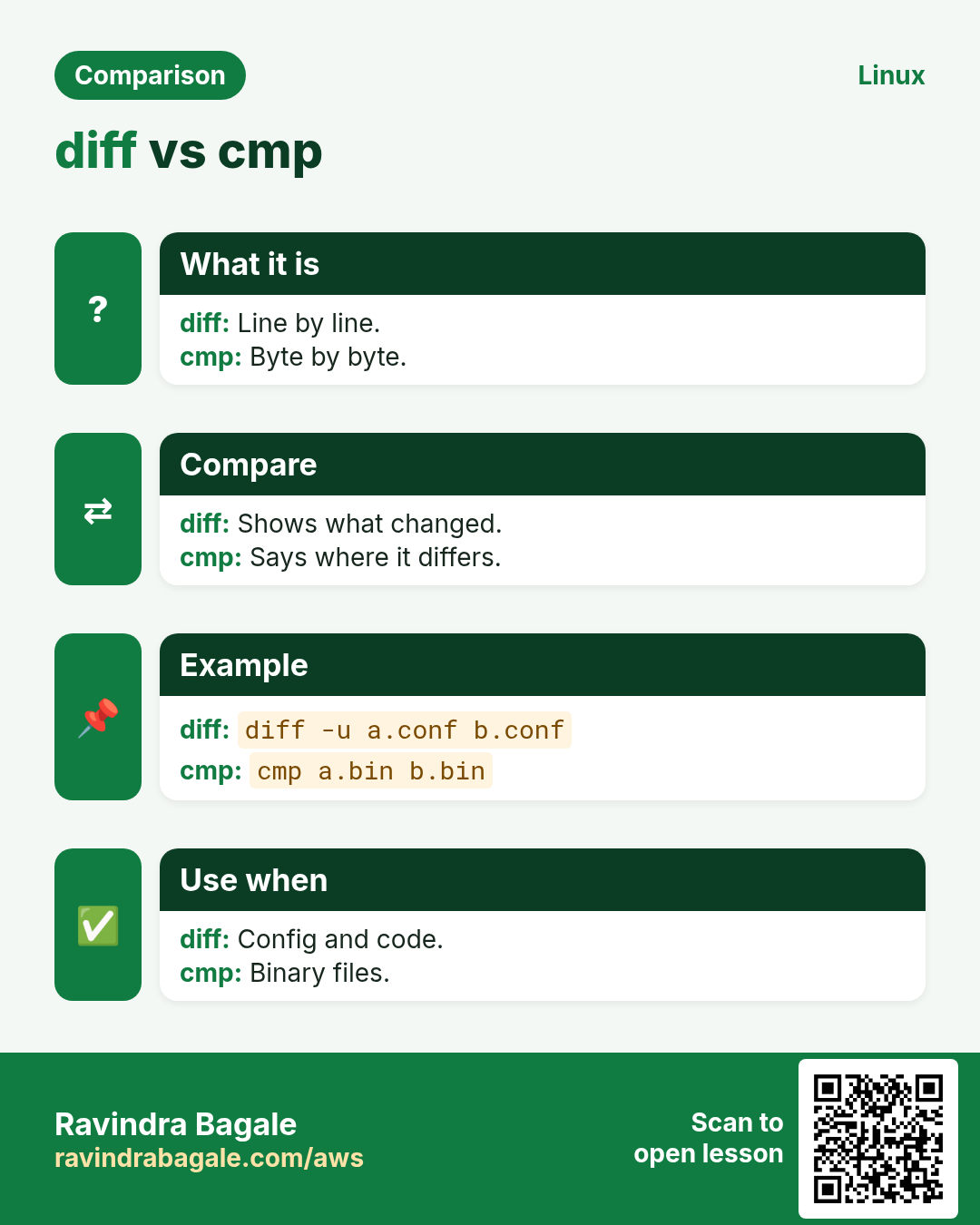
- cmp, comm, diff, cksum: compare.
- crontab: five fields, full paths, log output.
- curl and dig: web and DNS checks.
- df vs du: free space vs who uses it.
- dnf history undo rolls back.
Revision, comparison and interview cards
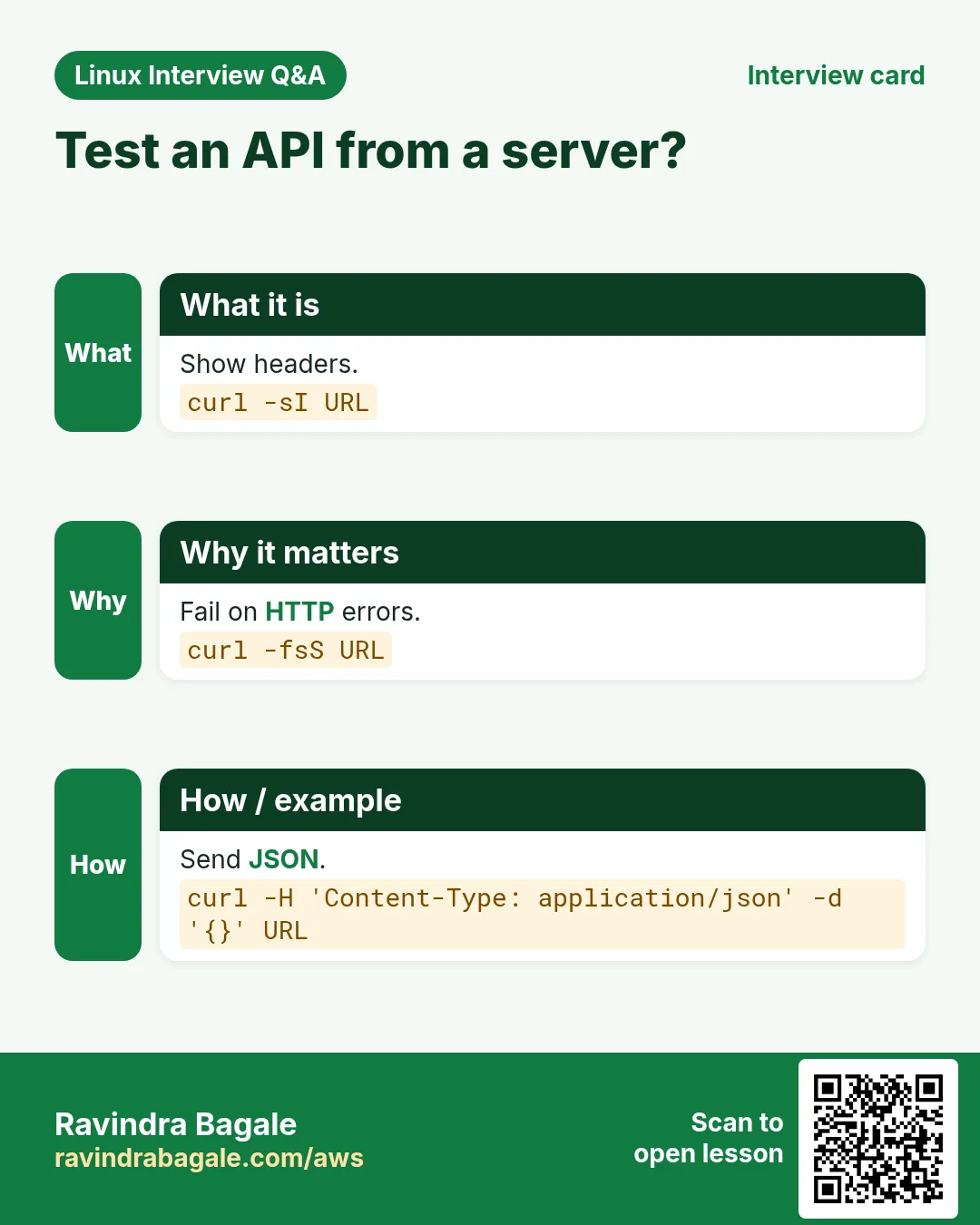
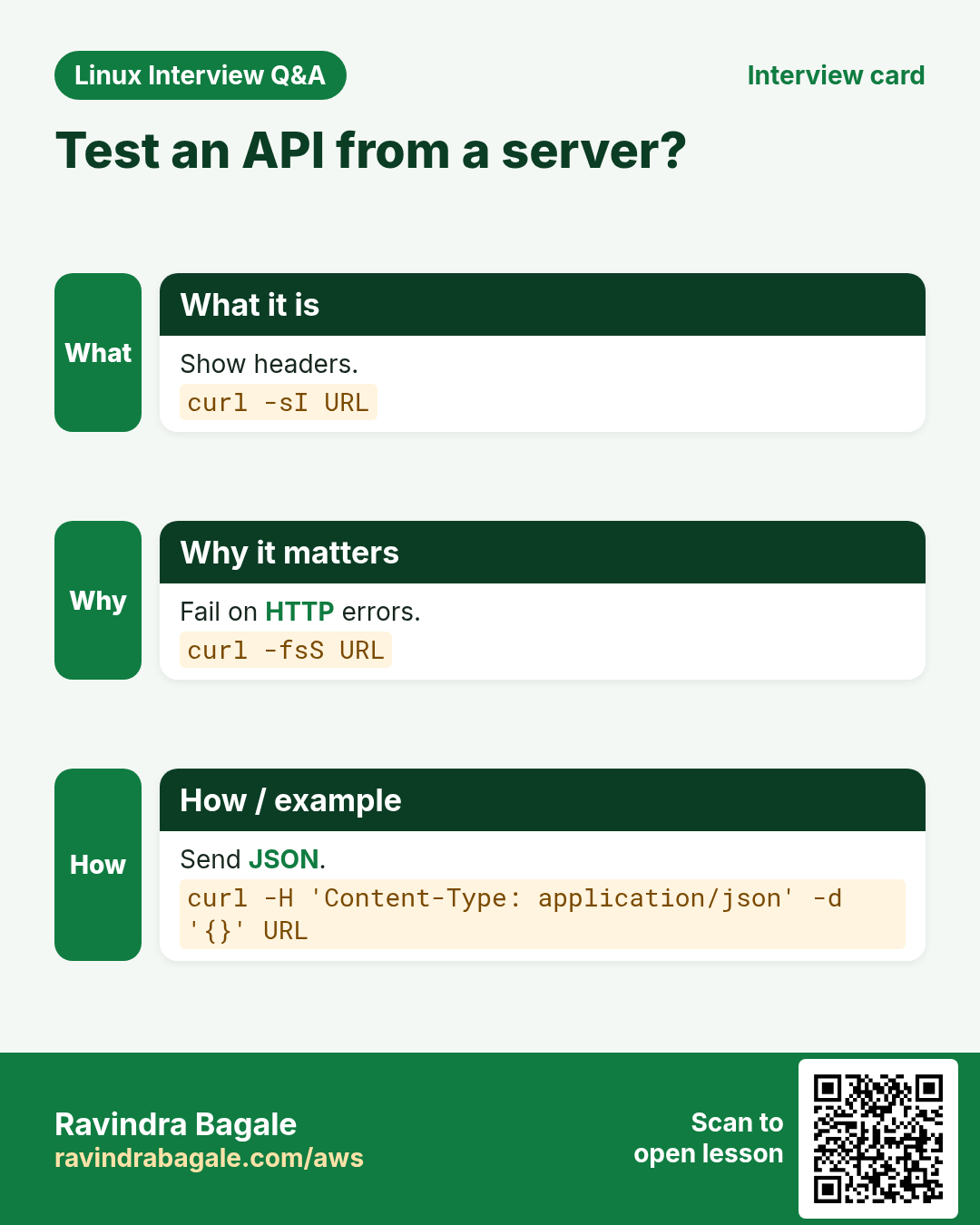
Revise this lesson in a few minutes. Save the cards on your phone or download them as PNG files. The QR code on each card opens this lesson.


More cards: Ravi Sir's Cards.