Create an Amazon Aurora Database Step by Step
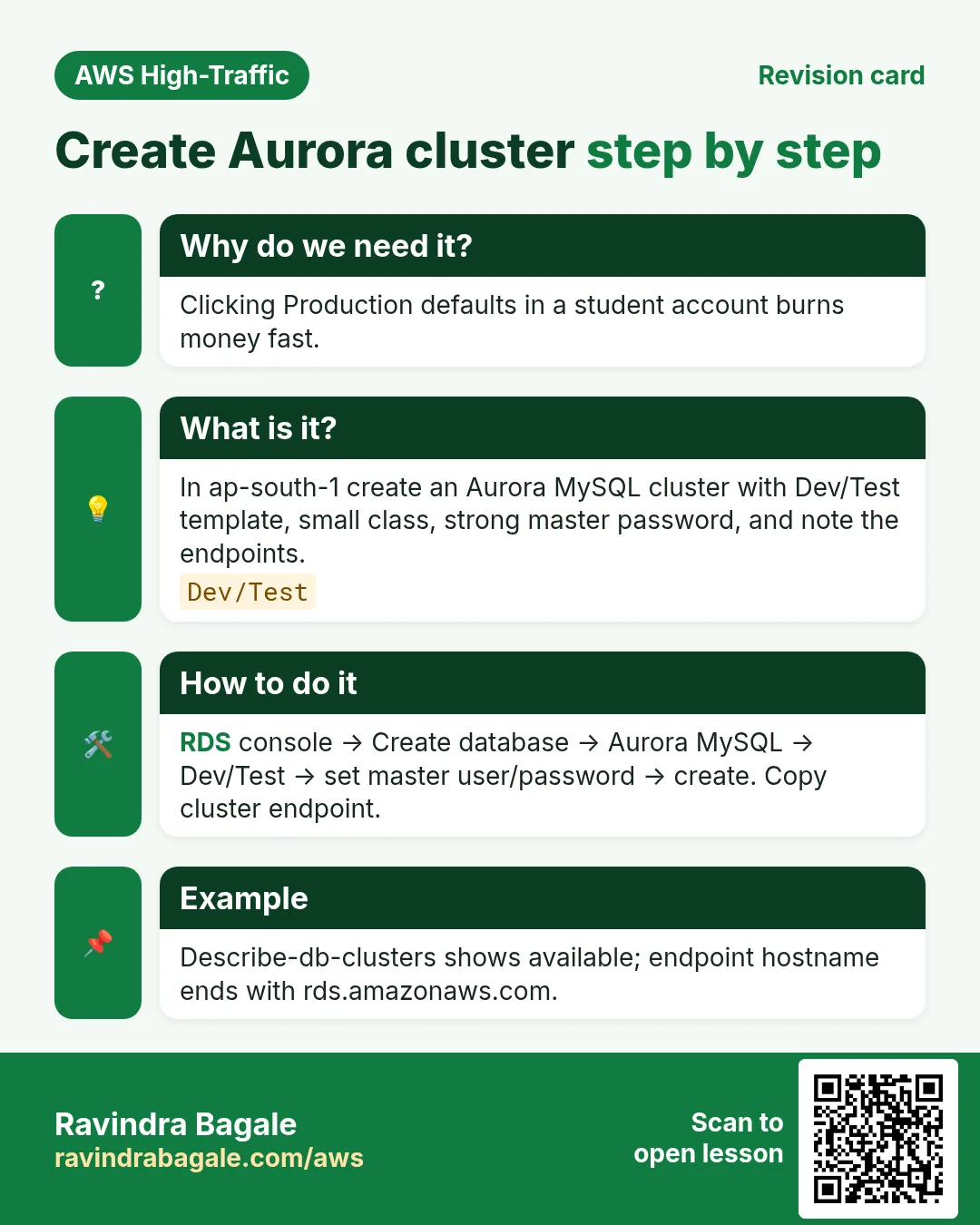
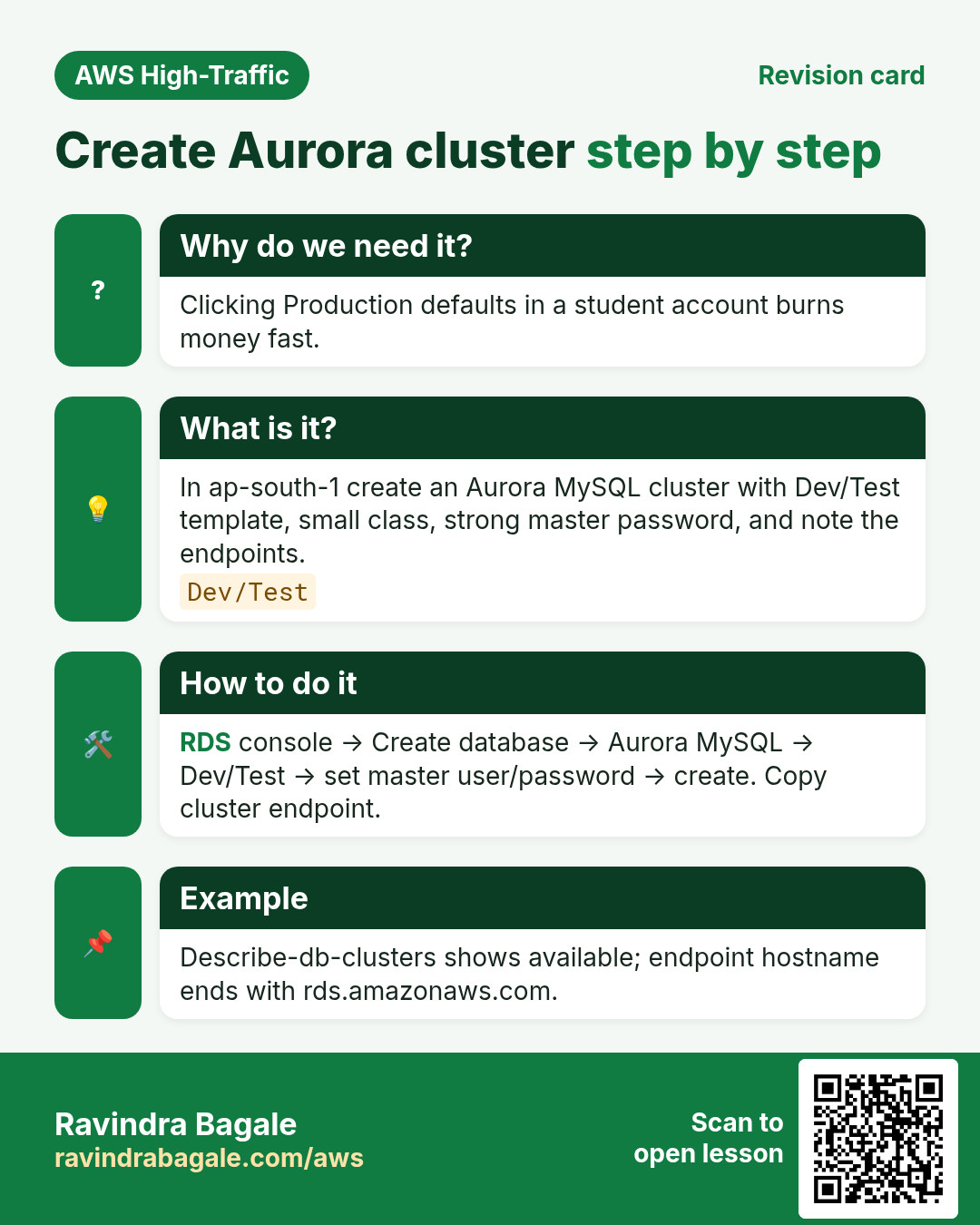
Create a small Aurora MySQL cluster in ap-south-1, note the endpoints, run one query path, then delete the cluster. Aurora is not free — treat this as a short lab.
What you'll learn in this chapter
- Create Aurora MySQL cluster (dev size)
- Set master user and networking
- Find writer endpoint and connect notes
- Delete cluster and instances
Cost — read before create
Aurora instances bill per hour while available. Use the smallest dev/test class shown (for example t3.medium / t4g.medium — pick what the console offers for Aurora MySQL). Delete within an hour. Do not enable Production template extras you do not need.
1. Lab: click by click
How to do it (step by step)
A. Subnet group and SG
- RDS → Subnet groups → Create DB subnet group
lab-aurora-subnetscovering ≥2 AZs in your VPC. - Create SG
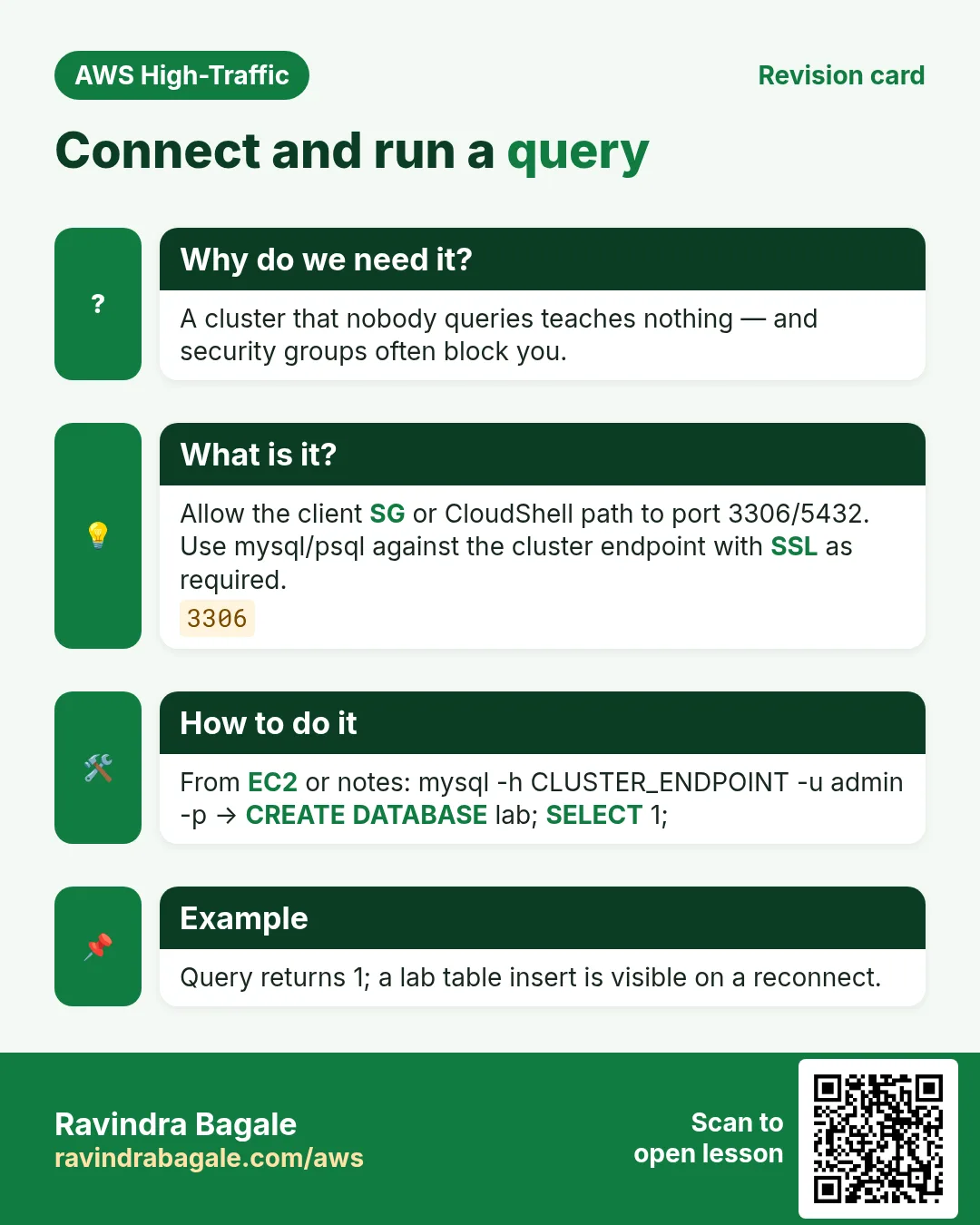
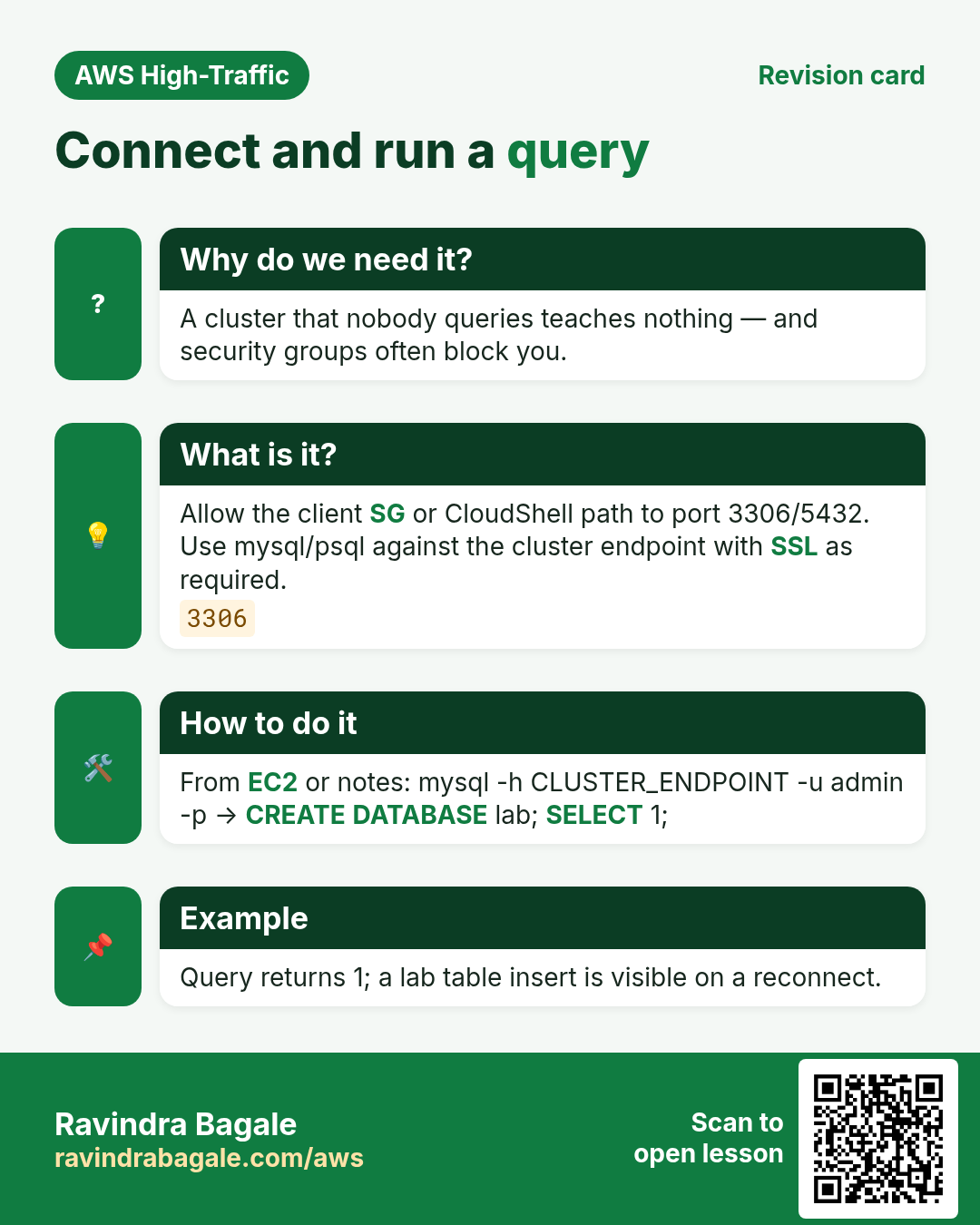
aurora-lab-sg: inbound MySQL 3306 from your EC2 SG or CloudShell/VPN SG only — not 0.0.0.0/0.
B. Create cluster
- RDS → Databases → Create database.
- Engine: Amazon Aurora → Aurora (MySQL compatible). Pick a current Aurora MySQL version.
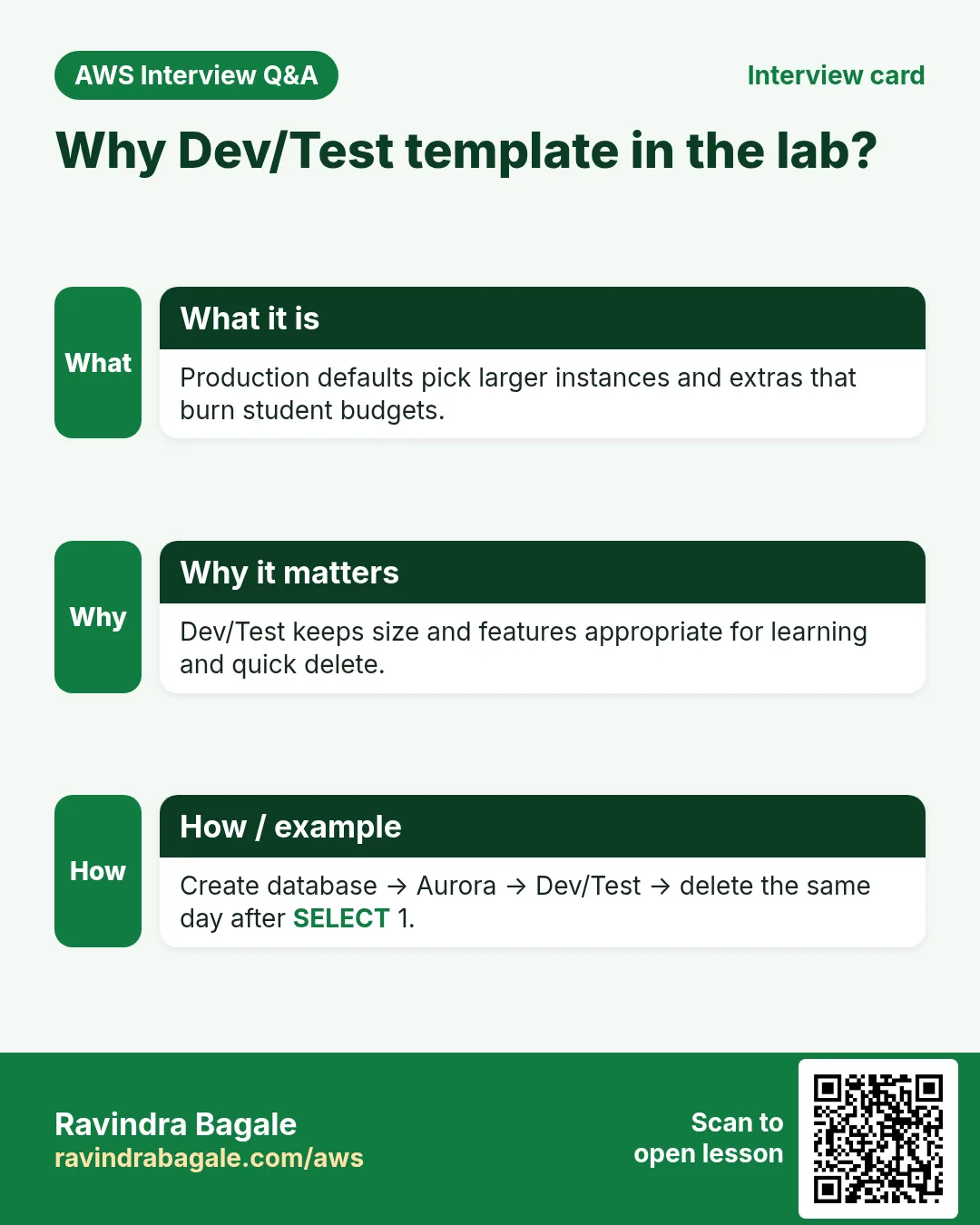
- Templates: Dev/Test.
- DB cluster identifier:
lab-aurora-mysql. Master username:admin. Master password: long random — save in a password manager. - Instance class: smallest burstable offered (e.g.
db.t3.mediumordb.t4g.medium). - Multi-AZ / Aurora Replica: create don’t create an Aurora Replica for this lab (cheaper).
- Connectivity: same VPC, subnet group
lab-aurora-subnets, Public access: No, SGaurora-lab-sg. - Additional: uncheck “Enable Enhanced Monitoring” extras if you want lower noise; leave encryption default on. Create database.
- Wait until Status = Available (several minutes).
C. Endpoints
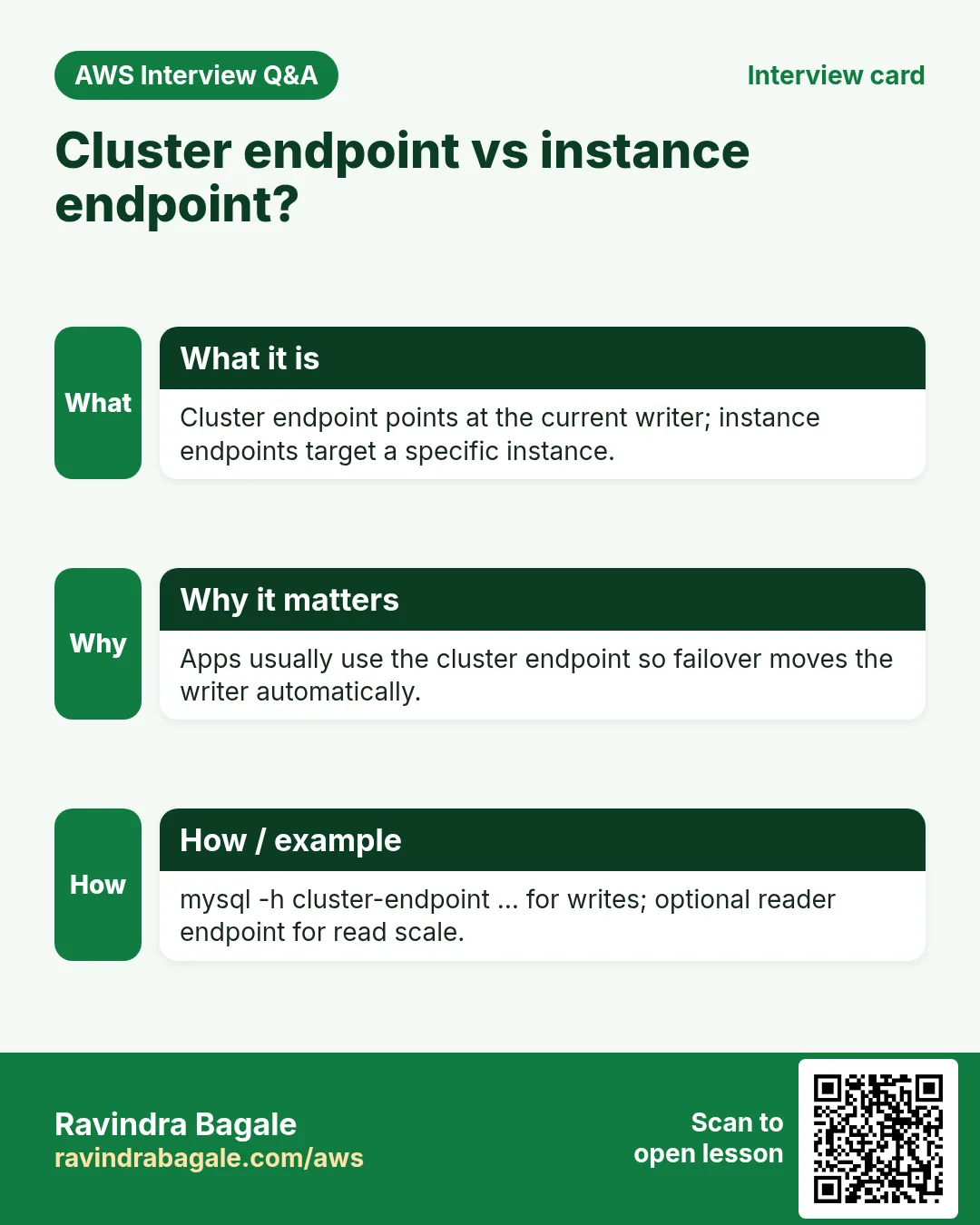
- Open the cluster → Connectivity & security. Copy Writer endpoint (and Reader if any).
- From an EC2 in the same VPC (with mysql client):
sudo dnf install -y mariadb105  # or mysql client package available
mysql -h WRITER_ENDPOINT -u admin -p
# then:
SHOW DATABASES;
CREATE DATABASE labdb;
USE labdb;
CREATE TABLE t(id INT PRIMARY KEY, note VARCHAR(40));
INSERT INTO t VALUES (1,'aurora-lab');
SELECT * FROM t;
EXIT;
Expected: row 1 | aurora-lab. If timeout — fix SG source and confirm EC2 is in a subnet that can route to the DB subnets.
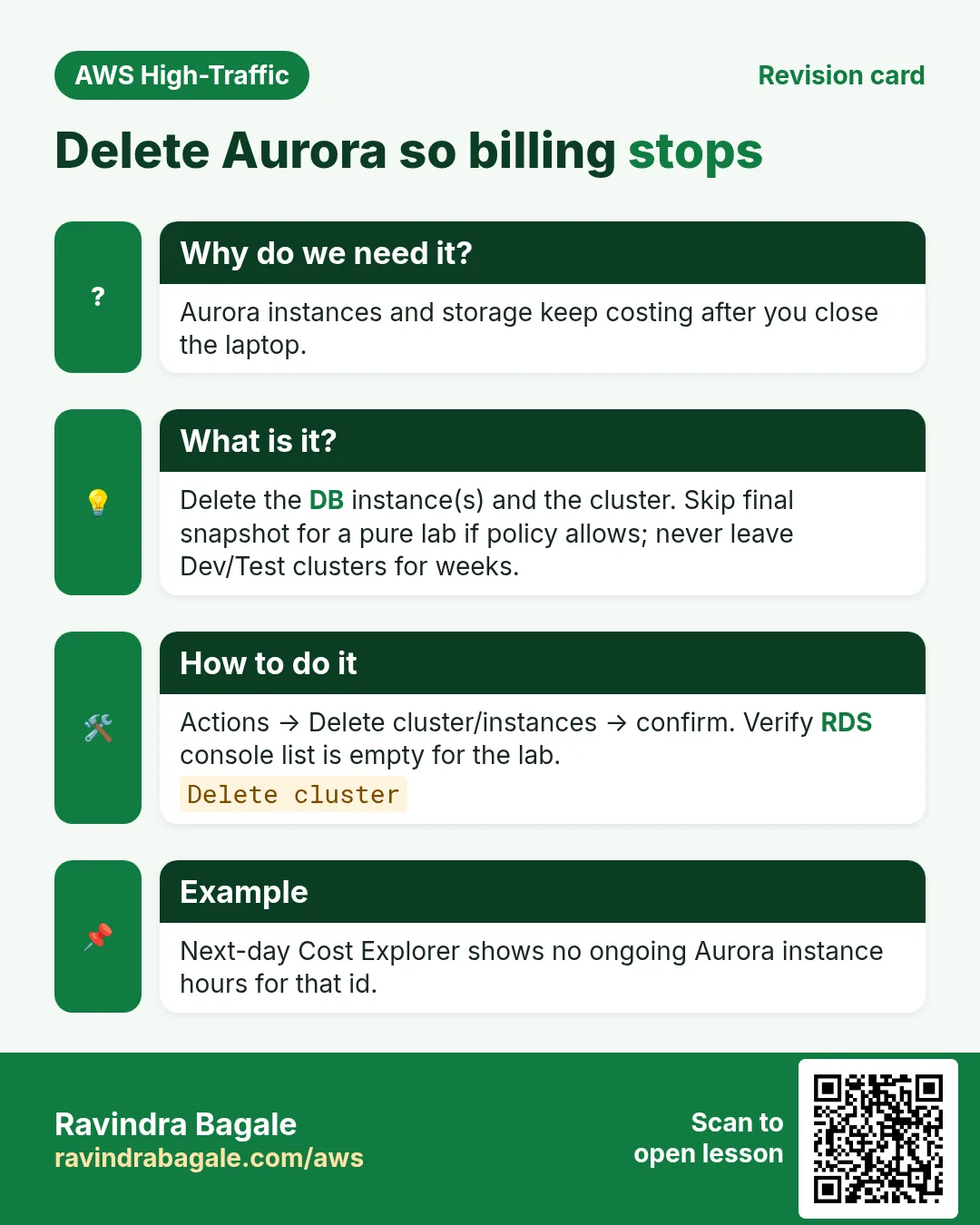
Cleanup (required)
- RDS → select cluster
lab-aurora-mysql→ Actions → Delete. - Uncheck “Create final snapshot” for a disposable lab (or take one if you want practice). Confirm by typing the name.
- Also delete remaining instances if the console asks separately. Delete subnet group and SG when unused.
- Billing → verify Aurora charges stop after deletion propagates.
2. Interview angles
Q. Writer endpoint used for?
INSERT/UPDATE/DDL — single writer.
Q. Public access No — why?
DB stays private; jump via EC2/VPN/bastion.
Q. Why Dev/Test template?
Fewer HA extras; lower lab cost.
Q. Forgot to delete?
Hourly instance + storage charges continue.
Try at home
- Repeat with Aurora PostgreSQL if free time (then delete).
- Screenshot endpoints only — never commit passwords to git.
In short
- Dev/Test Aurora MySQL → writer endpoint → mysql client.
- SG least privilege on 3306.
- Delete cluster the same session.
Practice Tasks
New York News Daily is a media business in New York. Rachel Cohen looks after its IT and cloud work. They count money in USD and run their AWS resources in the us-east-1 Region. In the tasks below you do real jobs for them using what this lesson teaches. All names, account IDs, IP addresses and numbers are made up for practice.
0 / 12
Easy Find the database endpoint
Why: Your app connects using the endpoint name, not an IP.
What to do: Describe DB instance nynewsdaily-db.
- Read the task and decide which AWS service it is about.
- Write aws, then the service name, then the operation (the action word).
- Add each needed flag (--name) followed by its value from the task.
- Flags can be in any order. Click Check answer.
Easy Biggest orders first
Why: Querying the database is daily work after you set up RDS.
What to do: Show order id and amount, biggest amount first.
Tables: customers(id, name, city) and orders(id, customer_id, amount, odate).
- Find the table the task is about (see the table list above the box).
- Write the SQL statement step by step: what, from where, which rows.
- End the statement with ;
- Click Check answer. Your query runs on a practice copy of the table.
Easy Filter customers by city
Why: Querying the database is daily work after you set up RDS.
What to do: List the names of customers in Pune.
Tables: customers(id, name, city) and orders(id, customer_id, amount, odate).
- Find the table the task is about (see the table list above the box).
- Write the SQL statement step by step: what, from where, which rows.
- End the statement with ;
- Click Check answer. Your query runs on a practice copy of the table.
Medium Remove small orders
Why: Querying the database is daily work after you set up RDS.
What to do: Delete orders with amount below 200.
Tables: customers(id, name, city) and orders(id, customer_id, amount, odate).
- Find the table the task is about (see the table list above the box).
- Write the SQL statement step by step: what, from where, which rows.
- End the statement with ;
- Click Check answer. Your query runs on a practice copy of the table.
Medium Orders with customer names
Why: Querying the database is daily work after you set up RDS.
What to do: Show each customer name with each order amount.
Tables: customers(id, name, city) and orders(id, customer_id, amount, odate).
- Find the table the task is about (see the table list above the box).
- Write the SQL statement step by step: what, from where, which rows.
- End the statement with ;
- Click Check answer. Your query runs on a practice copy of the table.
Medium Total sales
Why: Querying the database is daily work after you set up RDS.
What to do: Show the total of all order amounts as one number.
Tables: customers(id, name, city) and orders(id, customer_id, amount, odate).
- Find the table the task is about (see the table list above the box).
- Write the SQL statement step by step: what, from where, which rows.
- End the statement with ;
- Click Check answer. Your query runs on a practice copy of the table.
Medium Fix a city
Why: Querying the database is daily work after you set up RDS.
What to do: Customer 5 moved to Rome. Update the record.
Tables: customers(id, name, city) and orders(id, customer_id, amount, odate).
- Find the table the task is about (see the table list above the box).
- Write the SQL statement step by step: what, from where, which rows.
- End the statement with ;
- Click Check answer. Your query runs on a practice copy of the table.
Medium Turn on Multi-AZ
Why: Multi-AZ keeps a standby copy in another AZ and fails over automatically.
What to do: Modify nynewsdaily-db to be Multi-AZ and apply the change immediately.
- Read the task and decide which AWS service it is about.
- Write aws, then the service name, then the operation (the action word).
- Add each needed flag (--name) followed by its value from the task.
- Flags can be in any order. Click Check answer.
Hard Sales per customer
Why: Querying the database is daily work after you set up RDS.
What to do: Show customer_id and total amount per customer, only where total is above 1000.
Tables: customers(id, name, city) and orders(id, customer_id, amount, odate).
- Find the table the task is about (see the table list above the box).
- Write the SQL statement step by step: what, from where, which rows.
- End the statement with ;
- Click Check answer. Your query runs on a practice copy of the table.
Hard Customers with no orders
Why: Querying the database is daily work after you set up RDS.
What to do: List names of customers who have never ordered.
Tables: customers(id, name, city) and orders(id, customer_id, amount, odate).
- Find the table the task is about (see the table list above the box).
- Write the SQL statement step by step: what, from where, which rows.
- End the statement with ;
- Click Check answer. Your query runs on a practice copy of the table.
Hard Create a MySQL database
Why: RDS runs the database for you: backups, patches and failover are managed.
What to do: Create RDS instance nynewsdaily-db: engine mysql, class db.t3.micro, 20 GiB storage, master user admin, master password from $DB_PASS.
- Read the task and decide which AWS service it is about.
- Write aws, then the service name, then the operation (the action word).
- Add each needed flag (--name) followed by its value from the task.
- Flags can be in any order. Click Check answer.
Hard Create a read replica
Why: Read replicas take report and read traffic off the main database.
What to do: Create read replica nynewsdaily-db-ro from source nynewsdaily-db.
- Read the task and decide which AWS service it is about.
- Write aws, then the service name, then the operation (the action word).
- Add each needed flag (--name) followed by its value from the task.
- Flags can be in any order. Click Check answer.
Revision, comparison and interview cards
Revise this lesson in a few minutes. Save the cards on your phone or download them as PNG files. The QR code on each card opens this lesson.
More cards: Ravi Sir's Cards.