AWS IAM Users, Roles, Policies and Least Privilege Explained
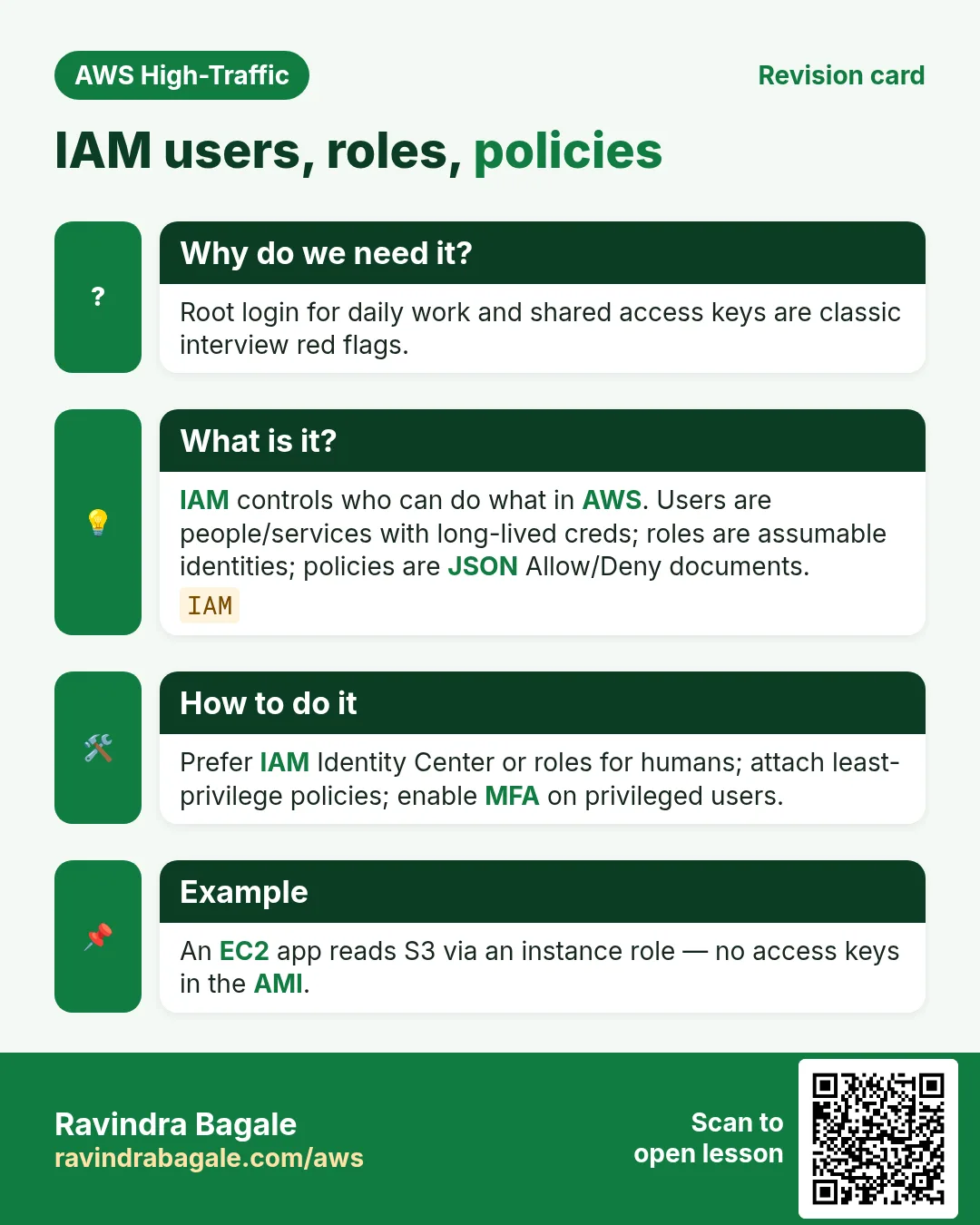
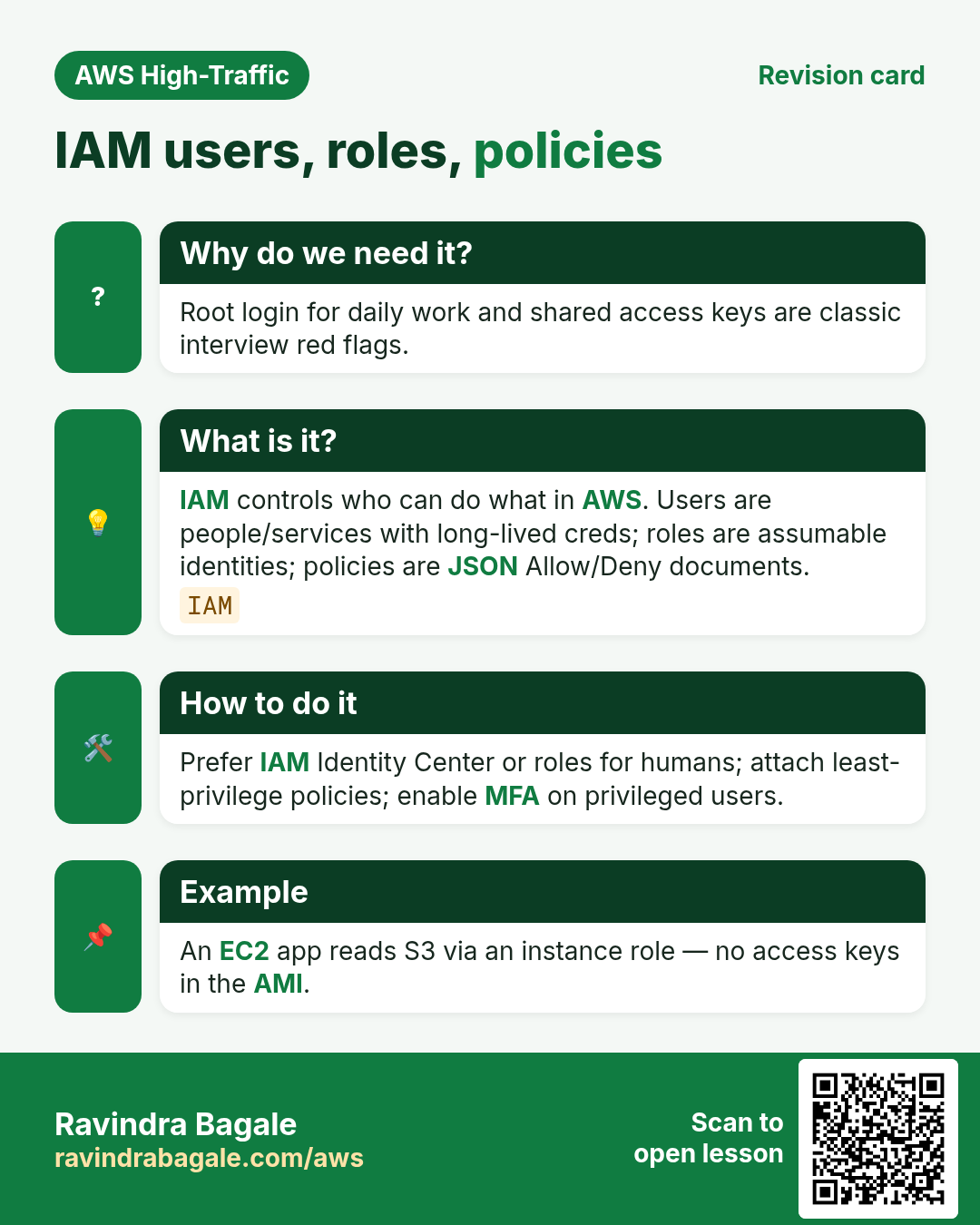
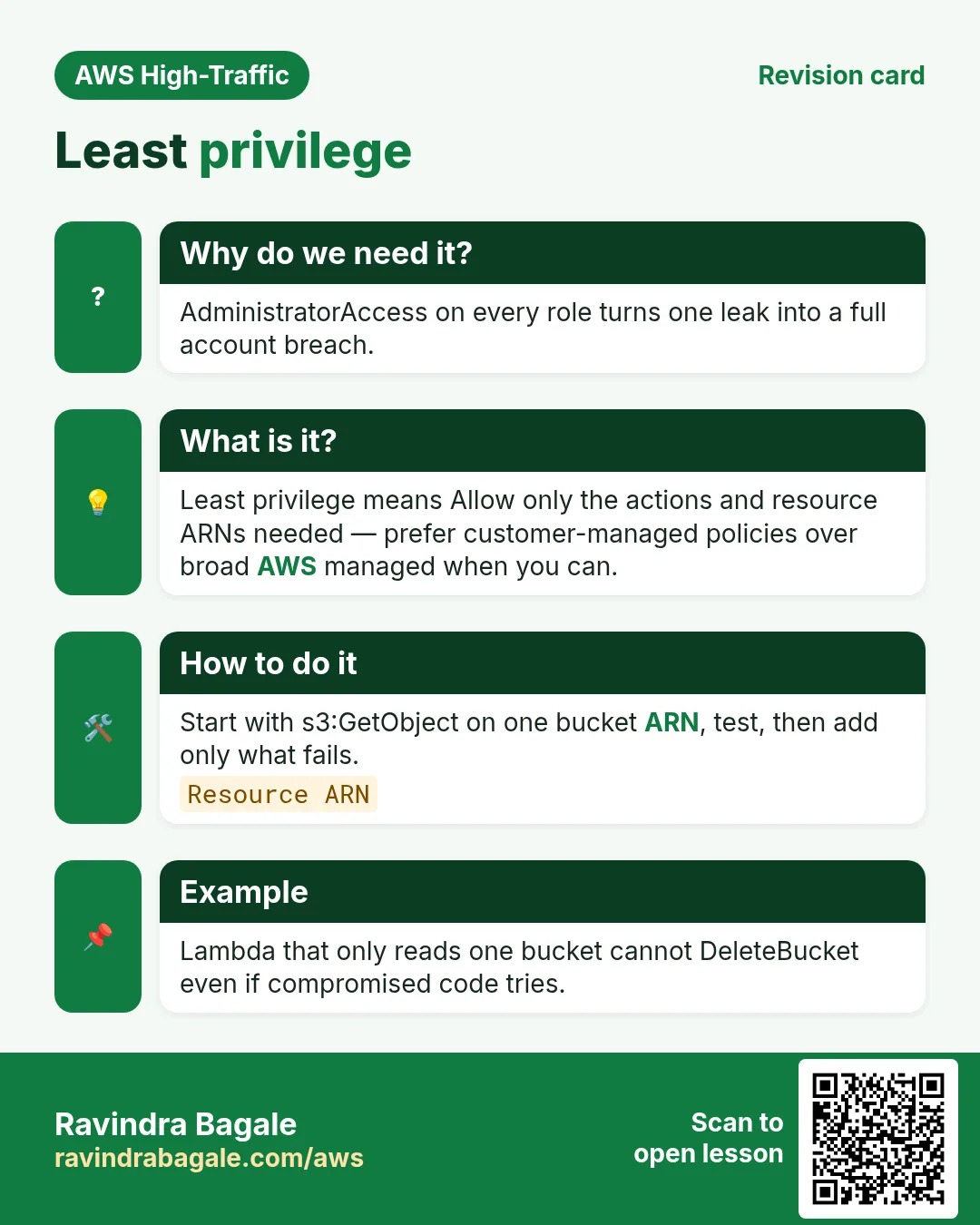
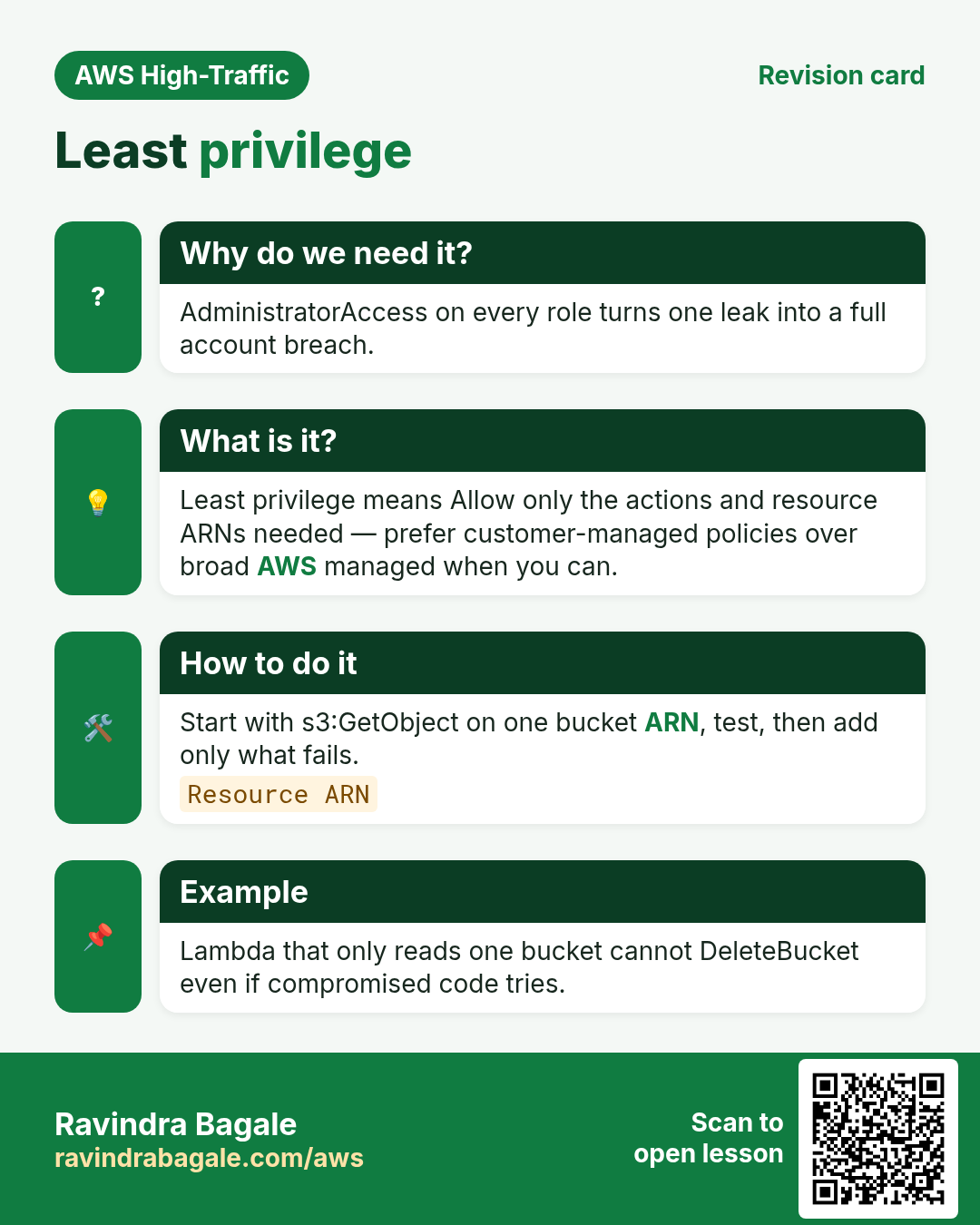
IAM is the lock-and-key system of AWS. Users are people keys. Roles are temporary jackets a service or person wears. Policies are the rule papers. Least privilege means the smallest keys that still get the job done.
What you'll learn in this chapter
- Users, groups, roles — who is who
- Identity vs resource policies
- Managed vs inline policies
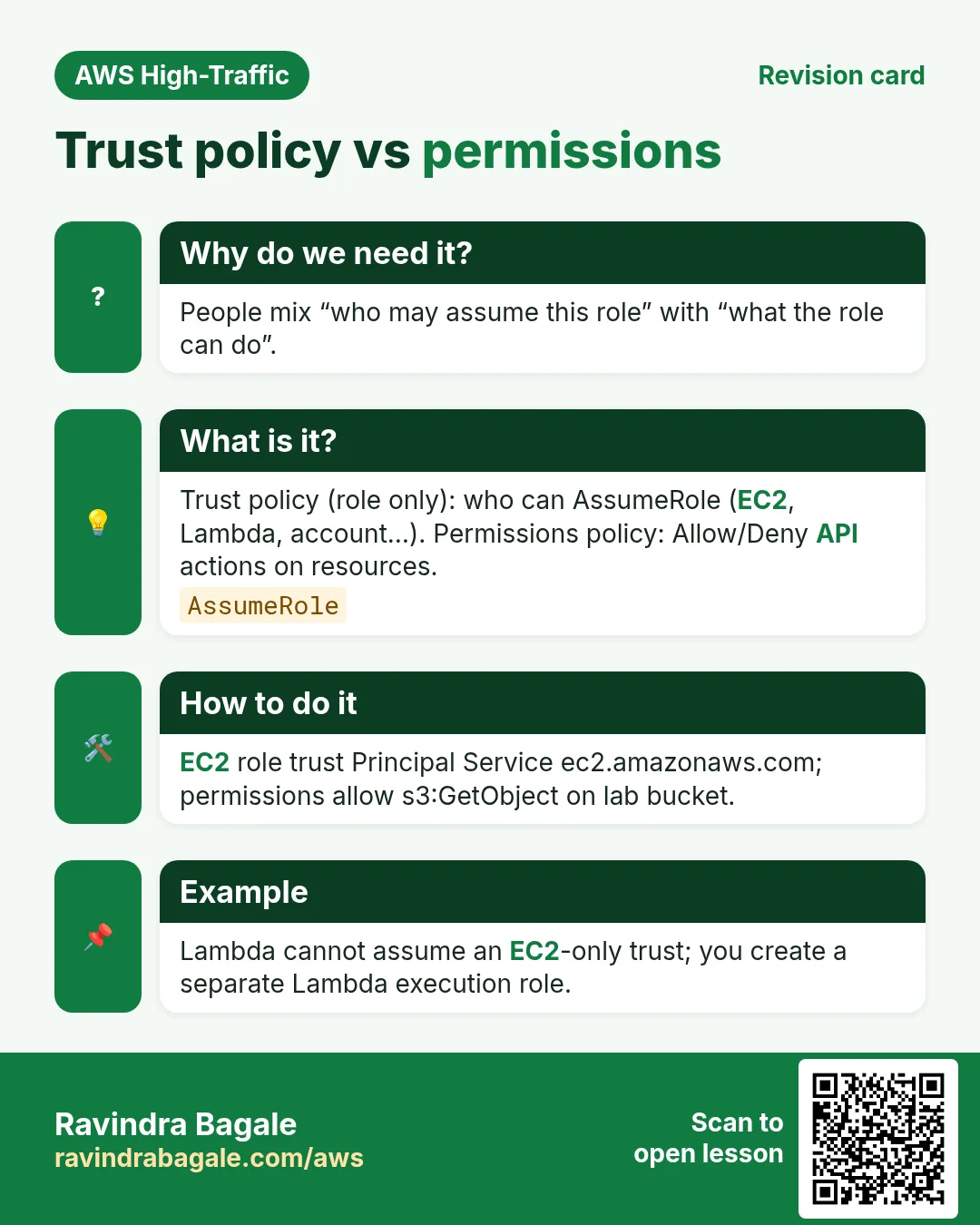
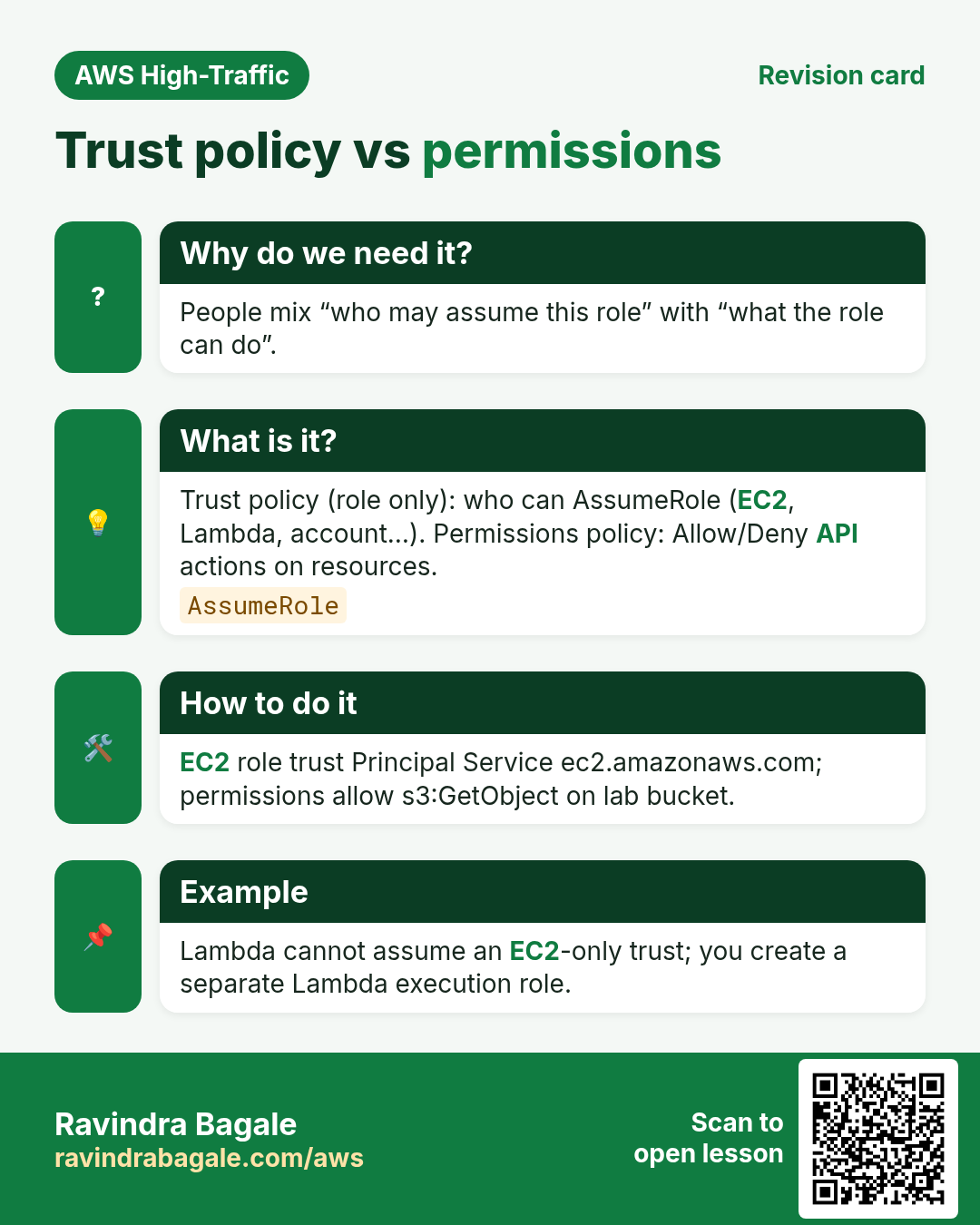
- Trust policy vs permissions policy
- Least privilege, MFA, root dangers
1. Everyday example
Why do we need this?
In a Pune office, the receptionist does not get the server room key. The cleaning staff get a time-bound visitor pass. AWS must work the same way — or one leaked key empties your bank.
What is it?
IAM (Identity and Access Management) answers: who can call which AWS API on which resource.
| Identity | Use for | Example |
|---|---|---|
| Root user | Account owner only — MFA, almost never daily use | Open the shop in the morning once |
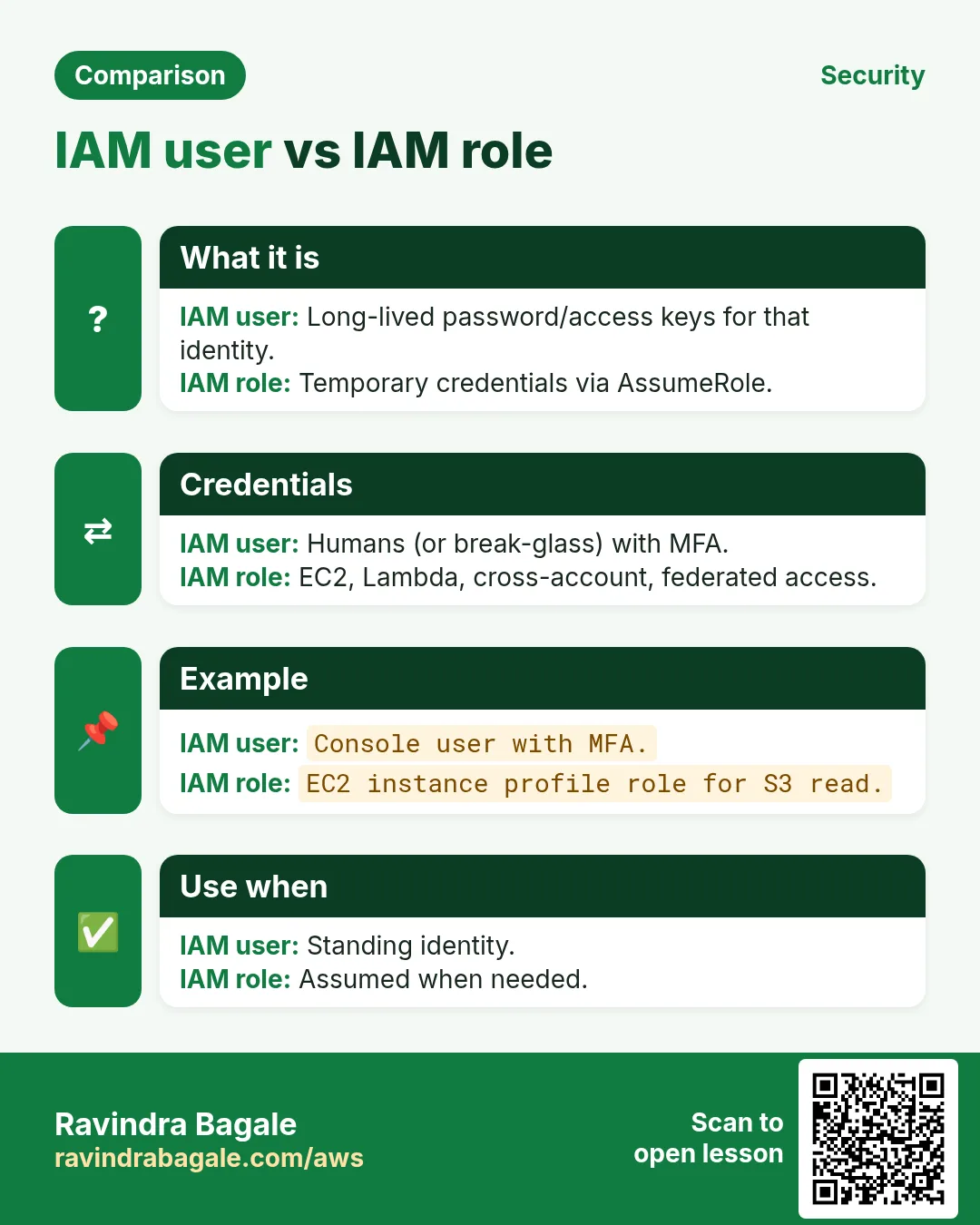
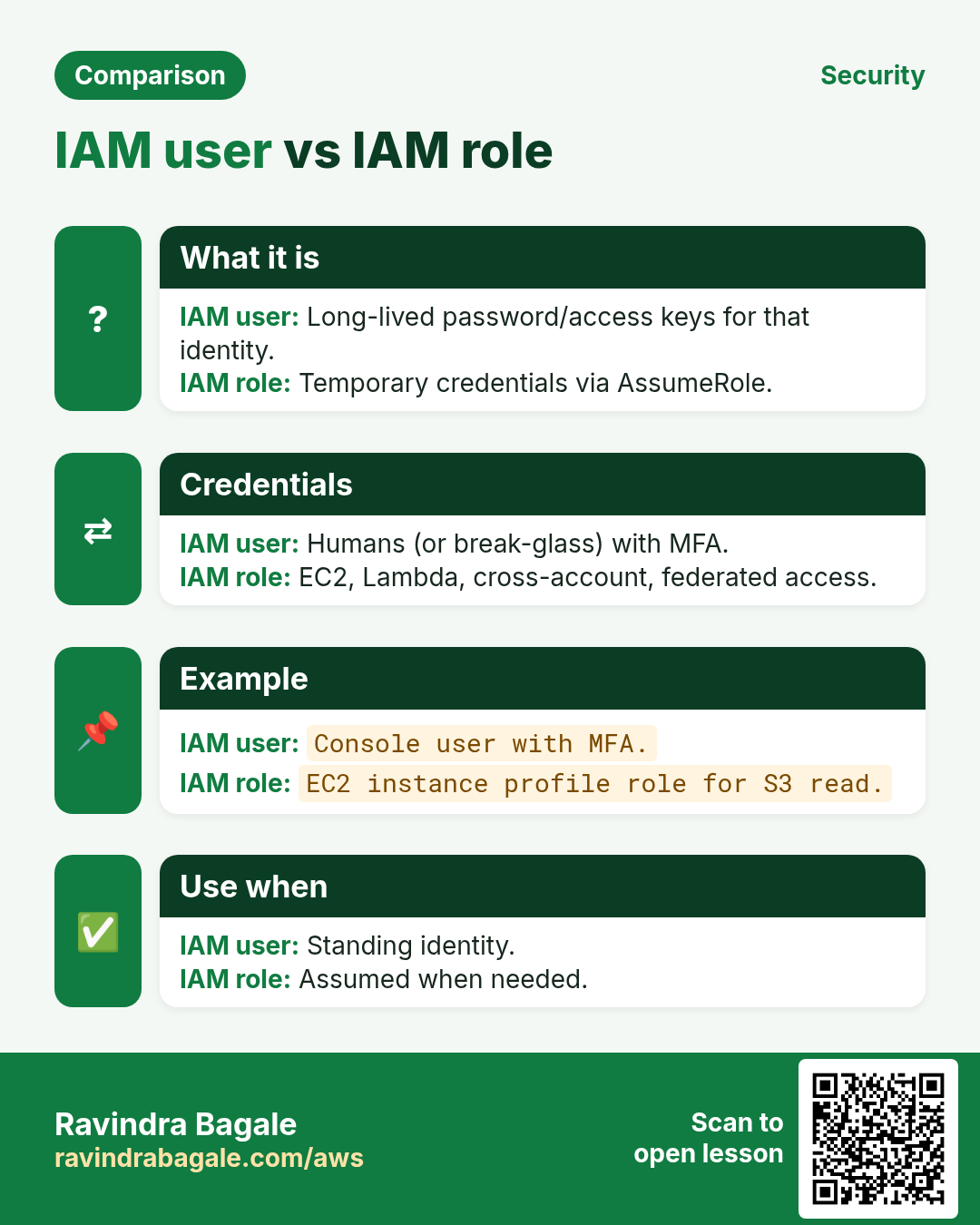
| IAM user | Long-lived human (better: Identity Center / SSO) | Named staff badge |
| Group | Attach policies to many users at once | Team “developers” |
| Role | Temporary credentials for EC2, Lambda, or humans via SSO | Visitor jacket for 1 hour |
2. Policies in plain words
Why do we need this?
Without a policy, an identity can do almost nothing useful.
What is it?
- Permissions policy: Allow/Deny actions on resources (e.g.
s3:GetObjecton one bucket). - Trust policy (role only): who may AssumeRole — EC2, Lambda, account, SAML…
- AWS managed: AWS maintains (convenient, often broad).
- Customer managed: you write/reuse — best for least privilege.
- Inline: stuck to one user/role — use sparingly.
{
  "Version": "2012-10-17",
  "Statement": [{
    "Effect": "Allow",
    "Action": ["s3:GetObject"],
    "Resource": "arn:aws:s3:::lab-bucket/*"
  }]
}
3. Least privilege habits
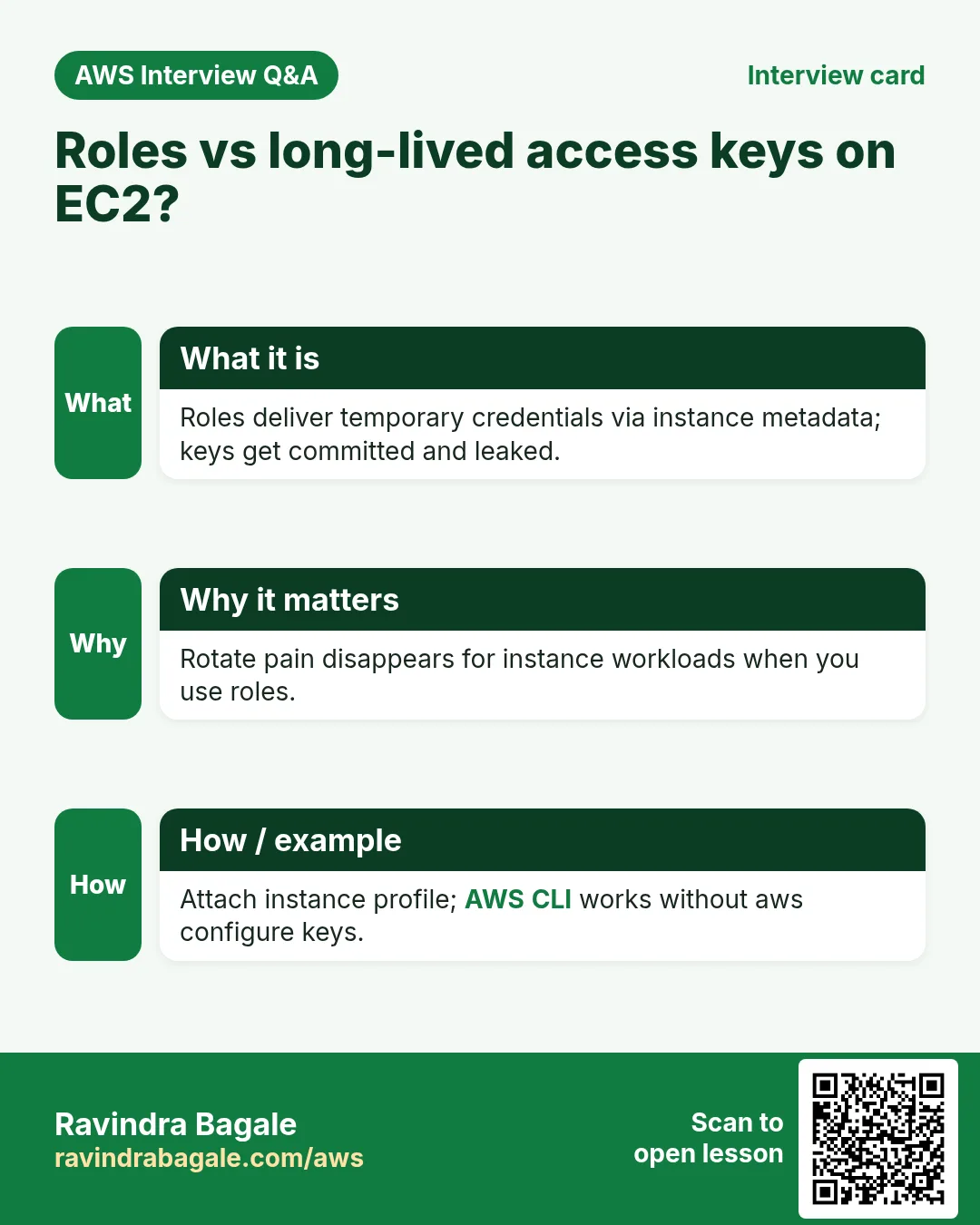
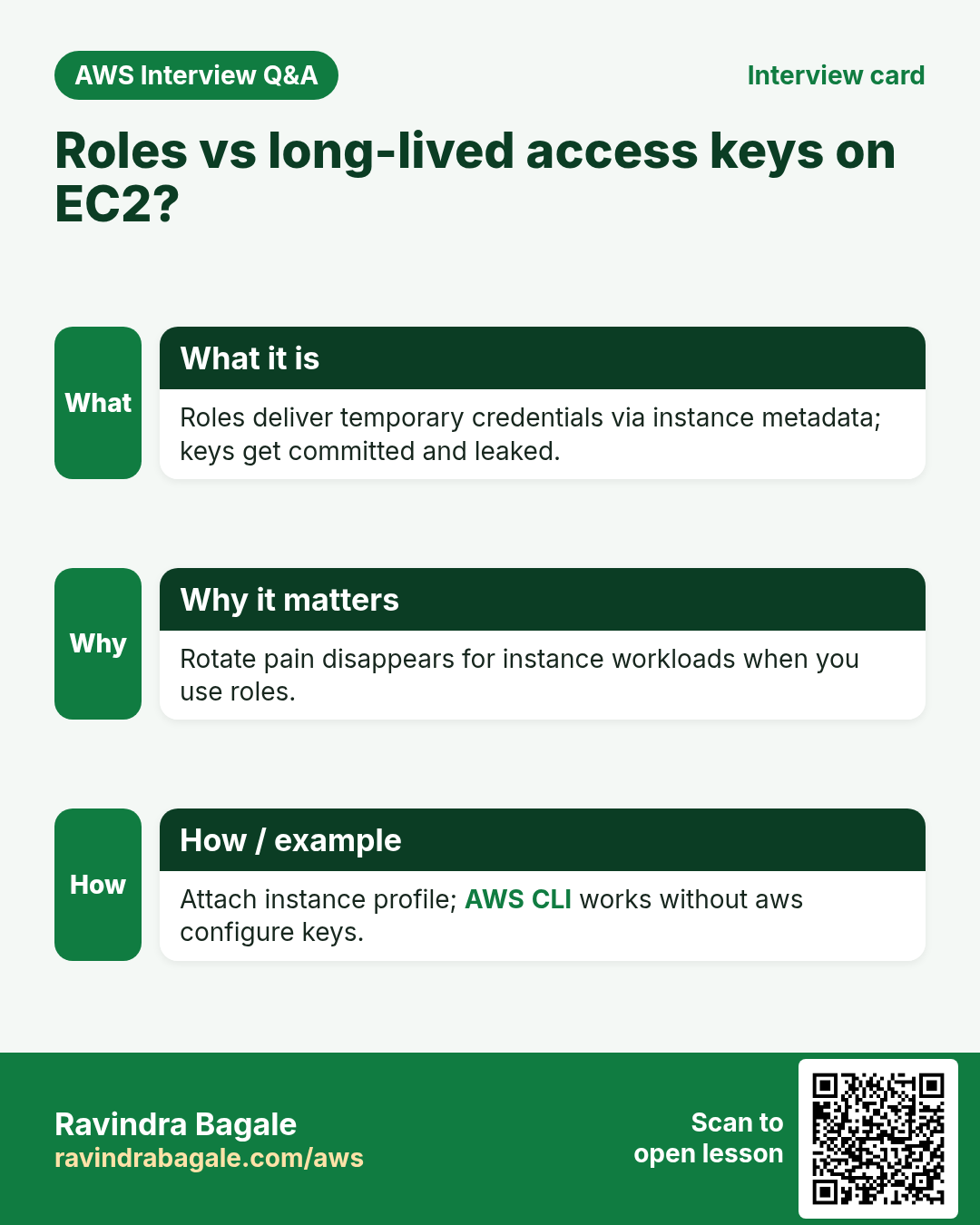
- Prefer roles over long-lived access keys on EC2/Lambda.
- Scope Resource ARNs — avoid
*when you can. - Separate duties: deploy role ≠ read-only auditor role.
- Turn on MFA for humans; never share root.
- CloudTrail on — know who called what.
Ravindra Bagale's Tip
AdministratorAccess on an IAM user for daily coding is a common beginner mistake. Use a power-user or custom policy; keep admin for break-glass.
4. Interview angles
Q. User vs role?
User: long-lived principal; role: assumable temporary creds.
Q. Trust policy?
Who can assume the role.
Q. Inline vs managed?
Inline = one identity; managed = reusable.
Q. Explicit Deny?
Deny always wins over Allow.
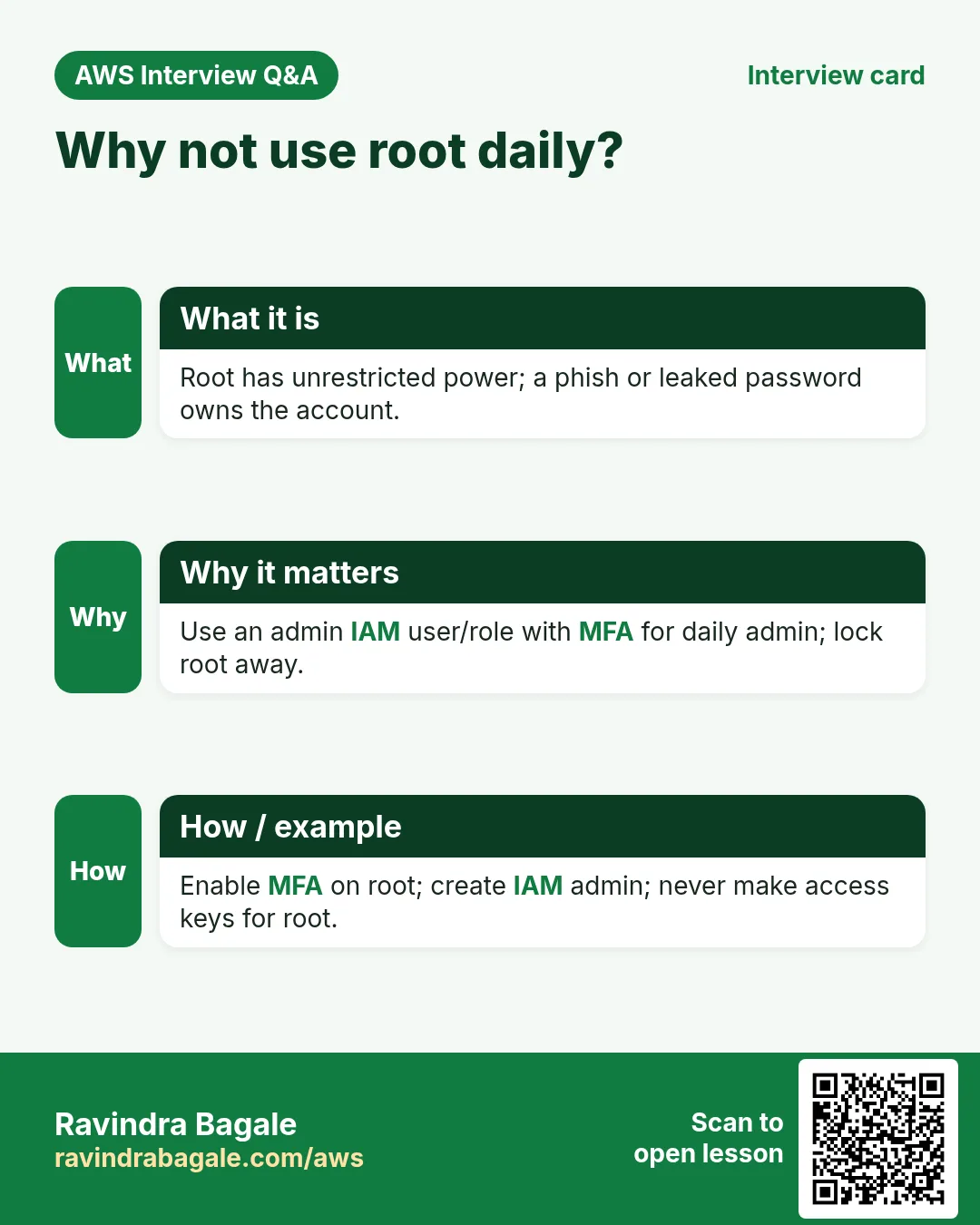
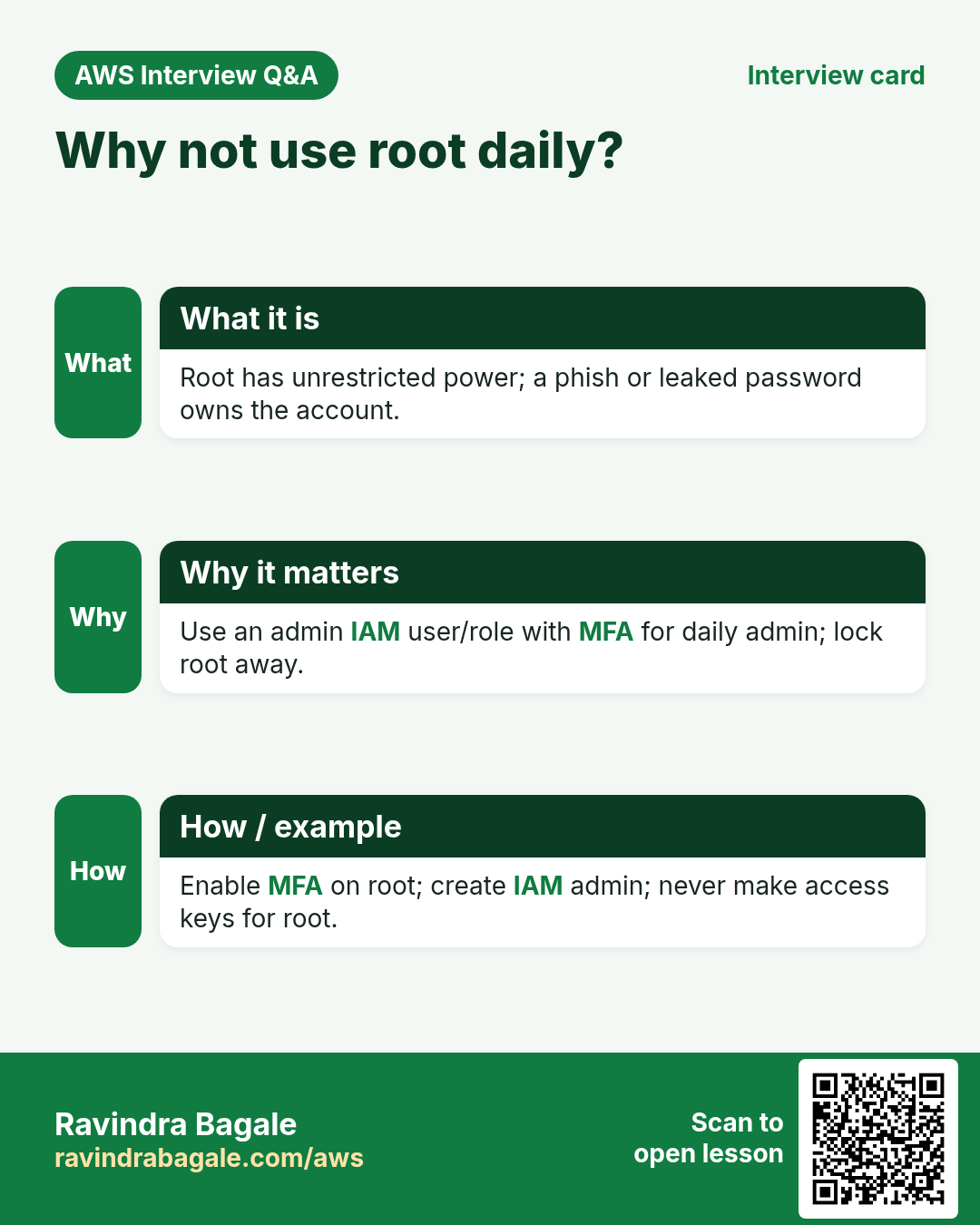
Q. Why not root daily?
Root is unlimited; breach = full account.
Try at home
- List every IAM user in your lab account; disable unused access keys.
- Next chapter: build a real EC2 + Lambda role lab.
In short
- Users/groups/roles + policies = IAM.
- Trust ≠ permissions.
- Least privilege and MFA beat shared keys.
- Root is for rare account tasks only.
Practice Tasks
Patil Dairy is a dairy business in Kolhapur. Sunita Patil looks after its IT and cloud work. They count money in INR and run their AWS resources in the ap-south-1 Region. In the tasks below you do real jobs for them using what this lesson teaches. All names, account IDs, IP addresses and numbers are made up for practice.
0 / 12
Easy Read-only access to one bucket
Why: Least privilege: give only the actions and the bucket the job needs.
What to do: Write an identity policy that lets the user read objects (s3:GetObject) only in bucket patildairy-data.
- Start with { "Version": "2012-10-17", "Statement": [ ... ] }.
- In each statement write Effect, Action and Resource.
- Give only what the task needs (least privilege).
- Use double quotes and commas correctly. Click Check answer.
Medium Lambda access to one table
Why: The function only needs to read and write items in its own table.
What to do: Allow dynamodb:GetItem, dynamodb:PutItem, dynamodb:Query on arn:aws:dynamodb:ap-south-1:100444365147:table/patildairy-orders only.
- Start with { "Version": "2012-10-17", "Statement": [ ... ] }.
- In each statement write Effect, Action and Resource.
- Give only what the task needs (least privilege).
- Use double quotes and commas correctly. Click Check answer.
Medium Start and stop servers only
Why: The night operator may start and stop servers but not terminate them.
What to do: Allow ec2:StartInstances and ec2:StopInstances on all instances in account 100444365147, Region ap-south-1. Also allow ec2:DescribeInstances on *.
- Start with { "Version": "2012-10-17", "Statement": [ ... ] }.
- In each statement write Effect, Action and Resource.
- Give only what the task needs (least privilege).
- Use double quotes and commas correctly. Click Check answer.
Medium List and read one bucket
Why: ListBucket works on the bucket ARN; GetObject works on object ARNs.
What to do: Allow s3:ListBucket on bucket patildairy-data and s3:GetObject on all its objects. Nothing else.
- Start with { "Version": "2012-10-17", "Statement": [ ... ] }.
- In each statement write Effect, Action and Resource.
- Give only what the task needs (least privilege).
- Use double quotes and commas correctly. Click Check answer.
Medium Upload-only to one folder
Why: Field staff can drop files but cannot read or delete anything.
What to do: Allow s3:PutObject only under the prefix uploads/ in bucket patildairy-data.
- Start with { "Version": "2012-10-17", "Statement": [ ... ] }.
- In each statement write Effect, Action and Resource.
- Give only what the task needs (least privilege).
- Use double quotes and commas correctly. Click Check answer.
Medium Attach a managed policy to a group
Why: AWS managed policies are ready-made and kept up to date by AWS.
What to do: Attach the AWS managed policy arn:aws:iam::aws:policy/ReadOnlyAccess to the group Auditors.
- Read the task and decide which AWS service it is about.
- Write aws, then the service name, then the operation (the action word).
- Add each needed flag (--name) followed by its value from the task.
- Flags can be in any order. Click Check answer.
Medium Create a customer managed policy
Why: Your own managed policy can be reused on many users, groups and roles.
What to do: Create a policy named patildairy-s3-read from the document in policy.json.
- Read the task and decide which AWS service it is about.
- Write aws, then the service name, then the operation (the action word).
- Add each needed flag (--name) followed by its value from the task.
- Flags can be in any order. Click Check answer.
Medium Let a function write logs
Why: Without these actions, Lambda logs never appear in CloudWatch.
What to do: Allow logs:CreateLogGroup, logs:CreateLogStream, logs:PutLogEvents on arn:aws:logs:*:*:* only.
- Start with { "Version": "2012-10-17", "Statement": [ ... ] }.
- In each statement write Effect, Action and Resource.
- Give only what the task needs (least privilege).
- Use double quotes and commas correctly. Click Check answer.
Hard Deny access from outside the office
Why: An explicit Deny with aws:SourceIp blocks keys used from anywhere else.
What to do: Write one Deny statement: deny all actions (*) on all resources (*) when the source IP is NOT in 203.0.113.0/24.
- Start with { "Version": "2012-10-17", "Statement": [ ... ] }.
- In each statement write Effect, Action and Resource.
- Give only what the task needs (least privilege).
- Use double quotes and commas correctly. Click Check answer.
Hard Allow only on tagged servers
Why: Tag conditions let one team control only its own servers.
What to do: Allow ec2:StopInstances on any instance (*) only when the instance tag Team equals patildairy.
- Start with { "Version": "2012-10-17", "Statement": [ ... ] }.
- In each statement write Effect, Action and Resource.
- Give only what the task needs (least privilege).
- Use double quotes and commas correctly. Click Check answer.
Hard Add an inline policy to a user
Why: An inline policy lives inside one identity and is deleted with it.
What to do: Put an inline policy named billing-view on user sunita, from billing.json.
- Read the task and decide which AWS service it is about.
- Write aws, then the service name, then the operation (the action word).
- Add each needed flag (--name) followed by its value from the task.
- Flags can be in any order. Click Check answer.
Hard Allow PassRole for one role
Why: To launch EC2 with a role, the user needs iam:PassRole on that role.
What to do: Allow iam:PassRole on arn:aws:iam::100444365147:role/patildairy-ec2-role only.
- Start with { "Version": "2012-10-17", "Statement": [ ... ] }.
- In each statement write Effect, Action and Resource.
- Give only what the task needs (least privilege).
- Use double quotes and commas correctly. Click Check answer.
Revision, comparison and interview cards
Revise this lesson in a few minutes. Save the cards on your phone or download them as PNG files. The QR code on each card opens this lesson.
More cards: Ravi Sir's Cards.