Linux Commands A-Z Part 4: hostname, ip, journalctl, jq, kill, lsof, lvcreate and More with Examples
This is Part 4 of the Linux Commands A-Z reference: hostname to lvcreate. These are the commands you use to name a server, read its network, firewall and CPU, watch processes and disks, read logs with journalctl, filter JSON with jq, stop processes, see who logged in, read big files, make links, find files fast, write and rotate logs, list files and disks, find open files and create LVM volumes. Every command has why, what, an options table and step-by-step examples with real output and its meaning. ip, journalctl, ls and lsof get extra depth because you will use them in almost every incident.
What you'll learn in this chapter
- Name a server with hostname and hostnamectl and read its identity with id
- Read addresses, routes and ARP with ip, and old output from ifconfig
- Read and add iptables rules in the right order
- Watch CPU, memory and disks with htop, iostat, lscpu and lsblk
- Read logs with journalctl and less, write them with logger, rotate them with logrotate
- Filter JSON from APIs with jq
- Stop processes with kill and killall, and manage jobs
- Use ls, ln, locate and lsof to find files, links and holders, and grow storage with lvcreate
1. An everyday example: a Swargate housing society office
Why do we need this?
The society secretary checks the name board on each wing, reads the gate register of who came in, checks the water tank level, looks at the CCTV recorder log, calls the plumber for a leaking pipe, sends away a stray vendor, and adds a new storage room when the old one is full.
What is it?
hostname is the name board. last is the gate register. lsblk and iostat are the water tank. journalctl is the CCTV log. ip is the pipes. kill is sending the vendor away. lvcreate is the new storage room.
How to do it (step by step)
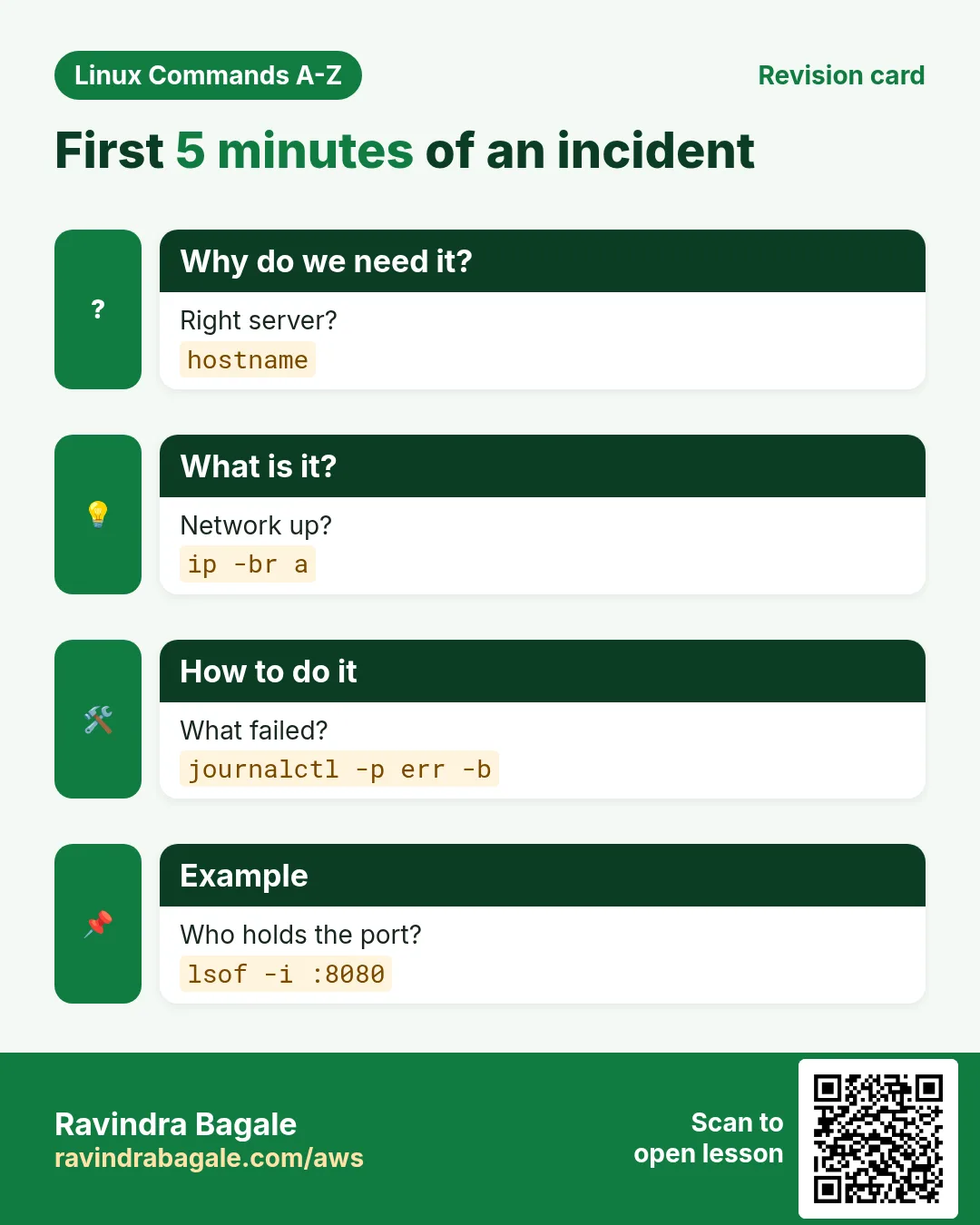
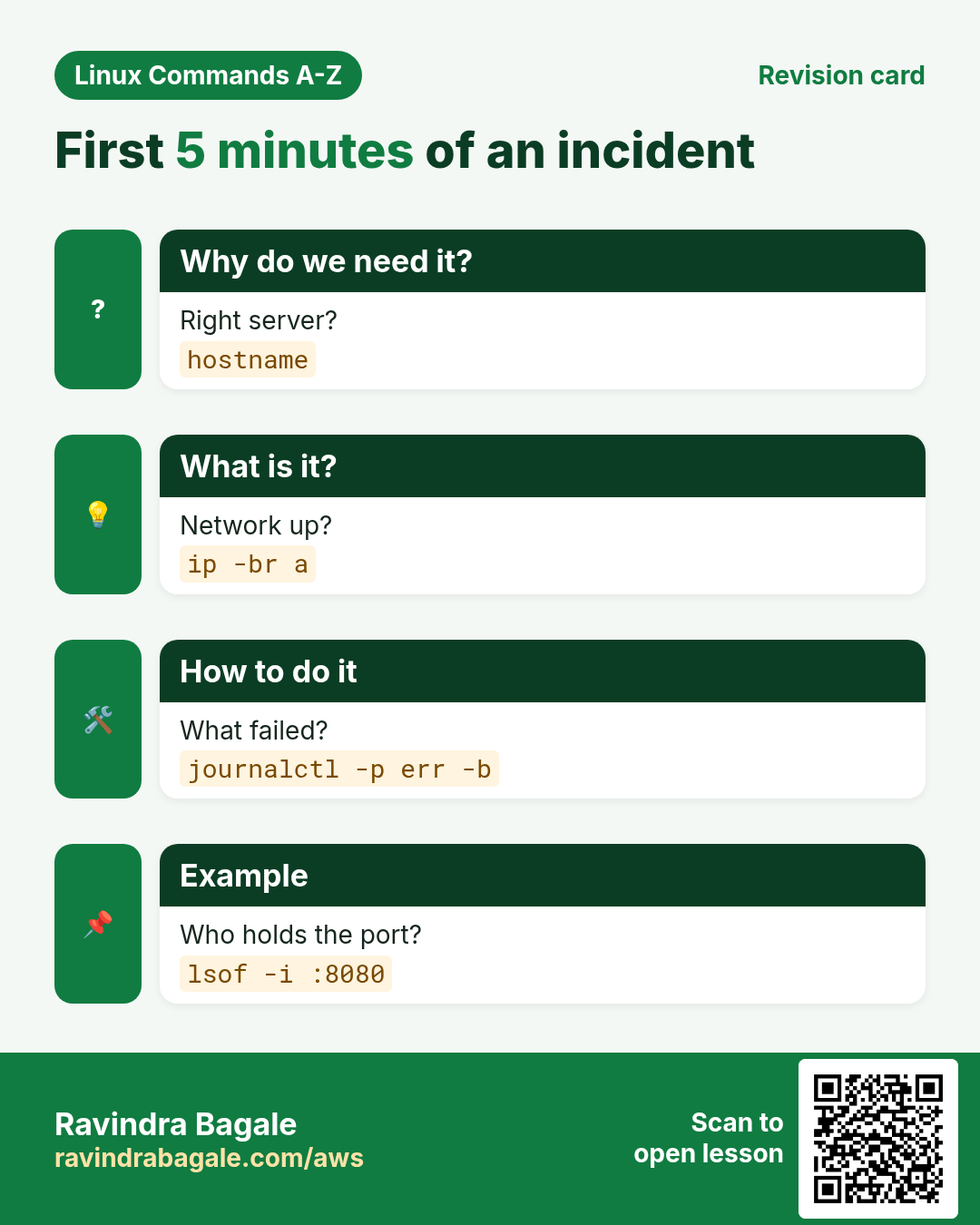
2. A five-minute incident check using Part 4 commands
Why do we need this?
Before the deep dives, see how these commands answer the first questions in an outage.
What is it?
Confirm the server, check the network, read the errors, then find the process.
| Question | Command |
|---|---|
| Which server am I on? | hostname |
| Is the network up? | ip -br a |
| What failed? | journalctl -p err -b |
| Who holds the port? | lsof -i :8080 |
| Is the disk the bottleneck? | iostat -x |
How to do it (step by step)
- Run the check in one go.
hostname; ip -br a | grep -v lo; sudo journalctl -p err -b -n 2 --no-pagerOutput:
web01.prod.example.in
eth0  UP  10.0.1.5/24
app[3120]: java.net.BindException: Address already in use
systemd[1]: app.service: Failed with result 'exit-code'.
What it means: Right server, network up, the app could not bind its port.
- Find who holds the port.
sudo lsof -i :8080 -P -nOutput:
COMMAND  PID USER FD TYPE NODE NAME
java    2950 app  45u IPv6 TCP  *:8080 (LISTEN)
What it means: An old copy (PID 2950) still runs. Stop it with kill, then start the service.
3. hostname: Show or set the host name
hostname in depth: the server's name and IPs
Why do we need this?
Prompts, logs, monitoring and certificates all show the host name. A wrong name puts alerts on the wrong server. You also often need the server IP quickly.
What is it?
hostname prints or sets the current host name. A change made with hostname alone is lost at reboot; on systemd systems use hostnamectl to make it permanent. hostname -I lists all IP addresses of the machine.
Common options
| Option | What it does |
|---|---|
hostname | Print the name. |
hostname -f | Full name (FQDN). |
hostname -s | Short name. |
hostname -I | All IP addresses. |
sudo hostname new | Set until reboot. |
How to do it (step by step)
- Which server am I on?
hostnameOutput:
web01What it means: Always check before risky commands.
- Full name.
hostname -fOutput:
web01.prod.example.inWhat it means: Short name plus domain.
- My IPs.
hostname -IOutput:
10.0.1.15 172.17.0.1What it means: The server IP and the docker bridge.
- Temporary change.
sudo hostname test01; hostnameOutput:
test01What it means: Gone after reboot. Use hostnamectl for permanent.
Practise this in the tasks below: Practice tasks
Real use: A Pune hospital names servers like opd-db01 and checks hostname in every script before touching data.
4. hostnamectl: Manage host name with systemd
hostnamectl in depth: set the name permanently and see system info
Why do we need this?
New VMs come with random names like ip-10-0-1-15. You need a meaningful name that survives reboot, and a quick view of the OS, kernel and hardware.
What is it?
hostnamectl talks to systemd-hostnamed. It writes /etc/hostname, sets the running name and also shows OS, kernel, architecture, virtualization and machine ID in one screen.
Common options
| Option | What it does |
|---|---|
hostnamectl | Show status. |
hostnamectl set-hostname name | Set permanently. |
hostnamectl --static | Only the saved name. |
hostnamectl set-hostname "Pretty" --pretty | Display name with spaces. |
hostnamectl set-location "Pune DC" | Note the location. |
How to do it (step by step)
- See system info.
hostnamectlOutput:
  Static hostname: ip-10-0-1-15
Operating System: Rocky Linux 9.4 (Blue Onyx)
          Kernel: Linux 5.14.0-427.el9.x86_64
  Virtualization: amazon
    Architecture: x86-64
What it means: OS, kernel and cloud in one view.
- Set a real name.
sudo hostnamectl set-hostname pay-api01.prod.example.inWhat it means: Saved in /etc/hostname and live now.
- Check.
cat /etc/hostname; hostnameOutput:
pay-api01.prod.example.in
pay-api01.prod.example.in
What it means: Will survive reboot.
- Add it to /etc/hosts too.
echo "127.0.1.1 pay-api01.prod.example.in pay-api01" | sudo tee -a /etc/hostsOutput:
127.0.1.1 pay-api01.prod.example.in pay-api01What it means: Stops "unable to resolve host" warnings from sudo.
Practise this in the tasks below: Practice tasks
Real use: A Hinjewadi fintech's Ansible role runs hostnamectl set-hostname from inventory so every server name matches the CMDB.
5. htop: Interactive process viewer
htop in depth: friendly live view of CPU, memory and processes
Why do we need this?
When a server is slow, you want to see at a glance which process eats CPU or memory, per core, and act on it. htop is easier to read and use than top.
What is it?
htop is an interactive process viewer (install from EPEL on RHEL). It shows bars for every CPU core, memory and swap, then a sortable list of processes. You can search, filter, show a tree, change priority and kill with function keys.
Common options
| Option | What it does |
|---|---|
htop | Start. |
F6 or < > | Choose sort column. |
F3 or / | Search. |
F4 or \ | Filter. |
F5 or t | Tree view. |
F9 or k | Send a signal. |
htop -u nginx | Only one user. |
htop -p 811,812 | Only these PIDs. |
How to do it (step by step)
- Install.
sudo dnf install -y epel-release && sudo dnf install -y htopOutput:
Complete!What it means: On Ubuntu: sudo apt install htop.
- Open and sort by memory.
htop (press F6, pick PERCENT_MEM)Output:
  1[|||||||       32%]  Mem[||||||||  5.1G/7.6G]
  PID USER  %CPU %MEM COMMAND
  811 mysql  3.1 41.0 /usr/sbin/mysqld
What it means: mysqld uses 41% of RAM.
- Only the web user.
htop -u nginxOutput:
(only nginx processes listed)What it means: Less noise.
- Tree view.
htop (press F5)Output:
nginx: master
 ├─ nginx: worker
 └─ nginx: worker
What it means: Shows parents and children.
Practise this in the tasks below: Practice tasks
Real use: A Wakad game studio keeps htop on a wall screen during launches to see which server is hot.
6. id: Show user and group ids
id in depth: user ID, group IDs and SELinux context
Why do we need this?
Permission problems come down to "who am I and which groups do I have". id answers with names and numbers, which matter for NFS, containers and file ownership.
What is it?
id prints the user ID (uid), main group (gid) and all groups of the current or named user. With -Z it also shows the SELinux context. Numbers matter because files store the number, not the name.
Common options
| Option | What it does |
|---|---|
id | Me, all details. |
id ravi | Another user. |
id -u | Only my UID. |
id -un | My user name. |
id -Gn | Group names. |
id -Z | SELinux context. |
How to do it (step by step)
- Who am I?
idOutput:
uid=1001(ravi) gid=1001(ravi) groups=1001(ravi),10(wheel),3000(devs)What it means: UID 1001; wheel means sudo.
- Am I root in a script?
[ "$(id -u)" -eq 0 ] && echo root || echo "not root"Output:
not rootWhat it means: UID 0 is always root.
- Does the app user exist?
id appOutput:
uid=990(app) gid=988(app) groups=988(app)What it means: A system account with low UID.
- NFS file shows a number as owner.
ls -ln /mnt/share/report.xlsx; id -u priyaOutput:
-rw-r--r-- 1 1502 1502 ... report.xlsx
1003
What it means: UID differs between servers; that is why access fails.
Practise this in the tasks below: Practice tasks
Real use: A Pune university IT team checks id on every lab server so student UIDs match the NFS home server.
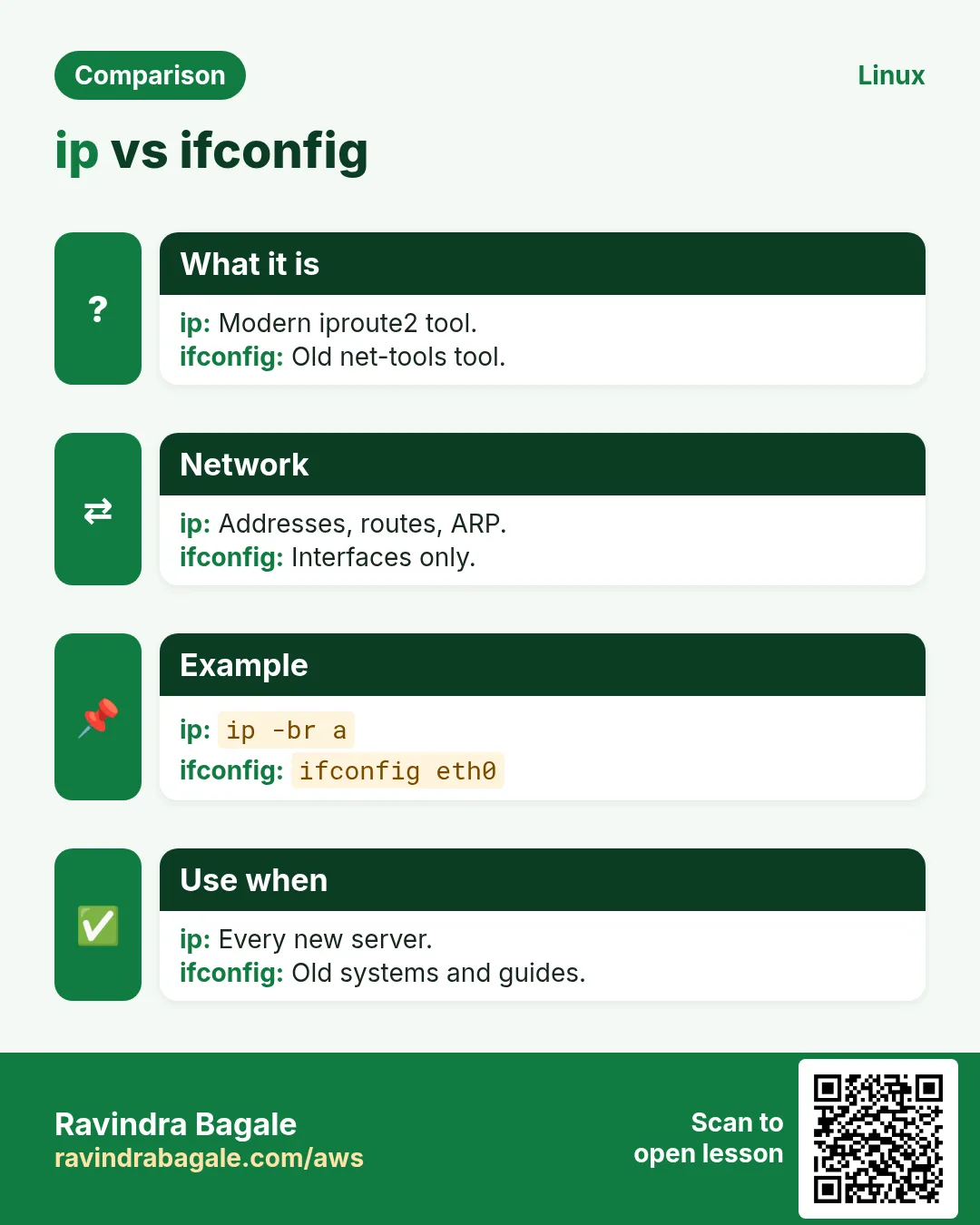
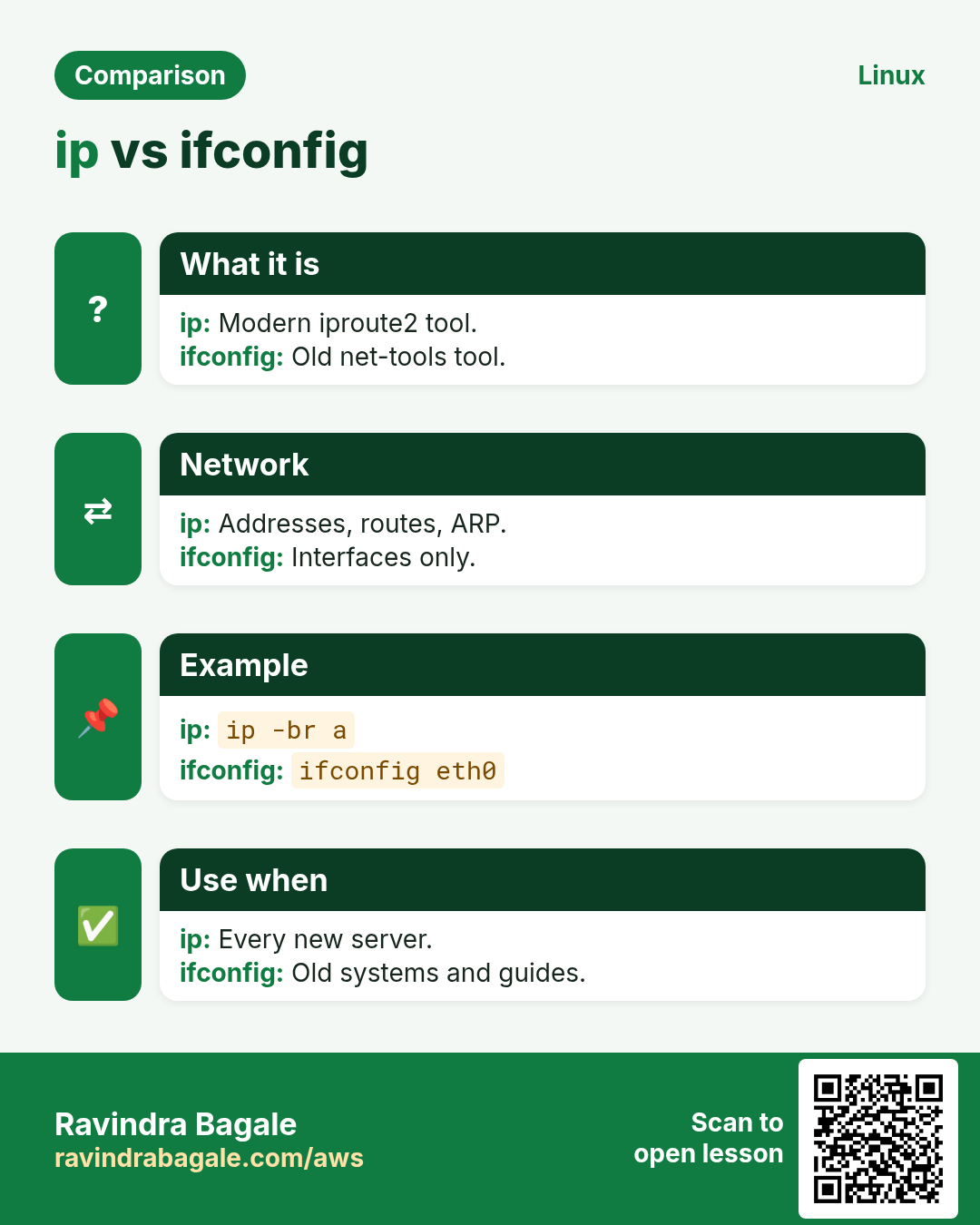
7. ifconfig: Old tool to show network interfaces
ifconfig in depth: the old network tool (and its ip replacement)
Why do we need this?
Many guides, old scripts and some interviewers still use ifconfig. You must read its output, and know the ip command that replaces it on modern Linux.
What is it?
ifconfig is from the old net-tools package and is not installed by default on RHEL 8+ and new Ubuntu. It shows interfaces, IPs, MAC, MTU and packet counters, and can set an IP temporarily. Use ip addr and ip link instead.
Common options
| Option | What it does |
|---|---|
ifconfig | Active interfaces. |
ifconfig -a | All, including down. |
ifconfig eth0 | One interface. |
ifconfig eth0 up/down | Bring up or down. |
ip addr | Modern equivalent. |
How to do it (step by step)
- Not found on a new server?
ifconfigOutput:
bash: ifconfig: command not foundWhat it means: Install net-tools or use ip.
- Install if you must.
sudo dnf install -y net-toolsOutput:
Complete!What it means: Gives ifconfig, netstat and route.
- Read one interface.
ifconfig eth0Output:
eth0: flags=4163<UP,BROADCAST,RUNNING,MULTICAST>  mtu 9001
        inet 10.0.1.15  netmask 255.255.255.0
        ether 0a:1b:2c:3d:4e:5f
        RX errors 0  dropped 0
What it means: UP and RUNNING, IP 10.0.1.15, no errors.
- Same with ip.
ip -br addr show eth0Output:
eth0 UP 10.0.1.15/24 fe80::81b:2cff:fe3d:4e5f/64What it means: -br gives one short line.
Practise this in the tasks below: Practice tasks
Real use: A Nigdi college lab still teaches ifconfig for old exam papers, then shows the ip equivalent for real jobs.
8. iostat: Show disk I/O stats
iostat in depth: is the disk the bottleneck?
Why do we need this?
A database is slow, CPU looks idle, but load is high. Usually the disk is too busy. iostat shows how busy each disk is and how long requests wait.
What is it?
iostat is in the sysstat package. It reports CPU iowait and, with -x, per-disk reads, writes, throughput, average wait (r_await, w_await) and %util. The first report is since boot; use an interval and look at later reports.
Common options
| Option | What it does |
|---|---|
iostat | CPU and disks since boot. |
iostat -x 2 | Extended, every 2 s. |
iostat -xz 2 5 | Hide idle disks, 5 reports. |
iostat -h | Human units. |
iostat -d nvme0n1 | One disk. |
How to do it (step by step)
- Install.
sudo dnf install -y sysstatOutput:
Complete!What it means: Also gives sar and mpstat.
- Watch disks.
iostat -xz 2 3Output:
Device   r/s   w/s  rkB/s  wkB/s r_await w_await %util
nvme1n1 820.0 410.0 52480 26240   18.40   25.10  99.2
What it means: 99% util and 18 to 25 ms waits: the data disk is saturated.
- Check CPU iowait.
iostat -c 2 2Output:
avg-cpu:  %user %system %iowait  %idle
           6.1     2.4    38.7   52.8
What it means: 38% of CPU time waiting for disk.
- Find the process.
sudo iotop -o -b -n 1 | head -4Output:
Total DISK READ: 51.2 M/s
  PID  USER  DISK READ  COMMAND
  811 mysql  49.8 M/s   mysqld
What it means: mysqld does the reading; check its slow queries.
Practise this in the tasks below: Practice tasks
Real use: A Pune stock-broking firm moved its database to faster disks after iostat showed 100% util every market open.
9. ip: Show and set addresses and routes
ip in depth: addresses, links, routes and neighbours
Why do we need this?
Every network problem starts with: does the server have the right IP, is the link up, and is the route right? ip answers all three on any modern Linux.
What is it?
ip from iproute2 replaces ifconfig, route and arp. Objects: addr (IP addresses), link (interfaces), route (routing table), neigh (ARP), rule. Changes are live but not saved; save them with nmcli or netplan.
Common options
| Option | What it does |
|---|---|
ip a | All addresses. |
ip -br a | Brief, one line each. |
ip link | Interfaces and state. |
ip r | Routing table. |
ip route get IP | Which route for this IP. |
ip neigh | ARP table. |
ip -s link | Packet and error counters. |
ip addr add IP/24 dev X | Add an IP (temporary). |
How to do it (step by step)
- Brief view.
ip -br aOutput:
lo      UNKNOWN 127.0.0.1/8 ::1/128
eth0    UP      10.0.1.15/24
What it means: eth0 is up with 10.0.1.15.
- Routes.
ip rOutput:
default via 10.0.1.1 dev eth0 proto dhcp metric 100
10.0.1.0/24 dev eth0 proto kernel scope link src 10.0.1.15
What it means: Internet traffic goes to gateway 10.0.1.1.
- Which path to the DB?
ip route get 10.0.2.15Output:
10.0.2.15 via 10.0.1.1 dev eth0 src 10.0.1.15What it means: Goes through the gateway.
- Errors on the link?
ip -s link show eth0Output:
RX: bytes  packets  errors  dropped
 9128371   71233    0       0
What it means: Zero errors: the cable or virtual NIC is fine.
- Add a test IP.
sudo ip addr add 10.0.1.99/24 dev eth0; ip -br a show eth0Output:
eth0 UP 10.0.1.15/24 10.0.1.99/24What it means: Lost on reboot; use nmcli for permanent.
Practise this in the tasks below: Practice tasks
Real use: A Talawade factory network engineer checks ip route get to each PLC subnet when machines stop reporting.
10. iptables: Low-level firewall rules
iptables in depth: read and add packet filter rules
Why do we need this?
Docker, Kubernetes, old servers and many cloud images still use iptables rules. When traffic is blocked or a port forward fails, you must read them.
What is it?
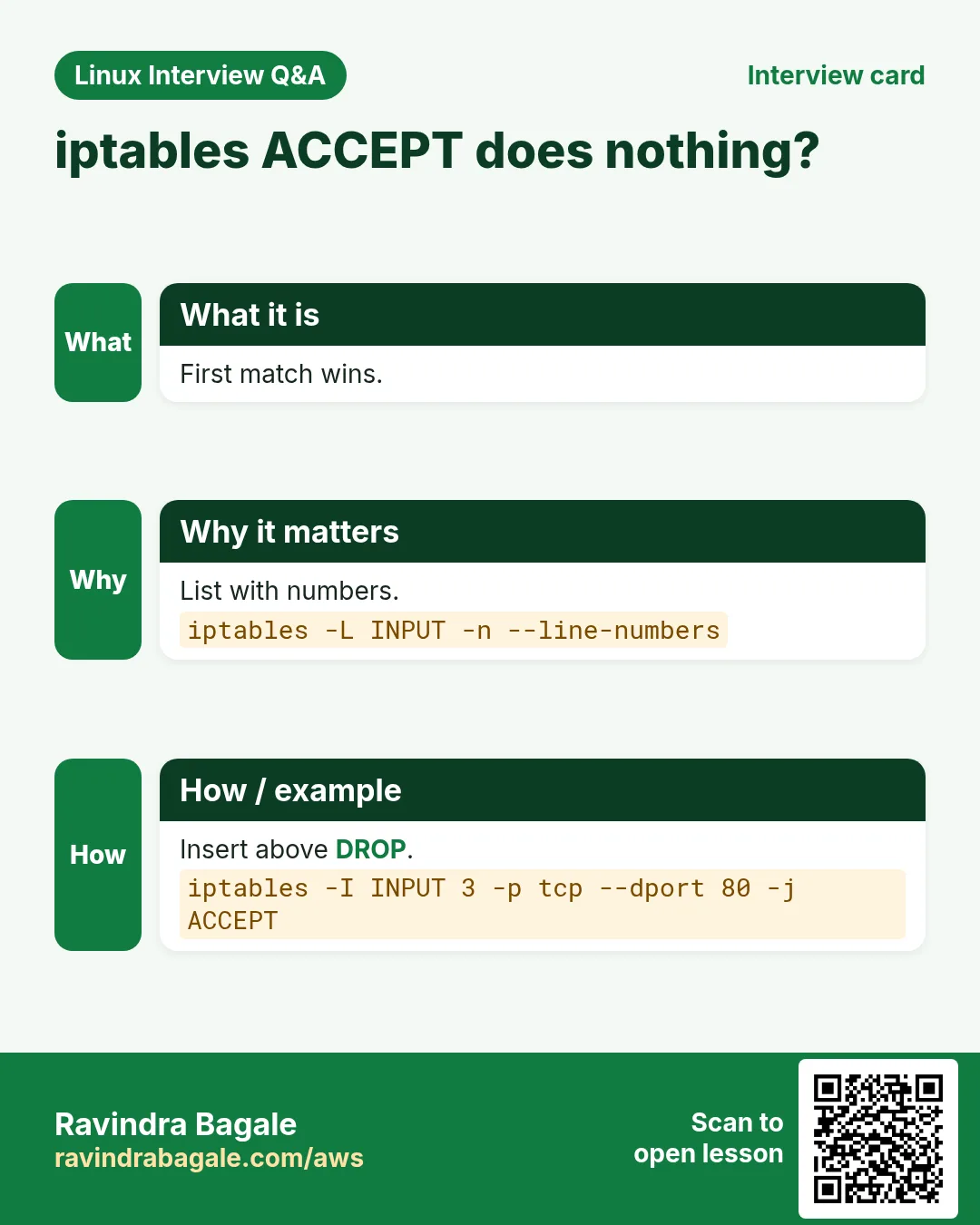
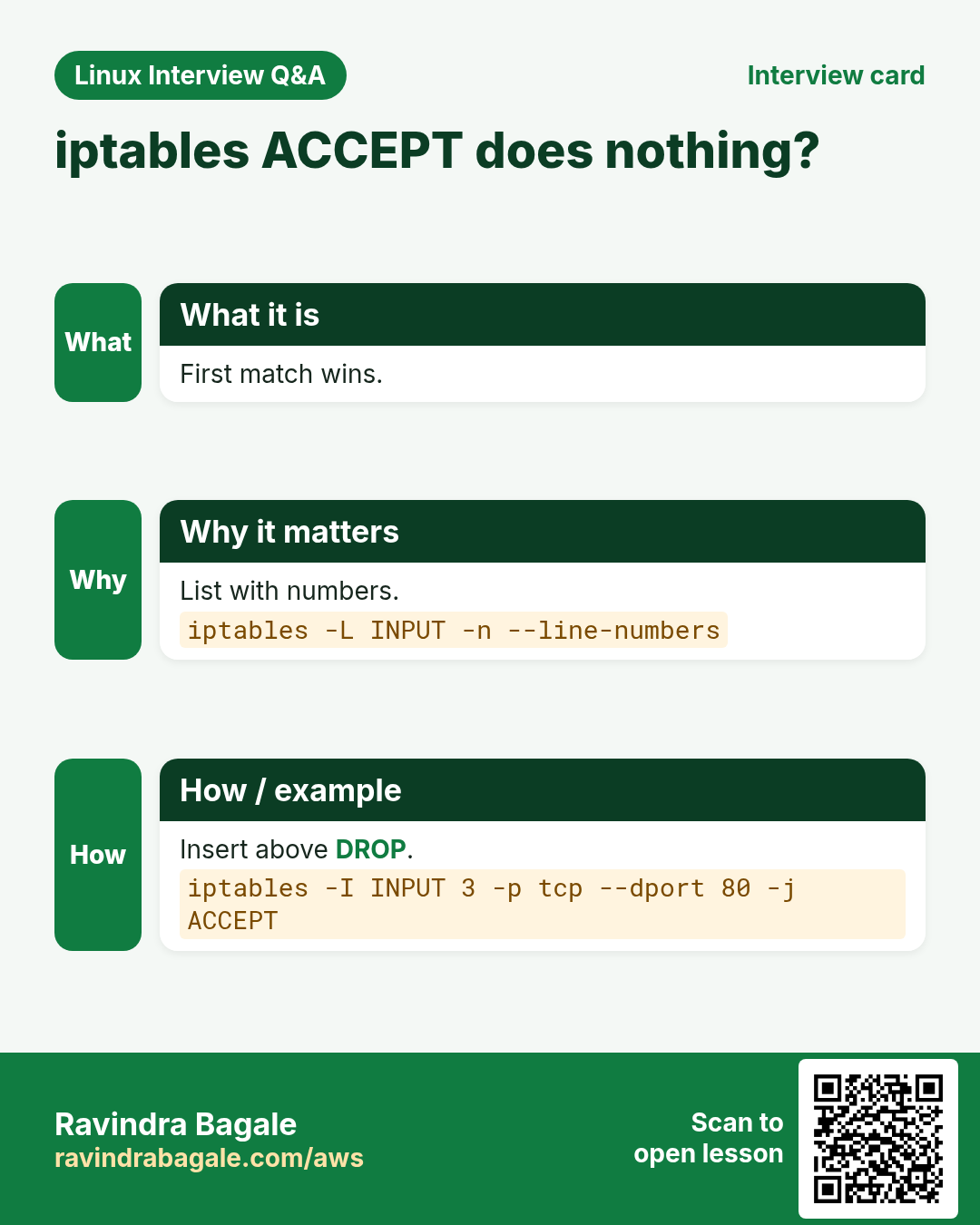
iptables manages kernel netfilter rules in tables (filter, nat, mangle) and chains (INPUT, OUTPUT, FORWARD, PREROUTING, POSTROUTING). Rules are checked top to bottom; the first match wins. On RHEL 8+ it is a front end to nftables, and firewalld is preferred.
Common options
| Option | What it does |
|---|---|
-L -n -v | List rules, numbers, counters. |
--line-numbers | Show rule positions. |
-A INPUT ... | Append a rule. |
-I INPUT 1 ... | Insert at the top. |
-D INPUT 3 | Delete rule 3. |
-t nat -L | NAT table. |
iptables-save | Dump all rules. |
How to do it (step by step)
- List the input rules.
sudo iptables -L INPUT -n -v --line-numbersOutput:
Chain INPUT (policy ACCEPT)
num pkts bytes target prot source    destination
1   1200 88K  ACCEPT tcp  0.0.0.0/0 0.0.0.0/0  tcp dpt:22
2     45 2700 DROP   tcp  0.0.0.0/0 0.0.0.0/0  tcp dpt:8080
What it means: Port 8080 is dropped; 45 packets hit that rule.
- Allow 8080 from the office only, above the DROP.
sudo iptables -I INPUT 2 -p tcp -s 203.0.113.0/24 --dport 8080 -j ACCEPTWhat it means: Inserted at position 2, so it is checked before the DROP.
- See Docker port forwards.
sudo iptables -t nat -L DOCKER -nOutput:
DNAT tcp 0.0.0.0/0 0.0.0.0/0 tcp dpt:8081 to:172.17.0.2:80What it means: Host 8081 goes to the container port 80.
- Back up the rules.
sudo iptables-save > /root/iptables-$(date +%F).rulesWhat it means: Restore with iptables-restore.
Practise this in the tasks below: Practice tasks
Real use: A Hadapsar ISP NOC reads iptables counters to prove to a customer that their packets reach the server.
11. jobs: List shell jobs
jobs in depth: list what this shell is running
Why do we need this?
You started a few commands with & or stopped them with Ctrl+Z and lost track. jobs shows them so you can bring one back or kill it.
What is it?
jobs is a shell builtin. It lists jobs of the current shell only, with a job number, state (Running, Stopped, Done) and command. Use %N with fg, bg and kill. Jobs die with the shell unless you use nohup, disown or tmux.
Common options
| Option | What it does |
|---|---|
jobs | List jobs. |
jobs -l | With PIDs. |
jobs -r | Only running. |
jobs -s | Only stopped. |
kill %2 | Kill job 2. |
disown %1 | Keep job 1 after logout. |
How to do it (step by step)
- Start two jobs.
tar czf /tmp/a.tgz /srv/app & sleep 900 &Output:
[1] 5102
[2] 5103
What it means: Job numbers and PIDs.
- List with PIDs.
jobs -lOutput:
[1]- 5102 Running   tar czf /tmp/a.tgz /srv/app &
[2]+ 5103 Running   sleep 900 &
What it means: Both still running.
- Stop the sleep job.
kill %2; jobsOutput:
[1]-  Running   tar czf ...
[2]+  Terminated  sleep 900
What it means: Job 2 is gone.
- Keep the tar after you log out.
disown %1What it means: The shell forgets it, so logout does not kill it.
Practise this in the tasks below: Practice tasks
Real use: A Kothrud freelance developer runs a build with & and checks jobs while writing docs in the same terminal.
12. journalctl: Read systemd logs
journalctl in depth: read systemd logs fast
Why do we need this?
A service failed to start, the server rebooted at night, or SSH logins are failing. On systemd systems all these logs are in the journal, and journalctl filters them by service, time and severity.
What is it?
journalctl reads the binary journal kept by systemd-journald. It can filter by unit (-u), boot (-b), time (--since, --until), priority (-p), and follow live (-f). Without Storage=persistent, logs are lost on reboot.
Common options
| Option | What it does |
|---|---|
-u nginx | One service. |
-f | Follow live. |
-b / -b -1 | This boot / last boot. |
--since "1 hour ago" | Time filter. |
-p err | Errors and worse. |
-n 50 | Last 50 lines. |
-o cat | Message text only. |
--disk-usage | Journal size. |
--vacuum-size=500M | Shrink journal. |
How to do it (step by step)
- Why did nginx fail?
sudo journalctl -u nginx -n 5 --no-pagerOutput:
nginx[2210]: nginx: [emerg] bind() to 0.0.0.0:80 failed (98: Address already in use)
systemd[1]: nginx.service: Failed with result 'exit-code'.
What it means: Port 80 is already taken by another process.
- Errors from this boot.
sudo journalctl -b -p err --no-pager | tail -3Output:
kernel: nvme1n1: I/O error, dev nvme1n1, sector 1024
...
What it means: A disk I/O error: check hardware.
- What happened last night?
sudo journalctl --since "2026-10-25 23:00" --until "2026-10-26 01:00" -p warningOutput:
(warnings and errors in that window)What it means: Narrow to the incident window.
- Failed SSH logins.
sudo journalctl -u sshd --since today | grep -c "Failed password"Output:
312What it means: 312 failed password attempts today: check fail2ban.
- How big is the journal?
journalctl --disk-usageOutput:
Archived and active journals take up 585.0M in the file system.What it means: Shrink with --vacuum-size if disk is tight.
Practise this in the tasks below: Practice tasks
Real use: A Viman Nagar travel portal gives on-call engineers one command: journalctl -u booking-api -p err --since "15 min ago".
13. jq: Read and filter JSON
jq in depth: read and filter JSON on the command line
Why do we need this?
Cloud CLIs, APIs and Kubernetes all return JSON. Reading a 500-line JSON by eye is slow. jq picks the fields you need in one line.
What is it?
jq is a JSON processor. A filter like .name or .items[].id walks the structure. It can select with select(), build new objects, count with length, and print raw strings with -r for use in scripts.
Common options
| Option | What it does |
|---|---|
jq . | Pretty print. |
jq .name | One field. |
jq ".items[]" | Each array item. |
jq -r | Raw strings, no quotes. |
jq "select(.x>1)" | Filter items. |
jq length | Count. |
jq -c | Compact, one line. |
How to do it (step by step)
- Pretty print an API reply.
curl -s https://api.example.in/health | jq .Output:
{
  "status": "ok",
  "db": "up",
  "version": "2.4.1"
}
What it means: Indented and colored.
- One field for a script.
curl -s https://api.example.in/health | jq -r .statusOutput:
okWhat it means: -r removes the quotes.
- Instance IDs that are running.
aws ec2 describe-instances | jq -r '.Reservations[].Instances[] | select(.State.Name=="running") | .InstanceId'Output:
i-0a1b2c3d4e5f60718
i-0f9e8d7c6b5a40312
What it means: Walk the arrays, filter, print.
- Count pods not running.
kubectl get pods -o json | jq '[.items[] | select(.status.phase!="Running")] | length'Output:
2What it means: Wrap in [ ] to make a list, then length.
Practise this in the tasks below: Practice tasks
Real use: A Baner cloud team builds a daily cost report by piping AWS CLI JSON through jq into a CSV.
14. kill: Send a signal to a process
kill in depth: send signals to stop or reload a process
Why do we need this?
A process hangs, eats CPU, or needs to reload its config without downtime. kill sends it a signal, from a polite request to a forced stop.
What is it?
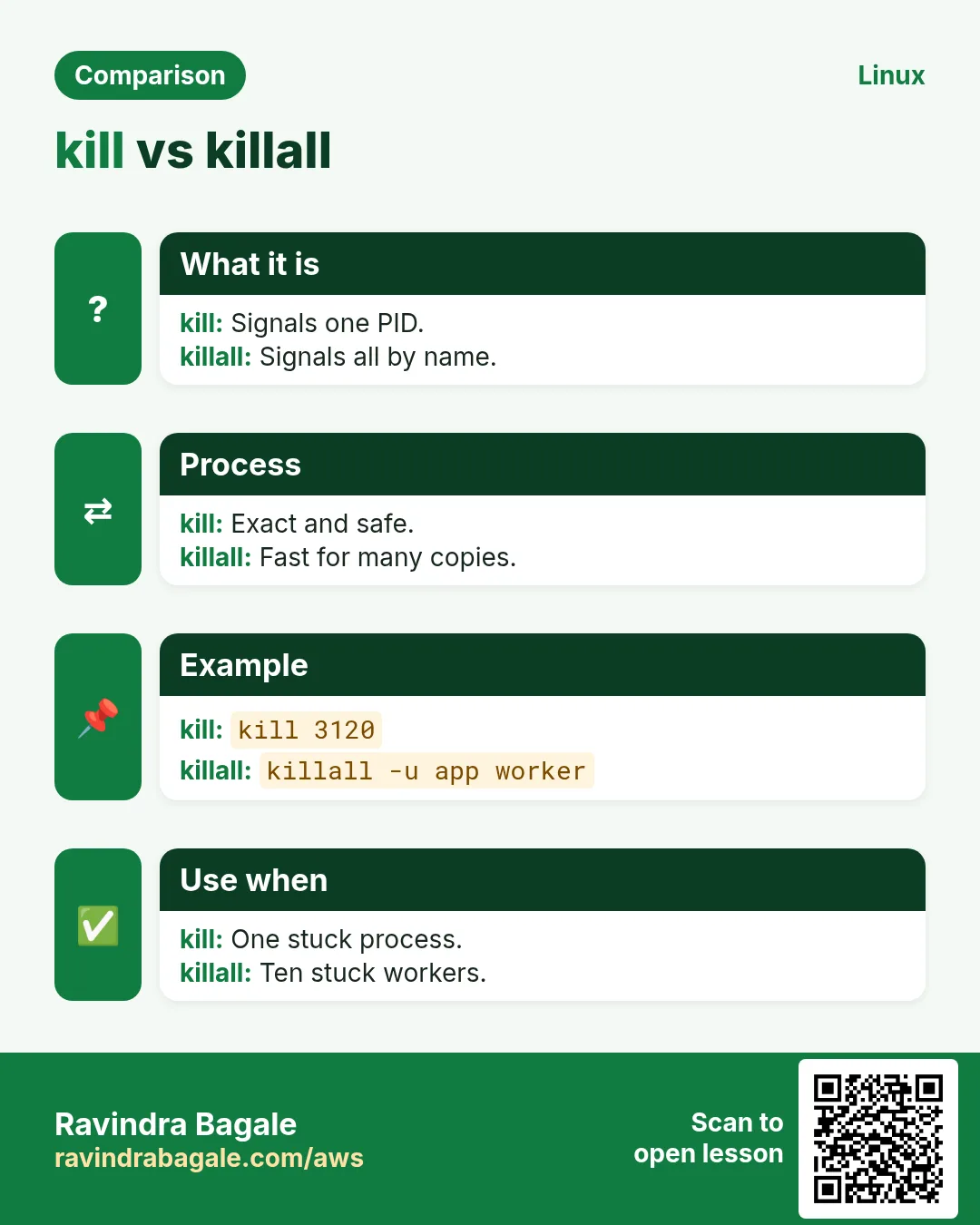
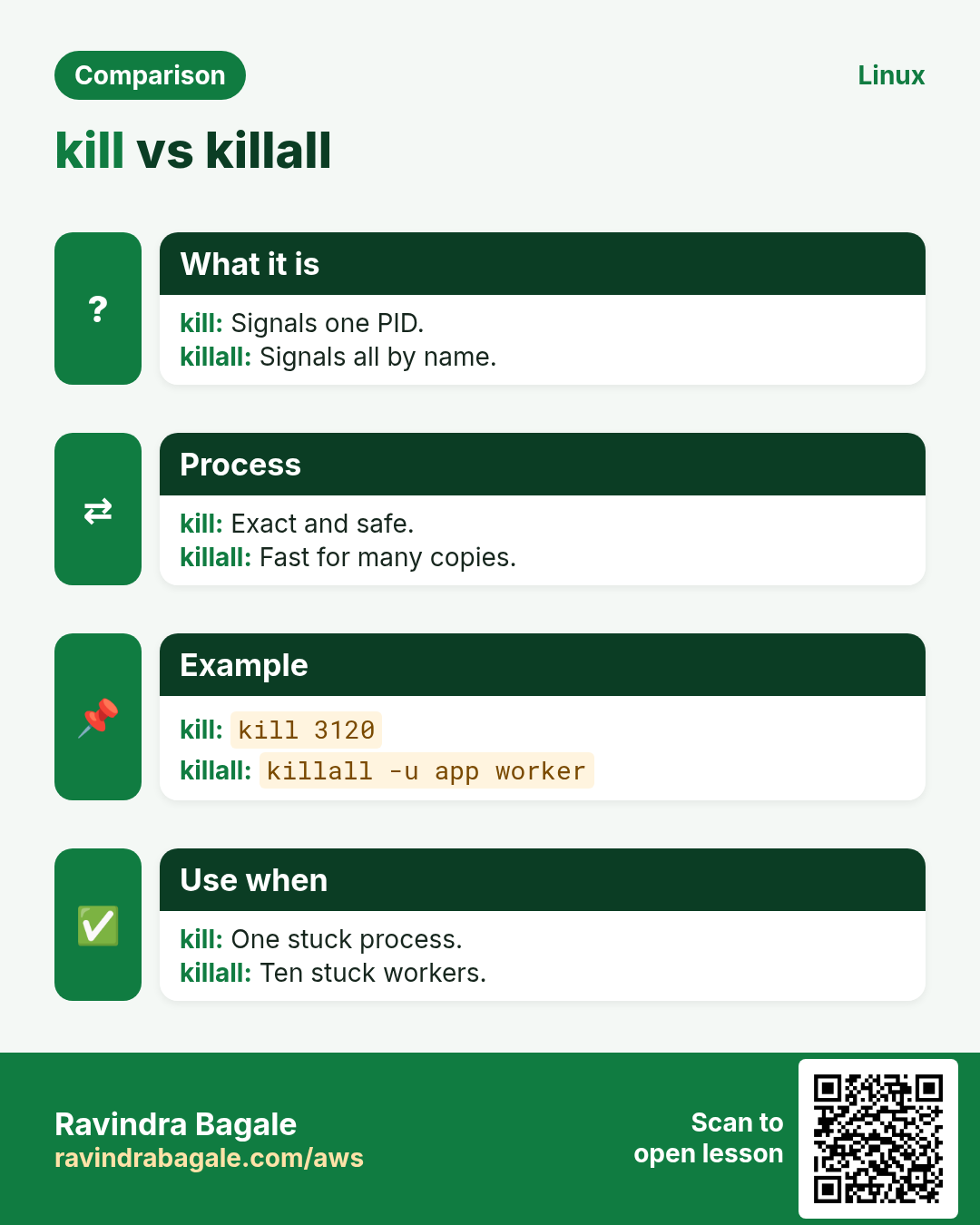
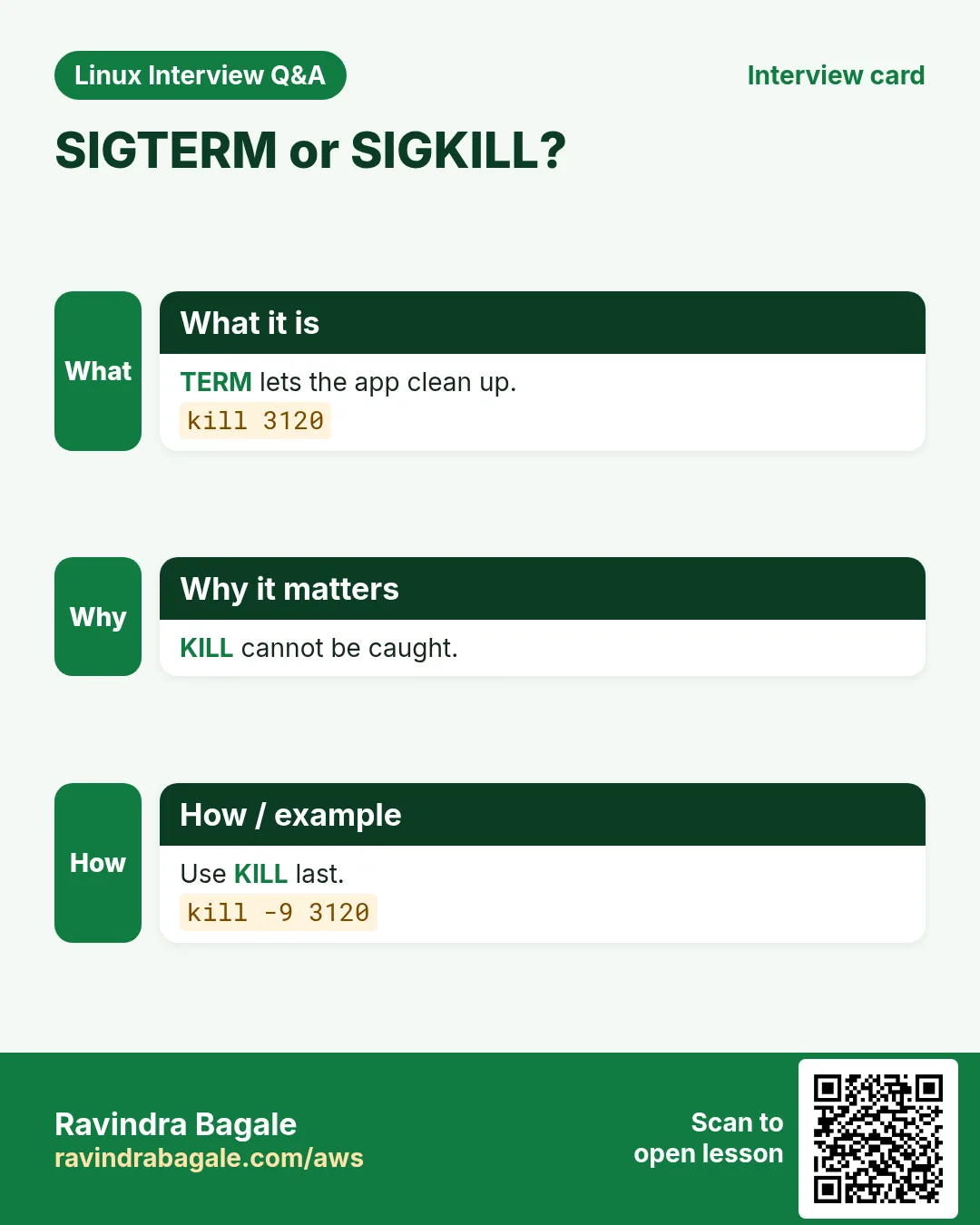
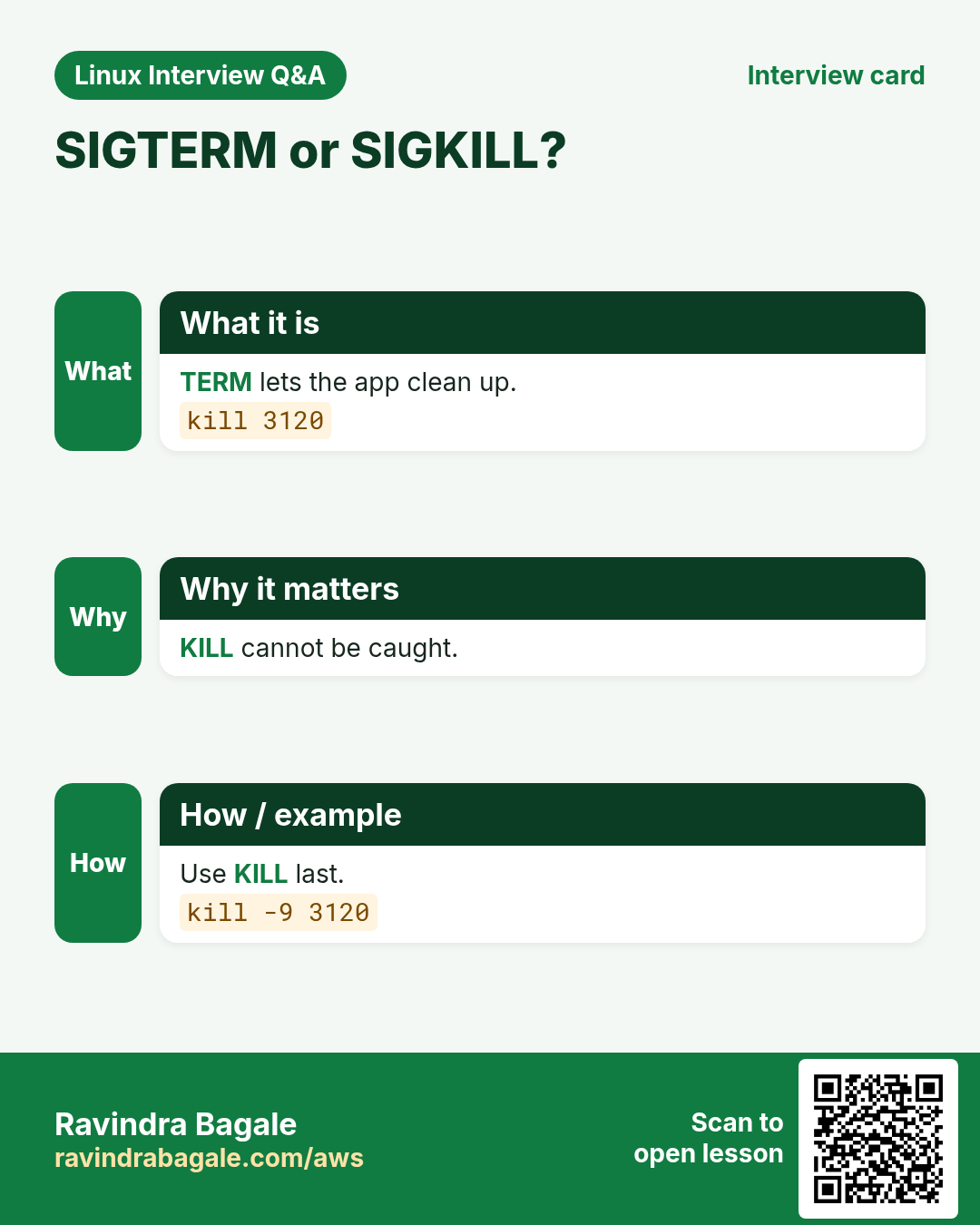
kill sends a signal to a PID. The default is SIGTERM (15): please exit and clean up. SIGHUP (1) often means reload. SIGKILL (9) cannot be caught: the kernel stops the process at once, with no cleanup. Always try 15 before 9.
Common options
| Option | What it does |
|---|---|
kill PID | SIGTERM (15). |
kill -HUP PID | Reload (1). |
kill -9 PID | Force stop. |
kill -0 PID | Is it alive? (no signal sent) |
kill -l | List signals. |
kill %1 | Kill shell job 1. |
How to do it (step by step)
- Find the PID.
pgrep -a javaOutput:
4121 java -jar /opt/report/report.jarWhat it means: PID 4121.
- Ask it to stop.
kill 4121; sleep 5; kill -0 4121 && echo alive || echo goneOutput:
goneWhat it means: It exited cleanly.
- Reload nginx config without dropping users.
sudo kill -HUP $(cat /run/nginx.pid)What it means: Workers restart with the new config; connections stay.
- Last resort for a stuck process.
kill -9 4121What it means: No cleanup: temp files and locks may remain.
Practise this in the tasks below: Practice tasks
Real use: A Kharadi bank's runbook says: kill, wait 30 seconds, take a thread dump, and only then kill -9.
15. killall: Signal processes by name
killall in depth: signal processes by name
Why do we need this?
A program started 20 worker processes and they all hang. Killing 20 PIDs one by one is slow. killall uses the name.
What is it?
killall (psmisc package) sends a signal to every process with an exact name. pkill is similar but matches patterns. Be careful on shared servers: it hits every user's process of that name unless you add -u.
Common options
| Option | What it does |
|---|---|
killall name | SIGTERM to all with that name. |
killall -u ravi name | Only ravi's. |
killall -i name | Ask for each. |
killall -9 name | Force. |
killall -w name | Wait until they exit. |
pkill -f pattern | Match full command line. |
How to do it (step by step)
- How many workers?
pgrep -c php-fpmOutput:
21What it means: 21 processes.
- Stop them and wait.
sudo killall -w php-fpmWhat it means: Returns when all have exited.
- Only one user's.
killall -u ravi python3What it means: Other users are not touched.
- Match a script name.
pkill -f "report_job.py"What it means: killall would only see "python3"; -f matches the arguments.
Practise this in the tasks below: Practice tasks
Real use: A Hinjewadi QA lab uses killall -u tester chrome after nightly browser tests so the next run starts clean.
16. last: Show login history
last in depth: who logged in and when the server rebooted
Why do we need this?
After an incident someone asks: who was on the server, and when did it reboot? last answers from the login records.
What is it?
last reads /var/log/wtmp and lists logins, logouts, reboots and shutdowns, newest first, with source IP and duration. lastb reads failed logins from /var/log/btmp. lastlog shows each user's most recent login.
Common options
| Option | What it does |
|---|---|
last | All records. |
last -n 10 | Last 10. |
last ravi | One user. |
last reboot | Reboots. |
last -x | Include shutdowns and runlevel changes. |
last -F | Full dates and times. |
sudo lastb | Failed logins. |
How to do it (step by step)
- Recent logins.
last -n 3Output:
ravi   pts/0  49.36.12.8   Mon Oct 26 01:02   still logged in
priya  pts/1  10.0.1.5     Sun Oct 25 22:10 - 23:40  (01:30)
reboot system boot 5.14.0-427  Sun Oct 25 21:58   still running
What it means: ravi is on now; priya stayed 1.5 hours; reboot at 21:58.
- When did it reboot?
last reboot | head -2Output:
reboot system boot 5.14.0-427 Sun Oct 25 21:58 still running
reboot system boot 5.14.0-427 Tue Oct 20 03:00 - 21:57 (5+18:57)
What it means: Up almost 6 days before last night.
- Failed login attempts.
sudo lastb -n 3Output:
root ssh:notty 185.220.1.2 Mon Oct 26 00:59 - 00:59
admin ssh:notty 185.220.1.2 Mon Oct 26 00:59 - 00:59
What it means: A bot is guessing passwords.
- Last login per user.
lastlog | grep -v "Never"Output:
Username Port From        Latest
ravi     pts/0 49.36.12.8  Mon Oct 26 01:02:11
What it means: Find unused accounts to disable.
Practise this in the tasks below: Practice tasks
Real use: A Yerawada BPO's audit report includes last -F output to show which admin was on each server during a change.
17. less: Page through a file
less in depth: read big files and outputs page by page
Why do we need this?
A log of 2 million lines will flood your screen with cat and freeze an editor. less opens it instantly and lets you search, jump and follow.
What is it?
less is a pager: it shows one screen at a time and reads only what it needs. Keys: Space next page, b back, /word search, n next match, G end, g start, F follow like tail -f, q quit. man uses less.
Common options
| Option | What it does |
|---|---|
less f | Open. |
less -N f | Line numbers. |
less -S f | Do not wrap long lines. |
less +F f | Start in follow mode. |
less -i | Search ignores case. |
cmd | less | Page through output. |
How to do it (step by step)
- Open a big log.
less -N /var/log/app/app.logOutput:
      1 2026-10-26 00:00:01 INFO start
      2 2026-10-26 00:00:02 INFO db connected
:
What it means: Opens at once, even for gigabytes.
- Search for an error.
/ERROR then nOutput:
2026-10-26 00:41:10 ERROR payment timeout id=7781What it means: n jumps to the next match, N goes back.
- Wide CSV without wrapping.
less -S sales.csvOutput:
date,region,store,amount,tax,discount,channel...What it means: Use the arrow keys to scroll sideways.
- Follow a live log.
less +F /var/log/nginx/access.logOutput:
Waiting for data... (interrupt to abort)What it means: Ctrl+C stops following so you can search; F starts again.
Practise this in the tasks below: Practice tasks
Real use: A Magarpatta support desk teaches less +F instead of tail -f, because you can pause and search without losing the log.
18. ln: Create hard and soft links
ln in depth: hard links and symbolic links
Why do we need this?
You want one stable path like /opt/app/current pointing to the latest release, or a config in two places without copying. Links do this, and switching a release becomes one command.
What is it?
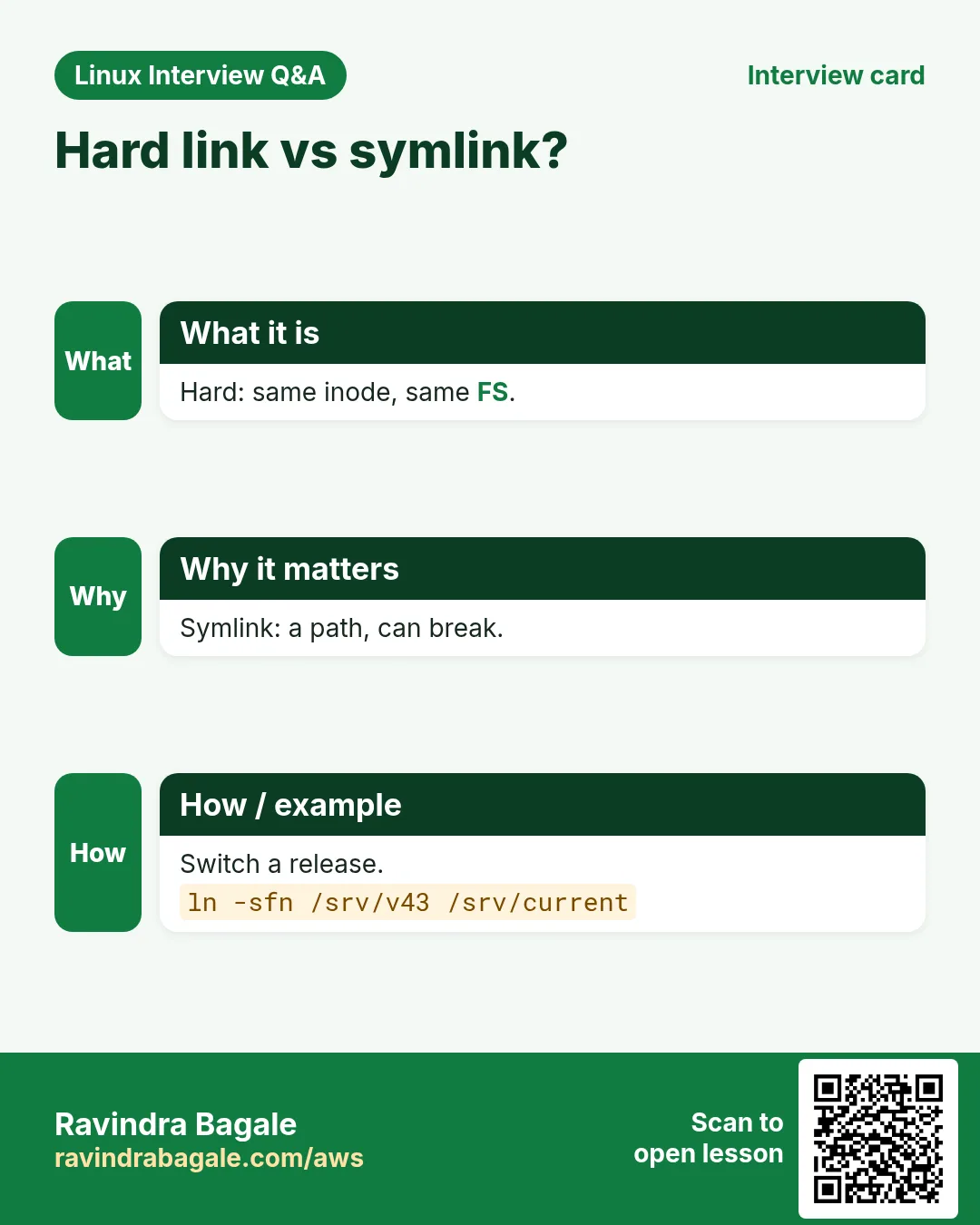
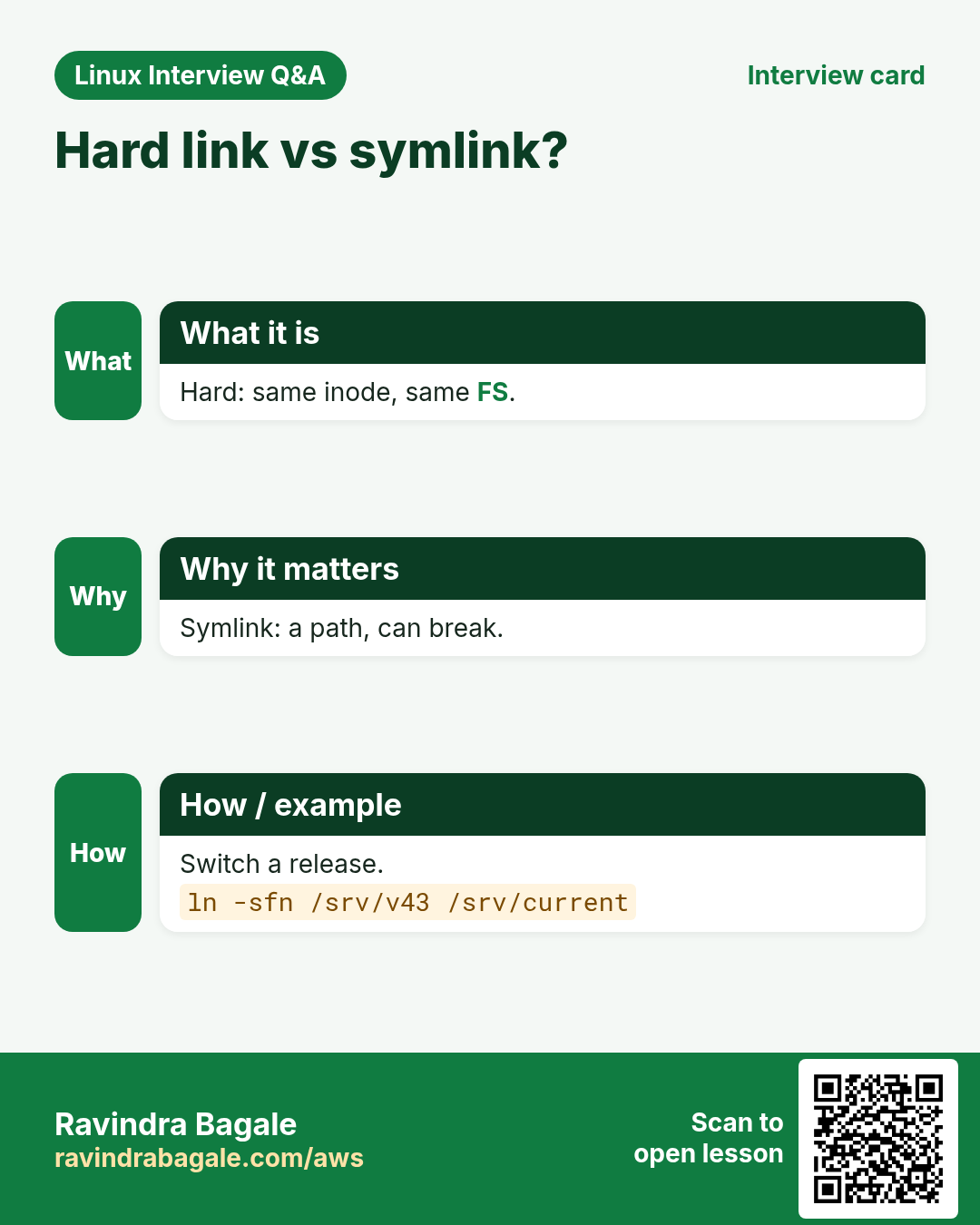
ln creates links. A hard link is a second name for the same inode (same data); it cannot cross filesystems or point to folders. A symbolic link (-s) is a small file holding a path; it can point anywhere but breaks if the target is removed.
Common options
| Option | What it does |
|---|---|
ln target name | Hard link. |
ln -s target name | Symbolic link. |
ln -sf target name | Replace an existing link. |
ln -sfn dir link | Replace a link to a folder. |
readlink -f link | Where does it really point? |
find -L . -type l | Find broken links. |
How to do it (step by step)
- Point current to a release.
sudo ln -s /opt/app/releases/v41 /opt/app/current; ls -l /opt/app/currentOutput:
lrwxrwxrwx 1 root root 24 Oct 26 01:30 /opt/app/current -> /opt/app/releases/v41What it means: The arrow shows the target.
- Deploy v42 by switching the link.
sudo ln -sfn /opt/app/releases/v42 /opt/app/current; readlink -f /opt/app/currentOutput:
/opt/app/releases/v42What it means: -n treats the old link as a file, so it is replaced, not entered.
- Hard link: same inode.
ln data.csv data-copy.csv; ls -li data*.csvOutput:
1310722 -rw-r--r-- 2 ravi ravi 9.1M data.csv
1310722 -rw-r--r-- 2 ravi ravi 9.1M data-copy.csv
What it means: Same inode number, link count 2, no extra space.
- Find broken links.
find /etc -xtype lOutput:
/etc/nginx/sites-enabled/old-siteWhat it means: The target was deleted; remove or fix the link.
Practise this in the tasks below: Practice tasks
Real use: A Baner e-commerce team rolls back a bad release in two seconds by pointing the current symlink back to the previous folder.
19. locate: Find files fast from a database
locate in depth: find files instantly from a database
Why do we need this?
find over the whole disk can take minutes. When you only need "where is a file called X", locate answers in milliseconds.
What is it?
locate (mlocate or plocate package) searches a database of file names built by updatedb, usually once a day by a timer. It is fast but can be out of date: new files are missing and deleted files may still show. Run sudo updatedb to refresh.
Common options
| Option | What it does |
|---|---|
locate name | Search. |
locate -i name | Ignore case. |
locate -c name | Count only. |
locate -e name | Only files that still exist. |
locate -r regex | Regex. |
sudo updatedb | Rebuild the database. |
How to do it (step by step)
- Install and build.
sudo dnf install -y mlocate && sudo updatedbOutput:
Complete!What it means: The first build reads the whole disk once.
- Find a file.
locate sshd_configOutput:
/etc/ssh/sshd_config
/usr/share/man/man5/sshd_config.5.gz
What it means: Instant, every path containing the name.
- A file you just created is missing.
touch /tmp/newfile.txt; locate newfile.txt; echo "code=$?"Output:
code=1What it means: The database is older than the file.
- Refresh and retry.
sudo updatedb; locate newfile.txtOutput:
/tmp/newfile.txtWhat it means: Now it is found.
Practise this in the tasks below: Practice tasks
Real use: A Deccan web host uses locate wp-config.php to find every WordPress site on a shared server in a second.
20. logger: Write a message to the system log
logger in depth: write your own messages to the system log
Why do we need this?
Your backup script ran at 2 AM. Did it work? If it writes to the system log, the result sits next to every other event, reaches central logging and can trigger alerts.
What is it?
logger sends a message to syslog and the systemd journal. -t sets a tag (shown as the program name), -p sets facility and priority like user.err. Read it back with journalctl -t tag or in /var/log/messages.
Common options
| Option | What it does |
|---|---|
logger "msg" | Write a message. |
logger -t backup "msg" | With a tag. |
logger -p user.err "msg" | With priority. |
logger -s "msg" | Also print to the screen. |
logger -f file | Log each line of a file. |
How to do it (step by step)
- Log a success.
logger -t backup "nightly backup ok size=4.2G"What it means: Nothing is printed; it went to the log.
- Read it.
journalctl -t backup -n 1 --no-pagerOutput:
Oct 26 02:00:41 web01 backup[5541]: nightly backup ok size=4.2GWhat it means: Tag, PID and time are added.
- Log a failure with error priority.
logger -t backup -p user.err "nightly backup FAILED rc=23"What it means: Monitoring that watches err level will alert.
- Use it in a script.
rsync -a /srv/ backup01:/b/ && logger -t backup ok || logger -t backup -p user.err failedWhat it means: One line, both outcomes logged.
Practise this in the tasks below: Practice tasks
Real use: A Nashik Phata cold-storage company's sensor scripts log temperatures with logger so alerts reach the central server.
21. logrotate: Rotate and compress logs
logrotate in depth: stop logs from filling the disk
Why do we need this?
An app writes 2 GB of logs a day. Without rotation the disk fills in a week and the app crashes. logrotate renames, compresses and deletes old logs on a schedule.
What is it?
logrotate runs daily (cron or a systemd timer) and reads /etc/logrotate.conf plus files in /etc/logrotate.d/. Each block lists log paths and rules: daily or weekly, rotate N, compress, missingok, notifempty, and postrotate to tell the app to reopen logs. copytruncate is for apps that cannot reopen.
Common options
| Option | What it does |
|---|---|
daily / weekly | How often. |
rotate 14 | Keep 14 old files. |
compress | gzip old files. |
delaycompress | Keep the newest old file unzipped. |
maxsize 500M | Rotate early if big. |
copytruncate | Copy, then empty the file. |
logrotate -d conf | Dry run (debug). |
logrotate -f conf | Force now. |
How to do it (step by step)
- Write a rule for the app.
printf '/var/log/app/*.log {\n daily\n rotate 14\n compress\n delaycompress\n missingok\n notifempty\n maxsize 500M\n copytruncate\n}\n' | sudo tee /etc/logrotate.d/appOutput:
/var/log/app/*.log {
 daily
 rotate 14
 ...
What it means: Daily, keep 14, compress, or earlier at 500 MB.
- Dry run.
sudo logrotate -d /etc/logrotate.d/appOutput:
considering log /var/log/app/app.log
  log needs rotating
What it means: Shows what would happen; changes nothing.
- Force once.
sudo logrotate -f /etc/logrotate.d/app; ls /var/log/appOutput:
app.log app.log.1What it means: Rotated now; next run compresses app.log.1.
- When did it last run?
sudo grep app.log /var/lib/logrotate/logrotate.statusOutput:
"/var/log/app/app.log" 2026-10-26-1:35:0What it means: The state file records each log.
Practise this in the tasks below: Practice tasks
Real use: A Hinjewadi telecom billing team uses maxsize 1G with hourly logrotate during month-end runs, when logs grow fast.
22. ls: List files
ls in depth: list files the way admins do
Why do we need this?
Every task starts with "what is in this folder": sizes, owners, permissions, newest files, hidden files. ls -l is the first thing interviewers expect you to read.
What is it?
ls lists folder contents. -l gives the long format: type and permissions, link count, owner, group, size, change time, name. -a shows hidden dot files, -h human sizes, -t sorts by time, -S by size, -r reverses, -d shows the folder itself, -i inode, -Z SELinux label.
Common options
| Option | What it does |
|---|---|
-l | Long format. |
-a / -A | Hidden files (A skips . and ..). |
-h | Human sizes. |
-t | Newest first. |
-S | Biggest first. |
-r | Reverse. |
-R | Recursive. |
-d | The folder itself. |
-i | Inode numbers. |
-Z | SELinux context. |
--time-style=long-iso | Clear dates. |
How to do it (step by step)
- Read the long format.
ls -lh /etc/ssh/sshd_configOutput:
-rw-------. 1 root root 3.6K Oct 20 10:12 /etc/ssh/sshd_configWhat it means: - file; rw for root only; . means an SELinux label; 3.6 KB.
- Newest files first.
ls -lt /var/log | head -4Output:
total 98340
-rw-r----- 1 root root 2.1M Oct 26 01:40 secure
-rw-r----- 1 root root 8.4M Oct 26 01:40 messages
-rw------- 1 root root  12K Oct 26 01:30 cron
What it means: Which logs are being written now.
- Biggest first, hidden too.
ls -lAhS ~ | head -4Output:
total 2.2G
-rw-r--r-- 1 ravi ravi 2.0G Oct 12 old.iso
-rw------- 1 ravi ravi  41K Oct 26 .bash_history
What it means: Find the space hog in a home folder.
- The folder, not its contents.
ls -ld /srv/devsOutput:
drwxrws--- 2 root devs 4096 Oct 26 01:10 /srv/devsWhat it means: s in the group part is setgid.
- SELinux labels.
ls -Z /var/www/htmlOutput:
unconfined_u:object_r:httpd_sys_content_t:s0 index.htmlWhat it means: httpd_sys_content_t lets the web server read it.
Practise this in the tasks below: Practice tasks
Real use: A Kothrud web agency's first check on any 403 error is ls -lZ on the web folder.
23. lsblk: List block devices
lsblk in depth: see disks, partitions and mounts as a tree
Why do we need this?
Before you format, mount, extend or dd anything, you must know which disk is which. lsblk shows every block device, its size and where it is mounted, in a clear tree.
What is it?
lsblk reads sysfs and lists disks, partitions, LVM volumes, RAID and loop devices. -f adds filesystem type, label and UUID; -o picks columns. It changes nothing, so it is always safe to run.
Common options
| Option | What it does |
|---|---|
lsblk | Tree of devices. |
lsblk -f | Filesystems and UUIDs. |
lsblk -o NAME,SIZE,TYPE,MOUNTPOINTS | Chosen columns. |
lsblk -d | Disks only. |
lsblk -p | Full /dev paths. |
lsblk -J | JSON output. |
How to do it (step by step)
- See everything.
lsblkOutput:
NAME          SIZE TYPE MOUNTPOINTS
nvme0n1        20G disk
├─nvme0n1p1     1G part /boot
└─nvme0n1p2    19G part
  ├─rl-root    17G lvm  /
  └─rl-swap     2G lvm  [SWAP]
nvme1n1        50G disk
What it means: The second disk nvme1n1 has no partitions or mounts: it is the new one.
- Filesystems and UUIDs for fstab.
lsblk -f /dev/nvme1n1Output:
NAME      FSTYPE UUID                                 MOUNTPOINTS
nvme1n1p1 xfs    7c1e2f3a-9b8d-4e5f-a1b2-c3d4e5f60718 /data
What it means: Use the UUID in /etc/fstab, not the device name.
- Disks only.
lsblk -d -o NAME,SIZE,MODELOutput:
NAME    SIZE MODEL
nvme0n1  20G Amazon Elastic Block Store
nvme1n1  50G Amazon Elastic Block Store
What it means: Quick inventory.
- After growing a cloud disk.
lsblk /dev/nvme1n1Output:
nvme1n1      80G disk
└─nvme1n1p1  50G part /data
What it means: Disk is 80G but the partition is still 50G: grow it with growpart.
Practise this in the tasks below: Practice tasks
Real use: A Hinjewadi data team runs lsblk before every dd and mkfs; it is the first line of their disk runbook.
24. lscpu: Show CPU details
lscpu in depth: what CPU does this server have?
Why do we need this?
Sizing a database, licensing software per core, or checking if a VM got the cores you paid for all need CPU facts. lscpu shows them neatly.
What is it?
lscpu reads /proc/cpuinfo and sysfs and summarizes architecture, CPU count, threads per core, cores per socket, sockets, model, speed, caches, NUMA nodes and virtualization.
Common options
| Option | What it does |
|---|---|
lscpu | Summary. |
lscpu -e | One line per CPU. |
lscpu -J | JSON. |
nproc | Just the CPU count. |
lscpu | grep -i numa | NUMA layout. |
How to do it (step by step)
- Summary.
lscpu | grep -E "^(Architecture|CPU\(s\)|Thread|Core|Socket|Model name)"Output:
Architecture:            x86_64
CPU(s):                  4
Model name:              Intel(R) Xeon(R) Platinum 8259CL CPU @ 2.50GHz
Thread(s) per core:      2
Core(s) per socket:      2
Socket(s):               1
What it means: 4 vCPUs = 2 cores x 2 threads.
- Just the count for a script.
nprocOutput:
4What it means: Use it to set worker counts, e.g. make -j$(nproc).
- Is it a VM?
lscpu | grep -i hypervisorOutput:
Hypervisor vendor: KVMWhat it means: Running on KVM (AWS Nitro).
- ARM or Intel?
lscpu | head -1Output:
Architecture: aarch64What it means: aarch64 means ARM (like AWS Graviton): use ARM images.
Practise this in the tasks below: Practice tasks
Real use: A Pune software vendor checks lscpu cores before quoting a per-core licence to a bank.
25. lsof: List open files
lsof in depth: list open files, ports and deleted files
Why do we need this?
Disk full but du shows little, a port is busy, or "too many open files" errors appear. All three are about open files, and lsof shows them.
What is it?
In Linux everything is a file: regular files, folders, sockets, pipes and devices. lsof lists them per process with PID, user, file descriptor and name. Filters: -p PID, -u user, -i network, +D folder, +L1 deleted but open.
Common options
| Option | What it does |
|---|---|
lsof -i :80 | Who uses port 80. |
lsof -i -P -n | All network files, numeric. |
lsof -p PID | Files of a process. |
lsof -u ravi | Files of a user. |
lsof +D /var/log | Files open in a folder. |
lsof +L1 | Deleted but still open. |
How to do it (step by step)
- Who listens on 443?
sudo lsof -i :443 -sTCP:LISTEN -P -nOutput:
COMMAND  PID USER FD  TYPE NODE NAME
nginx   1043 root 7u  IPv4 TCP  *:443 (LISTEN)
What it means: nginx, PID 1043.
- Disk full: find deleted open files.
sudo lsof +L1 | head -3Output:
COMMAND  PID USER FD  SIZE/OFF NLINK NAME
java    4121 app  12w 7340032000  0 /var/log/app/debug.log (deleted)
What it means: 7 GB still held by java. Restart it (or truncate the fd) to free space.
- How many files does a process have open?
sudo lsof -p 4121 | wc -lOutput:
1019What it means: Close to a 1024 limit: raise LimitNOFILE.
- Connections to the database.
sudo lsof -i TCP:5432 -P -n | grep -c ESTABLISHEDOutput:
48What it means: 48 open DB connections.
Practise this in the tasks below: Practice tasks
Real use: A Wakad SaaS company found a 40 GB deleted log held open by a crashed worker using lsof +L1, at 3 AM, without a reboot.
26. lvcreate: Create an LVM logical volume
lvcreate in depth: create LVM logical volumes
Why do we need this?
Partitions are hard to resize. With LVM you pool disks into a volume group and cut flexible logical volumes that you can grow later, even online. lvcreate makes those volumes.
What is it?
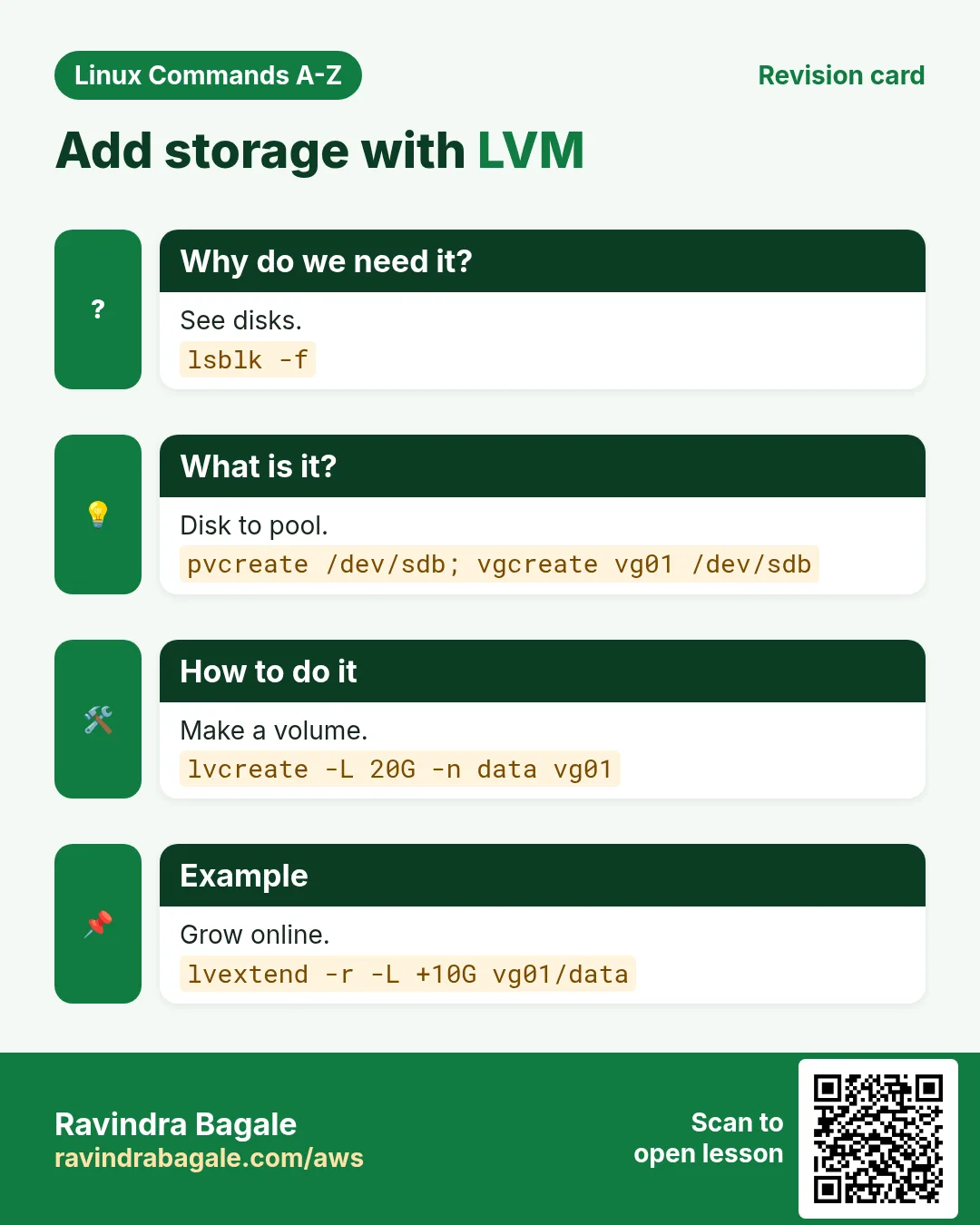
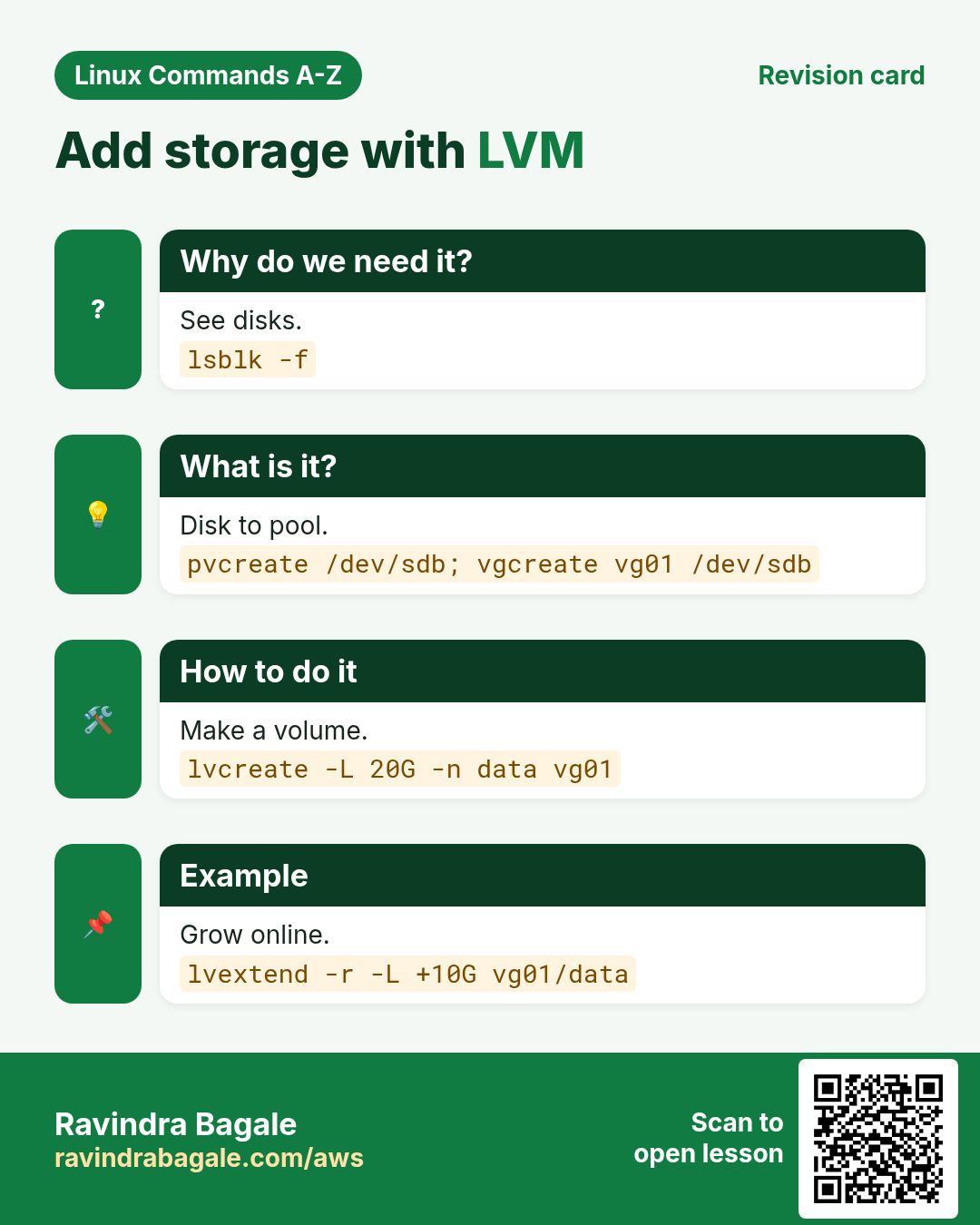
LVM has three layers: physical volumes (pvcreate on a disk or partition), a volume group (vgcreate) that pools them, and logical volumes (lvcreate) that you format and mount. -L sets a size, -l uses extents or a percent like 100%FREE, -n names it, -s makes a snapshot.
Common options
| Option | What it does |
|---|---|
-L 20G | Size. |
-l 100%FREE | Use all free space. |
-n data | Name. |
-s -L 5G -n snap vg/lv | Snapshot. |
lvs | List volumes. |
lvextend -r -L +10G vg/lv | Grow and resize the filesystem. |
How to do it (step by step)
- Prepare the disk and group.
sudo pvcreate /dev/nvme1n1 && sudo vgcreate vgdata /dev/nvme1n1Output:
Physical volume "/dev/nvme1n1" successfully created.
Volume group "vgdata" successfully created
What it means: 50 GB pool named vgdata.
- Create a 20 GB volume.
sudo lvcreate -L 20G -n lvapp vgdataOutput:
Logical volume "lvapp" created.What it means: Device is /dev/vgdata/lvapp.
- Format and mount.
sudo mkfs.xfs /dev/vgdata/lvapp && sudo mkdir -p /app && sudo mount /dev/vgdata/lvapp /app && df -h /appOutput:
/dev/mapper/vgdata-lvapp 20G 175M 20G 1% /appWhat it means: Ready to use; add it to /etc/fstab.
- Grow it later, online.
sudo lvextend -r -L +10G /dev/vgdata/lvappOutput:
Size of logical volume vgdata/lvapp changed from 20.00 GiB to 30.00 GiB.
data blocks changed from 5242880 to 7864320
What it means: -r grows the filesystem too. No downtime.
- Check.
sudo lvsOutput:
  LV    VG     Attr       LSize
  lvapp vgdata -wi-ao---- 30.00g
What it means: 30 GB, active and open.
Practise this in the tasks below: Practice tasks
Real use: A Pune hospital PACS server grows its image volume with lvextend every quarter without stopping the radiology team.
27. Real examples from many industries
Why do we need this?
The same Linux skill shows up in every kind of company. Seeing it in many places helps you remember it.
What is it?
Each row is a made-up team. It shows who uses this and how.
How to do it (step by step)
| Team and city | How they use it | Command |
|---|---|---|
| Kiran, SRE, Kharadi | Reads errors from the last boot after every reboot | journalctl -b -1 -p err |
| Anjali, fintech, Magarpatta | Reads build versions from JSON | jq -r .version package.json |
| Rohit, SaaS, Baner | Deploys by switching a symlink | ln -sfn /srv/releases/v43 /srv/current |
| Priya, cloud, Hinjewadi | Checks disks before any mkfs | lsblk -f |
| Amol, ERP, Pimpri | Snapshots the DB volume before upgrades | lvcreate -s -L 5G -n db-pre vg01/db |
| Sneha, bank, Camp | Prints login history for audit | last -n 50 |
28. Common errors and how to fix them
Why do we need this?
Everyone hits these errors. Knowing the cause saves hours.
What is it?
Read the exact message first. Then match it to a row below.
How to do it (step by step)
| Error you see | Why it happens | How to fix |
|---|---|---|
Cannot find device "eth1" | Interface name is different on this server | List interfaces first.ip -br link |
ifconfig: command not found | net-tools not installed | Use ip, or install net-tools.ip -br a |
iptables: Bad rule (does a matching rule exist in that chain?) | Deleting a rule that does not exist | Delete by number.iptables -L INPUT --line-numbers |
New iptables ACCEPT rule never matches | Appended after a DROP rule | Insert above the DROP.iptables -I INPUT 3 -p tcp --dport 80 -j ACCEPT |
No journal files were found. | Journal not kept or no permission | Use sudo; create /var/log/journal for persistence.mkdir -p /var/log/journal; systemctl restart systemd-journald |
jq: error: Cannot index array with "name" | Input is a list, not an object | Add .[] first.jq '.[].name' f.json |
parse error: Invalid numeric literal at line 1, column 10 | Input is not JSON (often an HTML error page) | Check the raw reply first.curl -s URL | head -c 200 |
kill: (3120) - Operation not permitted | Process belongs to another user | Use sudo, after checking the owner.ps -o user,pid,cmd -p 3120 |
ln: failed to create symbolic link '/opt/app/current': File exists | Link already there | Replace it with -sfn.ln -sfn /opt/app/releases/v43 /opt/app/current |
locate: can not stat () `/var/lib/plocate/plocate.db' | Database not built yet | Run updatedb.updatedb |
error: skipping "/var/log/app/app.log" because parent directory has insecure permissions | logrotate sees a group or world writable folder | Add a su line in the rule.su app app |
Volume group "vg01" has insufficient free space | Asked for more than is free | Check vgs; use 100%FREE or add a disk.vgs; lvcreate -l 100%FREE -n data vg01 |
29. Troubleshooting step by step
Why do we need this?
When a Part 4 command does not do what you expect, go through these steps.
What is it?
Go top to bottom. Stop at the first step that shows the problem.
How to do it (step by step)
- Are you root where needed?
id -u- Is the command installed?
command -v htop iostat jq lsof- Is the name right (interface, unit, VG)?
ip -br link; systemctl list-units --type=service | head; vgs- Is the change only until reboot?
cat /etc/hostname; nmcli con show- Does the log say more?
journalctl -xe -n 20- Is the input what you think?
head -c 200 file.json30. Lab 1: Disk full but du looks small
Why do we need this?
Create a deleted-but-open file, find it with lsof, free the space, and add log rotation.
What is it?
A full hands-on lab. Run every step on a test Linux machine (an EC2 instance, a VM, or WSL).
How to do it (step by step)
- Write a big file and keep it open.
dd if=/dev/zero of=/tmp/big.log bs=1M count=300 status=none; tail -f /tmp/big.log > /dev/null &Output:
[1] 7001- Delete it.
rm /tmp/big.log; df -h /tmp | tail -1Output:
tmpfs 1.8G 300M 1.5G 17% /tmp- Find it.
lsof +L1 2>/dev/null | grep big.logOutput:
tail 7001 ravi 3r REG 300M 0 /tmp/big.log (deleted)- Free the space.
kill %1; df -h /tmp | tail -1Output:
tmpfs 1.8G 0 1.8G 0% /tmp- Dry run a logrotate rule.
sudo logrotate -d /etc/logrotate.d/appOutput:
considering log /var/log/app/app.log31. Lab 2: Add storage with LVM on a loop disk
Why do we need this?
Make a practice disk from a file, build LVM on it, mount it and grow it.
What is it?
A full hands-on lab. Run every step on a test Linux machine (an EC2 instance, a VM, or WSL).
How to do it (step by step)
- Make a 1 GB practice disk.
truncate -s 1G /tmp/disk.img && sudo losetup -f --show /tmp/disk.imgOutput:
/dev/loop0- See it.
lsblk /dev/loop0Output:
loop0 7:0 0 1G 0 loop- PV, VG and LV.
sudo pvcreate /dev/loop0 && sudo vgcreate vglab /dev/loop0 && sudo lvcreate -L 400M -n data vglabOutput:
Logical volume "data" created.- Format and mount.
sudo mkfs.xfs -q /dev/vglab/data && sudo mkdir -p /mnt/lab && sudo mount /dev/vglab/data /mnt/lab && df -h /mnt/lab | tail -1Output:
/dev/mapper/vglab-data 395M 24M 371M 7% /mnt/lab- Grow it online.
sudo lvextend -r -L +200M /dev/vglab/data && df -h /mnt/lab | tail -1Output:
/dev/mapper/vglab-data 595M 25M 570M 5% /mnt/labRavindra Bagale's Tip
Keep a personal incident checklist: hostname, ip -br a, journalctl -p err -b, lsof -i, iostat -x, df -h. Run it in the same order every time and you will rarely miss the cause.
Ravindra Bagale's Tip – मराठी
स्वतःची incident checklist ठेवा: hostname, ip -br a, journalctl -p err -b, lsof -i, iostat -x, df -h. प्रत्येक वेळी एकाच order मधे चालवा आणि cause क्वचितच चुकेल.
Ravindra Bagale's Tip – हिंदी
अपनी incident checklist रखें: hostname, ip -br a, journalctl -p err -b, lsof -i, iostat -x, df -h. हर बार इसी order में चलाएँ, कारण शायद ही छूटेगा.
32. Frequently asked questions
Q. ip or ifconfig?
ip. ifconfig is old and often not installed.
Q. kill -9 first?
No. Try plain kill first so the app can clean up.
Q. Hard link or symlink?
Symlink for most uses; hard links cannot cross filesystems or point to folders.
Q. Why does locate miss a new file?
Its database updates once a day; run updatedb.
Q. Where are old journals?
In /var/log/journal if it exists; otherwise lost at reboot.
Q. Can I shrink an XFS volume?
No. XFS can only grow. Plan sizes or use ext4 if you must shrink.
33. Interview questions and answers
Beginner level
Q. How do you see your IP?
ip -br a.
Q. How do you set a permanent hostname?
hostnamectl set-hostname name.
Q. How do you list files newest first?
ls -lt.
Q. How do you see logs of one service?
journalctl -u name.
Mid level level
Q. Which process uses port 443?
lsof -i :443 or ss -ltnp.
Q. SIGTERM vs SIGKILL?
TERM can be caught and allows cleanup; KILL cannot.
Q. Read only the version from JSON in a script.
jq -r .version file.json.
Q. How do you know if the disk is the bottleneck?
iostat -x: high %util and await, plus high iowait.
Senior level
Q. Grow /data by 10 GB with no downtime.
Add disk, pvcreate, vgextend, lvextend -r -L +10G.
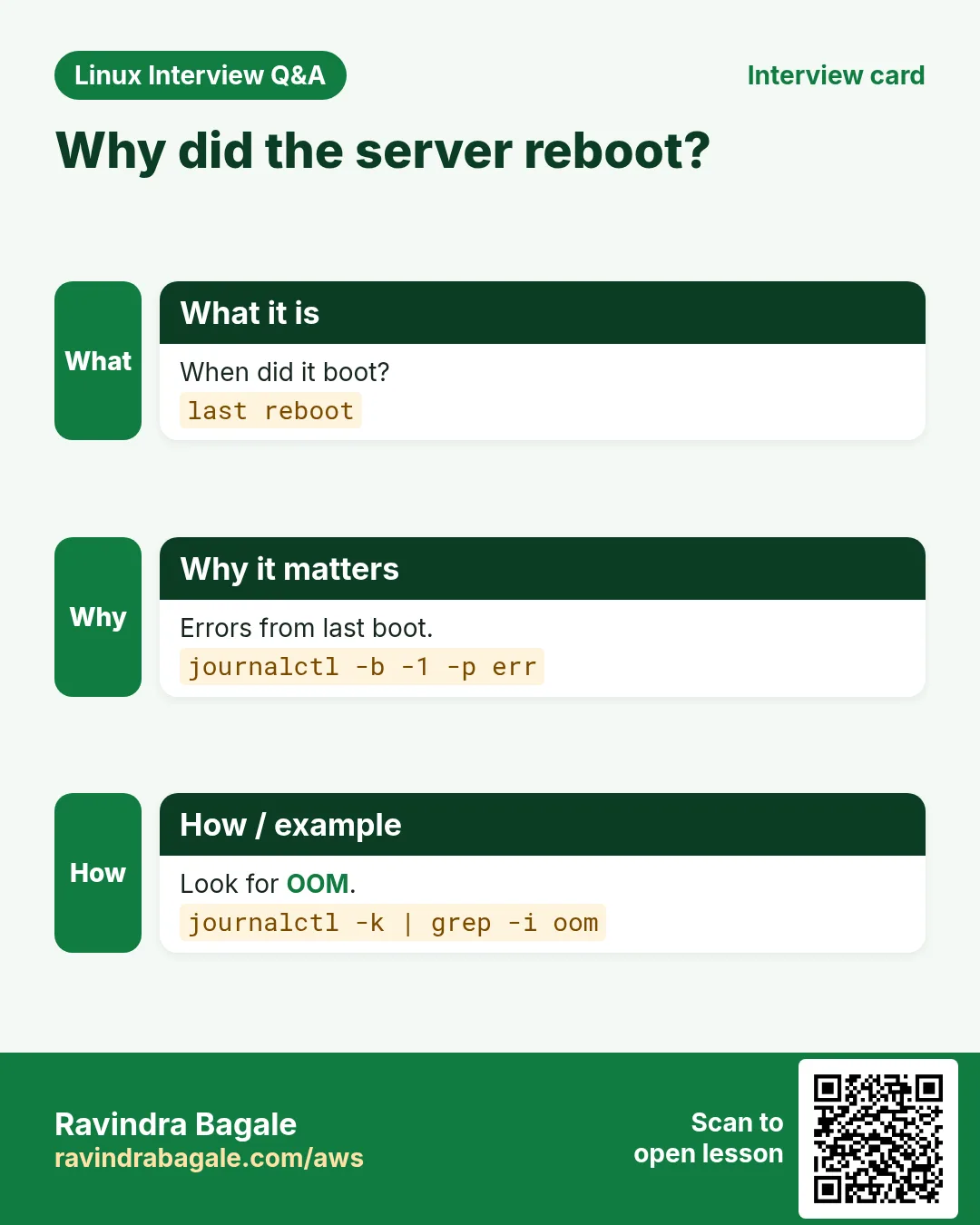
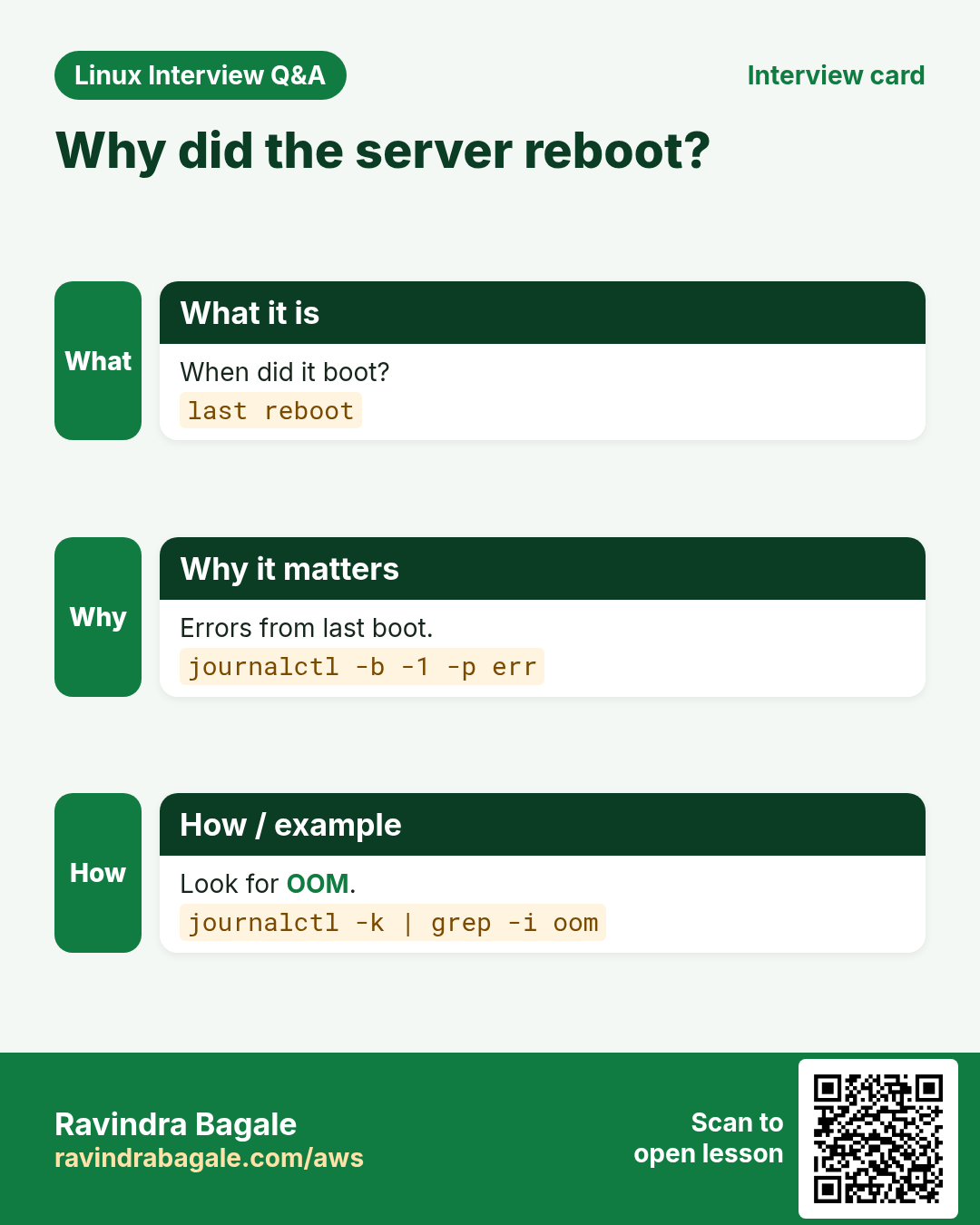
Q. The server rebooted overnight. How do you find why?
last reboot, journalctl -b -1 -p err, check for OOM or kernel panic.
Q. An iptables ACCEPT rule does nothing. Why?
It sits below a DROP; list with --line-numbers and insert above.
Q. Zero-downtime deploy and rollback on one server?
Release folders plus ln -sfn to switch current.
Try at home
- Run the incident check on your VM and save the output.
- Do Lab 2 on a loop disk and then remove it with lvremove, vgremove and losetup -d.
- Pretty print any public API reply with jq.
- Make a release symlink, switch it twice and check with readlink -f.
Practice Tasks
Vidarbha Cotton Mills is a textiles business in Nagpur. Ganesh Wankhede looks after its IT and cloud work. They count money in INR and run their AWS resources in the ap-south-1 Region. In the tasks below you do real jobs for them using what this lesson teaches. All names, account IDs, IP addresses and numbers are made up for practice.
0 / 22
Easy Set the name
Why: BIZ runs Linux servers and uses commands from hostname to lvcreate daily.
What to do: Set the permanent host name to app02.
- Find the Linux command that does this job.
- Add the options (like -r or -h) the task needs.
- Add the file names, folders or users in the right order.
- Use sudo if the job changes system files or users. Click Check answer.
Easy Show IPs
Why: BIZ runs Linux servers and uses commands from hostname to lvcreate daily.
What to do: Print all IP addresses of this machine with hostname.
- Find the Linux command that does this job.
- Add the options (like -r or -h) the task needs.
- Add the file names, folders or users in the right order.
- Use sudo if the job changes system files or users. Click Check answer.
Easy Group names
Why: BIZ runs Linux servers and uses commands from hostname to lvcreate daily.
What to do: Print the group names of the user deploy.
- Find the Linux command that does this job.
- Add the options (like -r or -h) the task needs.
- Add the file names, folders or users in the right order.
- Use sudo if the job changes system files or users. Click Check answer.
Easy Route to a host
Why: BIZ runs Linux servers and uses commands from hostname to lvcreate daily.
What to do: Show the route used to reach 192.168.10.20.
- Find the Linux command that does this job.
- Add the options (like -r or -h) the task needs.
- Add the file names, folders or users in the right order.
- Use sudo if the job changes system files or users. Click Check answer.
Easy One service log
Why: BIZ runs Linux servers and uses commands from hostname to lvcreate daily.
What to do: Show the journal for the service crond.
- Find the Linux command that does this job.
- Add the options (like -r or -h) the task needs.
- Add the file names, folders or users in the right order.
- Use sudo if the job changes system files or users. Click Check answer.
Easy Polite stop
Why: BIZ runs Linux servers and uses commands from hostname to lvcreate daily.
What to do: Send the default stop signal to PID 4410.
- Find the Linux command that does this job.
- Add the options (like -r or -h) the task needs.
- Add the file names, folders or users in the right order.
- Use sudo if the job changes system files or users. Click Check answer.
Easy Reboot history
Why: BIZ runs Linux servers and uses commands from hostname to lvcreate daily.
What to do: Show the last 4 system reboots.
- Find the Linux command that does this job.
- Add the options (like -r or -h) the task needs.
- Add the file names, folders or users in the right order.
- Use sudo if the job changes system files or users. Click Check answer.
Easy Make a symlink
Why: BIZ runs Linux servers and uses commands from hostname to lvcreate daily.
What to do: Create a symlink named /usr/local/bin/kc pointing to /opt/kube/kubectl.
- Find the Linux command that does this job.
- Add the options (like -r or -h) the task needs.
- Add the file names, folders or users in the right order.
- Use sudo if the job changes system files or users. Click Check answer.
Easy Disks with UUIDs
Why: BIZ runs Linux servers and uses commands from hostname to lvcreate daily.
What to do: List the device /dev/xvdf with filesystem type and UUID.
- Find the Linux command that does this job.
- Add the options (like -r or -h) the task needs.
- Add the file names, folders or users in the right order.
- Use sudo if the job changes system files or users. Click Check answer.
Easy Tagged log line
Why: BIZ runs Linux servers and uses commands from hostname to lvcreate daily.
What to do: Write the message deploy done to the system log with the tag ci.
- Find the Linux command that does this job.
- Add the options (like -r or -h) the task needs.
- Add the file names, folders or users in the right order.
- Use sudo if the job changes system files or users. Click Check answer.
Medium Link counters
Why: BIZ runs Linux servers and uses commands from hostname to lvcreate daily.
What to do: Show packet statistics for the interface ens5.
- Find the Linux command that does this job.
- Add the options (like -r or -h) the task needs.
- Add the file names, folders or users in the right order.
- Use sudo if the job changes system files or users. Click Check answer.
Medium Disk stats
Why: BIZ runs Linux servers and uses commands from hostname to lvcreate daily.
What to do: Show extended disk stats every 5 seconds, 3 times.
- Find the Linux command that does this job.
- Add the options (like -r or -h) the task needs.
- Add the file names, folders or users in the right order.
- Use sudo if the job changes system files or users. Click Check answer.
Medium Since a time
Why: BIZ runs Linux servers and uses commands from hostname to lvcreate daily.
What to do: Show journal entries since 30 minutes ago.
- Find the Linux command that does this job.
- Add the options (like -r or -h) the task needs.
- Add the file names, folders or users in the right order.
- Use sudo if the job changes system files or users. Click Check answer.
Medium Raw value
Why: BIZ runs Linux servers and uses commands from hostname to lvcreate daily.
What to do: Print the raw value of the key region from cfg.json.
- Find the Linux command that does this job.
- Add the options (like -r or -h) the task needs.
- Add the file names, folders or users in the right order.
- Use sudo if the job changes system files or users. Click Check answer.
Medium Kill by name for a user
Why: BIZ runs Linux servers and uses commands from hostname to lvcreate daily.
What to do: Stop all processes named node owned by the user web.
- Find the Linux command that does this job.
- Add the options (like -r or -h) the task needs.
- Add the file names, folders or users in the right order.
- Use sudo if the job changes system files or users. Click Check answer.
Medium Biggest first
Why: BIZ runs Linux servers and uses commands from hostname to lvcreate daily.
What to do: List /var/tmp in long format, human sizes, biggest first.
- Find the Linux command that does this job.
- Add the options (like -r or -h) the task needs.
- Add the file names, folders or users in the right order.
- Use sudo if the job changes system files or users. Click Check answer.
Medium Folder itself
Why: BIZ runs Linux servers and uses commands from hostname to lvcreate daily.
What to do: Show the permissions of the folder /opt itself, not its contents.
- Find the Linux command that does this job.
- Add the options (like -r or -h) the task needs.
- Add the file names, folders or users in the right order.
- Use sudo if the job changes system files or users. Click Check answer.
Medium Who uses a port
Why: BIZ runs Linux servers and uses commands from hostname to lvcreate daily.
What to do: Show which process uses port 3306.
- Find the Linux command that does this job.
- Add the options (like -r or -h) the task needs.
- Add the file names, folders or users in the right order.
- Use sudo if the job changes system files or users. Click Check answer.
Hard Insert at top
Why: BIZ runs Linux servers and uses commands from hostname to lvcreate daily.
What to do: Insert a rule at the top of INPUT that accepts tcp port 9100.
- Find the Linux command that does this job.
- Add the options (like -r or -h) the task needs.
- Add the file names, folders or users in the right order.
- Use sudo if the job changes system files or users. Click Check answer.
Hard Errors this boot for a unit
Why: BIZ runs Linux servers and uses commands from hostname to lvcreate daily.
What to do: Show only error priority messages from this boot for sshd.
- Find the Linux command that does this job.
- Add the options (like -r or -h) the task needs.
- Add the file names, folders or users in the right order.
- Use sudo if the job changes system files or users. Click Check answer.
Hard Count items
Why: BIZ runs Linux servers and uses commands from hostname to lvcreate daily.
What to do: Print how many items are in the list users in team.json.
- Find the Linux command that does this job.
- Add the options (like -r or -h) the task needs.
- Add the file names, folders or users in the right order.
- Use sudo if the job changes system files or users. Click Check answer.
Hard Use all free space
Why: BIZ runs Linux servers and uses commands from hostname to lvcreate daily.
What to do: Create a logical volume named logs in vgdata using all free space.
- Find the Linux command that does this job.
- Add the options (like -r or -h) the task needs.
- Add the file names, folders or users in the right order.
- Use sudo if the job changes system files or users. Click Check answer.
34. Related chapters
- Linux Commands A-Z Index
- Linux Ops Refresh for DevOps
- Bash Scripting for Automation
- Linux grep and find Commands with Examples
- How to Set Up Passwordless SSH Between Linux Servers
In short
- hostnamectl for a permanent name.
- ip -br a, ip route, ip neigh.
- journalctl -u, -b, -p, --since.
- kill: TERM first, KILL last.
- lsof +L1 for deleted but open files.
- LVM: pvcreate, vgcreate, lvcreate, lvextend -r.
Revision, comparison and interview cards
Revise this lesson in a few minutes. Save the cards on your phone or download them as PNG files. The QR code on each card opens this lesson.
More cards: Ravi Sir's Cards.