Project: Build an Image Thumbnail Pipeline with S3, Lambda and DynamoDB (Source Code)
Instagram and WhatsApp compress images after upload. You will do the same: S3 upload triggers Lambda, a thumbnail lands in S3, metadata goes to DynamoDB. Region ap-south-1.
What you'll learn in this chapter
- S3 event trigger to Lambda
- Write thumb + DynamoDB row
- Pillow layer or stub fallback
- Cleanup buckets and function
1. Everyday example
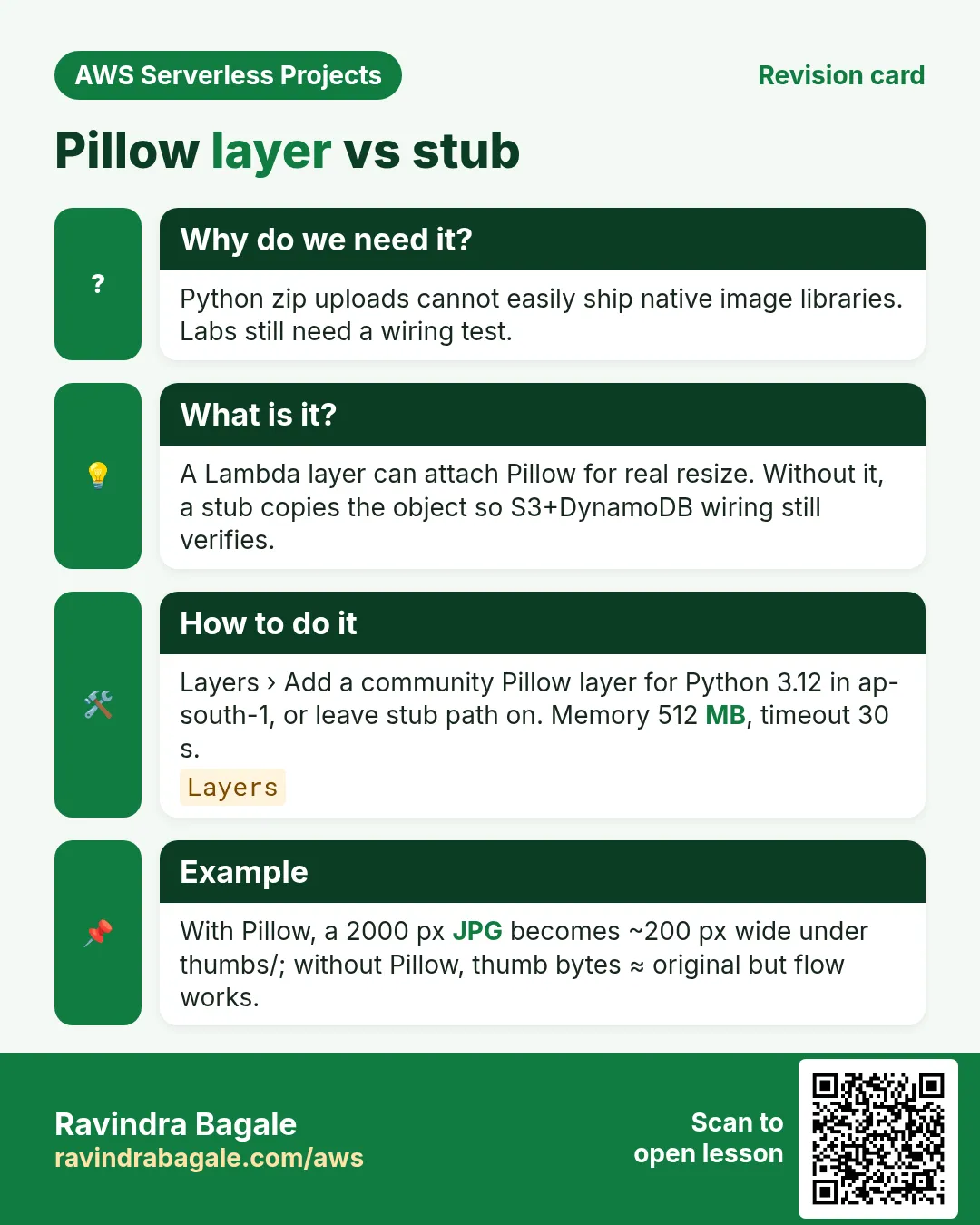
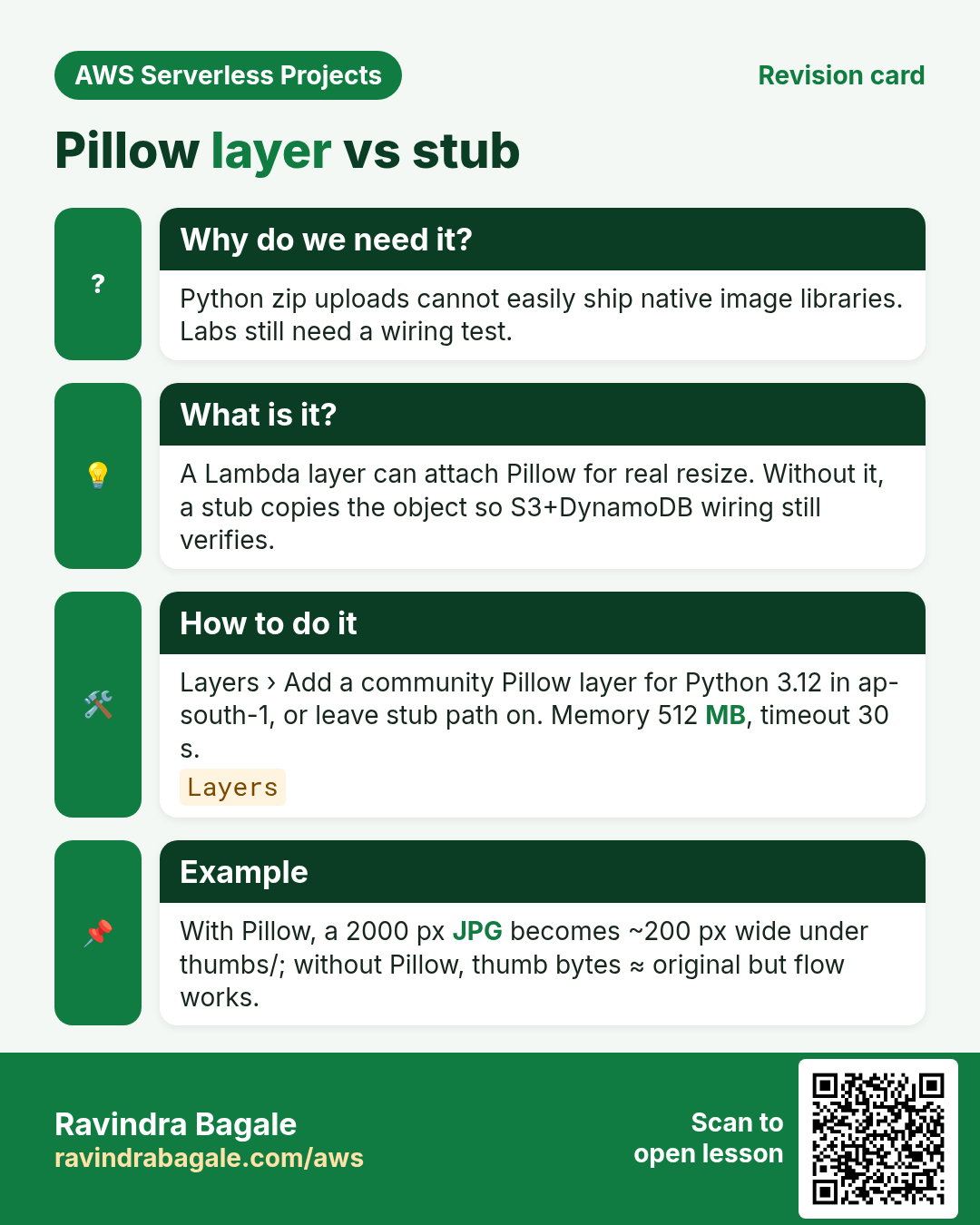
Why do we need this?
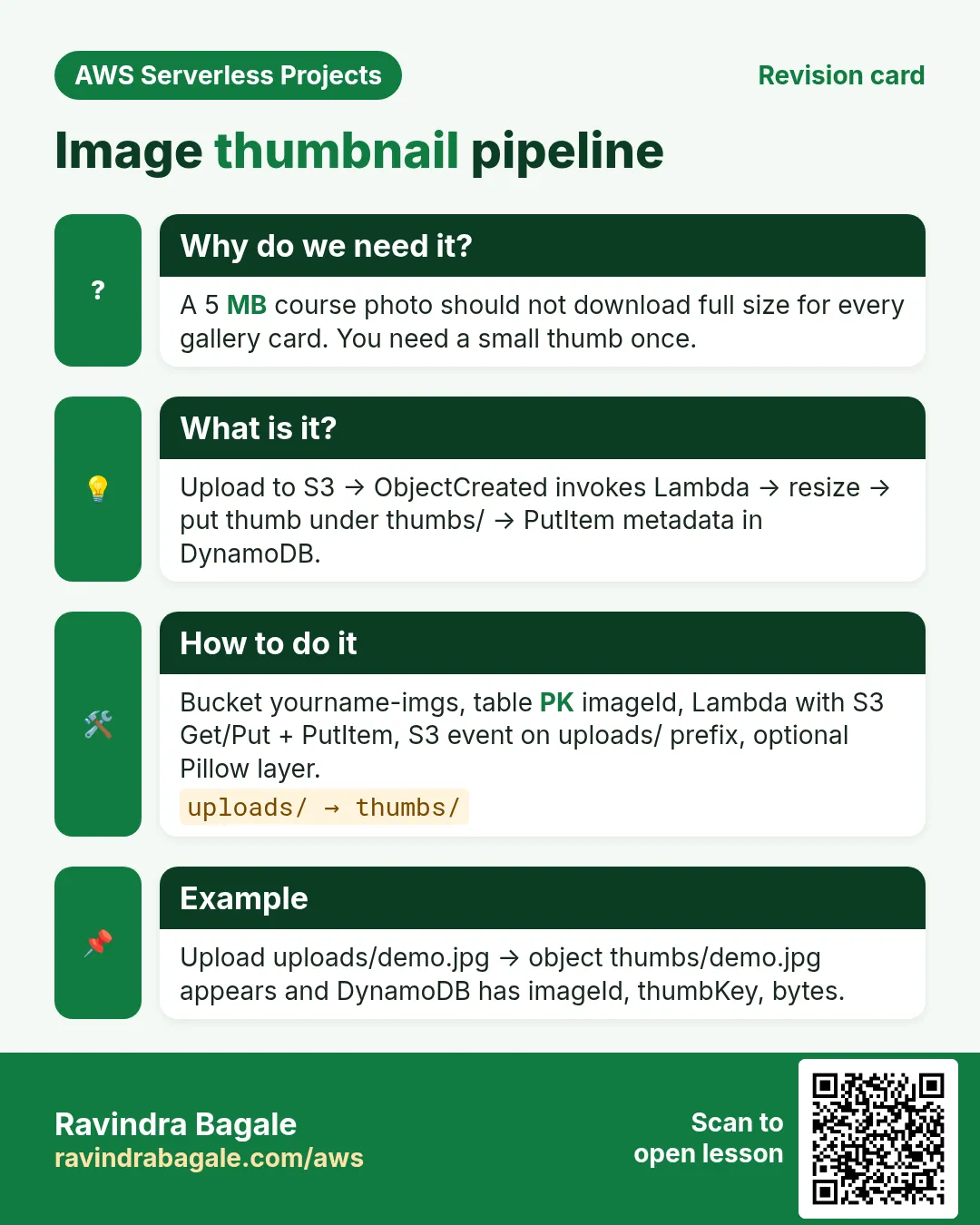
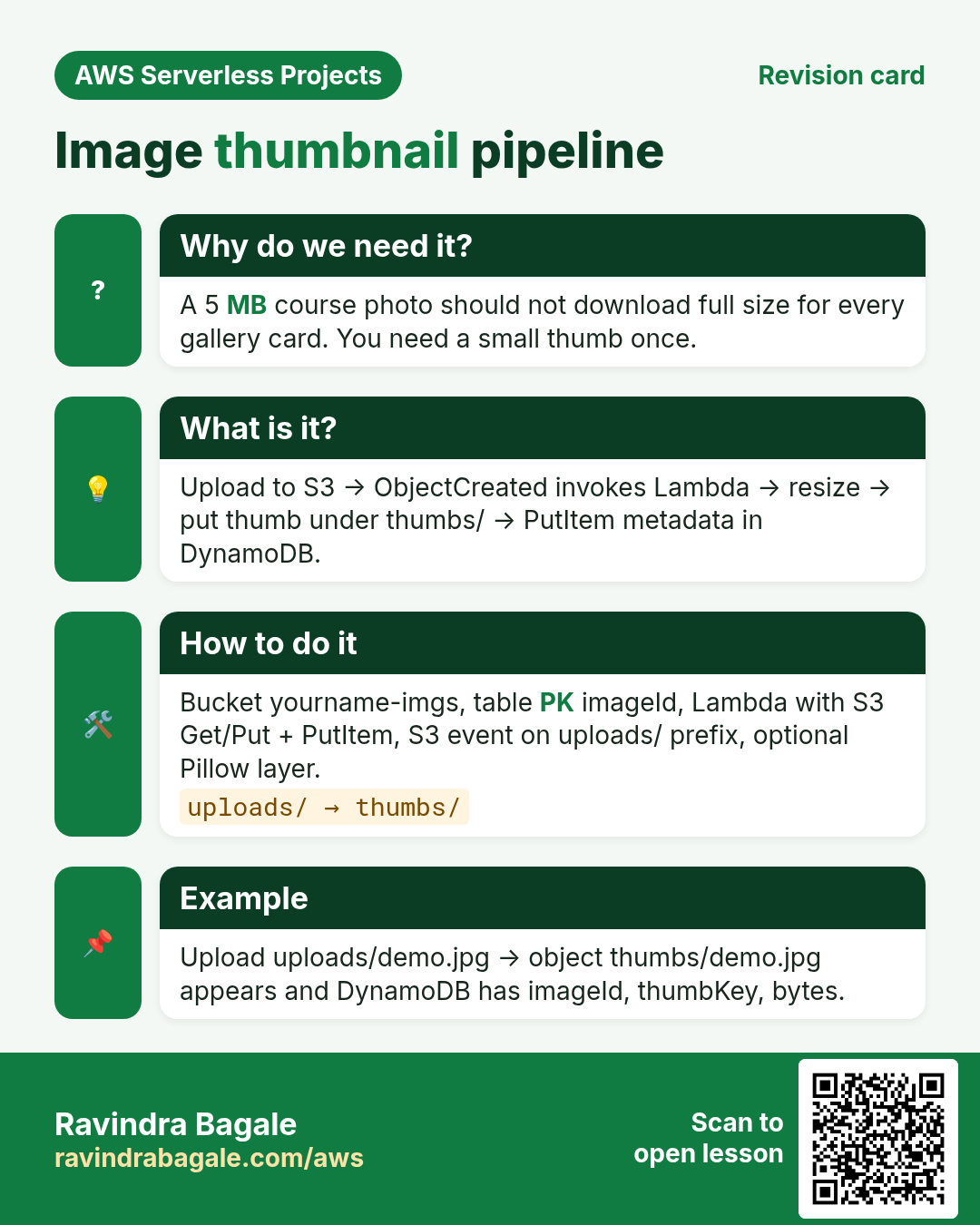
A course site uploads a 5 MB photo. The gallery needs a 200 px thumb. Doing that on every page view is wasteful — do it once on upload.
What is it?
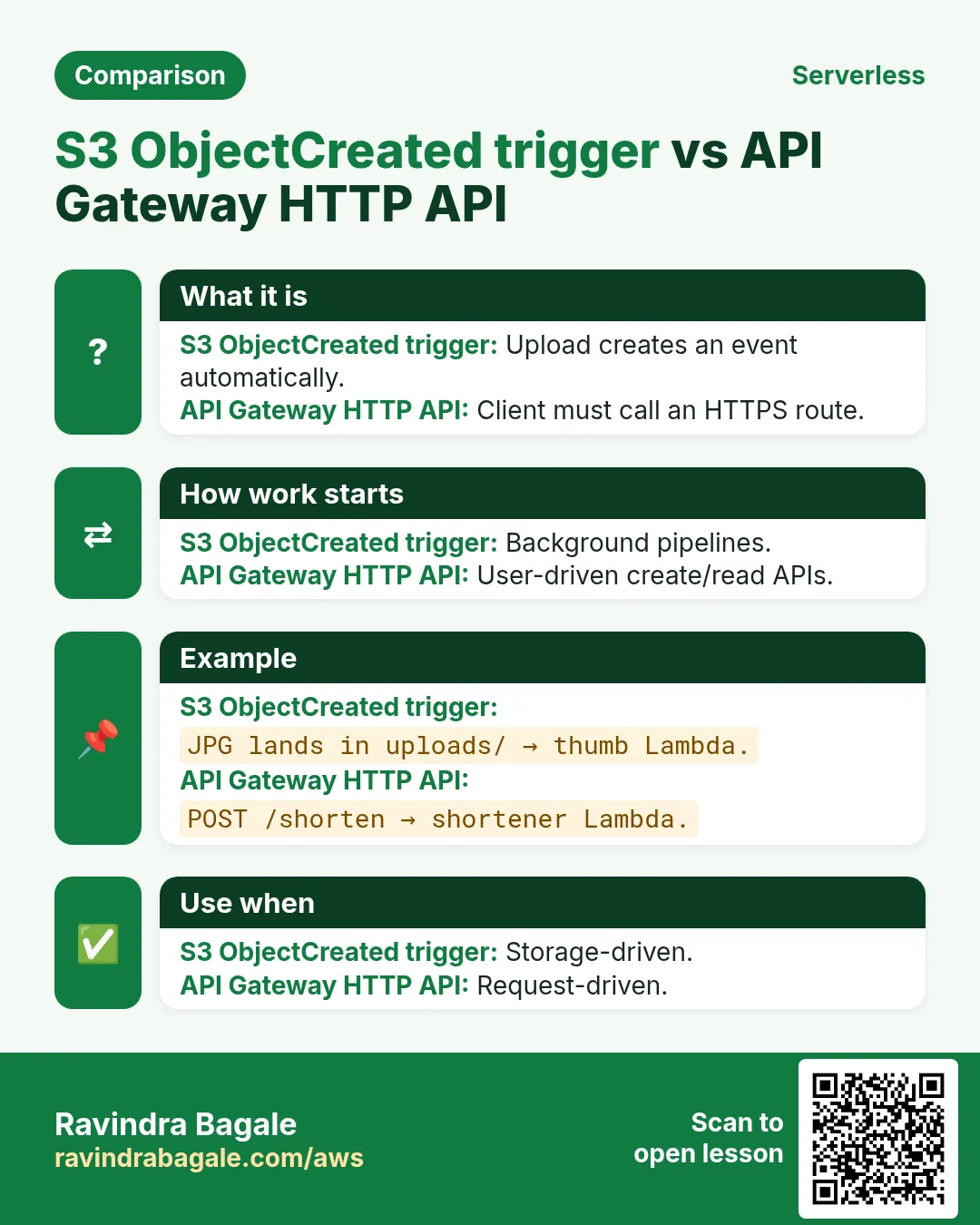
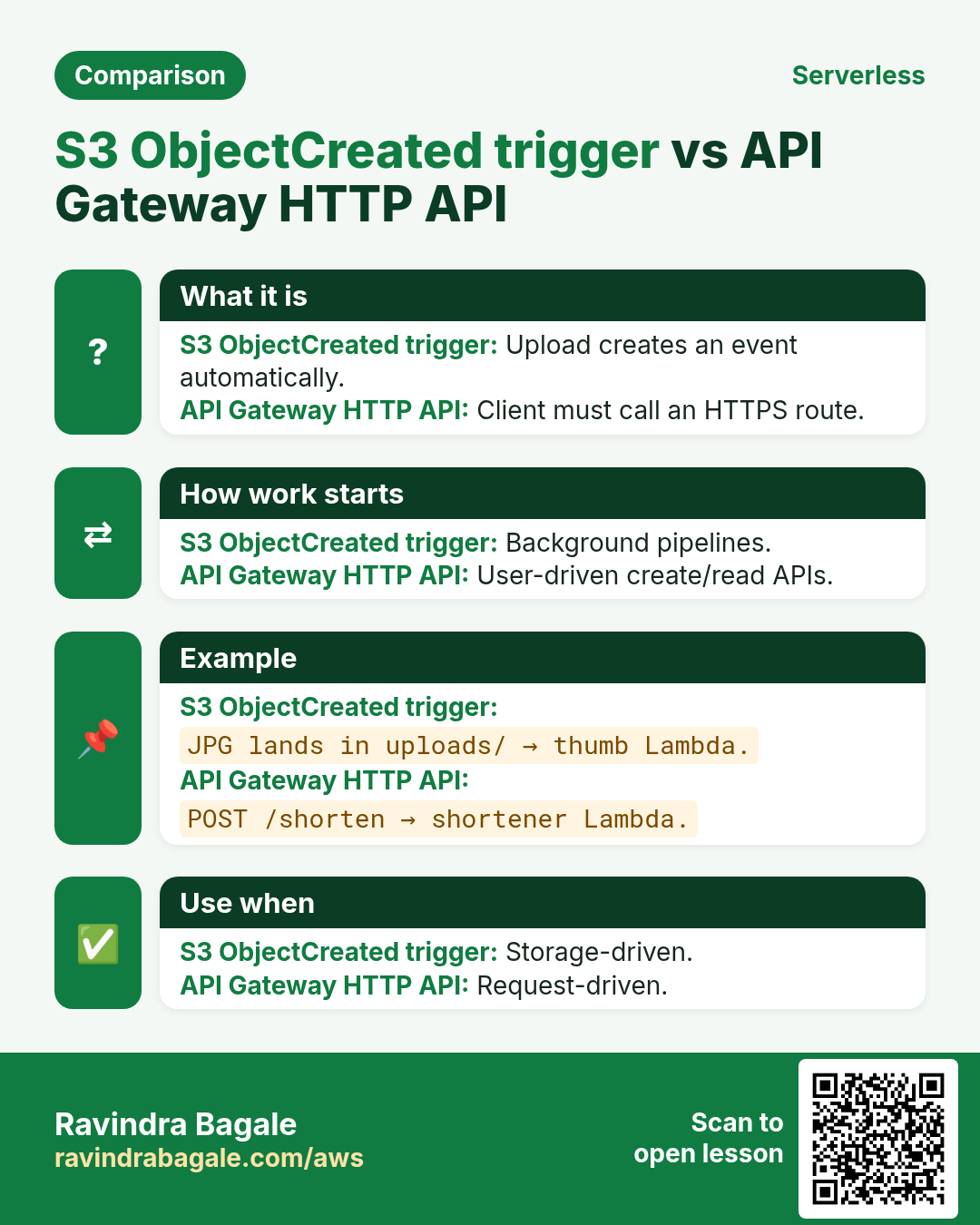
ObjectCreated on bucket → Lambda get_object → resize (Pillow layer) or stub copy → put_object under thumbs/ → PutItem metadata.
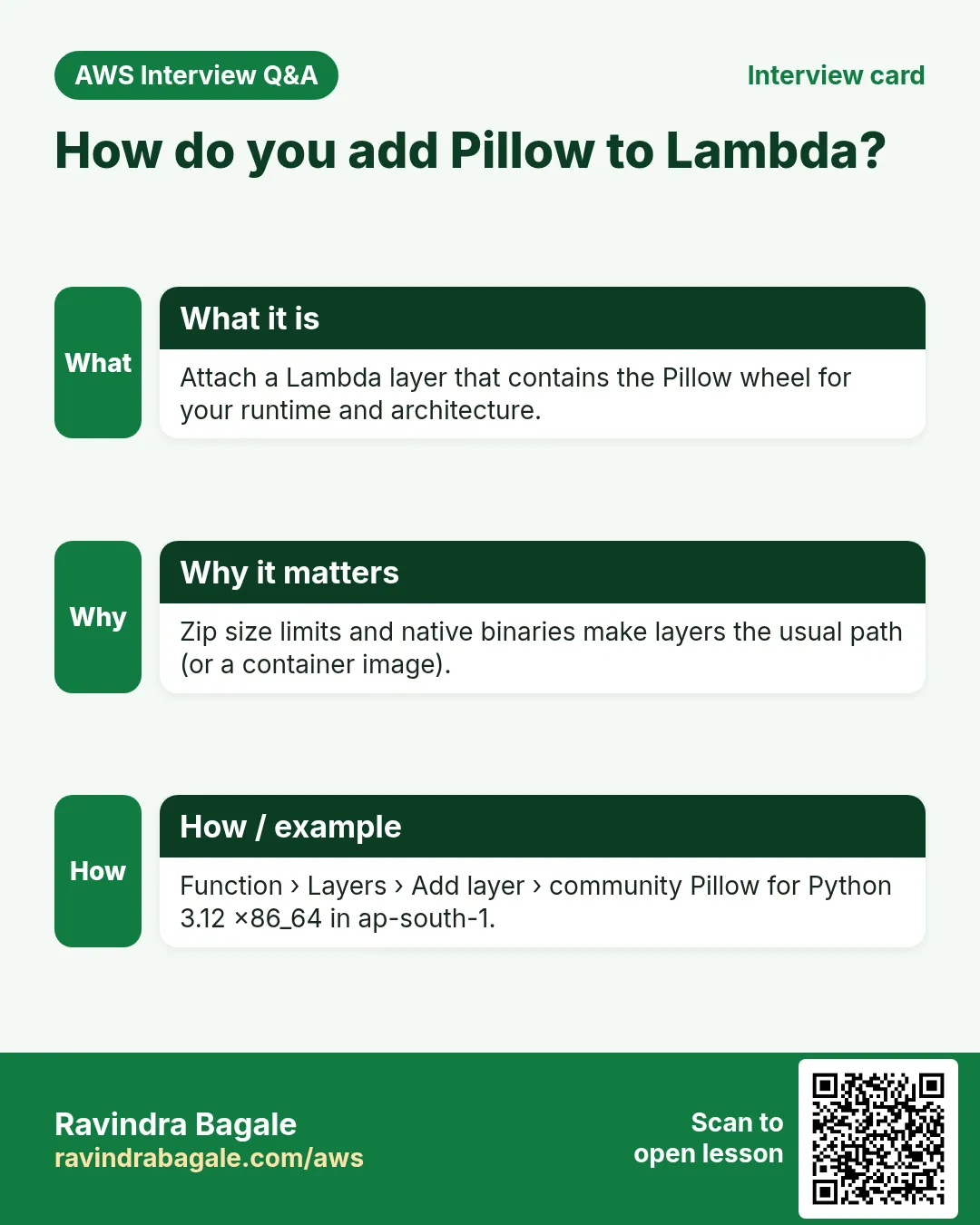
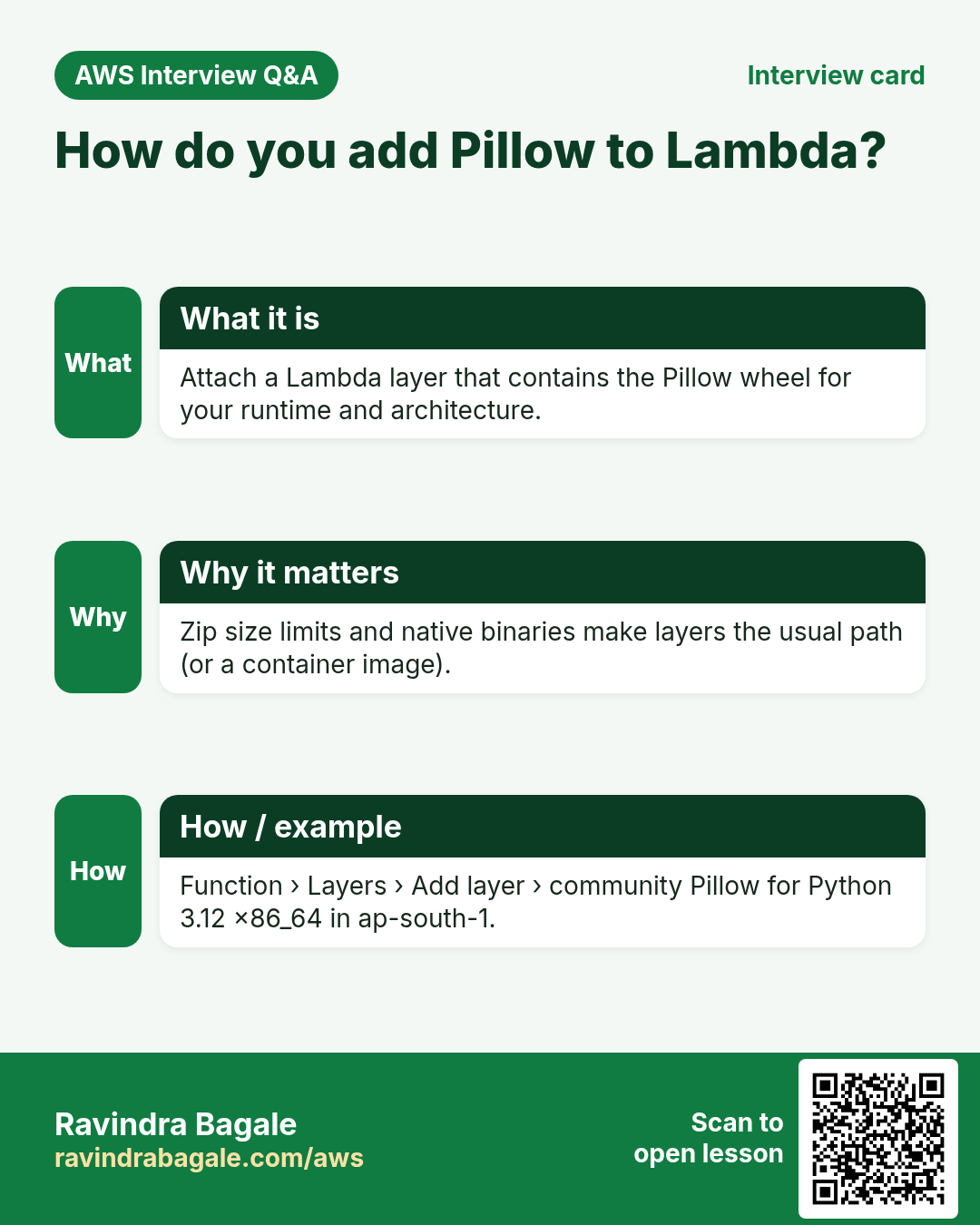
Download: image-thumbnail-pipeline.zip. Attach a public Pillow layer for real resize, or use the built-in stub path so the lab still verifies.
2. Lab
How to do it (step by step)
A. Buckets + table
- Create bucket
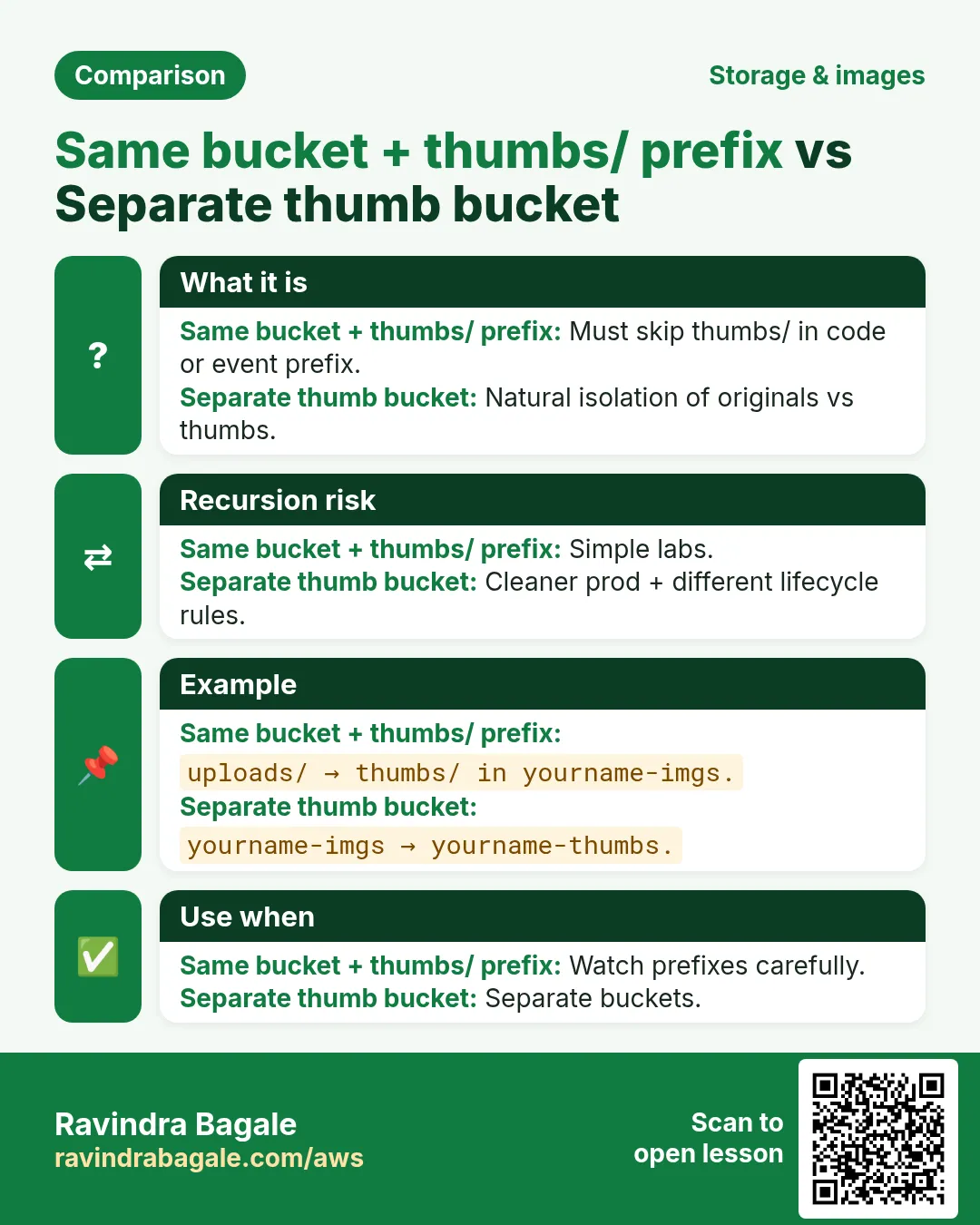
yourname-imgs(ap-south-1). Block Public Access on. - Optional second bucket for thumbs, or same bucket with prefix
thumbs/. - DynamoDB
yourname-images, PKimageIdString.
B. Lambda
- Role: logs + s3:GetObject/PutObject on your buckets + PutItem.
- Function Python 3.12, handler.py. Env TABLE_NAME, optional DEST_BUCKET, THUMB_PREFIX=thumbs/.
- Optional: Layers → add Pillow community layer for Python 3.12 in ap-south-1.
- Timeout 30 s, memory 512 MB.
C. S3 trigger + test
- S3 → Properties → Event notifications → All object create → Lambda function. Prefix
uploads/optional. - Upload a small JPG to
uploads/demo.jpg. - Check thumbs/ object and DynamoDB item (imageId, thumbKey, bytes).
Cleanup
- Remove event notification. Delete Lambda. Empty and delete bucket(s). Delete table and role.
3. Interview
Q. Why not resize in the browser only?
Clients lie; you need a trusted server-side thumb for cards and emails.
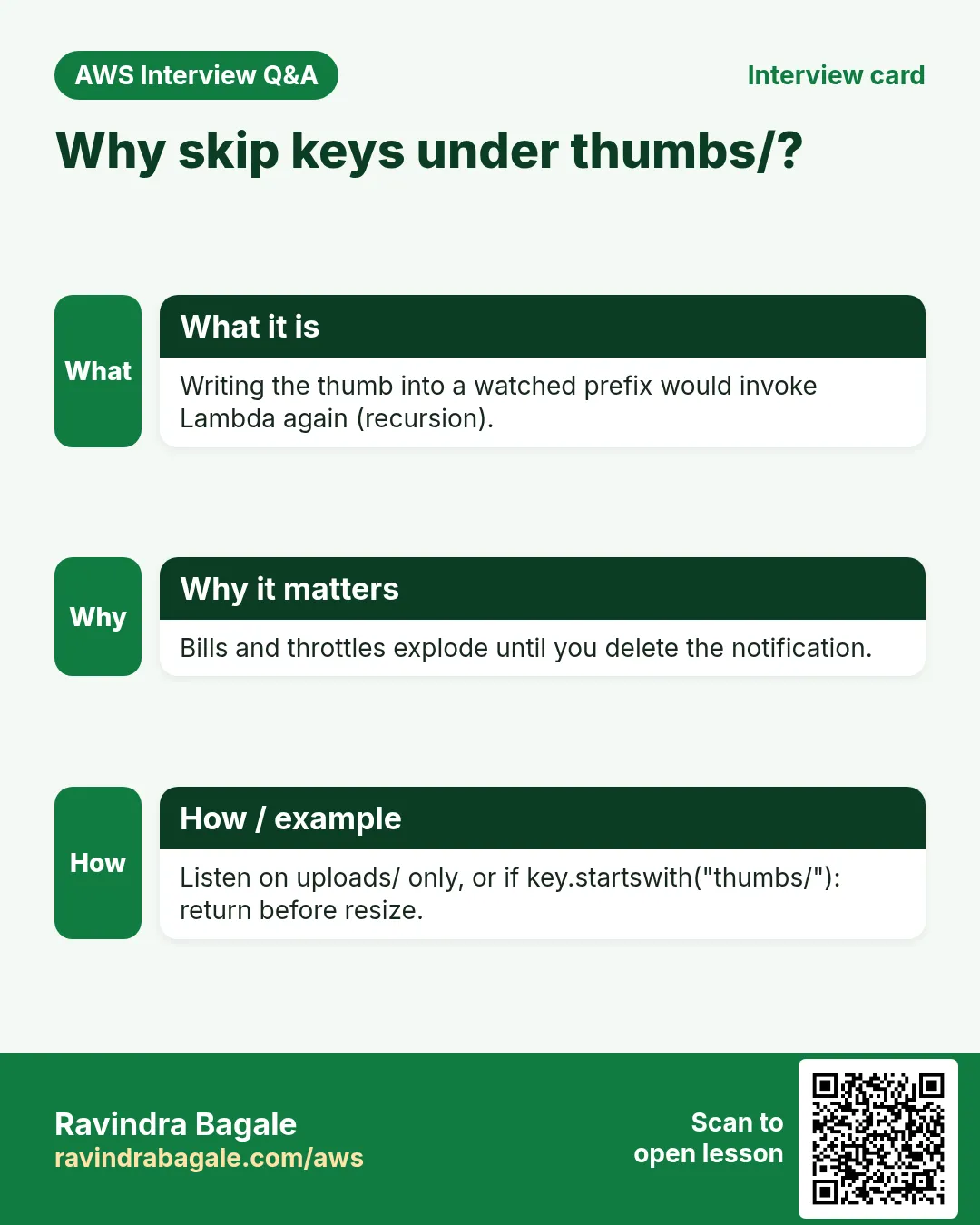
Q. Why skip thumbs/ prefix?
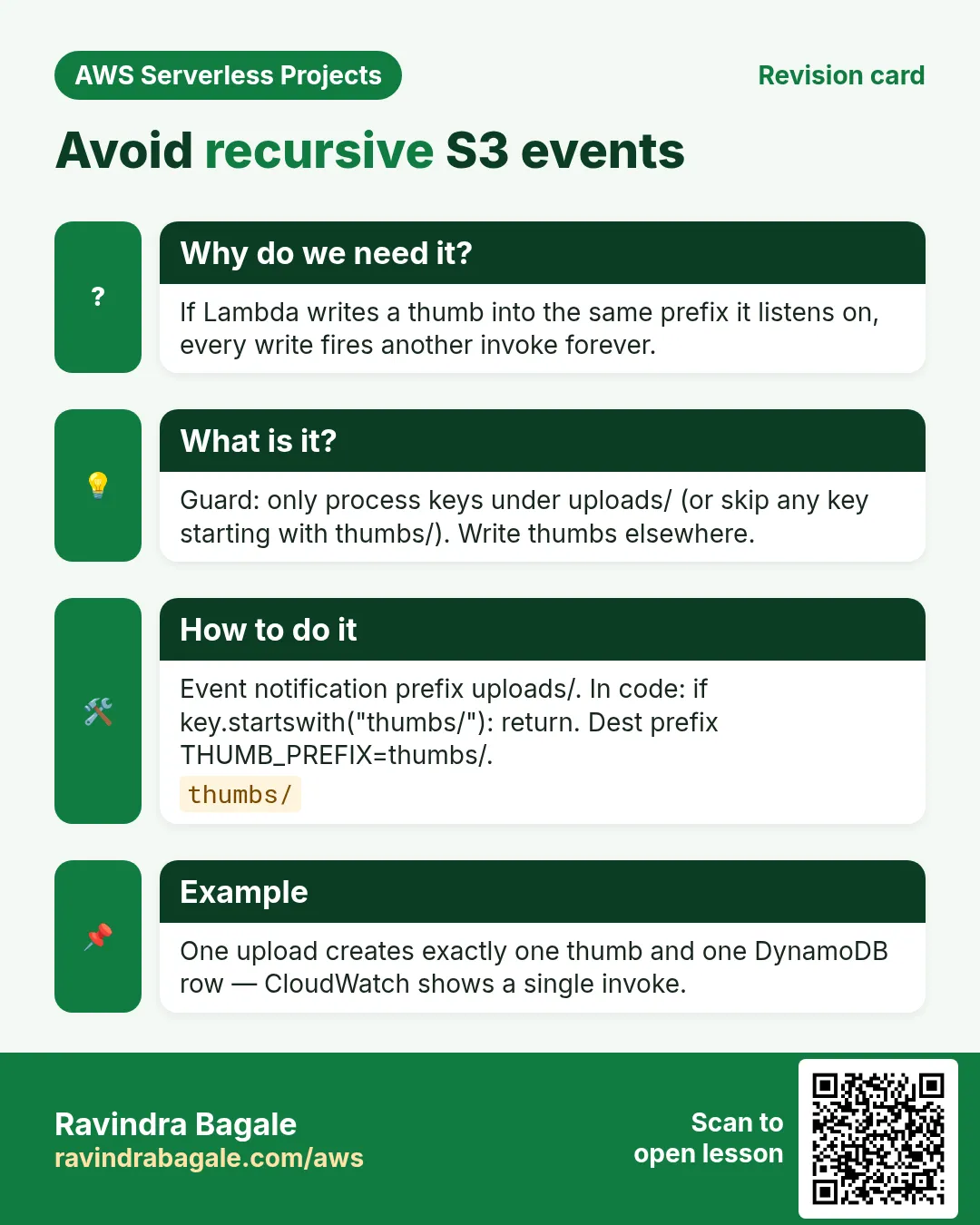
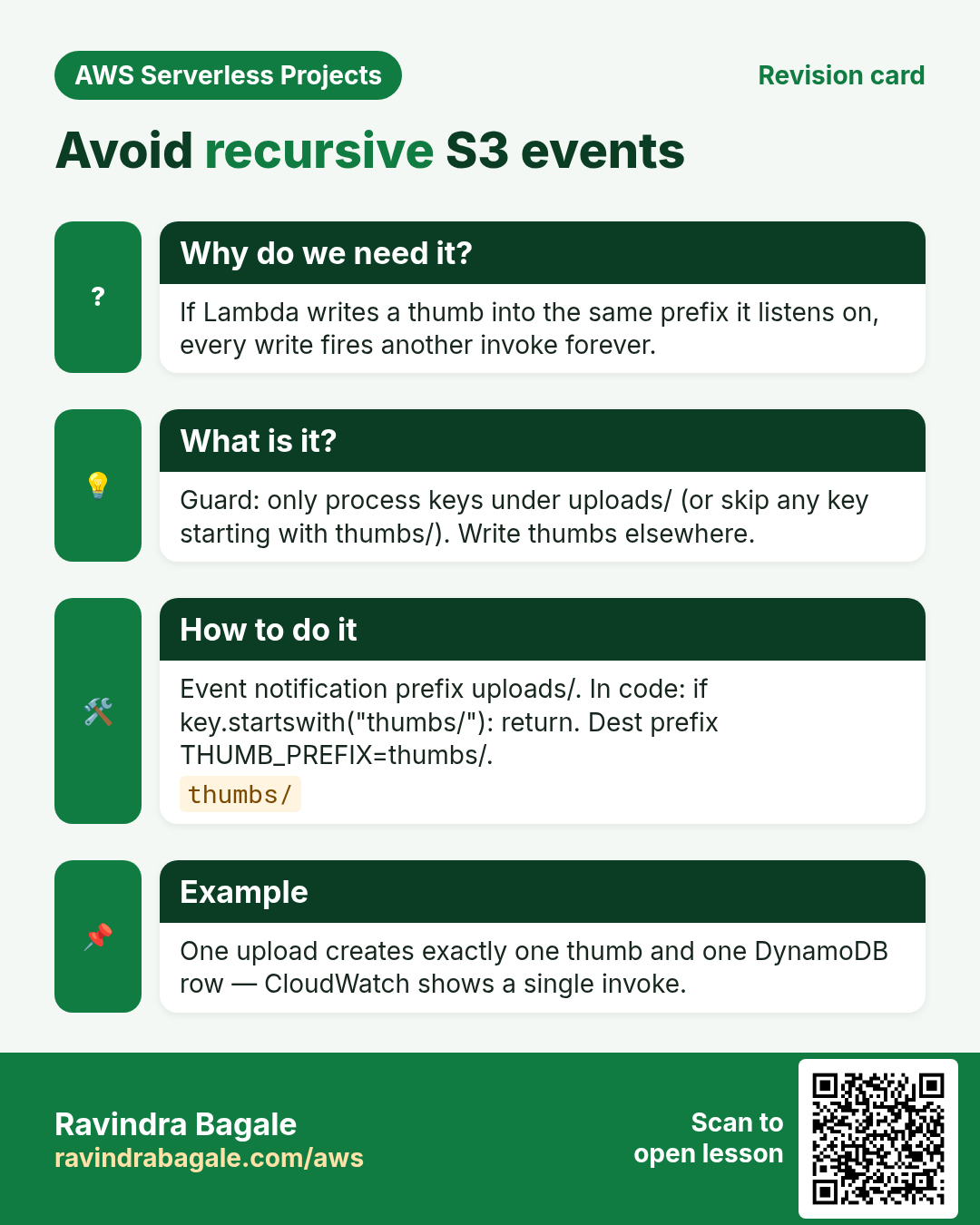
Avoid recursive events if thumb lands in the same bucket.
Q. Pillow missing?
Lab stubs a copy so wiring still works; production needs a layer or container image.
Q. Large images?
Raise memory/timeout; consider Step Functions for huge files.
Q. Cleanup?
Notification, Lambda, buckets, table.
Try at home
- Write thumbs to a separate bucket with OAC later for CloudFront.
- Store contentType in DynamoDB.
In short
- S3 event → Lambda → thumb + DynamoDB.
- Guard against recursive prefixes.
- Layers add native libs like Pillow.
- Clean up buckets.
Practice Tasks
Kolhapuri Chappal Co is a footwear business in Kolhapur. Sachin Mane looks after its IT and cloud work. They count money in INR and run their AWS resources in the ap-south-1 Region. In the tasks below you do real jobs for them using what this lesson teaches. All names, account IDs, IP addresses and numbers are made up for practice.
0 / 12
Easy List functions
Why: See which functions exist in this Region.
What to do: List the Lambda functions in ap-south-1.
- Read the task and decide which AWS service it is about.
- Write aws, then the service name, then the operation (the action word).
- Add each needed flag (--name) followed by its value from the task.
- Flags can be in any order. Click Check answer.
Medium Invoke a function
Why: Invoke runs the function now and saves its answer in a file.
What to do: Invoke kolhapurichappal-orders-fn and save the response to out.json.
- Read the task and decide which AWS service it is about.
- Write aws, then the service name, then the operation (the action word).
- Add each needed flag (--name) followed by its value from the task.
- Flags can be in any order. Click Check answer.
Medium Trust policy for a Lambda role
Why: The trust policy says WHO may take the role.
What to do: Write a trust policy that lets lambda.amazonaws.com assume the role.
- Start with { "Version": "2012-10-17", "Statement": [ ... ] }.
- In each statement write Effect, Action and Resource.
- Give only what the task needs (least privilege).
- Use double quotes and commas correctly. Click Check answer.
Medium Put an item
Why: DynamoDB JSON shows the type of each value: S for string, N for number.
What to do: Put an item into kolhapurichappal-orders with orderId "o-101" (string) and amount 2500 (number).
- Read the task and decide which AWS service it is about.
- Write aws, then the service name, then the operation (the action word).
- Add each needed flag (--name) followed by its value from the task.
- Flags can be in any order. Click Check answer.
Medium Change timeout and memory
Why: More memory also gives more CPU; timeout stops runaway runs.
What to do: Set kolhapurichappal-orders-fn to timeout 30 seconds and memory 512 MB.
- Read the task and decide which AWS service it is about.
- Write aws, then the service name, then the operation (the action word).
- Add each needed flag (--name) followed by its value from the task.
- Flags can be in any order. Click Check answer.
Medium Let a function write logs
Why: Without these actions, Lambda logs never appear in CloudWatch.
What to do: Allow logs:CreateLogGroup, logs:CreateLogStream, logs:PutLogEvents on arn:aws:logs:*:*:* only.
- Start with { "Version": "2012-10-17", "Statement": [ ... ] }.
- In each statement write Effect, Action and Resource.
- Give only what the task needs (least privilege).
- Use double quotes and commas correctly. Click Check answer.
Hard Create a Lambda function
Why: Lambda needs the code zip, a runtime, a handler name and an execution role.
What to do: Create function kolhapurichappal-orders-fn: runtime python3.12, handler app.handler, role arn:aws:iam::118690042069:role/lambda-basic, code in function.zip.
- Read the task and decide which AWS service it is about.
- Write aws, then the service name, then the operation (the action word).
- Add each needed flag (--name) followed by its value from the task.
- Flags can be in any order. Click Check answer.
Hard Set environment variables
Why: Keep settings like table names out of the code.
What to do: Set the environment variable TABLE=kolhapurichappal-orders on kolhapurichappal-orders-fn.
- Read the task and decide which AWS service it is about.
- Write aws, then the service name, then the operation (the action word).
- Add each needed flag (--name) followed by its value from the task.
- Flags can be in any order. Click Check answer.
Hard Invoke with a JSON payload
Why: In CLI v2, raw JSON needs --cli-binary-format raw-in-base64-out.
What to do: Invoke kolhapurichappal-orders-fn with payload {"orderId":"o-101"} (raw JSON) and save the reply in out.json.
- Read the task and decide which AWS service it is about.
- Write aws, then the service name, then the operation (the action word).
- Add each needed flag (--name) followed by its value from the task.
- Flags can be in any order. Click Check answer.
Hard Lambda GB-seconds
Why: Lambda bills memory × time.
What to do: 1,000,000 invocations, 512 MB memory, 200 ms each. How many GB-seconds?
- Write down the numbers the task gives you.
- Work it out step by step on paper.
- Type only the final answer in the box.
- Click Check answer.
Hard Connect an SQS queue to Lambda
Why: An event source mapping makes Lambda poll the queue and process messages in batches.
What to do: Create an event source mapping from queue arn:aws:sqs:ap-south-1:118690042069:kolhapurichappal-orders to kolhapurichappal-orders-fn with batch size 10.
- Read the task and decide which AWS service it is about.
- Write aws, then the service name, then the operation (the action word).
- Add each needed flag (--name) followed by its value from the task.
- Flags can be in any order. Click Check answer.
Hard Let S3 call your function
Why: A resource-based permission is needed before S3 can invoke the function.
What to do: Add permission statement s3invoke to kolhapurichappal-orders-fn so s3.amazonaws.com can call lambda:InvokeFunction from bucket arn:aws:s3:::kolhapurichappal-uploads.
- Read the task and decide which AWS service it is about.
- Write aws, then the service name, then the operation (the action word).
- Add each needed flag (--name) followed by its value from the task.
- Flags can be in any order. Click Check answer.
Revision, comparison and interview cards
Revise this lesson in a few minutes. Save the cards on your phone or download them as PNG files. The QR code on each card opens this lesson.
More cards: Ravi Sir's Cards.