Networking Basics for Cloud: IP Address, Client and Server Explained
Let's start with the basics. Before we touch AWS or Linux, we learn how two machines on the internet talk to each other. We start from something you do every day, opening Instagram on your phone, and we shrink it down to something you can try at home tonight: logging into your own WiFi router. Don't worry, you will get it slowly.
In this class
- Why we practise on a cloud server, not VirtualBox
- Why networking comes before Linux
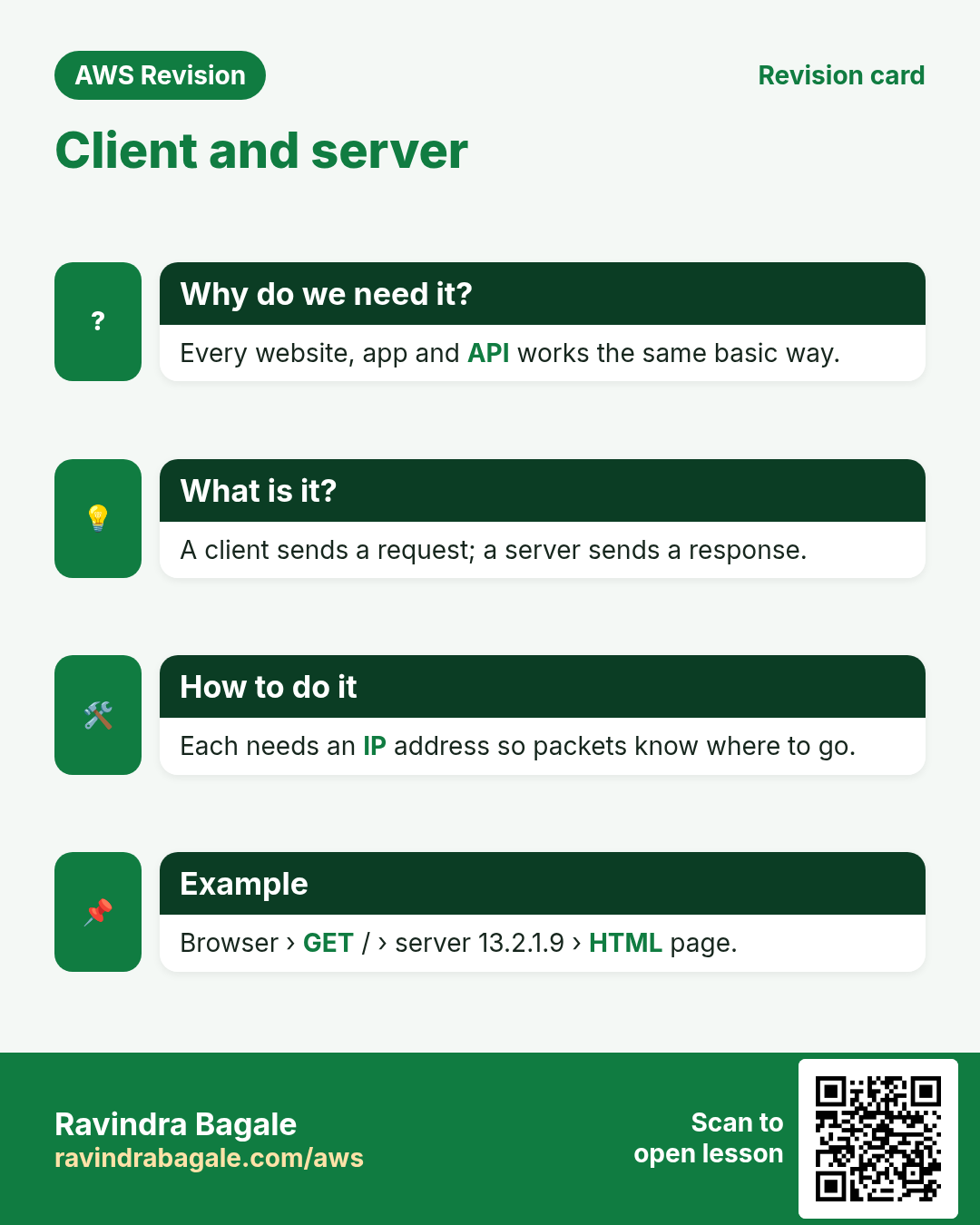
- Client and server: request and response
- Why every machine needs an IP address
- IPv4 and IPv6
- IPv4: 4 parts, each 0 to 255
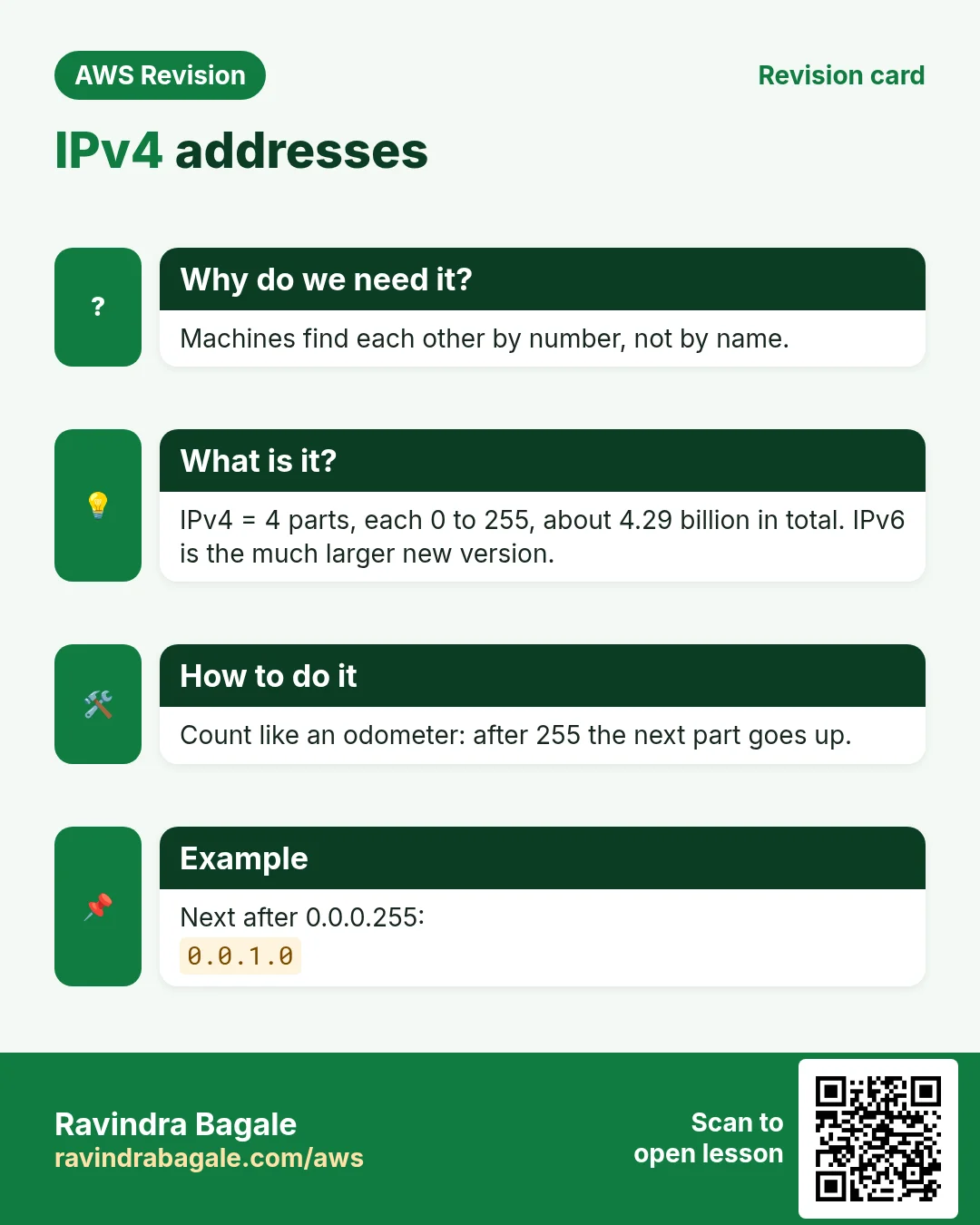
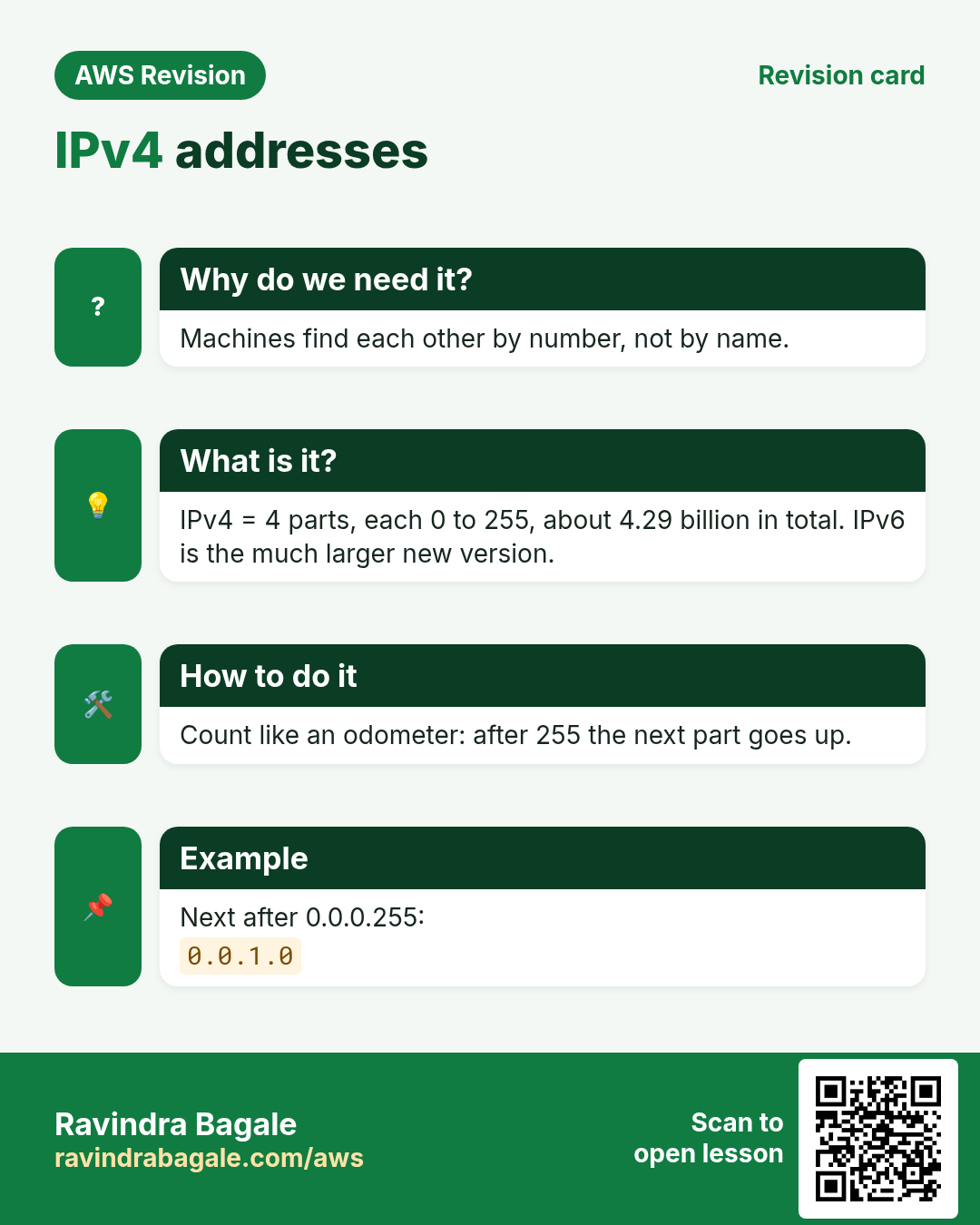
- Counting IPs: 0.0.0.255 + 1 = 0.0.1.0
- Total IPv4: 4,294,967,296
- Why IPv4 is running short
- Static IP and dynamic IP
- Why a server needs a fixed IP
- Gateway IP and the packet's journey
- Your home router, and the homework
1. Why we practise on a cloud server, not VirtualBox
This is an AWS course. In a company you will not work on your own laptop; you will work on servers that sit far away in a data center. So from day one we practise the way the job is done.
Most beginners have a Windows laptop. To learn Linux and AWS you have two options:
- Option 1: install VirtualBox on your laptop and run Linux inside it.
- Option 2: create an AWS account and launch a Linux server in the cloud, using the AWS Free Tier offer for new accounts (check what the current offer includes when you sign up).
How we choose. We take Option 2, because "we are cloud and server people". Your laptop only becomes the screen and keyboard; the real work happens on a server in AWS.
2. Why networking comes before Linux
The server you launch in AWS is not in front of you. To reach it from your laptop you go over the internet. If you don't know what an IP address is, or how a request finds a server, you will be stuck at the very first connection.
So we spend the first 2 to 3 days on networking basics, and only then start Linux.
Your terminal and the far-away server
Open Command Prompt, PowerShell or Terminal on your laptop. At first its commands are running on the laptop. Later you will use SSH, short for Secure Shell, to open an encrypted session to the Linux server. Once that session connects, your laptop sends what you type, Linux runs the command on EC2, and your laptop displays the answer.
Try this when we reach the SSH lab. Run hostname before connecting and write down the name it prints. Run it again after SSH connects, then type exit and run it one more time. The name should change to the server’s during the session and then return to your laptop’s. This explains a common first-day mistake. A file you create during SSH is on the server. You must copy it to the laptop if you want to see it there too.
How it helps later.
- You launch a server in AWS.
- AWS gives that server an IP address.
- Your laptop uses that IP to connect to the server.
- After that, every Linux command you type runs on that far-away server.
3. Client and server: Instagram request and response
Every app you use works the same way. Once you see one example clearly, you understand all of them.
Suppose I open the Instagram app on my mobile.
Read the request before following it
Start with https://menu.example.com/lunch on paper. menu.example.com is the host name the browser looks up. https tells the browser how to make the secure web connection, normally to port 443. The /lunch path tells the web application which page you want. If you change the path to /dinner, the browser still talks to the same host and asks for a different page.
In the Instagram example, your phone is the client because it asks for the reel list. Think of the server here as the program that is ready to answer requests. That program might ask a database for a list of titles and send your phone addresses for the video files. The phone can then fetch those files separately. For now, draw just the first request and its response. Label what the phone asked for and what it received.
- My phone sends a request to Instagram's server: "show me reels".
- The server checks its database.
- The server fetches the reels from the database.
- The server sends a response back to my phone.
- The reels play on my screen.
Figure 1. The phone sends a request, the server checks the database, and the response comes back. The same pattern works for Netflix, Amazon, Paytm, PhonePe and WhatsApp.
Same pattern, different apps.
| You do this | Request goes to | Response you get |
|---|---|---|
| Open Instagram | Instagram's server | Reels |
| Press play on Netflix | Netflix's server | The video |
| Search on Amazon | Amazon's server | Product list |
| Pay with Paytm or PhonePe | The payment server | "Payment successful" |
| Send a WhatsApp message | WhatsApp's server | The ✓✓ ticks |
Where do these servers run? A company can run its servers in its own data centers or rent them from a cloud provider such as AWS, Microsoft Azure or Google Cloud (GCP). Some companies spread their app across more than one provider, so if one provider has an outage, the app keeps working from the others. This is called multi-cloud. AWS started in 2006, the earliest of these three, which is one reason it has so much experience. As listed on AWS's global infrastructure page at the time of writing, the AWS Cloud spans 124 Availability Zones in 39 Regions.
Follow one request, one step at a time
Friends, the address, the route, the permission and the running application are four separate things. Follow this simplified home-laptop-to-EC2 example. Then deliberately block one part and explain what changes.
- 1. DNSName → example address
- 2. Home gatewayLeave the local subnet
- 3. AWS routeReach the public subnet
- 4. Network rulesAllow the connection
- 5. ApplicationTLS + HTTP
- 6. ResponseReturn to the browser
Step 1 of 6
A name becomes an address
DNS resolves a name to an address. Next, the device needs a route, allowed network traffic and a listening application. Use Next step to trace the request.
Teaching simulation only: no AWS resources are created and no network requests are sent. The address 203.0.113.10 is reserved for documentation. A real application can add a CDN, proxy or load balancer.
Notebook task and interview answer
Draw the six stages. Put a cross at the security group, then at the web-server process. Explain why the same DNS name can resolve in both failures. DNS success proves name resolution; it does not prove port access, TLS or application health.
Read more in the AWS internet gateway guide and security group guide.
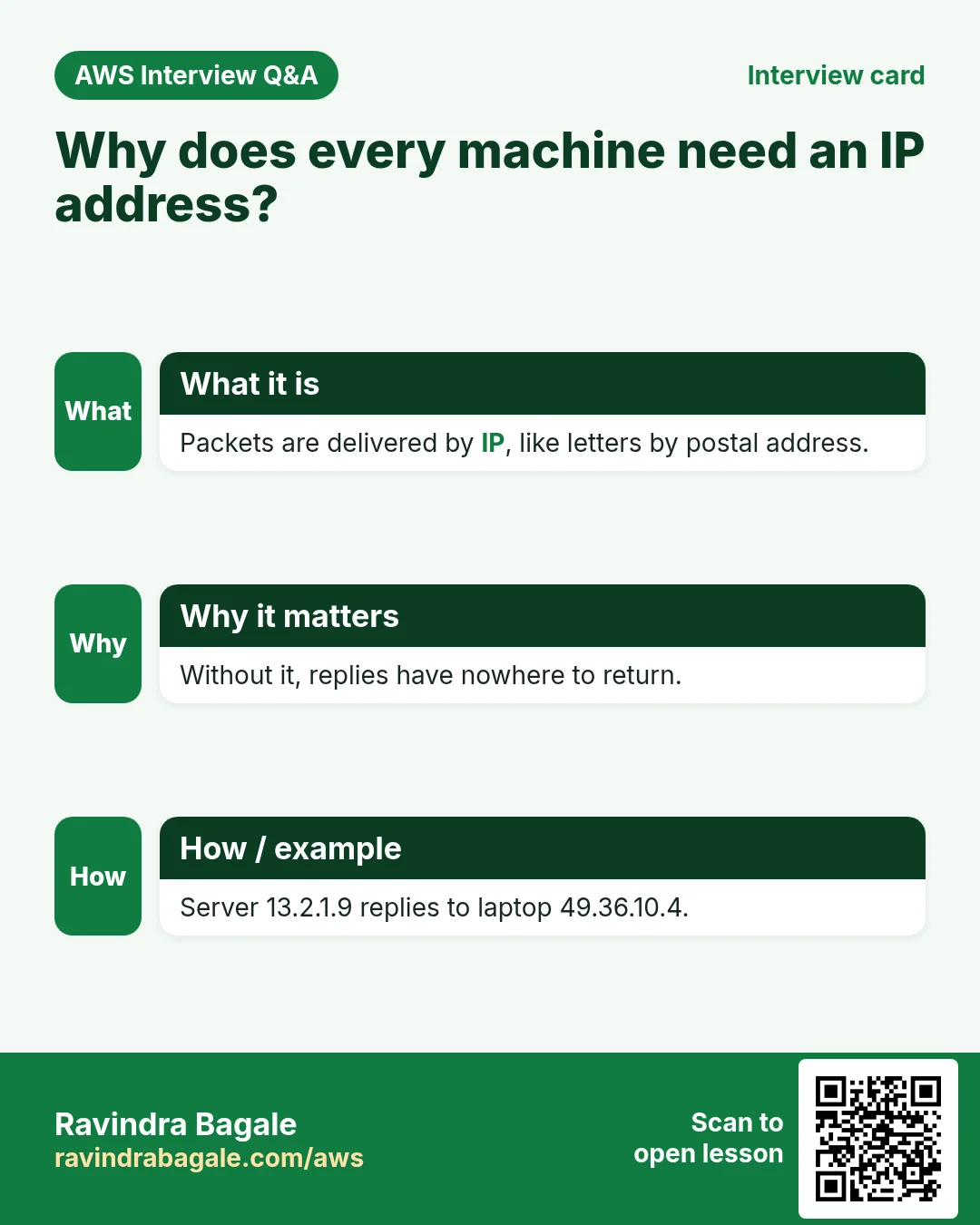
4. Why every machine needs an IP address
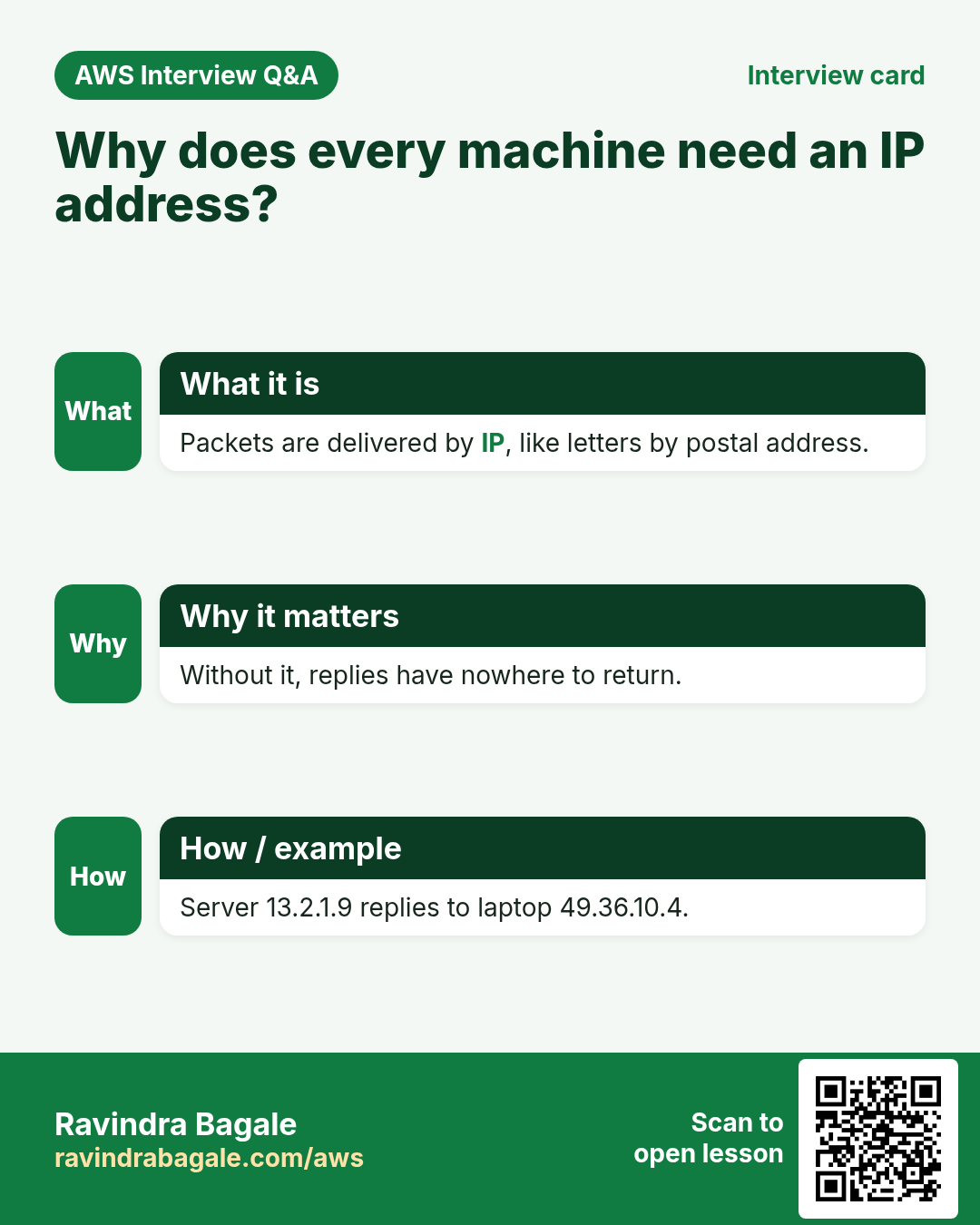
My phone has to send the request somewhere. On the internet, "somewhere" means an address. Humans have names, and we recognise people by their names. In the same way, machines on the internet are recognised by their IP address.
Classroom line
If any two machines on the internet want to talk to each other, they must have an IP address.
Class मधलं वाक्य
Internet वर कुठल्याही दोन machines ना एकमेकांशी बोलायचं असेल, तर त्यांच्याकडे IP address असलाच पाहिजे.
Classroom line – हिंदी
"Internet mein agar kisi do machine ko ek dusre ke sath communication karna hai, toh usko IP address hona zaroori hai."
An IP address is a number given to a machine on a network so that other machines can send data to it.
One laptop can have several addresses
Suppose your laptop has Wi-Fi and an Ethernet socket. An interface is one network connection the operating system can use. Each connected interface can have its own address. In the home lab, read the IPv4 address under the Wi-Fi connection you are actually using. An address under a disconnected cable adapter tells you nothing about how this request leaves your laptop.
DNS answers the name question. A resolver is the service the laptop asks to look up a name. It can reuse a recent answer for the record’s TTL, the time the answer may normally be cached. A name can start pointing to a new address while a resolver still has the old one. Keep the two checks separate. First ask what address the laptop got. Then see whether the web request to the named site succeeds. A good DNS answer confirms the lookup. The application can still fail later.
How the app finds the server's IP. The Instagram app does not keep the server's IP written inside it. It keeps a domain name (a name like api.example.com). When the app needs the server, the phone asks DNS (Domain Name System), "what is the IP of this name?", and DNS answers with the IP. Then the phone sends the request to that IP.
- The app knows the name, for example
api.example.com. - The phone asks DNS for the IP of that name.
- DNS replies, for example
7.7.7.7. - The phone sends the request to
7.7.7.7.
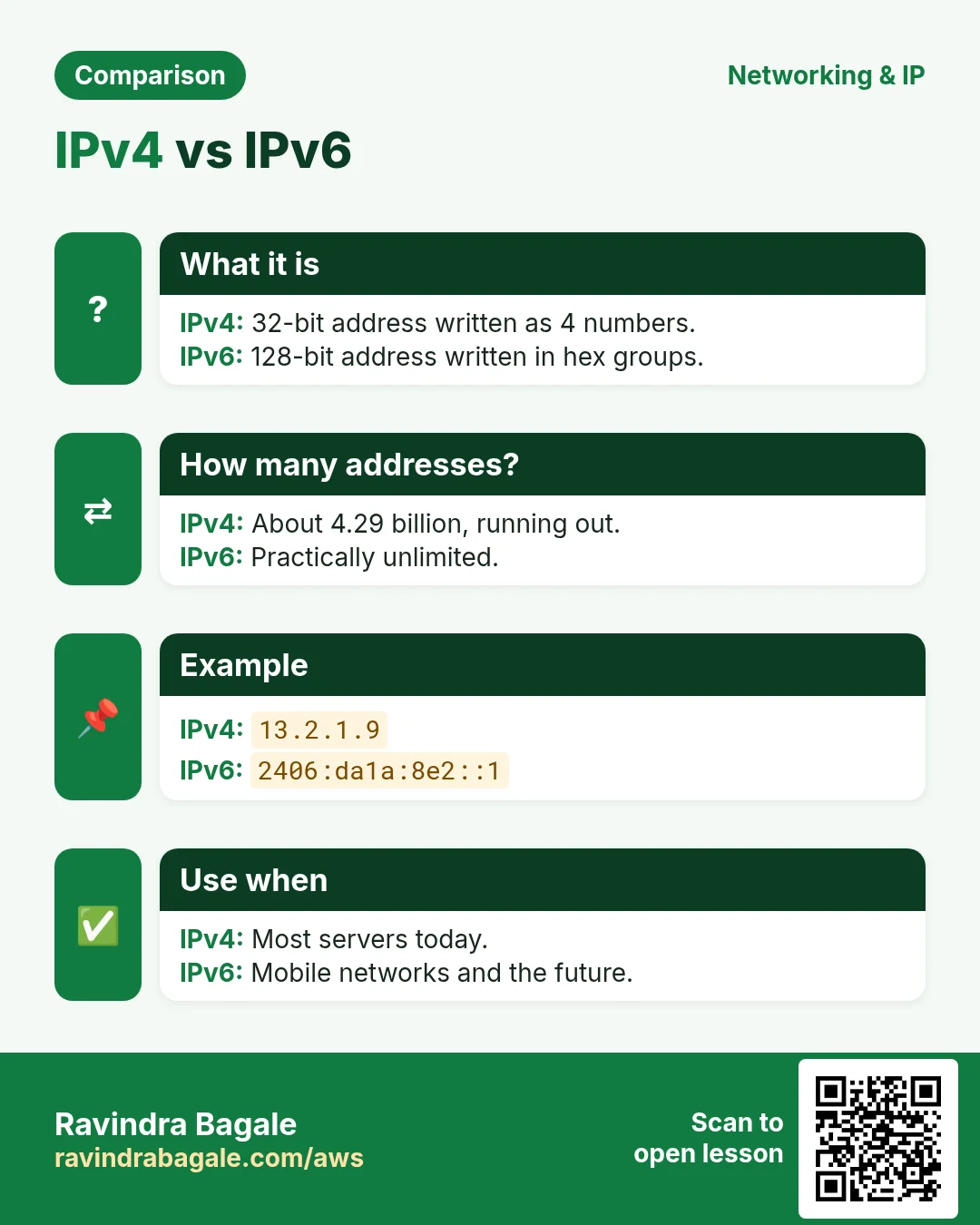
5. IPv4 and IPv6
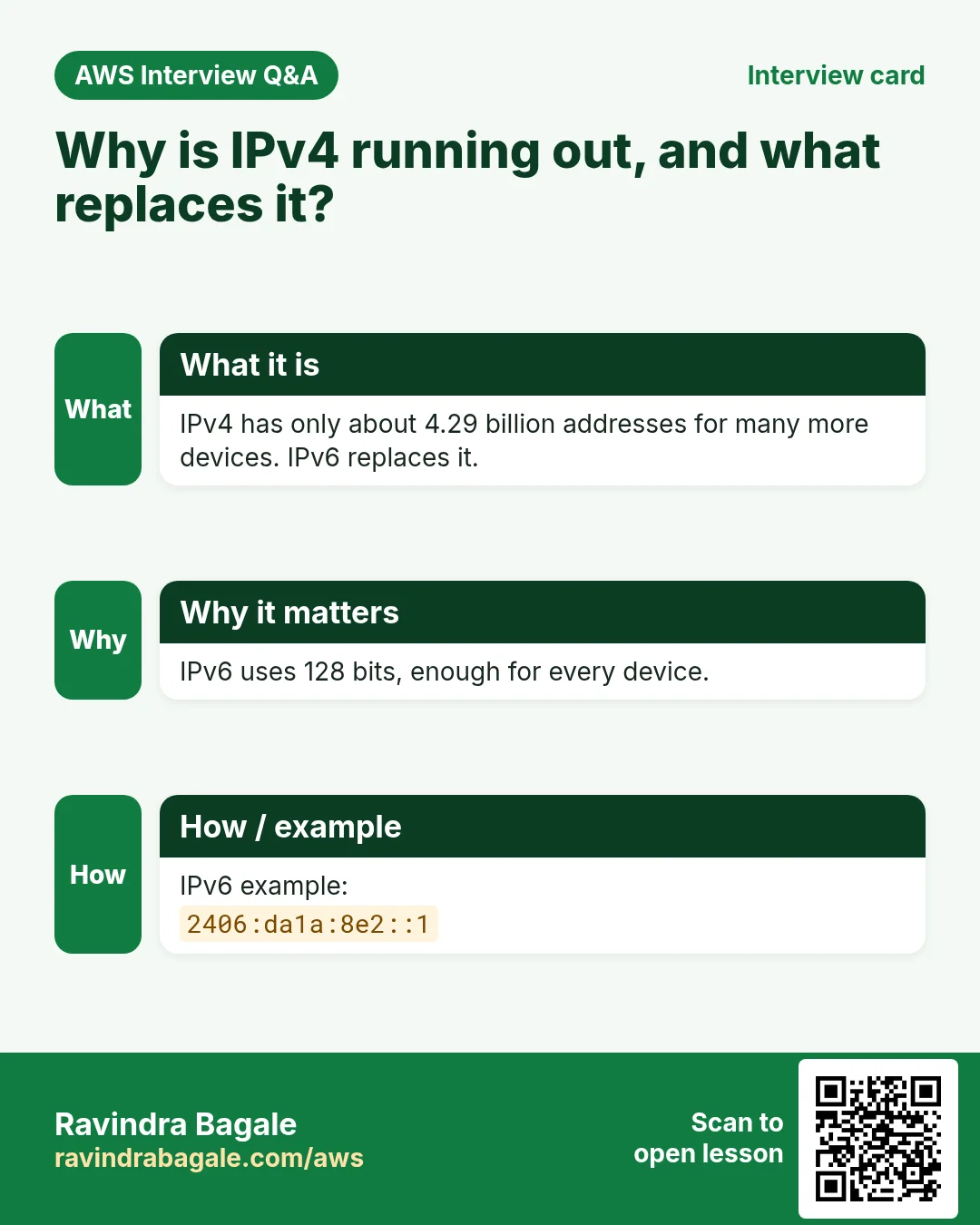
Why two kinds? IPv4 was the first version used on the internet, and it is running out of addresses (you will see the exact numbers below). IPv6 was made to solve that.
| IPv4 | IPv6 | |
|---|---|---|
| Looks like | 110.7.200.3 |
2001:db8::1 |
| Parts | 4 parts, separated by dots | 8 groups, separated by colons |
| History | the original version | standardised in the late 1990s; its use has grown a lot in recent years |
| Where you see it | everywhere, including most AWS labs | more and more mobile networks and websites |
How we learn it. IPv4 is still used everywhere and it is easier to read, so we learn IPv4 first. IPv6 will come later.
Read the size of an address
A bit has two possible values, 0 and 1. An IPv4 address has 32 bits, shown as four groups of eight. Eight bits give 256 combinations. Start counting at zero and the last combination is 255. That is where the four parts and the 0 to 255 rule come from.
IPv6 has 128 bits. You may see 2001:db8::1 even though the table says there are eight groups. The double colon stands in for consecutive groups of zeros. Write it as 2001:0db8:0000:0000:0000:0000:0000:0001 and count the eight groups. A device can have both IPv4 and IPv6 available. Practise reading the IPv4 numbers here because those are the ones these first labs use.
6. IPv4: four parts, each from 0 to 255
You must be able to look at a number and say immediately, "this is an IP address" or "this is not".
An IPv4 address has 4 parts separated by dots: _ . _ . _ . _. Each part can be any number from 0 to 255. Nothing bigger.
- Lowest possible:
0.0.0.0 - Highest possible:
255.255.255.255
Figure 2. Four parts, each from 0 to 255. Any part above 255 means it is not an IP address.
How to check. Worked examples:
| Number | IP address? | Why |
|---|---|---|
192.168.0.1 |
Yes | 4 parts, all between 0 and 255 |
110.7.200.3 |
Yes | 4 parts, all between 0 and 255 |
3.3.3.3 |
Yes | 4 parts, all between 0 and 255 |
1.0.100.9 |
Yes | 4 parts, all between 0 and 255 |
256.0.7.8 |
No | the first part is 256, bigger than 255 |
10.300.2.1 |
No | the second part is 300 |
1.2.3 |
No | only 3 parts |
Classroom line
No part is bigger than 255. If you see a number above 255, it is not an IP address.
Class मधलं वाक्य
कुठलाही part 255 पेक्षा मोठा नसतो. 255 च्या वरचा number दिसला, तर तो IP address नाही.
Classroom line – हिंदी
"Koi bhi part 255 se bada nahi hai... agar 255 se bada kuch digit dikh raha hai, iska matlab hai wo IP address nahi hai."
Not every number in this range can be used on the internet. Some ranges are kept for special jobs: for example 127.0.0.1 always means "this same machine", and ranges like 192.168.x.x are kept for home and office networks. We will see these in detail later.
7. Counting IPs: what comes after 0.0.0.255?
When AWS gives you a network, you will need to know how many IPs are inside it. That starts with simple counting.
Count only the last part first:
0.0.0.00.0.0.10.0.0.2- … keep going …
0.0.0.255
From 0 to 255 is 256 IPs.
So what is the next IP after 0.0.0.255? It cannot be 0.0.1.256: no part can be 256, because 256 is bigger than 255.
Classroom line
No. Where there is 255, write 0, and add 1 to the part on its left. So 0.0.1.0.
Class मधलं वाक्य
नाही. जिथे 255 आहे तिथे 0 लिहायचं, आणि त्याच्या डावीकडच्या part मध्ये 1 add करायचा. म्हणजे 0.0.1.0.
Classroom line – हिंदी
"Nahi... jaha pe 255 hai waha pe zero likhna hai, aur uske aage wale part mein 1 add karna hai. So 0.0.1.0."
How the rule works (like a car's odometer):
- When a part reaches 255 and you add 1, that part becomes 0.
- The part on its left goes up by 1.
- If that left part was also 255, it also becomes 0 and the next left part goes up by 1.
Figure 3. Rollover, like a car's odometer: when a part passes 255 it becomes 0 and the part on its left goes up by 1.
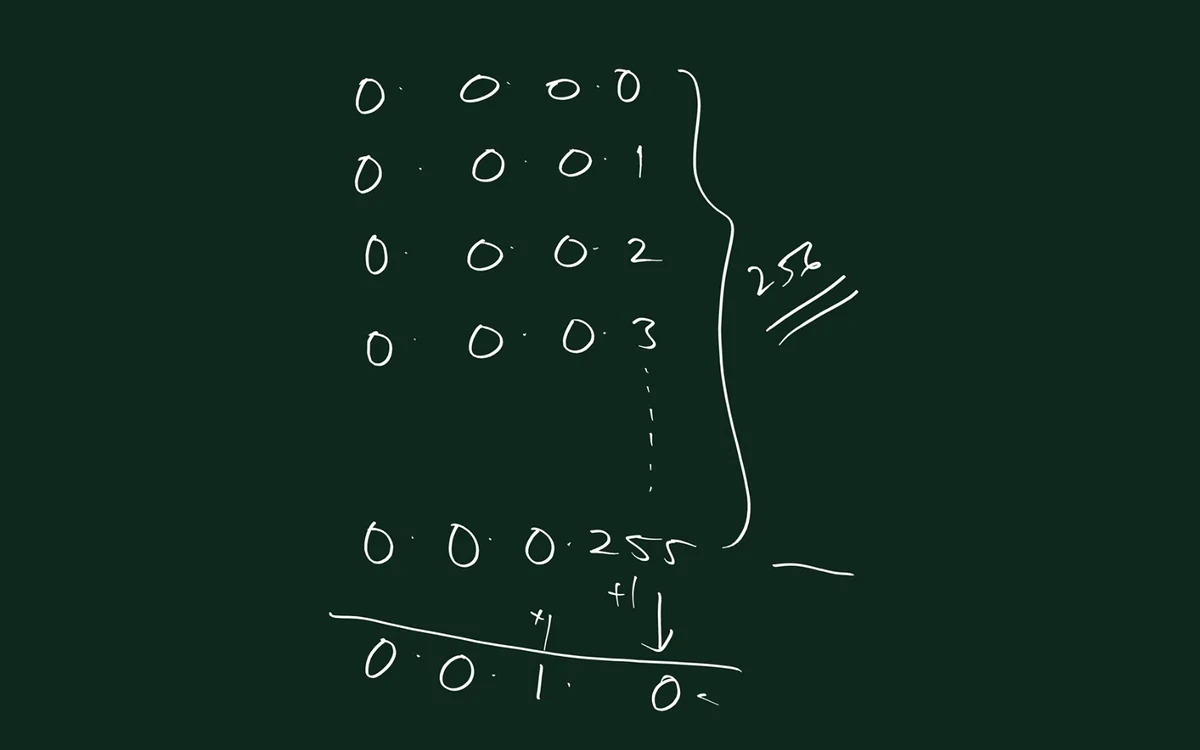
Whiteboard: Count IPs like a meter: 0.0.0.0 to 0.0.0.255 is 256 addresses, and the very next one is 0.0.1.0.
Worked examples:
| IP | + 1 = |
|---|---|
0.0.0.255 |
0.0.1.0 |
0.0.1.255 |
0.0.2.0 |
0.0.255.255 |
0.1.0.0 |
0.1.0.255 |
0.1.1.0 |
0.255.255.255 |
1.0.0.0 |
254.255.255.255 |
255.0.0.0 |
You keep counting like this until the very last IP, 255.255.255.255.
Ravindra Bagale's Tip
Many students write 0.0.1.256 or 0.0.0.256 as the next IP. Remember: a part never goes above 255. When it passes 255, it becomes 0 and the left part gets +1.
8. How many IPv4 addresses are there in total?
This number explains why the world is running out of IPv4.
What and how, step by step:
- Last part only:
0.0.0.0to0.0.0.255= 256 IPs. - Last two parts: when the third part is 0, the fourth part gives 256 IPs. When the third part is 1, another 256. … When the third part is 255, another 256. So 256 × 256 = 65,536 IPs.
- Last three parts: 256 × 256 × 256 = 16,777,216 IPs.
- All four parts: 256 × 256 × 256 × 256 = 4,294,967,296 IPs.
In Indian numbering, 4,294,967,296 is written 429,49,67,296, about 429 crore IPv4 addresses.
Figure 4. Every part has 256 values, so the total is 256 × 256 × 256 × 256 = 4,294,967,296, about 429 crore.
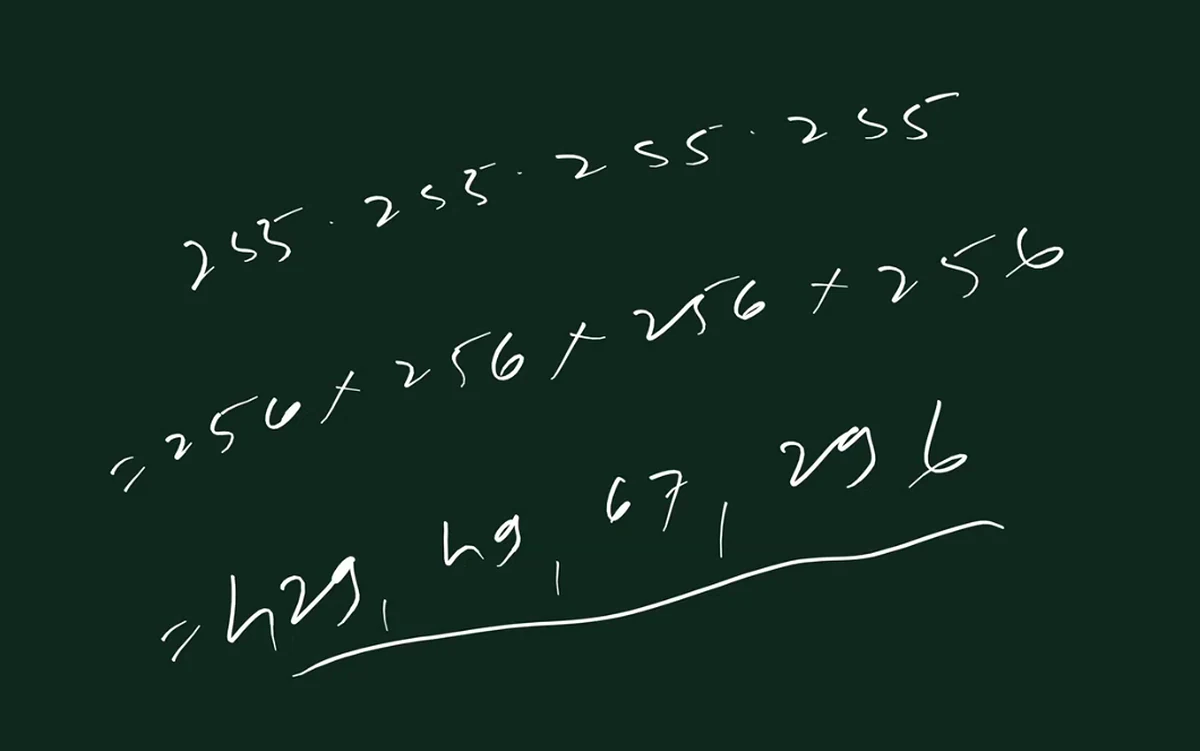
Whiteboard: The last address is 255.255.255.255. Each of the four parts has 256 values, so 256 × 256 × 256 × 256 = 4,294,967,296 IPv4 addresses (about 429 crore).
9. Why IPv4 is running short
If there are not enough addresses, new phones and servers cannot each get their own public IP. This is why tricks like dynamic IP and sharing one IP exist.
Classroom line
What's the problem now? The world's population is 800 crore, and there are only 429 crore IPs.
Class मधलं वाक्य
आता problem काय आहे? जगाची लोकसंख्या 800 कोटी, आणि IPs आहेत 429 कोटी.
Classroom line – हिंदी
"Problem kya hai abhi? Duniya ki population hai 800 crore, aur IPs hai 429 crore."
What uses IPs. It is not one IP per person. One person can need many:
- A phone with two SIMs.
- A laptop and a tablet.
- A smart TV.
- The GPS in a car, and the Android player on a car dashboard.
- Sensors and other IoT devices.
- And every server of every company.
So 429 crore is far too few. And remember, some of those 429 crore are reserved for special jobs and can never be used on the internet.
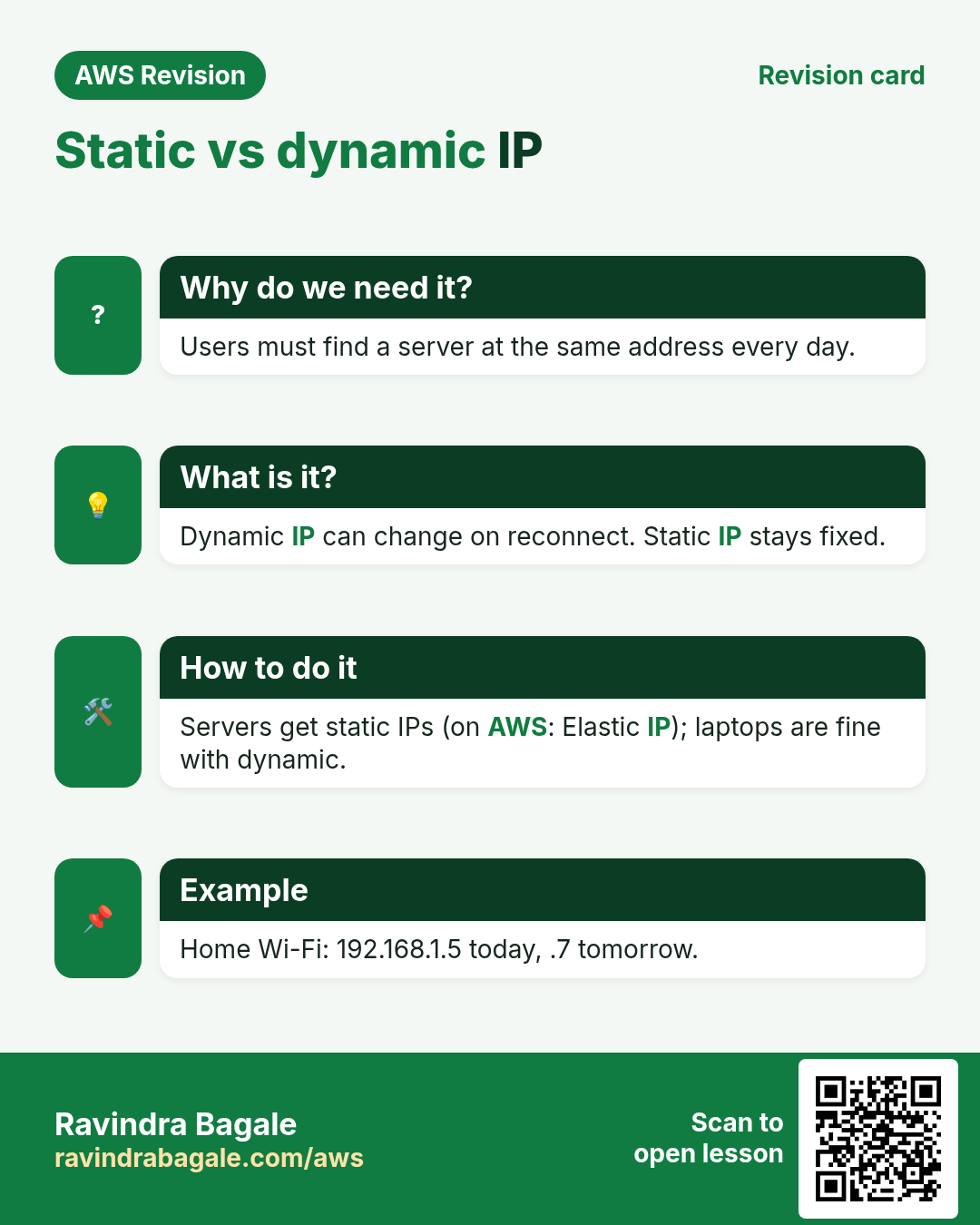
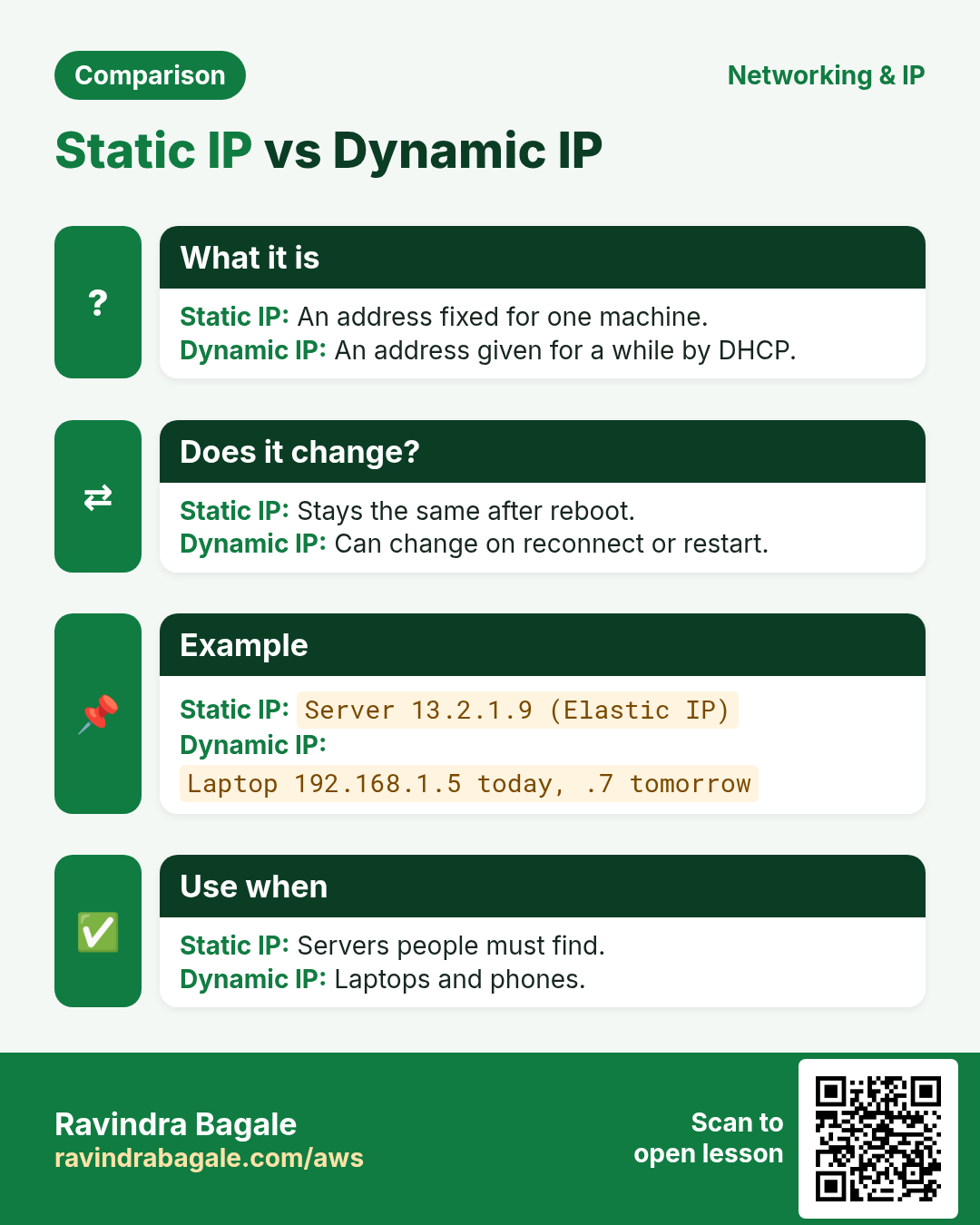
10. Static IP and dynamic IP
Because IPs are few, they cannot all be given away permanently. Many client devices receive their IP dynamically. On a DHCP network, that usually means a lease for a period of time. A temporary disconnect does not automatically make the lease disappear.
Watch an address lease
DHCP stands for Dynamic Host Configuration Protocol. When a laptop joins a home network, it can ask the router for settings. A reply can contain a local IP address, a subnet mask, a default gateway and the address of a DNS resolver. Those settings give the laptop a place on the network and tell it where to send traffic that needs to leave.
Suppose the router leases 192.168.0.4 to your laptop until 8 PM. You close the lid at 6 PM and return ten minutes later. The router can still have 192.168.0.4 reserved for your laptop. After the lease ends or is released, the router can assign that number to another device. This is why turning Wi-Fi off and on is a poor test for whether the address was assigned dynamically. Check whether the connection is set to get its address automatically.
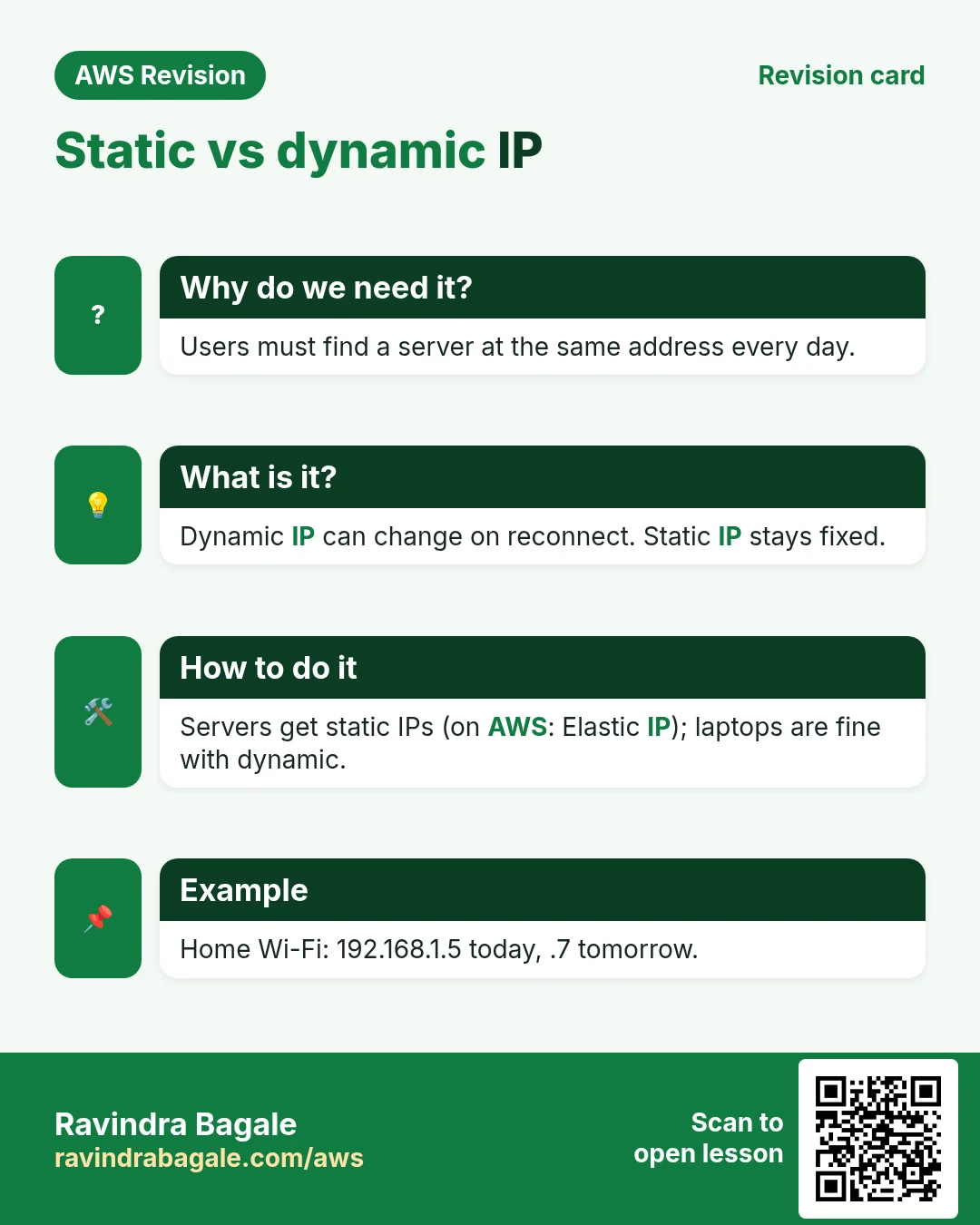
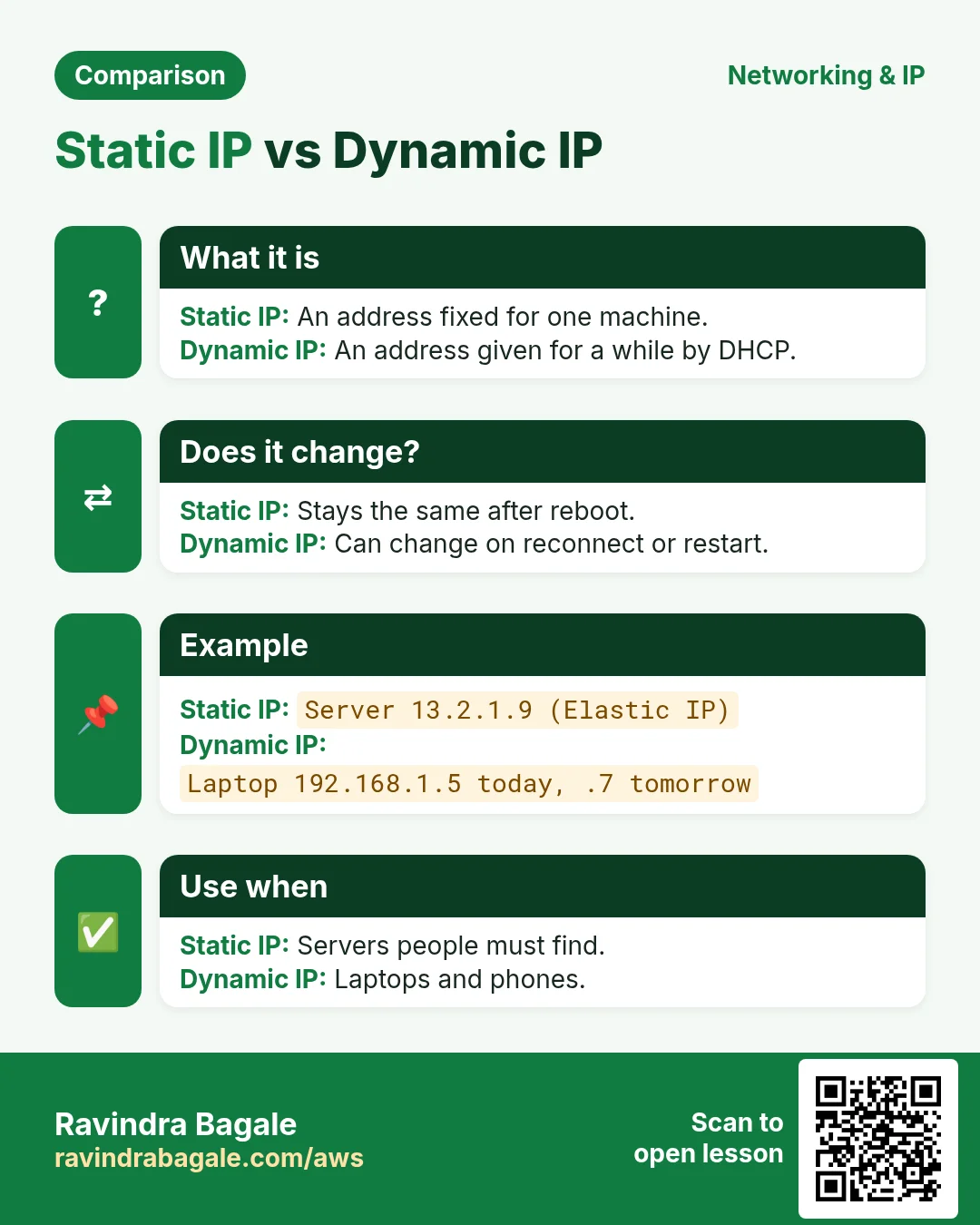
An IP address is just a number. Whether it is static or dynamic depends on how it is given to the device:
| Dynamic IP | Static IP | |
|---|---|---|
| How it is given | leased automatically by the network (DHCP) when you connect | fixed or reserved for one device |
| When you disconnect | may still be reserved until the lease expires or is released. It can later be given to someone else | stays with the same device |
| Who usually has it | phones, laptops, home users (clients) | servers |
| Cost | part of your normal plan | costs extra, given for a reason such as running a server |
| Example | 3.3.3.3, later 5.5.5.5 |
7.7.7.7 |
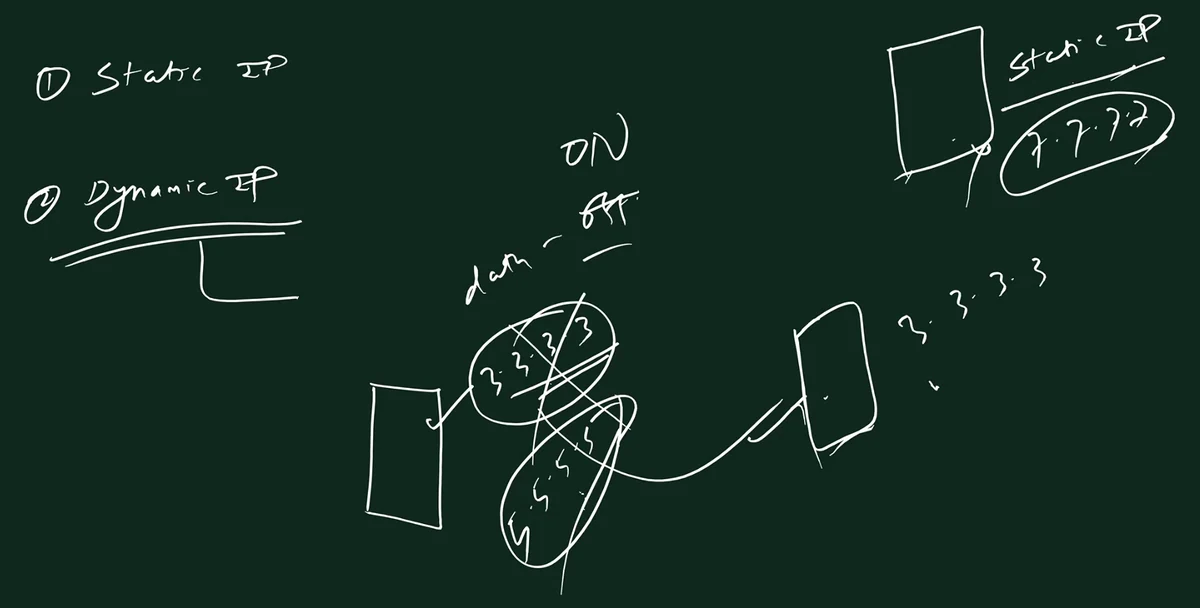
Whiteboard: Dynamic vs static IP: when mobile data goes off and on, the phone's dynamic IP changes (3.3.3.3 becomes 5.5.5.5) and 3.3.3.3 can be given to another phone. The server keeps its static IP, 7.7.7.7.
11. Dynamic IP: mobile data on and off
This is how a few crore IPs are shared among many more devices.
Suppose I have a Jio SIM.
- I turn on mobile data. Only now does my phone get an IP, say
3.3.3.3. - I use WhatsApp for 30 minutes. The IP stays with my phone.
- I turn off mobile data (or switch on airplane mode, switch off the phone, or lose network).
- In this example, the provider eventually releases
3.3.3.3to its pool. A short disconnect can leave the previous address available to the same phone. - The network gives
3.3.3.3to someone else who just turned on data. - When I turn data on again, I may get a different IP, say
5.5.5.5.
Figure 5. Dynamic IP reuse: Phone A turns data off, 3.3.3.3 goes back to the pool and is given to Phone B. When Phone A comes back it gets 5.5.5.5. The server keeps its static 7.7.7.7.
Classroom line
Generally people switch off mobile data and sleep at night...
Class मधलं वाक्य
साधारण रात्री लोक mobile data off करून झोपतात...
Classroom line – हिंदी
"Generally raat ko log mobile data off karke sote hai..."
Where does that IP go at night? Not to the other side of the world. Each mobile company owns its own blocks of IPs (given through the regional registry, APNIC for India), so Jio's IPs are used only by Jio's own users.
- You switch off mobile data at night.
- Once that assignment ends, the address can go back into the provider's pool.
- Another Jio user who switches data on (maybe a night-shift worker, or someone waking up early) gets that IP.
- In the morning you switch data on and get whichever free IP Jio has at that moment, often a different one.
One more real-life point. Mobile companies also save IPs another way: they often give phones a private address and let many phones share one public IP (this is called carrier-grade NAT). Here we keep 3.3.3.3 to keep the idea simple; the idea of reuse is the same.
12. Static IP: it stays
Some machines must be found at the same address every time, even after a restart. That is a server's job.
A static IP, say 7.7.7.7, stays with the device even when it is switched off.
How you get one.
- Ask your internet provider (Jio, Airtel, Vi and others) for a static IP.
- Give a reason, such as running a server.
- It costs extra, which is why not everyone takes one.
- In AWS, the static IP is called an Elastic IP. You allocate it to your account and attach it to your server.
13. Client and server: who is who?
Every network diagram has clients and servers. You must know which side is which.
Classroom line
The one who sends the request first, we call the client.
Class मधलं वाक्य
जो आधी request पाठवतो, त्याला आपण client म्हणतो.
Classroom line – हिंदी
"Jo pehle request bhejta hai, usko hum client kahenge."
- The server is the big box that answers, for example Instagram's server.
- The clients are everyone who asks: the Android app, the iPhone app, a browser on a laptop, an iPad, even a car screen.
- Clients usually have dynamic IPs.
- Servers need a stable way for clients to find them. That could be a fixed address or a stable DNS name for a managed entry point.
14. Why a server needs a fixed IP: the 1 crore users story
A client can usually reconnect after its IP changes, though a connection already in progress may drop. If a public server’s address changes and clients still have the old one, many users can be affected.
What happens. Suppose Instagram's server was on a dynamic IP 3.3.3.3, used by 1 crore users:
- The DNS record for the app's domain name says: the server is at
3.3.3.3. - 1 crore phones have asked DNS and remember (cache) the answer
3.3.3.3for some time. - Suppose the server is stopped and started for maintenance and comes back with a new public IP,
5.5.5.5. - Phones still send requests to
3.3.3.3. Nothing is there now. For those users, the app is down. - Someone must update the DNS record to
5.5.5.5, and users keep hitting the dead address until their cached answers expire. - Firewall rules and partner systems that allowed
3.3.3.3also break and must be changed. - This can happen whenever the public address changes and some clients still use the old address.
How it is solved. For one EC2 server that directly faces users, an associated Elastic IP is one way to keep the public address stable across stop and start. The server still has to come back healthy. For a multi-server website, put a load balancer in front and point your domain to its DNS name. The app servers can be private, and the load balancer can keep directing requests to healthy targets while servers come and go.
Figure 6. Left: a server on a dynamic IP comes back as 5.5.5.5 after a restart, while phones still go to 3.3.3.3. Right: with a fixed IP (in AWS, an Elastic IP), the restart changes nothing.
A common question: IPs are few, so won't there be a problem some day?
Yes, that is why static IPs are not free for life:
- A static IP from an internet provider is given for a period.
- If the period ends or it is not paid, it goes back to the pool.
- In AWS, if you release an Elastic IP, it goes back to AWS's pool, and you usually cannot get the same one back.
15. Gateway IP: how does my phone reach the server?
The client has an IP and the server also has one, so how do they actually connect? The answer is the gateway.
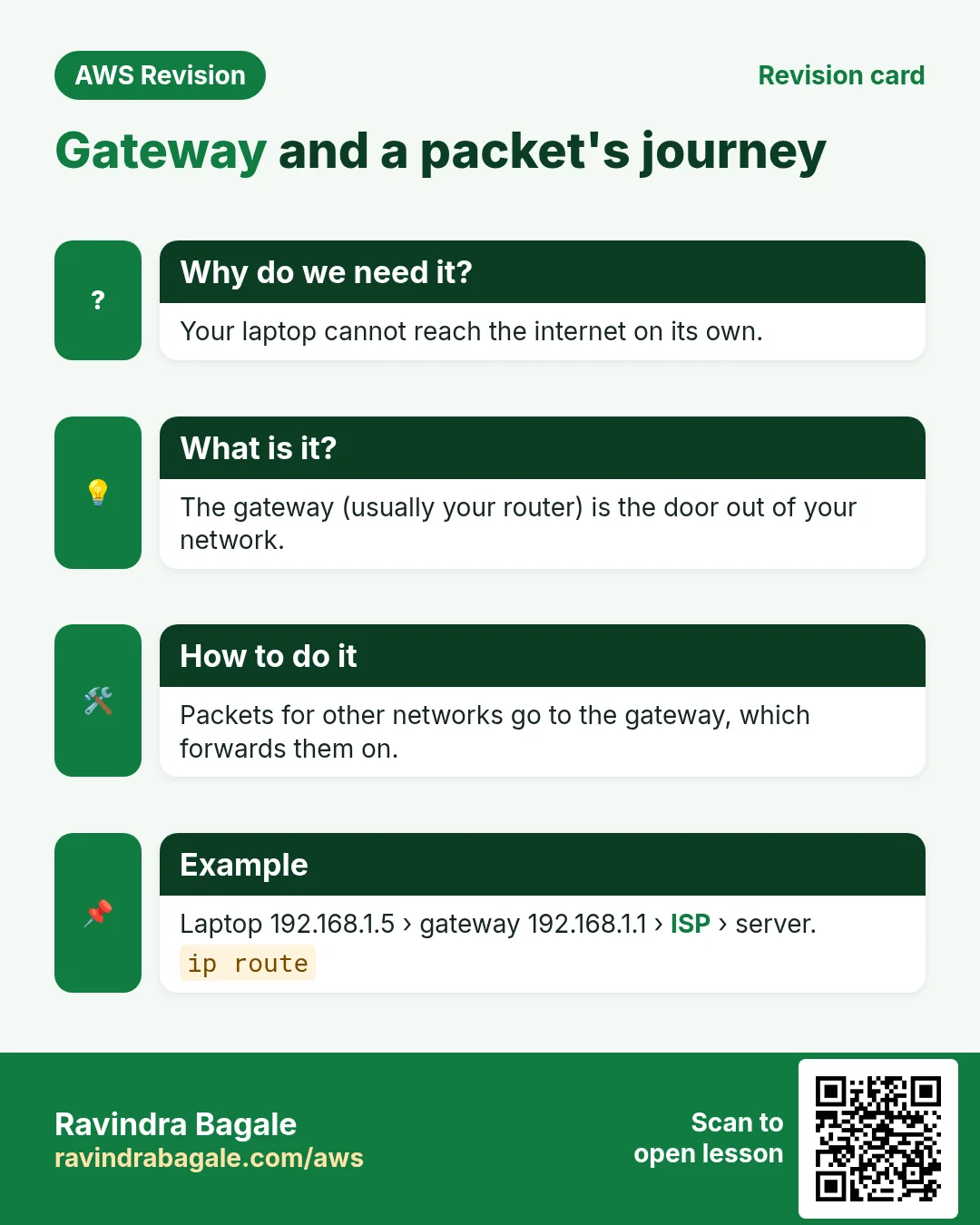
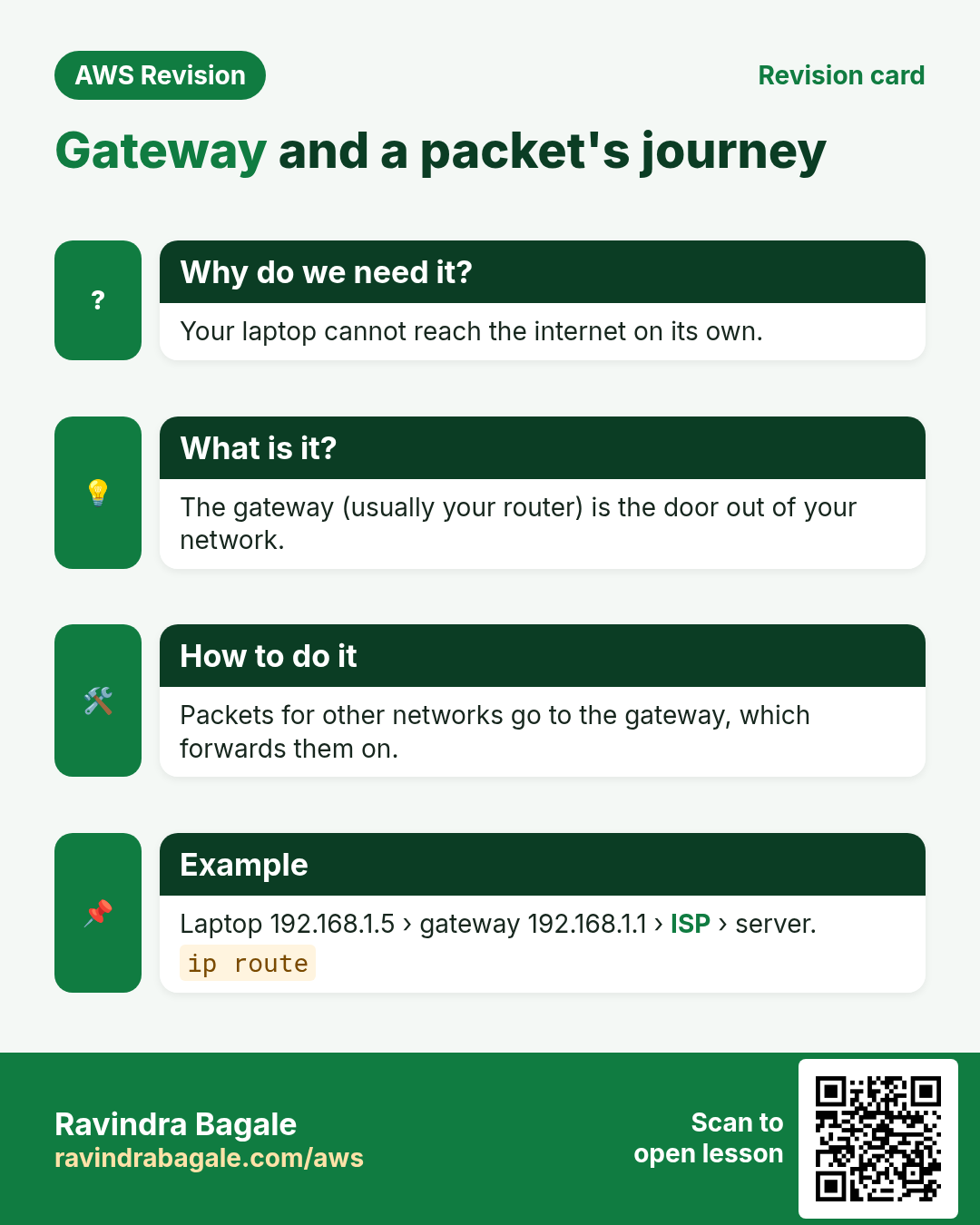
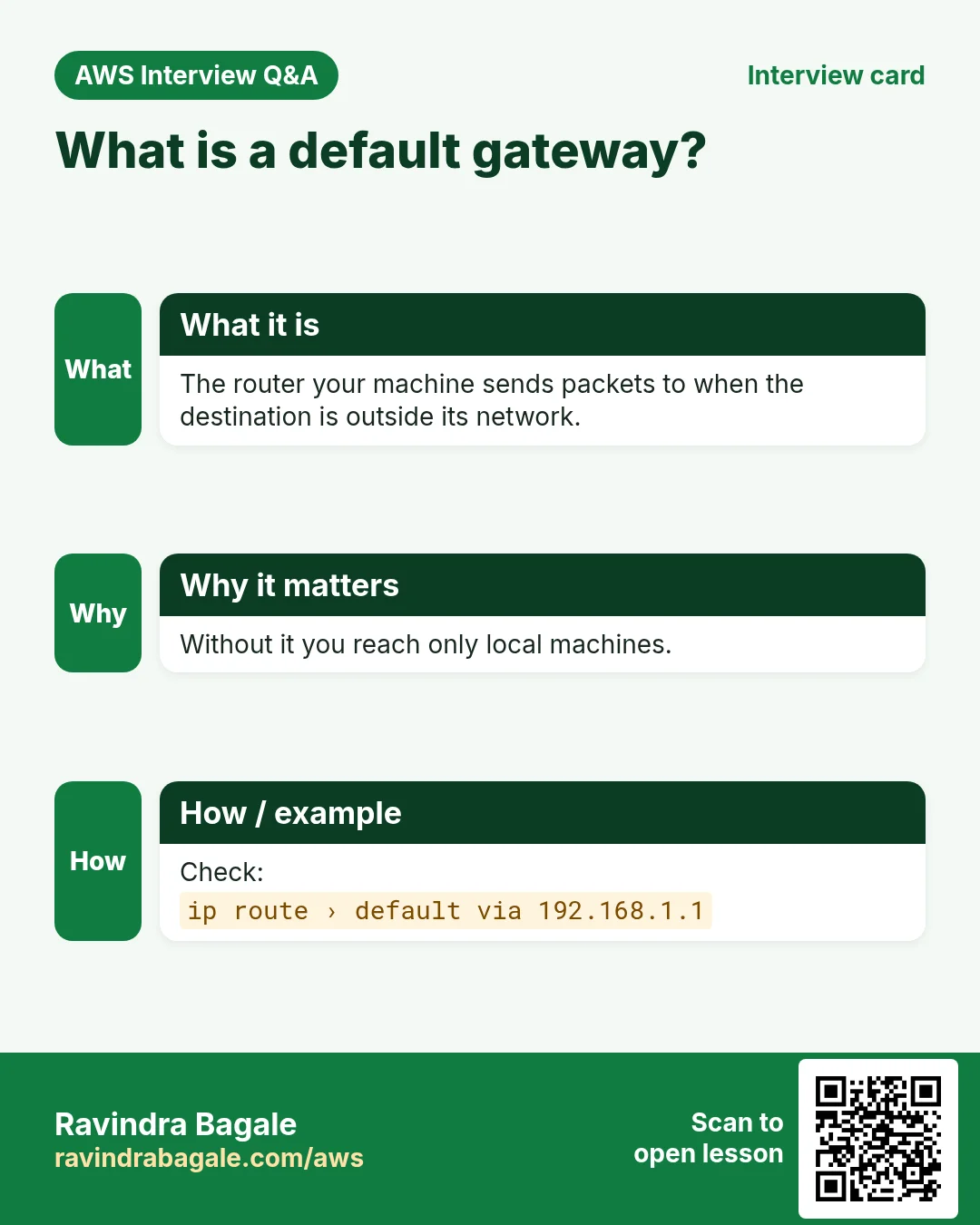
A gateway is the door out of your network. Every packet that has to go outside your network goes to the gateway first.
Decide whether the request needs the gateway
Use the home network for a clearer view. Write your laptop as 192.168.0.4/24. The /24 tells the laptop that the first 24 bits, written here as 192.168.0, identify its local group of addresses. If the printer is 192.168.0.20 on the same home network and local traffic is allowed, the laptop can reach the printer locally.
Now write the example website as 203.0.113.10. It is outside 192.168.0.0/24. With no more specific route to that address, the laptop sends the packet to its default gateway at 192.168.0.1. That router can pass it farther on. The packet’s destination IP still points to the website. Circle the local printer address and draw an arrow from the laptop to the gateway for the website. The two paths start differently because the destinations belong to different networks.
Example. I am in Pune, in Shivaji Nagar, on Jio.
- I turn on mobile data.
- My phone gets its IP,
3.3.3.3. - My phone also gets a gateway IP,
3.3.3.1. For this simplified sketch, write it beside the next router in the provider’s network. The mobile network’s real topology can use more equipment than the tower in our sketch. - Everything my phone sends to the internet goes first to
3.3.3.1.
Classroom line
Let me remove the data center from the picture...
Class मधलं वाक्य
"Chalo, data center aahe na te concept kadun takto mi..."
चला, data center ची concept मी काढून टाकतो...
Classroom line
Let me remove the data center from the picture...
Classroom line
...we'll just think of it as the tower.
Class मधलं वाक्य
...आपण tower च समजून घेऊ.
Classroom line – हिंदी
"...hum tower hi samajh ke lete hai."
16. Snapchat "Hi": the packet's journey, hop by hop
Now we put everything together: client IP, server IP, DNS and the gateway.
What is a packet? Data on the internet travels in small pieces called packets. Each packet carries:
| Field | Example |
|---|---|
| To IP (destination) | 8.7.7.7, the Snapchat server |
| From IP (source) | 3.3.3.3, my phone |
| Data | "Hi" |
The gateway IP is not written inside the packet. The packet is only sent to the gateway.
Classroom line
The gateway IP doesn't travel inside the packet; the packet is sent to it.
Class मधलं वाक्य
Gateway IP packet बरोबर जात नाही, packet तिकडे पाठवला जातो.
Classroom line – हिंदी
"Gateway IP jata nahi hai, wahan pe bheja jata hai."
How "Hi" reaches the server. Suppose Snapchat's server is in an AWS data center in Mumbai with IP 8.7.7.7 (this is only a "suppose" example to learn with; all IPs here are dummy numbers).
- I type "Hi" in Snapchat on my Jio phone in Pune.
- The app knows the server's name. The phone asks DNS for its IP and gets
8.7.7.7. - The phone makes a packet: To
8.7.7.7, From3.3.3.3, Data "Hi". - The phone sends the packet to its gateway,
3.3.3.1(the tower). - The gateway router reads the To IP,
8.7.7.7, and sends the packet to the next router on the way, for example4.4.4.1. - That router does the same: reads the To IP and sends it one step closer.
- Hop by hop, the packet reaches the network that owns
8.7.7.7, and then the Snapchat server. - The server sends a reply with To
3.3.3.3and From8.7.7.7in this simplified example. Routers choose the return path independently, so they may use a different sequence of hops.
Figure 7. The phone asks DNS once, then sends the packet to its gateway. Each router reads the To IP and forwards it one hop closer, until it reaches the server.
17. How do the routers know which way to send it?
The tower has never heard of your message. How does it know which direction Mumbai is?
Choose between two matching routes
A route links a block of destination addresses to the next place to send a packet. Imagine a router has two entries. One says 203.0.113.0/24 → Router A. Its default says 0.0.0.0/0 → Router B. A packet for 203.0.113.10 matches both entries. The /24 describes the smaller, more specific block, so the router sends the packet to A. A destination that matches only the default goes to B.
Internet providers and cloud networks exchange reachability information at their boundaries using Border Gateway Protocol (BGP). Your home laptop normally needs just its local routes and a default route. That is why the phone can start the trip even though it has no map of every network along the way.
Two different things are working here:
- DNS is used by the phone, not by the towers. A company buys its domain name from a registrar (for example GoDaddy) and adds a DNS record that says "this name is at this IP". Your phone uses DNS to turn the name into an IP, like
8.7.7.7. - Routers forward using routes. Internet providers and cloud networks exchange reachability information for address ranges using BGP. A router forwards based on its own routing table, which can include learned, connected or configured routes. Your home router can send outside traffic using its provider-facing default route.
- So the tower does not need to know Snapchat. It only needs to know "
8.7.7.7is in a range owned by that network; send it to the next hop that way".
18. Your home WiFi router is your gateway
You can't log into a Jio tower, but you can log into the small box at home. It does the same job, so it is the best place to see a gateway with your own eyes.
Classroom line
Has anyone ever configured the router at home? … Never. … Everyone has one at home these days.
Class मधलं वाक्य
"Kadhi koni router configuration kelay ka ghari?" … "Kadhich nahi." … "Saglyanchya ghari asel aajkal."
कधी कोणी घरी router configuration केलंय का? … कधीच नाही. … आजकाल सगळ्यांच्या घरी असेल.
Classroom line
Has anyone ever configured the router at home? … Never. … Everyone has one at home these days.
At home, the WiFi router is the gateway for all your devices:
Follow two replies through the same router
In this example the Wi-Fi router has a local side facing your devices and an internet-facing side connecting to the provider. The local address 192.168.0.1 is the gateway your laptop uses. The internet-side address is shown separately under WAN or Internet settings. Some providers share an additional public address across homes, so the router’s WAN address can differ from the public address a website sees.
Suppose your phone and laptop both open the same test website. The router can send both requests using one outward address and keep separate connections by assigning different source ports, such as 51001 and 51002. When a reply comes back to 51001, the router consults its mapping and sends it to the phone. The reply to 51002 goes to the laptop. That translation is NAT, which stands for Network Address Translation. Draw two arrows entering the router and write a different port on each outgoing arrow.
| Device | IP (example) |
|---|---|
| Network | 192.168.0.0, the network address; it is not given to any device |
| WiFi router (gateway) | 192.168.0.1 |
| Your phone | 192.168.0.2 |
| Mom's phone | 192.168.0.3 |
| Laptop | 192.168.0.4 |
- In this example, devices send off-network packets to the router at
192.168.0.1. Local devices on the same home network can communicate locally when the network permits it. - These
192.168.x.xaddresses are private. They work on local and connected private networks, and public internet routing does not use them directly. - In the drawing, the router’s internet-facing interface has a public IPv4. On some connections the provider also uses shared address translation, so the router can show a different WAN address from the public address websites see.
- Your phones still reach the internet. With IPv4 NAT, the router translates the local source address on the outgoing side and uses its mapping to deliver replies to the right device.
Some routers use 192.168.1.1 instead of 192.168.0.1. In the illustrated 192.168.0.0/24 network, 192.168.0.0 names the network and is not the router. Check your own default gateway instead of guessing from the last digit.
Figure 8. Your home: phones get private IPs 192.168.0.2, .3, .4; the router is the gateway at 192.168.0.1 and has one public IP from the internet provider.
Ravindra Bagale's Tip
Many students type http://192.168.0.0 or put https and get nothing. 192.168.0.0 is the network address in this /24 example. Type http://192.168.0.1 exactly (http, then a colon, then two slashes). If that doesn't open, try http://192.168.1.1.
19. Homework: log into your home router
Find the gateway from your laptop
Start with the network settings you already have access to. On Windows, open Command Prompt and run ipconfig. Find the active Wi-Fi adapter. Write down its IPv4 Address, Subnet Mask and IPv4 Default Gateway. On a Mac, use System Settings → Network → Wi-Fi → Details → TCP/IP. The Router value is the gateway for that connection.
Your example answers could be 192.168.0.4 for the laptop, 255.255.255.0 for the mask and 192.168.0.1 for the gateway. 255.255.255.0 is another way to write /24. Compare your first three numbers in the two addresses if you have that mask. You have completed the network part of the exercise once you can show which address is yours and which one is the router’s. Continue to the router’s admin screen only when it is your router or the owner has given permission and the correct sign-in method.
Classroom line
Go home, open your laptop, put this URL in, and the login screen should come.
Class मधलं वाक्य
घरी जा, laptop उघडा, laptop वर हा URL टाका... login screen आली पाहिजे.
Classroom line – हिंदी
"Aapne ghar jao, laptop open karo... laptop pe ye URL daal do... login screen aana chahiye."
Try at home
- Connect your laptop (or phone) to your home WiFi.
- Open a browser.
- Type
http://192.168.0.1and press Enter. - If nothing opens, try
http://192.168.1.1. - Still nothing? On a Windows laptop, open Command Prompt, run
ipconfig, and type the Default Gateway address in the browser. - The router's login screen should appear.
- Check the router sticker, its manual, or your provider’s app for its sign-in method. Ask the owner before opening its admin screen.
- If that doesn't work, the internet provider may have set it to someone's registered mobile number at home. Ask the person who got the connection.
- After login, find the WAN or Internet status page.
- Write down the router’s local IP (here
192.168.0.1), its WAN address and its upstream gateway if the status page shows it. The WAN value can be a provider-side private or shared address. - Open the connected devices list and note the private IPs of your phones and laptop.
- Don't change any setting. Only look, then log out.
- Write the three IPs down and keep them.
Do this only on your own home router.
Classroom line
The username and password are on the back of your router.
Class मधलं वाक्य
Username आणि password तुमच्या router च्या मागे असतो.
Classroom line – हिंदी
"User name password aapke router ke peechhe hota hai."
Ravindra Bagale's Tip
The username and password are on the back of your router. If someone at home already changed it, don't keep guessing. Ask them, or ask your internet provider.
Common errors and fixes
| Error / symptom | Fix |
|---|---|
| I can ping the server but the website fails | Ping uses ICMP; the site needs TCP on port 80/443. Open the right port in the Security Group and use http:// or https://. |
| VirtualBox works at home but not like the cloud | Home NAT hides you behind one public IP. Cloud practice needs a real public IP and Security Group rules — that is why we use EC2. |
| I typed the IP with https and the browser spins | Nothing is listening on 443 yet. Use http://PUBLIC_IP/ until you install TLS. |
| The IP changed after I stopped the instance | Dynamic public IPs are returned on stop. Use an Elastic IP or a domain name when the address must stay. |
| I do not know my gateway | On your phone/laptop Wi-Fi details, look for Router / Gateway (often 192.168.0.1 or 192.168.1.1). |
FAQ
Q. Why learn networking before Linux?
You cannot reach the cloud server without an address and a path. IP and client/server are the map.
Q. Is an IP the same as a domain name?
No. A domain is a name people remember; DNS turns it into an IP the machines use.
Q. What is a static IP?
An address that remains assigned until the network operator or account changes that assignment. It is one way to provide a stable endpoint for clients.
Q. What is the difference between 0.0.0.0 and 0.0.0.0/0?
0.0.0.0 in a server bind often means all local IPv4 interfaces. 0.0.0.0/0 is a CIDR prefix that matches all IPv4 addresses. In a security group source it therefore allows any IPv4 source on the ports specified by that rule. A bind address alone does not open a firewall.
Recap
In short
- We practise on a cloud server in AWS, so we learn networking first to be able to reach it.
- The client sends a request first; the server checks the database and sends a response.
- Every machine on the internet needs an IP address. Apps keep a domain name; DNS gives the IP.
- IPv4 has 4 parts, each 0 to 255.
256.0.7.8is not an IP. - After 255 comes 0, and the left part gets +1:
0.0.0.255+ 1 =0.0.1.0. - 256 × 256 = 65,536. All four parts: 4,294,967,296, about 429 crore, for 800 crore people and many more devices.
- Static or dynamic depends on how the IP is given. A dynamic IP can be reassigned after its lease or allocation ends.
- Clients need a stable endpoint. An Elastic IP can give a standalone EC2 server a fixed public address, and a load balancer DNS name lets app servers change behind it.
- Your packet goes to the gateway first, then hop by hop to the server. The phone uses DNS; routers use routes announced with BGP.
- Your home router at
192.168.0.1is your gateway. Log in tonight.
Samjla ka? Tonight, log into your router and note the three IPs. In the next chapter we go deeper into IPs.
Ravindra Bagale, trainer: linkedin.com/in/ravindra-bagale. All IPs on this page are dummy numbers for learning. Snapchat in AWS Mumbai is a "suppose" example, not a fact about Snapchat.
Worked example: one connection, two addresses and two ports
Draw a building with two counters. The building address tells the delivery person where to go. The counter number tells them where to hand over the parcel. An IP address and a port solve those two different problems.
Suppose your phone is 192.168.1.8 and the test site is 203.0.113.10. The phone opens a TCP connection from a temporary local port, say 53014, to the site's HTTPS port 443. These are example addresses for drawing the flow. Use a website you control if you test it.
- The phone checks its local network settings. The destination is outside its local subnet, so the phone sends the packet to its default gateway. The destination IP in the packet still names the site.
- The home router may translate the source IP and port on the way out. A second phone can visit the same site at the same time. The router keeps separate mappings so replies go to the right connection.
- The site answers the address and port it saw. The router uses its mapping to send the reply back to
192.168.1.8:53014.
Try it on paper. Draw two phones visiting the same site. Circle the destination IP, then put a box around the destination port. Explain which one is used to reach the server and which one reaches the web service.
Interview question: does the client also use port 443?
Usually no. The browser chooses a temporary source port. The server listens on the well-known destination port, so each client connection can be recognised separately.
Take it back to AWS. If an EC2 console shows a public IPv4, can your laptop definitely open the lab website? No. For a direct public IPv4 connection, the subnet must have a route to an internet gateway, the instance must have a public IPv4 or Elastic IP, the relevant security group and network ACL must allow the flow, and the web server must actually listen on the destination port. Trace those checks in order. Opening one rule does not establish the whole path.
Reference 1 · Reference 2 · Reference 3 · Reference 4 · Reference 5 · Reference 6
Practise this chapter
Interview questions and answers
A site’s name resolves. Which observations tell you whether the network or the web application answered?
A DNS answer only tells you the address found for the name. Try the intended site and port. A connection failure before any HTTP response sends you to routing, permissions, listener or TLS checks. A web response such as 404 tells you a web component answered and the requested path or app routing needs attention.
Why does your laptop send an external packet to the gateway if the destination is the website?
The packet’s IP destination is the website. The laptop cannot send directly to a machine on a different local network, so on its first link it passes the packet to the gateway. Each router makes the next routing decision.
Check your understanding
Choose an answer, then compare your reasoning with the explanation.
Apply the concepts
Open your active Wi-Fi connection details using the method for your operating system. Write its IPv4 address and router address on two separate lines.
Check your result
The two labels are correct. You can point to which address identifies your device on the local network and which address is where off-network traffic goes first.
On paper, place your laptop, router and a website on a line. Write where DNS gets involved and draw the first outgoing hop to the website.
Check your result
The drawing shows the name lookup before the request. The first hop goes to the router while the destination address still points to the website.
The website’s name resolves but the page never opens. Name two checks you can make after the lookup.
Check your result
You identify two later checks, such as the route, allowed port, running web listener or TLS connection.
Practice Tasks
Practice checks run in your browser. They check the answer for this exercise; they do not create resources or connect to your AWS account.
About this scenarioVidarbha Cotton Mills is a textiles business in Nagpur. Ganesh Wankhede looks after its IT and cloud work. They count money in INR and run their AWS resources in the ap-south-1 Region. In the tasks below you do real jobs for them using what this lesson teaches. All names, account IDs, IP addresses and numbers are made up for practice.
0 / 12
Easy How many addresses in a /16?
Picking a VPC size needs this count.
Vidarbha Cotton Mills plans the VPC 10.190.0.0/16. How many IP addresses does it hold in total?
- Write down the numbers the task gives you.
- Work it out step by step on paper.
- Type only the final answer in the box.
- Click Check answer.
Easy Create a VPC
A VPC is your own private network in AWS. Everything else lives inside it.
Create a VPC with the CIDR block 10.5.0.0/16.
- Read the task and decide which AWS service it is about.
- Write aws, then the service name, then the operation (the action word).
- Add each needed flag (--name) followed by its value from the task.
- Flags can be in any order. Click Check answer.
Easy Test a website from the server
curl shows whether the web server answers, even before DNS is ready.
Request http://localhost and show only the response headers.
- Find the Linux command that does this job.
- Add the options (like -r or -h) the task needs.
- Add the file names, folders or users in the right order.
- Use sudo if the job changes system files or users. Click Check answer.
Medium First usable IP for a server
The first 4 addresses are reserved by AWS.
What is the first IP address a server can get in 10.190.20.0/24 on AWS?
- Write down the numbers the task gives you.
- Work it out step by step on paper.
- Type only the final answer in the box.
- Click Check answer.
Medium Find the VPC router address
AWS reserves base+1 for the router.
Which address does AWS reserve for the VPC router in subnet 10.190.4.0/24?
- Write down the numbers the task gives you.
- Work it out step by step on paper.
- Type only the final answer in the box.
- Click Check answer.
Medium Usable IPs in an AWS /24 subnet
AWS keeps 5 addresses in every subnet.
How many addresses can Vidarbha Cotton Mills use for servers in subnet 10.190.1.0/24 on AWS?
- Write down the numbers the task gives you.
- Work it out step by step on paper.
- Type only the final answer in the box.
- Click Check answer.
Medium Usable IPs in a /28
/28 is the smallest AWS subnet.
Subnet 10.190.9.0/28 on AWS. How many usable IPs?
- Write down the numbers the task gives you.
- Work it out step by step on paper.
- Type only the final answer in the box.
- Click Check answer.
Medium Create a subnet in one AZ
Subnets split the VPC range and each one lives in exactly one AZ.
In vpc-0a3af54c5adeadbee, create subnet 10.5.1.0/24 in ap-south-1a.
- Read the task and decide which AWS service it is about.
- Write aws, then the service name, then the operation (the action word).
- Add each needed flag (--name) followed by its value from the task.
- Flags can be in any order. Click Check answer.
Medium Do these VPCs overlap?
Peering fails when ranges overlap.
Can VPC 10.190.0.0/16 peer with VPC 10.190.128.0/17? Answer yes or no.
- Write down the numbers the task gives you.
- Work it out step by step on paper.
- Type only the final answer in the box.
- Click Check answer.
Hard Range of a /26
Knowing the range stops subnets from overlapping.
Write the first and last address of 10.190.3.64/26 (like a.b.c.d - e.f.g.h).
- Write down the numbers the task gives you.
- Work it out step by step on paper.
- Type only the final answer in the box.
- Click Check answer.
Hard Pick the smallest prefix
Right-sizing saves address space.
A subnet must hold 100 servers on AWS. What is the largest prefix number (smallest subnet) that fits? Answer like /25.
- Write down the numbers the task gives you.
- Work it out step by step on paper.
- Type only the final answer in the box.
- Click Check answer.
Hard Split a /24 into two
Public and private subnets often split one block.
Split 10.190.8.0/24 into two equal subnets. Write both CIDRs separated by a comma.
- Write down the numbers the task gives you.
- Work it out step by step on paper.
- Type only the final answer in the box.
- Click Check answer.
Revision, comparison and interview cards
Revise this lesson in a few minutes. Save the cards on your phone or download them as PNG files. The QR code on each card opens this lesson.
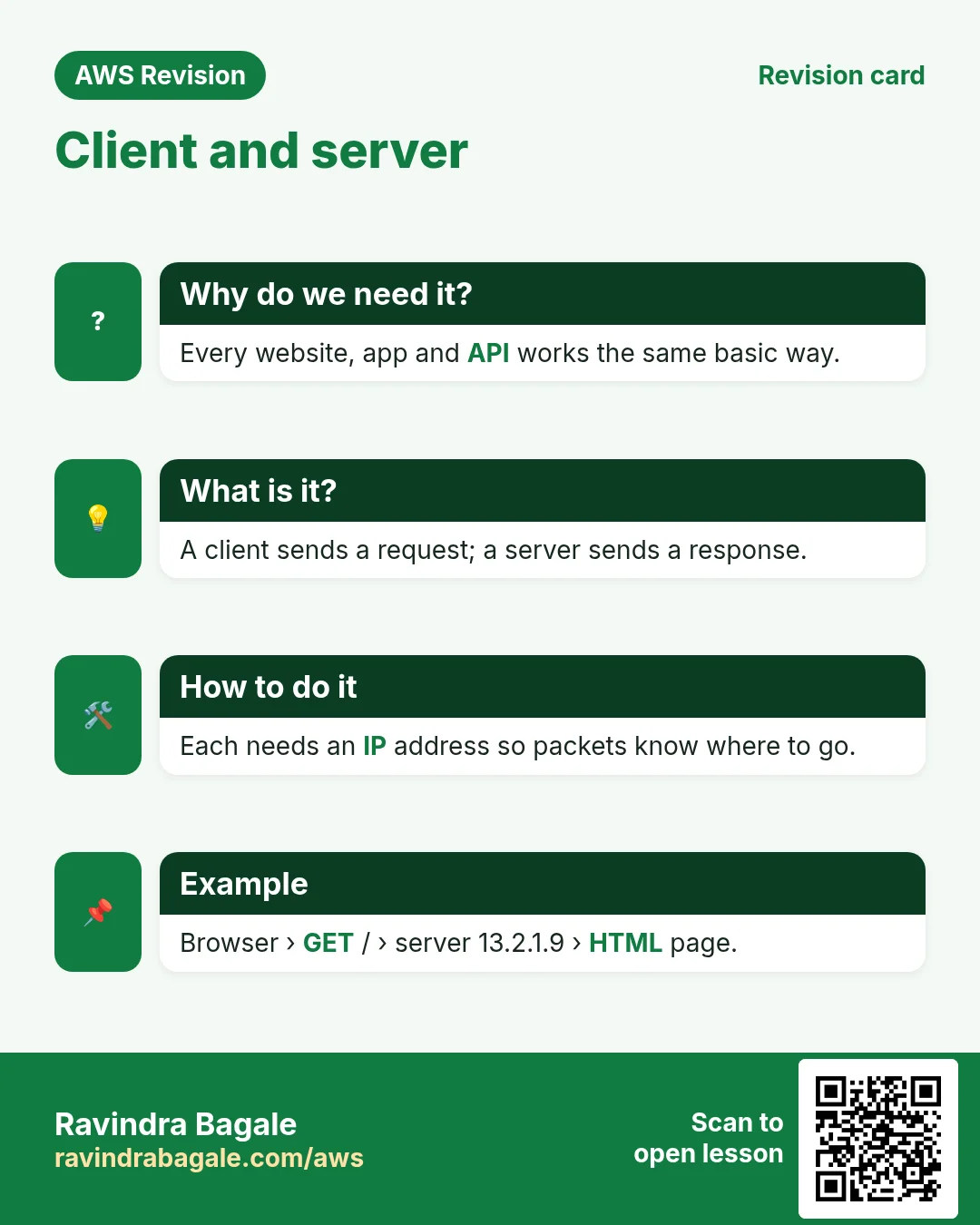
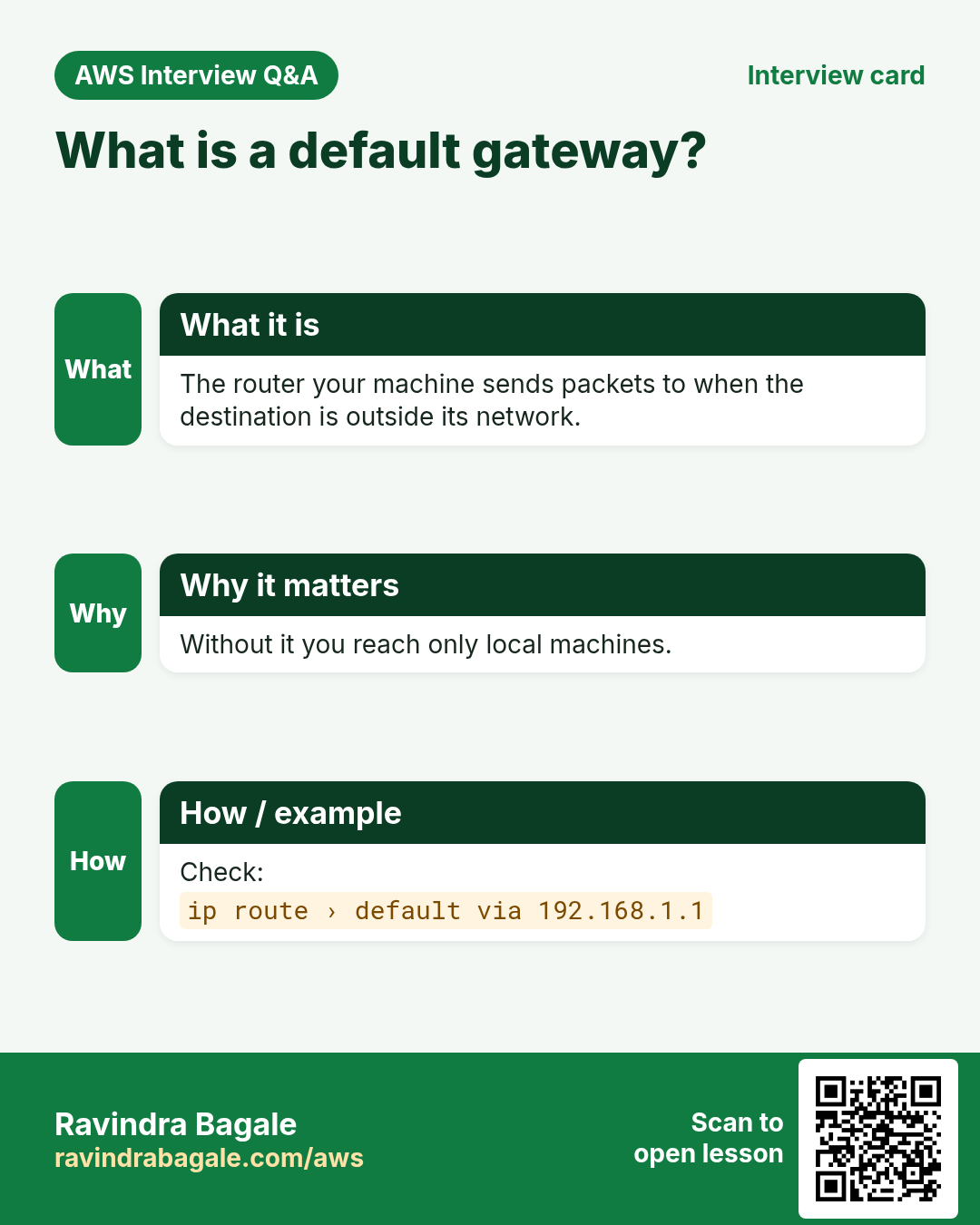
More cards: Ravi Sir's Cards.