What Is Amazon EventBridge? Event Bus, Rules and Schedules Explained
Your shop has a doorbell, a WhatsApp group, and a wall calendar. Amazon EventBridge is all three for AWS: something happened (doorbell), rules decide who to wake (WhatsApp), and Scheduler rings the calendar on time.
What you'll learn in this chapter
- Why event-driven beats polling forever
- Default bus vs custom bus vs partner bus
- Rules, targets, content filters, Scheduler
- EventBridge vs SQS vs cron on EC2
- Lab, errors, FAQ, interview
1. Everyday example first
Why do we need this?
A hospital LIS uploads a lab report to S3. Billing, SMS, and the doctor app all need to know. Polling S3 every minute wastes money and is late. One event, many targets.
What is it?
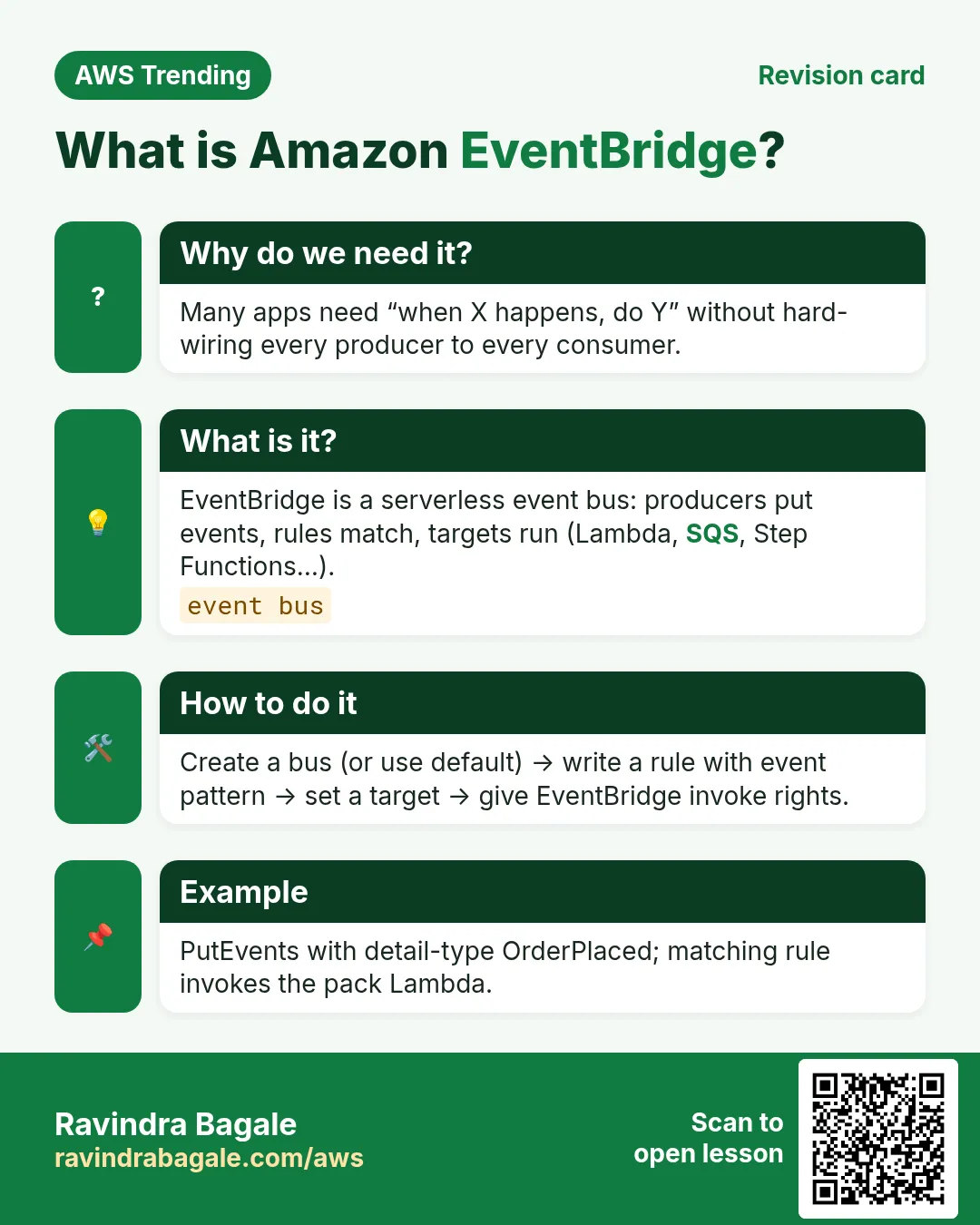
Amazon EventBridge is a serverless event bus. Producers put events on a bus; rules match fields and send to targets (Lambda, SQS, Step Functions, API Destination, and more). EventBridge Scheduler fires one-time or recurring schedules without managing servers.
2. Buses and rules
| Piece | Meaning | When |
|---|---|---|
| Default bus | AWS service events land here | S3, EC2, CloudTrail patterns |
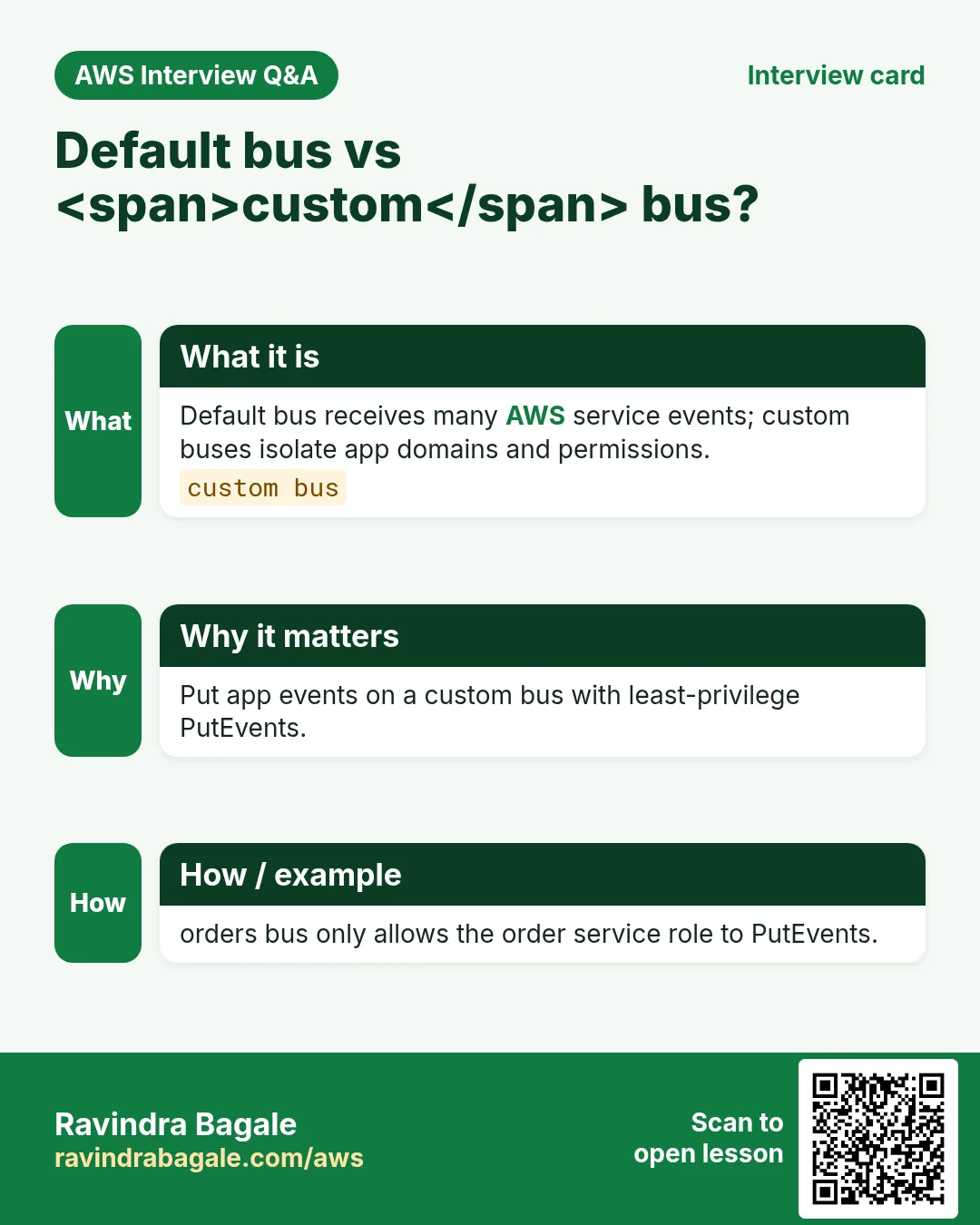
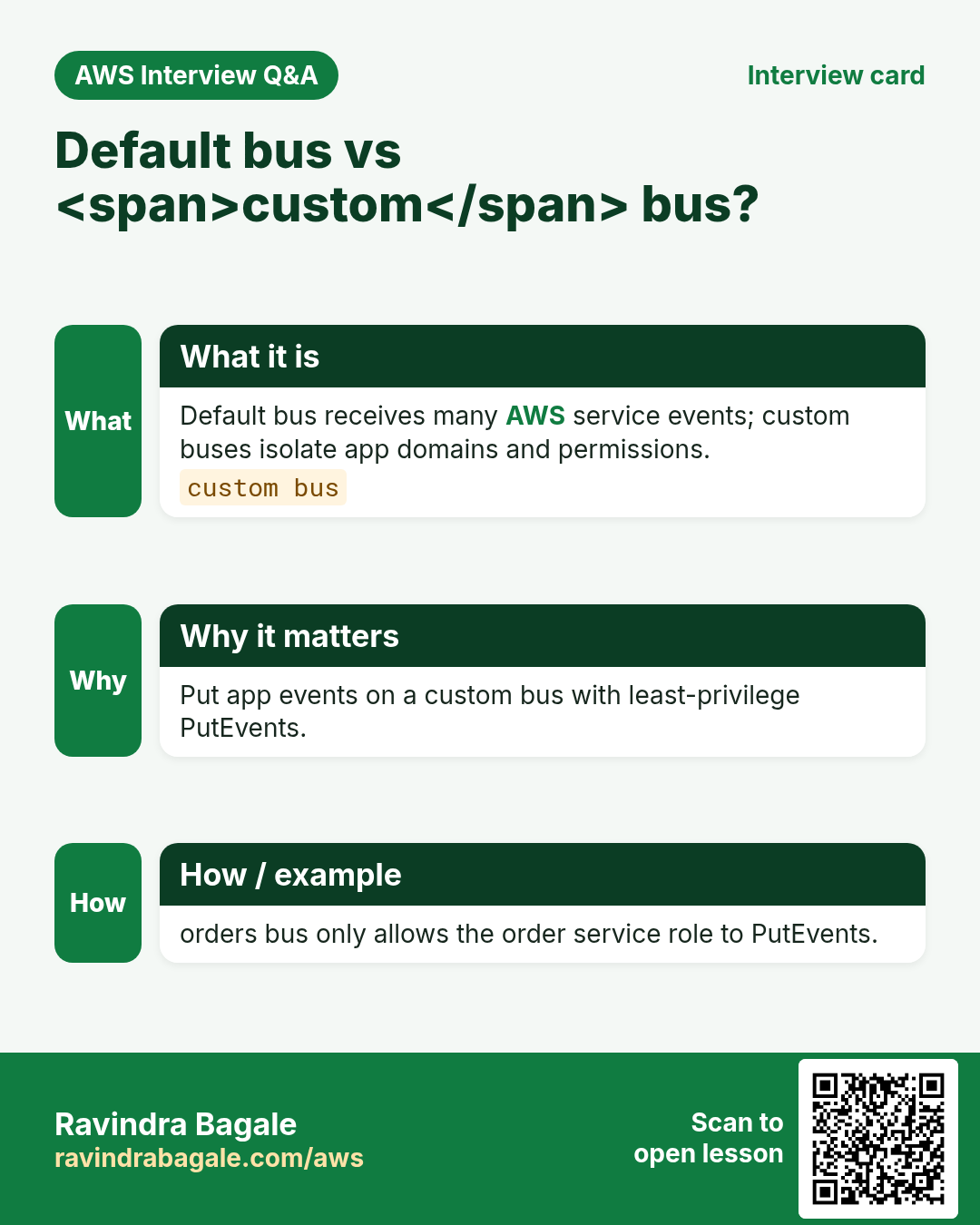
| Custom bus | Your app events, isolated | SaaS product domain events |
| Partner bus | SaaS partners push in | Zendesk, Auth0 style sources |
| Rule | Event pattern or schedule → targets | detail-type = OrderPlaced |
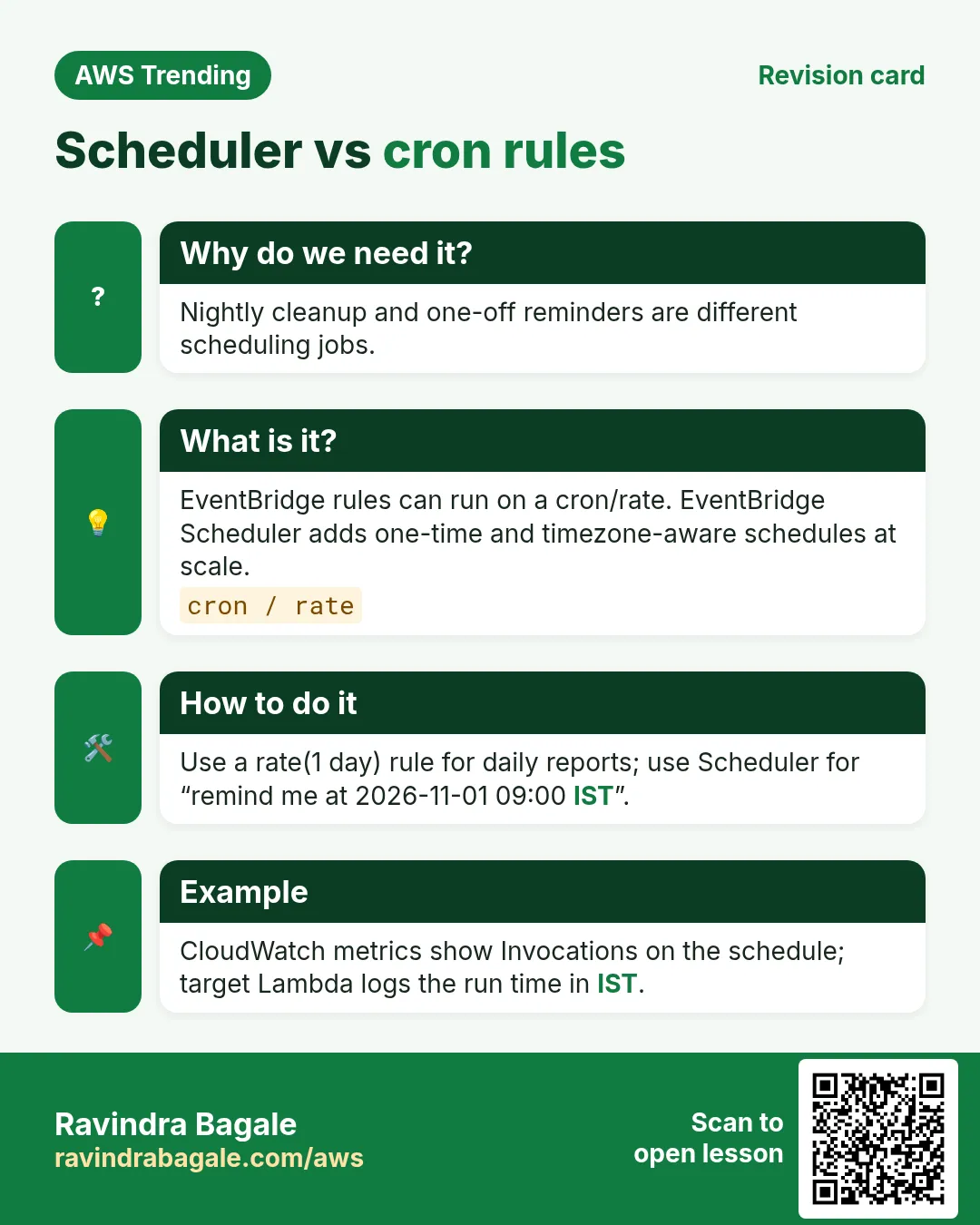
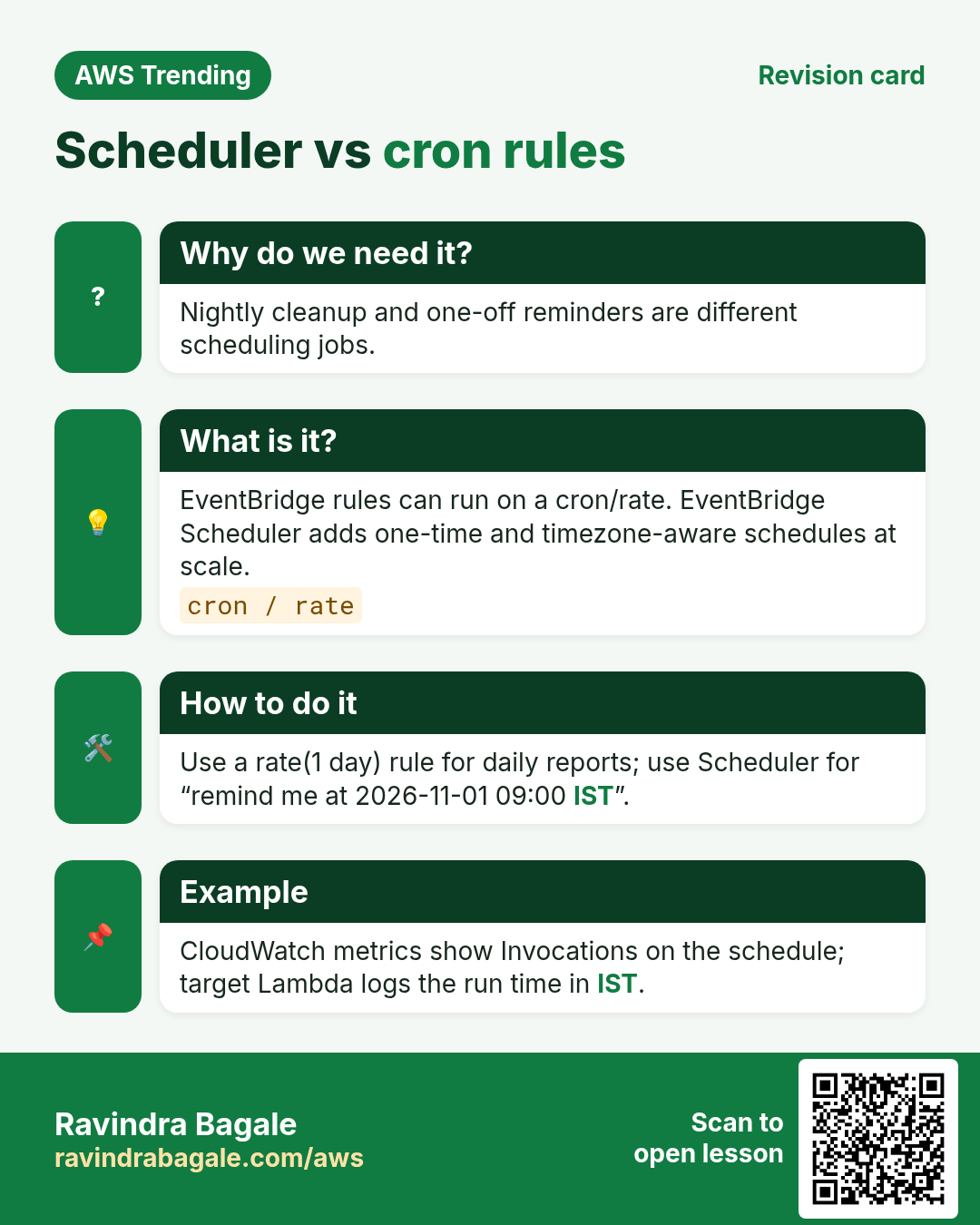
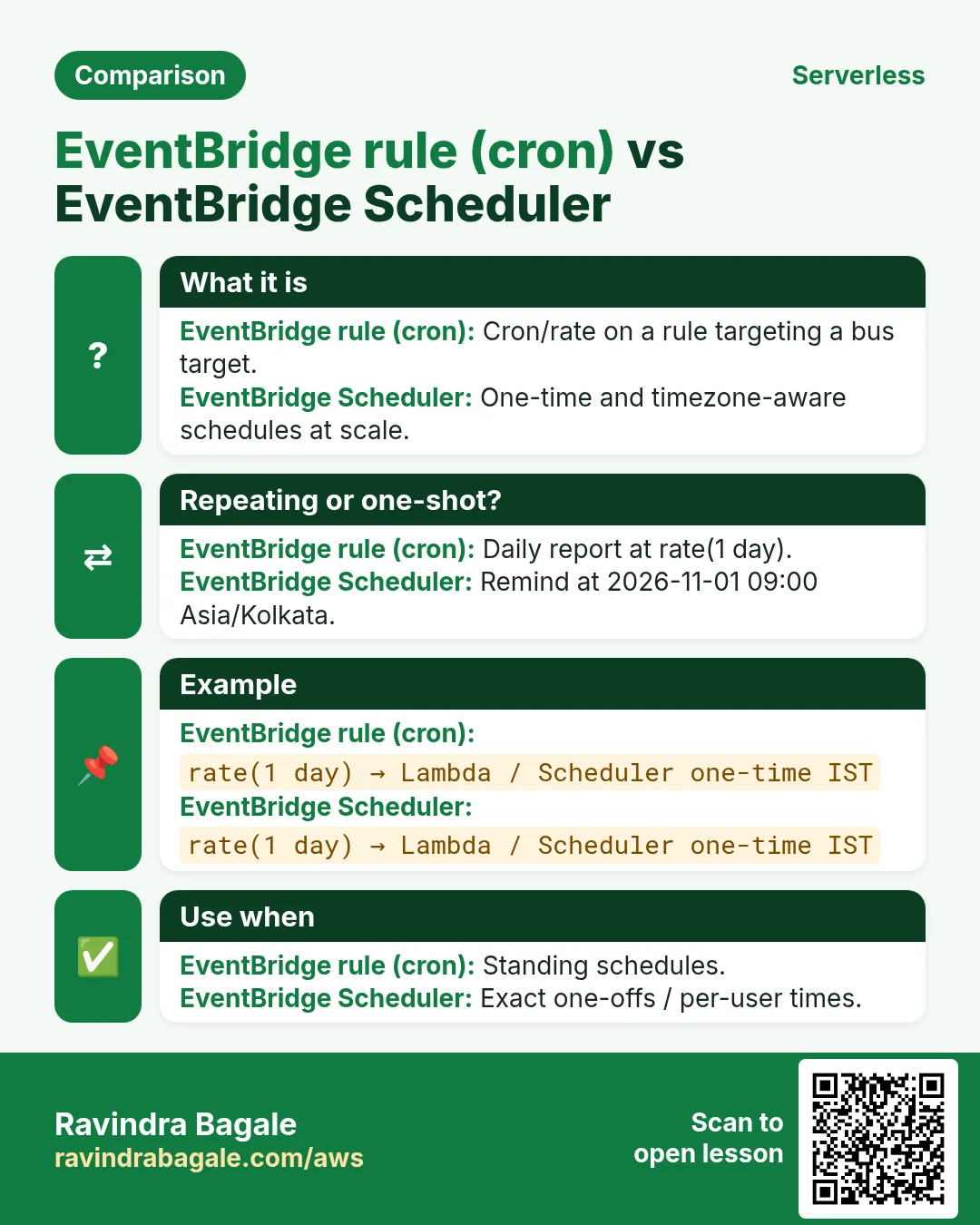
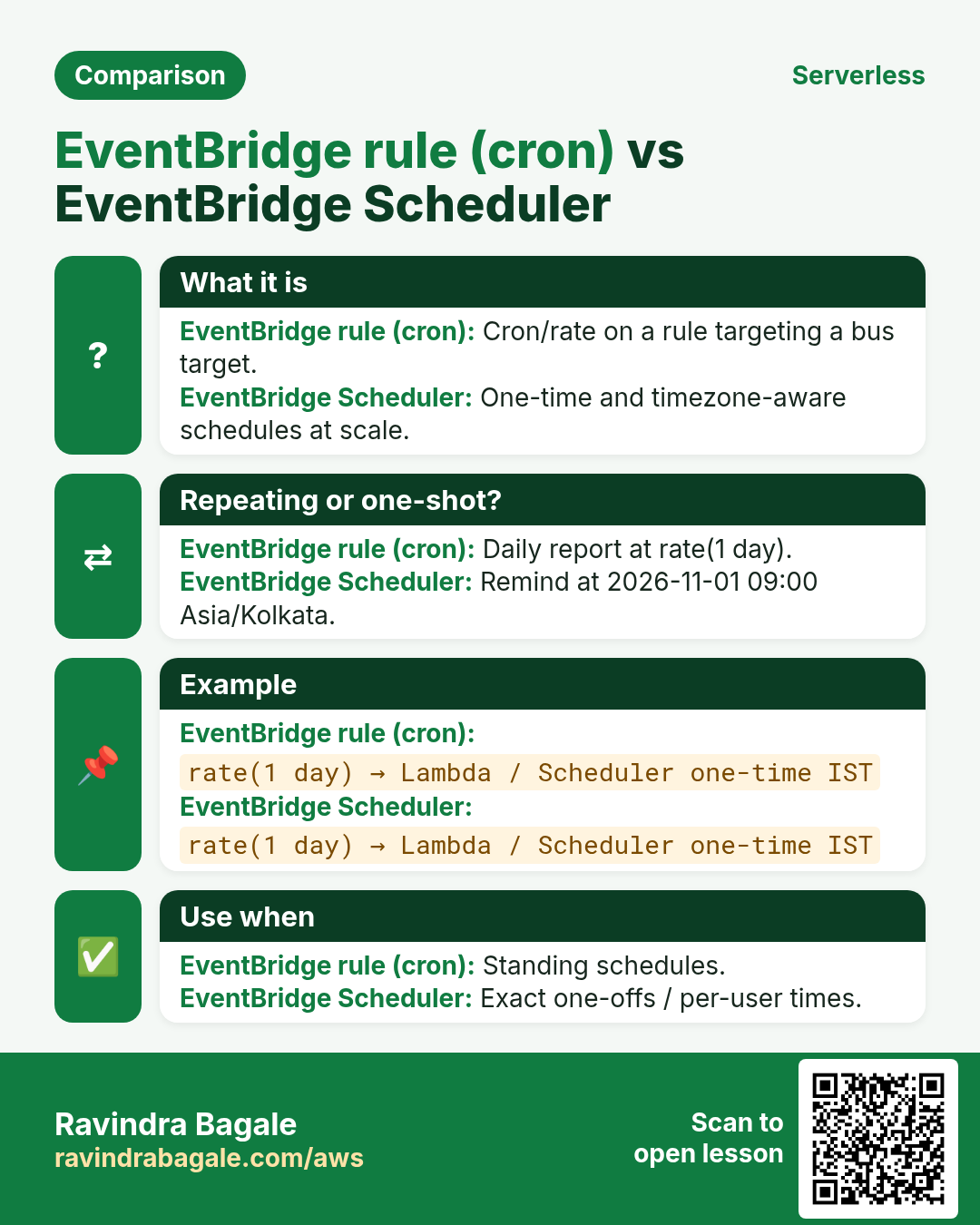
| Scheduler | cron / rate / one-time to a target | Nightly report at 2:00 IST |
3. EventBridge vs SQS vs EC2 cron
- SQS: buffer work for one consumer group; great decoupling + retries.
- EventBridge: publish once, fan-out to many heterogeneous targets with filters.
- EC2 cron: old habit; patching and missed runs hurt. Prefer Scheduler.
- Step Functions: use when the reaction itself is a multi-step workflow.
Ravindra Bagale's Tip
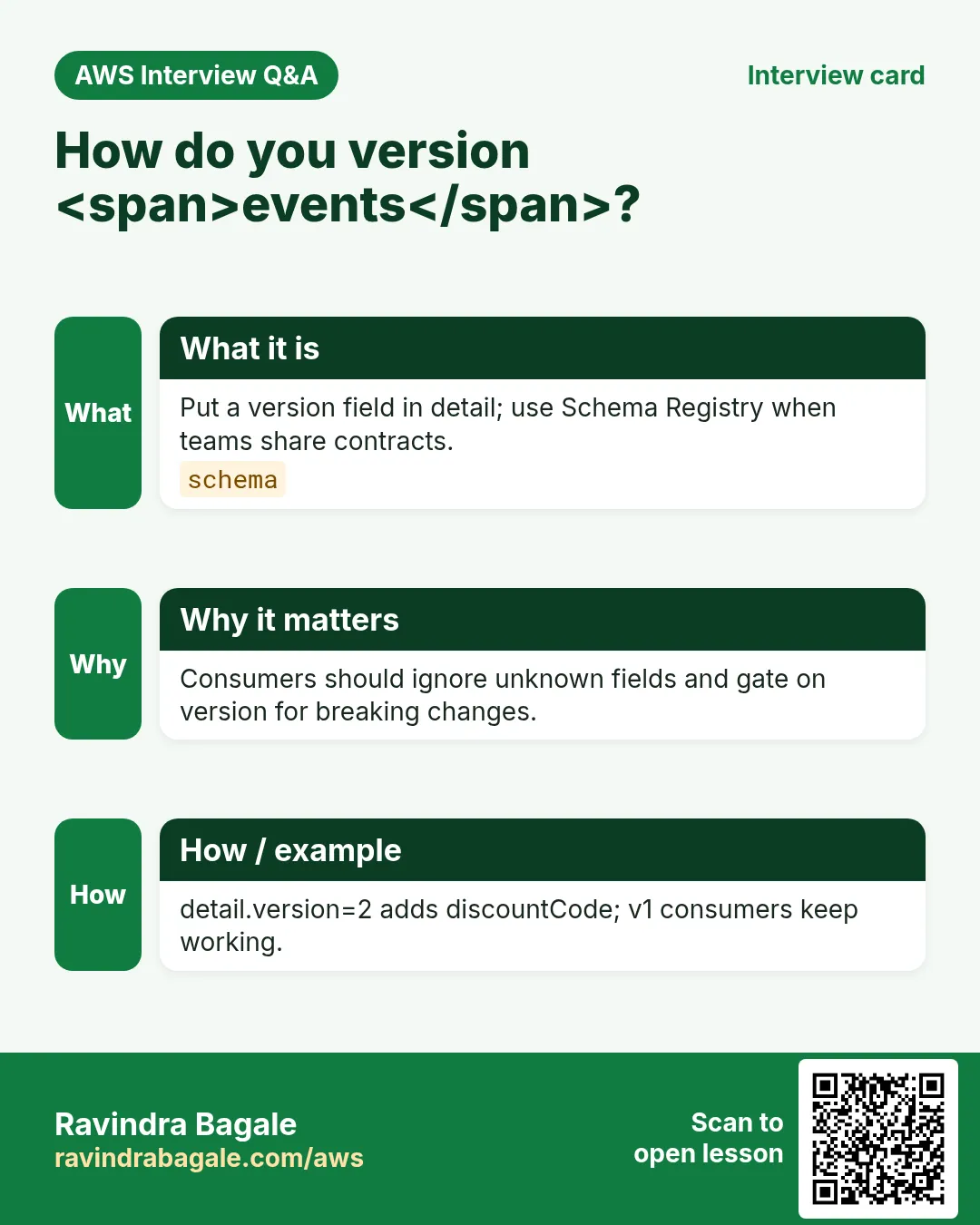
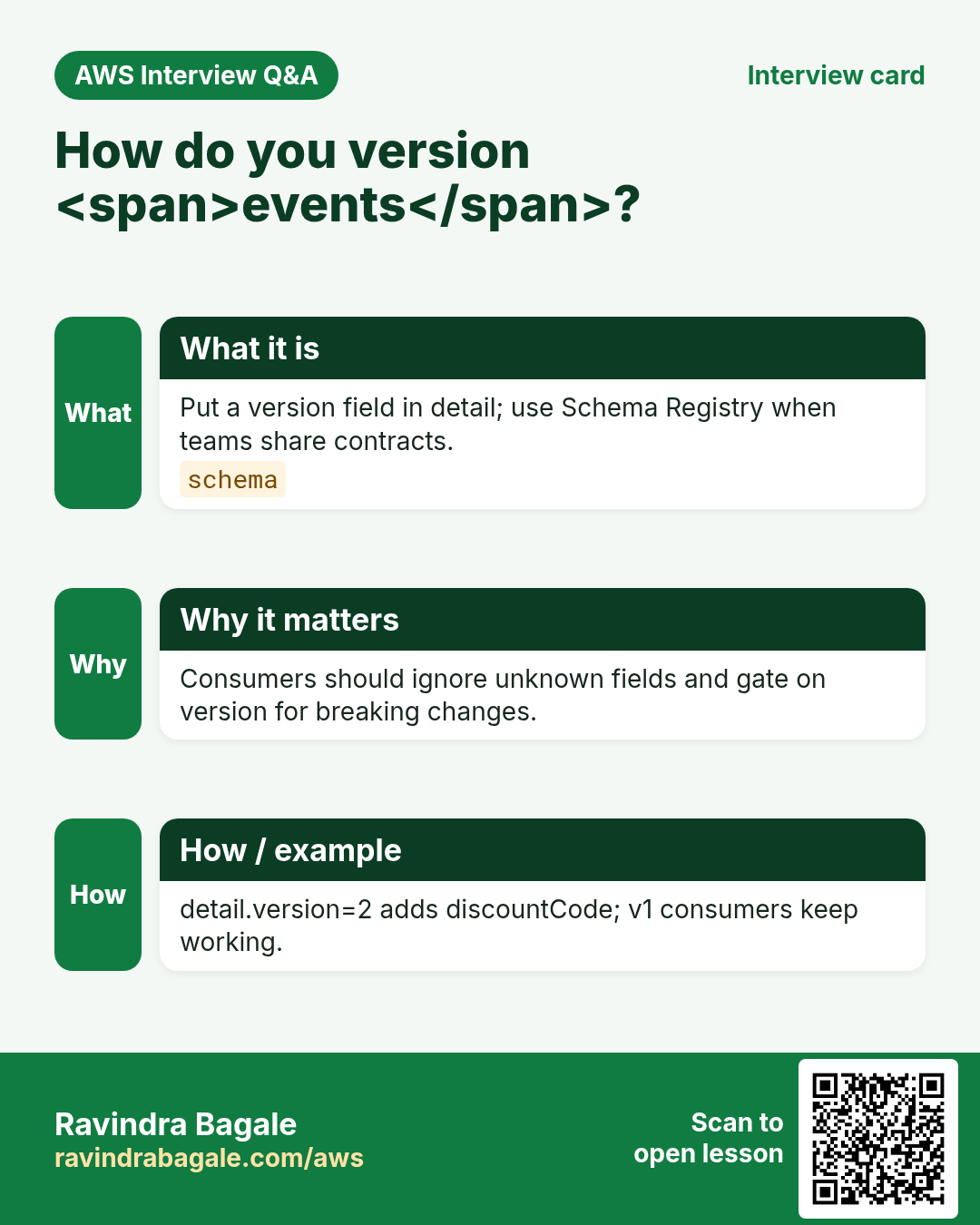
Name detail-type and source like APIs: stable strings, version when you break shape.
4. Industries
- Ecommerce: OrderPlaced → inventory, invoice, loyalty, analytics.
- Fintech: PaymentCaptured → ledger, risk, receipt email.
- Edtech: LessonCompleted → certificate Lambda + CRM.
- IoT factory: TemperatureAlarm → SNS + maintenance ticket.
- Gov/citizen apps: ApplicationSubmitted → SLA timers via Scheduler.
5. Filter pattern sketch
How to do it (step by step)
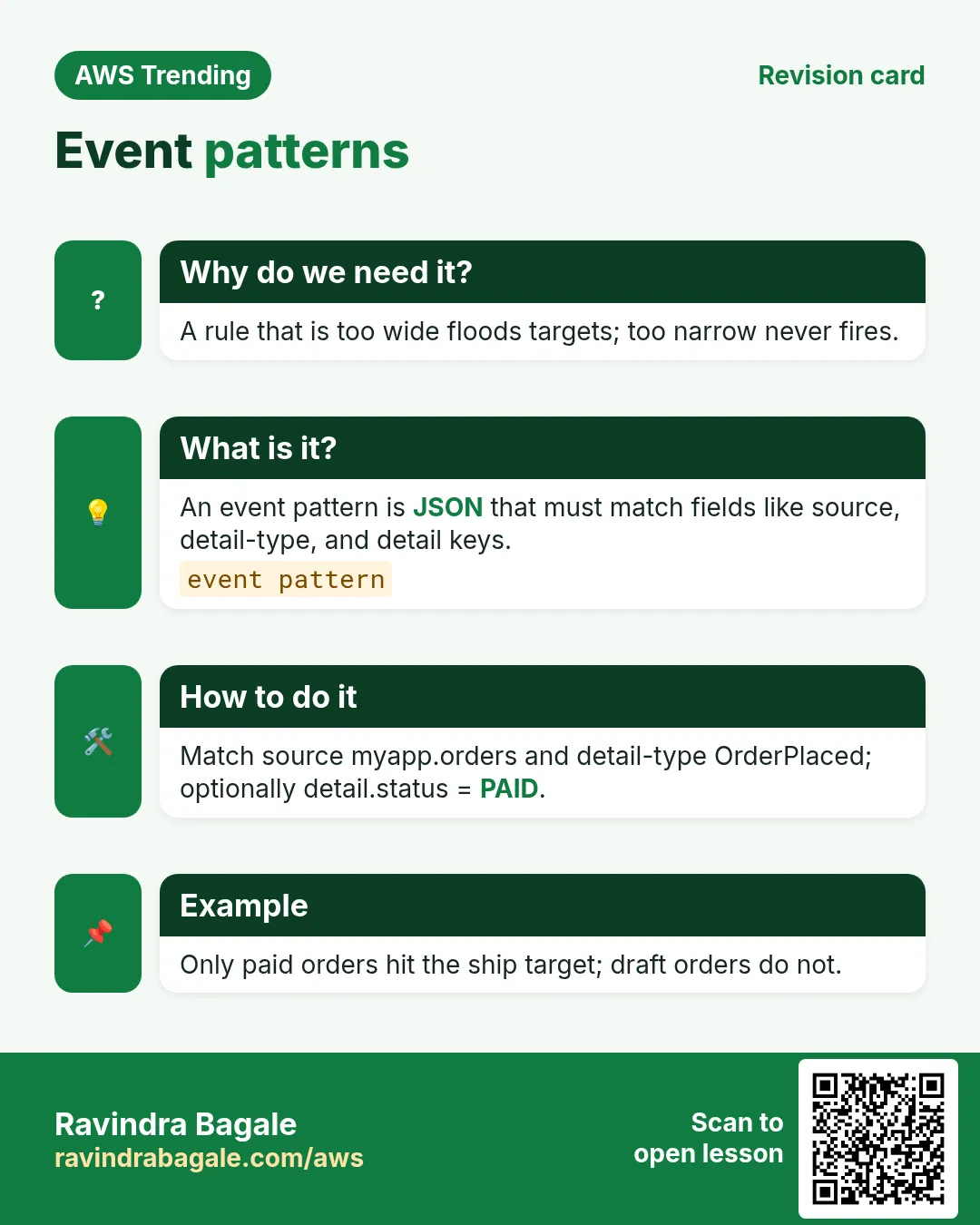
- Decide source (com.myapp.orders) and detail-type (OrderPlaced).
- Write a rule event pattern for those fields (and maybe amount > 0).
- Add targets: Lambda for fast work, SQS for heavy, SFN for workflows.
- Enable the rule; put a sample event with PutEvents.
- Check metrics: TriggeredRules, Invocations, FailedInvocations.
{
  "source": ["com.myapp.orders"],
  "detail-type": ["OrderPlaced"],
  "detail": {
    "amount": [{"numeric": [">", 0]}]
  }
}
6. Mini lab: custom bus + rule + Lambda
Do this in ap-south-1 (Mumbai) unless your org forbids it. Set a budget alert first.
How to do it (step by step)
- Create a custom event bus named lab-orders.
- Create a rule on that bus matching source com.lab.orders.
- Target a tiny Lambda that prints the event.
- aws events put-events with a matching entry.
- Confirm Lambda log in CloudWatch.
Cleanup (stop billing)
- Delete the rule, bus, and lab Lambda.
- Remove any leftover log groups if your org wants.
7. Common errors and fixes
Each row is a real mistake students and juniors hit. Read the fix before you panic.
| Error / symptom | Fix |
|---|---|
| Rule never fires | Pattern too strict or wrong bus; test with matched sample. |
| Infinite Loop warning | Target writes events that rematch the same rule — add filter. |
| PutEvents FailedEntry | Size, detail JSON, or quota — read FailedEntryCount. |
| Scheduler vs Rules cron confusion | One-time/flexible schedules → Scheduler; AWS events → Rules. |
| Target not authorized | EventBridge needs iam:PassRole / resource policy on target. |
| Cross-account delivery fails | Use event bus policy + correct role. |
| Wrong timezone on cron | Scheduler expressions need timezone field for IST. |
| DLQ empty but failures | Check target permissions first; DLQ only after invoke fail. |
| Partner bus empty | Partner not enabled / wrong region. |
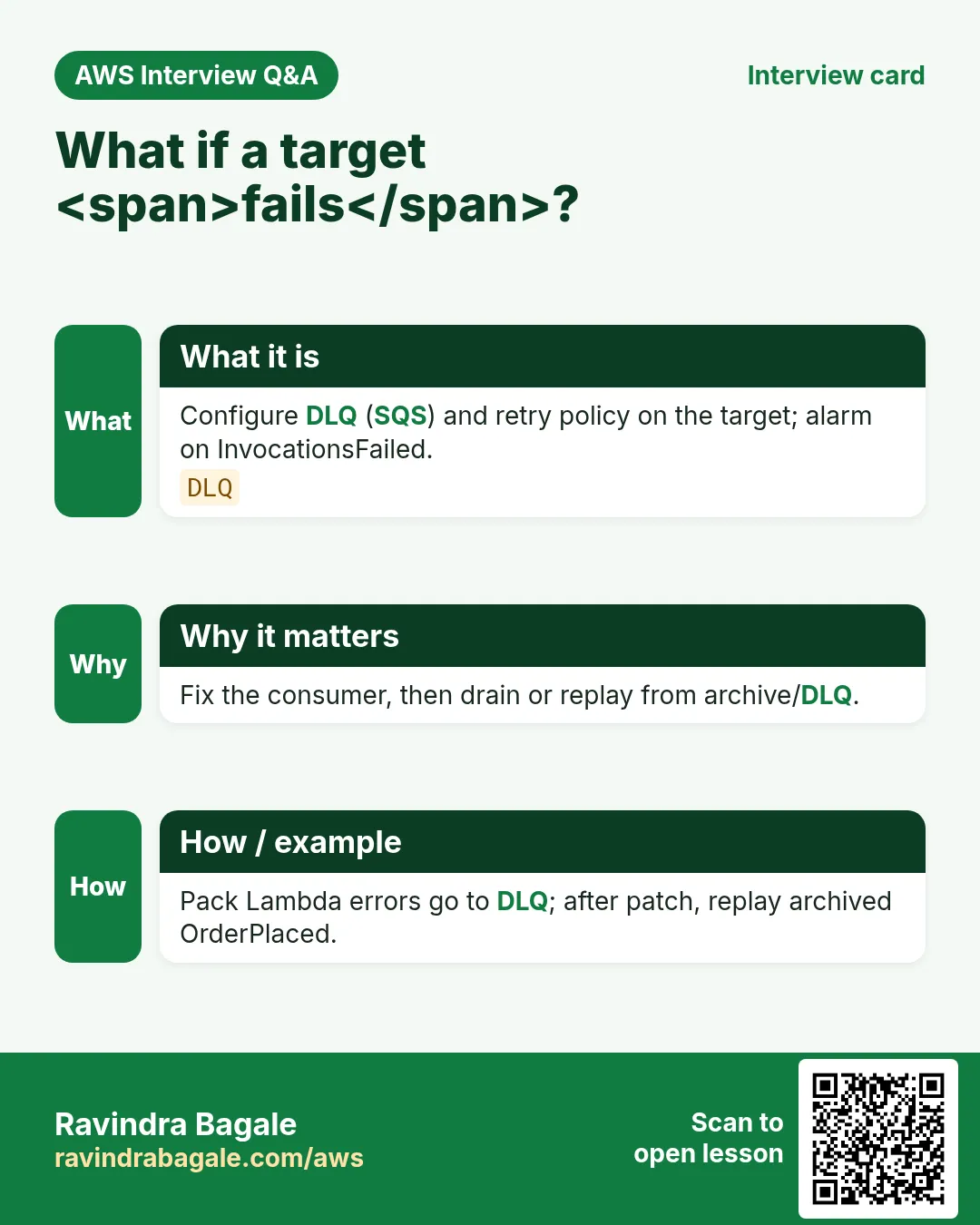
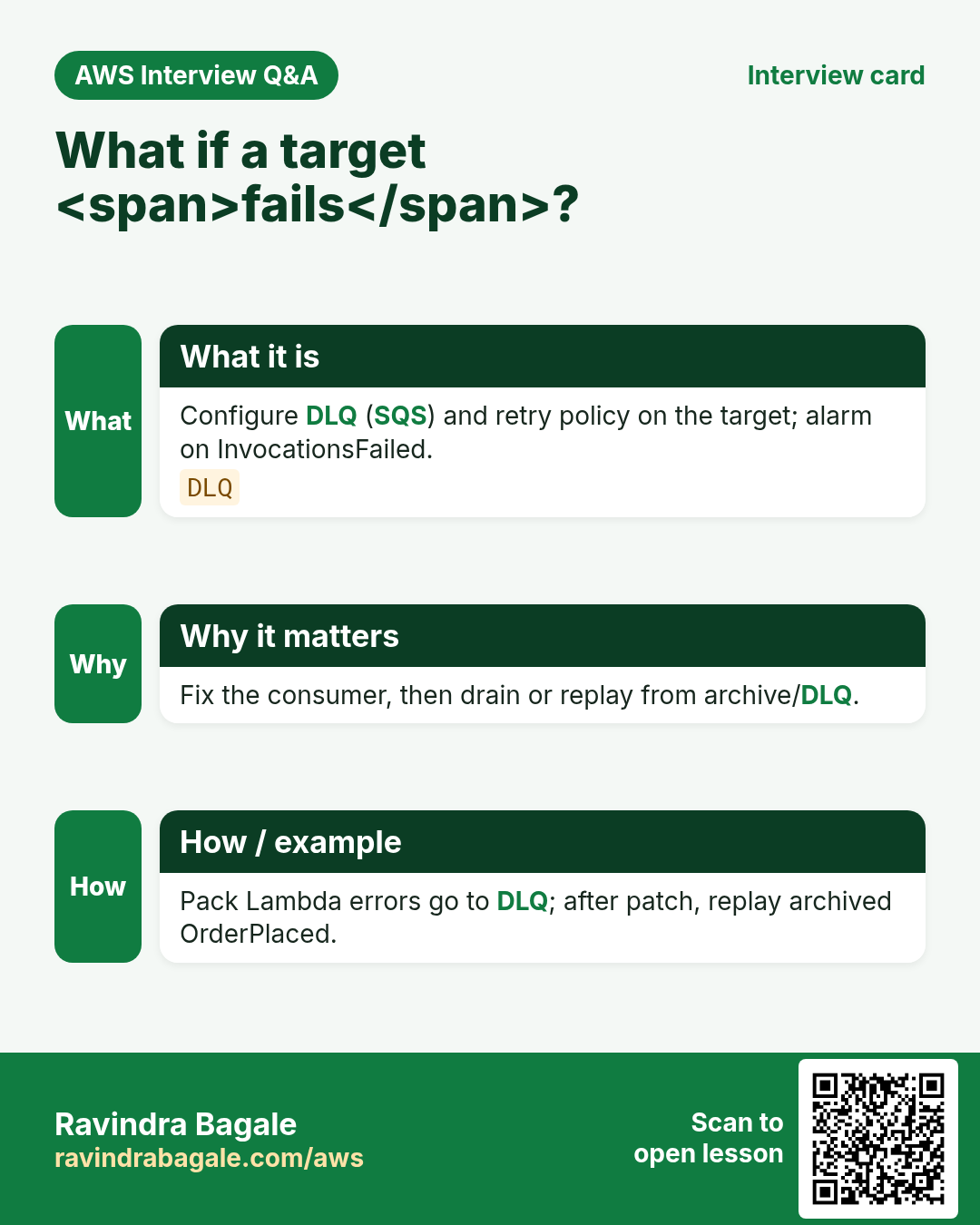
| High FailedInvocations | Fix Lambda errors; add DLQ + alarm. |
8. Troubleshooting checklist
- Confirm events land on the bus you think (default vs custom).
- Paste a known-good sample into the rule tester.
- Check CloudWatch metrics on the rule.
- Read Lambda errors if target is Lambda.
- Verify IAM for PutEvents and for the target.
9. FAQ
Q. Is EventBridge the old CloudWatch Events?
Same family; EventBridge adds buses, partners, richer targets.
Q. EventBridge vs SNS?
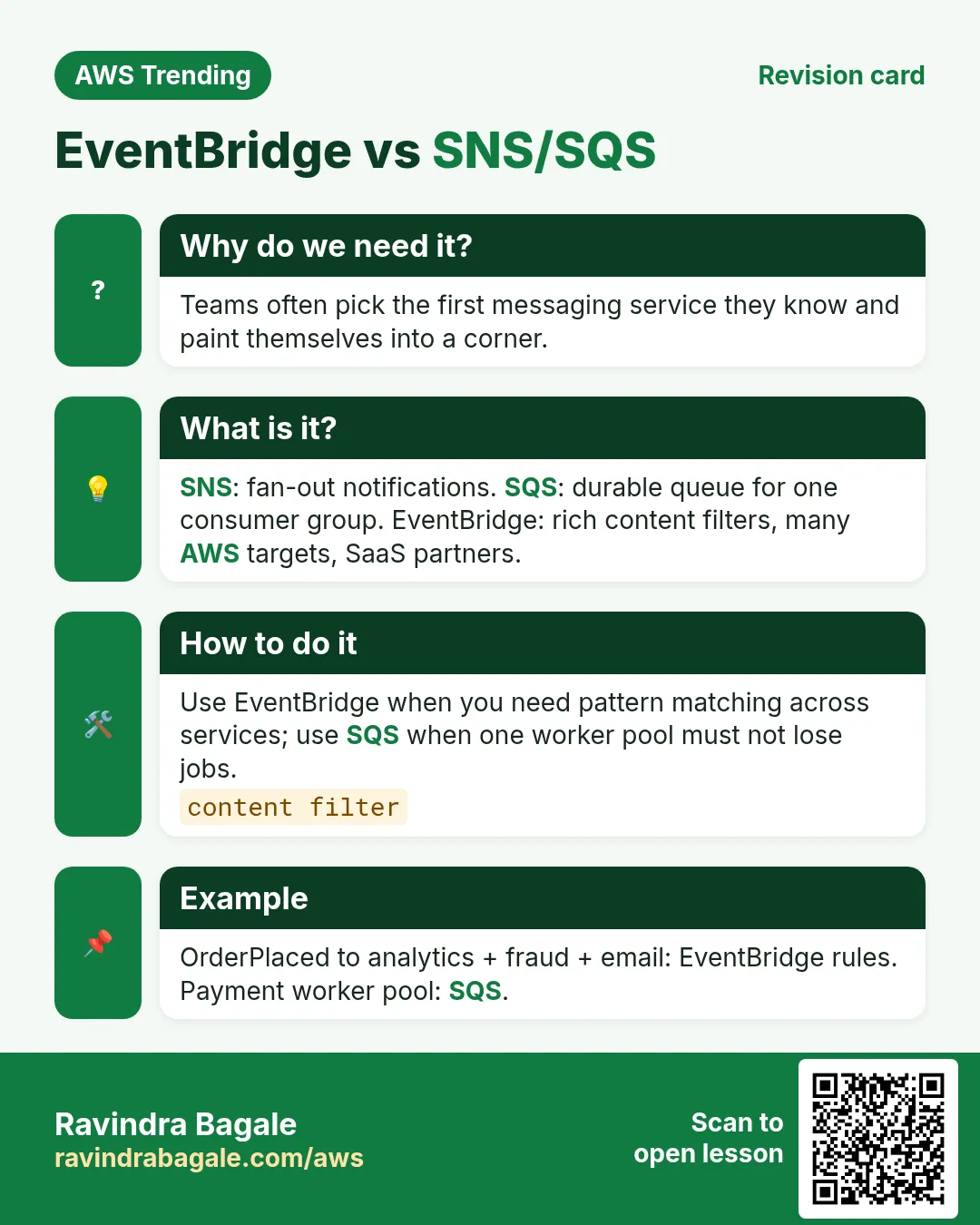
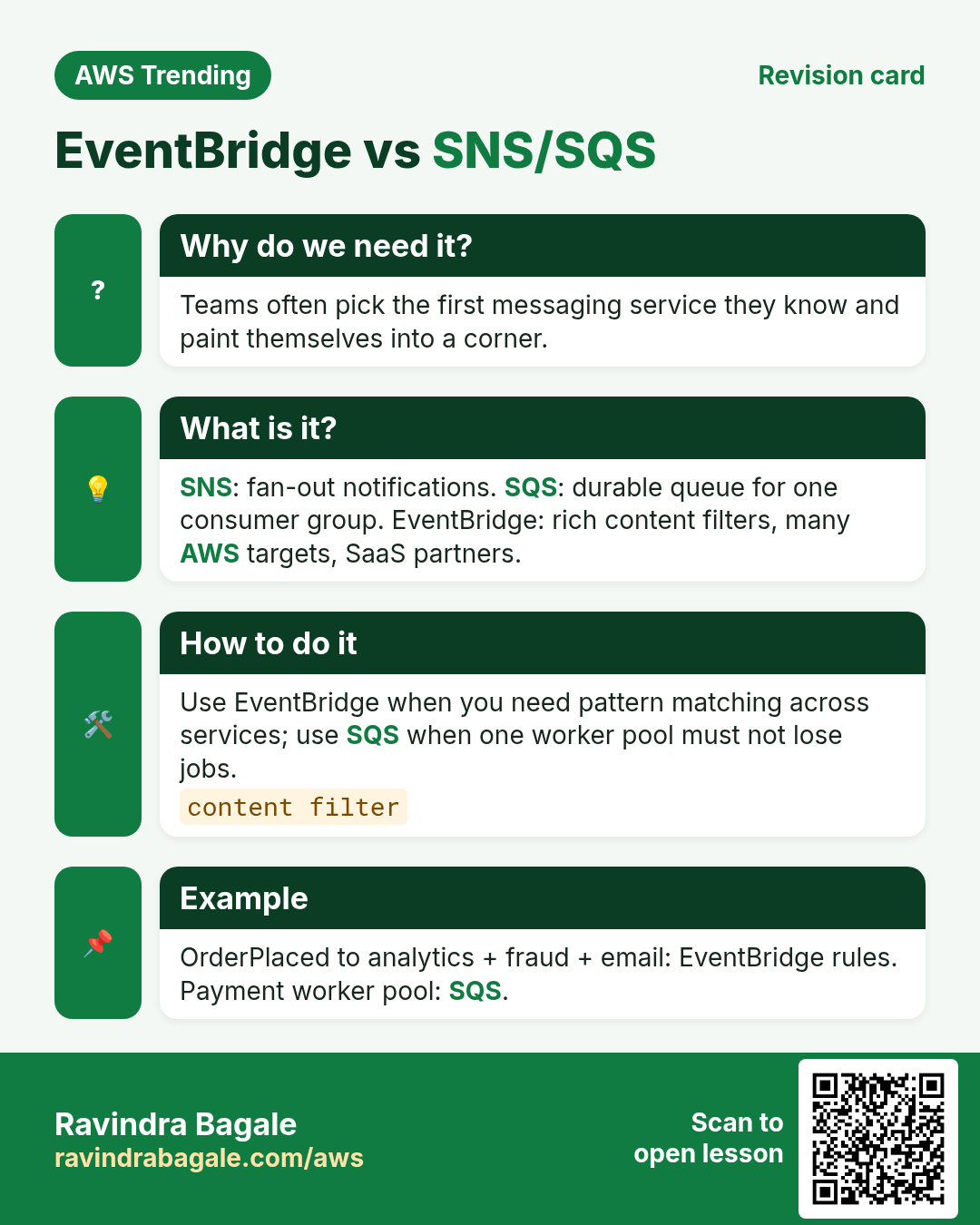
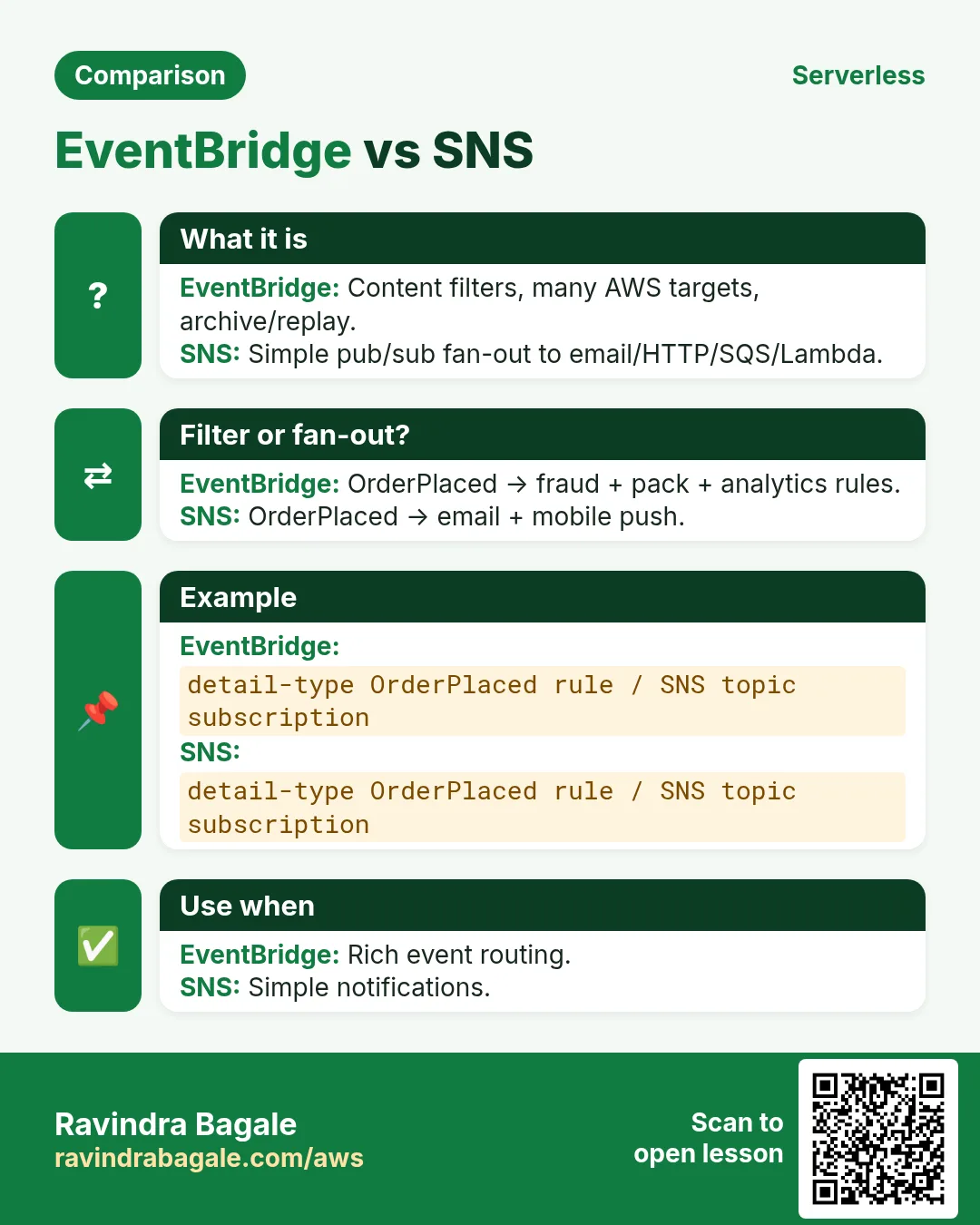
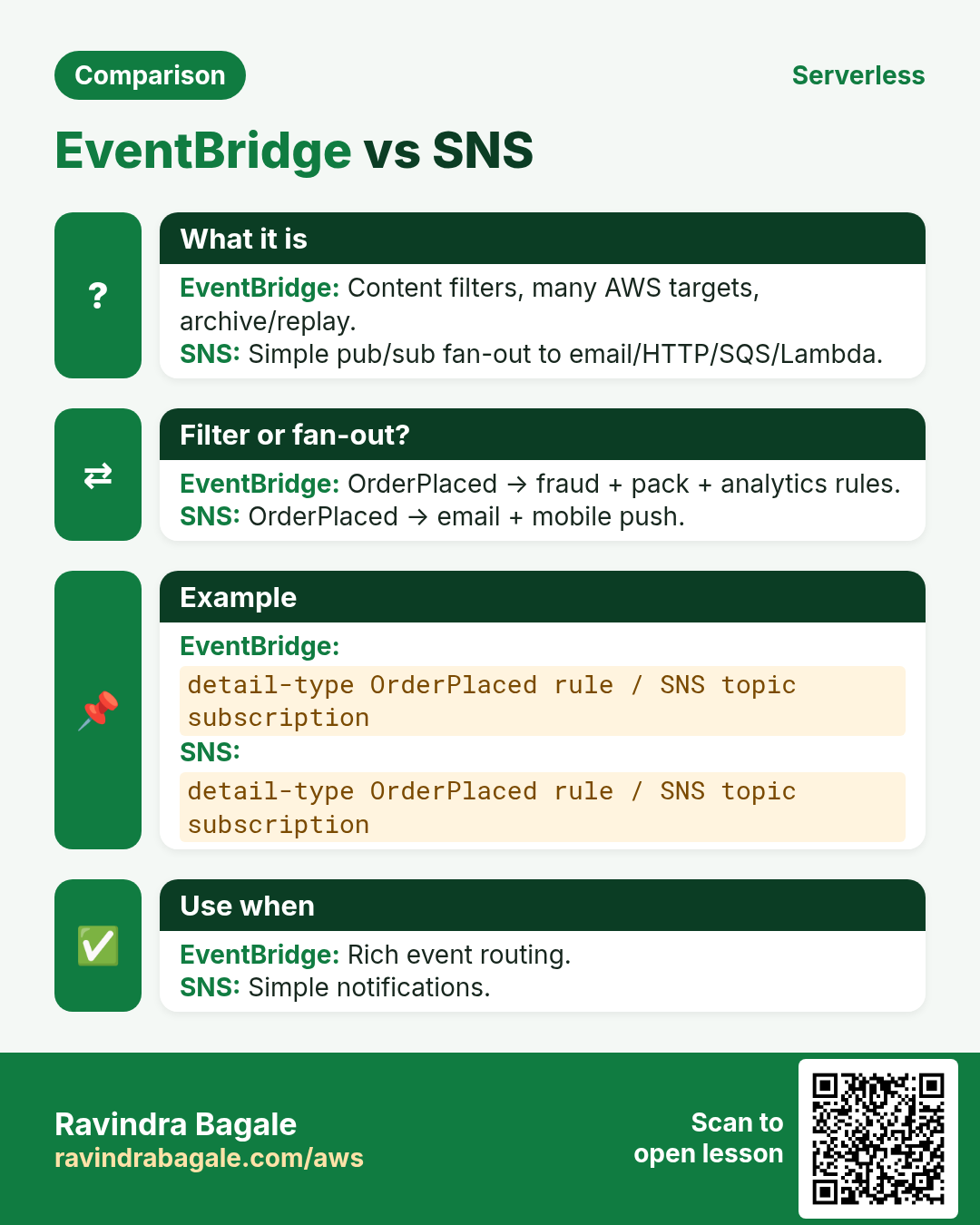
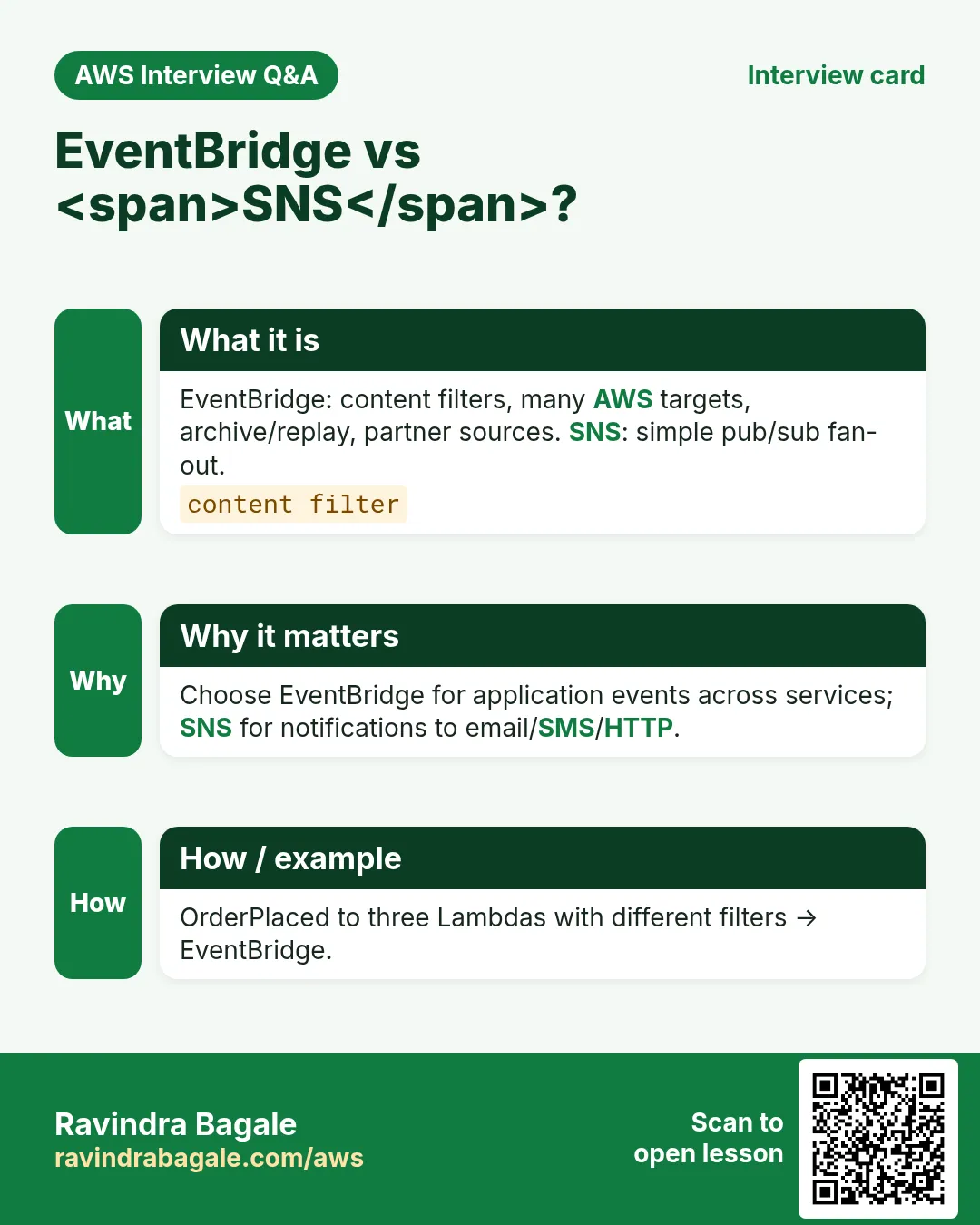
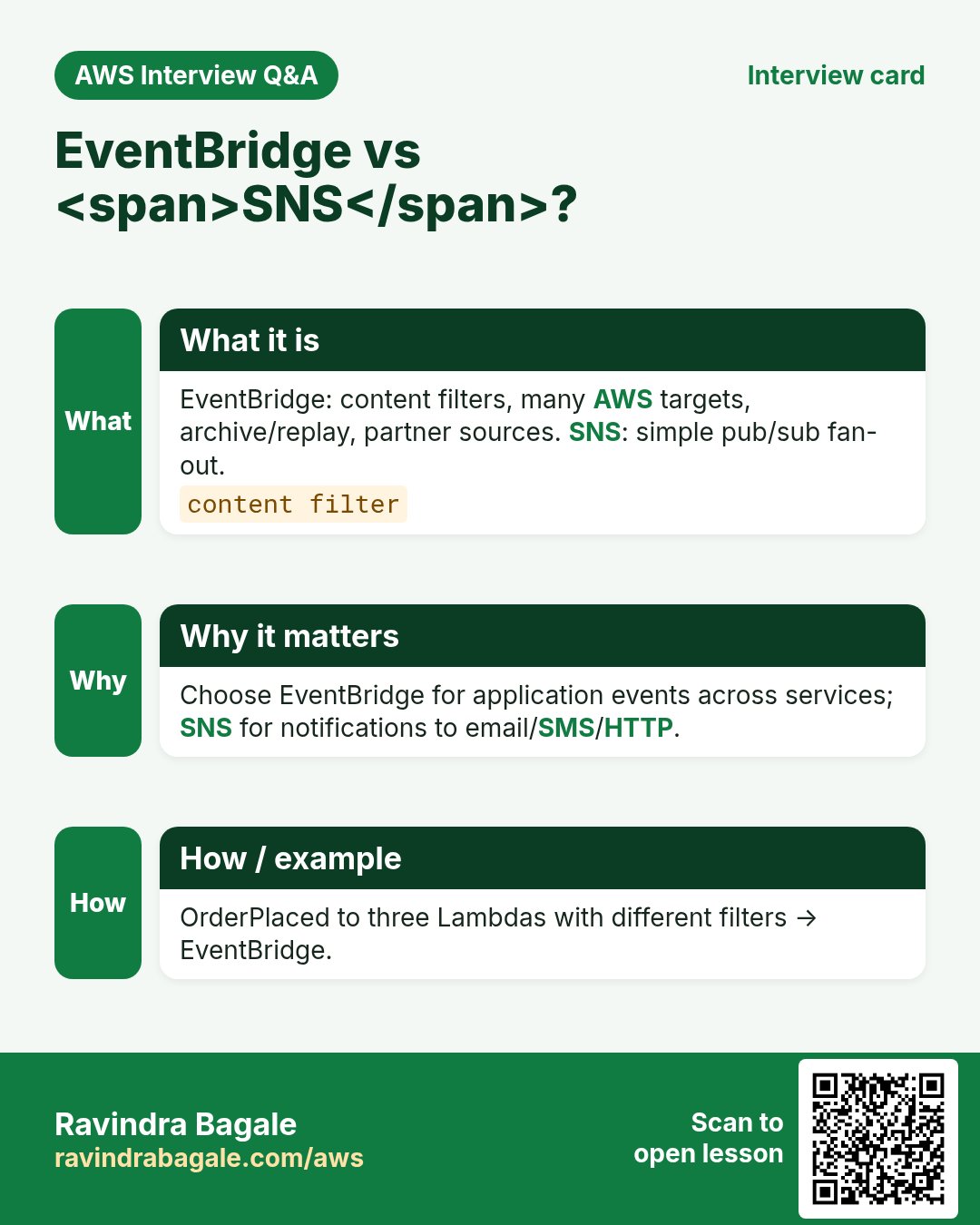
SNS is pub/sub for notifications; EventBridge is event routing with rich filters and SaaS partners.
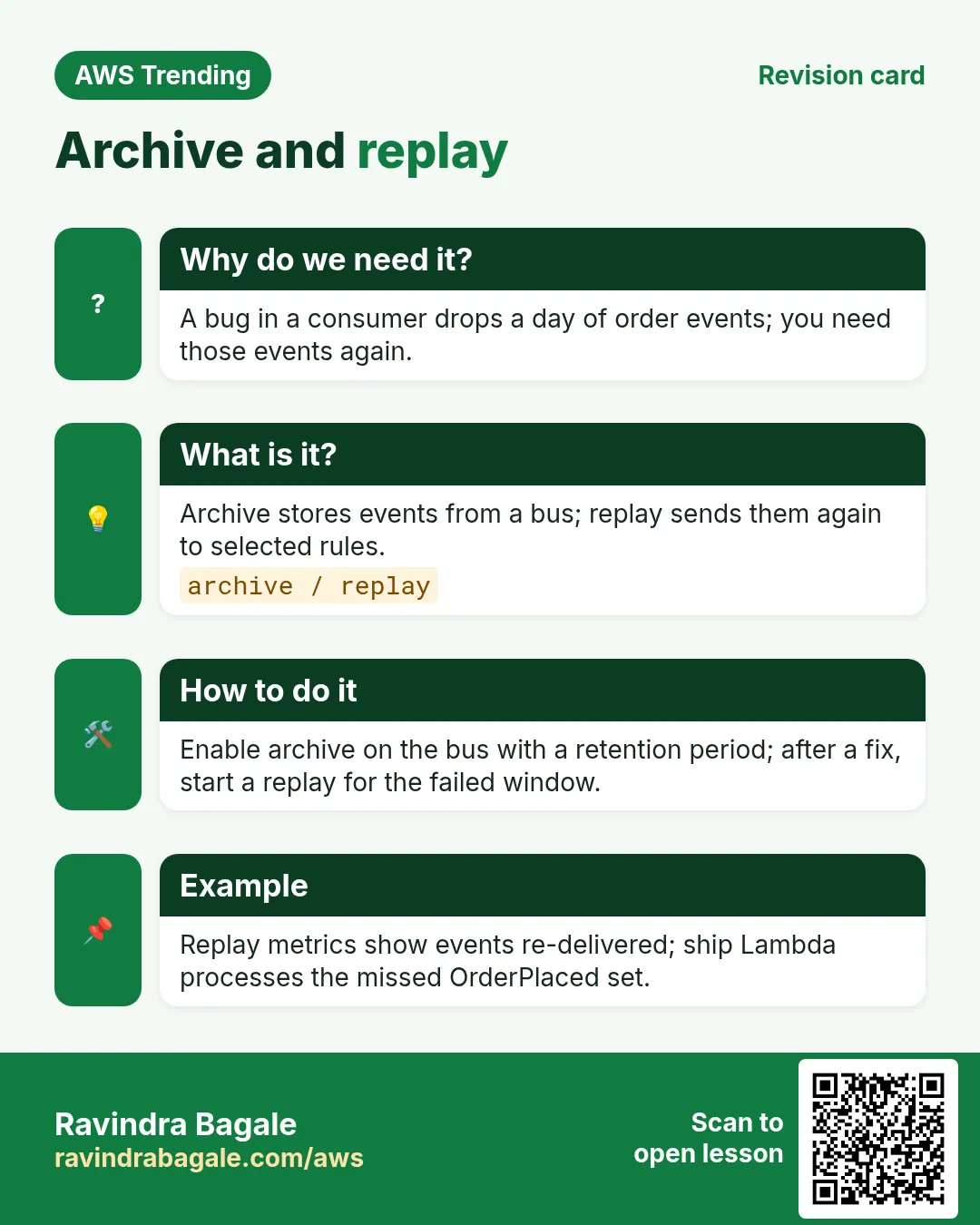
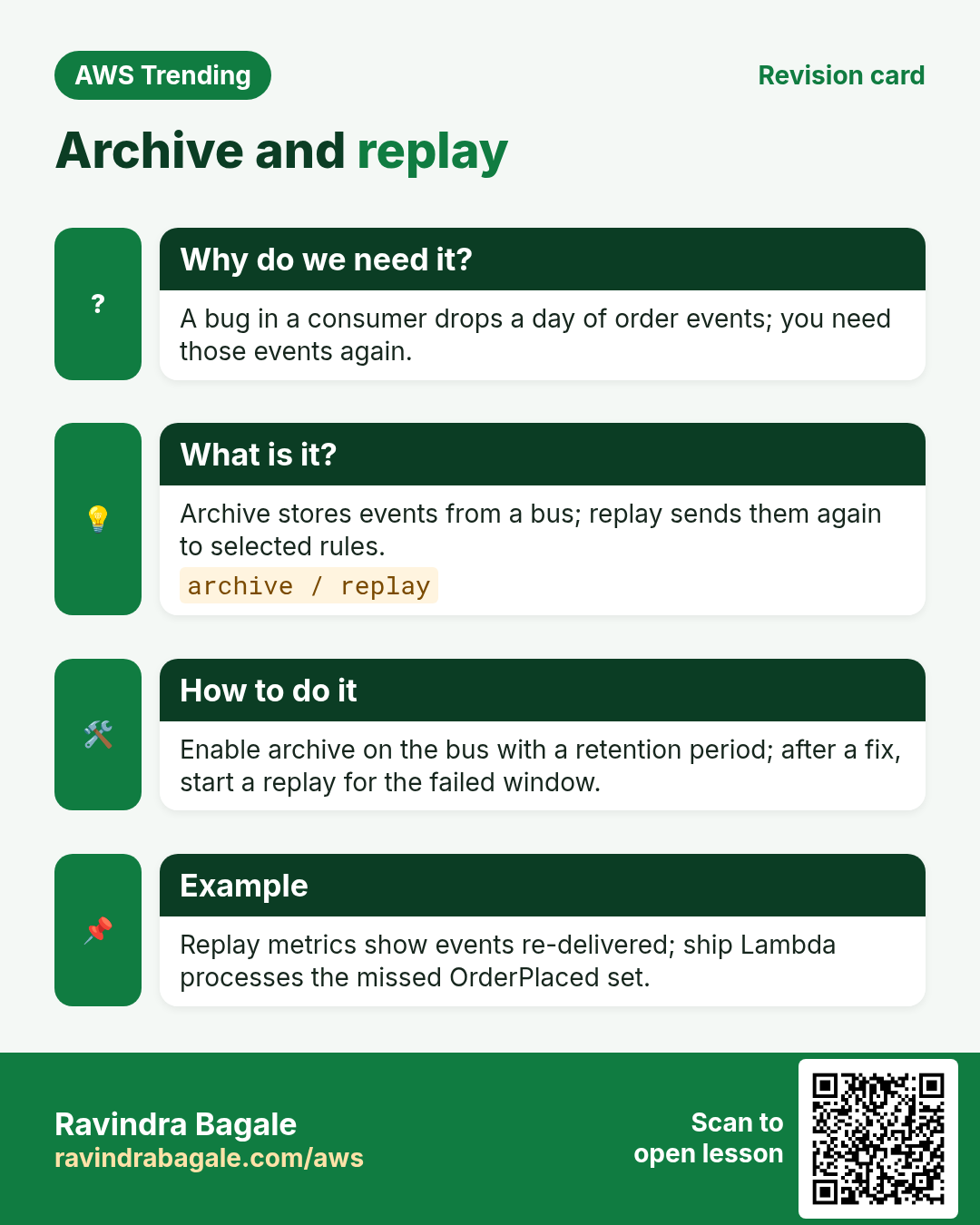
Q. Can I archive events?
Yes — archives + replay for recovery drills.
Q. Max targets per rule?
Multiple; design with fan-out limits in mind — see current quotas.
Q. Do I need Schema Registry?
Helpful for teams discovering event shapes.
10. Interview Q&A
Q. What is an event bus?
A channel where producers put events and rules route them to targets.
Q. Default vs custom bus?
Default for AWS services; custom for your domain events.
Q. EventBridge vs SQS?
Bus fan-out with filters vs durable queue for workers.
Q. What is Scheduler for?
One-time or recurring invokes without EC2 cron.
Q. How do you avoid poison loops?
Tighten patterns; never emit the same detail-type from the target carelessly.
Q. Idempotent consumers?
Consumers must tolerate at-least-once delivery.
11. Tips in English, Marathi and Hindi
Ravindra Bagale's Tip (EN)
Stable source and detail-type names are public APIs. Rename carefully.
Ravindra Bagale's Tip (MR)
source व detail-type = public API. नाव बदलताना काळजी.
Tip (HI)
source और detail-type पब्लिक API हैं — नाम बदलते समय सावध रहो।
Try at home
- List 5 events your college app could emit.
- Draw bus → rule → 3 targets on paper.
- Compare one cron job you know with Scheduler.
In short
- EventBridge routes events from producers to many targets.
- Use custom buses for your app domain.
- Scheduler replaces most EC2 cron needs.
- Filter tightly; watch FailedInvocations.
Revision, interview and comparison cards
Revise this lesson in a few minutes. Save the cards on your phone or download them as PNG files. The QR code on each card opens this lesson.
More cards: Ravi Sir's Cards.
Practice Tasks
Vidarbha Cotton Mills is a textiles business in Nagpur. Ganesh Wankhede looks after its IT and cloud work. They count money in INR and run their AWS resources in the ap-south-1 Region. In the tasks below you do real jobs for them using what this lesson teaches. All names, account IDs, IP addresses and numbers are made up for practice.
0 / 16
Easy List event buses
Why: See custom buses.
What to do: List event buses in ap-south-1.
- Read the task and decide which AWS service it is about.
- Write aws, then the service name, then the operation (the action word).
- Add each needed flag (--name) followed by its value from the task.
- Flags can be in any order. Click Check answer.
Easy Create an event bus
Why: Isolate app events.
What to do: Create event bus named vidarbhacotton-orders.
- Read the task and decide which AWS service it is about.
- Write aws, then the service name, then the operation (the action word).
- Add each needed flag (--name) followed by its value from the task.
- Flags can be in any order. Click Check answer.
Easy List rules on a bus
Why: Inventory automation.
What to do: List rules on event bus vidarbhacotton-orders.
- Read the task and decide which AWS service it is about.
- Write aws, then the service name, then the operation (the action word).
- Add each needed flag (--name) followed by its value from the task.
- Flags can be in any order. Click Check answer.
Easy Describe a rule
Why: Check schedule and state.
What to do: Describe rule vidarbhacotton-nightly on bus default.
- Read the task and decide which AWS service it is about.
- Write aws, then the service name, then the operation (the action word).
- Add each needed flag (--name) followed by its value from the task.
- Flags can be in any order. Click Check answer.
Easy Delete a rule
Why: Clean lab rules.
What to do: Delete rule vidarbhacotton-nightly from bus default.
- Read the task and decide which AWS service it is about.
- Write aws, then the service name, then the operation (the action word).
- Add each needed flag (--name) followed by its value from the task.
- Flags can be in any order. Click Check answer.
Easy List targets for a rule
Why: See who receives events.
What to do: List targets for rule vidarbhacotton-nightly on bus default.
- Read the task and decide which AWS service it is about.
- Write aws, then the service name, then the operation (the action word).
- Add each needed flag (--name) followed by its value from the task.
- Flags can be in any order. Click Check answer.
Easy Default buses per account/region
Why: Every account has one default.
What to do: How many default event buses exist per account per region?
- Write down the numbers the task gives you.
- Work it out step by step on paper.
- Type only the final answer in the box.
- Click Check answer.
Easy rate(5 minutes) number
Why: Schedules use rate or cron.
What to do: In rate(5 minutes), what is the number 5?
- Write down the numbers the task gives you.
- Work it out step by step on paper.
- Type only the final answer in the box.
- Click Check answer.
Medium Put a schedule rule
Why: Cron-like triggers.
What to do: Put rule vidarbhacotton-nightly on bus default with schedule cron(0 18 * * ? *).
- Read the task and decide which AWS service it is about.
- Write aws, then the service name, then the operation (the action word).
- Add each needed flag (--name) followed by its value from the task.
- Flags can be in any order. Click Check answer.
Medium Put Lambda target on a rule
Why: Wire rule to action.
What to do: Put target Id t1 Arn arn:aws:lambda:ap-south-1:108737854657:function:vidarbhacotton-job on rule vidarbhacotton-nightly.
- Read the task and decide which AWS service it is about.
- Write aws, then the service name, then the operation (the action word).
- Add each needed flag (--name) followed by its value from the task.
- Flags can be in any order. Click Check answer.
Medium Put a custom event
Why: Publish domain events.
What to do: Put events Entries Source vidarbhacotton.orders DetailType OrderPlaced Detail '{"id":"1"}' EventBusName vidarbhacotton-orders.
- Read the task and decide which AWS service it is about.
- Write aws, then the service name, then the operation (the action word).
- Add each needed flag (--name) followed by its value from the task.
- Flags can be in any order. Click Check answer.
Medium Remove targets from a rule
Why: Must remove targets before delete.
What to do: Remove targets t1 from rule vidarbhacotton-nightly on bus default.
- Read the task and decide which AWS service it is about.
- Write aws, then the service name, then the operation (the action word).
- Add each needed flag (--name) followed by its value from the task.
- Flags can be in any order. Click Check answer.
Medium Allow EventBridge to invoke Lambda
Why: Resource policy side.
What to do: Allow lambda:InvokeFunction on arn:aws:lambda:ap-south-1:108737854657:function:vidarbhacotton-job from events.amazonaws.com.
- Start with { "Version": "2012-10-17", "Statement": [ ... ] }.
- In each statement write Effect, Action and Resource.
- Give only what the task needs (least privilege).
- Use double quotes and commas correctly. Click Check answer.
Medium EventBridge archive retention days example
Why: Replay needs retention.
What to do: If you set archive retention to 30 days, what number do you configure?
- Write down the numbers the task gives you.
- Work it out step by step on paper.
- Type only the final answer in the box.
- Click Check answer.
Hard Event pattern for OrderPlaced
Why: Filter only useful events.
What to do: JSON event pattern: source equals myapp.orders and detail-type equals OrderPlaced.
- Start from the top-level keys the task names.
- Indent child keys with 2 spaces (no tabs).
- Fill in each property with the value from the task.
- Click Check answer. Key order does not matter.
Hard Pattern with amount > 1000
Why: Numeric matching for fraud.
What to do: Event pattern: source myapp.orders, detail.amount numeric greater-than 1000.
- Start from the top-level keys the task names.
- Indent child keys with 2 spaces (no tabs).
- Fill in each property with the value from the task.
- Click Check answer. Key order does not matter.