Project: Social Feed and Inbox with DynamoDB Adjacency Lists
Social graphs are edges, not joins. Kochi media Priya Nair and Osaka engineer Kenji Watanabe model follows as adjacency items, feeds as fan-out writes, inbox unread via sparse GSI. Builds on modeling and Streams for async fan-out.
What you'll learn in this chapter
- Model follow edges
- Explain feed fan-out
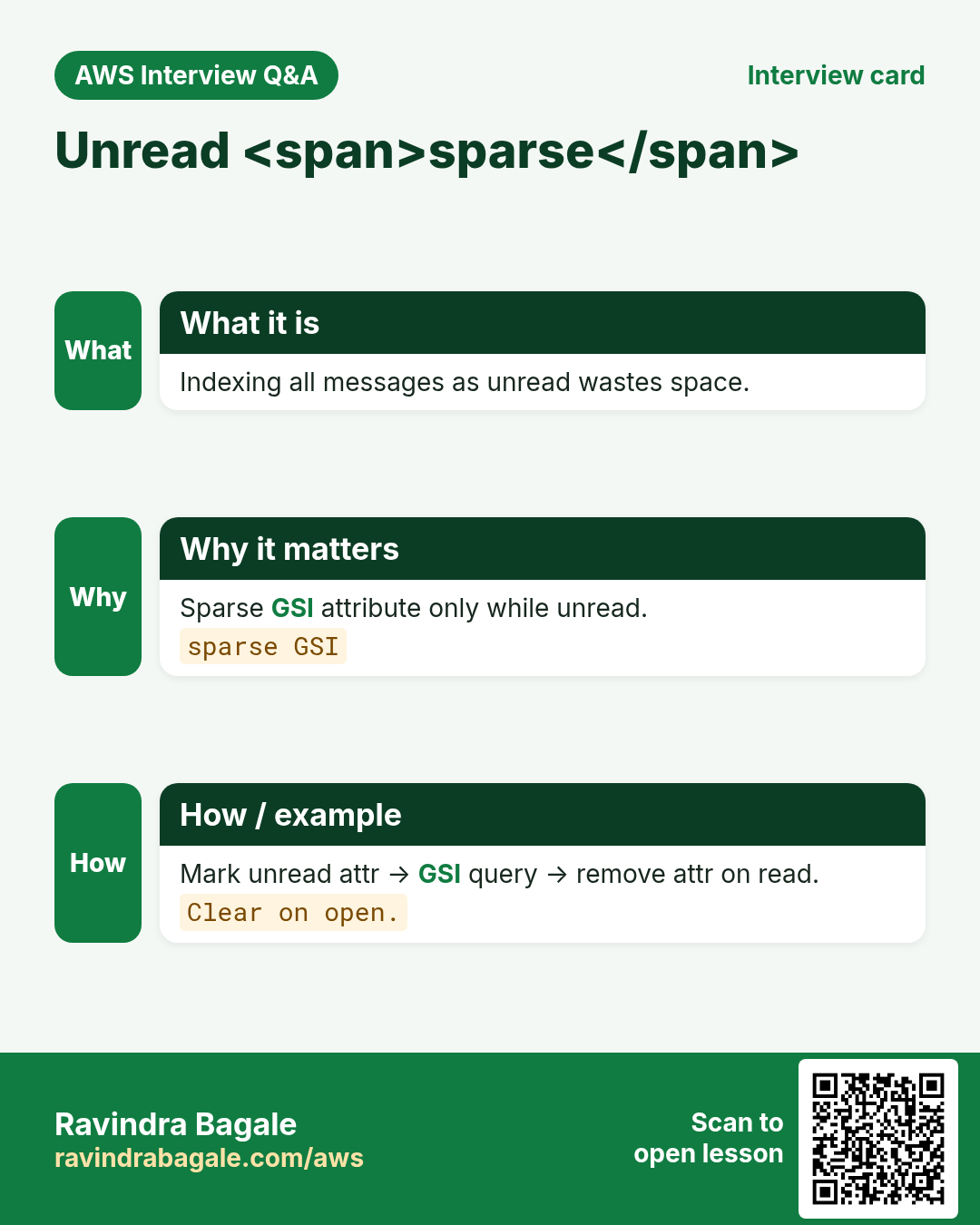
- Sketch unread sparse GSI
- Industry map
- Lab + cleanup
1. Everyday example: notebook who-follows-whom
Page per user: SK=FOLLOW#otherId edges. Post fan-out copies a thin pointer into each follower feed partition (or async via Streams). Unread inbox = sparse attr only when unread.
2. Vertical steps
3. Why do we need this?
Why do we need this?
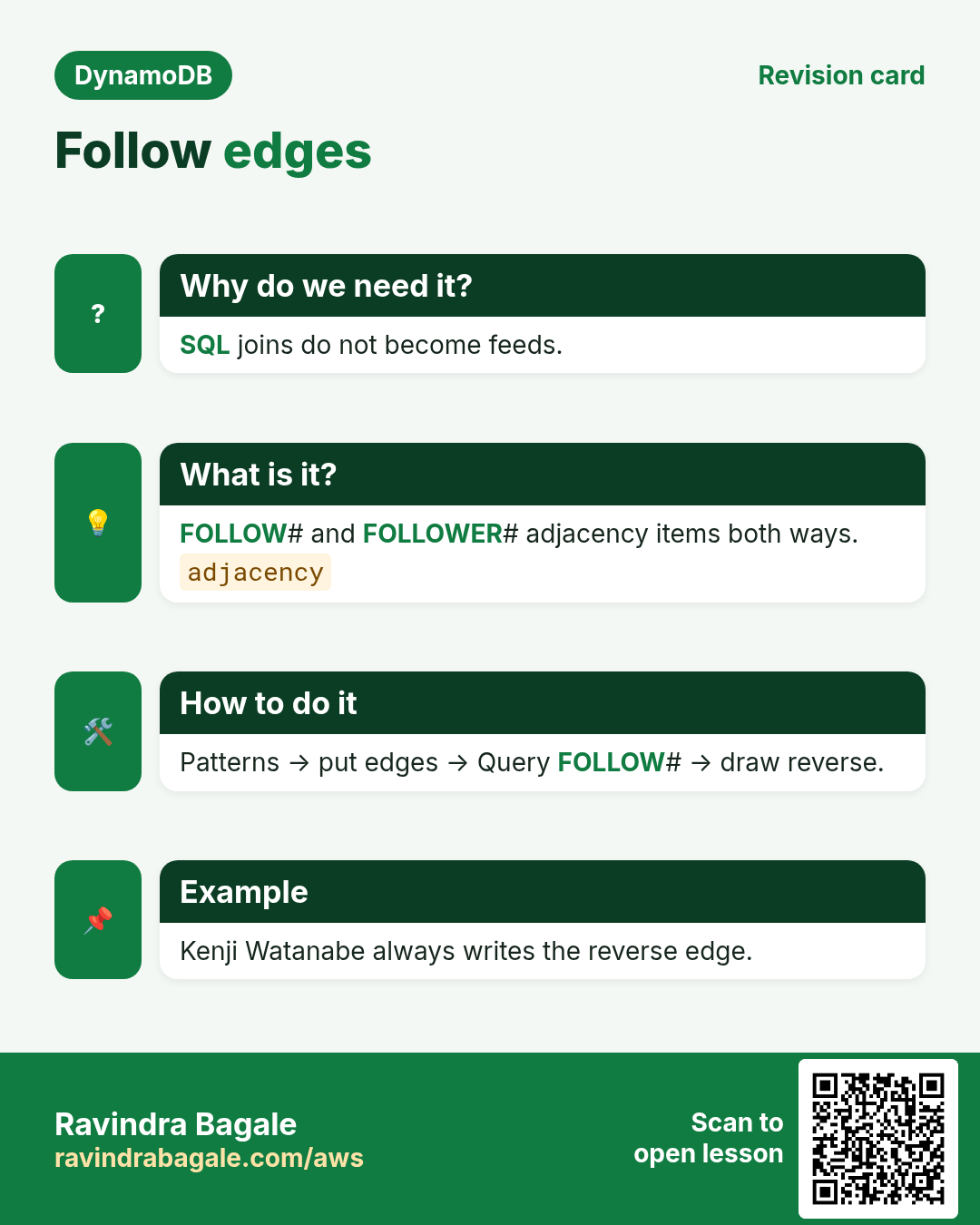
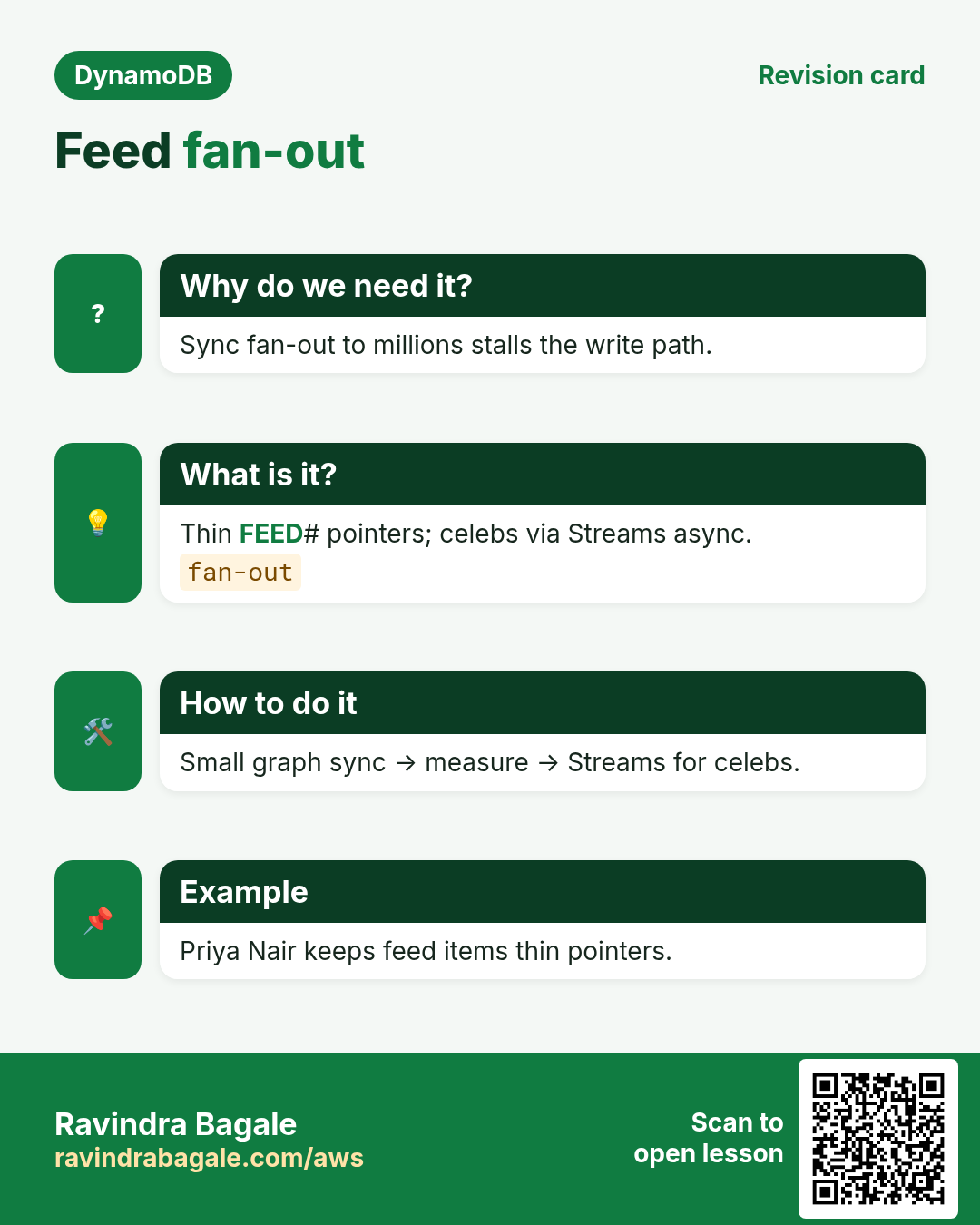
SQL-style join feeds do not map. Adjacency lists + deliberate fan-out (sync or Streams) match DynamoDB Query shapes.
4. What is it?
What is it?
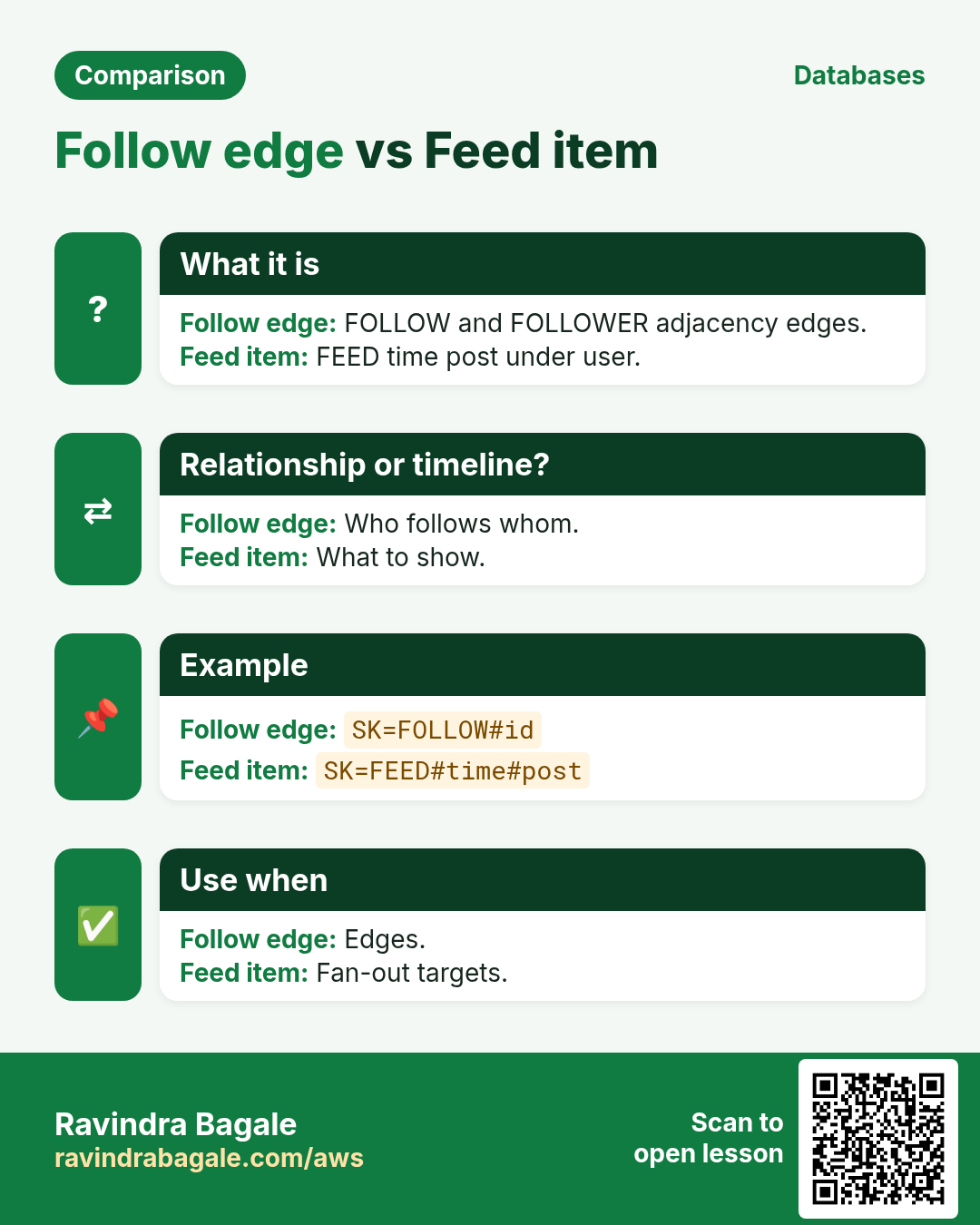
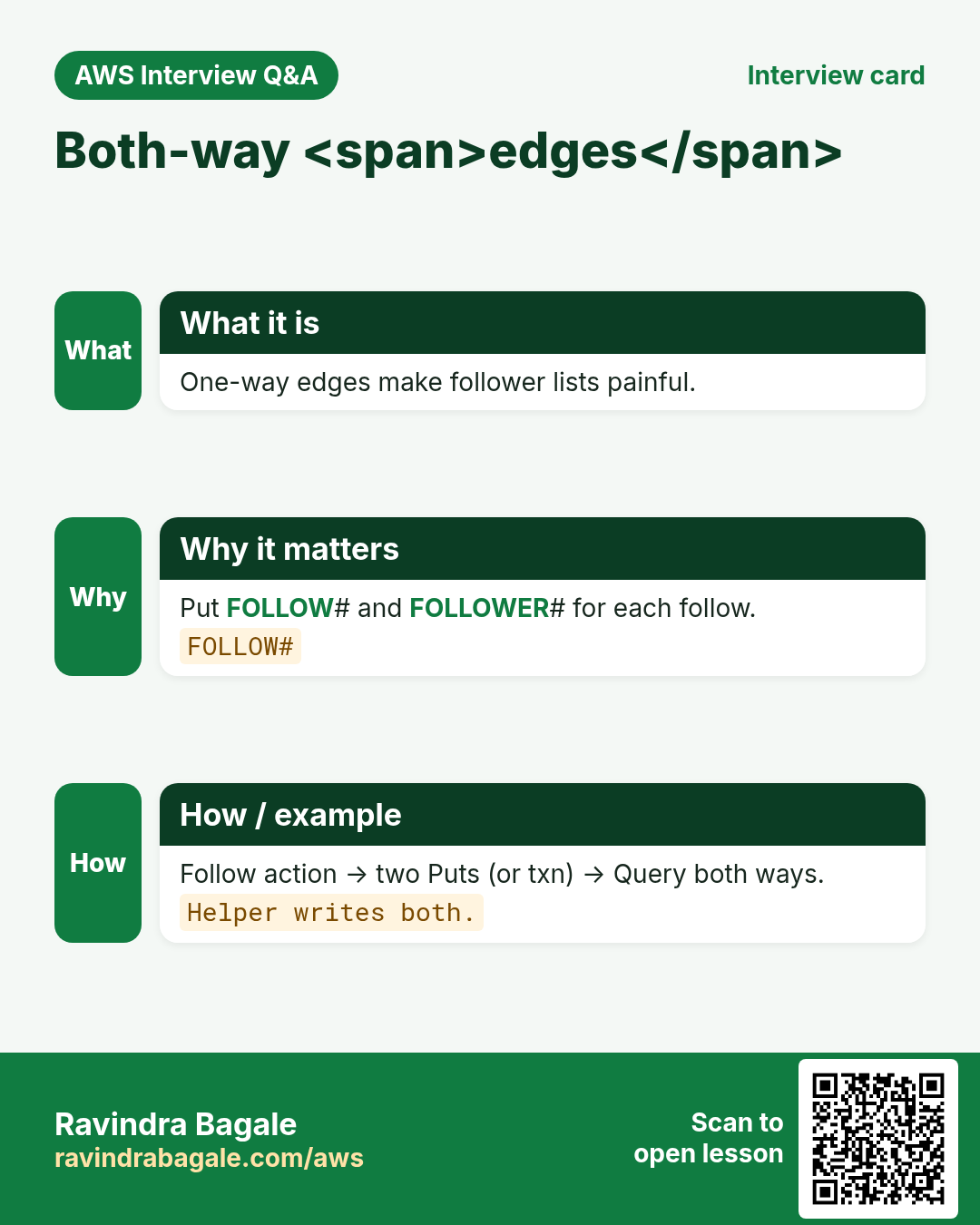
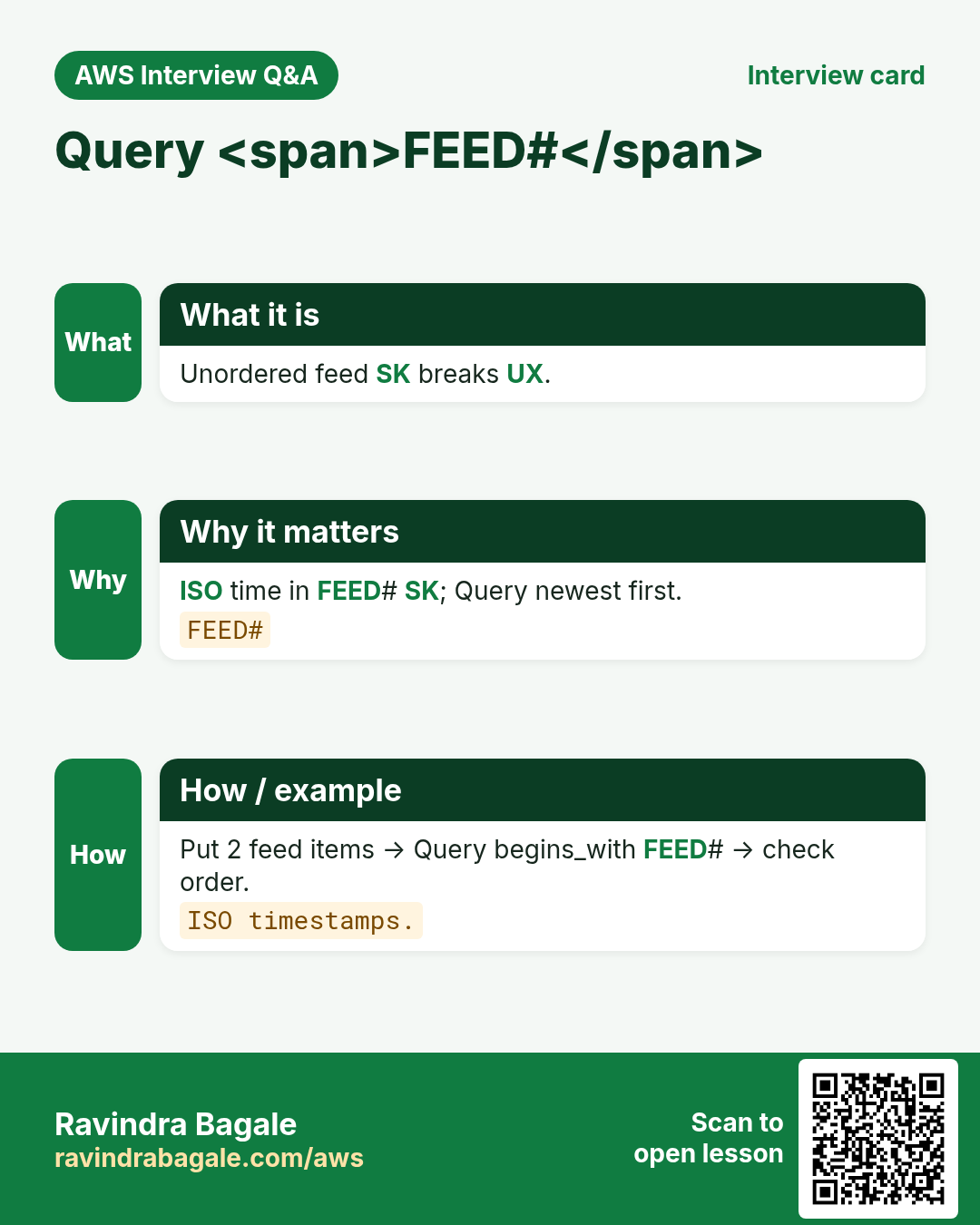
Edge item: PK=USER#a SK=FOLLOW#b (+ reverse SK=FOLLOWER#a under USER#b). Feed item: PK=USER#follower SK=FEED#time#postId. Unread: GSI on unread=1 sparse.
5. How to do it (step by step)
How to do it (step by step)
- List patterns: list following, list followers, read feed, mark read.
- Draw edge + feed sample items.
- Create lab-ddl-social; put 2 users + follow edge both ways.
- Put 2 feed items for a follower; Query FEED#.
- On paper: Streams worker fan-out on new Post.
- Delete table.
6. Key sketch
| Entity | PK | SK |
|---|---|---|
| Follow edge | USER#a | FOLLOW#b |
| Reverse edge | USER#b | FOLLOWER#a |
| Feed item | USER#a | FEED#2026-11-02T10#p9 |
| Post meta | POST#p9 | META |
7. Commands with output and meaning
aws dynamodb create-table --table-name lab-ddl-social \
  --attribute-definitions AttributeName=PK,AttributeType=S AttributeName=SK,AttributeType=S \
  --key-schema AttributeName=PK,KeyType=HASH AttributeName=SK,KeyType=RANGE \
  --billing-mode PAY_PER_REQUEST --region ap-south-1
aws dynamodb put-item --table-name lab-ddl-social --item '{"PK":{"S":"USER#a"},"SK":{"S":"FOLLOW#b"},"EntityType":{"S":"Follow"}}'
aws dynamodb put-item --table-name lab-ddl-social --item '{"PK":{"S":"USER#b"},"SK":{"S":"FOLLOWER#a"},"EntityType":{"S":"Follower"}}'
aws dynamodb query --table-name lab-ddl-social --key-condition-expression "PK = :pk AND begins_with(SK, :f)" \
  --expression-attribute-values '{":pk":{"S":"USER#a"},":f":{"S":"FOLLOW#"}}'
# Output: who a follows. Meaning: adjacency Query.
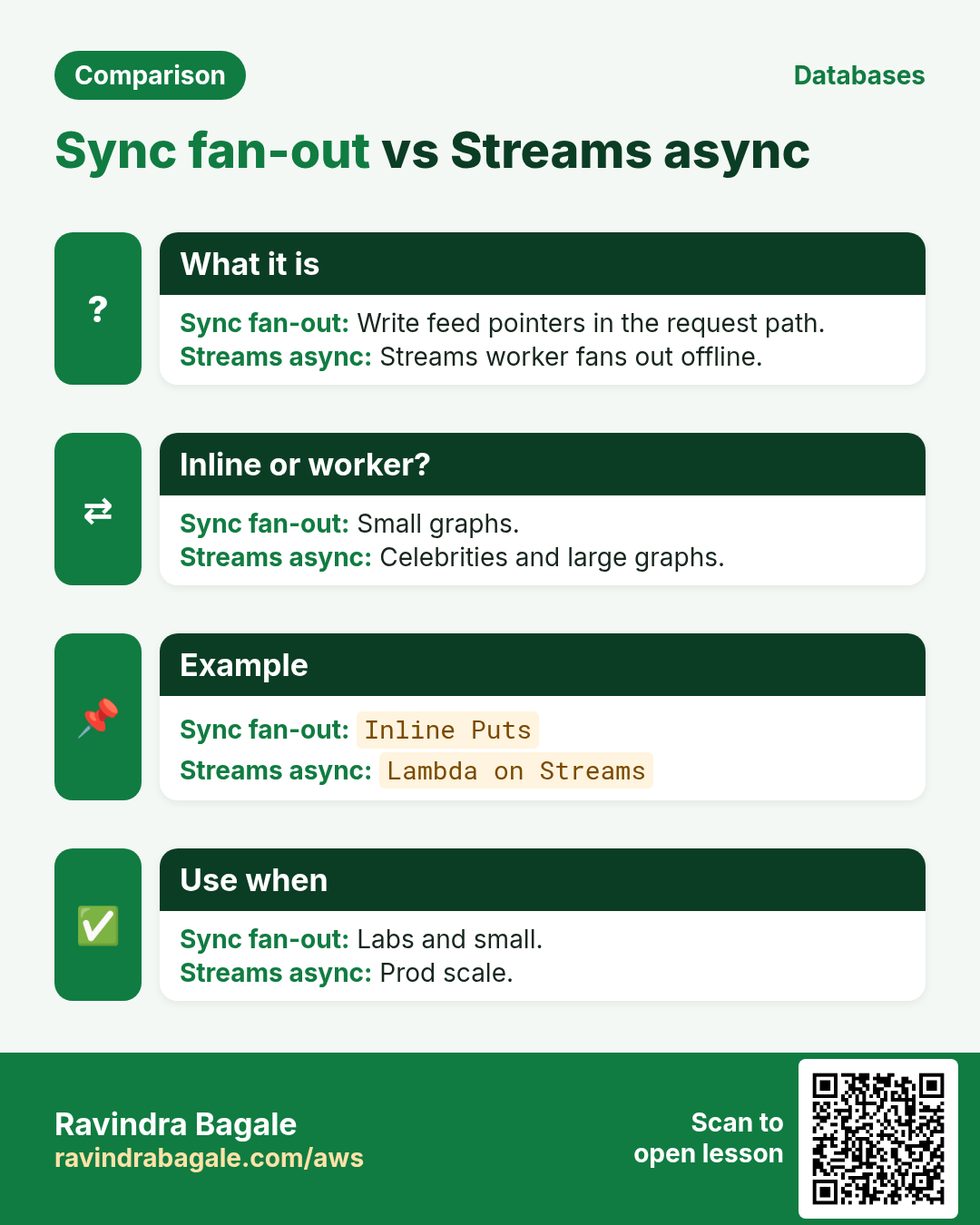
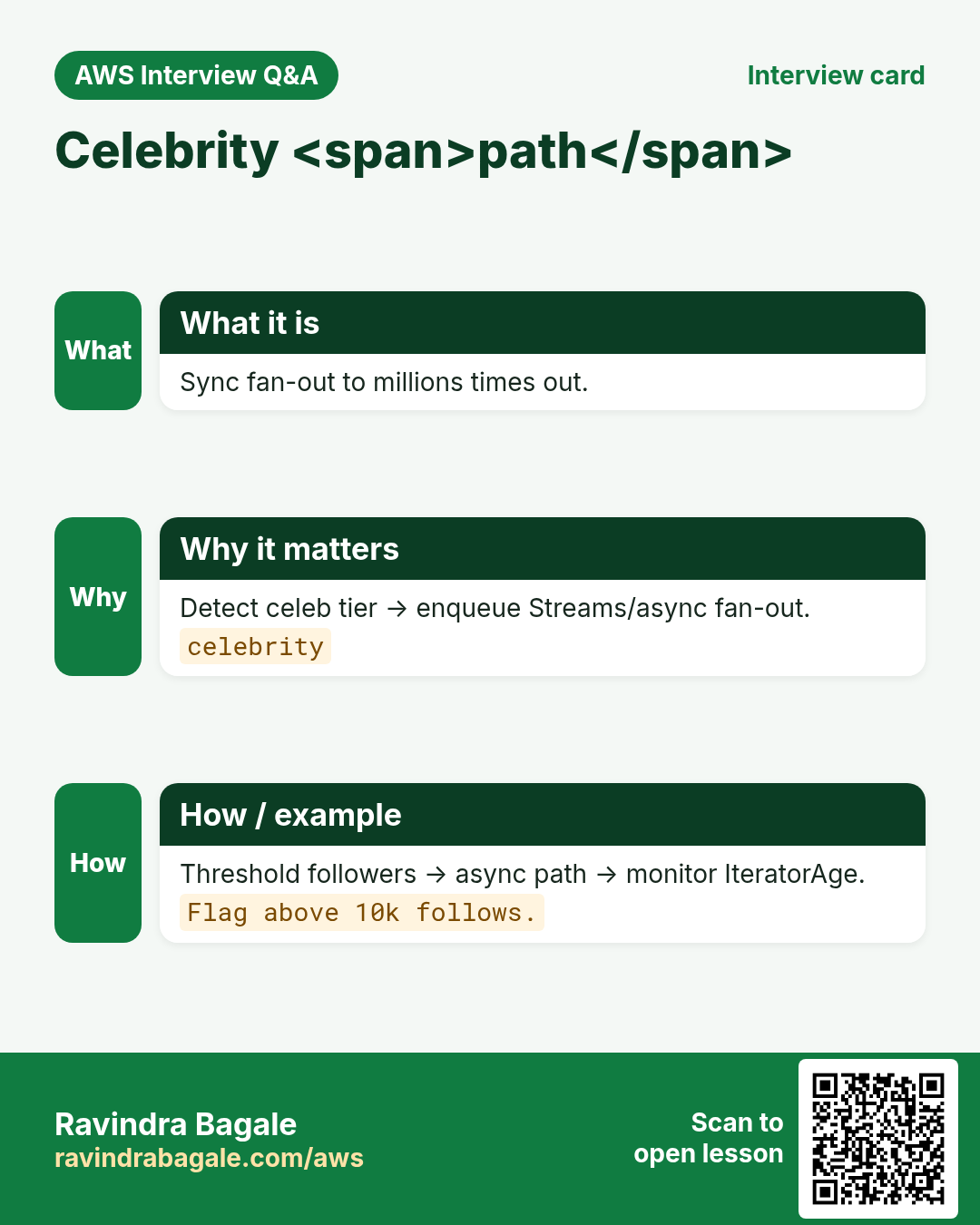
Edges both ways; Query FOLLOW#. Celebrity fan-out may need async Streams — link Streams chapter.
8. Industry stories
- Social (Priya): follows + inbox unread sparse GSI.
- EdTech (Sofia): class members as edges; feed announcements.
- Corp (Kenji): org chart edges; not deep recursion in one Query.
- Gaming (Carlos): friends list edges; feed loot drops.
- News (Omar): author follow; fan-out to reader inboxes.
- SaaS (Aisha): workspace membership edges.
9. Lab
How to do it (step by step)
- Patterns + draw edges/feed.
- lab-ddl-social: users, follow both ways, 2 feed items, Query.
- Paper Streams fan-out; delete table.
Cleanup (stop billing)
- Delete lab resources you created.
- Confirm with describe that names are gone.
10. Ops checklist before you ship
- Confirm TTL attribute name and units (epoch seconds).
- Decide soft-delete vs hard-delete vs archive-to-S3.
- Enable PITR on any table you cannot rebuild from source.
- Document RPO/RTO and who runs restore drills.
- If multi-region: pick write stickiness and conflict rules.
- If DAX: prove cache-miss path and warm-up plan.
- Tag Owner + Expiry on every lab resource.
- Budget alert in the account before load tests.
11. Copy-paste DynamoDB CLI starters (batch 2)
export AWS_DEFAULT_REGION=ap-south-1

# TTL status
aws dynamodb describe-time-to-live --table-name ShopApp

# PITR / continuous backups
aws dynamodb describe-continuous-backups --table-name ShopApp

# On-demand backup
aws dynamodb create-backup --table-name ShopApp --backup-name lab-shop-$(date +%Y%m%d)

# List backups
aws dynamodb list-backups --table-name ShopApp

# Global table description (v2)
aws dynamodb describe-table --table-name ShopApp --query 'Table.Replicas'
12. More industry stories
- Retail (Aisha Khan, Dubai): TTL clears abandoned carts; soft-delete keeps 30-day undo.
- Bank (Lucas Meyer, Berlin): PITR on ledger table; restore drill every quarter.
- Travel (Omar Haddad, Amman): Global Tables for catalog reads; inventory writes sticky.
- Gaming (Carlos Rivera, Mexico City): DAX for hot profile Gets; never cache money ledgers.
- Social (Priya Nair, Kochi): adjacency edges for follows; sparse GSI for unread inbox.
- IoT (Mei Lin, Shenzhen): device#day PK + TTL 14 days; rollups to S3.
13. Glossary (batch 2)
| Term | Meaning |
|---|---|
| TTL | Time to Live — attribute with epoch seconds; DynamoDB deletes later |
| Soft delete | Flag deleted=true; item remains until TTL/archive |
| PITR | Point-in-time recovery — continuous backups window |
| Global Table | Multi-region replicated DynamoDB table |
| LWW | Last-writer-wins conflict resolution on replicas |
| DAX | DynamoDB Accelerator — in-memory cache cluster |
| Adjacency list | Edge items modeling relationships in one table |
| Fan-out | Write once; push copies to many feeds/inboxes |
14. Practice: explain out loud
- 60s: TTL vs soft-delete vs S3 archive.
- 60s: PITR vs on-demand backup.
- 60s: when Global Tables help and hurt.
- 60s: DAX consistency trade-off.
- 60s: CartLite checkout keys in one breath.
- 60s: follow edge vs feed item.
- Record once; cut filler; record again.
15. Safe lab hygiene
- Use ap-south-1 labs with a budget alert.
- Prefix lab tables with lab- and your initials.
- Delete replicas, DAX clusters, and backups you created for labs.
- Never enable Global Tables on production without a write plan.
- Tag every resource Owner + Expiry.
- Export/import labs can create large S3 bills — delete prefixes.
16. How this set links other chapters
- Data modeling — keys we reuse in projects.
- Transactions — checkout and seat patterns.
- Streams + Lambda — fan-out and CDC.
- CRUD survey — short TTL note we deepen.
- What Is DynamoDB? — intro.
17. Delete / archive decision pad
| Need | Prefer | Why |
|---|---|---|
| Undo 7-30 days | Soft-delete flag | User restore |
| Hard expiry, no read | TTL attribute | Auto delete later |
| Compliance keep cold | Export/archive to S3 | Cheap long store |
| Mistake recovery | PITR / backup | Table-level restore |
18. Ten oral drill questions
- What units does DynamoDB TTL use?
- Does TTL delete instantly?
- PITR window typical length?
- Global Tables conflict default?
- When sticky writes matter?
- DAX vs API Gateway cache?
- Cart PK for a shopper?
- Order lines under which PK?
- Follow edge SK example?
- Unread inbox sparse GSI idea?
19. RPO / RTO mini workshop
- Write the worst data loss you can accept (RPO) in minutes.
- Write how long restore may take (RTO) before business pain.
- Map: on-demand backup vs PITR vs multi-region replica.
- Schedule a restore drill on a lab table this month.
- Name the person who runs the drill.
20. Cost watch list (batch 2)
- PITR storage and on-demand backup storage.
- Global Tables: replicated WCUs in every region.
- DAX node hours even at idle.
- Export to S3 + S3 storage + Athena later.
- Streams + Lambda still bill during TTL deletes.
21. Project Definition of Done
- Access patterns written and peer-reviewed.
- Sample items drawn for happy path + one failure.
- Lab table created, exercised, deleted (or tagged Expiry).
- At least one conditional write or transaction exercised.
- Cleanup commands pasted in your notes.
- One interview answer recorded out loud.
22. Cross-links inside this batch
- TTL hygiene → Backup/PITR for “oops” recovery.
- Global Tables → sticky writes from capacity/hot lessons.
- DAX → only after Query shapes are correct.
- P1 CartLite reuses modeling + transactions.
- P2 Social reuses adjacency + Streams ideas.
23. Quick self-check (yes/no)
- I can explain TTL delay vs instant DeleteItem.
- I know when soft-delete beats hard delete.
- I can start PITR and say what restore costs in time.
- I can name one reason NOT to use Global Tables.
- I know DAX does not fix a bad partition key.
- I can sketch CartLite USER# and ORD# keys.
- I can sketch a follow edge item.
- I delete lab replicas/DAX/backups the same day.
24. Common errors and fixes
Each row is a real mistake students and juniors hit. Read the fix before you panic.
| Error / symptom | Fix |
|---|---|
| SQL join feed | Edges+fan-out. |
| One-way edge only | Write reverse too. |
| Sync fan-out to 1M followers | Async Streams. |
| Unread without sparse attr | Sparse GSI. |
| Scan for feed | Query FEED#. |
| Huge post in every feed | Thin pointer + Get post. |
| Ignore hot celebrity | Special fan-out path. |
| No EntityType | Add. |
| Leave lab | Delete. |
25. Troubleshooting checklist
- Empty follows: check SK prefix.
- Missing reverse: put both edges.
- Feed out of order: ISO time in SK.
- Fan-out lag: IteratorAge on Streams.
- Unread GSI empty: attr only when unread.
26. FAQ
Q. Should I always use a single table?
Often yes for related access patterns; not a religion. Separate tables are fine for unrelated domains or different capacity/security needs.
Q. Do I still need RDS?
Yes for heavy joins, multi-row SQL reports, and strong relational constraints. See the intro DynamoDB vs RDS chapter.
Q. Is Scan evil?
Scan is a tool for rare admin jobs and small tables. Design so hot paths use Query/GetItem.
Q. Where are Put/Get command details?
In the CRUD survey, CLI and SDK chapters — this deep set links them instead of copying.
Q. Need Graph DB?
Often no for simple follows/feed.
Q. Fan-out on write or read?
Write fan-out common; celebs special.
Q. Streams required?
For async fan-out at scale — yes design.
Q. Link modeling?
Yes — adjacency from modeling chapter.
27. Interview Q&A
Q. (B) Adjacency list?
Edge items for relationships.
Q. (B) Follow SK?
FOLLOW#otherUserId.
Q. (M) Fan-out?
Push feed pointers to followers.
Q. (M) Sparse unread?
GSI key only on unread items.
Q. (S/MNC) Celebrity problem?
Do not sync fan-out to millions — async/hybrid.
Q. (MNC) Thin feed item?
Store pointer; Get post meta separately.
28. Tips in English, Marathi and Hindi
Ravindra Bagale's Tip (EN)
Edges first; fan-out second; celebrities get a special door.
Ravindra Bagale's Tip (MR)
आधी edges; मग fan-out; celebs वेगळे.
Tip (HI)
पहले edges, फिर fan-out, celebrity अलग।
Try at home
- Draw 2 users + follow both ways.
- Lab Query FOLLOW#.
- Bullet Streams fan-out worker.
In short
- Follows = adjacency edges.
- Feed = FEED# under user PK.
- Unread = sparse GSI idea.
- Celebs then async Streams.
Revision, interview and comparison cards
Revise this lesson in a few minutes. Save the cards on your phone or download them as PNG files. The QR code on each card opens this lesson.
More cards: Ravi Sir's Cards.
Practice Tasks
Ahmednagar Sugar Co-op is a sugar co-operative business in Ahilyanagar. Balasaheb Pawar looks after its IT and cloud work. They count money in INR and run their AWS resources in the ap-south-1 Region. In the tasks below you do real jobs for them using what this lesson teaches. All names, account IDs, IP addresses and numbers are made up for practice.
0 / 16
Easy Follows are edge items — 1
Why: Model.
What to do: Enter 1 if follows are modeled as adjacency edge items.
- Write down the numbers the task gives you.
- Work it out step by step on paper.
- Type only the final answer in the box.
- Click Check answer.
Easy FOLLOW# other user — 1
Why: SK.
What to do: Enter 1 if follow SK looks like FOLLOW#otherUserId.
- Write down the numbers the task gives you.
- Work it out step by step on paper.
- Type only the final answer in the box.
- Click Check answer.
Easy Write reverse edges too — 1
Why: Both.
What to do: Enter 1 if you often write reverse follower edges.
- Write down the numbers the task gives you.
- Work it out step by step on paper.
- Type only the final answer in the box.
- Click Check answer.
Easy FEED# time postId SK — 1
Why: Feed.
What to do: Enter 1 if feed SK often includes time and post id.
- Write down the numbers the task gives you.
- Work it out step by step on paper.
- Type only the final answer in the box.
- Click Check answer.
Easy Describe table
Why: CLI.
What to do: Describe table ShopApp
- Read the task and decide which AWS service it is about.
- Write aws, then the service name, then the operation (the action word).
- Add each needed flag (--name) followed by its value from the task.
- Flags can be in any order. Click Check answer.
Easy Edge YAML
Why: Sketch.
What to do: YAML: pk: USER#a, sk: FOLLOW#b.
- Start from the top-level keys the task names.
- Indent child keys with 2 spaces (no tabs).
- Fill in each property with the value from the task.
- Click Check answer. Key order does not matter.
Easy Link modeling + Streams — 1
Why: Reuse.
What to do: Enter 1 if this project links modeling and Streams chapters.
- Write down the numbers the task gives you.
- Work it out step by step on paper.
- Type only the final answer in the box.
- Click Check answer.
Medium Fan-out pushes feed pointers — 1
Why: Write.
What to do: Enter 1 if write fan-out pushes pointers to follower feeds.
- Write down the numbers the task gives you.
- Work it out step by step on paper.
- Type only the final answer in the box.
- Click Check answer.
Medium Celebs need special fan-out — 1
Why: Scale.
What to do: Enter 1 if celebrity accounts need async/hybrid fan-out.
- Write down the numbers the task gives you.
- Work it out step by step on paper.
- Type only the final answer in the box.
- Click Check answer.
Medium Unread uses sparse attr — 1
Why: GSI.
What to do: Enter 1 if unread sparse GSI keys exist only when unread.
- Write down the numbers the task gives you.
- Work it out step by step on paper.
- Type only the final answer in the box.
- Click Check answer.
Medium Thin feed stores pointer — 1
Why: Size.
What to do: Enter 1 if feed items store a thin pointer not full HTML.
- Write down the numbers the task gives you.
- Work it out step by step on paper.
- Type only the final answer in the box.
- Click Check answer.
Medium Social checklist YAML
Why: List.
What to do: YAML list checks with reverse-edge and thin-feed.
- Start from the top-level keys the task names.
- Indent child keys with 2 spaces (no tabs).
- Fill in each property with the value from the task.
- Click Check answer. Key order does not matter.
Hard Async fan-out via Streams — 1
Why: Async.
What to do: Enter 1 if async fan-out often uses Streams workers.
- Write down the numbers the task gives you.
- Work it out step by step on paper.
- Type only the final answer in the box.
- Click Check answer.
Hard No SQL join feed — 1
Why: Mindset.
What to do: Enter 1 if SQL-style join feeds should be remodeled.
- Write down the numbers the task gives you.
- Work it out step by step on paper.
- Type only the final answer in the box.
- Click Check answer.
Hard Query feed not Scan — 1
Why: Shape.
What to do: Enter 1 if feeds should be Query FEED# not Scan.
- Write down the numbers the task gives you.
- Work it out step by step on paper.
- Type only the final answer in the box.
- Click Check answer.
Hard Delete lab same day — 1
Why: Hygiene.
What to do: Enter 1 if lab-ddl-social should be deleted same day.
- Write down the numbers the task gives you.
- Work it out step by step on paper.
- Type only the final answer in the box.
- Click Check answer.