S3 Bucket Policy Project 6: Enforce SSE-KMS Encryption on Upload
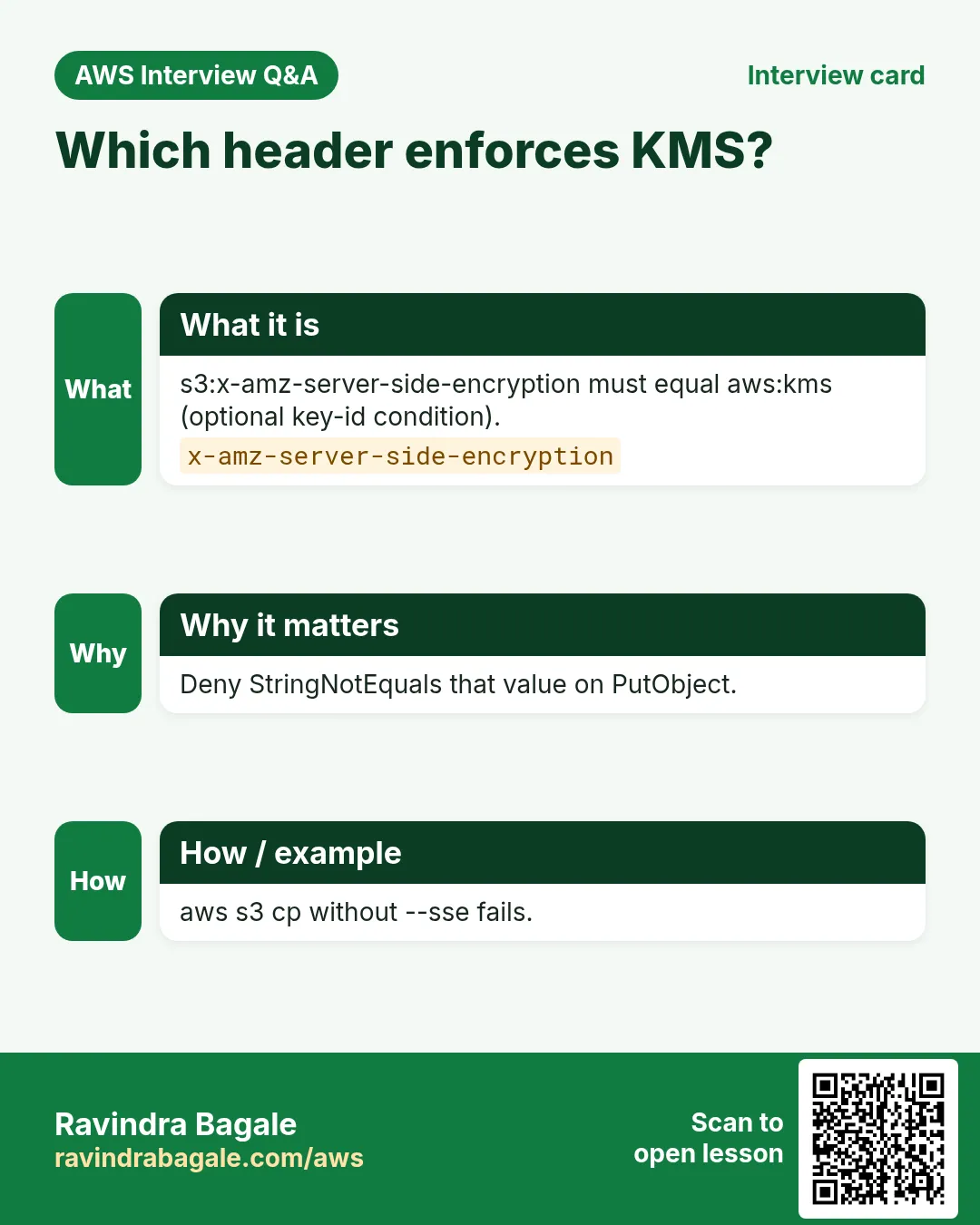
Bank security architect Deepak Nair in Bengaluru requires every PutObject to use SSE-KMS with the bank CMK. A bucket policy Deny unless s3:x-amz-server-side-encryption equals aws:kms (and optionally the key ARN) stops plaintext or SSE-S3 uploads.
What you'll learn in this chapter
- Why enforce SSE-KMS on upload
- What header conditions look like in JSON
- How to CLI allow with --sse aws:kms and deny without
- Key policy trust tips
- Interview answers
1. Everyday project story
Pune health-tech CTO Shruti Kulkarni and Amsterdam insurer Pieter de Vries both need CloudTrail-friendly CMK encryption on every object at rest.
2. Why enforce KMS on Put?
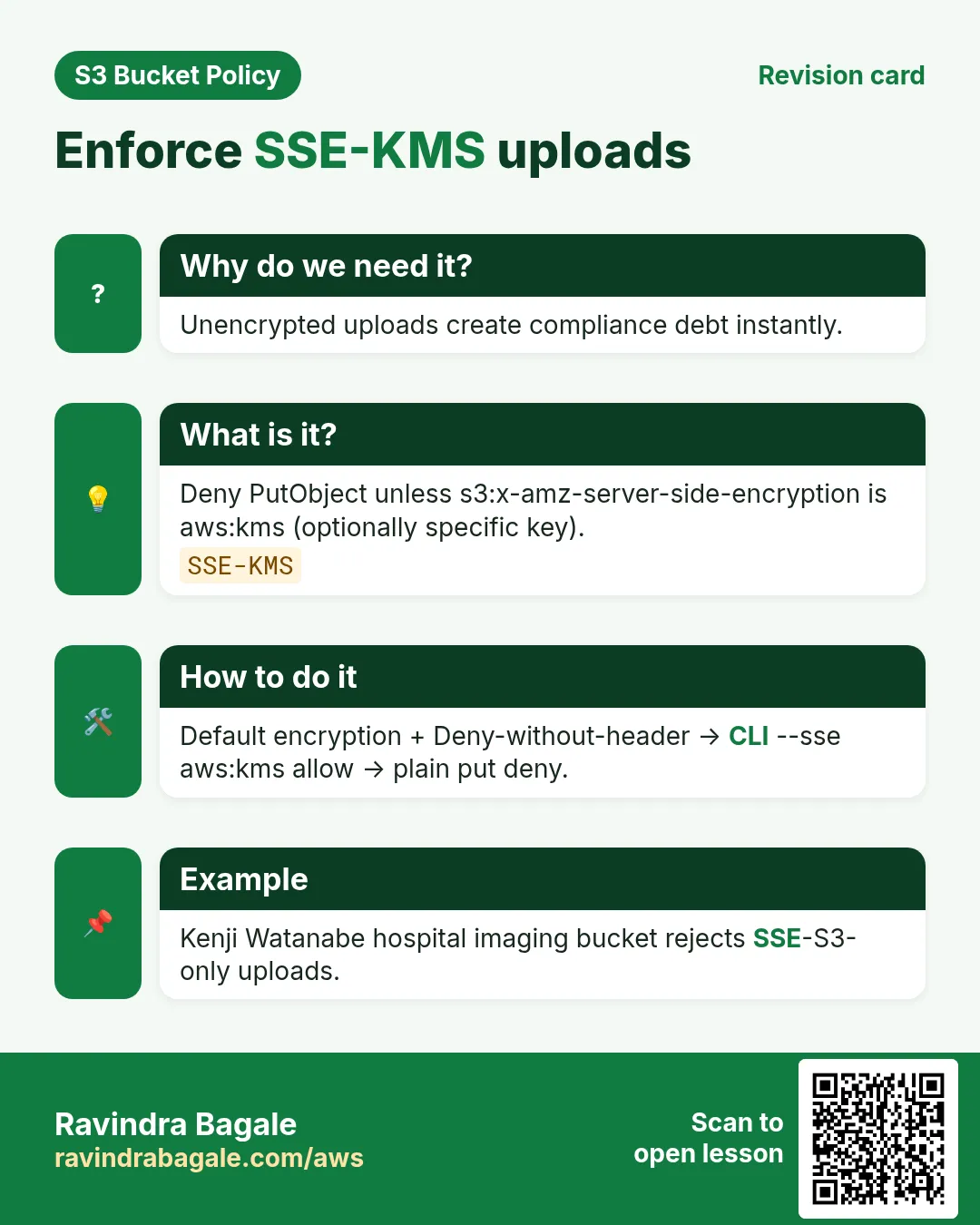
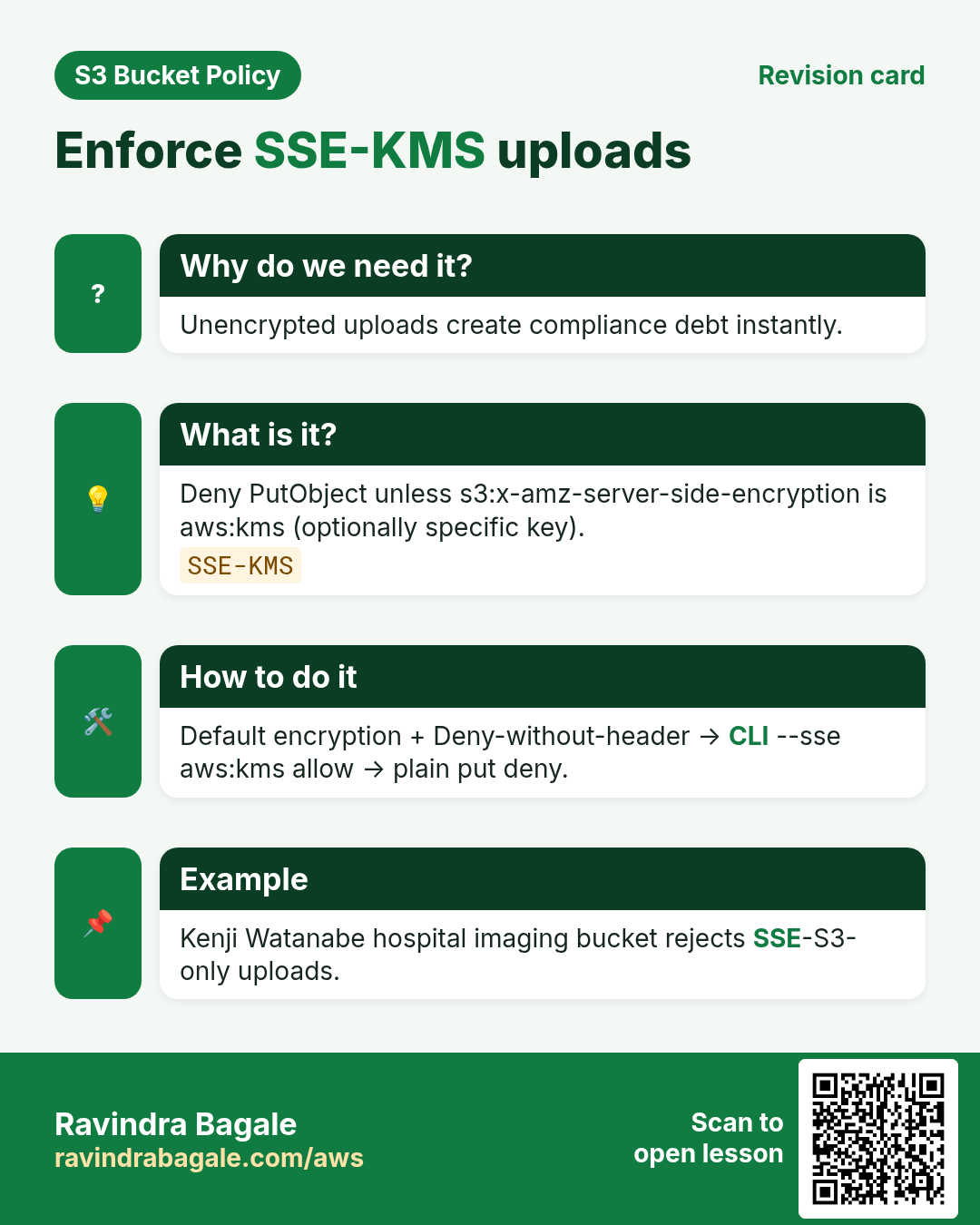
Why do we need this?
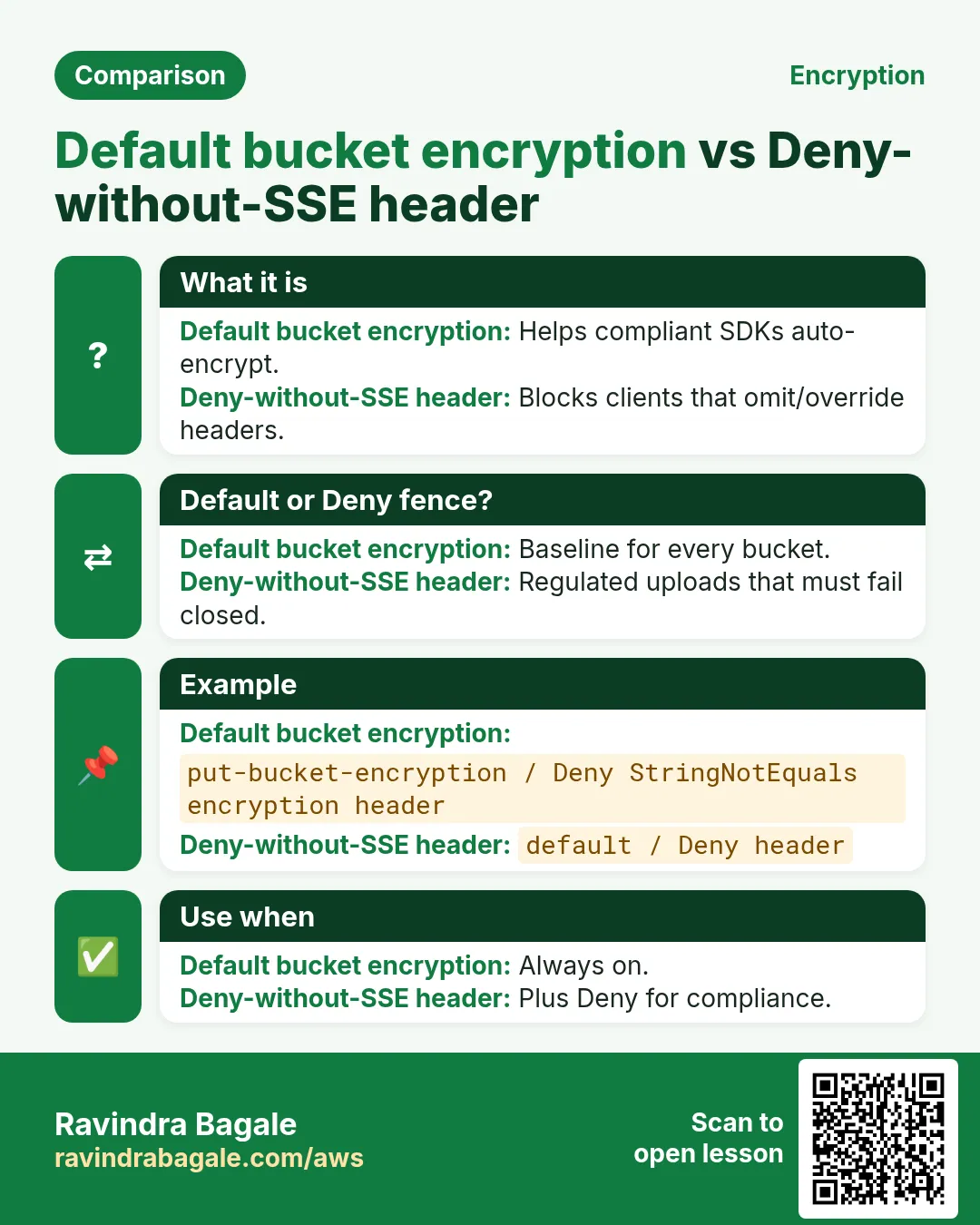
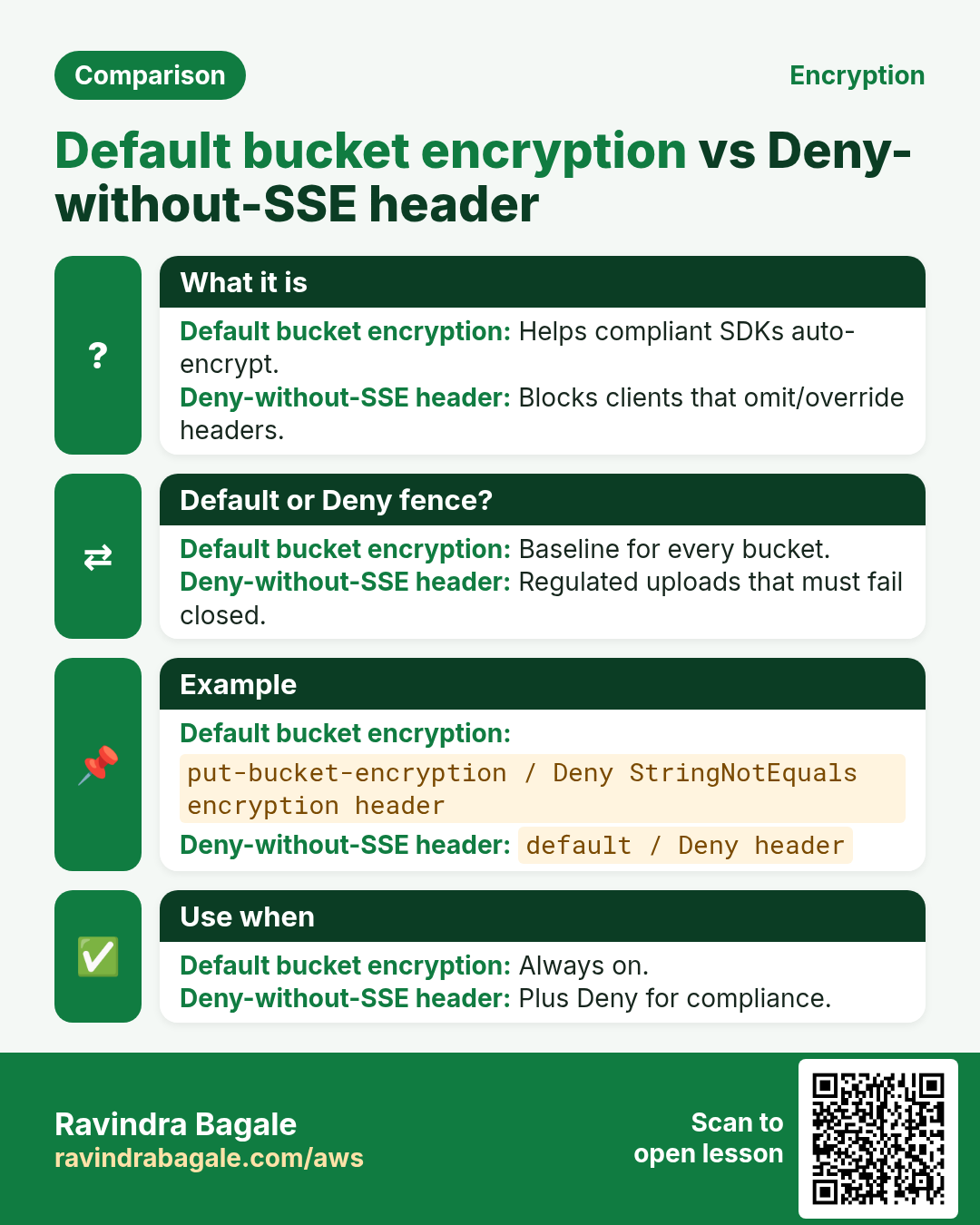
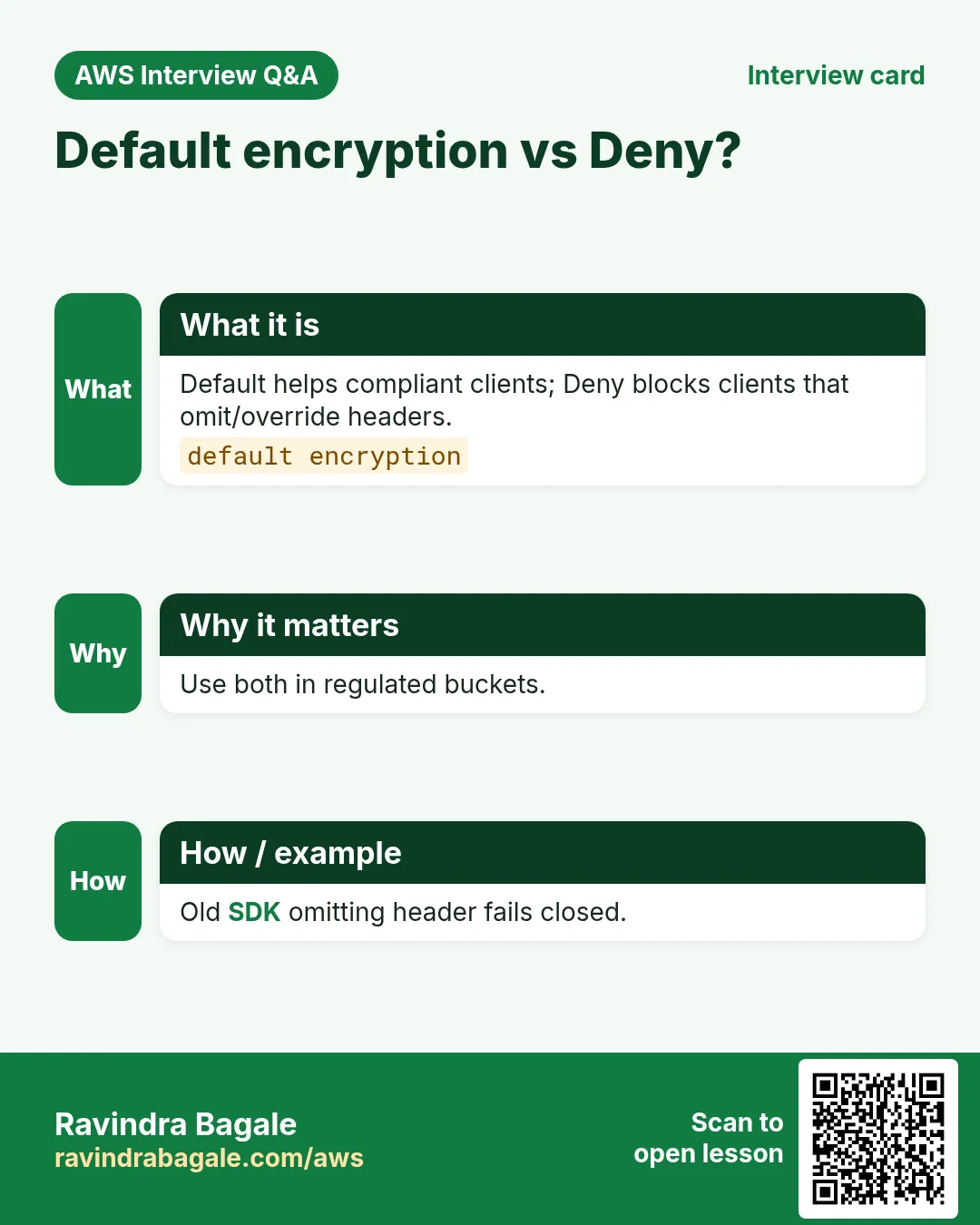
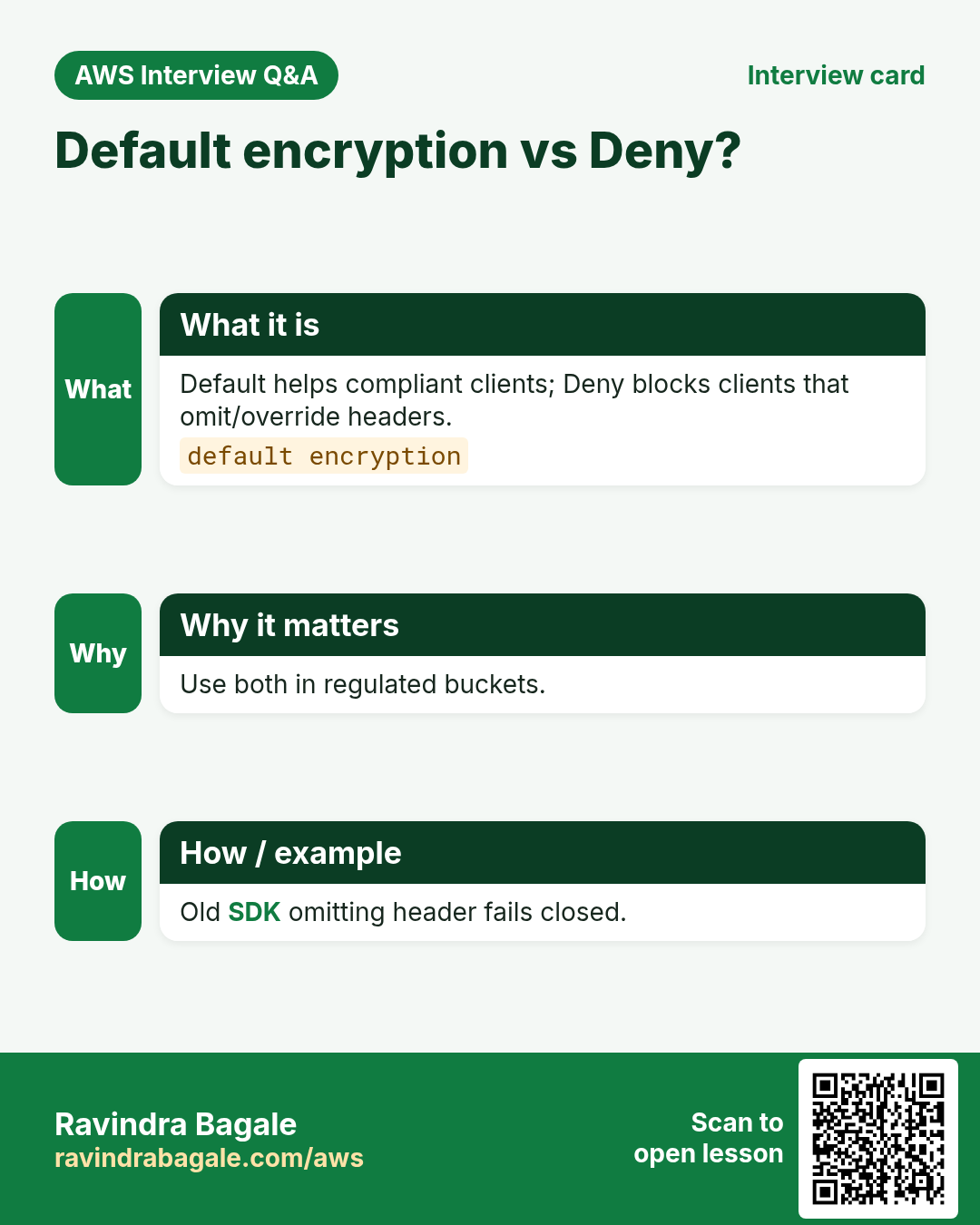
Default bucket encryption helps, but a Deny on wrong encryption headers stops misconfigured SDKs from writing SSE-S3 or unencrypted objects.
- Require x-amz-server-side-encryption = aws:kms
- Optionally require specific key ARN
- Pair with default encryption = KMS
- Grant callers kms:GenerateDataKey + Decrypt
3. What is the policy?
What is it?
{
  "Version": "2012-10-17",
  "Statement": [
    {
      "Sid": "DenyIncorrectEncryption",
      "Effect": "Deny",
      "Principal": "*",
      "Action": "s3:PutObject",
      "Resource": "arn:aws:s3:::rb-bank-docs-ap-south-1/*",
      "Condition": {
        "StringNotEquals": {
          "s3:x-amz-server-side-encryption": "aws:kms"
        }
      }
    },
    {
      "Sid": "DenyWrongKmsKey",
      "Effect": "Deny",
      "Principal": "*",
      "Action": "s3:PutObject",
      "Resource": "arn:aws:s3:::rb-bank-docs-ap-south-1/*",
      "Condition": {
        "StringNotEquals": {
          "s3:x-amz-server-side-encryption-aws-kms-key-id": "arn:aws:kms:ap-south-1:111122223333:key/1234abcd-12ab-34cd-56ef-1234567890ab"
        }
      }
    }
  ]
}
Line-by-line
- First Deny — PutObject without aws:kms encryption header.
- Condition StringNotEquals on s3:x-amz-server-side-encryption.
- Second Deny — wrong CMK id.
- Resource objects only (PutObject).
- Callers still need IAM s3:PutObject + KMS perms.
- Default bucket encryption should also be KMS.
4. CLI with output
How to do it (step by step)
KEY=arn:aws:kms:ap-south-1:111122223333:key/1234abcd-12ab-34cd-56ef-1234567890ab
aws s3api put-bucket-policy --bucket rb-bank-docs-ap-south-1 --policy file://kms-enforce.json

# ALLOW
aws s3 cp report.pdf s3://rb-bank-docs-ap-south-1/report.pdf --sse aws:kms --sse-kms-key-id "$KEY"
# upload success

# DENY — no SSE
aws s3 cp report.pdf s3://rb-bank-docs-ap-south-1/bad.pdf
# An error occurred (AccessDenied) when calling the PutObject operation: Access Denied
5. Test allow and deny
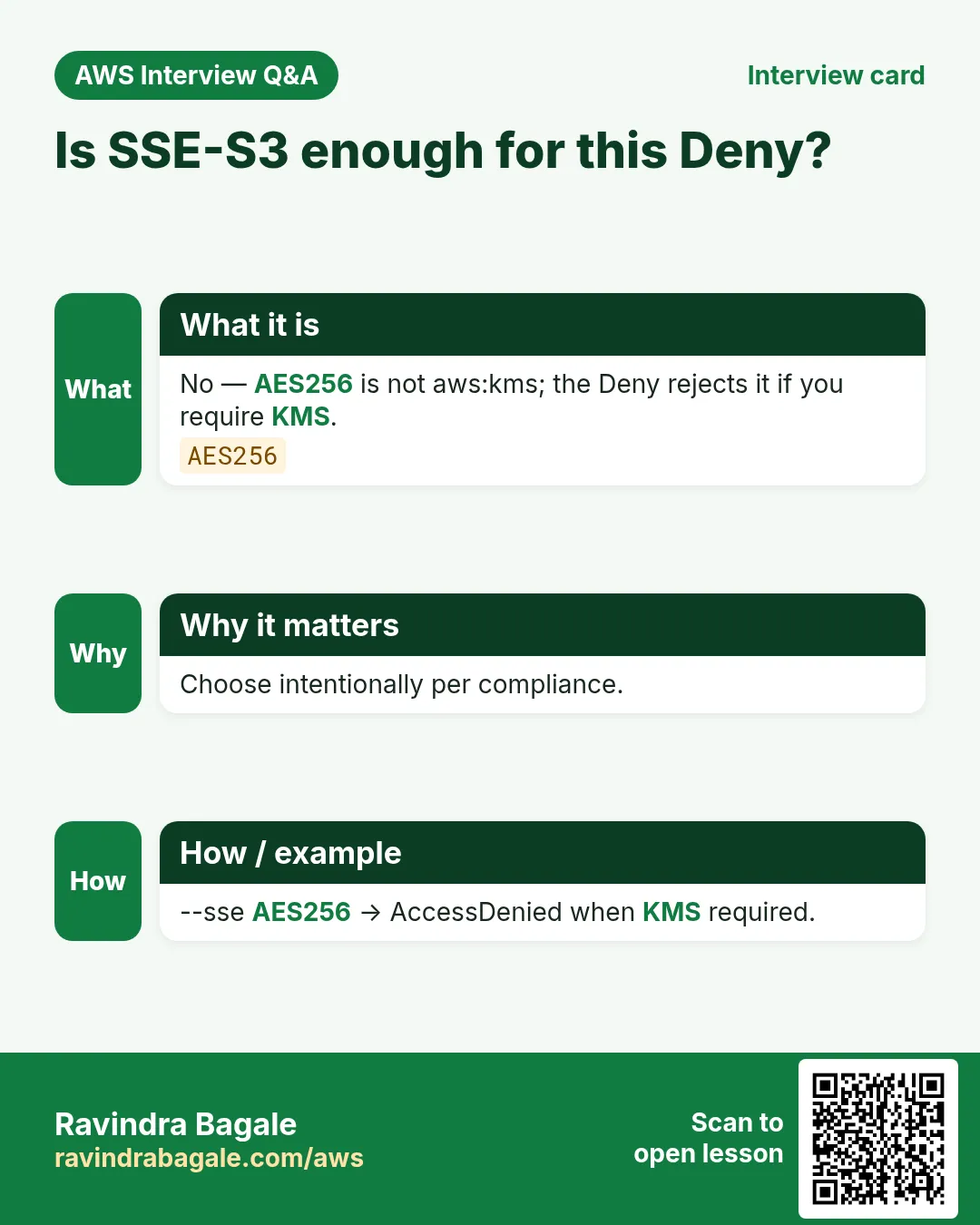
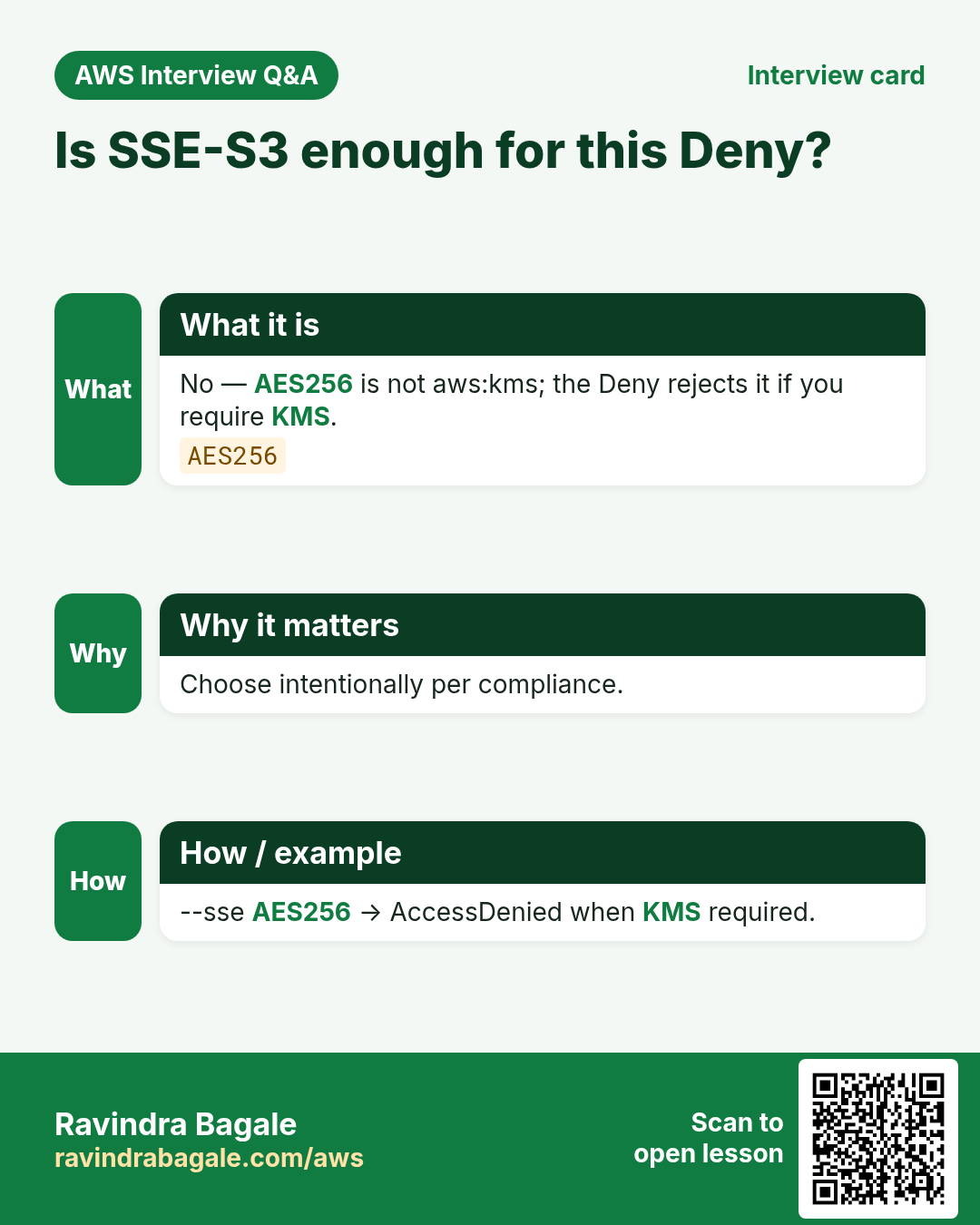
Allow: Put with --sse aws:kms and correct key. Deny: Put with no SSE or SSE AES256.
# DENY SSE-S3
aws s3 cp report.pdf s3://rb-bank-docs-ap-south-1/aes.pdf --sse AES256
# AccessDenied
6. Key policy tip
Bucket policy ≠ key policy
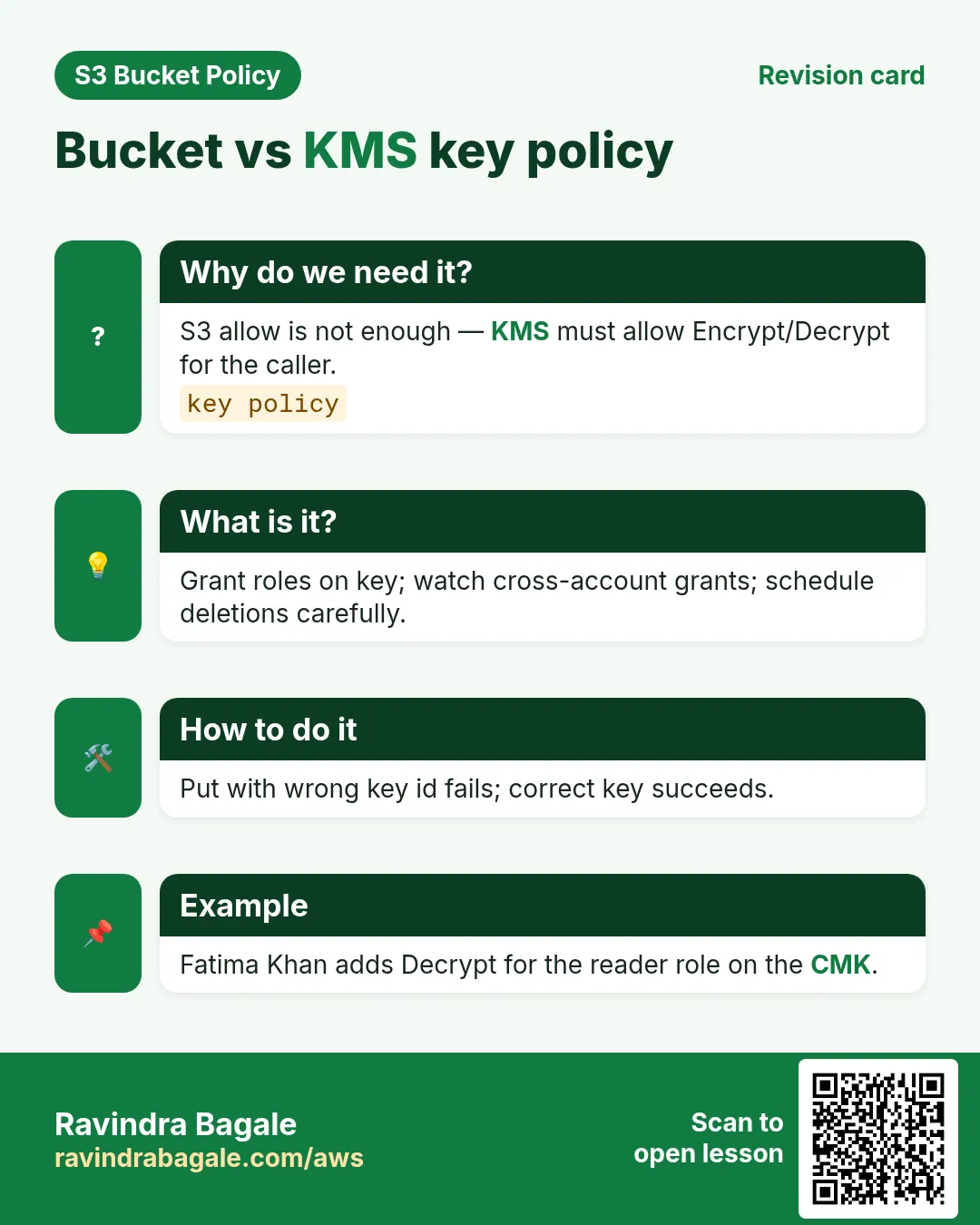
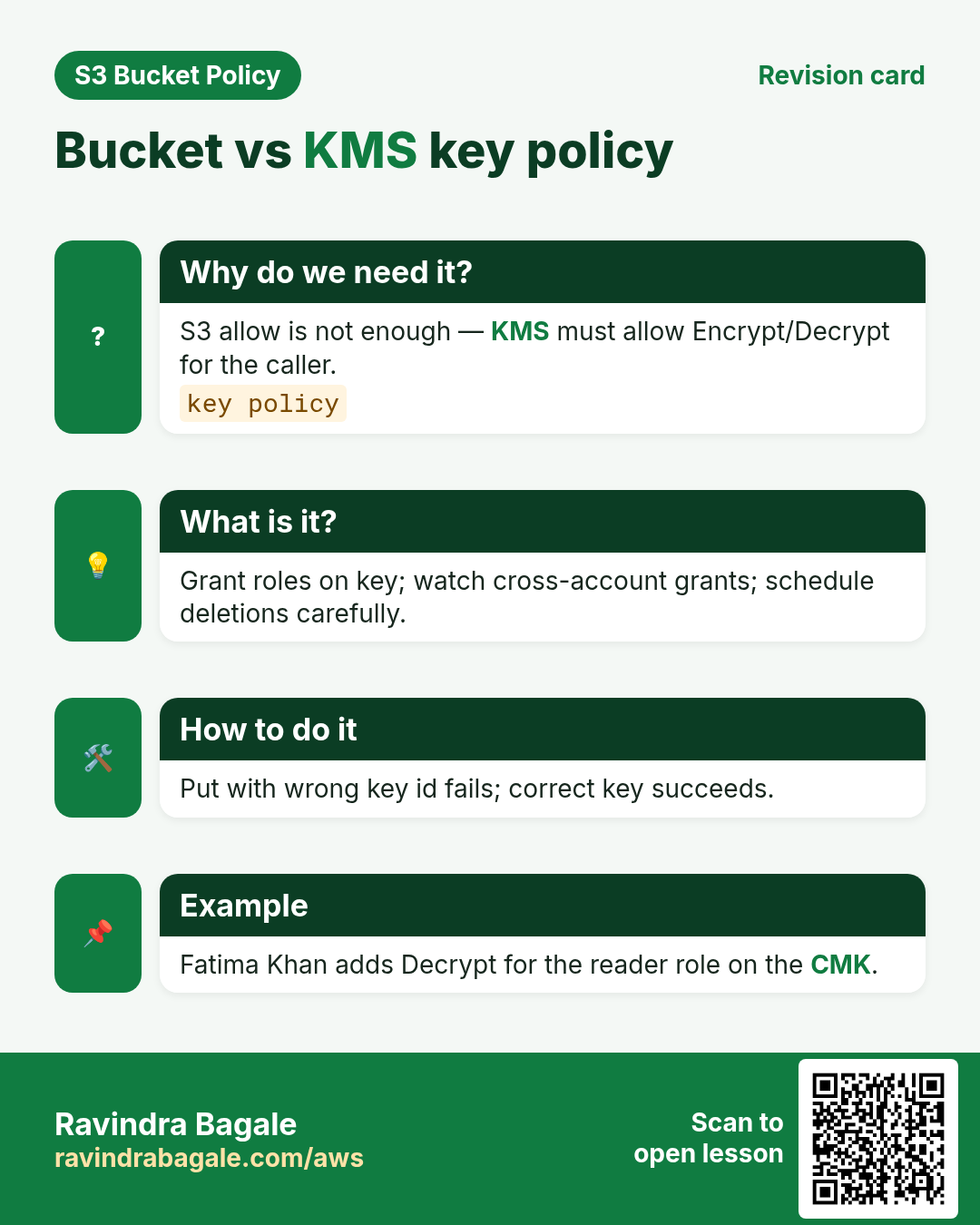
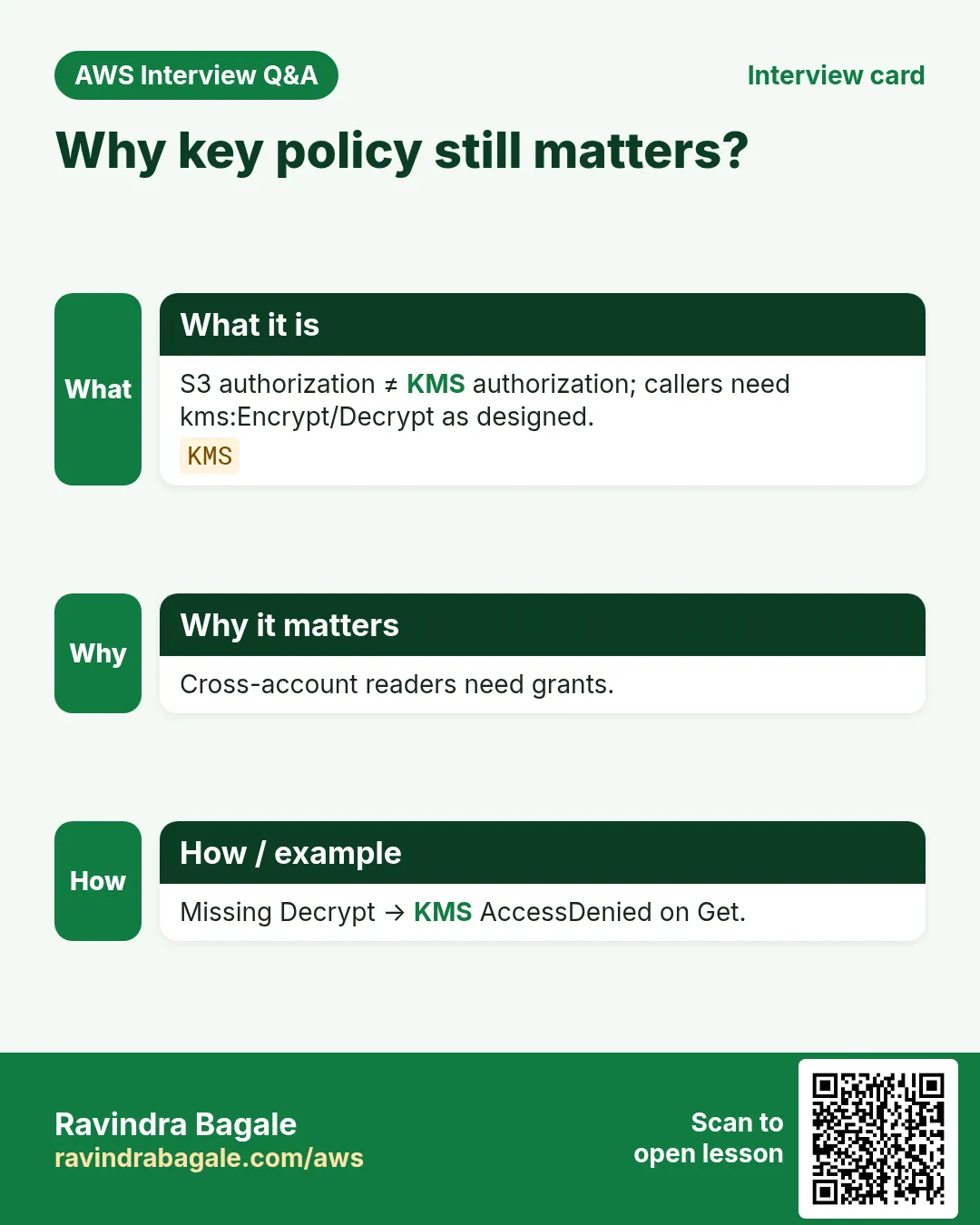
Even with correct headers, Put fails if the KMS key policy does not trust the caller. Grant the role/user and (if needed) S3 service use of the key.
7. Multi-industry
Banking (Bengaluru — Deepak Nair), health-tech (Pune — Shruti Kulkarni), insurance (Amsterdam — Pieter de Vries), govt archives (Delhi — Meenakshi Iyer).
8. AccessDenied debugging and Policy Simulator
When S3 returns AccessDenied, check in order: (1) Block Public Access, (2) matching bucket policy Deny, (3) missing IAM Allow, (4) KMS key policy, (5) VPC endpoint policy, (6) legacy ACL. IAM Policy Simulator can miss BPA/VPC/KMS — always re-test with real CLI from the real network path.
# Decode
aws s3api get-bucket-policy --bucket BUCKET --query Policy --output text | python3 -m json.tool
aws s3api get-public-access-block --bucket BUCKET
aws iam simulate-principal-policy --policy-source-arn ARN \
  --action-names s3:GetObject --resource-arns arn:aws:s3:::BUCKET/key.txt
aws cloudtrail lookup-events --lookup-attributes AttributeKey=EventName,AttributeValue=GetObject --max-items 5
9. Lab: enforce SSE-KMS
Do this in ap-south-1 (Mumbai) unless your org forbids it. Set a budget alert first.
How to do it (step by step)
- Create CMK + lab bucket; set default encryption KMS.
- Apply both Deny statements; replace key ARN.
- Put with --sse aws:kms → success; without → AccessDenied.
- Put with --sse AES256 → AccessDenied.
Cleanup (stop billing)
- Schedule CMK deletion carefully; empty and delete bucket.
- Remove lab IAM grants on the key.
10. Common errors and fixes
Each row is a real mistake students and juniors hit. Read the fix before you panic.
| Error / symptom | Fix |
|---|---|
| AccessDenied but IAM Allow looks fine | Find explicit Deny in bucket policy or BPA blocking public. |
| Policy JSON rejected on put | Validate with python3 -m json.tool; no smart quotes; use file://. |
| Policy Simulator Allow, CLI Deny | Simulator skips some layers; retest with real CLI/role/network. |
| Wrong Resource ARN shape | GetObject needs arn:...:bucket/* ; ListBucket needs bare bucket ARN. |
| Condition key typo or wrong case | Keys like aws:SourceIp are case-sensitive. |
| Missing Principal on bucket policy | Resource-based policies require Principal; identity policies must omit it. |
| Account-level BPA overrides bucket | Account Block Public Access can still block public grants. |
| Encrypted object / KMS forgotten | SSE-KMS needs key policy + kms:Decrypt/GenerateDataKey. |
| Header set but still Denied | Key policy / IAM kms:GenerateDataKey missing. |
| Default encryption alone relied on | SDK can still send wrong headers — keep Deny. |
11. Troubleshooting checklist
- Confirm region and endpoint hostname for the bucket.
- Print get-bucket-policy and get-public-access-block.
- Reproduce with a least-privilege lab IAM user.
- Binary-search Denies by commenting one Sid at a time in lab.
- Read CloudTrail errorCode and additionalEventData.
- If KMS involved, test key permissions separately.
- From VPC path: route to gateway prefix list + endpoint policy.
- Cleanup versioning/Object Lock labs carefully.
12. FAQ
Q. Is a bucket policy the same as an IAM policy?
No. Bucket policy is resource-based on the bucket; IAM is identity-based. For same-account, either can Allow; explicit Deny wins; cross-account needs both.
Q. Do I still need ACLs in 2026?
Prefer Bucket owner enforced (ACLs off) + bucket policy. Some log deliveries still need canned ACL on Put.
Q. What is Block Public Access?
Switches that block public ACLs/policies at account or bucket. Disable only the minimum for a deliberate public design.
Q. How do you debug AccessDenied fast?
BPA → bucket policy → IAM → KMS → VPCe → CloudTrail. Never “fix” with Action *.
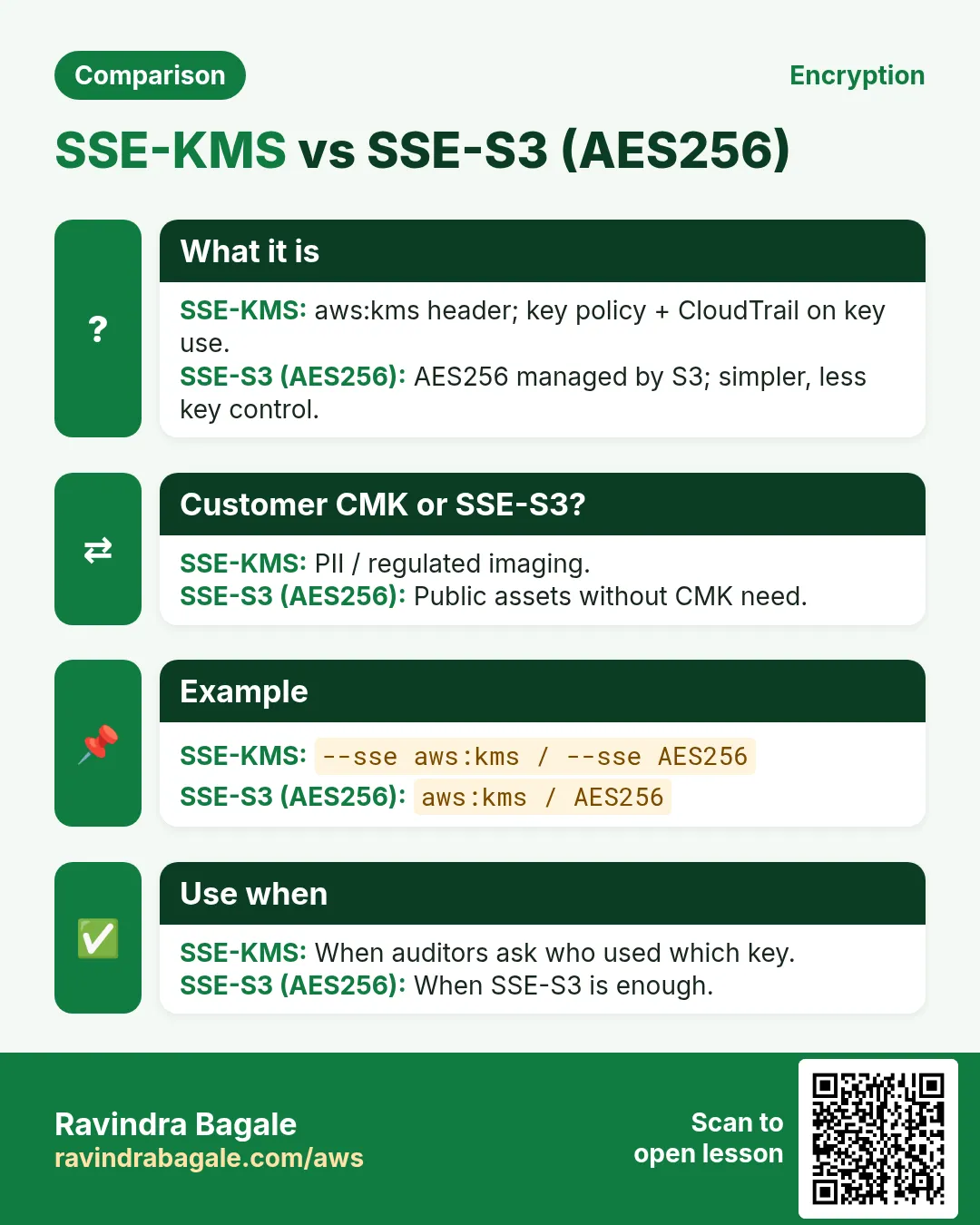
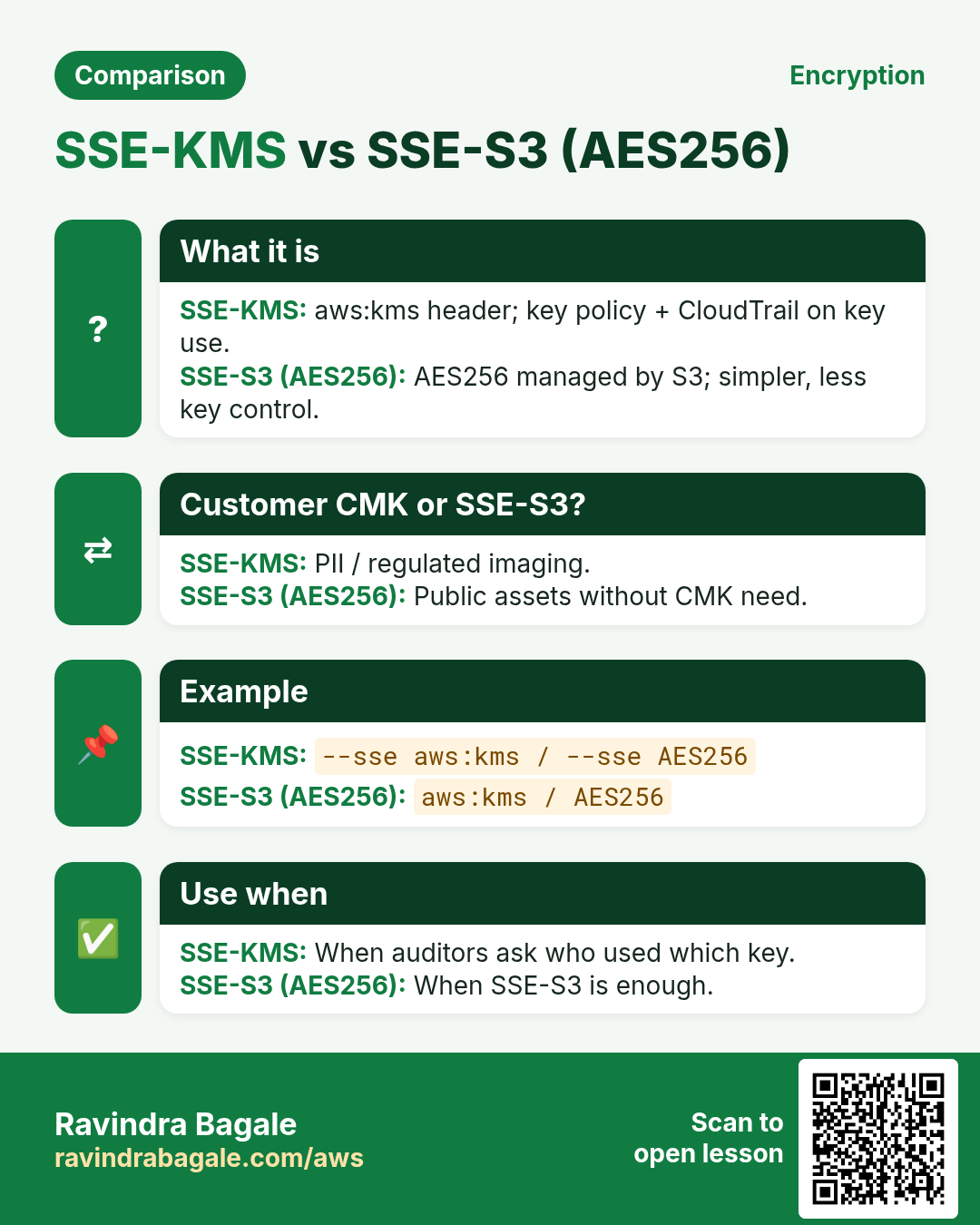
Q. SSE-S3 vs SSE-KMS?
AES256 managed by S3 vs your CMK with CloudTrail on key use.
Q. Bucket-key feature?
S3 Bucket Keys reduce KMS cost; still SSE-KMS.
Q. Multipart uploads?
Each part must satisfy encryption conditions.
Q. CopySource encryption?
Copy may need extra permissions/headers — test.
13. Interview Q&A
Q. Enforce KMS uploads how?
Deny PutObject unless s3:x-amz-server-side-encryption is aws:kms (and key id).
Q. Why not only default encryption?
Misconfigured clients can still request other modes unless Denied.
Q. Who needs KMS permission?
Uploader: GenerateDataKey; readers: Decrypt; key policy must allow them.
Q. Prove for audit?
Successful KMS Put + failed AES256 Put logs.
Q. Cross-account KMS?
Key policy + IAM in both accounts; careful grants.
Q. Null encryption header?
StringNotEquals treats missing as not equal — Denied.
14. Tips in English, Marathi and Hindi
Ravindra Bagale's Tip (EN)
Default encryption + Deny wrong encryption is the pair interviewers love to hear.
Ravindra Bagale's Tip (MR)
Default encryption + Deny wrong = interview pair.
Tip (HI)
Default encryption और गलत encryption पर Deny — interview में यही जोड़ी बताएं।
Try at home
- Run KMS allow + AES256 deny; save errors.
- Read your CMK key policy; list who can use it.
- Explain Bucket Keys in 45 seconds.
In short
- Deny Put unless aws:kms (and key).
- Default encryption + Deny together.
- Key policy must trust callers.
- Test AES256 and no-SSE denials.
- Multipart must comply too.
15. Policy design checklist before you save
- Write the business rule in one sentence (who can do what from where).
- Choose Allow vs Deny-unless consciously; remember explicit Deny wins.
- List every Resource ARN shape you need (bucket vs bucket/*).
- Name every Condition key exactly (case-sensitive).
- Decide BPA settings before put-bucket-policy.
- Plan the allow test and the deny test with expected HTTP/CLI codes.
- Plan cleanup (versioning, Object Lock, KMS schedules).
- Paste JSON through python3 -m json.tool before apply.
16. Policy Simulator walkthrough
IAM Policy Simulator is great for identity policies and a first pass on resource policies, but it can miss Block Public Access, VPC endpoint policies, and some KMS denials. Use it to catch typos, then always re-test with AWS CLI from the real network path (office IP, VPC, or CloudFront).
- Open IAM → Policy simulator → pick the user/role.
- Add action s3:GetObject / PutObject and the object ARN.
- If you use resource policies, include the bucket policy text where the tool allows.
- Note Allow/Deny; then run the matching CLI from the real path.
- If Simulator Allow but CLI Deny, check BPA, VPCe, KMS, and explicit Denies next.
17. Copy-paste runbook (print this)
# 0) Region + names
export AWS_REGION=ap-south-1
export BUCKET=rb-lab-$(date +%s)-ap-south-1

# 1) Create + show BPA
aws s3api create-bucket --bucket $BUCKET --region $AWS_REGION \
  --create-bucket-configuration LocationConstraint=$AWS_REGION
aws s3api get-public-access-block --bucket $BUCKET || true

# 2) Validate + apply policy
python3 -m json.tool policy.json >/dev/null
aws s3api put-bucket-policy --bucket $BUCKET --policy file://policy.json
aws s3api get-bucket-policy --bucket $BUCKET --query Policy --output text | python3 -m json.tool | head

# 3) Allow test + Deny test (fill per project)
# ... project-specific curls / aws s3 cp ...

# 4) Cleanup
aws s3 rm s3://$BUCKET --recursive || true
aws s3api delete-bucket-policy --bucket $BUCKET || true
aws s3api delete-bucket --bucket $BUCKET
18. Industry story bank (reuse the pattern)
Each project above uses one industry story. Use the same policy pattern in these other industries without rewriting the JSON from scratch — only change the bucket name, principal, and Condition values.
- Healthcare (Priya Nair, Apollo-style clinic): patient PDFs — prefer SSE-KMS + OrgID + MFA delete.
- Fintech (Arjun Mehta, UPI wallet): statements — office IP + SecureTransport + CloudFront OAC for the customer portal.
- EdTech (Sofia Alvarez, online course): course videos — CloudFront OAC only; never public ACLs.
- Logistics (Kenji Watanabe, fleet app): GPS dumps — VPC endpoint only from the private subnet runners.
- Media (Fatima Khan, newsroom): raw footage — Object Lock COMPLIANCE + deny delete.
- Retail (Lucas Meyer, D2C brand): product images — public read for /images/* only; deny everything else.
- SaaS (Ananya Iyer, B2B CRM): tenant exports — ${aws:username} or ${aws:PrincipalTag/tenant} prefixes.
- Government (Rahul Deshmukh, state portal): RTI archives — OrgID + MFA + Object Lock.
19. AccessDenied debugging flowchart
- Read the error code and the request ID. Save both.
- Confirm you are calling the right bucket and region.
- Check Block Public Access if the principal is * or a service that looks public.
- Decode the policy: is there an explicit Deny that matches? Deny wins.
- Check Condition keys: SecureTransport, SourceVpce, SourceIp, PrincipalOrgID, encryption headers.
- For KMS: does the key policy allow the caller? Bucket policy alone is not enough.
- For CloudFront: is OAC present and the distribution id matching?
- For VPC: are you really going through the endpoint (no public IP leak)?
- Simulate in IAM Policy Simulator, then re-test with CLI from the real path.
- Only then open a support case with the request id and a redacted policy.
20. What good looks like in a PR review
- Policy JSON validates and is indented.
- Every Statement has Sid, Effect, Action, Resource.
- No Principal:* with write actions unless BPA and a Deny fence exist.
- Allow test and Deny test are documented with expected output.
- Cleanup steps will not strand Object Lock or KMS keys.
Practice Tasks
Ahmednagar Sugar Co-op is a sugar co-operative business in Ahilyanagar. Balasaheb Pawar looks after its IT and cloud work. They count money in INR and run their AWS resources in the ap-south-1 Region. In the tasks below you do real jobs for them using what this lesson teaches. All names, account IDs, IP addresses and numbers are made up for practice.
0 / 16
Easy Get KMS enforce policy
Why: Read SSE Deny.
What to do: Get bucket policy nagarsugar-kms.
- Read the task and decide which AWS service it is about.
- Write aws, then the service name, then the operation (the action word).
- Add each needed flag (--name) followed by its value from the task.
- Flags can be in any order. Click Check answer.
Easy Get default encryption
Why: Bucket default.
What to do: Get bucket encryption nagarsugar-kms.
- Read the task and decide which AWS service it is about.
- Write aws, then the service name, then the operation (the action word).
- Add each needed flag (--name) followed by its value from the task.
- Flags can be in any order. Click Check answer.
Easy Missing SSE denied — 1
Why: Enforce.
What to do: Enter 1 if PutObject without SSE-KMS header should deny.
- Write down the numbers the task gives you.
- Work it out step by step on paper.
- Type only the final answer in the box.
- Click Check answer.
Easy KMS key policy needed — 1
Why: Two policies.
What to do: Enter 1 if callers also need KMS key policy permission.
- Write down the numbers the task gives you.
- Work it out step by step on paper.
- Type only the final answer in the box.
- Click Check answer.
Easy List KMS bucket
Why: Inventory.
What to do: List objects nagarsugar-kms.
- Read the task and decide which AWS service it is about.
- Write aws, then the service name, then the operation (the action word).
- Add each needed flag (--name) followed by its value from the task.
- Flags can be in any order. Click Check answer.
Easy Head KMS bucket
Why: Exists.
What to do: Head bucket nagarsugar-kms.
- Read the task and decide which AWS service it is about.
- Write aws, then the service name, then the operation (the action word).
- Add each needed flag (--name) followed by its value from the task.
- Flags can be in any order. Click Check answer.
Easy Get BPA KMS
Why: BPA.
What to do: Get public access block nagarsugar-kms.
- Read the task and decide which AWS service it is about.
- Write aws, then the service name, then the operation (the action word).
- Add each needed flag (--name) followed by its value from the task.
- Flags can be in any order. Click Check answer.
Medium Put with SSE-KMS
Why: Allow path.
What to do: Put object secret.txt into nagarsugar-kms from ./secret.txt with SSE aws:kms.
- Read the task and decide which AWS service it is about.
- Write aws, then the service name, then the operation (the action word).
- Add each needed flag (--name) followed by its value from the task.
- Flags can be in any order. Click Check answer.
Medium Get encrypted object
Why: Read.
What to do: Get object secret.txt from nagarsugar-kms.
- Read the task and decide which AWS service it is about.
- Write aws, then the service name, then the operation (the action word).
- Add each needed flag (--name) followed by its value from the task.
- Flags can be in any order. Click Check answer.
Medium Allow PutObject account
Why: Baseline.
What to do: Allow s3:PutObject for account root on nagarsugar-kms objects.
- Start with { "Version": "2012-10-17", "Statement": [ ... ] }.
- In each statement write Effect, Action and Resource.
- Give only what the task needs (least privilege).
- Use double quotes and commas correctly. Click Check answer.
Medium SSE header JSON
Why: Condition.
What to do: JSON s3:x-amz-server-side-encryption aws:kms.
- Start from the top-level keys the task names.
- Indent child keys with 2 spaces (no tabs).
- Fill in each property with the value from the task.
- Click Check answer. Key order does not matter.
Medium AES256 is not aws:kms — 1
Why: Different.
What to do: Enter 1 if SSE-S3 AES256 is different from aws:kms.
- Write down the numbers the task gives you.
- Work it out step by step on paper.
- Type only the final answer in the box.
- Click Check answer.
Medium Default encryption not enough alone — 1
Why: Deny helps.
What to do: Enter 1 if a Deny-without-header still helps besides default encryption.
- Write down the numbers the task gives you.
- Work it out step by step on paper.
- Type only the final answer in the box.
- Click Check answer.
Hard Deny upload without aws:kms
Why: Enforce header.
What to do: Deny s3:PutObject when s3:x-amz-server-side-encryption is not aws:kms on nagarsugar-kms objects.
- Start with { "Version": "2012-10-17", "Statement": [ ... ] }.
- In each statement write Effect, Action and Resource.
- Give only what the task needs (least privilege).
- Use double quotes and commas correctly. Click Check answer.
Hard KMS key id condition JSON
Why: Specific CMK.
What to do: JSON s3:x-amz-server-side-encryption-aws-kms-key-id arn:aws:kms:ap-south-1:123456789012:key/abcd.
- Start from the top-level keys the task names.
- Indent child keys with 2 spaces (no tabs).
- Fill in each property with the value from the task.
- Click Check answer. Key order does not matter.
Hard Delete KMS policy
Why: Cleanup.
What to do: Delete bucket policy nagarsugar-kms.
- Read the task and decide which AWS service it is about.
- Write aws, then the service name, then the operation (the action word).
- Add each needed flag (--name) followed by its value from the task.
- Flags can be in any order. Click Check answer.
Revision, interview and comparison cards
Revise this lesson in a few minutes. Save the cards on your phone or download them as PNG files. The QR code on each card opens this lesson.
More cards: Ravi Sir's Cards.