Amazon GuardDuty and Security Hub: Threat Detection on AWS Explained
CCTV does not replace a security guard who understands patterns. CloudTrail is the CCTV tape. Amazon GuardDuty is the guard who watches tapes for weird behaviour. Security Hub is the control room wall that collects alarms from many cameras.
What you'll learn in this chapter
- Why detection must sit on top of logs
- What GuardDuty findings mean
- What Security Hub and CSPM standards do
- Enablement, triage, and multi-account
- Lab, errors, FAQ, interview
1. Everyday example first
Why do we need this?
A startup IAM key leaked on GitHub. Nobody watched. Bitcoin miners launched in a region they never used. GuardDuty would have raised UnauthorizedAccess findings within minutes if enabled with fresh findings feed.
What is it?
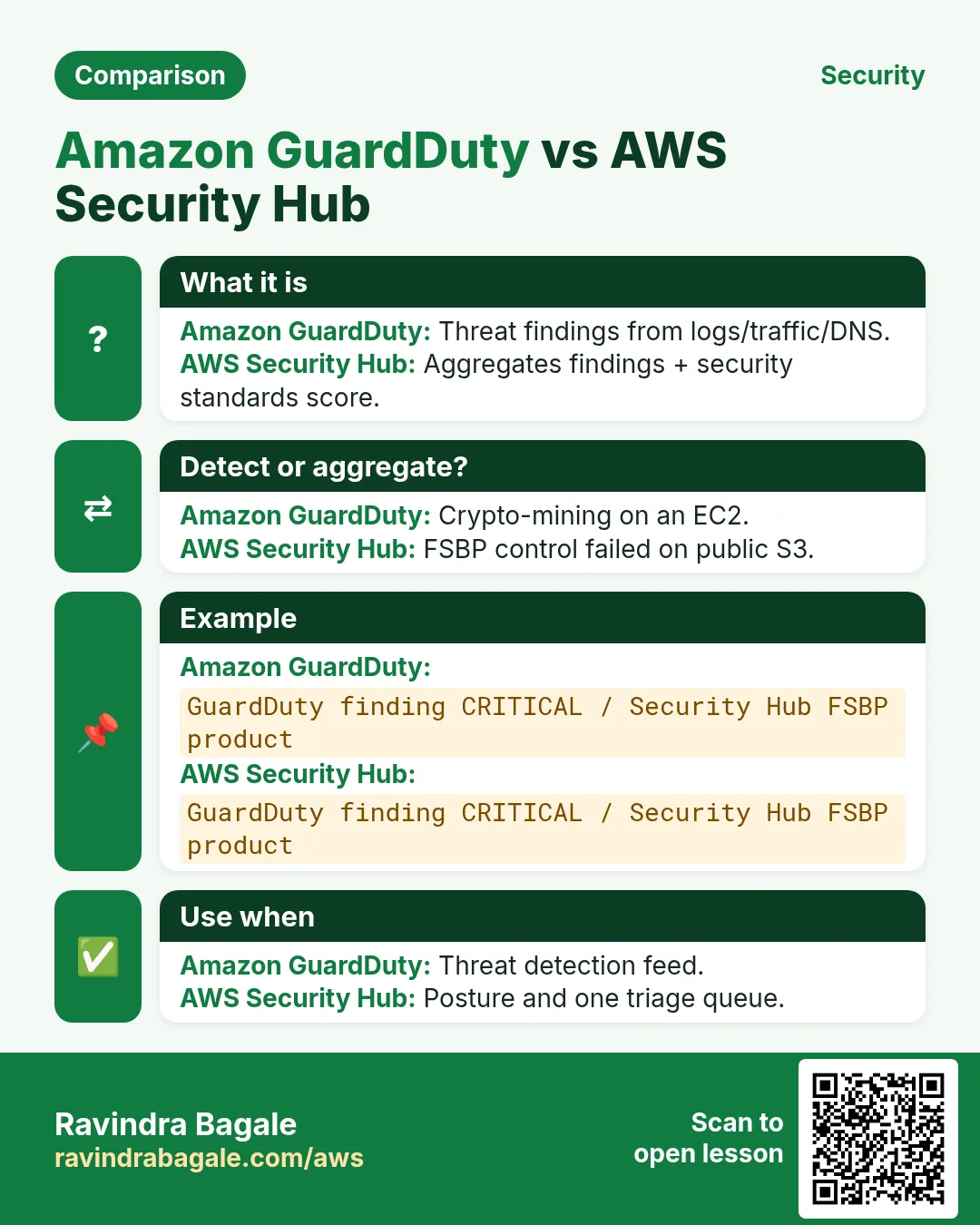
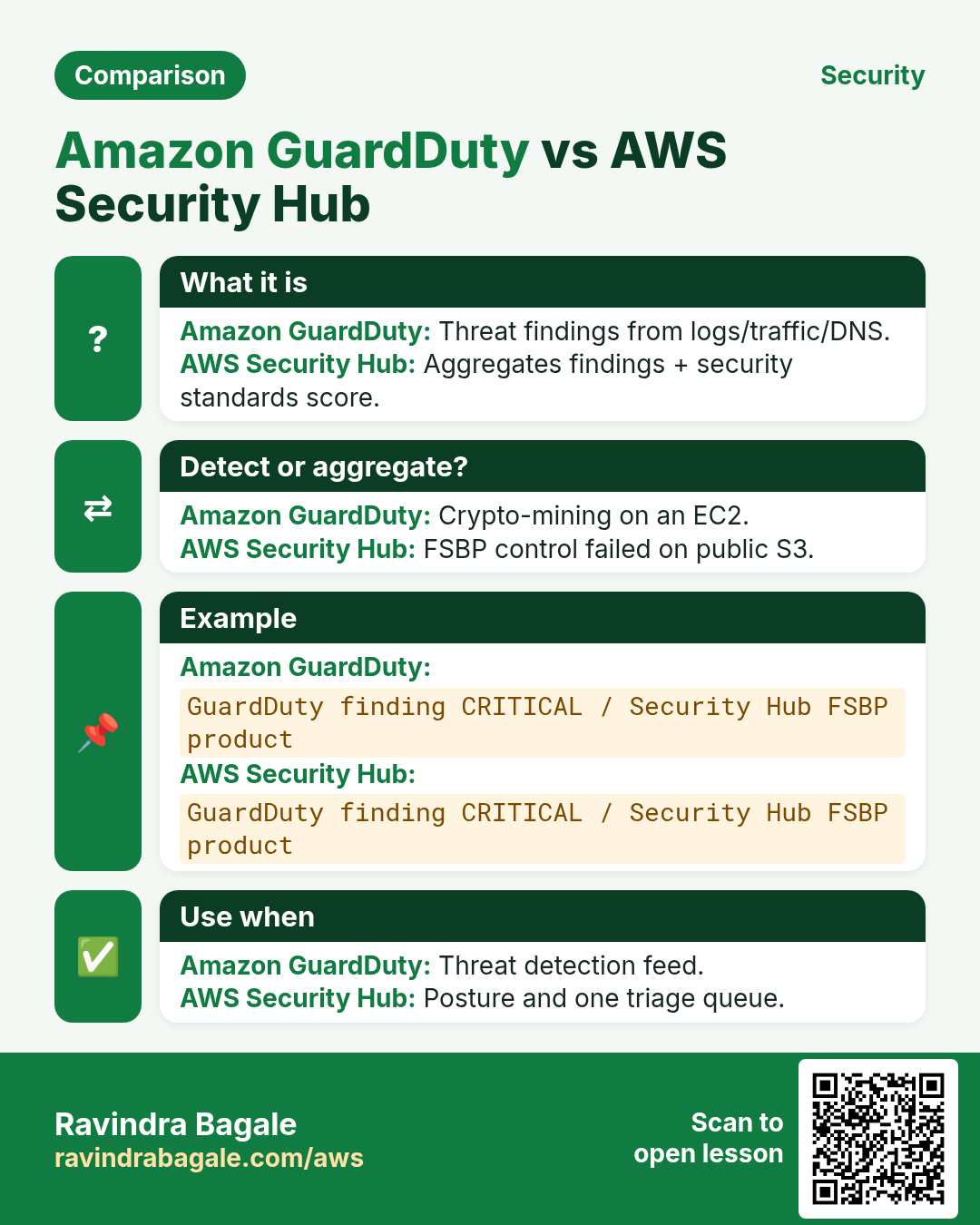
Amazon GuardDuty is intelligent threat detection using CloudTrail, VPC Flow Logs, DNS logs (and optional EKS/S3/Malware/RDS protections). It emits findings with severity. AWS Security Hub aggregates findings from GuardDuty, Inspector, Macie, Partner tools and checks against standards like AWS Foundational Security Best Practices.
2. Findings you will actually see
- UnauthorizedAccess / TorIPCaller — credentials used from odd places.
- Recon:EC2 PortProbe — someone scanning your instances.
- CryptoCurrency:EC2 Mining — classic stolen-key symptom.
- Exfiltration behaviours on S3 when S3 protection is on.
- Security Hub failed controls: open SG 0.0.0.0/0, root without MFA.
3. Multi-account reality
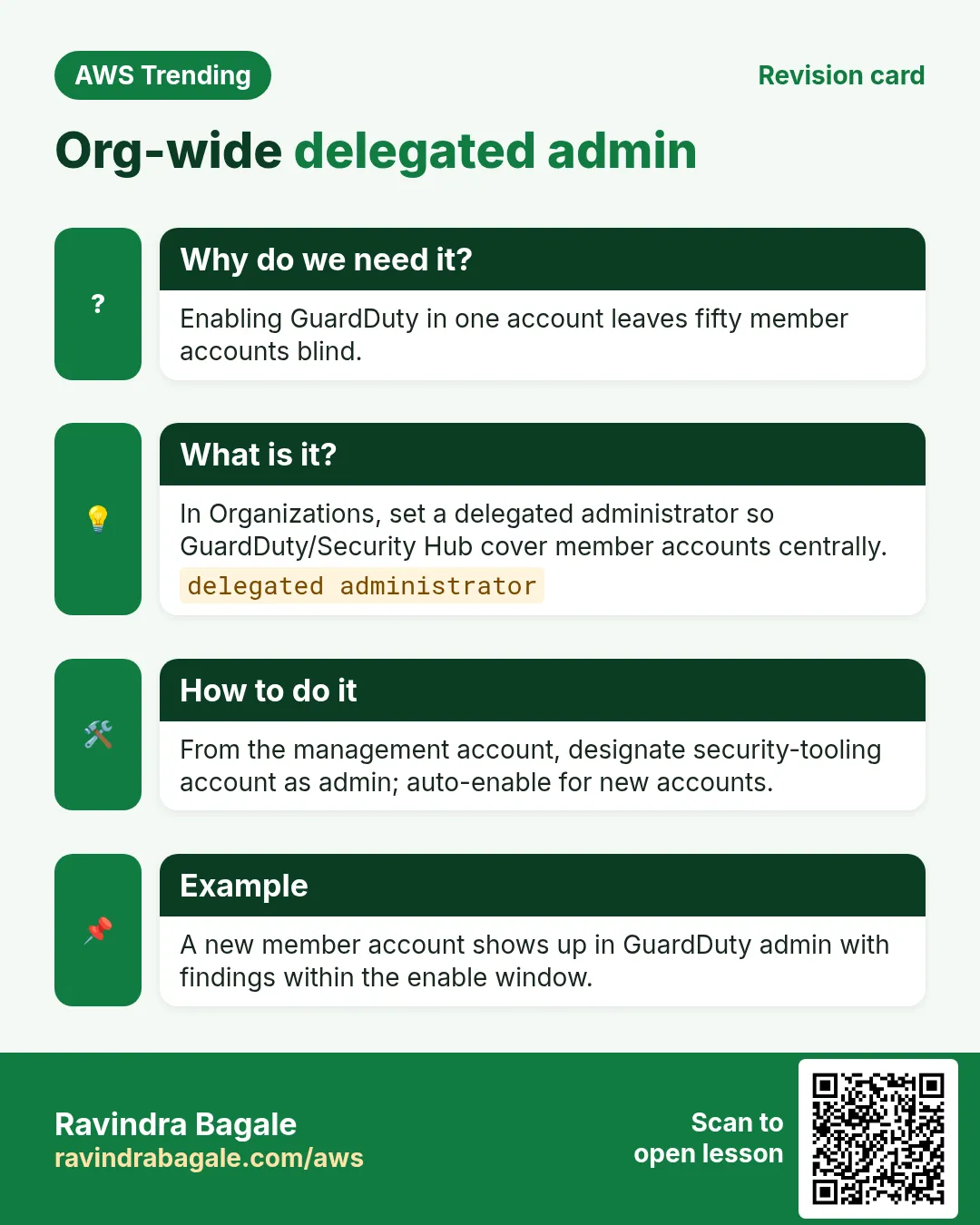
In Organizations, enable GuardDuty and Security Hub with a delegated administrator security account. Member accounts send findings up. Do not leave 40 accounts on default with nobody watching.
Ravindra Bagale's Tip
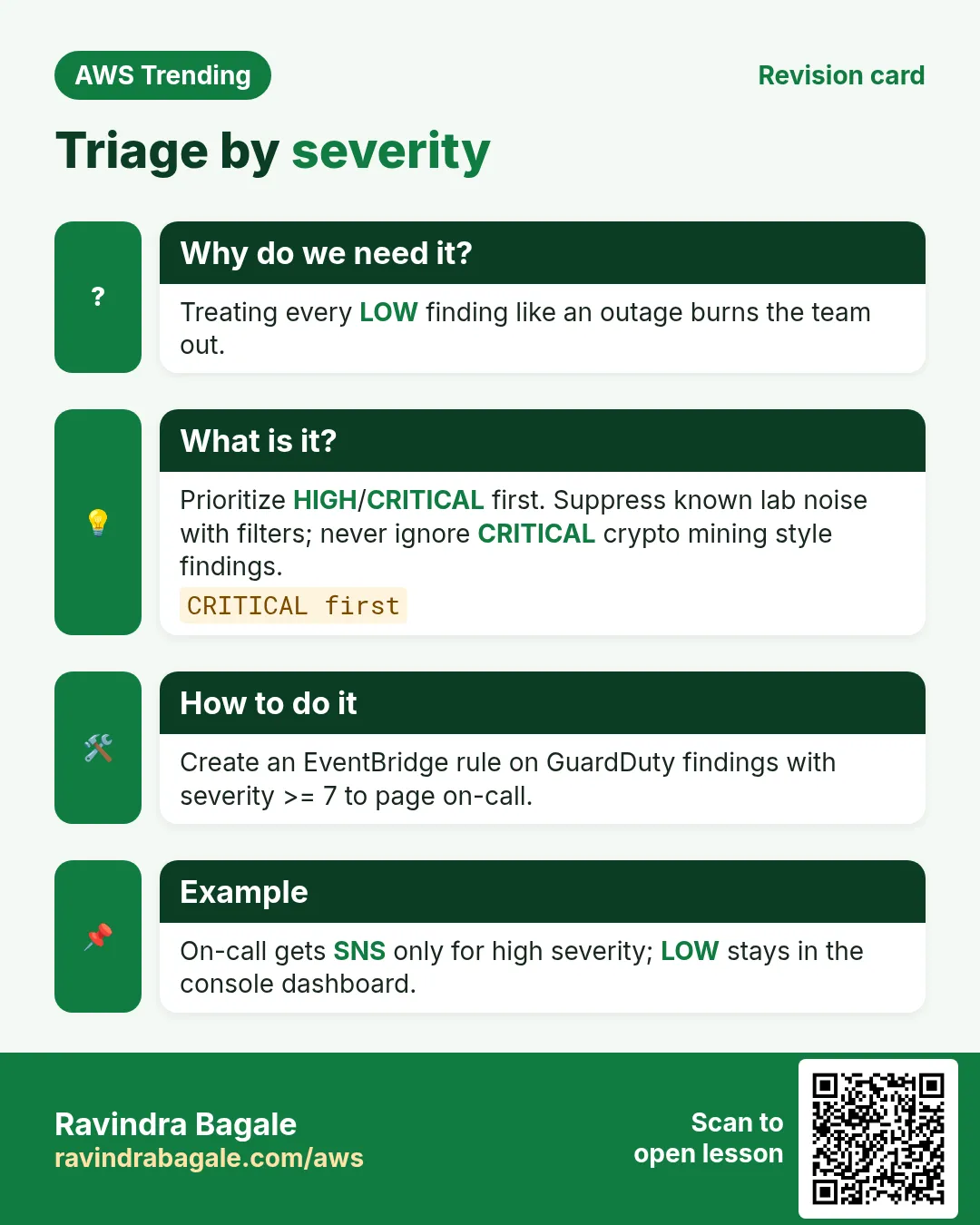
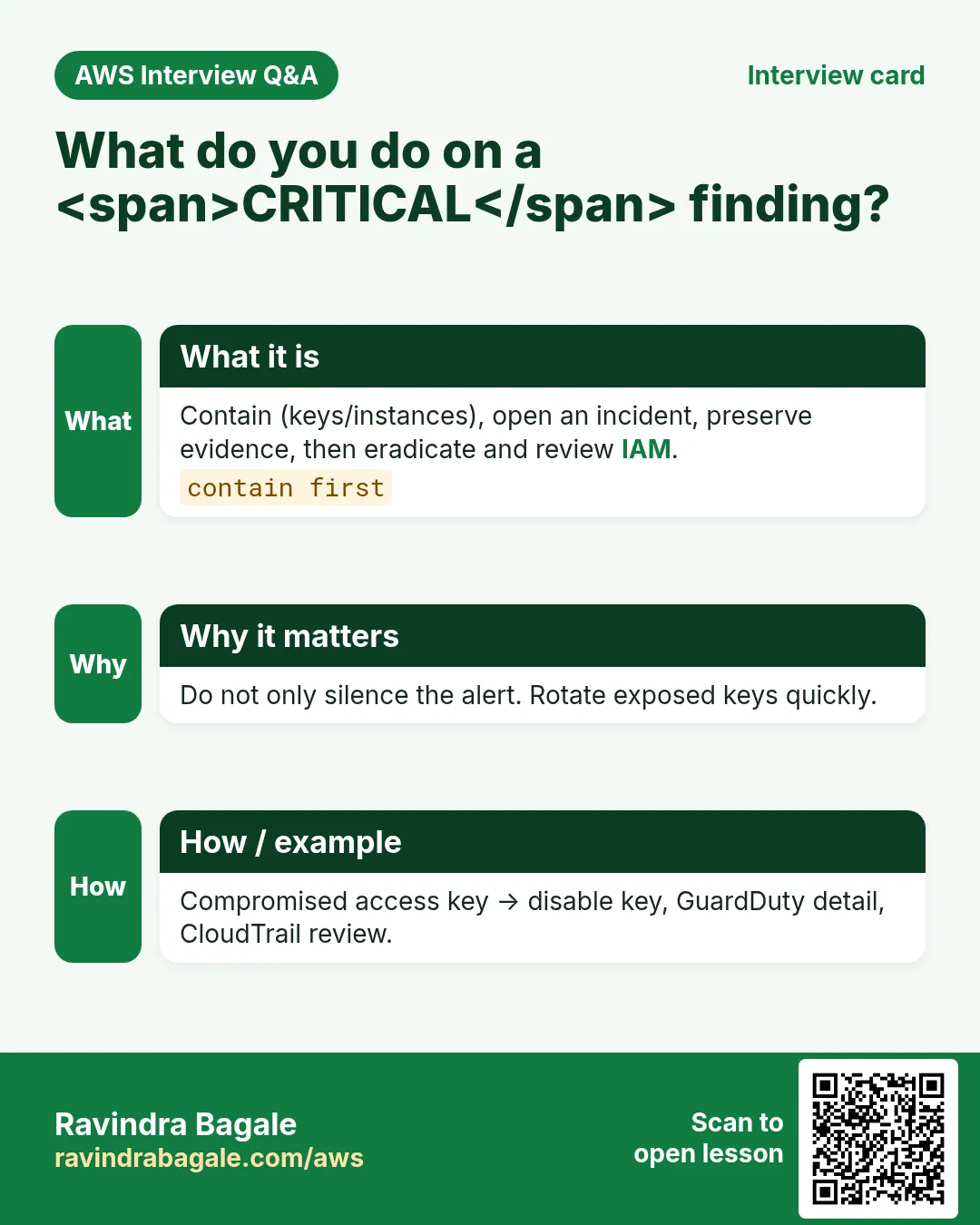
Severity High/Critical should page a human. Low/Medium go to a weekly triage board.
4. Industries
- Banks & fintech: mandatory detection + SIEM export.
- Healthcare: HIPAA-minded logging + GuardDuty.
- SaaS: protect customer data planes across accounts.
- Edtech: stop crypto-mining on student lab accounts.
- Agencies: Security Hub score as client report card.
5. Mini lab: enable and read one finding
Do this in ap-south-1 (Mumbai) unless your org forbids it. Set a budget alert first.
How to do it (step by step)
- In a sandbox account, open GuardDuty → Enable.
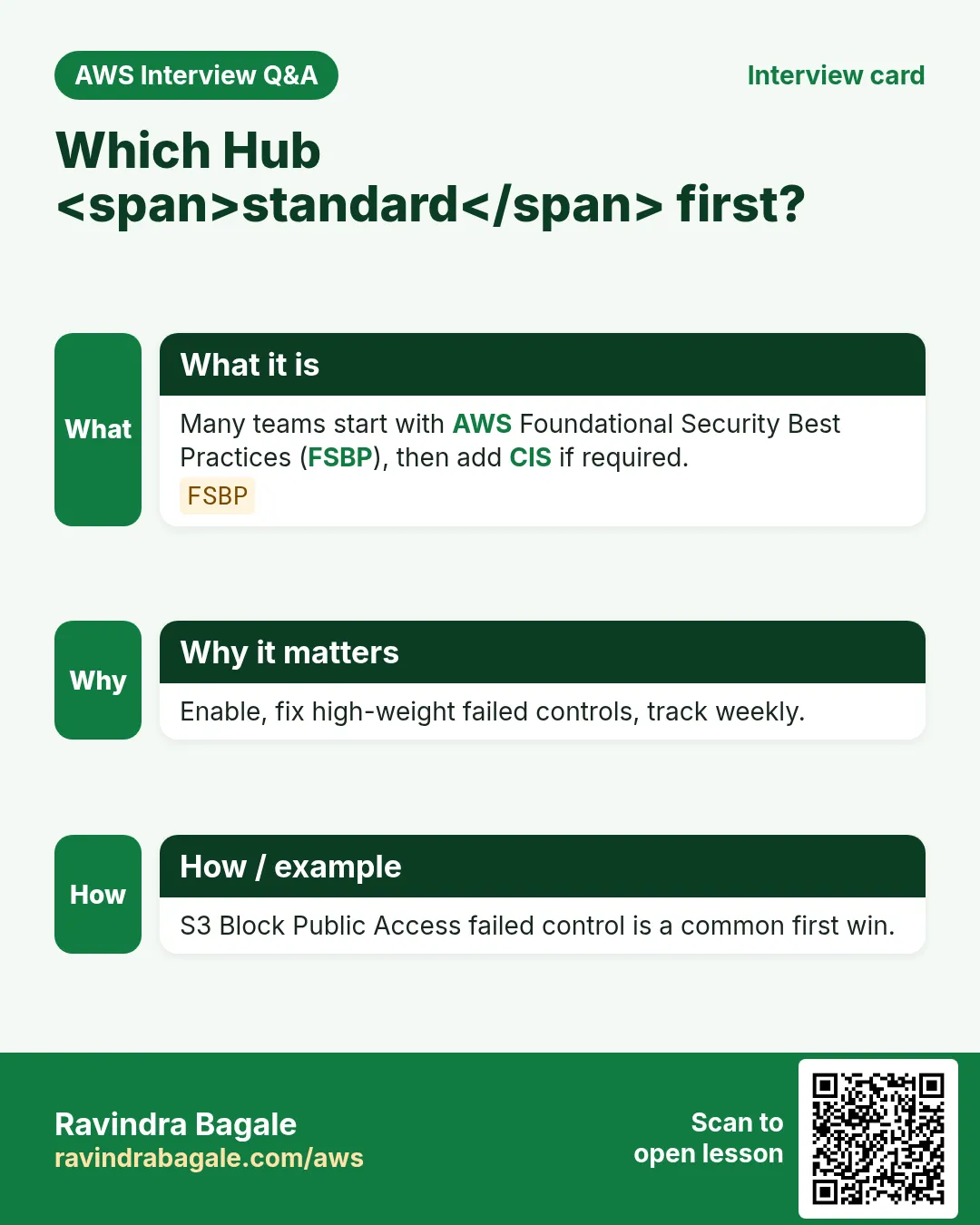
- Enable Security Hub and AWS Foundational Security Best Practices.
- Generate or wait for sample findings (GuardDuty supports sample).
- Open one finding; read severity, resource, remediation text.
- Optional: create EventBridge rule on GuardDuty finding → SNS email.
Cleanup (stop billing)
- If this is a throwaway sandbox, you may disable GuardDuty to stop the small fee — know that prod should stay on.
- Remove the SNS test subscription.
6. Common errors and fixes
Each row is a real mistake students and juniors hit. Read the fix before you panic.
| Error / symptom | Fix |
|---|---|
| GuardDuty enabled but silent | Wrong region; findings are regional. Check all active regions. |
| No CloudTrail → weaker detection | Ensure org CloudTrail / sufficient trails. |
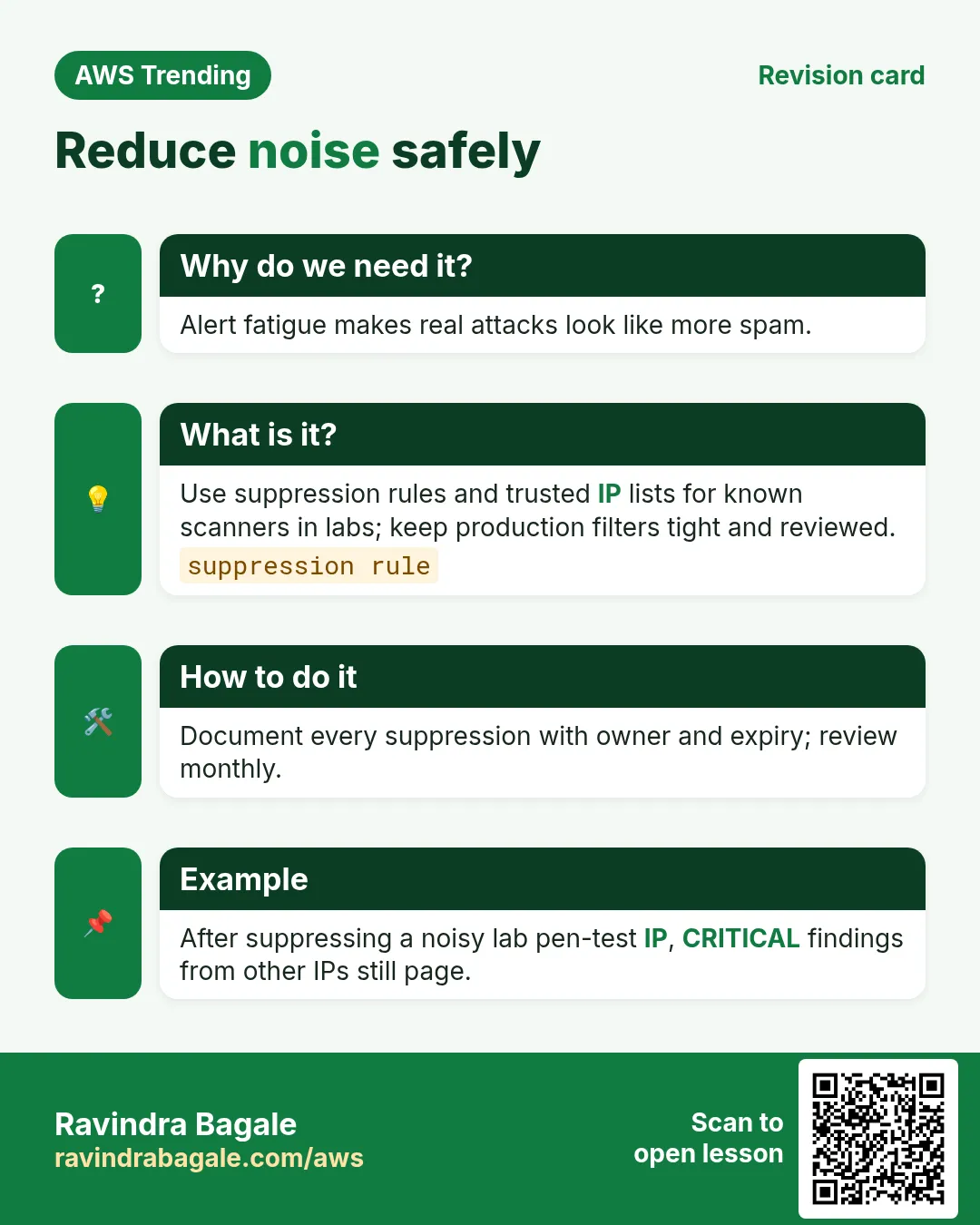
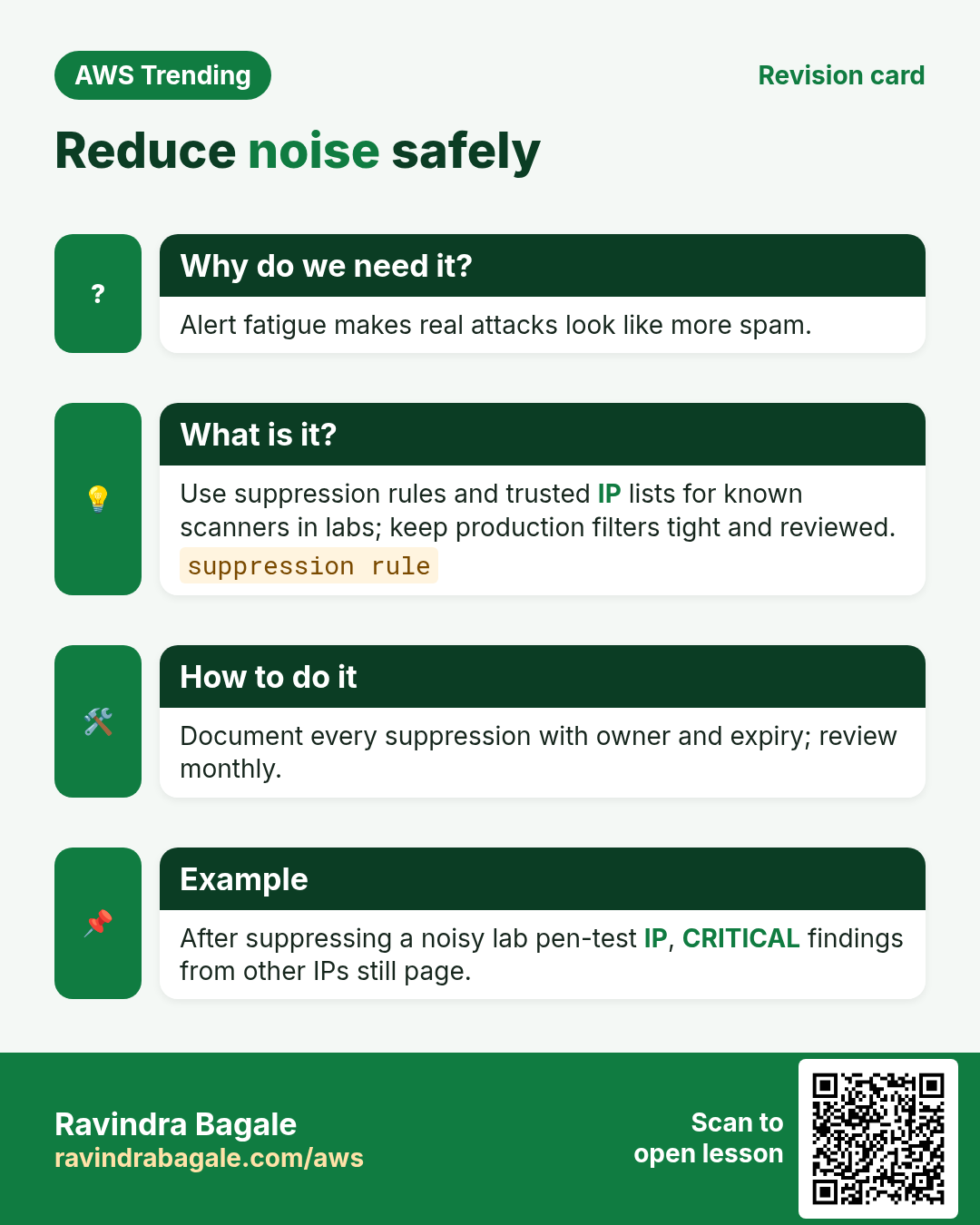
| Alert fatigue | Suppress rules for known safe scanners; do not ignore Critical. |
| Security Hub standards skipped | Enable FSBP; assign owners to failed controls. |
| Member account not linked | Delegated admin invite/auto-enable config. |
| Sample findings confused with real | Label samples; filter them in tickets. |
| Auto-remediation loops | Lambda that opens then triggers same control — add guards. |
| Cost surprise on Malware Protection | Know which optional protections bill extra. |
| Finding JSON unread | Always expand resource.instanceDetails etc. |
| Root user findings ignored | Treat root activity as a fire drill. |
7. Troubleshooting checklist
- Confirm GuardDuty Administrator account in Organizations.
- Check the region of the resource in the finding.
- Verify CloudTrail and DNS logs availability.
- See Security Hub → Findings filters.
- Map finding type to AWS remediation runbook.
8. FAQ
Q. Is GuardDuty an antivirus?
No — threat detection on AWS telemetry, plus optional malware scan features.
Q. GuardDuty vs Security Hub?
GuardDuty detects threats; Security Hub aggregates and scores controls.
Q. Do I still need CloudTrail?
Yes — foundational audit log.
Q. Can findings go to Slack?
Yes — EventBridge → Lambda/SNS/chatbot patterns.
Q. Free tier?
GuardDuty has a pricing model with free trial periods — check current AWS pricing page.
9. Interview Q&A
Q. What inputs does GuardDuty use?
CloudTrail, VPC Flow, DNS, and optional specialty protections.
Q. What is a finding?
A scored security signal about a resource or account behaviour.
Q. Delegated administrator?
Central security account that manages GuardDuty/Hub for the org.
Q. How do you respond?
Triage severity → contain (disable key, isolate SG) → eradicate → review.
Q. Security Hub standards?
Automated CIS/FSBP-style checks with pass/fail controls.
Q. False positive handling?
Document, suppress with reason, never silently drop Critical without review.
10. Tips in English, Marathi and Hindi
Ravindra Bagale's Tip (EN)
Enable GuardDuty the same day you create the account — before the first leak.
Ravindra Bagale's Tip (MR)
Account बनवल्या दिवशी GuardDuty — पहिल्या leak आधी.
Tip (HI)
अकाउंट बनाते ही दिन GuardDuty ऑन करो — पहले leak से पहले।
Try at home
- Enable GuardDuty in sandbox; screenshot the summary dashboard.
- List 5 failed Security Hub controls and who should own each.
- Write a 5-line playbook for CryptoCurrency mining finding.
In short
- GuardDuty watches AWS telemetry for threats.
- Security Hub aggregates findings and standard controls.
- Use delegated admin across Organizations.
- Triage by severity; practice response.
Revision, interview and comparison cards
Revise this lesson in a few minutes. Save the cards on your phone or download them as PNG files. The QR code on each card opens this lesson.
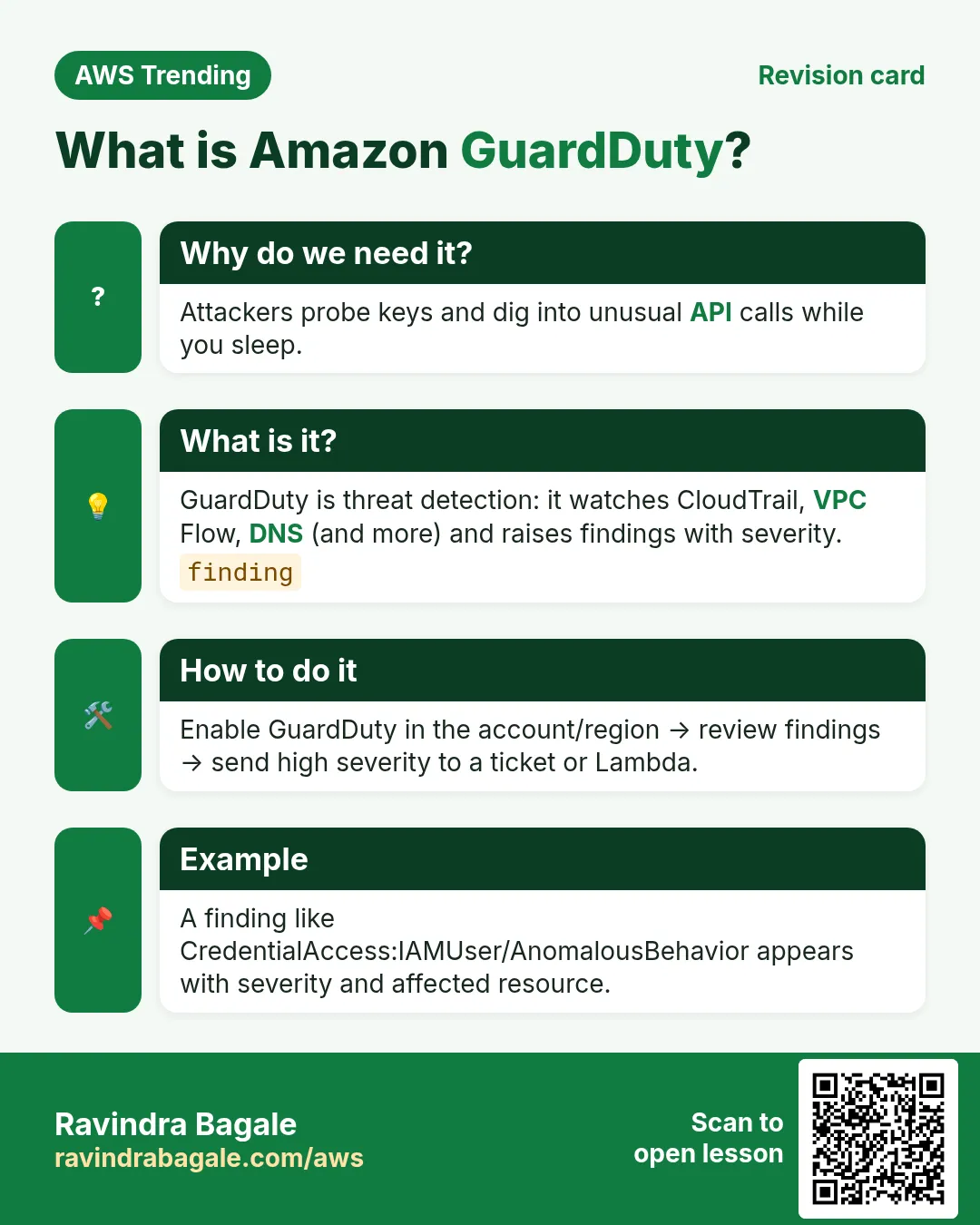
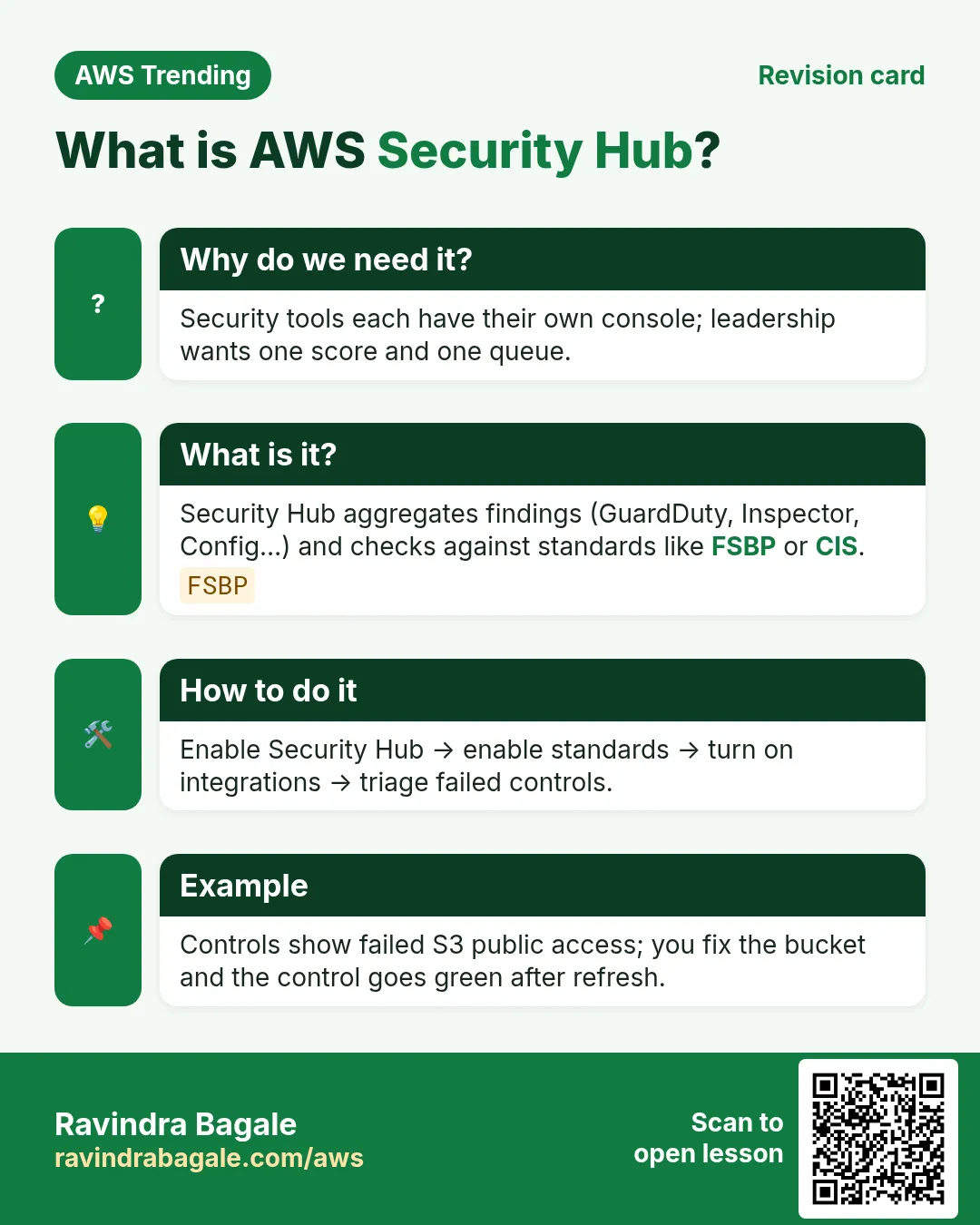
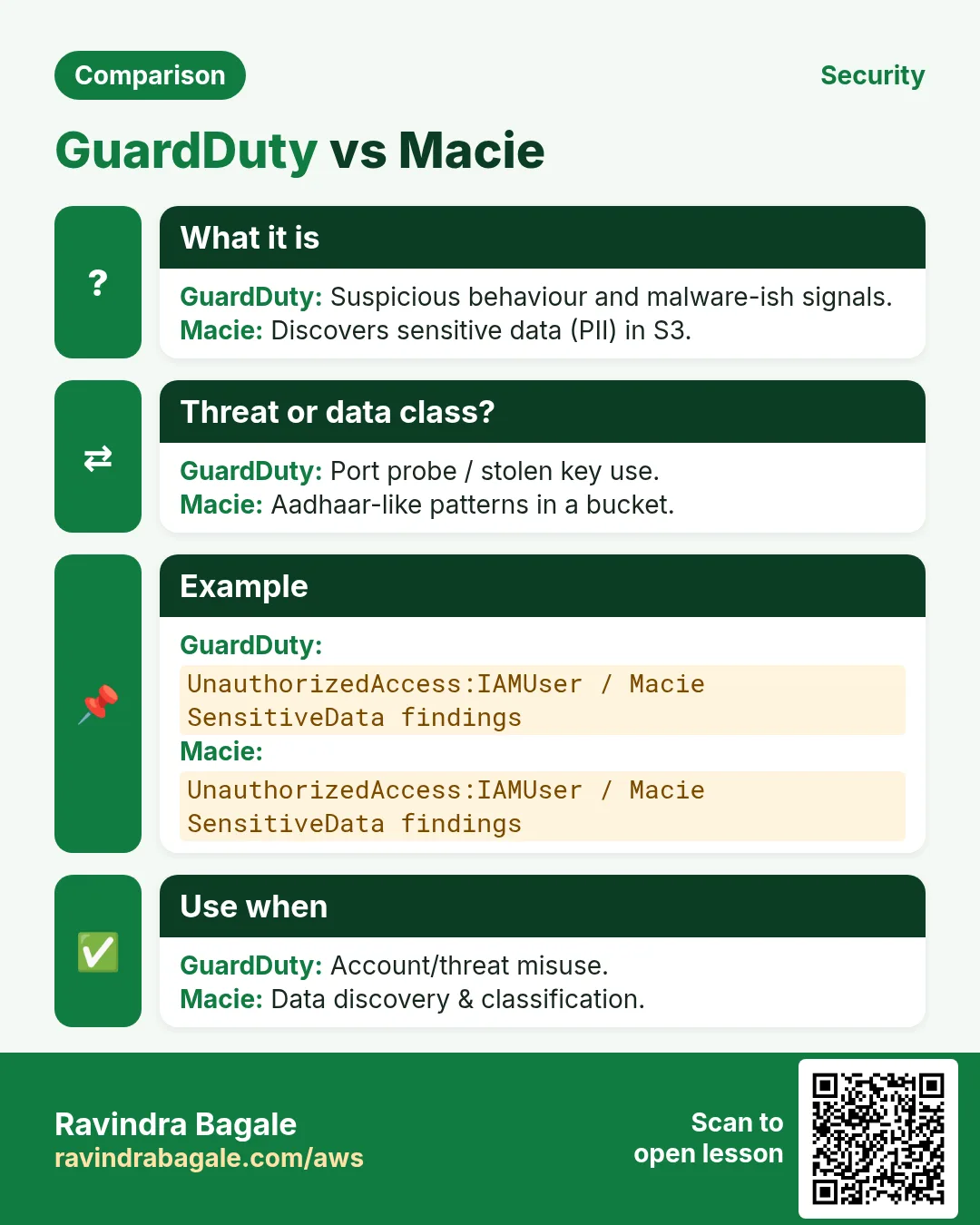
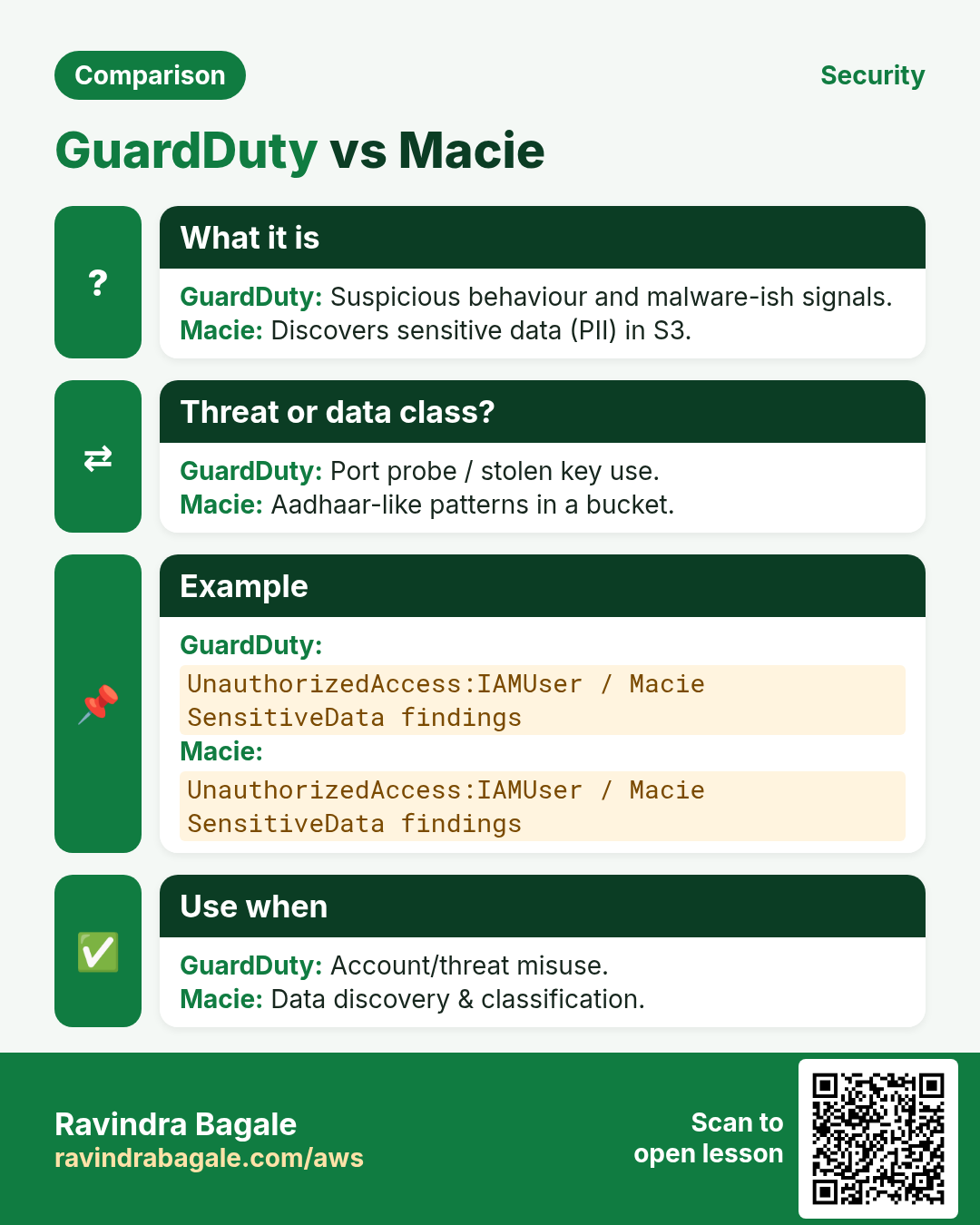
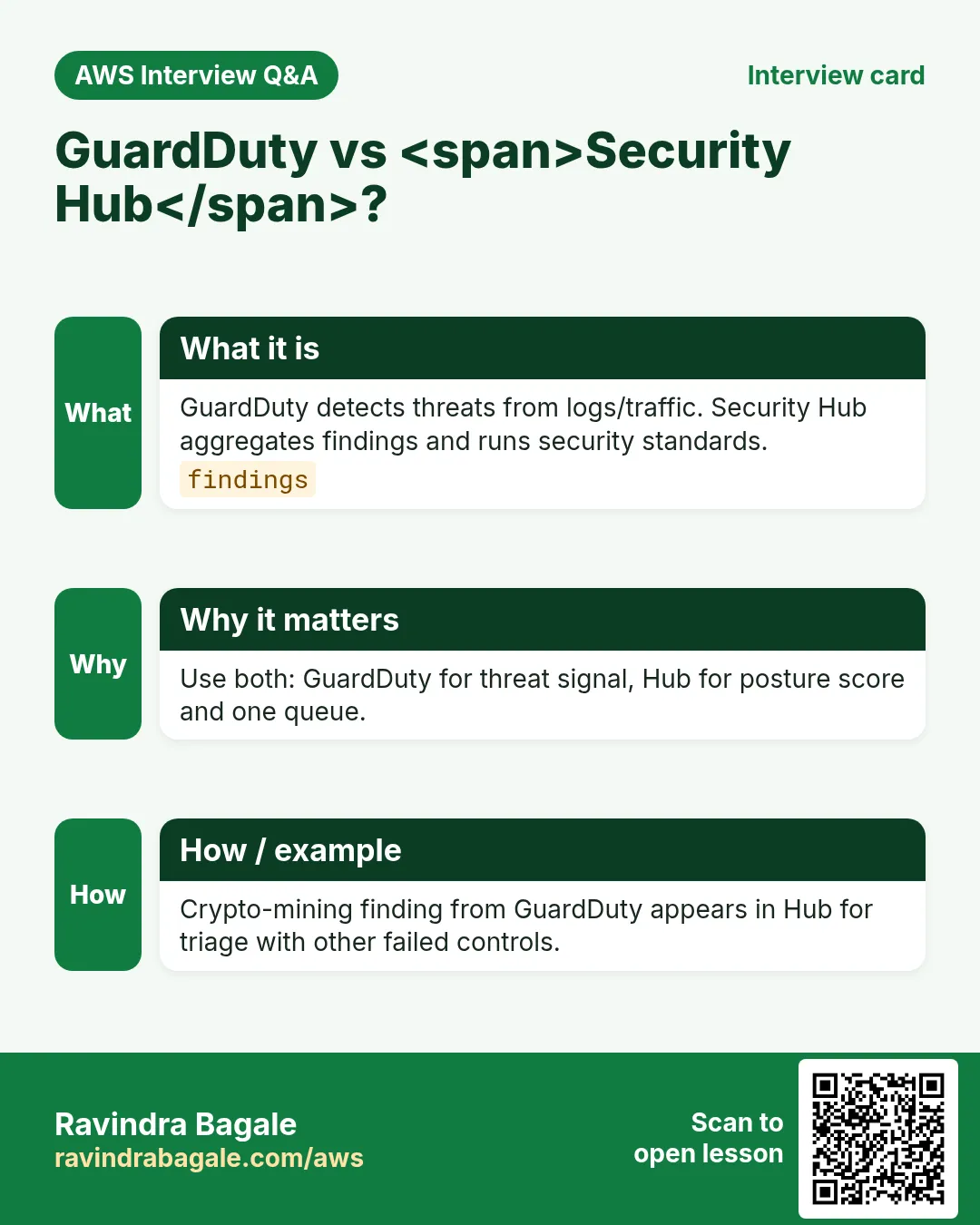
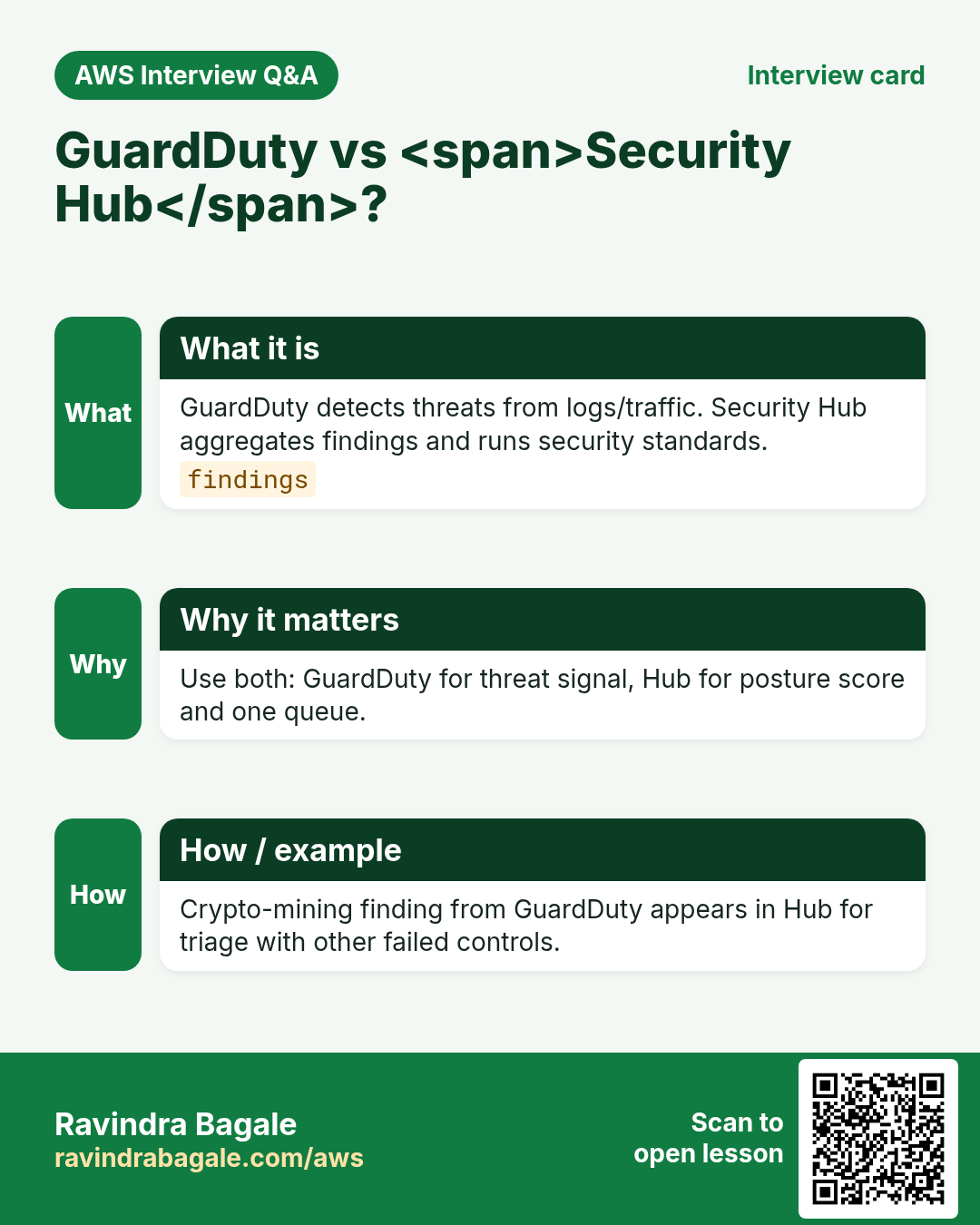
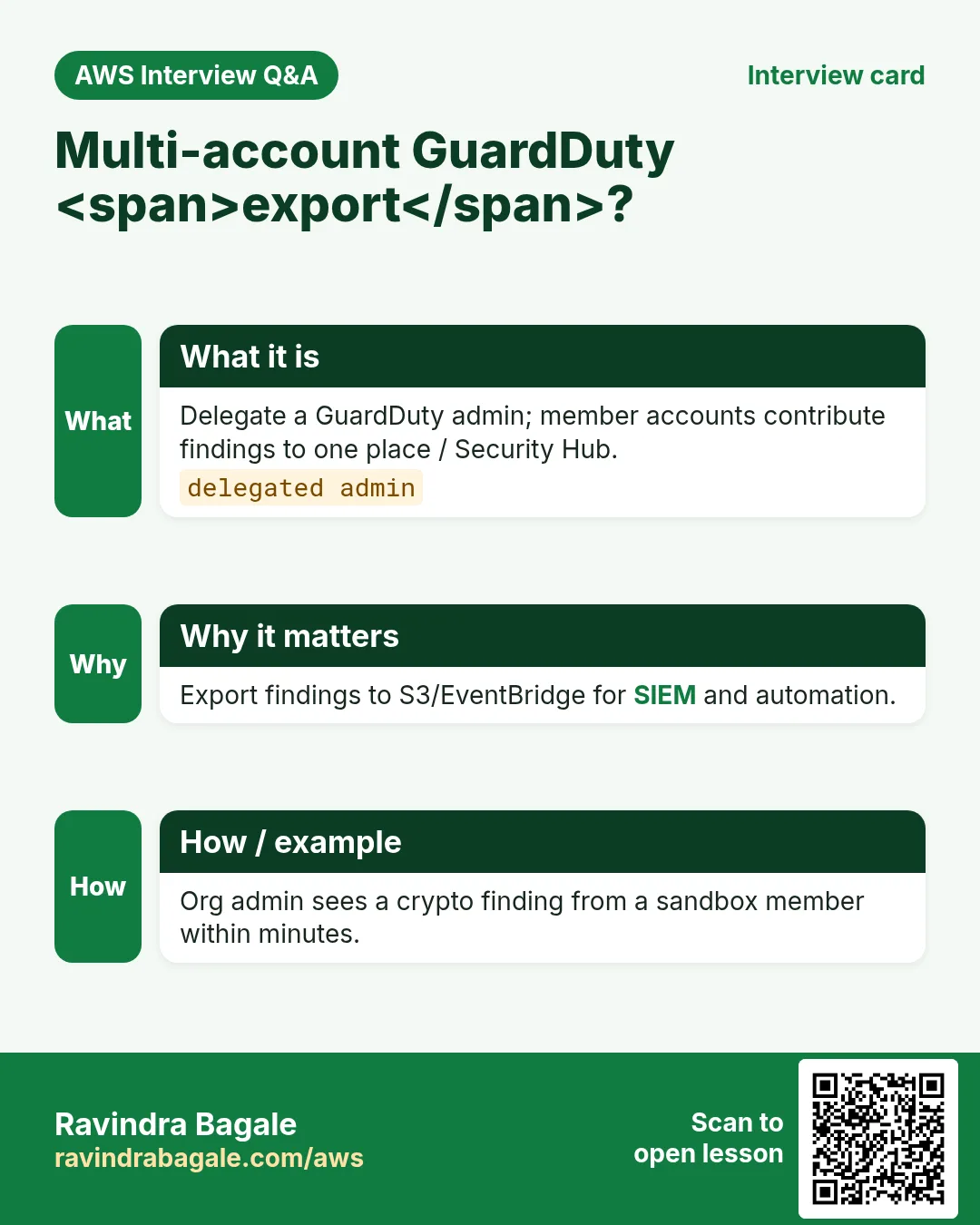
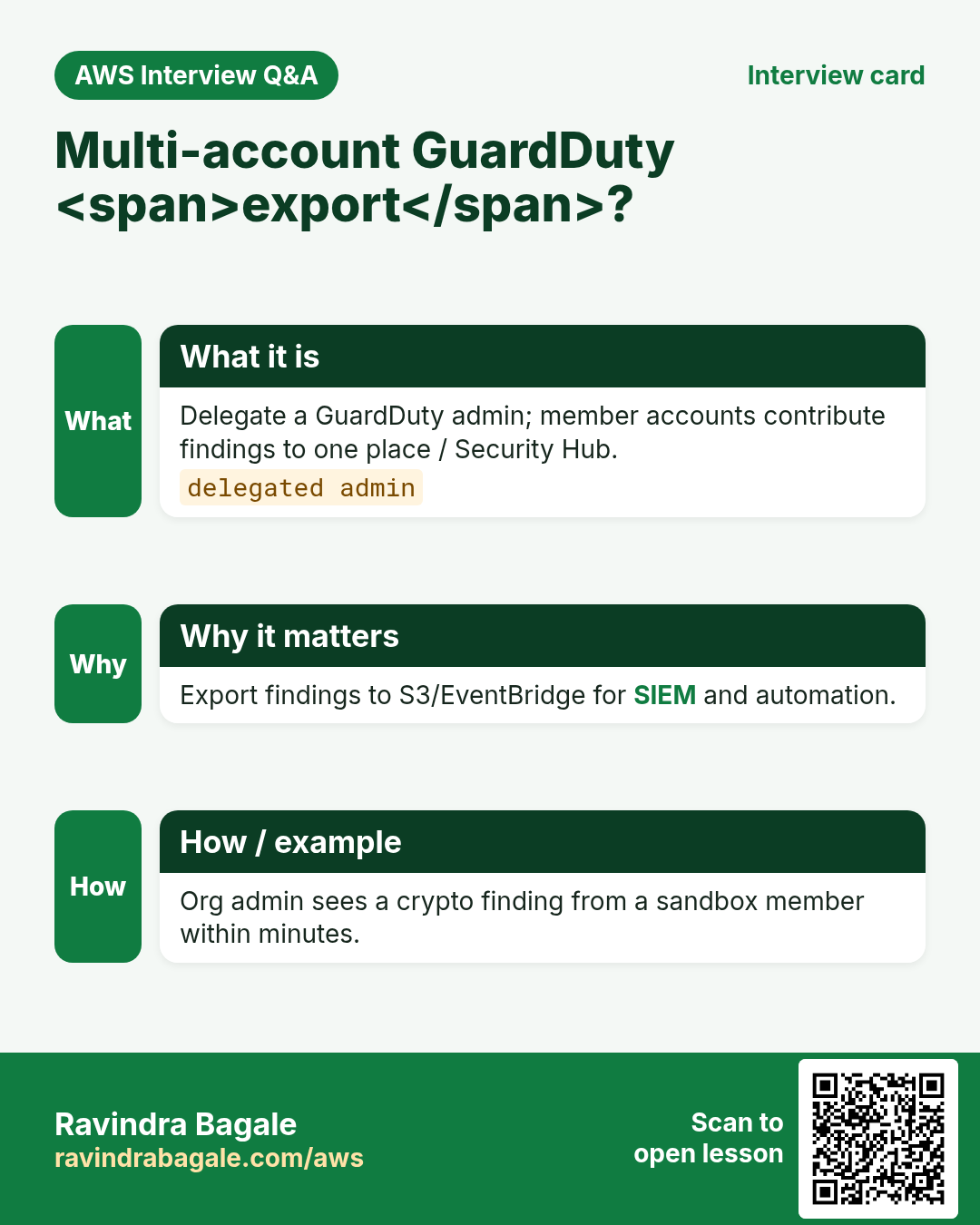
More cards: Ravi Sir's Cards.
Practice Tasks
Milan Furniture is a furniture business in Milan. Giulia Rossi looks after its IT and cloud work. They count money in EUR and run their AWS resources in the eu-south-1 Region. In the tasks below you do real jobs for them using what this lesson teaches. All names, account IDs, IP addresses and numbers are made up for practice.
0 / 16
Easy List GuardDuty detectors
Why: One detector per region usual.
What to do: List GuardDuty detectors in eu-south-1.
- Read the task and decide which AWS service it is about.
- Write aws, then the service name, then the operation (the action word).
- Add each needed flag (--name) followed by its value from the task.
- Flags can be in any order. Click Check answer.
Easy Get detector
Why: Confirm status.
What to do: Get detector milanfurnituredet.
- Read the task and decide which AWS service it is about.
- Write aws, then the service name, then the operation (the action word).
- Add each needed flag (--name) followed by its value from the task.
- Flags can be in any order. Click Check answer.
Easy Get Security Hub hub
Why: Confirm hub enabled.
What to do: Get the Security Hub hub in eu-south-1.
- Read the task and decide which AWS service it is about.
- Write aws, then the service name, then the operation (the action word).
- Add each needed flag (--name) followed by its value from the task.
- Flags can be in any order. Click Check answer.
Easy List enabled standards
Why: CIS / FSBP coverage.
What to do: List enabled Security Hub standards.
- Read the task and decide which AWS service it is about.
- Write aws, then the service name, then the operation (the action word).
- Add each needed flag (--name) followed by its value from the task.
- Flags can be in any order. Click Check answer.
Easy High severity example score
Why: Severity helps priority.
What to do: A finding with severity score 8 is in which numeric band start often taught as 7+? Enter 7.
- Write down the numbers the task gives you.
- Work it out step by step on paper.
- Type only the final answer in the box.
- Click Check answer.
Easy Enable GuardDuty in N regions example
Why: Multi-region coverage.
What to do: If you enable GuardDuty in 3 regions, how many detectors do you typically create?
- Write down the numbers the task gives you.
- Work it out step by step on paper.
- Type only the final answer in the box.
- Click Check answer.
Medium List findings
Why: Triage threats.
What to do: List findings for detector milanfurnituredet.
- Read the task and decide which AWS service it is about.
- Write aws, then the service name, then the operation (the action word).
- Add each needed flag (--name) followed by its value from the task.
- Flags can be in any order. Click Check answer.
Medium Get findings detail
Why: Read severity and type.
What to do: Get findings f1 for detector milanfurnituredet.
- Read the task and decide which AWS service it is about.
- Write aws, then the service name, then the operation (the action word).
- Add each needed flag (--name) followed by its value from the task.
- Flags can be in any order. Click Check answer.
Medium Update detector enable
Why: Re-enable after pause.
What to do: Update detector milanfurnituredet with enable true.
- Read the task and decide which AWS service it is about.
- Write aws, then the service name, then the operation (the action word).
- Add each needed flag (--name) followed by its value from the task.
- Flags can be in any order. Click Check answer.
Medium Get Security Hub findings
Why: Aggregate across products.
What to do: Get Security Hub findings.
- Read the task and decide which AWS service it is about.
- Write aws, then the service name, then the operation (the action word).
- Add each needed flag (--name) followed by its value from the task.
- Flags can be in any order. Click Check answer.
Medium Allow reading GuardDuty findings
Why: SOC role needs read.
What to do: Allow guardduty:ListFindings and guardduty:GetFindings on *.
- Start with { "Version": "2012-10-17", "Statement": [ ... ] }.
- In each statement write Effect, Action and Resource.
- Give only what the task needs (least privilege).
- Use double quotes and commas correctly. Click Check answer.
Medium CIS controls count example
Why: Standards have many controls.
What to do: If a quiz says review 5 failed CIS controls, what number is that?
- Write down the numbers the task gives you.
- Work it out step by step on paper.
- Type only the final answer in the box.
- Click Check answer.
Hard Create detector
Why: Enable GuardDuty.
What to do: Create a GuardDuty detector with enable true.
- Read the task and decide which AWS service it is about.
- Write aws, then the service name, then the operation (the action word).
- Add each needed flag (--name) followed by its value from the task.
- Flags can be in any order. Click Check answer.
Hard Enable Security Hub
Why: Turn on the hub.
What to do: Enable Security Hub.
- Read the task and decide which AWS service it is about.
- Write aws, then the service name, then the operation (the action word).
- Add each needed flag (--name) followed by its value from the task.
- Flags can be in any order. Click Check answer.
Hard Finding criteria JSON
Why: Filter CRITICAL severity.
What to do: JSON with SeverityLabel CRITICAL under a Filter key.
- Start from the top-level keys the task names.
- Indent child keys with 2 spaces (no tabs).
- Fill in each property with the value from the task.
- Click Check answer. Key order does not matter.
Hard Security Hub severity filter
Why: Focus on HIGH.
What to do: Filters SeverityLabel with Value HIGH Comparison EQUALS.
- Start from the top-level keys the task names.
- Indent child keys with 2 spaces (no tabs).
- Fill in each property with the value from the task.
- Click Check answer. Key order does not matter.