AWS CLI STS Commands: Assume Role and Session Tokens
STS gives short-lived keys. From the CLI you check who you are, assume roles, use MFA and make profiles that assume roles by themselves.
What you'll learn in this chapter
- get-caller-identity
- assume-role and export keys
- Role profiles with role_arn and source_profile
- MFA session tokens
- Decode an authorization error
1. The big picture: borrowed keys
Why do we need this?
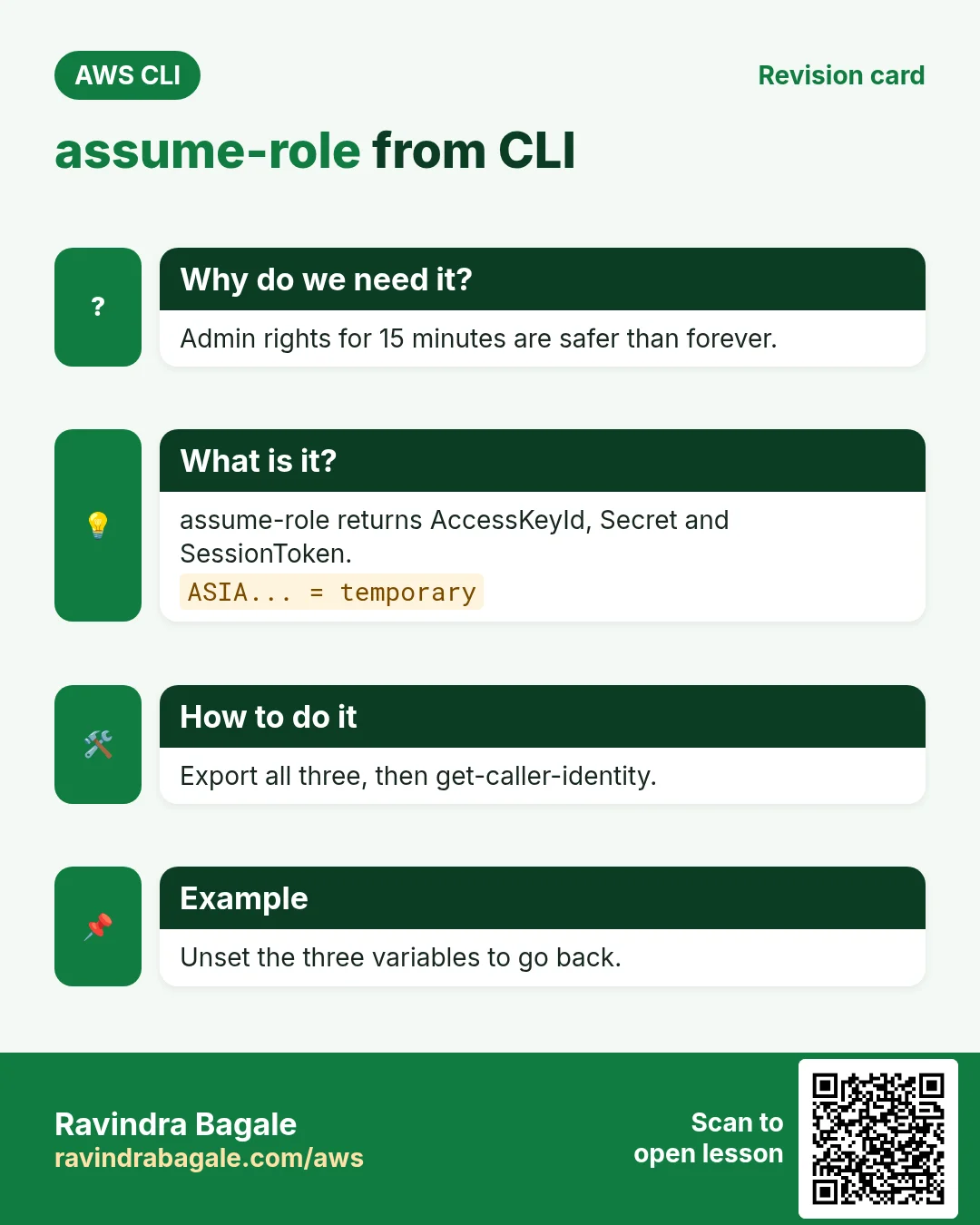
A hotel gives you a room key card that stops working at checkout. STS gives keys that stop working after 15 minutes to 12 hours.
What is it?
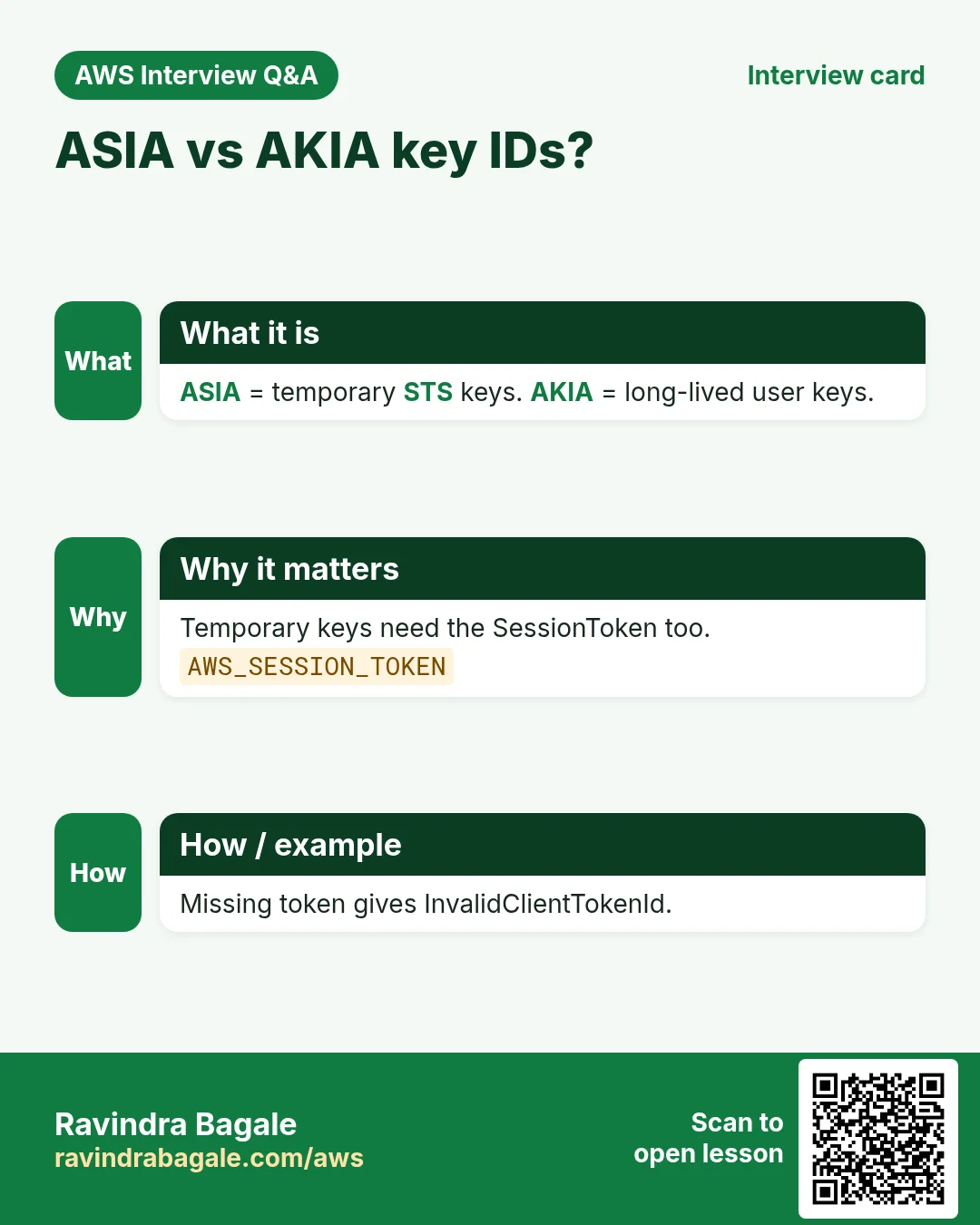
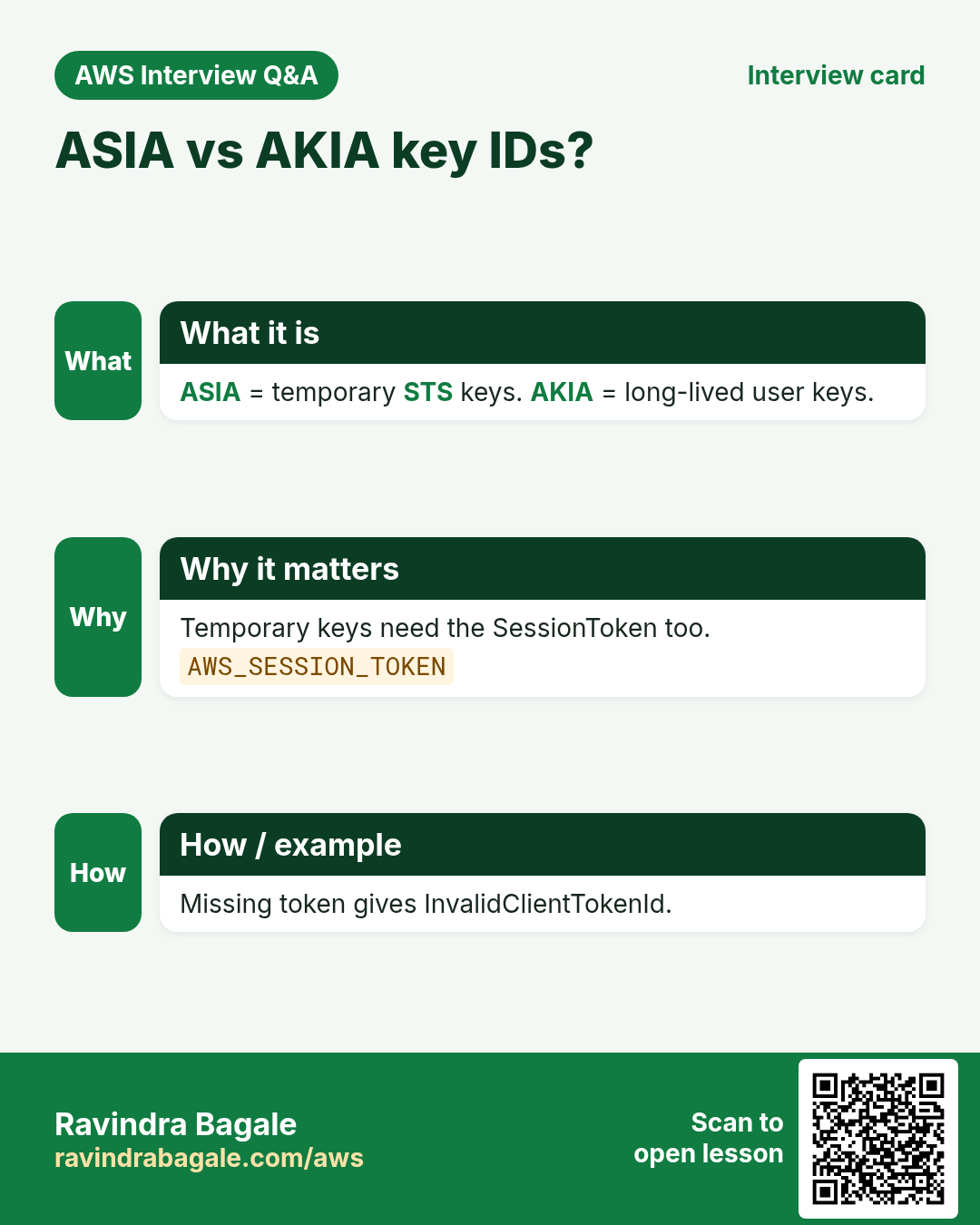
Temporary credentials have three parts: AccessKeyId (starts with ASIA), SecretAccessKey and SessionToken. All three are needed.
How to do it (step by step)
2. Who am I?
Why do we need this?
Before any change you must know the account and identity.
What is it?
get-caller-identity needs no permission and always works if keys are valid.
How to do it (step by step)
- Run it.
aws sts get-caller-identityExpected output:
{ "UserId": "AIDA...", "Account": "111122223333", "Arn": "arn:aws:iam::111122223333:user/ravi" }- Only the account.
aws sts get-caller-identity --query Account --output textExpected output:
1111222233333. assume-role and export the keys
Why do we need this?
You want admin rights for ten minutes, not forever.
What is it?
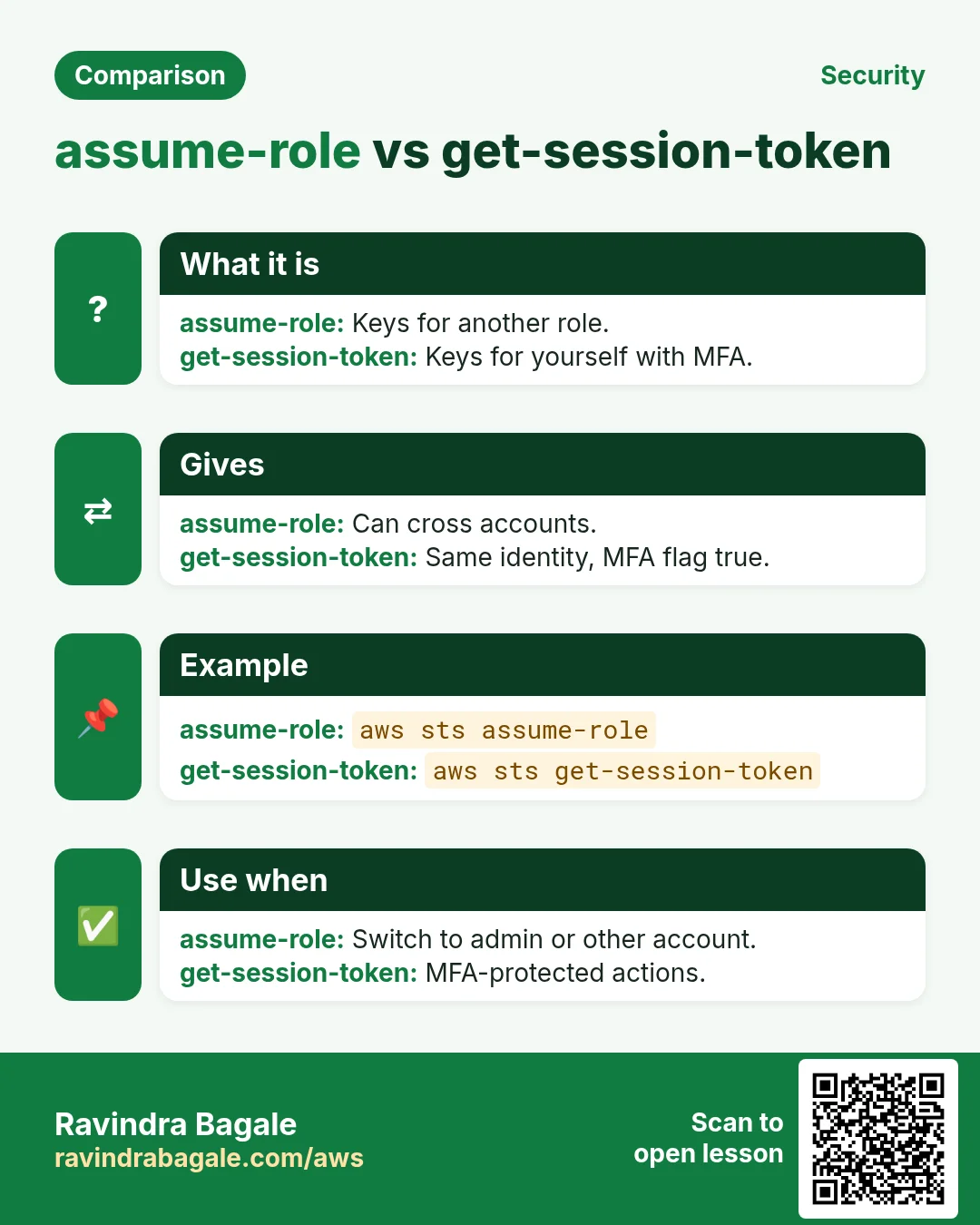
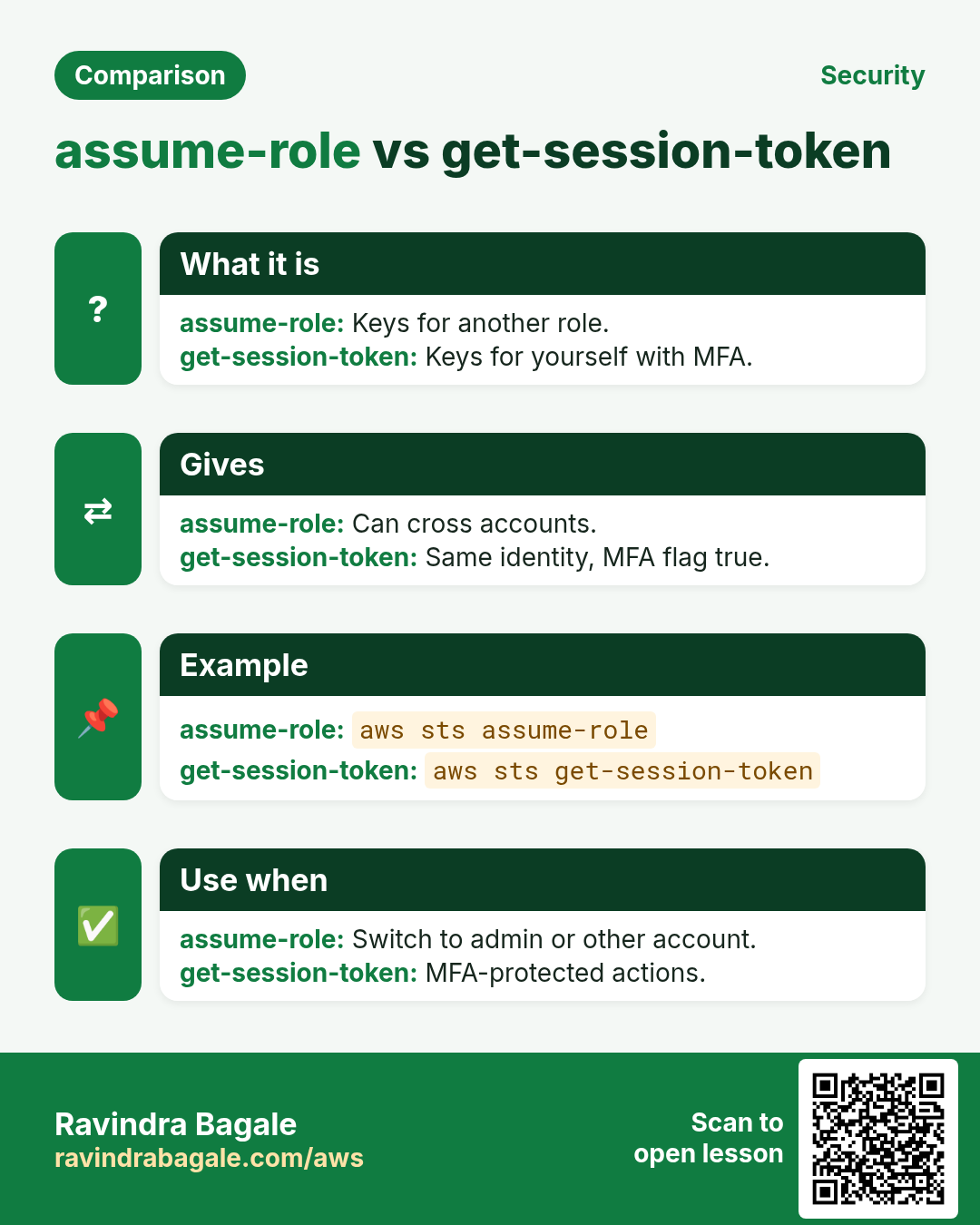
assume-role returns a Credentials block. You export it as three environment variables.
How to do it (step by step)
- Assume the role.
aws sts assume-role --role-arn arn:aws:iam::111122223333:role/cli-admin --role-session-name ravi-cli --duration-seconds 900Expected output:
{ "Credentials": { "AccessKeyId": "ASIA...", "SecretAccessKey": "...", "SessionToken": "IQoJ...", "Expiration": "2026-10-24T06:15:00Z" },
"AssumedRoleUser": { "Arn": "arn:aws:sts::111122223333:assumed-role/cli-admin/ravi-cli" } }- Export in one line.
eval $(aws sts assume-role --role-arn arn:aws:iam::111122223333:role/cli-admin --role-session-name ravi-cli --query "Credentials.['export AWS_ACCESS_KEY_ID='+AccessKeyId,'AWS_SECRET_ACCESS_KEY='+SecretAccessKey,'AWS_SESSION_TOKEN='+SessionToken]" --output text)Expected output:
(no output means success)- Easier: use --output text and read.
read AK SK ST <<< $(aws sts assume-role --role-arn arn:aws:iam::111122223333:role/cli-admin --role-session-name ravi-cli --query "Credentials.[AccessKeyId,SecretAccessKey,SessionToken]" --output text)
export AWS_ACCESS_KEY_ID=$AK AWS_SECRET_ACCESS_KEY=$SK AWS_SESSION_TOKEN=$ST
Expected output:
(no output means success)- Verify.
aws sts get-caller-identity --query Arn --output textExpected output:
arn:aws:sts::111122223333:assumed-role/cli-admin/ravi-cli- Go back to yourself.
unset AWS_ACCESS_KEY_ID AWS_SECRET_ACCESS_KEY AWS_SESSION_TOKENExpected output:
(no output means success)4. Role profiles: the clean way
Why do we need this?
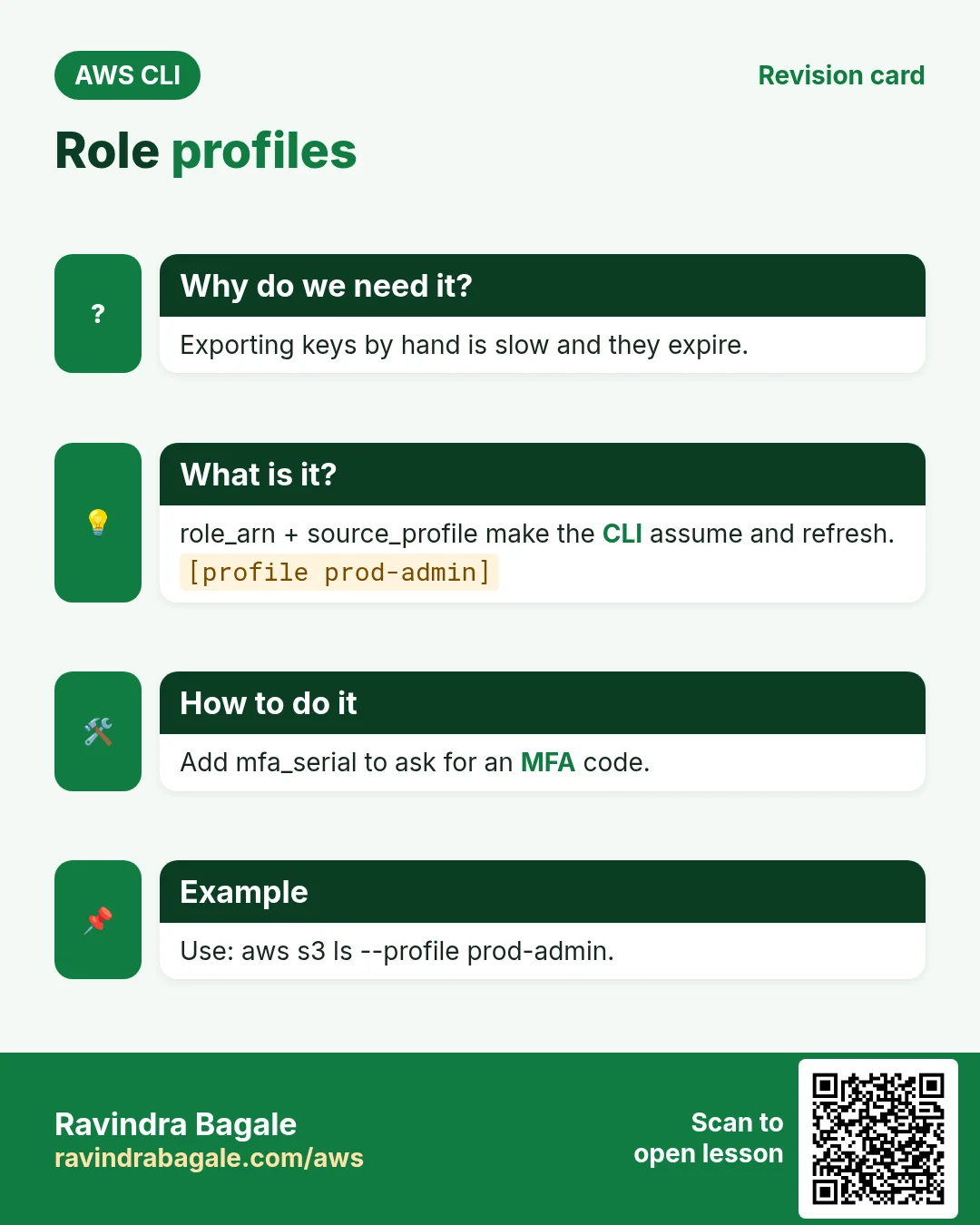
Exporting keys by hand is slow and they expire. A role profile makes the CLI assume and refresh by itself.
What is it?
In ~/.aws/config set role_arn and source_profile. Add mfa_serial to ask for an MFA code. Use external_id for vendor roles.
How to do it (step by step)
- Add the profile.
cat >> ~/.aws/config <<'J'
[profile prod-admin]
role_arn = arn:aws:iam::444455556666:role/cli-admin
source_profile = default
mfa_serial = arn:aws:iam::111122223333:mfa/ravi
duration_seconds = 3600
region = ap-south-1
J
Expected output:
(no output means success)- Use it.
aws s3 ls --profile prod-adminExpected output:
Enter MFA code for arn:aws:iam::111122223333:mfa/ravi: 123456
2026-09-01 10:00:00 prod-logs- Verify the account changed.
aws sts get-caller-identity --profile prod-admin --query Account --output textExpected output:
4444555566665. MFA session tokens
Why do we need this?
Policies can demand MFA for risky actions. Plain keys fail those checks.
What is it?
get-session-token with --serial-number and --token-code returns keys where aws:MultiFactorAuthPresent is true.
How to do it (step by step)
- Find your MFA device ARN.
aws iam list-mfa-devices --user-name ravi --query "MFADevices[0].SerialNumber" --output textExpected output:
arn:aws:iam::111122223333:mfa/ravi- Get a session token.
aws sts get-session-token --serial-number arn:aws:iam::111122223333:mfa/ravi --token-code 123456 --duration-seconds 3600Expected output:
{ "Credentials": { "AccessKeyId": "ASIA...", "Expiration": "..." } }6. Decode an encoded error message
Why do we need this?
Some EC2 errors print a long encoded string. It hides the exact deny reason.
What is it?
decode-authorization-message turns it into readable JSON (needs sts:DecodeAuthorizationMessage).
How to do it (step by step)
- Decode.
aws sts decode-authorization-message --encoded-message "<long-string>" --query DecodedMessage --output text | python3 -m json.tool | head -8Expected output:
{
    "allowed": false,
    "explicitDeny": false,
    "matchedStatements": { "items": [] },
    "context": { "action": "ec2:RunInstances", ...
7. Same action in Python, Node.js, Java, Go, .NET and PHP
Why do we need this?
Scripts start in the CLI. Apps call the same API through an SDK. Knowing both helps you move a tested command into real code.
What is it?
Each CLI command maps to one API call. For example aws sts assume-role maps to the AssumeRole API.
How to do it (step by step)
Same action (AssumeRole) from code. Every SDK reads the same profile, region and credentials as the CLI.
| Stack | Code |
|---|---|
| Python (boto3) | c = boto3.client("sts").assume_role(RoleArn=arn, RoleSessionName="app")["Credentials"] |
| Node.js (v3) | const {Credentials} = await sts.send(new AssumeRoleCommand({RoleArn: arn, RoleSessionName:"app"})); |
| Java (v2) | sts.assumeRole(r -> r.roleArn(arn).roleSessionName("app")).credentials(); |
| Go (v2) | stscreds.NewAssumeRoleProvider(sts.NewFromConfig(cfg), arn) |
| .NET | await sts.AssumeRoleAsync(new AssumeRoleRequest{RoleArn=arn, RoleSessionName="app"}); |
| PHP | $sts->assumeRole(["RoleArn"=>$arn,"RoleSessionName"=>"app"])["Credentials"]; |
8. Clean up so nothing keeps costing
Why do we need this?
Lab resources left running cost money and can be a security risk.
What is it?
Delete in reverse order: children first, then parents.
How to do it (step by step)
- Unset temporary keys.
unset AWS_ACCESS_KEY_ID AWS_SECRET_ACCESS_KEY AWS_SESSION_TOKENExpected output:
(no output means success)- Clear cached role credentials.
rm -rf ~/.aws/cli/cacheExpected output:
(no output means success)Ravindra Bagale's Tip
Use a clear --role-session-name like your name. It shows in CloudTrail, so anyone can see who used the role.
9. Interview questions and answers
Q. What three values form STS credentials?
AccessKeyId, SecretAccessKey and SessionToken.
Q. How do you know a key is temporary?
Temporary key IDs start with ASIA. Long-lived ones start with AKIA.
Q. What does source_profile do?
It names the profile whose keys are used to call AssumeRole.
Q. AssumeRole returns AccessDenied. Where to look?
Your permission to sts:AssumeRole and the role trust policy Principal.
Q. Why get-session-token with MFA?
To get keys that satisfy MFA conditions in policies.
Try at home
- Create a role profile that assumes a ReadOnly role and list buckets with it.
- Assume a role for 900 seconds and watch it expire after 15 minutes.
In short
- get-caller-identity first.
- assume-role gives three values.
- role_arn + source_profile automates it.
- MFA via get-session-token or mfa_serial.
- decode-authorization-message explains denies.
Practice Tasks
Dublin Fitness Club is a fitness business in Dublin. Siobhan Murphy looks after its IT and cloud work. They count money in EUR and run their AWS resources in the eu-west-1 Region. In the tasks below you do real jobs for them using what this lesson teaches. All names, account IDs, IP addresses and numbers are made up for practice.
0 / 12
Easy Check who you are logged in as
Why: Always confirm the account and identity before running changes.
What to do: Show the account ID and ARN of the identity your CLI is using.
- Read the task and decide which AWS service it is about.
- Write aws, then the service name, then the operation (the action word).
- Add each needed flag (--name) followed by its value from the task.
- Flags can be in any order. Click Check answer.
Easy Verify a sender email
Why: SES sends only from verified addresses or domains.
What to do: Verify the sender address noreply@dublinfit.ie.
- Read the task and decide which AWS service it is about.
- Write aws, then the service name, then the operation (the action word).
- Add each needed flag (--name) followed by its value from the task.
- Flags can be in any order. Click Check answer.
Easy CloudFormation: a versioned bucket
Why: Infrastructure as code makes setups repeatable.
What to do: Write a CloudFormation YAML template with one S3 bucket named dublinfit-docs that has versioning Enabled.
- Start from the top-level keys the task names.
- Indent child keys with 2 spaces (no tabs).
- Fill in each property with the value from the task.
- Click Check answer. Key order does not matter.
Medium Trust policy for a Lambda role
Why: The trust policy says WHO may take the role.
What to do: Write a trust policy that lets lambda.amazonaws.com assume the role.
- Start with { "Version": "2012-10-17", "Statement": [ ... ] }.
- In each statement write Effect, Action and Resource.
- Give only what the task needs (least privilege).
- Use double quotes and commas correctly. Click Check answer.
Medium Assume a role
Why: AssumeRole gives you short-lived keys for another role, often in another account.
What to do: Assume role arn:aws:iam::132788974236:role/Auditor with session name siobhan-audit.
- Read the task and decide which AWS service it is about.
- Write aws, then the service name, then the operation (the action word).
- Add each needed flag (--name) followed by its value from the task.
- Flags can be in any order. Click Check answer.
Medium Storage cost
Why: Storage is billed per GB-month.
What to do: 500 GB in S3 Standard at USD 0.023 per GB-month. Monthly cost in USD?
- Write down the numbers the task gives you.
- Work it out step by step on paper.
- Type only the final answer in the box.
- Click Check answer.
Medium Bucket policy for a public website
Why: A static website bucket must let everyone read its files.
What to do: Write a bucket policy that lets anyone (*) do s3:GetObject on every object in dublinfit-site.
- Start with { "Version": "2012-10-17", "Statement": [ ... ] }.
- In each statement write Effect, Action and Resource.
- Give only what the task needs (least privilege).
- Use double quotes and commas correctly. Click Check answer.
Medium Upload-only to one folder
Why: Field staff can drop files but cannot read or delete anything.
What to do: Allow s3:PutObject only under the prefix uploads/ in bucket dublinfit-data.
- Start with { "Version": "2012-10-17", "Statement": [ ... ] }.
- In each statement write Effect, Action and Resource.
- Give only what the task needs (least privilege).
- Use double quotes and commas correctly. Click Check answer.
Hard Let another account assume a role
Why: Cross-account roles are safer than sharing access keys.
What to do: Write a trust policy that lets account 111122223333 assume this role.
- Start with { "Version": "2012-10-17", "Statement": [ ... ] }.
- In each statement write Effect, Action and Resource.
- Give only what the task needs (least privilege).
- Use double quotes and commas correctly. Click Check answer.
Hard Assume a role for 15 minutes
Why: Shorter sessions lower the risk if keys leak.
What to do: Assume arn:aws:iam::132788974236:role/Deployer with session name deploy-job for 900 seconds.
- Read the task and decide which AWS service it is about.
- Write aws, then the service name, then the operation (the action word).
- Add each needed flag (--name) followed by its value from the task.
- Flags can be in any order. Click Check answer.
Hard Get a session token with MFA
Why: Some actions need MFA. get-session-token returns keys that carry MFA proof.
What to do: Get a session token using MFA device arn:aws:iam::132788974236:mfa/siobhan and the code 123456.
- Read the task and decide which AWS service it is about.
- Write aws, then the service name, then the operation (the action word).
- Add each needed flag (--name) followed by its value from the task.
- Flags can be in any order. Click Check answer.
Hard Send a test email
Why: A quick CLI send proves SES setup before you write code.
What to do: Send an email from noreply@dublinfit.ie to siobhan@example.com with subject "Receipt" and text body "Thank you".
- Read the task and decide which AWS service it is about.
- Write aws, then the service name, then the operation (the action word).
- Add each needed flag (--name) followed by its value from the task.
- Flags can be in any order. Click Check answer.
Revision, comparison and interview cards
Revise this lesson in a few minutes. Save the cards on your phone or download them as PNG files. The QR code on each card opens this lesson.
More cards: Ravi Sir's Cards.