Shell Scripting Complete 9: Arithmetic, Exit Codes, set -euo pipefail and Error Handling
A script that keeps going after a failure is dangerous: it may delete the wrong folder or upload half a backup. In this chapter you learn bash arithmetic with $(( )) and (( )), decimals with bc and awk, what exit codes are and how to read $? and PIPESTATUS, how && and || chain steps, the safe header set -euo pipefail and its traps, and clean error handling with a die function, return codes and retries. Every topic starts with an everyday example and then shows examples from many industries.
What you'll learn in this chapter
- Do integer maths with $(( )) and (( ))
- Do decimal maths with bc or awk
- Read exit codes with $? and PIPESTATUS
- Chain steps with && and ||
- Use set -euo pipefail safely
- Write die, retry and clean error messages
1. An everyday example: a pressure cooker whistle
Why do we need this?
In a Pune kitchen, the cooker whistle tells you what happened. Three whistles means done. No whistle means something is wrong and you check before serving. You would never serve dal without knowing it cooked. A command's exit code is that whistle: 0 means success, any other number means a problem, and a good script listens before moving to the next step.
What is it?
Whistle = exit code. Listening = checking $? or using if. Stopping the meal if something is wrong = set -e or || die. Counting whistles = arithmetic with (( )). Trying again after the gas went off = a retry loop.
How to do it (step by step)
2. Integer maths with $(( )) and (( ))
Why do we need this?
Counting files, adding totals, finding percentages for a disk alert: scripts do small maths all the time.
What is it?
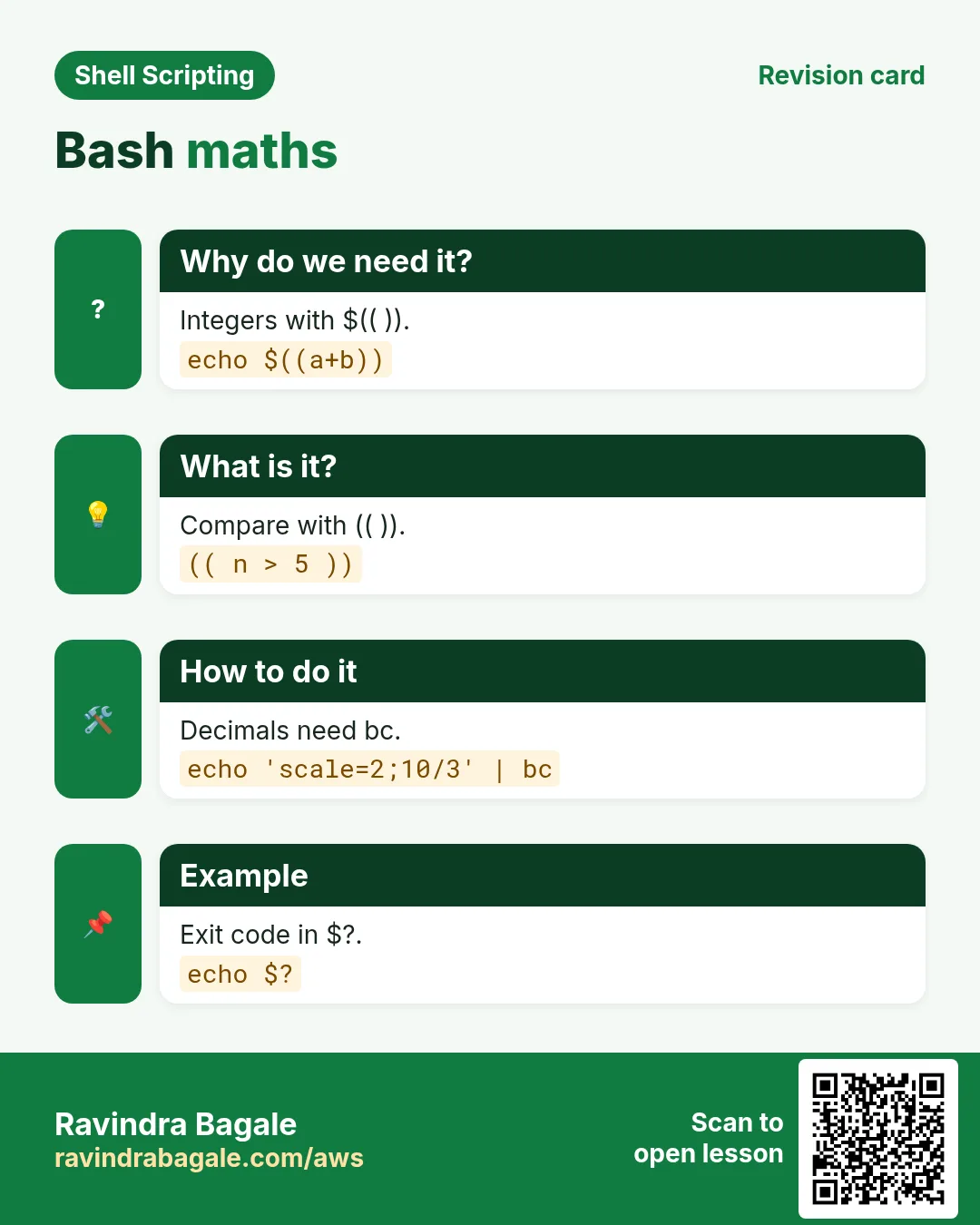
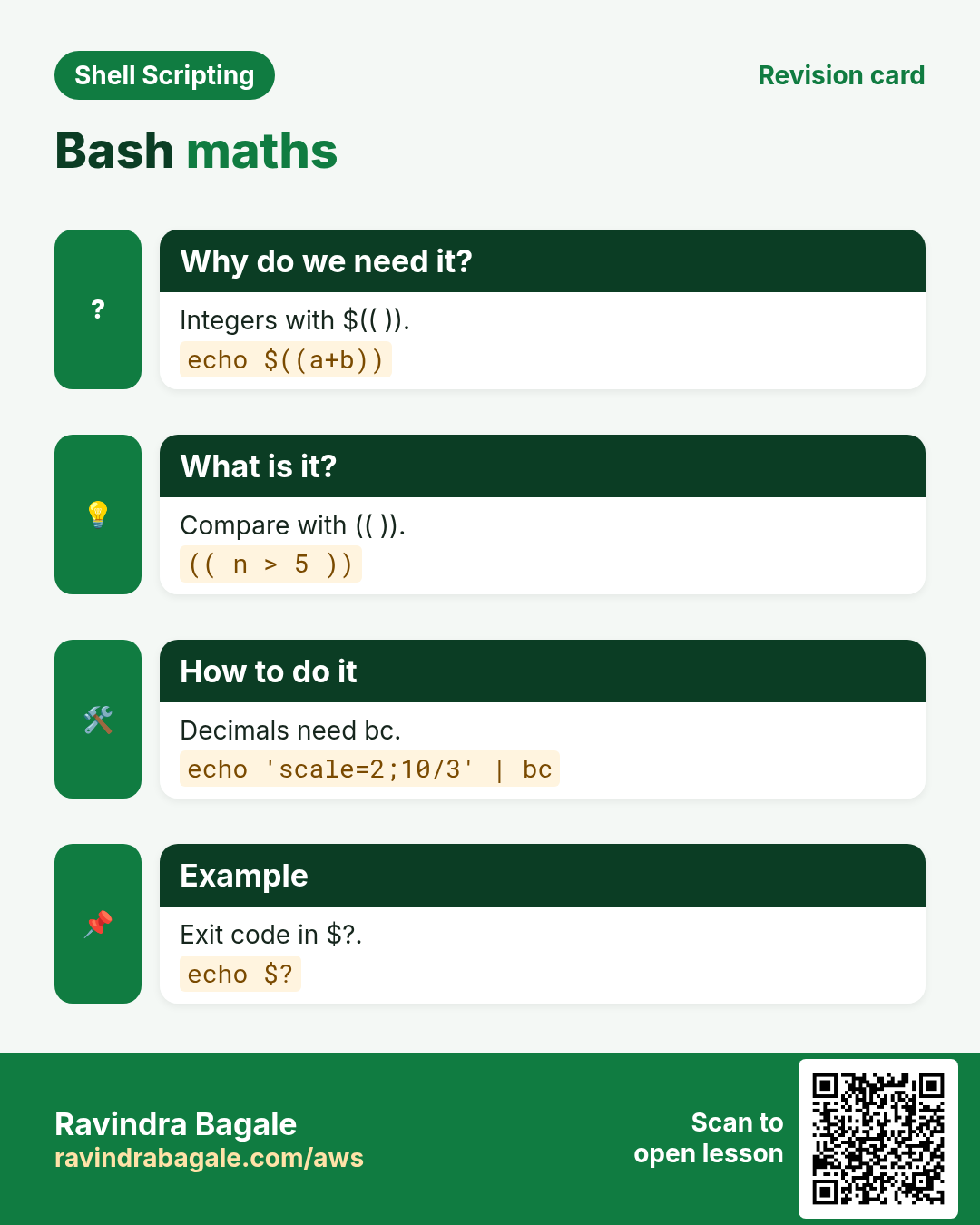
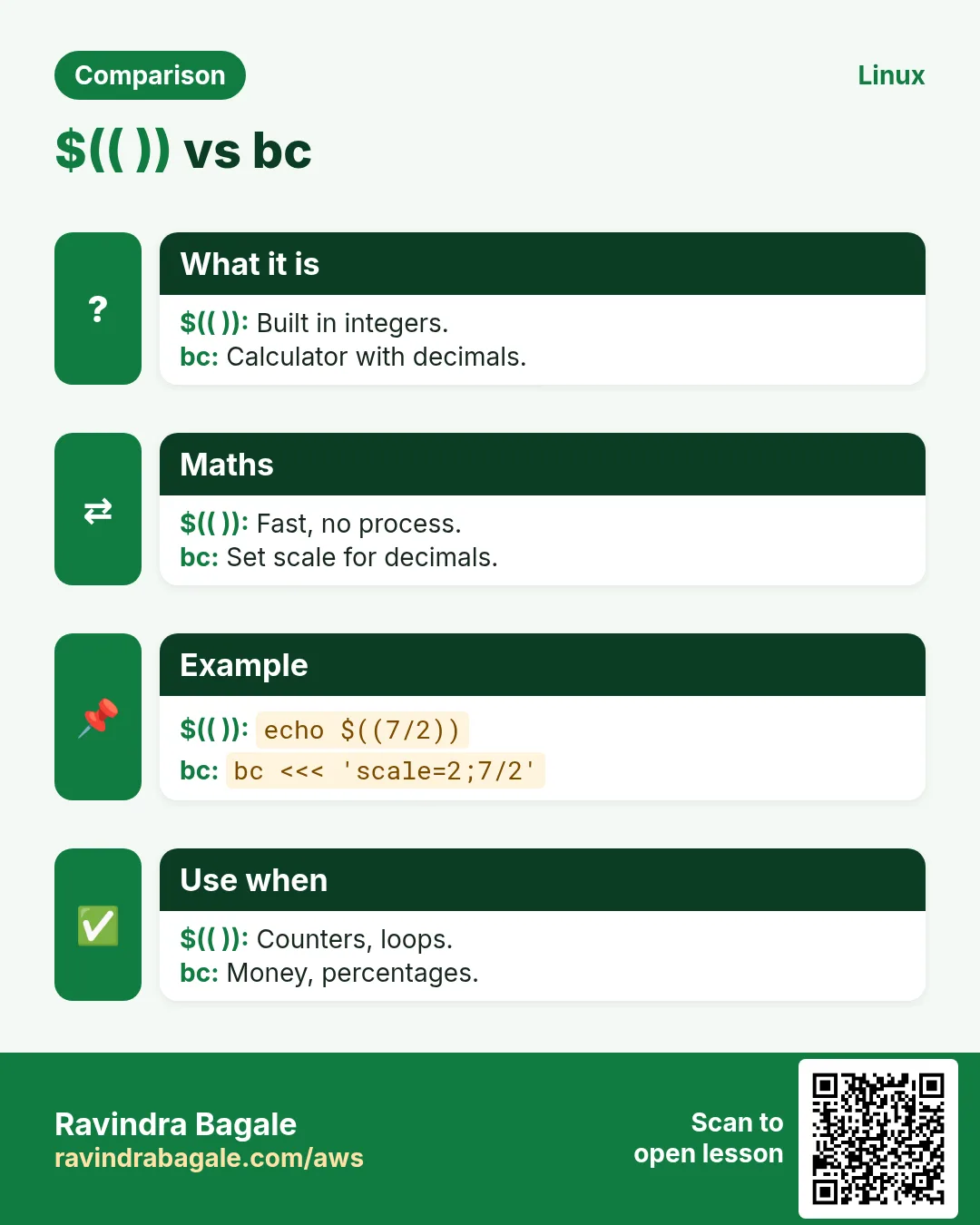
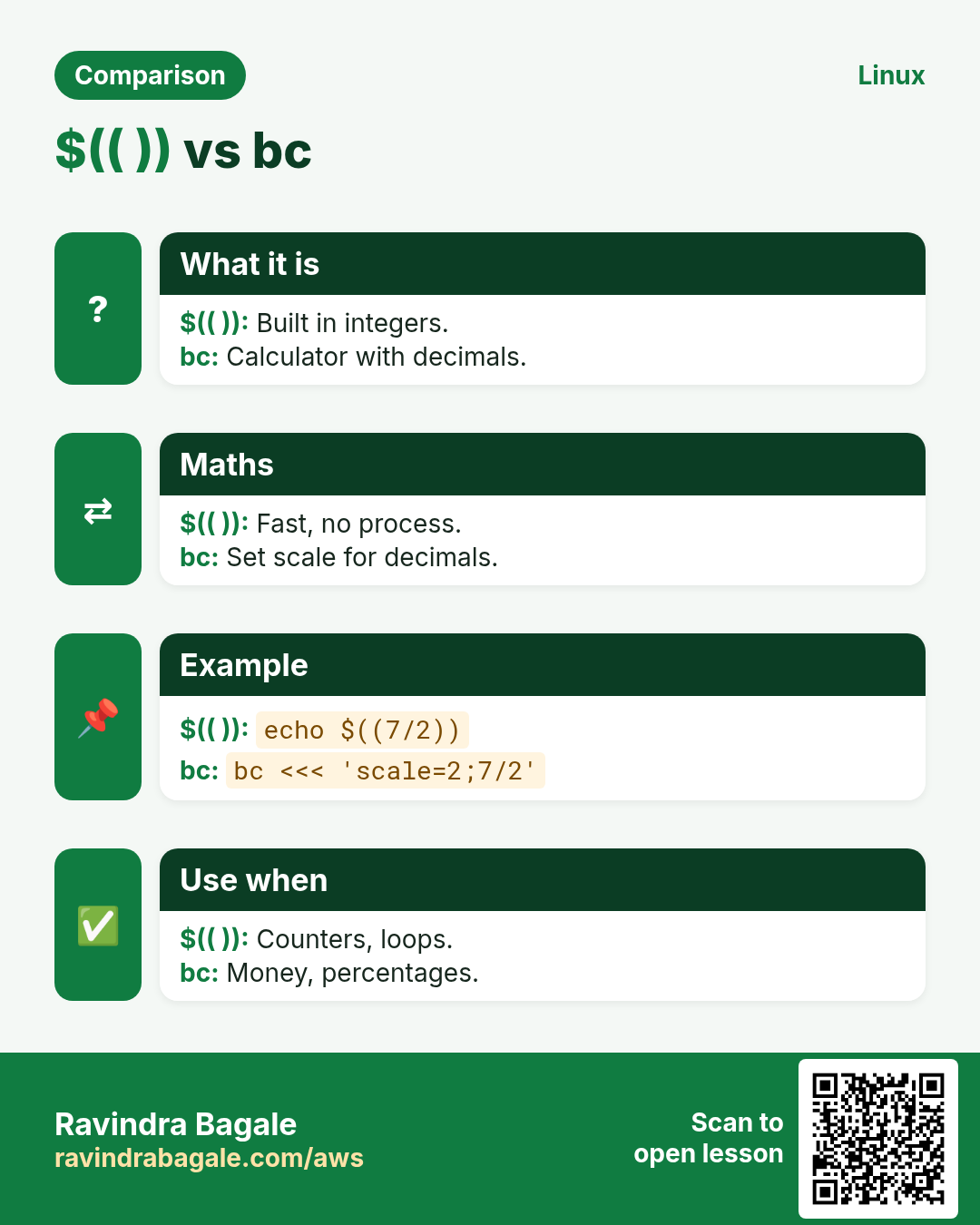
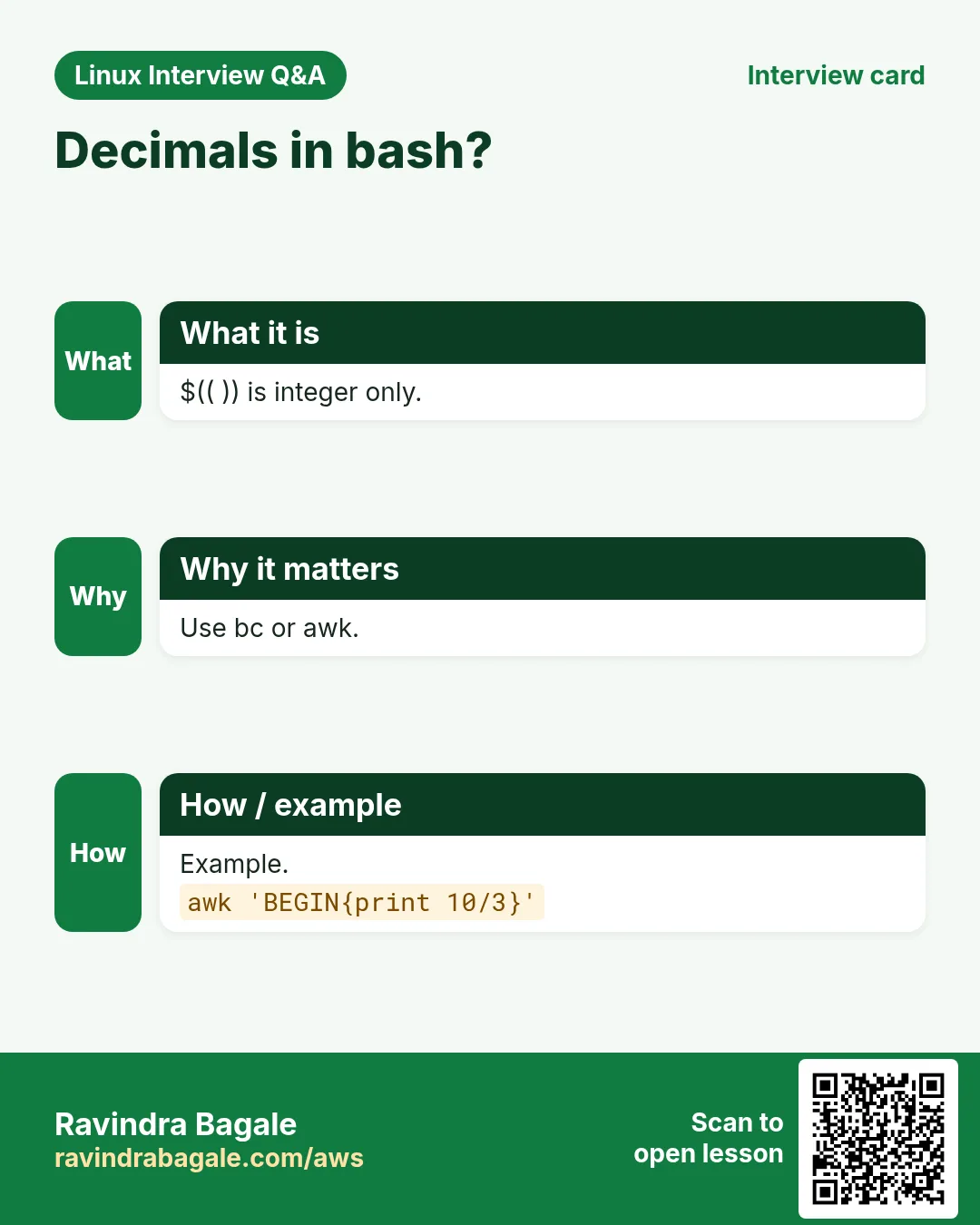
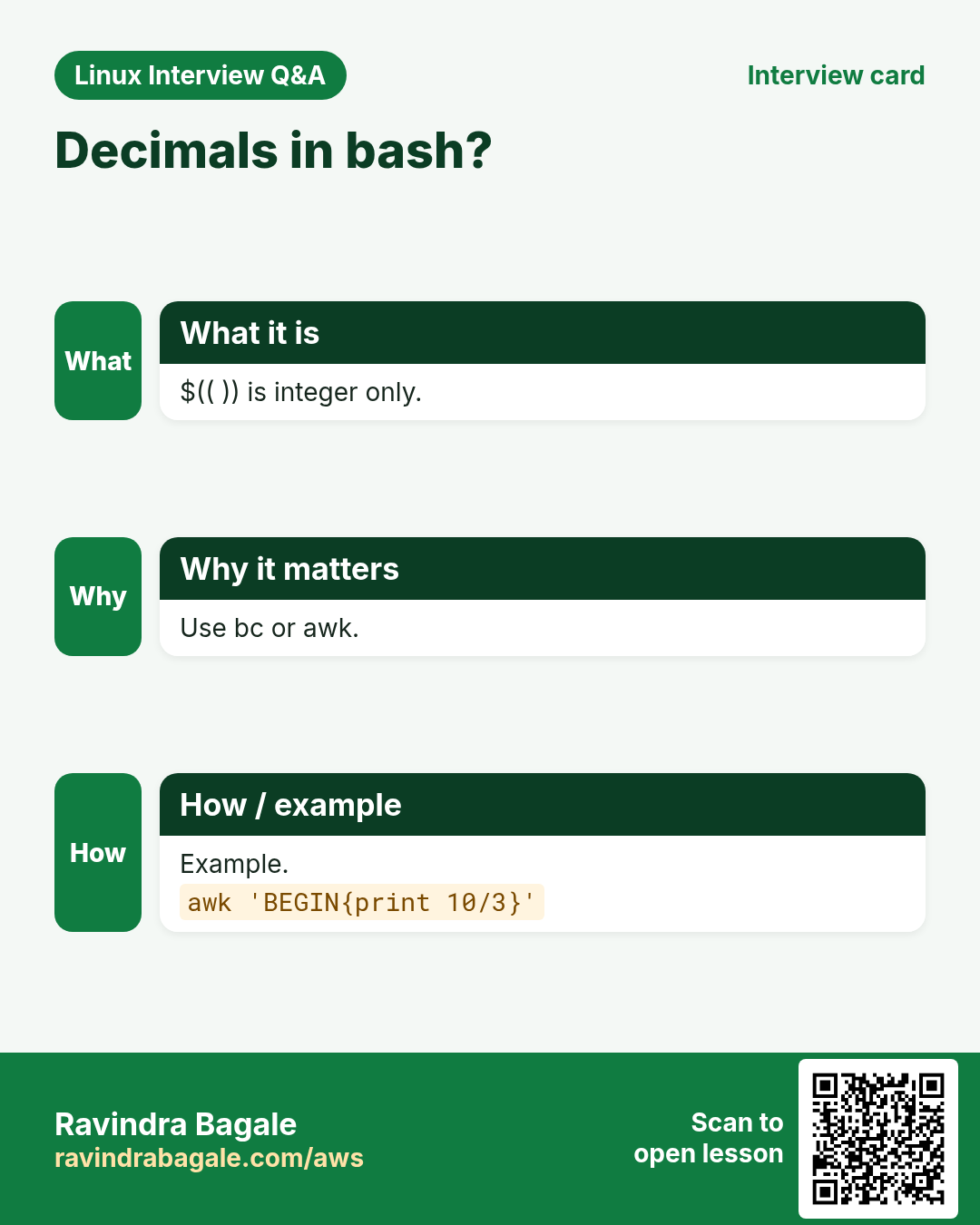
$(( expr )) gives the result as text. (( expr )) runs the maths and its exit code is 0 if the result is not zero, so it works as a test. Inside, you do not need $ before names. Operators: + - * / % ** and comparisons < > == !=. Division is integer only: 7/2 is 3. let and expr are older ways; prefer (( )).
| Form | Use |
|---|---|
| $((a+b)) | result as text |
| ((n++)) | increase n |
| ((a>b)) | test, exit 0 if true |
| $((7%3)) | remainder 1 |
| $((2**10)) | power 1024 |
How to do it (step by step)
- Add totals.
a=1200; b=850; echo $((a+b))Output:
2050What it means: No $ needed inside.
- Counter.
n=0; for f in *.log; do ((n++)); done; echo $nOutput:
3What it means: Counts files.
- Percentage.
used=45; total=60; echo $((used*100/total))%Output:
75%What it means: Multiply first, then divide.
- Compare.
disk=91; (( disk > 85 )) && echo 'disk alert'Output:
disk alertWhat it means: (( )) as a test.
- Even or odd.
x=7; (( x % 2 == 0 )) && echo even || echo oddOutput:
oddWhat it means: Remainder check.
3. Decimals with bc and awk
Why do we need this?
Prices with paise, GST at 18 percent, average response time in ms: bash alone cannot do decimals.
What is it?
bc is a calculator: echo 'scale=2; 10/3' | bc gives 3.33. scale sets decimal places. awk can also do it: awk 'BEGIN{printf "%.2f\n", 10/3}'. To compare decimals, let bc or awk return 1 or 0 and test that. Watch out: bc is not installed on some minimal images; awk almost always is.
How to do it (step by step)
- Divide with decimals.
echo 'scale=2; 10/3' | bcOutput:
3.33What it means: scale=2.
- GST.
price=499.50; echo "scale=2; $price*1.18" | bcOutput:
589.41What it means: 18 percent added.
- awk average.
printf '120\n95\n310\n' | awk '{s+=$1} END{printf "%.1f\n", s/NR}'Output:
175.0What it means: Average response ms.
- Compare decimals.
load=3.75; (( $(echo "$load > 2.5" | bc) )) && echo highOutput:
highWhat it means: bc prints 1 for true.
4. Exit codes, $? and PIPESTATUS
Why do we need this?
Cron, CI systems and other scripts decide success or failure only from your exit code.
What is it?
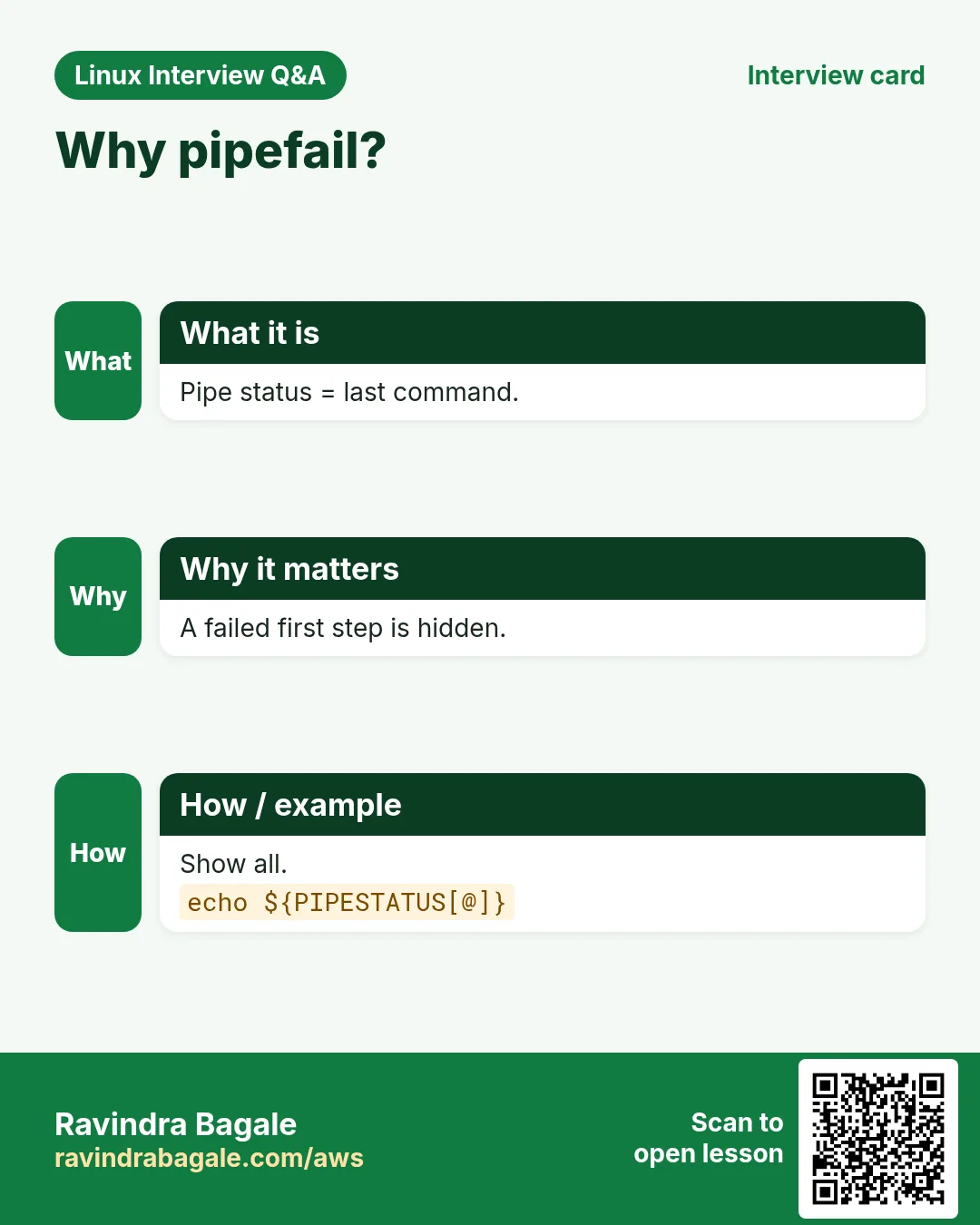
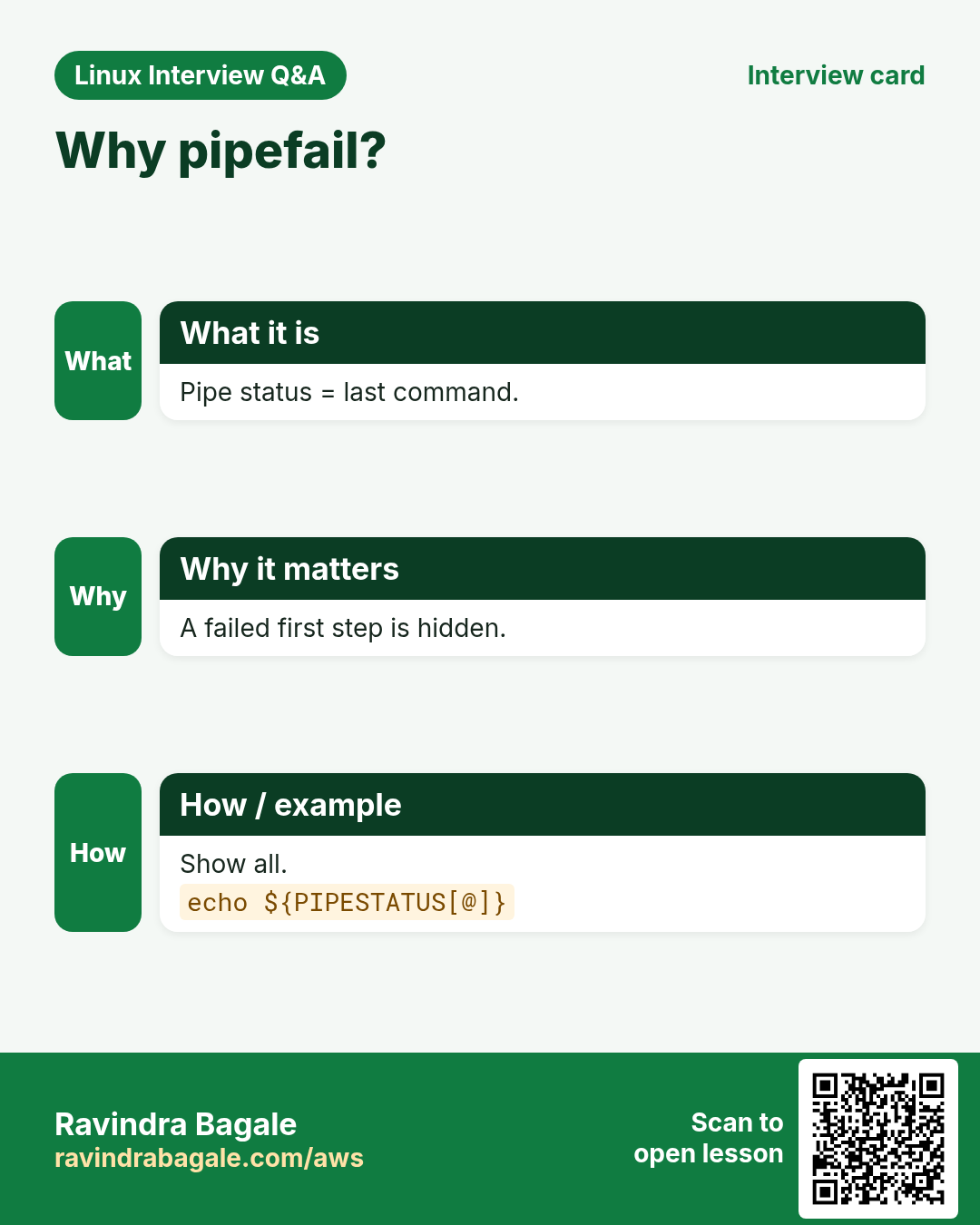
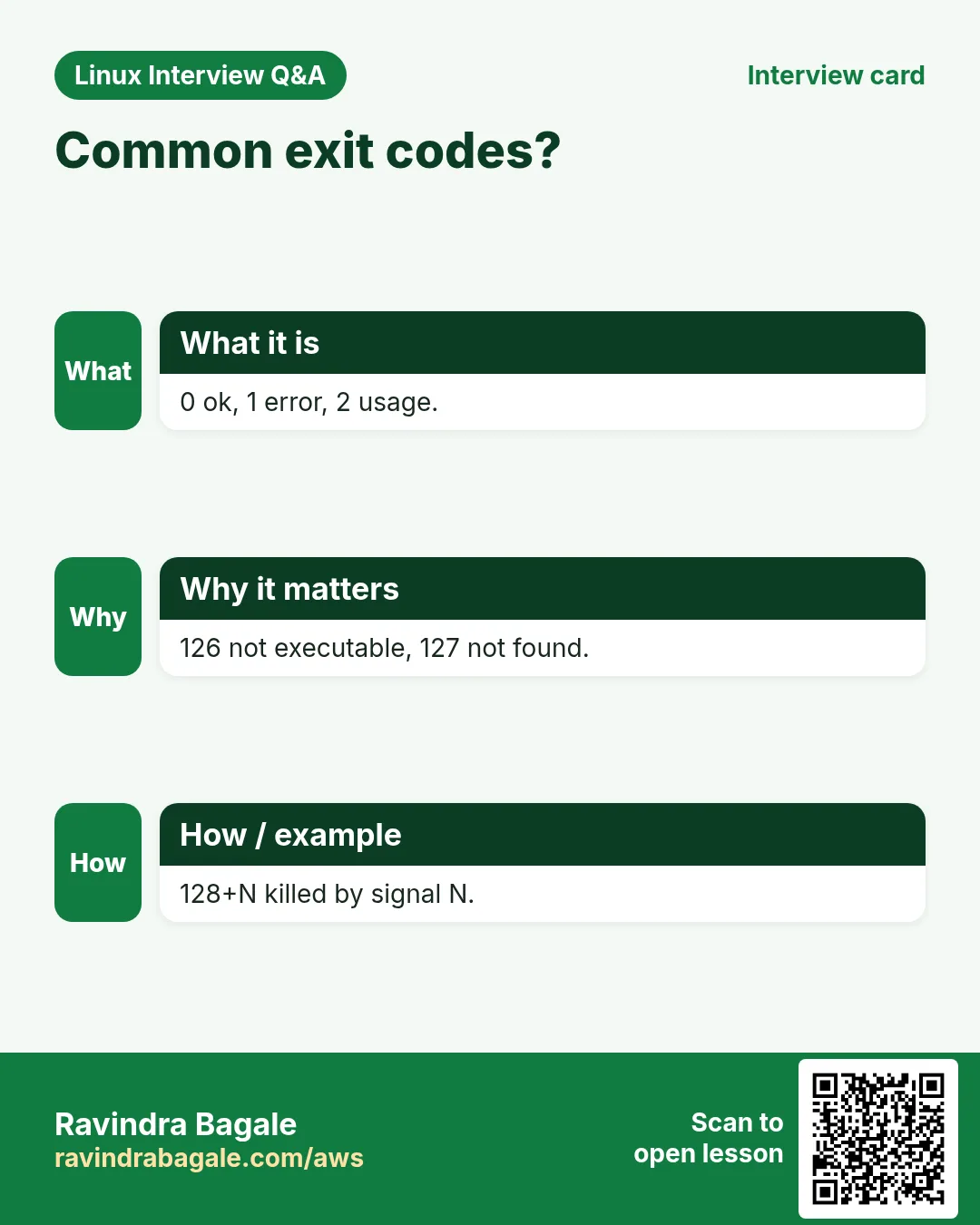
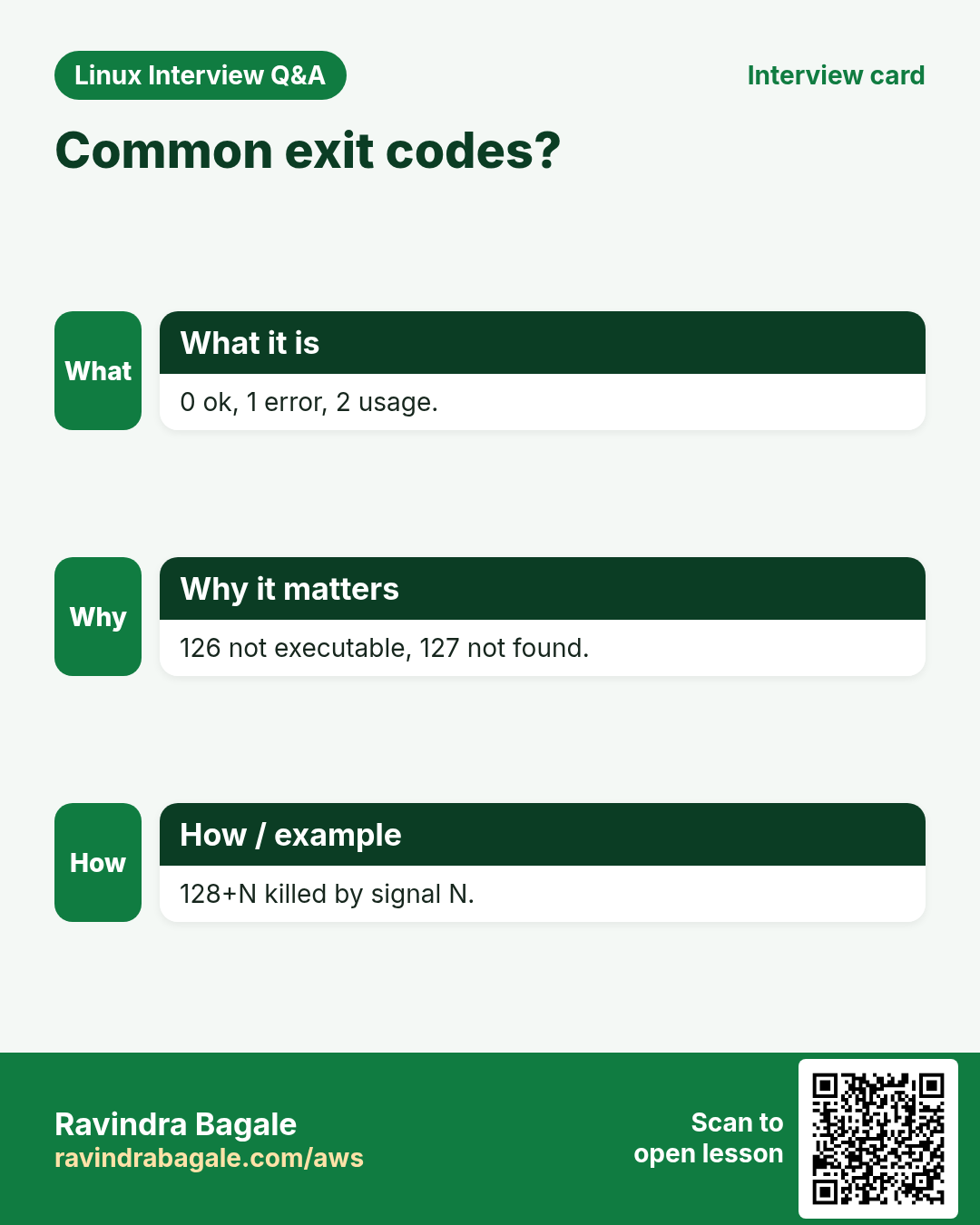
Every command ends with a number from 0 to 255. 0 means success. 1 is a general error, 2 is misuse, 126 is not executable, 127 is command not found, 130 is stopped by Ctrl+C, 137 is killed (often out of memory). $? holds the last code; read it right away because the next command replaces it. In a pipe, $? is the last command's code; ${PIPESTATUS[@]} has all of them. exit N ends a script, return N ends a function.
| Code | Meaning |
|---|---|
| 0 | success |
| 1 | general error |
| 2 | bad usage |
| 126 | not executable |
| 127 | command not found |
| 130 | Ctrl+C |
| 137 | killed by signal 9 |
How to do it (step by step)
- Success code.
ls /etc/hostname; echo $?Output:
/etc/hostname
0
What it means: 0 = OK.
- Failure code.
ls /nope; echo $?Output:
ls: cannot access '/nope': No such file or directory
2
What it means: Not 0.
- Not found.
nosuchcmd; echo $?Output:
bash: nosuchcmd: command not found
127
What it means: 127.
- Pipe codes.
false | true; echo "$? ${PIPESTATUS[@]}"Output:
0 1 0What it means: Last was true, first failed.
- Save it first.
grep -q ERROR app.log; rc=$?; echo "grep said $rc"Output:
grep said 1What it means: 1 means no match.
5. Chain steps with && and ||
Why do we need this?
Build then deploy only if the build worked; send an alert only if the check failed.
What is it?
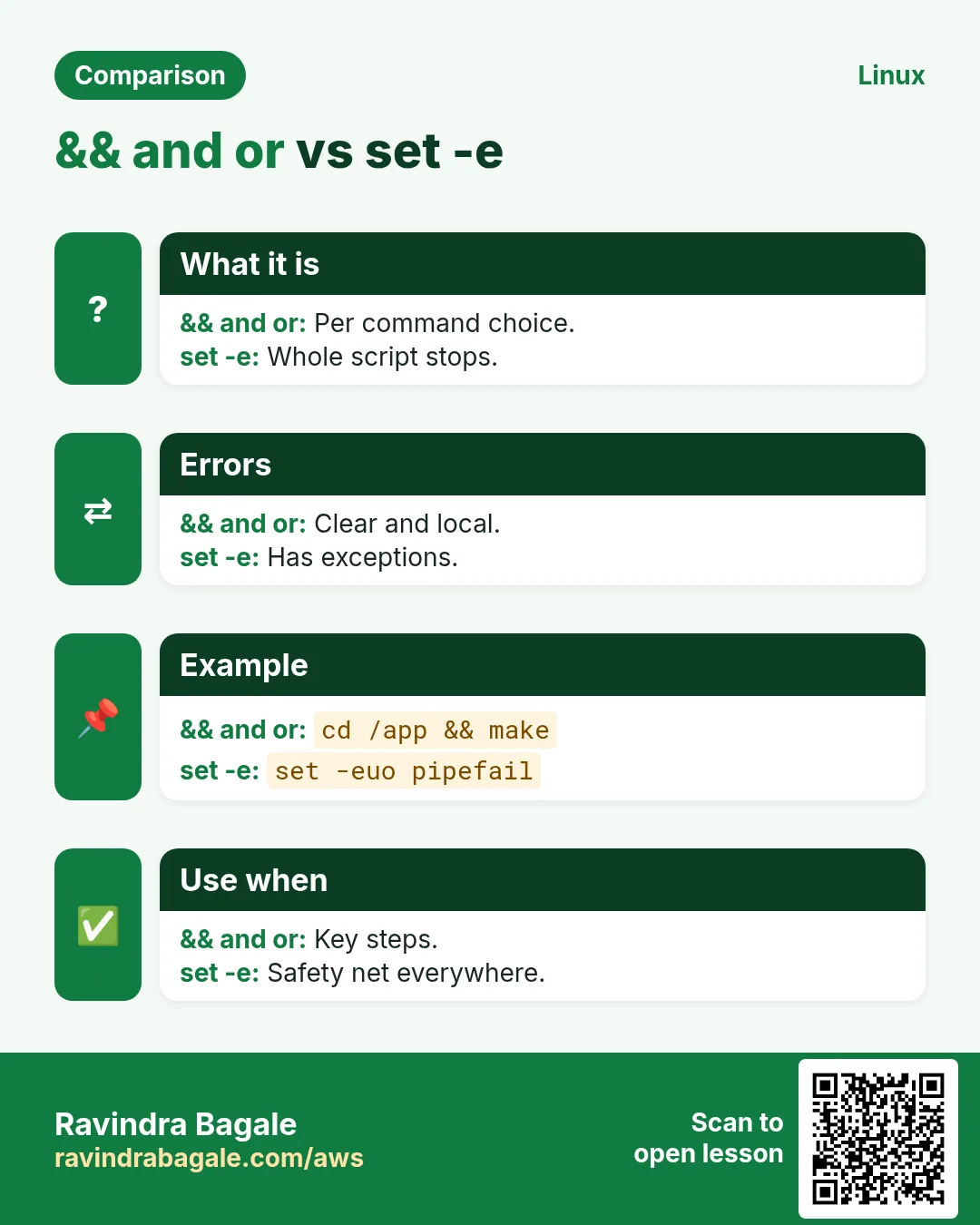
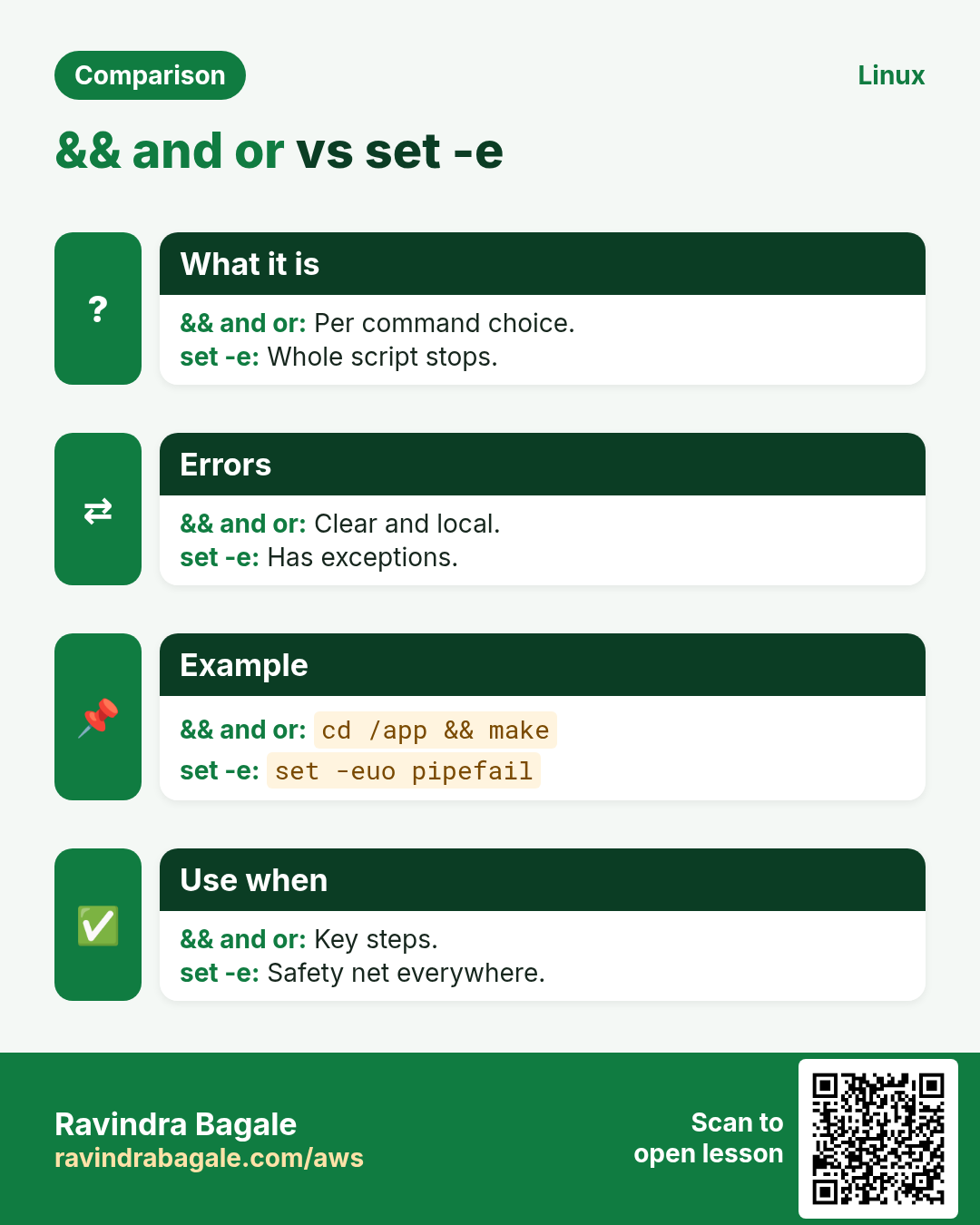
a && b runs b only if a succeeded. a || b runs b only if a failed. if cmd; then ... fi tests a command's exit code directly, so you rarely need $?. ! cmd flips the result. Be careful with a && b || c: c also runs if b fails, so it is not a true if-else; use if for important logic.
How to do it (step by step)
- Only on success.
mkdir -p /tmp/rel && cd /tmp/rel && pwdOutput:
/tmp/relWhat it means: Stops at the first failure.
- Only on failure.
ping -c1 -W1 10.9.9.9 || echo 'gateway down'Output:
gateway downWhat it means: Alert path.
- if on a command.
if grep -q 'Out of memory' /var/log/syslog; then echo 'OOM seen'; fiOutput:
OOM seenWhat it means: No $? needed.
- Negate.
if ! id deploy; then echo 'no deploy user'; fiOutput:
id: 'deploy': no such user
no deploy user
What it means: ! flips.
6. The safe header: set -euo pipefail
Why do we need this?
By default bash ignores failures and unset variables. One typo like rm -rf "$DIR/" with empty DIR can be a disaster.
What is it?
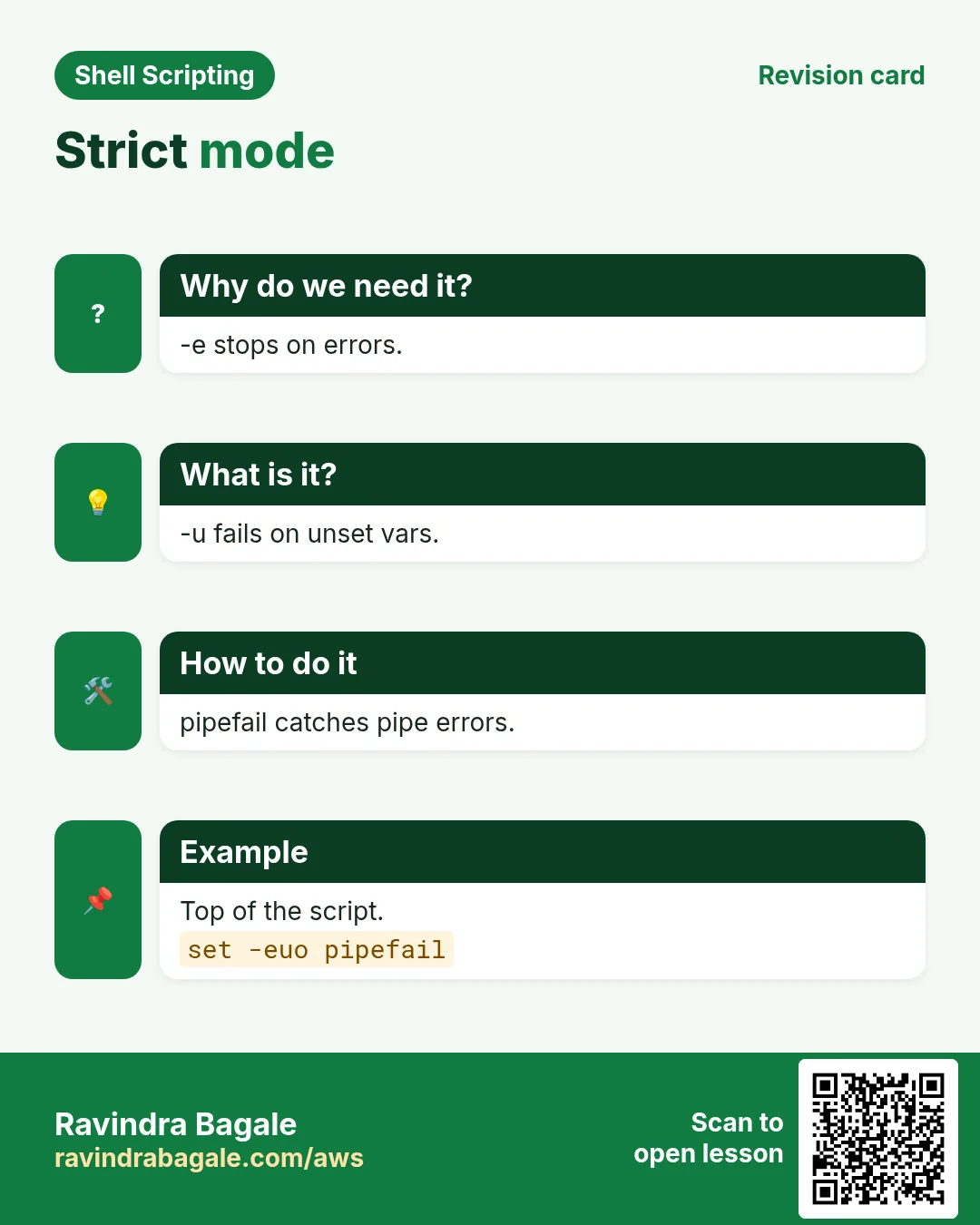
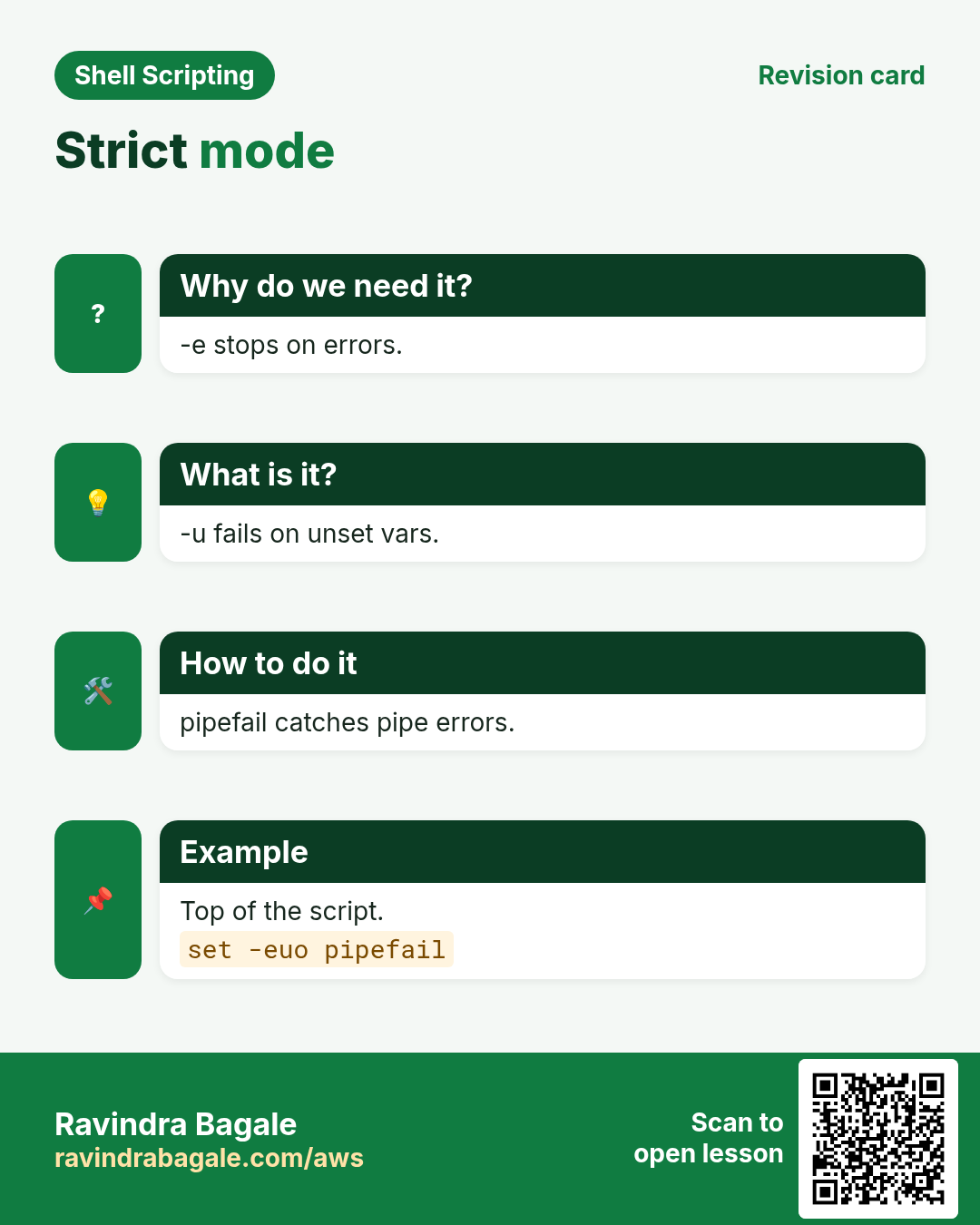
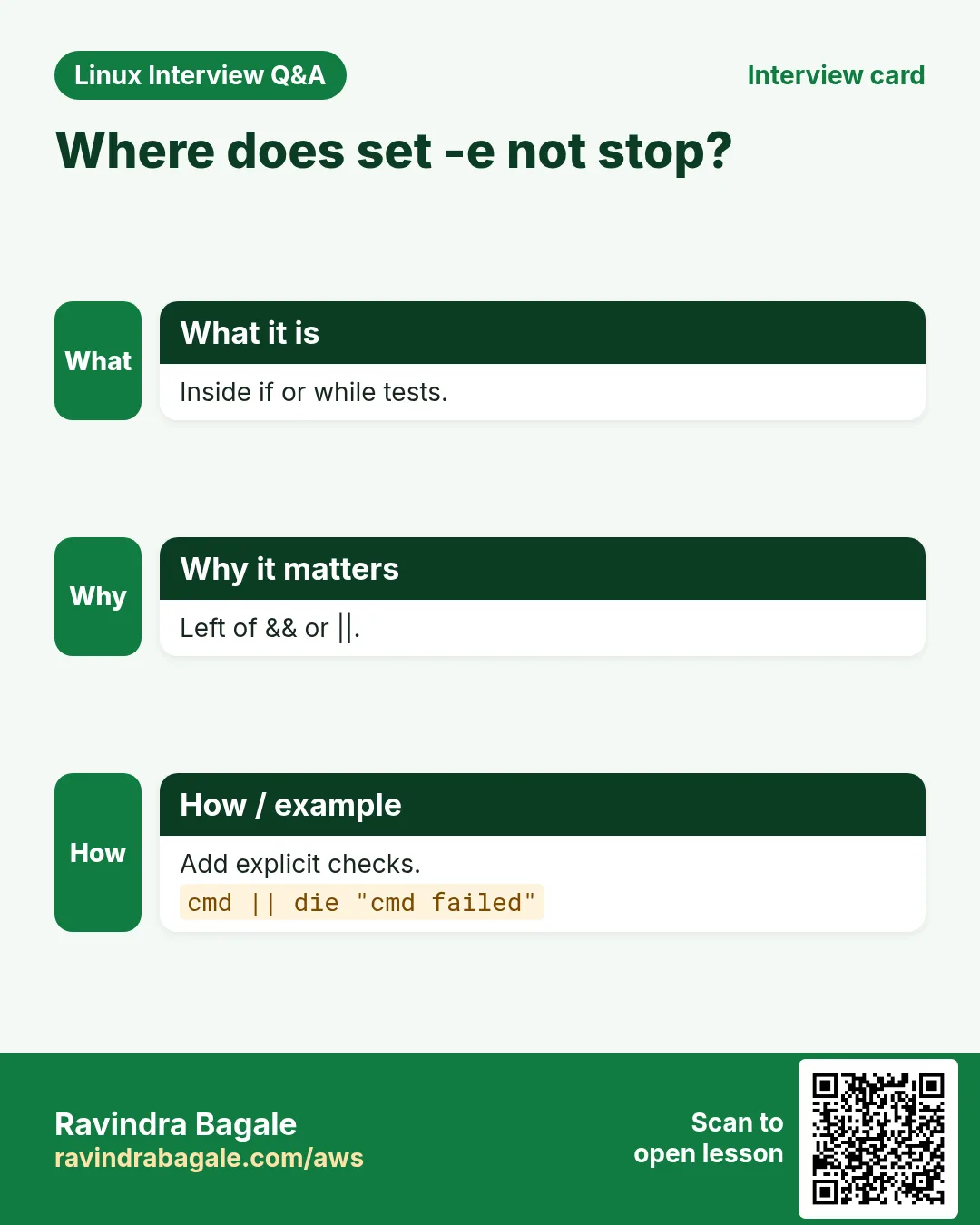
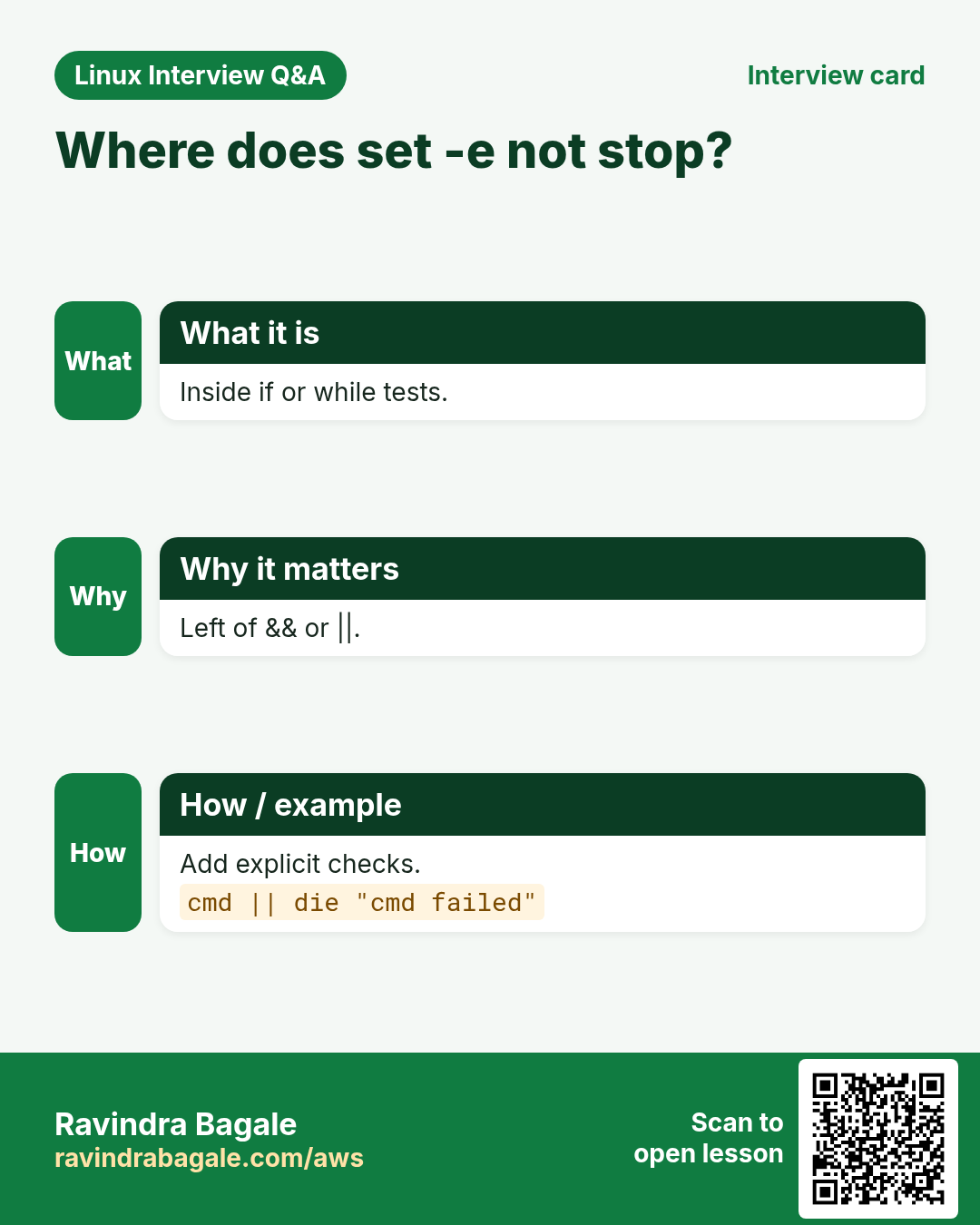
set -e exits when a command fails. set -u treats unset variables as errors. set -o pipefail makes a pipe fail if any part fails. Together: set -euo pipefail. Know the limits: -e does not fire inside if conditions, in parts of && or || lists, or for commands like ((n++)) when n was 0 (that returns 1 and kills the script). Use n=$((n+1)) or ((n++)) || true. grep with no match returns 1, so add || true when that is fine.
| Option | Effect |
|---|---|
| -e | exit on error |
| -u | unset variable is error |
| -o pipefail | pipe fails if any part fails |
| -x | trace each command |
How to do it (step by step)
- Header.
#!/usr/bin/env bash
set -euo pipefail
What it means: First lines of a script.
- -u catches typos.
set -u; echo "$DIRR"Output:
bash: DIRR: unbound variableWhat it means: Stops before damage.
- pipefail.
set -o pipefail; false | sort; echo $?Output:
1What it means: Without it you get 0.
- Counter trap.
set -e; n=0; ((n++)); echo neverWhat it means: Script exits; use n=$((n+1)).
- Allowed failure.
count=$(grep -c WARN app.log || true); echo $countOutput:
0What it means: No match is OK here.
7. Clear errors: stderr, die and usage
Why do we need this?
Error messages mixed into normal output break pipes and confuse the person on call at 3 a.m.
What is it?
Send errors to stderr with echo 'msg' >&2. Write a small die function that prints the message and exits with a code. Print a usage line and exit 2 when arguments are wrong. Include the script name with ${0##*/} and what failed, so the message is useful in logs.
How to do it (step by step)
- To stderr.
echo 'config missing' >&2Output:
config missingWhat it means: Not in stdout.
- die function.
die(){ echo "${0##*/}: $*" >&2; exit "${2:-1}"; }
[[ -r app.conf ]] || die 'cannot read app.conf'
Output:
backup.sh: cannot read app.confWhat it means: Clear and exits 1.
- Usage.
(( $# == 1 )) || { echo "usage: ${0##*/} ENV" >&2; exit 2; }Output:
usage: deploy.sh ENVWhat it means: Exit 2 = bad usage.
- Return from a function.
is_up(){ curl -fs -o /dev/null "$1"; }; is_up https://example.com && echo upOutput:
upWhat it means: Function returns curl's code.
8. Retries and timeouts
Why do we need this?
Networks blink. A deploy should try a health check a few times before calling it a failure, and should not hang forever.
What is it?
A retry loop runs a command up to N times with a sleep between tries and returns failure at the end. Double the sleep each time (backoff) to be kind to a busy server. timeout 10 cmd kills cmd after 10 seconds and returns 124. Combine both for safe network steps.
How to do it (step by step)
- Retry function.
retry(){ local n=$1 d=1 i; shift; for ((i=1;i<=n;i++)); do "$@" && return 0; echo "try $i failed" >&2; sleep $d; d=$((d*2)); done; return 1; }What it means: Backoff 1, 2, 4 seconds.
- Use it.
retry 3 curl -fsS http://localhost:8080/healthOutput:
try 1 failed
OK
What it means: Second try worked.
- Timeout.
timeout 5 sleep 30; echo $?Output:
124What it means: 124 = timed out.
- Both.
retry 3 timeout 10 pg_isready -h db1 || die 'database not ready'Output:
db1:5432 - accepting connectionsWhat it means: Safe wait for a database.
9. Real examples from many industries
Why do we need this?
The same Linux skill shows up in every kind of company. Seeing it in many places helps you remember it.
What is it?
Each row is a made-up team. It shows who uses this and how.
How to do it (step by step)
| Team and city | How they use it | Command |
|---|---|---|
| Nikhil, logistics, Pune | Stop the route import if the CSV download fails | set -euo pipefail |
| Grace, hospital, Nairobi | Alert when lab-results sync fails | rsync -a src/ dst/ || alert |
| Hiro, manufacturing, Osaka | Average sensor temp with decimals | awk '{s+=$1} END{print s/NR}' |
| Olivia, retail, Sydney | Retry the payment health check | retry 5 curl -fs "$URL" |
| Ahmed, telecom, Dubai | Disk percent alert | (( used*100/total > 90 )) |
| Sneha, edtech, Bengaluru | Usage error for bad arguments | exit 2 |
10. Common errors and how to fix them
Why do we need this?
Everyone hits these errors. Knowing the cause saves hours.
What is it?
Read the exact message first. Then match it to a row below.
How to do it (step by step)
| Error you see | Why it happens | How to fix |
|---|---|---|
unbound variable | set -u and var not set | Set it or use a default.echo "${VAR:-}" |
Script exits silently after ((n++)) | n was 0, result 0, exit 1 under -e | Use n=$((n+1)).n=$((n+1)) |
value too great for base | Leading zero like 08 read as octal | Force base 10.echo $((10#08)) |
syntax error: invalid arithmetic operator | Decimal in $(( )) | Use bc or awk.echo '1.5+2' | bc |
division by 0 | Divisor empty or zero | Check before dividing.(( total > 0 )) && echo $((u*100/total)) |
Pipe failure not detected | No pipefail | Enable it.set -o pipefail |
Script stops when grep finds nothing | grep returns 1 under -e | Allow it.grep x f || true |
bc: command not found | Minimal image | Install bc or use awk.sudo dnf install -y bc |
Exit code 141 | SIGPIPE: reader closed early with pipefail | Avoid head on long pipes or ignore 141.yes | head -1 || true |
11. Troubleshooting step by step
Why do we need this?
When a script stops or does not stop, find which command returned what code.
What is it?
Go top to bottom. Stop at the first step that shows the problem.
How to do it (step by step)
- Print last code.
echo $?- Pipe codes.
echo "${PIPESTATUS[@]}"- Trace.
bash -x script.sh- Show options.
echo $-; set -o | grep -E 'errexit|nounset|pipefail'- Find the failing line.
trap 'echo "failed at line $LINENO" >&2' ERR- Lint.
shellcheck script.sh12. Lab 1: Disk usage alert with maths and exit codes
Why do we need this?
Write diskcheck.sh that reads disk use for / and exits 1 with a message when it is above a limit, so cron or a monitor can act on it.
What is it?
A full hands-on lab. Run every step on a test Linux machine (an EC2 instance, a VM, or WSL).
How to do it (step by step)
- Create script.
cat > ~/diskcheck.sh <<'X'
#!/usr/bin/env bash
set -euo pipefail
limit=${1:-85}
used=$(df --output=pcent / | tail -1 | tr -dc '0-9')
if (( used > limit )); then echo "disk / at ${used}% (limit ${limit}%)" >&2; exit 1; fi
echo "disk / ok at ${used}%"
X
chmod +x ~/diskcheck.sh- Run.
~/diskcheck.sh; echo "rc=$?"Output:
disk / ok at 41%
rc=0- Low limit.
~/diskcheck.sh 10; echo "rc=$?"Output:
disk / at 41% (limit 10%)
rc=1- Use in a chain.
~/diskcheck.sh 10 || echo 'send alert now'Output:
disk / at 41% (limit 10%)
send alert now- Lint.
shellcheck ~/diskcheck.sh && echo cleanOutput:
clean13. Lab 2: See set -e and pipefail in action
Why do we need this?
Run the same small script with and without the safe header to see how it changes failures.
What is it?
A full hands-on lab. Run every step on a test Linux machine (an EC2 instance, a VM, or WSL).
How to do it (step by step)
- Unsafe script.
printf 'cat /nope | sort\necho "after: still running"\n' > ~/t.sh; bash ~/t.shOutput:
cat: /nope: No such file or directory
after: still running- Safe header.
sed -i '1i set -euo pipefail' ~/t.sh; bash ~/t.sh; echo "rc=$?"Output:
cat: /nope: No such file or directory
rc=1- Unset var.
bash -uc 'echo "$NOPE"'; echo "rc=$?"Output:
bash: line 1: NOPE: unbound variable
rc=1- Counter trap.
bash -ec 'n=0; ((n++)); echo reached'; echo "rc=$?"Output:
rc=1- Fixed counter.
bash -ec 'n=0; n=$((n+1)); echo reached $n'Output:
reached 1- Clean.
rm ~/t.shRavindra Bagale's Tip
Start every new script with set -euo pipefail, send errors to stderr, and exit with a non-zero code on failure. Then learn the few places -e surprises you (counters, grep with no match, if conditions) so the safe header helps you instead of confusing you.
Ravindra Bagale's Tip – मराठी
प्रत्येक नवी script set -euo pipefail ने सुरू करा, errors stderr ला पाठवा आणि failure वर non-zero code ने exit करा. मग -e जिथे आश्चर्य देतो त्या थोड्या जागा (counters, match नसलेला grep, if conditions) शिका म्हणजे safe header गोंधळ न करता मदत करतो.
Ravindra Bagale's Tip – हिंदी
हर नई script set -euo pipefail से शुरू कीजिए, errors stderr पर भेजिए और failure पर non-zero code से exit कीजिए. फिर -e जहाँ चौंकाता है वो कुछ जगहें (counters, बिना match का grep, if conditions) सीखिए ताकि safe header उलझाए नहीं, मदद करे.
14. Frequently asked questions
Q. Why is 0 success?
There is one way to succeed and many to fail.
Q. Max exit code?
255; larger wraps around.
Q. Is set -e enough?
No; also check important steps clearly.
Q. Floating point in bash?
No; use bc or awk.
Q. let vs (( ))?
Same; (( )) is clearer.
Q. Exit code of a function?
Its last command or return N.
Q. Why 124?
timeout killed the command.
Q. Ignore one failure?
cmd || true.
15. Interview questions and answers
Beginner level
Q. What is exit code 0?
Success.
Q. Where is the last code?
$?.
Q. Add two numbers?
$((a+b)).
Q. Run b only if a works?
a && b.
Mid level level
Q. What does pipefail do?
Pipe fails if any part fails.
Q. Decimal maths?
bc or awk.
Q. Code 127?
Command not found.
Q. Errors where?
stderr with >&2.
Senior level
Q. Where does set -e not trigger?
In if tests, && || lists, and negated commands.
Q. Why does ((n++)) kill scripts?
Result 0 gives exit 1 under -e.
Q. Design retries?
Limited tries, backoff, timeout, clear final error.
Q. Exit code 137?
Killed by signal 9, often OOM.
Try at home
- Write a GST calculator script that takes a price and rate and prints the tax and total with 2 decimals.
- Add a retry function to any script that pings a website 3 times before saying it is down.
Practice Tasks
Vidarbha Cotton Mills is a textiles business in Nagpur. Ganesh Wankhede looks after its IT and cloud work. They count money in INR and run their AWS resources in the ap-south-1 Region. In the tasks below you do real jobs for them using what this lesson teaches. All names, account IDs, IP addresses and numbers are made up for practice.
0 / 21
Easy Add
Why: BIZ jobs must stop loudly when something fails.
What to do: Ganesh Wankhede at Vidarbha Cotton Mills has variables x and y. Print their sum with arithmetic expansion.
- Find the Linux command that does this job.
- Add the options (like -r or -h) the task needs.
- Add the file names, folders or users in the right order.
- Use sudo if the job changes system files or users. Click Check answer.
Easy Remainder
Why: BIZ jobs must stop loudly when something fails.
What to do: Print the remainder of n divided by 7.
- Find the Linux command that does this job.
- Add the options (like -r or -h) the task needs.
- Add the file names, folders or users in the right order.
- Use sudo if the job changes system files or users. Click Check answer.
Easy Increment
Why: BIZ jobs must stop loudly when something fails.
What to do: Increase variable count by one using double parens.
- Find the Linux command that does this job.
- Add the options (like -r or -h) the task needs.
- Add the file names, folders or users in the right order.
- Use sudo if the job changes system files or users. Click Check answer.
Easy Last exit code
Why: BIZ jobs must stop loudly when something fails.
What to do: Print exit= followed by the exit code of the previous command.
- Find the Linux command that does this job.
- Add the options (like -r or -h) the task needs.
- Add the file names, folders or users in the right order.
- Use sudo if the job changes system files or users. Click Check answer.
Easy Strict mode
Why: BIZ jobs must stop loudly when something fails.
What to do: Turn on exit-on-error, unset-variable error and pipeline failure together using long option names.
- Find the Linux command that does this job.
- Add the options (like -r or -h) the task needs.
- Add the file names, folders or users in the right order.
- Use sudo if the job changes system files or users. Click Check answer.
Easy Run if ok
Why: BIZ jobs must stop loudly when something fails.
What to do: Run make and only if it succeeds run make install.
- Find the Linux command that does this job.
- Add the options (like -r or -h) the task needs.
- Add the file names, folders or users in the right order.
- Use sudo if the job changes system files or users. Click Check answer.
Easy Compare numbers
Why: BIZ jobs must stop loudly when something fails.
What to do: Test if variable free is less than 10 using double parens.
- Find the Linux command that does this job.
- Add the options (like -r or -h) the task needs.
- Add the file names, folders or users in the right order.
- Use sudo if the job changes system files or users. Click Check answer.
Easy Exit code 3
Why: BIZ jobs must stop loudly when something fails.
What to do: End the script with exit status 3.
- Find the Linux command that does this job.
- Add the options (like -r or -h) the task needs.
- Add the file names, folders or users in the right order.
- Use sudo if the job changes system files or users. Click Check answer.
Medium Power
Why: BIZ jobs must stop loudly when something fails.
What to do: Print 2 to the power 10 with arithmetic expansion.
- Find the Linux command that does this job.
- Add the options (like -r or -h) the task needs.
- Add the file names, folders or users in the right order.
- Use sudo if the job changes system files or users. Click Check answer.
Medium Decimal result
Why: BIZ jobs must stop loudly when something fails.
What to do: Print 22 divided by 7 with 2 decimals using bc.
- Find the Linux command that does this job.
- Add the options (like -r or -h) the task needs.
- Add the file names, folders or users in the right order.
- Use sudo if the job changes system files or users. Click Check answer.
Medium Only pipefail
Why: BIZ jobs must stop loudly when something fails.
What to do: Turn on only the unset-variable and pipefail options in one short set.
- Find the Linux command that does this job.
- Add the options (like -r or -h) the task needs.
- Add the file names, folders or users in the right order.
- Use sudo if the job changes system files or users. Click Check answer.
Medium Or exit
Why: BIZ jobs must stop loudly when something fails.
What to do: Change to /srv/app or exit with code 1 if that fails.
- Find the Linux command that does this job.
- Add the options (like -r or -h) the task needs.
- Add the file names, folders or users in the right order.
- Use sudo if the job changes system files or users. Click Check answer.
Medium Allow failure
Why: BIZ jobs must stop loudly when something fails.
What to do: Under set -e, run grep -q ERROR app.log without stopping the script if no match.
- Find the Linux command that does this job.
- Add the options (like -r or -h) the task needs.
- Add the file names, folders or users in the right order.
- Use sudo if the job changes system files or users. Click Check answer.
Medium Test -ge
Why: BIZ jobs must stop loudly when something fails.
What to do: Using double brackets, test if variable n is greater than or equal to 5.
- Find the Linux command that does this job.
- Add the options (like -r or -h) the task needs.
- Add the file names, folders or users in the right order.
- Use sudo if the job changes system files or users. Click Check answer.
Medium Random 1-6
Why: BIZ jobs must stop loudly when something fails.
What to do: Print a random number from 1 to 6 like a dice.
- Find the Linux command that does this job.
- Add the options (like -r or -h) the task needs.
- Add the file names, folders or users in the right order.
- Use sudo if the job changes system files or users. Click Check answer.
Medium Negate
Why: BIZ jobs must stop loudly when something fails.
What to do: Print missing only if file config.yml does not exist.
- Find the Linux command that does this job.
- Add the options (like -r or -h) the task needs.
- Add the file names, folders or users in the right order.
- Use sudo if the job changes system files or users. Click Check answer.
Medium let
Why: BIZ jobs must stop loudly when something fails.
What to do: Use let to set total to price times qty.
- Find the Linux command that does this job.
- Add the options (like -r or -h) the task needs.
- Add the file names, folders or users in the right order.
- Use sudo if the job changes system files or users. Click Check answer.
Hard Pipe statuses
Why: BIZ jobs must stop loudly when something fails.
What to do: Print the exit codes of every command in the last pipeline.
- Find the Linux command that does this job.
- Add the options (like -r or -h) the task needs.
- Add the file names, folders or users in the right order.
- Use sudo if the job changes system files or users. Click Check answer.
Hard ERR trap
Why: BIZ jobs must stop loudly when something fails.
What to do: Set a trap that prints failed at line and the line number on any error.
- Find the Linux command that does this job.
- Add the options (like -r or -h) the task needs.
- Add the file names, folders or users in the right order.
- Use sudo if the job changes system files or users. Click Check answer.
Hard Retry loop
Why: BIZ jobs must stop loudly when something fails.
What to do: Try curl -fs https://api.example.in up to 3 times, stopping at the first success.
- Find the Linux command that does this job.
- Add the options (like -r or -h) the task needs.
- Add the file names, folders or users in the right order.
- Use sudo if the job changes system files or users. Click Check answer.
Hard Integer check
Why: BIZ jobs must stop loudly when something fails.
What to do: Test whether variable v contains only digits using a regex in double brackets.
- Find the Linux command that does this job.
- Add the options (like -r or -h) the task needs.
- Add the file names, folders or users in the right order.
- Use sudo if the job changes system files or users. Click Check answer.
16. Related chapters
- Linux Ops Refresh for DevOps
- Bash Scripting for Automation
- Linux grep and find Commands with Examples
- How to Set Up Passwordless SSH Between Linux Servers
In short
- $(( )) for integer maths; bc/awk for decimals.
- 0 = success; read $? at once.
- PIPESTATUS shows every pipe part.
- && on success, || on failure.
- set -euo pipefail with known traps.
- die to stderr, retry with backoff, timeout.
Revision, comparison and interview cards
Revise this lesson in a few minutes. Save the cards on your phone or download them as PNG files. The QR code on each card opens this lesson.
More cards: Ravi Sir's Cards.