AWS CLI SQS Commands: Send, Receive and Delete Messages
We make a waiting line for work: standard and FIFO queues, send, receive, delete, visibility timeout, dead-letter queues and purge.
What you'll learn in this chapter
- Create standard and FIFO queues
- Send and receive messages
- Delete after processing
- Visibility timeout and long polling
- Dead-letter queues and purge
1. The big picture: token system at a clinic
Why do we need this?
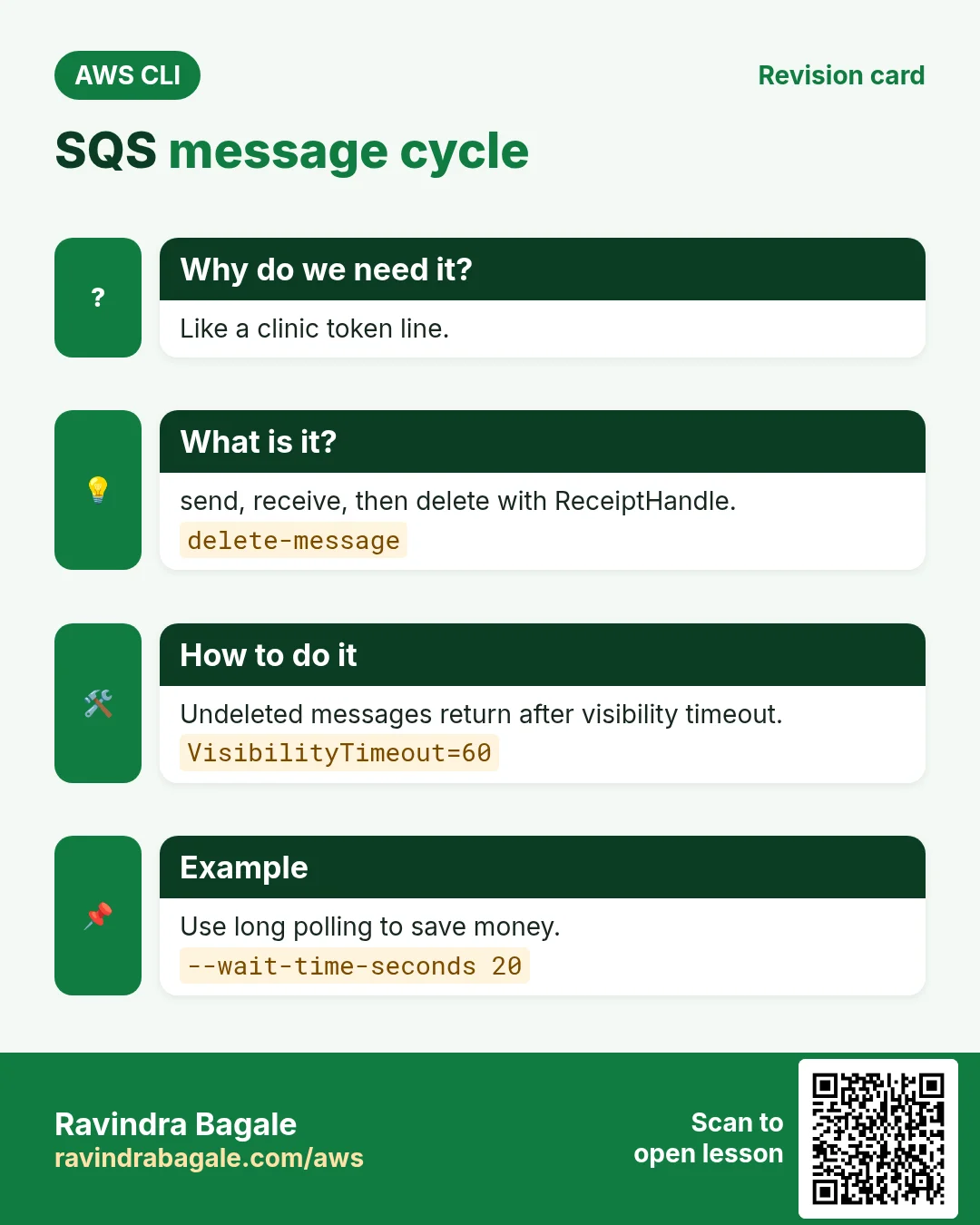
At a clinic you take a token and wait. The doctor calls one token at a time and nobody is lost when the doctor is busy. SQS holds messages safely until a worker is ready.
What is it?
Commands are in aws sqs: create-queue, send-message, receive-message, delete-message, set-queue-attributes, purge-queue.
How to do it (step by step)
2. Create queues
Why do we need this?
Orders come faster than you can process them. You need a buffer.
What is it?
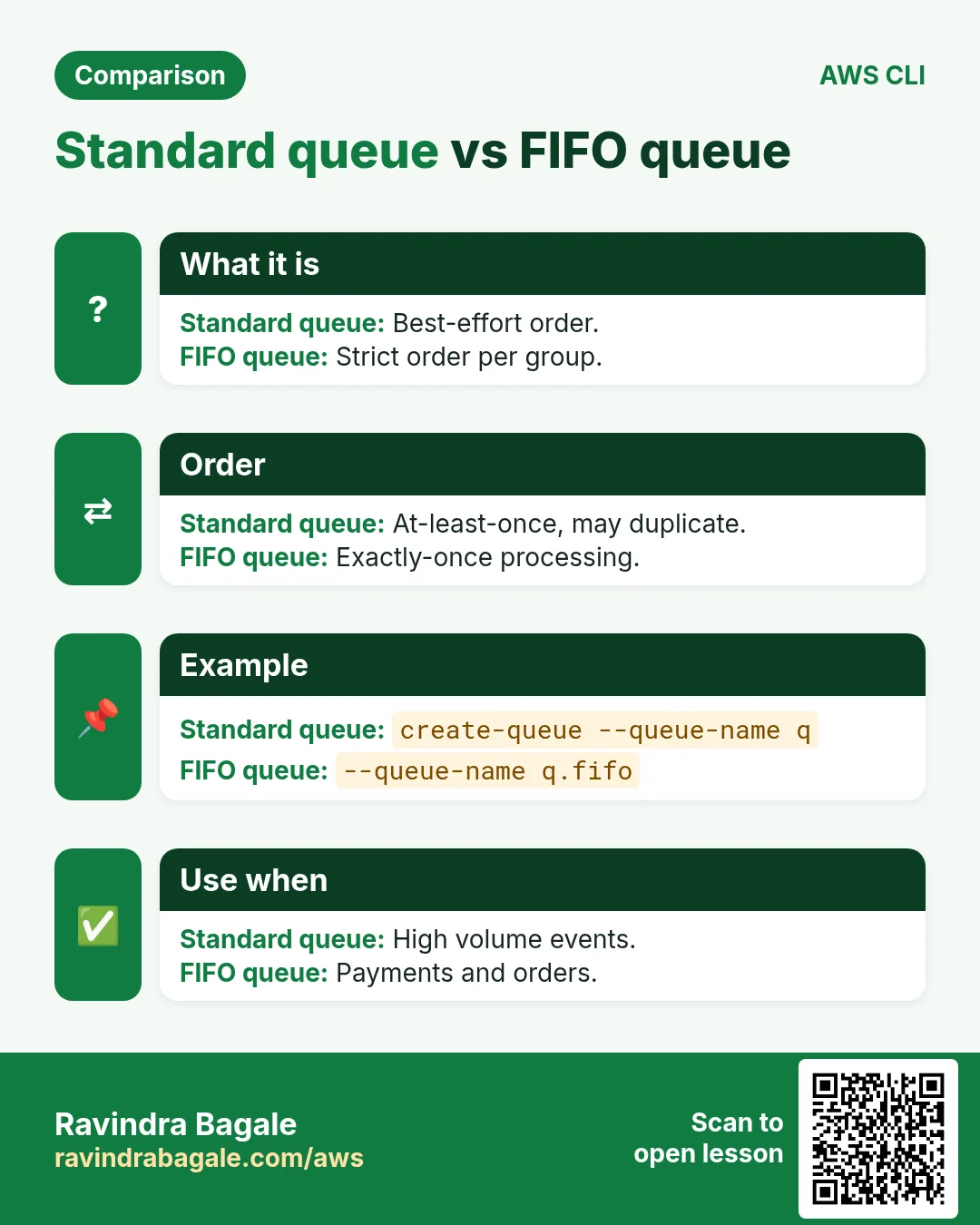
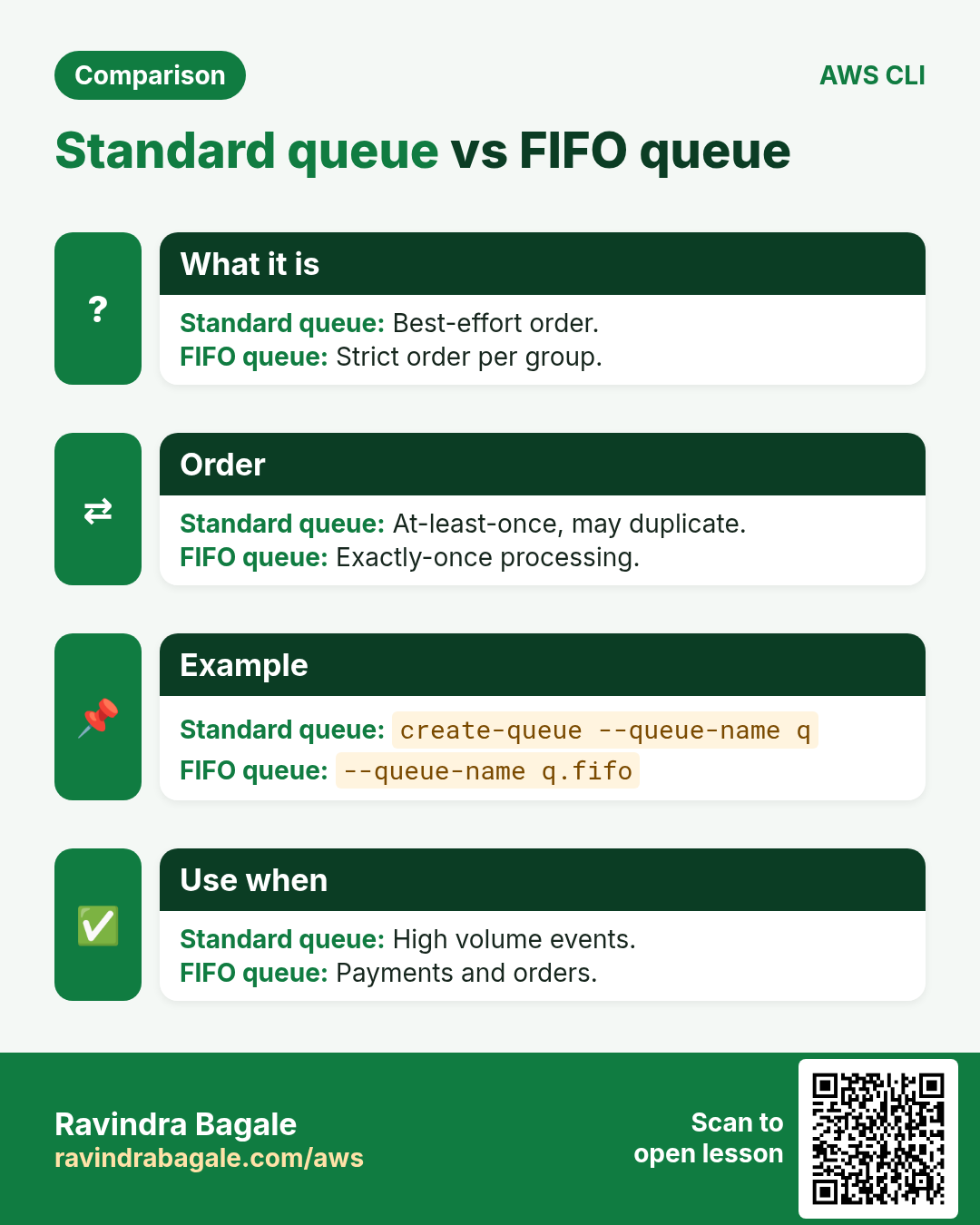
Standard queues are almost unlimited and may deliver twice or out of order. FIFO queues (.fifo) keep order and remove duplicates.
How to do it (step by step)
- Create a standard queue.
Q=$(aws sqs create-queue --queue-name cli-q --query QueueUrl --output text)
echo $Q
Expected output:
https://sqs.ap-south-1.amazonaws.com/111122223333/cli-q- Create a FIFO queue.
F=$(aws sqs create-queue --queue-name cli-q.fifo --attributes FifoQueue=true,ContentBasedDeduplication=true --query QueueUrl --output text)
echo $F
Expected output:
https://sqs.ap-south-1.amazonaws.com/111122223333/cli-q.fifo3. Send, receive and delete
Why do we need this?
A worker must take a job, do it and mark it done.
What is it?
receive-message gives the body and a ReceiptHandle. Only delete-message with that handle removes it for good.
How to do it (step by step)
- Send.
aws sqs send-message --queue-url $Q --message-body "order 101" --query MessageId --output textExpected output:
4c5d6e7f-8a9b-0c1d-2e3f-405060708090- Send to FIFO with a group.
aws sqs send-message --queue-url $F --message-body "order 101" --message-group-id shop1 --query SequenceNumber --output textExpected output:
18887000000000000000- Receive with long polling.
aws sqs receive-message --queue-url $Q --wait-time-seconds 10 --max-number-of-messages 1 --query "Messages[0].[Body,ReceiptHandle]" --output textExpected output:
order 101 AQEBzW8k...- Delete it.
RH=$(aws sqs receive-message --queue-url $Q --visibility-timeout 0 --query "Messages[0].ReceiptHandle" --output text)
aws sqs delete-message --queue-url $Q --receipt-handle "$RH"
aws sqs get-queue-attributes --queue-url $Q --attribute-names ApproximateNumberOfMessages --query Attributes --output text
Expected output:
04. Visibility timeout
Why do we need this?
If a worker crashes mid-job, the job must not be lost.
What is it?
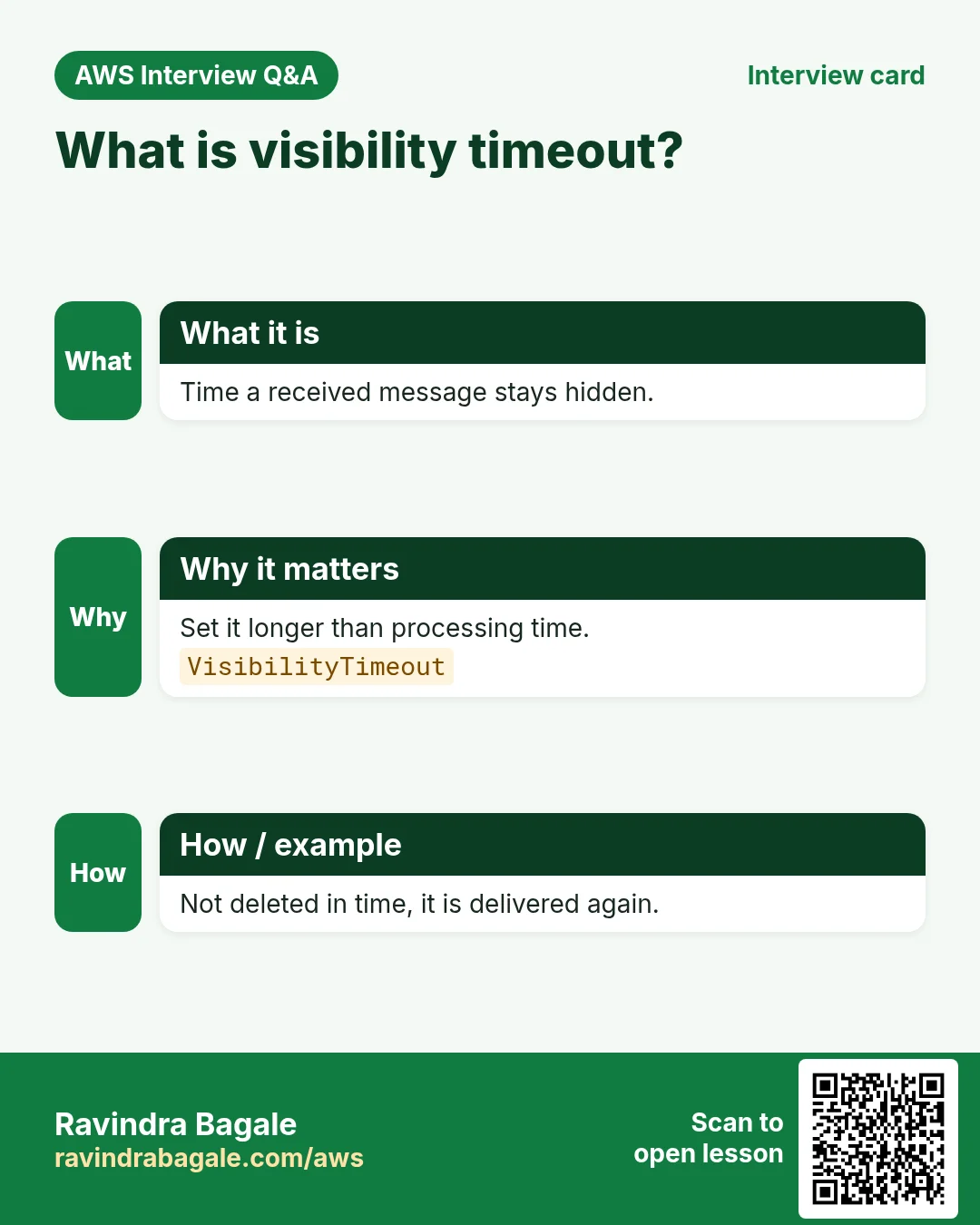
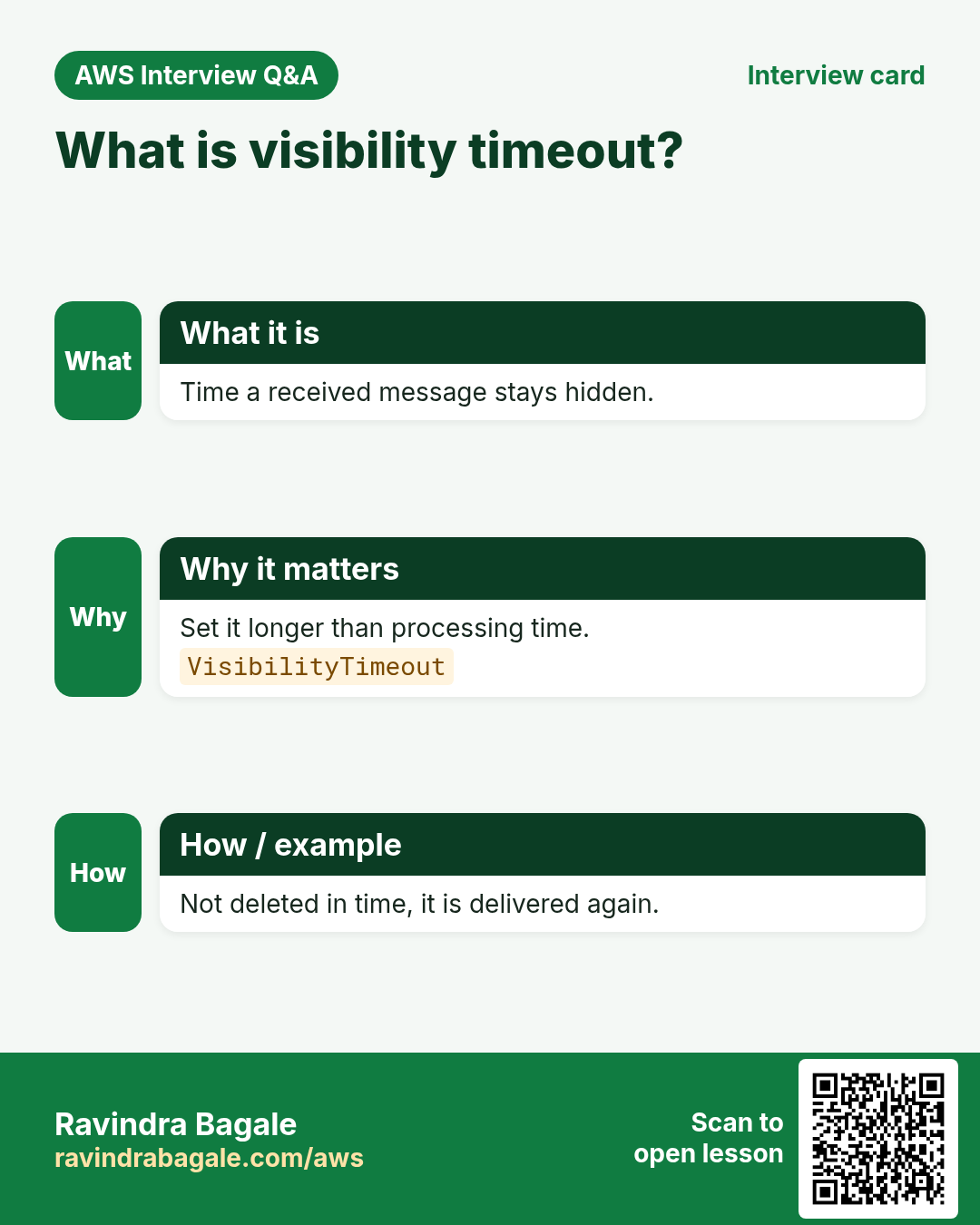
After receive, the message is hidden for VisibilityTimeout seconds. Not deleted in time, it appears again.
How to do it (step by step)
- Set 60 seconds.
aws sqs set-queue-attributes --queue-url $Q --attributes VisibilityTimeout=60
aws sqs get-queue-attributes --queue-url $Q --attribute-names VisibilityTimeout --query Attributes.VisibilityTimeout --output text
Expected output:
605. Dead-letter queue and purge
Why do we need this?
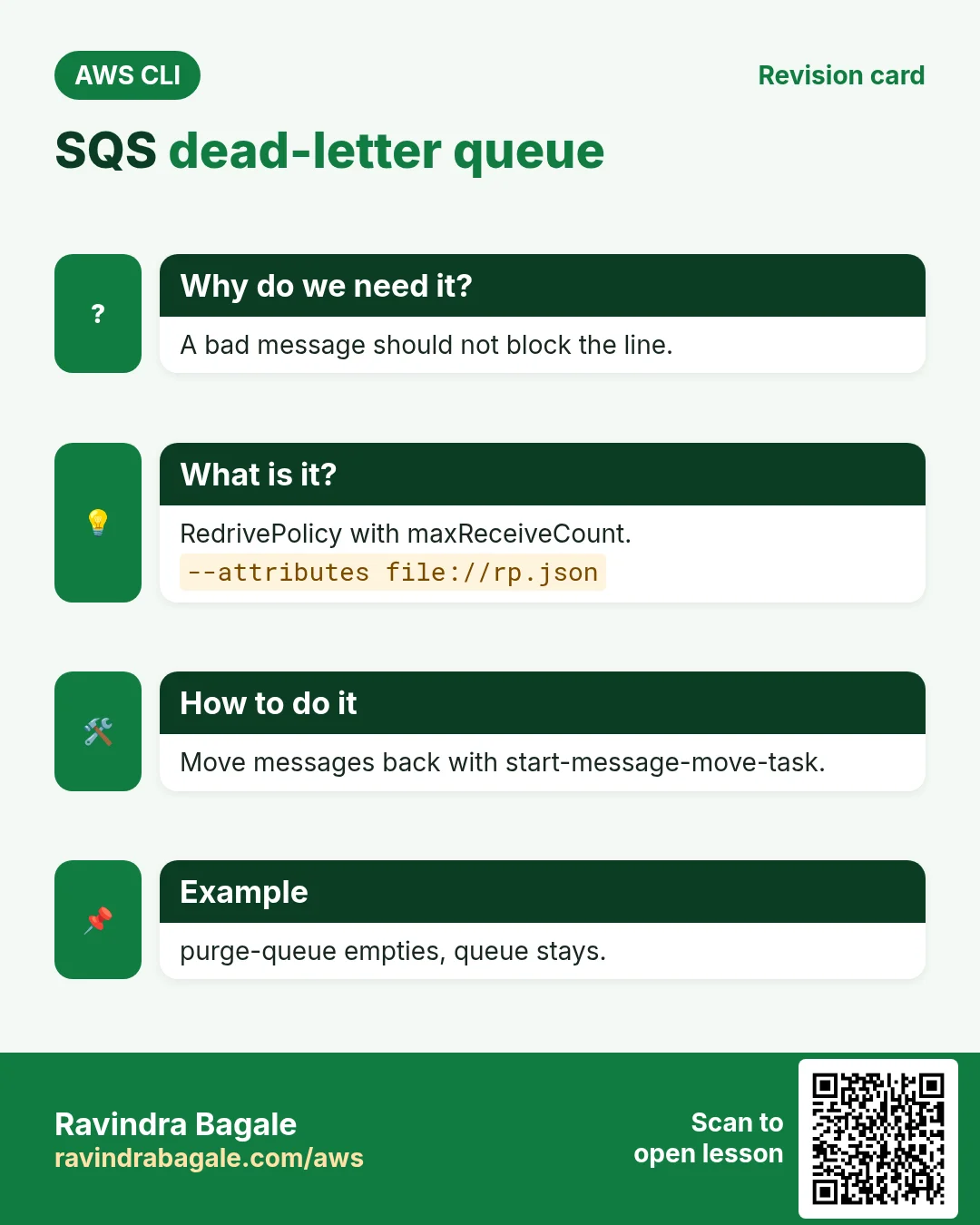
A bad message that always fails should not block the line forever.
What is it?
A RedrivePolicy moves a message to a DLQ after maxReceiveCount tries. purge-queue empties a queue.
How to do it (step by step)
- Create a DLQ and attach it.
D=$(aws sqs create-queue --queue-name cli-dlq --query QueueUrl --output text)
DA=$(aws sqs get-queue-attributes --queue-url $D --attribute-names QueueArn --query Attributes.QueueArn --output text)
cat > rp.json <<J
{"RedrivePolicy":"{\"deadLetterTargetArn\":\"$DA\",\"maxReceiveCount\":\"3\"}"}
J
aws sqs set-queue-attributes --queue-url $Q --attributes file://rp.json
aws sqs get-queue-attributes --queue-url $Q --attribute-names RedrivePolicy --query Attributes.RedrivePolicy --output text
Expected output:
{"deadLetterTargetArn":"arn:aws:sqs:ap-south-1:111122223333:cli-dlq","maxReceiveCount":"3"}- Purge the queue.
aws sqs purge-queue --queue-url $QExpected output:
(no output means success)- Move DLQ messages back.
aws sqs start-message-move-task --source-arn $DA --query TaskHandle --output textExpected output:
eyJ0YXNr...6. Same action in Python, Node.js, Java, Go, .NET and PHP
Why do we need this?
Scripts start in the CLI. Apps call the same API through an SDK. Knowing both helps you move a tested command into real code.
What is it?
Each CLI command maps to one API call. For example aws sqs send-message --queue-url $Q --message-body hi maps to the Send message API.
How to do it (step by step)
Same action (Send message) from code. Every SDK reads the same profile, region and credentials as the CLI.
| Stack | Code |
|---|---|
| Python (boto3) | boto3.client("sqs").send_message(QueueUrl=q,MessageBody="hi") |
| Node.js (v3) | await sqs.send(new SendMessageCommand({QueueUrl:q,MessageBody:"hi"})); |
| Java (v2) | sqs.sendMessage(r -> r.queueUrl(q).messageBody("hi")); |
| Go (v2) | c.SendMessage(ctx, &sqs.SendMessageInput{QueueUrl: aws.String(q), MessageBody: aws.String("hi")}) |
| .NET | await sqs.SendMessageAsync(q,"hi"); |
| PHP | $sqs->sendMessage(["QueueUrl"=>$q,"MessageBody"=>"hi"]); |
7. Clean up so nothing keeps costing
Why do we need this?
Lab resources left running cost money and can be a security risk.
What is it?
Delete in reverse order: children first, then parents.
How to do it (step by step)
- Delete the queues.
for u in $Q $F $D; do aws sqs delete-queue --queue-url $u; doneExpected output:
(no output means success)- Verify (takes up to 60 s).
aws sqs list-queues --queue-name-prefix cli --query QueueUrlsExpected output:
nullRavindra Bagale's Tip
Use --wait-time-seconds 20 (long polling). Short polling returns empty often and you pay for every empty call.
8. Interview questions and answers
Q. Standard vs FIFO?
Standard: high throughput, at-least-once, best-effort order. FIFO: exact order, exactly-once processing, lower throughput.
Q. What is visibility timeout?
Time a received message stays hidden from other consumers.
Q. What is a ReceiptHandle?
A token from receive needed to delete or change that message.
Q. Why DLQ?
To park messages that fail repeatedly so the queue keeps moving.
Q. Long vs short polling?
Long polling waits up to 20 s for messages; fewer empty responses, lower cost.
Try at home
- Send 5 messages, receive without deleting, and watch them return after the timeout.
- Set maxReceiveCount 2 and see a message land in the DLQ.
In short
- create-queue.
- receive then delete.
- VisibilityTimeout.
- DLQ via RedrivePolicy.
- Long polling.
Practice Tasks
Hyderabad Biryani Hub is a cloud kitchen business in Hyderabad. Syed Imran looks after its IT and cloud work. They count money in INR and run their AWS resources in the ap-south-2 Region. In the tasks below you do real jobs for them using what this lesson teaches. All names, account IDs, IP addresses and numbers are made up for practice.
0 / 12
Easy Create a queue
Why: A queue holds work safely until a worker is ready.
What to do: Create queue hydbiryani-orders.
- Read the task and decide which AWS service it is about.
- Write aws, then the service name, then the operation (the action word).
- Add each needed flag (--name) followed by its value from the task.
- Flags can be in any order. Click Check answer.
Easy Send a message
Why: The producer puts the job in the queue and moves on.
What to do: Send the body {"orderId":"o-101"} to https://sqs.ap-south-2.amazonaws.com/130300927383/hydbiryani-orders.
- Read the task and decide which AWS service it is about.
- Write aws, then the service name, then the operation (the action word).
- Add each needed flag (--name) followed by its value from the task.
- Flags can be in any order. Click Check answer.
Easy Find a queue URL
Why: Most SQS commands need the URL, not the name.
What to do: Get the URL of queue hydbiryani-orders.
- Read the task and decide which AWS service it is about.
- Write aws, then the service name, then the operation (the action word).
- Add each needed flag (--name) followed by its value from the task.
- Flags can be in any order. Click Check answer.
Easy Invoke one function
Why: A caller should invoke only the function it needs.
What to do: Allow lambda:InvokeFunction on arn:aws:lambda:ap-south-2:130300927383:function:hydbiryani-orders-fn only.
- Start with { "Version": "2012-10-17", "Statement": [ ... ] }.
- In each statement write Effect, Action and Resource.
- Give only what the task needs (least privilege).
- Use double quotes and commas correctly. Click Check answer.
Medium Producer may only send
Why: The web app should add jobs but never read or delete them.
What to do: Allow sqs:SendMessage on arn:aws:sqs:ap-south-2:130300927383:hydbiryani-orders only.
- Start with { "Version": "2012-10-17", "Statement": [ ... ] }.
- In each statement write Effect, Action and Resource.
- Give only what the task needs (least privilege).
- Use double quotes and commas correctly. Click Check answer.
Medium Delete a processed message
Why: If you do not delete it, the message comes back after the visibility timeout.
What to do: Delete the message with receipt handle stored in $RH from https://sqs.ap-south-2.amazonaws.com/130300927383/hydbiryani-orders.
- Read the task and decide which AWS service it is about.
- Write aws, then the service name, then the operation (the action word).
- Add each needed flag (--name) followed by its value from the task.
- Flags can be in any order. Click Check answer.
Medium Receive messages with long polling
Why: Long polling waits for messages, so you make fewer empty calls and pay less.
What to do: Receive up to 10 messages from https://sqs.ap-south-2.amazonaws.com/130300927383/hydbiryani-orders, waiting up to 20 seconds.
- Read the task and decide which AWS service it is about.
- Write aws, then the service name, then the operation (the action word).
- Add each needed flag (--name) followed by its value from the task.
- Flags can be in any order. Click Check answer.
Medium Empty a test queue
Why: Purge removes all messages at once, useful only for test queues.
What to do: Purge the queue https://sqs.ap-south-2.amazonaws.com/130300927383/hydbiryani-test.
- Read the task and decide which AWS service it is about.
- Write aws, then the service name, then the operation (the action word).
- Add each needed flag (--name) followed by its value from the task.
- Flags can be in any order. Click Check answer.
Hard Attach a dead-letter queue
Why: After a few failed tries, bad messages move to a DLQ instead of blocking the queue.
What to do: Set the attributes in attrs.json (a RedrivePolicy) on https://sqs.ap-south-2.amazonaws.com/130300927383/hydbiryani-orders.
- Read the task and decide which AWS service it is about.
- Write aws, then the service name, then the operation (the action word).
- Add each needed flag (--name) followed by its value from the task.
- Flags can be in any order. Click Check answer.
Hard Create a FIFO queue
Why: FIFO queues keep order and remove duplicates, e.g. for payments.
What to do: Create a FIFO queue named hydbiryani-payments.fifo with FifoQueue=true.
- Read the task and decide which AWS service it is about.
- Write aws, then the service name, then the operation (the action word).
- Add each needed flag (--name) followed by its value from the task.
- Flags can be in any order. Click Check answer.
Hard Connect an SQS queue to Lambda
Why: An event source mapping makes Lambda poll the queue and process messages in batches.
What to do: Create an event source mapping from queue arn:aws:sqs:ap-south-2:130300927383:hydbiryani-orders to hydbiryani-orders-fn with batch size 10.
- Read the task and decide which AWS service it is about.
- Write aws, then the service name, then the operation (the action word).
- Add each needed flag (--name) followed by its value from the task.
- Flags can be in any order. Click Check answer.
Hard Lambda GB-seconds
Why: Lambda bills memory × time.
What to do: 1,000,000 invocations, 512 MB memory, 200 ms each. How many GB-seconds?
- Write down the numbers the task gives you.
- Work it out step by step on paper.
- Type only the final answer in the box.
- Click Check answer.
Revision, comparison and interview cards
Revise this lesson in a few minutes. Save the cards on your phone or download them as PNG files. The QR code on each card opens this lesson.
More cards: Ravi Sir's Cards.