What Is Amazon DynamoDB? NoSQL vs RDS MySQL
You already used RDS MySQL with EC2. Tables, rows, JOINs, fixed schema. Many serverless apps need a different store: single-digit millisecond reads, no server to patch, and a bill that follows requests. That store is Amazon DynamoDB. This chapter compares NoSQL to RDS and teaches keys.
What you'll learn in this chapter
- NoSQL vs RDS MySQL in plain words
- Table, item, attribute, partition key, sort key
- How to pick a good key
- On-demand vs provisioned pricing
- When DynamoDB and when RDS
1. A story: the attendance sheet that exploded
A college app wrote every tap of "I am present" into one MySQL table. On festival day, 40,000 taps in ten minutes queued up. The RDS instance CPU hit 100%. The team did not need JOINs that day — they needed fast writes keyed by student id and date.
They moved attendance to DynamoDB: partition key studentId, sort key date. Writes spread across partitions. The festival survived.
2. What is DynamoDB?
Why do we need this?
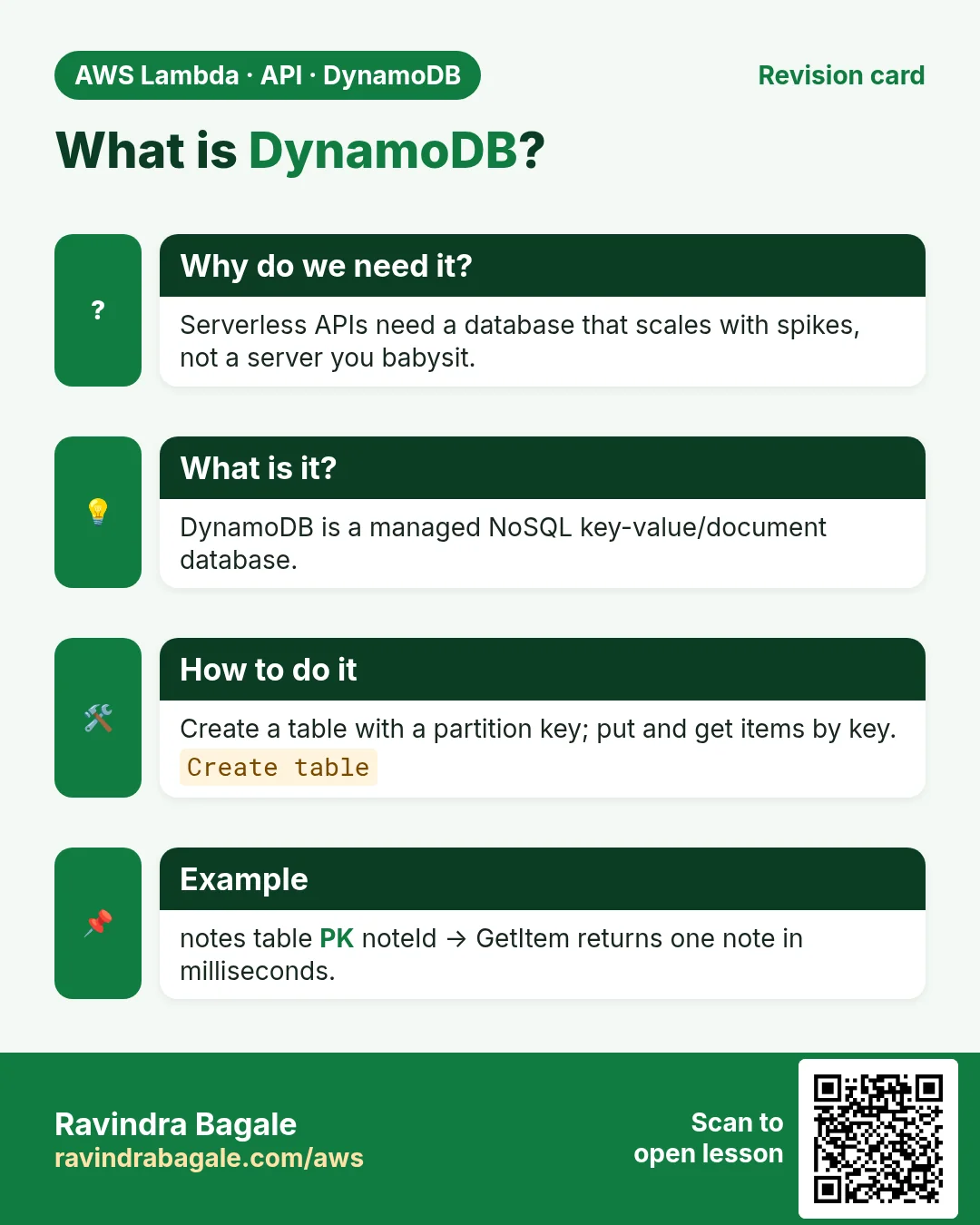
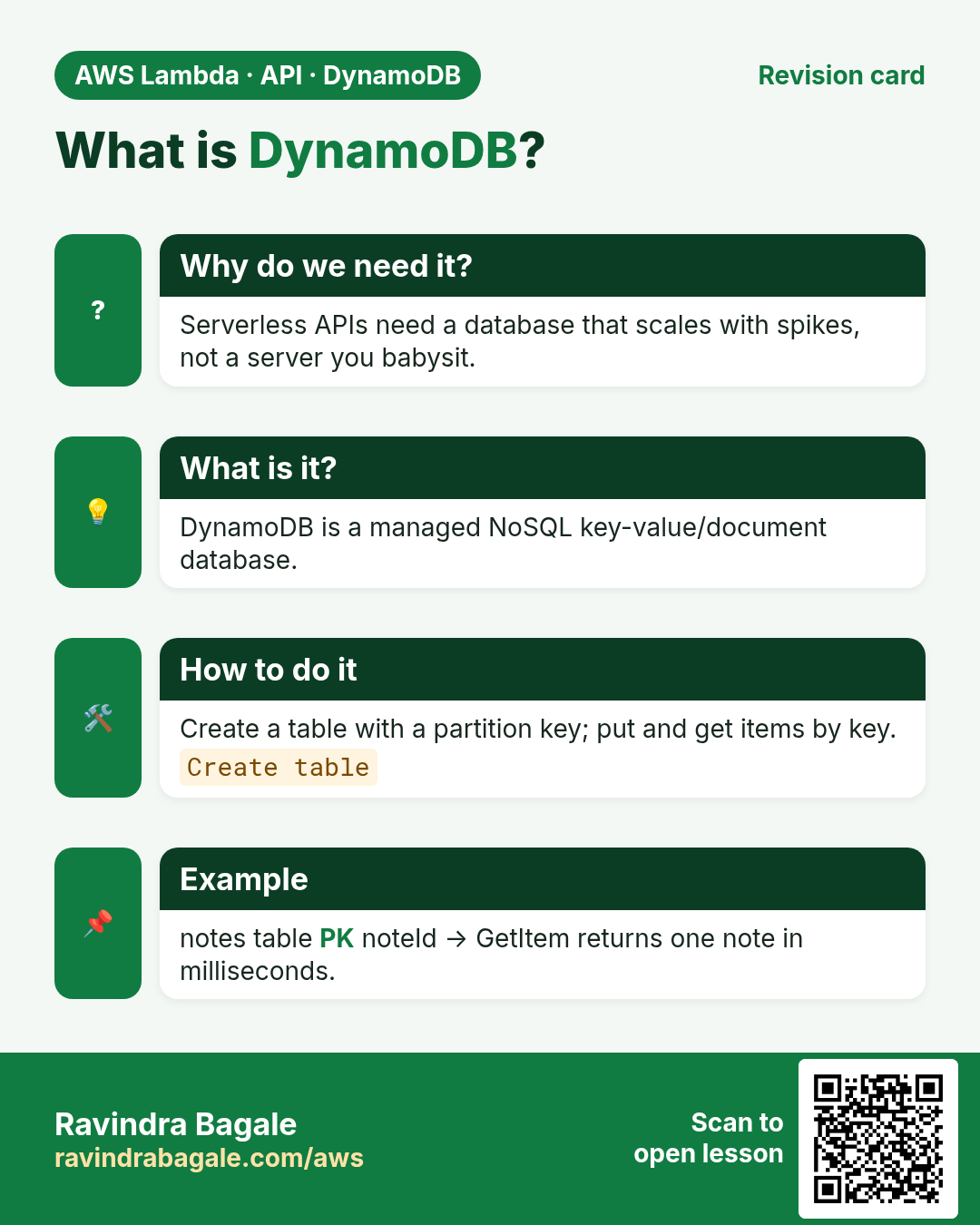
Serverless APIs often need a database that scales with Lambda and does not ask you to choose instance size at 2 AM.
What is it?
Amazon DynamoDB is a fully managed NoSQL key-value and document database. You create a table, define keys, then Put/Get/Query items. AWS handles disks, replicas and partitioning.
| Word | Meaning | MySQL cousin |
|---|---|---|
| Table | A collection of items with the same key schema | Table |
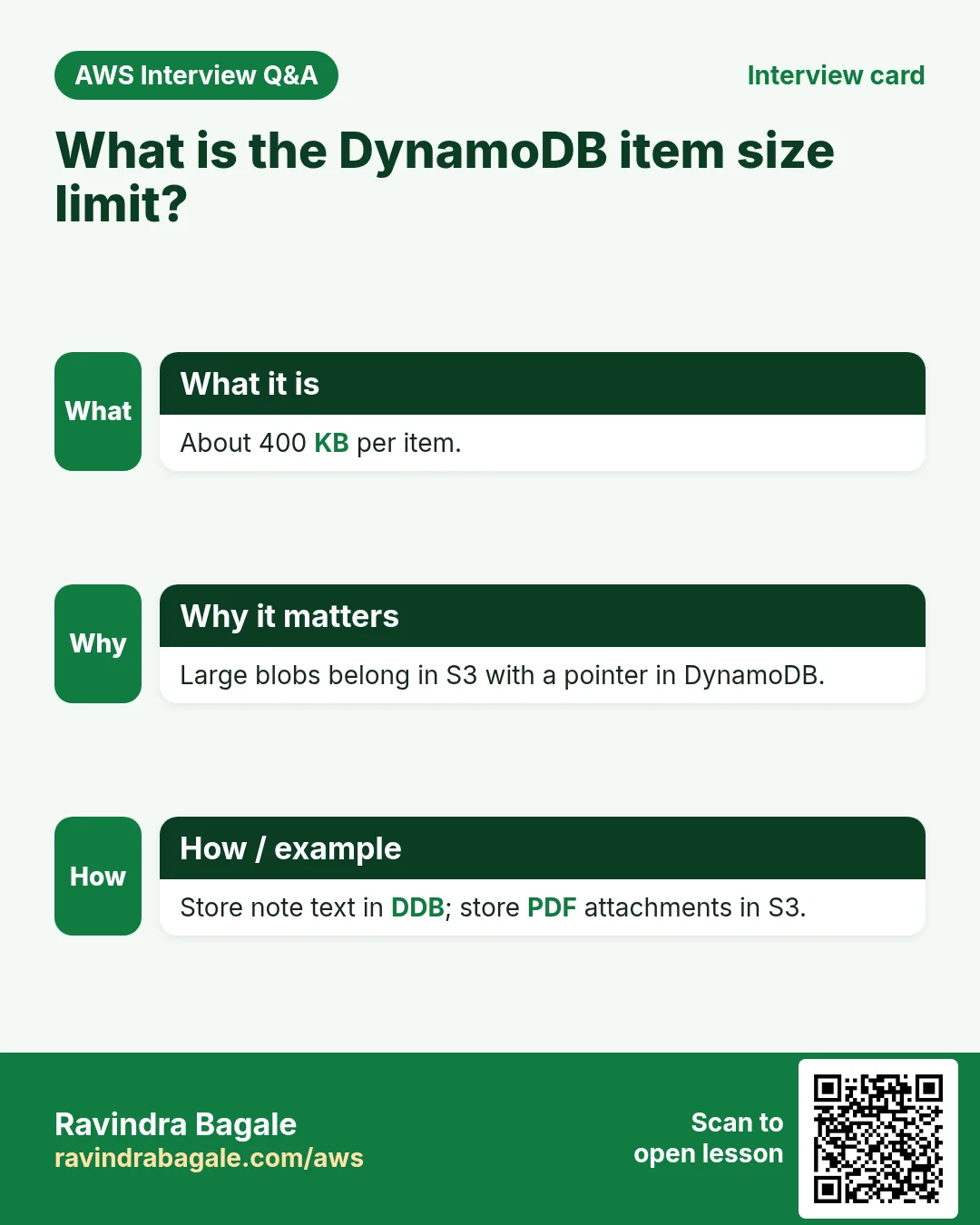
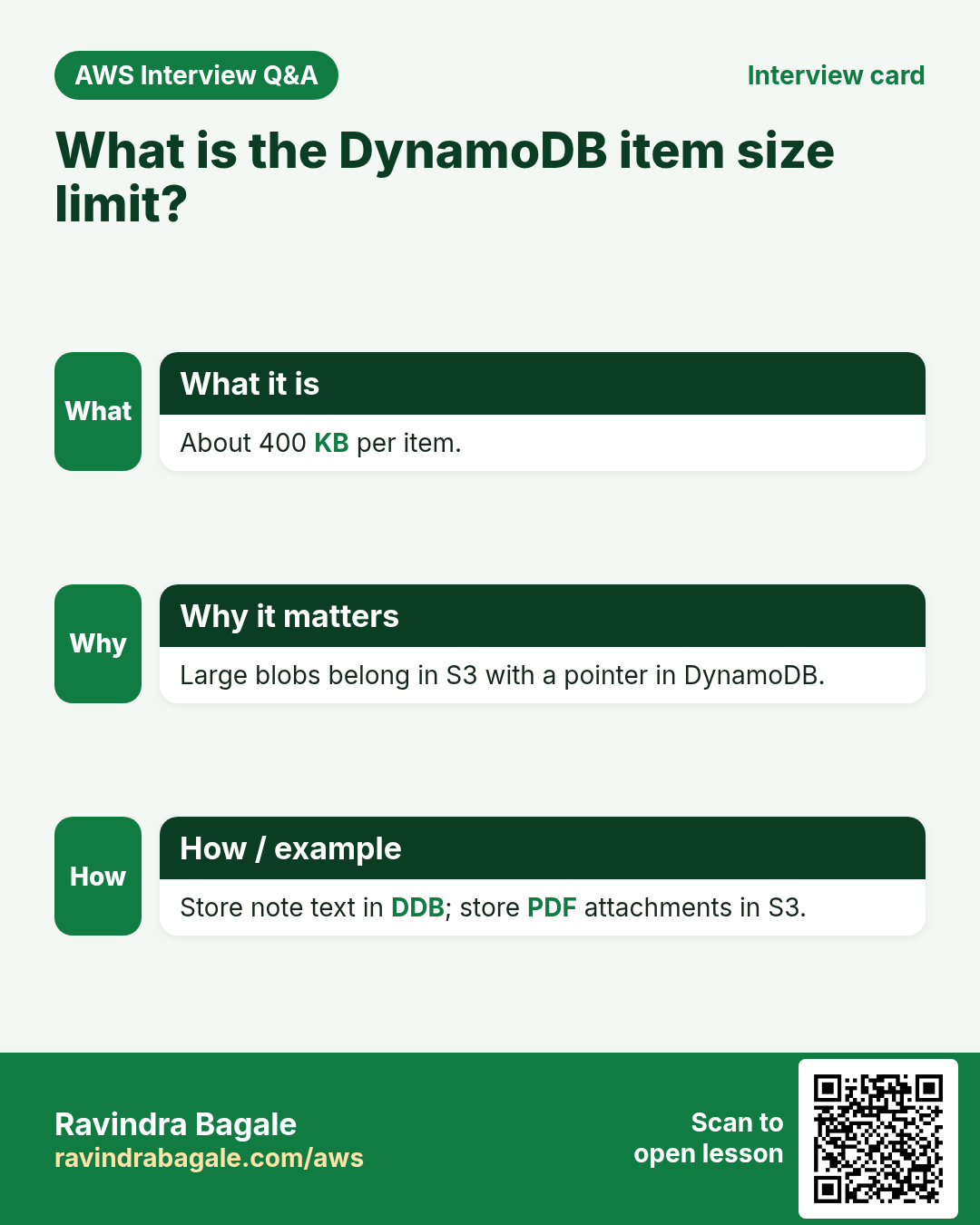
| Item | One record (up to 400 KB) | Row |
| Attribute | A field on an item; items in one table can differ | Column (but flexible) |
| Partition key (PK) | Required; decides which partition stores the item | Shard key idea |
| Sort key (SK) | Optional; sorts items that share a PK | No direct twin |
3. NoSQL vs RDS MySQL
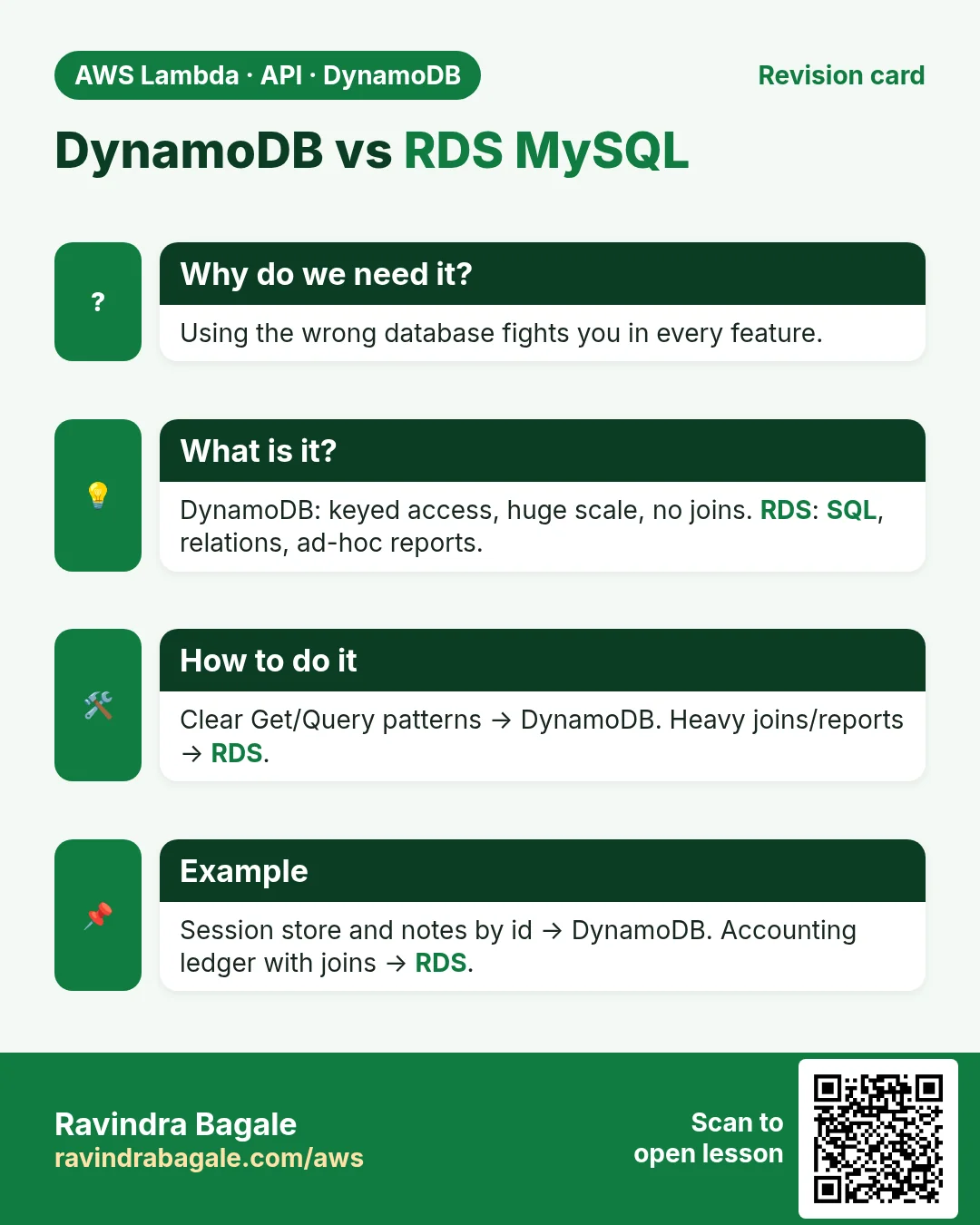
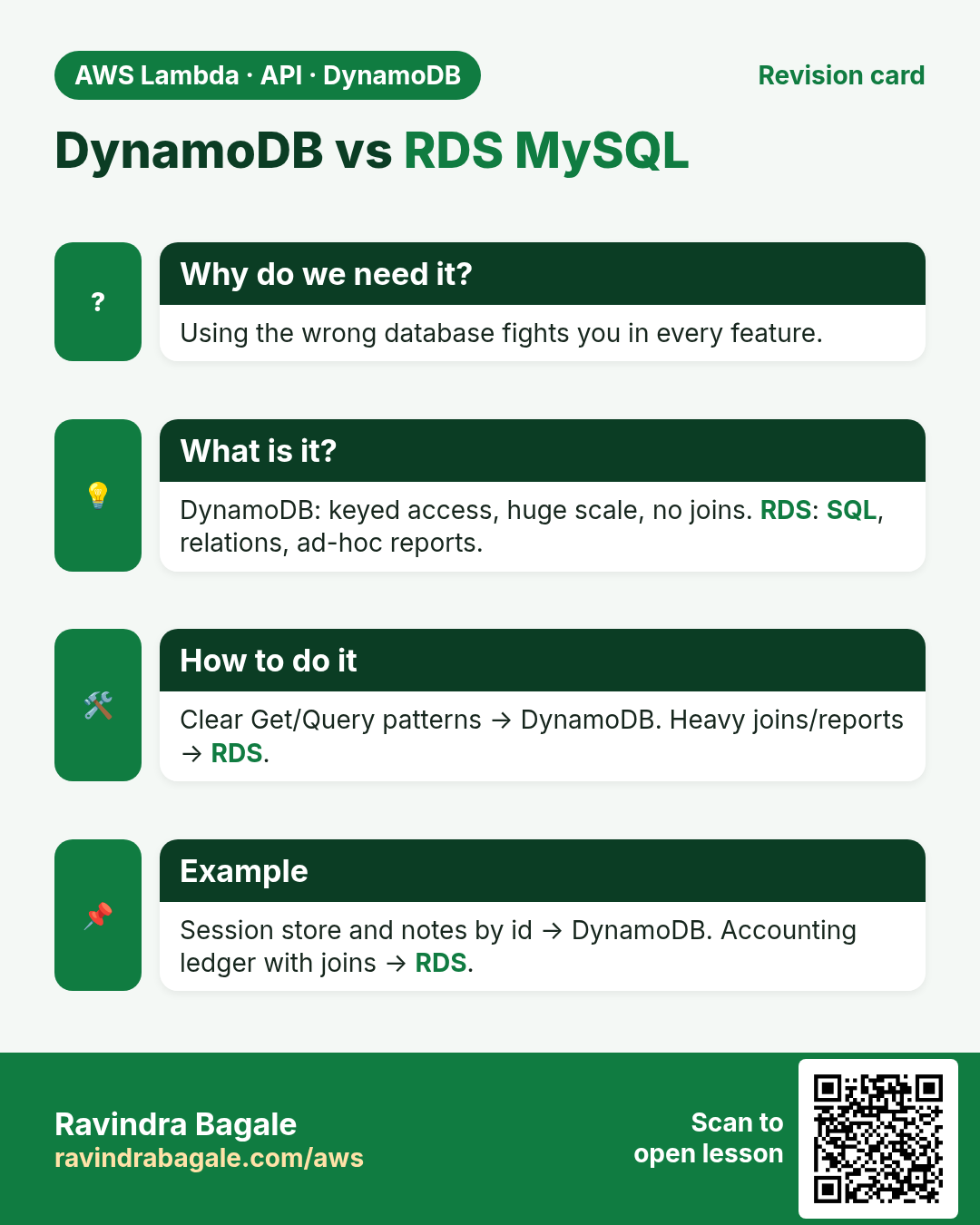
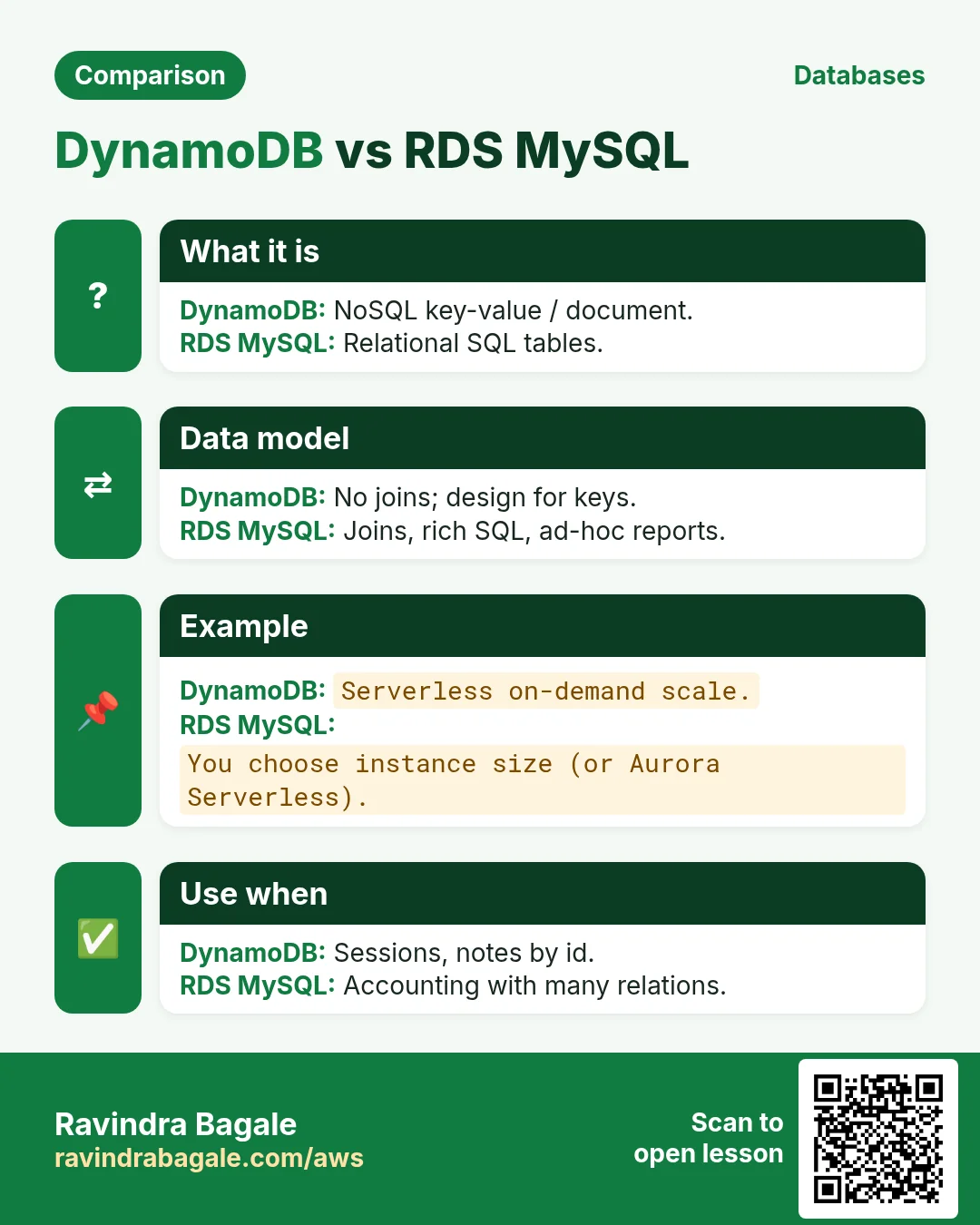
| Topic | DynamoDB | RDS MySQL |
|---|---|---|
| Schema | Flexible attributes per item | Fixed columns + migrations |
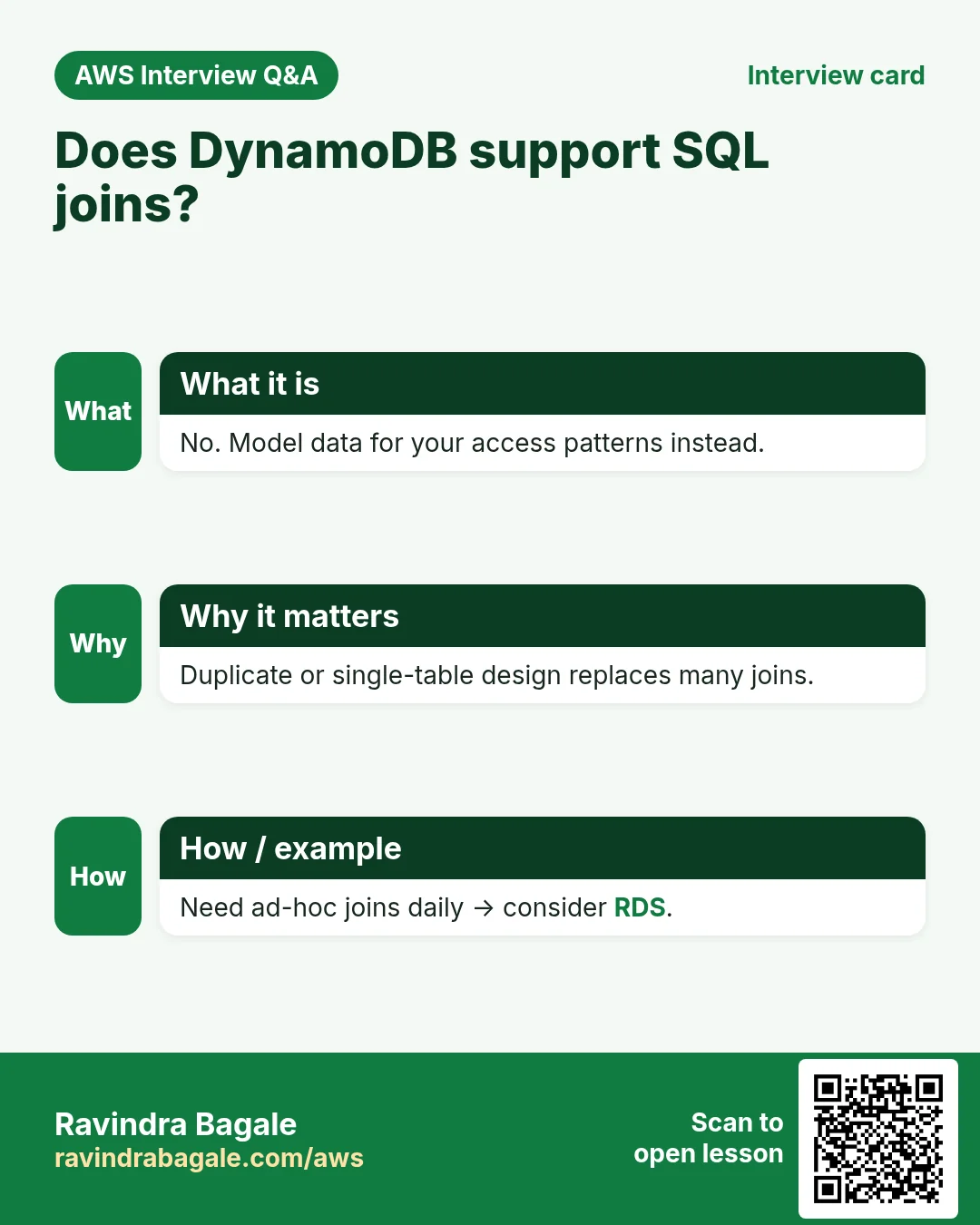
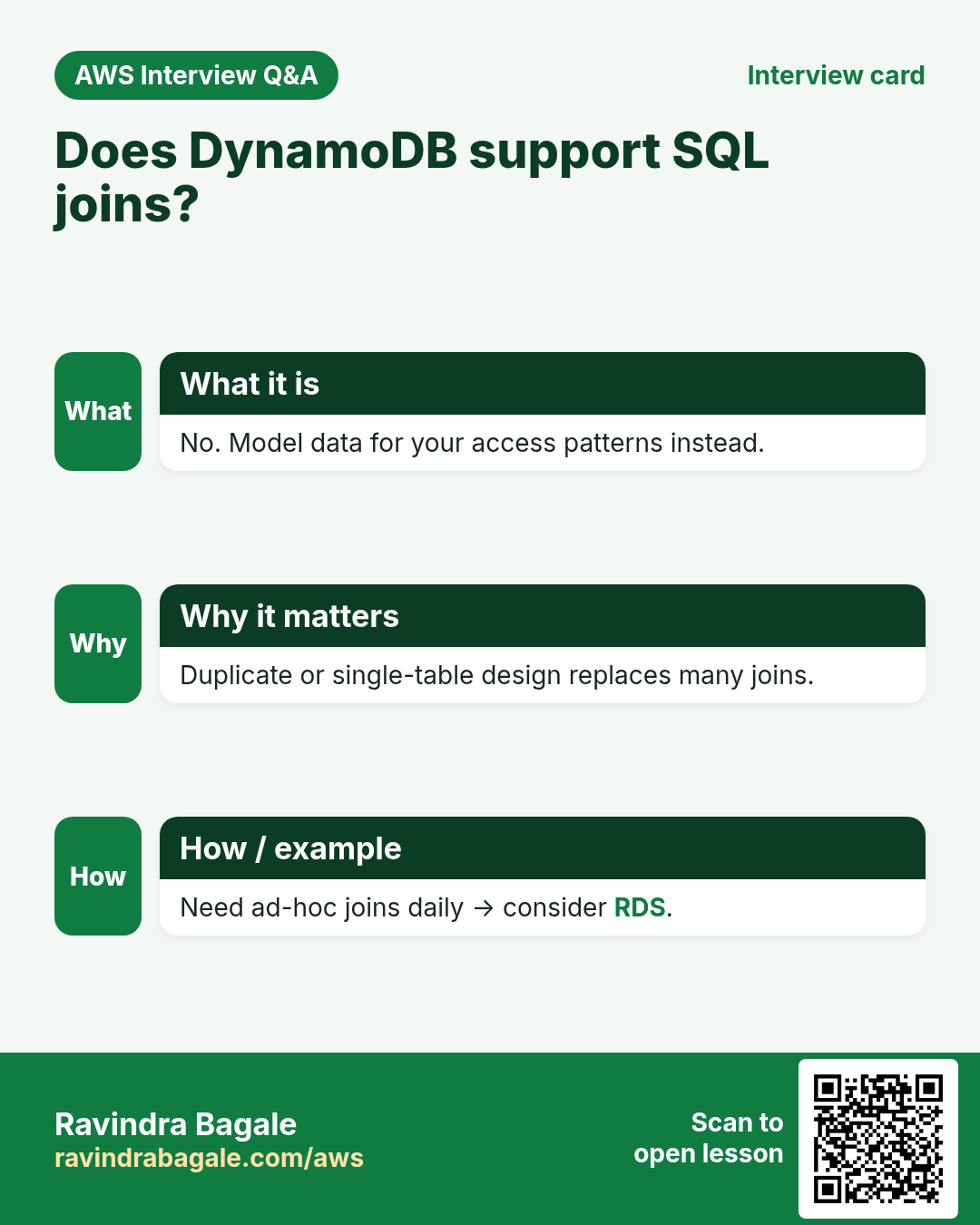
| Joins | No joins — model data for your access patterns | JOINs are normal |
| Scaling | Partitions; on-demand or provisioned capacity | Vertical instance size + read replicas |
| Server management | None | You pick class, patch, storage |
| Query style | GetItem / Query by key; Scan is expensive | SQL SELECT with WHERE anywhere |
| Best fit | Known access patterns, high scale, serverless | Ad-hoc reports, complex relations |
Ravindra Bagale's Tip
If you cannot list your top 5 queries before you design the table, start with RDS — or spend more time on access patterns first.
4. Picking a good key
Why do we need this?
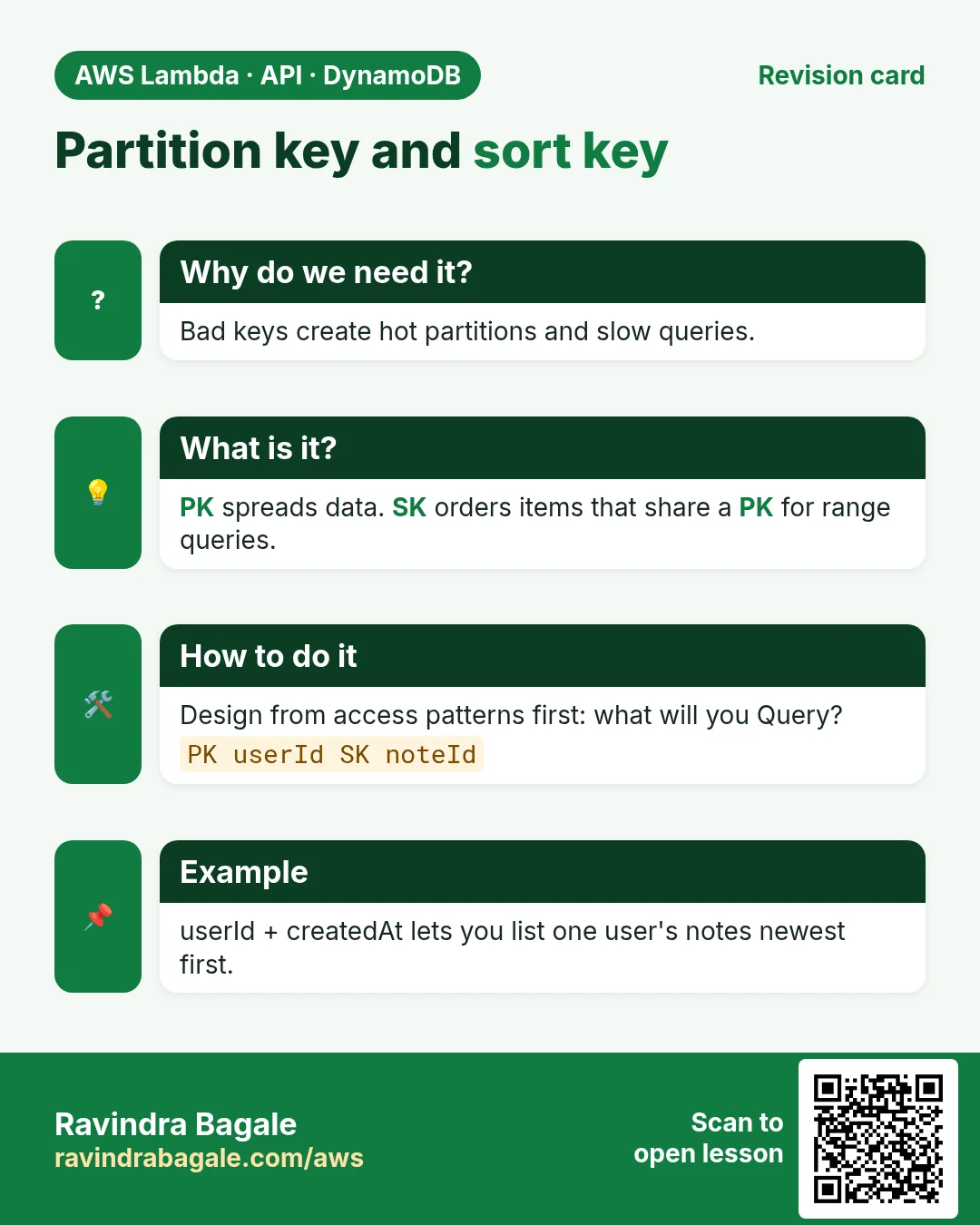
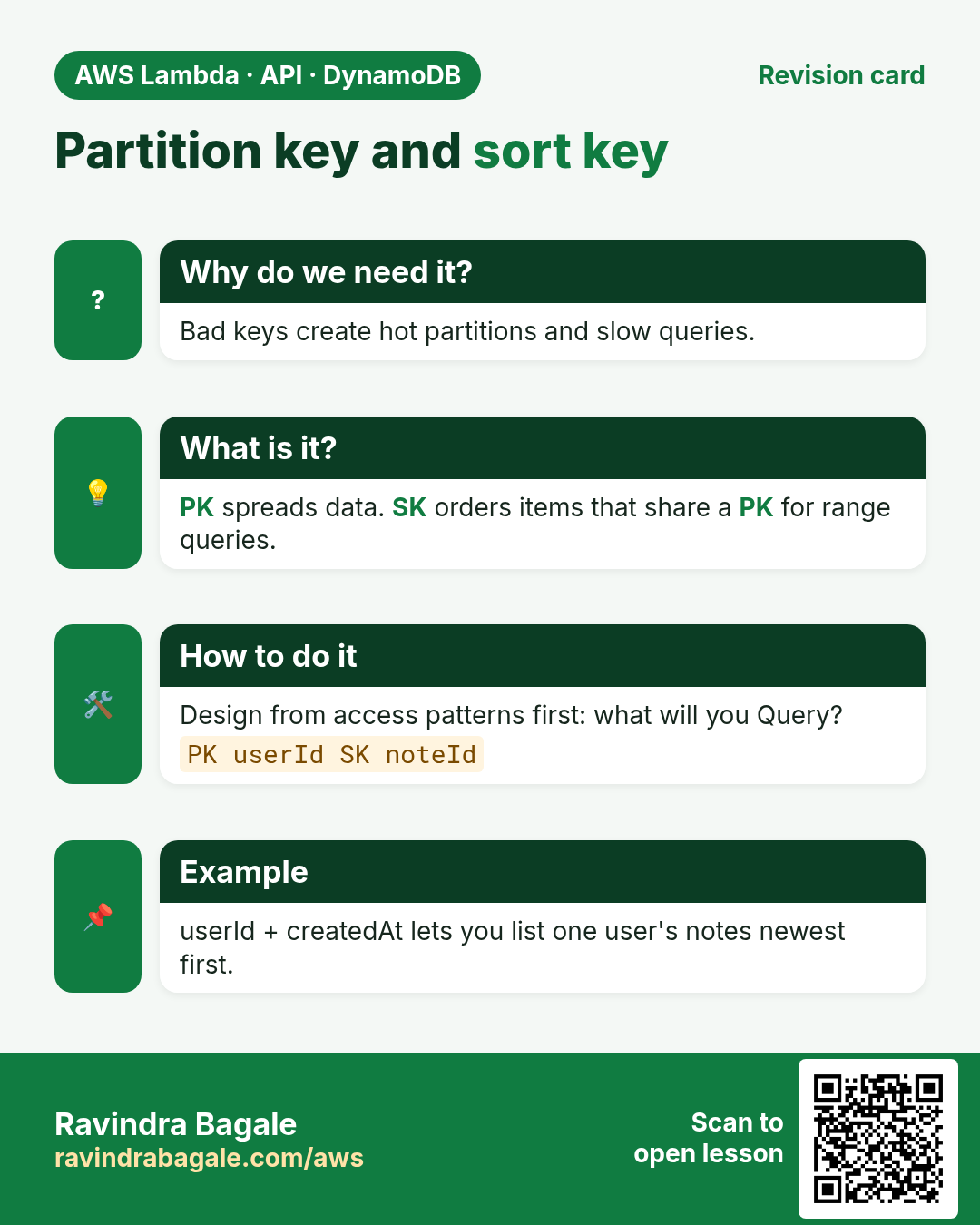
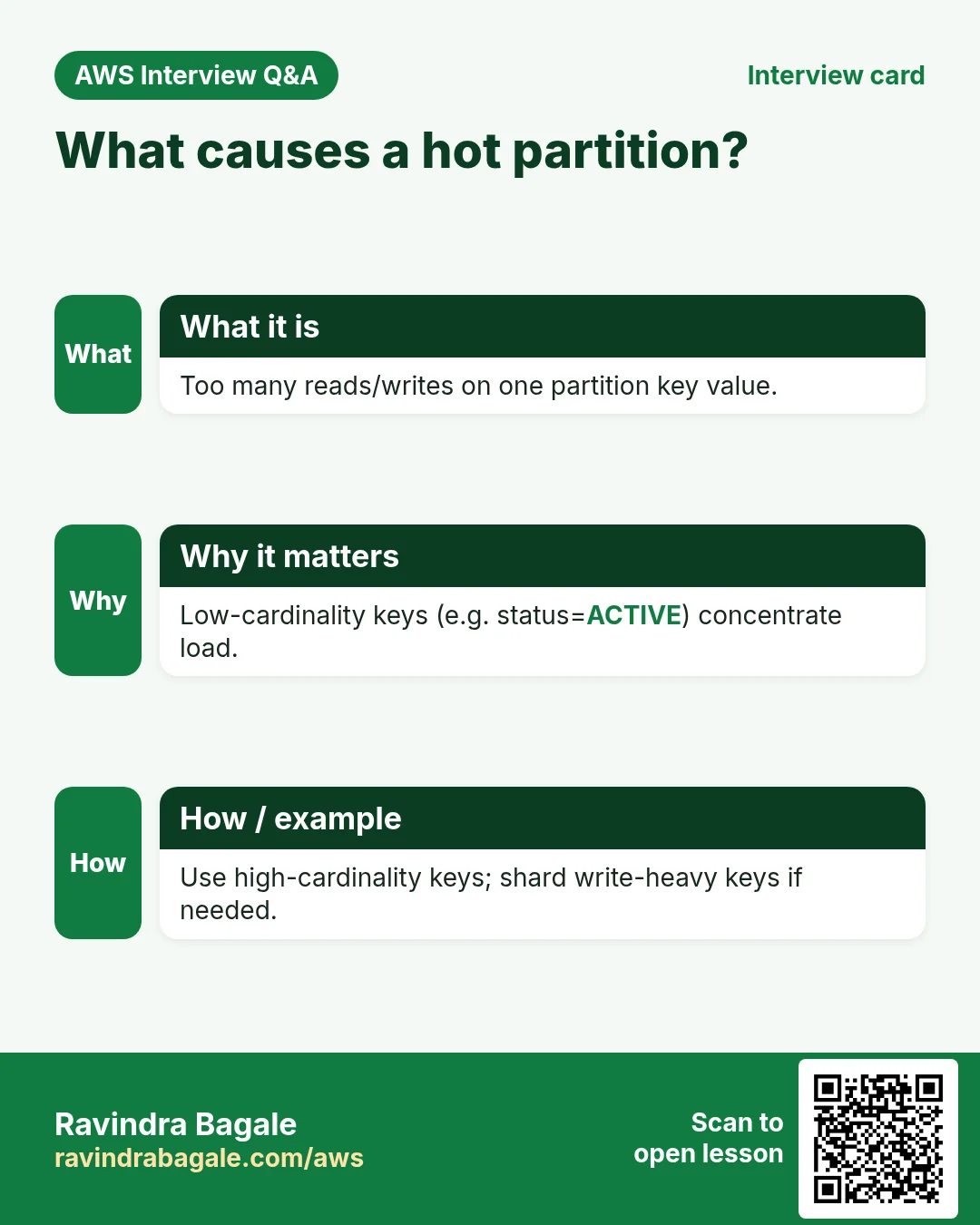
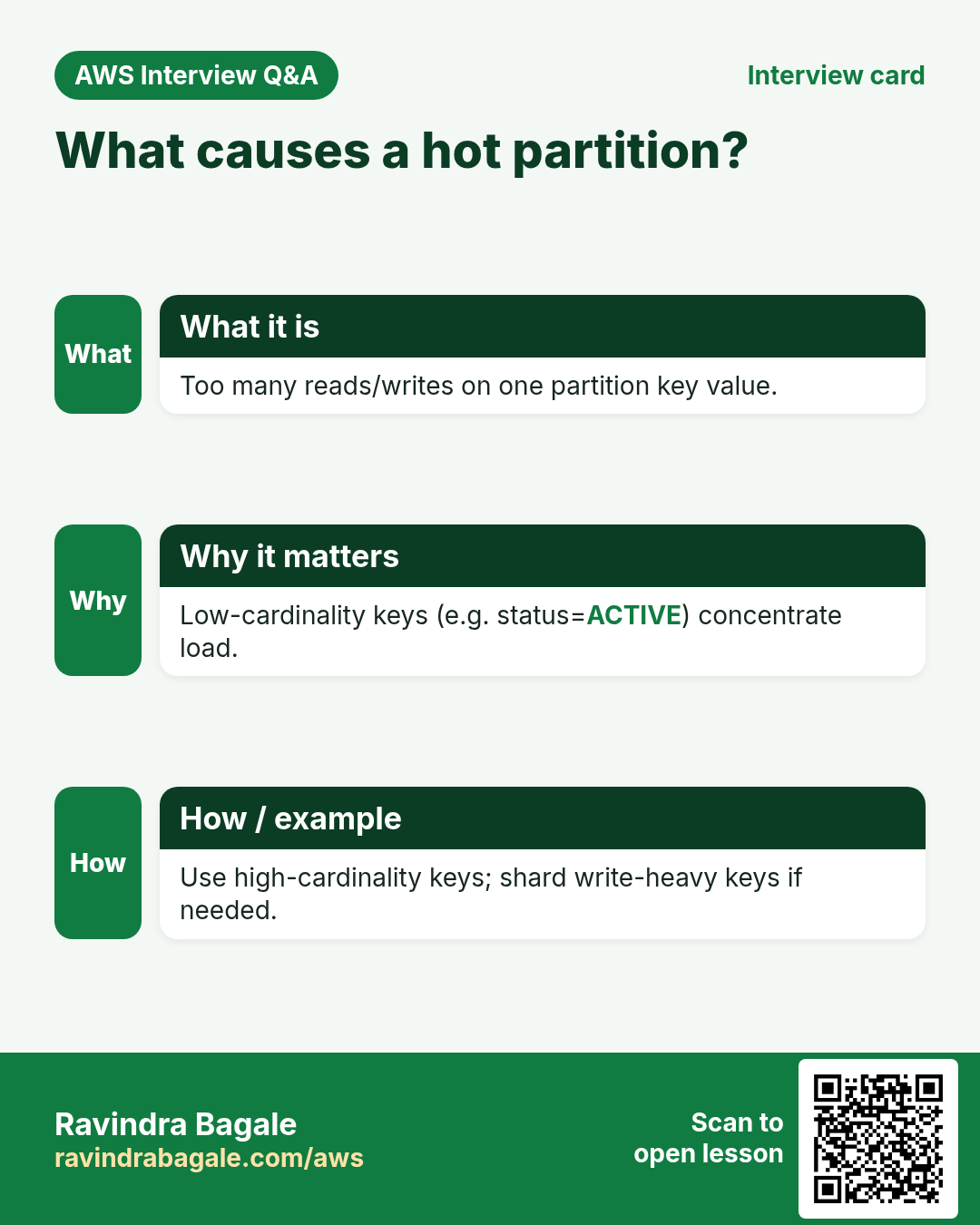
The partition key spreads load. A bad key (only "ALL" or only today's date for every write) creates a hot partition and throttling.
What is it?
- High cardinality PK: many distinct values (userId, orderId, deviceId).
- Add a sort key when you need a range under one PK (messages by time, versions by number).
- Never use a single constant as the only PK for a high-write table.
- Example attendance: PK
studentId, SKYYYY-MM-DD→ one student's month is a Query.
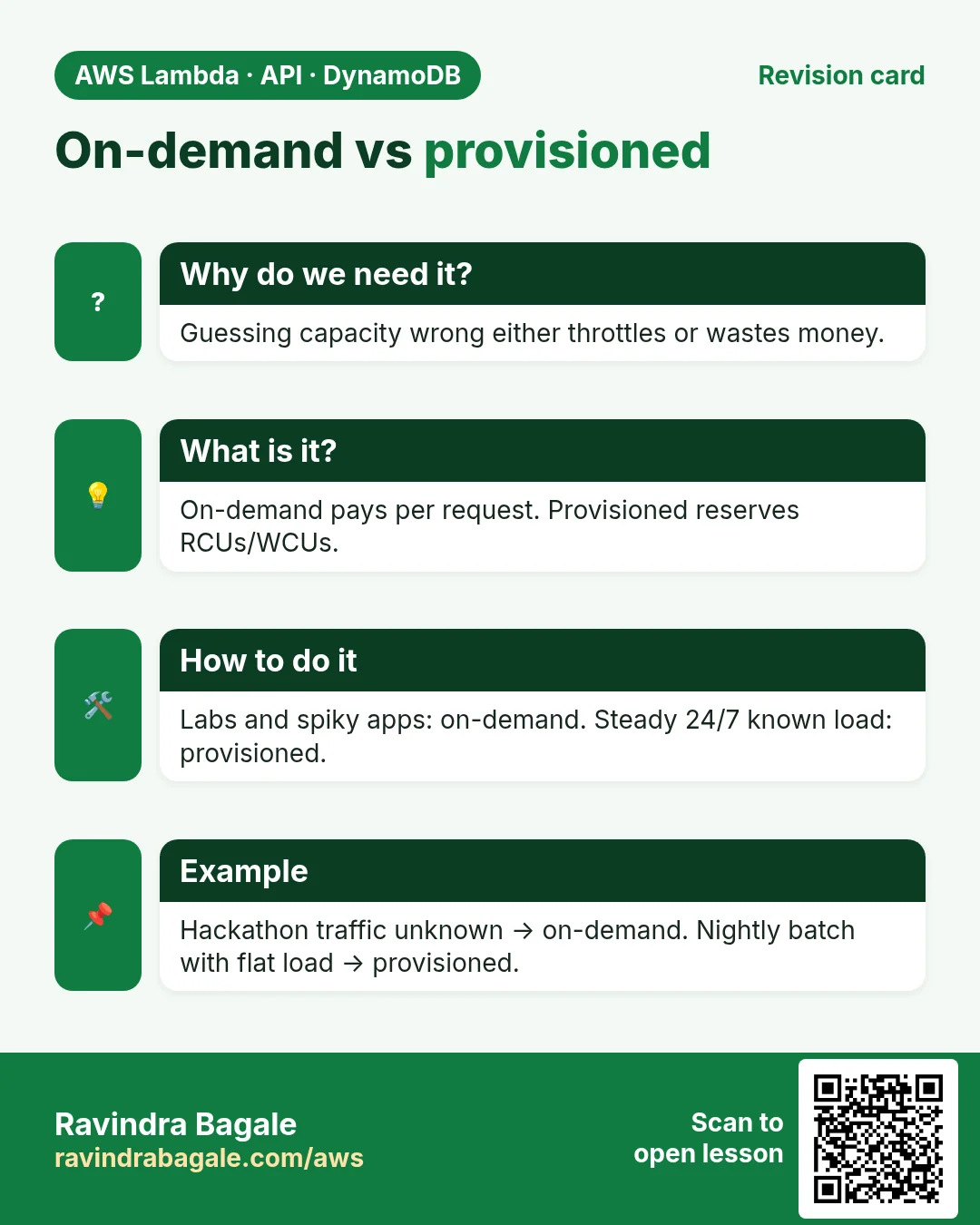
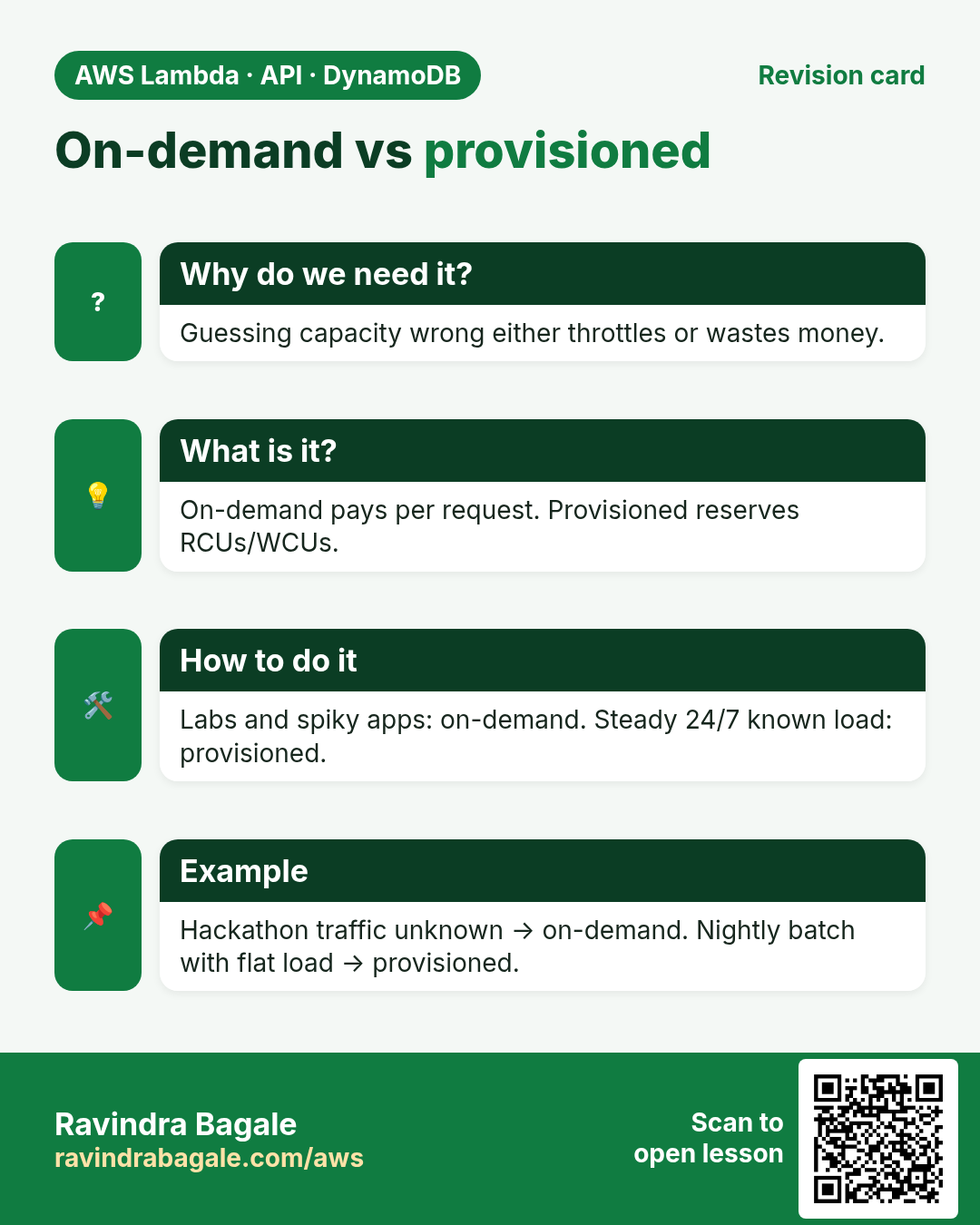
5. On-demand vs provisioned
Why do we need this?
Capacity mode decides how you pay and whether you must forecast traffic.
What is it?
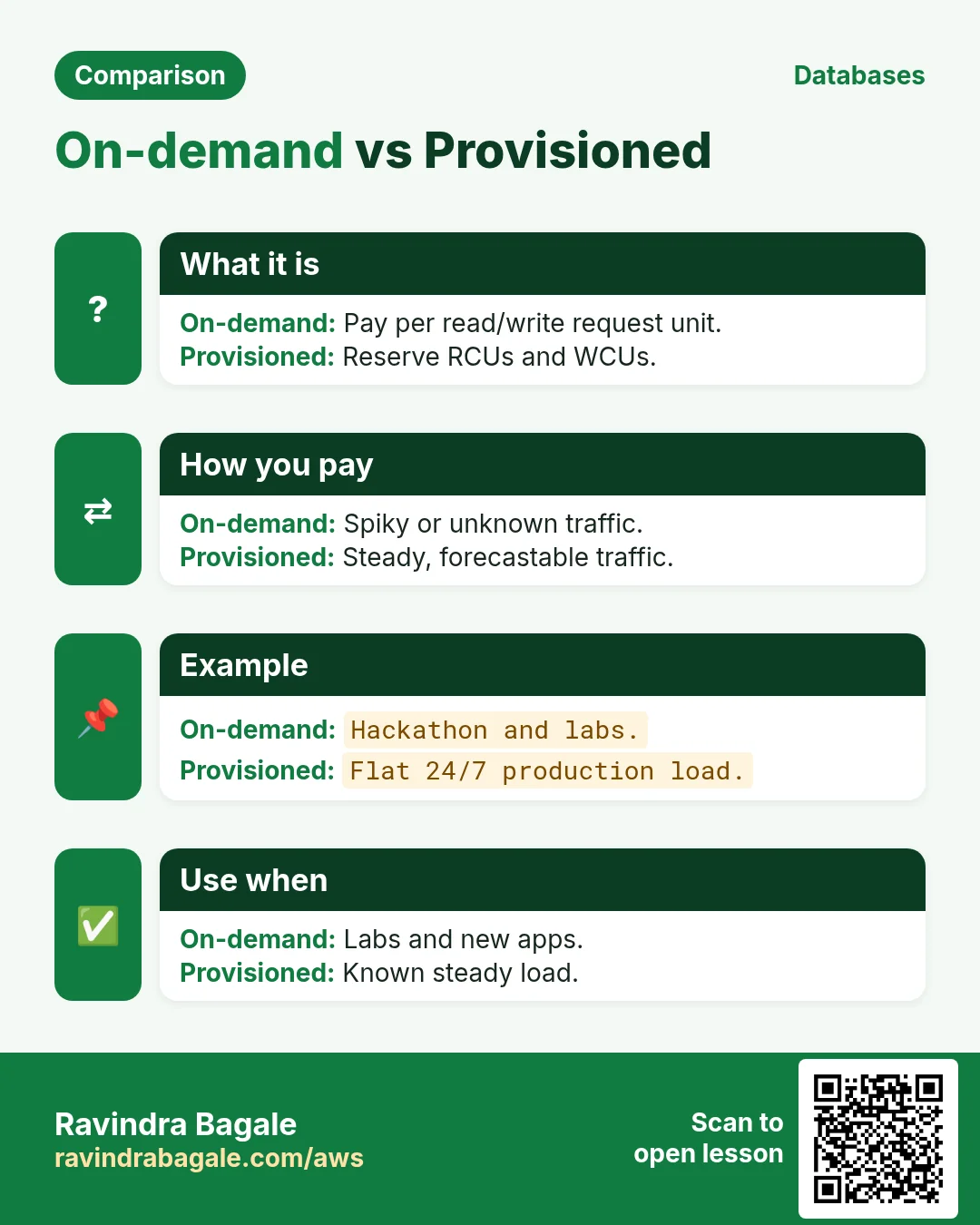
| Mode | You pay for | Pick when |
|---|---|---|
| On-demand | Each read/write request unit | Spiky, new, or unknown traffic; less ops |
| Provisioned | Provisioned RCUs/WCUs per hour (even if idle) | Steady, predictable traffic you can forecast |
New and student projects: start on-demand. Move to provisioned (often with auto scaling) when graphs look flat and utilization stays high.
6. When DynamoDB vs when RDS
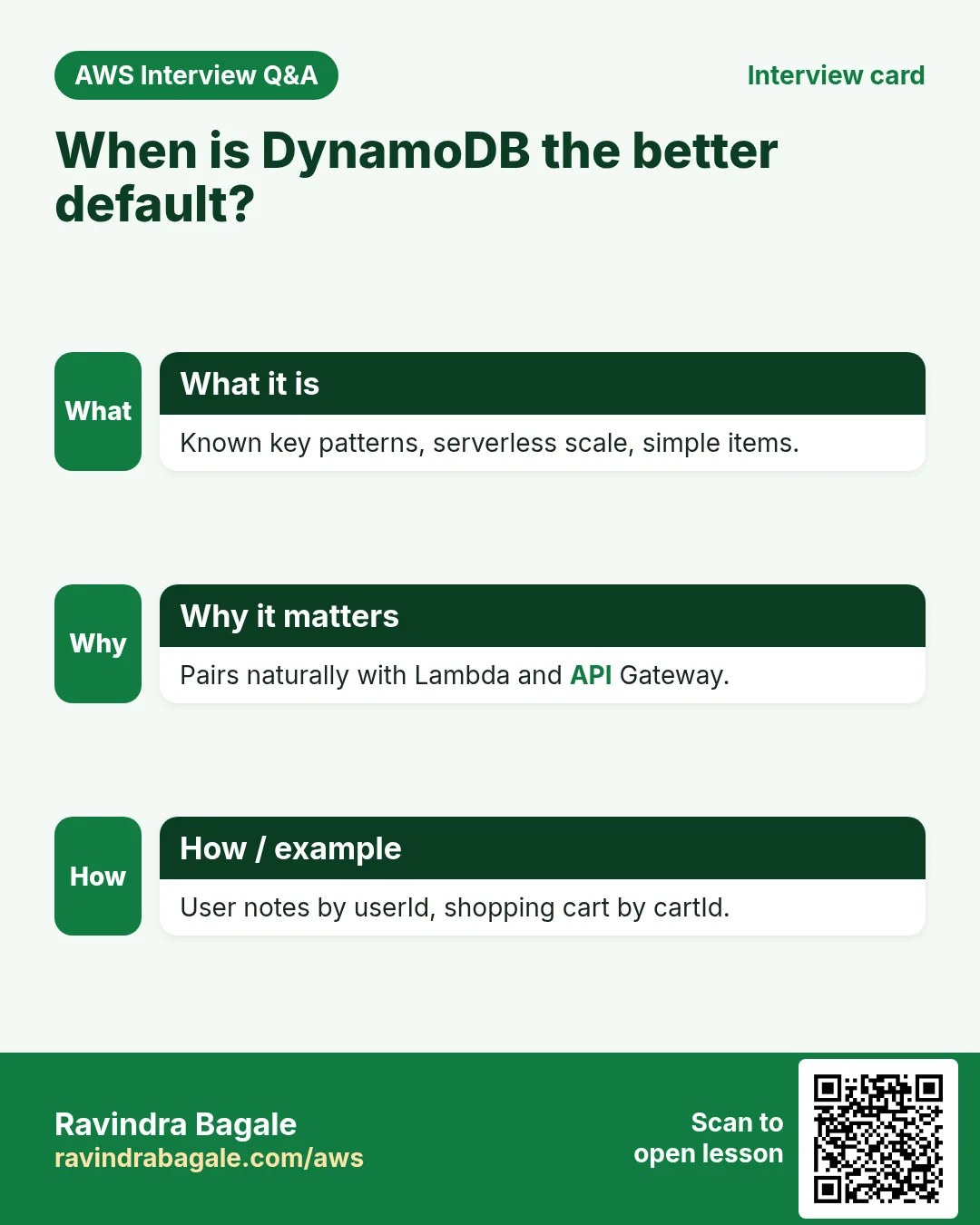
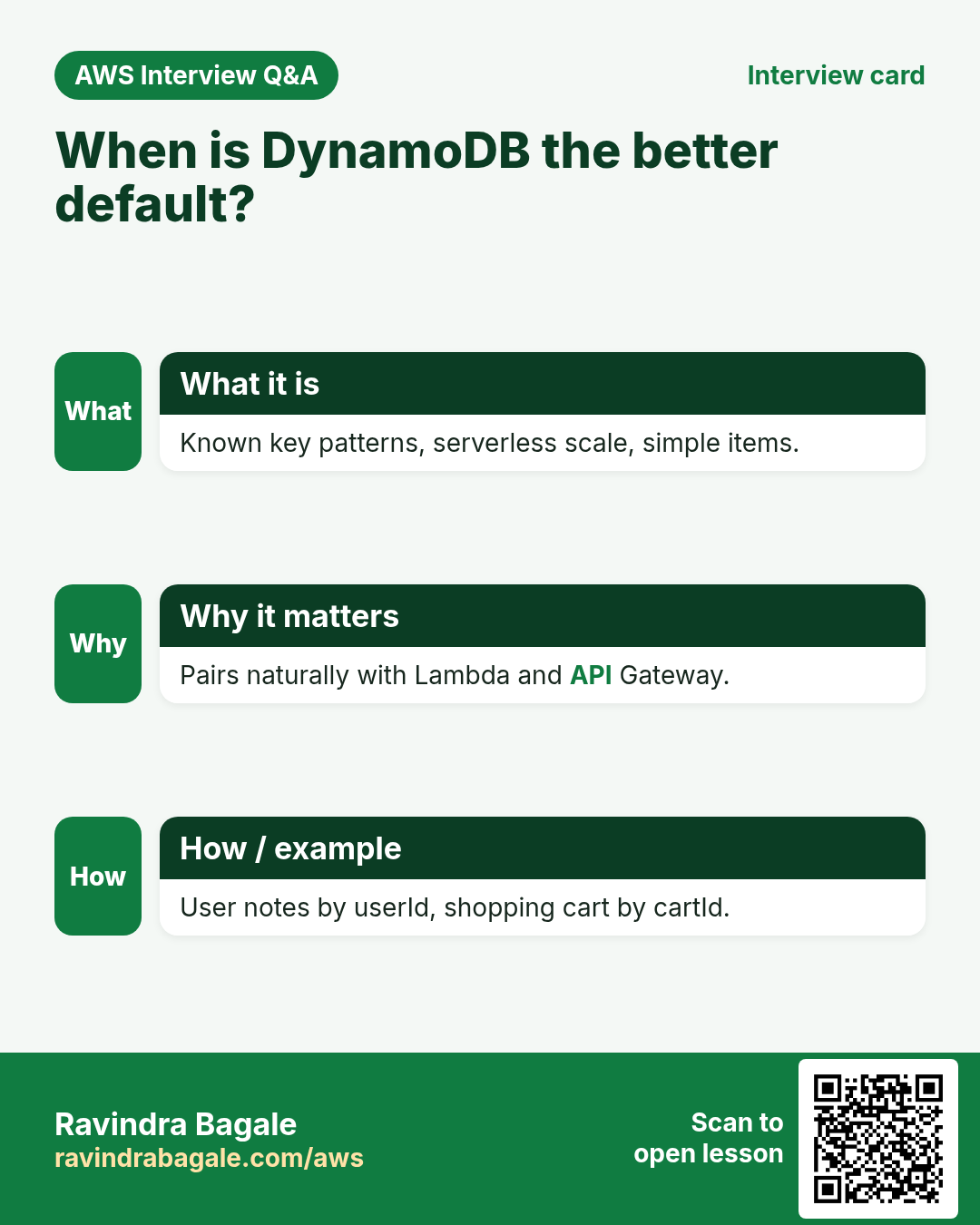
- Choose DynamoDB: session stores, user profiles by id, IoT readings by device+time, shopping carts, serverless apps with clear keys.
- Choose RDS: reporting with many ad-hoc filters, strong relational integrity across many tables, existing SQL skills/tools, complex transactions across entities.
- Sometimes both: DynamoDB for the hot API path, RDS or Redshift for analytics (export via Streams / ETL).
7. Lab: create a table in the console
How to do it (step by step)
- DynamoDB → Tables → Create table. Name:
AttendanceLab. - Partition key:
studentId(String). Sort key:date(String). Why: one student, many dates. - Table settings: On-demand. Create table. Wait until Status = Active.
- Explore items → Create item. studentId
S001, date2026-10-23, attribute present = true (Boolean). Create. - Create a second item for S001 on 2026-10-22. Query with PK S001 — both rows return. A Scan also works but touch every item (costly later).
Cleanup
- Delete table
AttendanceLab(Actions → Delete).
8. Interview questions
Q. What is DynamoDB?
Managed NoSQL key-value/document database with single-digit ms performance at any scale.
Q. Partition key vs sort key?
PK required, distributes items. SK optional, orders items that share a PK and enables range queries.
Q. On-demand vs provisioned?
On-demand pays per request; provisioned pays for reserved capacity per hour.
Q. Why avoid Scan?
Scan reads the whole table or index; you pay for every item examined. Prefer Query with keys.
Q. DynamoDB or RDS for a blog with random admin reports?
Often RDS — reports need flexible SQL. Use DynamoDB for the public read path if traffic is huge and keys are clear.
Try at home
- Design keys for a chat app: list messages in a room by time. Write PK/SK on paper.
- Create a second on-demand table OrdersLab with only PK orderId and put three items.
In short
- DynamoDB = managed NoSQL; design around keys and access patterns.
- PK spreads data; SK sorts under one PK.
- On-demand for spiky/unknown; provisioned for steady forecast load.
- RDS for rich SQL/relations; DynamoDB for keyed high-scale serverless.
Practice Tasks
Mumbai Dabba Express is a food delivery business in Mumbai. Tukaram Gaikwad looks after its IT and cloud work. They count money in INR and run their AWS resources in the ap-south-1 Region. In the tasks below you do real jobs for them using what this lesson teaches. All names, account IDs, IP addresses and numbers are made up for practice.
0 / 12
Easy Biggest orders first
Why: Querying the database is daily work after you set up RDS.
What to do: Show order id and amount, biggest amount first.
Tables: customers(id, name, city) and orders(id, customer_id, amount, odate).
- Find the table the task is about (see the table list above the box).
- Write the SQL statement step by step: what, from where, which rows.
- End the statement with ;
- Click Check answer. Your query runs on a practice copy of the table.
Easy Filter customers by city
Why: Querying the database is daily work after you set up RDS.
What to do: List the names of customers in Pune.
Tables: customers(id, name, city) and orders(id, customer_id, amount, odate).
- Find the table the task is about (see the table list above the box).
- Write the SQL statement step by step: what, from where, which rows.
- End the statement with ;
- Click Check answer. Your query runs on a practice copy of the table.
Easy Find the database endpoint
Why: Your app connects using the endpoint name, not an IP.
What to do: Describe DB instance mumbaidabba-db.
- Read the task and decide which AWS service it is about.
- Write aws, then the service name, then the operation (the action word).
- Add each needed flag (--name) followed by its value from the task.
- Flags can be in any order. Click Check answer.
Medium Total sales
Why: Querying the database is daily work after you set up RDS.
What to do: Show the total of all order amounts as one number.
Tables: customers(id, name, city) and orders(id, customer_id, amount, odate).
- Find the table the task is about (see the table list above the box).
- Write the SQL statement step by step: what, from where, which rows.
- End the statement with ;
- Click Check answer. Your query runs on a practice copy of the table.
Medium Orders with customer names
Why: Querying the database is daily work after you set up RDS.
What to do: Show each customer name with each order amount.
Tables: customers(id, name, city) and orders(id, customer_id, amount, odate).
- Find the table the task is about (see the table list above the box).
- Write the SQL statement step by step: what, from where, which rows.
- End the statement with ;
- Click Check answer. Your query runs on a practice copy of the table.
Medium Remove small orders
Why: Querying the database is daily work after you set up RDS.
What to do: Delete orders with amount below 200.
Tables: customers(id, name, city) and orders(id, customer_id, amount, odate).
- Find the table the task is about (see the table list above the box).
- Write the SQL statement step by step: what, from where, which rows.
- End the statement with ;
- Click Check answer. Your query runs on a practice copy of the table.
Medium Fix a city
Why: Querying the database is daily work after you set up RDS.
What to do: Customer 5 moved to Rome. Update the record.
Tables: customers(id, name, city) and orders(id, customer_id, amount, odate).
- Find the table the task is about (see the table list above the box).
- Write the SQL statement step by step: what, from where, which rows.
- End the statement with ;
- Click Check answer. Your query runs on a practice copy of the table.
Medium Turn on Multi-AZ
Why: Multi-AZ keeps a standby copy in another AZ and fails over automatically.
What to do: Modify mumbaidabba-db to be Multi-AZ and apply the change immediately.
- Read the task and decide which AWS service it is about.
- Write aws, then the service name, then the operation (the action word).
- Add each needed flag (--name) followed by its value from the task.
- Flags can be in any order. Click Check answer.
Hard Sales per customer
Why: Querying the database is daily work after you set up RDS.
What to do: Show customer_id and total amount per customer, only where total is above 1000.
Tables: customers(id, name, city) and orders(id, customer_id, amount, odate).
- Find the table the task is about (see the table list above the box).
- Write the SQL statement step by step: what, from where, which rows.
- End the statement with ;
- Click Check answer. Your query runs on a practice copy of the table.
Hard Customers with no orders
Why: Querying the database is daily work after you set up RDS.
What to do: List names of customers who have never ordered.
Tables: customers(id, name, city) and orders(id, customer_id, amount, odate).
- Find the table the task is about (see the table list above the box).
- Write the SQL statement step by step: what, from where, which rows.
- End the statement with ;
- Click Check answer. Your query runs on a practice copy of the table.
Hard Create a MySQL database
Why: RDS runs the database for you: backups, patches and failover are managed.
What to do: Create RDS instance mumbaidabba-db: engine mysql, class db.t3.micro, 20 GiB storage, master user admin, master password from $DB_PASS.
- Read the task and decide which AWS service it is about.
- Write aws, then the service name, then the operation (the action word).
- Add each needed flag (--name) followed by its value from the task.
- Flags can be in any order. Click Check answer.
Hard Create a read replica
Why: Read replicas take report and read traffic off the main database.
What to do: Create read replica mumbaidabba-db-ro from source mumbaidabba-db.
- Read the task and decide which AWS service it is about.
- Write aws, then the service name, then the operation (the action word).
- Add each needed flag (--name) followed by its value from the task.
- Flags can be in any order. Click Check answer.
Revision, comparison and interview cards
Revise this lesson in a few minutes. Save the cards on your phone or download them as PNG files. The QR code on each card opens this lesson.
More cards: Ravi Sir's Cards.