Linux Complete Interview Pack 3: Linux Interview Questions Commonly Asked at TCS, Infosys, Accenture, Wipro, Amazon, Google and Red Hat, with RHCSA-Style Tasks
This chapter collects Linux interview questions that are commonly reported by candidates at large employers: service companies such as TCS, Infosys, Wipro, Accenture, HCL, Tech Mahindra and Cognizant; product and cloud companies such as Amazon, Google, Microsoft, Flipkart and Atlassian; and Red Hat and enterprise Linux roles. These are typical patterns shared publicly by candidates, not verified question papers, and every interviewer is different. You also get 25 RHCSA-style hands-on tasks with complete solutions, because many hiring teams use similar tasks in practical rounds.
What you'll learn in this chapter
- Know the typical focus of service, product and Red Hat style interviews
- Answer ITIL, ticket and support-process questions
- Handle deep 'what happens when' and system design questions
- Answer RHEL-specific questions on subscriptions, SELinux, Podman and tuned
- Complete 25 RHCSA-style tasks with persistent configuration
- Prepare honestly without relying on leaked papers
1. An everyday example: three kinds of restaurant kitchens
Why do we need this?
A Pune wedding caterer, a busy Swiggy cloud kitchen and a five-star hotel kitchen all cook food, but they hire differently. The caterer asks: can you follow the menu, handle a rush and report problems to the manager? The cloud kitchen asks: how do you design the line so 500 orders an hour go out without mistakes? The five-star chef asks: show me your knife skills right now. Service companies, product companies and Red Hat style roles are the same three kitchens.
What is it?
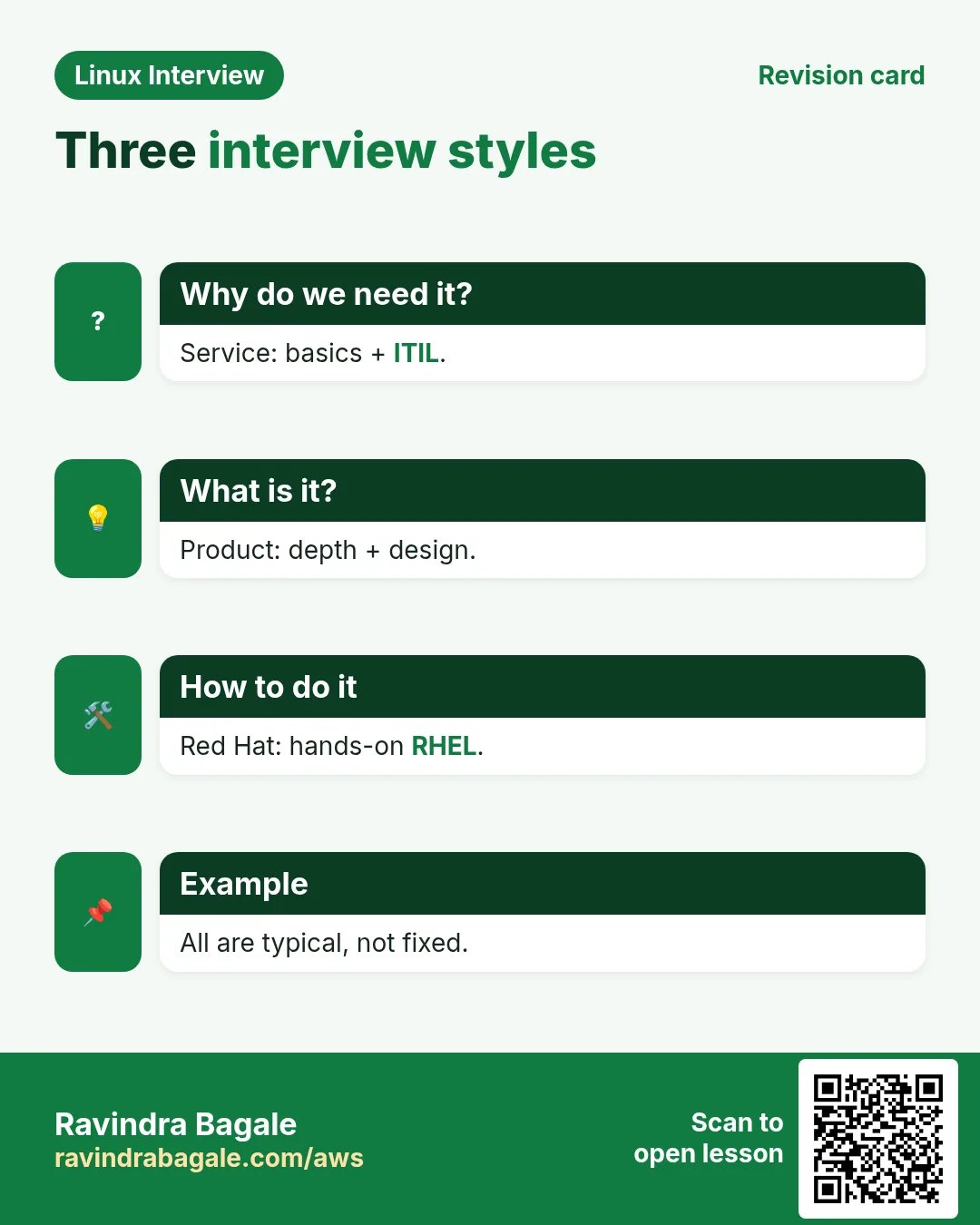
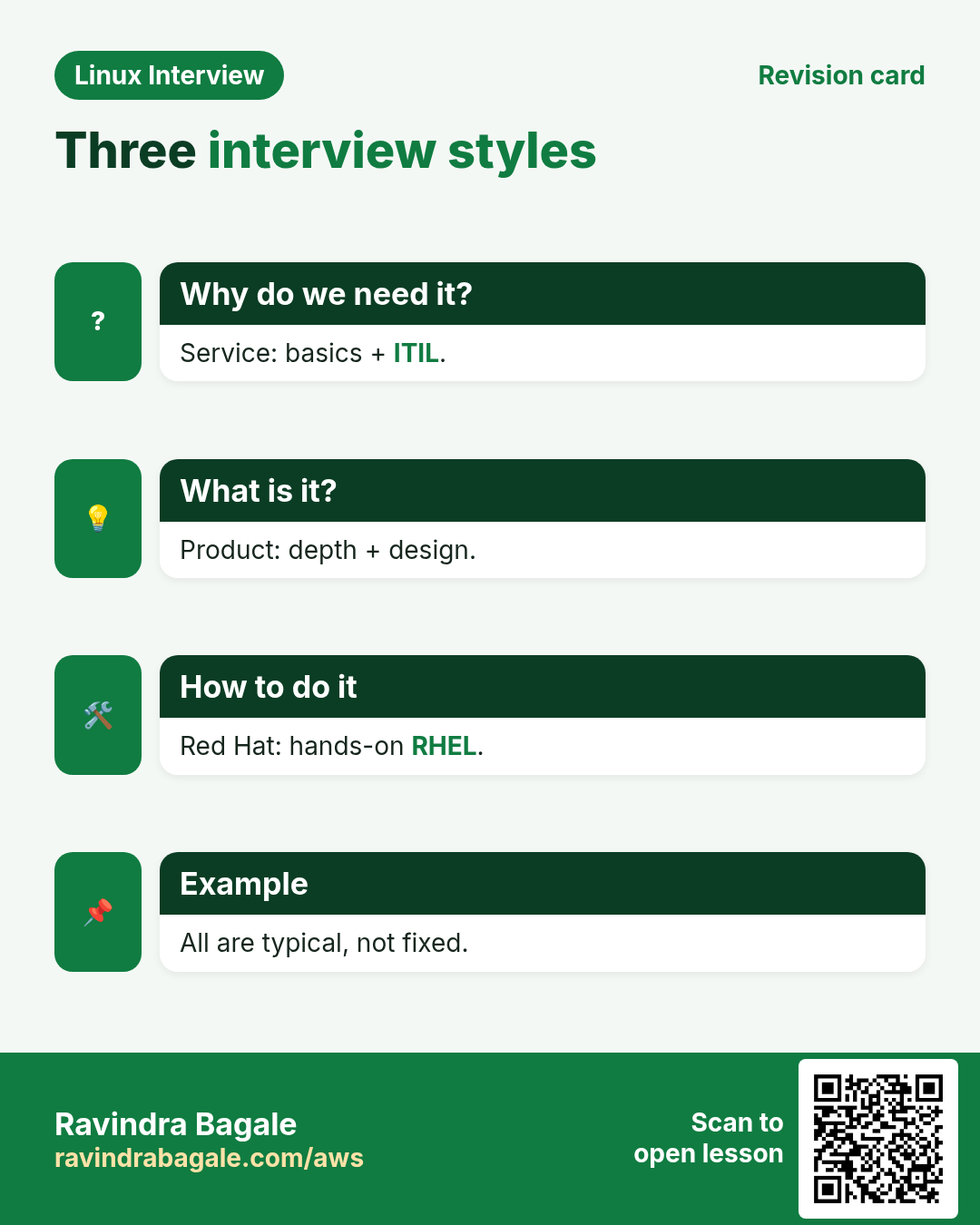
Caterer = service companies: process, tickets, SLAs and broad admin basics. Cloud kitchen = product and cloud companies: depth, scale, internals and design. Five-star chef's knife test = Red Hat and RHCSA style: hands-on tasks done correctly and persistently.
How to do it (step by step)
2. What different kinds of employers typically focus on
Why do we need this?
Preparing the right depth for the right employer saves weeks and makes your answers fit the role.
What is it?
Based on what candidates commonly report, service companies test broad admin basics plus support process (incidents, SLAs, change management). Product and cloud companies go deeper into internals, troubleshooting method, coding and design, plus behavioural rounds. Red Hat and enterprise roles often add RHEL-specific tools and hands-on tasks. Treat this as a guide, not a rule: teams inside the same company can differ a lot.
| Employer style | Commonly reported focus | How to prepare |
|---|---|---|
| Service companies (TCS, Infosys, Wipro, Accenture, HCL, Tech Mahindra, Cognizant) | Admin basics, LVM, users, patching, cron, ITIL, tickets | Beginner and mid groups from chapter 51 plus the service group here |
| Product and cloud (Amazon, Google, Microsoft, Flipkart, Atlassian) | Internals, troubleshooting depth, networking, design, coding, behavioural | Senior groups, the product group here, scripting exercises, STAR stories |
| Red Hat and RHEL-heavy roles | RHEL tools, SELinux, Podman, subscriptions, hands-on tasks | Red Hat group and all 25 RHCSA-style tasks |
How to do it (step by step)
- Pull key skills from a job description file to plan revision.
grep -oiE 'lvm|selinux|ansible|kubernetes|bash|python|aws|itil|patching|nginx' jd.txt | tr A-Z a-z | sort | uniq -c | sort -rnOutput:
      4 lvm
      3 patching
      2 selinux
      2 itil
      1 bash
What it means: This JD leans to admin basics and process: a service-style role.
- Check which RHEL release you practise on, since tasks differ slightly between 8 and 9.
cat /etc/redhat-release; rpm -q podman tuned chronyOutput:
Rocky Linux release 9.4 (Blue Onyx)
podman-4.9.4-1.el9.x86_64
tuned-2.21.0-1.el9_3.noarch
chrony-4.5-1.el9.x86_64
What it means: All the tools the tasks use are installed.
- Keep a simple prep tracker.
printf '%s,%s,%s\n' 2026-10-26 'RHCSA tasks 1-5' done >> prep.csv; column -s, -t prep.csvOutput:
2026-10-26 RHCSA tasks 1-5 doneWhat it means: Small daily progress beats one long night.
3. How RHCSA-style practical tasks are judged
Why do we need this?
In practical rounds and in the exam, a task only counts if it still works after a reboot. Many people lose marks here.
What is it?
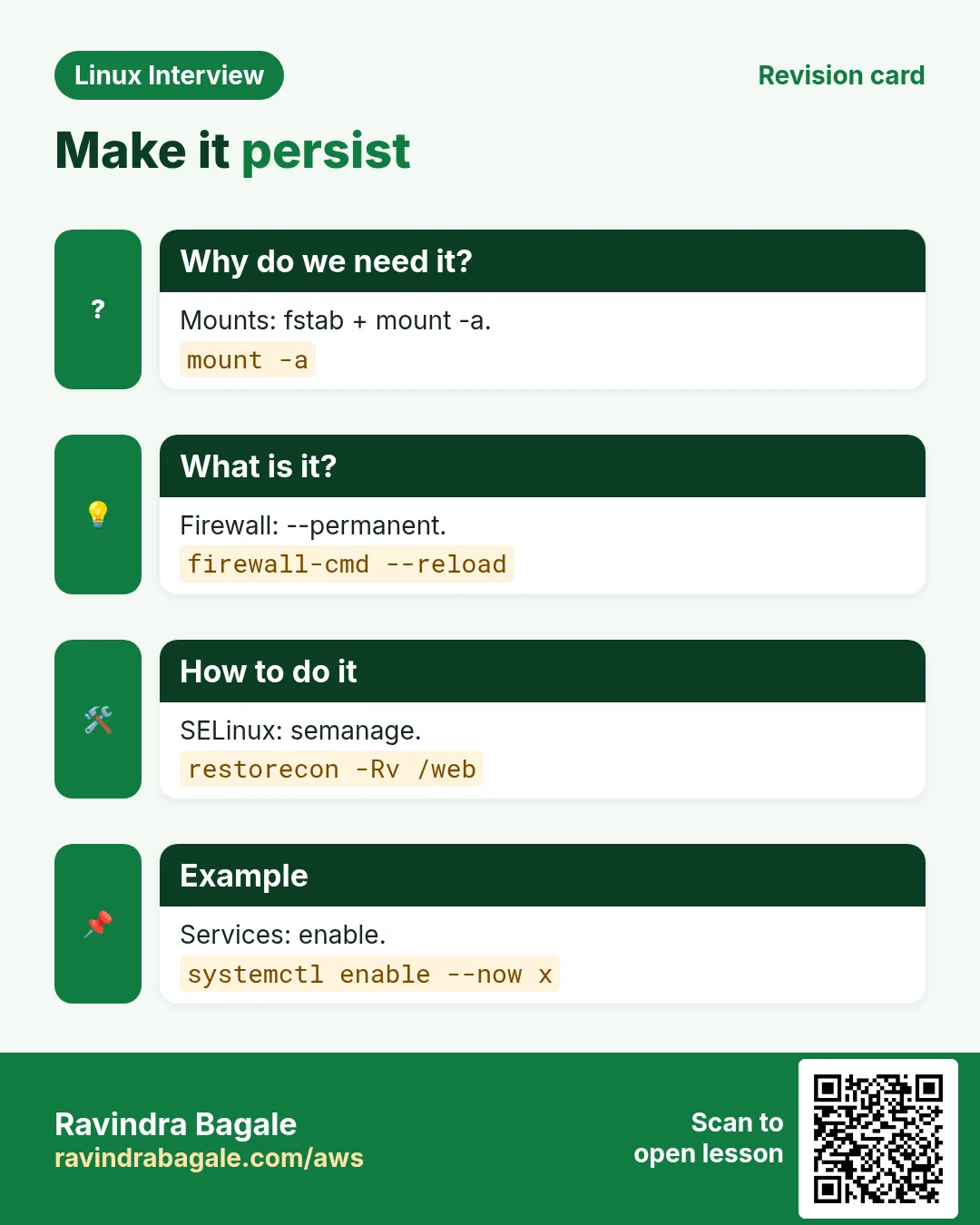
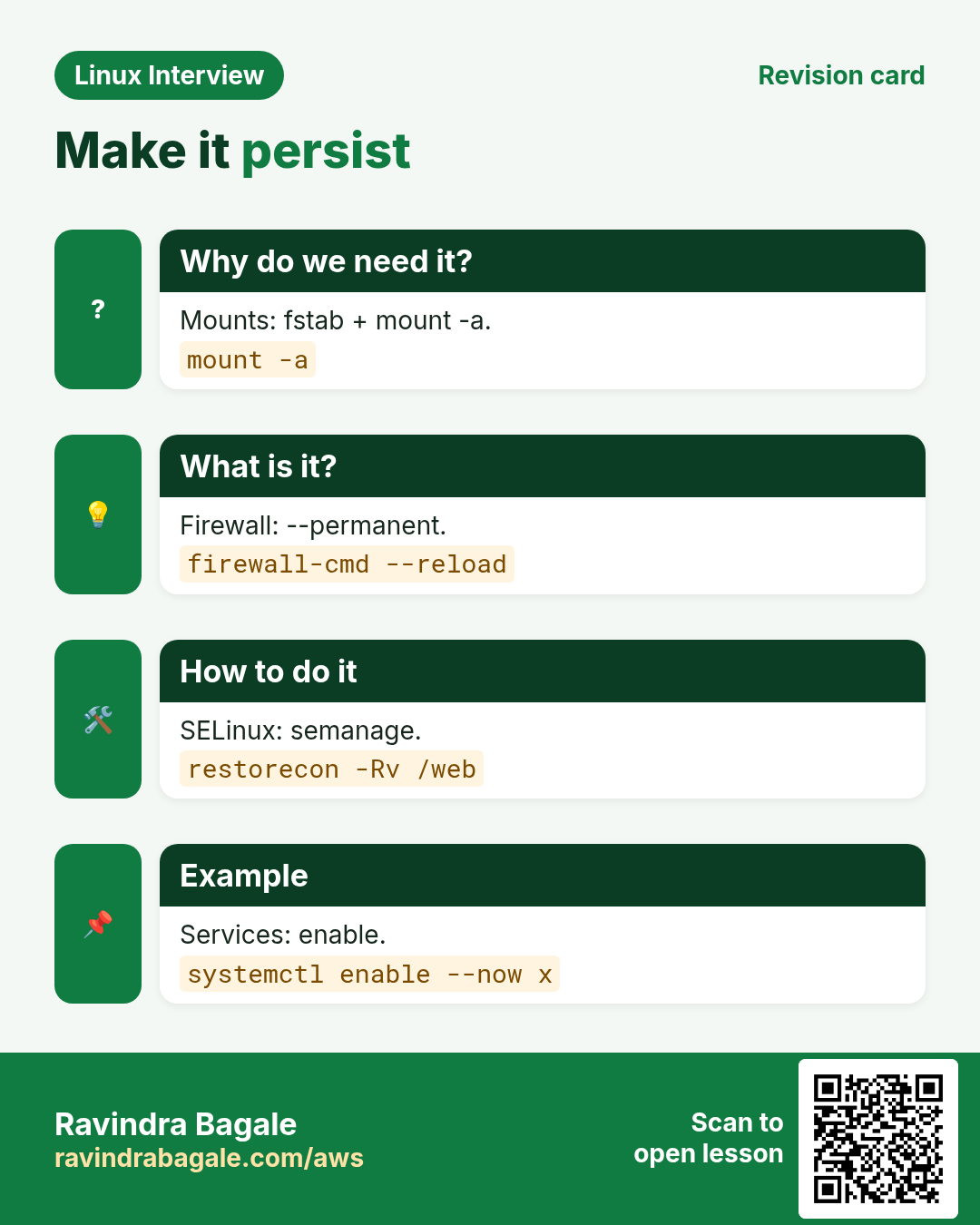
Every change must be persistent: fstab or systemd units for mounts, --permanent for firewalld, semanage for SELinux, set-default for targets, enable for services, linger for user containers. Work from the task text exactly (names, sizes, paths), verify each one, and reboot once near the end to check everything comes back.
| Change | Temporary | Persistent |
|---|---|---|
| Mount | mount /dev/x /mnt | fstab entry by UUID plus mount -a |
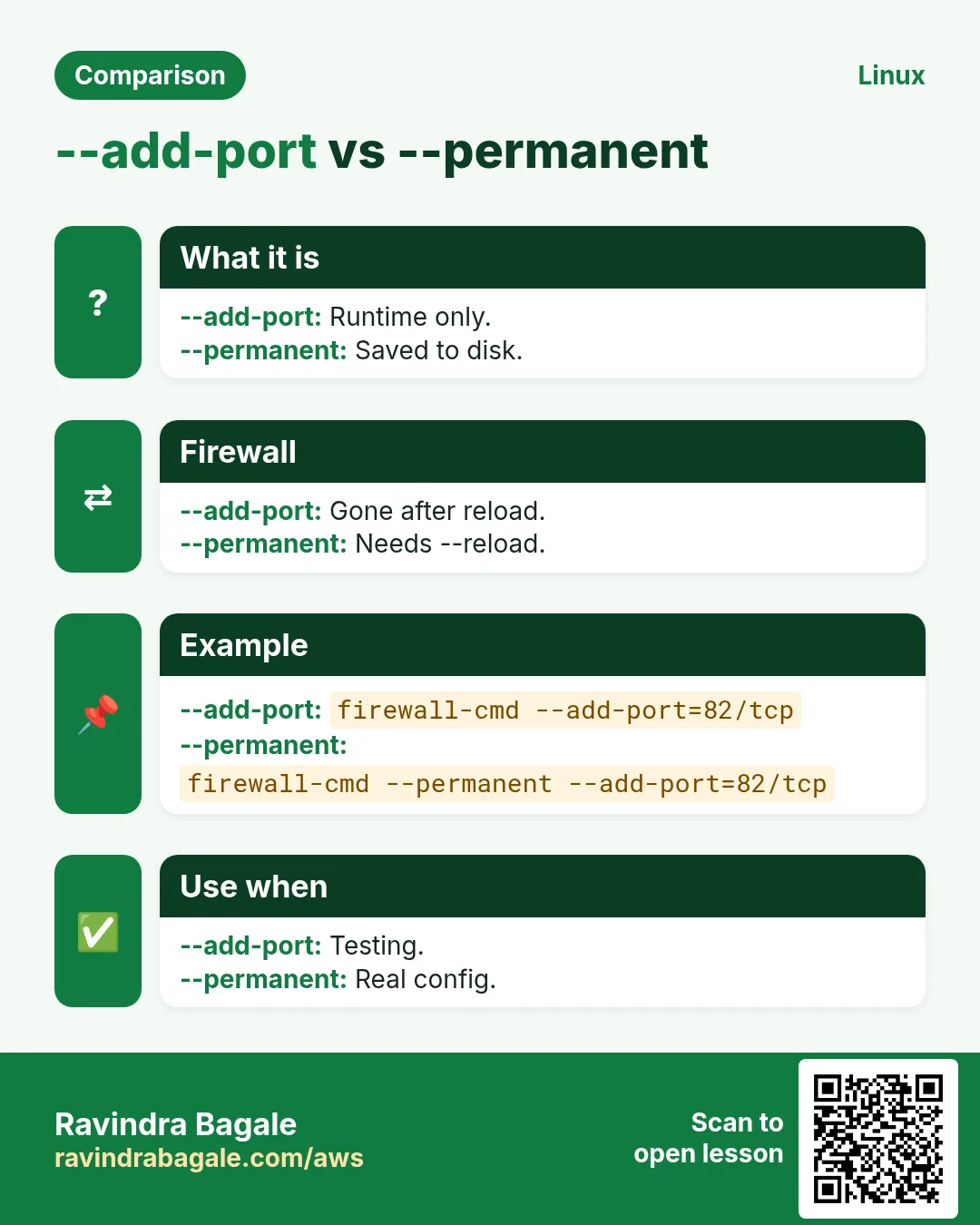
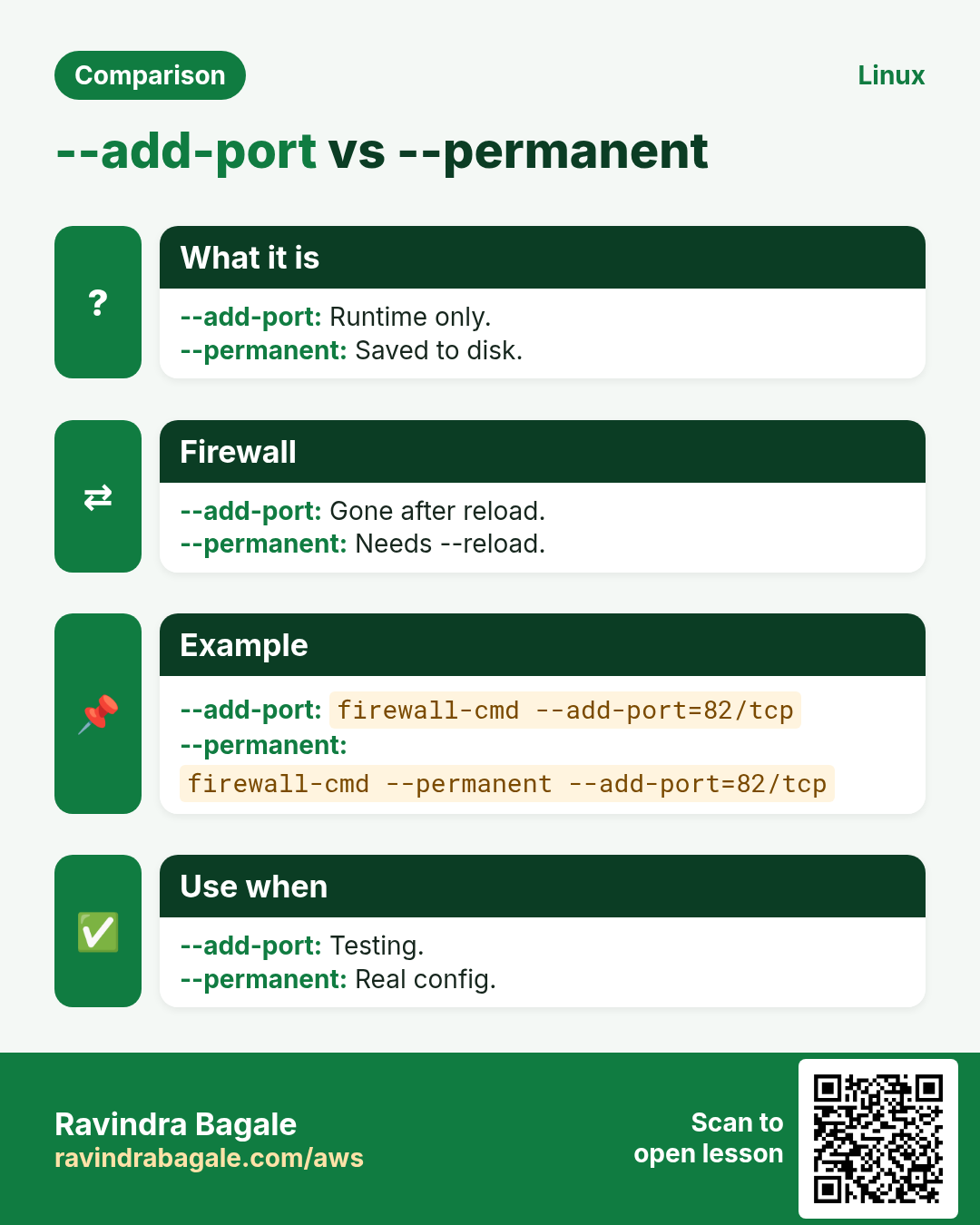
| Firewall | firewall-cmd --add-service=http | --permanent then --reload |
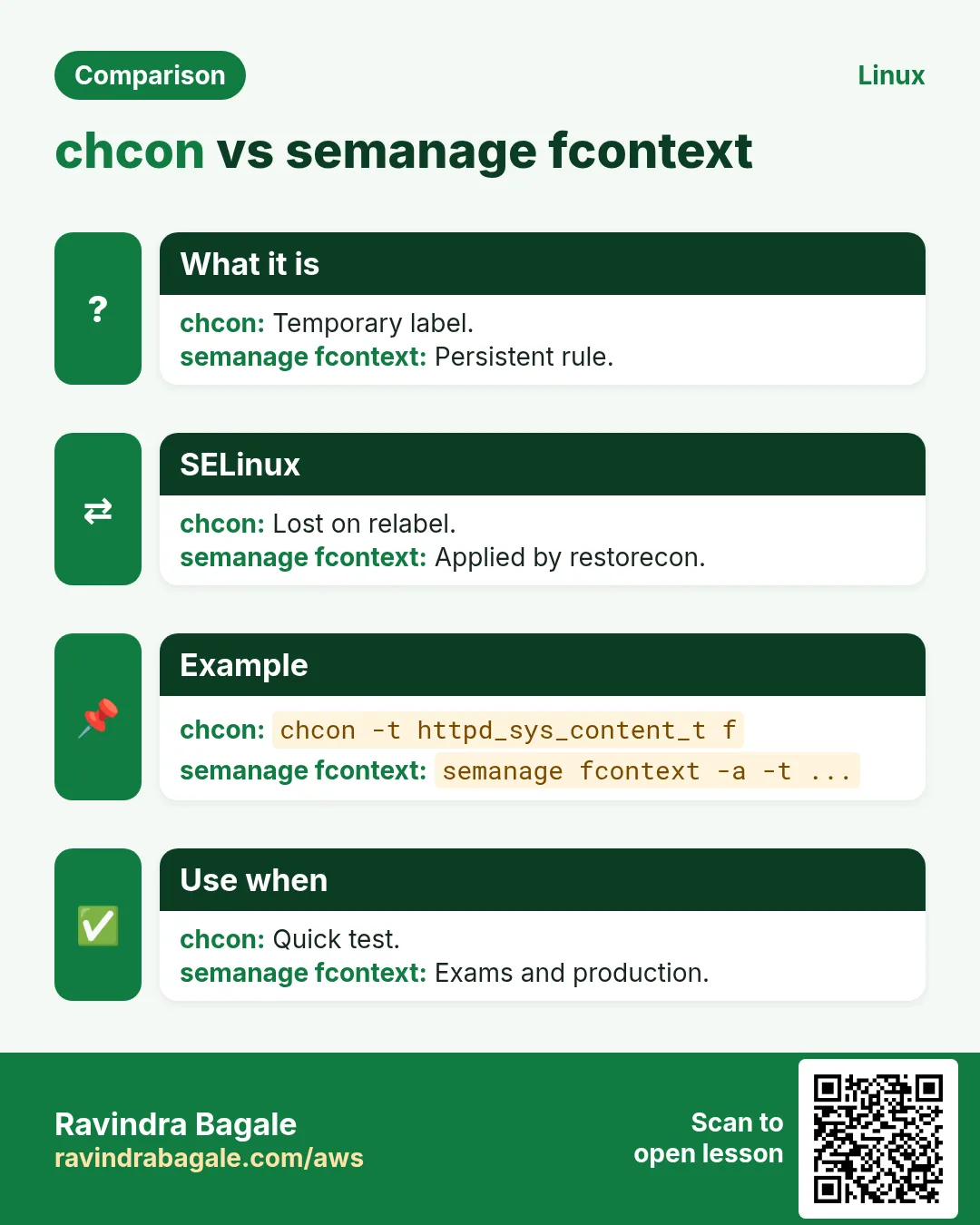
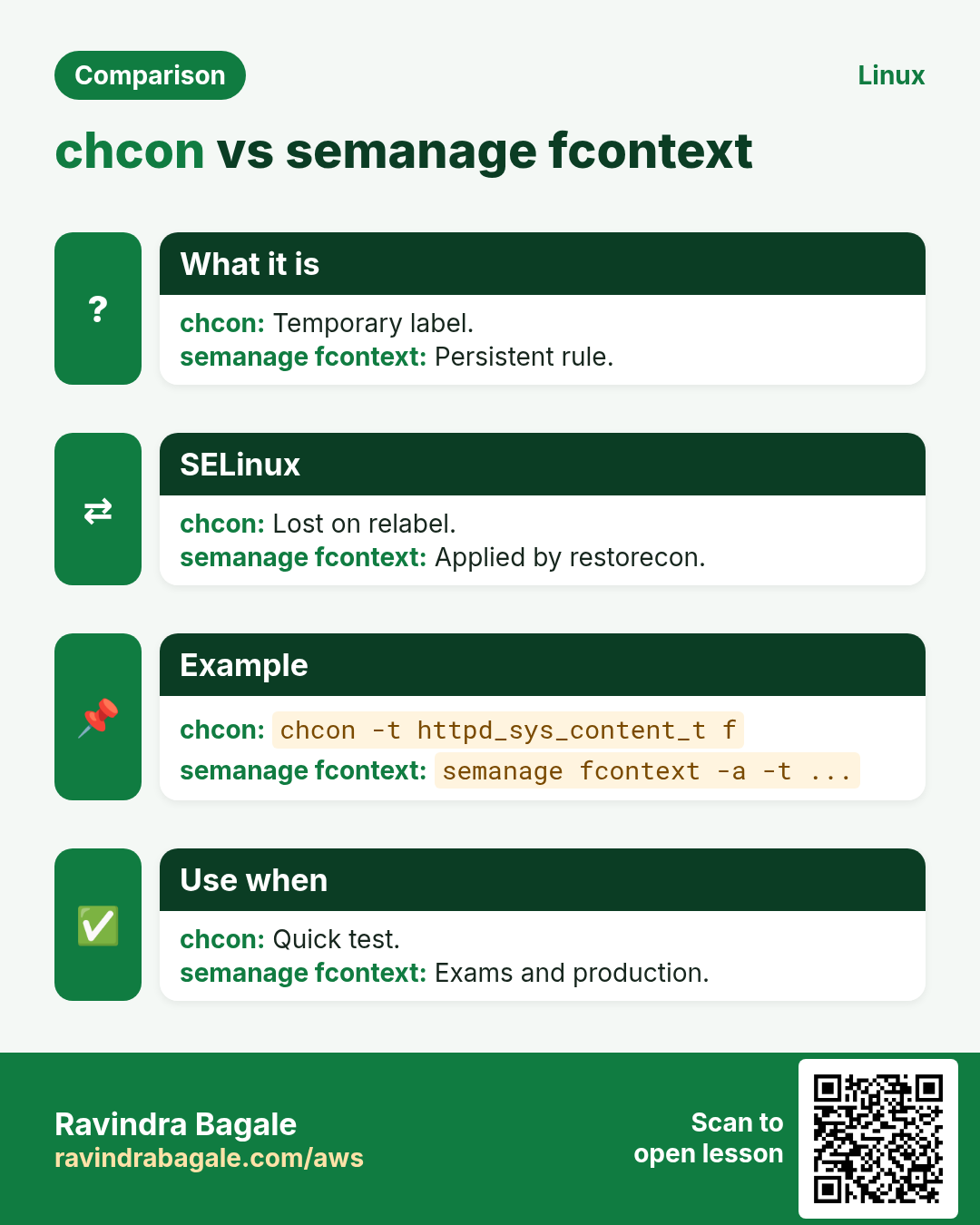
| SELinux label | chcon -t httpd_sys_content_t | semanage fcontext -a plus restorecon |
| SELinux boolean | setsebool name on | setsebool -P name on |
| Service | systemctl start x | systemctl enable --now x |
| User container | podman run | systemd user unit plus loginctl enable-linger |
How to do it (step by step)
- Verify a mount is persistent before rebooting.
sudo umount /mnt/database; sudo mount -a; findmnt /mnt/databaseOutput:
TARGET        SOURCE                          FSTYPE OPTIONS
/mnt/database /dev/mapper/datastore-database ext4   rw,relatime
What it means: Unmount then mount -a proves fstab is right.
- Compare runtime and permanent firewall rules.
sudo firewall-cmd --list-ports; sudo firewall-cmd --permanent --list-portsOutput:
82/tcp
82/tcp
What it means: Both lists match, so the rule survives a reload or reboot.
- Do the final reboot check.
sudo systemctl reboot
# after login:
systemctl --failed; getenforce; findmnt -s | wc -l; systemctl get-default
Output:
  UNIT LOAD ACTIVE SUB DESCRIPTION
0 loaded units listed.
Enforcing
7
multi-user.target
What it means: No failed units, SELinux enforcing, mounts and target as set.
4. Real examples from many industries
Why do we need this?
The same Linux skill shows up in every kind of company. Seeing it in many places helps you remember it.
What is it?
Each row is a made-up team. It shows who uses this and how.
How to do it (step by step)
| Team and city | How they use it | Command |
|---|---|---|
| Neha, IT services, Magarpatta Pune | Clears an L1 Linux support round with ITIL answers | dnf history |
| Vikram, cloud company, Hyderabad | Prepares deep 'what happens when' answers | strace -f -e trace=execve ls |
| Grace, Red Hat partner, Singapore | Practises all 25 RHCSA-style tasks twice | semanage fcontext -l | grep /web |
| Mateo, bank, Madrid | Uses the service group for a support lead role | faillock --user mateo |
| Yuki, e-commerce, Osaka | Uses the product group for an SRE loop | mtr -rwc 50 api.example.com |
| Omkar, auto parts maker, Satara | Moves from desktop support to Linux admin with RHCSA tasks | lvcreate -n data -L 1G vg0 |
5. Common errors and how to fix them
Why do we need this?
Everyone hits these errors. Knowing the cause saves hours.
What is it?
Read the exact message first. Then match it to a row below.
How to do it (step by step)
| Error you see | Why it happens | How to fix |
|---|---|---|
mount: wrong fs type, bad option, bad superblock | Filesystem not created or wrong type in fstab | Run mkfs and match the type.blkid /dev/vg0/lv0 |
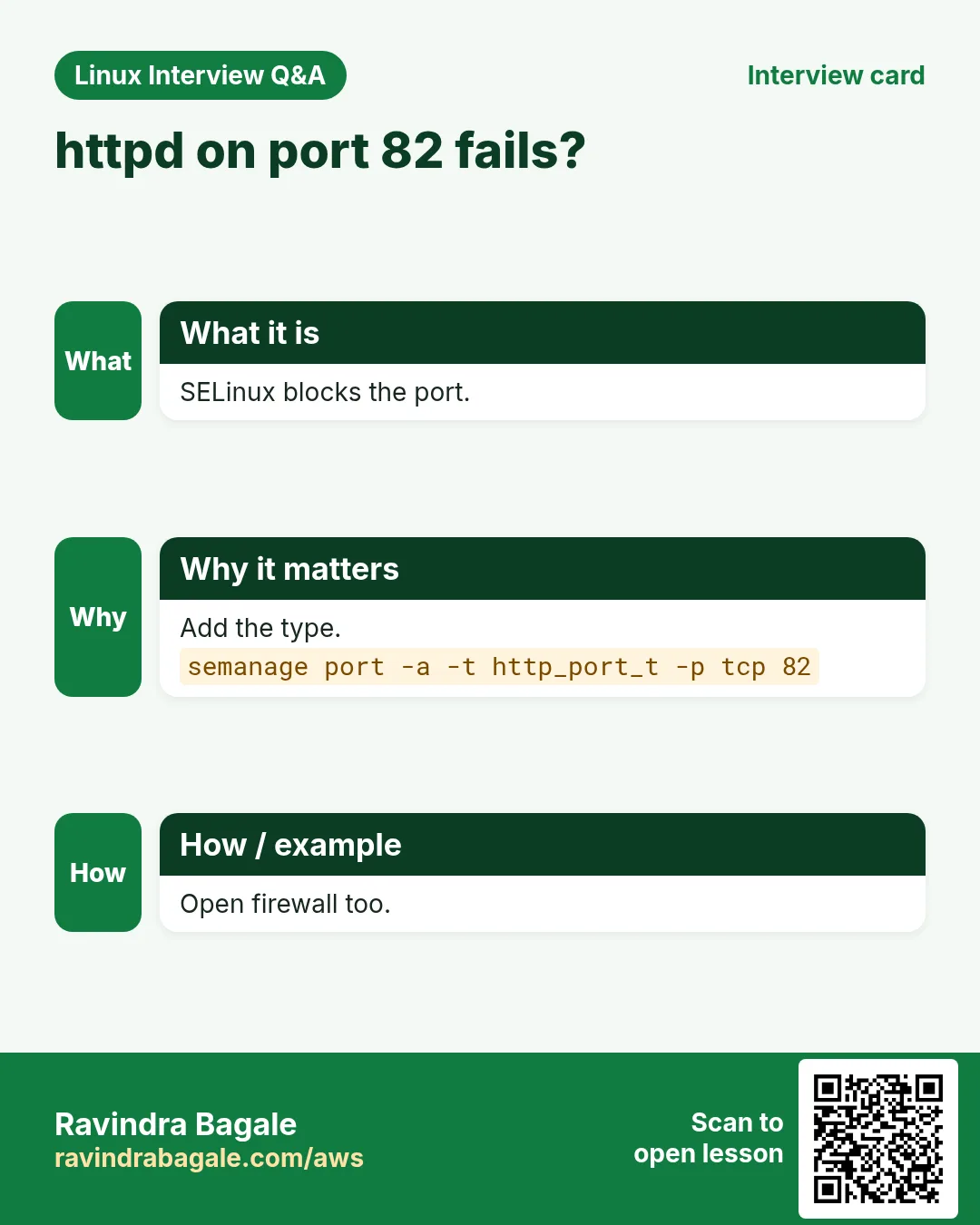
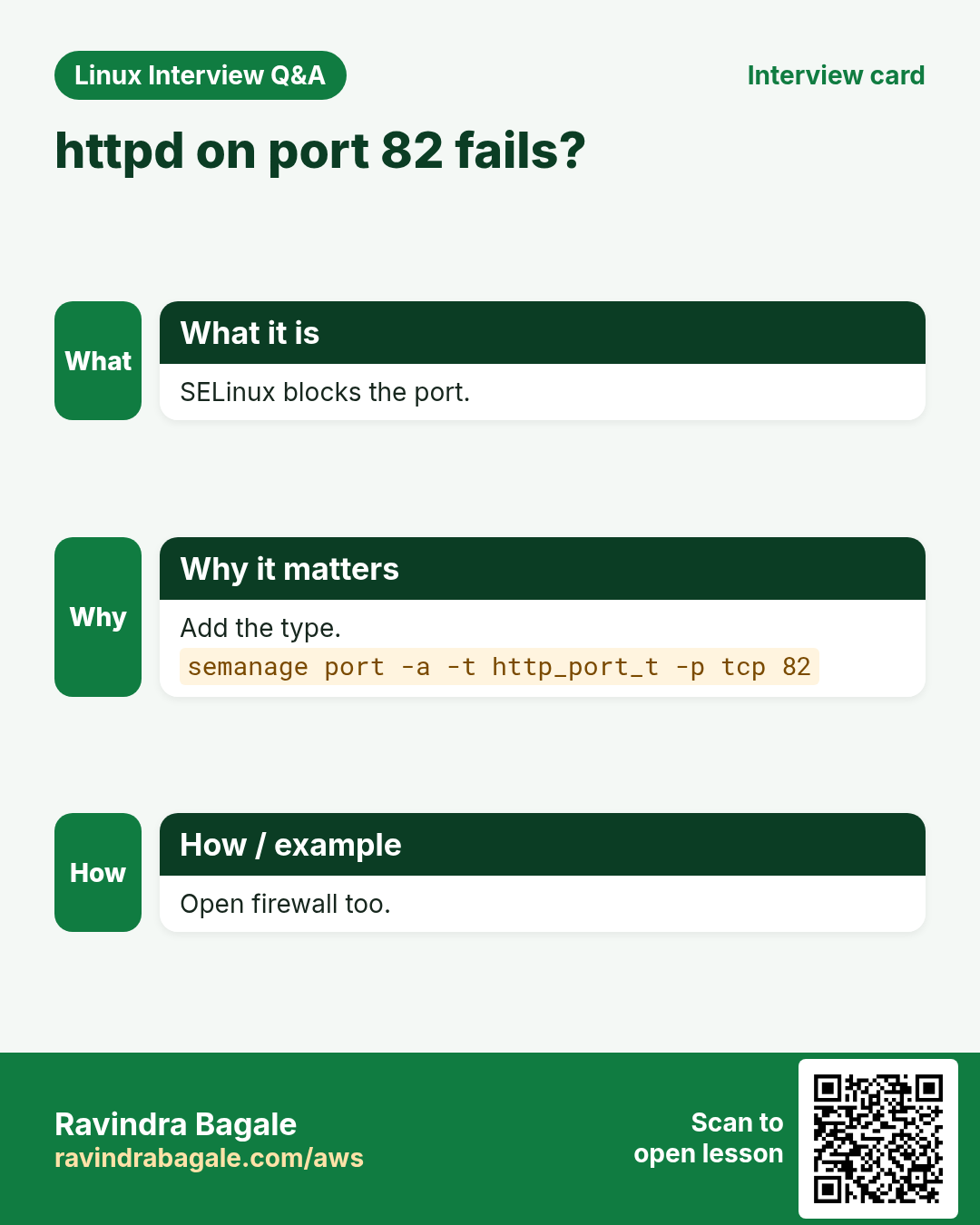
Job for httpd.service failed (port 82) | SELinux does not allow the port | Add the port type.semanage port -a -t http_port_t -p tcp 82 |
403 Forbidden from a custom DocumentRoot | Wrong SELinux context | Persistent fcontext and restorecon.restorecon -Rv /web |
Firewall rule gone after reboot | Added without --permanent | Add permanent and reload.firewall-cmd --permanent --add-port=82/tcp |
Rootless container stops when user logs out | Linger not enabled | Enable linger.loginctl enable-linger athena |
Error: Failed to download metadata for repo | Wrong baseurl or network | Fix the .repo URL and clean cache.dnf clean all; dnf repolist -v |
Insufficient free space in volume group | VG too small | Extend the VG with a new PV.vgextend vg0 /dev/vdc1 |
autofs share not mounting | Map file path or NFS export wrong | Check maps and showmount.showmount -e servera; automount -m |
Emergency mode after reboot | Bad fstab line | Fix fstab from the emergency shell.mount -o remount,rw /; vi /etc/fstab |
6. Troubleshooting step by step
Why do we need this?
When a practical task does not work, check the usual RHEL suspects in order instead of guessing.
What is it?
Go top to bottom. Stop at the first step that shows the problem.
How to do it (step by step)
- Read the service status and journal.
systemctl status httpd --no-pager; journalctl -u httpd -n 20 --no-pager- Check SELinux denials.
ausearch -m AVC -ts recent | tail -5- Check the firewall.
firewall-cmd --list-all- Check the network and name resolution.
nmcli dev status; getent hosts servera- Check mounts and fstab.
findmnt --verify; lsblk -f- Check persistence with a reboot test.
systemctl is-enabled httpd; systemctl get-default7. Lab 1: A timed RHCSA-style mini exam
Why do we need this?
Do eight tasks in 60 minutes on a fresh VM, then reboot and check every one still works.
What is it?
A full hands-on lab. Run every step on a test Linux machine (an EC2 instance, a VM, or WSL).
How to do it (step by step)
- Set hostname and static IP.
hostnamectl set-hostname servera.lab.example.com; nmcli -g ipv4.addresses con show 'Wired connection 1'Output:
172.25.250.11/24- Create users and the shared group folder.
id natasha; ls -ld /common/adminOutput:
uid=1001(natasha) gid=1001(natasha) groups=1001(natasha),2001(sysadms)
drwxrws---. 2 root sysadms 6 Oct 26 11:02 /common/admin- Create the logical volume and mount it at boot.
lvs datastore; grep database /etc/fstabOutput:
  LV       VG        Attr       LSize
  database datastore -wi-ao---- 512.00m
UUID=5b1c... /mnt/database ext4 defaults 0 0- Serve httpd on port 82 with SELinux enforcing.
curl -s localhost:82; getenforceOutput:
hi
Enforcing- Add swap and set the tuned profile.
swapon --show=NAME,SIZE; tuned-adm activeOutput:
NAME      SIZE
/dev/vdb2 512M
Current active profile: virtual-guest- Reboot and verify all.
systemctl --failed --no-legend | wc -l; curl -s localhost:82; findmnt /mnt/database -no TARGETOutput:
0
hi
/mnt/database
8. Lab 2: Mock service-company support round
Why do we need this?
Act out a P2 ticket: a user cannot log in and /var is 92 percent full. Fix both and write a short ticket update.
What is it?
A full hands-on lab. Run every step on a test Linux machine (an EC2 instance, a VM, or WSL).
How to do it (step by step)
- Check the user account.
sudo passwd -S harry; sudo faillock --user harry | tail -2Output:
harry LK 2026-10-20 0 60 7 -1 (Password locked.)
2026-10-26 10:51:03 RHOST 10.0.0.9 V
2026-10-26 10:51:09 RHOST 10.0.0.9 V- Unlock and reset failures.
sudo usermod -U harry; sudo faillock --user harry --reset; sudo passwd -S harryOutput:
harry PS 2026-10-20 0 60 7 -1 (Password set, SHA512 crypt.)- Find what is filling /var.
sudo du -xh /var --max-depth=2 2>/dev/null | sort -h | tail -3Output:
1.2G	/var/cache/dnf
5.8G	/var/log/app
9.1G /var- Clean safely: old compressed app logs and dnf cache.
sudo find /var/log/app -name '*.gz' -mtime +14 -delete; sudo dnf clean all >/dev/null; df -h /var | tail -1Output:
/dev/mapper/rl-var 9.8G 4.6G 5.2G 47% /var- Write the ticket update.
cat ticket-update.txtOutput:
Account harry was locked after 6 failed logins from 10.0.0.9; unlocked and reset. /var was 92%: removed app logs older than 14 days and dnf cache, now 47%. Suggest logrotate maxage 14 for /var/log/app. Monitoring OK.9. Commonly reported at service companies (TCS, Infosys, Wipro, Accenture, HCL, Tech Mahindra, Cognizant)
Why do we need this?
Service companies run large support projects, so they commonly check admin basics and support process together.
What is it?
These are typical questions commonly reported by candidates, with full answers. They are not official or verified question papers.
How to do it (step by step)
Answer aloud, then show the command on a test machine.
Q. Tell me about your daily tasks as a Linux admin.
A typical answer: check monitoring alerts and tickets, handle user and permission requests, patching, disk and filesystem issues, backups, service restarts, log checks, and change requests following ITIL with approvals. Give one real example.
Q. What is the difference between an incident, a problem and a change?
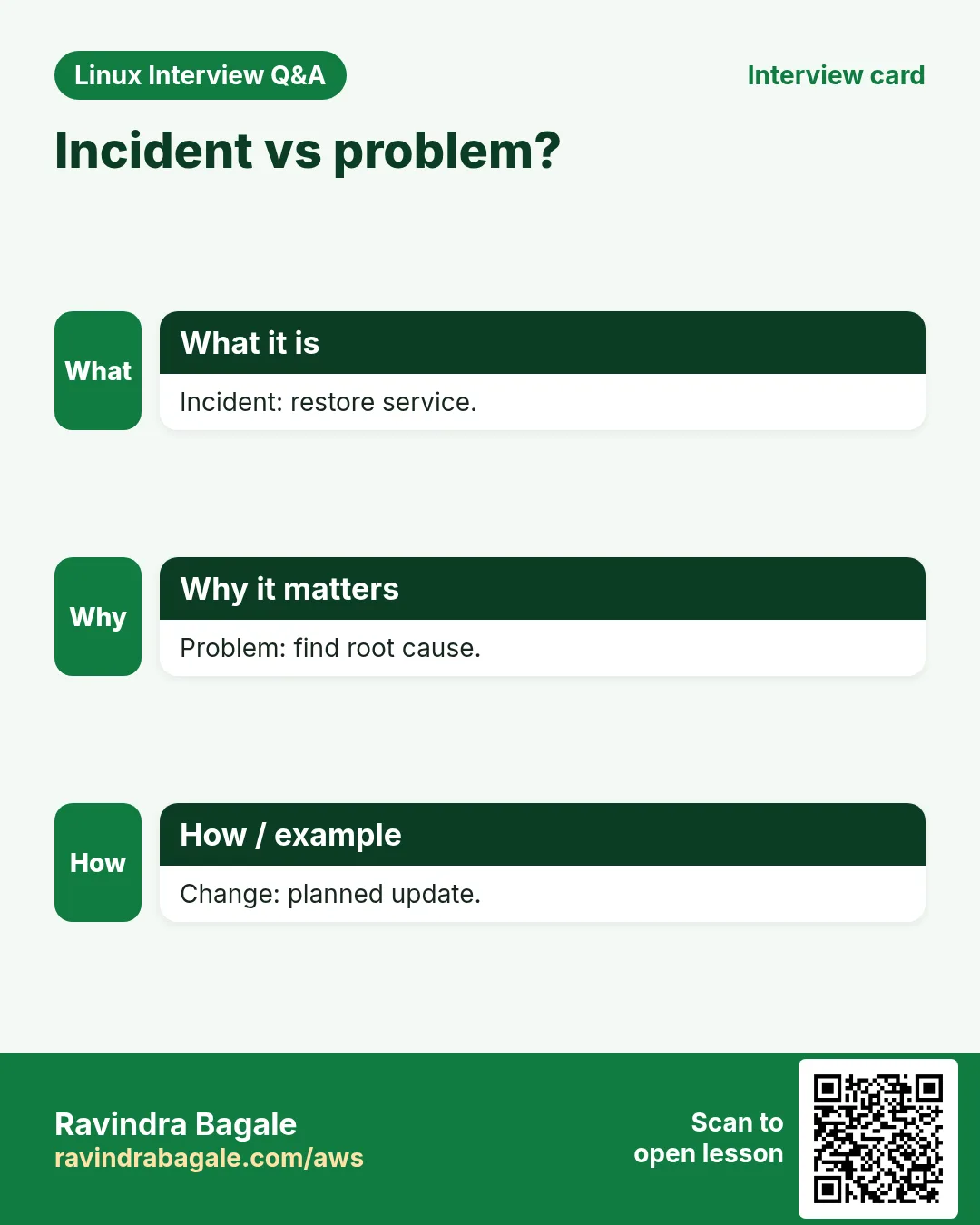
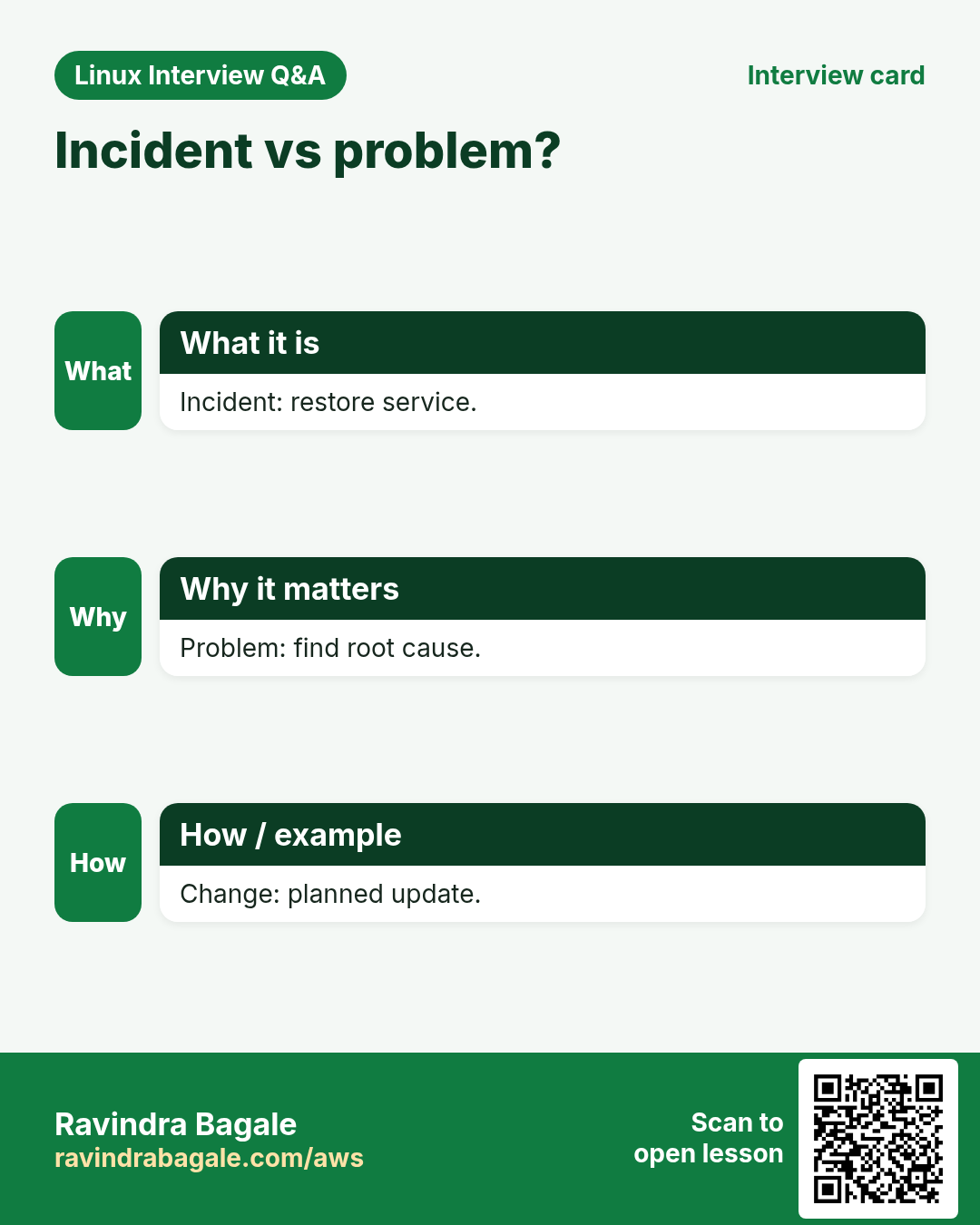
An incident is an unplanned outage or degradation to restore fast. A problem is the root cause behind one or more incidents. A change is a planned modification that goes through approval (CAB) with a rollback plan.
Q. How do you handle a P1 ticket where a production server is down?
Acknowledge, join the bridge, check console or cloud status, ping and SSH, review recent changes, logs and resources, restore service first (restart, failover or rollback), keep stakeholders updated, then write the RCA.
Q. What is an SLA and why does it matter in support projects?
A Service Level Agreement sets response and resolution times per priority, like P1 response in 15 minutes. Missing it can bring penalties, so tickets are tracked closely.
Q. How do you patch Linux servers in a project?
Take an approved change window, snapshot or backup, check free space, patch a test group first, run dnf update or yum update with security filters if required, reboot if the kernel changed, validate services, then roll out in batches.
Q. How do you check which patches are pending or recently installed?
dnf check-update or dnf updateinfo list security for pending; dnf history and rpm -qa --last for recent installs. On Ubuntu, apt list --upgradable and /var/log/apt/history.log.
Q. A user says they cannot log in. What do you check?
Account status (passwd -S, chage -l, faillock or pam_tally), shell in /etc/passwd, home folder permissions, SSH key permissions, AllowUsers in sshd_config, disk full on /home, and the auth log (/var/log/secure or auth.log).
Q. How do you unlock a locked user account?
faillock --user asha --reset clears failed attempts; passwd -u asha or usermod -U asha unlocks the password; chage -E -1 asha removes an expiry.
Q. How do you extend a filesystem when a mount is 95 percent full?
If on LVM with free space in the VG: lvextend -r -L +10G /dev/vg/lv. If not, add a disk, pvcreate, vgextend, then lvextend -r. Before that, clear safe junk like old logs.
Q. What is the difference between hard mount and soft mount in NFS?
Hard mounts keep retrying when the server is down, so apps hang but data stays safe. Soft mounts return an error after retries, which can corrupt writes. Hard is the usual default.
Q. How do you schedule a job at 2 AM every Sunday?
crontab -e and add 0 2 * * 0 /opt/scripts/weekly.sh. Fields are minute, hour, day of month, month, day of week.
Q. What is the difference between crontab and at?
crontab runs jobs repeatedly on a schedule; at runs a job once at a set time (echo cmd | at 23:00).
Q. What is the difference between ext4 and xfs?
xfs is the RHEL default, scales well for large files and parallel IO, can grow but cannot shrink. ext4 is the Ubuntu default, can grow and shrink offline, and is very mature.
Q. What are the run levels and their systemd targets?
0 poweroff.target, 1 rescue.target, 3 multi-user.target, 5 graphical.target, 6 reboot.target. Check with systemctl get-default and change with set-default.
Q. How do you find which process is using a port?
ss -tulpn | grep :8080 or lsof -i :8080. fuser 8080/tcp also shows the PID.
Q. What is the difference between soft link and hard link?
A soft link is a pointer to a path, works across filesystems and breaks if the target is deleted. A hard link is another name for the same inode, same filesystem only, and survives deletion of the other name.
Q. What is an inode and what happens when inodes run out?
An inode stores a file's metadata and data block pointers. If inodes run out (df -i shows 100 percent), you cannot create files even with free space; usually caused by millions of small files like session or cache files.
Q. How do you check hardware details on a Linux server?
lscpu for CPU, free -h for memory, lsblk and fdisk -l for disks, lspci and lsusb for devices, dmidecode for model and serial, and ip link for NICs.
Q. What is NIC bonding or teaming?
Combining two network cards into one logical interface for redundancy (active-backup, mode 1) or extra throughput (802.3ad LACP, mode 4). Configured with nmcli on RHEL.
Q. What is the use of /etc/fstab and what if an entry is wrong?
It lists filesystems to mount at boot. A wrong entry can drop the server into emergency mode. Test with mount -a and findmnt --verify before rebooting, and use nofail for non-critical disks.
Q. How do you take and restore a backup with tar?
tar -czpf /backup/etc-$(date +%F).tgz /etc creates it with permissions; tar -tzf lists contents; tar -xzpf file -C / restores. Always test restores.
Q. What is the difference between RPM and YUM or DNF?
rpm installs single package files and does not resolve dependencies. yum and dnf fetch from repositories and resolve dependencies automatically.
Q. How do you create a local YUM repository?
Copy RPMs or mount the ISO, run createrepo on the folder if needed, and add a .repo file in /etc/yum.repos.d with baseurl=file:///path and gpgcheck settings, then dnf clean all and dnf repolist.
Q. How do you check memory and swap usage, and what is a healthy state?
free -h and vmstat 1. Look at the available column, not free. Little or steady swap is fine; constant swap in and out (si/so in vmstat) means memory pressure.
Q. Explain the Linux boot process briefly.
BIOS or UEFI, then GRUB2 loads the kernel and initramfs, the kernel starts systemd as PID 1, systemd mounts filesystems and starts units up to the default target, then the login prompt.
Q. What is SELinux and how do you check its mode?
A mandatory access control system using labels on files and processes. getenforce and sestatus show the mode: enforcing, permissive or disabled. Change permanently in /etc/selinux/config.
Q. How do you give a user sudo access to only one command?
visudo -f /etc/sudoers.d/asha and add asha ALL=(root) /usr/bin/systemctl restart nginx. Check with sudo -l -U asha.
Q. What is the difference between kill, kill -9 and pkill?
kill sends SIGTERM (15) so the process can clean up. kill -9 sends SIGKILL which cannot be caught, used as a last resort. pkill and killall send signals by name.
Q. How do you check who logged in and when?
who and w for current users, last for login history from wtmp, lastb for failed attempts, and lastlog for each user's last login.
10. Commonly reported at product and cloud companies (Amazon, Google, Microsoft, Flipkart, Atlassian)
Why do we need this?
Product and cloud companies commonly test how deeply you understand the system and how you think under pressure.
What is it?
Typical, commonly reported deep-dive, scenario and design questions with full answers. Not verified question papers.
How to do it (step by step)
Practise drawing the flow on paper while you explain.
Q. What happens when you type a URL in the browser and press Enter?
DNS lookup (cache, resolver, root, TLD, authoritative), TCP handshake, TLS handshake with certificate check, HTTP request through load balancers to the server, the app builds a response, and the browser renders HTML and fetches more assets. Go deeper on any layer they ask.
Q. What happens when you run ls in a shell, at the system call level?
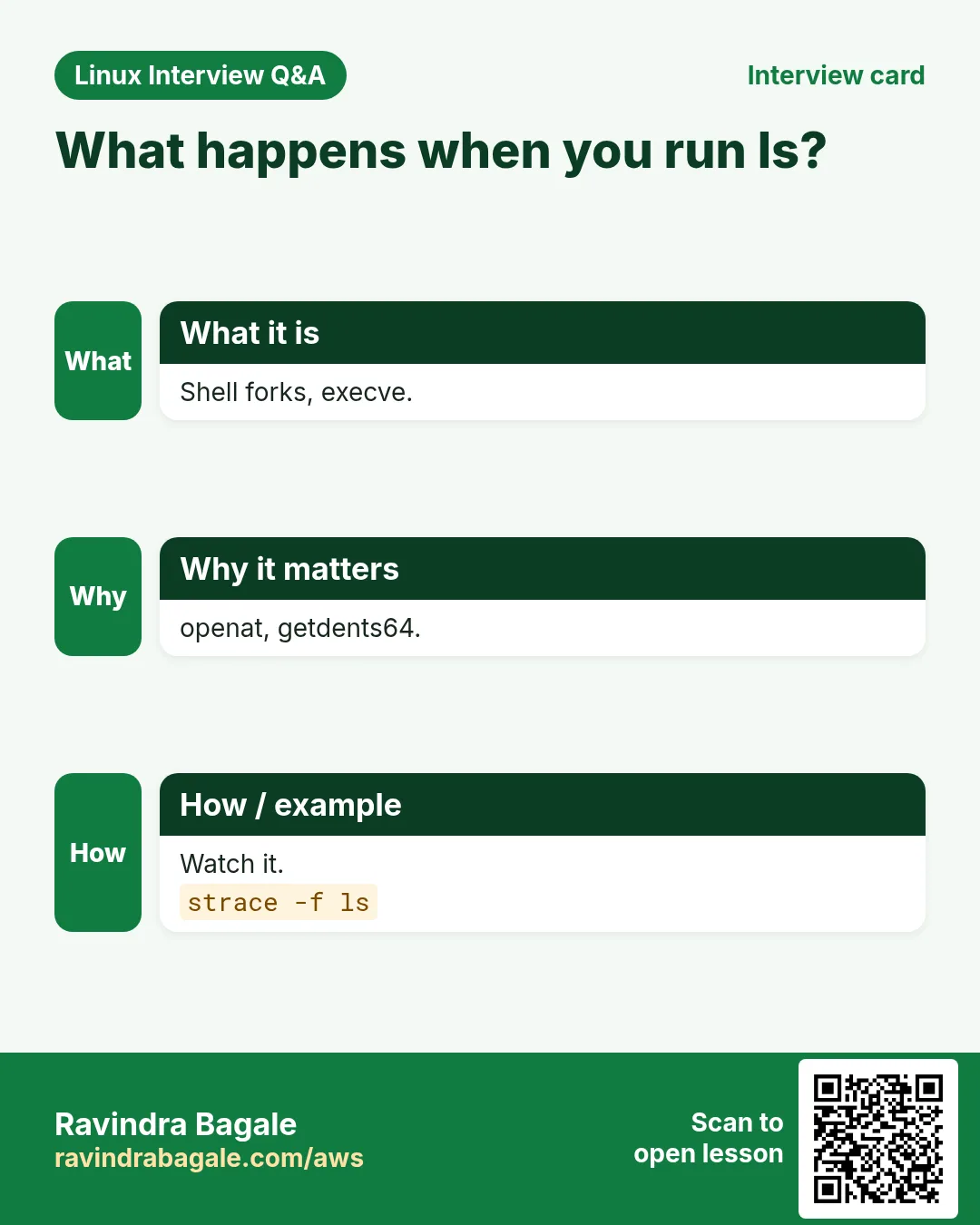
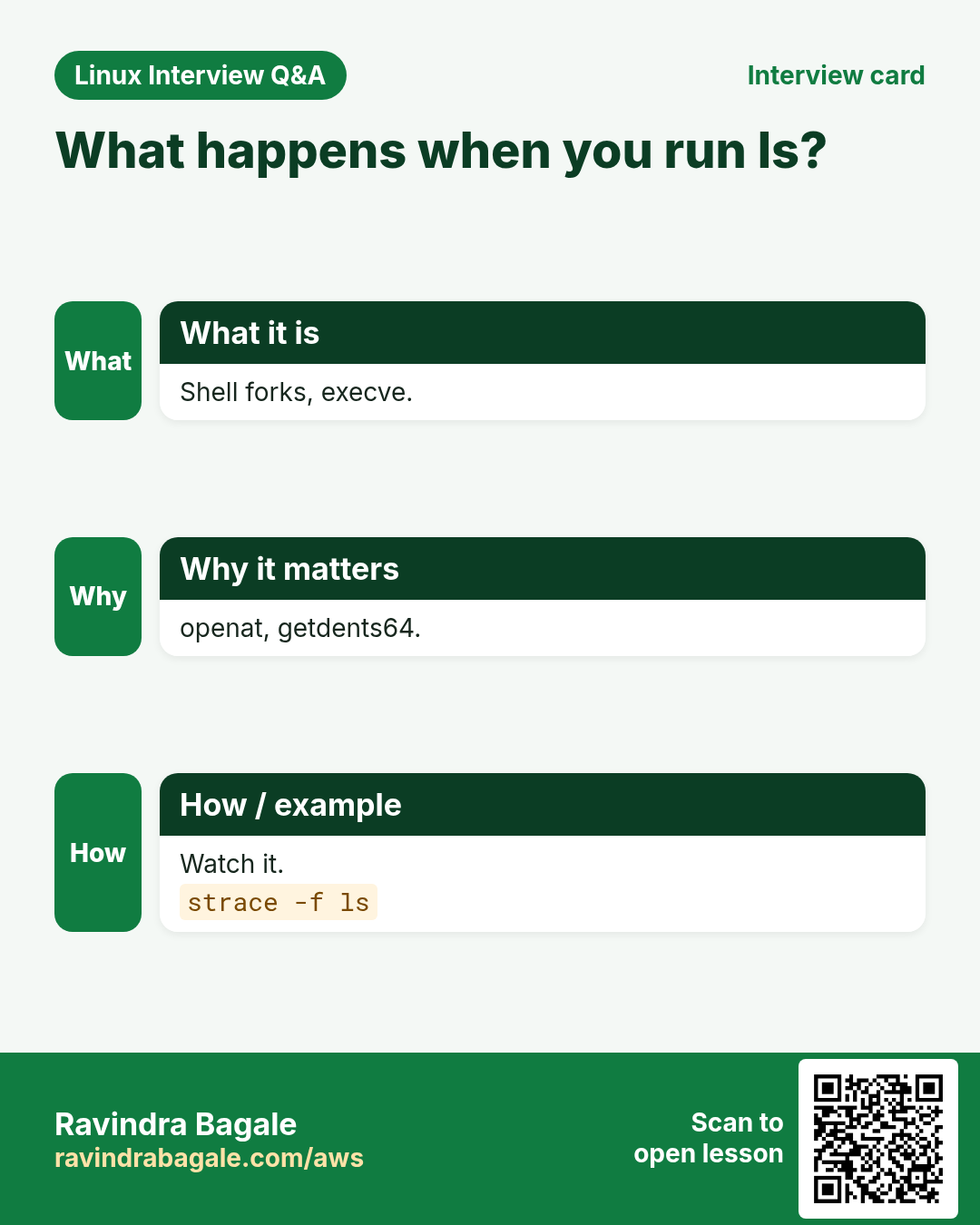
The shell parses the line, searches PATH, calls fork to make a child and execve to load /bin/ls. ls calls openat and getdents64 on the folder, stat calls for details, write to stdout, then exit. The shell waits with wait4 and reads the status.
Q. A server is slow. Walk me through how you investigate.
Use a method like USE (utilization, saturation, errors) per resource: uptime for load, top or htop for CPU and steal, vmstat for run queue and swap, iostat -xz for disk await, free for memory, ss and sar -n DEV for network, dmesg for errors, then drill into the busy process with pidstat, strace or perf.
Q. How would you find which files a running process has open and why disk space is not freed?
ls -l /proc/PID/fd or lsof -p PID. Deleted but open files show with lsof +L1; space is freed only when the process closes them or restarts.
Q. Explain how virtual memory and page faults work.
Each process sees its own virtual address space mapped to physical pages by page tables. A minor fault maps a page already in RAM; a major fault reads it from disk. The kernel uses demand paging, copy-on-write and swap.
Q. How do you design log collection for 1000 servers?
An agent on each host (Fluent Bit, Vector or CloudWatch agent) ships structured logs to a central buffer (Kafka or Kinesis), into storage and search (OpenSearch, Loki or S3 with Athena), with retention tiers, parsing at the edge, sampling for noisy logs, and alerts on patterns.
Q. How do you count the unique IPs hitting a server in the last hour from logs?
Filter by time with awk on the timestamp or use journalctl --since '1 hour ago', extract the IP field, then sort -u | wc -l. For huge logs, use LC_ALL=C and a single awk pass with an array.
Q. What is the difference between a process and a thread in Linux?
Both are tasks created with clone. Threads share memory, file descriptors and signal handlers with their group; processes have separate address spaces. ps -eLf or top -H shows threads.
Q. How does TCP ensure reliable delivery?
Sequence numbers, acknowledgements, retransmission on timeout or duplicate ACKs, sliding windows for flow control and congestion control algorithms like CUBIC or BBR.
Q. How would you debug intermittent packet loss between two hosts?
mtr for per-hop loss over time, ping with large and do-not-fragment packets for MTU, ss -ti for retransmits, ethtool -S and ip -s link for NIC errors, tcpdump on both sides to compare, and check conntrack table limits and security group or firewall rules.
Q. How do you roll out a kernel or OS update to a large fleet safely?
Canary a few hosts, watch metrics, then roll out in waves with automatic pause on errors, drain traffic before reboot, keep the old kernel in GRUB for fallback, and use immutable images where possible.
Q. Design a highly available web tier on Linux.
Multiple instances across availability zones behind a load balancer with health checks, autoscaling, stateless app servers with sessions in Redis, a managed database with replicas, config from a central store, and monitoring with alerts on SLOs.
Q. How do you find the process causing high IO wait?
iotop -o or pidstat -d 1 shows per-process reads and writes, iostat -xz 1 shows which device is busy, and /proc/PID/io gives cumulative counters.
Q. What are namespaces and cgroups, and how do containers use them?
Namespaces isolate what a process sees (pid, net, mnt, uts, ipc, user). Cgroups limit and measure what it uses (CPU, memory, IO, pids). A container is a process with both plus a layered root filesystem.
Q. Tell me about a time you handled a major outage.
Use STAR, stress what you did, how you communicated, how fast service came back, the root cause, and what changed after (automation, alerts, runbooks). Amazon-style interviews often map this to leadership principles like ownership.
11. Commonly reported at Red Hat and enterprise Linux roles
Why do we need this?
Red Hat and RHEL-heavy teams commonly expect RHEL-specific tools and an enterprise mindset.
What is it?
Typical, commonly reported RHEL questions with full answers. Not verified question papers.
How to do it (step by step)
Try each tool on Rocky, Alma or RHEL with a developer subscription.
Q. What is the difference between RHEL, CentOS Stream, Fedora, Rocky and AlmaLinux?
Fedora is the fast upstream community distro. CentOS Stream sits just ahead of the next RHEL minor release. RHEL is the supported enterprise product. Rocky and AlmaLinux are community rebuilds that aim for RHEL compatibility.
Q. How do you register a RHEL system and attach repos?
subscription-manager register --username ... then subscription-manager repos --list-enabled. On newer RHEL with simple content access, registration alone enables BaseOS and AppStream.
Q. What are BaseOS and AppStream, and what are module streams?
BaseOS holds core OS packages. AppStream holds applications and runtimes, some offered as module streams (like nodejs:18 or :20) so you can pick a version. dnf module list shows them.
Q. How do you troubleshoot an SELinux denial without disabling SELinux?
Check ausearch -m AVC -ts recent or journalctl -t setroubleshoot, run sealert -a /var/log/audit/audit.log for advice, fix labels with restorecon or semanage fcontext, set booleans with setsebool -P, or add ports with semanage port.
Q. What is Stratis and VDO?
Stratis is a local storage manager for pooled, thin-provisioned filesystems on top of XFS. VDO adds deduplication and compression; in RHEL 9 it is managed through LVM (lvcreate --type vdo).
Q. How do you configure a static IP with nmcli?
nmcli con mod eth0 ipv4.method manual ipv4.addresses 192.168.1.50/24 ipv4.gateway 192.168.1.1 ipv4.dns 8.8.8.8 then nmcli con up eth0.
Q. What is the difference between firewalld zones and rich rules?
Zones group interfaces or sources with a trust level and allowed services. Rich rules add fine-grained rules like allowing a port only from one subnet. Use --permanent and --reload to persist.
Q. What is Ansible and how does Red Hat use it with Linux?
An agentless automation tool over SSH using YAML playbooks and idempotent modules. Red Hat ships Ansible Automation Platform and RHEL system roles for common tasks like timesync, firewall and SELinux.
Q. What is the role of tuned?
tuned applies performance profiles like throughput-performance, virtual-guest or latency-performance. tuned-adm recommend suggests one and tuned-adm profile sets it.
Q. How do you collect diagnostic data for Red Hat support?
Run sos report (sosreport on older releases) to gather configs, logs and command outputs into an archive, then attach it to the support case.
Q. How do you use Podman instead of Docker?
Podman is daemonless and rootless by default: podman run -d -p 8080:80 nginx. podman generate systemd or Quadlet files run containers as systemd services.
Q. What is kdump and why is it configured?
kdump reserves memory for a second kernel that saves a vmcore when the main kernel crashes, so engineers can find the cause with the crash tool.
Q. How does Red Hat handle security errata?
Each fix is published as an RHSA advisory with CVEs and severity. dnf updateinfo list security shows pending ones and dnf update --advisory RHSA-... applies one. Insights can flag risk across a fleet.
Q. What is the difference between RHCSA and RHCE?
RHCSA tests core admin skills hands-on: users, storage, LVM, networking, SELinux, services, containers and boot repair. RHCE (on RHEL 8 and 9) focuses on automating those tasks with Ansible.
Q. Why does Red Hat value upstream-first and open source contribution?
Fixes and features go into the upstream project first so everyone benefits and the code is maintained by the community. Interviewers may ask about any open source work you have done.
12. RHCSA-style practice tasks with solutions
Why do we need this?
Practical rounds and the RHCSA exam reward correct, persistent work done on a real system, not memorised theory.
What is it?
Each task opens to show the approach and the exact commands. These are practice tasks in a similar style, not real exam content.
How to do it (step by step)
Do each task on a test VM first without looking, then compare, then reboot and verify it persists.
Q. Reset the root password on a machine where you do not know it.
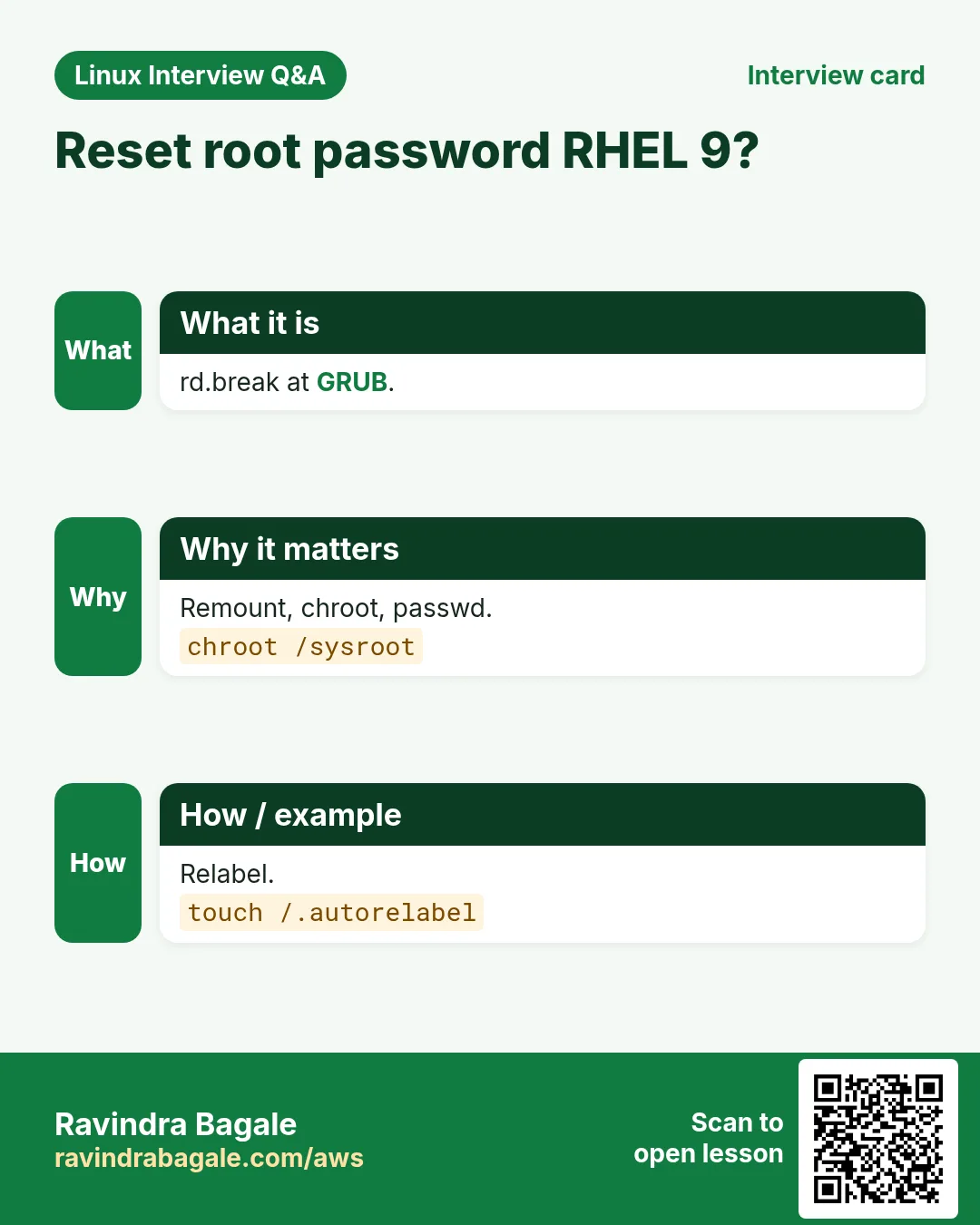
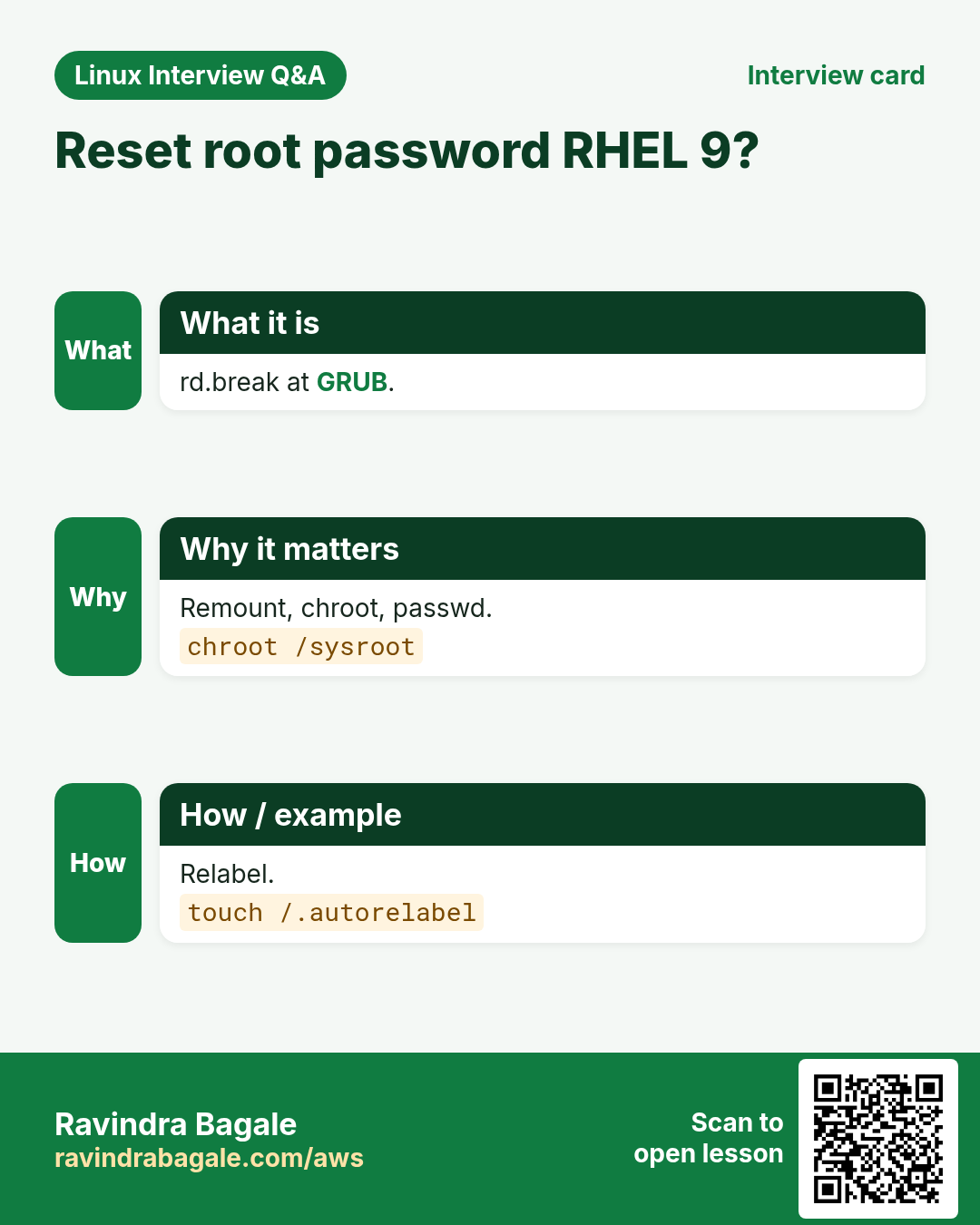
Interrupt GRUB, add rd.break to the linux line, then remount and relabel.
# at GRUB press e, add rd.break at end of linux line, Ctrl+x
mount -o remount,rw /sysroot
chroot /sysroot
passwd root
touch /.autorelabel
exit; exit
Q. Configure a static IP 172.25.250.11/24, gateway 172.25.250.254, DNS 172.25.250.254 and hostname servera.lab.example.com.
Use nmcli and hostnamectl so settings survive reboot.
nmcli con mod 'Wired connection 1' ipv4.method manual ipv4.addresses 172.25.250.11/24 ipv4.gateway 172.25.250.254 ipv4.dns 172.25.250.254
nmcli con up 'Wired connection 1'
hostnamectl set-hostname servera.lab.example.com
Q. Configure BaseOS and AppStream repositories from a given URL.
Create a .repo file with both sections and verify.
cat > /etc/yum.repos.d/lab.repo <<EOF
[BaseOS]
name=BaseOS
baseurl=http://content.example.com/rhel9/BaseOS
gpgcheck=0
[AppStream]
name=AppStream
baseurl=http://content.example.com/rhel9/AppStream
gpgcheck=0
EOF
dnf repolist
Q. Create group sysadms, users natasha and harry in it as secondary group, and user sarah with no login shell, all with password trootent.
Use groupadd, useradd -G and -s /sbin/nologin, then set passwords.
groupadd sysadms
useradd -G sysadms natasha
useradd -G sysadms harry
useradd -s /sbin/nologin sarah
for u in natasha harry sarah; do echo trootent | passwd --stdin $u; done
Q. Create a shared folder /common/admin owned by group sysadms, writable by the group, where new files inherit the group.
Set group ownership, 2770 mode for setgid.
mkdir -p /common/admin
chgrp sysadms /common/admin
chmod 2770 /common/admin
ls -ld /common/admin
Q. Give sysadms members full sudo without a password.
Use a sudoers.d file and validate it.
echo '%sysadms ALL=(ALL) NOPASSWD: ALL' > /etc/sudoers.d/sysadms
chmod 440 /etc/sudoers.d/sysadms
visudo -cf /etc/sudoers.d/sysadms
Q. Set password aging so new users must change password every 60 days.
Edit login.defs for new users; chage for existing ones.
sed -i 's/^PASS_MAX_DAYS.*/PASS_MAX_DAYS 60/' /etc/login.defs
chage -M 60 natasha
chage -l natasha
Q. Schedule a cron job for harry that runs logger 'EX200 in progress' every 2 minutes.
Use crontab -u.
crontab -u harry -e
# add: */2 * * * * logger 'EX200 in progress'
crontab -u harry -l
Q. Configure the system as an NTP client of classroom.example.com.
Edit chrony.conf and restart chronyd.
echo 'server classroom.example.com iburst' >> /etc/chrony.conf
systemctl enable --now chronyd; systemctl restart chronyd
chronyc sources -v
Q. Make httpd serve content from a custom port 82 with SELinux enforcing.
Add the port to the http_port_t type and the firewall.
sed -i 's/^Listen 80/Listen 82/' /etc/httpd/conf/httpd.conf
semanage port -a -t http_port_t -p tcp 82
firewall-cmd --permanent --add-port=82/tcp; firewall-cmd --reload
systemctl enable --now httpd; curl -s localhost:82
Q. Serve files from /web/html with httpd and fix SELinux labels.
Add a persistent fcontext rule and apply it.
mkdir -p /web/html; echo hi > /web/html/index.html
semanage fcontext -a -t httpd_sys_content_t '/web(/.*)?'
restorecon -Rv /web
ls -Zd /web/html
Q. Create a 512 MiB logical volume named database in volume group datastore with 16 MiB extents, formatted ext4 and mounted on /mnt/database at boot.
Partition, PV, VG with -s 16M, LV, mkfs, fstab by UUID.
pvcreate /dev/vdb1
vgcreate -s 16M datastore /dev/vdb1
lvcreate -n database -L 512M datastore
mkfs.ext4 /dev/datastore/database
mkdir -p /mnt/database
echo "UUID=$(blkid -s UUID -o value /dev/datastore/database) /mnt/database ext4 defaults 0 0" >> /etc/fstab
systemctl daemon-reload; mount -a; df -h /mnt/database
Q. Resize an existing logical volume to between 290 and 330 MiB without losing data.
lvresize with -r grows the filesystem too.
lvs
lvresize -r -L 300M /dev/vg0/lv0
df -h | grep lv0
Q. Add a 512 MiB swap partition that is active at boot.
Create a partition of type swap, mkswap, add to fstab, swapon.
parted /dev/vdb mkpart primary linux-swap 1025MiB 1537MiB
mkswap /dev/vdb2
echo "UUID=$(blkid -s UUID -o value /dev/vdb2) none swap defaults 0 0" >> /etc/fstab
swapon -a; swapon --show
Q. Mount an NFS share using autofs so /rhome/remoteuser1 mounts on access.
Add an indirect map in auto.master.d.
dnf install -y autofs nfs-utils
echo '/rhome /etc/auto.rhome' > /etc/auto.master.d/rhome.autofs
echo 'remoteuser1 -rw,sync servera:/rhome/remoteuser1' > /etc/auto.rhome
systemctl enable --now autofs
ls /rhome/remoteuser1
Q. Find all files owned by user jacques and copy them to /root/findfiles keeping paths.
find with -user and cp --parents.
mkdir -p /root/findfiles
find / -user jacques -type f -exec cp -a --parents {} /root/findfiles/ \; 2>/dev/null
Q. Find lines containing the word ich in /usr/share/xml/iso-codes/iso_639_3.xml and save them to /root/lines.
grep and redirect.
grep -w ich /usr/share/xml/iso-codes/iso_639_3.xml > /root/lines
wc -l /root/lines
Q. Create a compressed archive of /usr/local named /root/backup.tar.bz2.
tar with -j for bzip2.
tar -cjvf /root/backup.tar.bz2 /usr/local
tar -tjf /root/backup.tar.bz2 | head
Q. Set the recommended tuned profile.
Install and enable tuned, then apply the recommendation.
dnf install -y tuned; systemctl enable --now tuned
tuned-adm profile $(tuned-adm recommend)
tuned-adm active
Q. Make the journal persistent across reboots.
Create the folder or set Storage=persistent and restart journald.
mkdir -p /var/log/journal
sed -i 's/^#\?Storage=.*/Storage=persistent/' /etc/systemd/journald.conf
systemctl restart systemd-journald
journalctl --list-boots
Q. Set the default boot target to multi-user and boot into it.
systemctl set-default and isolate.
systemctl set-default multi-user.target
systemctl isolate multi-user.target
systemctl get-default
Q. Run a rootless container as user athena from image registry.lab.example.com/rhel9/httpd, mapping /home/athena/web to the container's web root, started by systemd at boot.
Run it with podman, generate a user unit and enable linger.
su - athena
podman login registry.lab.example.com
podman run -d --name web -p 8080:8080 -v ~/web:/var/www/html:Z registry.lab.example.com/rhel9/httpd
mkdir -p ~/.config/systemd/user; cd ~/.config/systemd/user
podman generate systemd --name web --files --new
systemctl --user daemon-reload; systemctl --user enable --now container-web
loginctl enable-linger athena
Q. Allow only key-based SSH for root and allow user harry to log in.
Edit sshd_config, validate and restart.
sed -i 's/^#\?PermitRootLogin.*/PermitRootLogin prohibit-password/' /etc/ssh/sshd_config
echo 'AllowUsers root harry' >> /etc/ssh/sshd_config
sshd -t && systemctl restart sshd
Q. Find and stop the process using most CPU, then lower the priority of another.
Use top or ps sorted by CPU, kill with TERM, renice.
ps -eo pid,comm,%cpu --sort=-%cpu | head -3
kill <PID>
renice -n 10 -p <OTHER_PID>
Q. Write a script /usr/local/bin/myfiles that finds files under /usr between 30 KB and 50 KB with setuid and saves the list to /root/myfiles.
find with size and perm options.
cat > /usr/local/bin/myfiles <<'EOF'
#!/bin/bash
find /usr -type f -size +30k -size -50k -perm -4000 > /root/myfiles
EOF
chmod +x /usr/local/bin/myfiles; myfiles; cat /root/myfilesRavindra Bagale's Tip
Never trust any list that claims to be the exact questions of a company. Use reported questions to understand the style, then prepare the skill itself. For RHEL roles, the 25 tasks in this chapter teach more than any list, because they force you to make every change persistent.
Ravindra Bagale's Tip – मराठी
एखाद्या company चे नेमके प्रश्न असल्याचा दावा करणाऱ्या कोणत्याही list वर विश्वास ठेवू नका. Style समजायला reported प्रश्न वापरा, मग skill स्वतः तयार करा. RHEL roles साठी या chapter मधले 25 tasks कोणत्याही list पेक्षा जास्त शिकवतात, कारण ते प्रत्येक बदल persistent करायला भाग पाडतात.
Ravindra Bagale's Tip – हिंदी
किसी company के exact सवाल होने का दावा करने वाली किसी भी list पर भरोसा मत कीजिए. Style समझने के लिए reported सवाल इस्तेमाल कीजिए, फिर skill खुद तैयार कीजिए. RHEL roles के लिए इस chapter के 25 tasks किसी भी list से ज़्यादा सिखाते हैं, क्योंकि वे हर बदलाव को persistent बनाने पर मजबूर करते हैं.
13. Frequently asked questions
Q. Are these the real questions of TCS, Amazon or Red Hat?
No. They are typical, commonly reported questions from public candidate experiences. Real interviews vary by team and interviewer.
Q. Is RHCSA needed for service company jobs?
Not always, but it is often listed as a plus and helps in practical rounds.
Q. Are the RHCSA-style tasks the real exam?
No. They are practice tasks in the same style. The real exam content is confidential.
Q. Which distro should I use for the tasks?
RHEL with a free developer subscription, or Rocky Linux or AlmaLinux 9.
Q. Do product companies ask Linux at all?
For SRE, DevOps and infrastructure roles, yes, often with deep internals and troubleshooting.
Q. How important are behavioural rounds?
Very, especially at product companies. Prepare 4 to 6 STAR stories.
Q. What if they ask about a tool I have not used?
Say so, relate it to a similar tool you know, and explain how you would learn it.
Q. Is ITIL knowledge needed?
For service and support roles it commonly comes up: incident, problem, change and SLA basics.
14. Interview questions and answers
Beginner level
Q. What is a P1 ticket?
The highest priority incident, usually a full production outage.
Q. How do you make a service start at boot?
systemctl enable name.
Q. How do you check SELinux mode?
getenforce.
Q. How do you list LVM volumes?
pvs, vgs and lvs.
Mid level level
Q. How do you make a firewall change permanent?
firewall-cmd --permanent then --reload.
Q. How do you reset a forgotten root password on RHEL 9?
rd.break at GRUB, remount sysroot rw, chroot, passwd, touch /.autorelabel.
Q. What is Podman's advantage over Docker?
Daemonless and rootless by default, with systemd integration.
Q. What does sos report do?
Collects configs, logs and command outputs for support.
Senior level
Q. Walk me through what happens when you run ls.
fork, execve, openat, getdents64, stat, write, exit and wait4 in the shell.
Q. How would you patch 2000 servers safely?
Canary, waves with automatic pause, drain before reboot, keep old kernel, and metrics gates.
Q. How do you debug intermittent packet loss?
mtr, MTU tests, ss -ti retransmits, NIC counters, tcpdump both ends, conntrack limits.
Q. Tell me about leading an outage.
STAR with timeline, communication, fix, RCA and lasting improvements.
Try at home
- Take one real job description, run the grep from section 1 on it, and list the three groups you must revise.
- Do all 25 RHCSA-style tasks on a fresh Rocky 9 VM, then reboot and verify each one.
- Write two STAR stories, one outage and one automation win, and say each in under two minutes.
Practice Tasks
London Legal LLP is a law business in London. Oliver Hughes looks after its IT and cloud work. They count money in GBP and run their AWS resources in the eu-west-2 Region. In the tasks below you do real jobs for them using what this lesson teaches. All names, account IDs, IP addresses and numbers are made up for practice.
0 / 21
Easy SELinux mode
Why: BIZ runs RHEL servers and practical rounds.
What to do: Show the SELinux status lines that mention mode, case-insensitively.
- Find the Linux command that does this job.
- Add the options (like -r or -h) the task needs.
- Add the file names, folders or users in the right order.
- Use sudo if the job changes system files or users. Click Check answer.
Easy Reload firewall
Why: BIZ runs RHEL servers and practical rounds.
What to do: Reload firewalld, and only if that works list the open ports.
- Find the Linux command that does this job.
- Add the options (like -r or -h) the task needs.
- Add the file names, folders or users in the right order.
- Use sudo if the job changes system files or users. Click Check answer.
Easy Default target
Why: BIZ runs RHEL servers and practical rounds.
What to do: Make the server boot to the graphical target by default.
- Find the Linux command that does this job.
- Add the options (like -r or -h) the task needs.
- Add the file names, folders or users in the right order.
- Use sudo if the job changes system files or users. Click Check answer.
Easy Enable now
Why: BIZ runs RHEL servers and practical rounds.
What to do: Enable nginx at boot and start it now in one command.
- Find the Linux command that does this job.
- Add the options (like -r or -h) the task needs.
- Add the file names, folders or users in the right order.
- Use sudo if the job changes system files or users. Click Check answer.
Easy Test fstab
Why: BIZ runs RHEL servers and practical rounds.
What to do: Mount everything in /etc/fstab, verbosely, to test it.
- Find the Linux command that does this job.
- Add the options (like -r or -h) the task needs.
- Add the file names, folders or users in the right order.
- Use sudo if the job changes system files or users. Click Check answer.
Easy Tuned recommend
Why: BIZ runs RHEL servers and practical rounds.
What to do: List all available tuned profiles.
- Find the Linux command that does this job.
- Add the options (like -r or -h) the task needs.
- Add the file names, folders or users in the right order.
- Use sudo if the job changes system files or users. Click Check answer.
Easy Support bundle
Why: BIZ runs RHEL servers and practical rounds.
What to do: Generate a support diagnostic report non-interactively.
- Find the Linux command that does this job.
- Add the options (like -r or -h) the task needs.
- Add the file names, folders or users in the right order.
- Use sudo if the job changes system files or users. Click Check answer.
Medium Permanent port
Why: BIZ runs RHEL servers and practical rounds.
What to do: Open TCP port 8090 permanently in firewalld.
- Find the Linux command that does this job.
- Add the options (like -r or -h) the task needs.
- Add the file names, folders or users in the right order.
- Use sudo if the job changes system files or users. Click Check answer.
Medium Apply labels
Why: BIZ runs RHEL servers and practical rounds.
What to do: Apply SELinux labels recursively to /srv/site, verbosely.
- Find the Linux command that does this job.
- Add the options (like -r or -h) the task needs.
- Add the file names, folders or users in the right order.
- Use sudo if the job changes system files or users. Click Check answer.
Medium Persistent boolean
Why: BIZ runs RHEL servers and practical rounds.
What to do: Turn on httpd_enable_homedirs persistently.
- Find the Linux command that does this job.
- Add the options (like -r or -h) the task needs.
- Add the file names, folders or users in the right order.
- Use sudo if the job changes system files or users. Click Check answer.
Medium Volume group
Why: BIZ runs RHEL servers and practical rounds.
What to do: Create volume group vgweb on /dev/vdc1 with 8 MiB extents.
- Find the Linux command that does this job.
- Add the options (like -r or -h) the task needs.
- Add the file names, folders or users in the right order.
- Use sudo if the job changes system files or users. Click Check answer.
Medium LV by extents
Why: BIZ runs RHEL servers and practical rounds.
What to do: Create LV database of 32 extents in datastore.
- Find the Linux command that does this job.
- Add the options (like -r or -h) the task needs.
- Add the file names, folders or users in the right order.
- Use sudo if the job changes system files or users. Click Check answer.
Medium Swap on
Why: BIZ runs RHEL servers and practical rounds.
What to do: Show active swap areas by reading the kernel proc file.
- Find the Linux command that does this job.
- Add the options (like -r or -h) the task needs.
- Add the file names, folders or users in the right order.
- Use sudo if the job changes system files or users. Click Check answer.
Medium Password age
Why: BIZ runs RHEL servers and practical rounds.
What to do: Make user natasha change password every 90 days maximum.
- Find the Linux command that does this job.
- Add the options (like -r or -h) the task needs.
- Add the file names, folders or users in the right order.
- Use sudo if the job changes system files or users. Click Check answer.
Medium No shell user
Why: BIZ runs RHEL servers and practical rounds.
What to do: Create user bob with no interactive login shell.
- Find the Linux command that does this job.
- Add the options (like -r or -h) the task needs.
- Add the file names, folders or users in the right order.
- Use sudo if the job changes system files or users. Click Check answer.
Medium Bzip2 archive
Why: BIZ runs RHEL servers and practical rounds.
What to do: Create bzip2 archive /root/backup.tar.bz2 of /usr/local.
- Find the Linux command that does this job.
- Add the options (like -r or -h) the task needs.
- Add the file names, folders or users in the right order.
- Use sudo if the job changes system files or users. Click Check answer.
Medium Time sources
Why: BIZ runs RHEL servers and practical rounds.
What to do: Show how far the clock is from the chrony reference.
- Find the Linux command that does this job.
- Add the options (like -r or -h) the task needs.
- Add the file names, folders or users in the right order.
- Use sudo if the job changes system files or users. Click Check answer.
Hard SELinux port
Why: BIZ runs RHEL servers and practical rounds.
What to do: Allow httpd to use TCP port 8090 in SELinux.
- Find the Linux command that does this job.
- Add the options (like -r or -h) the task needs.
- Add the file names, folders or users in the right order.
- Use sudo if the job changes system files or users. Click Check answer.
Hard Persistent context
Why: BIZ runs RHEL servers and practical rounds.
What to do: Add a persistent SELinux rule labelling everything under /srv/site as httpd_sys_content_t.
- Find the Linux command that does this job.
- Add the options (like -r or -h) the task needs.
- Add the file names, folders or users in the right order.
- Use sudo if the job changes system files or users. Click Check answer.
Hard Group folder
Why: BIZ runs RHEL servers and practical rounds.
What to do: Set /common/dev to rwx for owner and group, none for others, with setgid.
- Find the Linux command that does this job.
- Add the options (like -r or -h) the task needs.
- Add the file names, folders or users in the right order.
- Use sudo if the job changes system files or users. Click Check answer.
Hard Linger
Why: BIZ runs RHEL servers and practical rounds.
What to do: Let user harry keep user services running after logout.
- Find the Linux command that does this job.
- Add the options (like -r or -h) the task needs.
- Add the file names, folders or users in the right order.
- Use sudo if the job changes system files or users. Click Check answer.
15. Related chapters
- Linux Ops Refresh for DevOps
- Bash Scripting for Automation
- Linux grep and find Commands with Examples
- How to Set Up Passwordless SSH Between Linux Servers
In short
- Reported questions show style, not exact papers.
- Service: basics plus ITIL and tickets.
- Product: internals, scenarios, design, behavioural.
- Red Hat: RHEL tools and hands-on tasks.
- Every practical change must persist after reboot.
- Prepare from the job description.
Revision, comparison and interview cards
Revise this lesson in a few minutes. Save the cards on your phone or download them as PNG files. The QR code on each card opens this lesson.
More cards: Ravi Sir's Cards.