What Is an AWS IAM Role and When to Use It
An IAM role is a temporary jacket. A person or a service puts it on, gets short-lived keys, does the job, and takes it off. No permanent access key stuck on a laptop.
What you'll learn in this chapter
- Role vs user vs group
- Trust policy vs permissions policy
- Who uses roles: EC2, Lambda, humans
- When a role beats an IAM user
- Cross-account role idea
1. Everyday example first
Why do we need this?
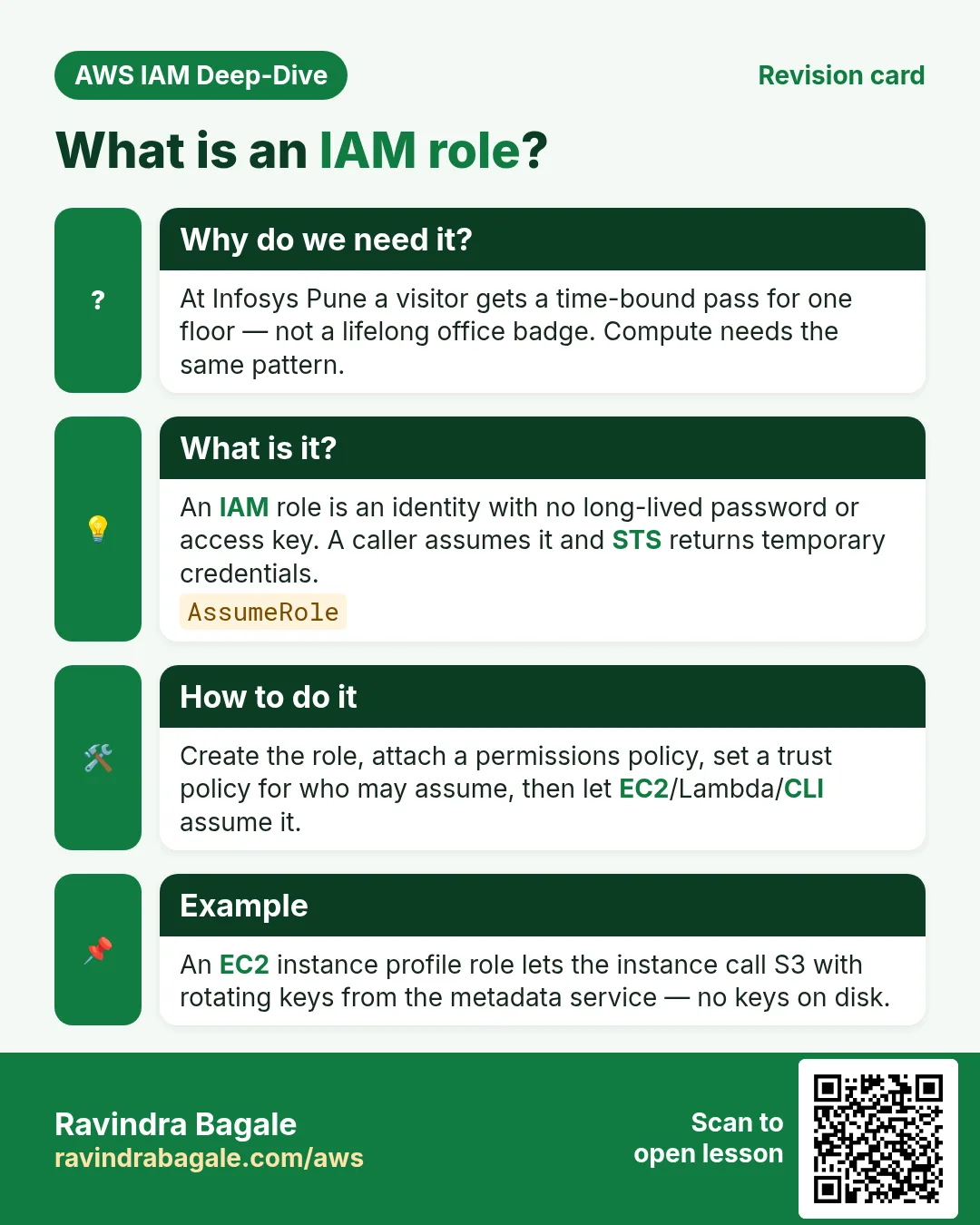
At Infosys Pune, a visitor does not get a permanent office badge. Security gives a time-bound visitor pass for one floor. AWS roles work the same way — temporary permission, not a lifelong key.
The names and floors in this story are made up for learning.
What is it?
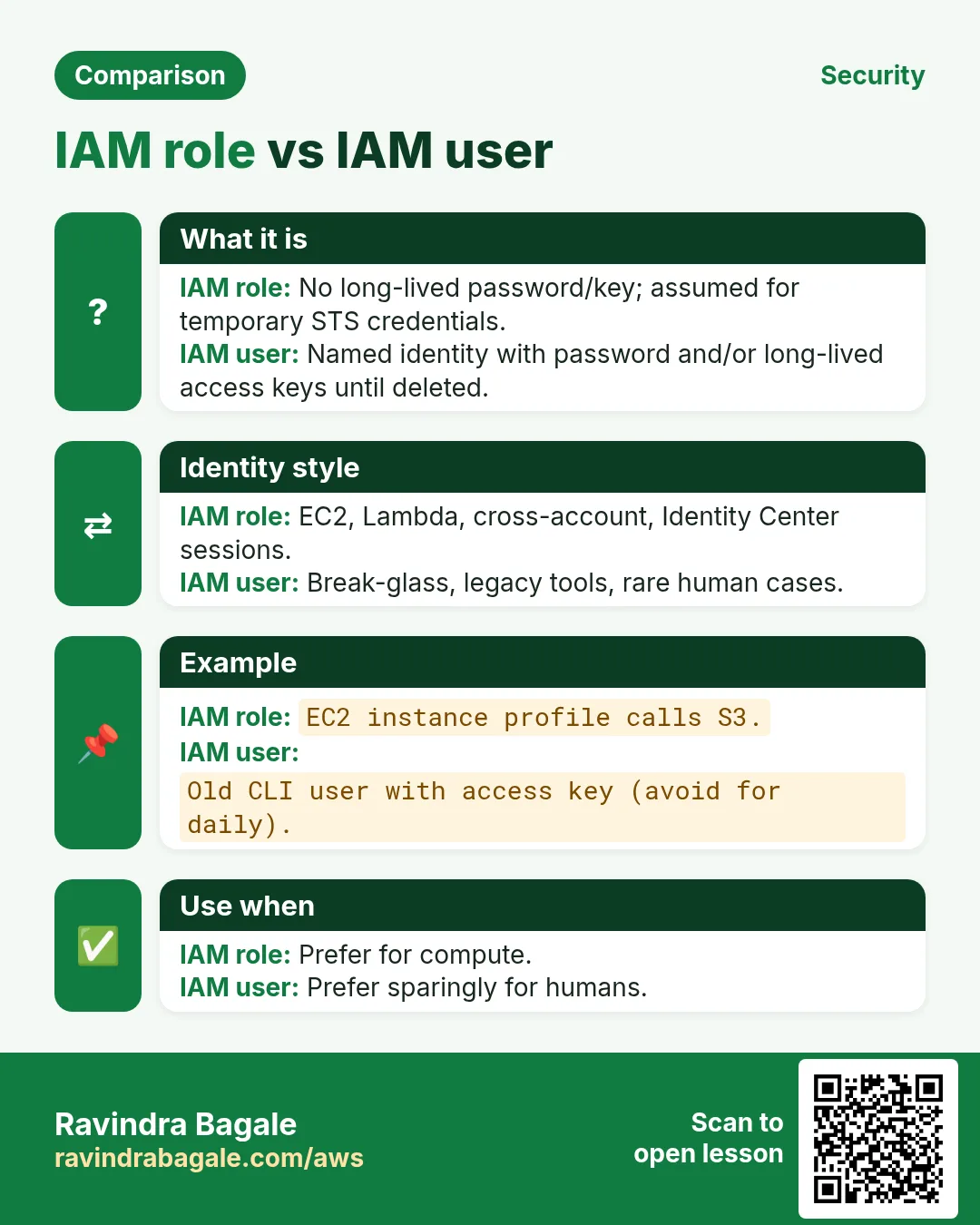
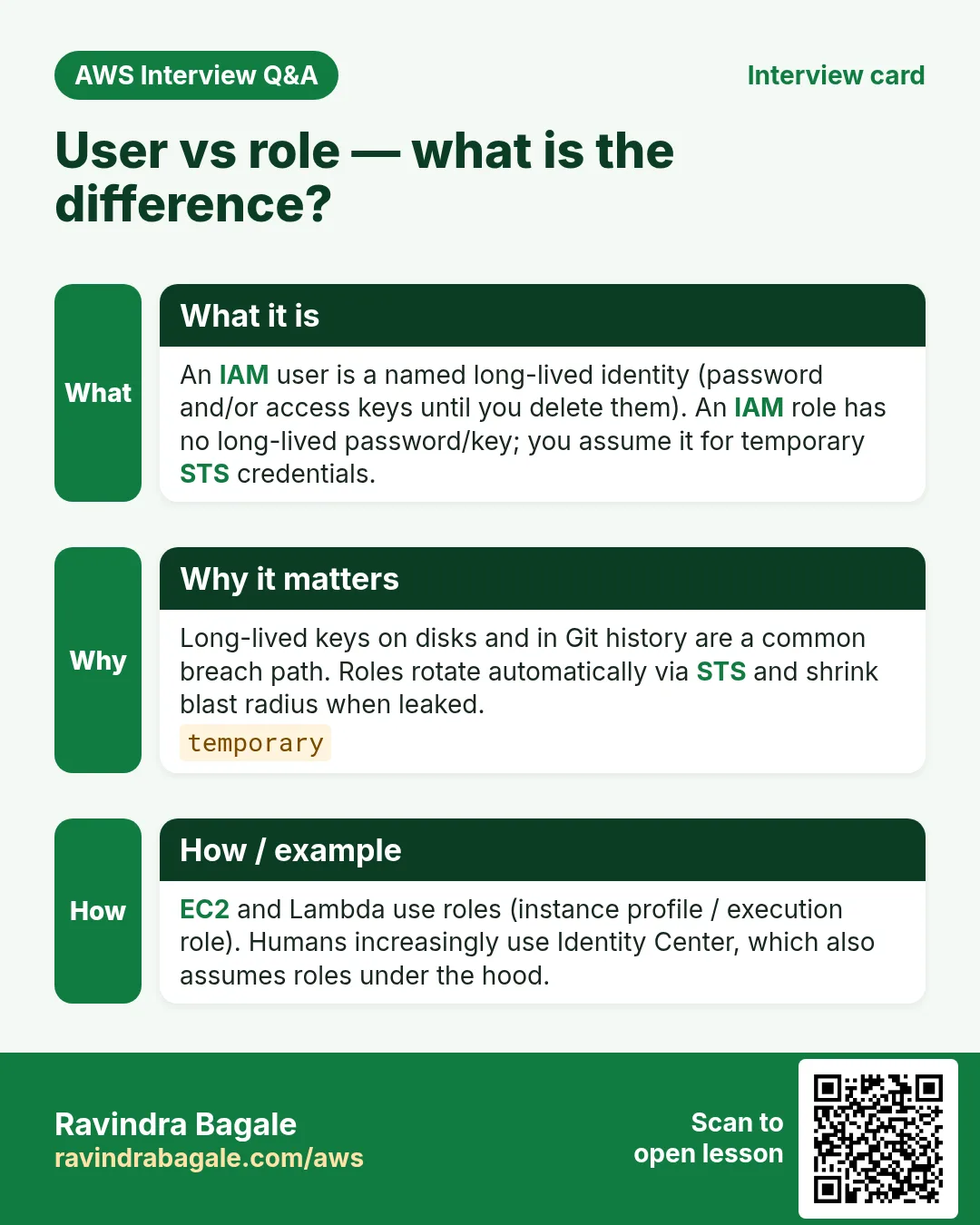
An IAM role is an identity that has no long-lived password or access key of its own. Someone (or something) assumes the role and receives temporary credentials from STS.
| Identity | Lives how long? | Typical use |
|---|---|---|
| IAM user | Until you delete it | Named human (older style) |
| Group | Until you delete it | Bundle of policies for many users |
| Role | Credentials expire (minutes–hours) | EC2, Lambda, SSO, cross-account |
2. Two policies on every role
Why do we need this?
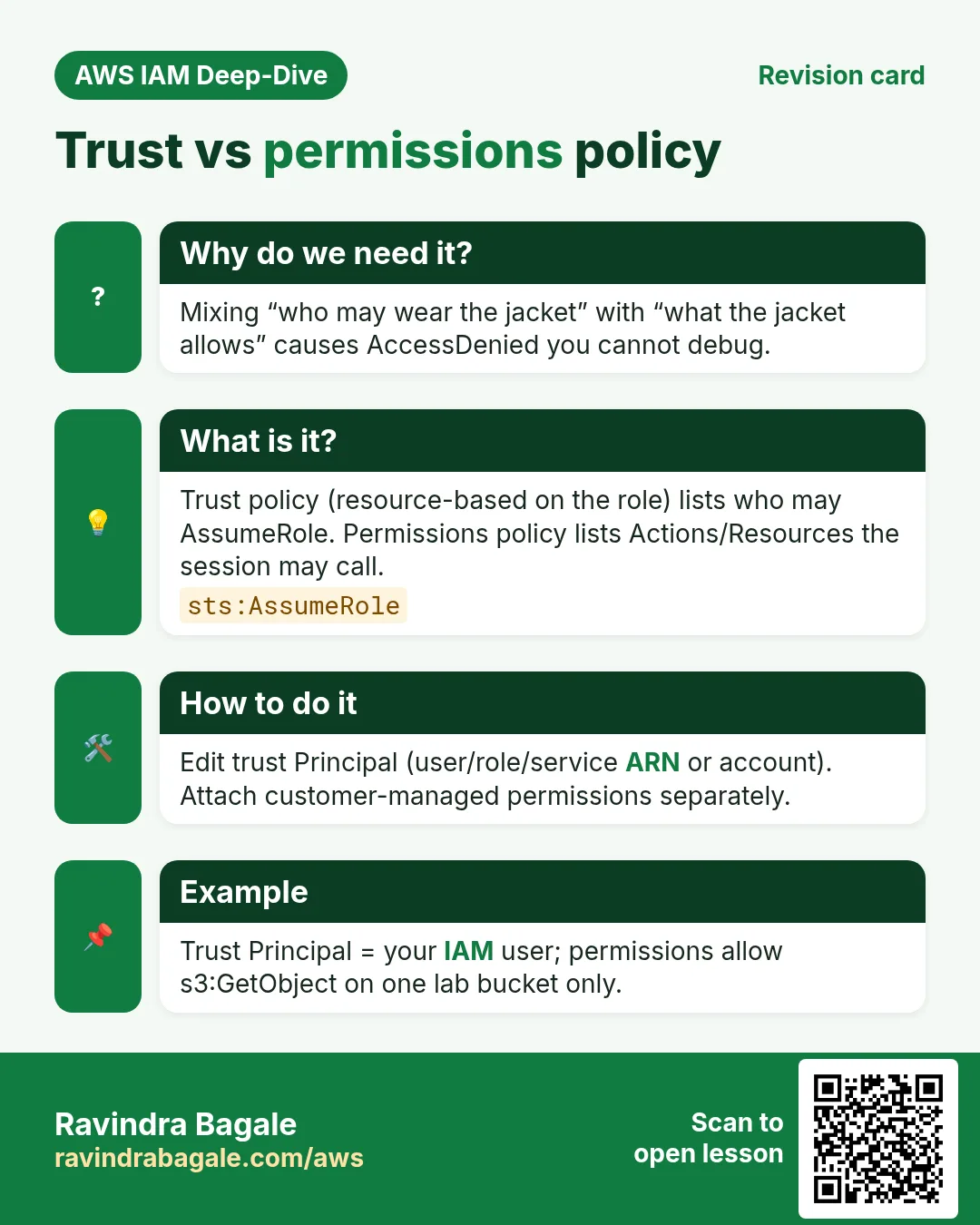
Beginners mix these up in interviews. One answers “who may wear the jacket”. The other answers “what the jacket can do”.
What is it?
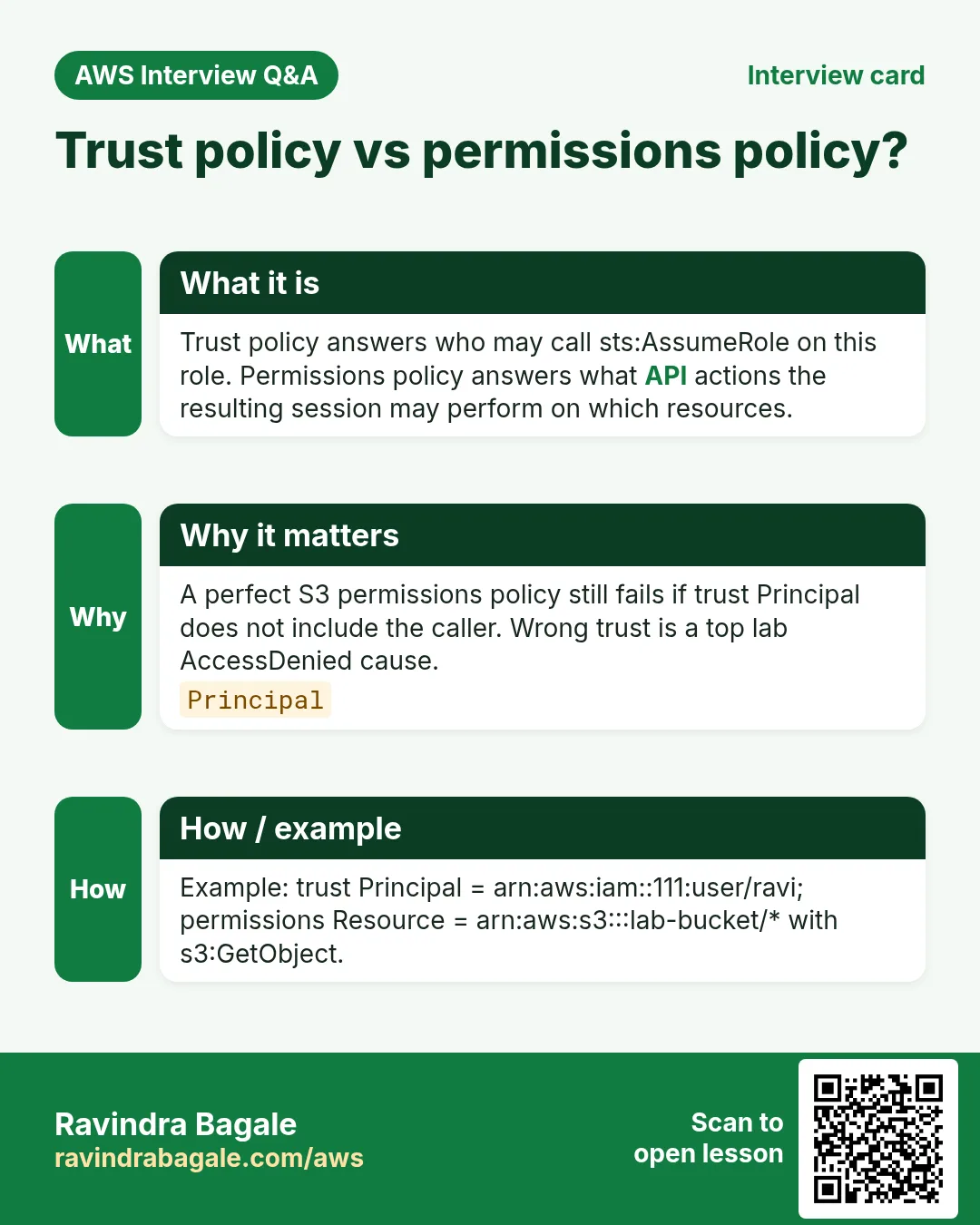
- Trust policy (resource-based on the role): who can call
sts:AssumeRole— e.g. EC2, Lambda, another account, SAML/OIDC. - Permissions policy (identity): Allow/Deny actions on resources — e.g.
s3:GetObjecton one bucket. - Without trust, nobody can assume. Without permissions, the assumed session can do almost nothing useful.
{
  "Version": "2012-10-17",
  "Statement": [{
    "Effect": "Allow",
    "Principal": { "Service": "ec2.amazonaws.com" },
    "Action": "sts:AssumeRole"
  }]
}
That trust snippet says: only the EC2 service may assume this role. Attach a separate permissions policy for S3/DynamoDB/etc.
3. When to use a role
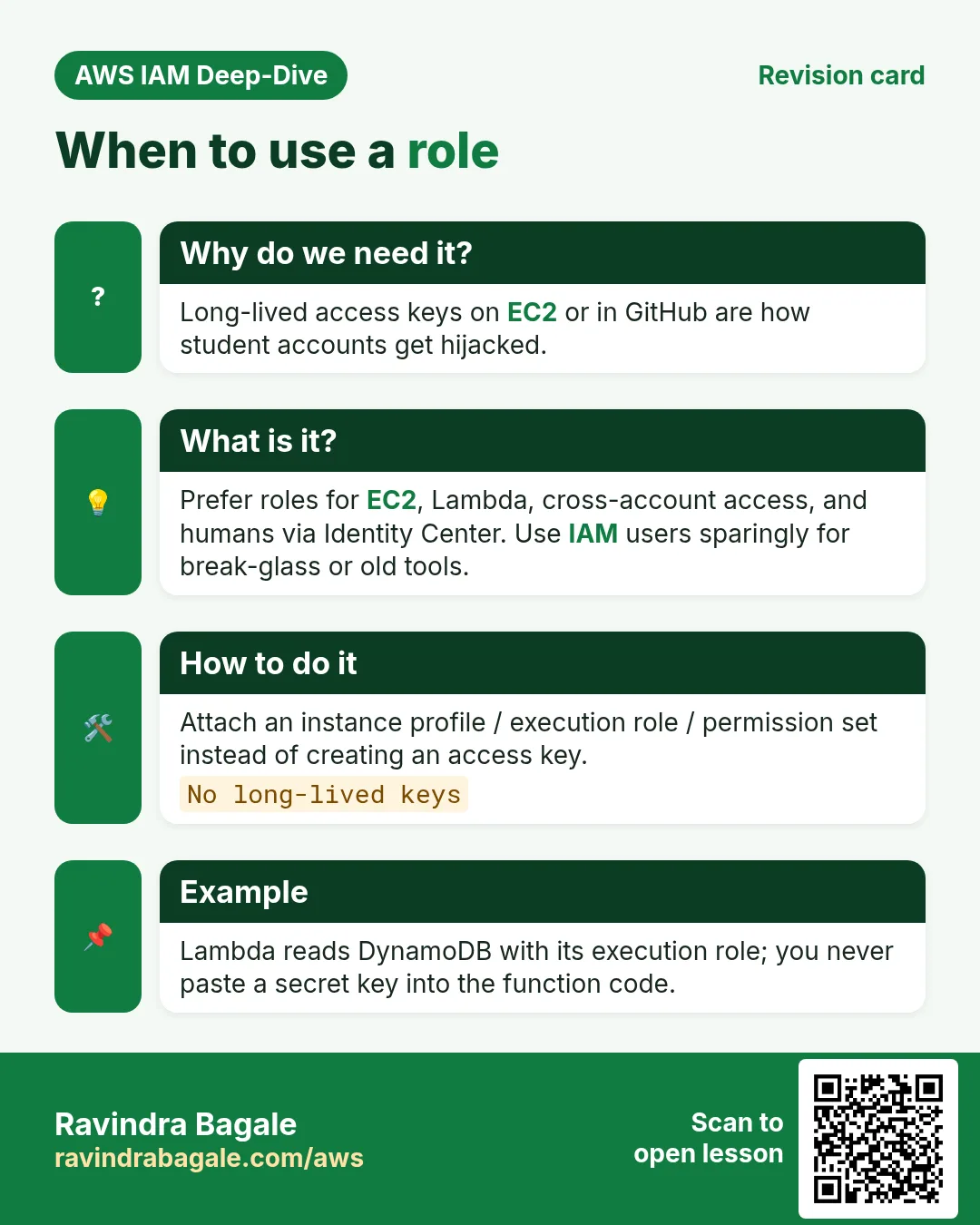
- EC2 / ECS / Lambda — never put access keys in code or on disk. Attach a role.
- Humans via Identity Center (SSO) — user picks a permission set; AWS issues temporary role credentials.
- Cross-account — Account A trusts Account B’s admin (or a role) to assume a role in A.
- Break-glass admin — rare high-power role with MFA and logging, not daily AdministratorAccess on a user.
Ravindra Bagale's Tip
Students often create an IAM user with AdministratorAccess and paste keys into .env. Prefer a role (or Identity Center). Keys leak; role sessions expire.
4. Interview angles
Q. User vs role?
User has long-lived creds; role is assumed for temporary creds.
Q. Trust vs permissions?
Trust = who may assume; permissions = what the session can do.
Q. Why roles on EC2?
Instance metadata hands rotating creds; no keys on disk.
Q. Can a role have a password?
No. You assume it; you do not “log in as the role” with a password.
Q. Cross-account role?
Trust policy Principal is another account (or role ARN).
Try at home
- Open IAM → Roles and read the trust policy of any lab role you already have.
- Next: learn STS AssumeRole and session tokens.
In short
- A role is temporary credentials via AssumeRole.
- Trust policy ≠ permissions policy.
- Prefer roles over long-lived keys for compute.
- Identity Center uses roles under the hood for humans.
Practice Tasks
Aurangabad Pharma is a pharmaceuticals business in Chhatrapati Sambhajinagar. Dr. Farhan Shaikh looks after its IT and cloud work. They count money in INR and run their AWS resources in the ap-south-1 Region. In the tasks below you do real jobs for them using what this lesson teaches. All names, account IDs, IP addresses and numbers are made up for practice.
0 / 12
Medium Trust policy for an EC2 role
Why: The trust policy says WHO may take the role.
What to do: Write a trust policy that lets ec2.amazonaws.com assume the role.
- Start with { "Version": "2012-10-17", "Statement": [ ... ] }.
- In each statement write Effect, Action and Resource.
- Give only what the task needs (least privilege).
- Use double quotes and commas correctly. Click Check answer.
Medium Trust policy for a Lambda role
Why: The trust policy says WHO may take the role.
What to do: Write a trust policy that lets lambda.amazonaws.com assume the role.
- Start with { "Version": "2012-10-17", "Statement": [ ... ] }.
- In each statement write Effect, Action and Resource.
- Give only what the task needs (least privilege).
- Use double quotes and commas correctly. Click Check answer.
Medium Attach a policy to a role
Why: The role needs permissions: attach a policy to say what it may do.
What to do: Attach arn:aws:iam::aws:policy/AmazonS3ReadOnlyAccess to role abadpharma-ec2-role.
- Read the task and decide which AWS service it is about.
- Write aws, then the service name, then the operation (the action word).
- Add each needed flag (--name) followed by its value from the task.
- Flags can be in any order. Click Check answer.
Medium Let a function write logs
Why: Without these actions, Lambda logs never appear in CloudWatch.
What to do: Allow logs:CreateLogGroup, logs:CreateLogStream, logs:PutLogEvents on arn:aws:logs:*:*:* only.
- Start with { "Version": "2012-10-17", "Statement": [ ... ] }.
- In each statement write Effect, Action and Resource.
- Give only what the task needs (least privilege).
- Use double quotes and commas correctly. Click Check answer.
Medium Assume a role
Why: AssumeRole gives you short-lived keys for another role, often in another account.
What to do: Assume role arn:aws:iam::112055250461:role/Auditor with session name farhan-audit.
- Read the task and decide which AWS service it is about.
- Write aws, then the service name, then the operation (the action word).
- Add each needed flag (--name) followed by its value from the task.
- Flags can be in any order. Click Check answer.
Medium Trust policy for an ECS task role
Why: The trust policy says WHO may take the role.
What to do: Write a trust policy that lets ecs-tasks.amazonaws.com assume the role.
- Start with { "Version": "2012-10-17", "Statement": [ ... ] }.
- In each statement write Effect, Action and Resource.
- Give only what the task needs (least privilege).
- Use double quotes and commas correctly. Click Check answer.
Hard Let another account assume a role
Why: Cross-account roles are safer than sharing access keys.
What to do: Write a trust policy that lets account 111122223333 assume this role.
- Start with { "Version": "2012-10-17", "Statement": [ ... ] }.
- In each statement write Effect, Action and Resource.
- Give only what the task needs (least privilege).
- Use double quotes and commas correctly. Click Check answer.
Hard Allow PassRole for one role
Why: To launch EC2 with a role, the user needs iam:PassRole on that role.
What to do: Allow iam:PassRole on arn:aws:iam::112055250461:role/abadpharma-ec2-role only.
- Start with { "Version": "2012-10-17", "Statement": [ ... ] }.
- In each statement write Effect, Action and Resource.
- Give only what the task needs (least privilege).
- Use double quotes and commas correctly. Click Check answer.
Hard Put the role in the instance profile
Why: The profile is empty until you add the role to it.
What to do: Add role abadpharma-ec2-role to instance profile abadpharma-ec2-profile.
- Read the task and decide which AWS service it is about.
- Write aws, then the service name, then the operation (the action word).
- Add each needed flag (--name) followed by its value from the task.
- Flags can be in any order. Click Check answer.
Hard Create an instance profile
Why: EC2 uses a role through an instance profile, a small wrapper around the role.
What to do: Create an instance profile named abadpharma-ec2-profile.
- Read the task and decide which AWS service it is about.
- Write aws, then the service name, then the operation (the action word).
- Add each needed flag (--name) followed by its value from the task.
- Flags can be in any order. Click Check answer.
Hard Create a role with a trust policy
Why: A role is an identity that services or people "assume". The trust policy says who may assume it.
What to do: Create a role named abadpharma-ec2-role using the trust policy in trust.json.
- Read the task and decide which AWS service it is about.
- Write aws, then the service name, then the operation (the action word).
- Add each needed flag (--name) followed by its value from the task.
- Flags can be in any order. Click Check answer.
Hard Give a running EC2 its role
Why: With the profile attached, apps on the server get temporary keys automatically.
What to do: Associate instance profile abadpharma-ec2-profile with instance i-01a40525502111a2b.
- Read the task and decide which AWS service it is about.
- Write aws, then the service name, then the operation (the action word).
- Add each needed flag (--name) followed by its value from the task.
- Flags can be in any order. Click Check answer.
Revision, comparison and interview cards
Revise this lesson in a few minutes. Save the cards on your phone or download them as PNG files. The QR code on each card opens this lesson.
More cards: Ravi Sir's Cards.