AWS CLI KMS Commands: Create a Key, Encrypt and Decrypt
We lock data with keys AWS guards for us: create a key and alias, encrypt and decrypt, use data keys for big files, rotate, grant and delete safely.
What you'll learn in this chapter
- Create a key and alias
- Encrypt and decrypt
- Envelope encryption
- Rotation and policies
- Grants and deletion
1. The big picture: the master key with the watchman
Why do we need this?
In a society the watchman keeps the master key and writes down who borrowed it. KMS keeps your master key inside hardware, never hands it out, and CloudTrail records every use.
What is it?
Commands are in aws kms: create-key, create-alias, encrypt, decrypt, generate-data-key, enable-key-rotation, schedule-key-deletion.
How to do it (step by step)
2. Create a key and alias
Why do we need this?
Services like S3, EBS and RDS need a key you control and can audit.
What is it?
create-key makes a symmetric customer managed key. An alias is a friendly name you can move to another key.
How to do it (step by step)
- Create and alias.
K=$(aws kms create-key --description "cli app key" --query KeyMetadata.KeyId --output text)
aws kms create-alias --alias-name alias/cli-app --target-key-id $K
aws kms list-aliases --query "Aliases[?AliasName=='alias/cli-app'].TargetKeyId" --output text
Expected output:
1234abcd-12ab-34cd-56ef-1234567890ab3. Encrypt and decrypt
Why do we need this?
You want to store a small secret, like a token, safely in a file or database.
What is it?
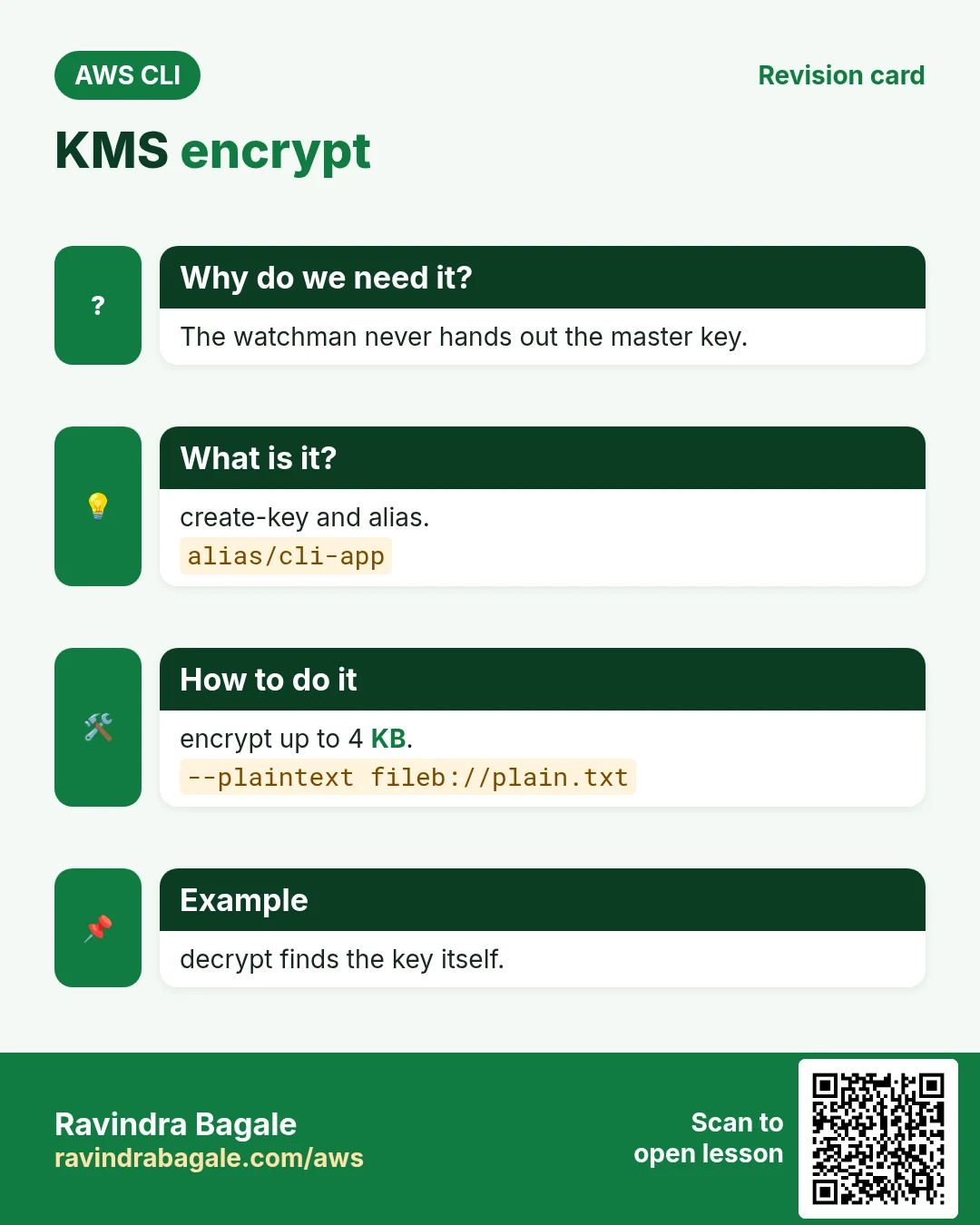
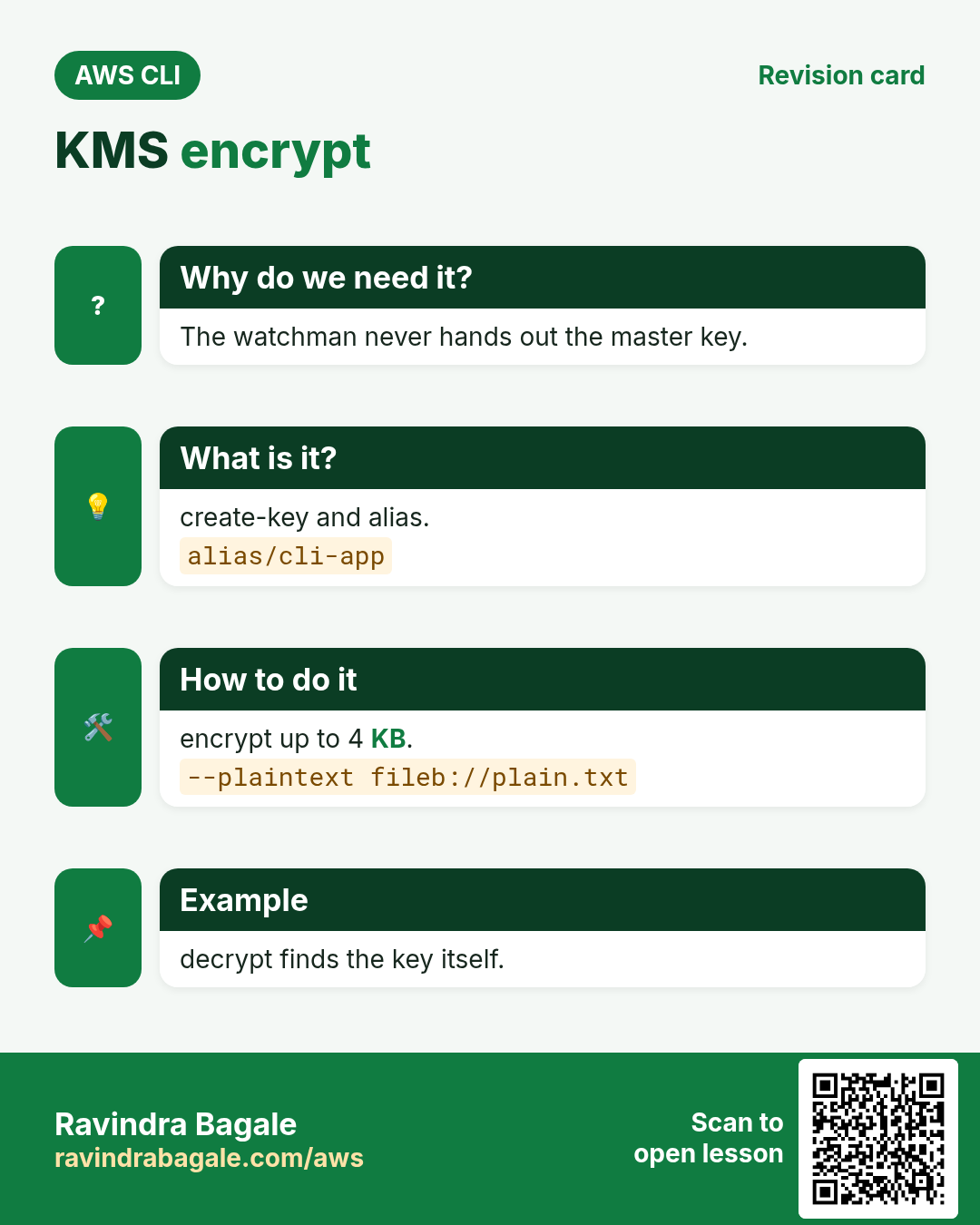
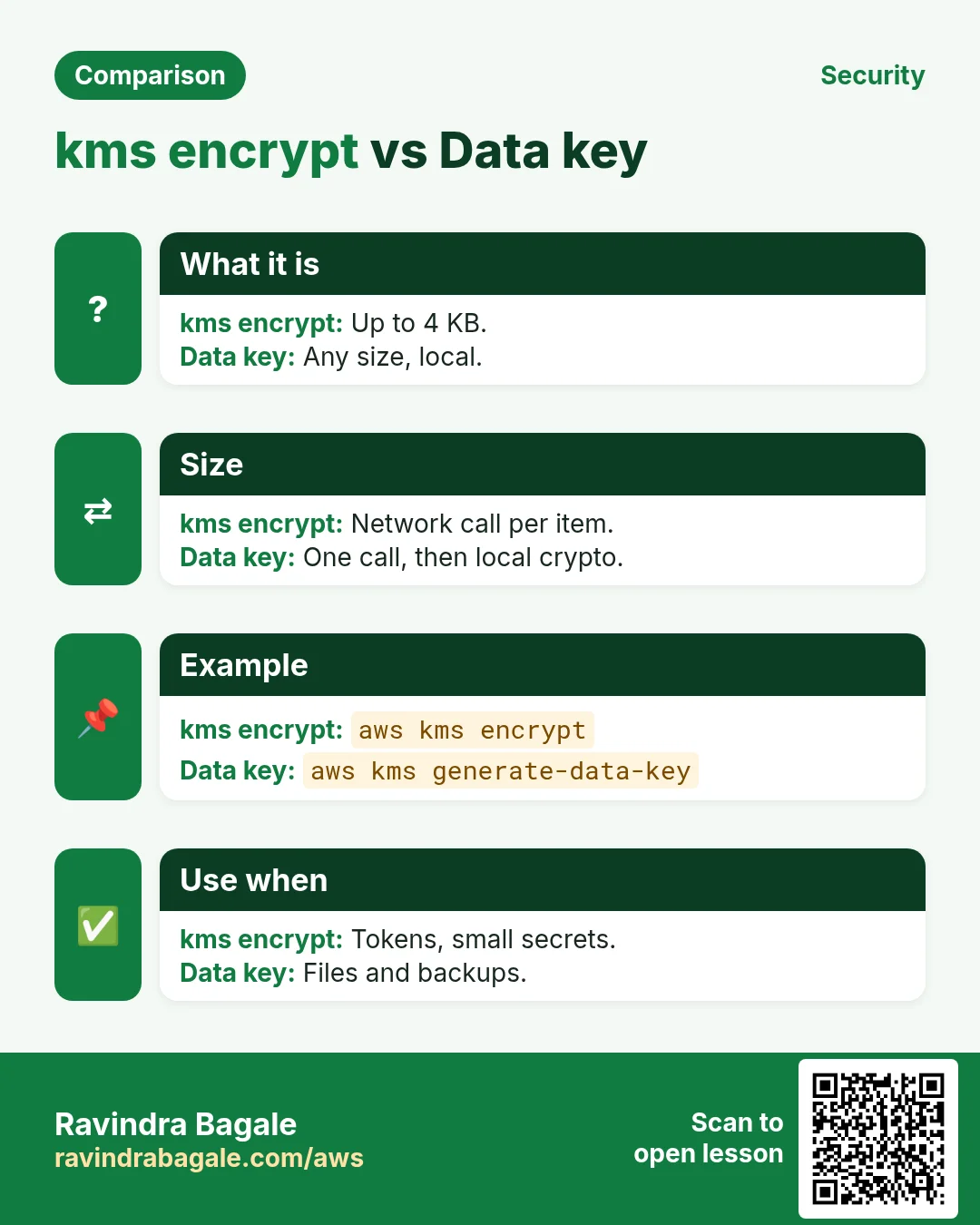
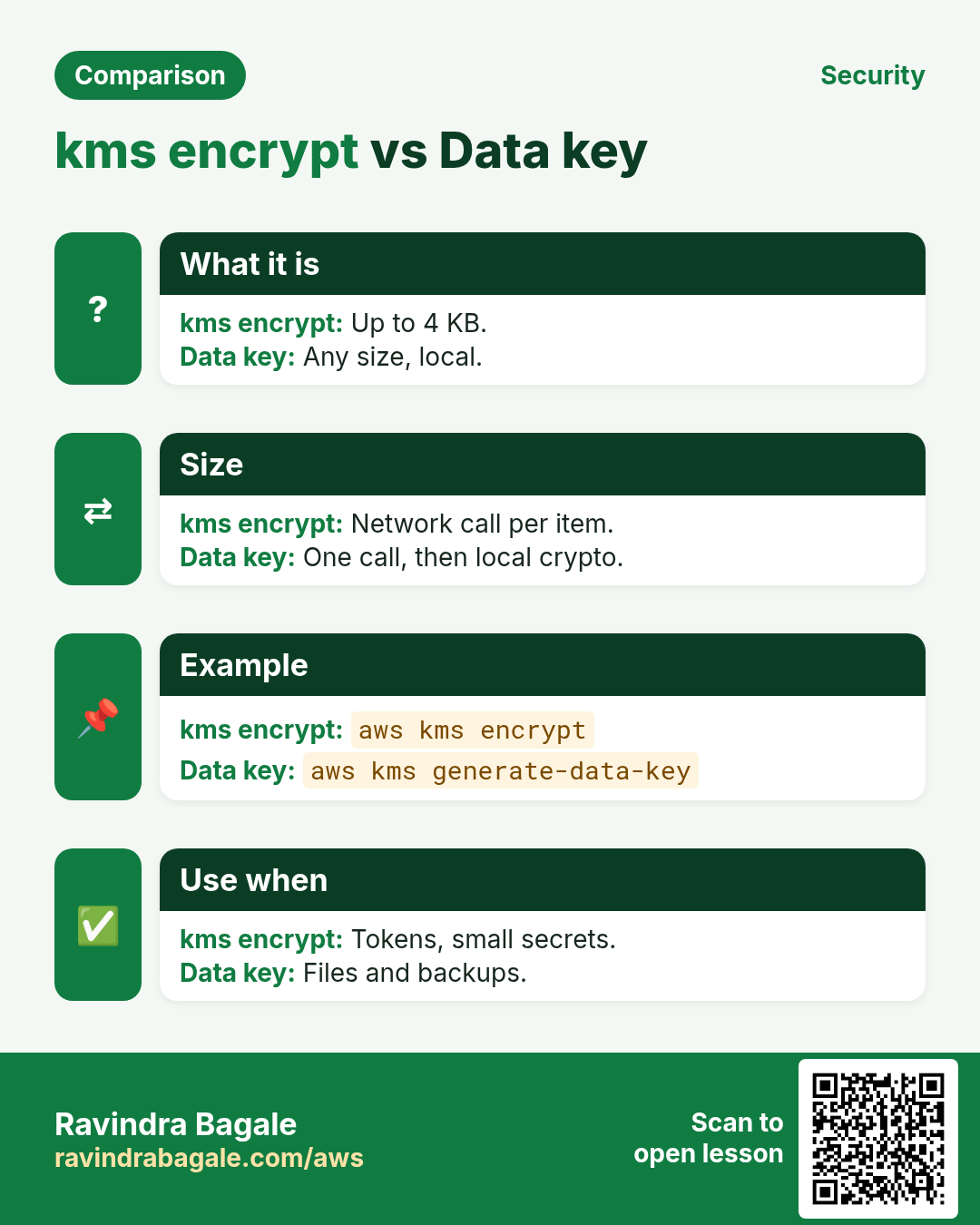
encrypt takes up to 4 KB and returns base64 ciphertext. decrypt finds the key from the ciphertext itself.
How to do it (step by step)
- Encrypt a file.
echo "hello pune" > plain.txt
aws kms encrypt --key-id alias/cli-app --plaintext fileb://plain.txt --query CiphertextBlob --output text | base64 -d > secret.bin
ls -l secret.bin
Expected output:
-rw-r--r-- 1 you you 184 Oct 24 11:40 secret.bin- Decrypt it.
aws kms decrypt --ciphertext-blob fileb://secret.bin --query Plaintext --output text | base64 -dExpected output:
hello pune- Use an encryption context.
aws kms encrypt --key-id alias/cli-app --plaintext fileb://plain.txt --encryption-context app=shop --query KeyId --output textExpected output:
arn:aws:kms:ap-south-1:111122223333:key/1234abcd-...4. Envelope encryption with data keys
Why do we need this?
A 2 GB backup is too big for KMS encrypt, and sending it over the network is slow.
What is it?
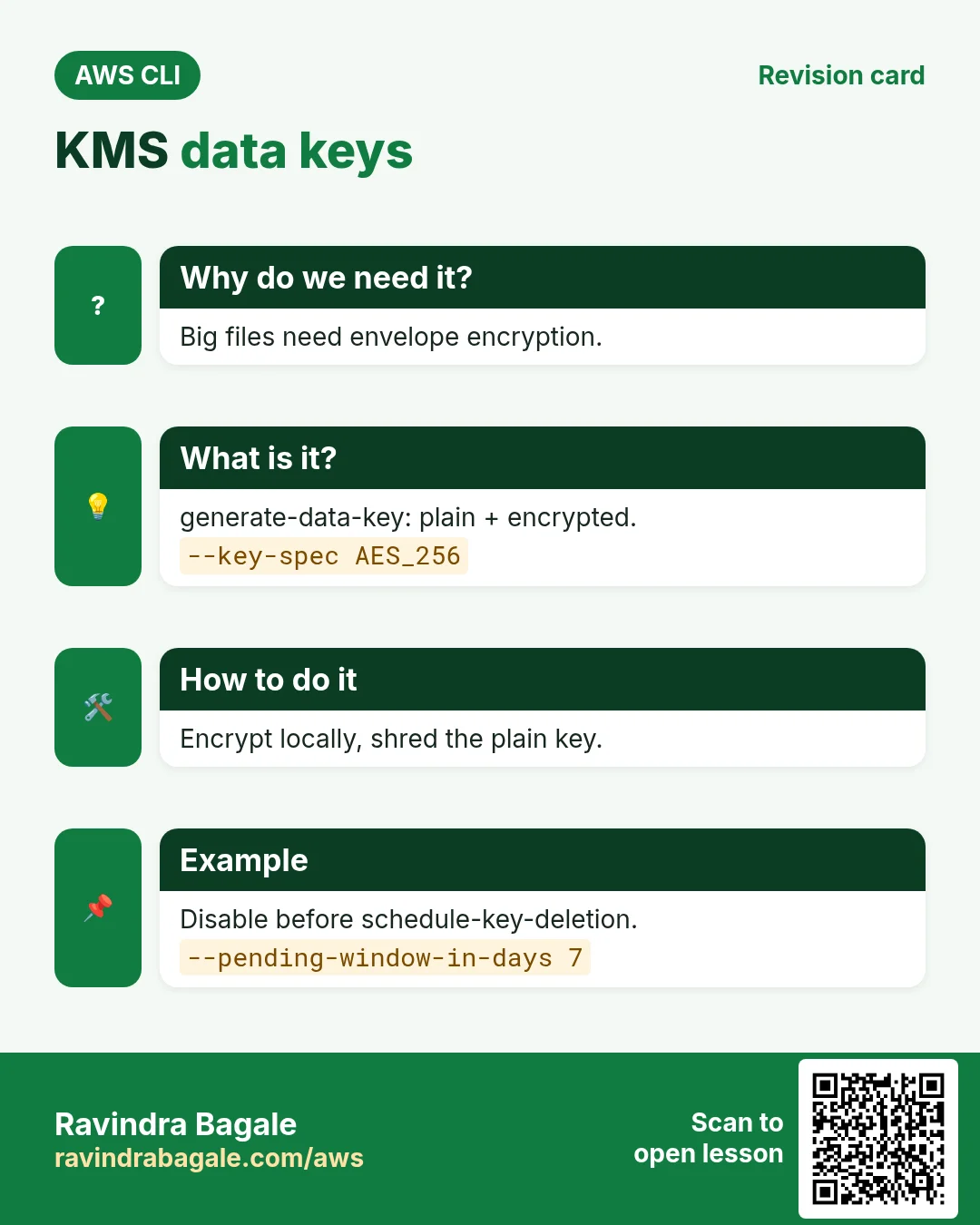
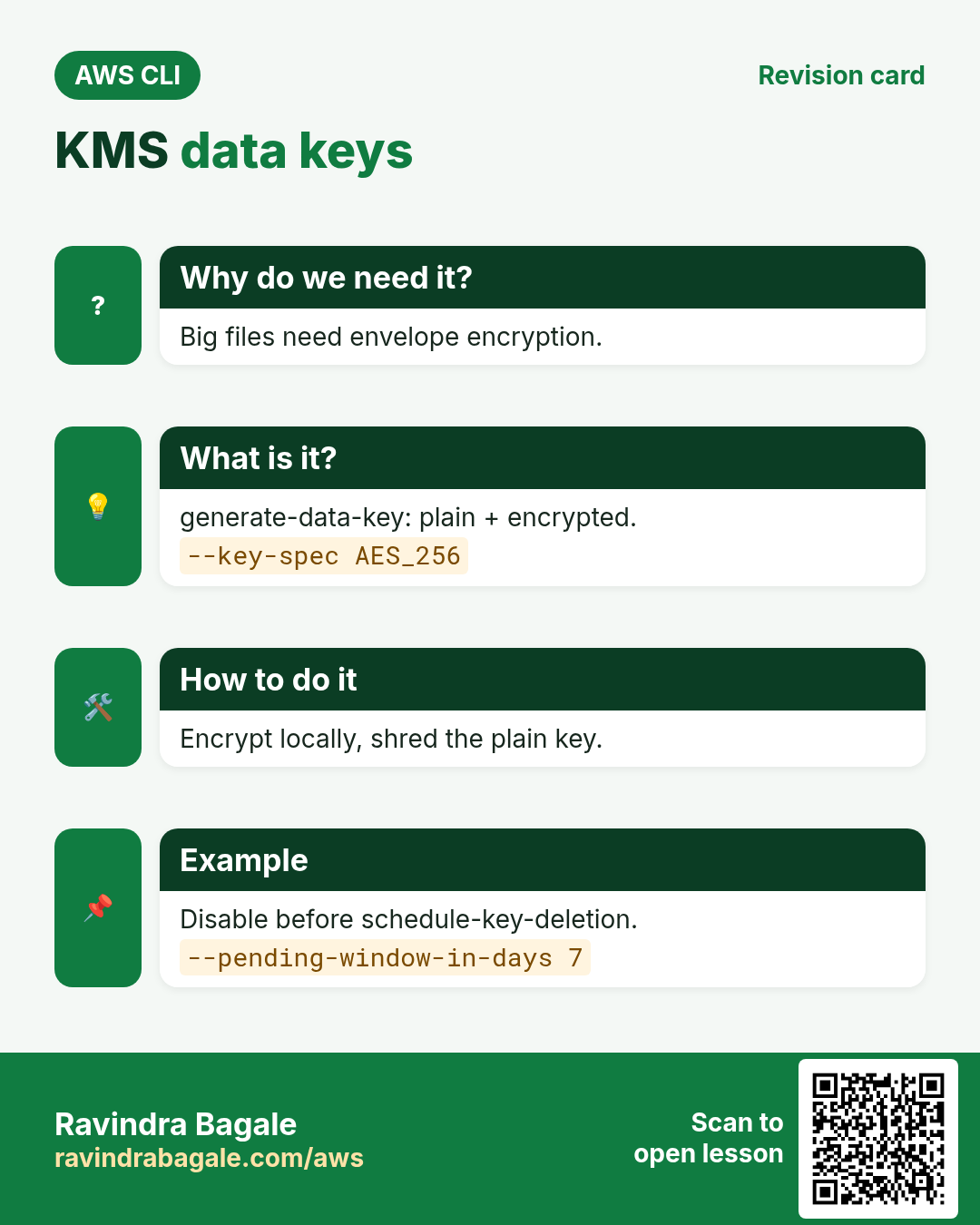
generate-data-key returns a plaintext key (use and forget) and the same key encrypted (store next to the data). To read, decrypt the small key, then the data locally.
How to do it (step by step)
- Get a data key.
aws kms generate-data-key --key-id alias/cli-app --key-spec AES_256 --query "[Plaintext,CiphertextBlob]" --output text > dk.txt
cut -f1 dk.txt | base64 -d > dk.bin; cut -f2 dk.txt | base64 -d > dk.enc
Expected output:
(two files: dk.bin 32 bytes, dk.enc)- Encrypt the big file locally, then drop the plain key.
openssl enc -aes-256-cbc -pbkdf2 -in backup.tar -out backup.tar.enc -pass file:dk.bin
shred -u dk.bin dk.txt
ls backup.tar.enc dk.enc
Expected output:
backup.tar.enc dk.enc5. Rotation, grants and deletion
Why do we need this?
Keys should change yearly; a service may need temporary use; old keys must go carefully.
What is it?
enable-key-rotation rotates key material yearly; old data still decrypts. create-grant gives temporary use. schedule-key-deletion waits 7–30 days and can be cancelled.
How to do it (step by step)
- Turn on rotation.
aws kms enable-key-rotation --key-id $K
aws kms get-key-rotation-status --key-id $K --query KeyRotationEnabled
Expected output:
true- Grant a role decrypt.
aws kms create-grant --key-id $K --grantee-principal arn:aws:iam::111122223333:role/cli-lambda-role --operations Decrypt --query GrantId --output textExpected output:
0c237476b39f8bc44e45212e08498fbe3151305030726c0590dd8d3824f9- Disable first, if unsure.
aws kms disable-key --key-id $K
aws kms describe-key --key-id $K --query KeyMetadata.KeyState --output text
Expected output:
Disabled6. Same action in Python, Node.js, Java, Go, .NET and PHP
Why do we need this?
Scripts start in the CLI. Apps call the same API through an SDK. Knowing both helps you move a tested command into real code.
What is it?
Each CLI command maps to one API call. For example aws kms encrypt --key-id alias/cli-app --plaintext fileb://plain.txt maps to the Encrypt API.
How to do it (step by step)
Same action (Encrypt) from code. Every SDK reads the same profile, region and credentials as the CLI.
| Stack | Code |
|---|---|
| Python (boto3) | boto3.client("kms").encrypt(KeyId="alias/cli-app",Plaintext=b"hello")["CiphertextBlob"] |
| Node.js (v3) | await kms.send(new EncryptCommand({KeyId:"alias/cli-app",Plaintext:Buffer.from("hello")})); |
| Java (v2) | kms.encrypt(r -> r.keyId("alias/cli-app").plaintext(SdkBytes.fromUtf8String("hello"))); |
| Go (v2) | c.Encrypt(ctx, &kms.EncryptInput{KeyId: aws.String("alias/cli-app"), Plaintext: []byte("hello")}) |
| .NET | await kms.EncryptAsync(new EncryptRequest{KeyId="alias/cli-app",Plaintext=new MemoryStream(Encoding.UTF8.GetBytes("hello"))}); |
| PHP | $kms->encrypt(["KeyId"=>"alias/cli-app","Plaintext"=>"hello"]); |
7. Clean up so nothing keeps costing
Why do we need this?
Lab resources left running cost money and can be a security risk.
What is it?
Delete in reverse order: children first, then parents.
How to do it (step by step)
- Delete the alias.
aws kms delete-alias --alias-name alias/cli-appExpected output:
(no output means success)- Schedule key deletion (minimum 7 days).
aws kms schedule-key-deletion --key-id $K --pending-window-in-days 7 --query KeyState --output textExpected output:
PendingDeletion- Changed your mind?
aws kms cancel-key-deletion --key-id $K --query KeyId --output textExpected output:
1234abcd-12ab-34cd-56ef-1234567890abRavindra Bagale's Tip
Deleting a KMS key makes every piece of data encrypted with it unreadable forever. Disable the key first and watch CloudTrail for failed decrypts before scheduling deletion.
8. Interview questions and answers
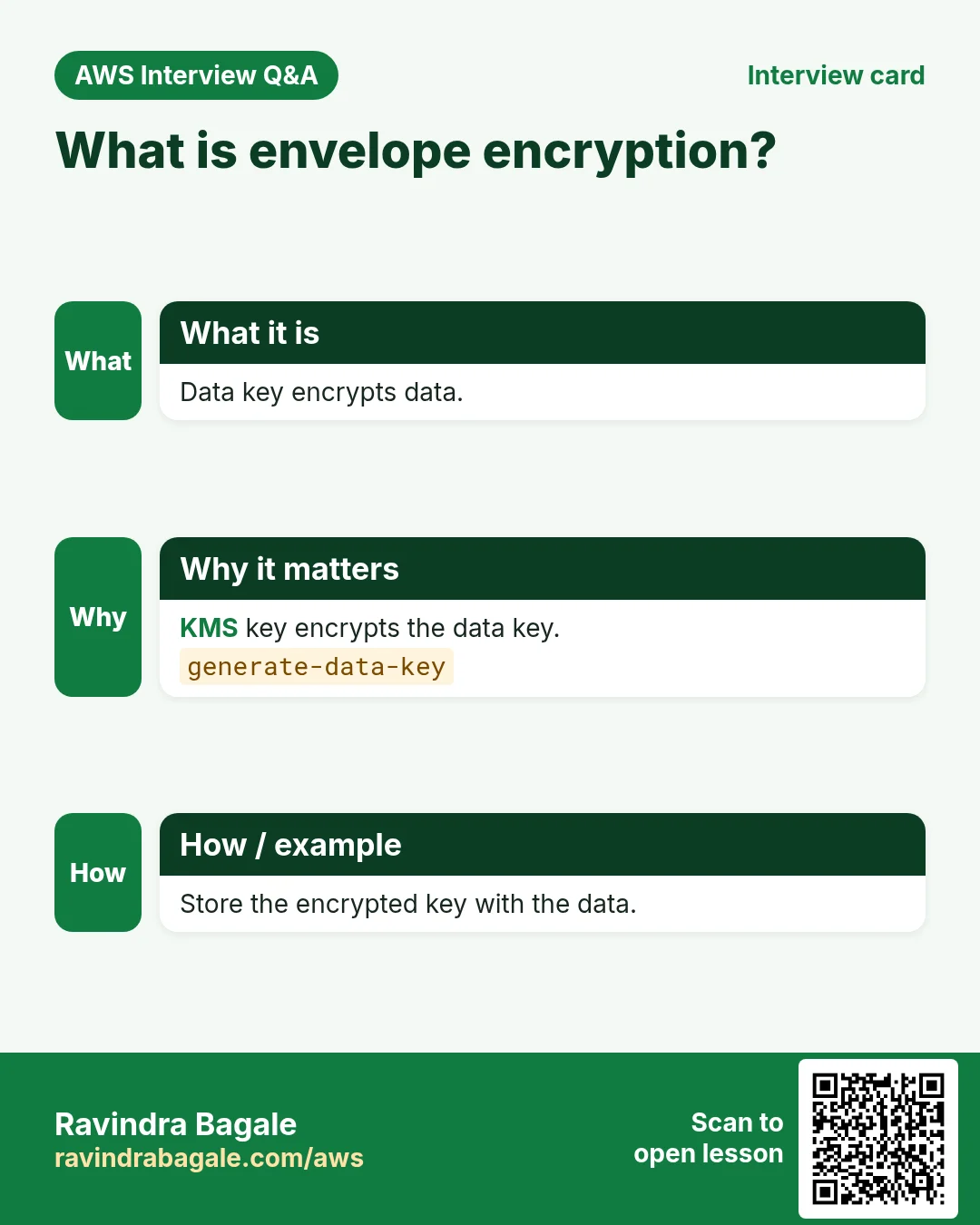
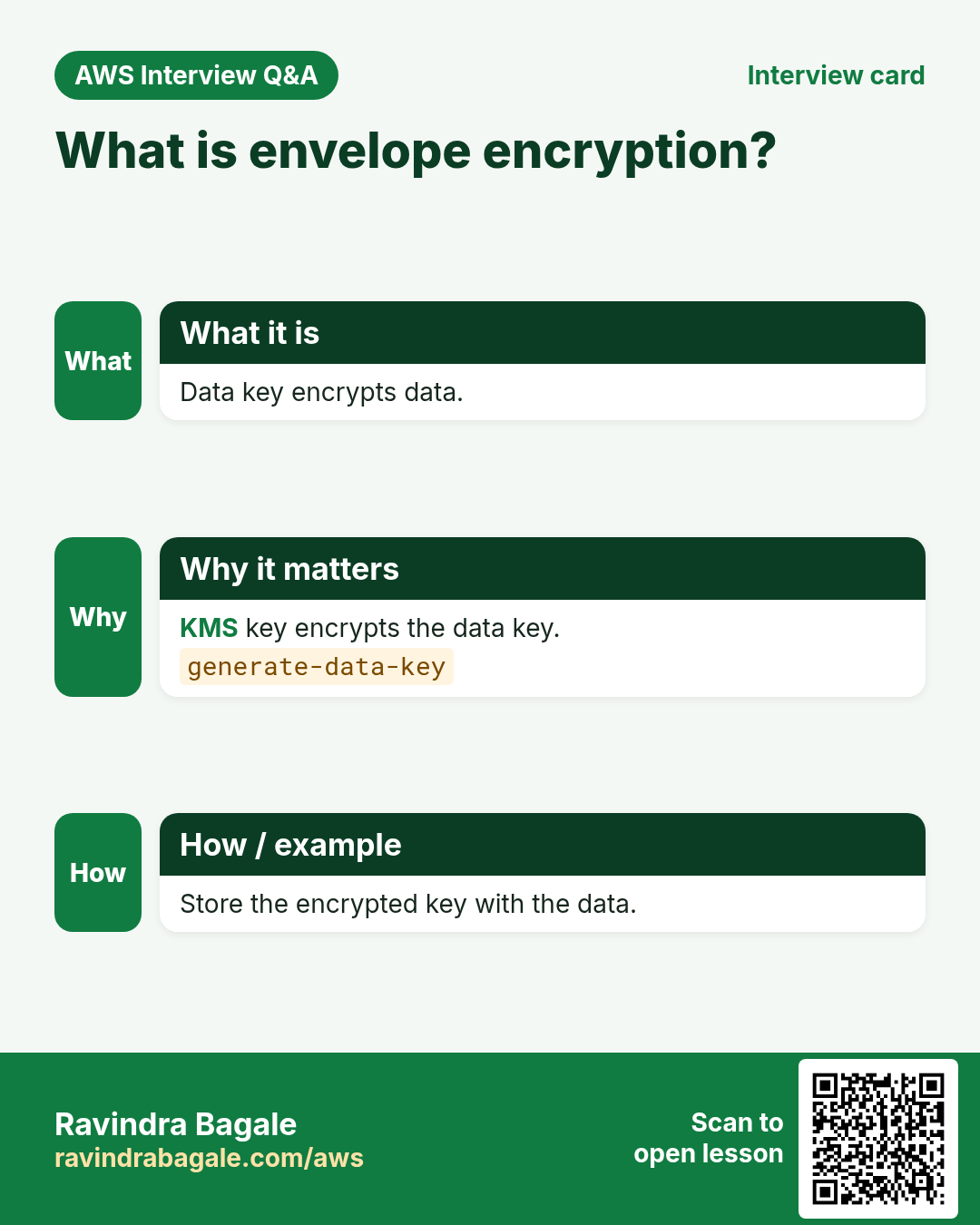
Q. What is envelope encryption?
Encrypt data with a data key, and encrypt that data key with a KMS key.
Q. Why does decrypt not need --key-id?
For symmetric keys the key id is inside the ciphertext.
Q. AWS managed vs customer managed key?
AWS managed (aws/s3) is automatic; customer managed gives you policy, rotation and deletion control.
Q. Encrypt size limit?
4 KB of plaintext per encrypt call.
Q. What is an encryption context?
Extra key-value data bound to the ciphertext; the same context is required to decrypt and is logged.
Try at home
- Encrypt a file with an encryption context and try decrypting without it.
- Do envelope encryption on a 10 MB file and restore it.
In short
- create-key + alias.
- encrypt ≤ 4 KB.
- Data keys for big data.
- Enable rotation.
- Disable before delete.
Practice Tasks
Ahmednagar Sugar Co-op is a sugar co-operative business in Ahilyanagar. Balasaheb Pawar looks after its IT and cloud work. They count money in INR and run their AWS resources in the ap-south-1 Region. In the tasks below you do real jobs for them using what this lesson teaches. All names, account IDs, IP addresses and numbers are made up for practice.
0 / 10
Easy Create a KMS key
Why: A customer managed key lets you control who can encrypt and decrypt.
What to do: Create a KMS key with description "nagarsugar data key".
- Read the task and decide which AWS service it is about.
- Write aws, then the service name, then the operation (the action word).
- Add each needed flag (--name) followed by its value from the task.
- Flags can be in any order. Click Check answer.
Easy Turn on yearly key rotation
Why: Automatic rotation changes the key material without breaking old data.
What to do: Enable automatic rotation for key 1234abcd-12ab-34cd-56ef-1234567890ab.
- Read the task and decide which AWS service it is about.
- Write aws, then the service name, then the operation (the action word).
- Add each needed flag (--name) followed by its value from the task.
- Flags can be in any order. Click Check answer.
Easy How many addresses in a /16?
Why: Picking a VPC size needs this count.
What to do: Ahmednagar Sugar Co-op plans the VPC 10.26.0.0/16. How many IP addresses does it hold in total?
- Write down the numbers the task gives you.
- Work it out step by step on paper.
- Type only the final answer in the box.
- Click Check answer.
Easy Port for SSH
Why: Security group rules need the right port.
What to do: Which TCP port must the security group open for SSH?
- Write down the numbers the task gives you.
- Work it out step by step on paper.
- Type only the final answer in the box.
- Click Check answer.
Medium Give the key a friendly alias
Why: Aliases are easier to read than key IDs and can be moved to a new key.
What to do: Create alias alias/nagarsugar-data for key 1234abcd-12ab-34cd-56ef-1234567890ab.
- Read the task and decide which AWS service it is about.
- Write aws, then the service name, then the operation (the action word).
- Add each needed flag (--name) followed by its value from the task.
- Flags can be in any order. Click Check answer.
Medium Decrypt a blob
Why: The ciphertext remembers which key made it, so decrypt needs only the blob.
What to do: Decrypt the ciphertext stored in secret.enc.
- Read the task and decide which AWS service it is about.
- Write aws, then the service name, then the operation (the action word).
- Add each needed flag (--name) followed by its value from the task.
- Flags can be in any order. Click Check answer.
Medium Encrypt a small file
Why: KMS Encrypt works for data up to 4 KB, like a password or token.
What to do: Encrypt secret.txt with key alias/nagarsugar-data.
- Read the task and decide which AWS service it is about.
- Write aws, then the service name, then the operation (the action word).
- Add each needed flag (--name) followed by its value from the task.
- Flags can be in any order. Click Check answer.
Hard Use a key, not manage it
Why: Apps need Encrypt/Decrypt; only admins should change or delete keys.
What to do: Allow kms:Encrypt, kms:Decrypt, kms:GenerateDataKey on arn:aws:kms:ap-south-1:131959625285:key/1234abcd-12ab-34cd-56ef-1234567890ab only.
- Start with { "Version": "2012-10-17", "Statement": [ ... ] }.
- In each statement write Effect, Action and Resource.
- Give only what the task needs (least privilege).
- Use double quotes and commas correctly. Click Check answer.
Hard Generate a data key
Why: Envelope encryption: KMS gives a data key; you encrypt big files locally with it.
What to do: Generate an AES_256 data key under alias/nagarsugar-data.
- Read the task and decide which AWS service it is about.
- Write aws, then the service name, then the operation (the action word).
- Add each needed flag (--name) followed by its value from the task.
- Flags can be in any order. Click Check answer.
Hard Default encryption with KMS
Why: Default encryption makes sure every new object is encrypted, even if the uploader forgets.
What to do: Apply the encryption settings in enc.json to bucket nagarsugar-hr-docs.
- Read the task and decide which AWS service it is about.
- Write aws, then the service name, then the operation (the action word).
- Add each needed flag (--name) followed by its value from the task.
- Flags can be in any order. Click Check answer.
Revision, comparison and interview cards
Revise this lesson in a few minutes. Save the cards on your phone or download them as PNG files. The QR code on each card opens this lesson.
More cards: Ravi Sir's Cards.