Shell Scripting Complete 2: Bash Variables, Quoting, Command Substitution and Parameter Expansion
Variables let a script remember things: a file name, a date, a count. Quoting decides whether bash treats spaces and stars as text or as special characters, and it is the number one cause of script bugs. Command substitution puts the output of one command into a variable. This chapter teaches all three step by step, plus default values, string tricks, arithmetic, environment variables and the special variables like $0 and $$.
What you'll learn in this chapter
- Create and use variables correctly
- Know single quotes, double quotes and no quotes
- Capture command output with $( )
- Use defaults and string operations
- Do integer maths with $(( ))
- Export environment variables
1. An everyday example: labelled jars in the kitchen
Why do we need this?
In a kitchen every jar has a label: sugar, salt, tea. When the recipe says 'add sugar' you pick the jar by its label and use what is inside. If someone puts salt in the sugar jar, the tea tastes bad. Variables are labelled jars, and quoting is the lid that keeps the contents as they are.
What is it?
Jar label = variable name. What is inside = value. Taking from the jar = $name. Lid closed = "$name" (contents stay whole). Filling a jar from a machine = name=$(command). Sharing the jar with neighbours = export.
How to do it (step by step)
2. Create a variable: name=value
Why do we need this?
A script that repeats the same path ten times is hard to change. Put it in one variable and change it in one place.
What is it?
Write name=value with no spaces around =. Names use letters, digits and _ and cannot start with a digit. Read it with $name or ${name}. Use lower case for your own variables; UPPER case is used by the system (PATH, HOME). unset name deletes it. readonly name makes it constant.
How to do it (step by step)
- Set and print.
city=Pune; echo "I live in $city"Output:
I live in PuneWhat it means: $city was replaced by its value.
- Spaces break it.
city = PuneOutput:
bash: city: command not foundWhat it means: bash thought city was a command.
- Braces join text.
f=report; echo "${f}_2026.csv"Output:
report_2026.csvWhat it means: Without braces bash looks for a variable called f_2026.
- Constant.
readonly TAX=18; TAX=20Output:
bash: TAX: readonly variableWhat it means: It cannot be changed.
3. Double quotes: keep spaces, still expand
Why do we need this?
File names and user input often have spaces. Without quotes one name becomes two arguments and the command breaks.
What is it?
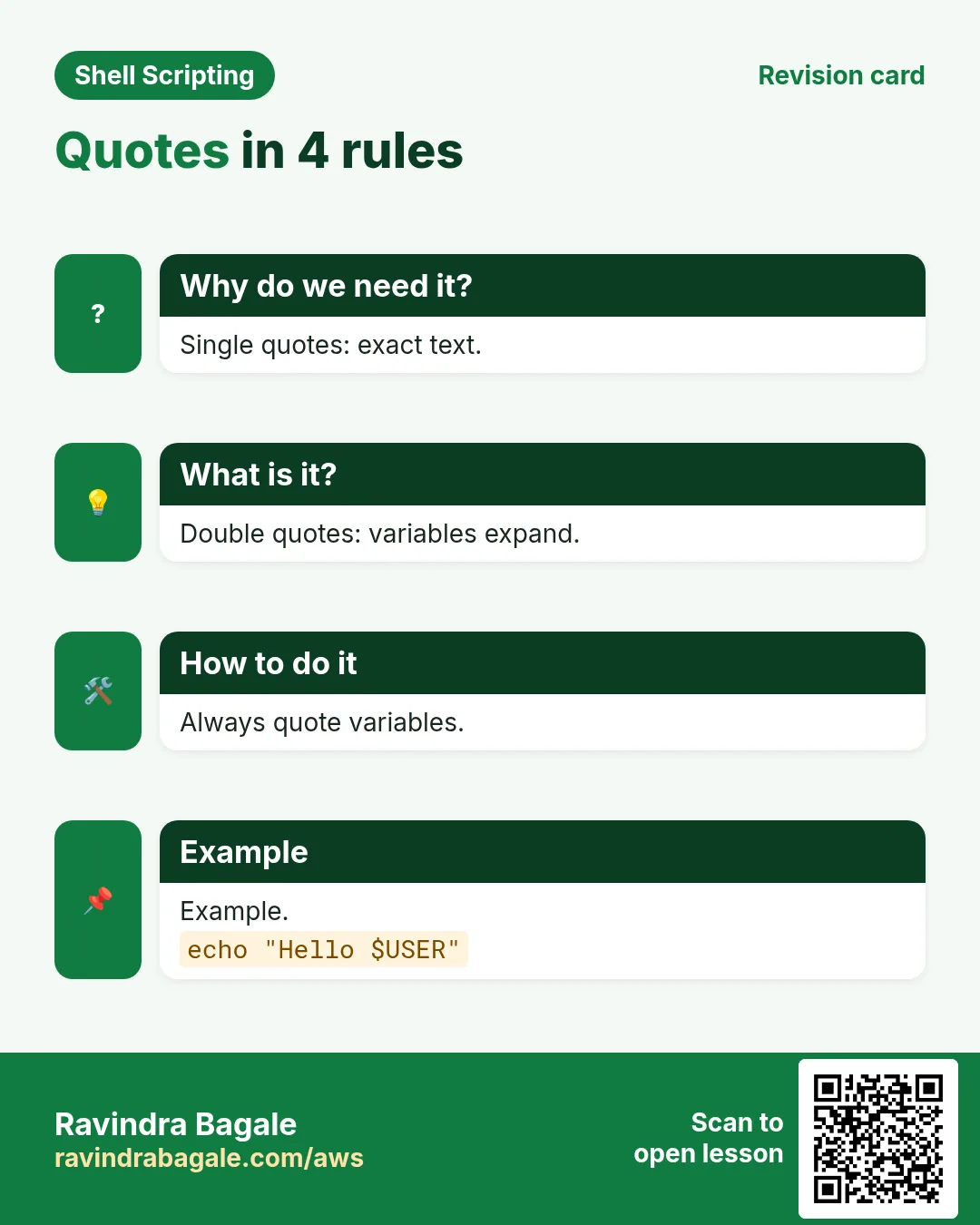
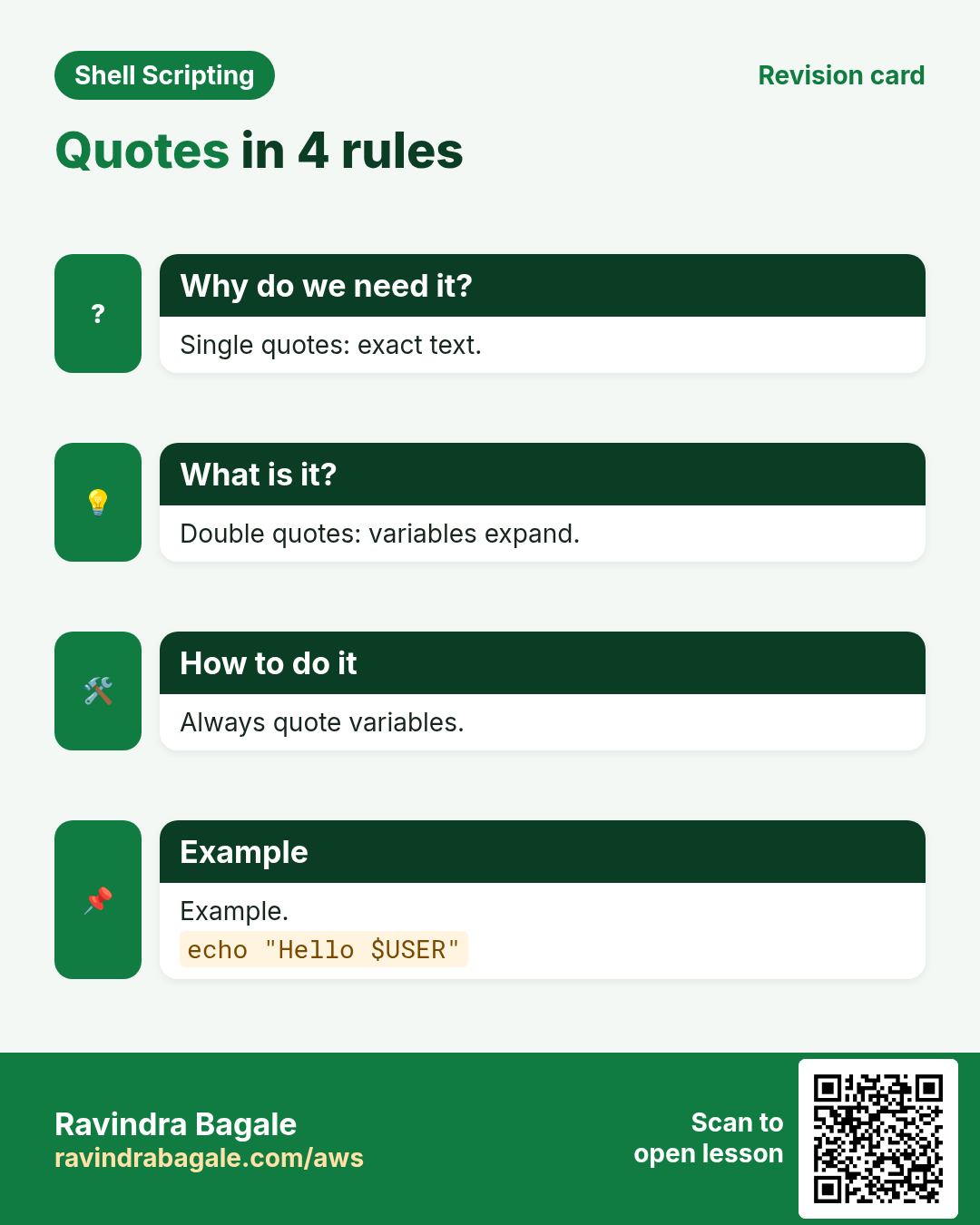
Inside "double quotes" bash still replaces $var, $(cmd) and $((math)), but it does not split on spaces and does not expand * or ?. Rule: always write "$var" unless you have a reason not to. Use \" for a quote inside and \$ for a literal dollar.
How to do it (step by step)
- A name with a space.
f='Sales Q3.xlsx'; ls -l $fOutput:
ls: cannot access 'Sales': No such file or directory
ls: cannot access 'Q3.xlsx': No such file or directory
What it means: Unquoted: split into two words.
- Quoted.
ls -l "$f"Output:
-rw-r--r-- 1 asha asha 20480 Oct 25 11:00 Sales Q3.xlsxWhat it means: One argument, it works.
- Star stays a star.
p='*.log'; echo "$p"Output:
*.logWhat it means: Inside quotes * is not expanded.
- Escape inside.
echo "Price: \$5 for \"chai\""Output:
Price: $5 for "chai"What it means: Backslash keeps $ and " as text.
4. Single quotes: everything is plain text
Why do we need this?
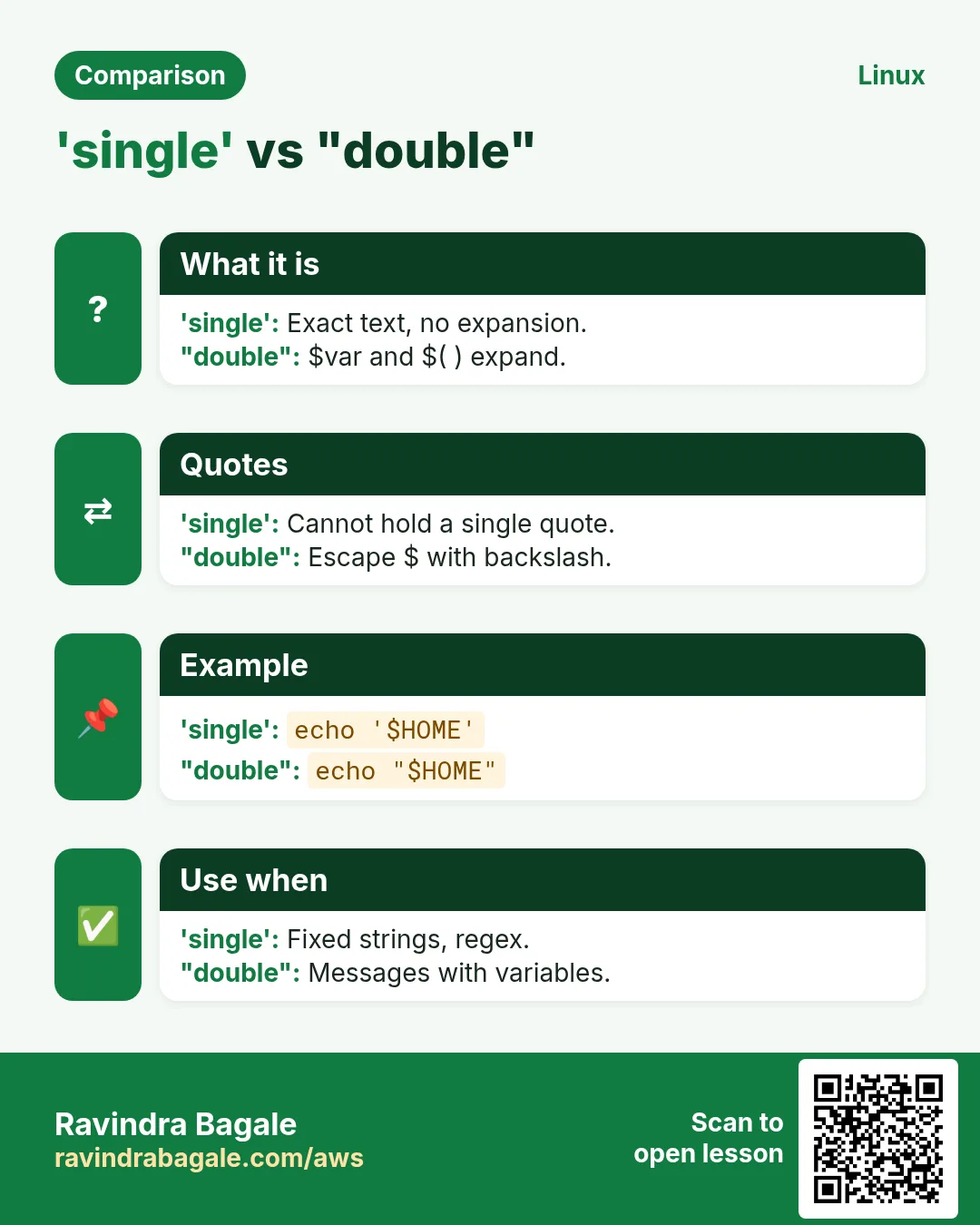
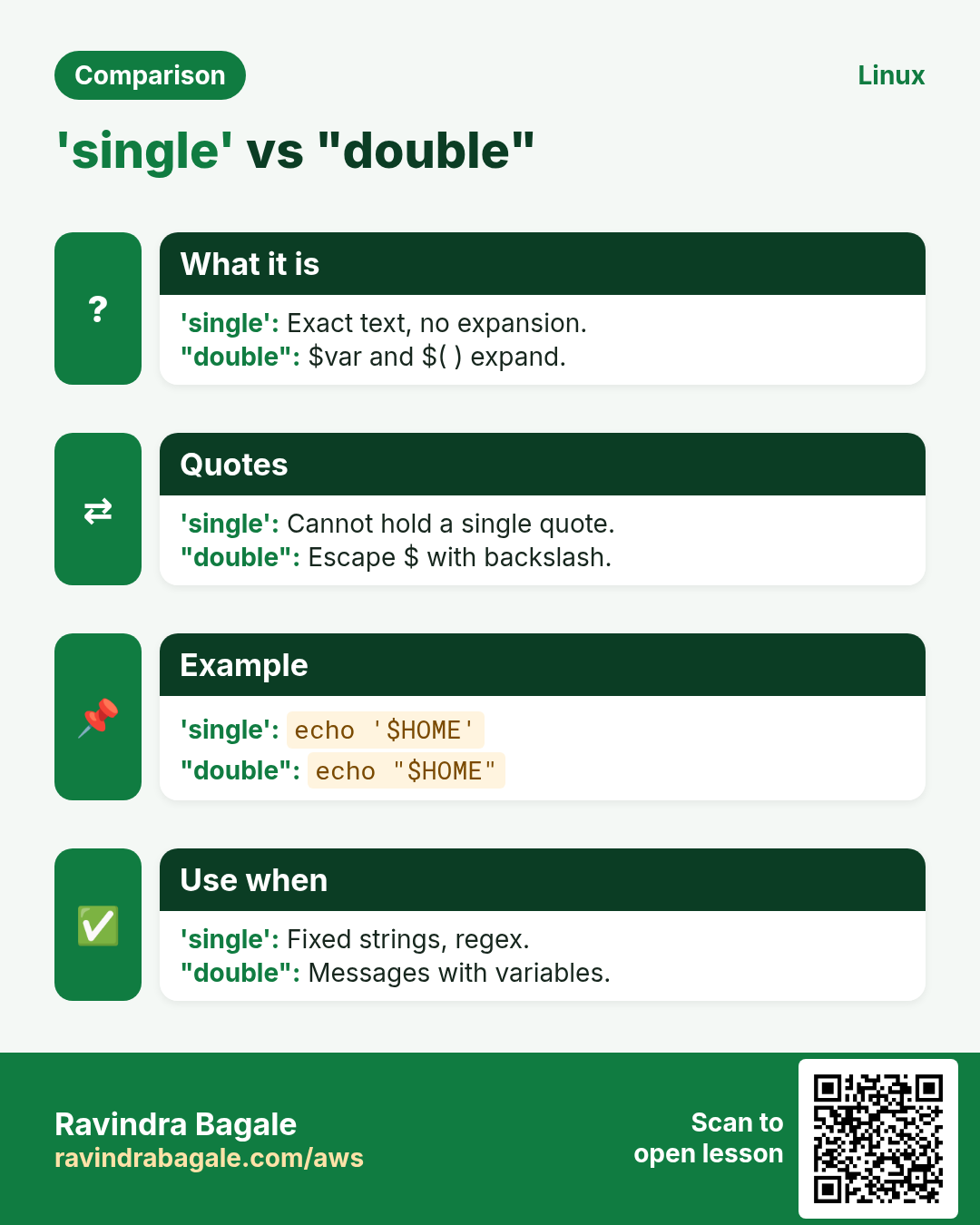
Sometimes you want $ and * printed exactly, for example in awk programs, regex or a message about $HOME.
What is it?
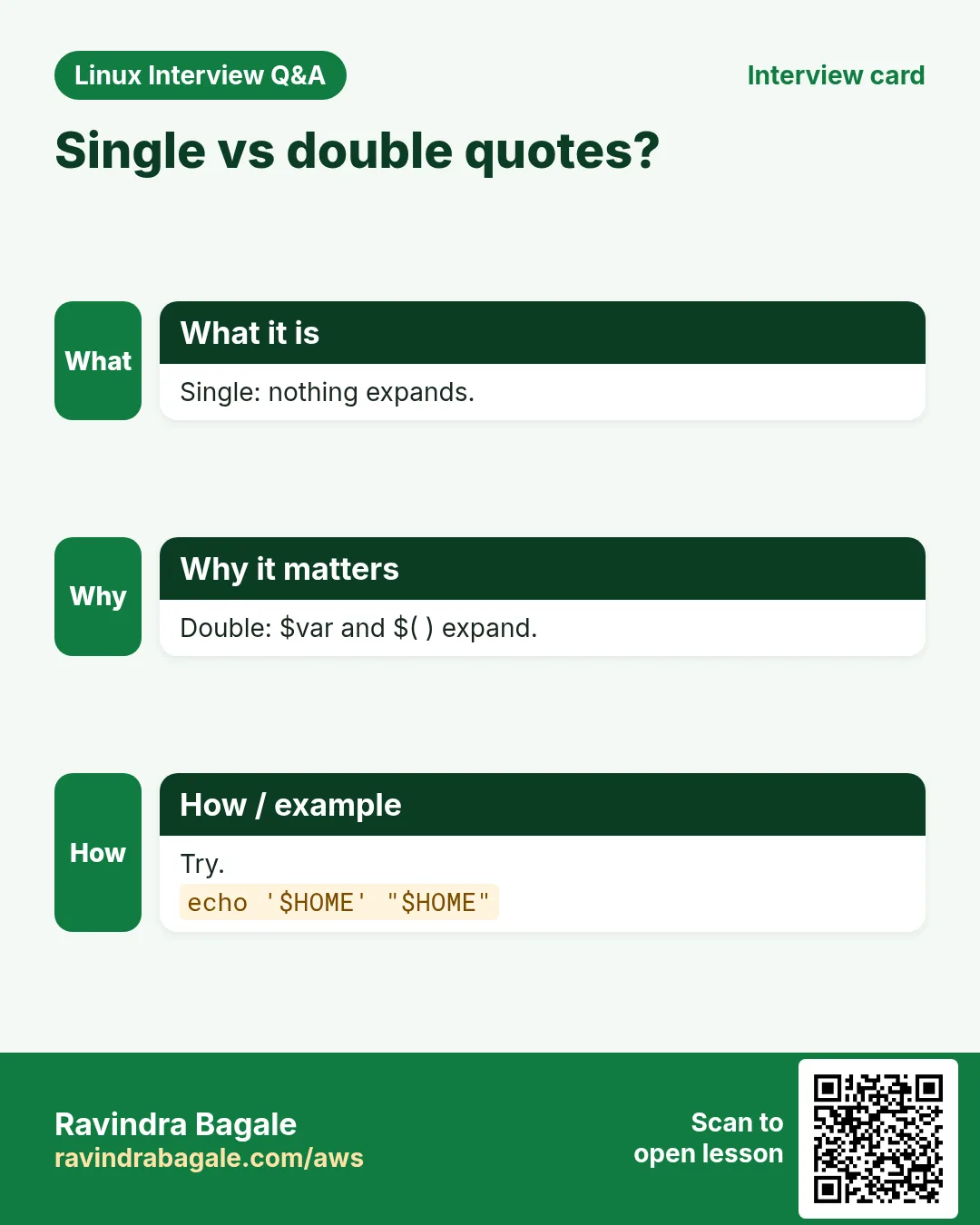
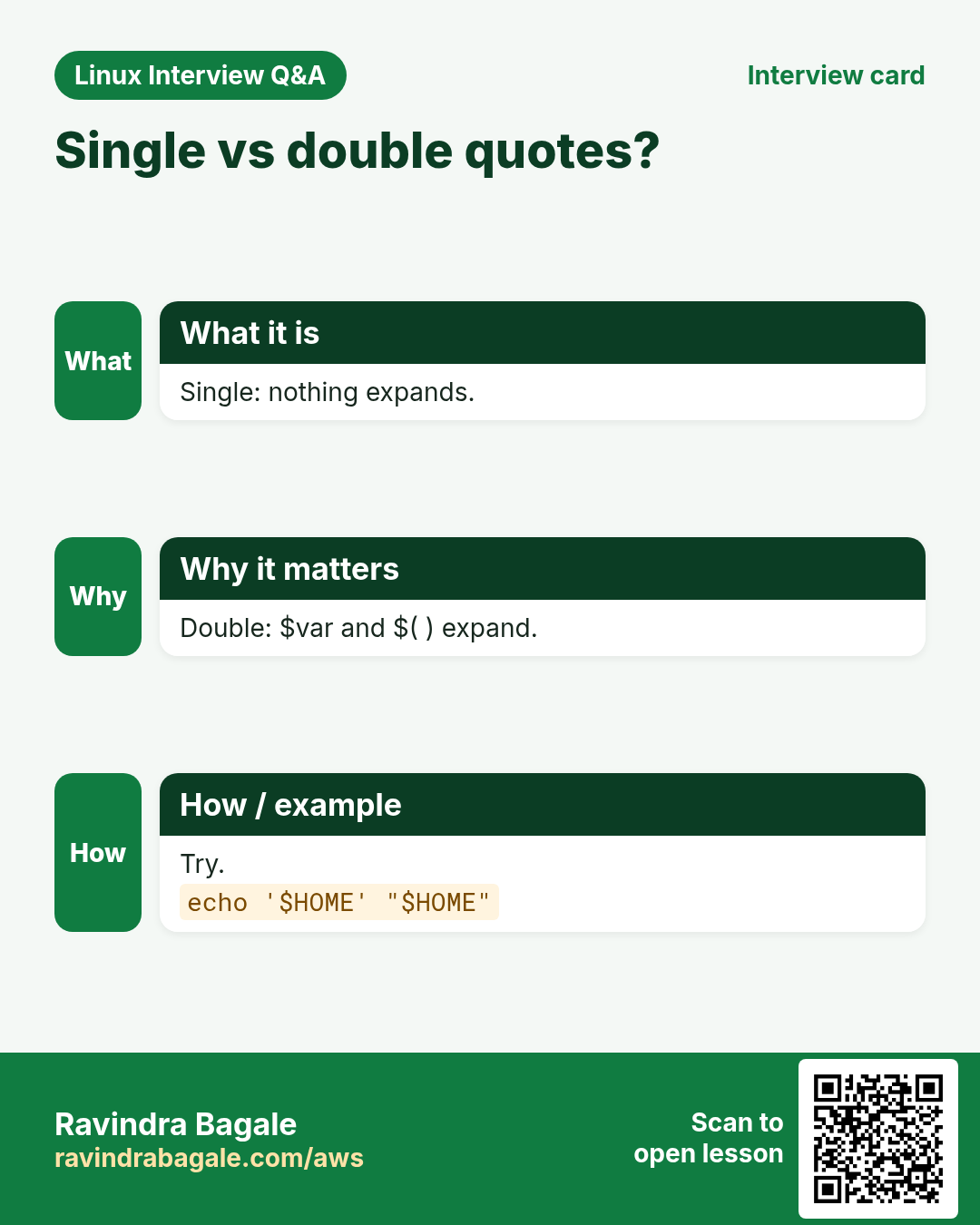
Inside 'single quotes' nothing is special: no $var, no $( ), no \. You cannot put a single quote inside single quotes; close and reopen: 'it'\''s'. Use single quotes for fixed text and double quotes when you need a variable. $'...' is a third form that understands \n and \t.
| Form | $var expands? | Spaces kept? |
|---|---|---|
| no quotes | Yes | No, split |
| "double" | Yes | Yes |
| 'single' | No | Yes |
| $'ansi' | No, but \n works | Yes |
How to do it (step by step)
- Compare.
echo "Home is $HOME"; echo 'Home is $HOME'Output:
Home is /home/asha
Home is $HOME
What it means: Single quotes print it literally.
- awk needs single quotes.
awk -F: '{print $1}' /etc/passwd | head -2Output:
root
bin
What it means: $1 belongs to awk, not to bash.
- A quote inside.
echo 'Ravi'\''s laptop'Output:
Ravi's laptopWhat it means: Close, escaped quote, reopen.
- ANSI form.
echo $'line1\nline2'Output:
line1
line2
What it means: \n became a new line.
5. Command substitution: $(command)
Why do we need this?
Scripts often need today's date, the server name or a count of files inside a message or a file name.
What is it?
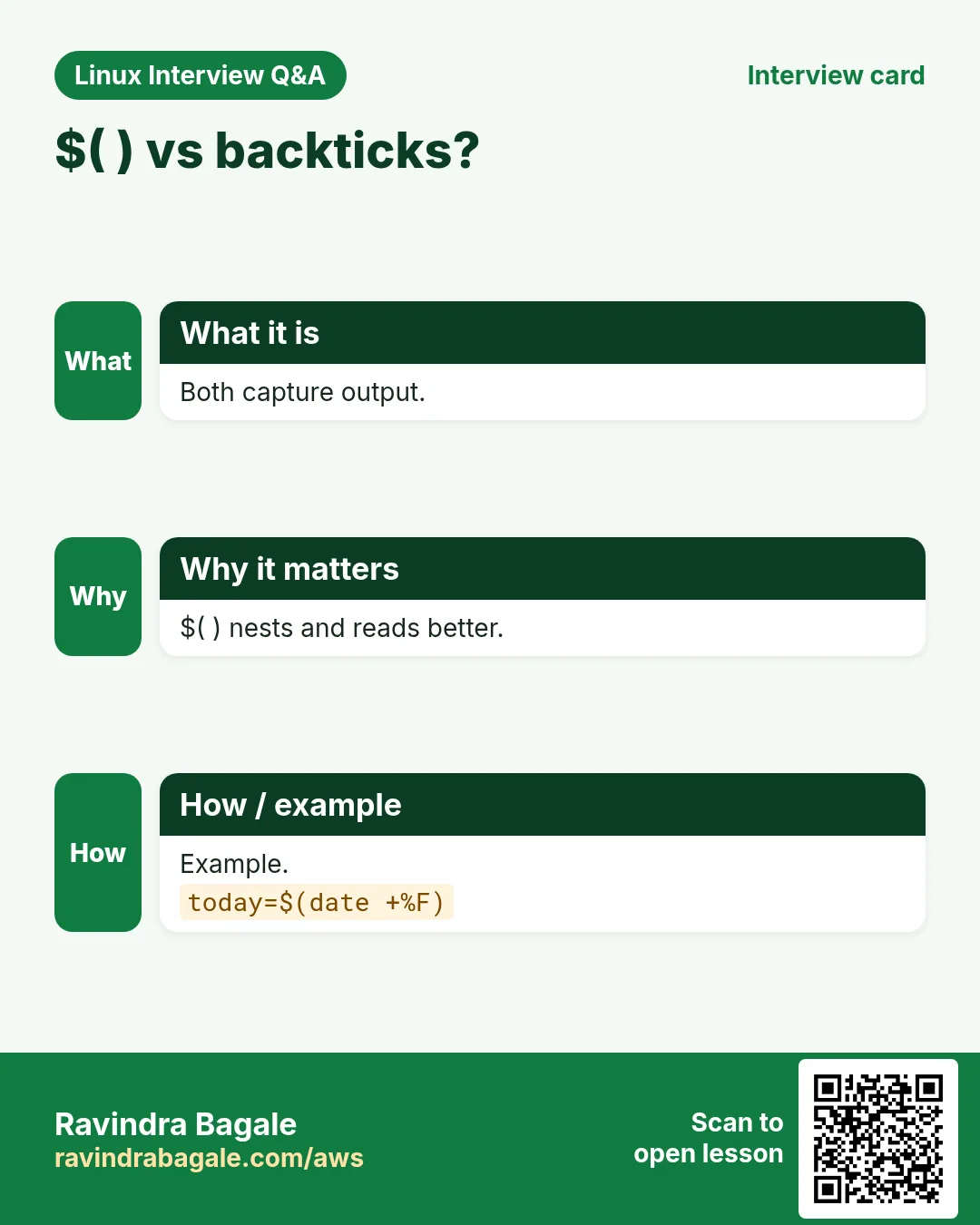
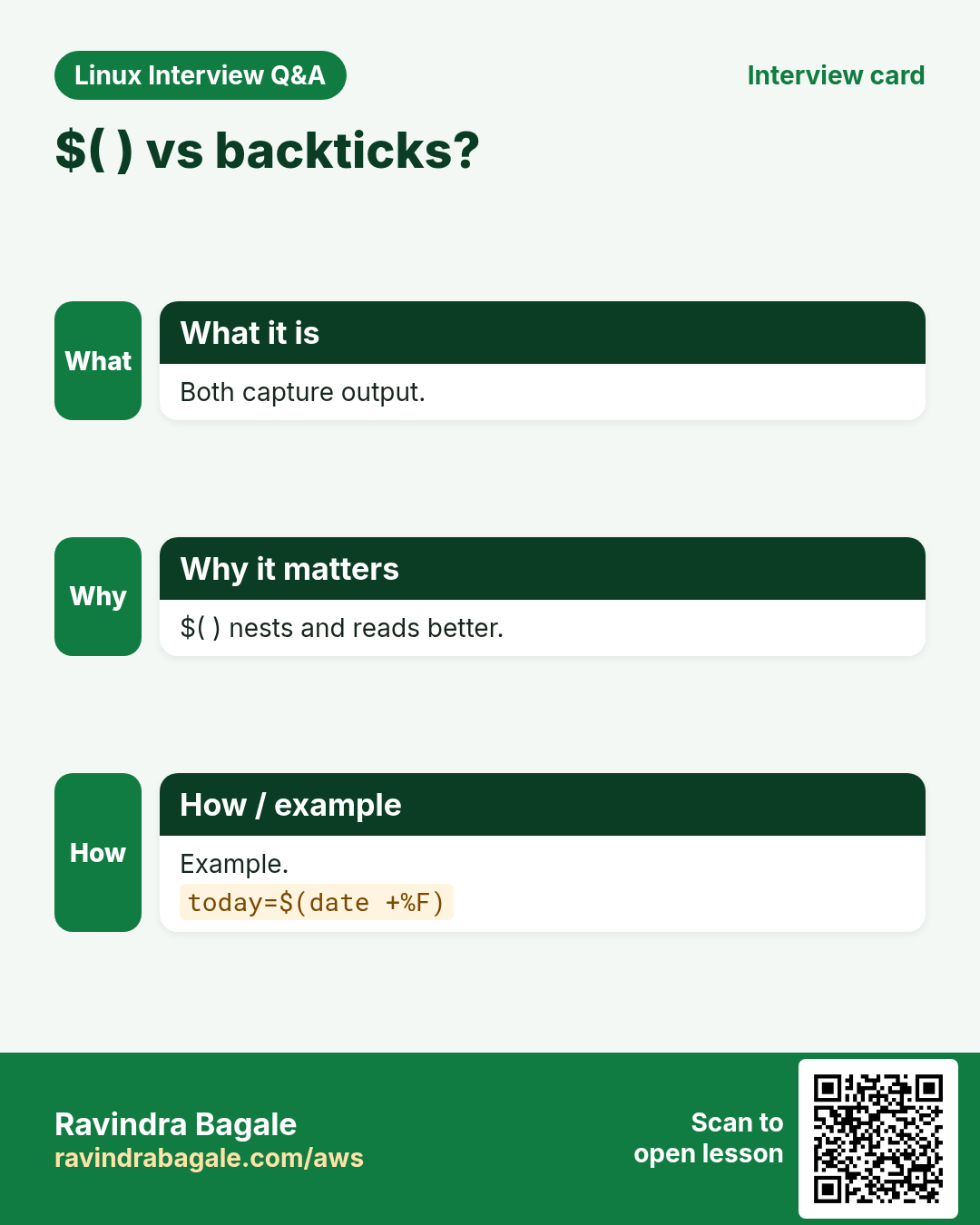
$(command) runs the command and puts its output in its place, with the final new line removed. Old style is `command` with backticks; prefer $( ) because it nests and is easy to read. Quote it: "$(command)" keeps spaces and new lines.
How to do it (step by step)
- Date in a file name.
today=$(date +%F); echo "backup-$today.tgz"Output:
backup-2026-10-25.tgzWhat it means: The date command ran first.
- Count lines.
users=$(wc -l < /etc/passwd); echo "$users accounts"Output:
38 accountsWhat it means: < gives wc the file without printing its name.
- Nesting.
echo "Kernel dir: $(basename $(dirname /lib/modules/$(uname -r)/kernel))"Output:
Kernel dir: 6.1.0-18-amd64What it means: $( ) inside $( ) is easy to read.
- Keep new lines.
top3=$(ls /etc | head -3); echo "$top3"Output:
adduser.conf
alternatives
apt
What it means: Quoted output keeps each name on its own line.
6. Default values and checks: ${var:-x} and friends
Why do we need this?
Scripts must behave well when a value is missing, for example when the user forgets an argument.
What is it?
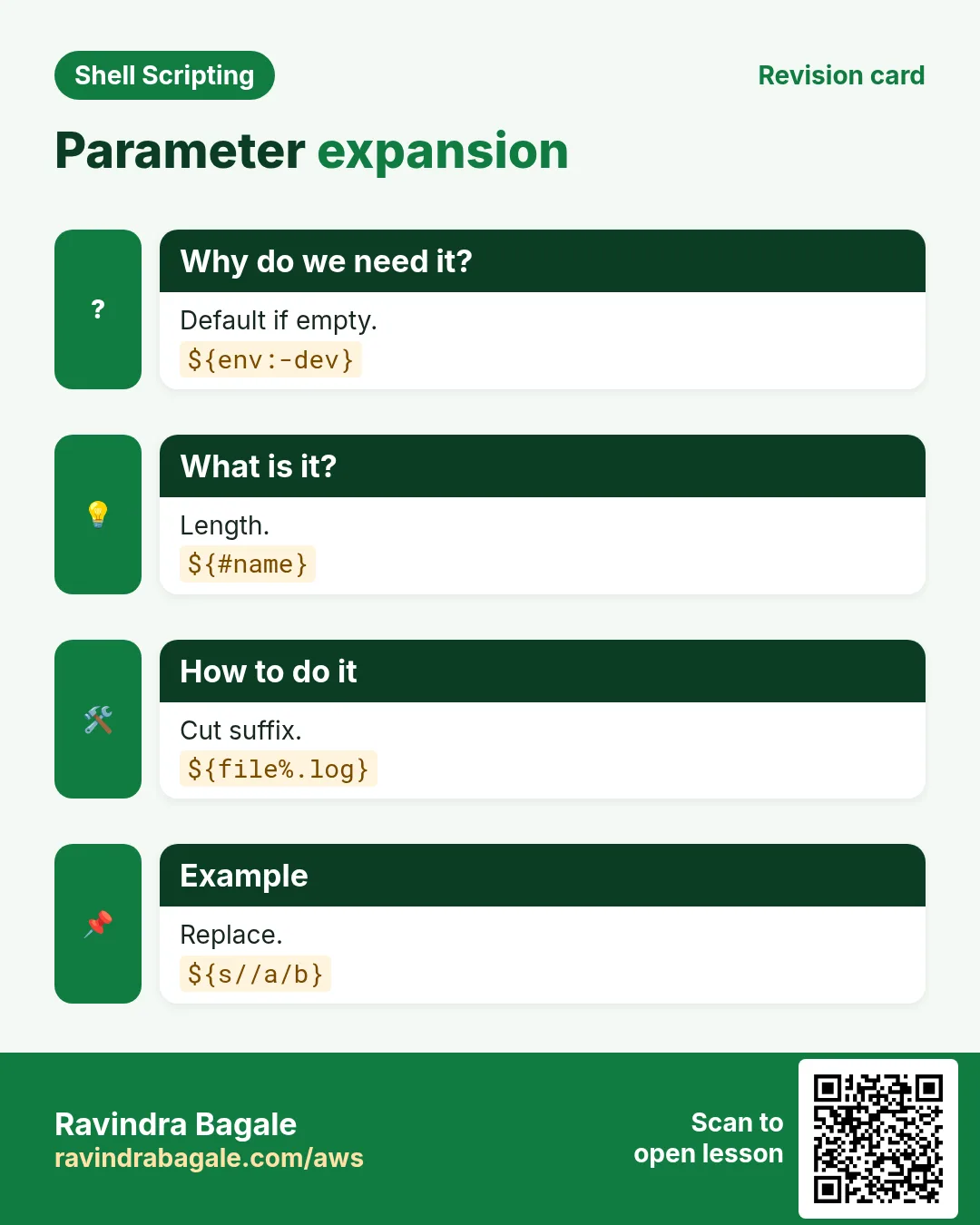
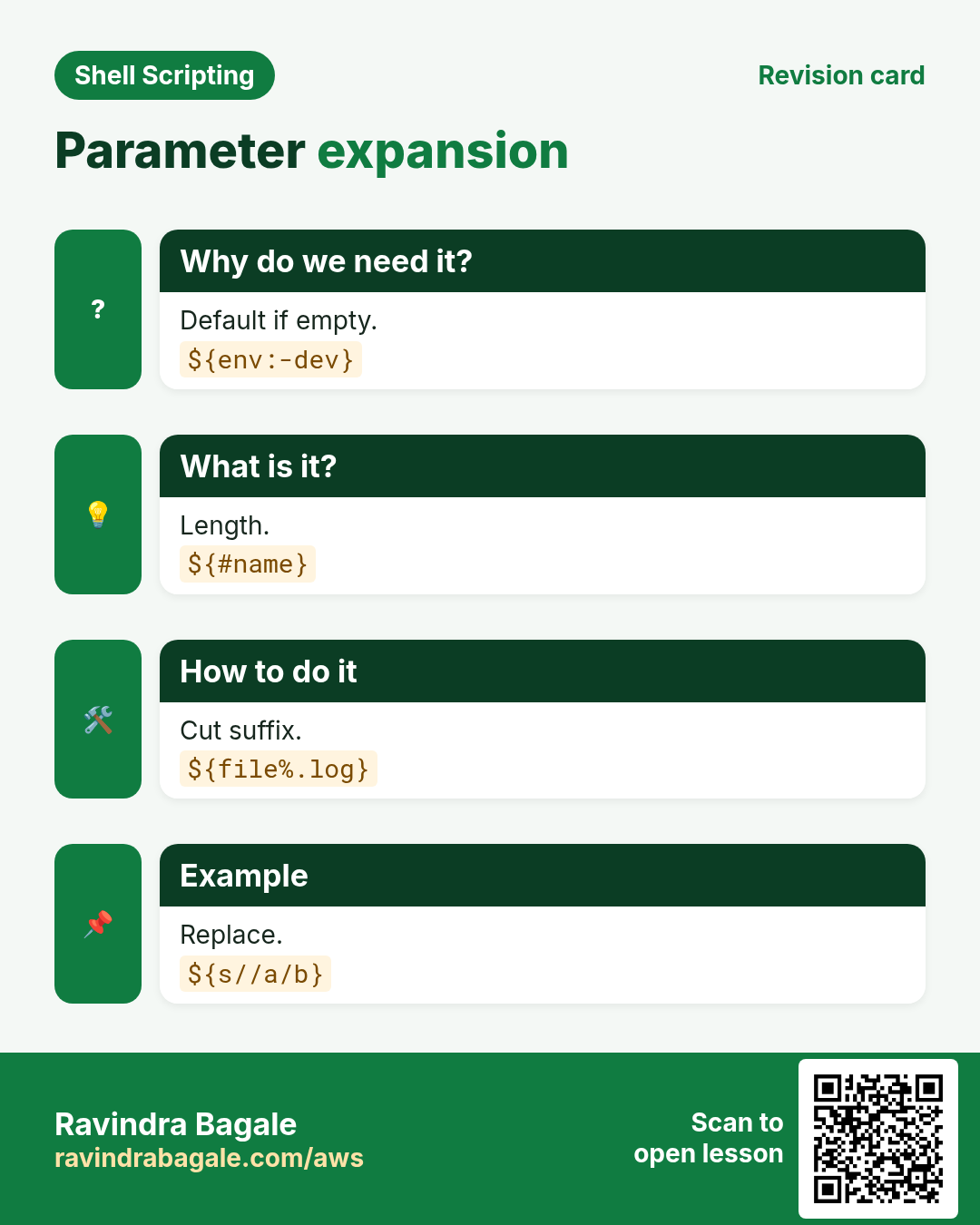
${var:-default} gives default if var is empty or unset (var is not changed). ${var:=default} also stores it. ${var:?message} stops the script with the message if it is empty. ${var:+other} gives other only when var has a value. These work well with set -u.
| Form | If var is empty | If var is set |
|---|---|---|
| ${var:-d} | gives d | gives var |
| ${var:=d} | sets var=d | gives var |
| ${var:?msg} | error and stop | gives var |
| ${var:+x} | gives empty | gives x |
How to do it (step by step)
- Default port.
echo "port ${PORT:-8080}"Output:
port 8080What it means: PORT was not set, so 8080 was used.
- Set and keep.
: "${ENVNAME:=dev}"; echo $ENVNAMEOutput:
devWhat it means: The : command does nothing, but the expansion stores dev.
- Required.
bash -c 'echo "${DB_HOST:?set DB_HOST first}"'Output:
bash: line 1: DB_HOST: set DB_HOST firstWhat it means: The script stops with a clear message.
7. String tricks: length, cut, replace, case
Why do we need this?
Renaming files, removing extensions and cleaning input are daily jobs. Bash can do them without calling sed or awk.
What is it?
${#v} length. ${v#pat} removes the shortest match from the start, ${v##pat} the longest. ${v%pat} removes from the end, ${v%%pat} the longest. ${v/old/new} replaces the first, ${v//old/new} all. ${v:start:len} takes a part. ${v^^} upper case, ${v,,} lower case.
| Form | Example (f=/data/img/photo.big.jpg) | Result |
|---|---|---|
| ${f##*/} | file name only | photo.big.jpg |
| ${f%/*} | folder only | /data/img |
| ${f%.*} | drop last extension | /data/img/photo.big |
| ${f##*.} | extension only | jpg |
How to do it (step by step)
- Length.
pin=411038; echo ${#pin}Output:
6What it means: Six characters.
- Change extension.
f=invoice.docx; echo "${f%.docx}.pdf"Output:
invoice.pdfWhat it means: %.docx removed the end.
- Replace all.
s='a b c'; echo "${s// /_}"Output:
a_b_cWhat it means: Every space became _.
- Upper case and substring.
code=mh12ab; echo "${code^^} ${code:0:4}"Output:
MH12AB mh12What it means: ^^ upper, :0:4 first four.
8. Arithmetic: $(( )), (( )) and let
Why do we need this?
Counters, totals, percentages and retries all need numbers.
What is it?
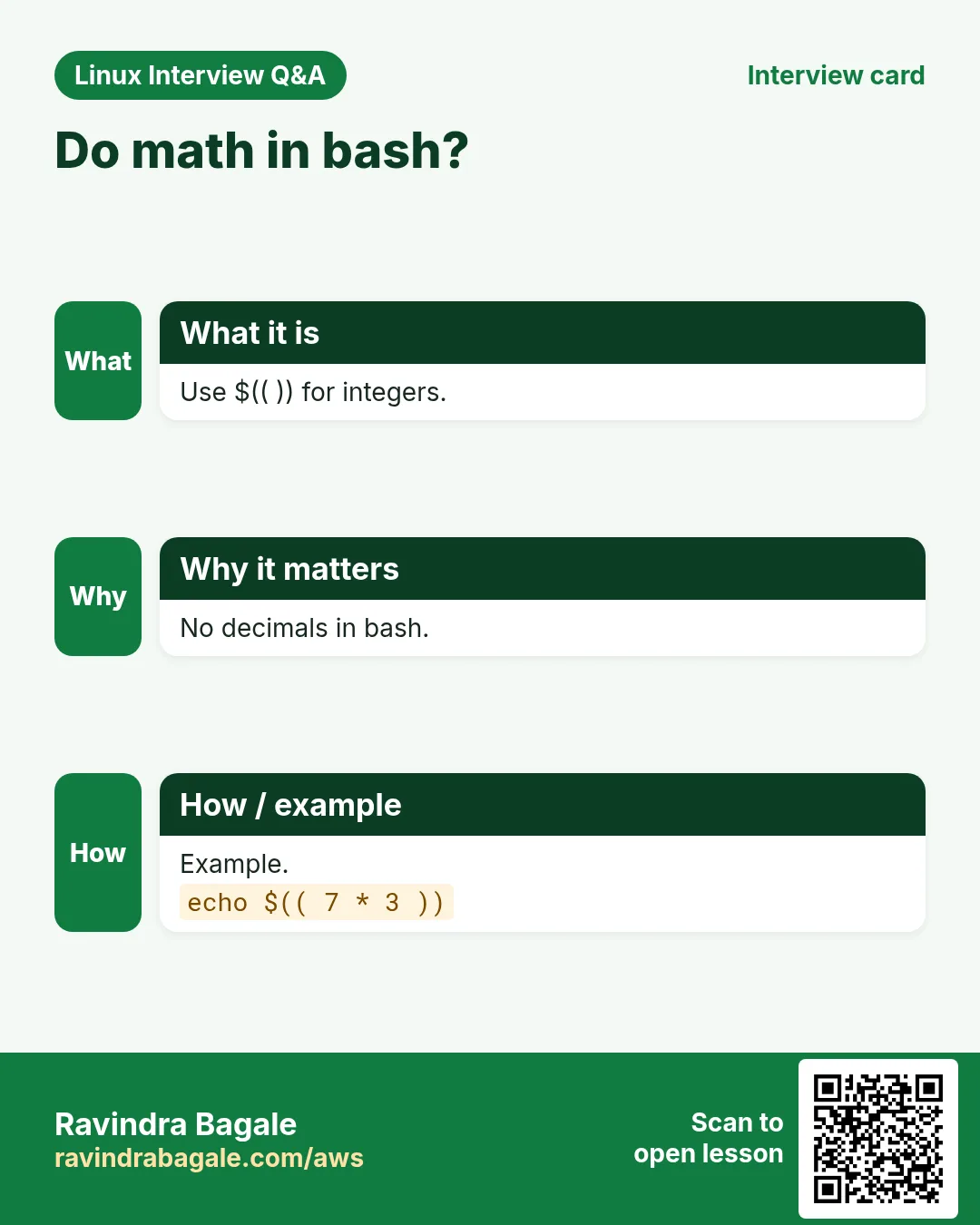
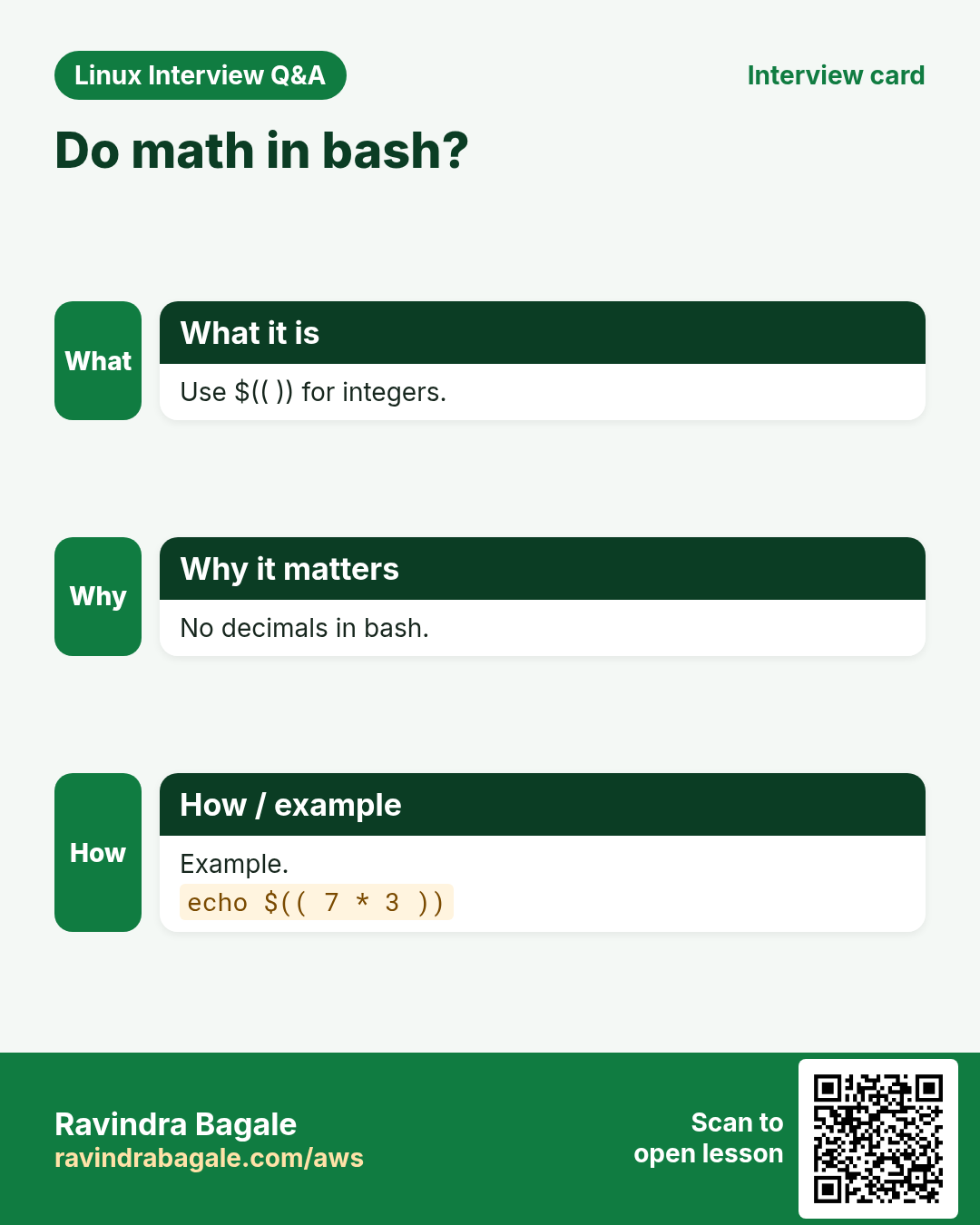
$(( expr )) calculates integers: + - * / % and ** (power). Inside you can write names without $. (( count++ )) changes a variable. Division drops decimals: 7/2 is 3. For decimals use bc or awk. Numbers starting with 0 are read as octal (08 fails), so strip zeros or use 10#08.
How to do it (step by step)
- Add.
a=40; b=2; echo $((a + b))Output:
42What it means: No $ needed inside.
- Counter.
n=0; ((n++)); ((n+=5)); echo $nOutput:
6What it means: (( )) changes the variable.
- Percentage.
used=37; total=50; echo "$(( used * 100 / total ))%"Output:
74%What it means: Multiply first, then divide.
- Decimals with bc.
echo 'scale=2; 7/3' | bcOutput:
2.33What it means: Bash itself only does integers.
9. Environment variables and export
Why do we need this?
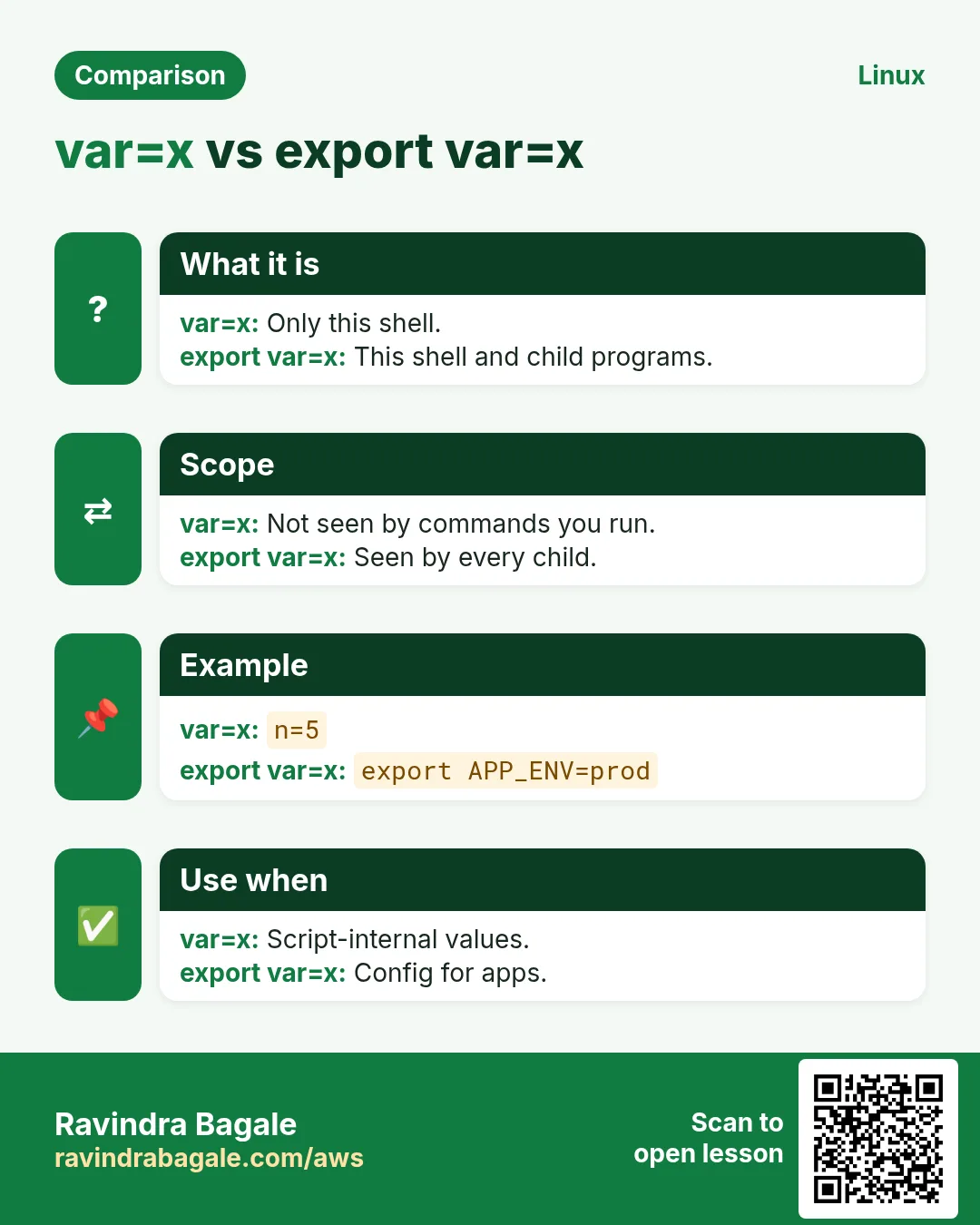
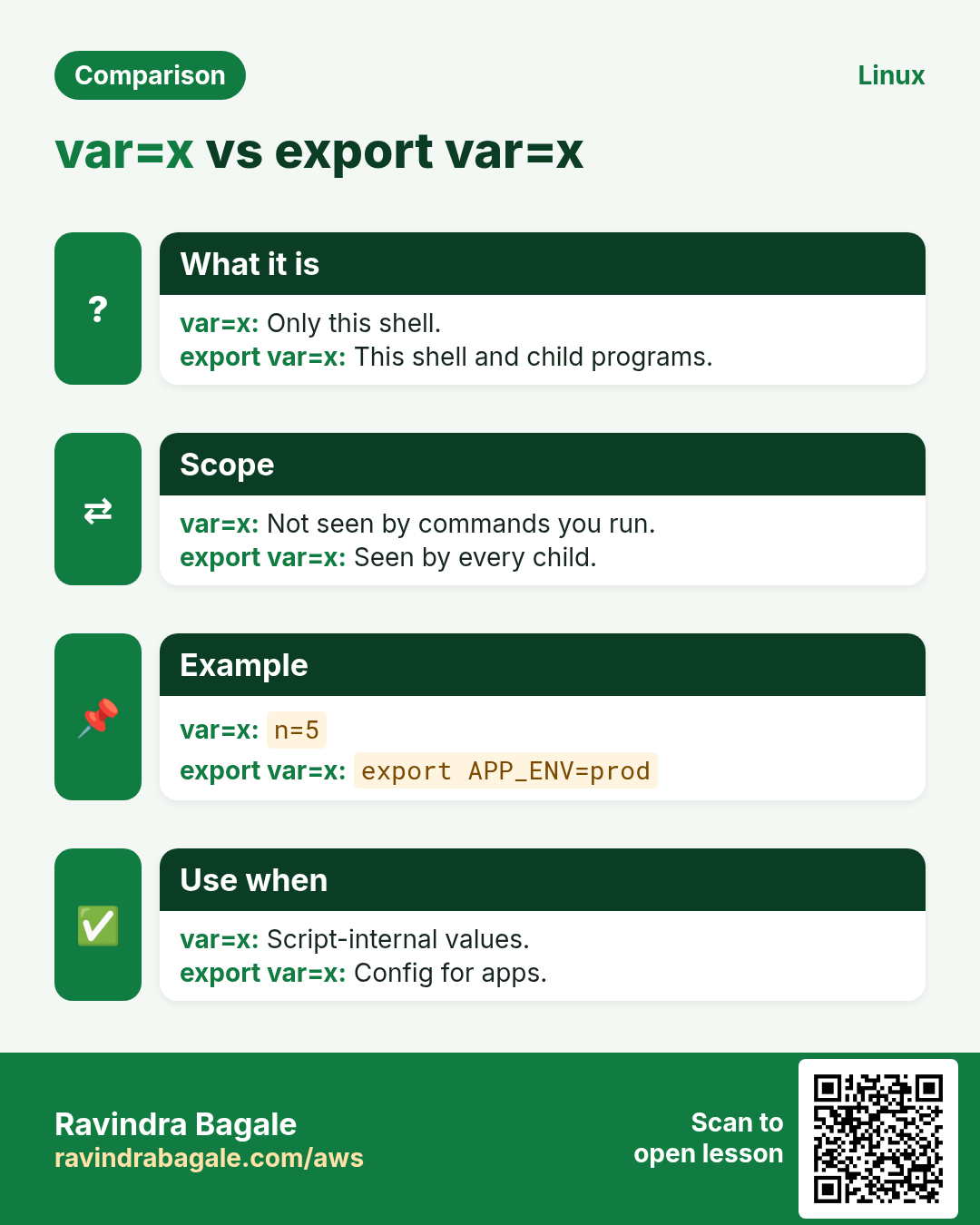
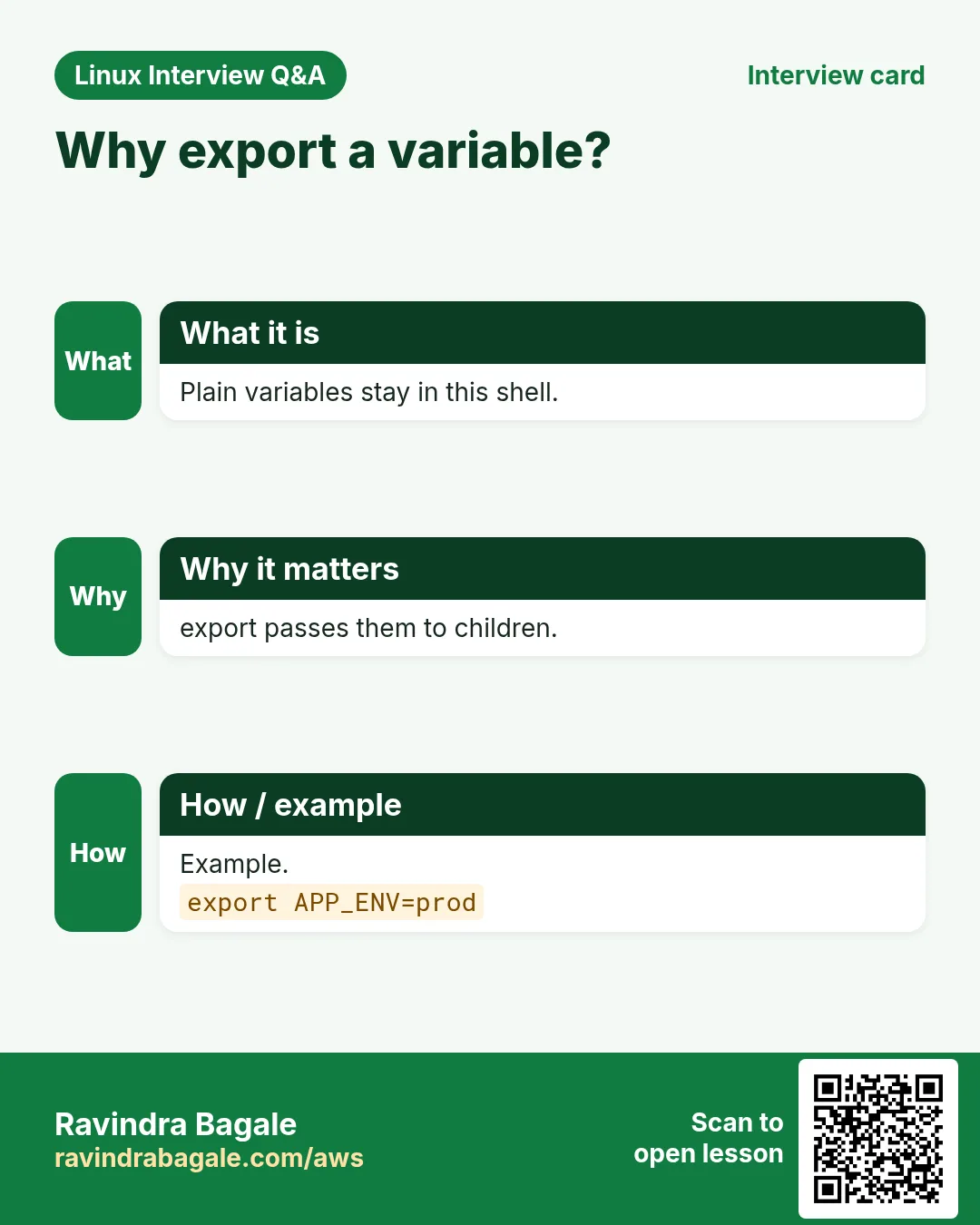
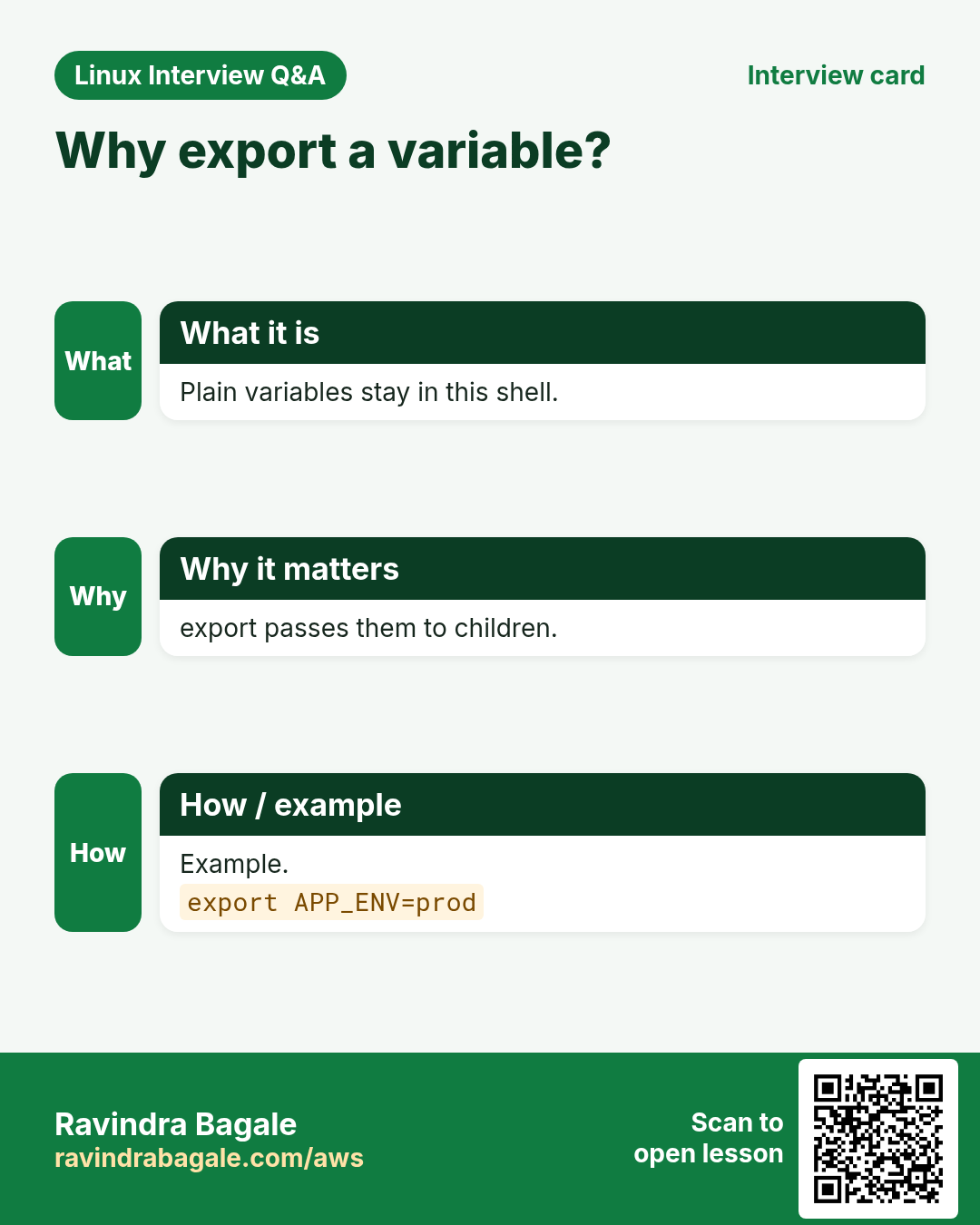
Child programs (python, java, another script) only see variables that you export.
What is it?
A normal variable lives only in the current shell. export name makes it an environment variable that every child process gets. env or printenv lists them. VAR=value command sets it only for that one command. To keep it for every login, add export lines to ~/.bashrc (the environment chapter has details).
How to do it (step by step)
- Not exported.
color=blue; bash -c 'echo "child sees: $color"'Output:
child sees:What it means: The child shell got nothing.
- Exported.
export color; bash -c 'echo "child sees: $color"'Output:
child sees: blueWhat it means: Now it is in the environment.
- Only for one command.
TZ=Asia/Tokyo date +%H:%M; date +%H:%MOutput:
14:35
11:05
What it means: TZ changed only for the first date.
- Find one.
printenv | grep ^LANGOutput:
LANG=en_IN.UTF-8What it means: printenv shows exported variables.
10. Special variables: $0, $$, $!, $?, $RANDOM, $LINENO
Why do we need this?
Bash fills some variables for you. They are useful for logs, temp files and error messages.
What is it?
$0 script name. $$ PID of the current shell (good for unique temp names). $! PID of the last background job. $? last exit code. $RANDOM a number 0-32767. $LINENO current line number. $SECONDS seconds since the script started. $1, $#, $@ are arguments; chapter 3 covers them.
| Variable | Holds |
|---|---|
| $0 | script name |
| $$ | this shell PID |
| $! | last background PID |
| $? | last exit code |
| $RANDOM | random 0-32767 |
| $SECONDS | seconds running |
How to do it (step by step)
- Unique temp file.
echo "/tmp/report.$$"Output:
/tmp/report.48213What it means: Different every run.
- Background PID.
sleep 30 & echo "started $!"Output:
[1] 48250
started 48250
What it means: Save $! to wait for or kill it later.
- Timer.
bash -c 'sleep 2; echo "took $SECONDS s"'Output:
took 2 sWhat it means: Easy timing for scripts.
- Safer temp file.
t=$(mktemp); echo "$t"Output:
/tmp/tmp.Xk29aQWhat it means: mktemp makes a random, private file.
11. Real examples from many industries
Why do we need this?
The same Linux skill shows up in every kind of company. Seeing it in many places helps you remember it.
What is it?
Each row is a made-up team. It shows who uses this and how.
How to do it (step by step)
| Team and city | How they use it | Command |
|---|---|---|
| Pooja, travel agency, Pune | Dates in backup names | backup-$(date +%F).tgz |
| Oliver, insurance, Manchester | Quotes for file names with spaces | cp "$src" "$dst" |
| Mei, e-commerce, Singapore | Default ports with ${PORT:-8080} | ${PORT:-8080} |
| Ahmed, telecom, Riyadh | Rename extensions in bulk | ${f%.txt}.csv |
| Ana, pharma, Lisbon | Percent disk used | $(( used*100/total )) |
| Rahul, fintech, Mumbai | Required secrets with :? | ${API_KEY:?missing} |
12. Common errors and how to fix them
Why do we need this?
Everyone hits these errors. Knowing the cause saves hours.
What is it?
Read the exact message first. Then match it to a row below.
How to do it (step by step)
| Error you see | Why it happens | How to fix |
|---|---|---|
command not found (after name = value) | Spaces around = | Remove the spaces.name=value |
No such file or directory for a name with spaces | Variable not quoted | Use double quotes.ls "$f" |
$HOME printed literally | Single quotes used | Use double quotes for expansion.echo "$HOME" |
readonly variable | Changing a constant | Use another name.readonly -p |
value too great for base (error token is "08") | Leading zero = octal | Force base 10.echo $((10#08)) |
syntax error: invalid arithmetic operator (error token is ".5") | Decimals in $(( )) | Use bc or awk.echo '2.5*2' | bc |
child script does not see my variable | Not exported | export it.export name |
parameter null or not set | ${var:?} and var is empty | Set the variable first.export DB_HOST=db1 |
unexpected EOF while looking for matching quote | A quote is not closed | Close every quote.bash -n s.sh |
13. Troubleshooting step by step
Why do we need this?
Print the variable with markers so you can see spaces and empty values.
What is it?
Go top to bottom. Stop at the first step that shows the problem.
How to do it (step by step)
- See the exact value.
echo "[$name]"- Show type and attributes.
declare -p name- Is it exported?
printenv name- Trace expansion.
bash -x s.sh- Find unquoted use.
shellcheck s.sh- Check hidden characters.
printf '%q\n' "$name"14. Lab 1: A backup name builder
Why do we need this?
Write a script that builds a safe backup file name from the host, date and a folder, using variables, $( ) and string tricks.
What is it?
A full hands-on lab. Run every step on a test Linux machine (an EC2 instance, a VM, or WSL).
How to do it (step by step)
- Folder.
mkdir -p ~/lab38 && cd ~/lab38- Variables.
src="/var/www/my site"; host=$(hostname -s); day=$(date +%F)- Build the name.
base=${src##*/}; name="${host}-${base// /_}-${day}.tgz"; echo "$name"Output:
web01-my_site-2026-10-25.tgz- Length check.
echo ${#name}Output:
28- Upper case tag.
echo "${host^^}"Output:
WEB01- Default target folder.
echo "${DEST:-/backup}/$name"Output:
/backup/web01-my_site-2026-10-25.tgz15. Lab 2: Quoting experiments and export
Why do we need this?
See with your own eyes how quotes change the result, and how export passes values to child scripts.
What is it?
A full hands-on lab. Run every step on a test Linux machine (an EC2 instance, a VM, or WSL).
How to do it (step by step)
- Make tricky files.
touch 'a b.txt' c.txt && lsOutput:
a b.txt c.txt- Unquoted loop.
for f in $(ls); do echo "[$f]"; doneOutput:
[a]
[b.txt]
[c.txt]- Glob instead.
for f in *.txt; do echo "[$f]"; doneOutput:
[a b.txt]
[c.txt]- Child script.
printf '#!/bin/bash\necho "mode=$MODE"\n' | tee child.sh && chmod +x child.sh- Without export.
MODE=prod; ./child.shOutput:
mode=- With export.
export MODE; ./child.shOutput:
mode=prod- Maths.
files=$(ls | wc -l); echo "$(( files * 2 )) after copy"Output:
6 after copyRavindra Bagale's Tip
Quote every variable: "$var" and "$(cmd)". If you remember only one rule from this chapter, remember this one. It stops spaces and stars in names from breaking your script or deleting the wrong files.
Ravindra Bagale's Tip – मराठी
प्रत्येक variable quote करा: "$var" आणि "$(cmd)". या chapter मधला एकच नियम लक्षात ठेवायचा असेल तर हाच. नावांमधले spaces आणि stars script बिघडवू देत नाही किंवा चुकीच्या files delete होऊ देत नाही.
Ravindra Bagale's Tip – हिंदी
हर variable को quote कीजिए: "$var" और "$(cmd)". इस chapter का एक ही नियम याद रखना हो तो यही. नामों में spaces और stars script नहीं बिगाड़ते और गलत files delete नहीं होतीं.
16. Frequently asked questions
Q. $var or ${var}?
Same; braces are needed when text follows.
Q. Why no spaces around =?
Bash would read the name as a command.
Q. Backticks or $( )?
$( ): nests and reads better.
Q. Can bash do decimals?
No; use bc or awk.
Q. How to see all my variables?
declare -p or set.
Q. Lower or upper case names?
Lower for yours, upper for environment.
Q. What does export -n do?
Removes the export mark.
Q. Is $RANDOM safe for passwords?
No; use openssl rand.
17. Interview questions and answers
Beginner level
Q. How to create a variable?
name=value with no spaces.
Q. Single vs double quotes?
Single: literal. Double: expands variables.
Q. Store a command's output?
x=$(command).
Q. Length of a string?
${#var}.
Mid level level
Q. ${v:-d} vs ${v:=d}?
First only gives d; second also stores it.
Q. Why quote "$var"?
Stop word splitting and globbing.
Q. Remove extension?
${f%.*}.
Q. What does export do?
Passes the variable to child processes.
Senior level
Q. Explain bash expansion order.
Brace, tilde, parameter/command/arithmetic, word split, glob, quote removal.
Q. Why is for f in $(ls) bad?
Splits names on spaces and breaks on special chars; use globs.
Q. Handle 08 in arithmetic?
10#08 or strip leading zeros.
Q. Make a secret required?
${SECRET:?message} with set -u.
Try at home
- Write a script that prints your user, the number of files in /etc and the percent of disk used on /.
- Take a file name with spaces in a variable and print it once with and once without quotes. Write what changed.
Practice Tasks
Vidarbha Cotton Mills is a textiles business in Nagpur. Ganesh Wankhede looks after its IT and cloud work. They count money in INR and run their AWS resources in the ap-south-1 Region. In the tasks below you do real jobs for them using what this lesson teaches. All names, account IDs, IP addresses and numbers are made up for practice.
0 / 21
Easy Set a variable
Why: Wrong quoting breaks BIZ scripts on file names with spaces.
What to do: Store the word Kothrud in a variable named area.
- Find the Linux command that does this job.
- Add the options (like -r or -h) the task needs.
- Add the file names, folders or users in the right order.
- Use sudo if the job changes system files or users. Click Check answer.
Easy Print with quotes
Why: Wrong quoting breaks BIZ scripts on file names with spaces.
What to do: Print the variable branch inside double quotes.
- Find the Linux command that does this job.
- Add the options (like -r or -h) the task needs.
- Add the file names, folders or users in the right order.
- Use sudo if the job changes system files or users. Click Check answer.
Easy Capture whoami
Why: Wrong quoting breaks BIZ scripts on file names with spaces.
What to do: Store the output of whoami in a variable named me.
- Find the Linux command that does this job.
- Add the options (like -r or -h) the task needs.
- Add the file names, folders or users in the right order.
- Use sudo if the job changes system files or users. Click Check answer.
Easy Length
Why: Wrong quoting breaks BIZ scripts on file names with spaces.
What to do: Print the length of the variable mobile.
- Find the Linux command that does this job.
- Add the options (like -r or -h) the task needs.
- Add the file names, folders or users in the right order.
- Use sudo if the job changes system files or users. Click Check answer.
Easy Upper case
Why: Wrong quoting breaks BIZ scripts on file names with spaces.
What to do: Print the variable state in upper case.
- Find the Linux command that does this job.
- Add the options (like -r or -h) the task needs.
- Add the file names, folders or users in the right order.
- Use sudo if the job changes system files or users. Click Check answer.
Easy Lower case
Why: Wrong quoting breaks BIZ scripts on file names with spaces.
What to do: Print the variable CODE in lower case.
- Find the Linux command that does this job.
- Add the options (like -r or -h) the task needs.
- Add the file names, folders or users in the right order.
- Use sudo if the job changes system files or users. Click Check answer.
Easy Multiply
Why: Wrong quoting breaks BIZ scripts on file names with spaces.
What to do: Print 12 times 8 with bash arithmetic.
- Find the Linux command that does this job.
- Add the options (like -r or -h) the task needs.
- Add the file names, folders or users in the right order.
- Use sudo if the job changes system files or users. Click Check answer.
Easy Export
Why: Wrong quoting breaks BIZ scripts on file names with spaces.
What to do: Export the variable APP_ENV with the value qa in one command.
- Find the Linux command that does this job.
- Add the options (like -r or -h) the task needs.
- Add the file names, folders or users in the right order.
- Use sudo if the job changes system files or users. Click Check answer.
Medium Month in name
Why: Wrong quoting breaks BIZ scripts on file names with spaces.
What to do: Store the current year-month like 2026-10 in a variable named ym using date.
- Find the Linux command that does this job.
- Add the options (like -r or -h) the task needs.
- Add the file names, folders or users in the right order.
- Use sudo if the job changes system files or users. Click Check answer.
Medium Default value
Why: Wrong quoting breaks BIZ scripts on file names with spaces.
What to do: Print the variable REGION, or ap-south-1 if it is empty.
- Find the Linux command that does this job.
- Add the options (like -r or -h) the task needs.
- Add the file names, folders or users in the right order.
- Use sudo if the job changes system files or users. Click Check answer.
Medium Drop extension
Why: Wrong quoting breaks BIZ scripts on file names with spaces.
What to do: Print the variable doc without its .odt ending.
- Find the Linux command that does this job.
- Add the options (like -r or -h) the task needs.
- Add the file names, folders or users in the right order.
- Use sudo if the job changes system files or users. Click Check answer.
Medium File name only
Why: Wrong quoting breaks BIZ scripts on file names with spaces.
What to do: Print only the file name part of the path variable p (after the last slash), using parameter expansion.
- Find the Linux command that does this job.
- Add the options (like -r or -h) the task needs.
- Add the file names, folders or users in the right order.
- Use sudo if the job changes system files or users. Click Check answer.
Medium Replace all
Why: Wrong quoting breaks BIZ scripts on file names with spaces.
What to do: Print the variable title with every space turned into a dash.
- Find the Linux command that does this job.
- Add the options (like -r or -h) the task needs.
- Add the file names, folders or users in the right order.
- Use sudo if the job changes system files or users. Click Check answer.
Medium First three
Why: Wrong quoting breaks BIZ scripts on file names with spaces.
What to do: Print the first 3 characters of the variable ifsc.
- Find the Linux command that does this job.
- Add the options (like -r or -h) the task needs.
- Add the file names, folders or users in the right order.
- Use sudo if the job changes system files or users. Click Check answer.
Medium Remainder
Why: Wrong quoting breaks BIZ scripts on file names with spaces.
What to do: Print the remainder of 47 divided by 6.
- Find the Linux command that does this job.
- Add the options (like -r or -h) the task needs.
- Add the file names, folders or users in the right order.
- Use sudo if the job changes system files or users. Click Check answer.
Medium Decimals
Why: Wrong quoting breaks BIZ scripts on file names with spaces.
What to do: Use bc to print 22 divided by 7 with 3 decimals.
- Find the Linux command that does this job.
- Add the options (like -r or -h) the task needs.
- Add the file names, folders or users in the right order.
- Use sudo if the job changes system files or users. Click Check answer.
Medium For one command
Why: Wrong quoting breaks BIZ scripts on file names with spaces.
What to do: Run date with TZ set to Europe/London only for that command.
- Find the Linux command that does this job.
- Add the options (like -r or -h) the task needs.
- Add the file names, folders or users in the right order.
- Use sudo if the job changes system files or users. Click Check answer.
Medium Constant
Why: Wrong quoting breaks BIZ scripts on file names with spaces.
What to do: Make a read-only variable GST with value 0.18.
- Find the Linux command that does this job.
- Add the options (like -r or -h) the task needs.
- Add the file names, folders or users in the right order.
- Use sudo if the job changes system files or users. Click Check answer.
Hard Required
Why: Wrong quoting breaks BIZ scripts on file names with spaces.
What to do: Print TOKEN, but stop with the message "TOKEN missing" if empty.
- Find the Linux command that does this job.
- Add the options (like -r or -h) the task needs.
- Add the file names, folders or users in the right order.
- Use sudo if the job changes system files or users. Click Check answer.
Hard Leading zero
Why: Wrong quoting breaks BIZ scripts on file names with spaces.
What to do: Print 09 plus 1 forcing base ten.
- Find the Linux command that does this job.
- Add the options (like -r or -h) the task needs.
- Add the file names, folders or users in the right order.
- Use sudo if the job changes system files or users. Click Check answer.
Hard Temp folder
Why: Wrong quoting breaks BIZ scripts on file names with spaces.
What to do: Create a private temporary directory and store its path in tmpd.
- Find the Linux command that does this job.
- Add the options (like -r or -h) the task needs.
- Add the file names, folders or users in the right order.
- Use sudo if the job changes system files or users. Click Check answer.
18. Related chapters
- Linux Ops Refresh for DevOps
- Bash Scripting for Automation
- Linux grep and find Commands with Examples
- How to Set Up Passwordless SSH Between Linux Servers
In short
- name=value, no spaces; read with $name.
- Double quotes expand but keep spaces.
- Single quotes keep everything literal.
- $(cmd) captures output.
- ${v:-d}, ${#v}, ${v%.*} and $(( )) do defaults, length, cuts and maths.
- export passes variables to child processes.
Revision, comparison and interview cards
Revise this lesson in a few minutes. Save the cards on your phone or download them as PNG files. The QR code on each card opens this lesson.
More cards: Ravi Sir's Cards.